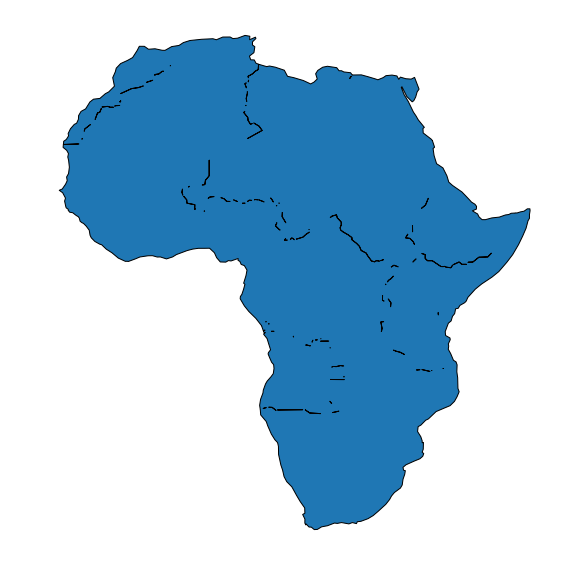
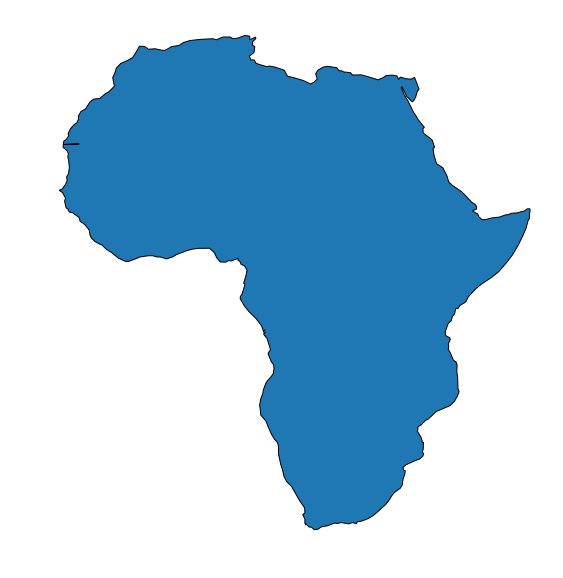
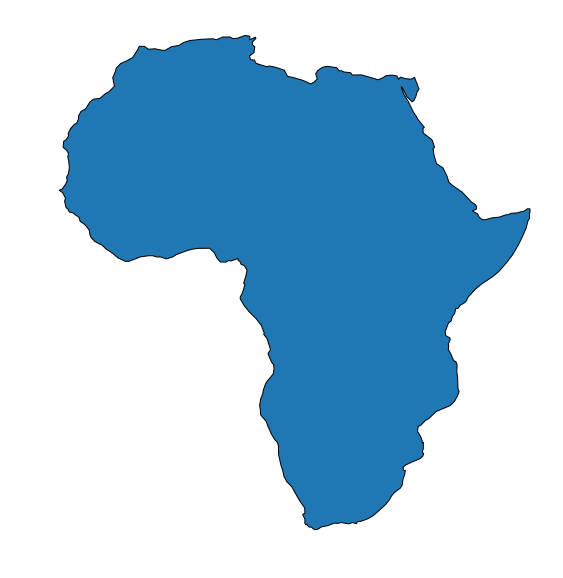
I am not sure if this is a shapely bug or a problem with my polygons.
I have a bunch of polygons that look like this: 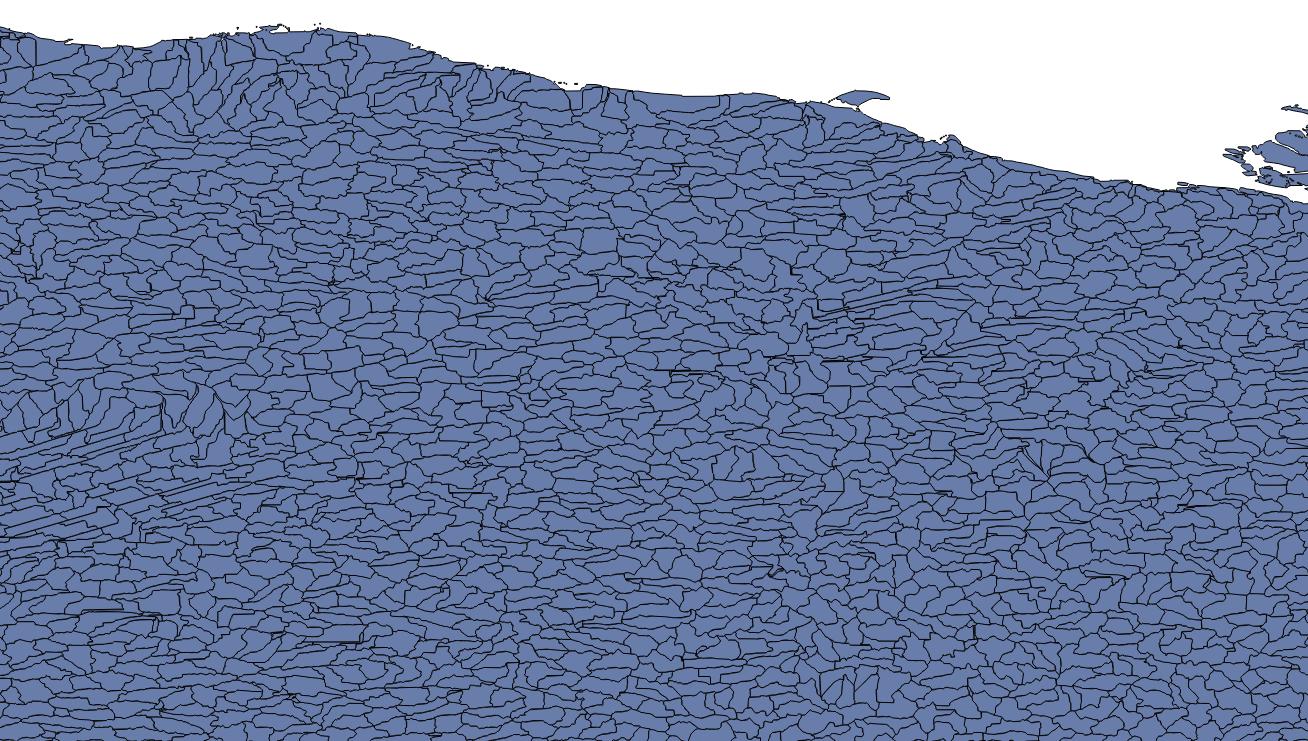 They are level-12 watersheds provided by HydroBasins, and are presumably non-overlapping.
I do some analysis to select a group of these polygons based on their basin ID, then join that group together to make a single, large polygon: 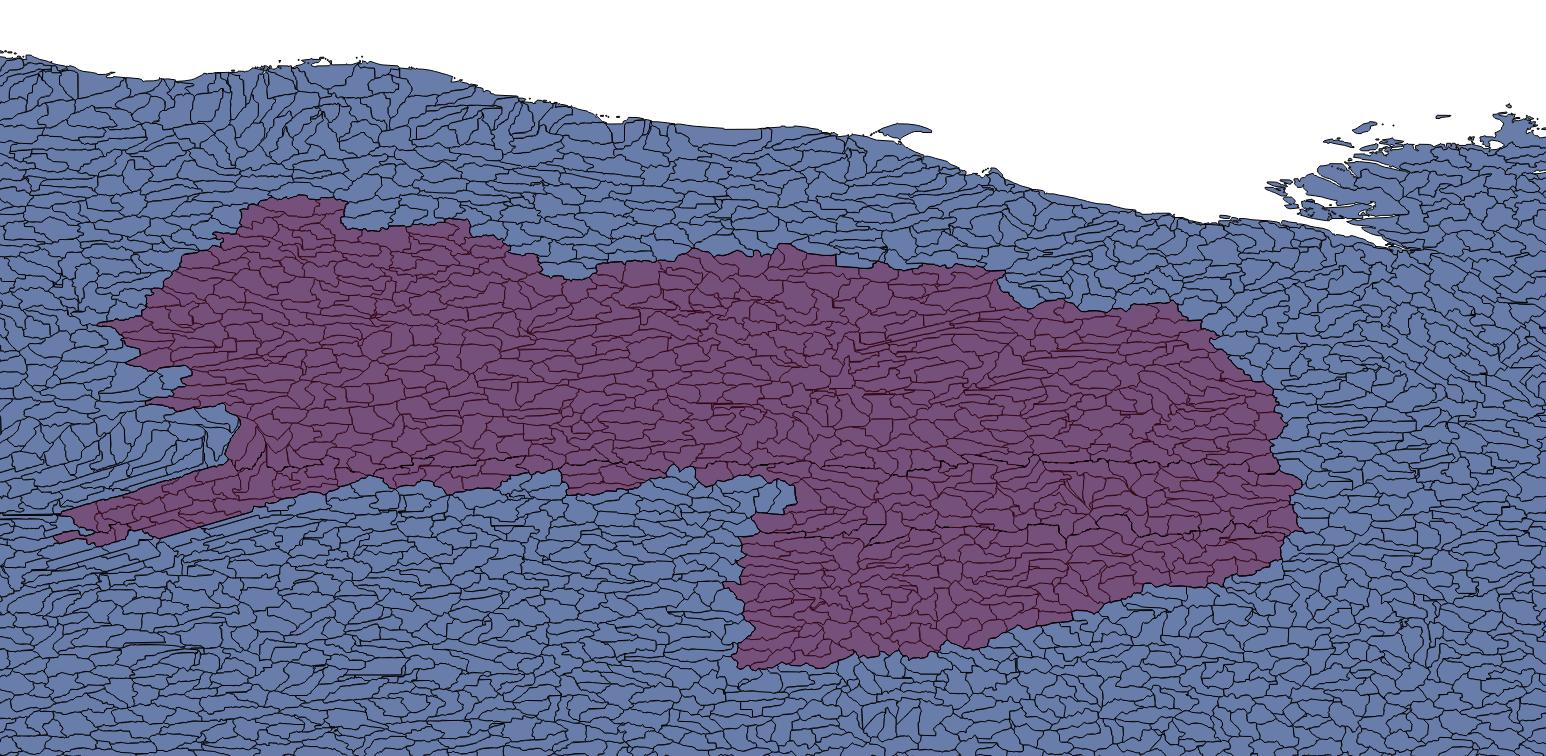
I have done this in four other areas without problem. However, for this polygon, I find that it actually has tiny holes, but in unusual locations: 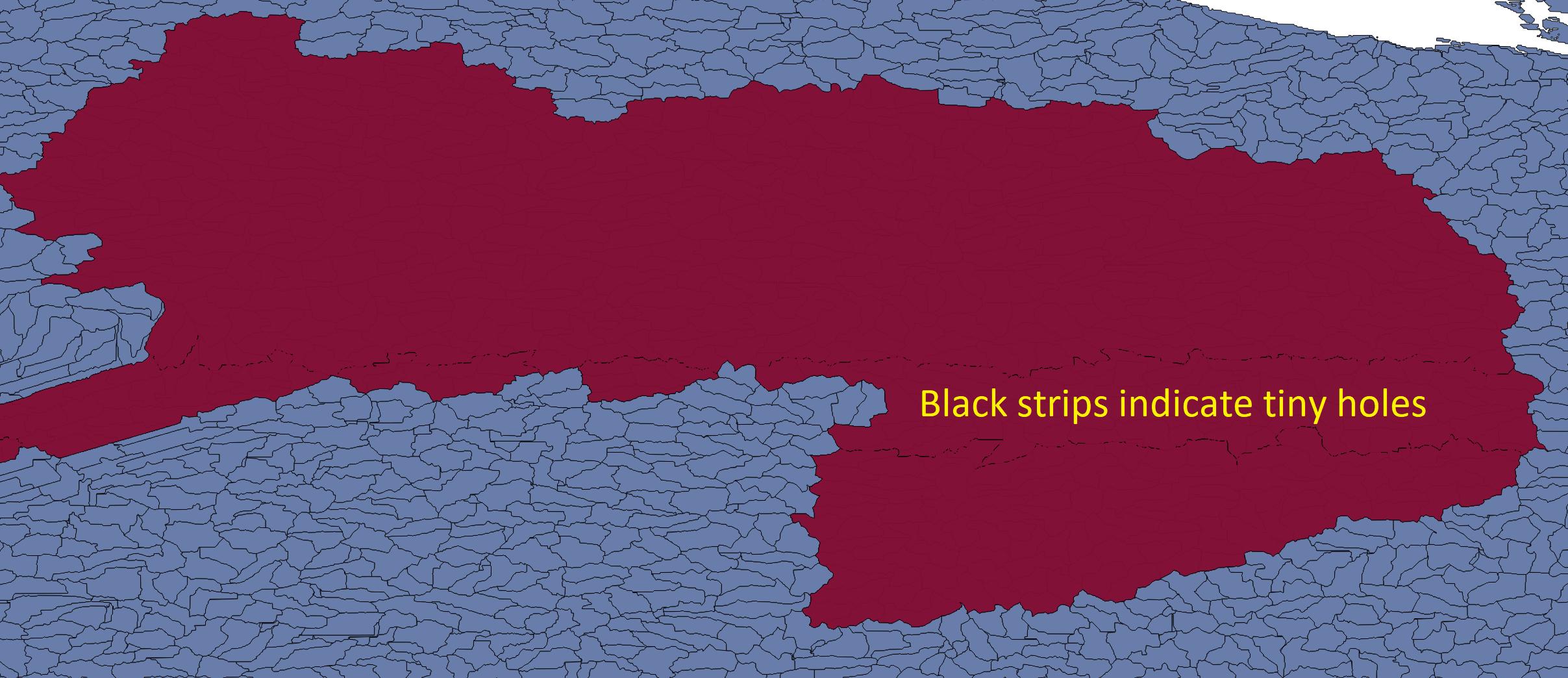
Here's a zoom-view: 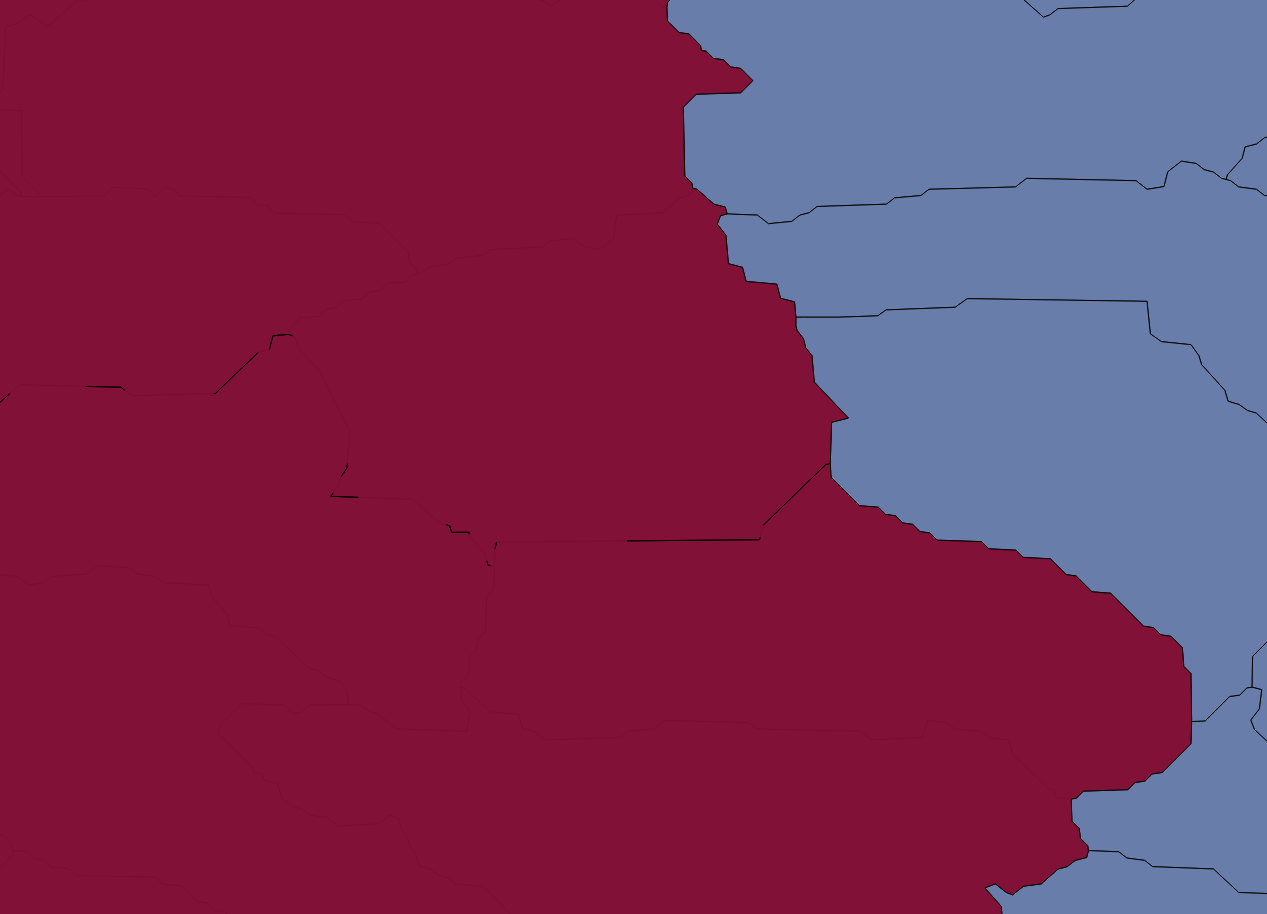
In this view, the yellow lines represent the border of the large polygon: 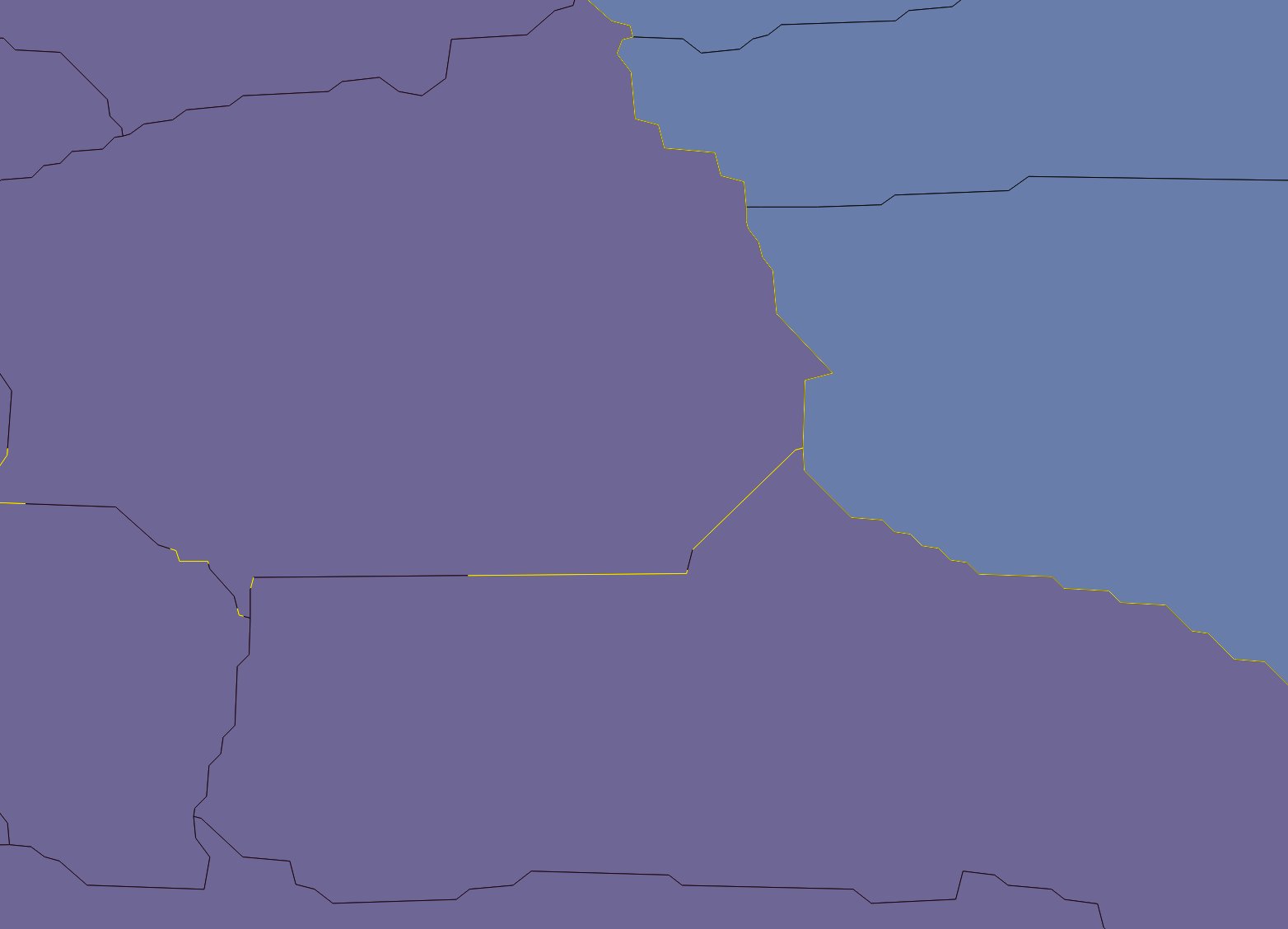
I should note that when displaying in QGIS, no matter how far I zoom in, the smaller polygons do not have gaps between them.
What I find unusual is that these tiny gaps seem to occur at roughly constant lines of latitude. The region is Arctic (i.e. high-latitudes), so I am wondering if they appear due to the WGS84 distortions at higher latitudes.
I am using geopandas to manage and select the smaller polygons, and shapely to join them together:
polys = [] for i in idcs: polys.append(gdf.iloc[i].geometry) polyout = shapely.ops.unary_union(polys) where "gdf" is a pandas geodataframe and "idcs" are the indices of smaller polygons I want to join together.
How can I tell if this is a shapely bug or an issue with my smaller polygons, and either way, what is the best approach to remove these? I could buffer each of the individual polygons by a very small amount before union-ing, but I would like to avoid that if possible.