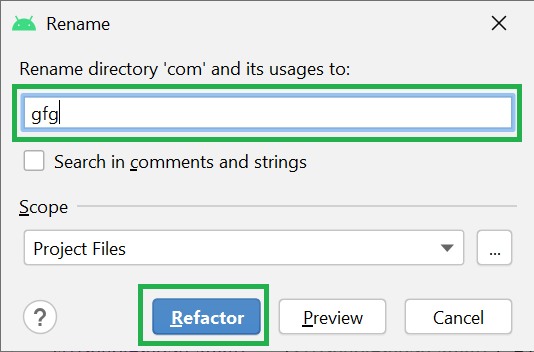
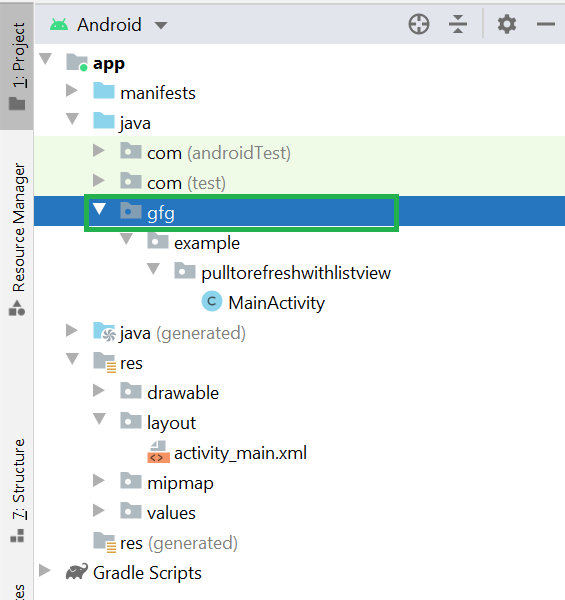
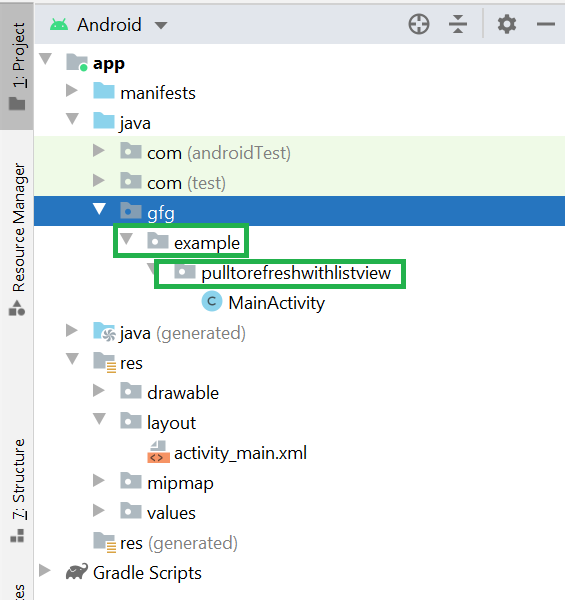
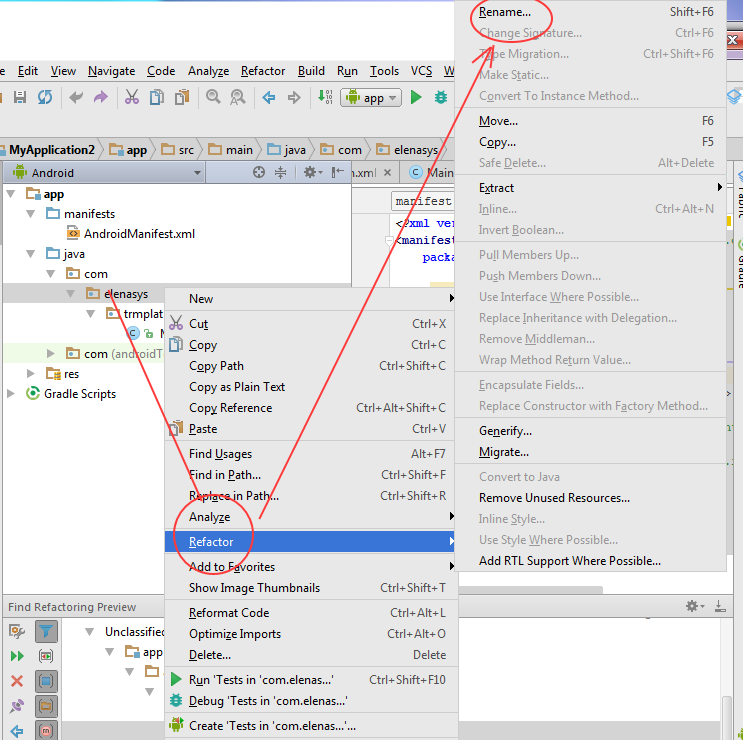
The approach used by me for renaming the package name is as follows:-
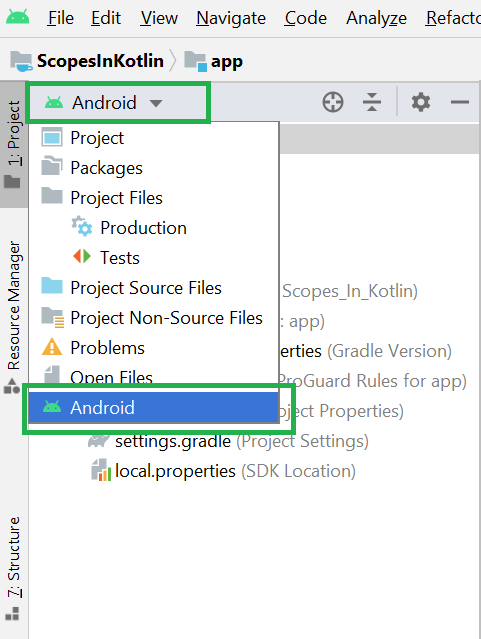
Step 1 : Select the Project option from the left menu of Android Studio

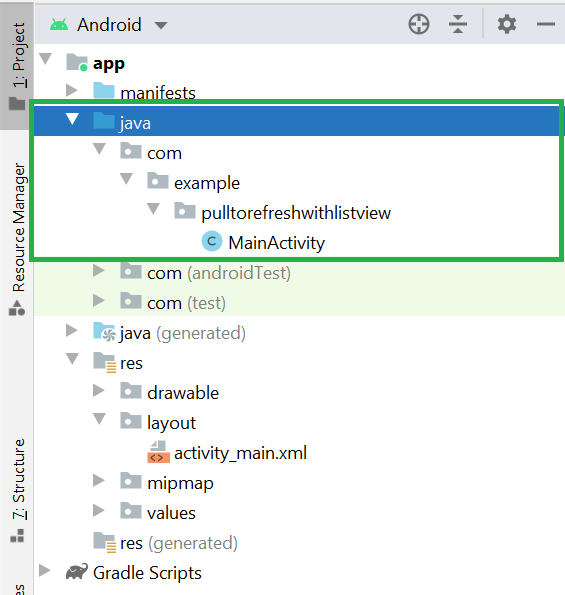
Step 2 : Right-click on java and add a new package and set the desired package name

Step 3 : Enter your new package name

Step 4 :Copy all the files from your old package and paste into the new package

Step 5 :Rename the package name in the manifest file

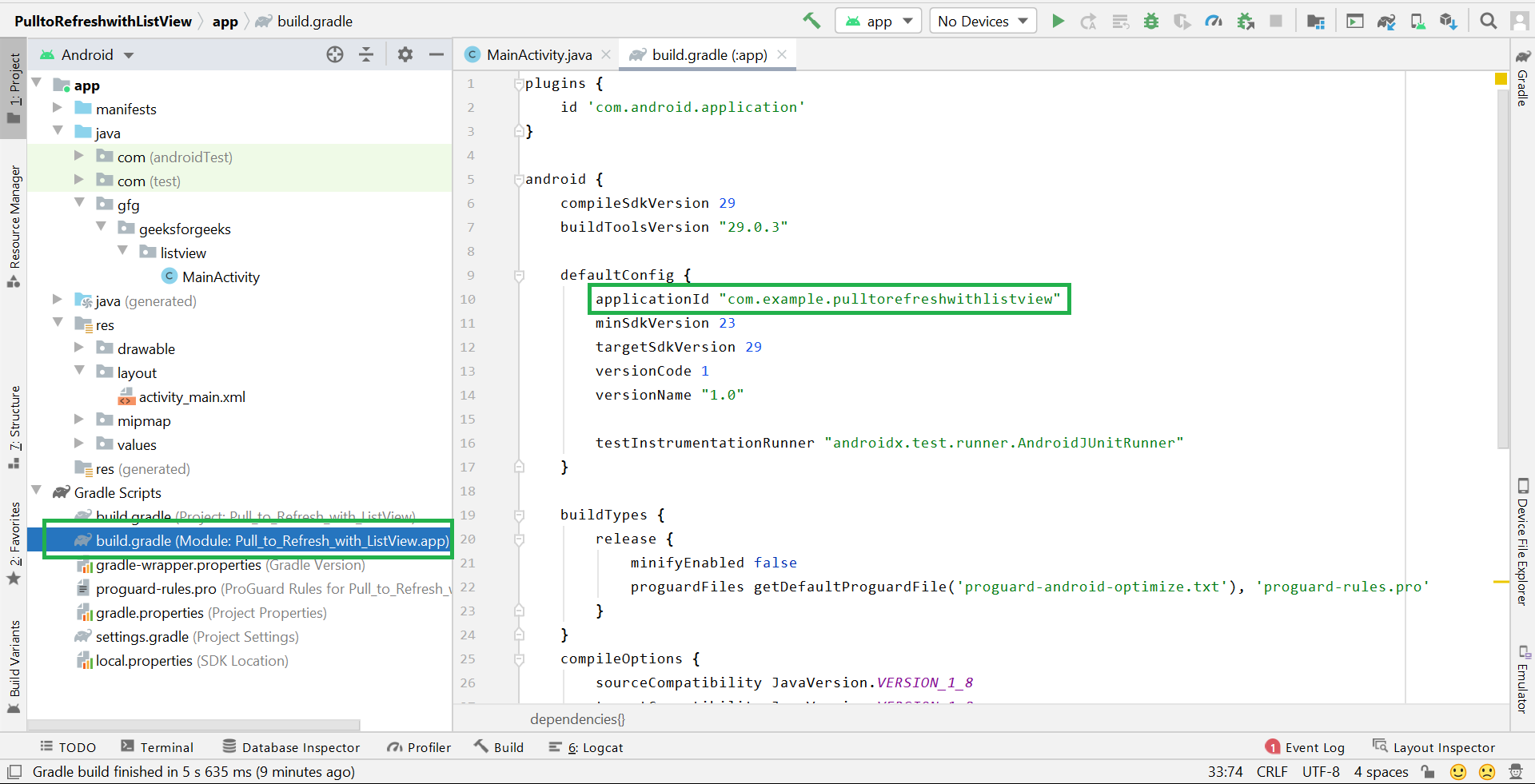
Step 6 :Rename the package name in build.gradle file

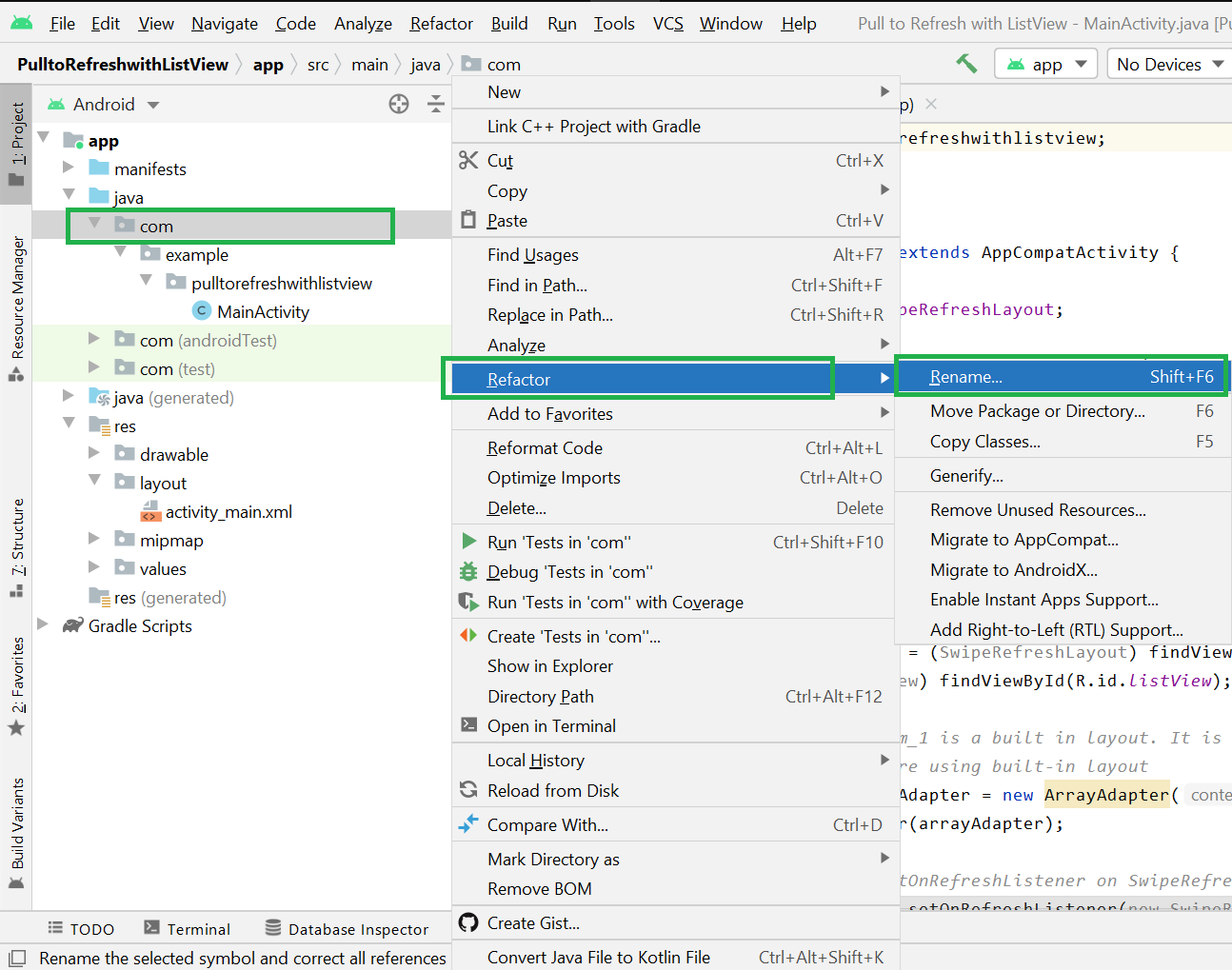
Step 7 :Then right-click the old package and delete it with all its data, and delete that directory as well

Step 8 :Then Rebuild your project

Step 9 :Then you will find some errors of old import packagename in your project Select the old package name in any file and press CTRL + Shift + R , and enter your new package name in replace box, then press find

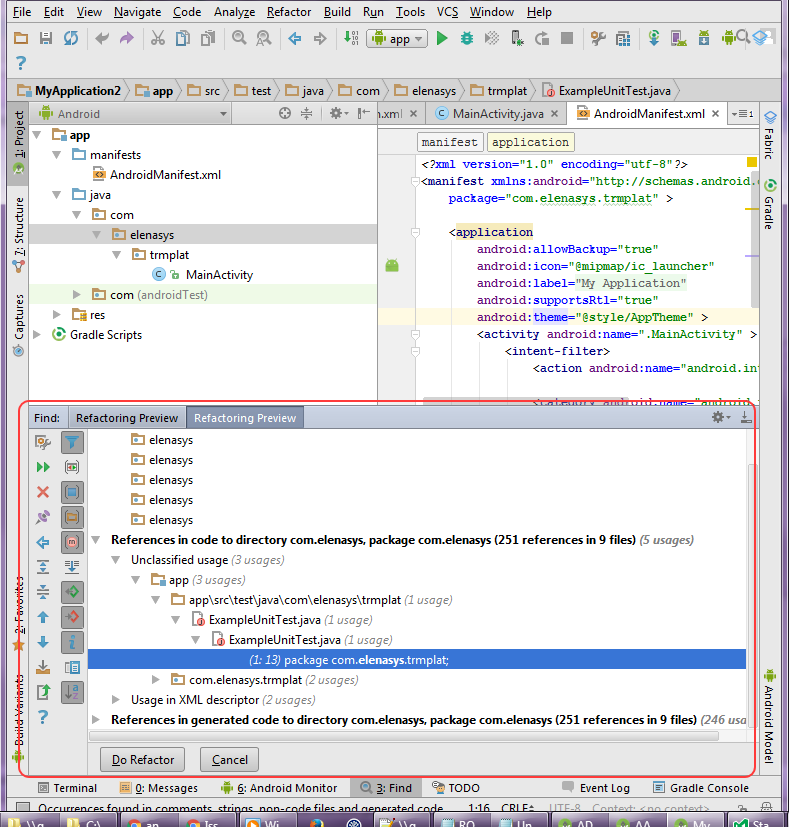
Step 10 :Then a popup appears like below and select the All files option from it

Step 11 :Rebuild your project again, bingo your project packagename has been changed :)


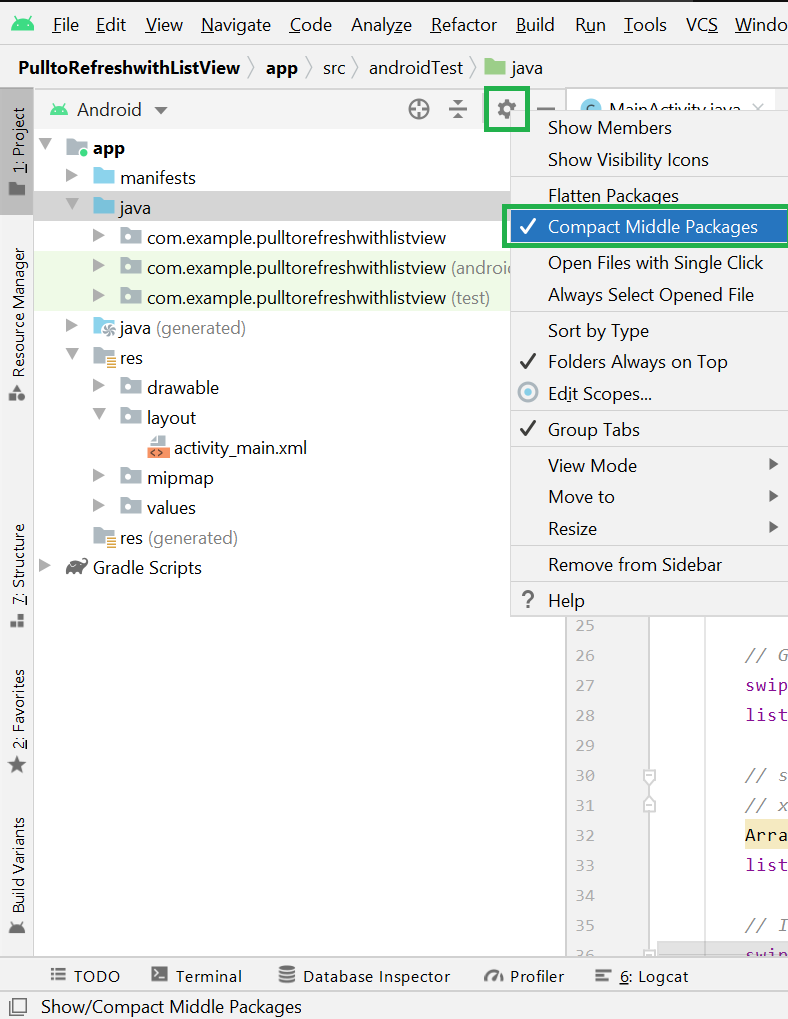
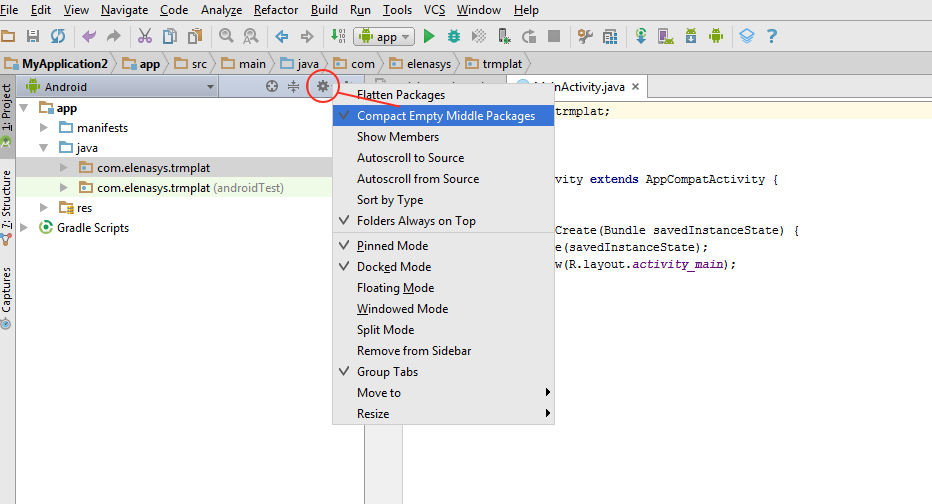
 ), or on later versions of Android Studio, the three vertical dots, then the Appearance sub-menu.