It's very simple, you just have to connect a Game Actuator to your script Controller and set it to "Quit Game". Add this actuator to your script by doing this: gameactu = cont.actuators['Game'] if posdiff < 0.0001: # You can also try 0.0002 cont.activate(gameactu) # I just try it works. Here a picture: 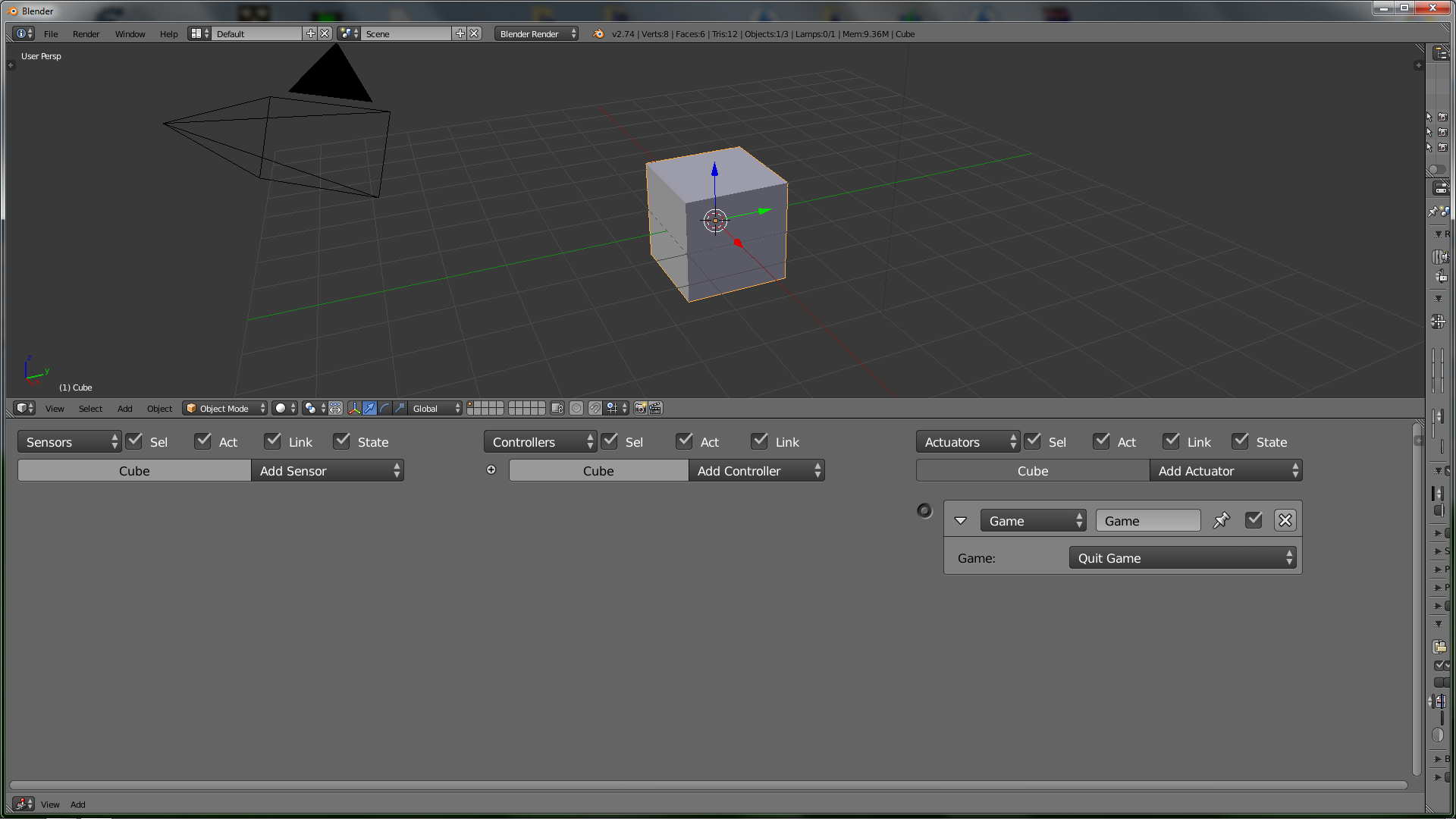 You can do this without the Actuator, see the [manual][1]. [1]: http://www.blender.org/api/blender_python_api_2_75_release/bpy.types.GameActuator.html#bpy.types.GameActuator.mode