When selecting the Transaction Log file from the dropdown on the Shrink Files screen in SSMS, I get the following error:
Failed to retrieve data for this request. (Microsoft.SqlServer.Management.Sdk.Sfc)
Additional information: An invalid Floating point operation occurred. (Microsoft SQL Server, Error: 3623)
It is happening on the same database on 2 different servers (restored from a SQL 2008 R2 Enterprise Ed. server to a SQL 2016 Standard Edition server nightly). There are older copies spawned of the same database on QA and Dev from dates 2 months ago, and they do not experience the issue, so it is something that happened recently.
I have tried:
DBCC CHECKDB- no errors- Took DB offline, deleted transaction log, recreated t-log using T-SQL. - No effect on error message
- Detached DB, Reattached - No effect on error message
- Set DB to FULL recovery mode (was previously on SIMPLE), allowed users to generate a good amount of transactions successfully. - No effect on error message
- Set DB back to SIMPLE recovery mode. - No effect on error message
- Attempted
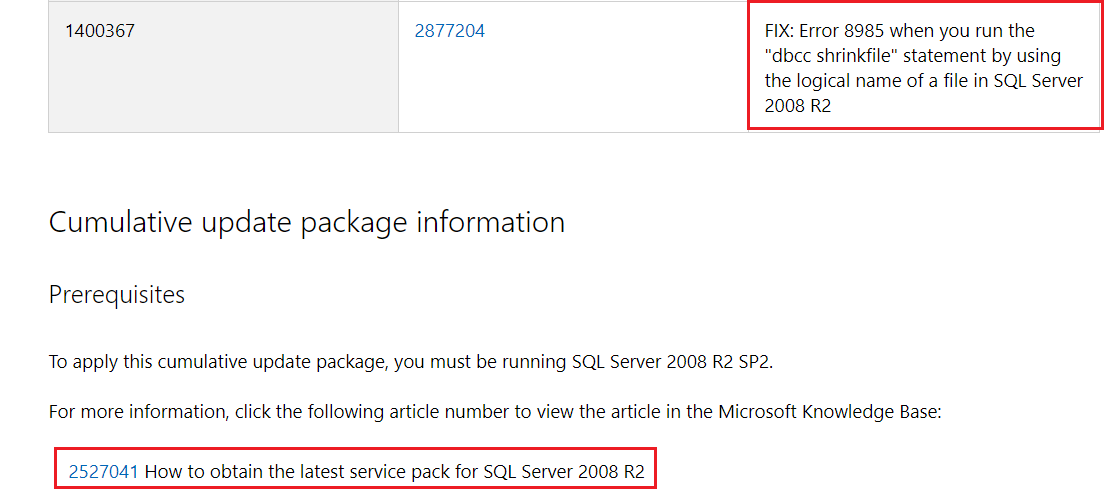
DBCC SHRINKFILE (<database_name>_log, 1). - No effect on error message. However, running this did generate the following message:Msg 8985, Level 16, State 1, Line 24 Could not locate file '
<database_name>_log' for database '<database_name>' in sys.database_files. The file either does not exist, or was dropped.
... Which made me decide to go do a select over sys.database_files and see if anything looked out of place. It looks normal to me... look and see if you see anything that looks abnormal:
file_id= 2 file_guid= 2BA3CDBB-3F3F-4F81-B067-25712493E963 type= 1 type_desc= LOG data_space_id= 0 name= <database_name>_log physical_name= L:\MSSQL\Data\<database_name>.ldf state= 0 state_desc= ONLINE size= 64000 max_size= 268435456 growth= 64000 is_media_read_only= 0 is_read_only= 0 is_sparse= 0 is_percent_growth= 0 is_name_reserved= 0 create_lsn= NULL drop_lsn= NULL read_only_lsn= NULL read_write_lsn= NULL differential_base_lsn= NULL differential_base_guid= NULL differential_base_time= NULL redo_start_lsn= NULL redo_start_fork_guid= NULL redo_target_lsn= NULL redo_target_fork_guid= NULL backup_lsn= NULL UPDATE Since now I'm able to shrink the log using T-SQL (DBCC SHRINKFILE (_log,...) ), I'm lowering the urgency of a fix. However, I would still like to know if anyone has a fix for the original error, when shrinking using the GUI in SSMS.