

























Arduino Quick Start
2. Devices & Examples
3. M5Unified
4. M5GFX
5. Extensions
Unit
Base
Cap
IoT
Accessories
Cardputer Display
APIs and example programs for Cardputer Display, applicable to both Cardputer and Cardputer-Adv.
Example Program
Compilation Requirements
- M5Stack Board Manager version >= 3.2.2
- Board option = M5Cardputer
- M5Cardputer library version >= 1.1.0
- M5Unified library version >= 0.2.8
- M5GFX library version >= 0.2.10
cpp
1 2 3 4 5 6 7 8 9 10 11 12 13 14 15 16 17 18 19 20 21 22 23 24 25 26 27 28 29 30
#include "M5Cardputer.h" void setup() { auto cfg = M5.config(); M5Cardputer.begin(cfg); int textsize = M5Cardputer.Display.height() / 60; if (textsize == 0) { textsize = 1; } M5Cardputer.Display.setTextSize(textsize); } void loop() { int x = rand() % M5Cardputer.Display.width(); int y = rand() % M5Cardputer.Display.height(); int r = (M5Cardputer.Display.width() >> 4) + 2; uint16_t c = rand(); M5Cardputer.Display.fillCircle(x, y, r, c); draw_function(&M5Cardputer.Display); } void draw_function(LovyanGFX* gfx) { int x = rand() % gfx->width(); int y = rand() % gfx->height(); int r = (gfx->width() >> 4) + 2; uint16_t c = rand(); gfx->fillRect(x - r, y - r, r * 2, r * 2, c); }Execution Result:
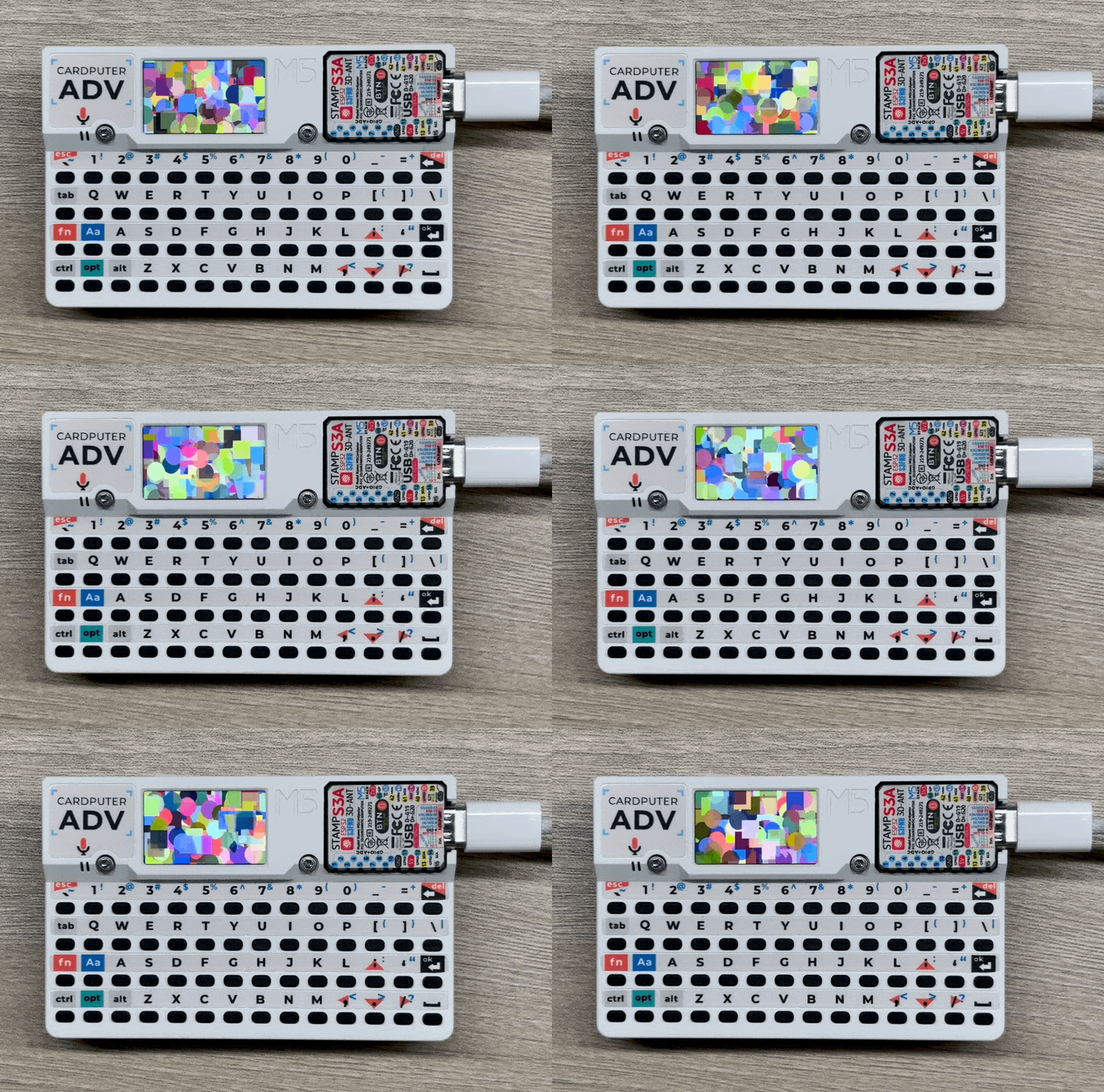
API
The Cardputer display function uses the M5GFX library as its driver. For more related APIs, please refer to the following documentation: