















Arduino Quick Start
2. Devices & Examples
3. M5Unified
4. M5GFX
5. Extensions
Unit
Base
Cap
IoT
Accessories
DinMeter Display
DinMeter uses the M5GFX library as its display driver. Refer to the API & example below for simple rendering. For more API details, see the M5GFX source code.
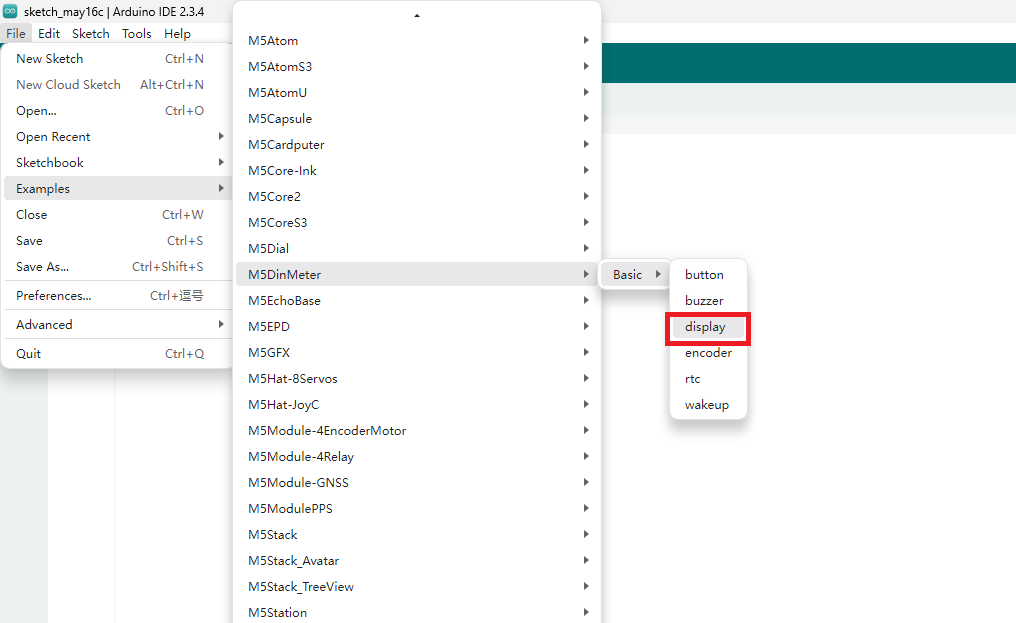
- Open the example program
displayand upload the code
Example
cpp
1 2 3 4 5 6 7 8 9 10 11 12 13 14 15 16 17 18 19 20 21 22 23 24 25 26 27 28 29 30 31 32 33 34 35 36 37 38 39 40 41 42 43
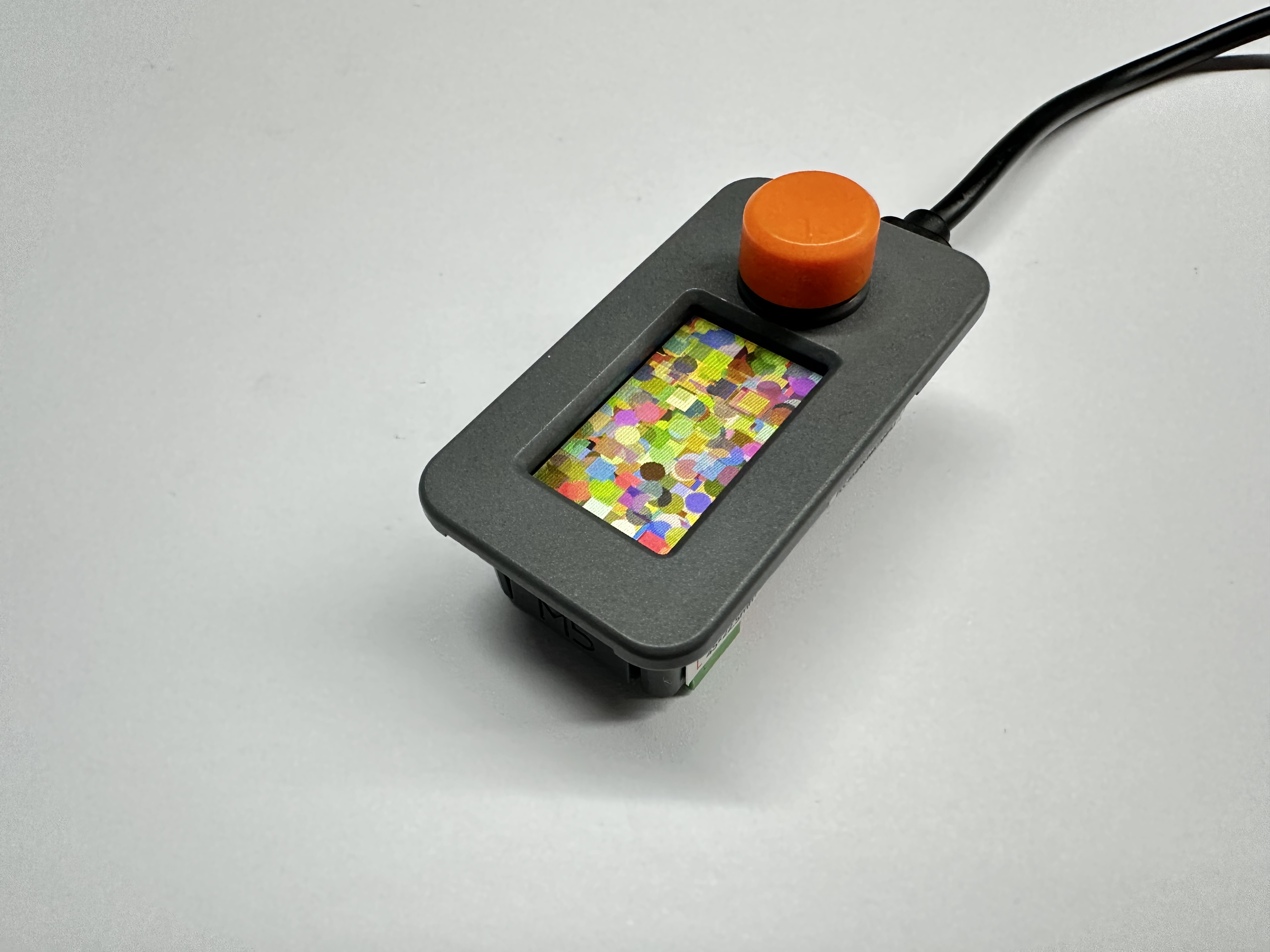
/** * @file display.ino * @author SeanKwok (shaoxiang@m5stack.com) * @brief M5DinMeter Display Test * @version 0.1 * @date 2024-03-07 * * * @Hardwares: M5DinMeter * @Platform Version: Arduino M5Stack Board Manager v2.1.1 * @Dependent Library: * M5GFX: https://github.com/m5stack/M5GFX * M5Unified: https://github.com/m5stack/M5Unified */ #include "M5DinMeter.h" void draw_function(LovyanGFX* gfx) { int x = rand() % gfx->width(); int y = rand() % gfx->height(); int r = (gfx->width() >> 4) + 2; uint16_t c = rand(); gfx->fillRect(x - r, y - r, r * 2, r * 2, c); } void setup() { auto cfg = M5.config(); DinMeter.begin(cfg, false); int textsize = DinMeter.Display.height() / 60; if (textsize == 0) { textsize = 1; } DinMeter.Display.setTextSize(textsize); } void loop() { int x = rand() % DinMeter.Display.width(); int y = rand() % DinMeter.Display.height(); int r = (DinMeter.Display.width() >> 4) + 2; uint16_t c = rand(); DinMeter.Display.fillCircle(x, y, r, c); draw_function(&DinMeter.Display); }After uploading, you can see the following effect