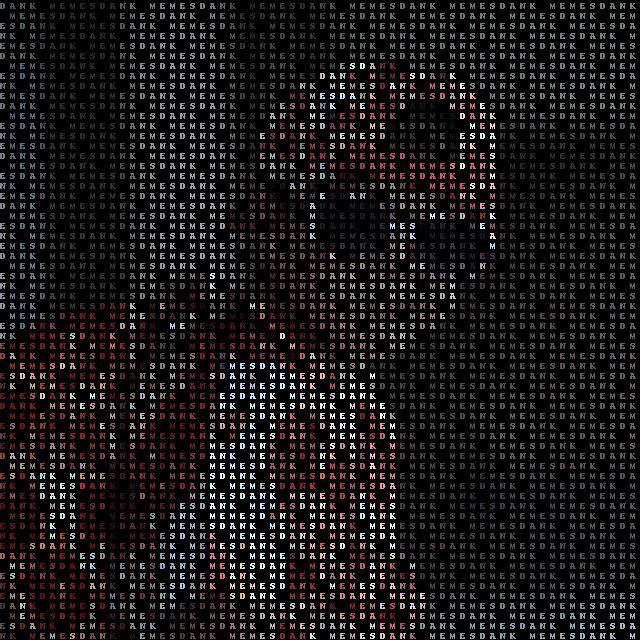
Makin some pictures
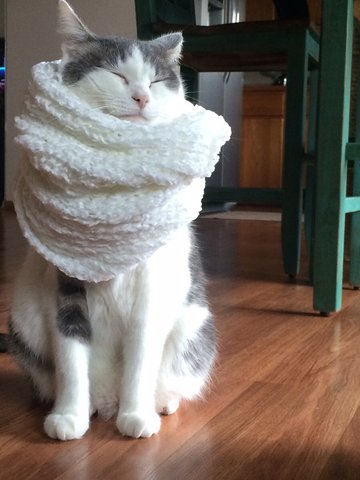
python3 -m pip install ascii_py git clone https://github.com/profoak/ascii_py cd ascii_py python3 setup.py install usage: ascii_py [-h] [-o OUT] [-w WORDS] [-s STEP] [-d] [-t] input_file positional arguments: input_file Input file to convert from. optional arguments: -h, --help show this help message and exit -o OUT, --out OUT The filename you want your final image saved as. -w WORDS, --words WORDS Use words to create your image. -s STEP, --step STEP Choose the distance of your characters. -d, --density Adding the flag converts the image based on visual density. -t, --terminal Print ascii image to terminal. Original image:
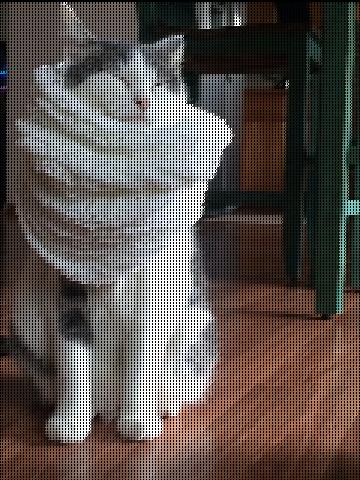
Default usage:
Density flag:
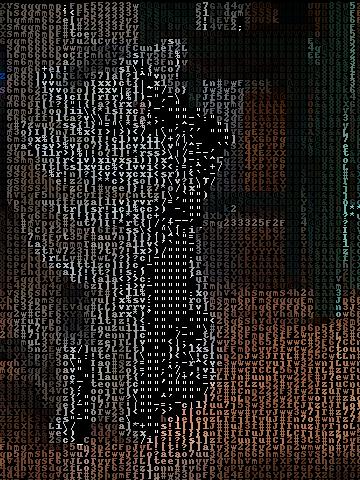
Terminal flag (screenshot):
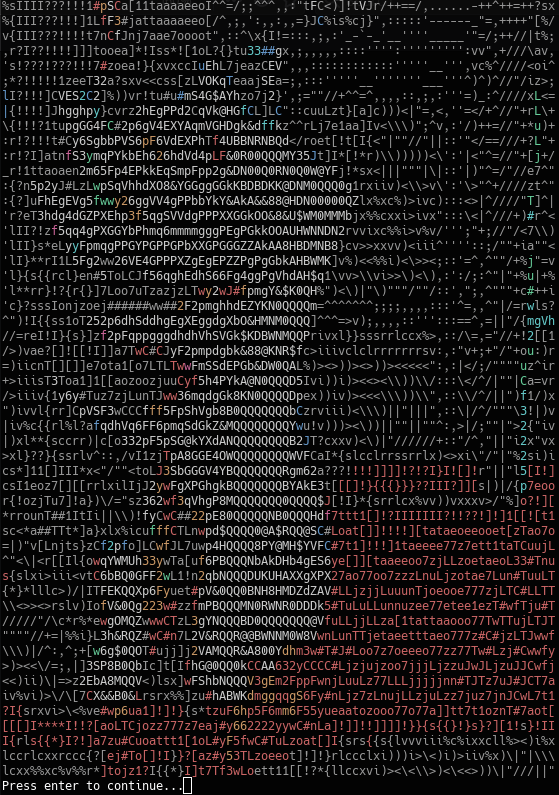
$ ascii_py -s 10 -w "dank memes" -o ayy_lmao_pizza.jpg Media/pizza_in.jpg