显示等待加载状态的View

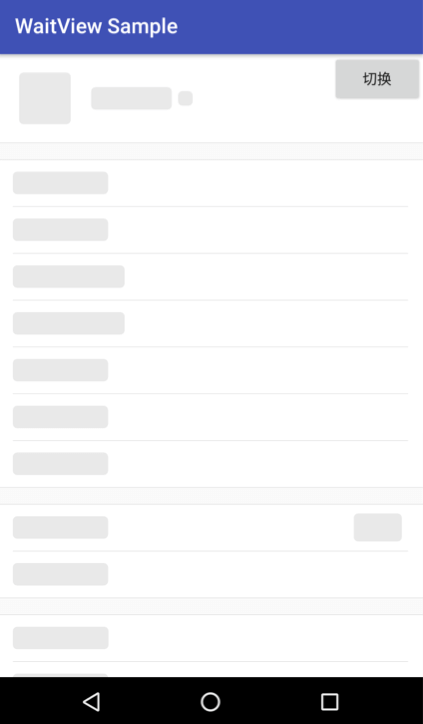
- 第二张图为
等待加载的状态
 .
. 
简单高效一行代码搞定所有控件的状态切换、恢复兼容性强支持所有系统控件、自定义控件可定制性自定义渲染规则,按需配置
Step 1. Add the JitPack repository to your build file
allprojects { repositories { ... maven { url 'https://jitpack.io' } } } Step 2. Add the dependency
compile 'com.github.ImKarl:WaitView:{latestVersion}' - 渲染
单个View WaitViewController.from(mRootView).render(); 所有子View WaitViewController.from(mRootView).renderChilds(); - 移除
单个View WaitViewController.from(mRootView).remove(); 所有子View WaitViewController.from(mRootView).removeChilds(); - 额外的可配置项
WaitViewController controller = WaitViewController.from(mRootView); 颜色:@ColorInt controller.color(color); 透明度:@IntRange(from=0, to=255) controller.alpha(alpha); 圆角半径:@Dimension controller.radius(radius); 绘制区域:如 new Rect(0, 0, view.getWidth(), view.getHeight()) controller.drawRect(rect); controller.drawRect(width, height); 过滤器:如 new SimpleOnWaitViewFilter() controller.filter(filter); - 更详细的案例
请查看 sample