



You guys can see another project depends on this one.
Thanks to Yalantis for creating a great logic of PullToRefresh. And that's logic is the fundation of PullLaunchRocket also.
Give me a Star please :D And welcome to contact me or make a PR if you have any good style, we make it better together.
We use Launch-Rocket as our default style.
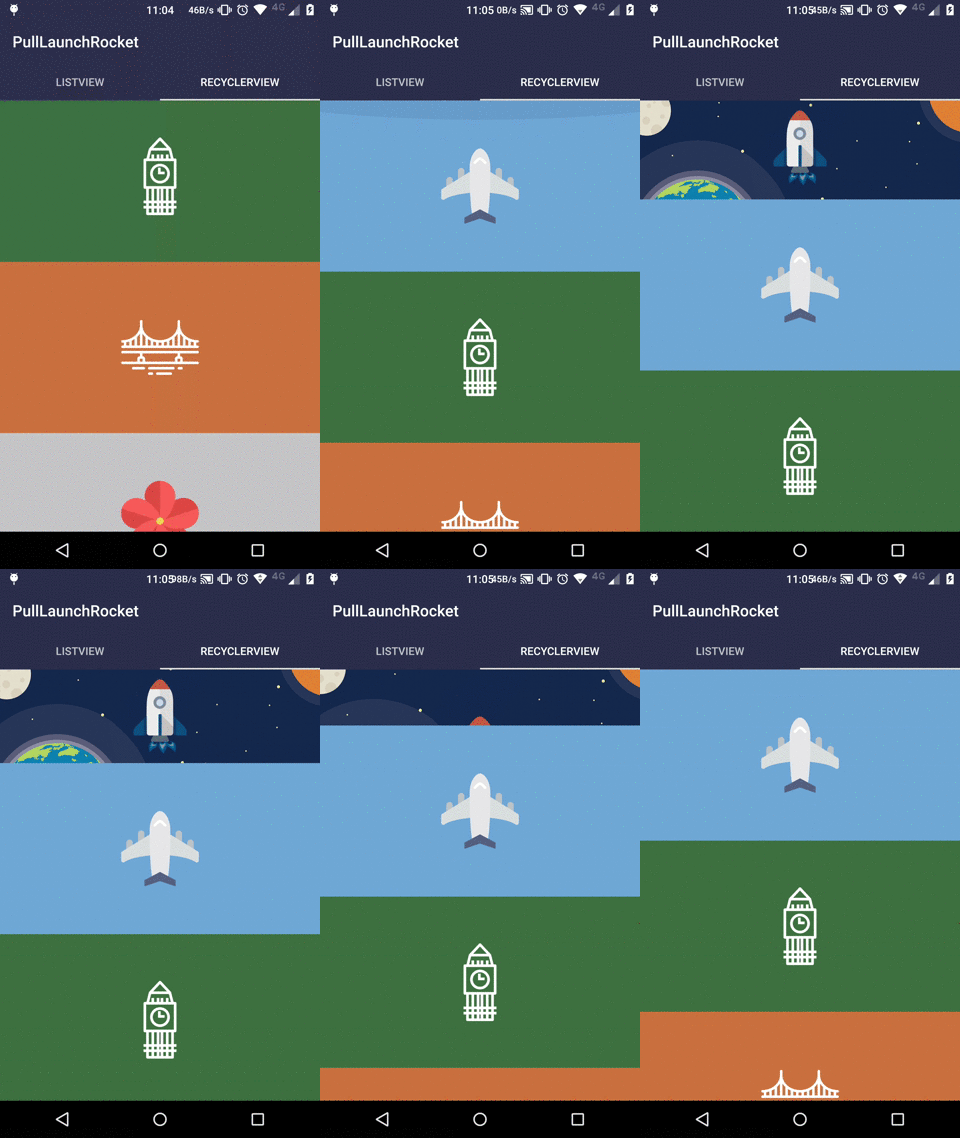
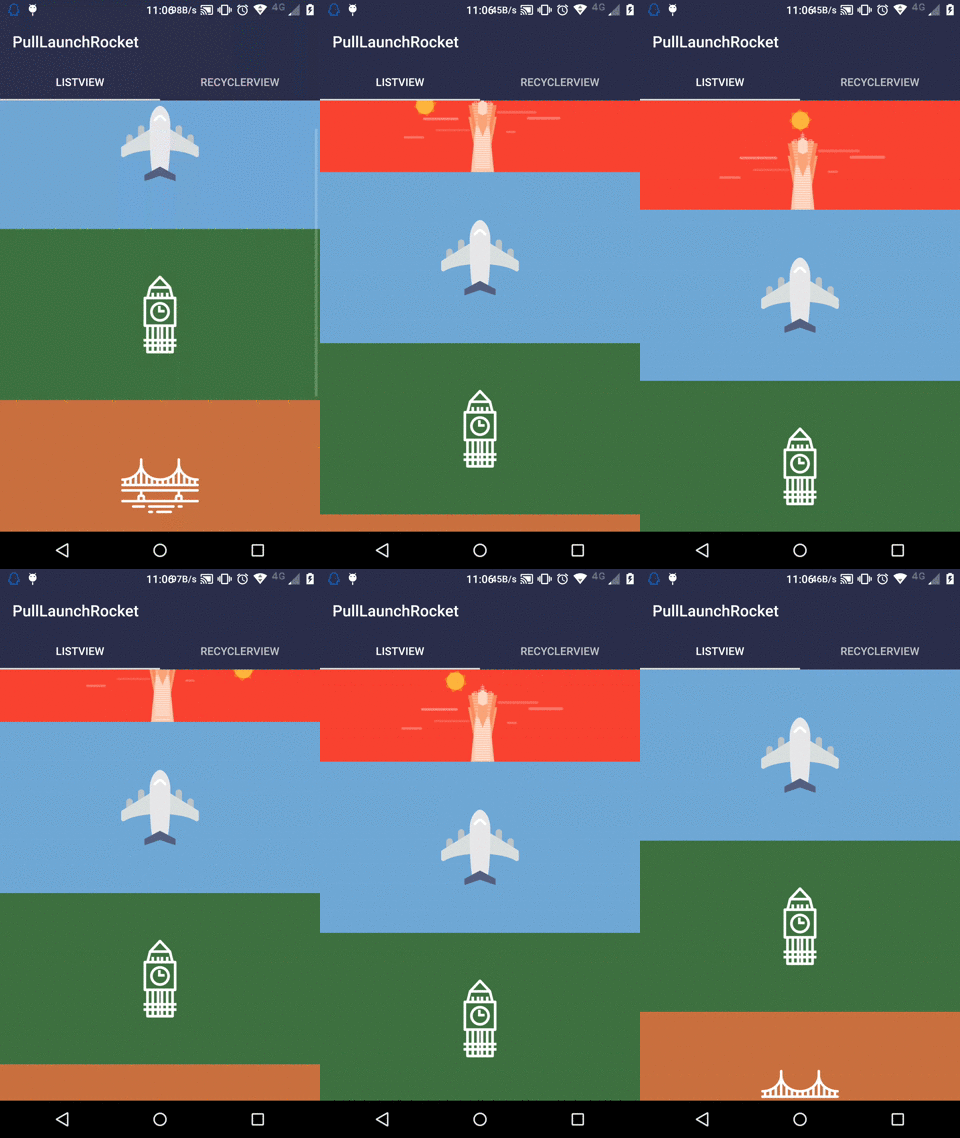
And also, we provided a custom refresh style - sunrise
**Attention : ** version 1.0.2 is just a pre-release.
You can have a look at Sample Project sample for better use.
- Add it in your root
build.gradleat the end of repositories:
allprojects { repositories { ... maven { url "https://jitpack.io" } } }- Add the dependency in your module-level
build.gradle
dependencies { compile 'com.github.lubeast:PullToRefresh:1.0.2' }PullToRefreshViewwidget in your layout.xml
<lumenghz.com.pullrefresh.PullToRefreshView android:id="@+id/pull_to_refresh" android:layout_width="match_parent" android:layout_height="match_parent" app:lrefresh="rocket" > <ListView android:id="@+id/list_view" android:layout_width="match_parent" android:layout_height="match_parent" android:divider="@null" android:dividerHeight="0dp" android:fadingEdge="none" /> </lumenghz.com.pullrefresh.PullToRefreshView>- Initial the
PullToRefreshViewand setupOnRefreshListenerin youronCreatemethod
mPullToRefreshView.setOnRefreshListener(new PullToRefreshView.OnRefreshListener() { @Override public void onRefresh() { mPullToRefreshView.postDelayed(new Runnable() { @Override public void run() { mPullToRefreshView.setRefreshing(false); } }, REFRESH_DELAY); } });- You can change refresh state through call
mPullToRefreshView.setRefreshing(boolean isRefreshing)