Last updated: 2026-02-12
Execution Plans
Visualize SQL execution plans to understand how the database engine processes your queries. Identify performance bottlenecks, compare plans, and optimize slow queries with interactive graphical analysis.
Getting Started
Execution plans show the step-by-step operations the database uses to execute your query. Understanding these plans is essential for query optimization and performance tuning.
How to View an Execution Plan
- Open a query editor with your SQL statement
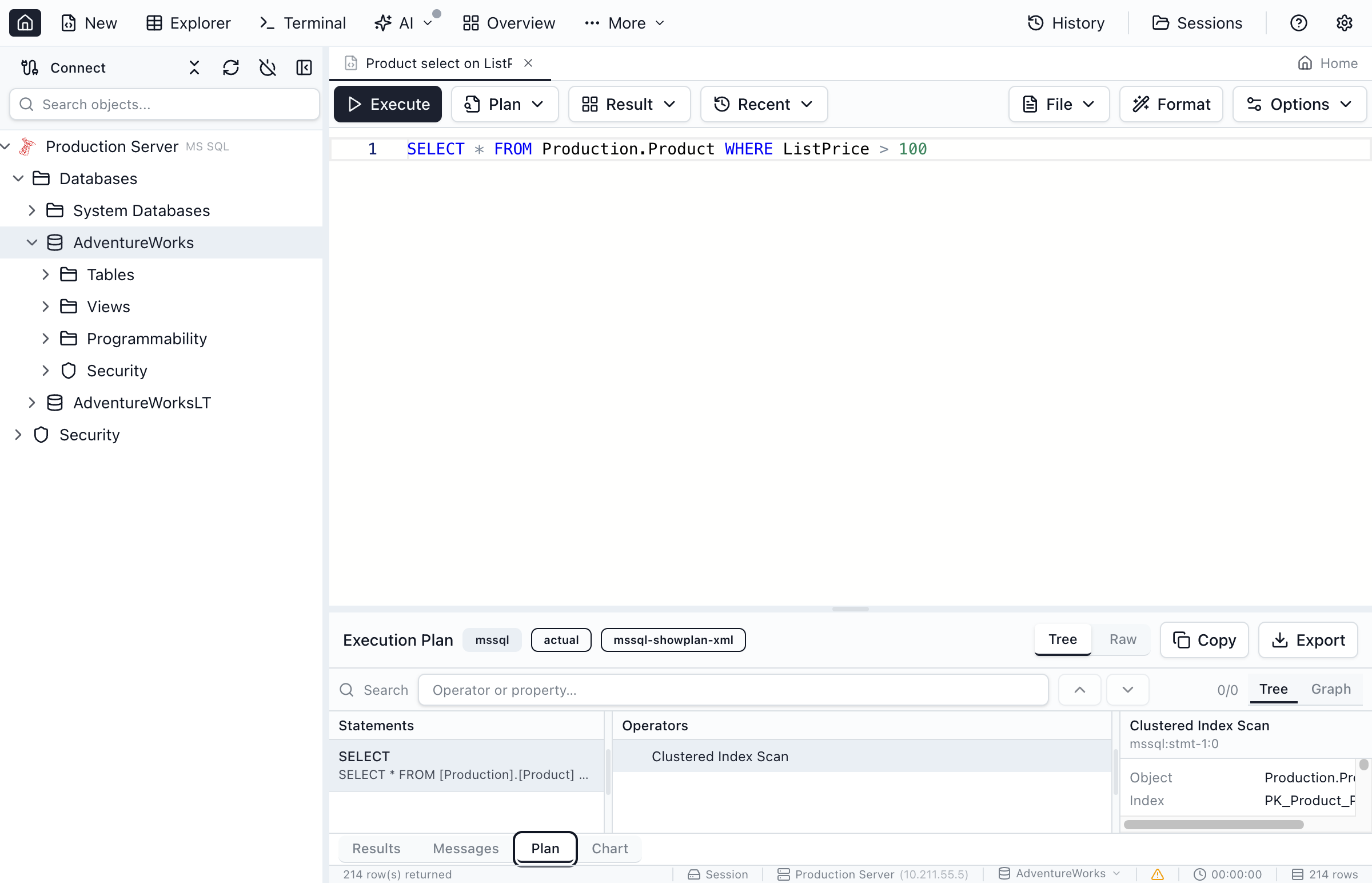
- Click Query > Display Estimated Plan to see the plan without executing
- Or execute the query and click Execution Plan tab for the actual plan
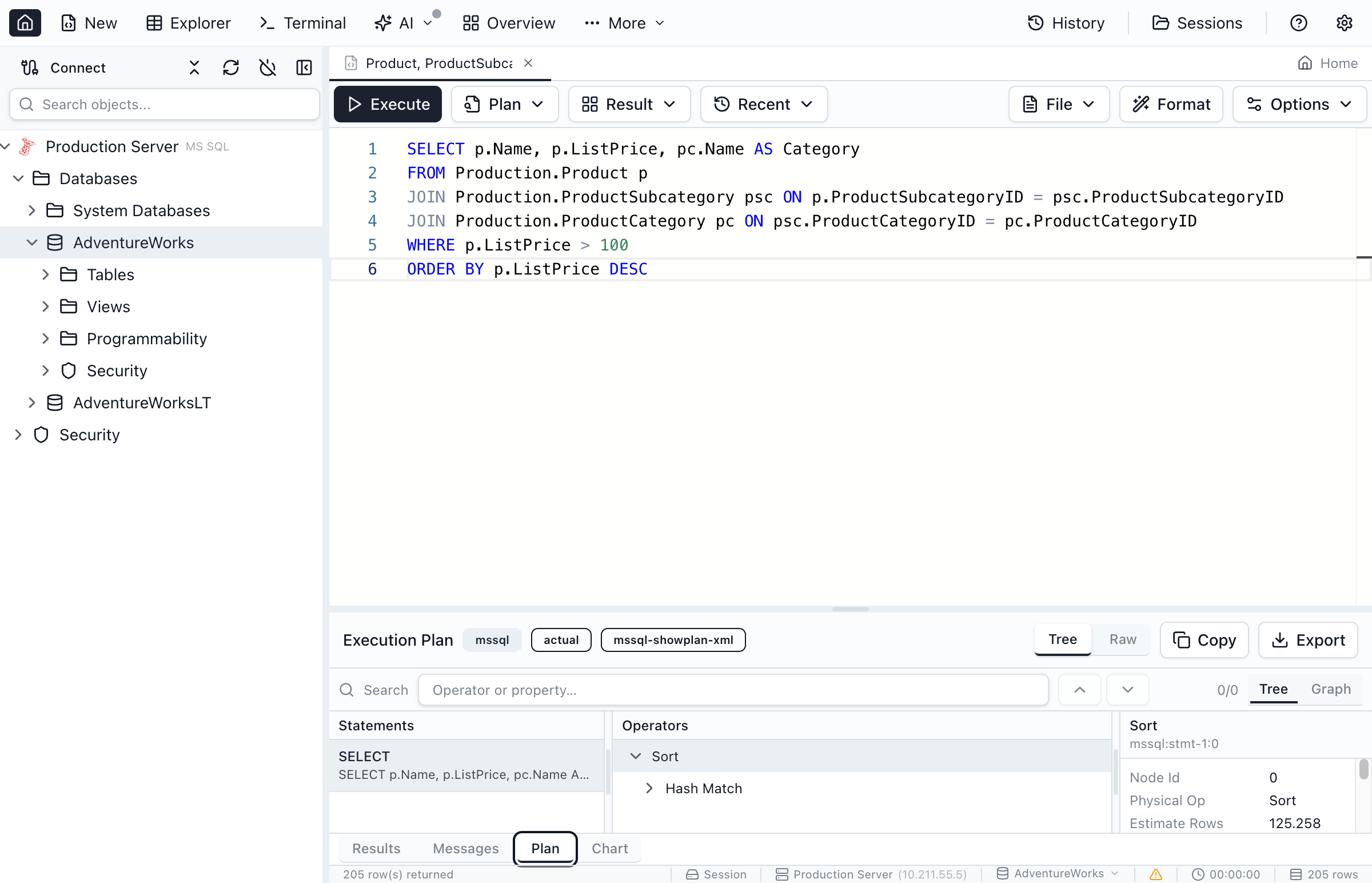
- The plan displays as an interactive diagram you can explore
Estimated plans show what the optimizer predicts. Actual plans show what really happened, including row counts and execution times. Use actual plans for accurate performance analysis.
Understanding the Plan Diagram
The execution plan displays as a flow diagram where data moves from right to left. Each node represents an operation, and the arrows show how data flows between operations.
Reading Operator Nodes
Each operator node shows key information:
- Operator name - The type of operation (Scan, Seek, Join, etc.)
- Cost percentage - Relative cost compared to the total query
- Row count - Number of rows processed (estimated or actual)
- Subtree cost - Cumulative cost of this operator and its children
Common Operator Types
Table Scan
Reads entire table. Consider adding indexes for large tables.
Index Seek
Efficient lookup using an index. This is what you want to see.
Nested Loops
Joins by looping through rows. Efficient for small datasets.
Hash Match
Builds hash table for joins. Efficient for large datasets.
Sort
Orders result rows. Memory-intensive for large results.
Key Lookup
Fetches additional columns. May indicate need for covering index.
Comparing Execution Plans
Plan comparison helps you understand how query changes or index modifications affect performance.
How to Compare Plans
- Save the first execution plan by right-clicking and selecting Save Plan
- Make your changes (modify query, add index, etc.)
- Generate the new execution plan
- Click Compare Plans and select the saved plan
- Review the side-by-side comparison with highlighted differences
Key Capabilities
- Interactive diagram - Click operators to see detailed properties
- Cost breakdown - See which operations are most expensive
- Missing index hints - Suggestions for indexes that could improve performance
- Plan comparison - Compare before/after to validate optimizations
- Export plans - Save and share plans in standard formats
Oracle Execution Plans
Jam SQL Studio supports Oracle execution plans using EXPLAIN PLAN and DBMS_XPLAN. The plan is displayed in the same interactive diagram used for SQL Server and PostgreSQL.
How Oracle Plans Work
When you request an execution plan for an Oracle query, Jam SQL Studio runs EXPLAIN PLAN FOR followed by SELECT * FROM TABLE(DBMS_XPLAN.DISPLAY) to retrieve the plan output. The textual output is parsed into the interactive tree and graph views.
Oracle-Specific Operators
TABLE ACCESS FULL
Full table scan. Consider adding indexes or partitioning.
INDEX RANGE SCAN
Efficient range lookup using a B-tree index.
HASH JOIN
Hash-based join for large datasets. Common in Oracle.
NESTED LOOPS
Row-by-row join. Efficient for small result sets with indexes.
Oracle execution plans may include hints about statistics staleness or missing indexes. Check the Note section at the bottom of DBMS_XPLAN output for optimizer recommendations.
Performance Optimization Tips
What to Look For
- High-cost operators - Focus optimization on the most expensive operations
- Table scans on large tables - Consider adding appropriate indexes
- Key lookups - May indicate need for covering indexes
- Large row estimates vs actuals - Statistics may be outdated
- Parallelism - Queries using multiple cores for large operations
Common Optimizations
- Add indexes for columns used in WHERE, JOIN, and ORDER BY
- Update statistics if estimated row counts differ from actual
- Rewrite queries to avoid unnecessary operations
- Use covering indexes to eliminate key lookups
- Consider query hints for specific optimization needs
Ready to Optimize Your Queries?
Download Jam SQL Studio and start analyzing execution plans today.