Open Source — Free Forever

One Claude Code command.
A complete help center.

KodaDocs reads your codebase, captures annotated screenshots of every page, and writes help articles — all from inside Claude Code. No manual writing.

Add to Claude Code
$ uvx kodadocs mcp
View quickstart guide →

Requires Claude Code — then just say "Generate docs for my app"

Terminal
$ claude "Generate help docs for my app"
 
Detecting framework... Next.js (App Router)
Discovering routes... 14 routes found
Capturing screenshots... 14/14
Annotating UI elements... done
Writing help articles... 14/14
Building VitePress site... done
 
Help center ready
  14 articles with annotated screenshots
  Preview: http://localhost:5173

How it works

Three steps from zero to a published help center.

01

Add to Claude Code

Run one command to add KodaDocs to Claude Code. No install needed — runs via uvx.

uvx kodadocs mcp
02

Tell Claude

Say "Generate docs for my app" and Claude reads your code, captures screenshots, and writes articles.

"Generate docs for my app"
03

Get Docs

A complete help center with annotated screenshots, ready to self-host or deploy to kodadocs.com.

yourapp.kodadocs.com

See it in action

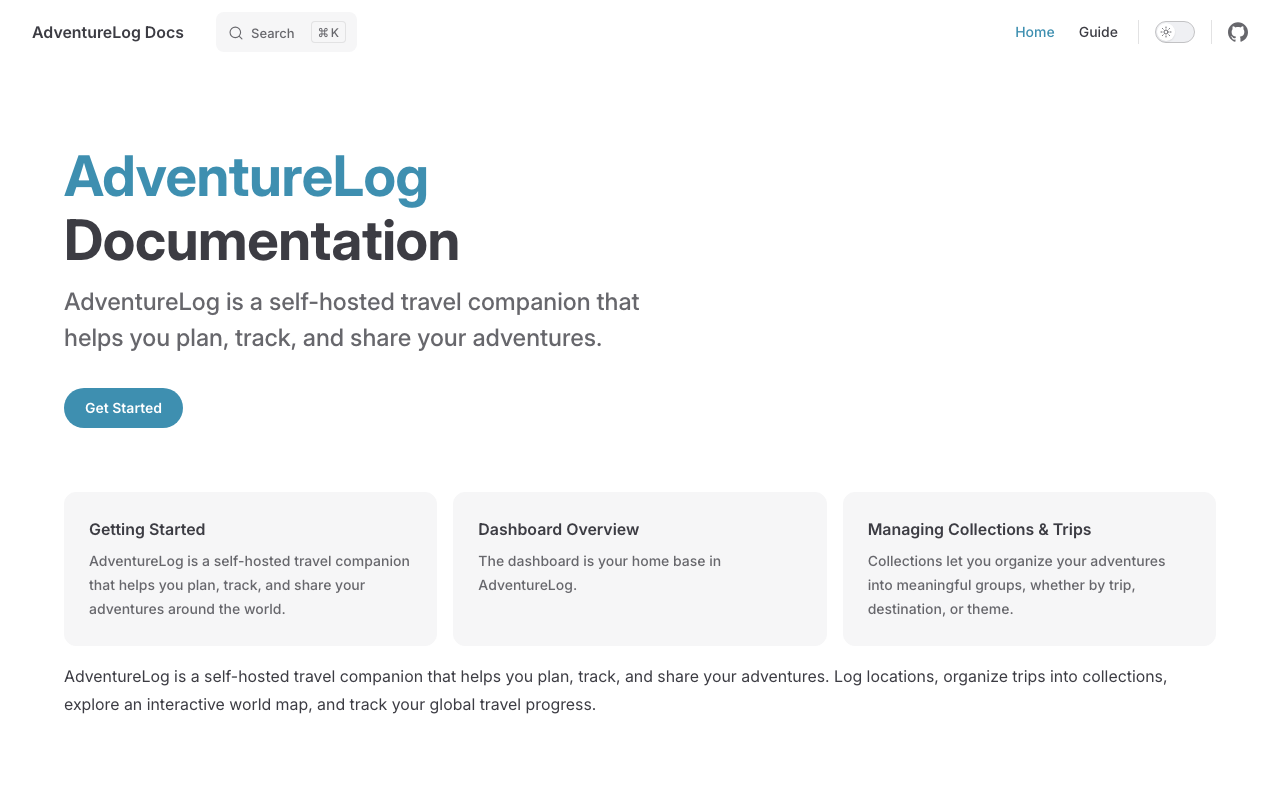
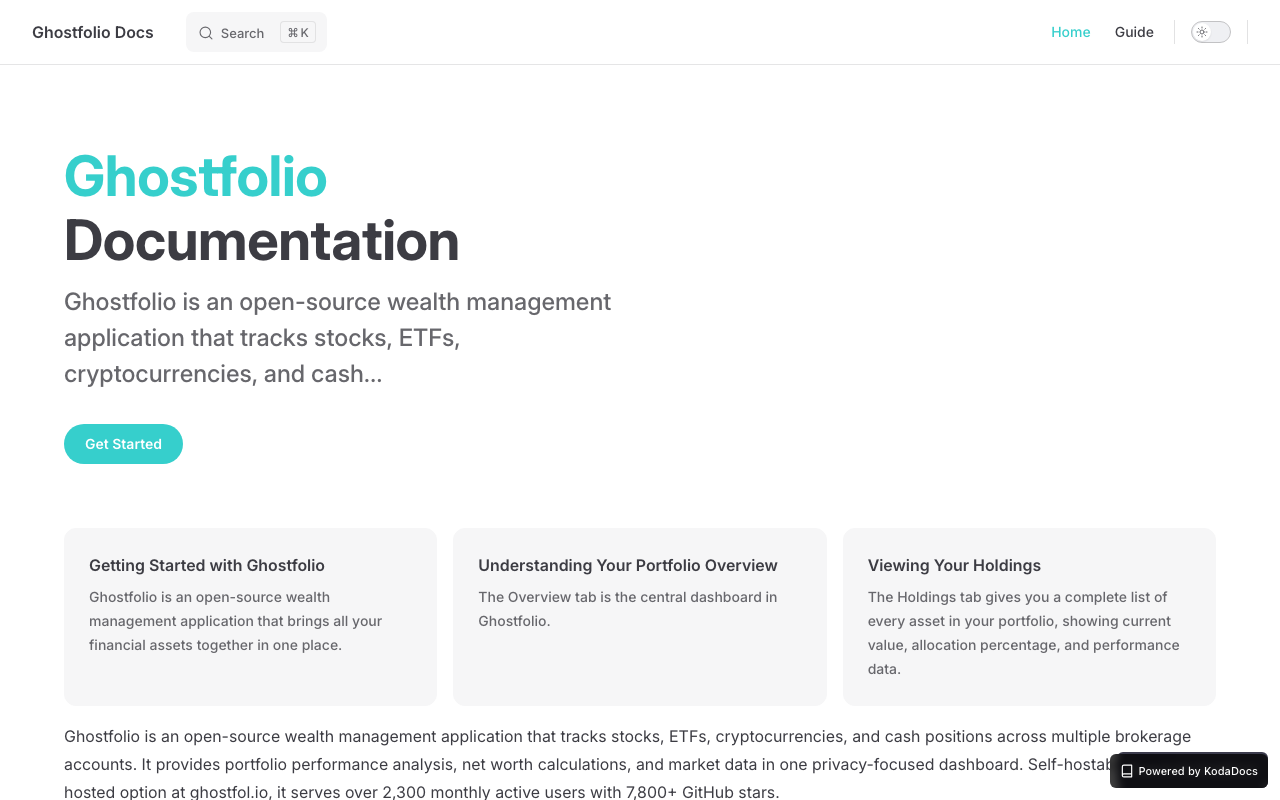
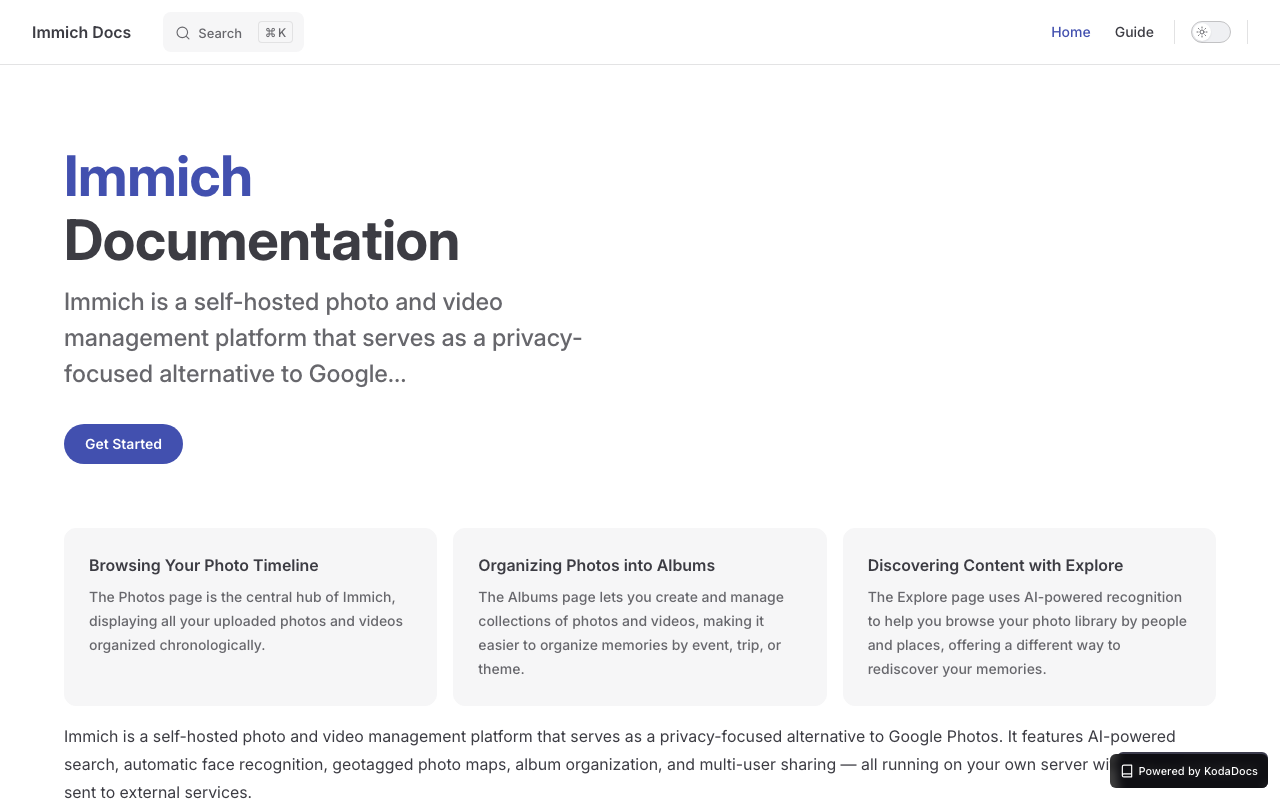
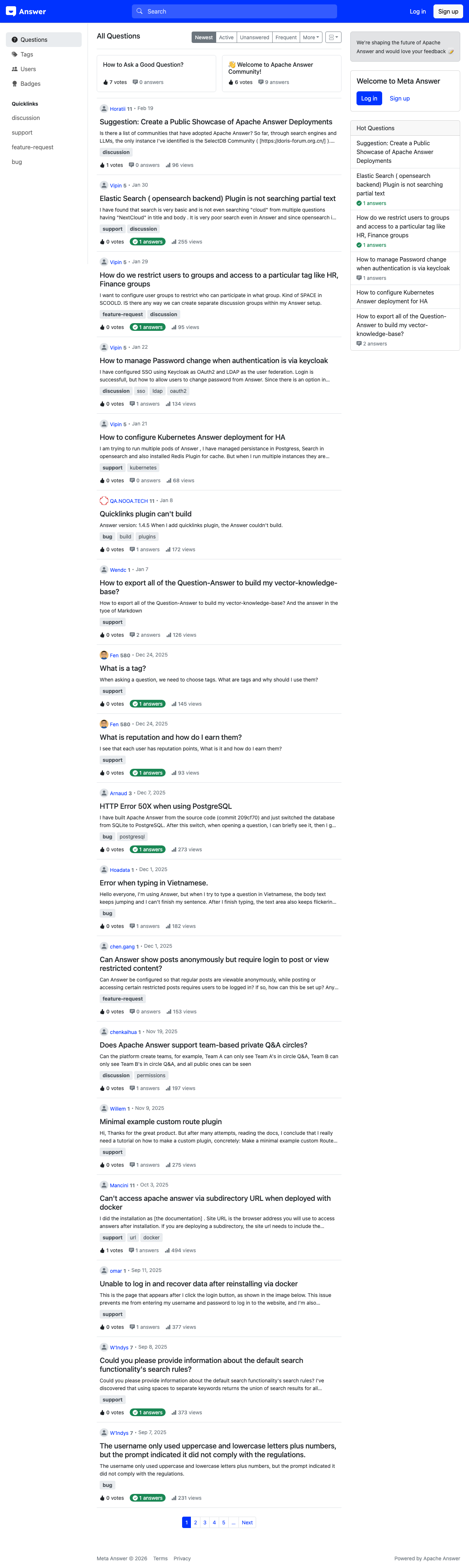
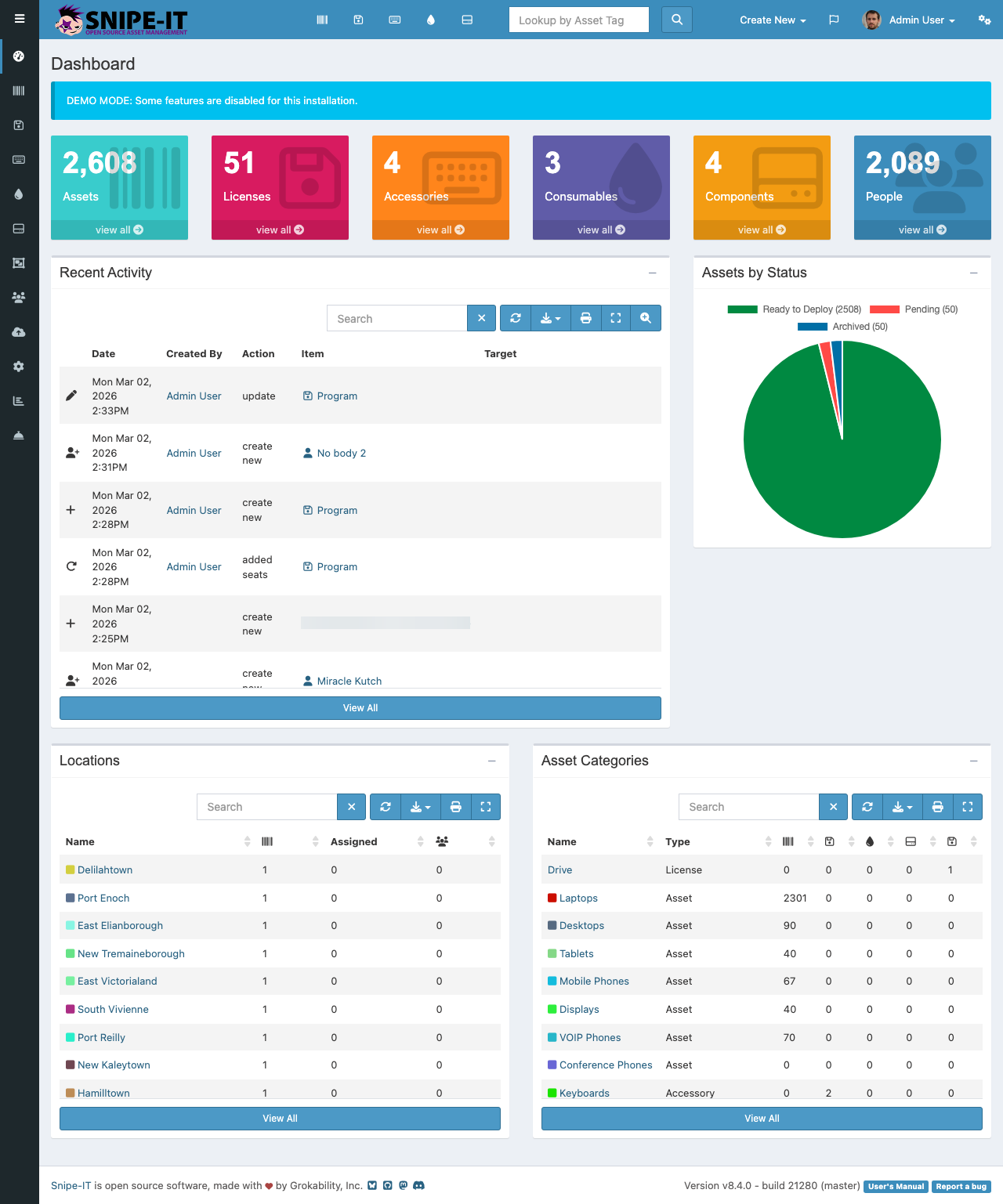
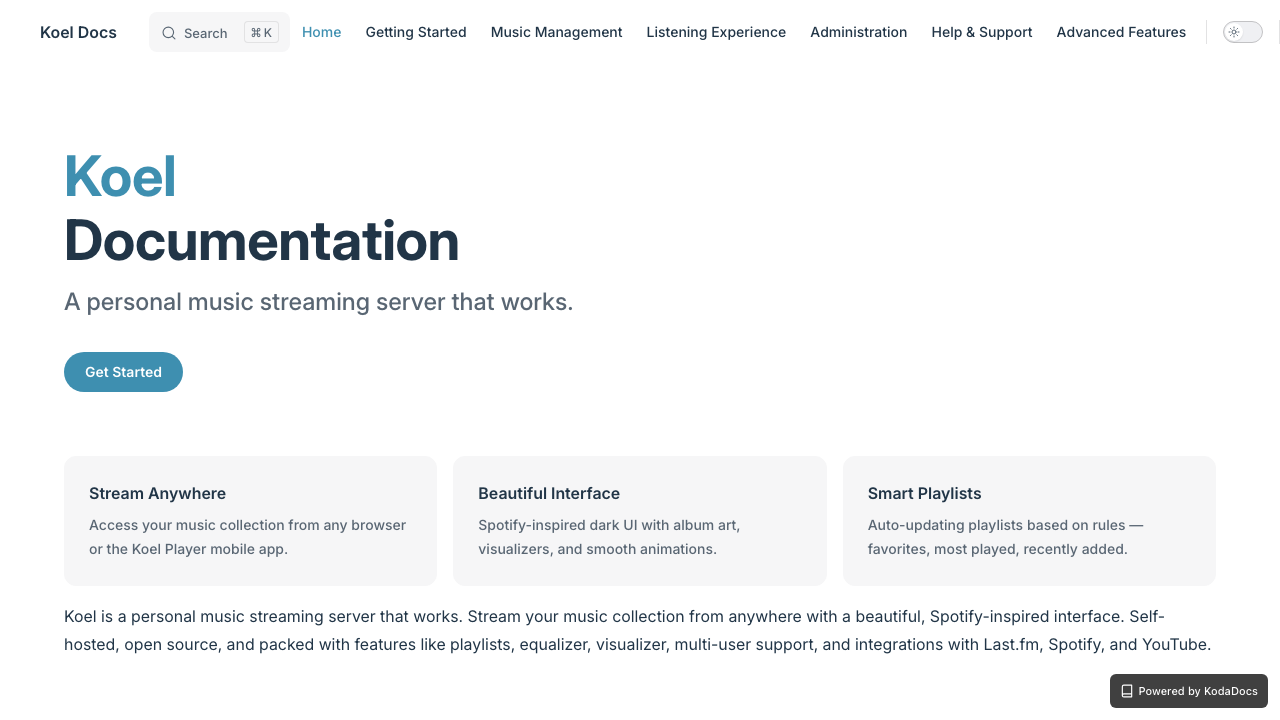
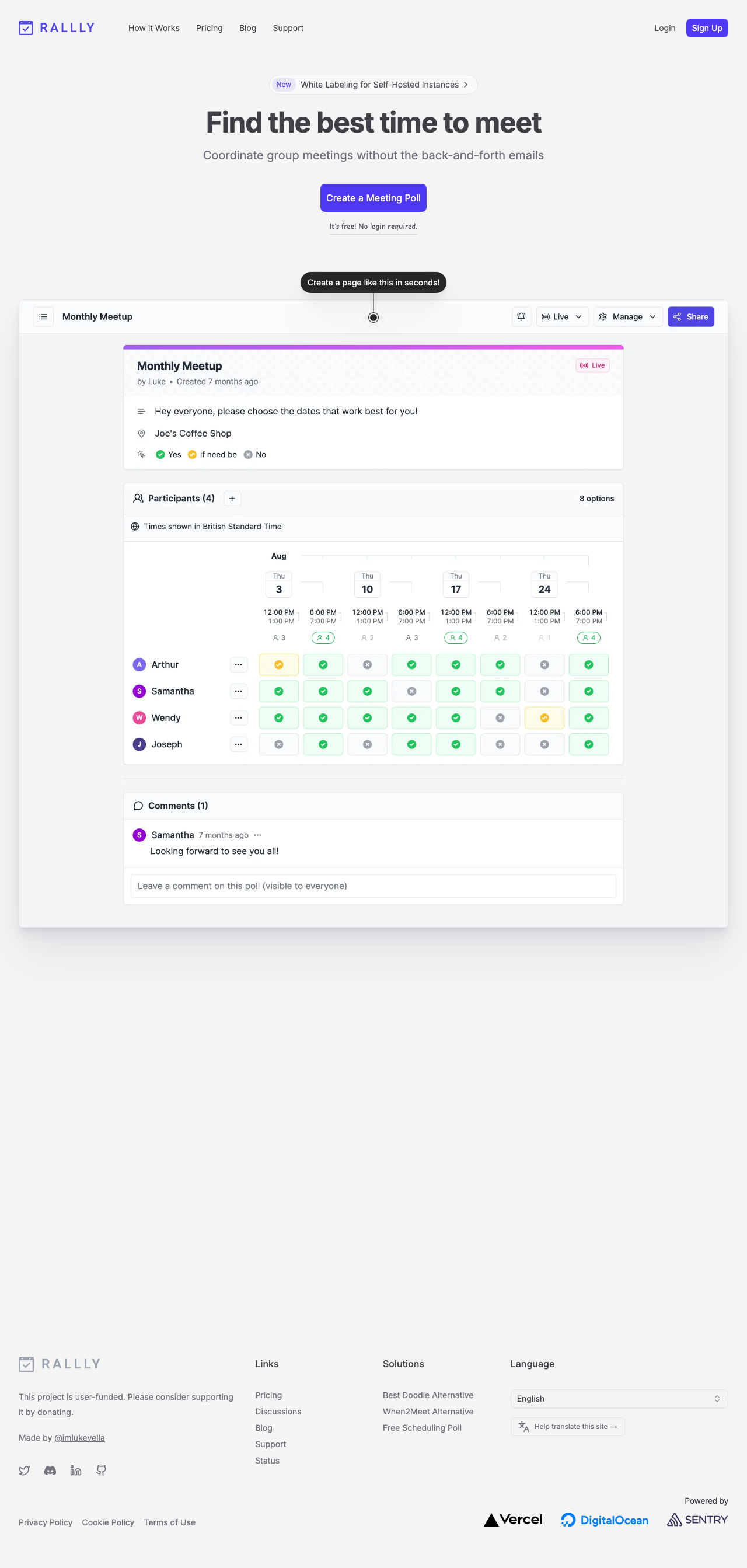
Real documentation sites generated by KodaDocs — from code to published help center.

Before & After

What your docs situation looks like, before and after one Claude Code command.

Before KodaDocs
No user-facing documentation
Support tickets for basic questions
Days to write docs manually
Screenshots go stale immediately
help.yourapp.com 404 Help Center Not Found
After KodaDocs
Complete help center with guides
Annotated screenshots for every page
Generated in minutes, not days
Re-run to update when code changes
adventurelog.kodadocs.com
Real generated help center for AdventureLog — articles, sidebar navigation, and annotated screenshots

Visit this live help center →

Everything you need

From code analysis to published help center — KodaDocs handles the entire pipeline.

Screenshot Capture

Headless Playwright captures every page of your running app automatically.

AI-Written Articles

Claude reads your code and writes complete help articles — Getting Started, features, FAQ, troubleshooting.

Framework Detection

Auto-detects Next.js, React Router, Vue, and more. Discovers routes from your source code.

Hosted Subdomain

Deploy to yourapp.kodadocs.com with a single command. SSL and CDN included.

Premium Themes

Choose from polished themes that match your brand. Custom CSS and colors for Pro users.

Search Analytics

See what your users search for. Understand gaps in your documentation and improve.

Simple pricing

Free forever for self-hosted. One-time Pro Kit for power users. Optional hosting add-on.

Free

For getting started

$0 /forever
  • 15 pages per generation
  • All 18+ frameworks
  • Screenshot capture + annotation
  • AI article generation
  • 1 default theme
  • Self-host anywhere
  • "Powered by KodaDocs" badge
Most Popular Launch Price

Pro Kit

For power users

$39 $29 /one-time
Get the Pro Kit
  • Everything in Free
  • Unlimited pages per generation
  • 12 pro skill workflows
  • All 6+ premium themes
  • Custom brand colors & logo
  • Auth-gated app support
  • Badge removable
  • Self-host anywhere

+ Hosting

Managed deploy add-on

$5 /month
Add Hosting
  • Everything in Pro Kit
  • yourapp.kodadocs.com hosting
  • Custom domain (help.yourapp.com)
  • Search analytics
  • Password protection

Doc generation is never gated — free or Pro.

Frequently asked questions

Everything you need to know about KodaDocs.

What is KodaDocs?
KodaDocs is an open-source Claude Code tool that generates complete help centers for web applications. Run one command to add it, then tell Claude to generate docs — it reads your source code, captures screenshots with a headless browser, annotates UI elements, and writes documentation articles automatically. Over 500 developers use KodaDocs to generate help docs in minutes instead of weeks.
How does KodaDocs generate documentation?
KodaDocs uses a 3-step process: First, it detects your framework (Next.js, React, Django, Flask, Laravel, SvelteKit, and 12+ more) and discovers all routes from your source code. Then, it launches a headless Playwright browser to capture and annotate screenshots of every page. Finally, Claude AI reads your code and screenshots to write getting-started guides, feature docs, FAQs, and troubleshooting articles. The output is a complete VitePress help center with search, navigation, and mobile support.
Which frameworks does KodaDocs support?
KodaDocs supports 18+ web frameworks including Next.js (App Router and Pages Router), React (with React Router), Django, Flask, Laravel, SvelteKit, Vue, Nuxt, and WordPress. Framework detection is automatic — KodaDocs analyzes your project structure and adapts its route discovery and documentation strategy accordingly.
Is KodaDocs free to use?
Yes, KodaDocs is free and open source. The free tier supports up to 15 pages per generation with a default theme, and you can self-host anywhere. The Pro Kit ($29 one-time) adds unlimited pages, 12 pro skill workflows, 6+ premium themes, custom branding, and badge removal. Optional managed hosting is $5/month at yourapp.kodadocs.com with custom domains, search analytics, and password protection.
How is KodaDocs different from Mintlify, GitBook, or ReadMe?
Unlike traditional documentation platforms that require manual writing, KodaDocs generates your entire help center automatically from your running web app. Mintlify and GitBook require you to write and maintain docs by hand. ReadMe focuses on API documentation. KodaDocs is the only tool that captures screenshots of your actual UI, annotates interactive elements, and writes user-facing help articles — all powered by AI through Claude Code's MCP protocol.
Do I need an Anthropic API key to use KodaDocs?
KodaDocs runs inside Claude Code, so it uses your existing Claude Code session — no separate API key needed. Just run 'uvx kodadocs mcp' to add it, then ask Claude to generate docs. Doc generation is never gated regardless of whether you use the free or Pro tier.

Stay in the loop

Get product updates, new feature announcements, and tips for better documentation. No spam.

No spam, unsubscribe anytime.

Get started in 30 seconds

Add KodaDocs to Claude Code, then ask it to generate docs. That's it.

Add to Claude Code

Then say "Generate docs for my app" in Claude Code