
JPEG, PNG, WebP (max 5MB each, up to 4 images)
Stencil Maker - Convert Images to High-Contrast Stencils
Transform any image into a professional stencil with QuickImg stencil maker. AI-powered tool creates clean, high-contrast black and white stencils perfect for crafts, wall art, and DIY projects.
Samples


Stencil Maker Features
Image to Stencil Conversion: QuickImg stencil maker transforms photos into clean, high-contrast black and white stencils while preserving essential details
AI-Powered Processing: Advanced AI automatically adjusts contrast, simplifies colors, and creates clean outlines perfect for stencil making
Custom Aspect Ratios: Generate stencils in 3:2, 2:3, or 1:1 formats to match your project requirements
Batch Processing: Upload up to 4 images (max 5MB each) and create multiple stencil templates simultaneously
Printable Templates: Download high-quality stencils ready for printing, cutting machines like Cricut, or hand-cutting
Customizable Output: Add specific instructions for stencil style and detail level to get exactly the results you need
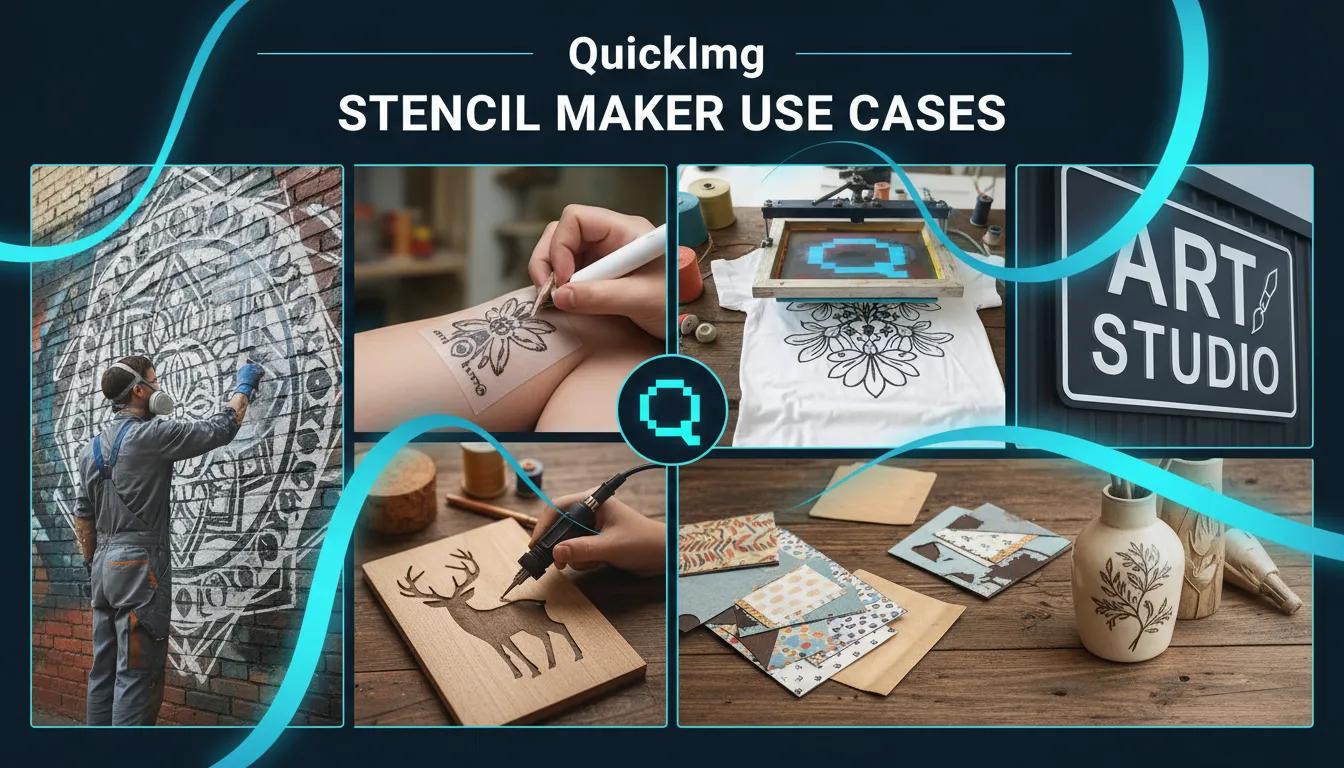
Stencil Maker Use Cases
Wall Art & Murals: Create custom stencils for spray painting walls, furniture, and large-scale art projects with the stencil maker
Tattoo Design Preparation: Convert reference images into clean tattoo stencils ready for transfer paper and application
T-Shirt & Fabric Design: Generate stencils for screen printing, fabric paint, and custom clothing designs
Craft Projects: Make stencils for wood burning, scrapbooking, home decor, and DIY craft applications
Sign Making: Create professional stencils for lettering, logos, and custom signage projects
How to Use the Stencil Maker on QuickImg
Upload Your Image
Upload 1-4 images (JPEG, PNG, or WebP, max 5MB each) to the stencil maker. Use high-resolution photos with good contrast for best results.
Customize Settings
Select your preferred aspect ratio (3:2, 2:3, or 1:1) and optionally add specific instructions about detail level and style preferences for your stencil.
Generate and Download
Click 'Generate' and the stencil maker processes your image in seconds. Download your high-contrast stencil template ready for printing or cutting.
Upload Your Image
Upload 1-4 images (JPEG, PNG, or WebP, max 5MB each) to the stencil maker. Use high-resolution photos with good contrast for best results.
Customize Settings
Select your preferred aspect ratio (3:2, 2:3, or 1:1) and optionally add specific instructions about detail level and style preferences for your stencil.
Generate and Download
Click 'Generate' and the stencil maker processes your image in seconds. Download your high-contrast stencil template ready for printing or cutting.
Stencil Maker FAQ
Common questions about online stencil creation
Need help with the stencil maker? Contact QuickImg Support