
 Download
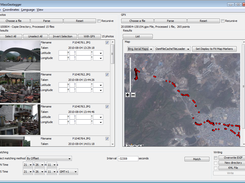
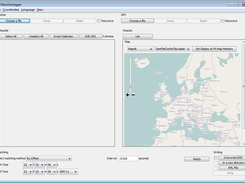
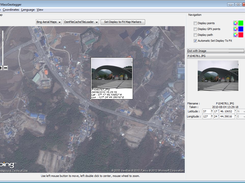
MassGeotagger lets you select a photo, a photo folder or a folder tree and update the latitude and longitude coordinates in the EXIF data of the selected photos. To get the GPS coordinates, the method of choice is to select one or several GPX files and set the difference of time between APN time saved in EXIF data and GPS time. However other strategies to match JPG and GPS coordinates are available : by selecting one of the GPX waypoint, by selecting a point on the map or by user input.
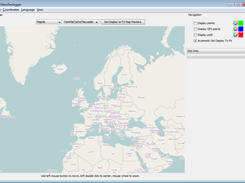
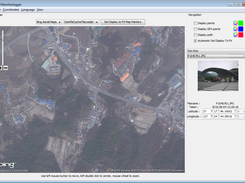
MassGeotagger can also be used to view the location of geotagged photos on a map.
Features
- Load JPG photos recursively or not and display Latitude and Longitude data
- Load GPS way points from GPX files recursively
- Display GPS way points on map or as a list
- Match GPS tracks with JPG Photos with different strategy of matching
- Let user input latitude and longitude either by coordinates or by pointing the location on a map
- View geotagged photos on a map
- Save geotagged photos by overwriting existing EXIF data, writing new photos or creating a KML file
- Save configuration
- English and French languages available
Project Samples
Categories
Metadata EditorsLicense
GNU General Public License version 2.0 (GPLv2)Follow MassGeotagger
Other Useful Business Software
AI-generated apps that pass security review
Retool lets you generate dashboards, admin panels, and workflows directly on your data. Type something like “Build me a revenue dashboard on my Stripe data” and get a working app with security, permissions, and compliance built in from day one. Whether on our cloud or self-hosted, create the internal software your team needs without compromising enterprise standards or control.
Rate This Project
Login To Rate This Project User Reviews
Be the first to post a review of MassGeotagger!


