Angular or React ? Which fits your needs?
Speaker • Orkhan Gasimov, Software Engineer – 14 years of software engineering; – variety of technologies (languages & frameworks); – solution design and implementation; • Technology consulting and training: – Architecture. – Java. – JavaScript / TypeScript. • Author of training courses. – Spring Cloud. – Akka for Java.
Angular or React?
Angular or React?
Agenda • Describe the difference of two. • Analyze an example project. • Overview core concepts. • Final decision making. • Questions & Answers
Google & Facebook
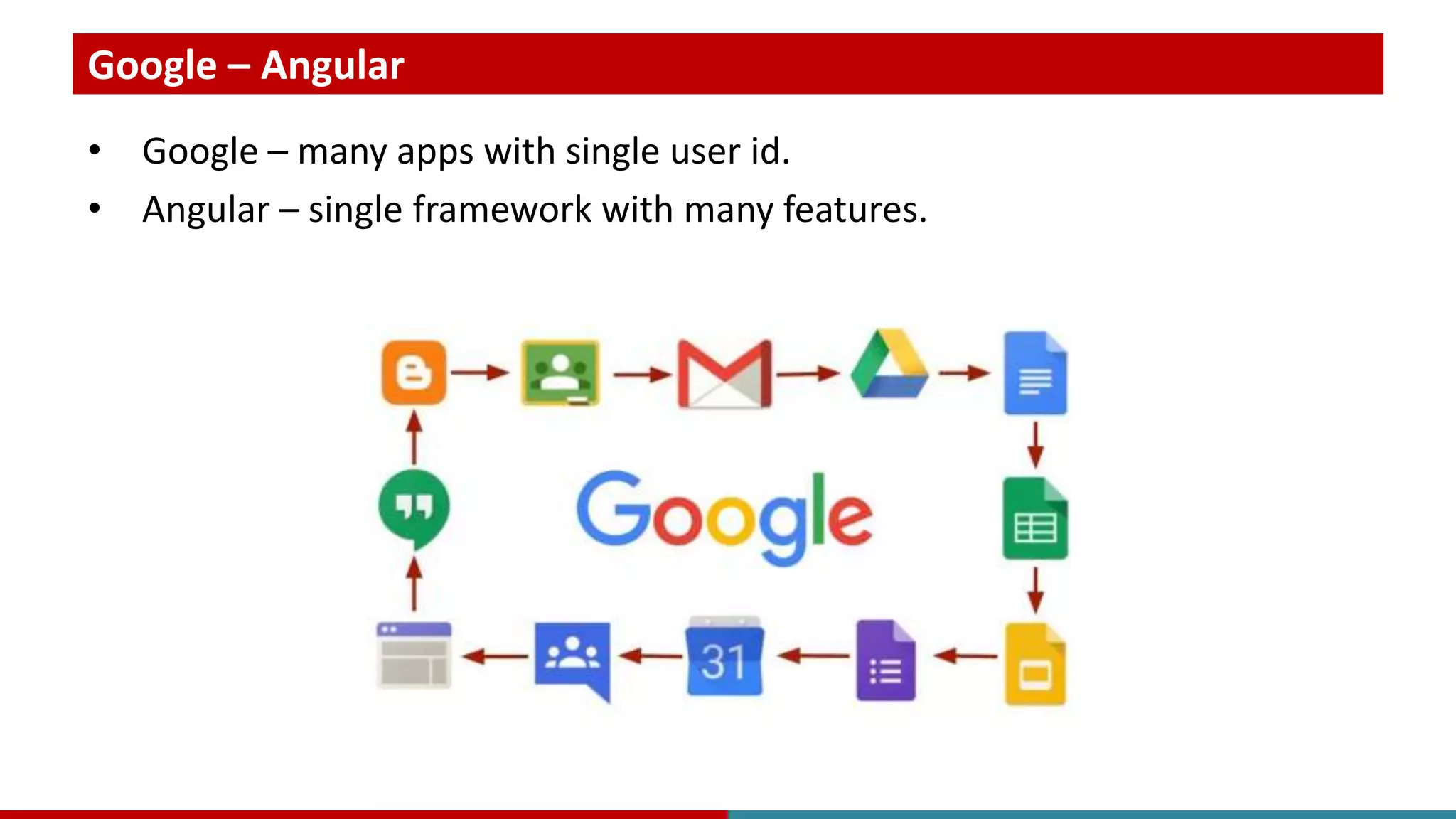
Google – Angular • Google – many apps with single user id. • Angular – single framework with many features.
Facebook – React • Facebook – single portal with many features. • React – many libraries for single application.
Project
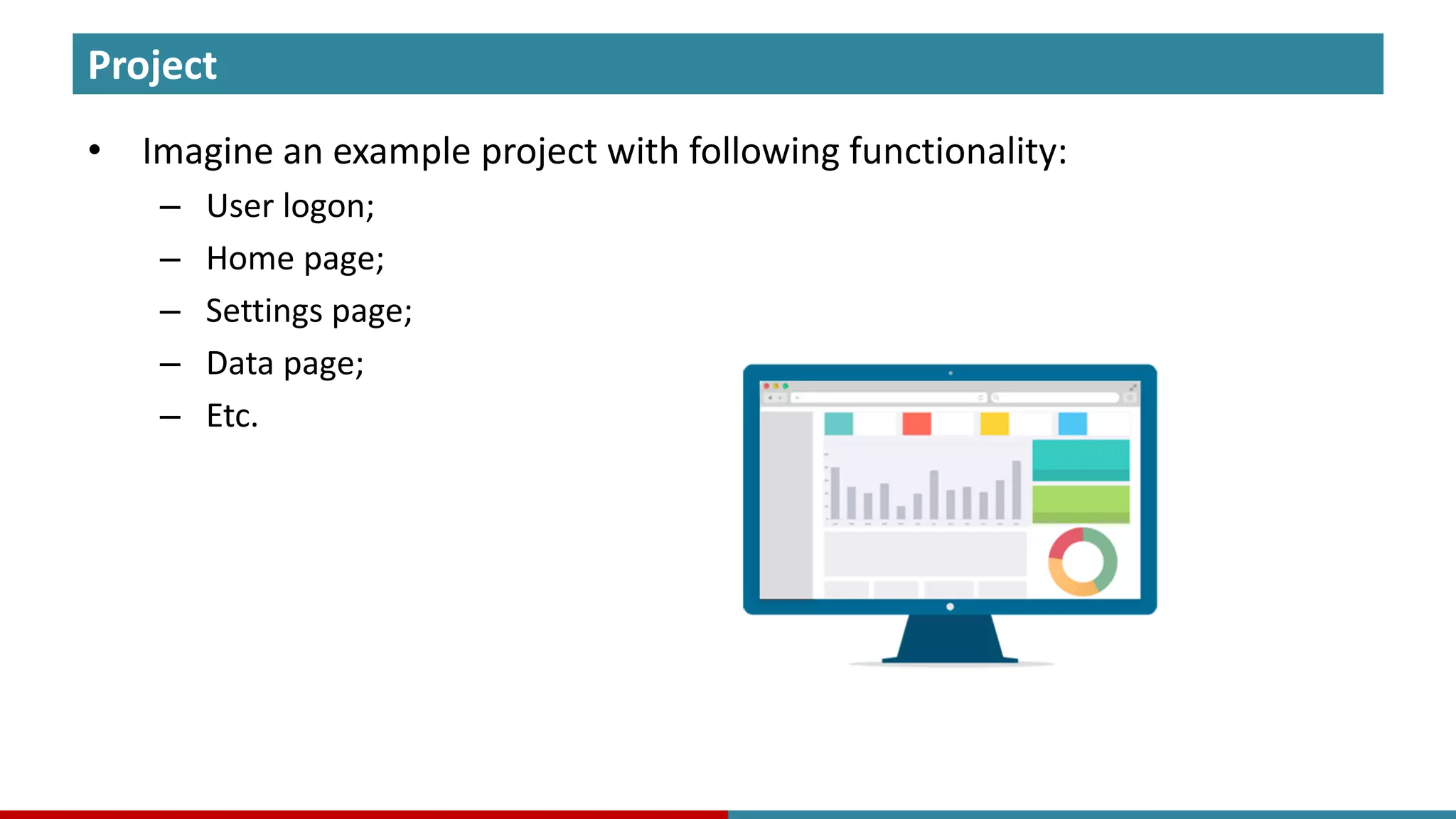
Project • Imagine an example project with following functionality: – User logon; – Home page; – Settings page; – Data page; – Etc.
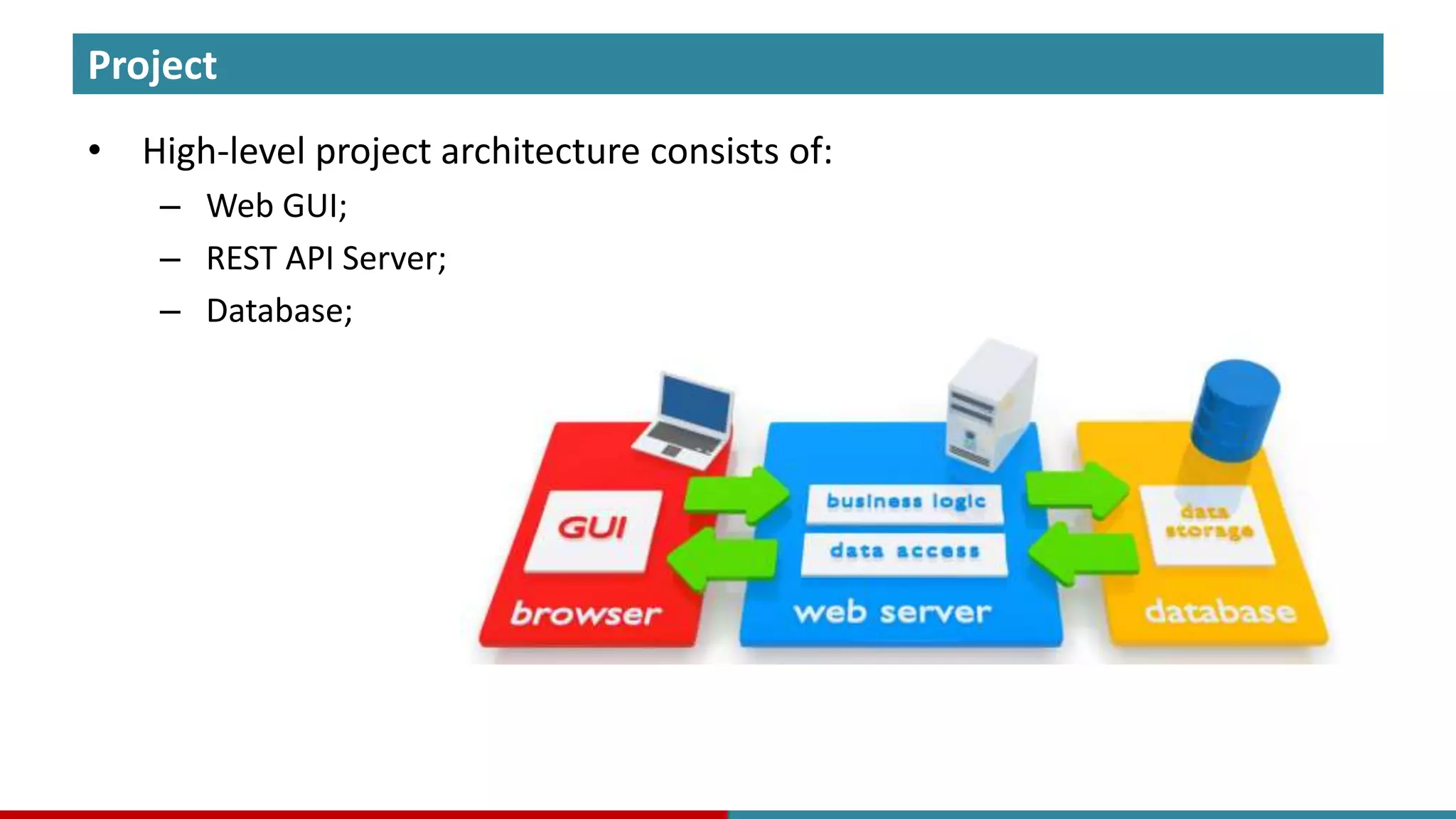
Project • High-level project architecture consists of: – Web GUI; – REST API Server; – Database;
Project
Project • Web page oriented development
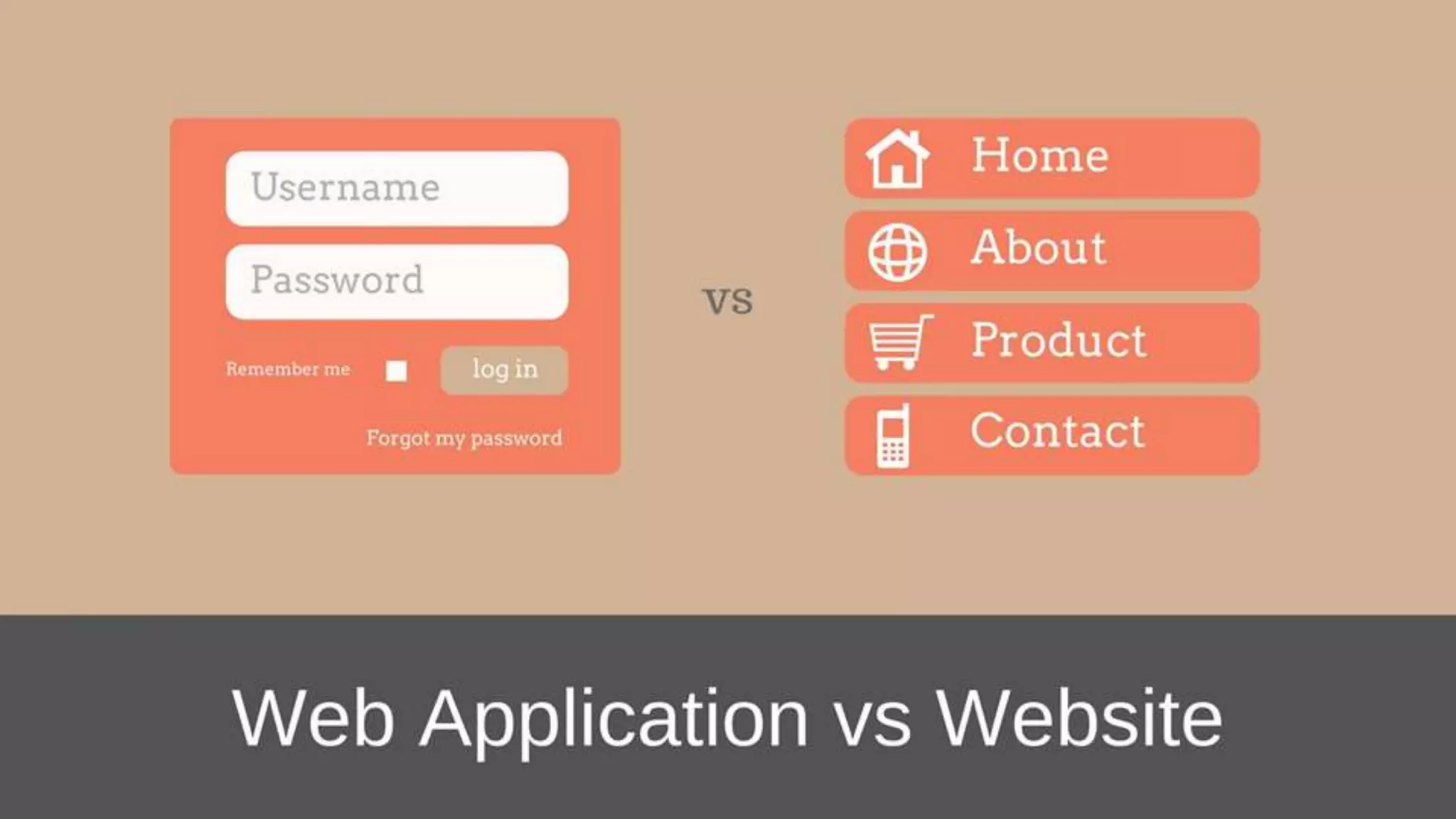
Project • Web page oriented development – HTML pages loaded from server and rendered in browser.
Project • Web page oriented development – HTML pages loaded from server and rendered in browser. – Navigation through pages.
Project • Web page oriented development – HTML pages loaded from server and rendered in browser. – Navigation through pages. • Web experience oriented application development
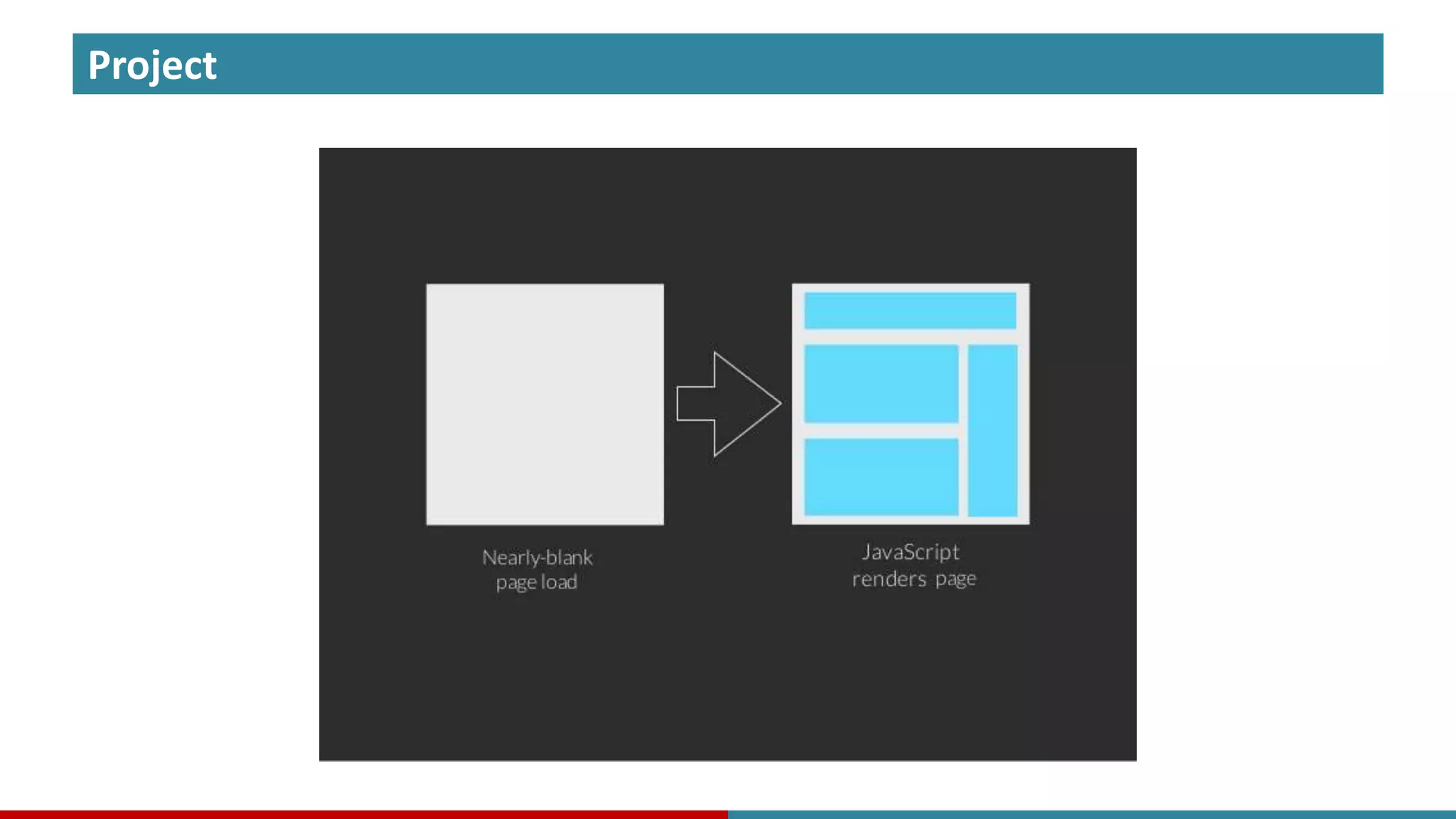
Project • Web page oriented development – HTML pages loaded from server and rendered in browser. – Navigation through pages. • Web experience oriented application development – Single page application – a desktop application with web experience.
Project • Web page oriented development – HTML pages loaded from server and rendered in browser. – Navigation through pages. • Web experience oriented application development – Single page application – a desktop application with web experience. – Partial update of necessary regions, windows, panes.
Project • Web page oriented development – HTML pages loaded from server and rendered in browser. – Navigation through pages. • Web experience oriented application development – Single page application – a desktop application with web experience. – Partial update of necessary regions, windows, panes. – Application loads once, only data is refreshed.
Project • Web page oriented development – HTML pages loaded from server and rendered in browser. – Navigation through pages. • Web experience oriented application development – Single page application – a desktop application with web experience. – Partial update of necessary regions, windows, panes. – Application loads once, only data is refreshed. – URLs, back & forward navigation.
Project • Web page oriented development – HTML pages loaded from server and rendered in browser. – Navigation through pages. • Web experience oriented application development – Single page application – a desktop application with web experience. – Partial update of necessary regions, windows, panes. – Application loads once, only data is refreshed. – URLs, back & forward navigation. – Caching, offline mode.
Project
Project
Project • What is required? – JS toolkit that enables single page application development. – Reusable UI components support.
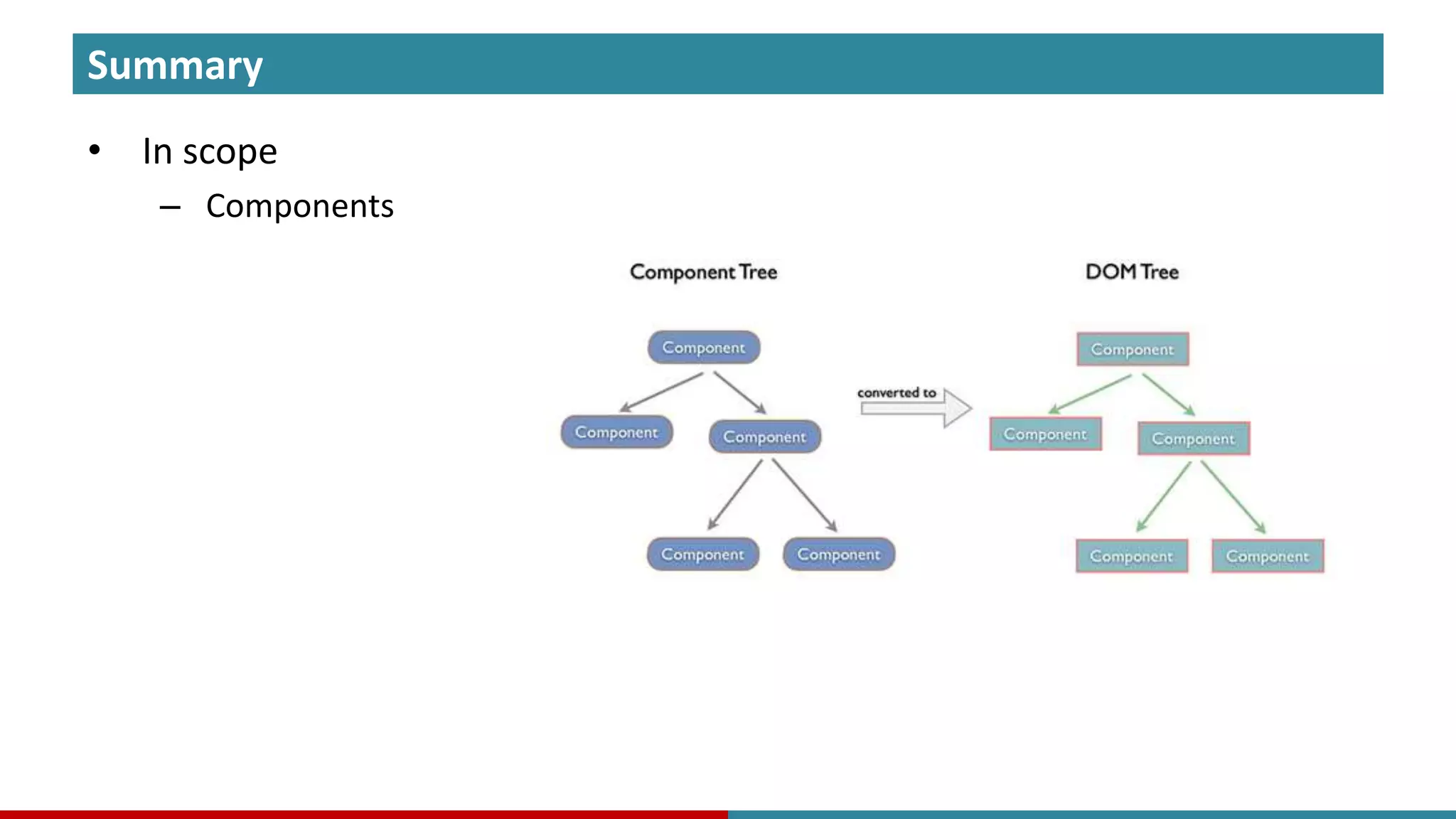
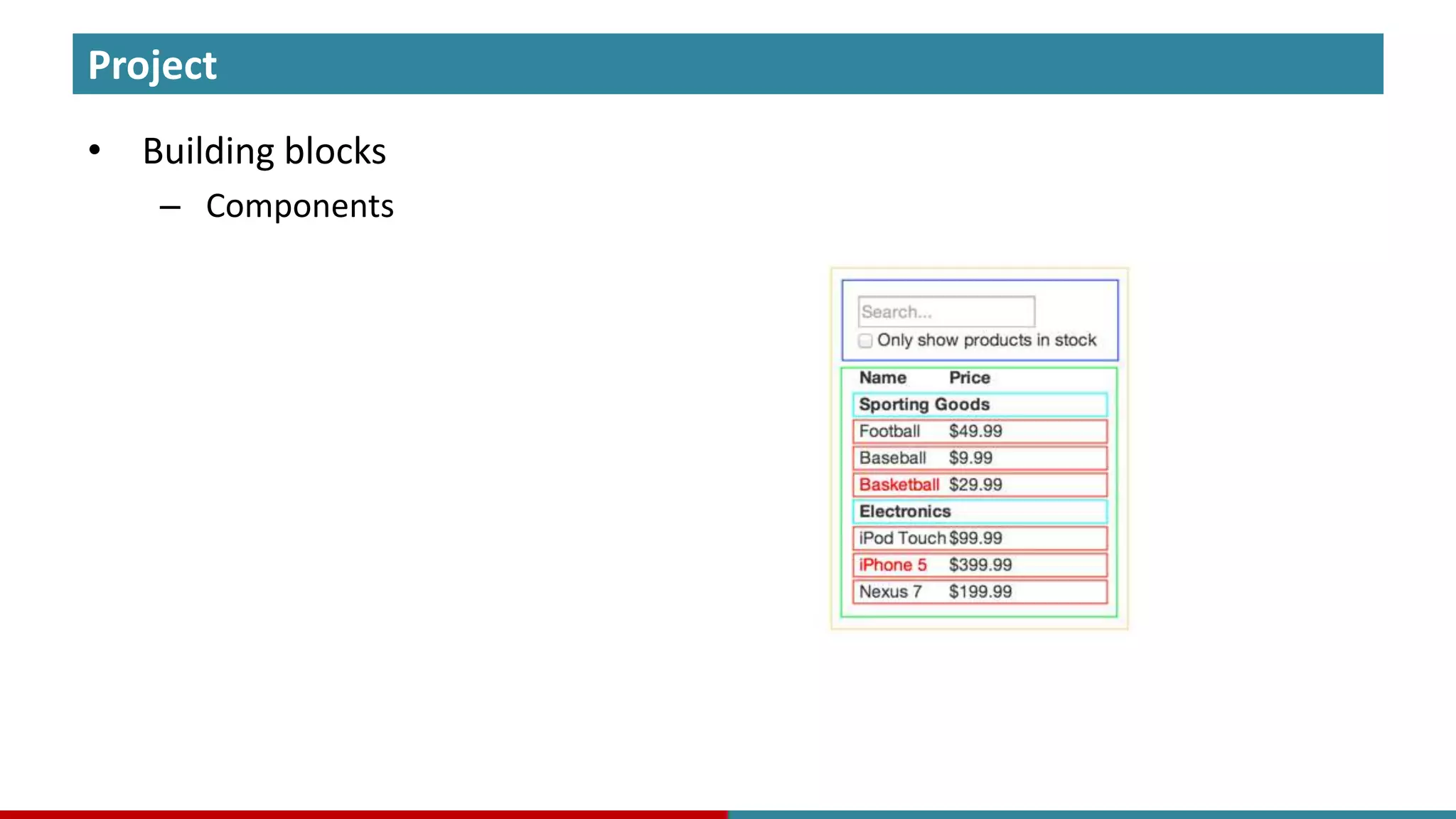
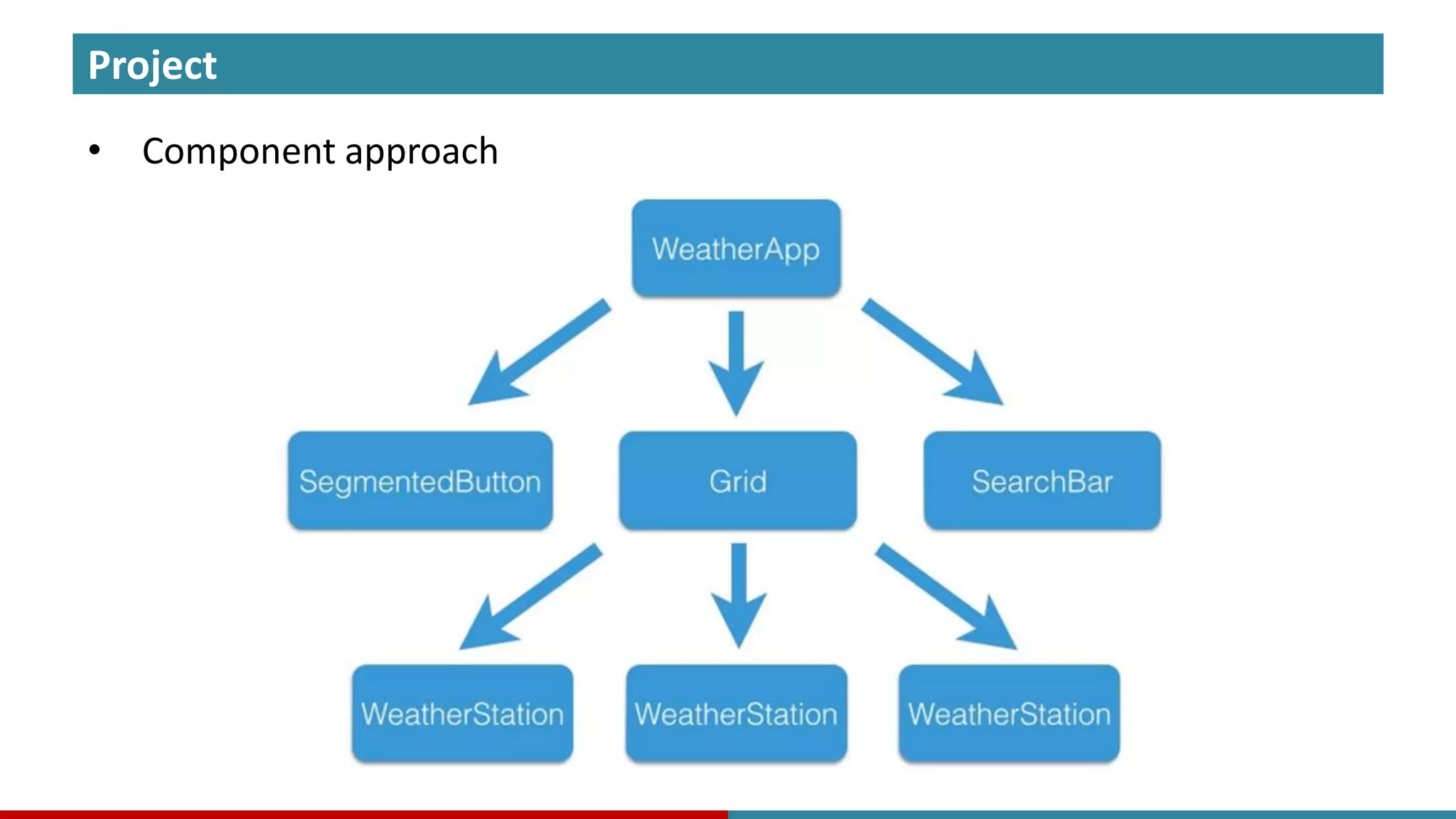
Project • Building blocks – Components
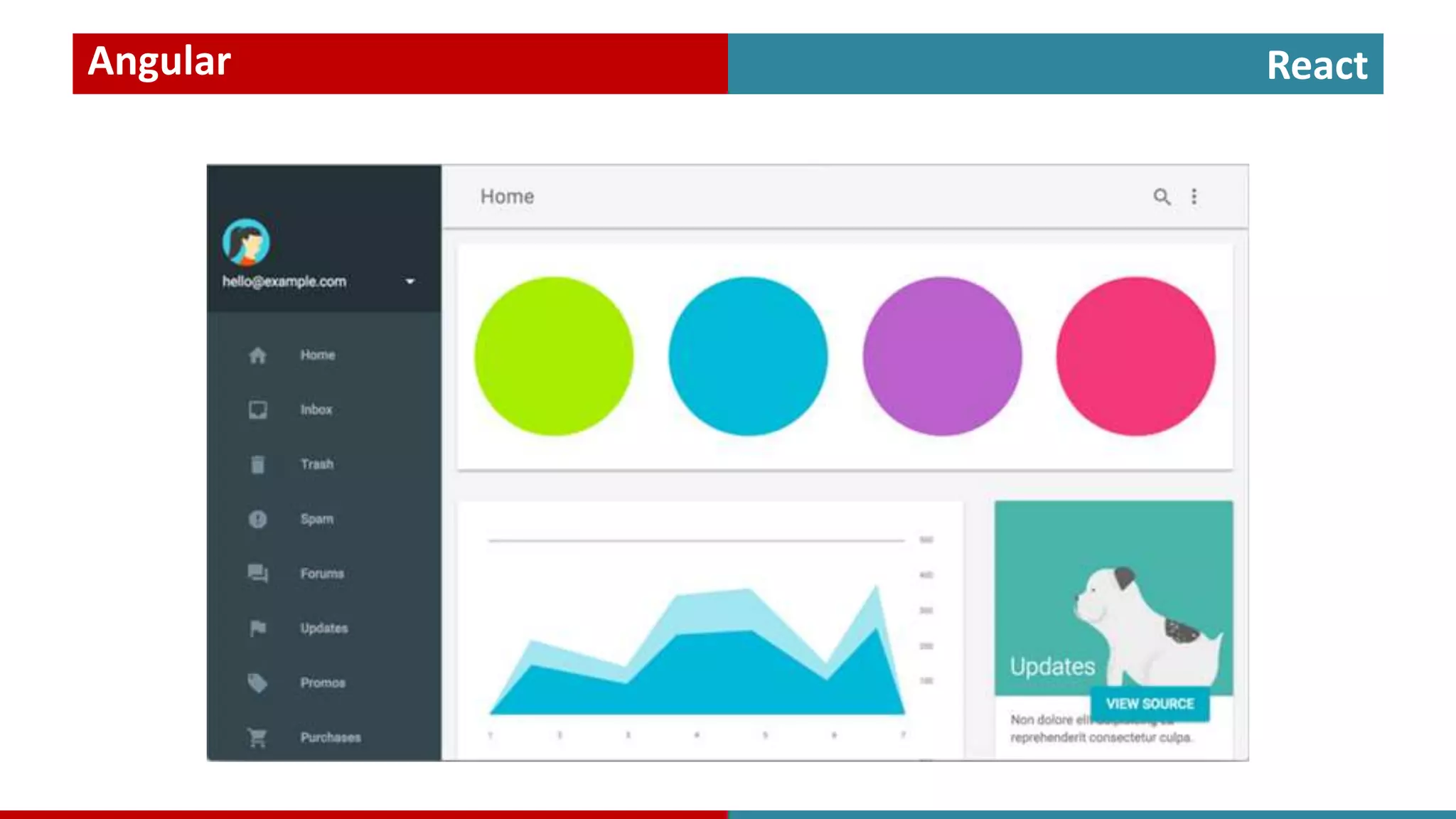
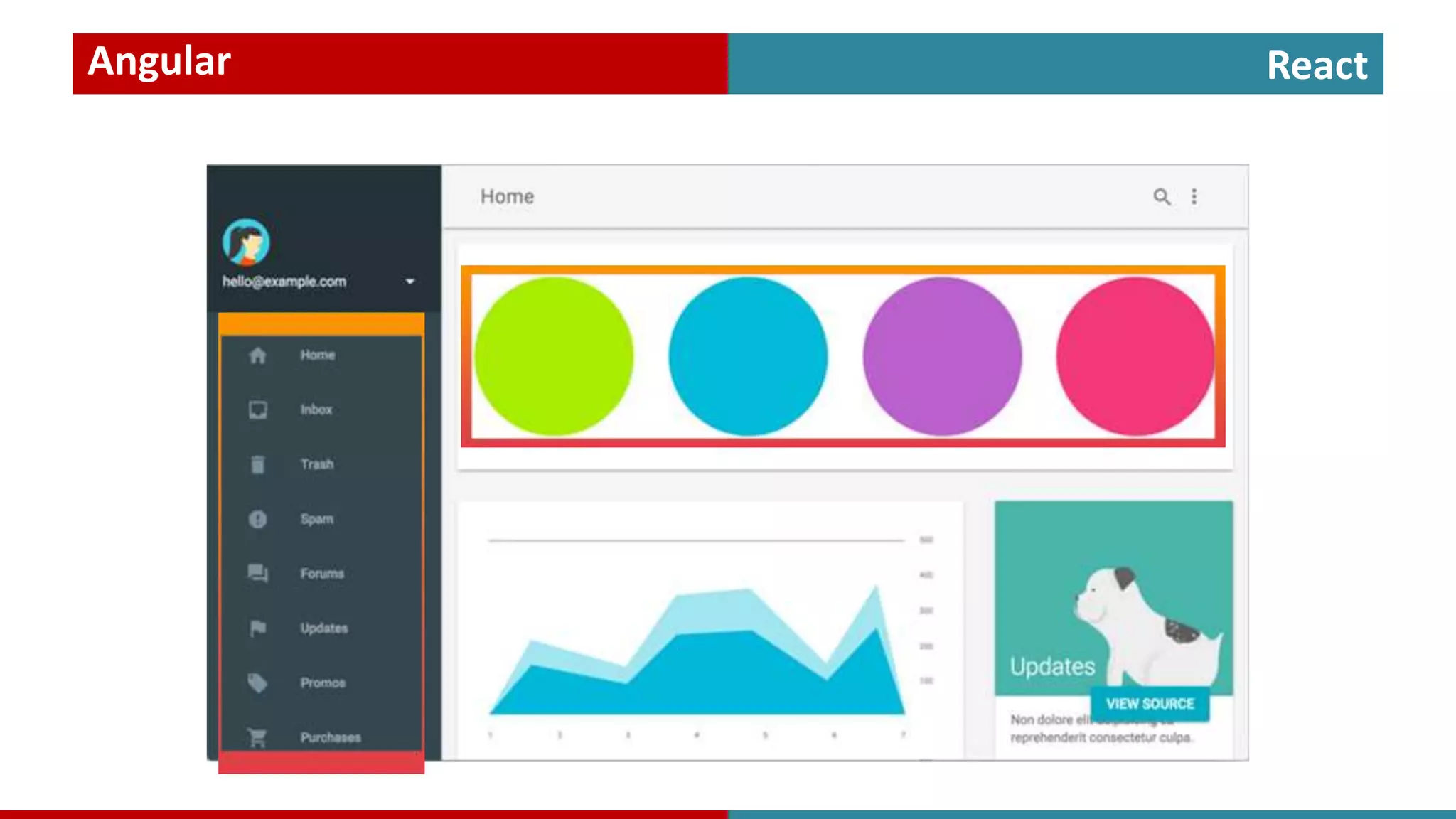
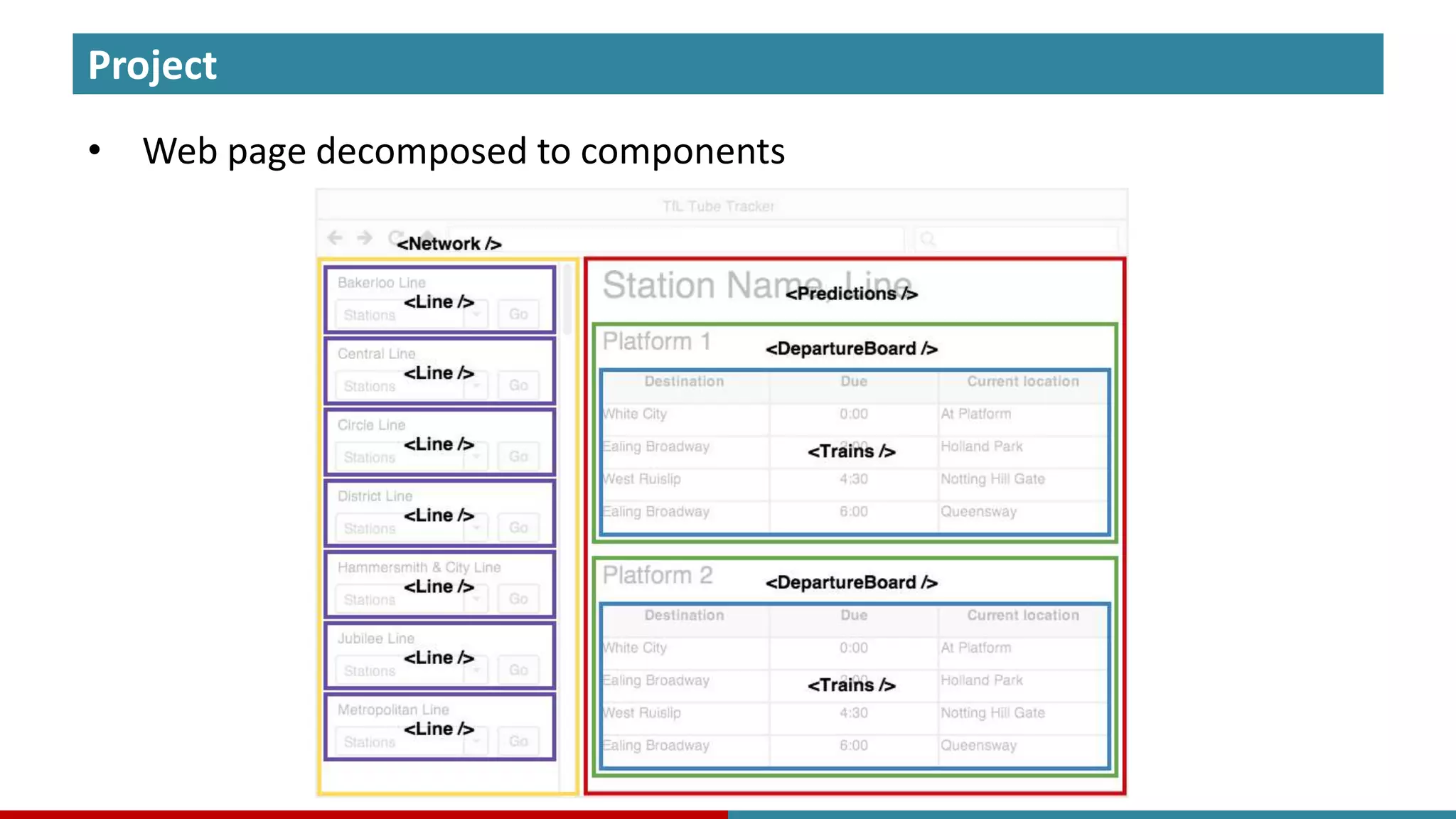
Project • Web page decomposed to components
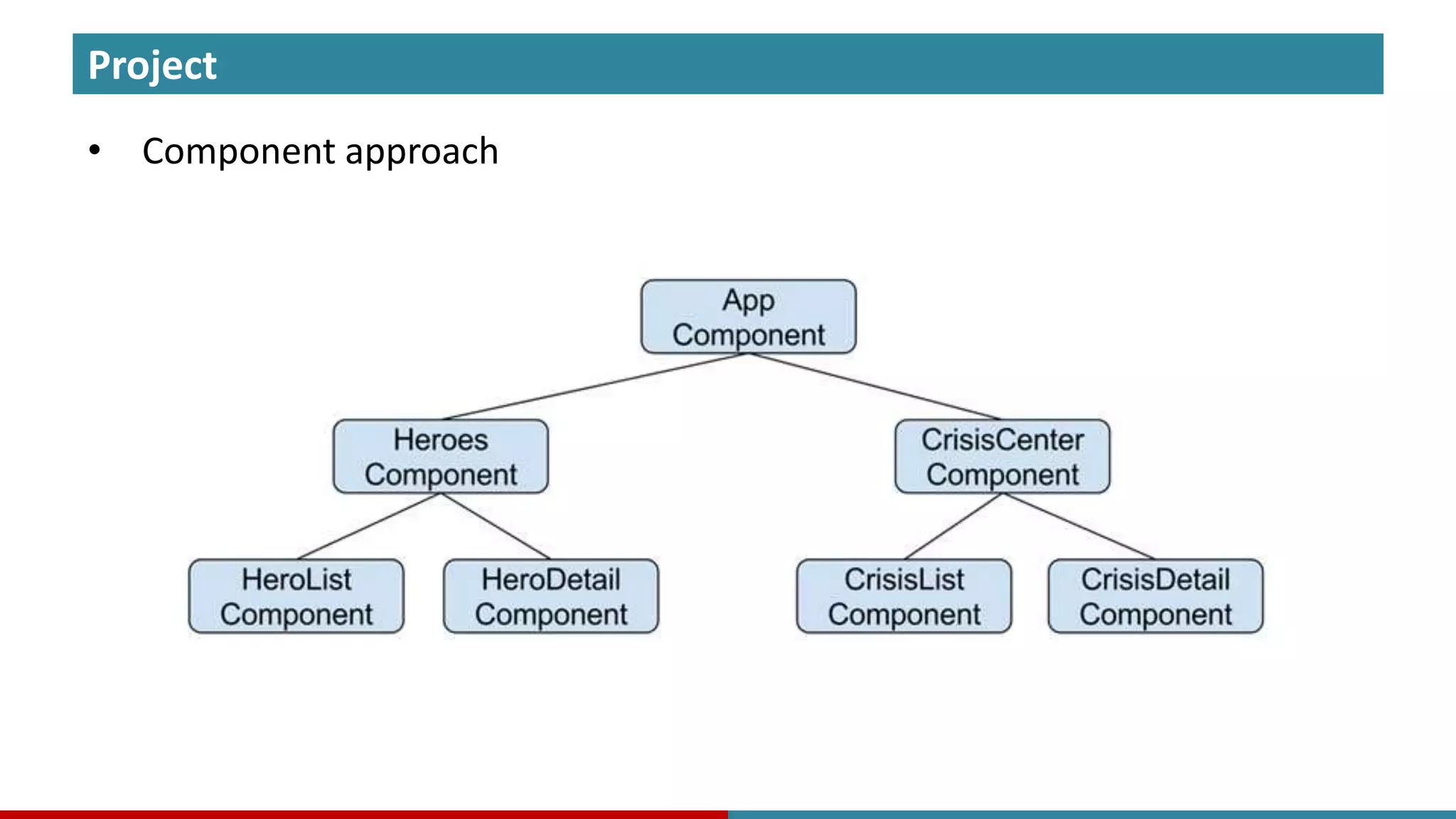
Project • Component approach
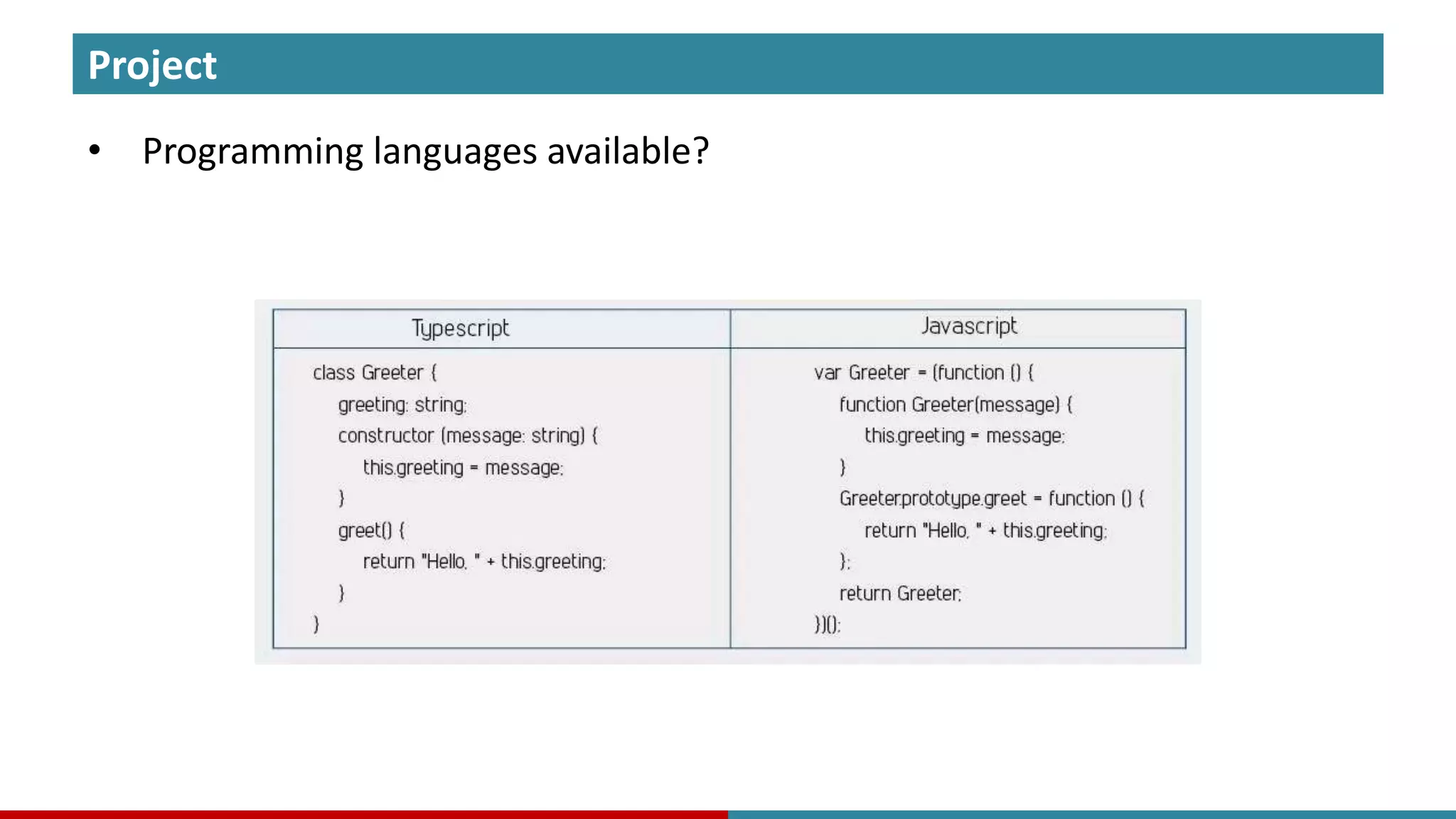
Project • Programming languages available?
Language
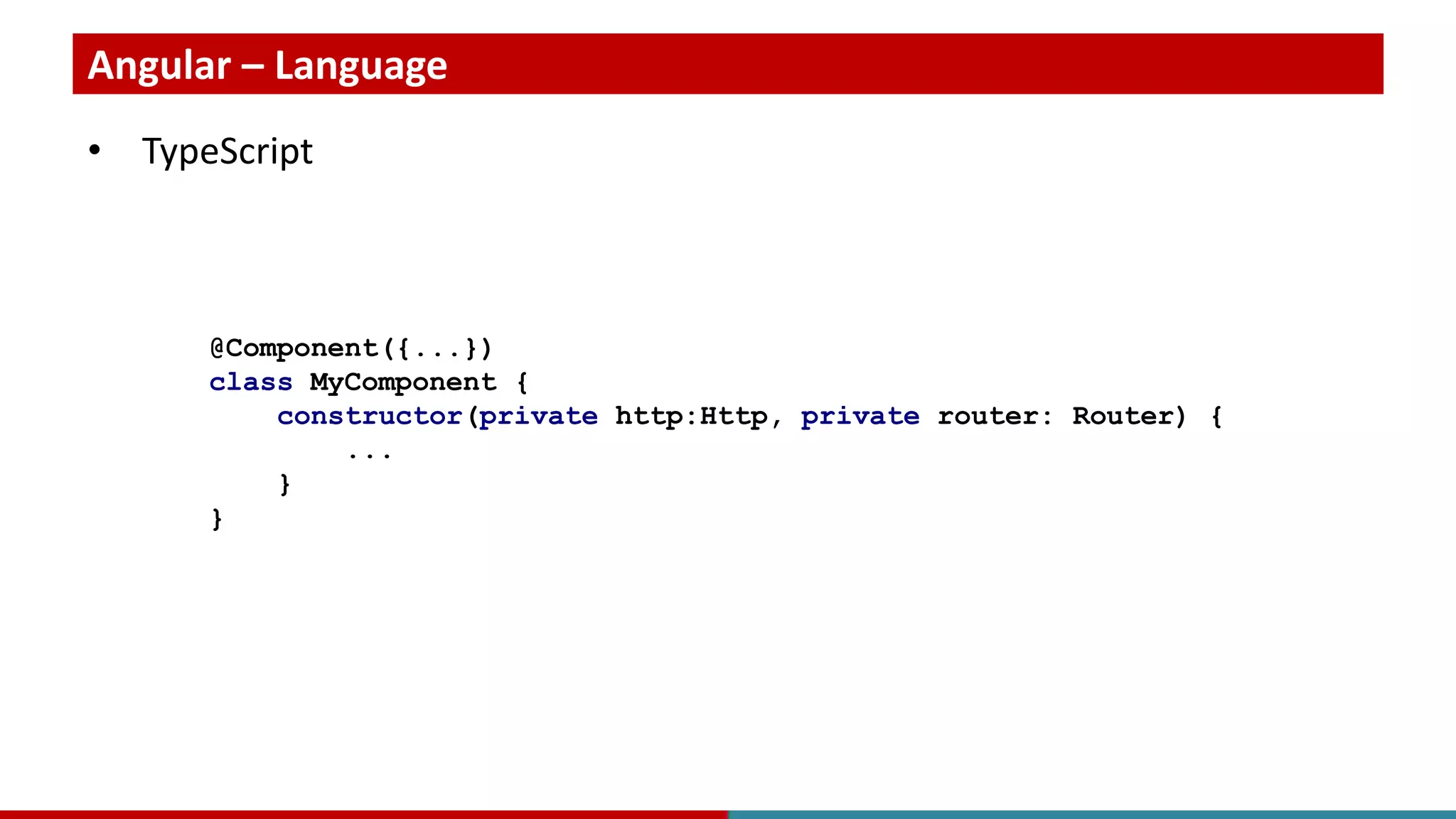
Angular – Language • TypeScript @Component({...}) class MyComponent { constructor(private http:Http, private router: Router) { ... } }
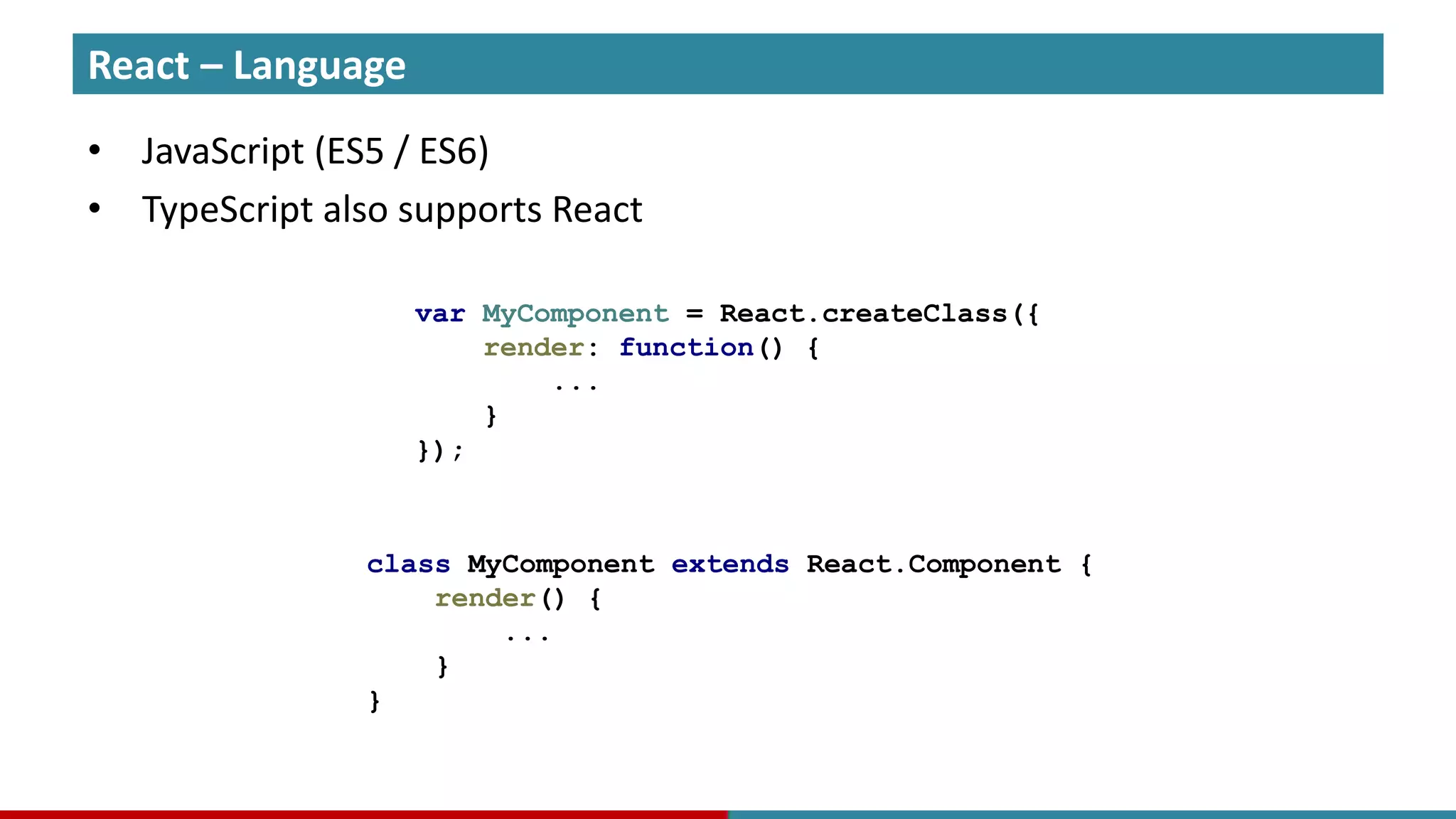
React – Language • JavaScript (ES5 / ES6) • TypeScript also supports React var MyComponent = React.createClass({ render: function() { ... } }); class MyComponent extends React.Component { render() { ... } }
Approach
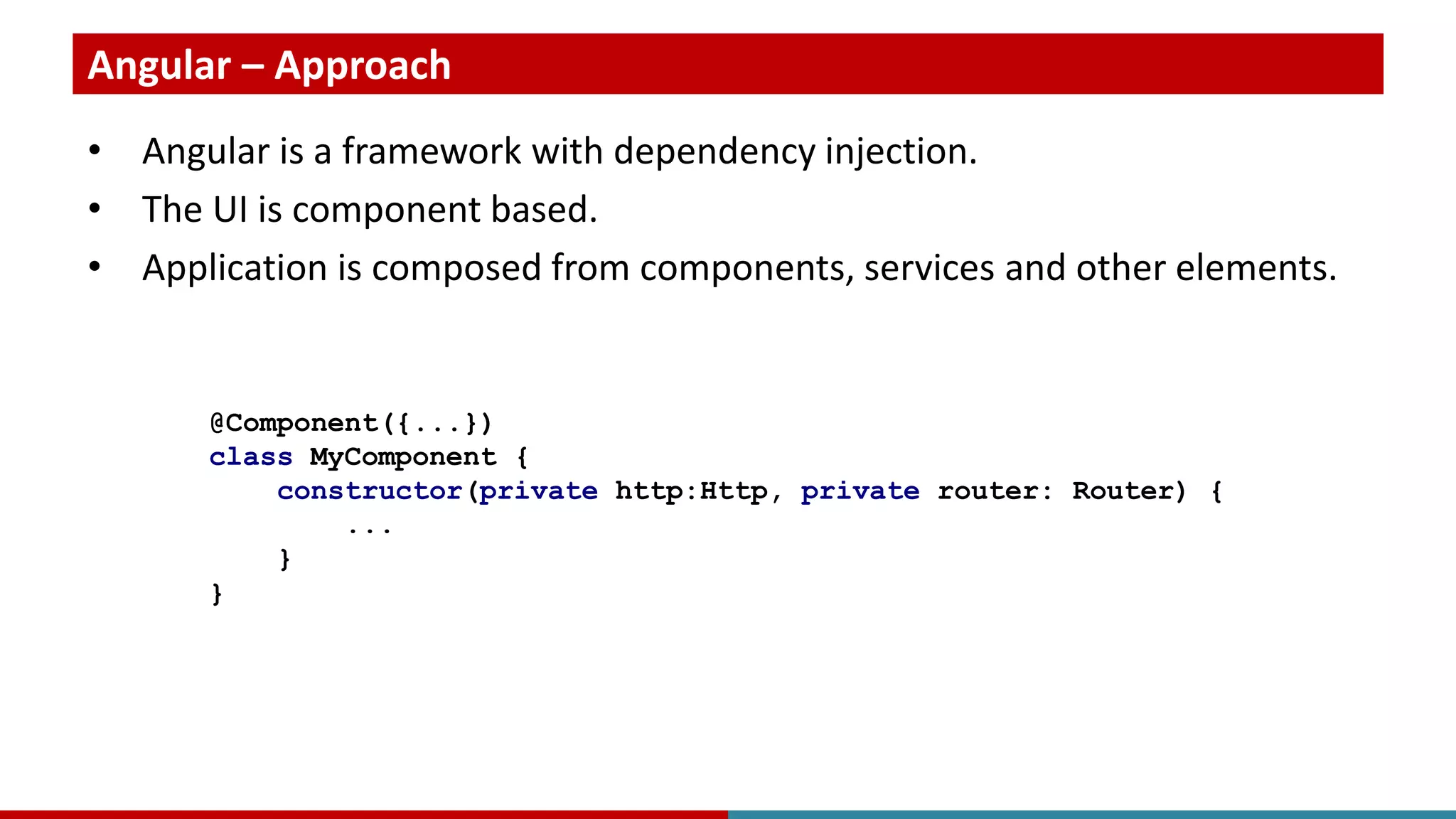
Angular – Approach • Angular is a framework with dependency injection. • The UI is component based. • Application is composed from components, services and other elements. @Component({...}) class MyComponent { constructor(private http:Http, private router: Router) { ... } }
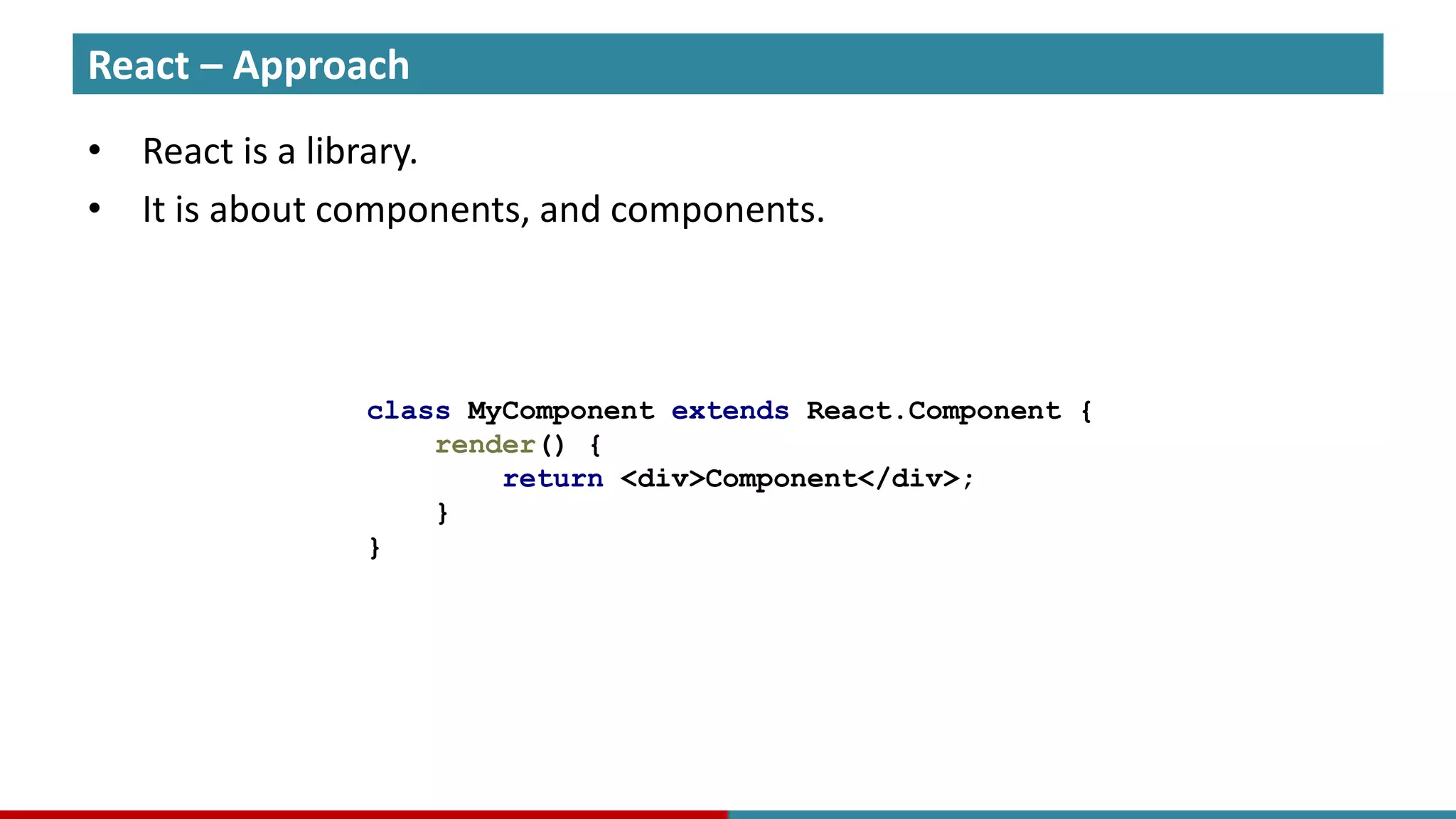
React – Approach • React is a library. • It is about components, and components. class MyComponent extends React.Component { render() { return <div>Component</div>; } }
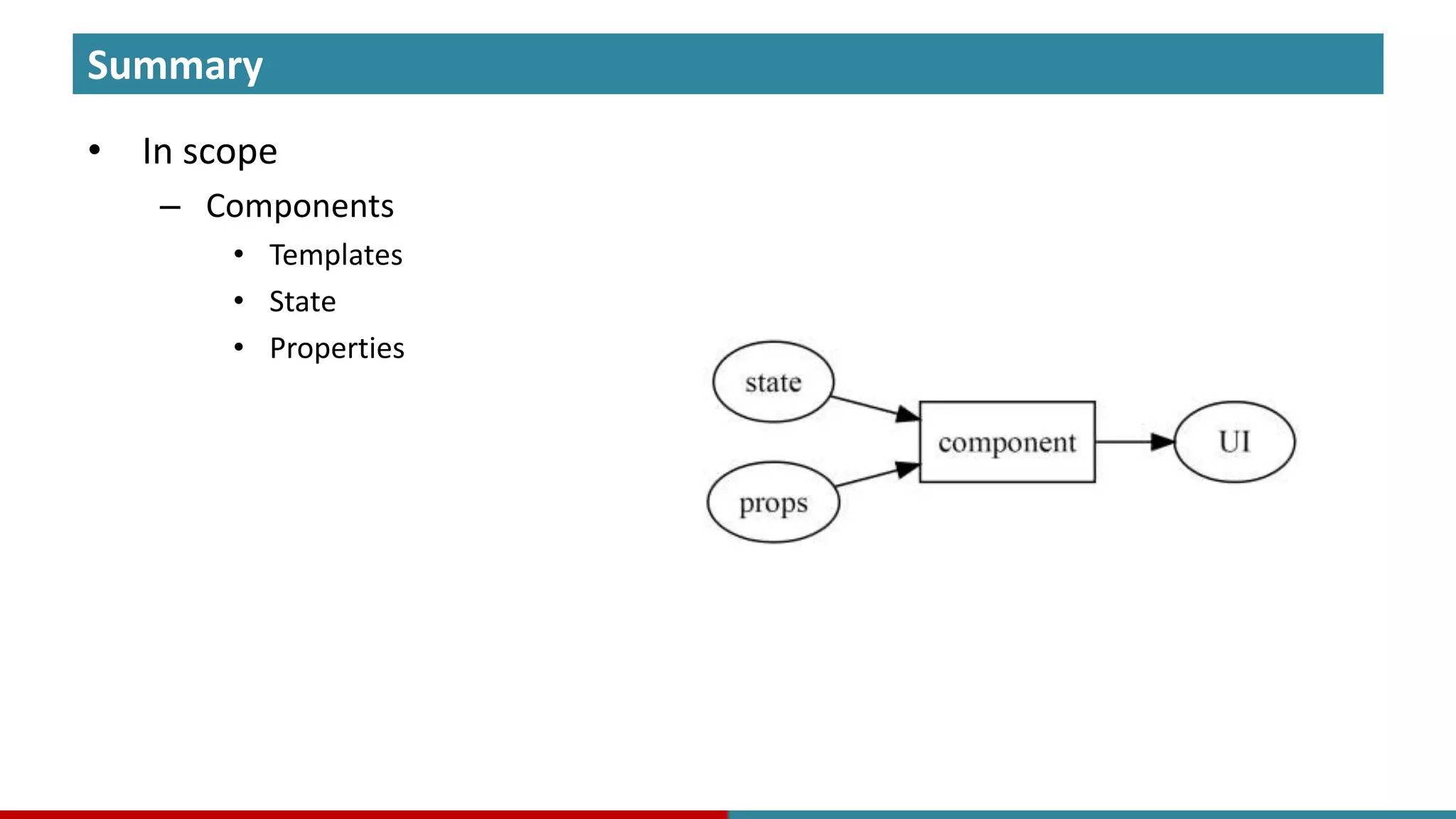
React • Component Angular
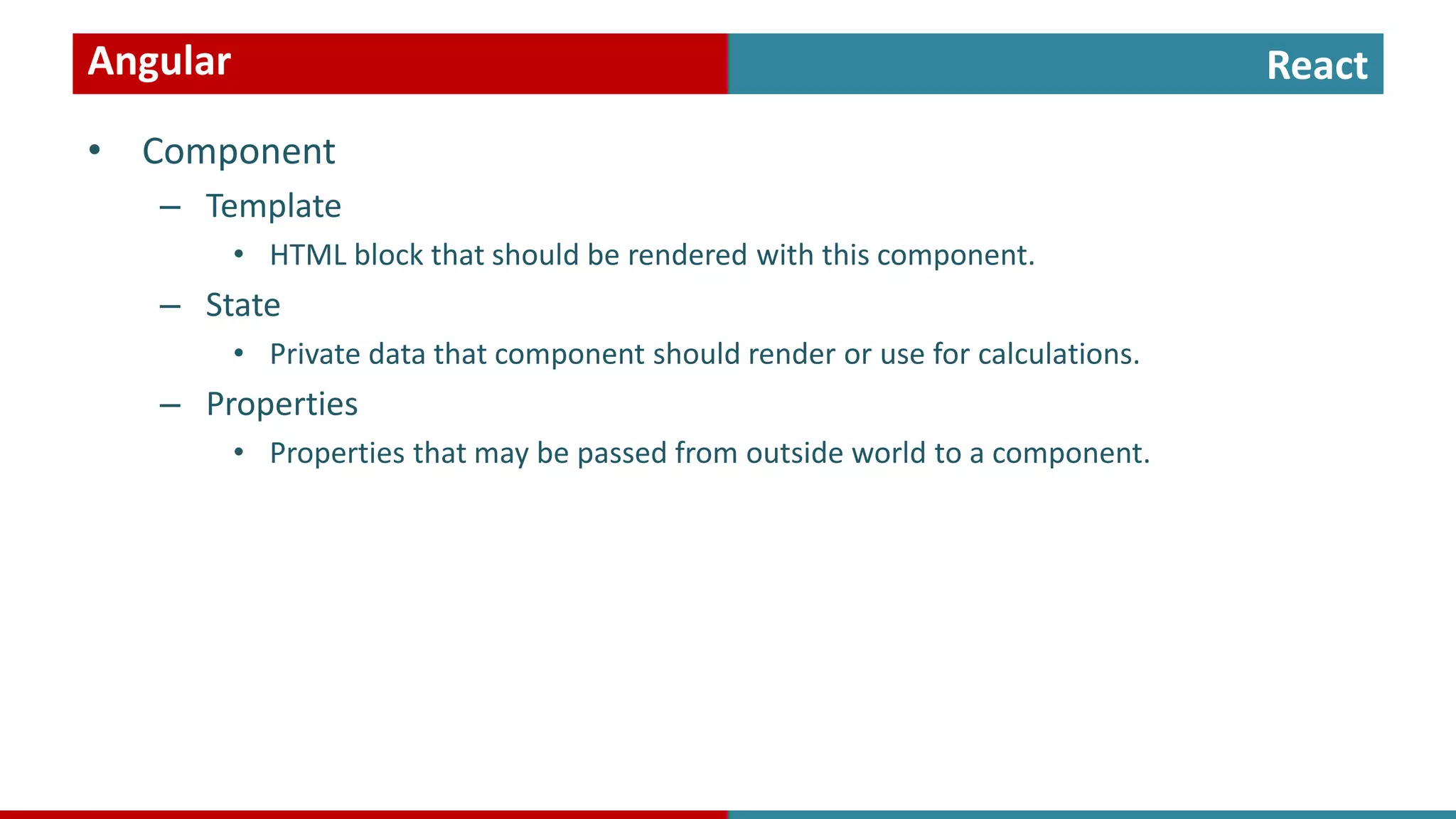
React • Component – Template • HTML block that should be rendered with this component. Angular
React • Component – Template • HTML block that should be rendered with this component. – State • Private data that component should render or use for calculations. Angular
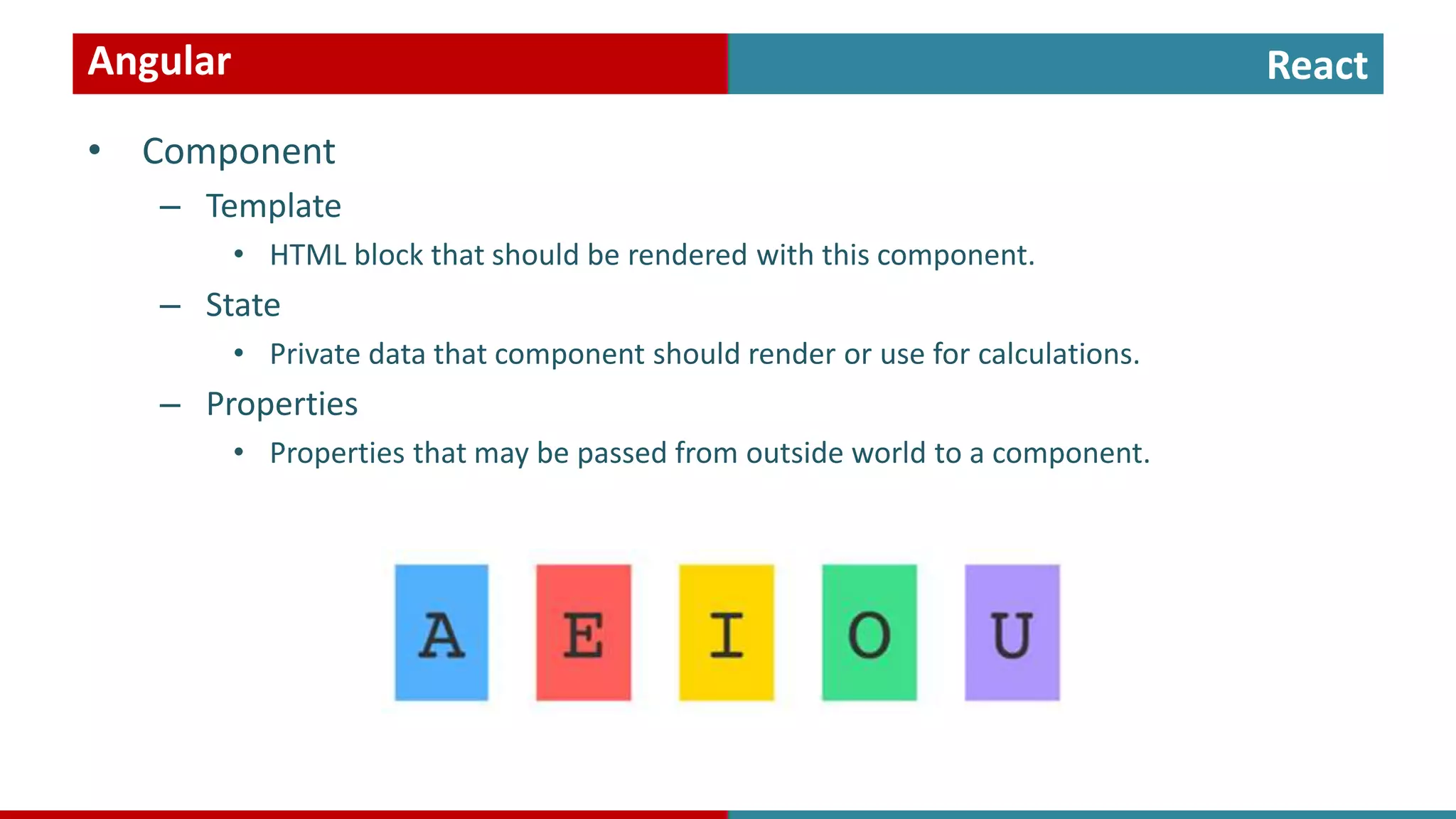
React • Component – Template • HTML block that should be rendered with this component. – State • Private data that component should render or use for calculations. – Properties • Properties that may be passed from outside world to a component. Angular
Templates
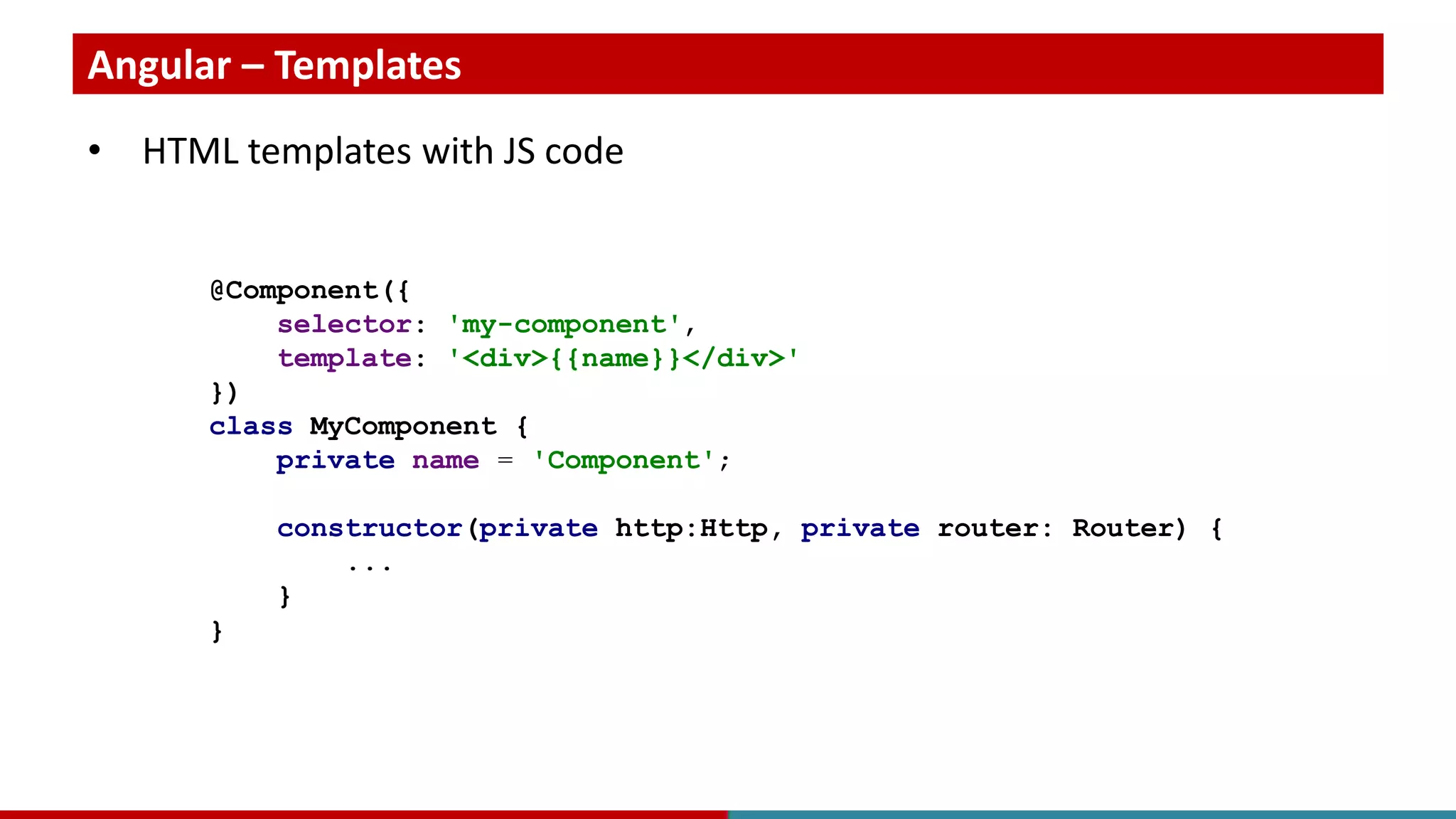
Angular – Templates • HTML templates with JS code @Component({ selector: 'my-component', template: '<div>{{name}}</div>' }) class MyComponent { private name = 'Component'; constructor(private http:Http, private router: Router) { ... } }
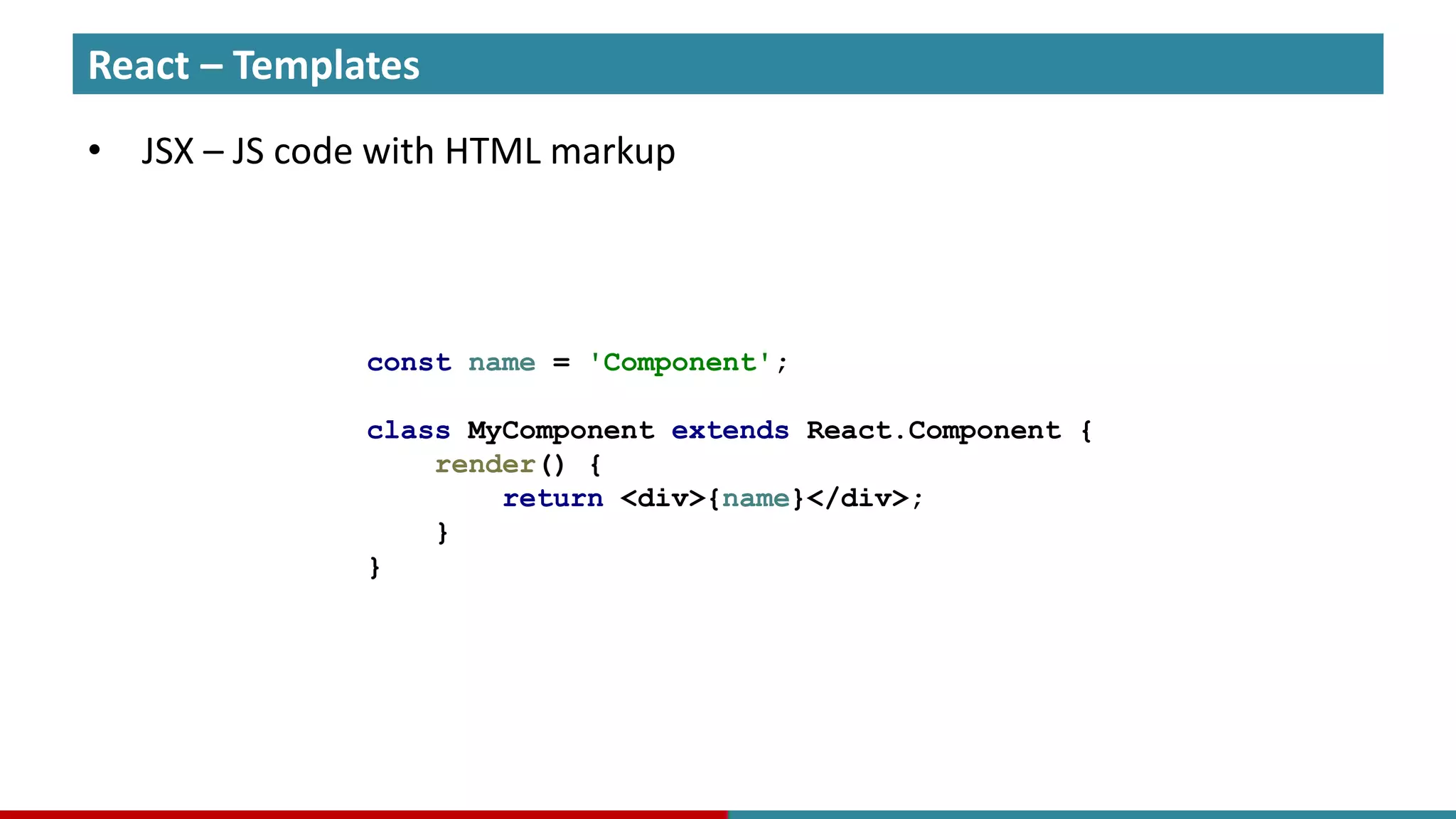
React – Templates • JSX – JS code with HTML markup const name = 'Component'; class MyComponent extends React.Component { render() { return <div>{name}</div>; } }
State
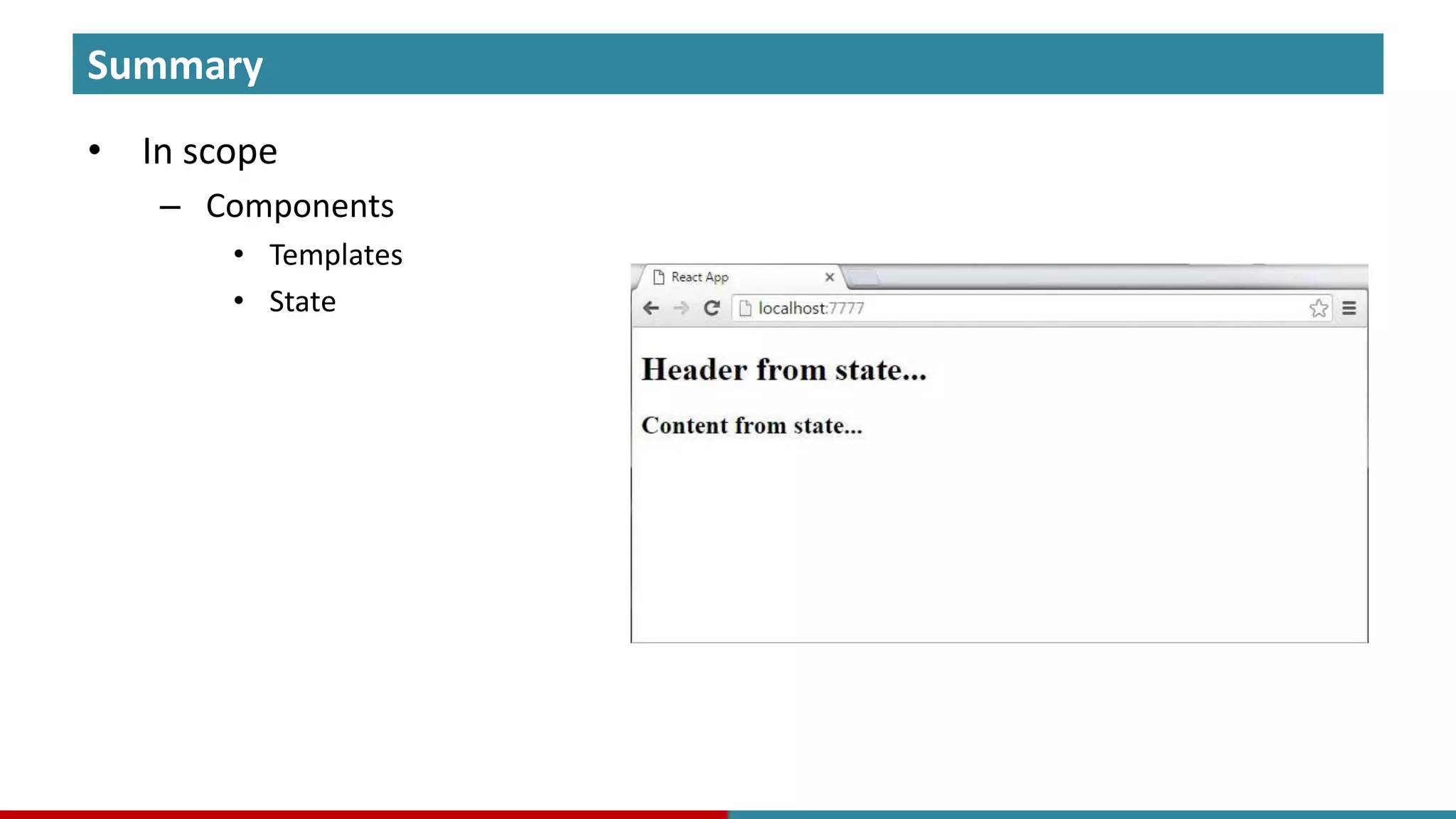
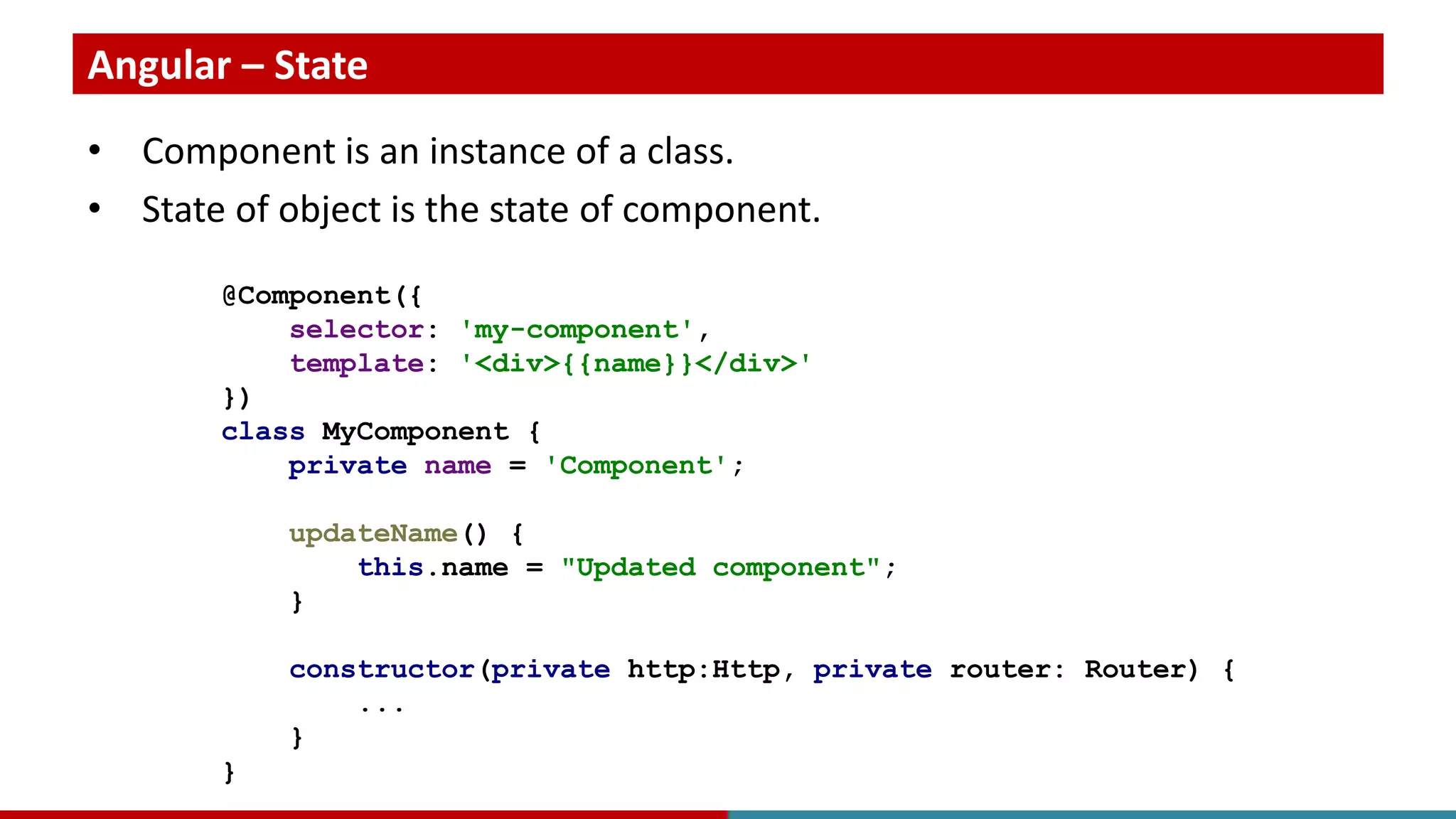
Angular – State • Component is an instance of a class. • State of object is the state of component. @Component({ selector: 'my-component', template: '<div>{{name}}</div>' }) class MyComponent { private name = 'Component'; updateName() { this.name = "Updated component"; } constructor(private http:Http, private router: Router) { ... } }
React – State • Custom approach to state handling. class MyComponent extends React.Component { constructor() { this.state = {name: 'Component'}; } updateName() { this.setState({name: "Updated component"}); } render() { return <div>{this.state.name}</div>; } }
Properties
Angular – Properties • Property syntax with @Input decorator should be used. <MyComponent [text]="Sample text"/> @Component({ selector: 'my-component', template: '<div>{{text}}</div>' }) class MyComponent { @Input() private text = 'Component'; }
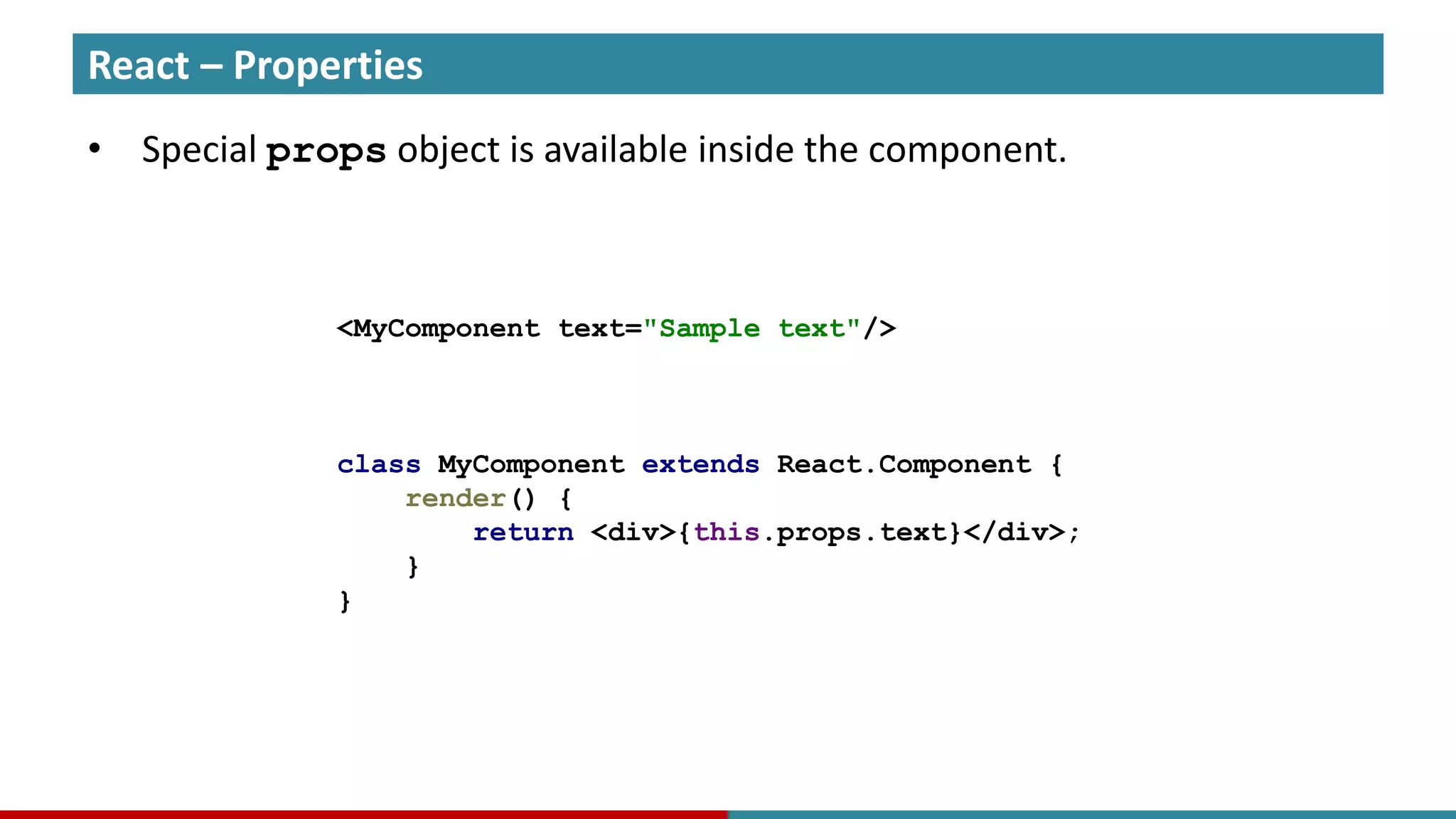
React – Properties • Special props object is available inside the component. <MyComponent text="Sample text"/> class MyComponent extends React.Component { render() { return <div>{this.props.text}</div>; } }
ReactAngular
ReactAngular
Beyond Components
What else? • Beyond Components
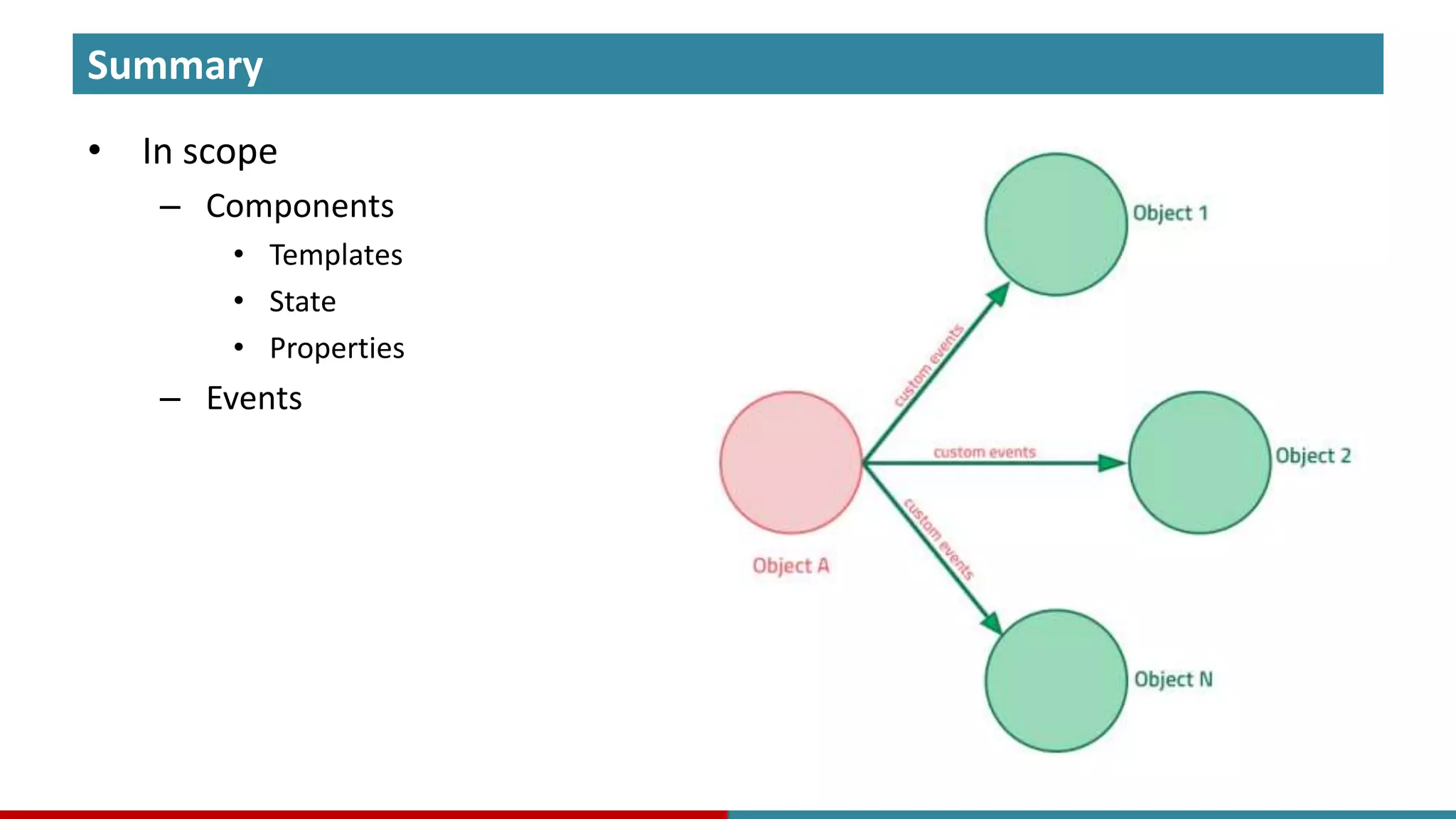
What else? • Beyond Components – Events • Event oriented programming with custom application events.
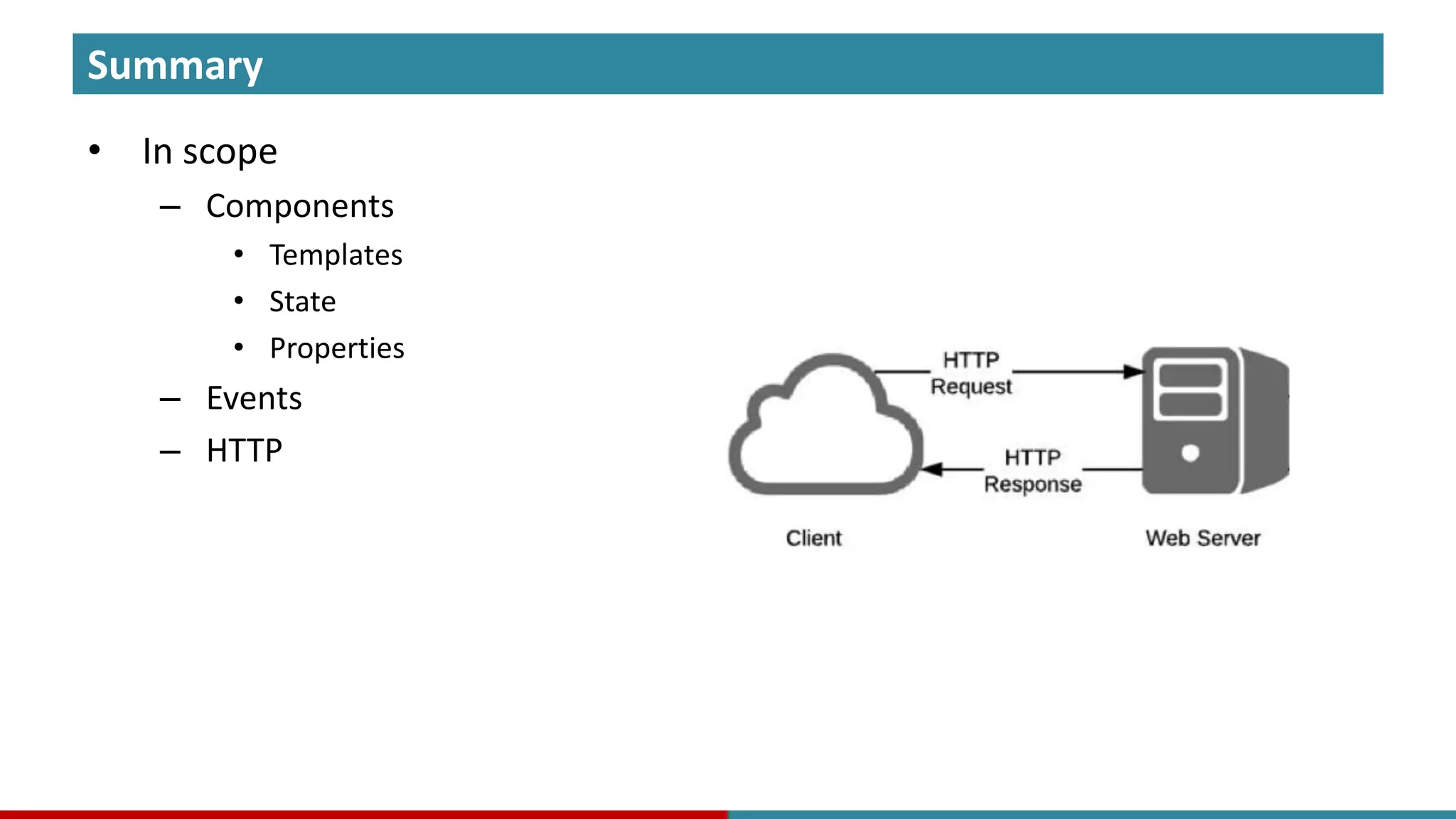
What else? • Beyond Components – Events • Event oriented programming with custom application events. – HTTP • We need somehow receive data from and send data to server.
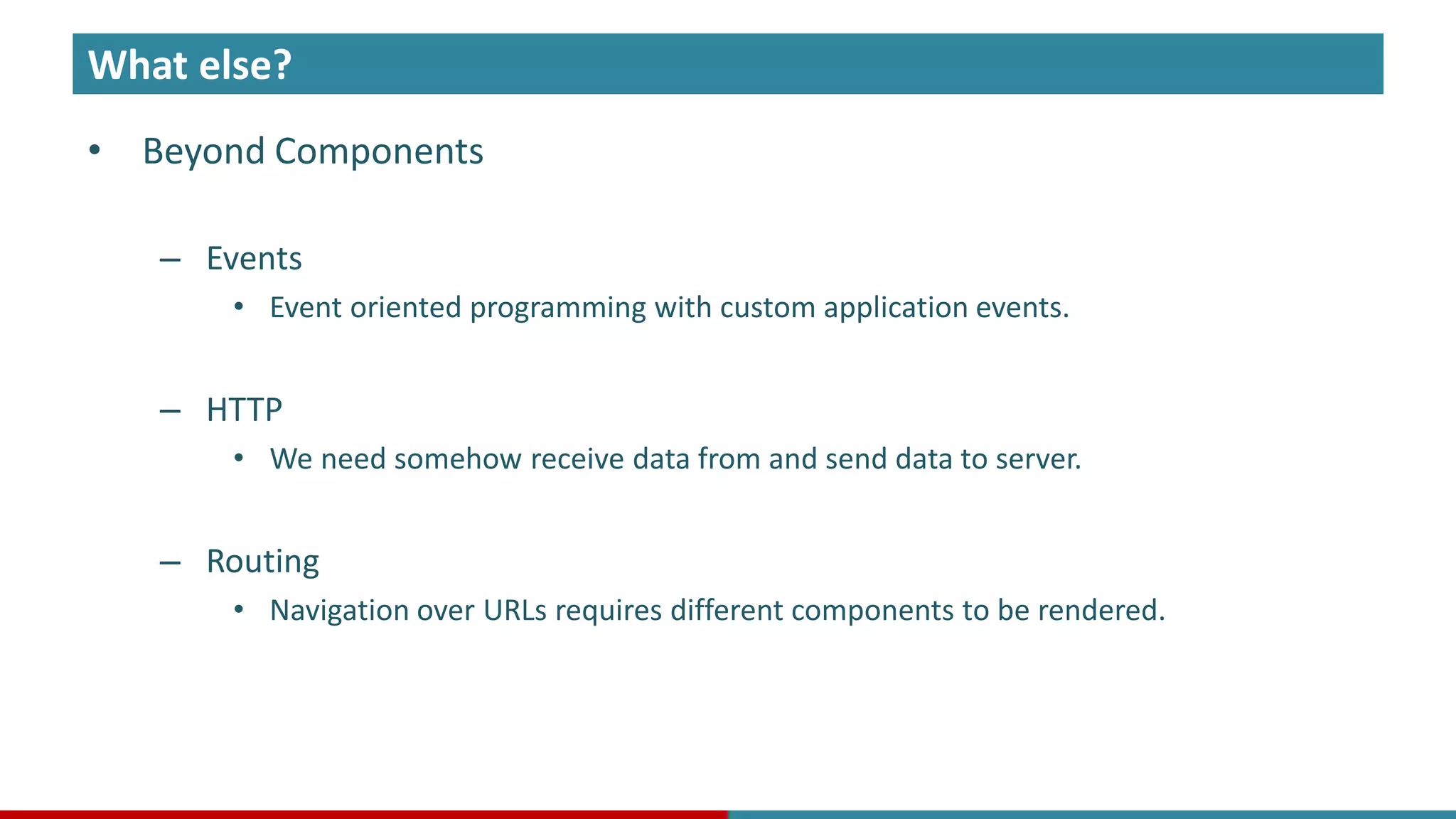
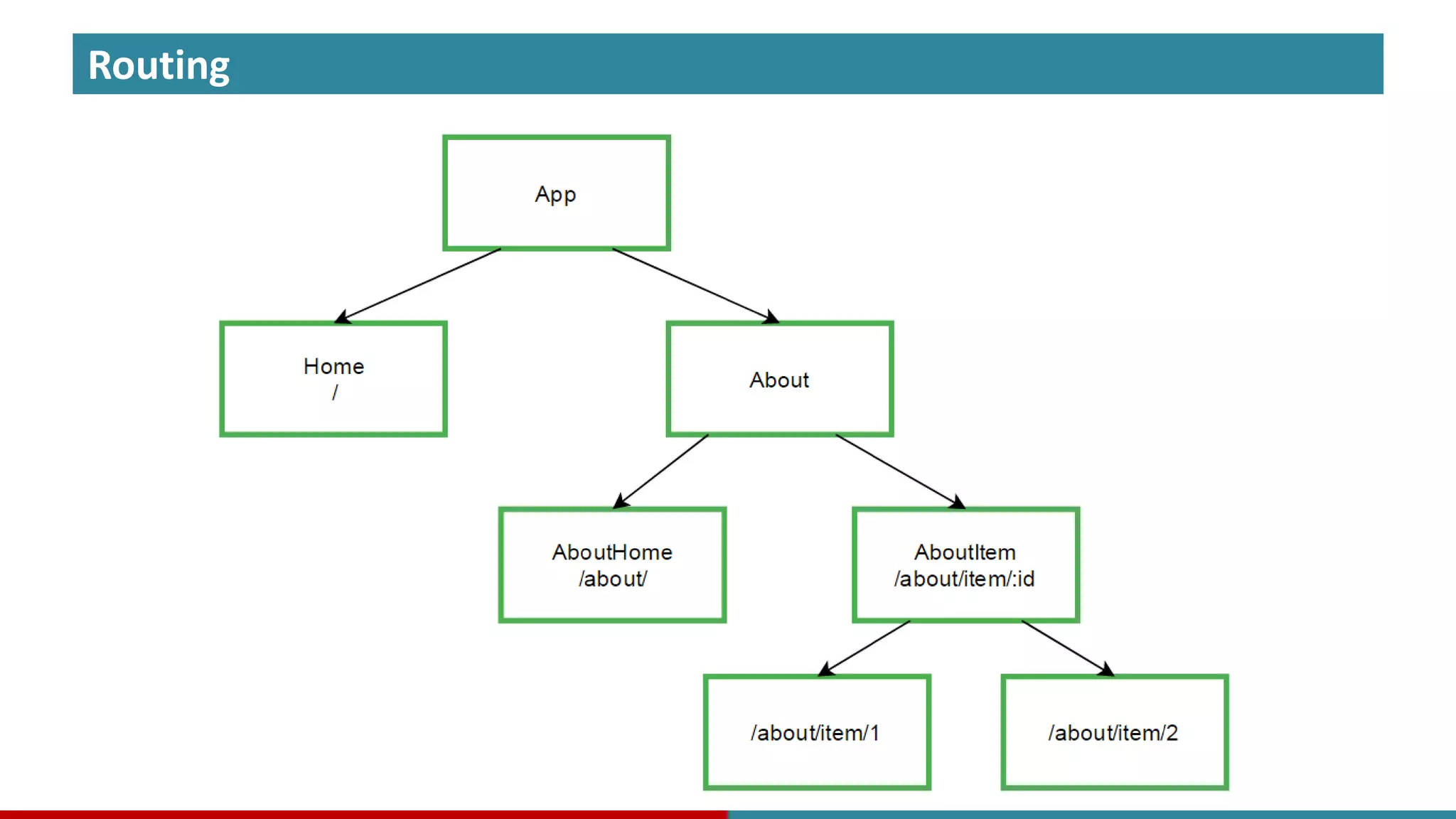
What else? • Beyond Components – Events • Event oriented programming with custom application events. – HTTP • We need somehow receive data from and send data to server. – Routing • Navigation over URLs requires different components to be rendered.
Events
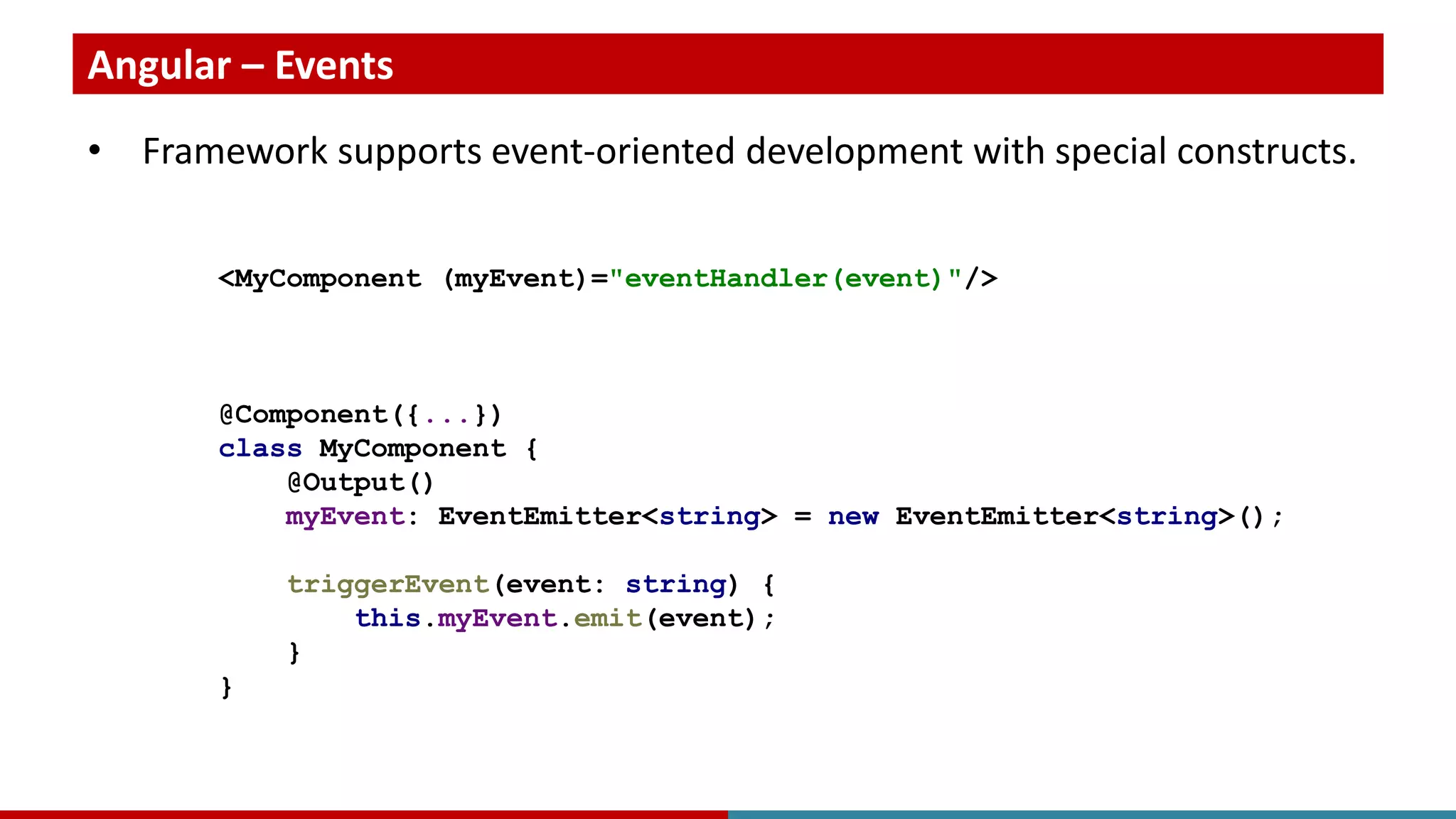
Angular – Events • Framework supports event-oriented development with special constructs. <MyComponent (myEvent)="eventHandler(event)"/> @Component({...}) class MyComponent { @Output() myEvent: EventEmitter<string> = new EventEmitter<string>(); triggerEvent(event: string) { this.myEvent.emit(event); } }
React – Events • Library does not support event-driven development out of the box. • There many third party libraries to use, as well as react adapted ones.
HTTP
Angular – HTTP • Framework provides HTTP module based on RxJS. @Component({...}) class MyComponent { constructor(private http:Http) { } getData(): Observable<DataItem[]> { return this.http.get("http://localhost/data") .map(response => response.json() as DataItem[]); }; }
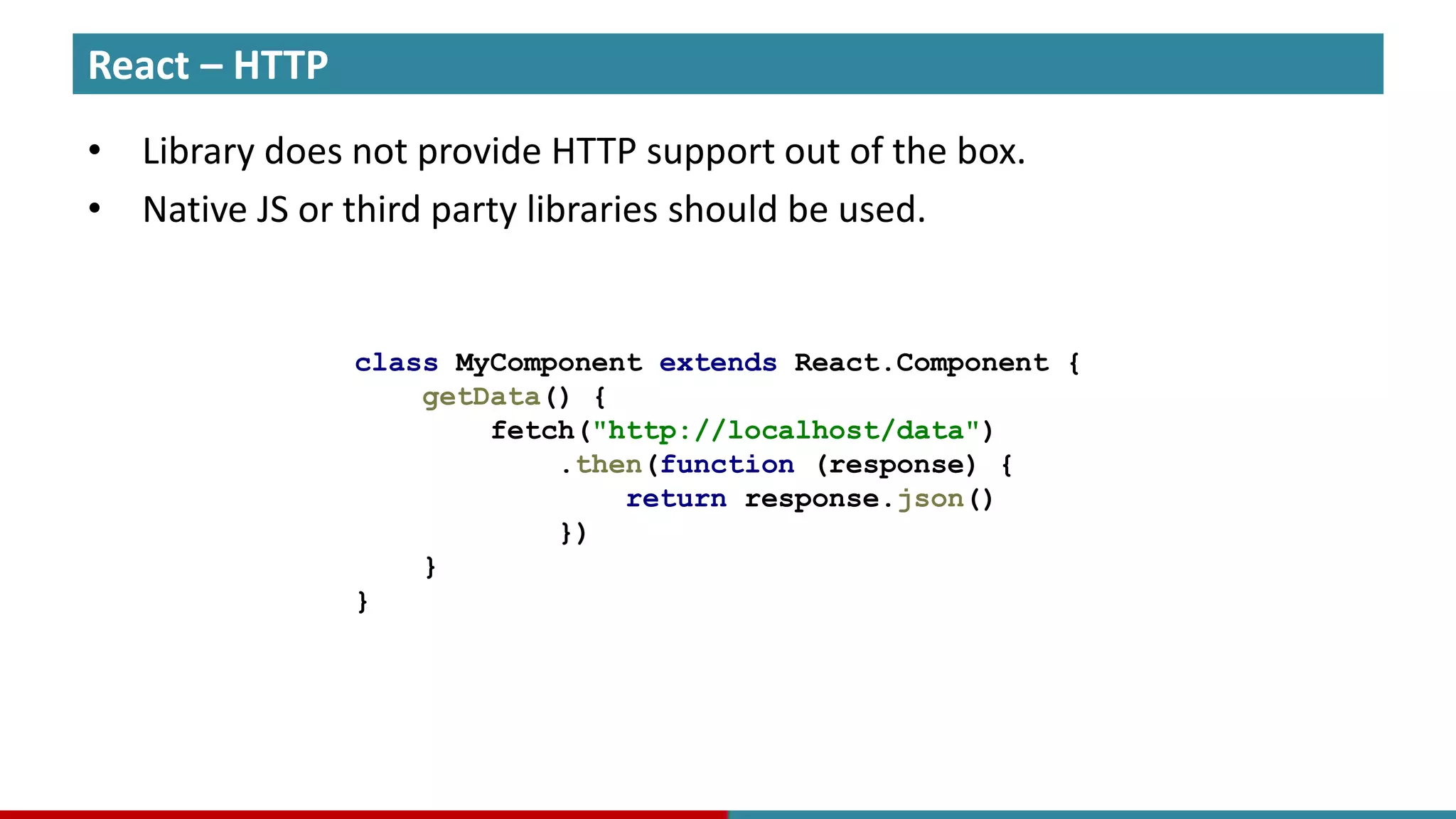
React – HTTP • Library does not provide HTTP support out of the box. • Native JS or third party libraries should be used. class MyComponent extends React.Component { getData() { fetch("http://localhost/data") .then(function (response) { return response.json() }) } }
Routing
Routing
Angular – Routing • Framework supports routing out of the box. const appRoutes: Routes = [ {path: 'crisis-center', component: CrisisListComponent}, {path: 'hero/:id', component: HeroDetailComponent}, {path: '**', component: PageNotFoundComponent} ]; @NgModule({ imports: [RouterModule.forRoot(appRoutes)], ... }) export class AppModule { }
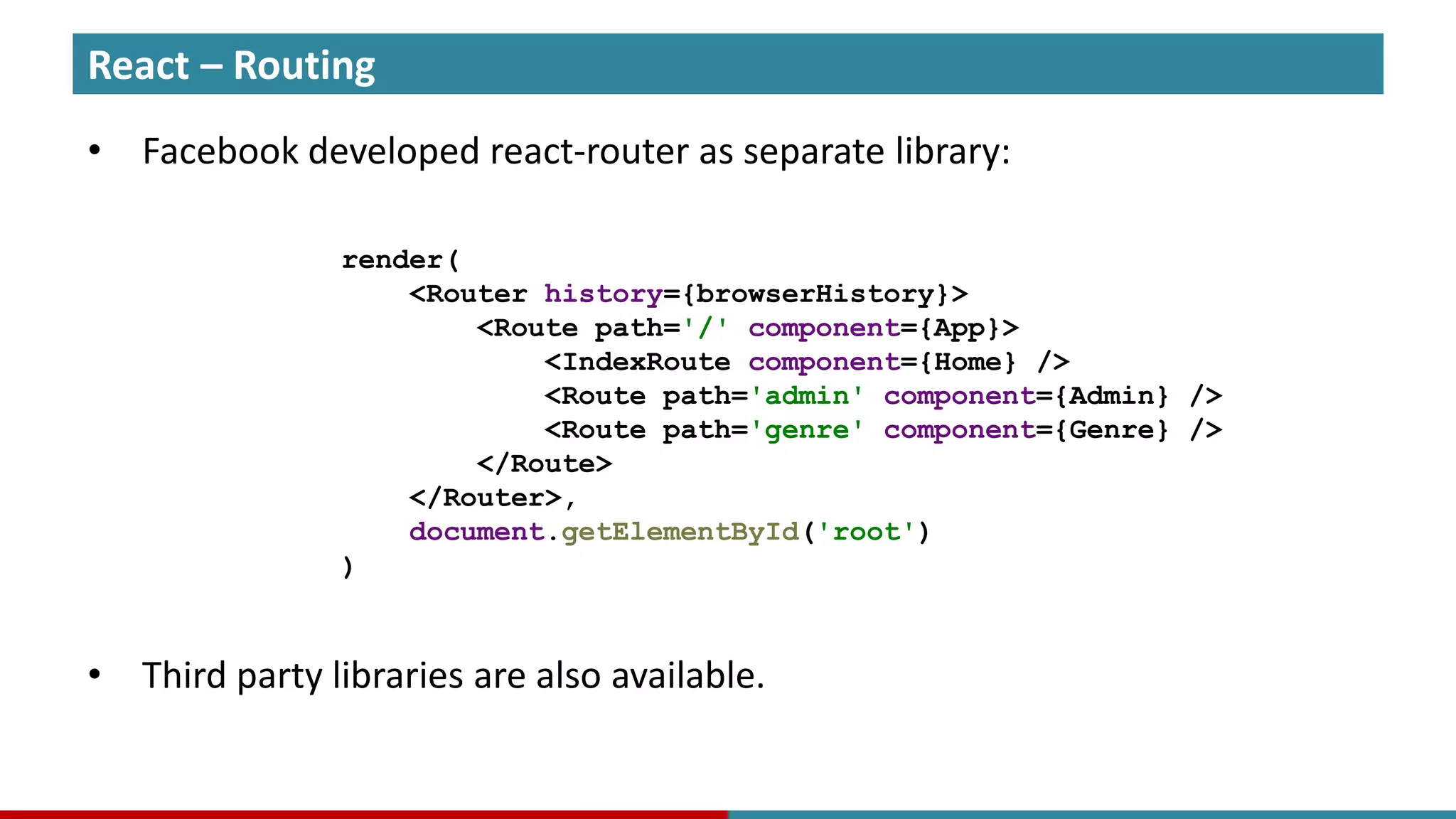
React – Routing • Facebook developed react-router as separate library: • Third party libraries are also available. render( <Router history={browserHistory}> <Route path='/' component={App}> <IndexRoute component={Home} /> <Route path='admin' component={Admin} /> <Route path='genre' component={Genre} /> </Route> </Router>, document.getElementById('root') )
Summary
Summary • In scope
Summary • In scope – Components
Summary • In scope – Components • Templates
Summary • In scope – Components • Templates • State
Summary • In scope – Components • Templates • State • Properties
Summary • In scope – Components • Templates • State • Properties – Events
Summary • In scope – Components • Templates • State • Properties – Events – HTTP
Summary • In scope – Components • Templates • State • Properties – Events – HTTP – Routing
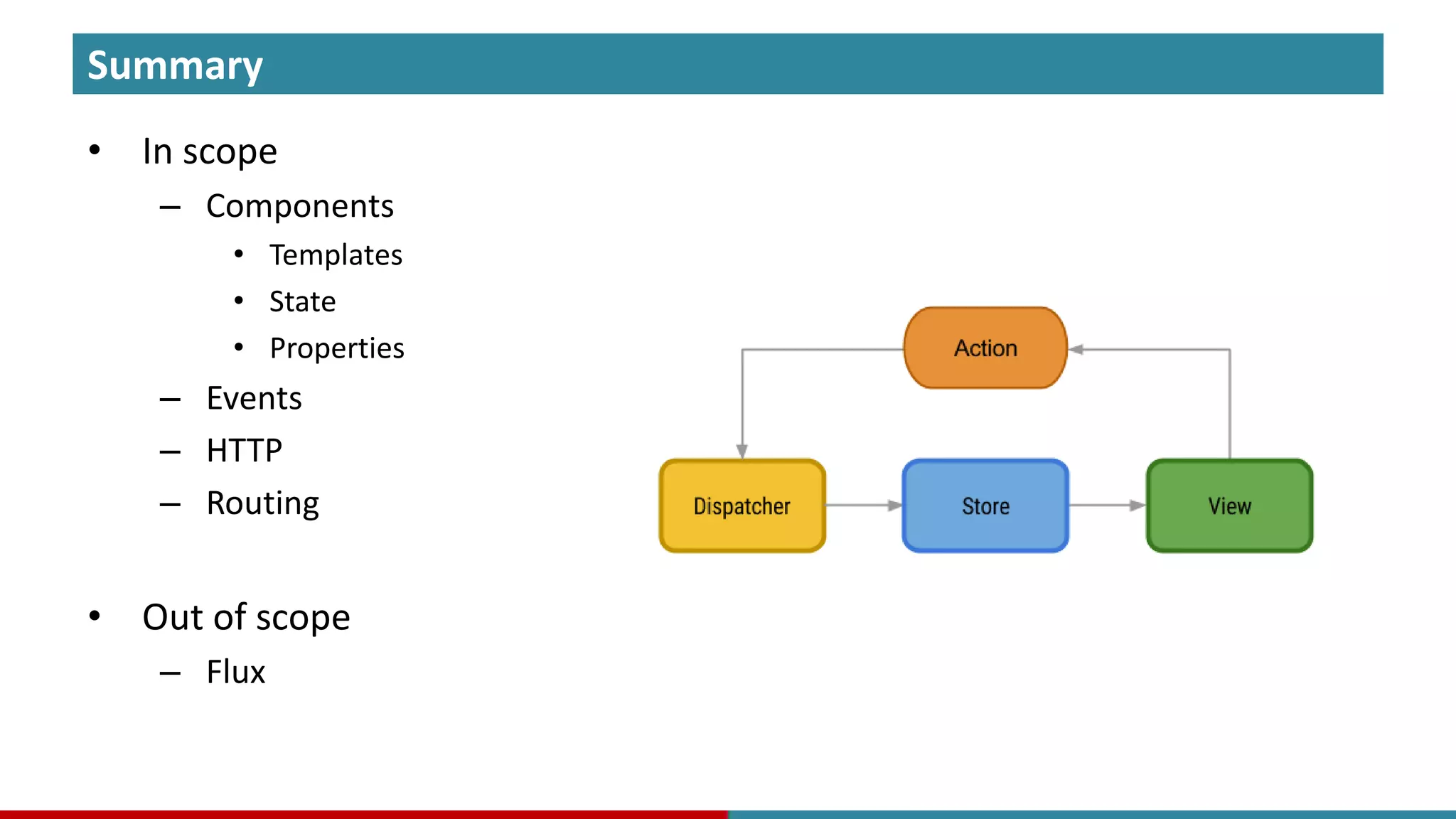
Summary • In scope – Components • Templates • State • Properties – Events – HTTP – Routing • Out of scope – Flux
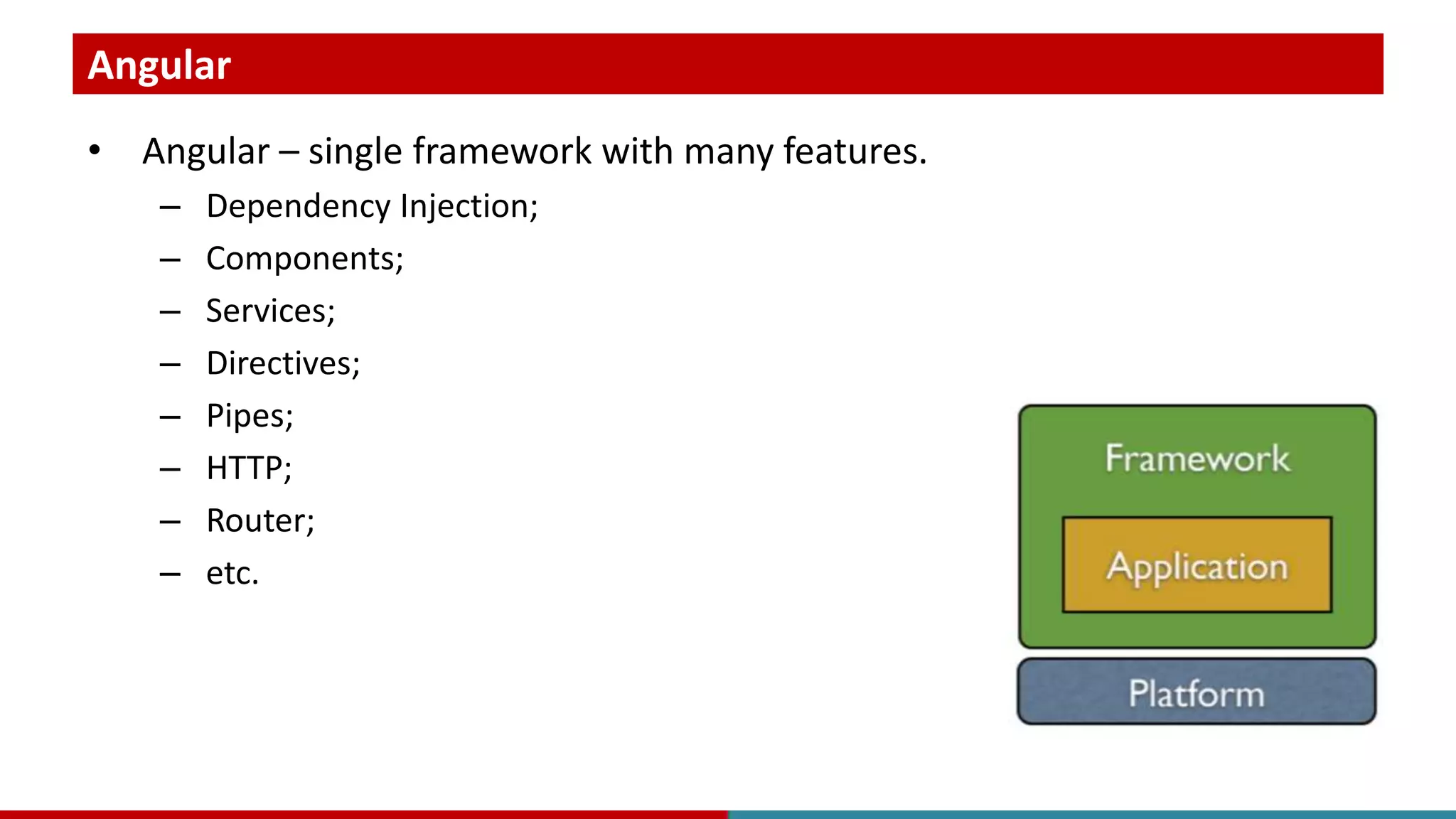
Angular • Angular – single framework with many features. – Dependency Injection; – Components; – Services; – Directives; – Pipes; – HTTP; – Router; – etc.
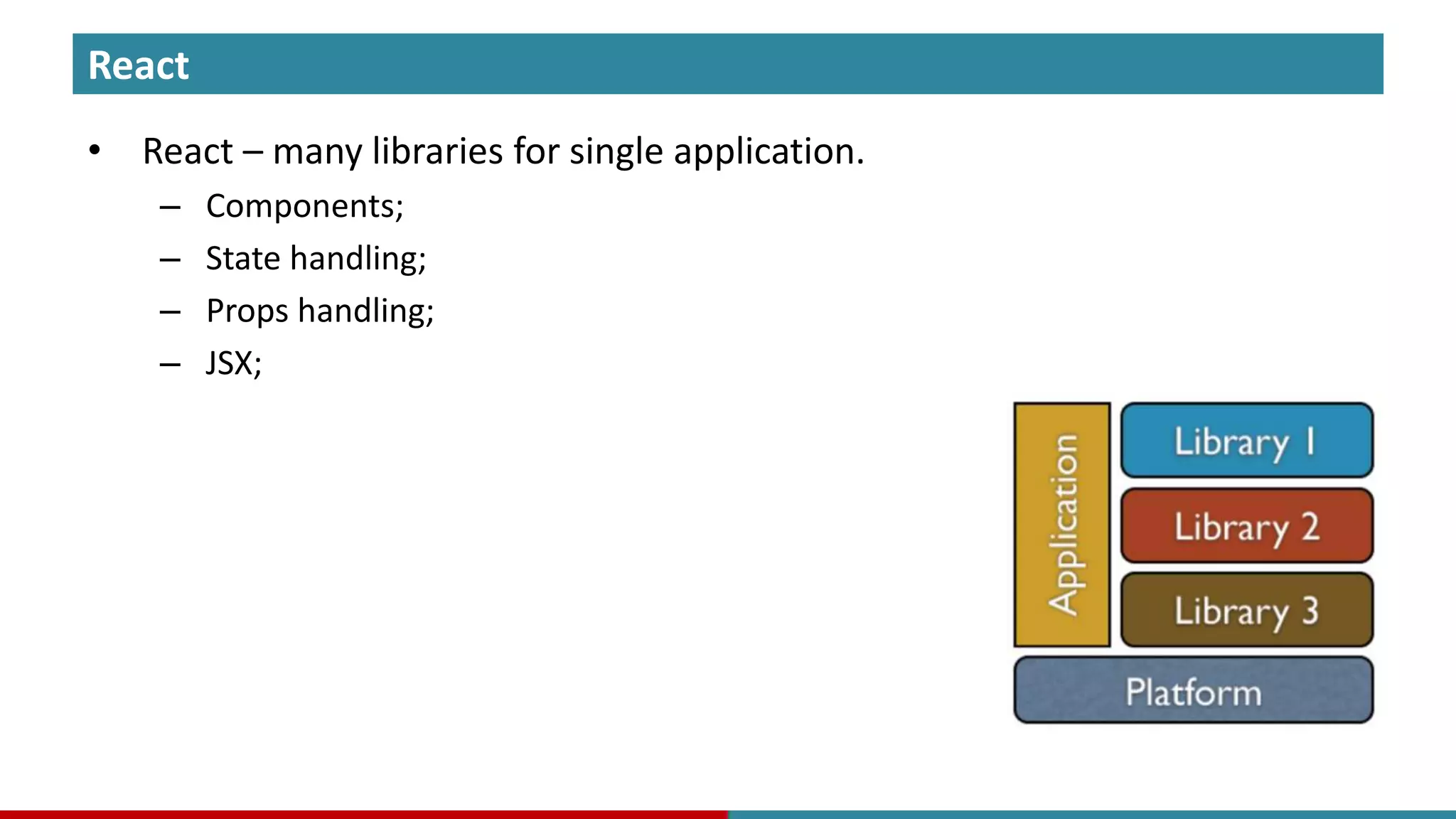
React • React – many libraries for single application. – Components; – State handling; – Props handling; – JSX;
React • Angular – single framework with many features. – Dependency Injection, Components, Services, Directives, Pipes, HTTP, Router and etc. • React – many libraries for single application. – Components, state and props handling + JSX. Angular
Thank you!

Angular or React

  • 1.
    Angular or React? Which fits your needs?
  • 2.
    Speaker • Orkhan Gasimov,Software Engineer – 14 years of software engineering; – variety of technologies (languages & frameworks); – solution design and implementation; • Technology consulting and training: – Architecture. – Java. – JavaScript / TypeScript. • Author of training courses. – Spring Cloud. – Akka for Java.
  • 3.
  • 4.
  • 5.
    Agenda • Describe thedifference of two. • Analyze an example project. • Overview core concepts. • Final decision making. • Questions & Answers
  • 6.
  • 7.
    Google – Angular •Google – many apps with single user id. • Angular – single framework with many features.
  • 8.
    Facebook – React •Facebook – single portal with many features. • React – many libraries for single application.
  • 9.
  • 10.
    Project • Imagine anexample project with following functionality: – User logon; – Home page; – Settings page; – Data page; – Etc.
  • 11.
    Project • High-level projectarchitecture consists of: – Web GUI; – REST API Server; – Database;
  • 12.
  • 13.
    Project • Web pageoriented development
  • 14.
    Project • Web pageoriented development – HTML pages loaded from server and rendered in browser.
  • 15.
    Project • Web pageoriented development – HTML pages loaded from server and rendered in browser. – Navigation through pages.
  • 16.
    Project • Web pageoriented development – HTML pages loaded from server and rendered in browser. – Navigation through pages. • Web experience oriented application development
  • 17.
    Project • Web pageoriented development – HTML pages loaded from server and rendered in browser. – Navigation through pages. • Web experience oriented application development – Single page application – a desktop application with web experience.
  • 18.
    Project • Web pageoriented development – HTML pages loaded from server and rendered in browser. – Navigation through pages. • Web experience oriented application development – Single page application – a desktop application with web experience. – Partial update of necessary regions, windows, panes.
  • 19.
    Project • Web pageoriented development – HTML pages loaded from server and rendered in browser. – Navigation through pages. • Web experience oriented application development – Single page application – a desktop application with web experience. – Partial update of necessary regions, windows, panes. – Application loads once, only data is refreshed.
  • 20.
    Project • Web pageoriented development – HTML pages loaded from server and rendered in browser. – Navigation through pages. • Web experience oriented application development – Single page application – a desktop application with web experience. – Partial update of necessary regions, windows, panes. – Application loads once, only data is refreshed. – URLs, back & forward navigation.
  • 21.
    Project • Web pageoriented development – HTML pages loaded from server and rendered in browser. – Navigation through pages. • Web experience oriented application development – Single page application – a desktop application with web experience. – Partial update of necessary regions, windows, panes. – Application loads once, only data is refreshed. – URLs, back & forward navigation. – Caching, offline mode.
  • 22.
  • 23.
  • 24.
    Project • What isrequired? – JS toolkit that enables single page application development. – Reusable UI components support.
  • 25.
  • 26.
    Project • Web pagedecomposed to components
  • 27.
  • 28.
  • 29.
  • 30.
  • 31.
  • 32.
    Angular – Language •TypeScript @Component({...}) class MyComponent { constructor(private http:Http, private router: Router) { ... } }
  • 33.
    React – Language •JavaScript (ES5 / ES6) • TypeScript also supports React var MyComponent = React.createClass({ render: function() { ... } }); class MyComponent extends React.Component { render() { ... } }
  • 34.
  • 35.
    Angular – Approach •Angular is a framework with dependency injection. • The UI is component based. • Application is composed from components, services and other elements. @Component({...}) class MyComponent { constructor(private http:Http, private router: Router) { ... } }
  • 36.
    React – Approach •React is a library. • It is about components, and components. class MyComponent extends React.Component { render() { return <div>Component</div>; } }
  • 37.
  • 38.
    React • Component – Template •HTML block that should be rendered with this component. Angular
  • 39.
    React • Component – Template •HTML block that should be rendered with this component. – State • Private data that component should render or use for calculations. Angular
  • 40.
    React • Component – Template •HTML block that should be rendered with this component. – State • Private data that component should render or use for calculations. – Properties • Properties that may be passed from outside world to a component. Angular
  • 41.
    React • Component – Template •HTML block that should be rendered with this component. – State • Private data that component should render or use for calculations. – Properties • Properties that may be passed from outside world to a component. Angular
  • 42.
  • 43.
    Angular – Templates •HTML templates with JS code @Component({ selector: 'my-component', template: '<div>{{name}}</div>' }) class MyComponent { private name = 'Component'; constructor(private http:Http, private router: Router) { ... } }
  • 44.
    React – Templates •JSX – JS code with HTML markup const name = 'Component'; class MyComponent extends React.Component { render() { return <div>{name}</div>; } }
  • 45.
  • 46.
    Angular – State •Component is an instance of a class. • State of object is the state of component. @Component({ selector: 'my-component', template: '<div>{{name}}</div>' }) class MyComponent { private name = 'Component'; updateName() { this.name = "Updated component"; } constructor(private http:Http, private router: Router) { ... } }
  • 47.
    React – State •Custom approach to state handling. class MyComponent extends React.Component { constructor() { this.state = {name: 'Component'}; } updateName() { this.setState({name: "Updated component"}); } render() { return <div>{this.state.name}</div>; } }
  • 48.
  • 49.
    Angular – Properties •Property syntax with @Input decorator should be used. <MyComponent [text]="Sample text"/> @Component({ selector: 'my-component', template: '<div>{{text}}</div>' }) class MyComponent { @Input() private text = 'Component'; }
  • 50.
    React – Properties •Special props object is available inside the component. <MyComponent text="Sample text"/> class MyComponent extends React.Component { render() { return <div>{this.props.text}</div>; } }
  • 51.
  • 52.
  • 53.
  • 54.
  • 55.
    What else? • BeyondComponents – Events • Event oriented programming with custom application events.
  • 56.
    What else? • BeyondComponents – Events • Event oriented programming with custom application events. – HTTP • We need somehow receive data from and send data to server.
  • 57.
    What else? • BeyondComponents – Events • Event oriented programming with custom application events. – HTTP • We need somehow receive data from and send data to server. – Routing • Navigation over URLs requires different components to be rendered.
  • 58.
  • 59.
    Angular – Events •Framework supports event-oriented development with special constructs. <MyComponent (myEvent)="eventHandler(event)"/> @Component({...}) class MyComponent { @Output() myEvent: EventEmitter<string> = new EventEmitter<string>(); triggerEvent(event: string) { this.myEvent.emit(event); } }
  • 60.
    React – Events •Library does not support event-driven development out of the box. • There many third party libraries to use, as well as react adapted ones.
  • 61.
  • 62.
    Angular – HTTP •Framework provides HTTP module based on RxJS. @Component({...}) class MyComponent { constructor(private http:Http) { } getData(): Observable<DataItem[]> { return this.http.get("http://localhost/data") .map(response => response.json() as DataItem[]); }; }
  • 63.
    React – HTTP •Library does not provide HTTP support out of the box. • Native JS or third party libraries should be used. class MyComponent extends React.Component { getData() { fetch("http://localhost/data") .then(function (response) { return response.json() }) } }
  • 64.
  • 65.
  • 66.
    Angular – Routing •Framework supports routing out of the box. const appRoutes: Routes = [ {path: 'crisis-center', component: CrisisListComponent}, {path: 'hero/:id', component: HeroDetailComponent}, {path: '**', component: PageNotFoundComponent} ]; @NgModule({ imports: [RouterModule.forRoot(appRoutes)], ... }) export class AppModule { }
  • 67.
    React – Routing •Facebook developed react-router as separate library: • Third party libraries are also available. render( <Router history={browserHistory}> <Route path='/' component={App}> <IndexRoute component={Home} /> <Route path='admin' component={Admin} /> <Route path='genre' component={Genre} /> </Route> </Router>, document.getElementById('root') )
  • 68.
  • 69.
  • 70.
  • 71.
    Summary • In scope –Components • Templates
  • 72.
    Summary • In scope –Components • Templates • State
  • 73.
    Summary • In scope –Components • Templates • State • Properties
  • 74.
    Summary • In scope –Components • Templates • State • Properties – Events
  • 75.
    Summary • In scope –Components • Templates • State • Properties – Events – HTTP
  • 76.
    Summary • In scope –Components • Templates • State • Properties – Events – HTTP – Routing
  • 77.
    Summary • In scope –Components • Templates • State • Properties – Events – HTTP – Routing • Out of scope – Flux
  • 78.
    Angular • Angular –single framework with many features. – Dependency Injection; – Components; – Services; – Directives; – Pipes; – HTTP; – Router; – etc.
  • 79.
    React • React –many libraries for single application. – Components; – State handling; – Props handling; – JSX;
  • 80.
    React • Angular –single framework with many features. – Dependency Injection, Components, Services, Directives, Pipes, HTTP, Router and etc. • React – many libraries for single application. – Components, state and props handling + JSX. Angular
  • 81.