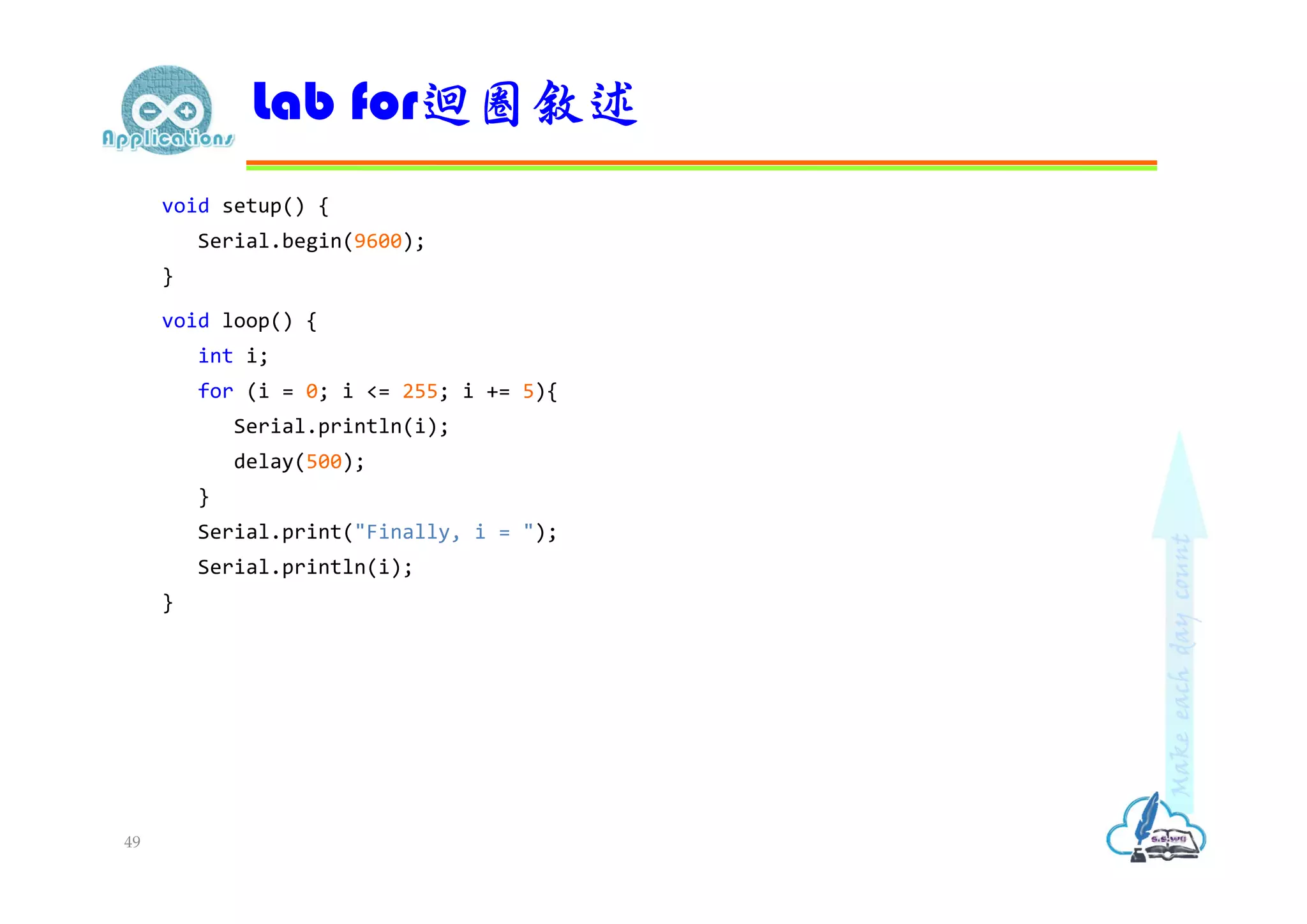
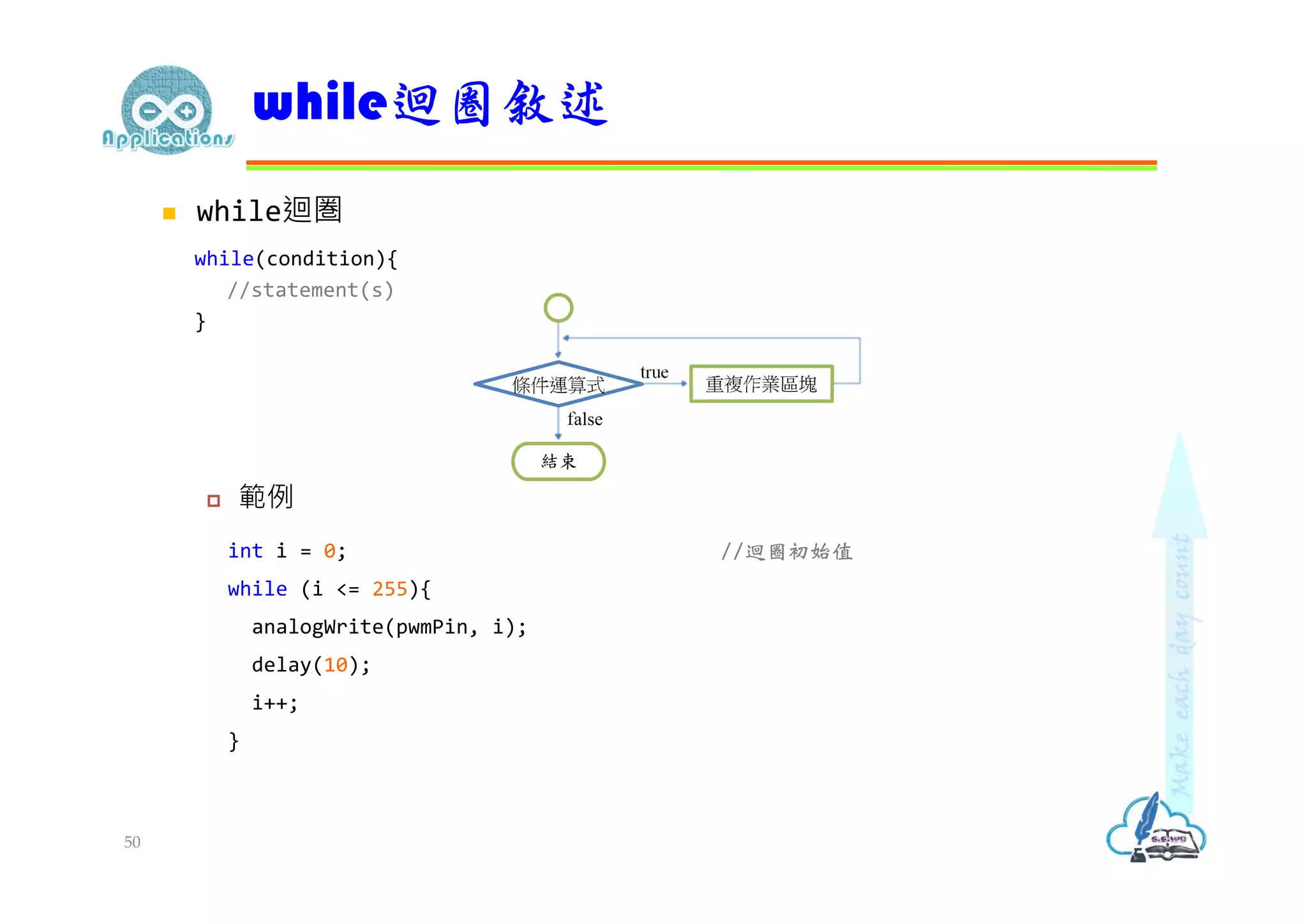
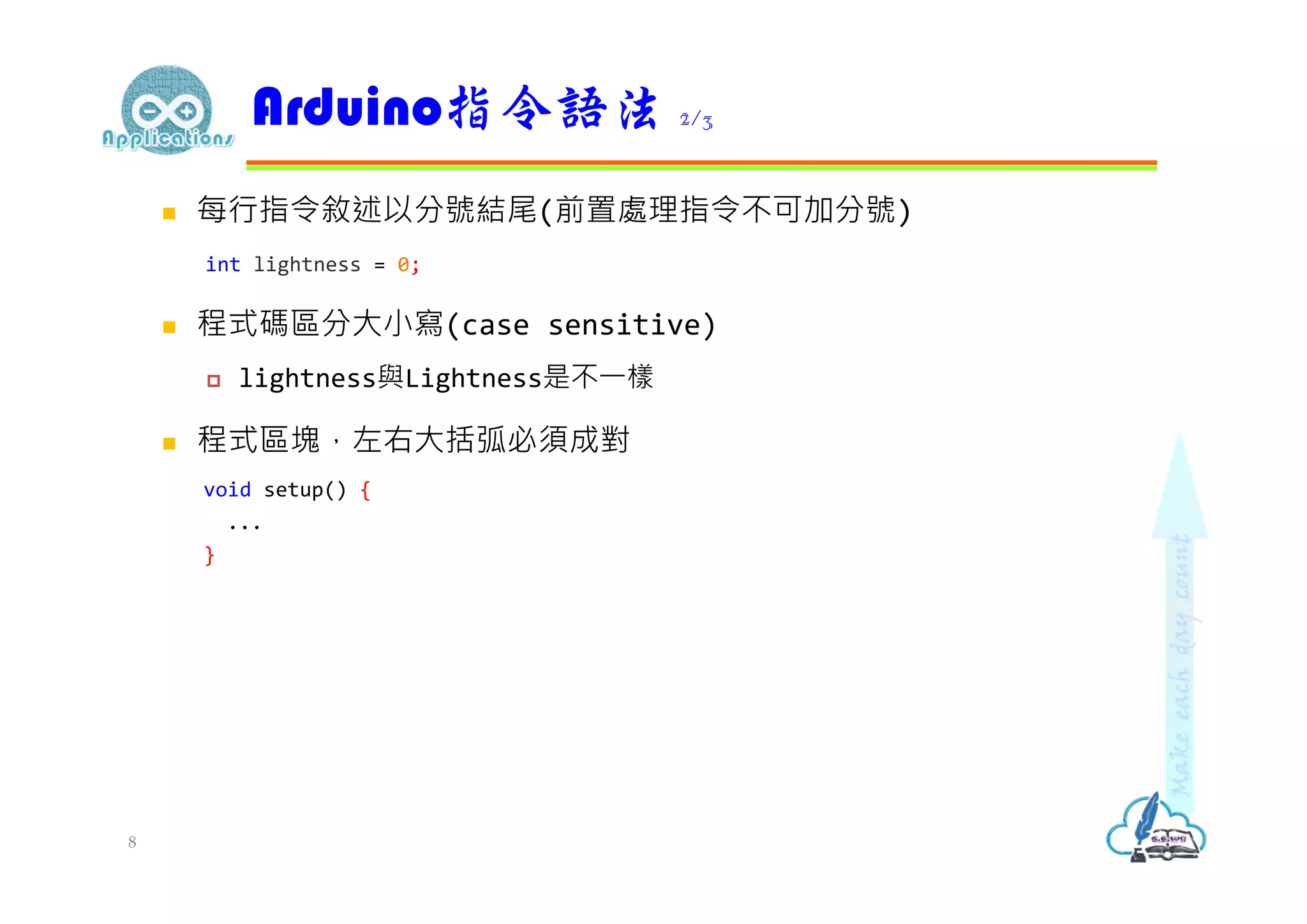
檢視預設的程式框架 void setup(){ //put your setup code here, to run once: } void loop() { //put your main code here, to run repeatedly: } Arduino程式基本架構 2
3.
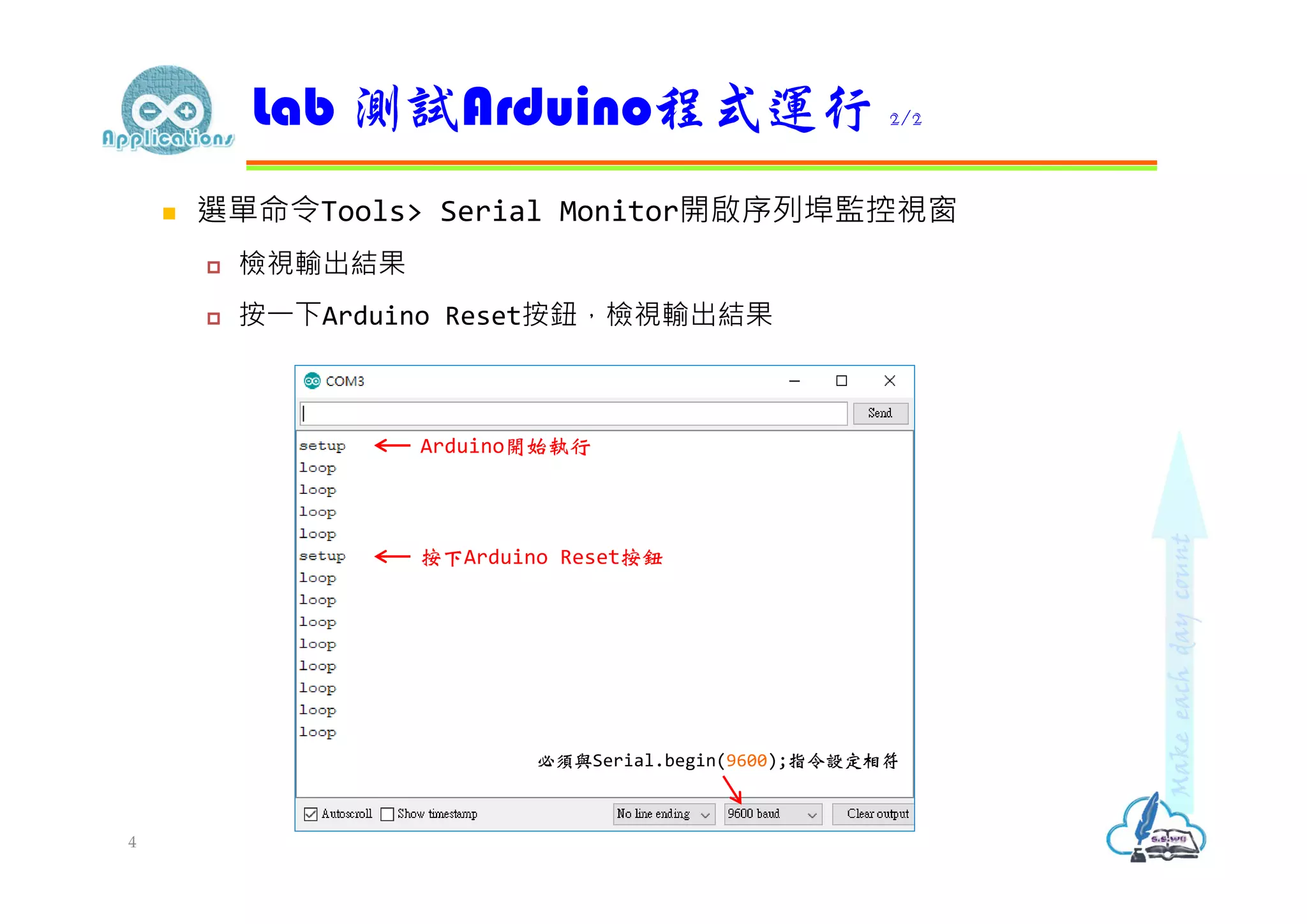
編輯以下程式碼 void setup(){ //put your setup code here, to run once: Serial.begin(9600); Serial.println("setup"); } void loop() { //put your main code here, to run repeatedly: Serial.println("loop"); delay(2500); } Lab 測試Arduino程式運行 1/2 3
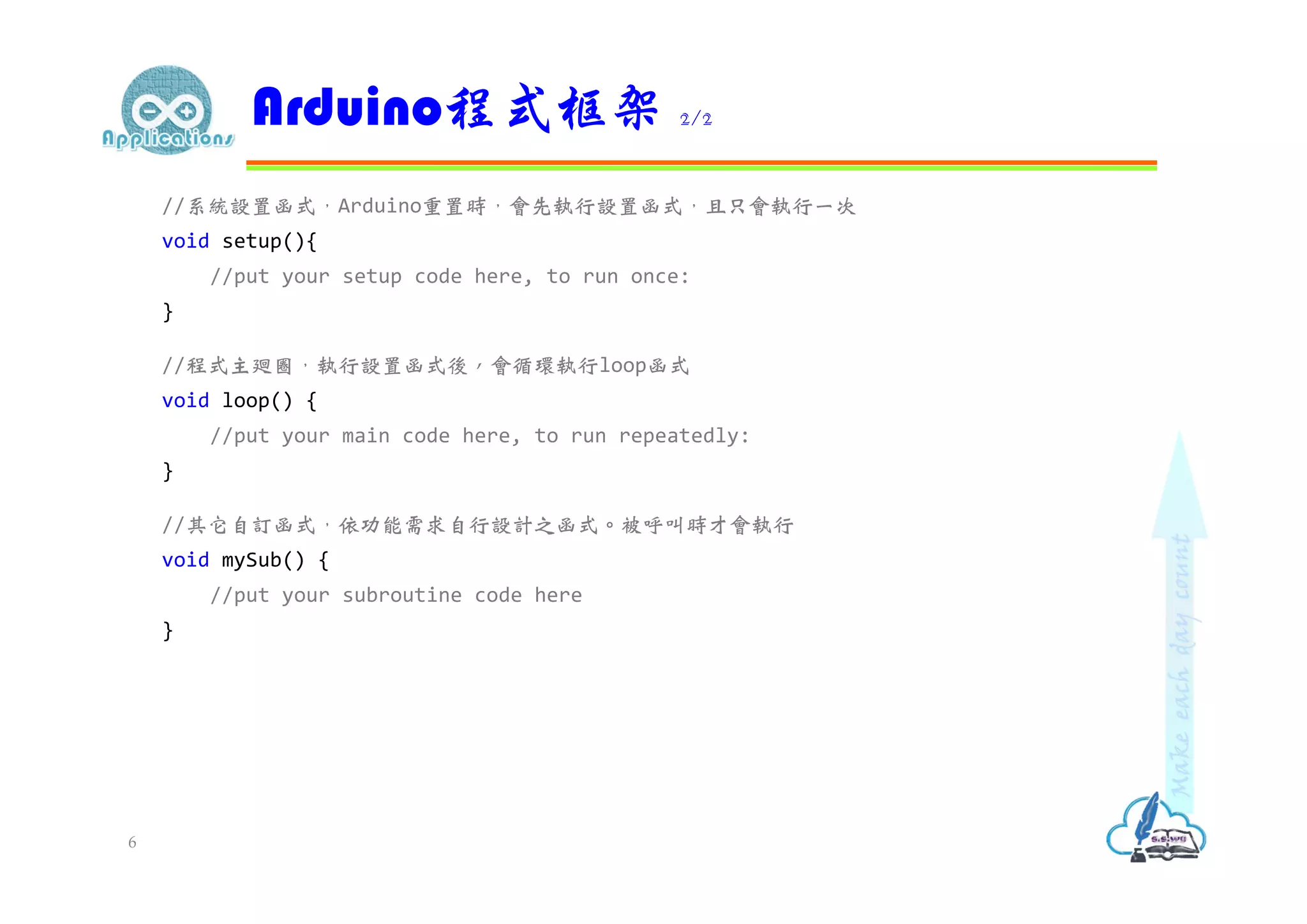
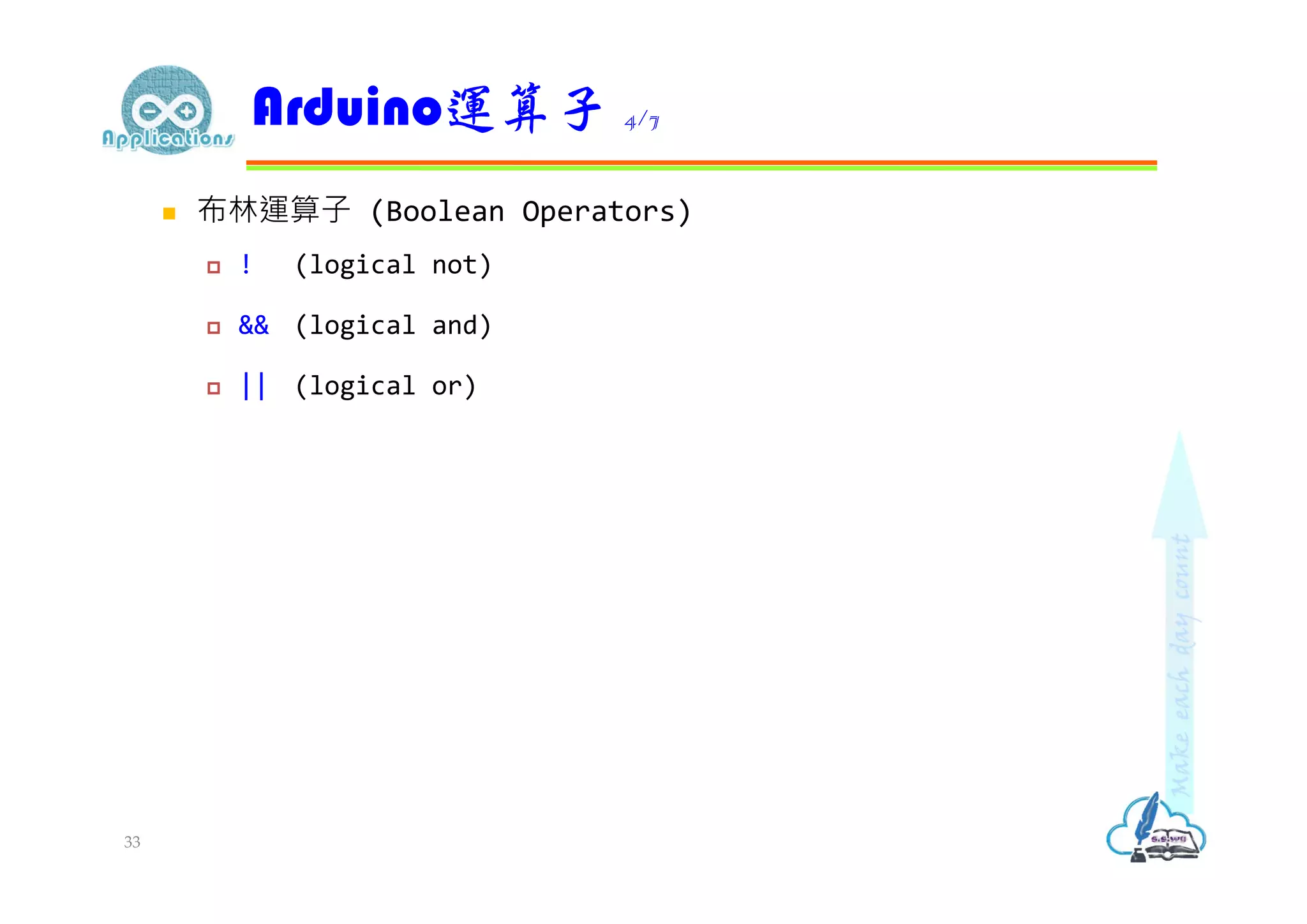
//系統設置函式,Arduino重置時,會先執行設置函式,且只會執行一次 void setup(){ //put yoursetup code here, to run once: } //程式主廻圈,執行設置函式後,會循環執行loop函式 void loop() { //put your main code here, to run repeatedly: } //其它自訂函式,依功能需求自行設計之函式。被呼叫時才會執行 void mySub() { //put your subroutine code here } Arduino程式框架 2/2 6
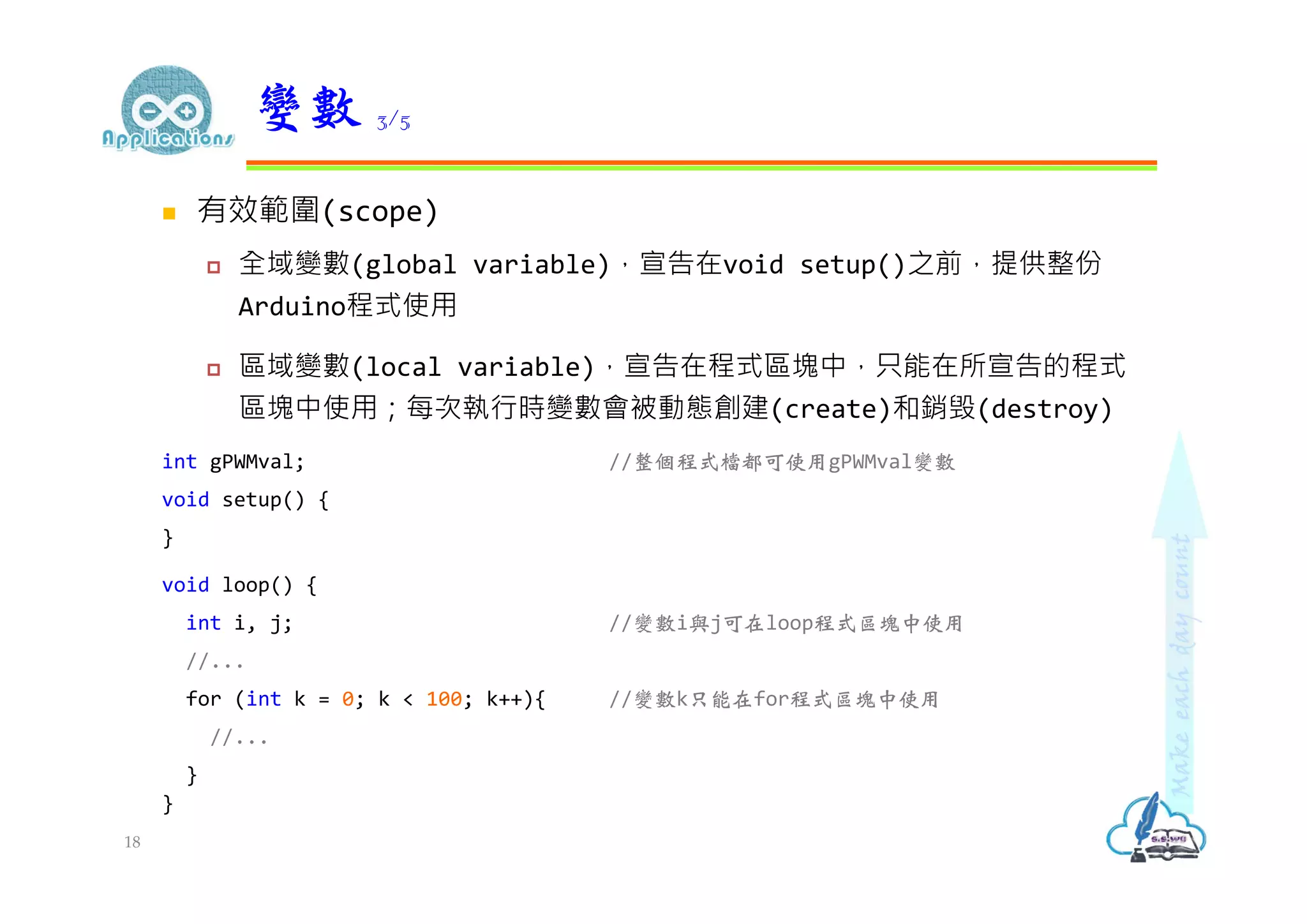
有效範圍(scope) 全域變數(globalvariable),宣告在void setup()之前,提供整份 Arduino程式使用 區域變數(local variable),宣告在程式區塊中,只能在所宣告的程式 區塊中使用;每次執行時變數會被動態創建(create)和銷毁(destroy) int gPWMval; //整個程式檔都可使用gPWMval變數 void setup() { } void loop() { int i, j; //變數i與j可在loop程式區塊中使用 //... for (int k = 0; k < 100; k++){ //變數k只能在for程式區塊中使用 //... } } 變數 3/5 18
19.
靜態變數(static variable) 在區域變數宣告前加上static關鍵字 程式執行期間變數內容會保留 void walk(int steps){ static int a = 0; //首次執行walk()函式,變數a初始值設為0,之後保留上一次執行結果 int b = 0; //每次執行walk()函式,變數b會重置為0 a = a + steps; b = b + steps; } 變數 4/5 19
20.
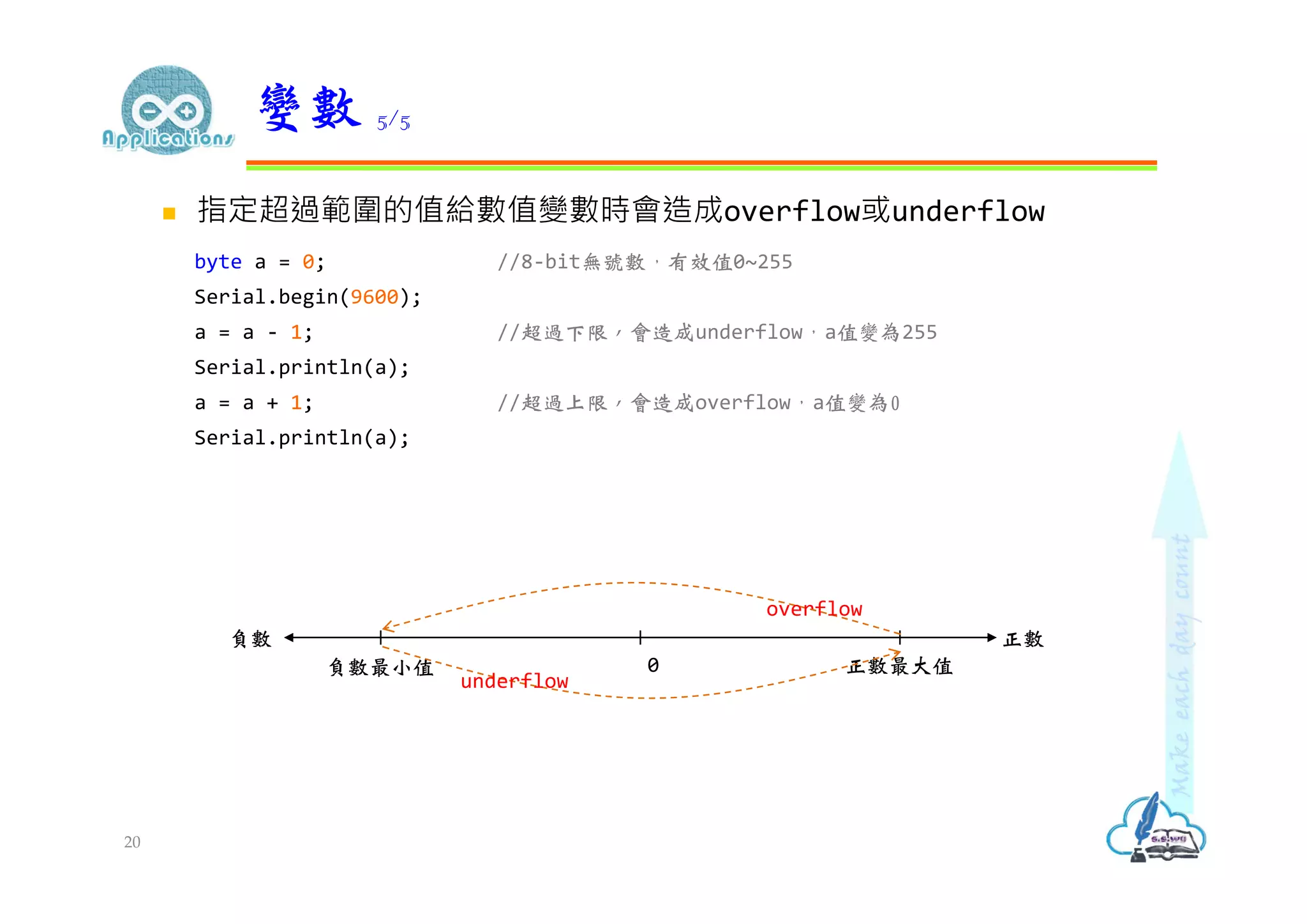
指定超過範圍的值給數值變數時會造成overflow或underflow byte a= 0; //8-bit無號數,有效值0~255 Serial.begin(9600); a = a - 1; //超過下限,會造成underflow,a值變為255 Serial.println(a); a = a + 1; //超過上限,會造成overflow,a值變為0 Serial.println(a); 變數 5/5 20 負數最小值 正數最大值0 負數 正數 overflow underflow
21.
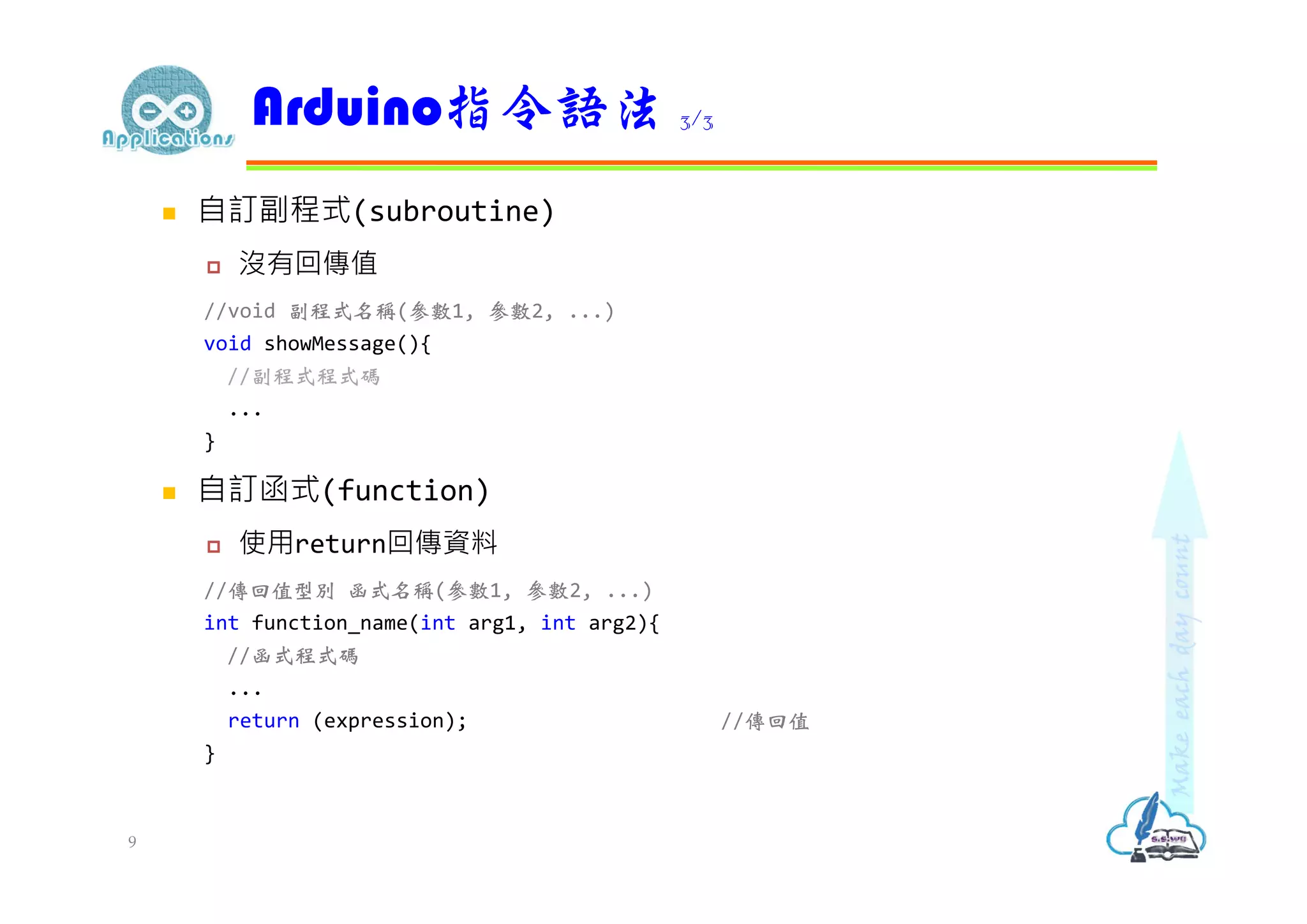
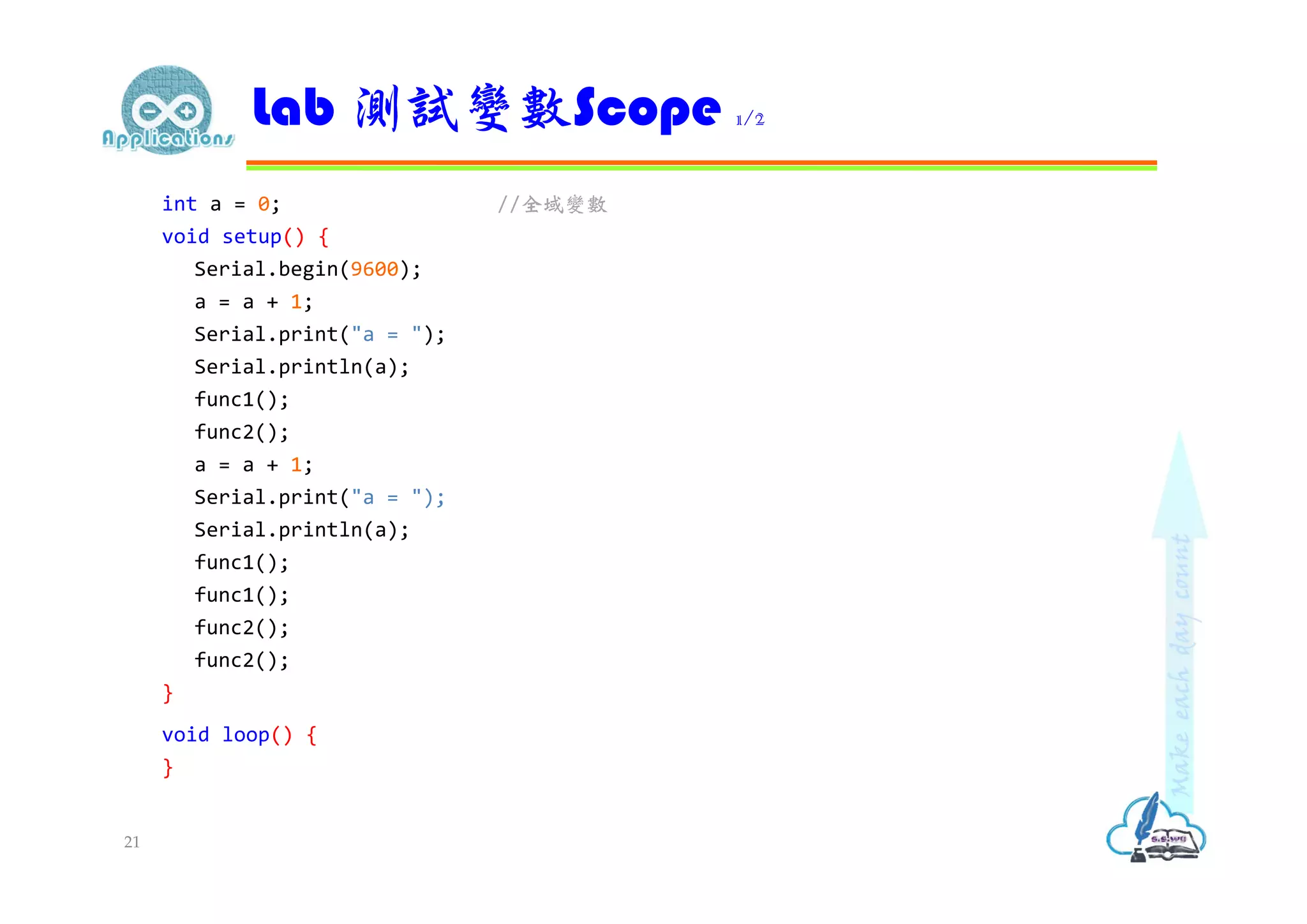
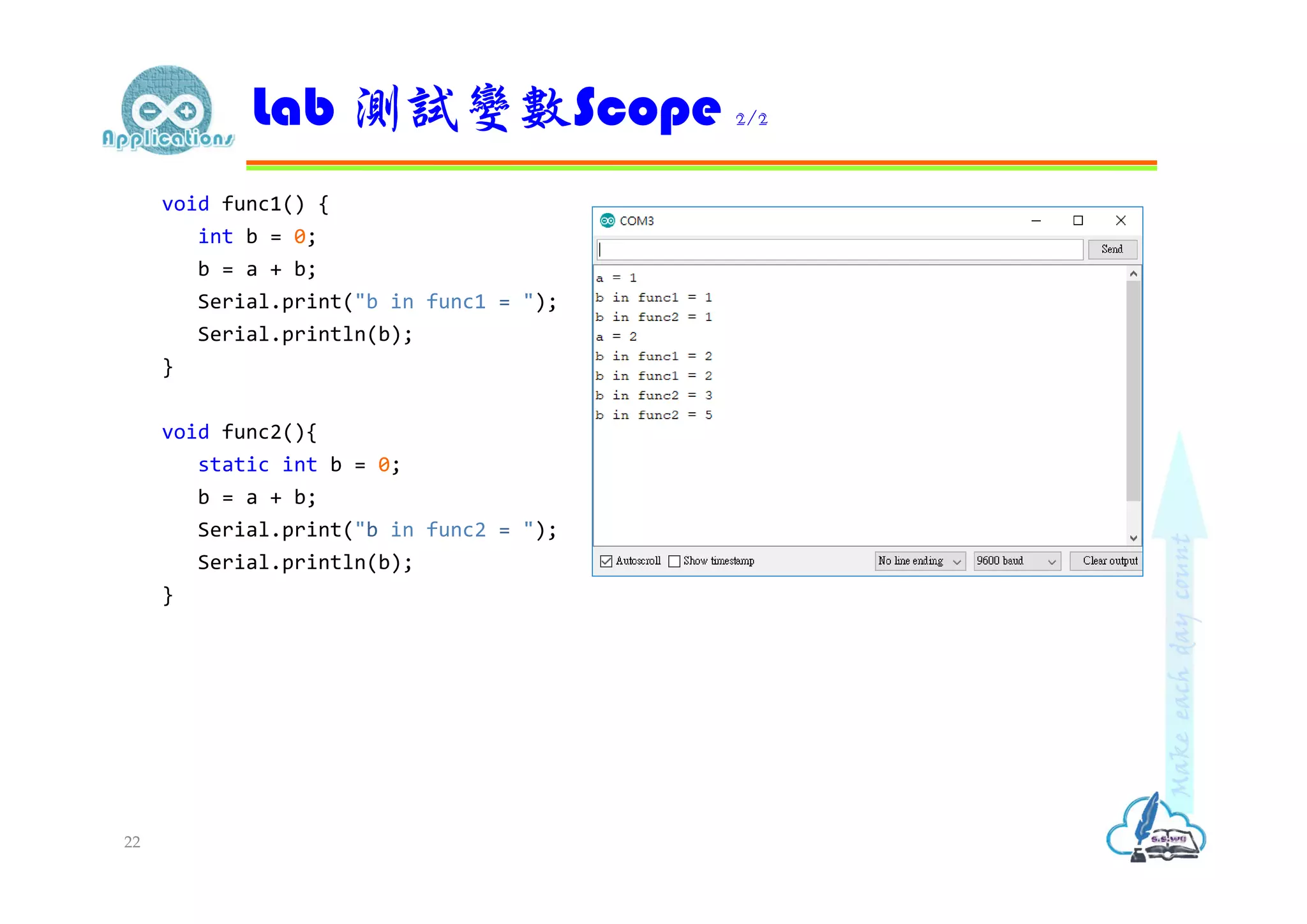
int a =0; //全域變數 void setup() { Serial.begin(9600); a = a + 1; Serial.print("a = "); Serial.println(a); func1(); func2(); a = a + 1; Serial.print("a = "); Serial.println(a); func1(); func1(); func2(); func2(); } void loop() { } Lab 測試變數Scope 1/2 21
22.
void func1() { intb = 0; b = a + b; Serial.print("b in func1 = "); Serial.println(b); } void func2(){ static int b = 0; b = a + b; Serial.print("b in func2 = "); Serial.println(b); } Lab 測試變數Scope 2/2 22
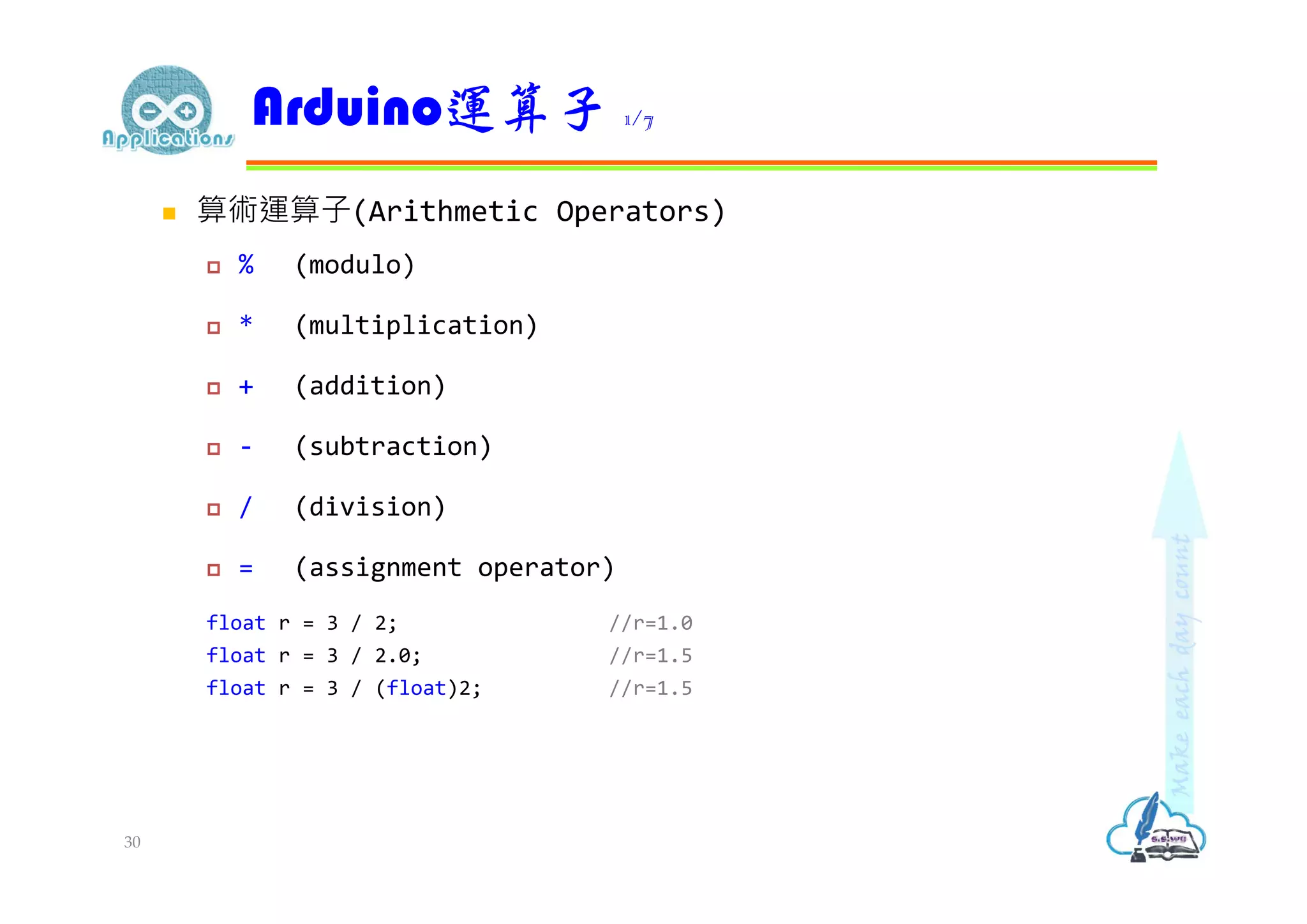
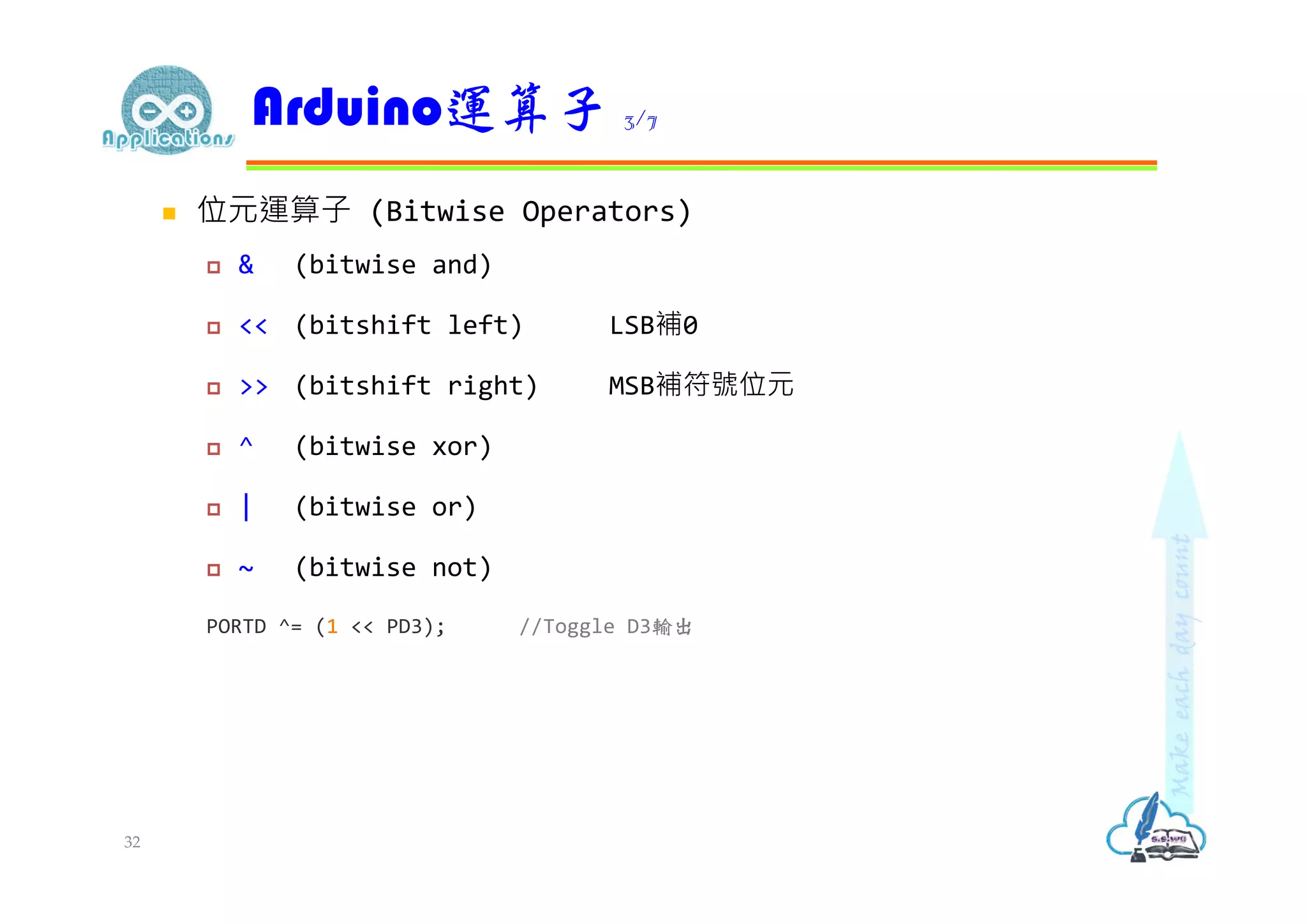
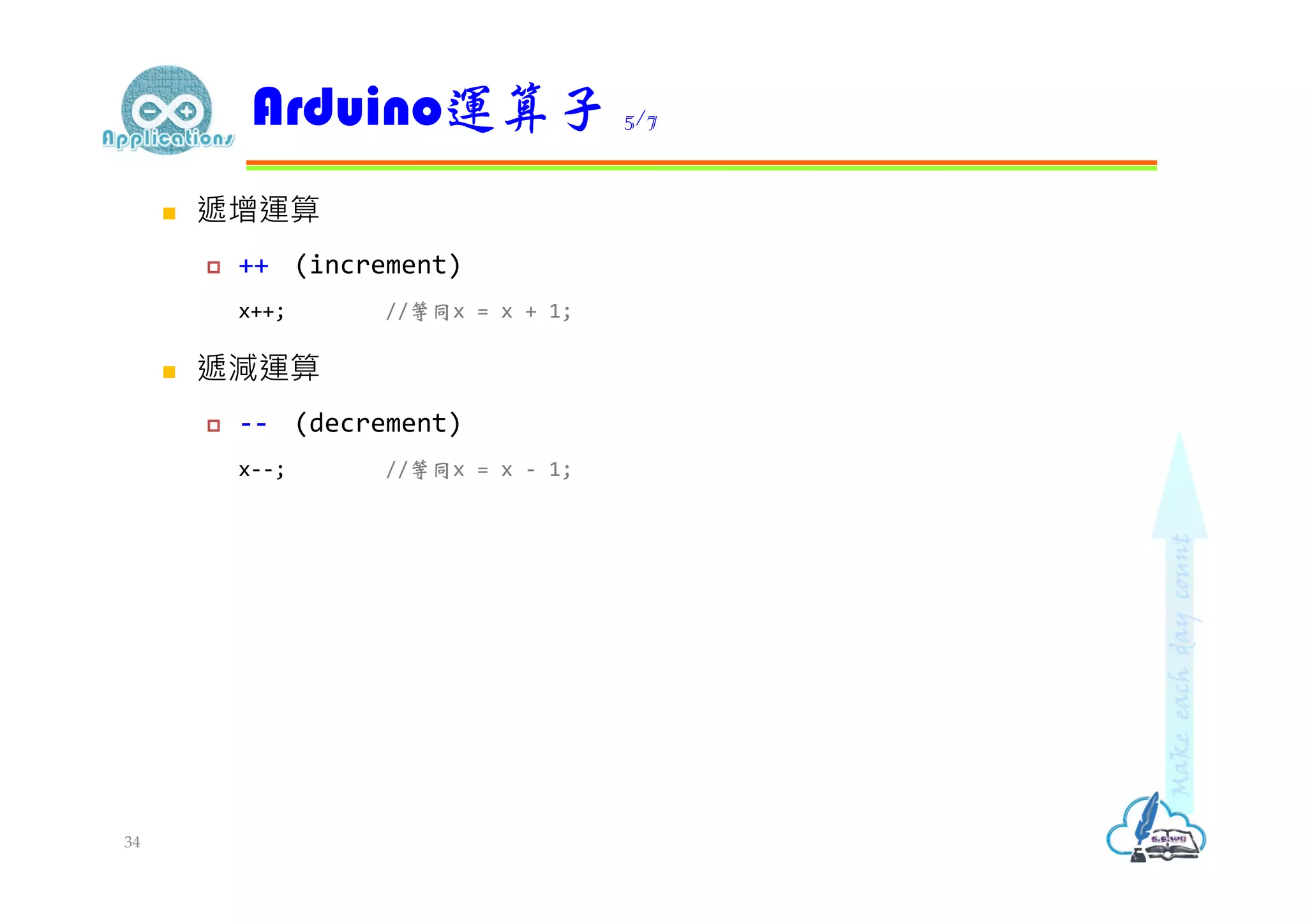
複合運算子(Compound Operators) 同時執行『算數運算子或位元運算子』及『指定運算子』兩件工作 += (compound addition) x += y; //等同x = x + y; -= (compound subtraction) x -= y; //等同x = x - y; *= (compound multiplication) x *= y; //等同x = x * y; /= (compound division) x /= y; //等同x = x / y; Arduino運算子 6/7 35
36.
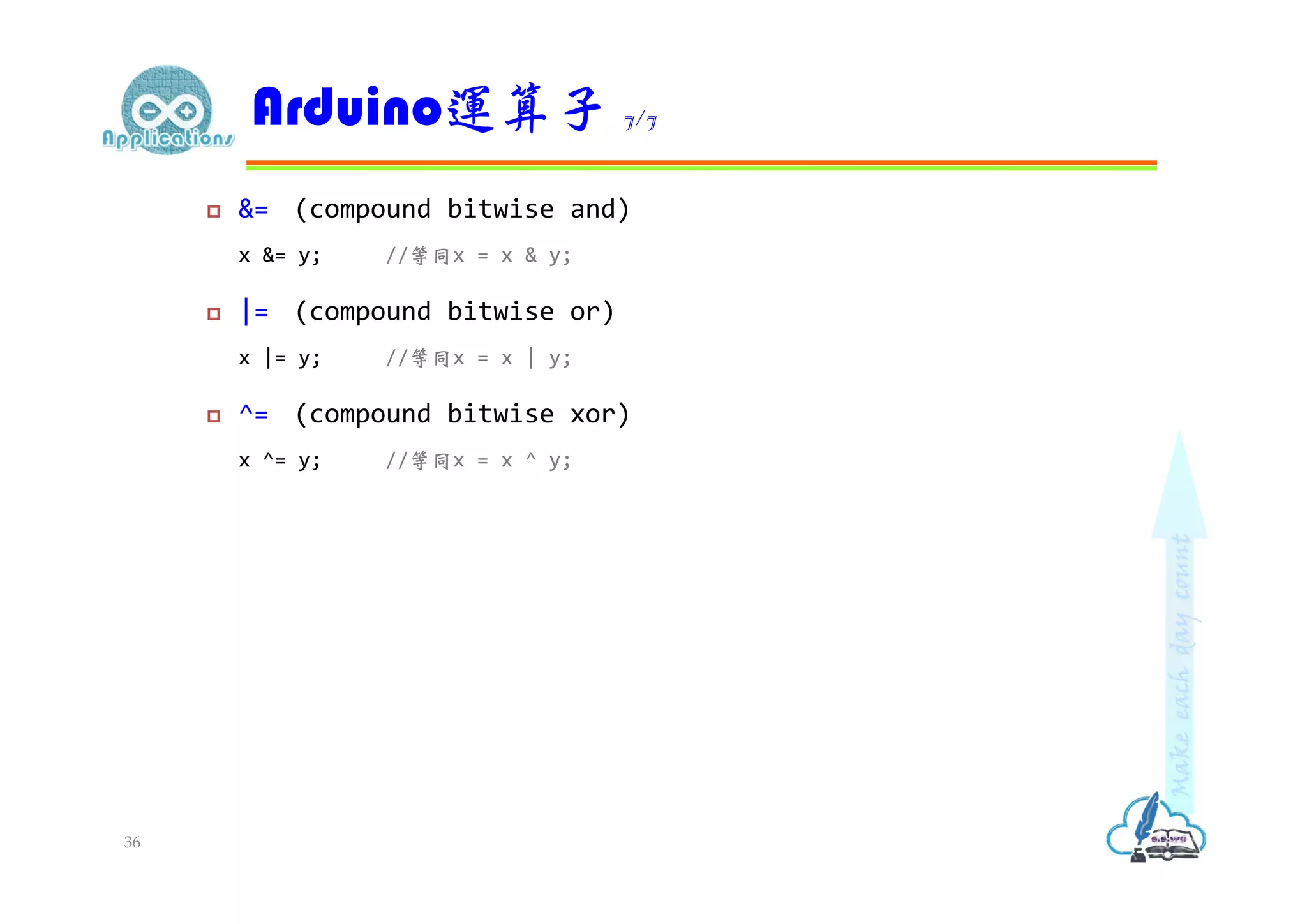
&= (compoundbitwise and) x &= y; //等同x = x & y; |= (compound bitwise or) x |= y; //等同x = x | y; ^= (compound bitwise xor) x ^= y; //等同x = x ^ y; Arduino運算子 7/7 36
37.
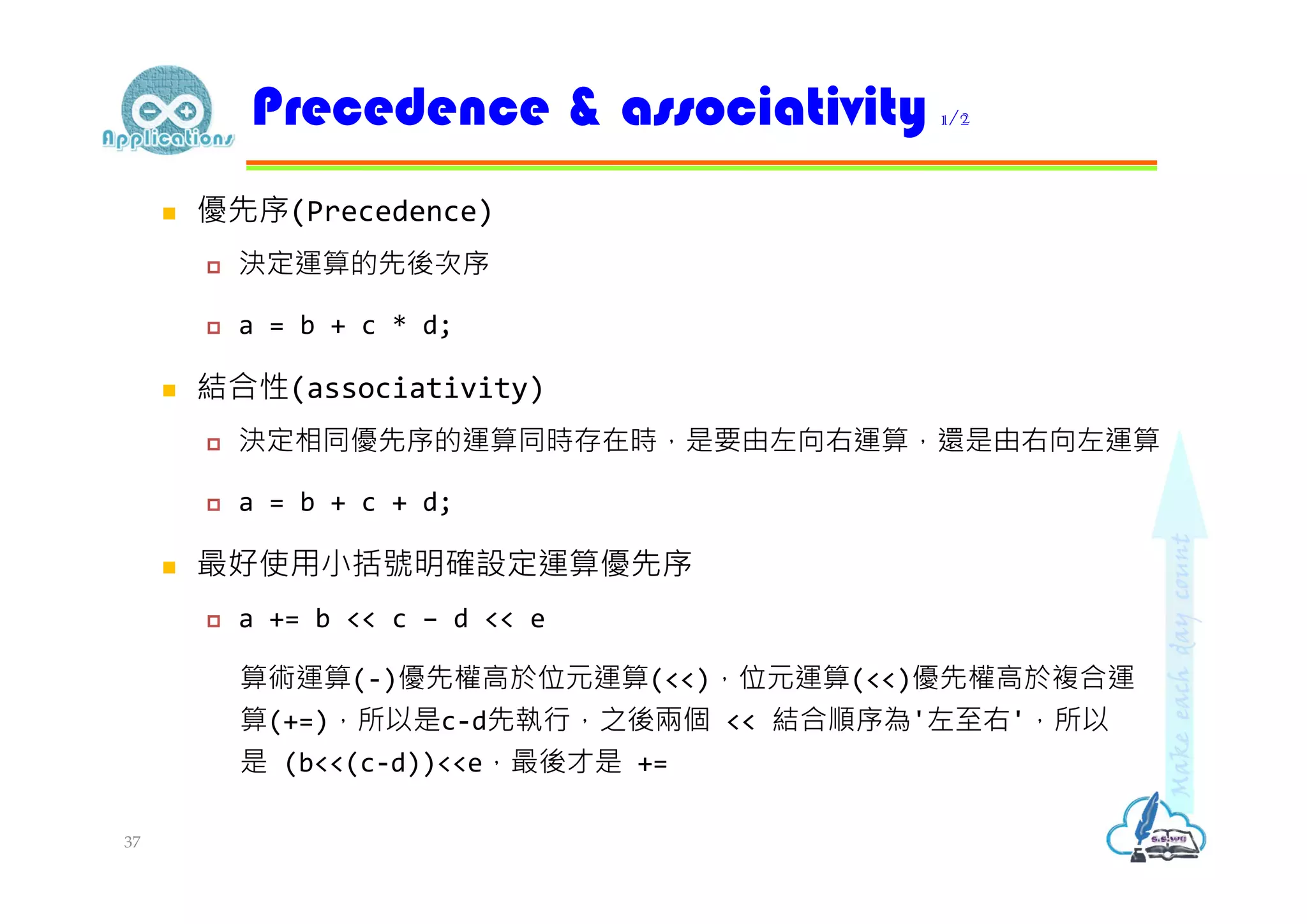
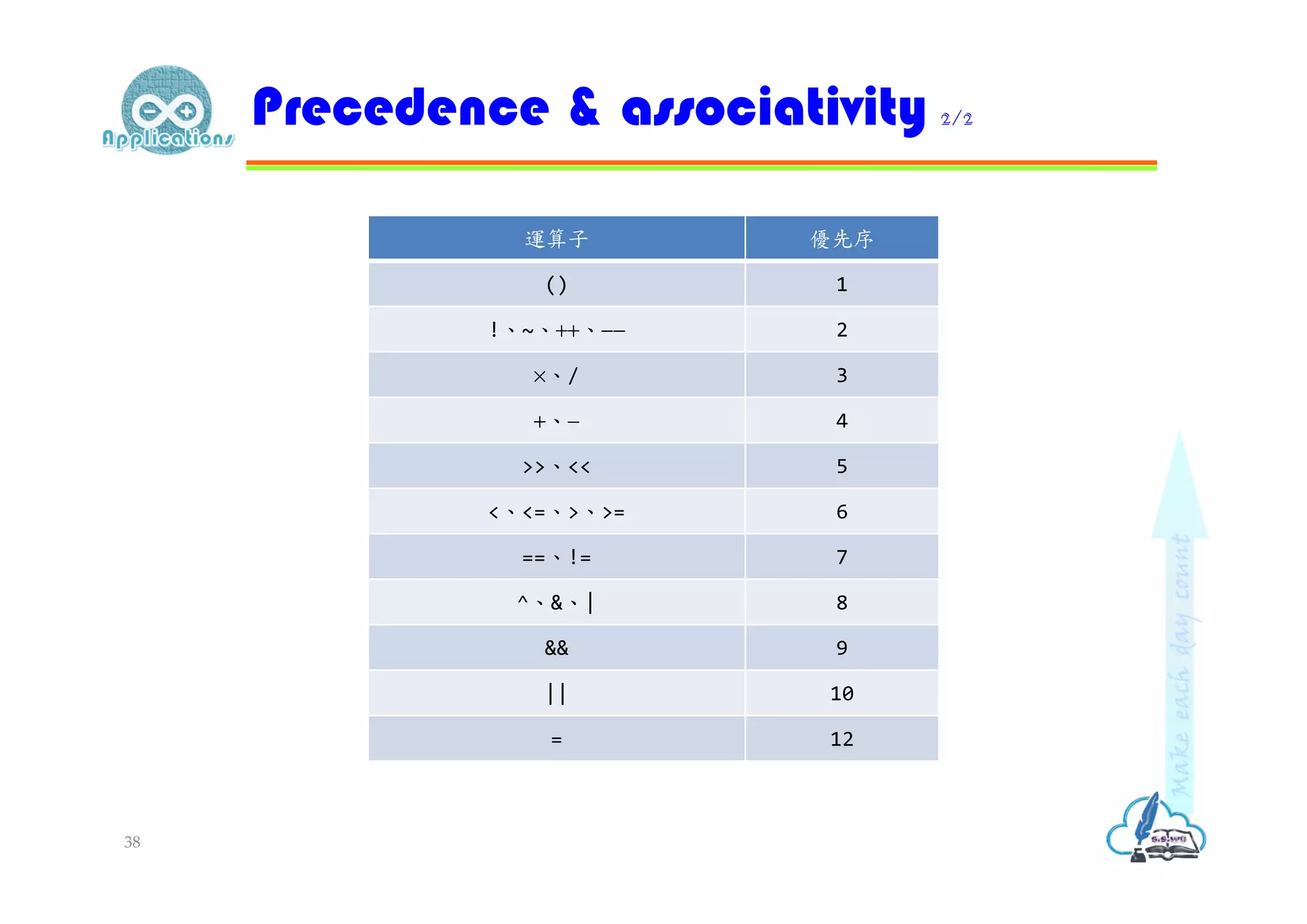
優先序(Precedence) 決定運算的先後次序 a = b + c * d; 結合性(associativity) 決定相同優先序的運算同時存在時,是要由左向右運算,還是由右向左運算 a = b + c + d; 最好使用小括號明確設定運算優先序 a += b << c – d << e 算術運算(-)優先權高於位元運算(<<),位元運算(<<)優先權高於複合運 算(+=),所以是c-d先執行,之後兩個 << 結合順序為'左至右',所以 是 (b<<(c-d))<<e,最後才是 += Precedence & associativity 1/2 37
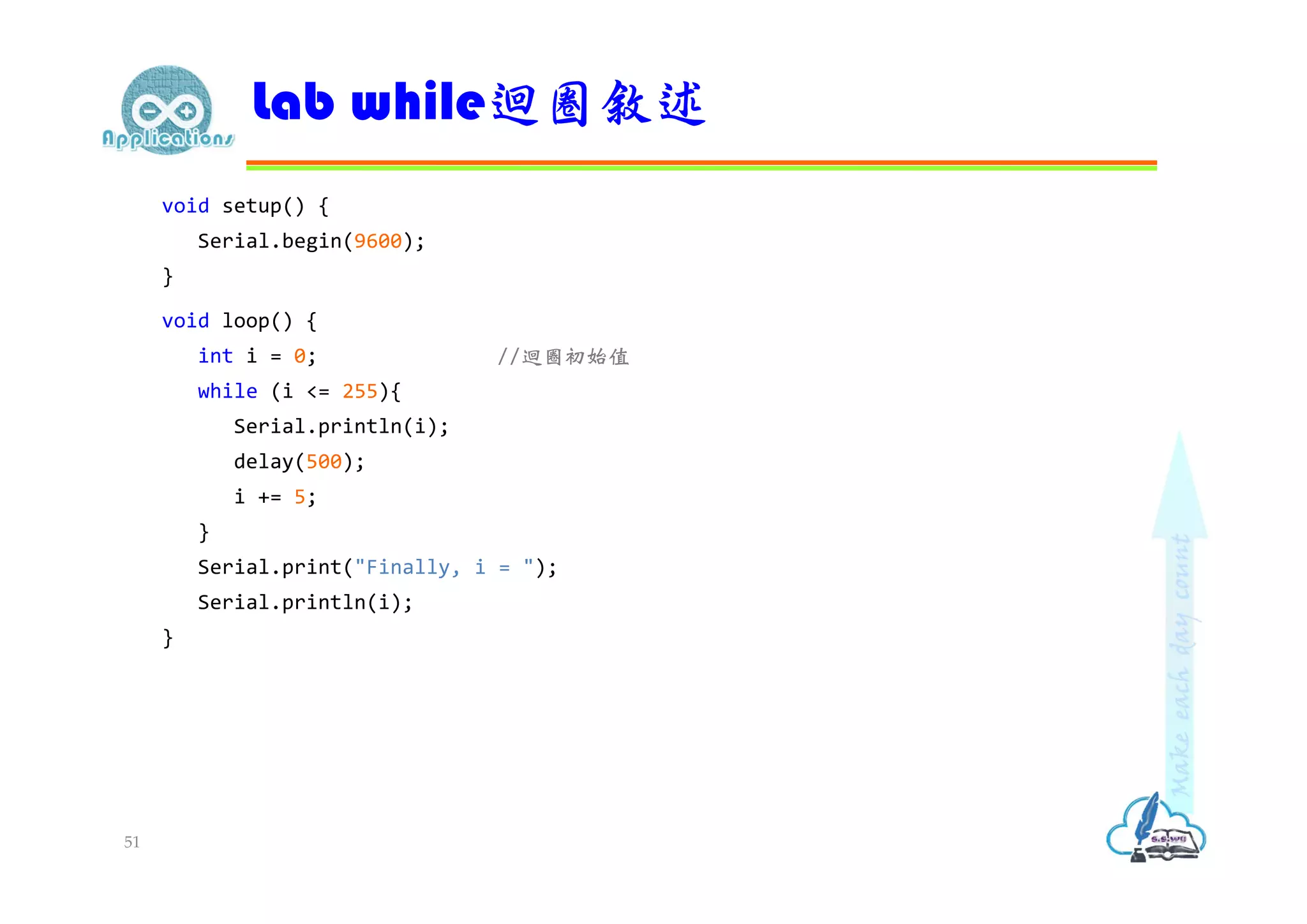
void setup() { Serial.begin(9600); } voidloop() { int i = 0; //迴圈初始值 while (i <= 255){ Serial.println(i); delay(500); i += 5; } Serial.print("Finally, i = "); Serial.println(i); } Lab while迴圈敘述 51
52.
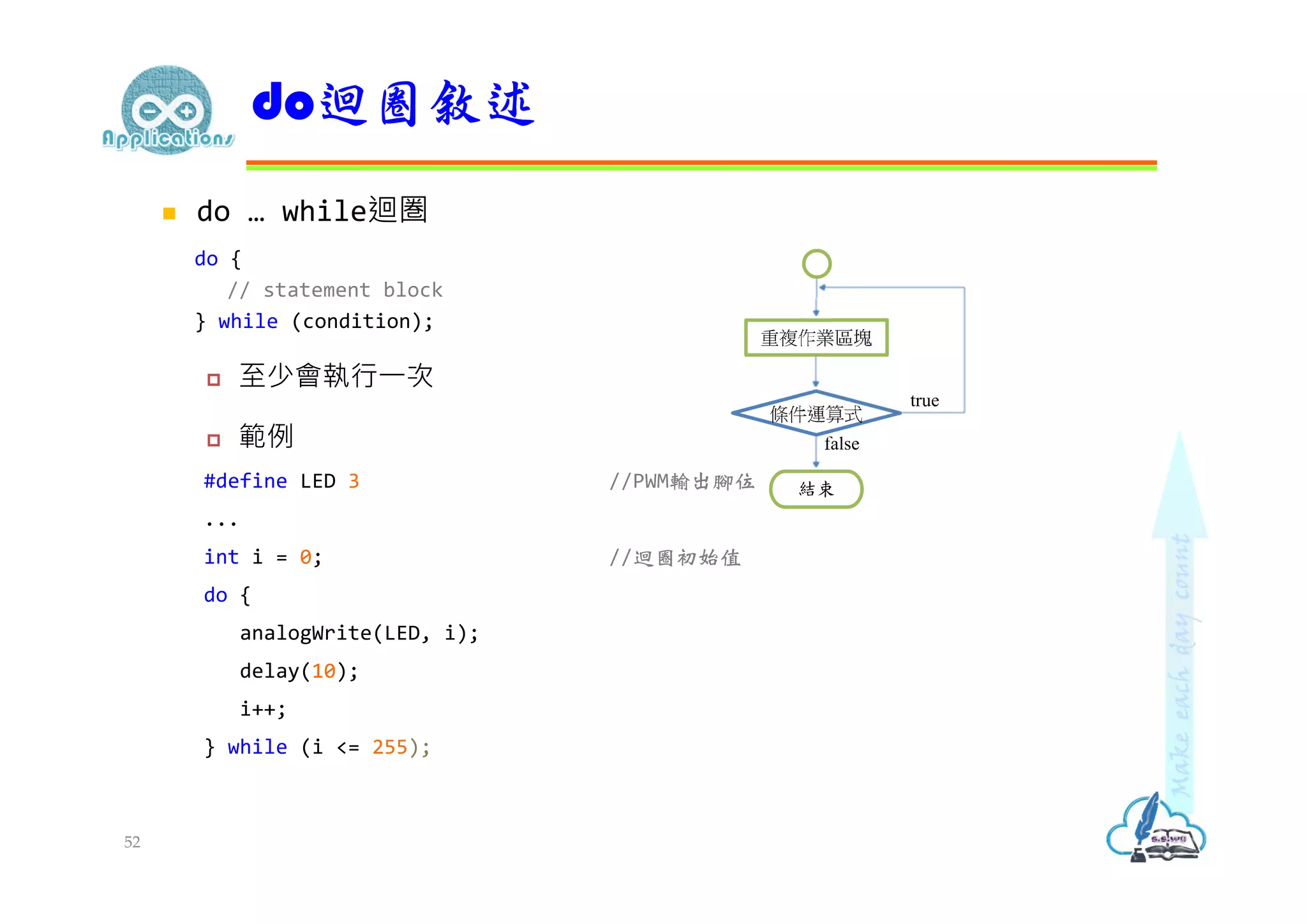
do …while迴圏 do { // statement block } while (condition); 至少會執行⼀次 範例 #define LED 3 //PWM輸出腳位 ... int i = 0; //迴圈初始值 do { analogWrite(LED, i); delay(10); i++; } while (i <= 255); do迴圈敘述 條件運算式 重複作業區塊 true false 結束 52
53.
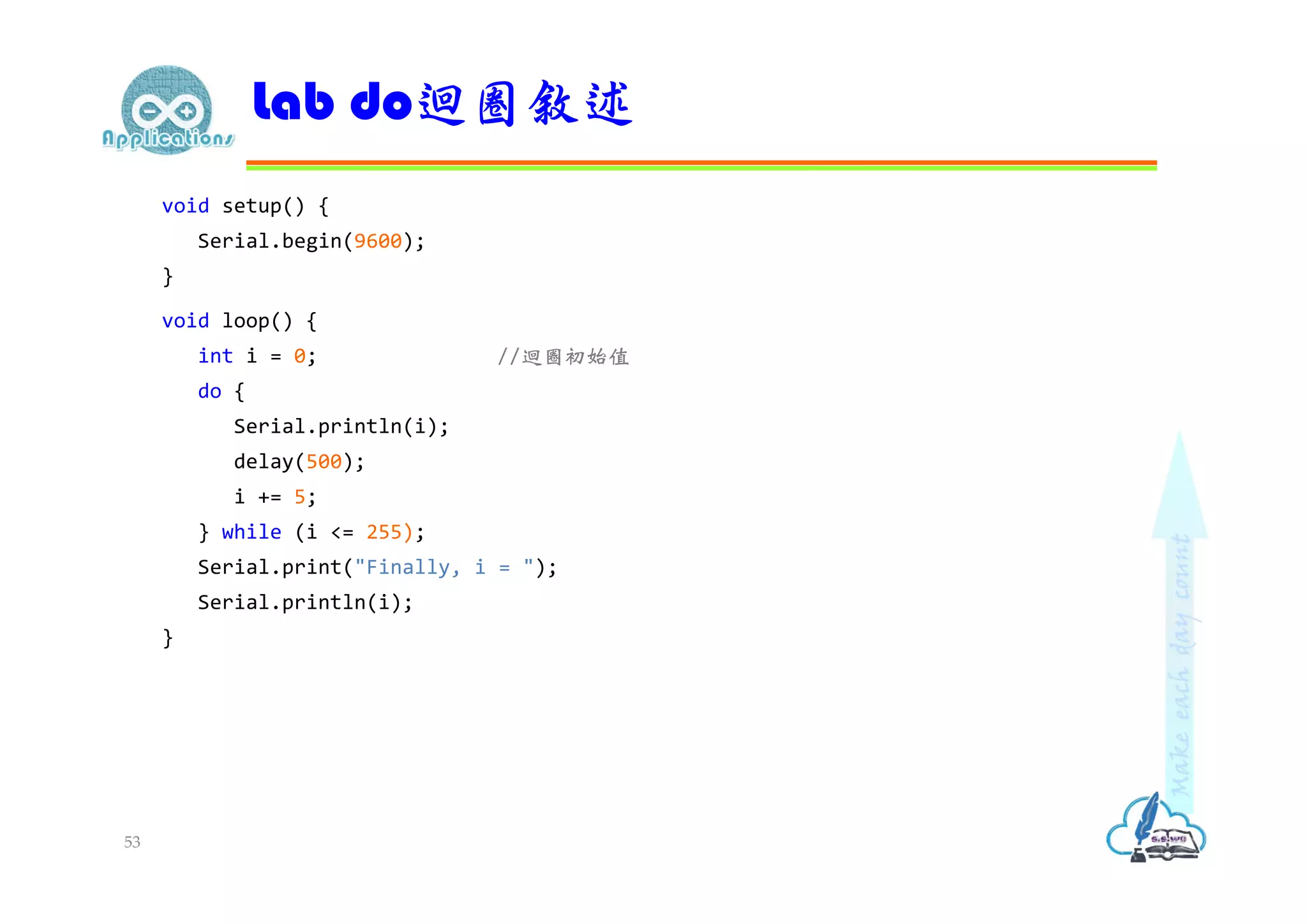
void setup() { Serial.begin(9600); } voidloop() { int i = 0; //迴圈初始值 do { Serial.println(i); delay(500); i += 5; } while (i <= 255); Serial.print("Finally, i = "); Serial.println(i); } Lab do迴圈敘述 53






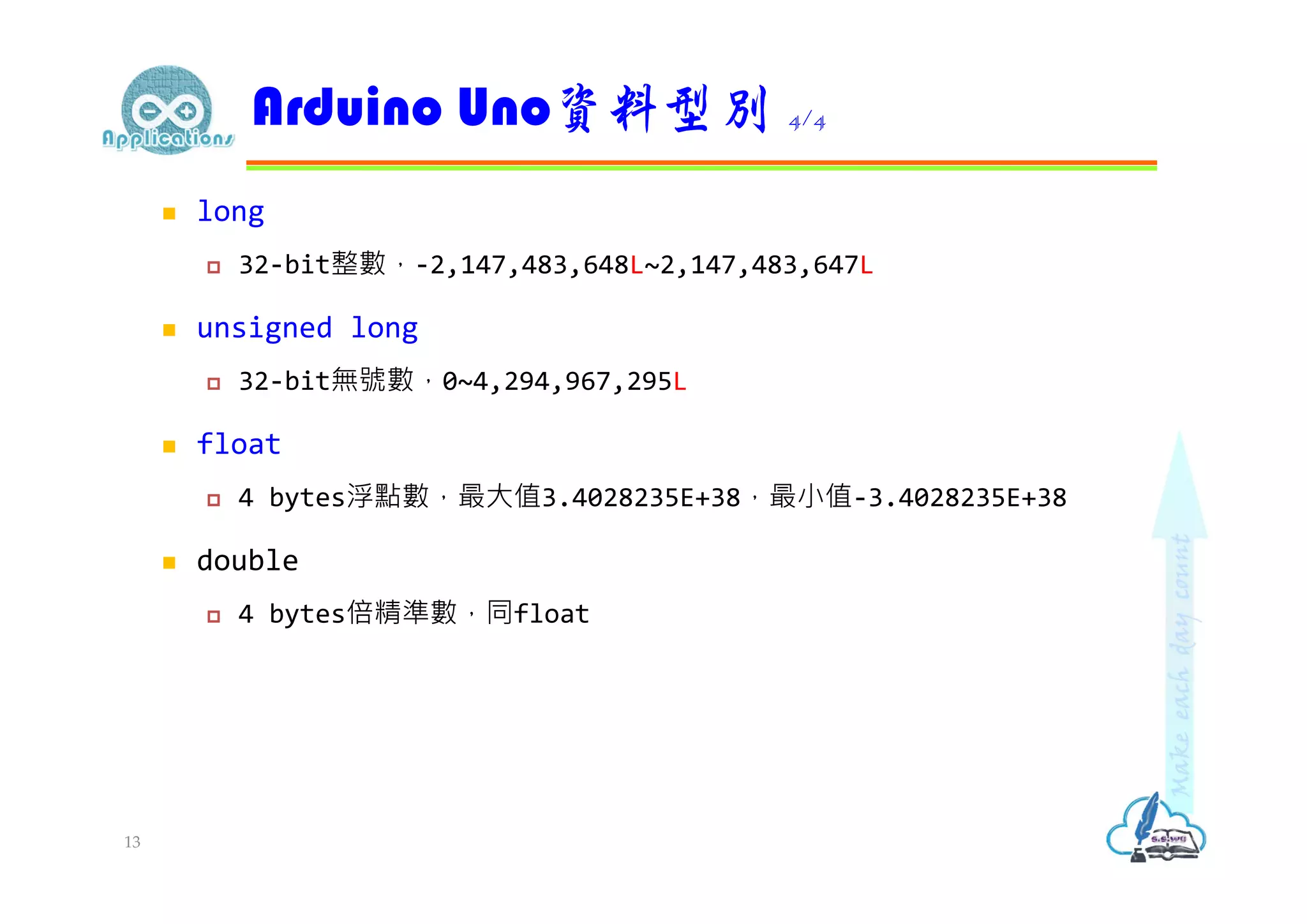

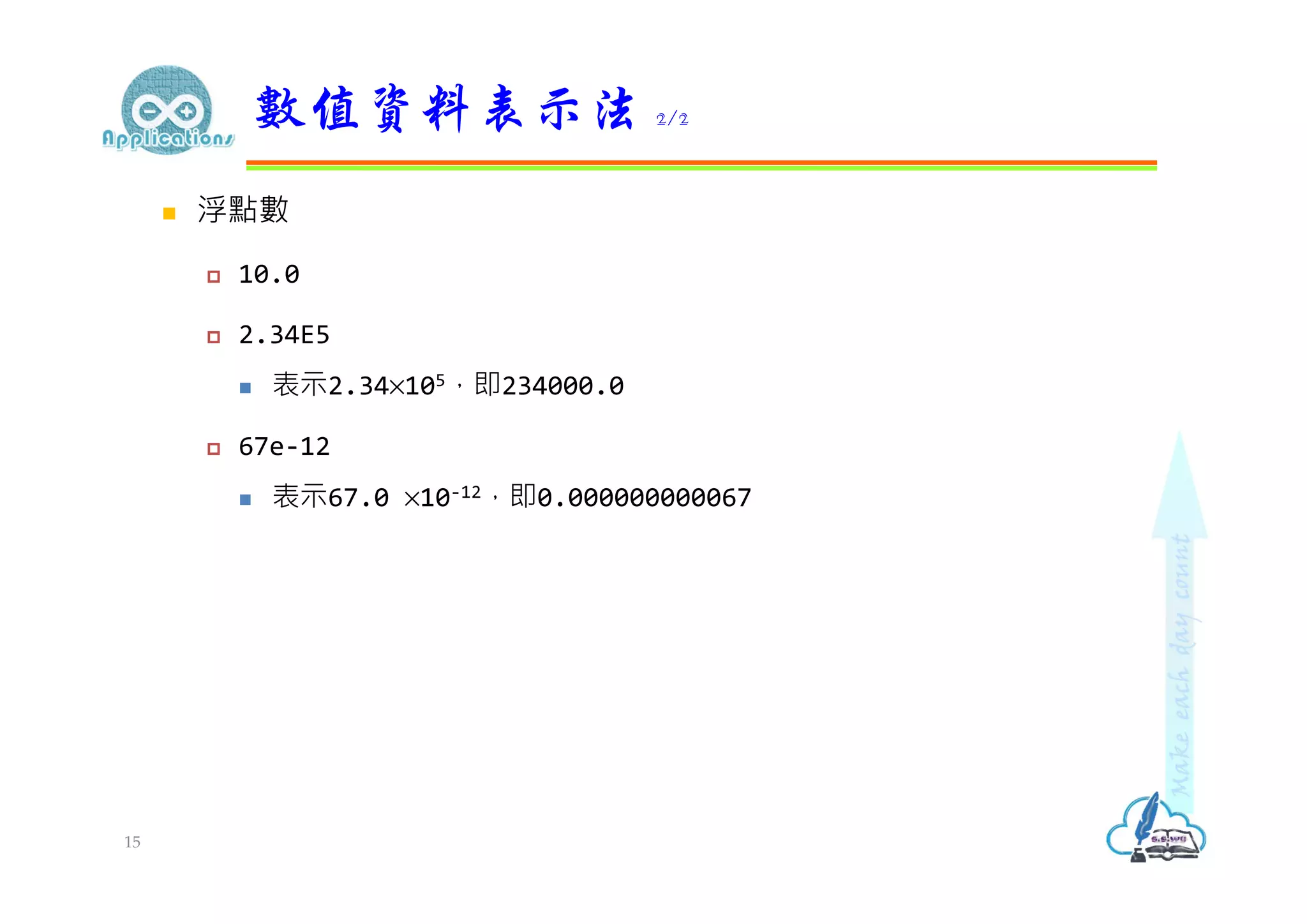
![ 在程式中用來存放運算資料或運算結果 宣告變數 (declaring variables) 語法:資料型別 變數名稱 [= 初始值]; int count; float fahrenheit, celsius = 25.0; fahrenheit = celsius*9/5 + 32.0; 變數 1/5 16](https://image.slidesharecdn.com/arduinoapplications-programingguide-200308084649/75/Arduino-Arduino-16-2048.jpg)


![ ⼀般的變數只能儲存⼀個值,陣列則可以用來存放多個值 陣列中的每個資料稱為陣列元素(element),程式中以索引值存取陣 列元素,索引值從0開始 byte ledPins[] = {2, 4, 8}; pinMode(ledPins[0], OUTPUT); pinMode(ledPins[1], OUTPUT); pinMode(ledPins[2], OUTPUT); 二維陣列 char keypad[4][4] = { //矩陣按鍵 {'1','2','3','A'}, {'4','5','6','B'}, {'7','8','9','C'}, {'*','0','#','D'}}; Serial.println(keypad[1][2]); //'6' 陣列 (array) 24](https://image.slidesharecdn.com/arduinoapplications-programingguide-200308084649/75/Arduino-Arduino-24-2048.jpg)
![ 以雙引號標記字串資料,會在結尾自動加上'0'(空字元)做為字串結 束標記 char str1[] = "Arduino"; sizeof(str1)結果為8,包含'0'(空字元) 字串就是⼀種字元陣列 (char array) char str2[] = {'A', 'r', 'd', 'u', 'i', 'n', 'o', '0'}; 字串 25 如果要把str2做為字串,必須自行加上字串結束字元](https://image.slidesharecdn.com/arduinoapplications-programingguide-200308084649/75/Arduino-Arduino-25-2048.jpg)







![ for迴圏 for (initialization; condition; increment) { //statement(s); } 範例 byte ledPins[] = {2, 4, 8, 3, 6}; for (int i = 0; i < 5; i++){ pinMode(ledPins[i], OUTPUT); } for迴圈敘述 條件運算式 重複作業區塊 true false 更新計數值 初始計數值 結束 48](https://image.slidesharecdn.com/arduinoapplications-programingguide-200308084649/75/Arduino-Arduino-48-2048.jpg)