Pune Makers ( http://www.meetup.com/Pune-Makers/ ) 2
INTRODUCTION TO ARDUINO
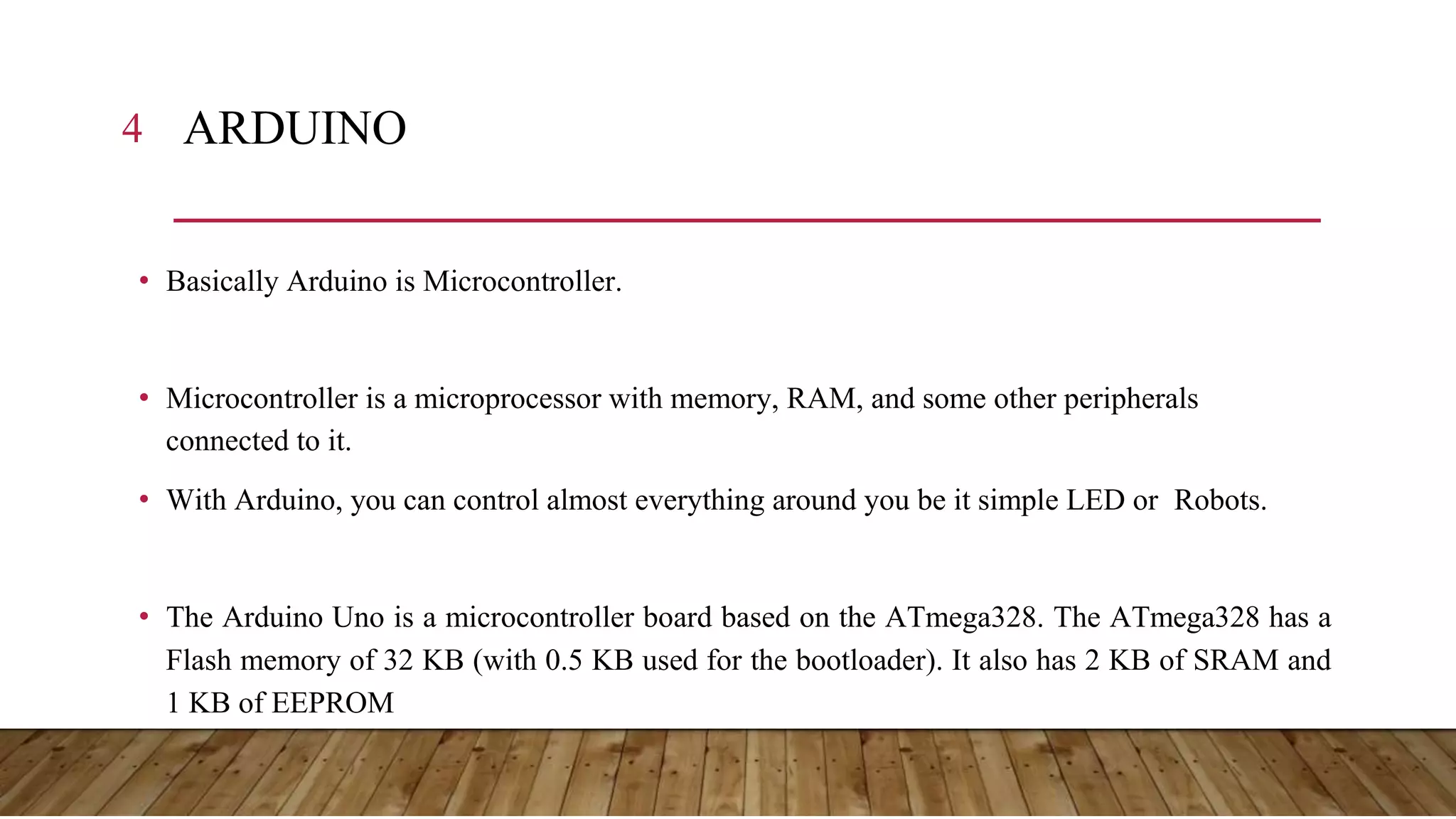
4 ARDUINO • Basically Arduino is Microcontroller. • Microcontroller is a microprocessor with memory, RAM, and some other peripherals connected to it. • With Arduino, you can control almost everything around you be it simple LED or Robots. • The Arduino Uno is a microcontroller board based on the ATmega328. The ATmega328 has a Flash memory of 32 KB (with 0.5 KB used for the bootloader). It also has 2 KB of SRAM and 1 KB of EEPROM
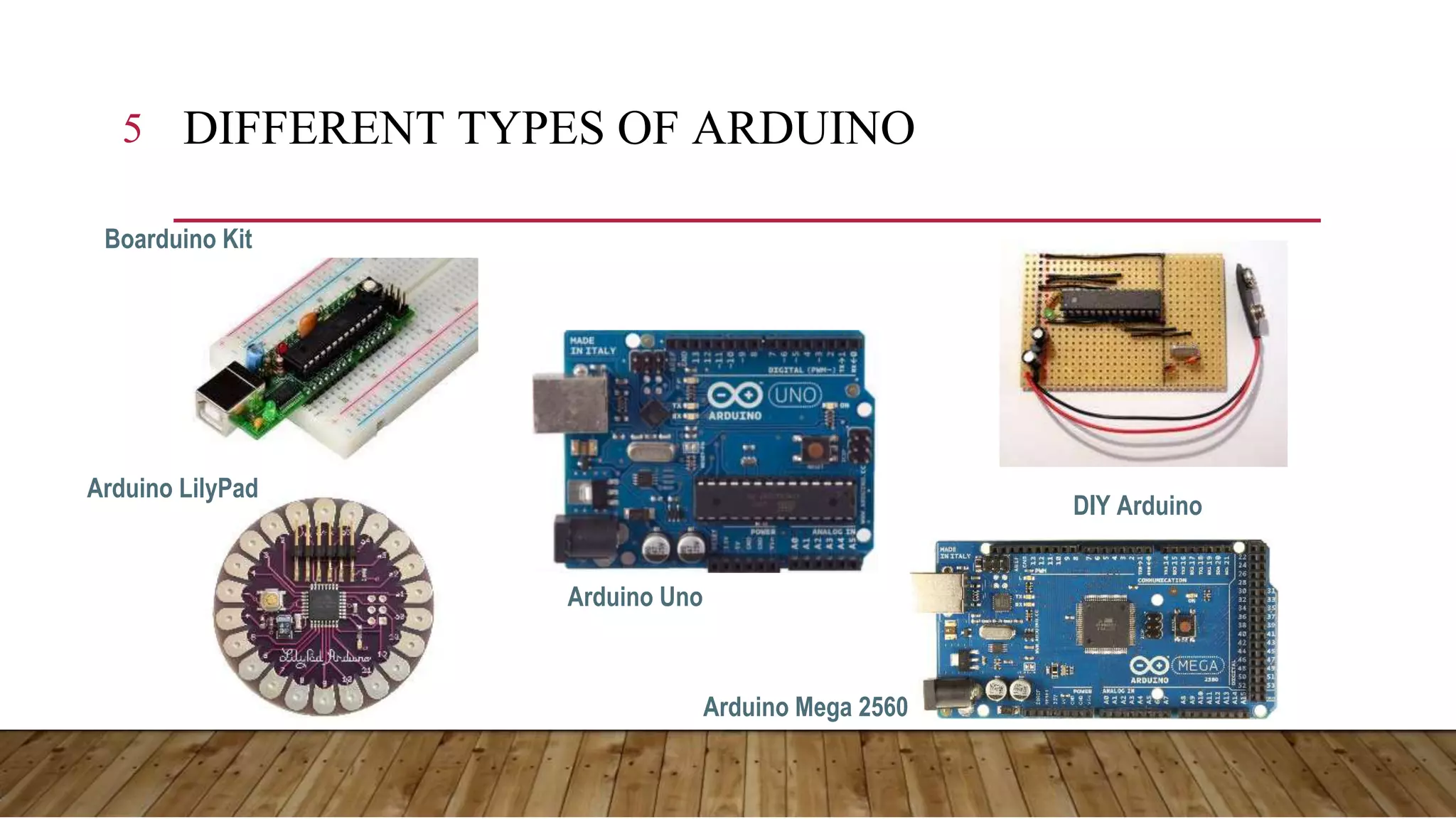
5 DIFFERENT TYPES OF ARDUINO Boarduino Kit Arduino LilyPad DIY Arduino Arduino Uno Arduino Mega 2560
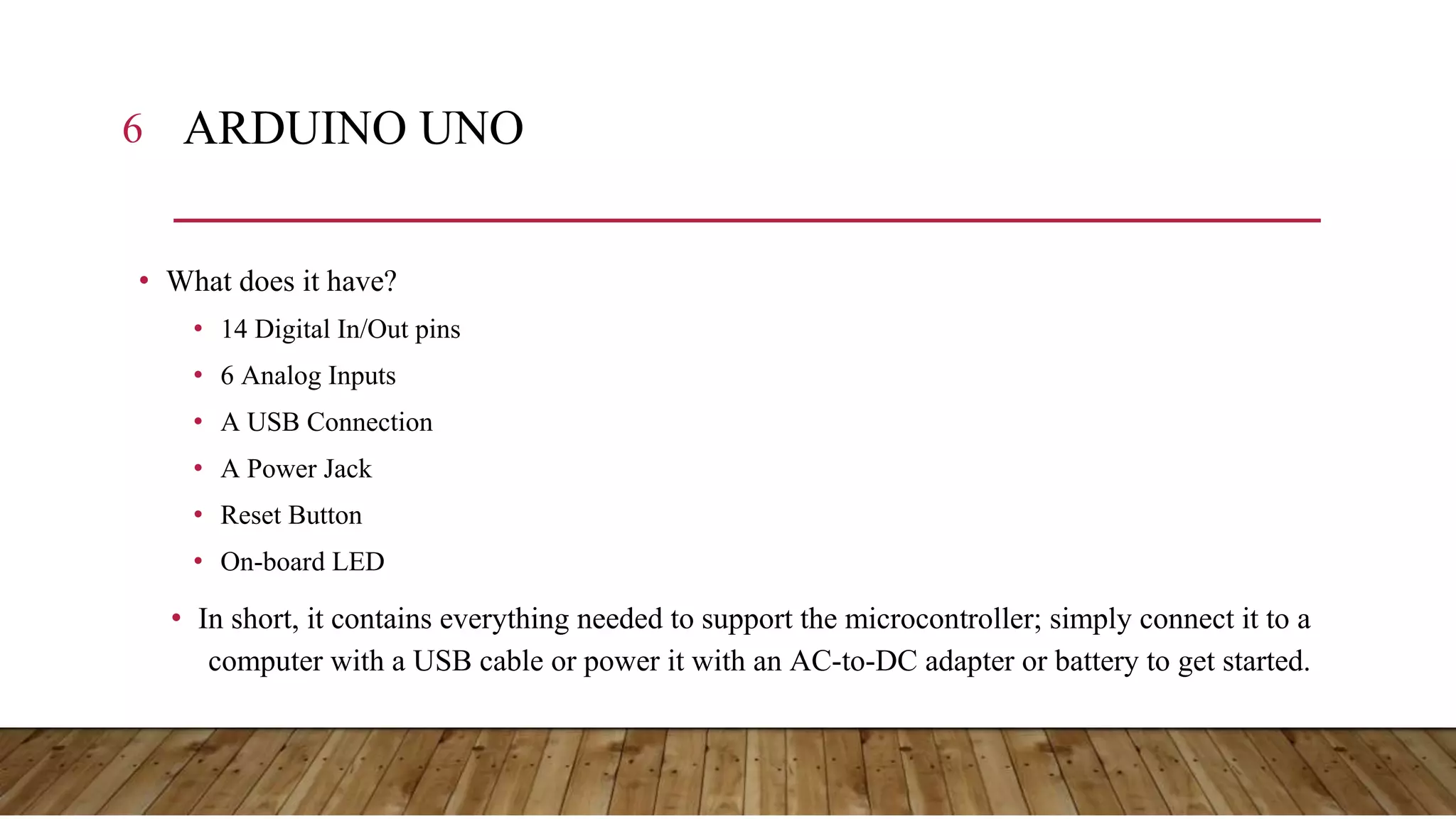
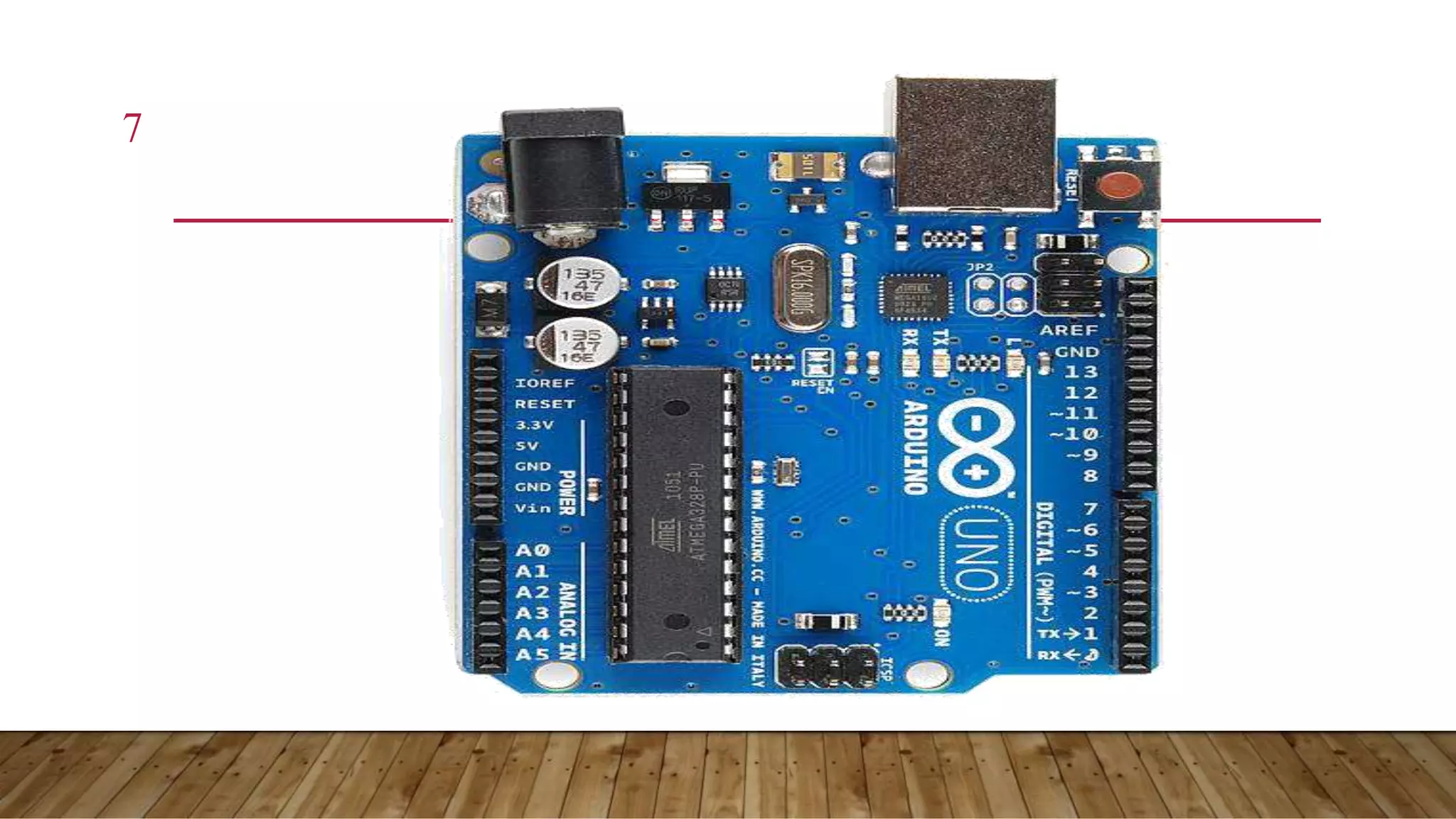
6 ARDUINO UNO • What does it have? • 14 Digital In/Out pins • 6 Analog Inputs • A USB Connection • A Power Jack • Reset Button • On-board LED • In short, it contains everything needed to support the microcontroller; simply connect it to a computer with a USB cable or power it with an AC-to-DC adapter or battery to get started.
7
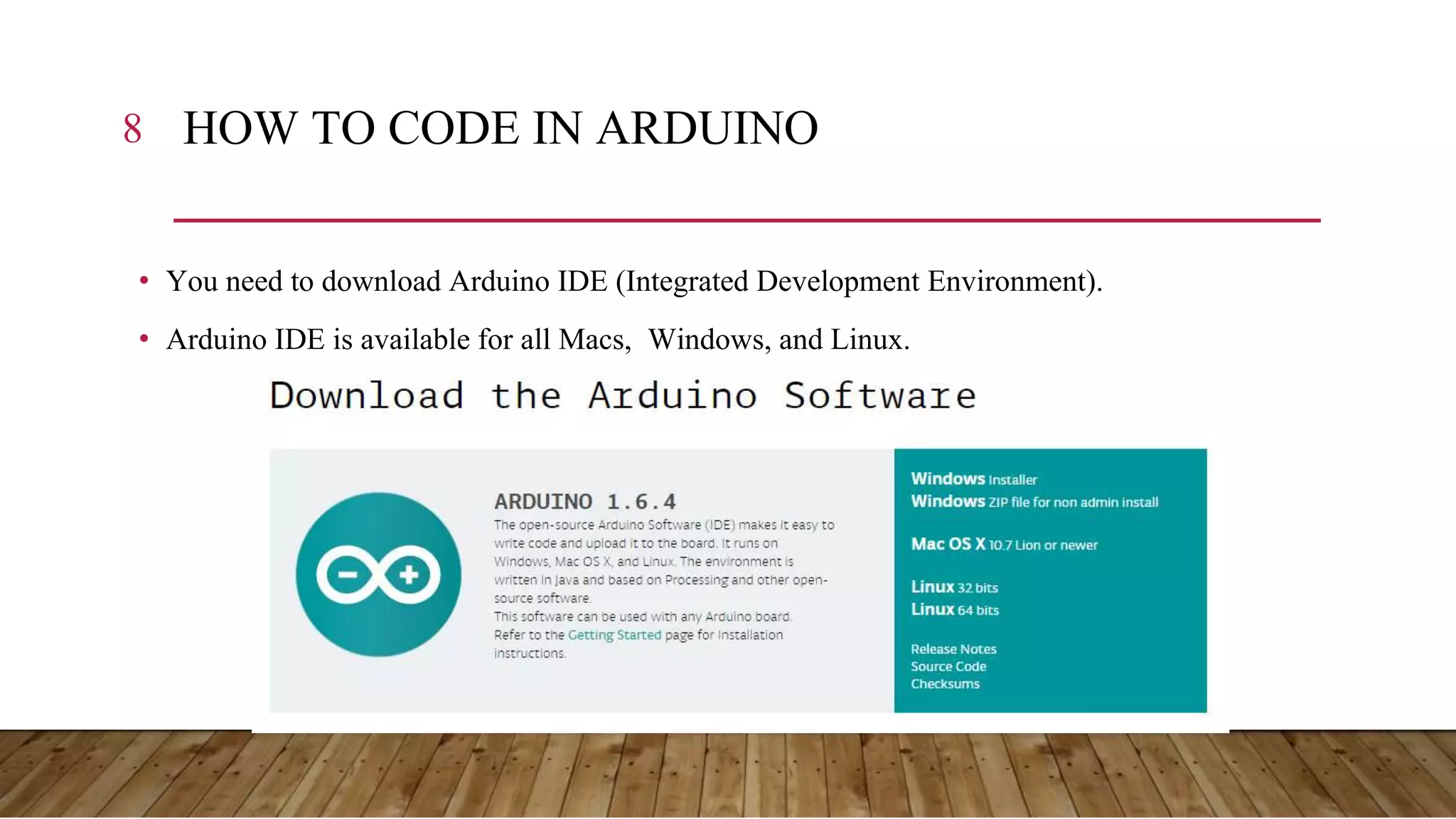
8 HOW TO CODE IN ARDUINO • You need to download Arduino IDE (Integrated Development Environment). • Arduino IDE is available for all Macs, Windows, and Linux.
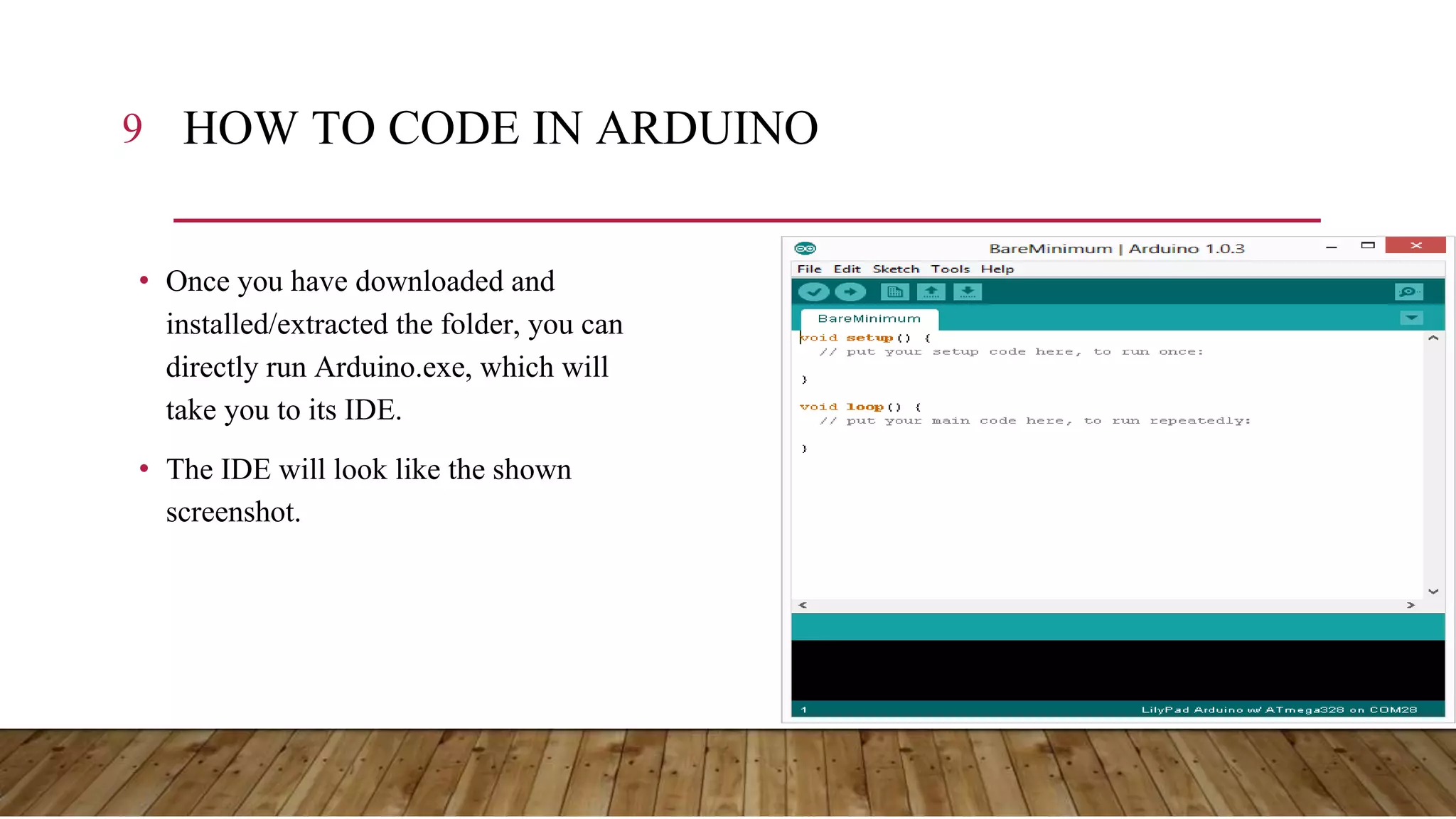
9 HOW TO CODE IN ARDUINO • Once you have downloaded and installed/extracted the folder, you can directly run Arduino.exe, which will take you to its IDE. • The IDE will look like the shown screenshot.
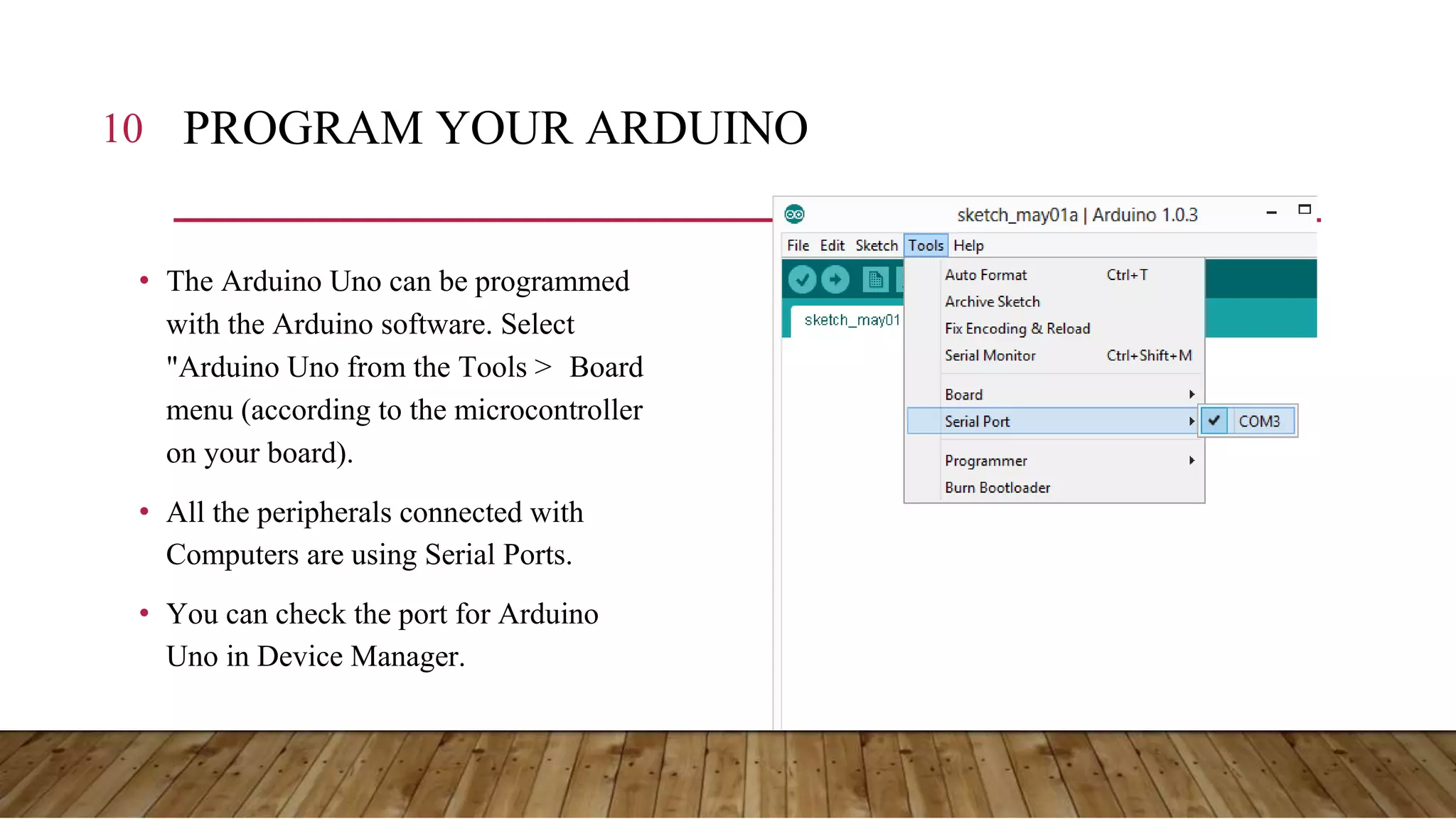
10 PROGRAM YOUR ARDUINO • The Arduino Uno can be programmed with the Arduino software. Select "Arduino Uno from the Tools > Board menu (according to the microcontroller on your board). • All the peripherals connected with Computers are using Serial Ports. • You can check the port for Arduino Uno in Device Manager.
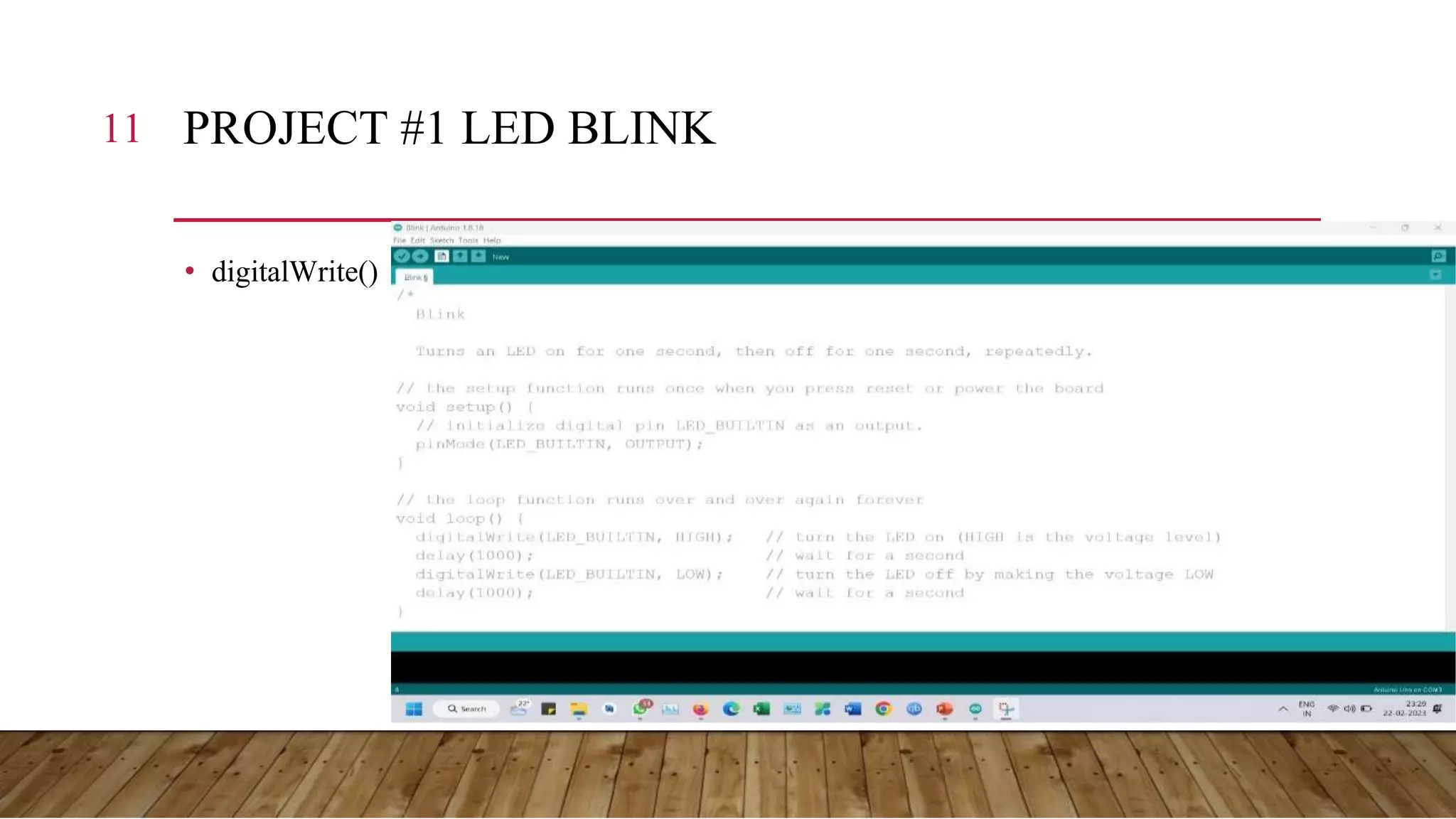
11 PROJECT #1 LED BLINK • digitalWrite()
THANK YOU

Arduino ppt 2023

  • 2.
    Pune Makers (http://www.meetup.com/Pune-Makers/ ) 2
  • 3.
  • 4.
    4 ARDUINO • BasicallyArduino is Microcontroller. • Microcontroller is a microprocessor with memory, RAM, and some other peripherals connected to it. • With Arduino, you can control almost everything around you be it simple LED or Robots. • The Arduino Uno is a microcontroller board based on the ATmega328. The ATmega328 has a Flash memory of 32 KB (with 0.5 KB used for the bootloader). It also has 2 KB of SRAM and 1 KB of EEPROM
  • 5.
    5 DIFFERENT TYPESOF ARDUINO Boarduino Kit Arduino LilyPad DIY Arduino Arduino Uno Arduino Mega 2560
  • 6.
    6 ARDUINO UNO •What does it have? • 14 Digital In/Out pins • 6 Analog Inputs • A USB Connection • A Power Jack • Reset Button • On-board LED • In short, it contains everything needed to support the microcontroller; simply connect it to a computer with a USB cable or power it with an AC-to-DC adapter or battery to get started.
  • 7.
  • 8.
    8 HOW TOCODE IN ARDUINO • You need to download Arduino IDE (Integrated Development Environment). • Arduino IDE is available for all Macs, Windows, and Linux.
  • 9.
    9 HOW TOCODE IN ARDUINO • Once you have downloaded and installed/extracted the folder, you can directly run Arduino.exe, which will take you to its IDE. • The IDE will look like the shown screenshot.
  • 10.
    10 PROGRAM YOURARDUINO • The Arduino Uno can be programmed with the Arduino software. Select "Arduino Uno from the Tools > Board menu (according to the microcontroller on your board). • All the peripherals connected with Computers are using Serial Ports. • You can check the port for Arduino Uno in Device Manager.
  • 11.
    11 PROJECT #1LED BLINK • digitalWrite()
  • 12.