ARDUINO PROGRAMMING SESSION 2 1 Presented By Amarjeetsingh Thakur 9/28/2020
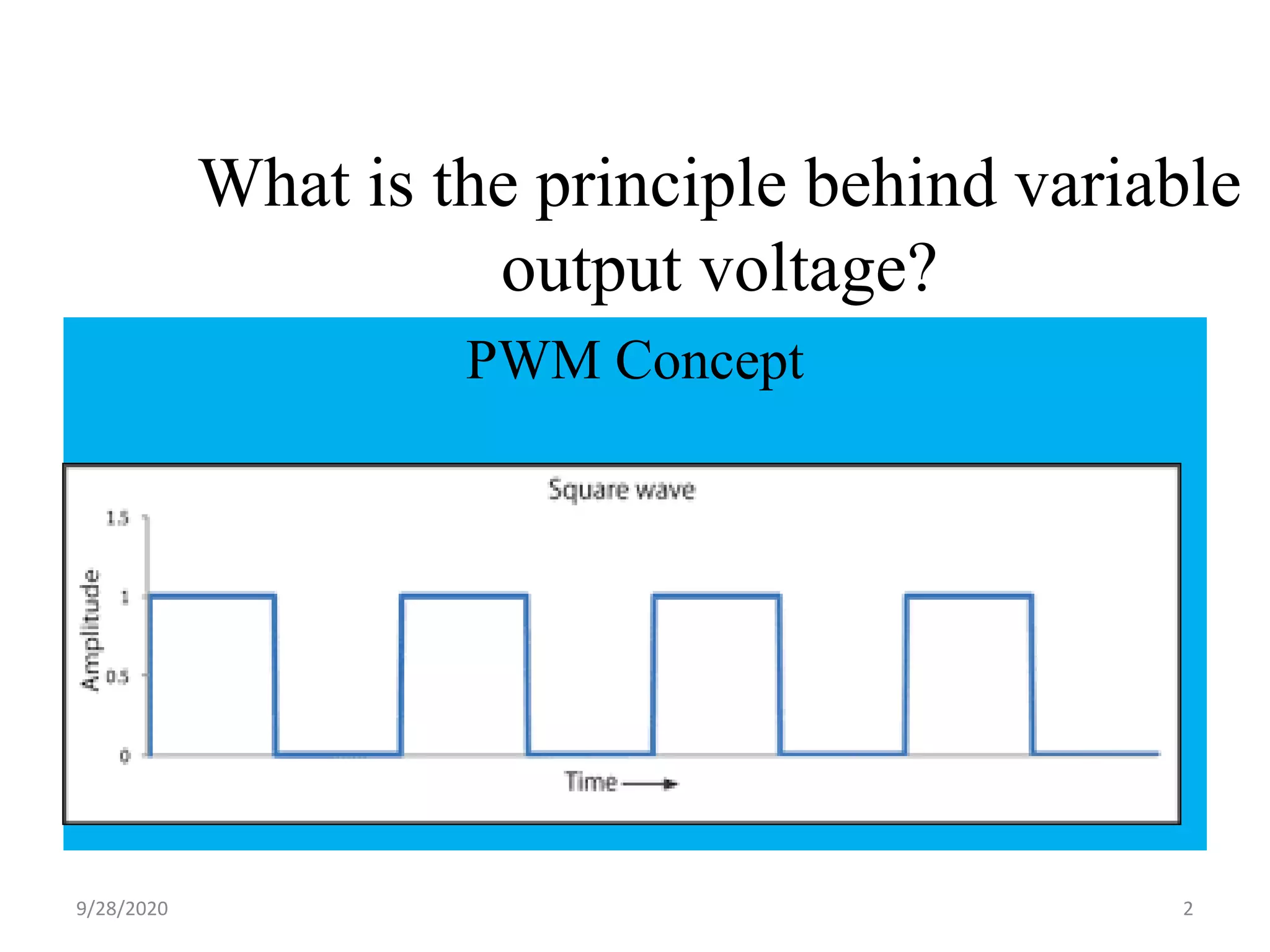
What is the principle behind variable output voltage? PWM Concept 29/28/2020
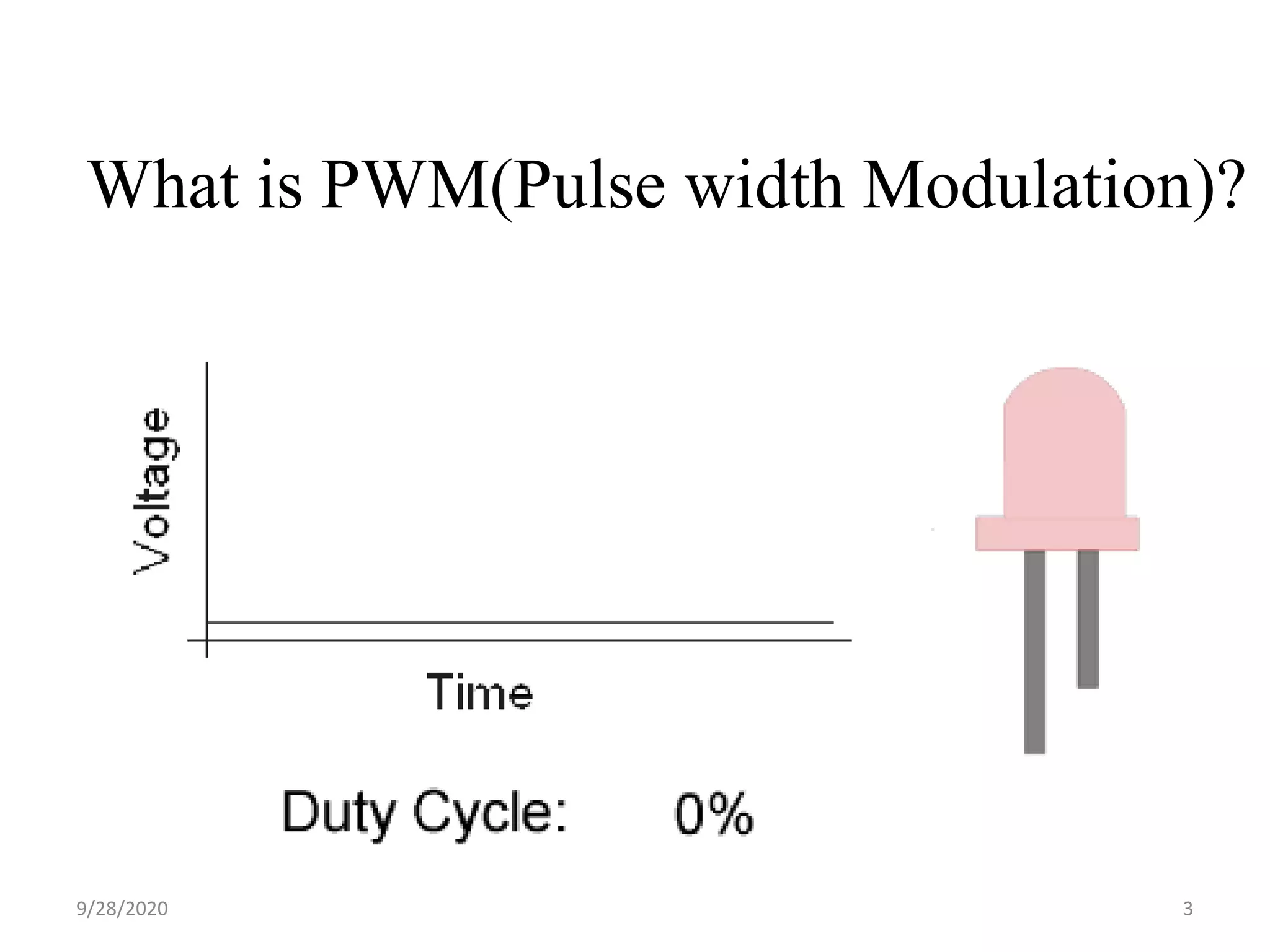
What is PWM(Pulse width Modulation)? 39/28/2020
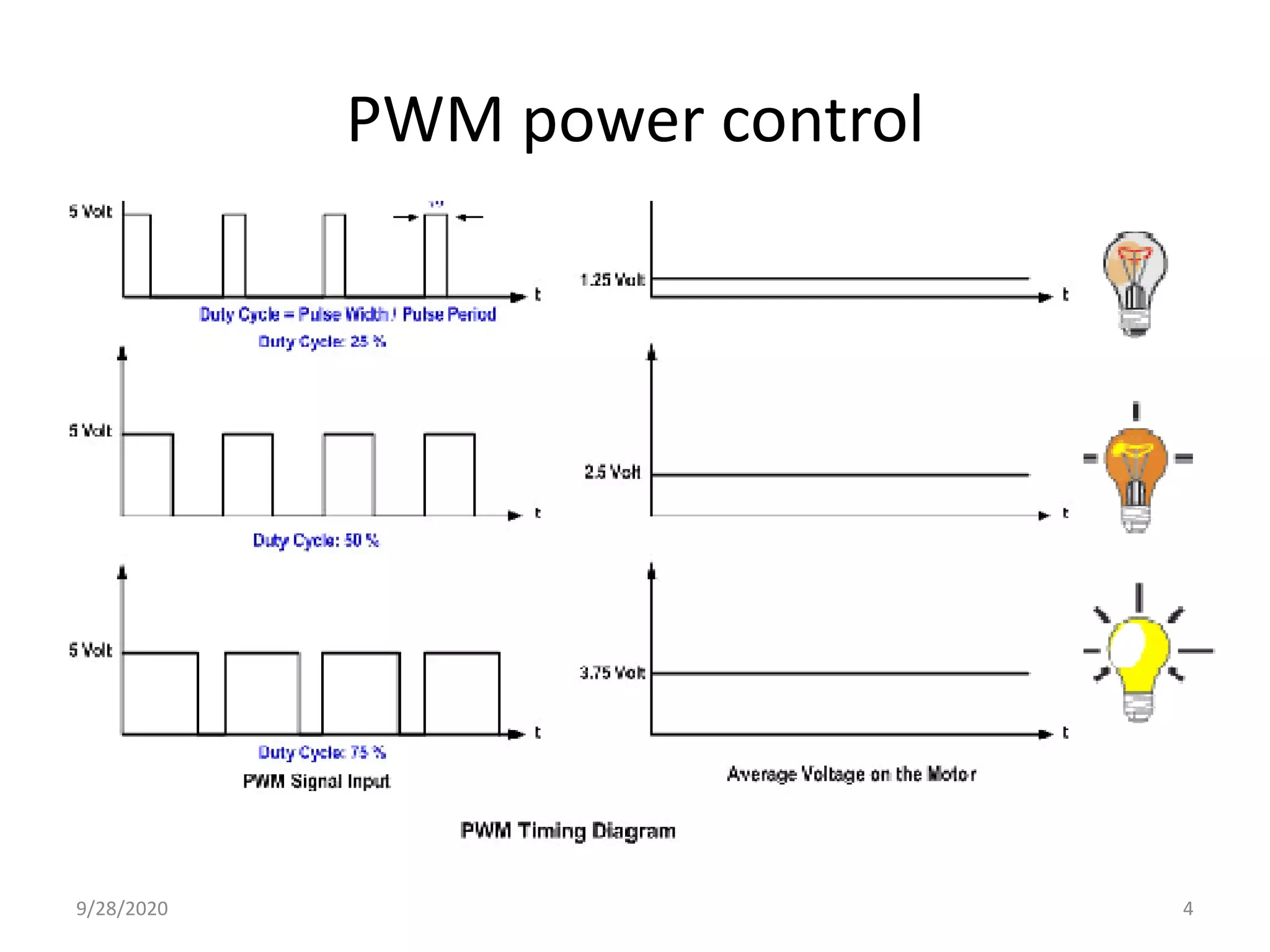
PWM power control 49/28/2020
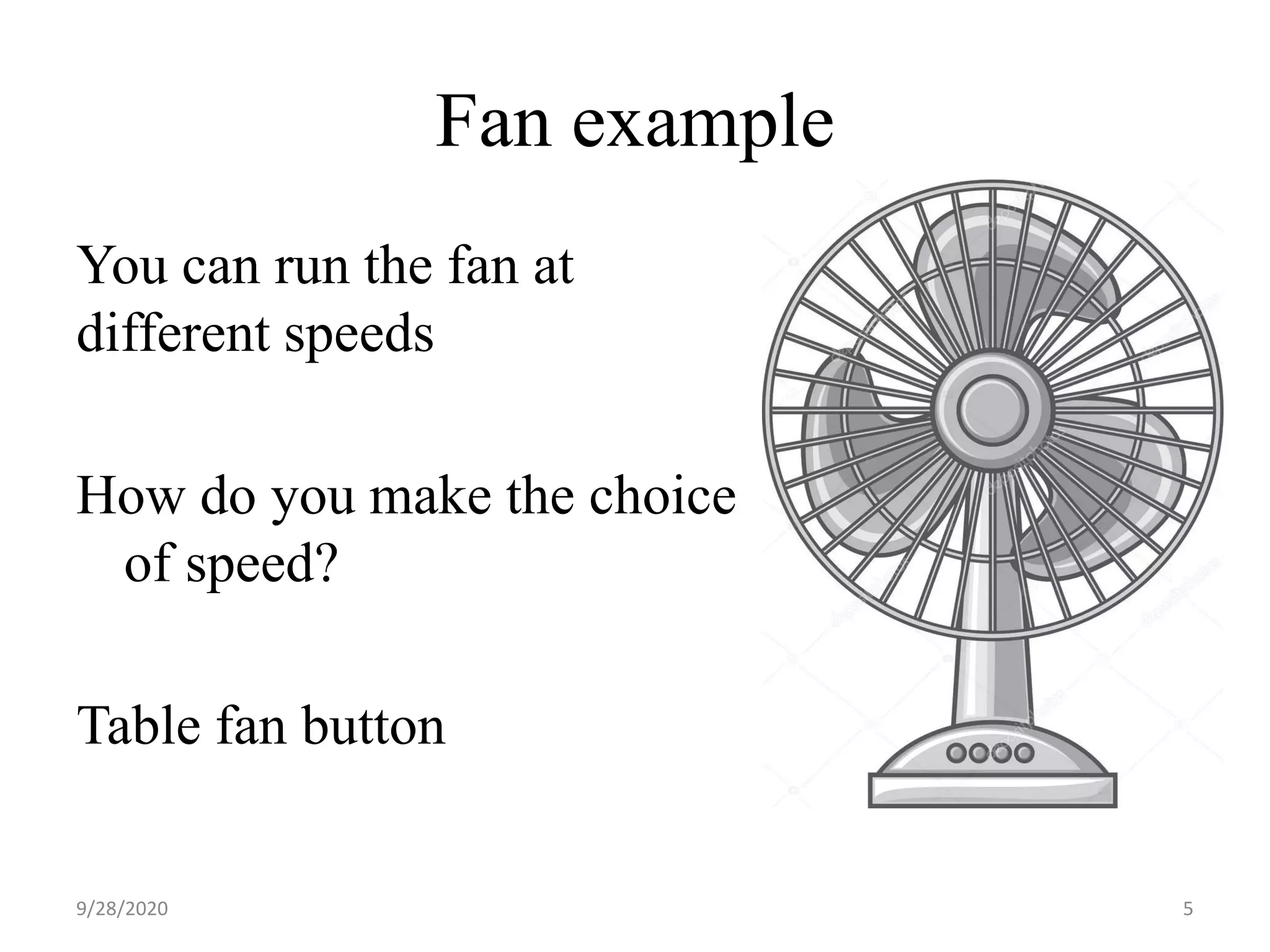
Fan example You can run the fan at different speeds How do you make the choice of speed? Table fan button 59/28/2020
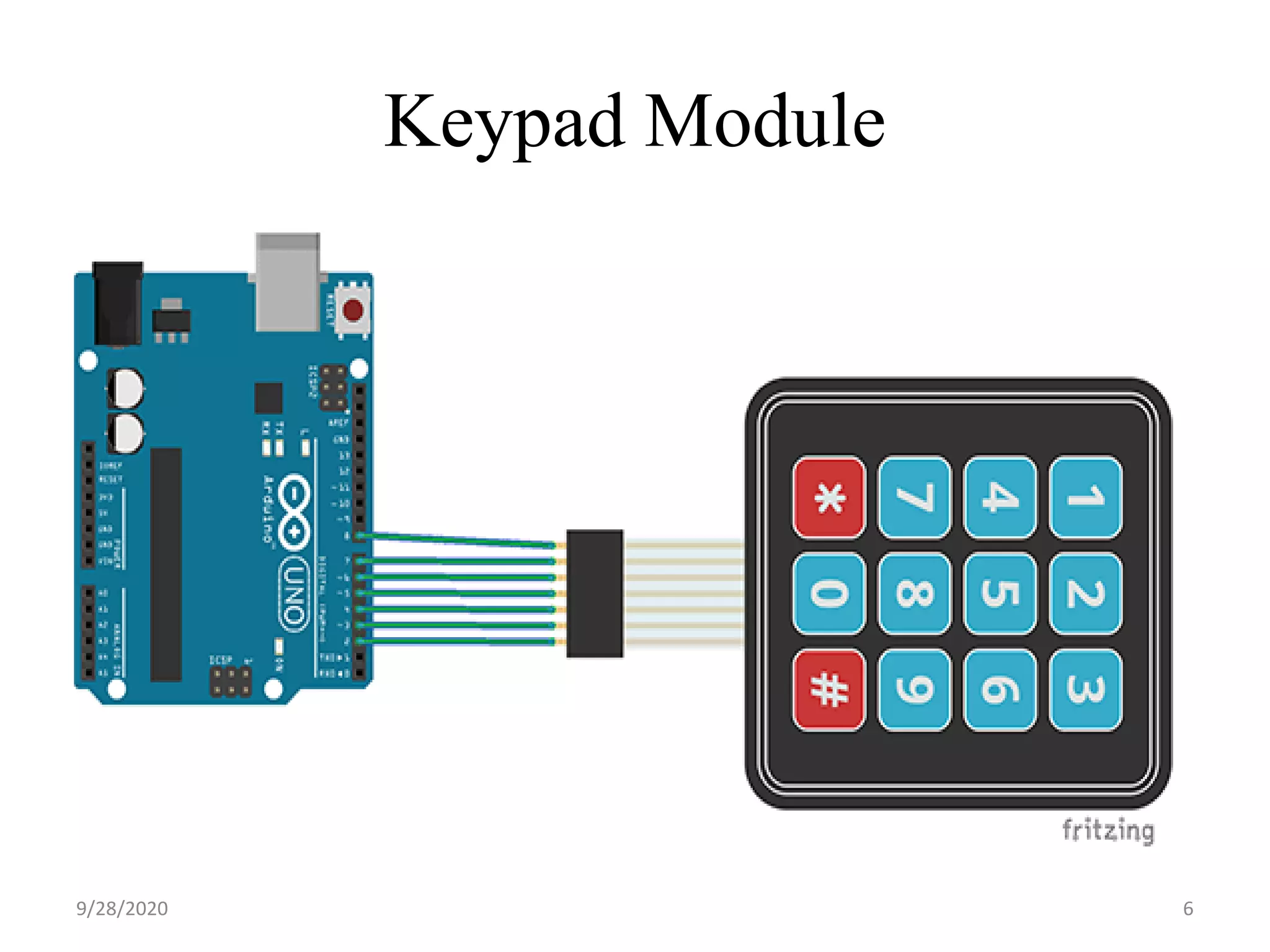
Keypad Module 69/28/2020
Keypad Program 79/28/2020
#include <Keypad.h> const byte ROWS = 4; const byte COLS = 4; char hexaKeys[ROWS][COLS] = { {'1', '2', '3', 'A'}, {'4', '5', '6', 'B'}, {'7', '8', '9', 'C'}, {'*', '0', '#', 'D'} }; byte rowPins[ROWS] = {9, 8, 7, 6}; byte colPins[COLS] = {5, 4, 3, 2}; 89/28/2020
Contd.. Keypad customKeypad = Keypad(makeKeymap(hexaKeys), rowPins, colPins, ROWS, COLS); void setup(){ Serial.begin(9600); } void loop(){ char customKey = customKeypad.getKey(); if (customKey){ Serial.println(customKey); } } 99/28/2020
SENSORS What is a sensor? “A sensor is an object whose purpose is to detect events or changes in its environment, and then provide a corresponding output”. Why do we need sensor? • A sensor is the guy who provides data to the a system via its input. • We need sensor to feed data to the system and tells the controller when to take action 109/28/2020
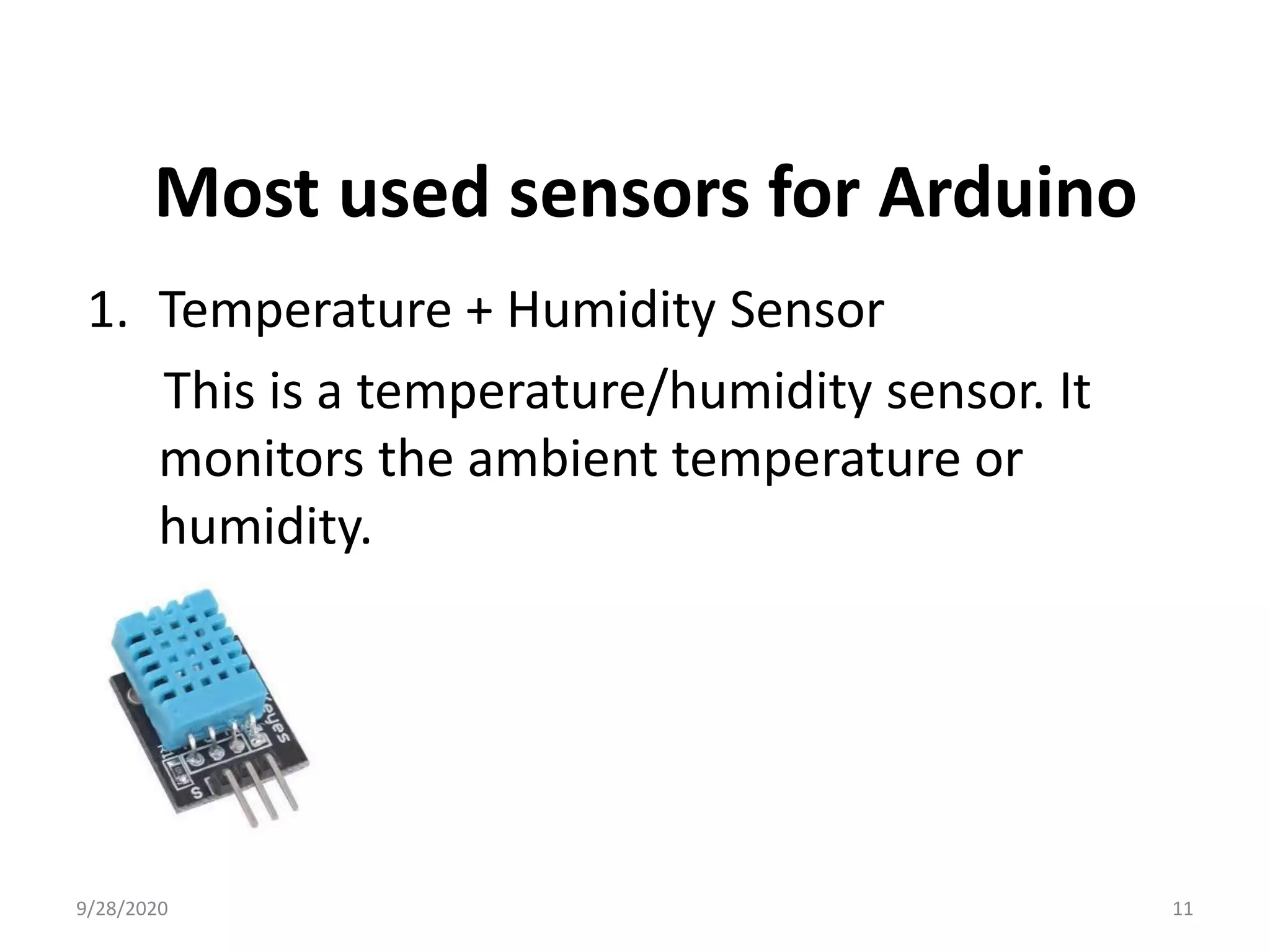
Most used sensors for Arduino 1. Temperature + Humidity Sensor This is a temperature/humidity sensor. It monitors the ambient temperature or humidity. 119/28/2020
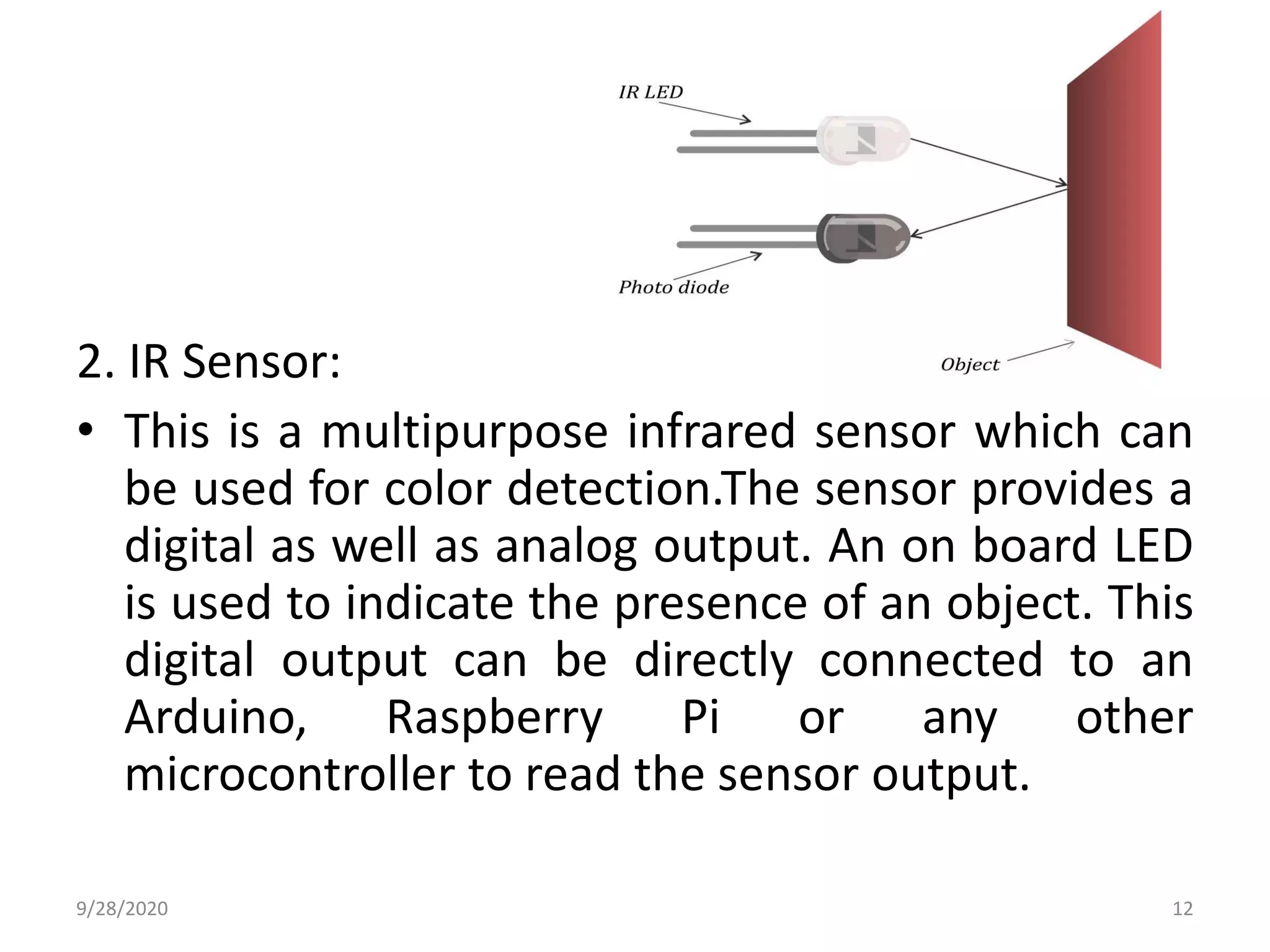
2. IR Sensor: • This is a multipurpose infrared sensor which can be used for color detection.The sensor provides a digital as well as analog output. An on board LED is used to indicate the presence of an object. This digital output can be directly connected to an Arduino, Raspberry Pi or any other microcontroller to read the sensor output. 129/28/2020
IR sensor Program 139/28/2020
//IR sensor with digital input at pin no. 2 const int IR_Sensor=2; void setup() { // initialize the digital pin as an output. // Pin 13 has an LED on Arduino boards: pinMode(13, OUTPUT); //Pin 2 is connected to the output of IR_Sensor pinMode(IR_Sensor,INPUT); } void loop() { if(digitalRead(IR_Sensor)==HIGH) //Check the sensor output { 149/28/2020
digitalWrite(13, HIGH); // set the LED on } else { digitalWrite(13, LOW); // set the LED off } delay(1000); // wait for a second } Contd.. 159/28/2020
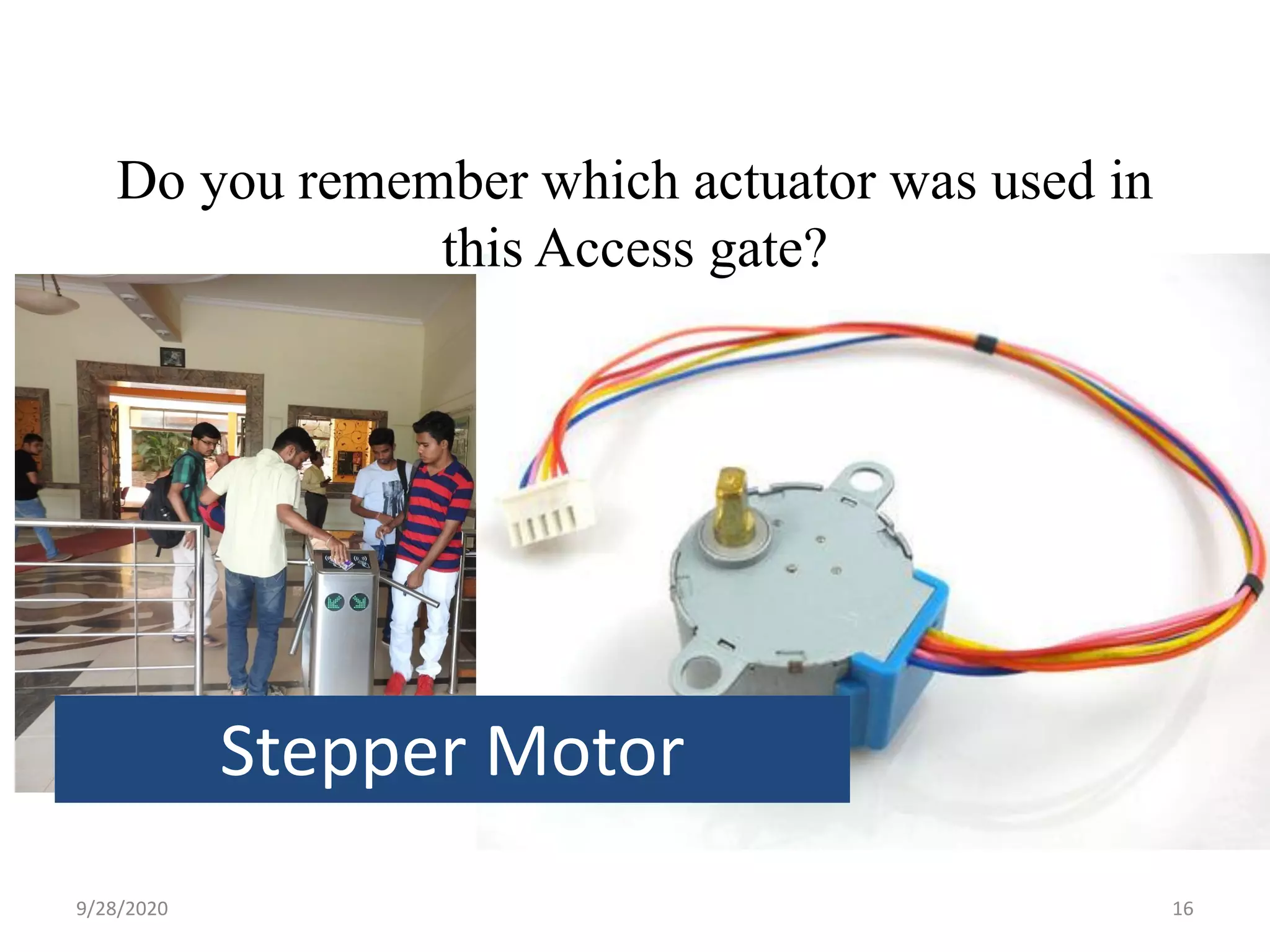
Do you remember which actuator was used in this Access gate? Stepper Motor 169/28/2020
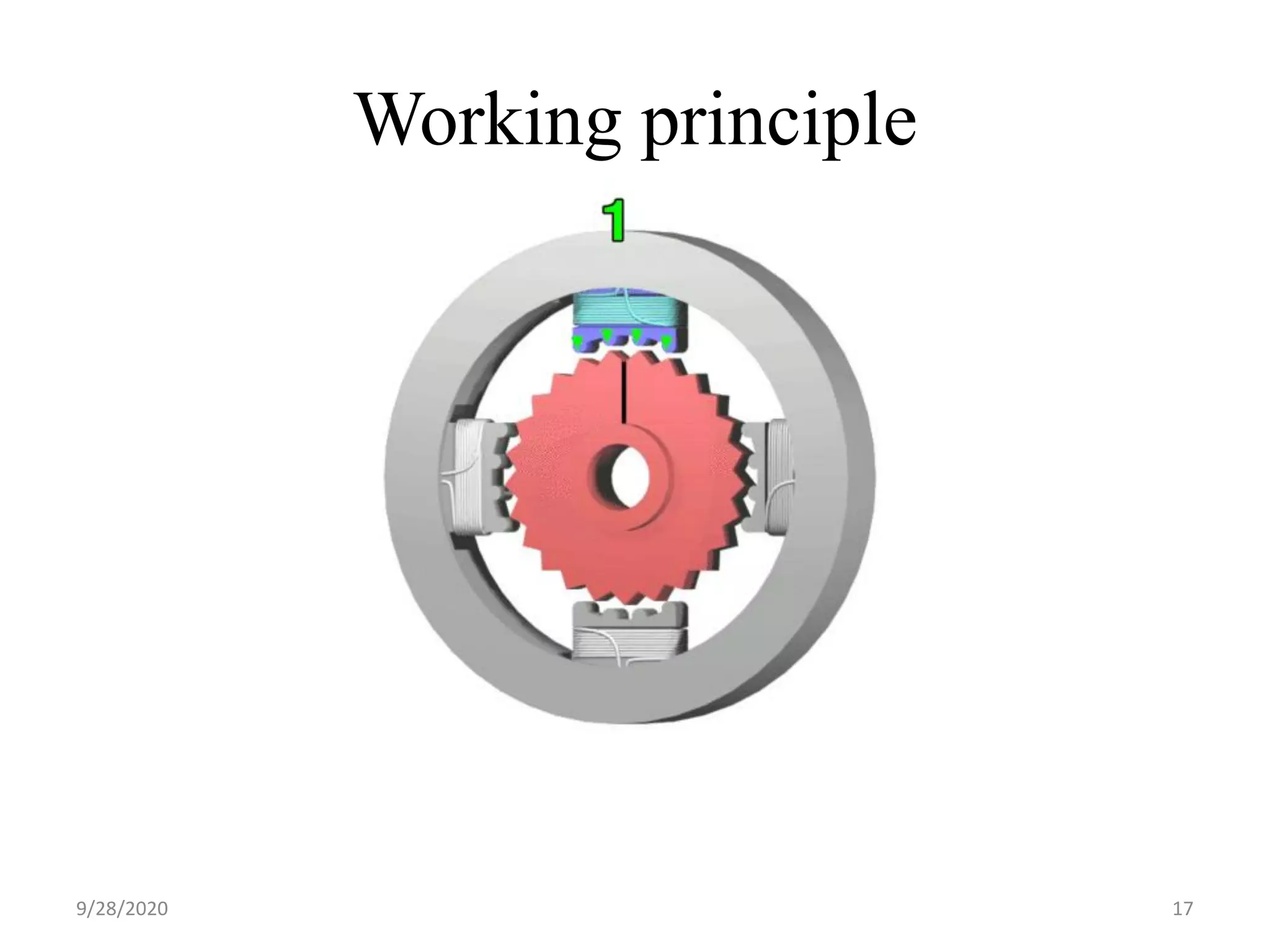
Working principle 179/28/2020
• Stepper motors are called as Digital motor – It takes digital input to move by a step. • Stepper motor is specified by step angle of say 200 steps per revolution – 1.8 degree per step 189/28/2020
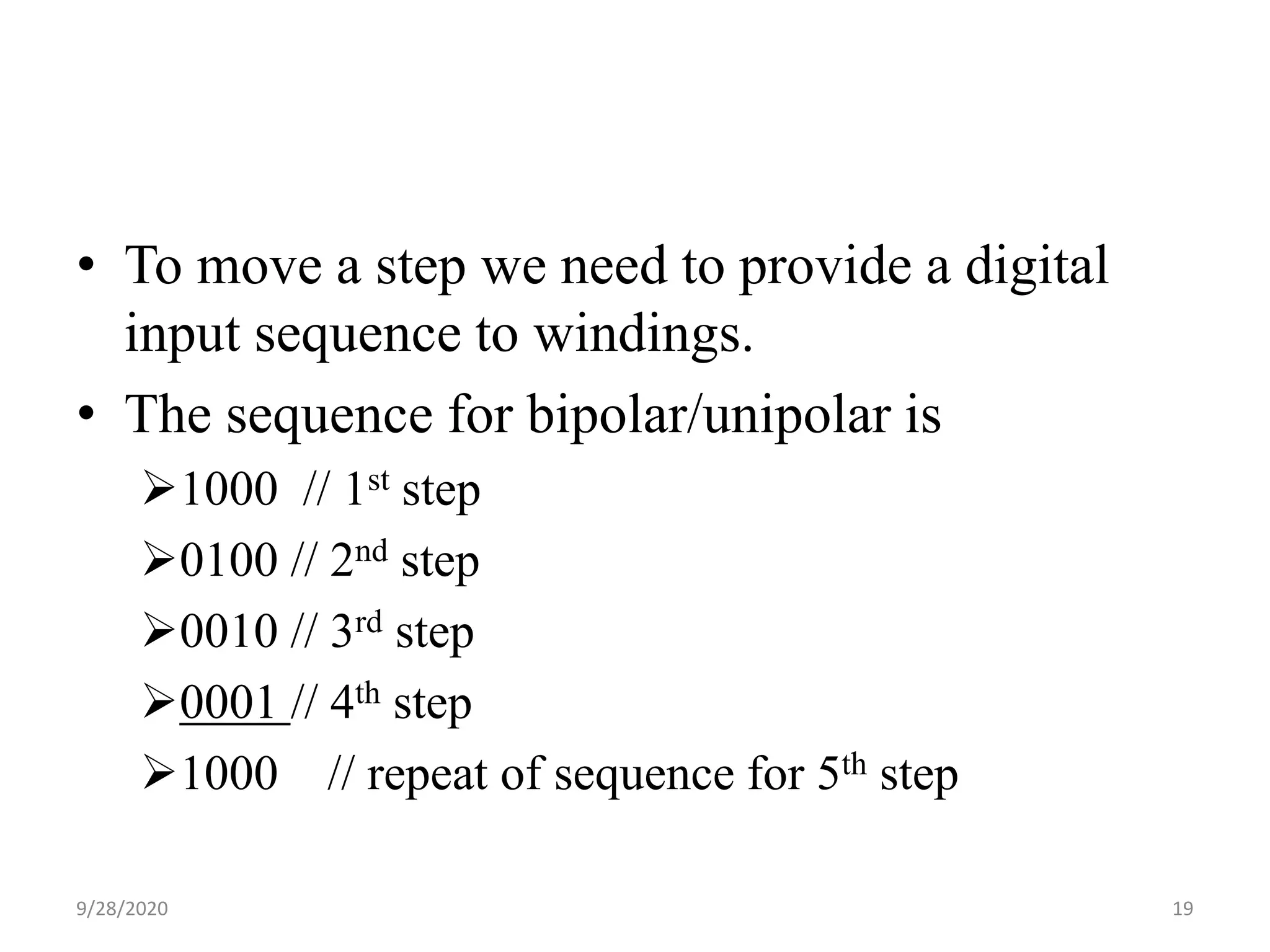
• To move a step we need to provide a digital input sequence to windings. • The sequence for bipolar/unipolar is 1000 // 1st step 0100 // 2nd step 0010 // 3rd step 0001 // 4th step 1000 // repeat of sequence for 5th step 199/28/2020
Activity 2.1 Type : Team of 2 Duration : 30 Minutes Write a program to run stepper motor in clockwise direction 209/28/2020
Stepper Motor Speed Control 219/28/2020
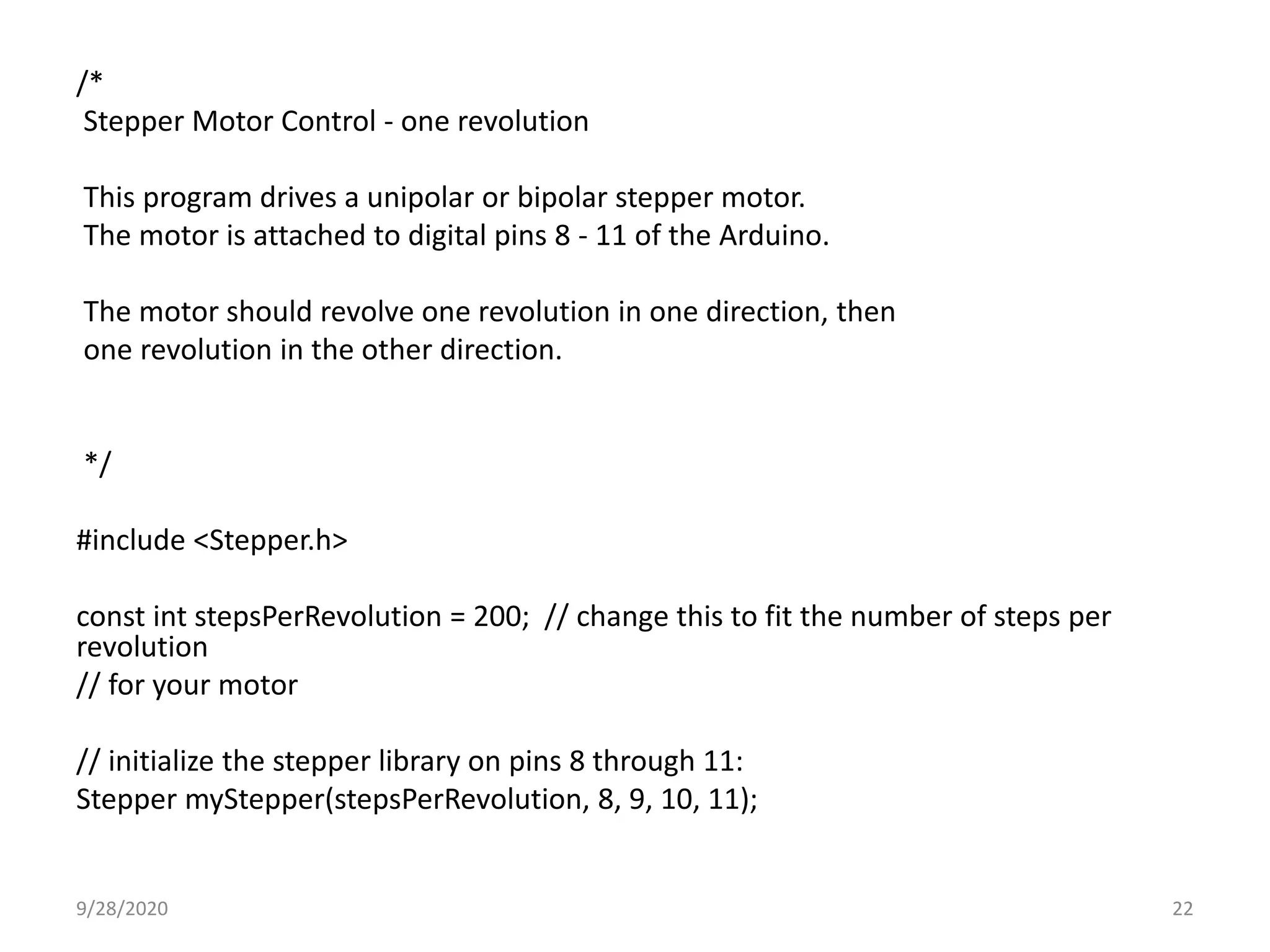
/* Stepper Motor Control - one revolution This program drives a unipolar or bipolar stepper motor. The motor is attached to digital pins 8 - 11 of the Arduino. The motor should revolve one revolution in one direction, then one revolution in the other direction. */ #include <Stepper.h> const int stepsPerRevolution = 200; // change this to fit the number of steps per revolution // for your motor // initialize the stepper library on pins 8 through 11: Stepper myStepper(stepsPerRevolution, 8, 9, 10, 11); 229/28/2020
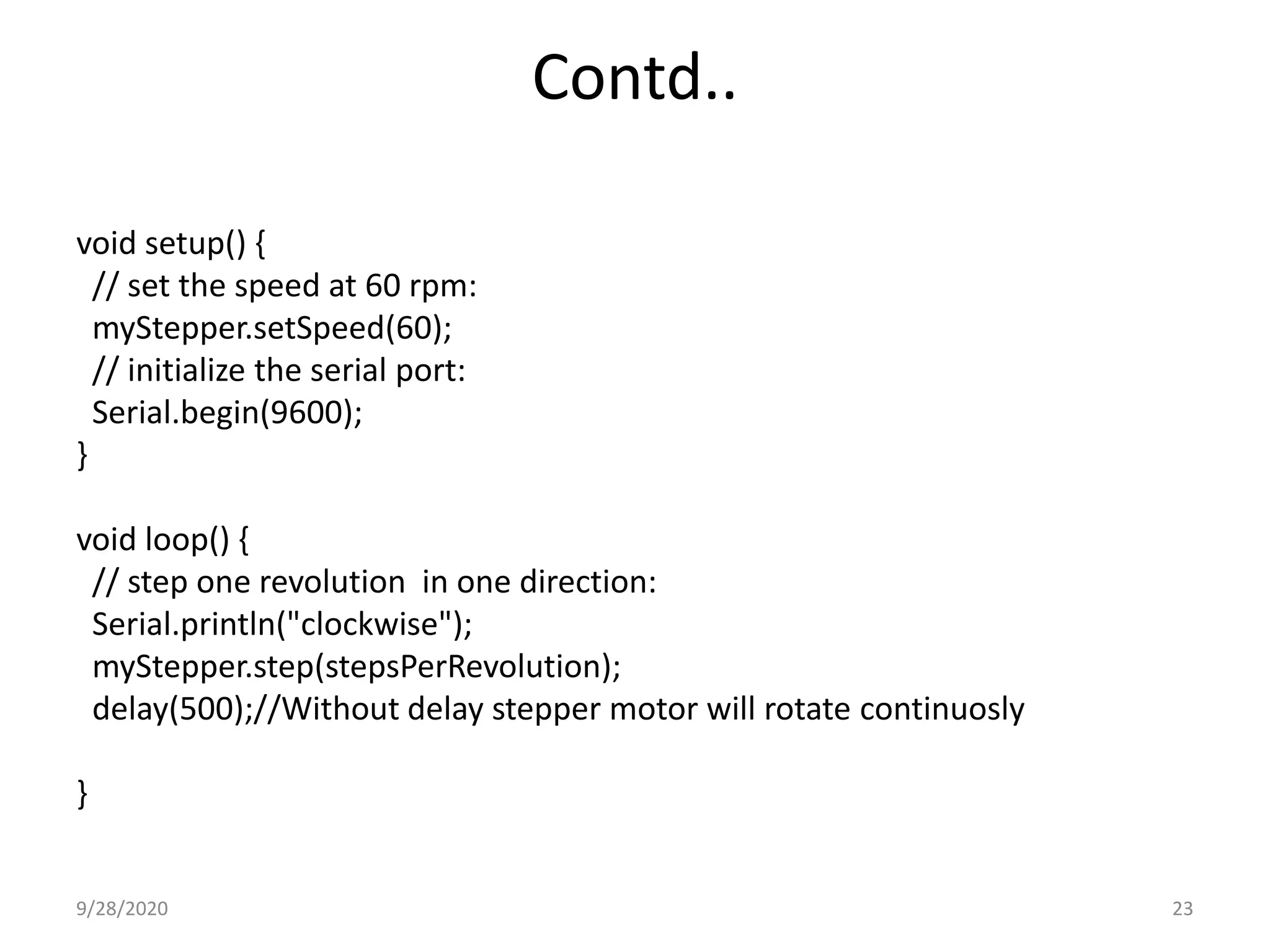
Contd.. void setup() { // set the speed at 60 rpm: myStepper.setSpeed(60); // initialize the serial port: Serial.begin(9600); } void loop() { // step one revolution in one direction: Serial.println("clockwise"); myStepper.step(stepsPerRevolution); delay(500);//Without delay stepper motor will rotate continuosly } 239/28/2020
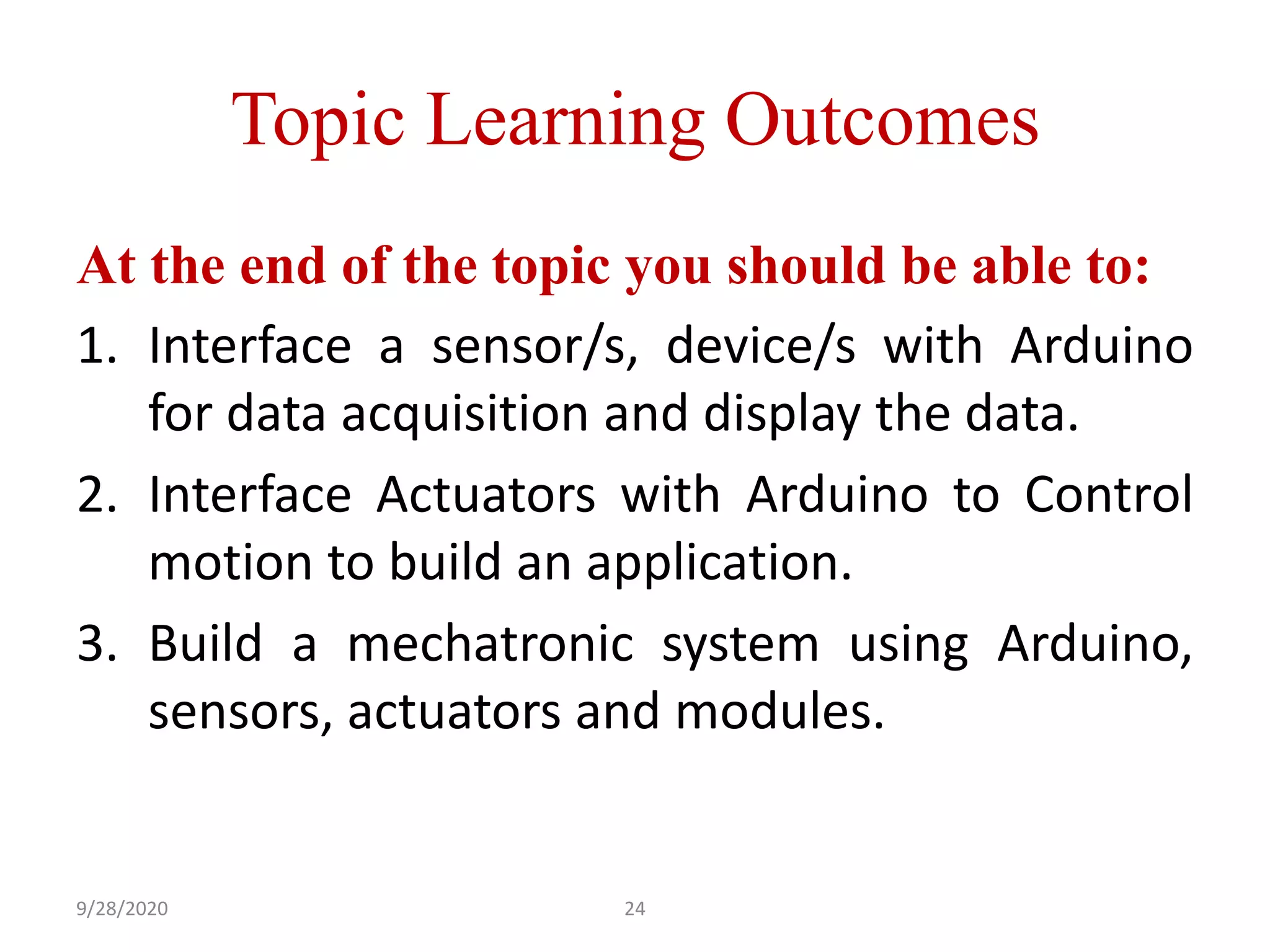
Topic Learning Outcomes At the end of the topic you should be able to: 1. Interface a sensor/s, device/s with Arduino for data acquisition and display the data. 2. Interface Actuators with Arduino to Control motion to build an application. 3. Build a mechatronic system using Arduino, sensors, actuators and modules. 249/28/2020

Arduino programming part 2

  • 1.
    ARDUINO PROGRAMMING SESSION 2 1 PresentedBy Amarjeetsingh Thakur 9/28/2020
  • 2.
    What is theprinciple behind variable output voltage? PWM Concept 29/28/2020
  • 3.
    What is PWM(Pulsewidth Modulation)? 39/28/2020
  • 4.
  • 5.
    Fan example You canrun the fan at different speeds How do you make the choice of speed? Table fan button 59/28/2020
  • 6.
  • 7.
  • 8.
    #include <Keypad.h> const byteROWS = 4; const byte COLS = 4; char hexaKeys[ROWS][COLS] = { {'1', '2', '3', 'A'}, {'4', '5', '6', 'B'}, {'7', '8', '9', 'C'}, {'*', '0', '#', 'D'} }; byte rowPins[ROWS] = {9, 8, 7, 6}; byte colPins[COLS] = {5, 4, 3, 2}; 89/28/2020
  • 9.
    Contd.. Keypad customKeypad =Keypad(makeKeymap(hexaKeys), rowPins, colPins, ROWS, COLS); void setup(){ Serial.begin(9600); } void loop(){ char customKey = customKeypad.getKey(); if (customKey){ Serial.println(customKey); } } 99/28/2020
  • 10.
    SENSORS What is asensor? “A sensor is an object whose purpose is to detect events or changes in its environment, and then provide a corresponding output”. Why do we need sensor? • A sensor is the guy who provides data to the a system via its input. • We need sensor to feed data to the system and tells the controller when to take action 109/28/2020
  • 11.
    Most used sensorsfor Arduino 1. Temperature + Humidity Sensor This is a temperature/humidity sensor. It monitors the ambient temperature or humidity. 119/28/2020
  • 12.
    2. IR Sensor: •This is a multipurpose infrared sensor which can be used for color detection.The sensor provides a digital as well as analog output. An on board LED is used to indicate the presence of an object. This digital output can be directly connected to an Arduino, Raspberry Pi or any other microcontroller to read the sensor output. 129/28/2020
  • 13.
  • 14.
    //IR sensor withdigital input at pin no. 2 const int IR_Sensor=2; void setup() { // initialize the digital pin as an output. // Pin 13 has an LED on Arduino boards: pinMode(13, OUTPUT); //Pin 2 is connected to the output of IR_Sensor pinMode(IR_Sensor,INPUT); } void loop() { if(digitalRead(IR_Sensor)==HIGH) //Check the sensor output { 149/28/2020
  • 15.
    digitalWrite(13, HIGH); //set the LED on } else { digitalWrite(13, LOW); // set the LED off } delay(1000); // wait for a second } Contd.. 159/28/2020
  • 16.
    Do you rememberwhich actuator was used in this Access gate? Stepper Motor 169/28/2020
  • 17.
  • 18.
    • Stepper motorsare called as Digital motor – It takes digital input to move by a step. • Stepper motor is specified by step angle of say 200 steps per revolution – 1.8 degree per step 189/28/2020
  • 19.
    • To movea step we need to provide a digital input sequence to windings. • The sequence for bipolar/unipolar is 1000 // 1st step 0100 // 2nd step 0010 // 3rd step 0001 // 4th step 1000 // repeat of sequence for 5th step 199/28/2020
  • 20.
    Activity 2.1 Type :Team of 2 Duration : 30 Minutes Write a program to run stepper motor in clockwise direction 209/28/2020
  • 21.
    Stepper Motor SpeedControl 219/28/2020
  • 22.
    /* Stepper Motor Control- one revolution This program drives a unipolar or bipolar stepper motor. The motor is attached to digital pins 8 - 11 of the Arduino. The motor should revolve one revolution in one direction, then one revolution in the other direction. */ #include <Stepper.h> const int stepsPerRevolution = 200; // change this to fit the number of steps per revolution // for your motor // initialize the stepper library on pins 8 through 11: Stepper myStepper(stepsPerRevolution, 8, 9, 10, 11); 229/28/2020
  • 23.
    Contd.. void setup() { //set the speed at 60 rpm: myStepper.setSpeed(60); // initialize the serial port: Serial.begin(9600); } void loop() { // step one revolution in one direction: Serial.println("clockwise"); myStepper.step(stepsPerRevolution); delay(500);//Without delay stepper motor will rotate continuosly } 239/28/2020
  • 24.
    Topic Learning Outcomes Atthe end of the topic you should be able to: 1. Interface a sensor/s, device/s with Arduino for data acquisition and display the data. 2. Interface Actuators with Arduino to Control motion to build an application. 3. Build a mechatronic system using Arduino, sensors, actuators and modules. 249/28/2020