










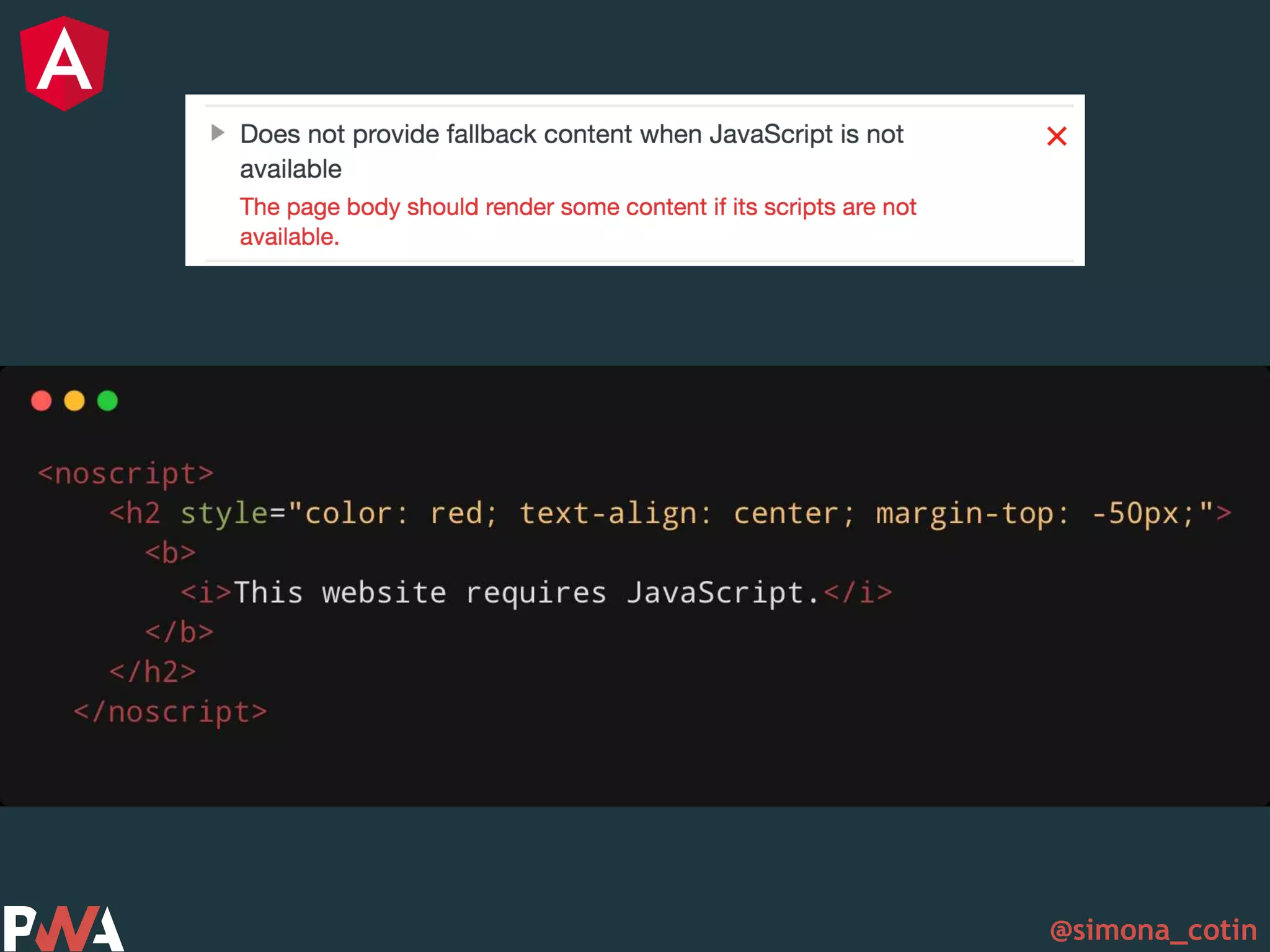
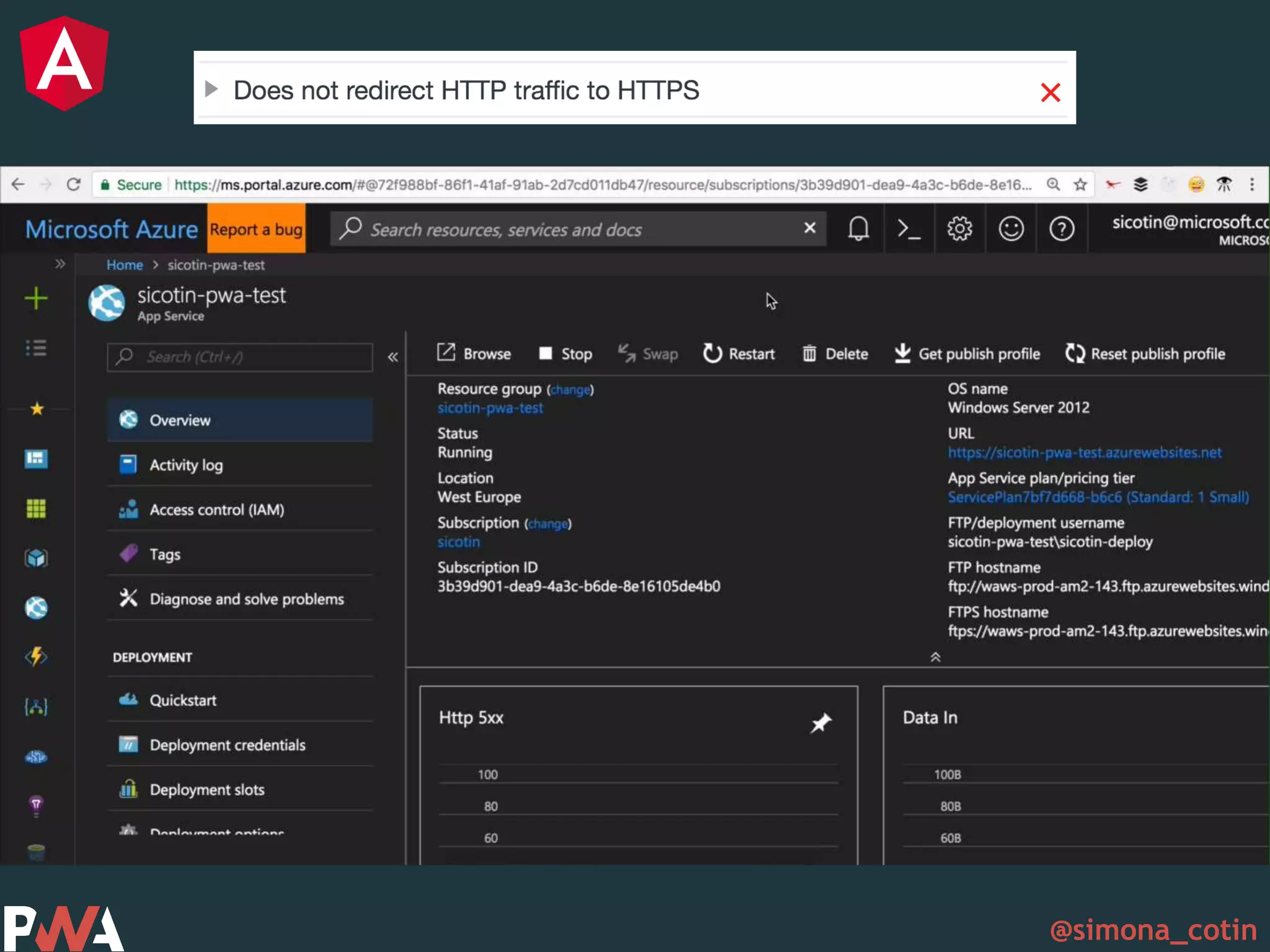
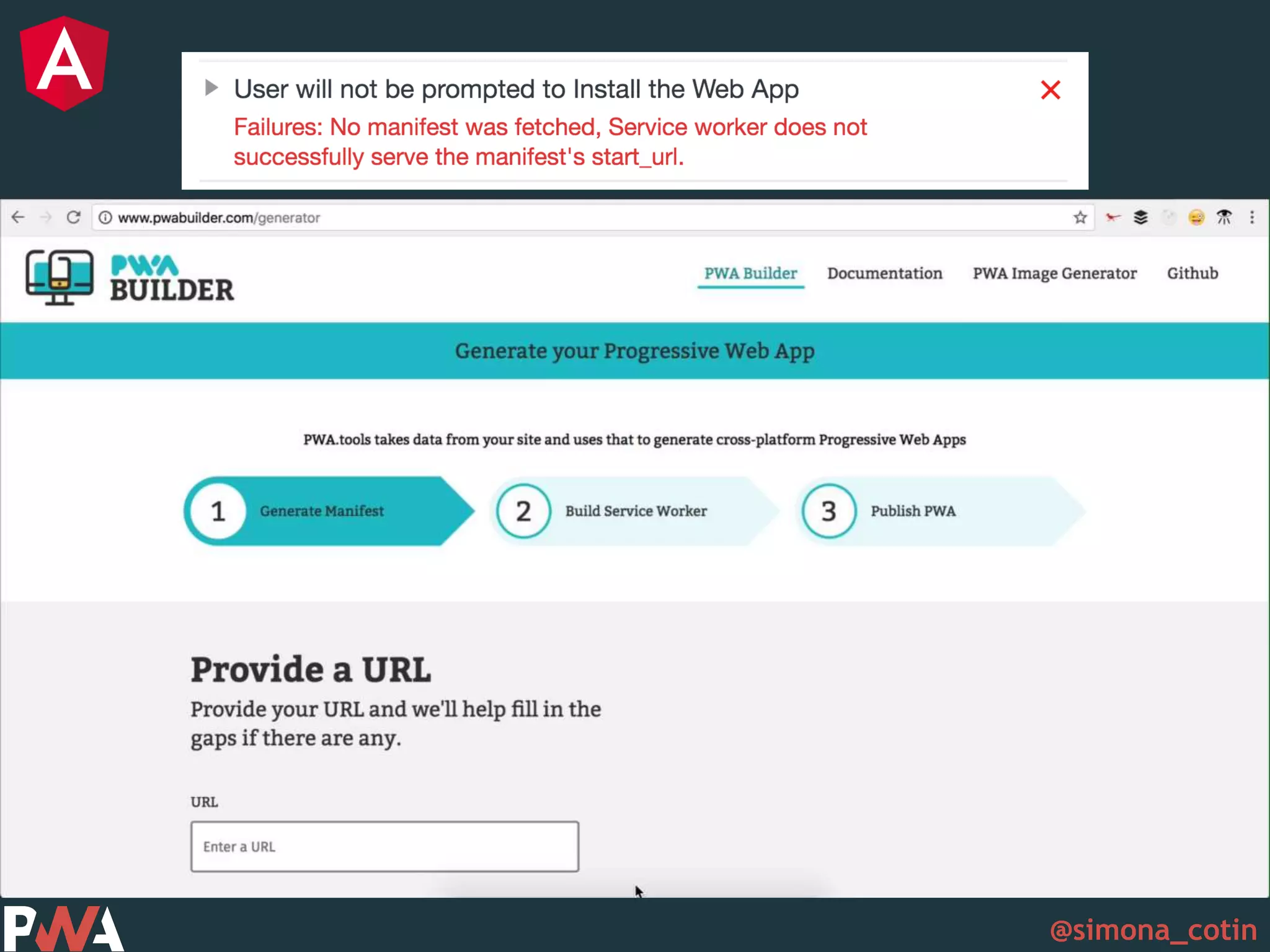
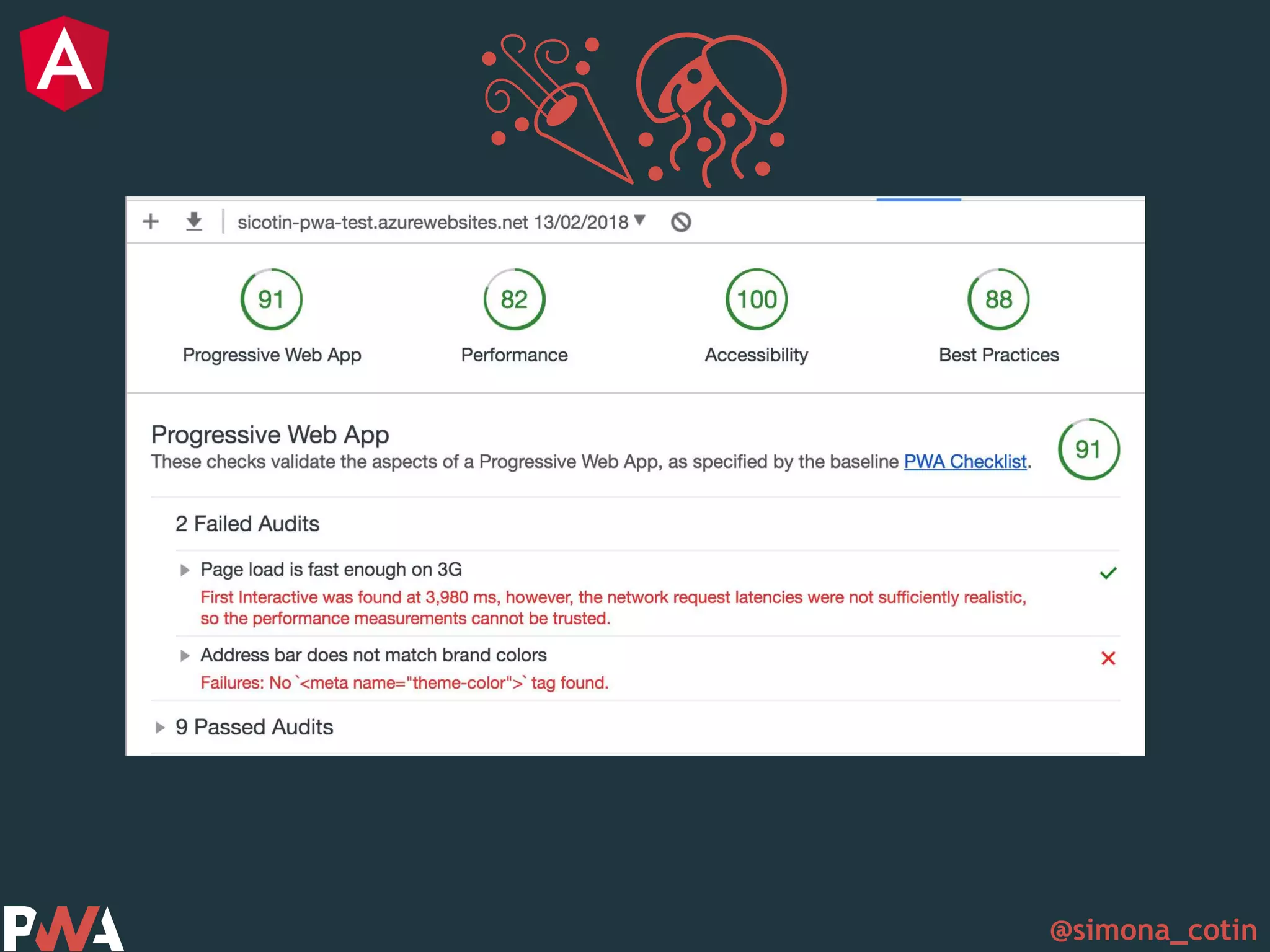



@simona_cotin Simona Cotin Cloud Dev Advocate @ Microsoft @simona_cotin
@simona_cotin
@simona_cotin
@simona_cotin
@simona_cotin
@simona_cotin Intro to PWA Dive into main concepts Angular <3 Pwa Tools Success stories
@simona_cotin What?
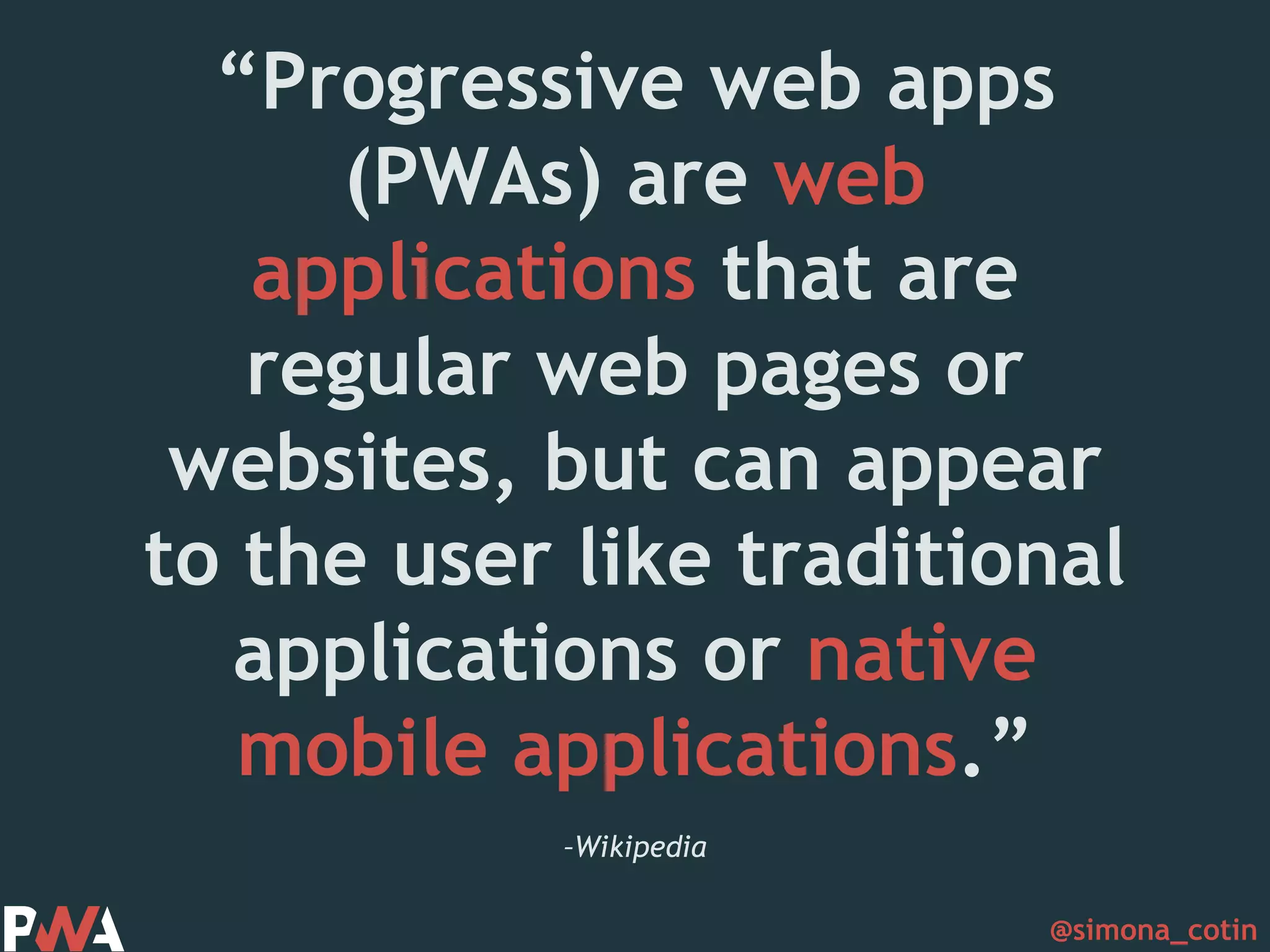
@simona_cotin –Wikipedia “Progressive web apps (PWAs) are web applications that are regular web pages or websites, but can appear to the user like traditional applications or native mobile applications.”
@simona_cotin –Alex Russell “..they’re just websites that took all the right vitamins”
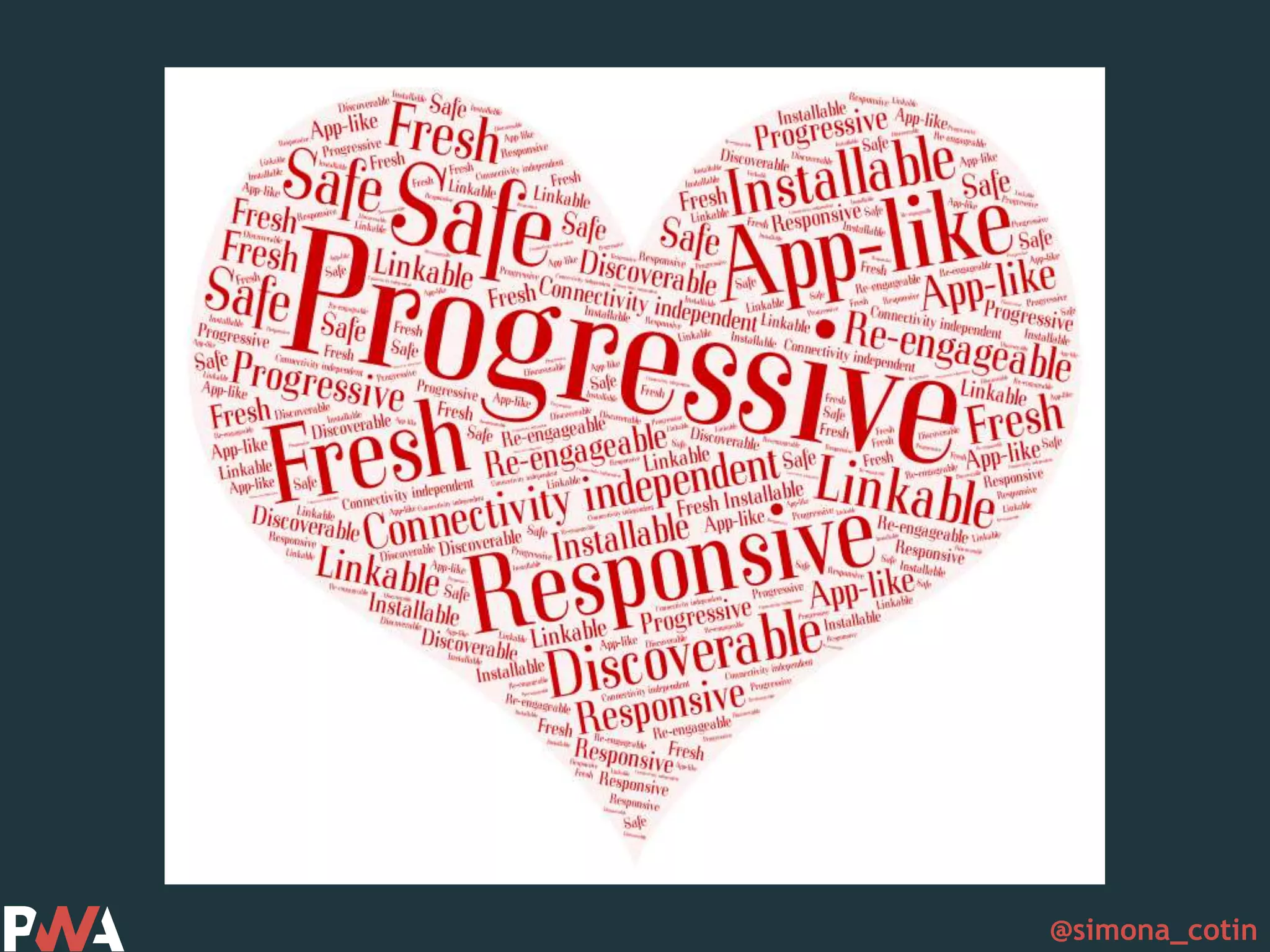
@simona_cotin Progressive
@simona_cotin Responsive
@simona_cotin Connectivity Independent
@simona_cotin App-like
@simona_cotin Fresh
@simona_cotin Safe
@simona_cotin Discoverabl e
@simona_cotin Re-engageable
@simona_cotin Installable
@simona_cotin Linkable
@simona_cotin
@simona_cotin How?
@simona_cotin Baseline “Appyness”
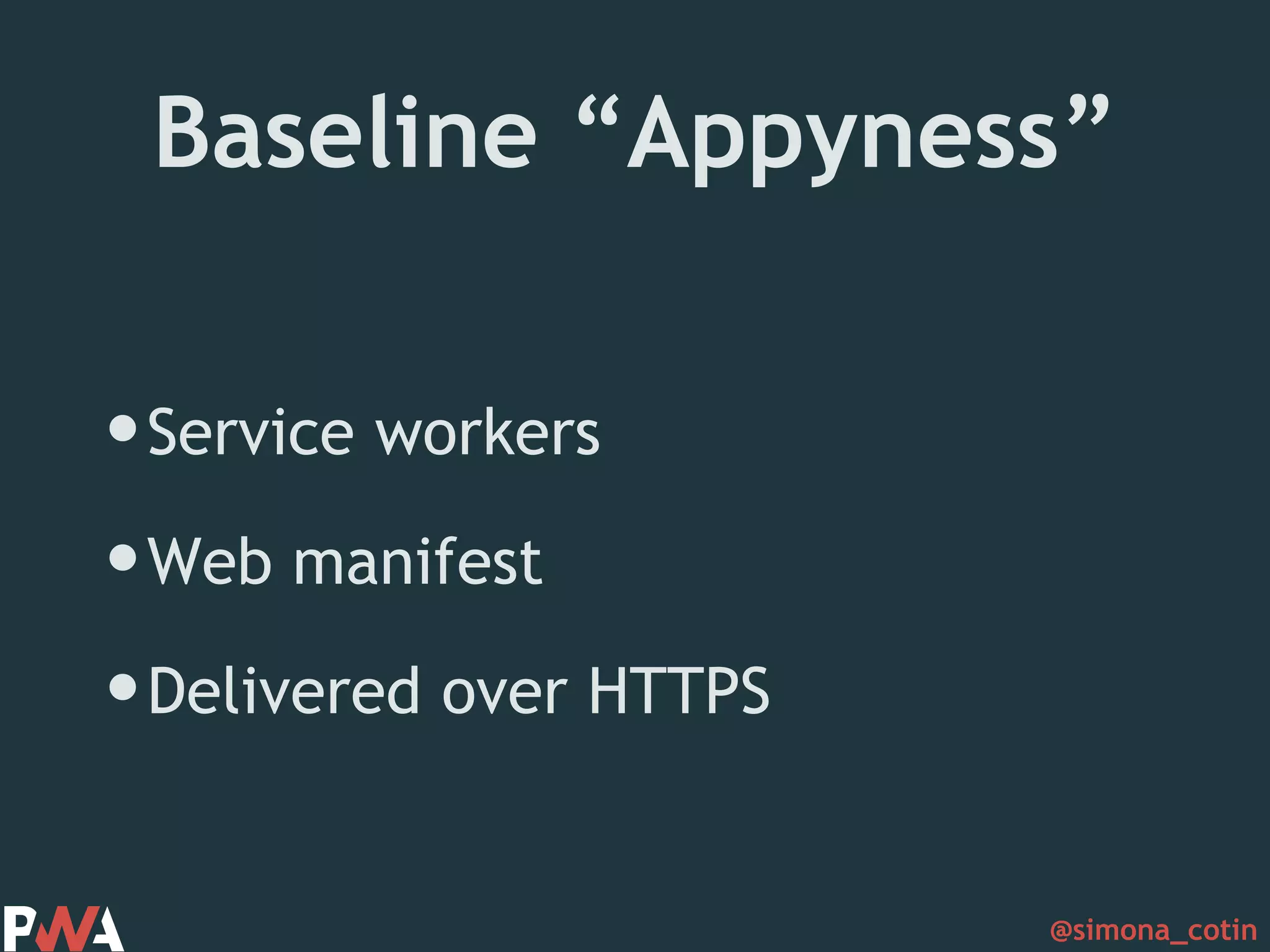
@simona_cotin Baseline “Appyness” •Service workers •Web manifest •Delivered over HTTPS
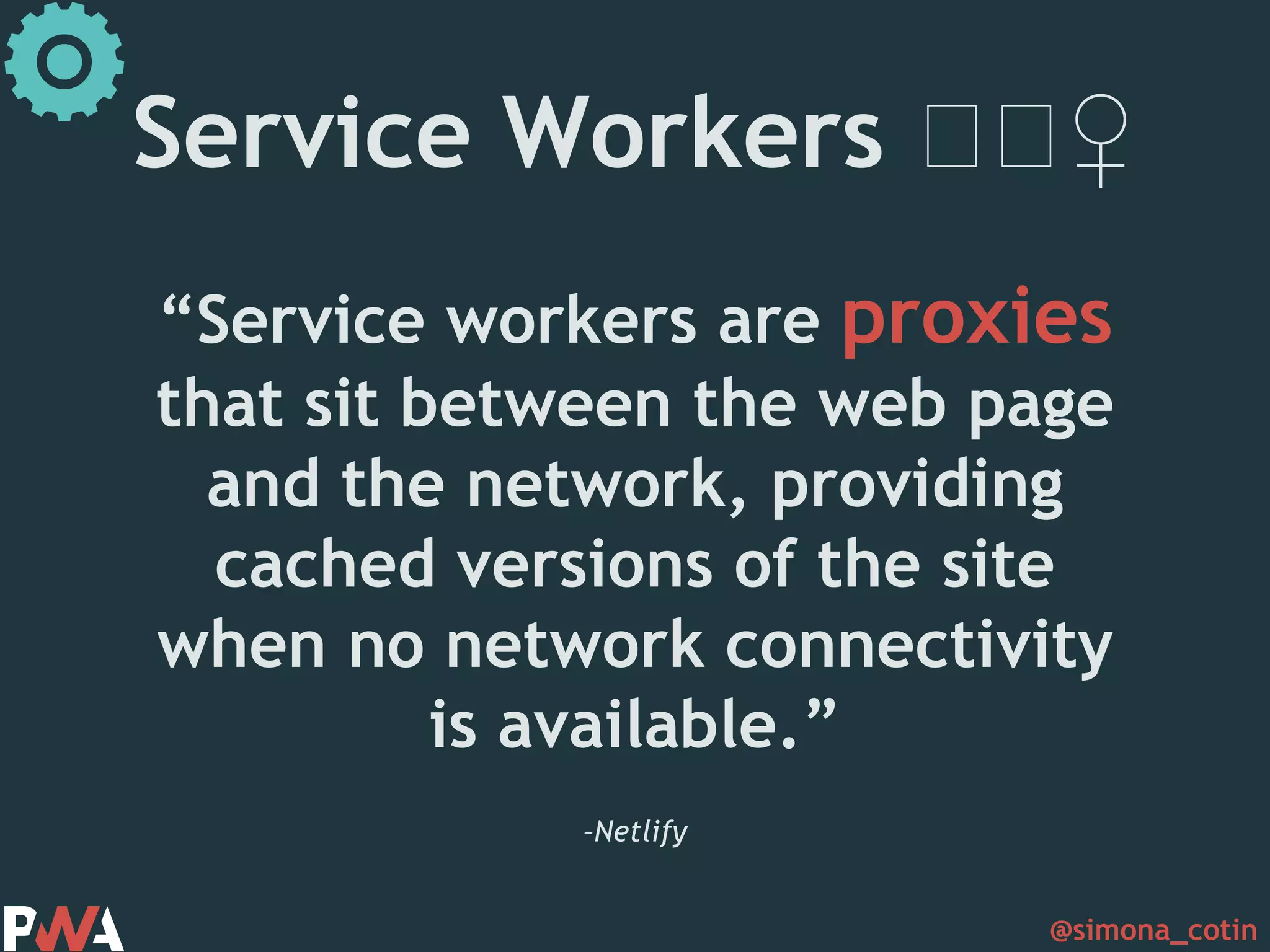
@simona_cotin –Netlify “Service workers are proxies that sit between the web page and the network, providing cached versions of the site when no network connectivity is available.” Service Workers 🏋🏋♀️
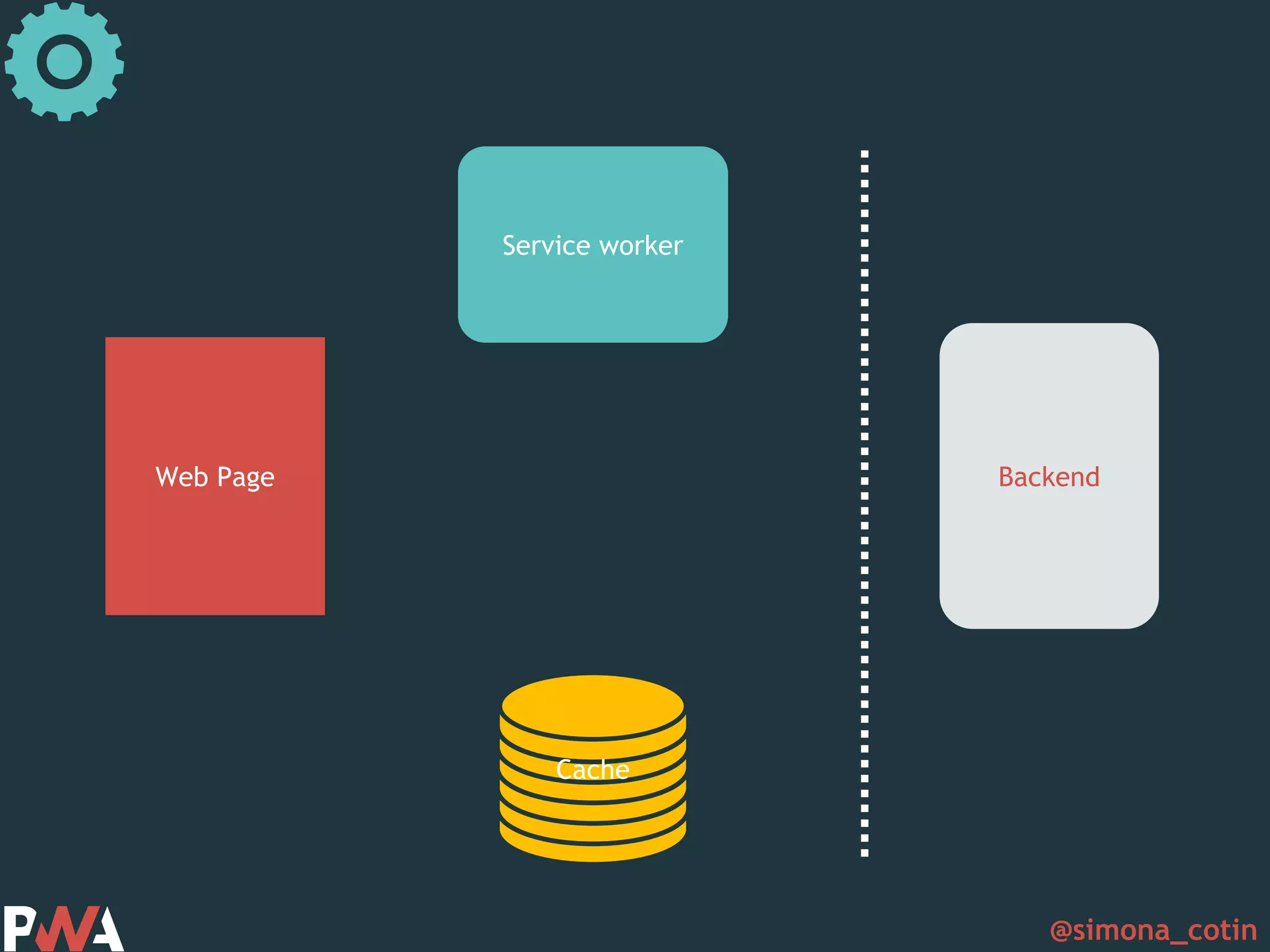
@simona_cotin Web Page Service worker Cache Backend
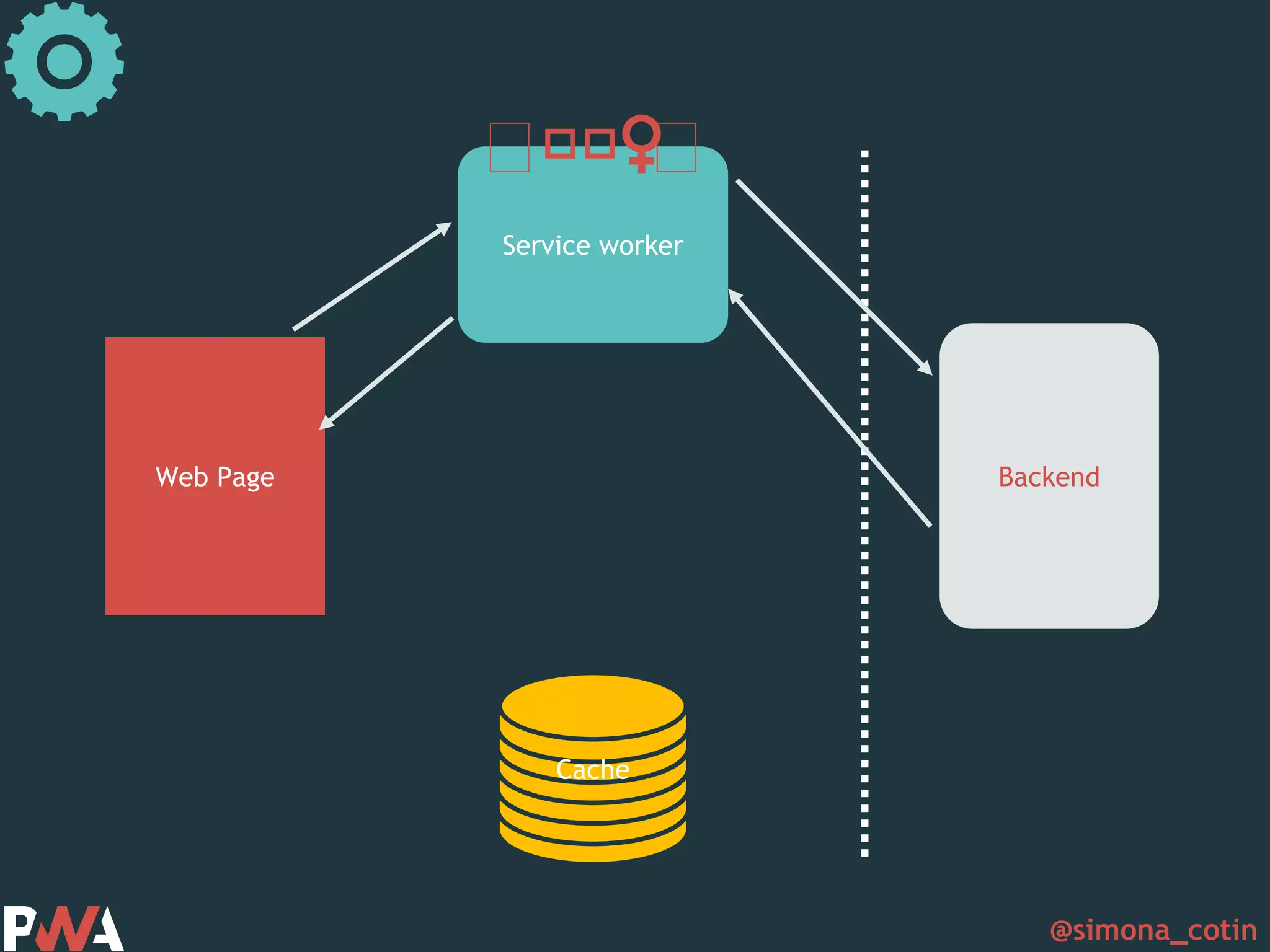
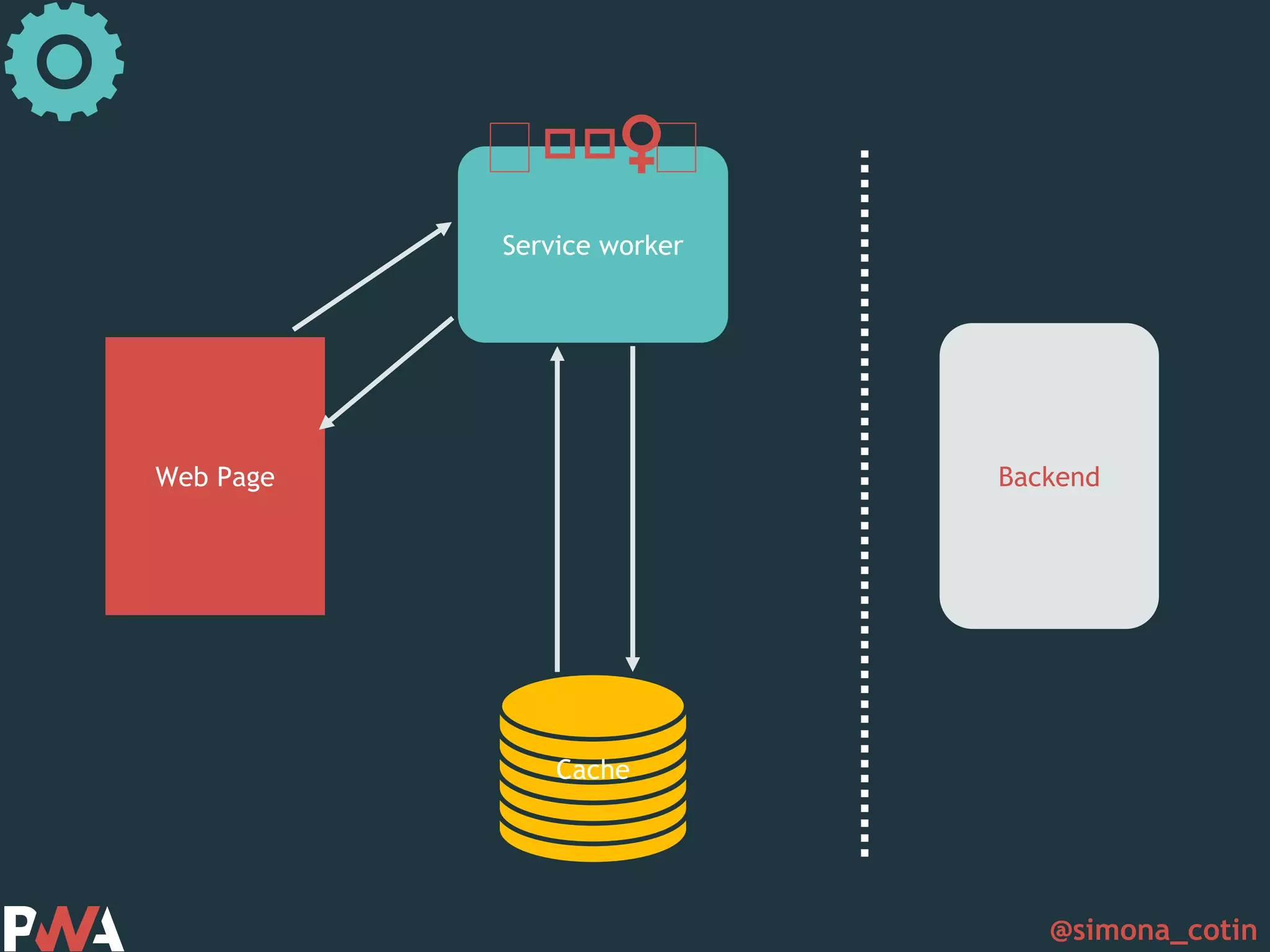
@simona_cotin Web Page Service worker Cache Backend 🏋🏋🏋♀️ 🏋
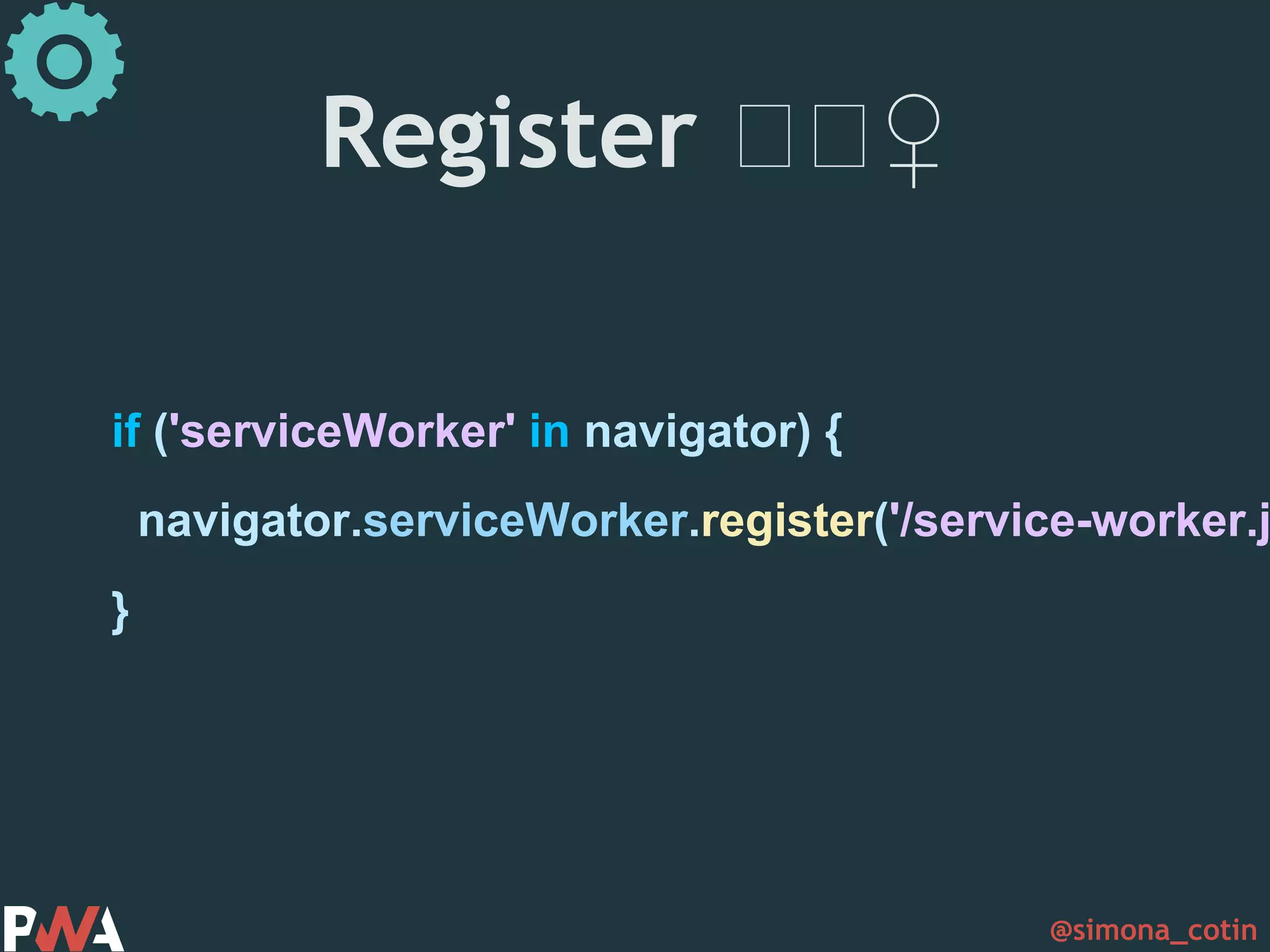
@simona_cotin Register 🏋🏋♀️ if ('serviceWorker' in navigator) { navigator.serviceWorker.register('/service-worker.j }
@simona_cotin Scope Lifecycle
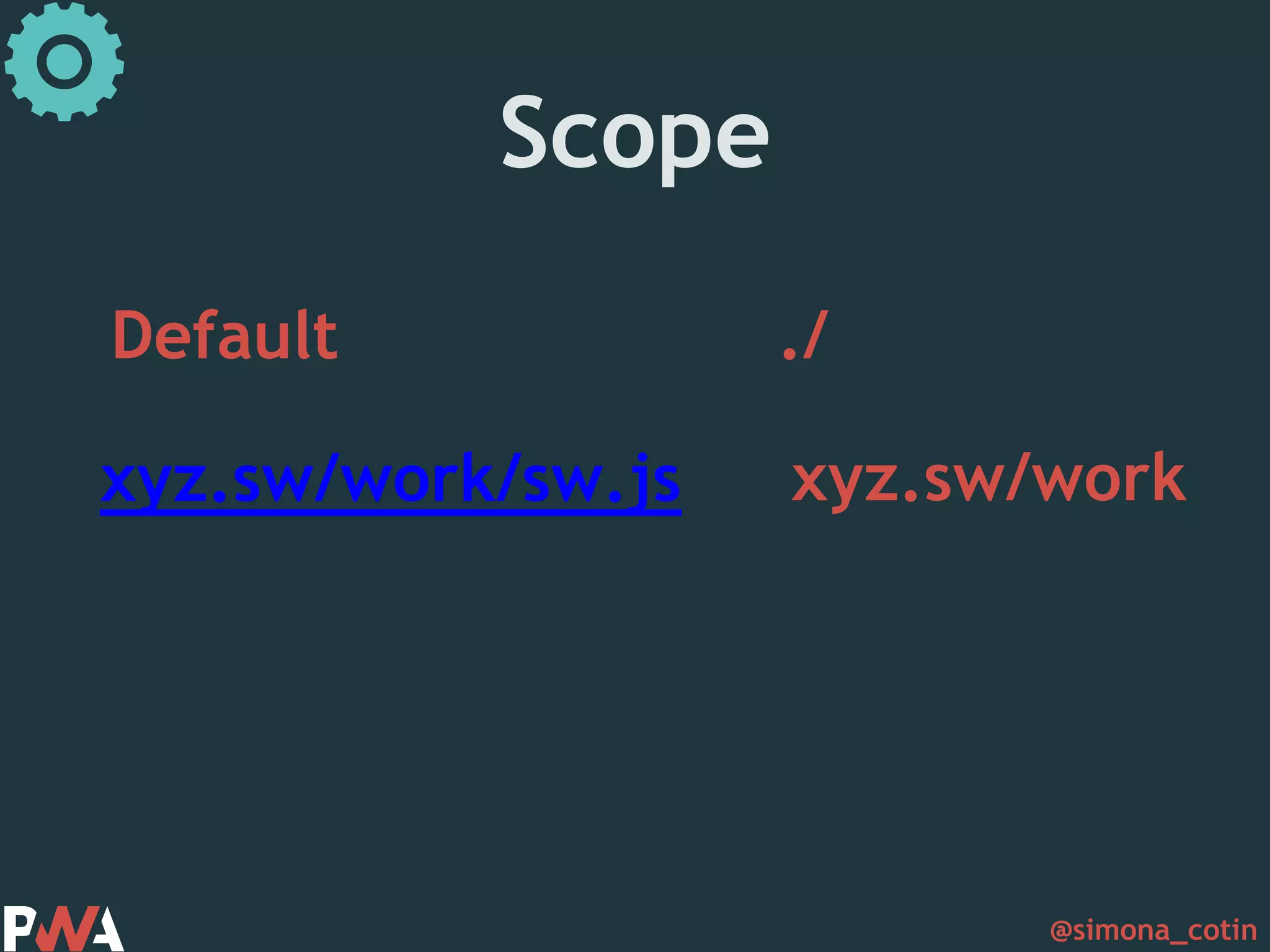
@simona_cotin Scope Default ./ xyz.sw/work/sw.js xyz.sw/work
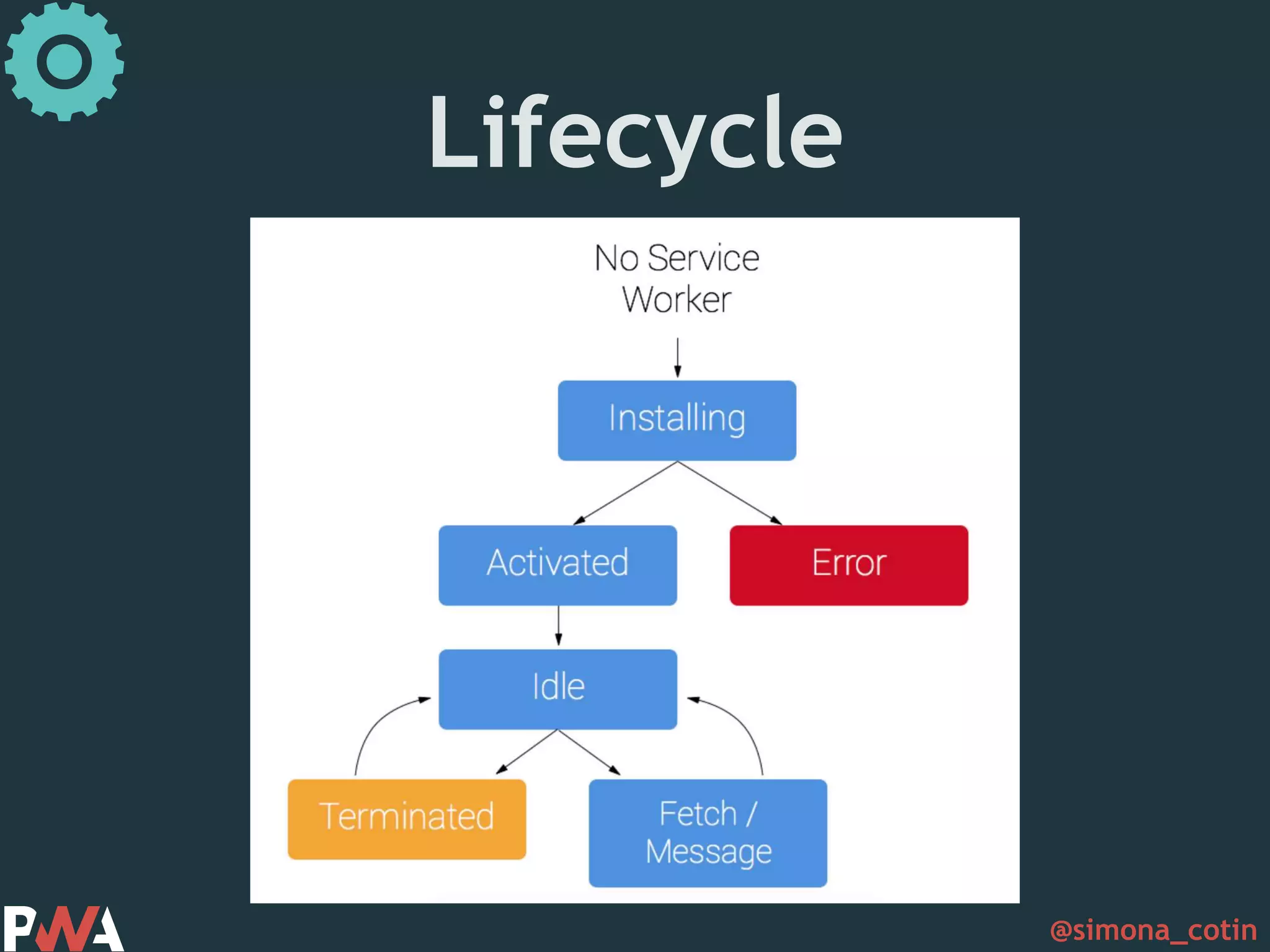
@simona_cotin Lifecycle
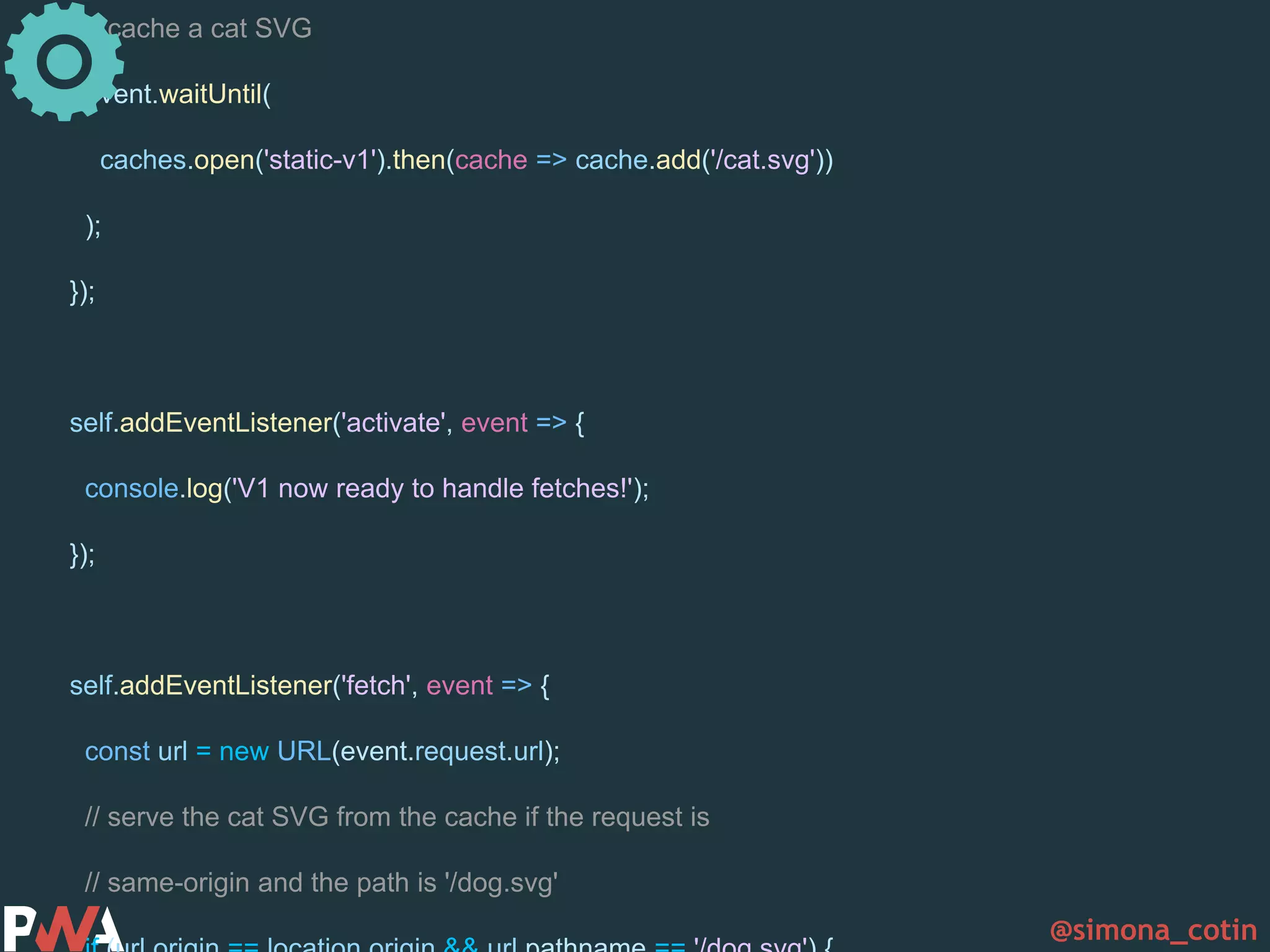
@simona_cotin // cache a cat SVG event.waitUntil( caches.open('static-v1').then(cache => cache.add('/cat.svg')) ); }); self.addEventListener('activate', event => { console.log('V1 now ready to handle fetches!'); }); self.addEventListener('fetch', event => { const url = new URL(event.request.url); // serve the cat SVG from the cache if the request is // same-origin and the path is '/dog.svg'
@simona_cotin
@simona_cotin ✓Connectivity independent ✓Fresh ✓Discoverable
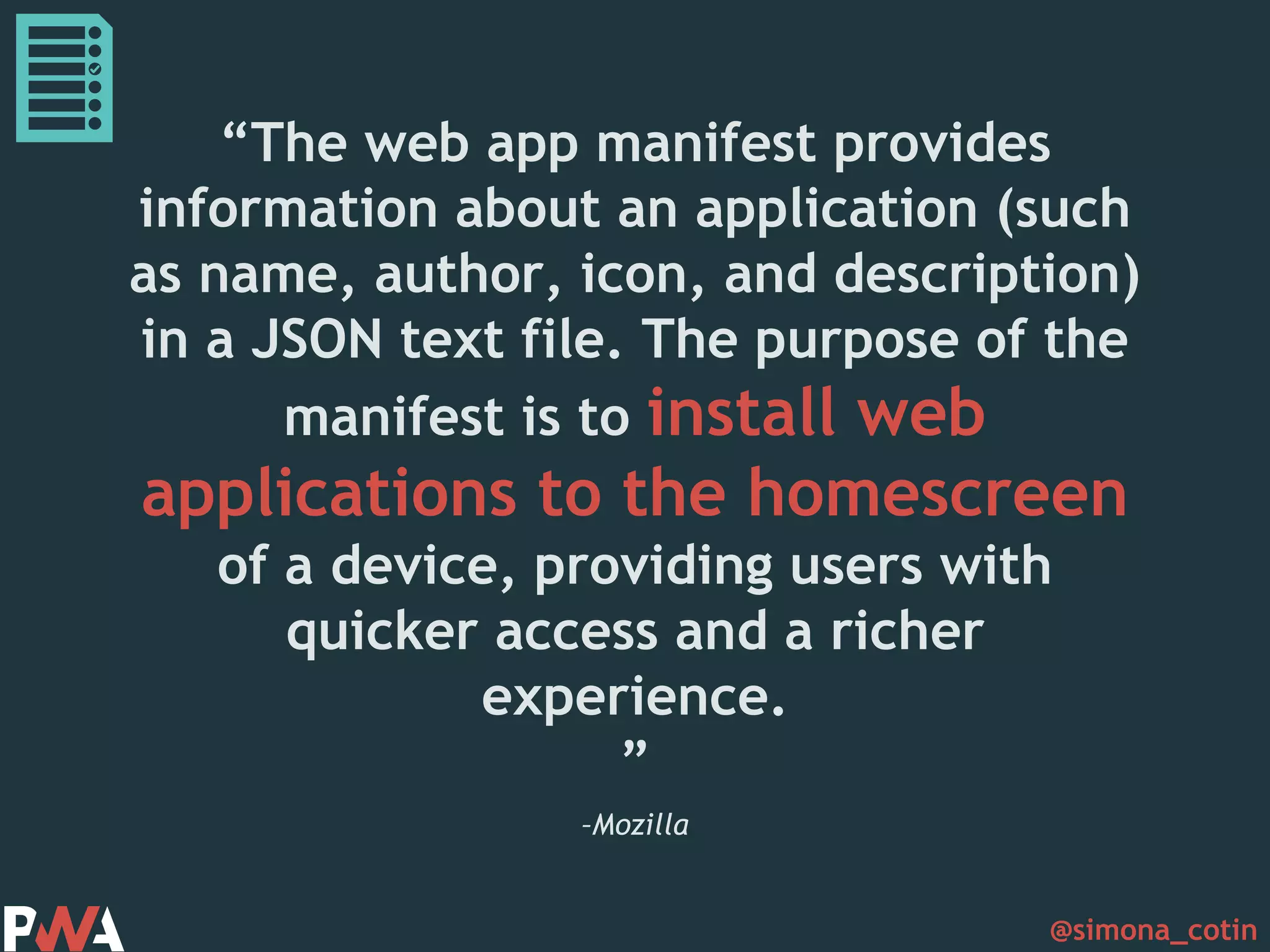
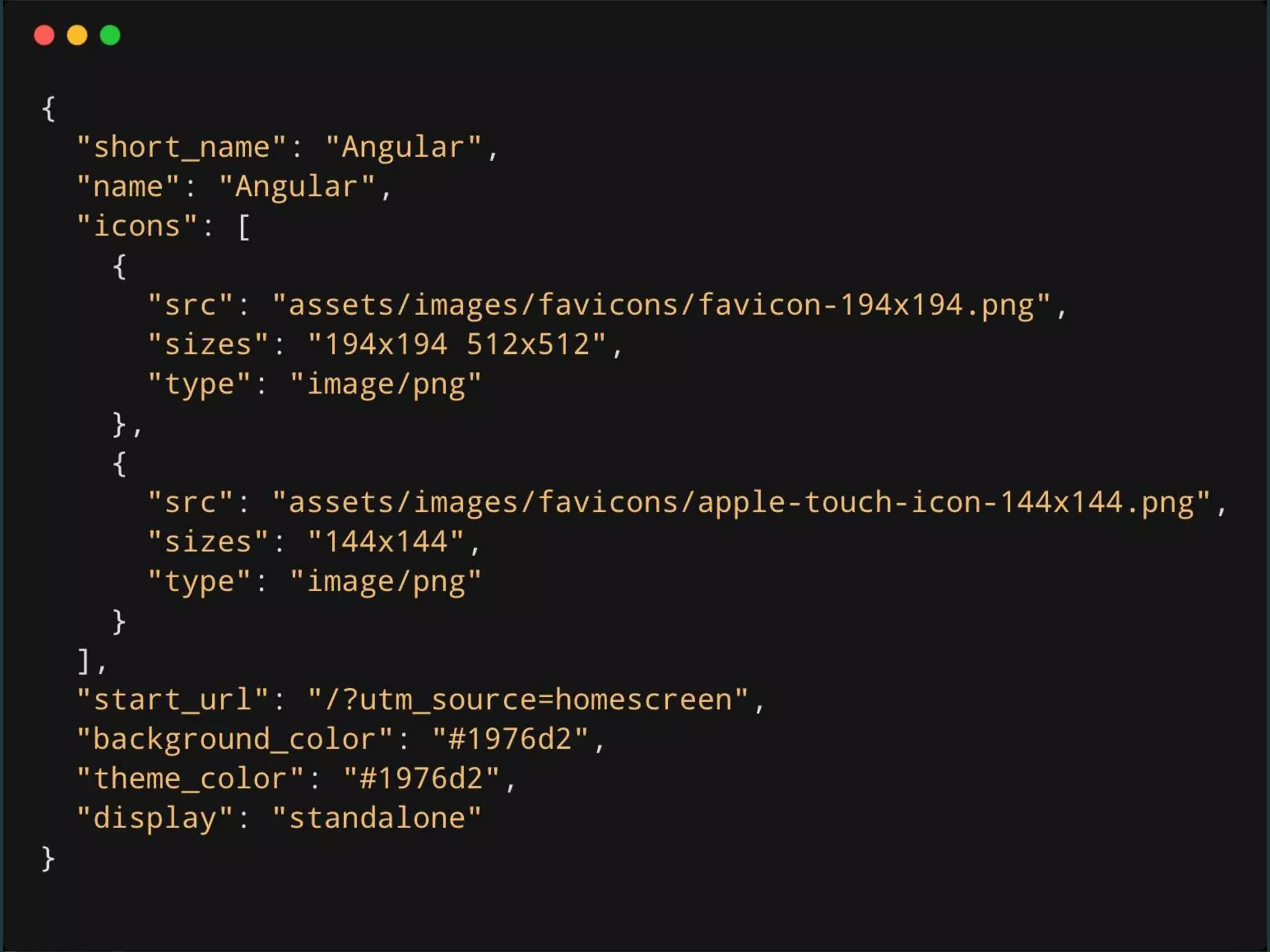
@simona_cotin –Mozilla “The web app manifest provides information about an application (such as name, author, icon, and description) in a JSON text file. The purpose of the manifest is to install web applications to the homescreen of a device, providing users with quicker access and a richer experience. ”
@simona_cotin
@simona_cotin ✓Connectivity independent ✓Fresh ✓Discoverable ✓Installable
@simona_cotin Service workers need to be served over HTTPS
@simona_cotin ✓Connectivity independent ✓Fresh ✓Discoverable ✓Installable ✓Safe
@simona_cotin
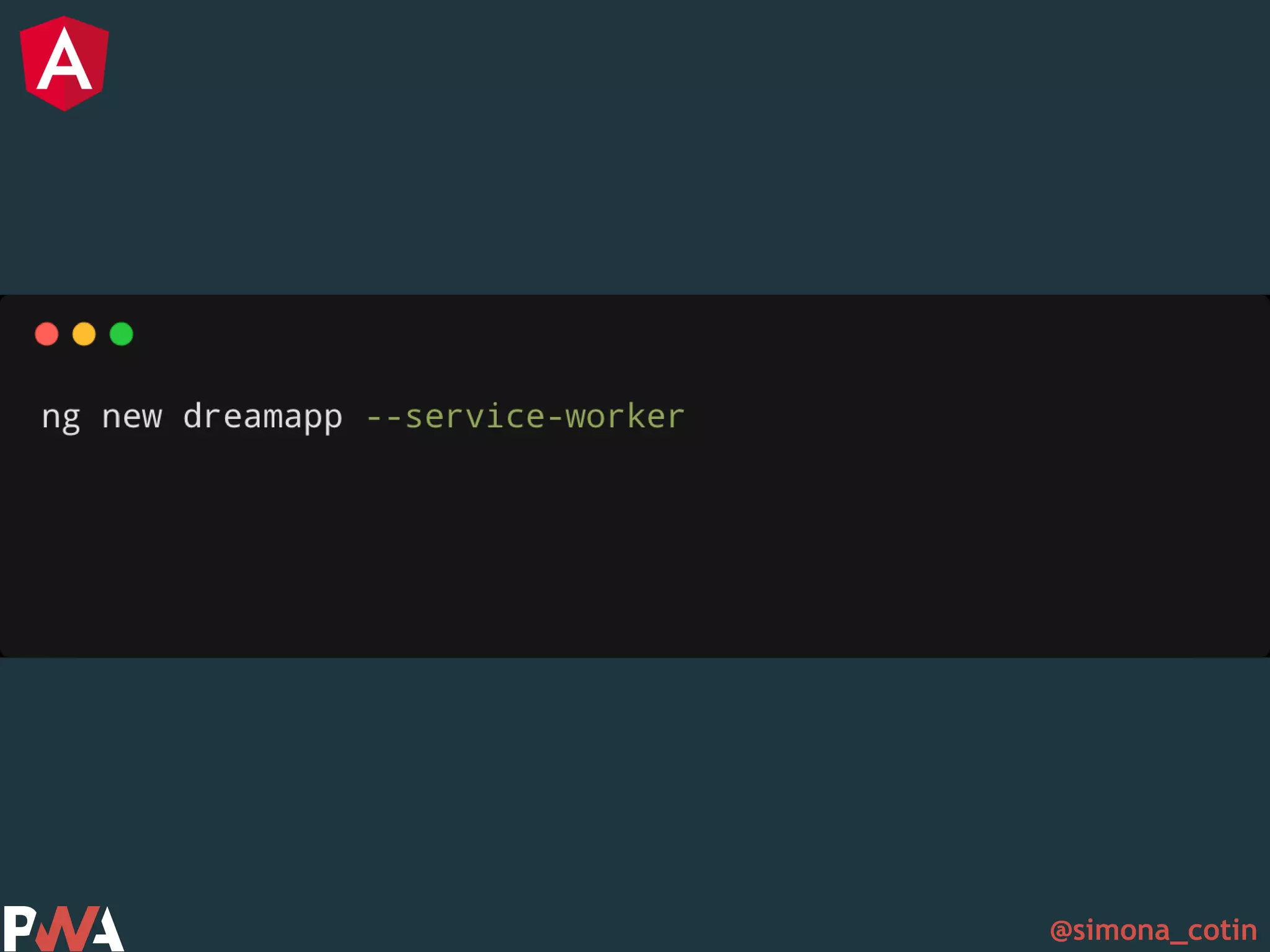
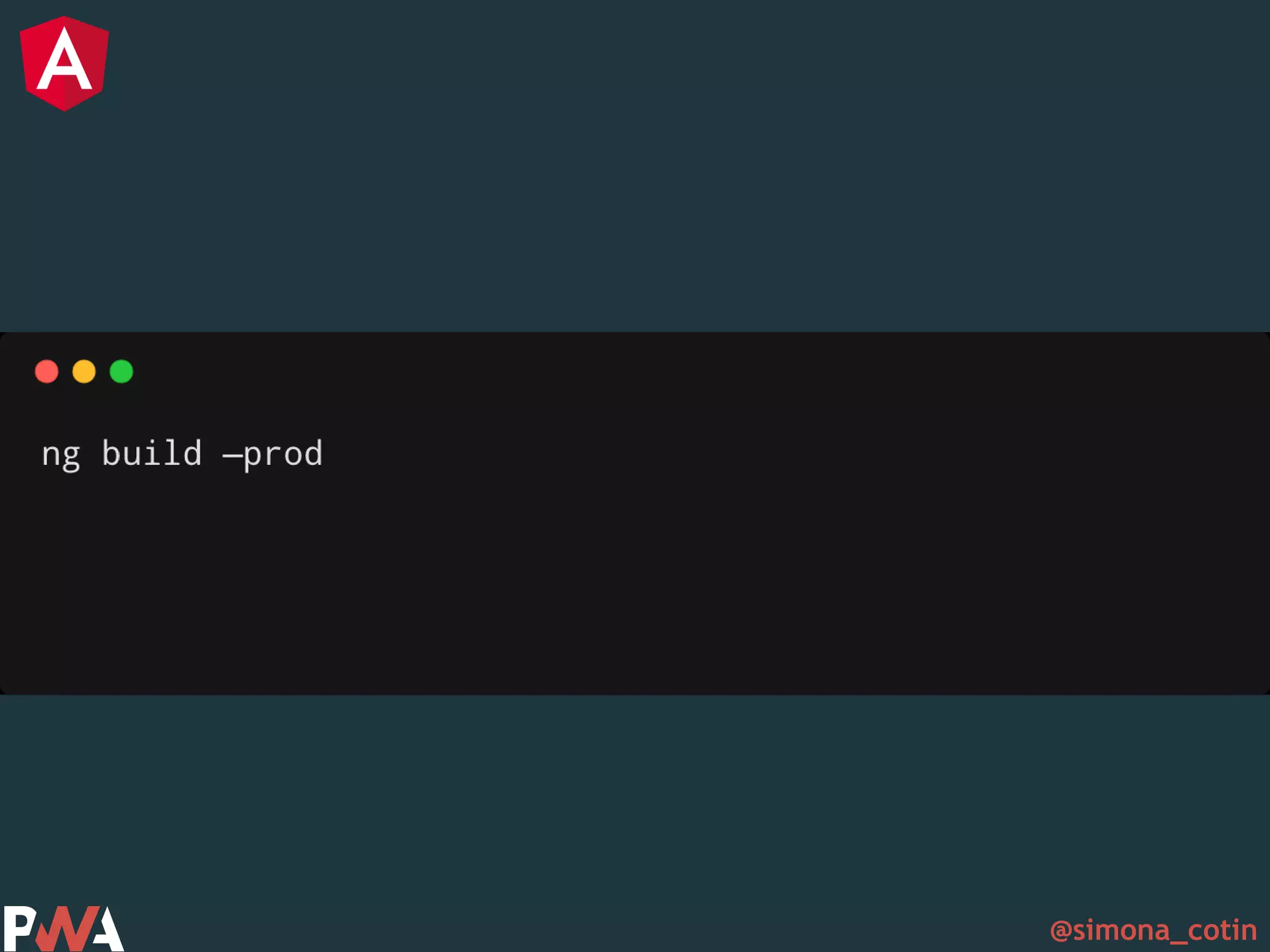
@simona_cotin Create service workers using the angular cli
@simona_cotin
@simona_cotin
@simona_cotin
@simona_cotin
@simona_cotin
@simona_cotin
@simona_cotin
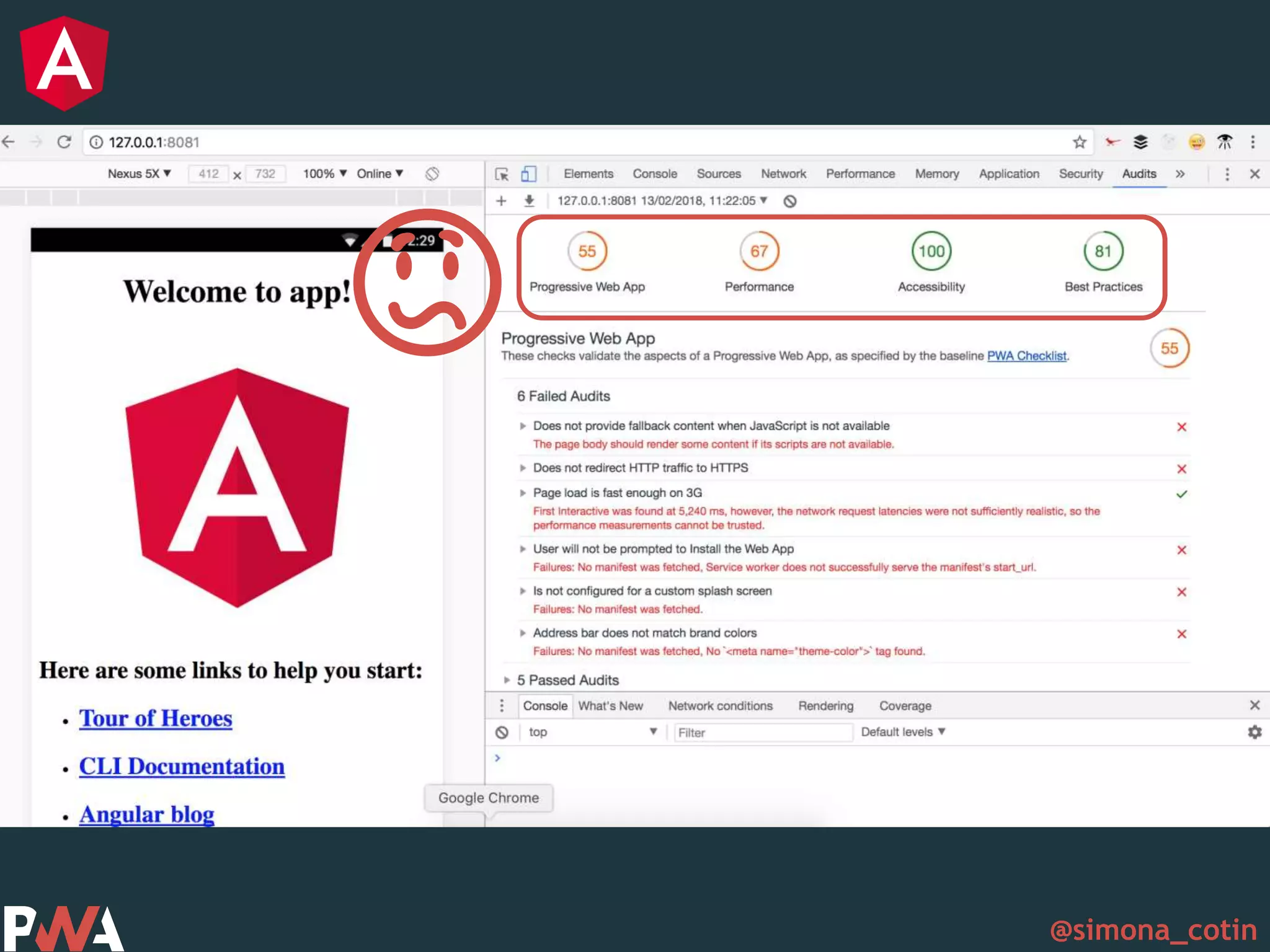
@simona_cotin 😕
@simona_cotin
@simona_cotin
@simona_cotin
@simona_cotin
@simona_cotin 🎉🎊
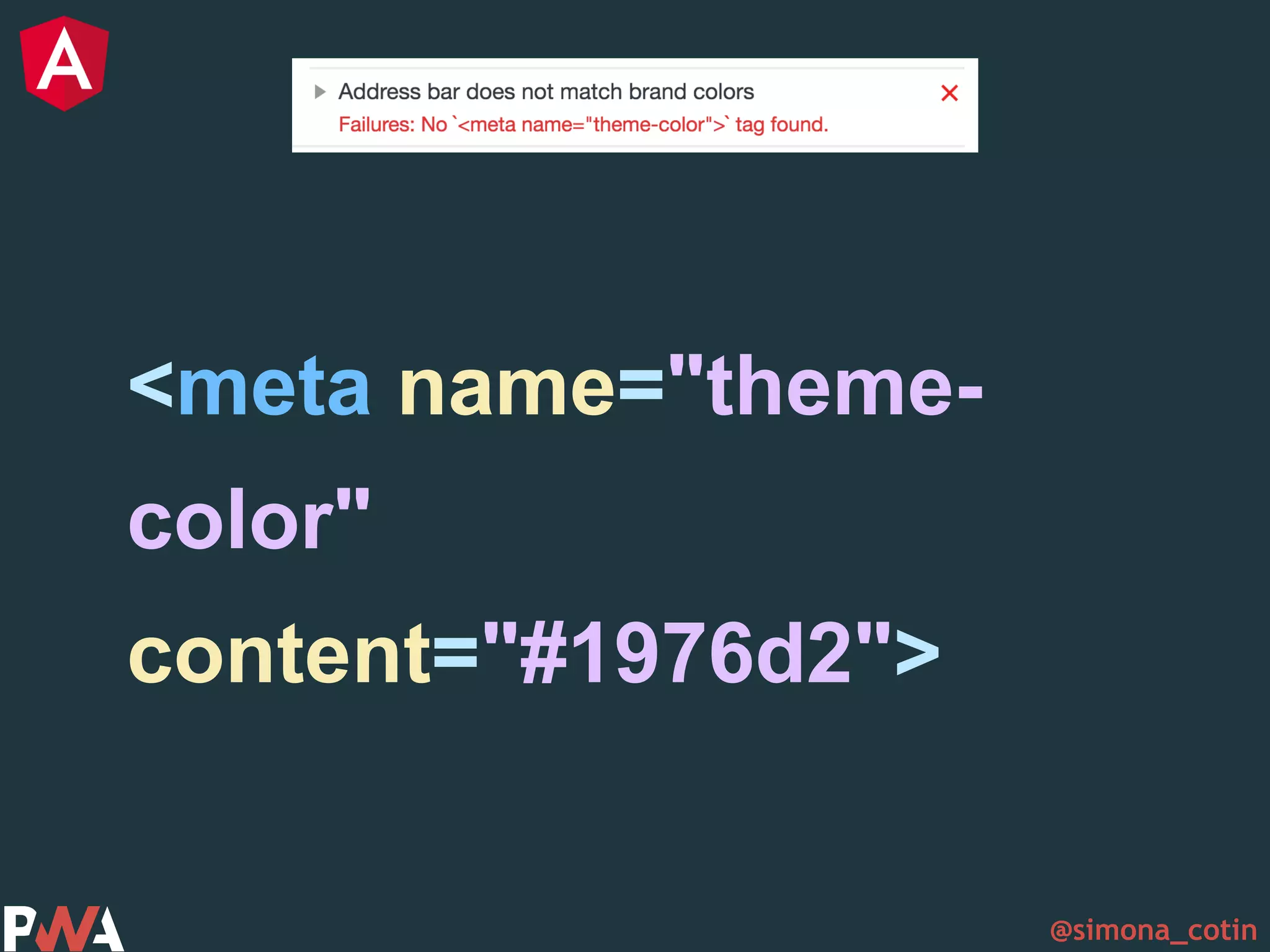
@simona_cotin <meta name="theme- color" content="#1976d2">
@simona_cotin 🏋
@simona_cotin
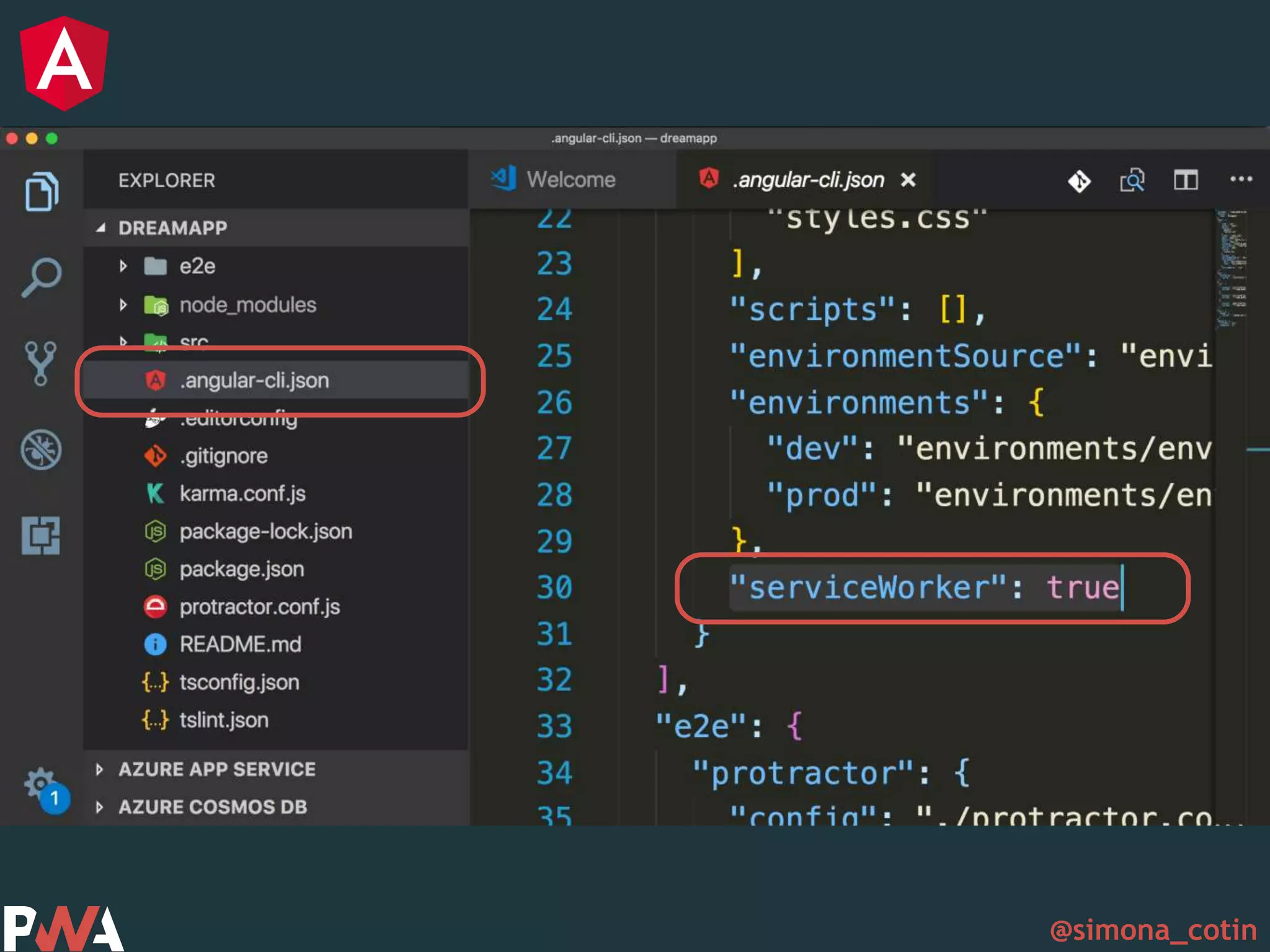
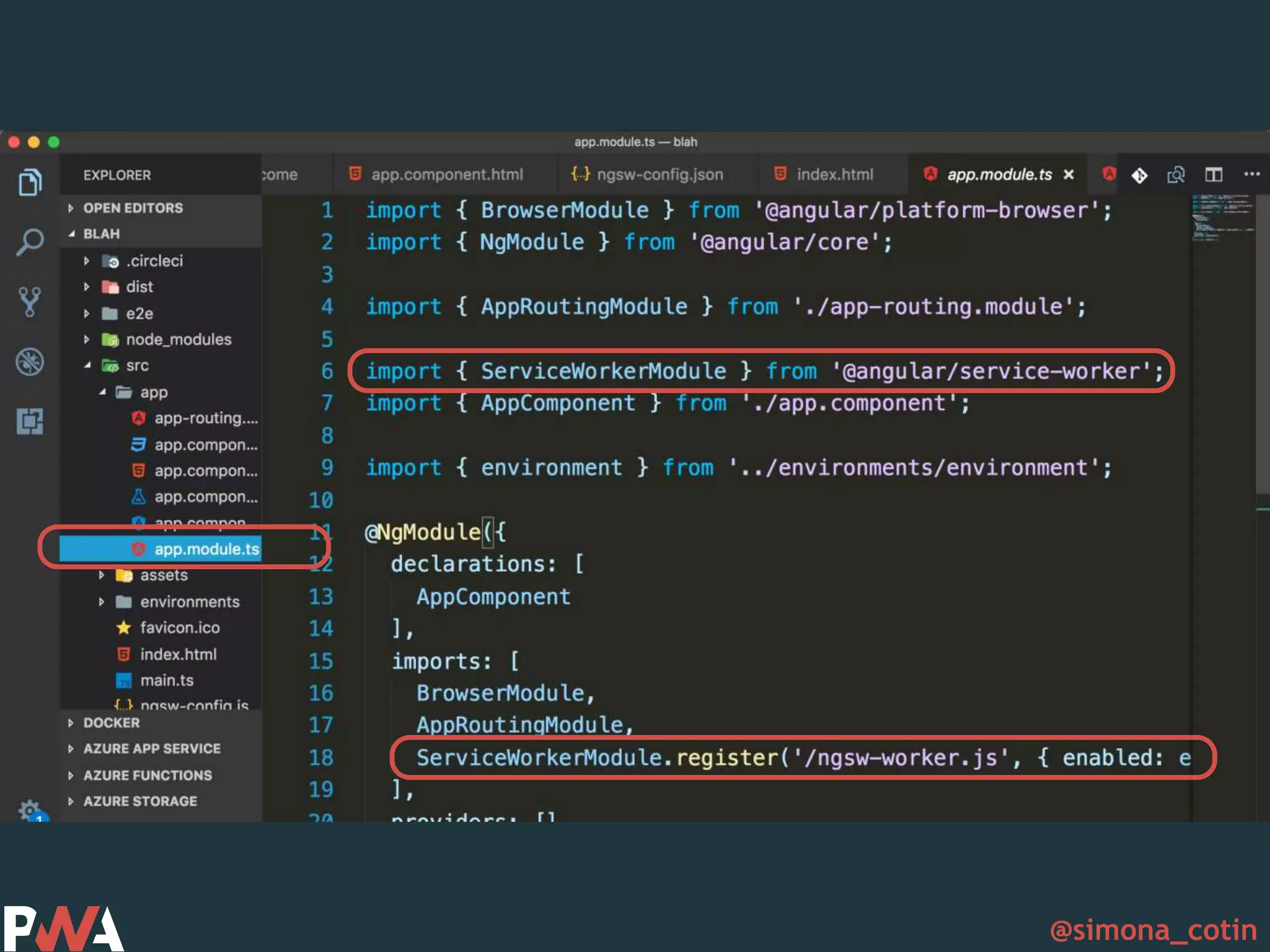
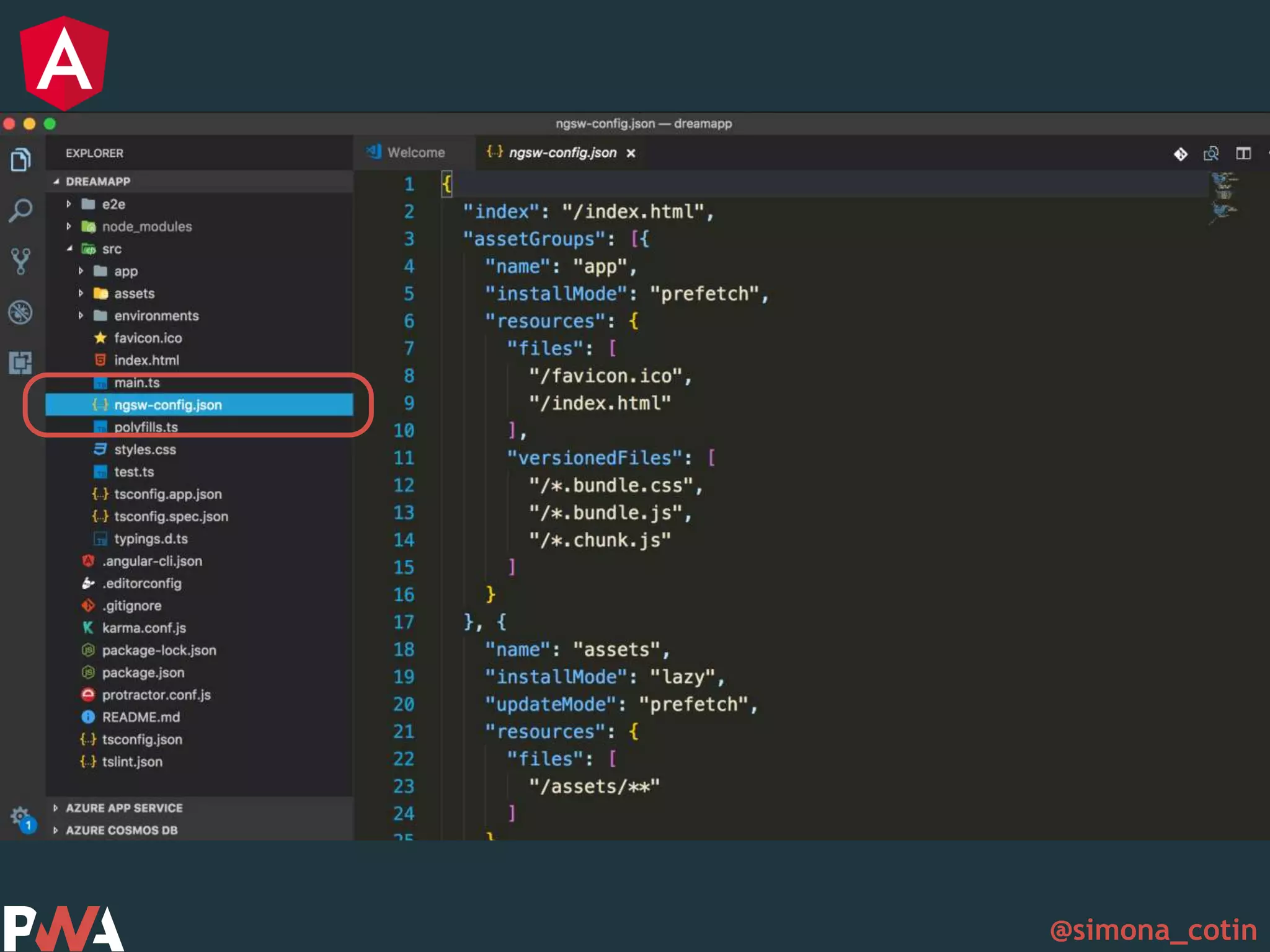
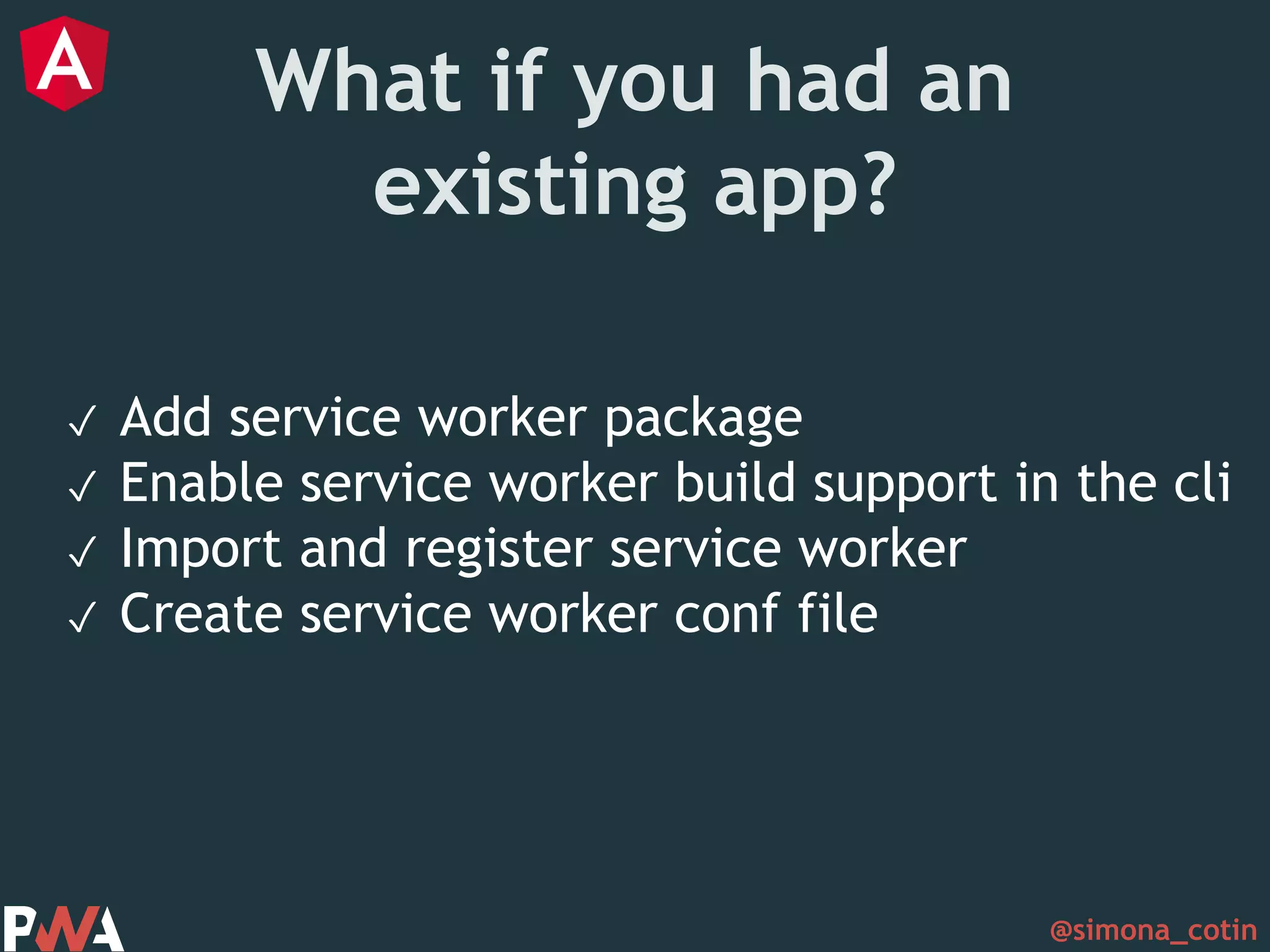
@simona_cotin What if you had an existing app? ✓ Add service worker package ✓ Enable service worker build support in the cli ✓ Import and register service worker ✓ Create service worker conf file
@simona_cotin Tools
@simona_cotin
@simona_cotin
@simona_cotin
@simona_cotin
@simona_cotin
@simona_cotin
@simona_cotin Success stories
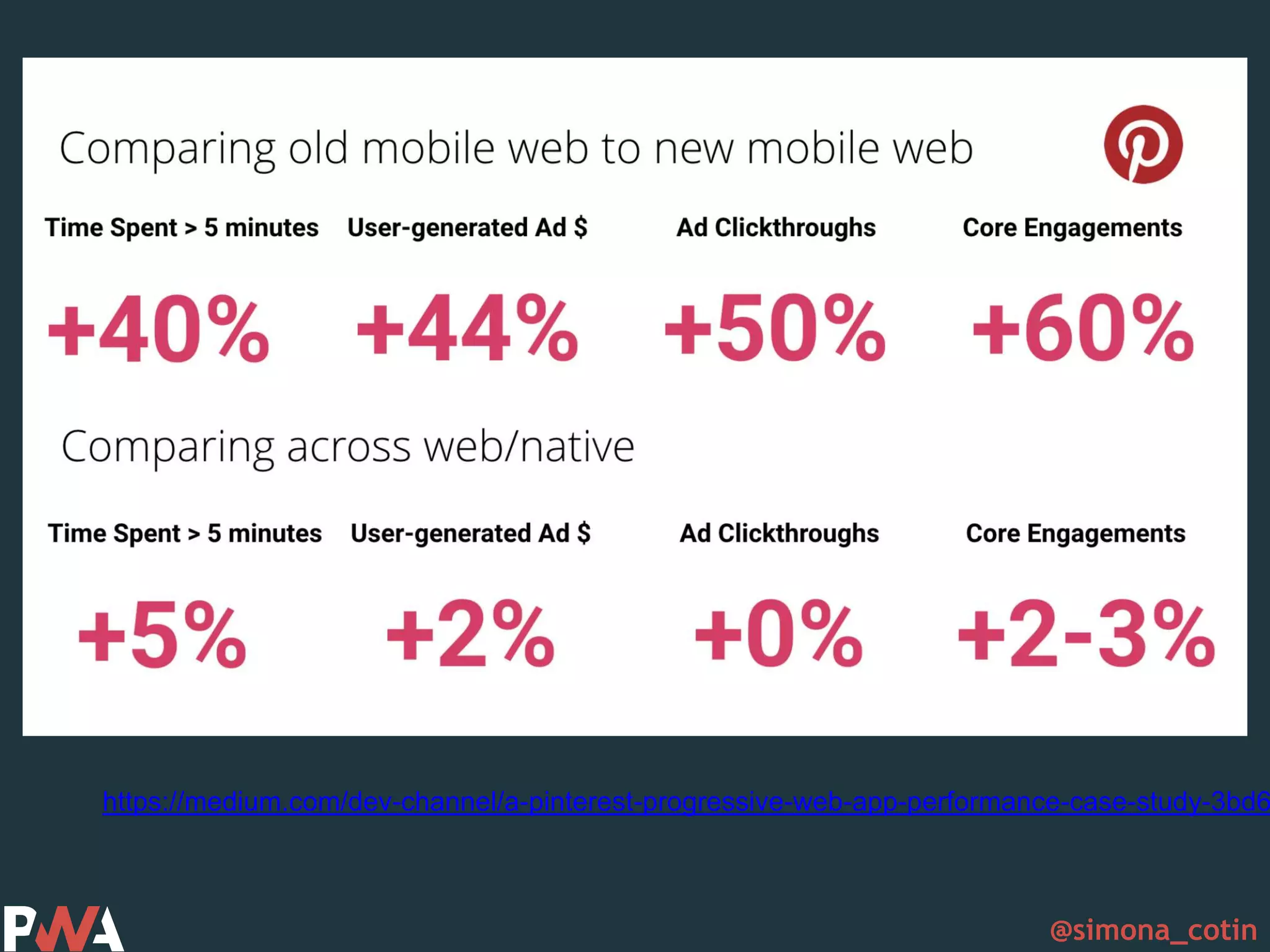
@simona_cotin https://medium.com/dev-channel/a-pinterest-progressive-web-app-performance-case-study-3bd6
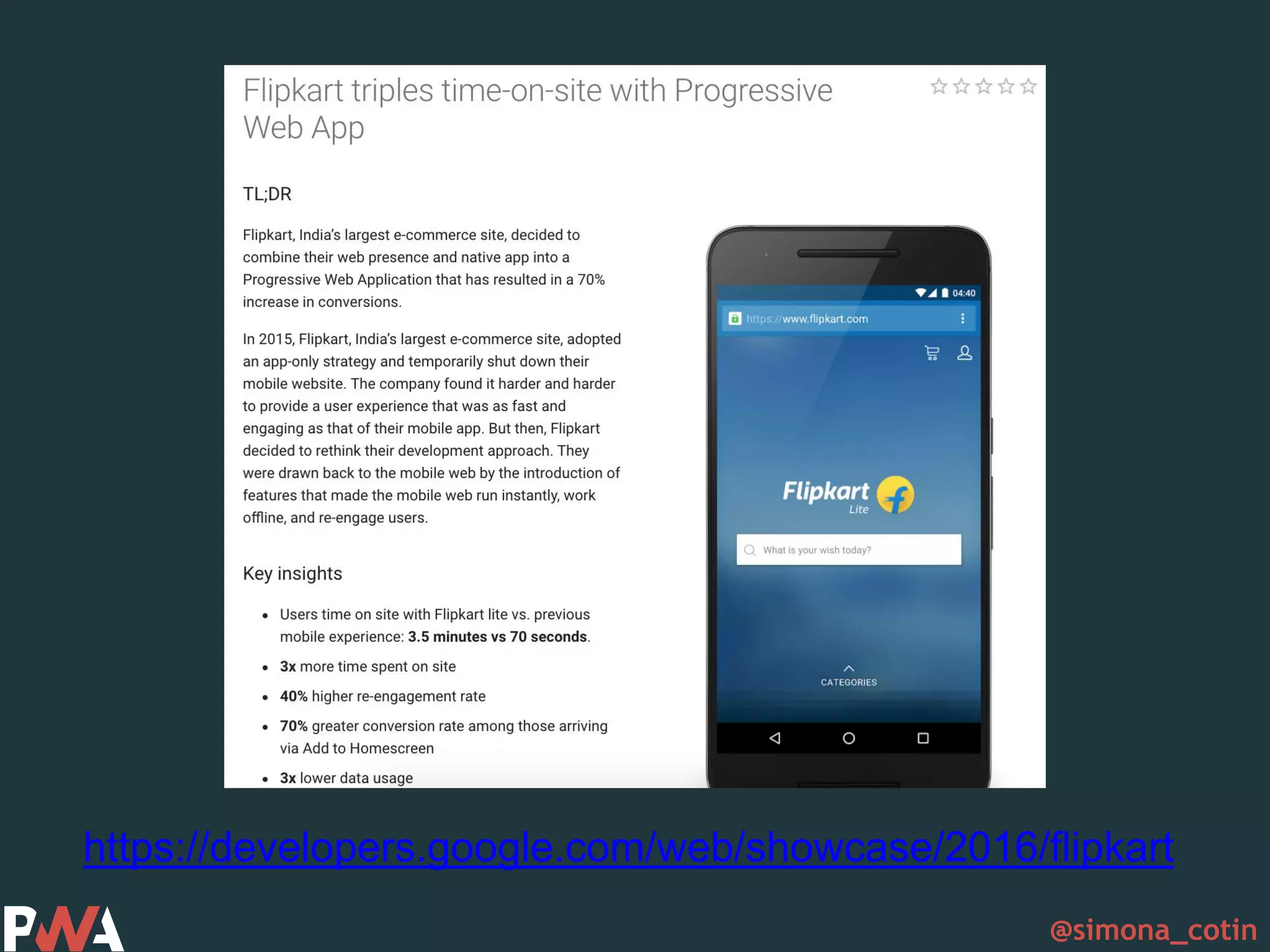
@simona_cotin https://developers.google.com/web/showcase/2016/flipkart
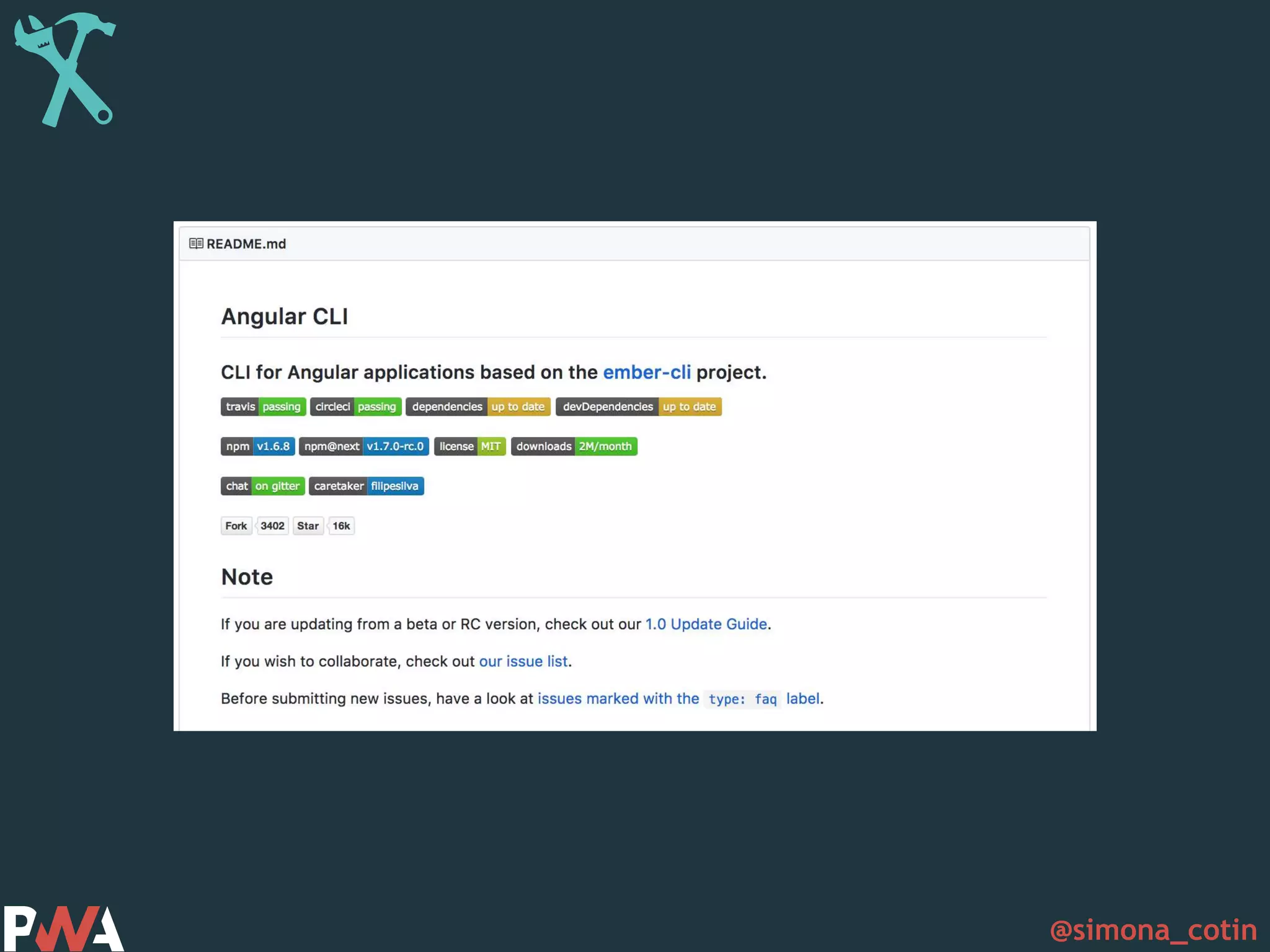
@simona_cotin –https://developers.google.com/web/progressive-web-apps/ “A new way to deliver amazing user experiences on the web”
@simona_cotin Thank you
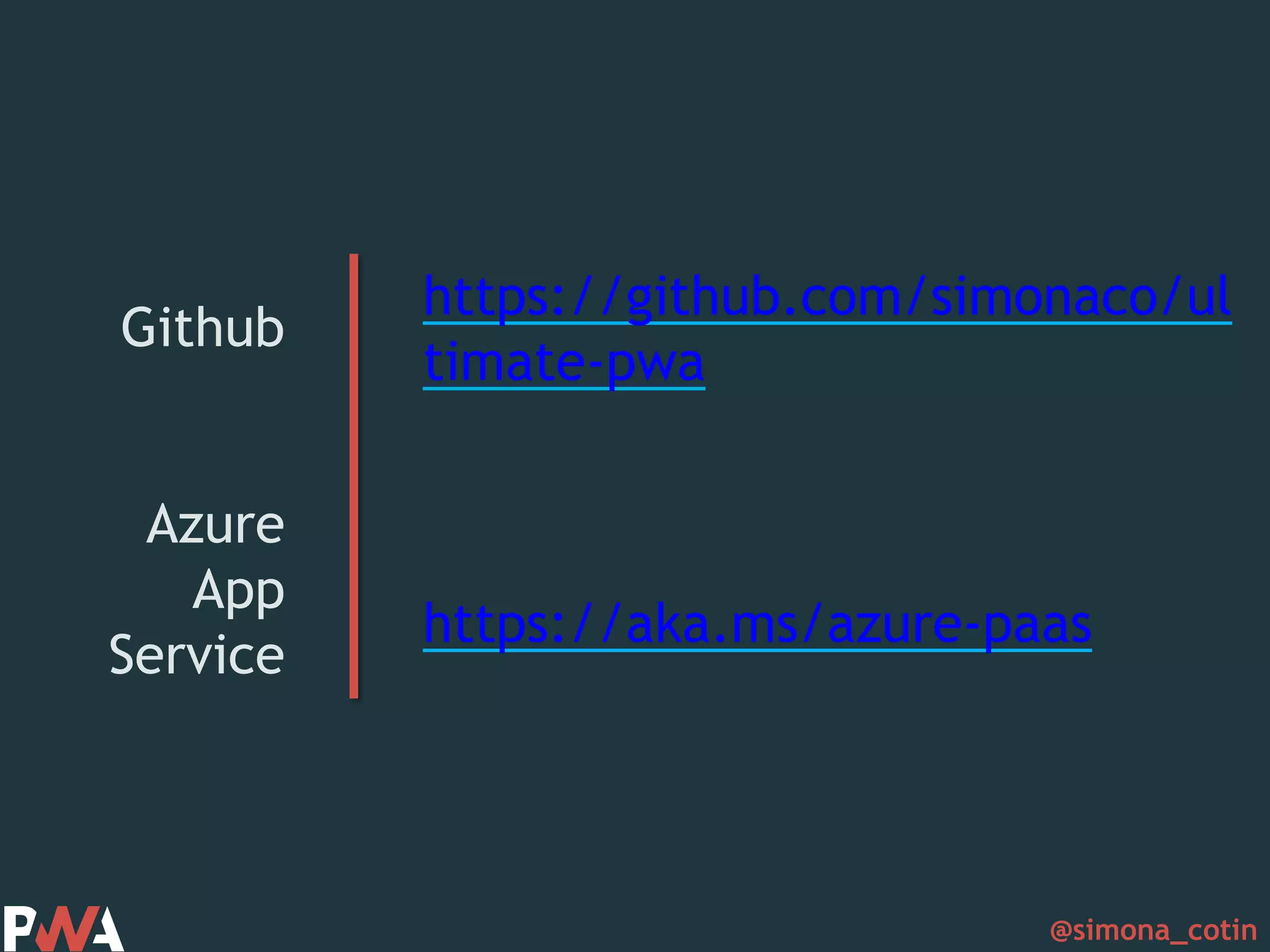
@simona_cotin Github Azure App Service https://github.com/simonaco/ul timate-pwa https://aka.ms/azure-paas

Build progressive web apps with Angular

Editor's Notes

  • #2 Hey everyone, this is great! Thank you for being here!
  • #3 My name is simona and I work as a cloud developer advocate for microsoft and part my role is to make sure that javascript is a first class citizen in the cloud.
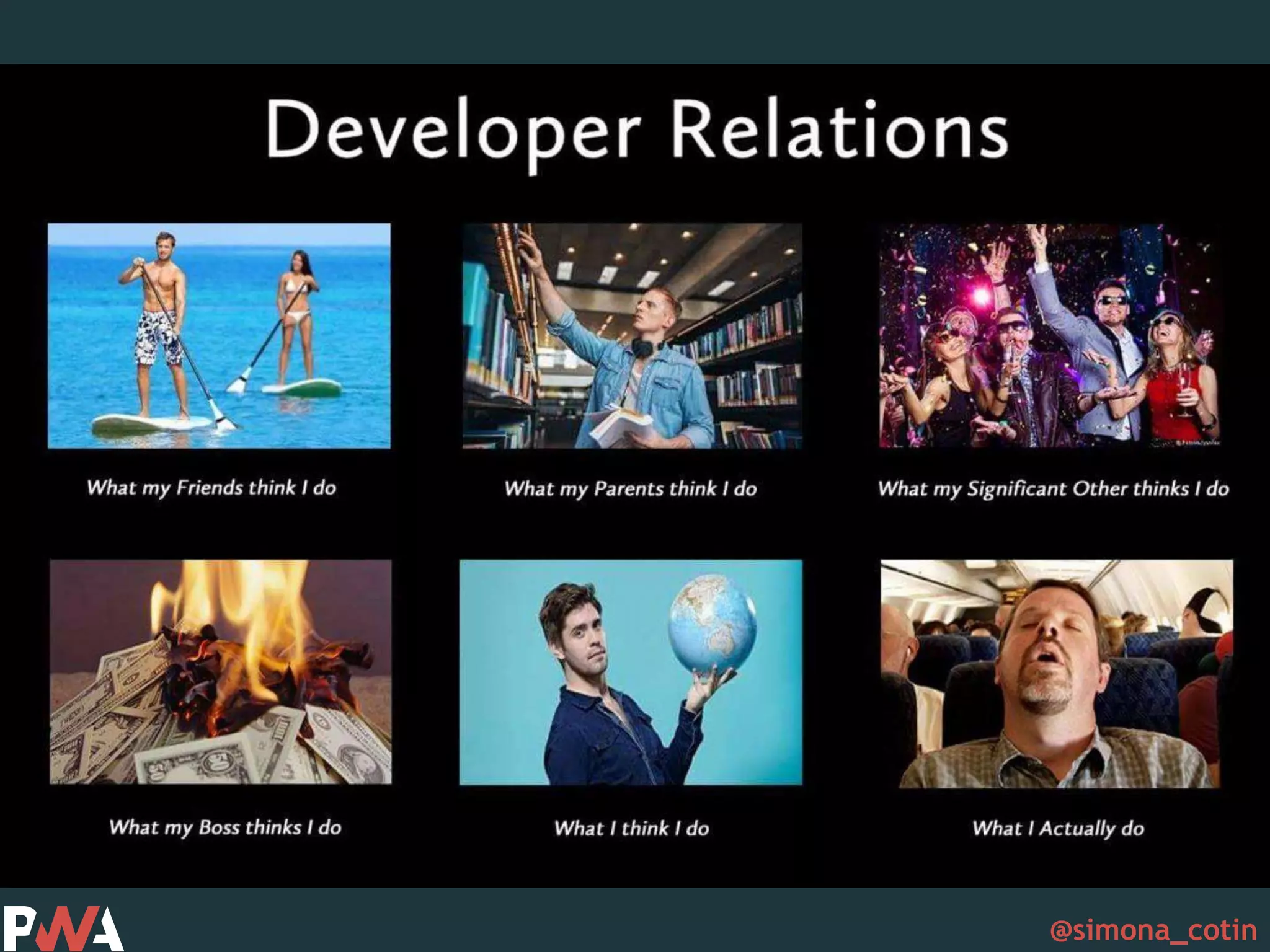
  • #4 And my role is also what makes this talk to exist for very selfish reasons! Just like this meme says, most of a developer advocate’s life is actually spent on a plane
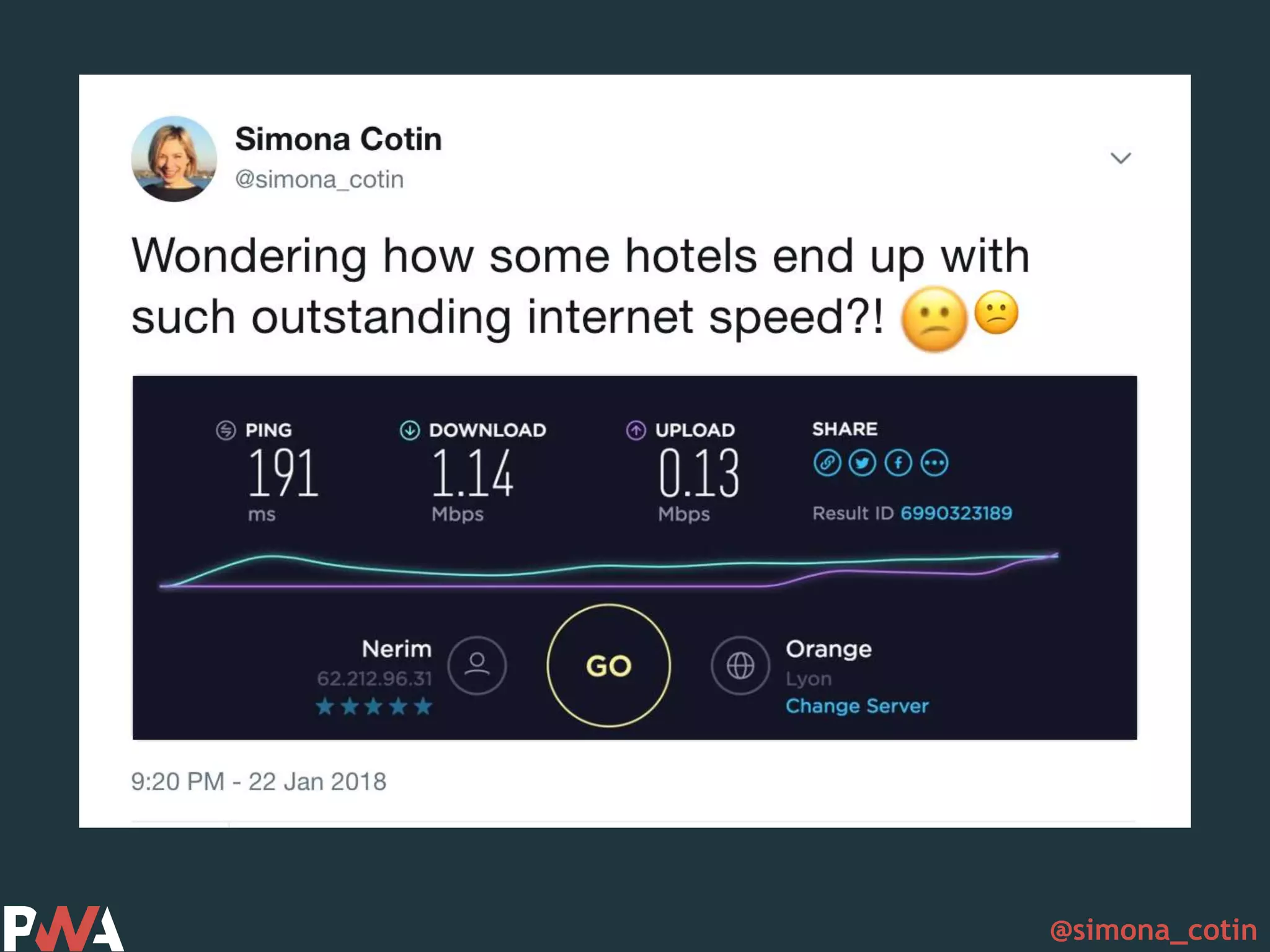
  • #5 Or on a train on the way to a plane, or at conferences or event super cool hotels that
  • #6 Have very bad internet! And many times it happens that just before a conference like this one, I have one last thing to add to a demo or slide tweak and ovviously the internet gods are not very good to me
  • #7 And it kinda feels like this, every single time! So if it were for me, I would make the entire web progressive web apps so that at least sites that I visited in the past will give me content.
  • #9 Progressive web apps are about much more than just the offline experience. They are about creating a better user experience overall. And because there are many definitions of PWA let’s start with one of the definitions I find most approachable
  • #10 And a definition from wikipedia would be:
  • #11 Or another definition that I really like by Ales Russell, And some of you might not now, but Alex and his wife, Frances have actually coined the Progressive Web Applications term. While they were out having dinner :) They also came up with the list of things that make up a progressive web app. https://infrequently.org/2015/06/progressive-apps-escaping-tabs-without-losing-our-soul/
  • #12 And the fist thing on the list was that these apps should be progressive, meaning that the user experience should enhance as the user uses more the app, they should also work for every user, regardless of browser choice
  • #13 to fit any form factor, desktop, mobile, tablet, or forms yet to emerge.
  • #14 Your app should still work offline, or on low quality networks.
  • #15 Feel like an app to the user with app-style interactions and navigation.
  • #16 Always up-to-date thanks to the service worker update process.
  • #17 Served via HTTPS to prevent snooping and ensure content hasn’t been tampered with.
  • #18 Are identifiable as “applications” thanks to W3C Manifests and Service Worker registration scope allowing search engines to find them
  • #19 Make re-engagement easy through features like push notifications.
  • #20 Allow users to “keep” apps they find most useful on their home screen without the hassle of an app store.
  • #21 Easily shared via a URL and do not require complex installation.
  • #23 So how do make this happen, in code?
  • #24 Well, there is this thing called baseline appyness which defines the basic minimal requirements for an app to be a progressive web app. And the first requirement is to implement service workers. The second important thing is to include a web manifest. And all should be served over HTTPS.
  • #26 So let’s dive into each of these and understand what they are. https://www.netlify.com/blog/2017/10/31/service-workers-explained/
  • #27 And if we were to look at a diagram of how this works, we have the web page and the service worker on the same side of the wire, and then over the network we can go retrieve data from the server or we can get that from a cache that sits on the same side as service workers
  • #28 So in a request-response model, we first make a request from the web page, the request is intercepted by the service worker, which then inspects it, works hard to understand where is should go, and decided to retrieve data from the network
  • #29 Or it can decide to first retrieve the data from the cache and return that to the user and only after that go over the network and update if necessary.
  • #30 For a service worker to exist we need to first register it. And we do that by calling the register method on the service worker object available in the browser. But before that we need to check if we have support for service workers.
  • #31 And a service worker has a scope and a lifecycle that we can tap into
  • #32 The scope defines which requests can be intercepted by a particular service worker and by default its the current folder and everything bellow. So if we were to register a worker at xyz.sw/work then all requests to those domain or subdomain would be intercepted by our service worker.
  • #33 A service worker has a lifecycle that is completely separate from your web page. A service workers life starts after it registers, it gets into the installing stage and from there it can either error or get activated. And then it can move into idle if nothing happens and either terminated of fetch.
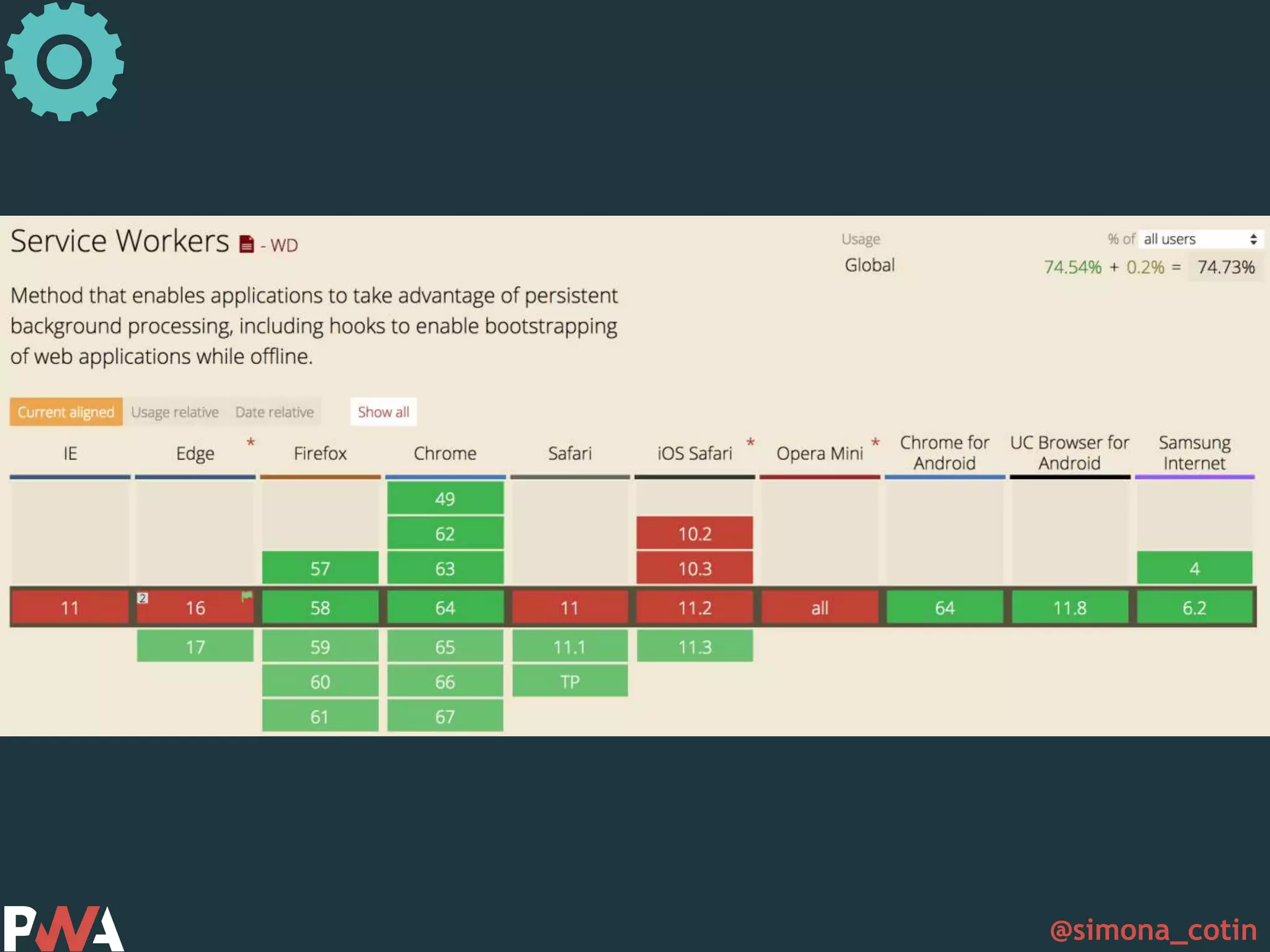
  • #35 If you’re wondering what’s the current support for service workers, its fully supported in Firefox and Chrome, Chrome for android and Samsung internet and it’s in development for edge, safari and safari for iOS.
  • #36 Service workers enable us to let our users interact with our app even when they’re offline which is a great win.
  • #37 https://developer.mozilla.org/en-US/docs/Web/Manifest https://developers.google.com/web/fundamentals/web-app-manifest/
  • #39 • Connectivity independent - Service workers allow work offline, or on low quality networks. • Fresh - Always up-to-date thanks to the service worker update process. • Discoverable - Are identifiable as “applications” thanks to W3C manifests[6] and service worker registration scope allowing search engines to find them. • Safe - Served via HTTPS to prevent snooping and ensure content hasn’t been tampered with. • Installable - Allow users to “keep” apps they find most useful on their home screen without the hassle of an app store.
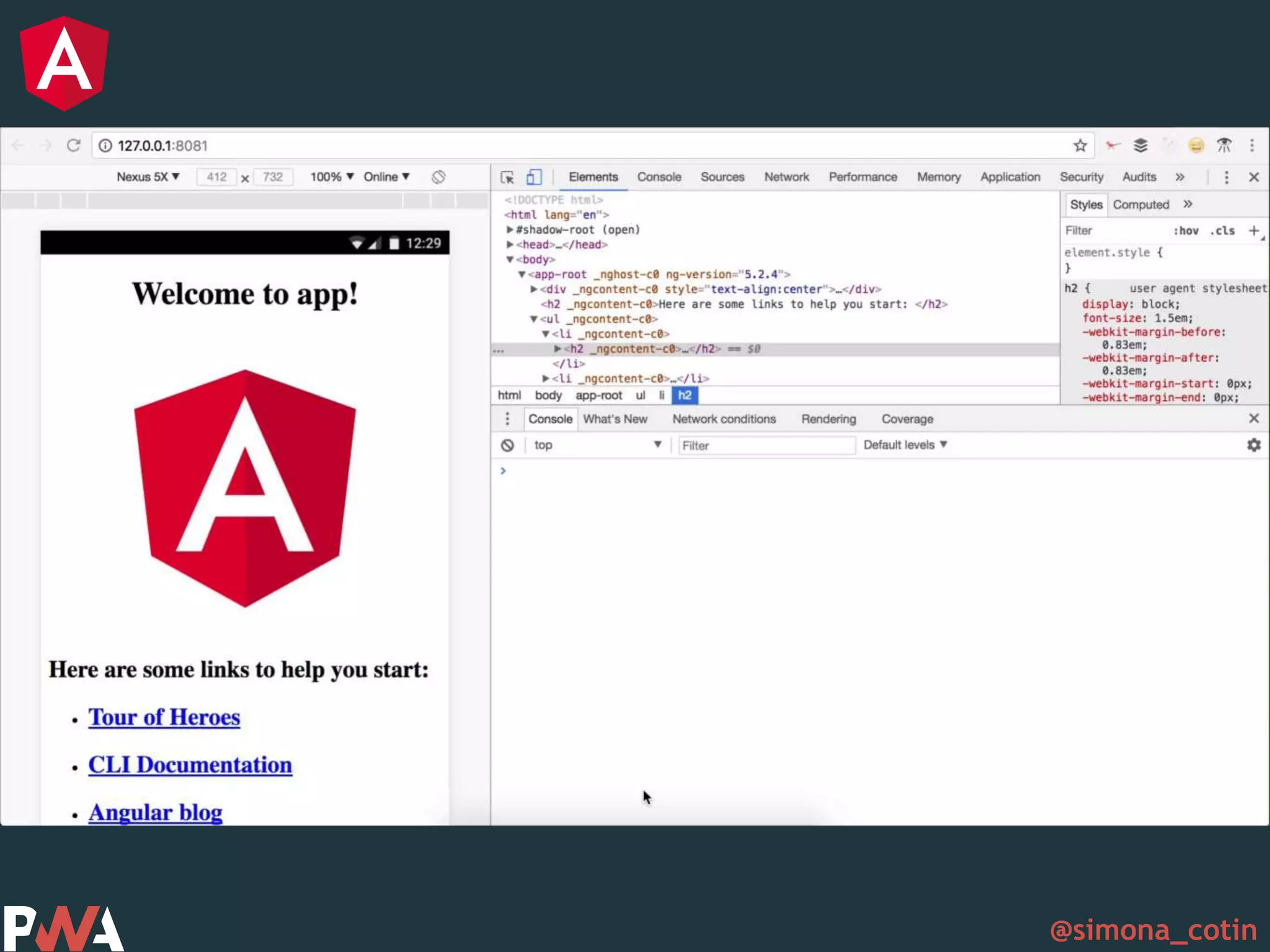
  • #41 And this is what makes our basic progressive web app.
  • #42 So let’s see what happens when we take that to Angular
  • #43 There are a few options here that can help us get started
  • #46 And in our app module we import our service worker and then register. And what you don’t see here is that we are only enabling the service worker for production. Can you guess why? Well, as you might’ve imagined, because the service worker caches things you really don’t want in you development process to not have the latest version of your app.
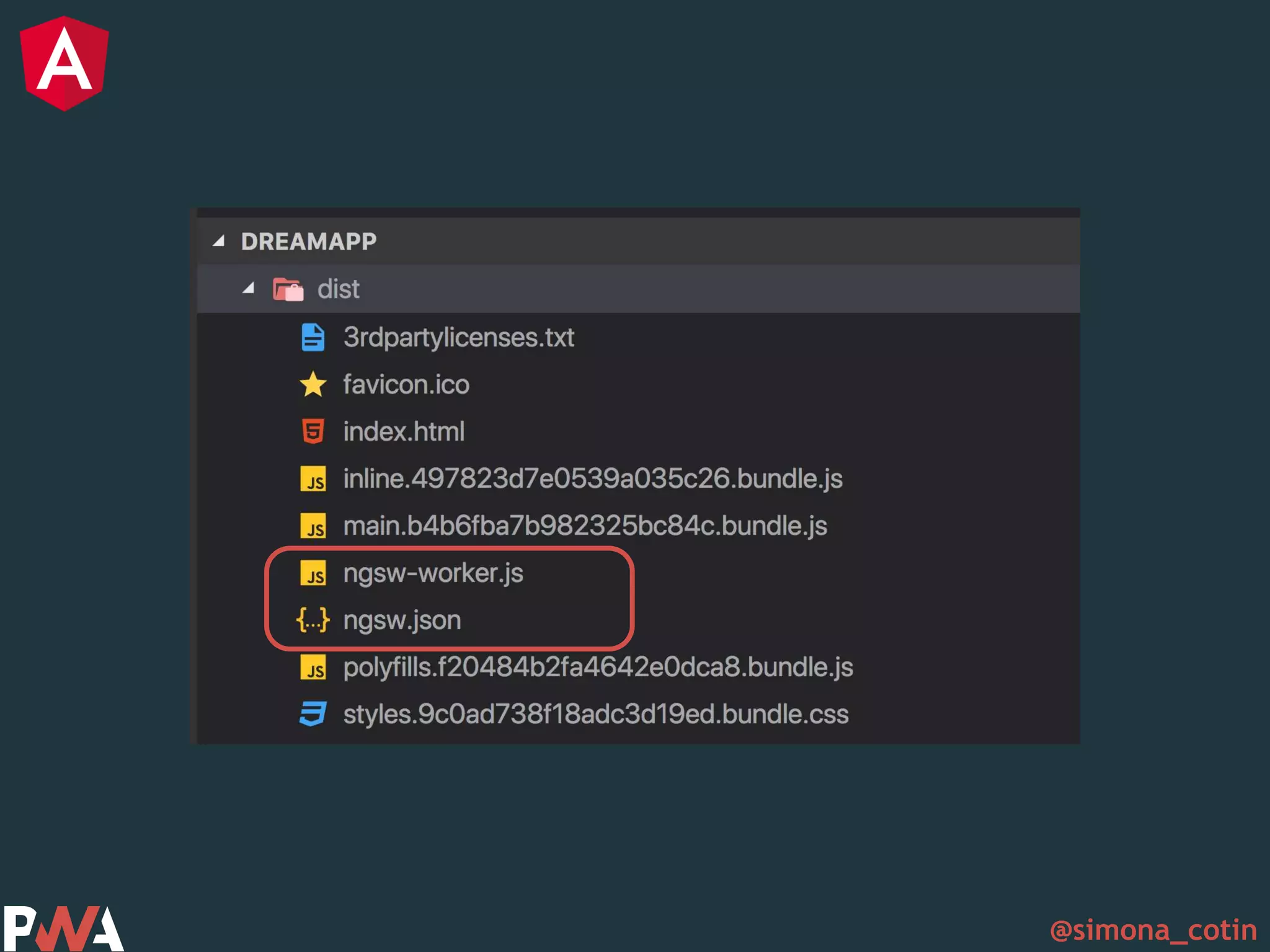
  • #47 The Angular CLI creates a service worker configuration file, called ngsw-config.json. The configuration file controls how the service worker caches files and data resources.
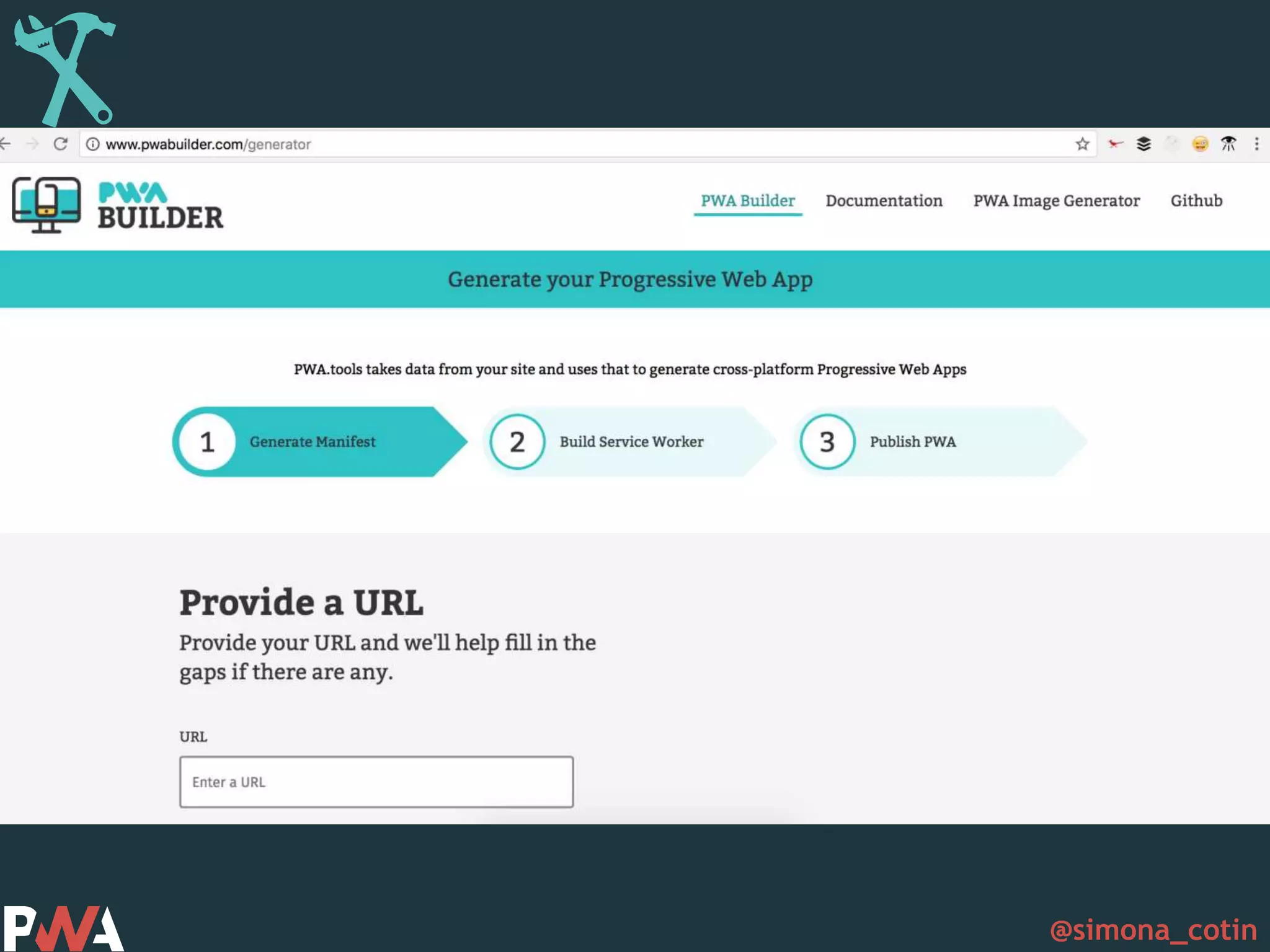
  • #63 http://www.pwabuilder.com/
  • #65 https://github.com/pinterest/service-workers
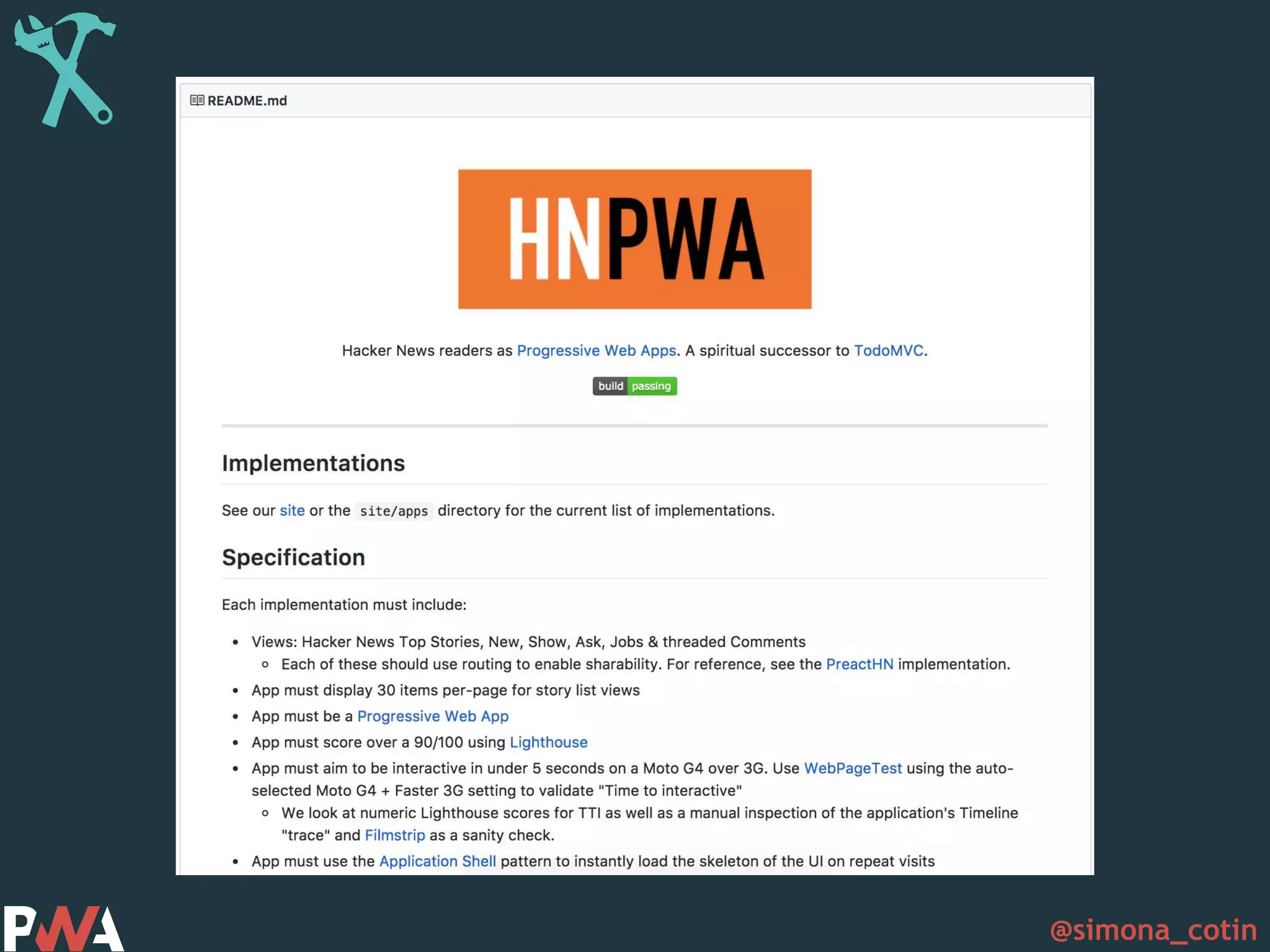
  • #66 https://github.com/tastejs/hacker-news-pwas
  • #67 https://github.com/angular/angular-cli
  • #69 The Pinterest PWA started because they were focused on international growth, which led them to the mobile web. https://medium.com/dev-channel/a-pinterest-progressive-web-app-performance-case-study-3bd6ed2e6154
  • #71 • Reliable - Load instantly and never show the downasaur, even in uncertain network conditions. • Fast - Respond quickly to user interactions with silky smooth animations and no janky scrolling. • Engaging - Feel like a natural app on the device, with an immersive user experience.