More Related Content
unit 4 error handling in python programming function in python programming - all important concept 3-Python Functions.pdf in simple......... ProgFund_Lecture_4_Functions_and_Modules-1.pdf Functions in Python.pdfnsjiwshkwijjahuwjwjw Similar to ch05-Functions in python programming.ppt
04. WORKING WITH FUNCTIONS-2 (1).pptx Lecture 5 Functions all about business categories 2_3 Functions 5d.pptx2_3 Functions 5d.pptx Functions_and_Modules_python_programming.pptx 04. WORKING WITH PYTHON FUNCTIONS-2.pdf Mastering Python lesson 4_functions_parameters_arguments functionfunctionfunctionfunctionfunction12.pdf Userdefined functions brief explaination.pdf 4_FUNCTIONS_introduction_basics_program.pdf functions in python language to run programming python programming module 3 notes for study material CHAPTER 01 FUNCTION in python class 12th.pptx Recently uploaded
LH_Lecture Note on Spices , AI And Importance in Human Life.pdf বাংলাদেশ অর্থনৈতিক সমীক্ষা - ২০২৫ with Bookmark.pdf ATTENTION - PART 1.pptx cognitive processes -For B.Sc I Sem By Mrs.Shilpa Hot... ASRB NET 2025 Paper GENETICS AND PLANT BREEDING ARS, SMS & STODiscussion | Co... Genetics Booklist: From Basics to Advanced GENETICS BOOK Screening and Selecting Studies for Systematic Review Dr Reginald Quansah DIFFRENCE BETWEEN SOCIETY AND COMMUNITY.pdf Time Series Analysis - Weighted (Unequal) Moving Average Method Elderly in India: The Changing Scenario.pptx How to Create & Configure Web Controllers in Odoo 18 An Complete Overview of Chatter in Odoo 18 DIFFERENT TYPES OF DOSAGE FORMS picture.pptx Appreciations - Nov 25.pptxjkjjkjjkjejfkejfkjekjekjkjekjekjkjekjktejektj How to Analyze Employee Retention Rate in Odoo 18 Frontend ticket creation in odoo 18.2 _Odoo 19 Gemini Study Jams 2025 - GDGoC FPTU event Digital Journalism Ethics 2025 materi for Regulation & Ethic Media Seasonal Indices – Simple Average Method - For Quarterly and Monthly Data Set Psychological disorders affecting students well being.pptx APM Thames Valley Network: PMO Set Up and Configuration ch05-Functions in python programming.ppt
- 1.
- 2.
Copyright © 2018Pearson Education, Ltd. Topics • Introduction to Functions • Defining and Calling a Void Function • Designing a Program to Use Functions • Local Variables • Passing Arguments to Functions • Global Variables and Global Constants • Turtle Graphics: Modularizing Code with Functions - 3.
Copyright © 2018Pearson Education, Ltd. Topics (cont’d.) • Introduction to Value-Returning Functions: Generating Random Numbers • Writing Your Own Value-Returning Functions • The math Module • Storing Functions in Modules - 4.
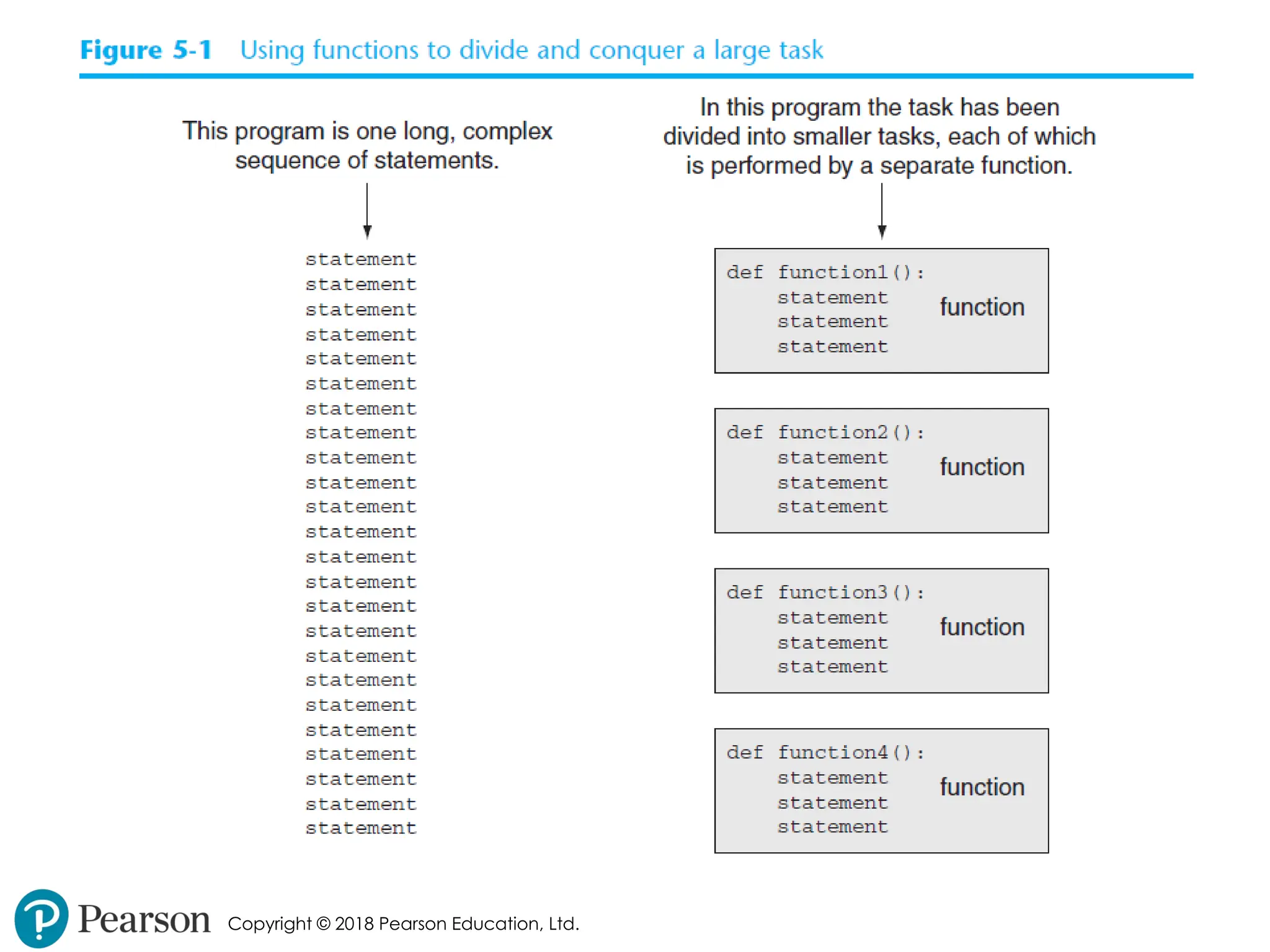
Copyright © 2018Pearson Education, Ltd. Introduction to Functions • Function: group of statements within a program that perform as specific task • Usually one task of a large program • Functions can be executed in order to perform overall program task • Known as divide and conquer approach • Modularized program: program wherein each task within the program is in its own function - 5.
- 6.
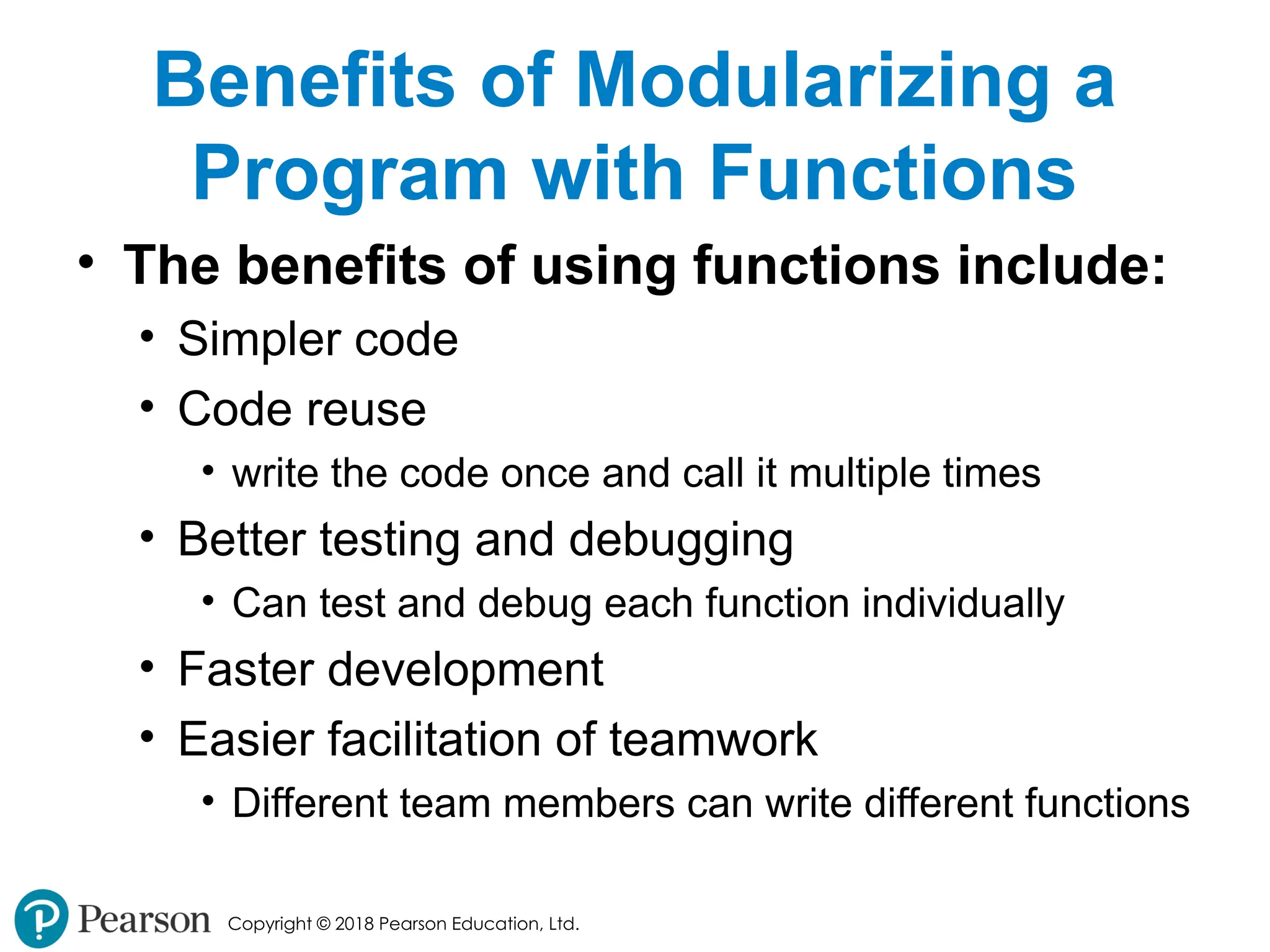
Copyright © 2018Pearson Education, Ltd. Benefits of Modularizing a Program with Functions • The benefits of using functions include: • Simpler code • Code reuse • write the code once and call it multiple times • Better testing and debugging • Can test and debug each function individually • Faster development • Easier facilitation of teamwork • Different team members can write different functions - 7.
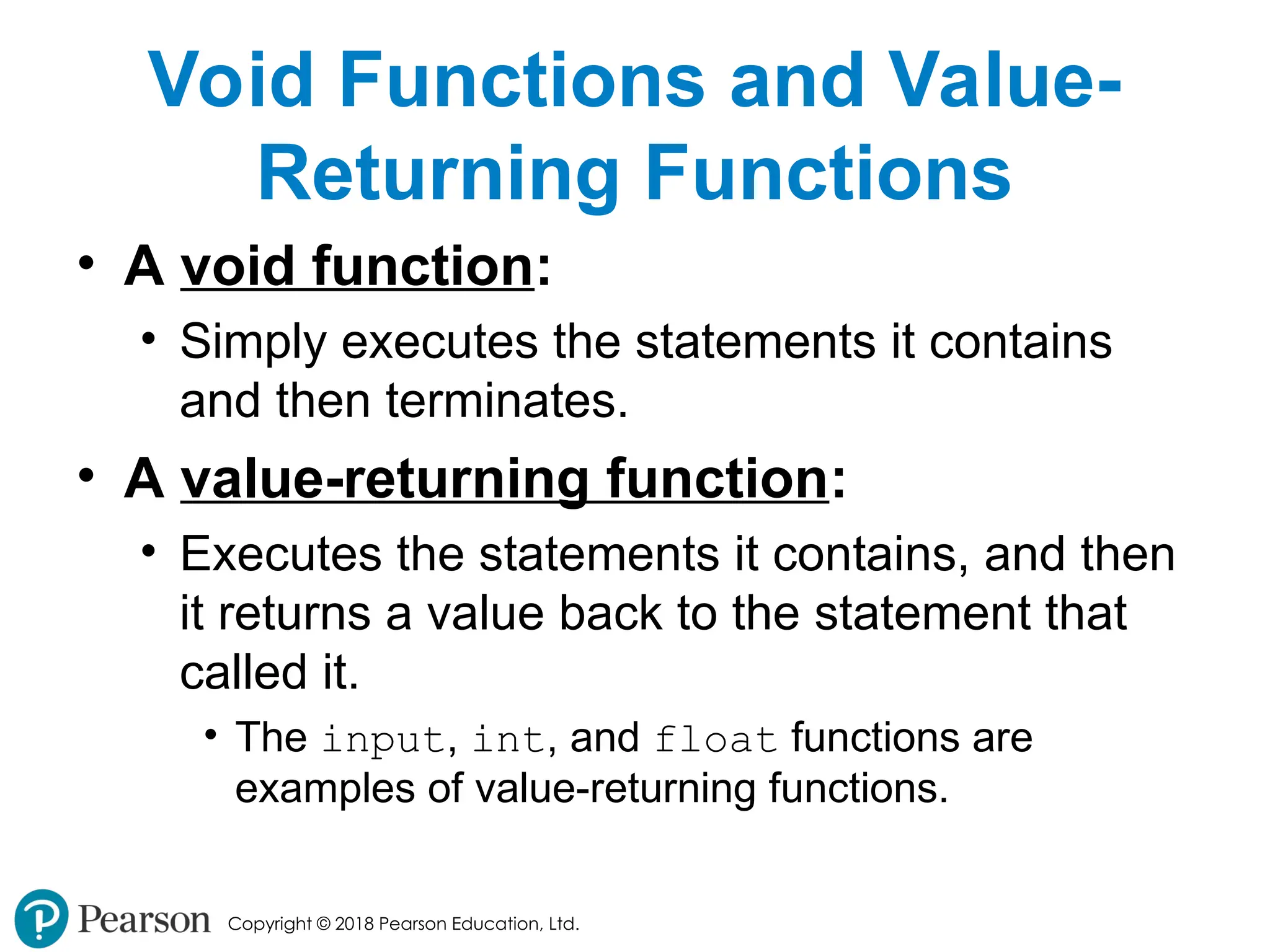
Copyright © 2018Pearson Education, Ltd. Void Functions and Value- Returning Functions • A void function: • Simply executes the statements it contains and then terminates. • A value-returning function: • Executes the statements it contains, and then it returns a value back to the statement that called it. • The input, int, and float functions are examples of value-returning functions. - 8.
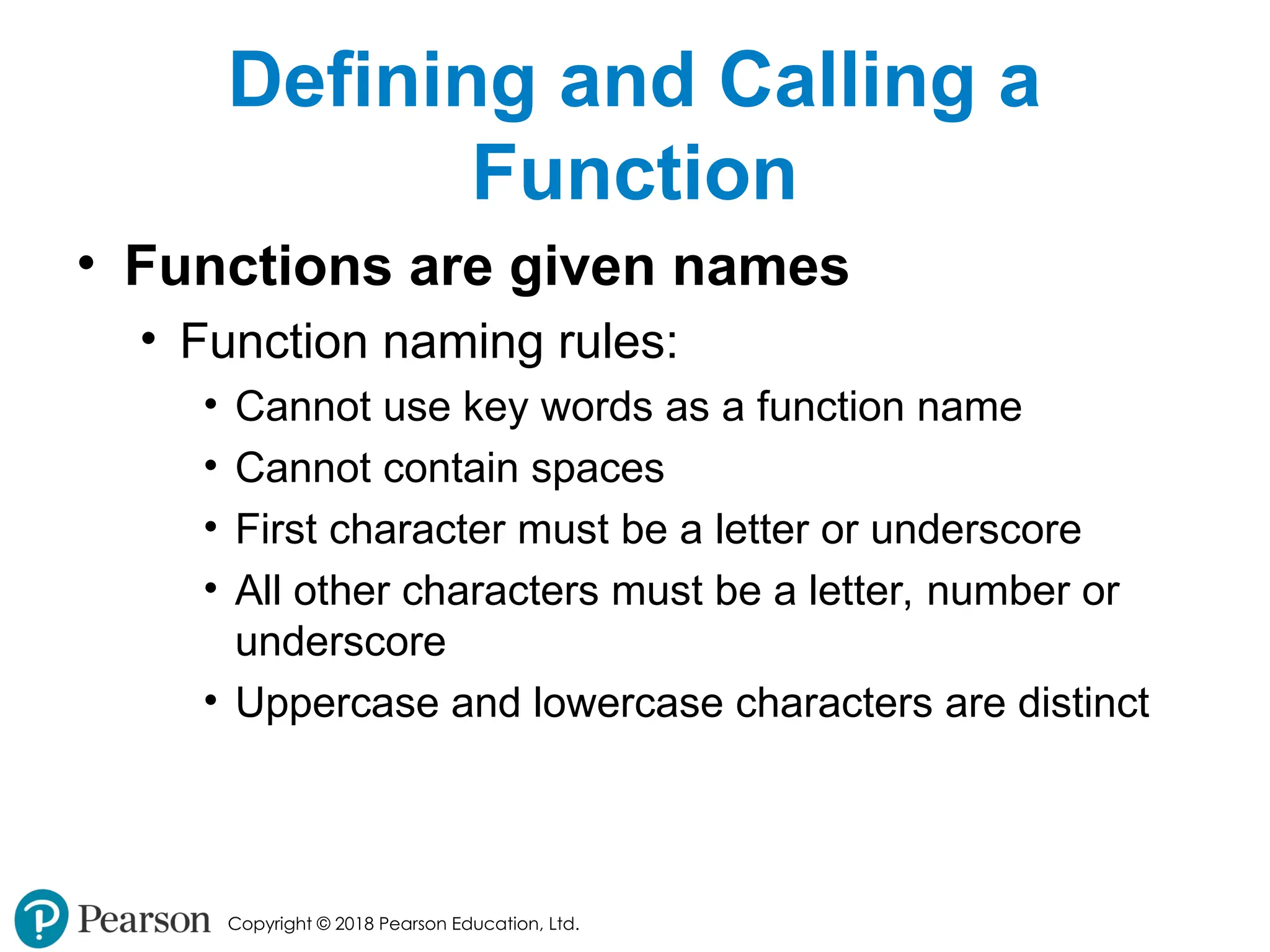
Copyright © 2018Pearson Education, Ltd. Defining and Calling a Function • Functions are given names • Function naming rules: • Cannot use key words as a function name • Cannot contain spaces • First character must be a letter or underscore • All other characters must be a letter, number or underscore • Uppercase and lowercase characters are distinct - 9.
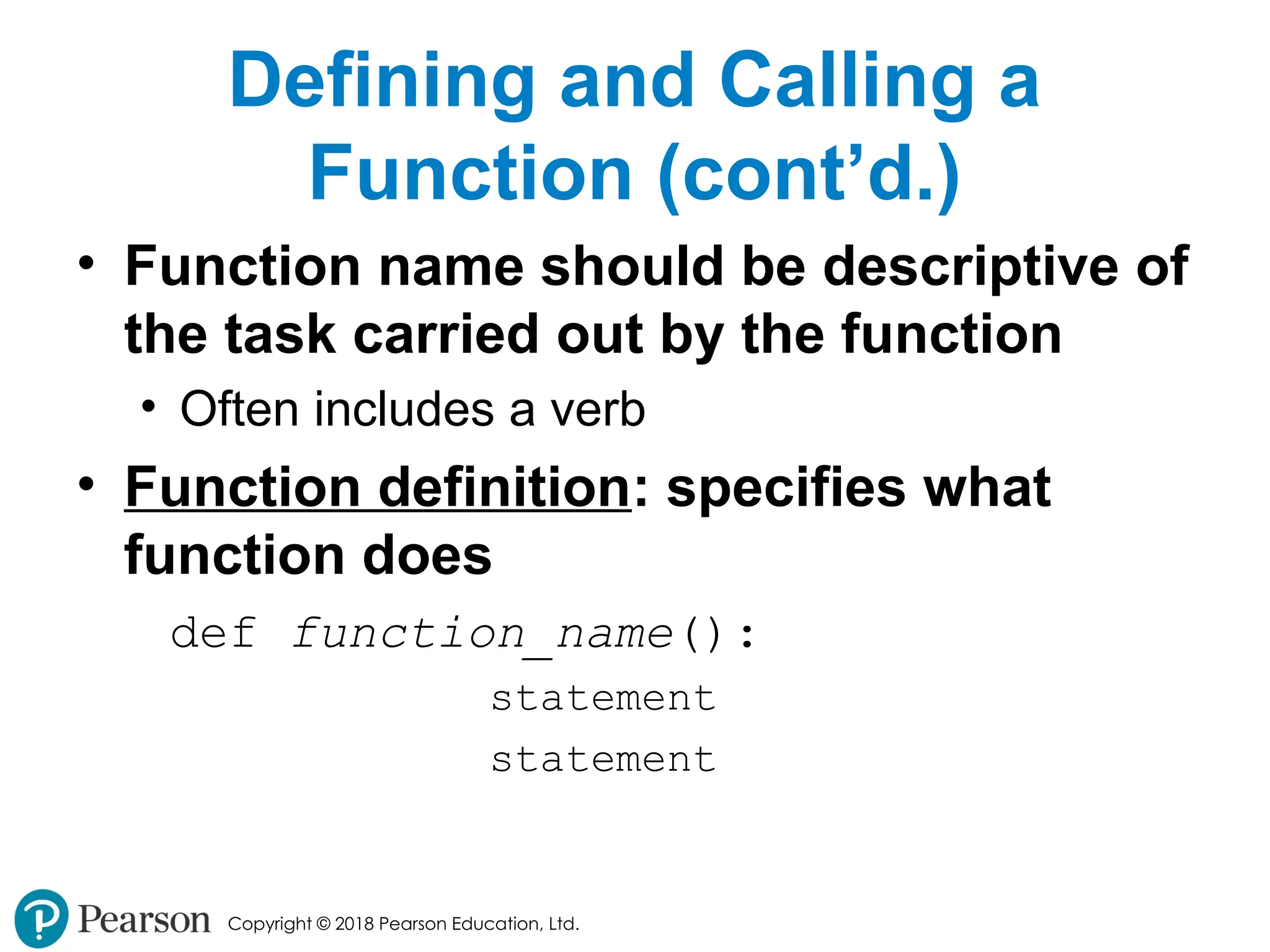
Copyright © 2018Pearson Education, Ltd. Defining and Calling a Function (cont’d.) • Function name should be descriptive of the task carried out by the function • Often includes a verb • Function definition: specifies what function does def function_name(): statement statement - 10.
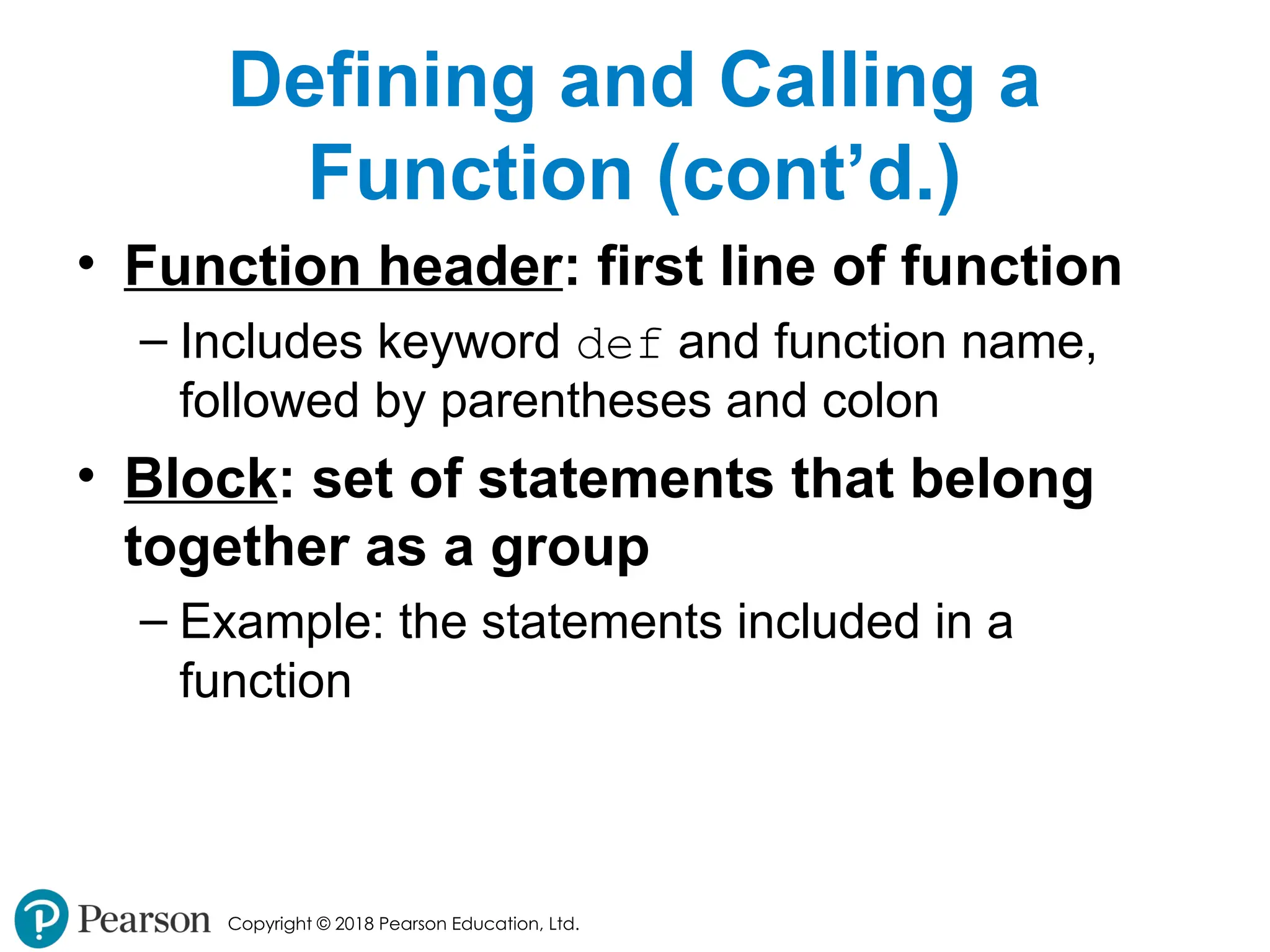
Copyright © 2018Pearson Education, Ltd. Defining and Calling a Function (cont’d.) • Function header: first line of function – Includes keyword def and function name, followed by parentheses and colon • Block: set of statements that belong together as a group – Example: the statements included in a function - 11.
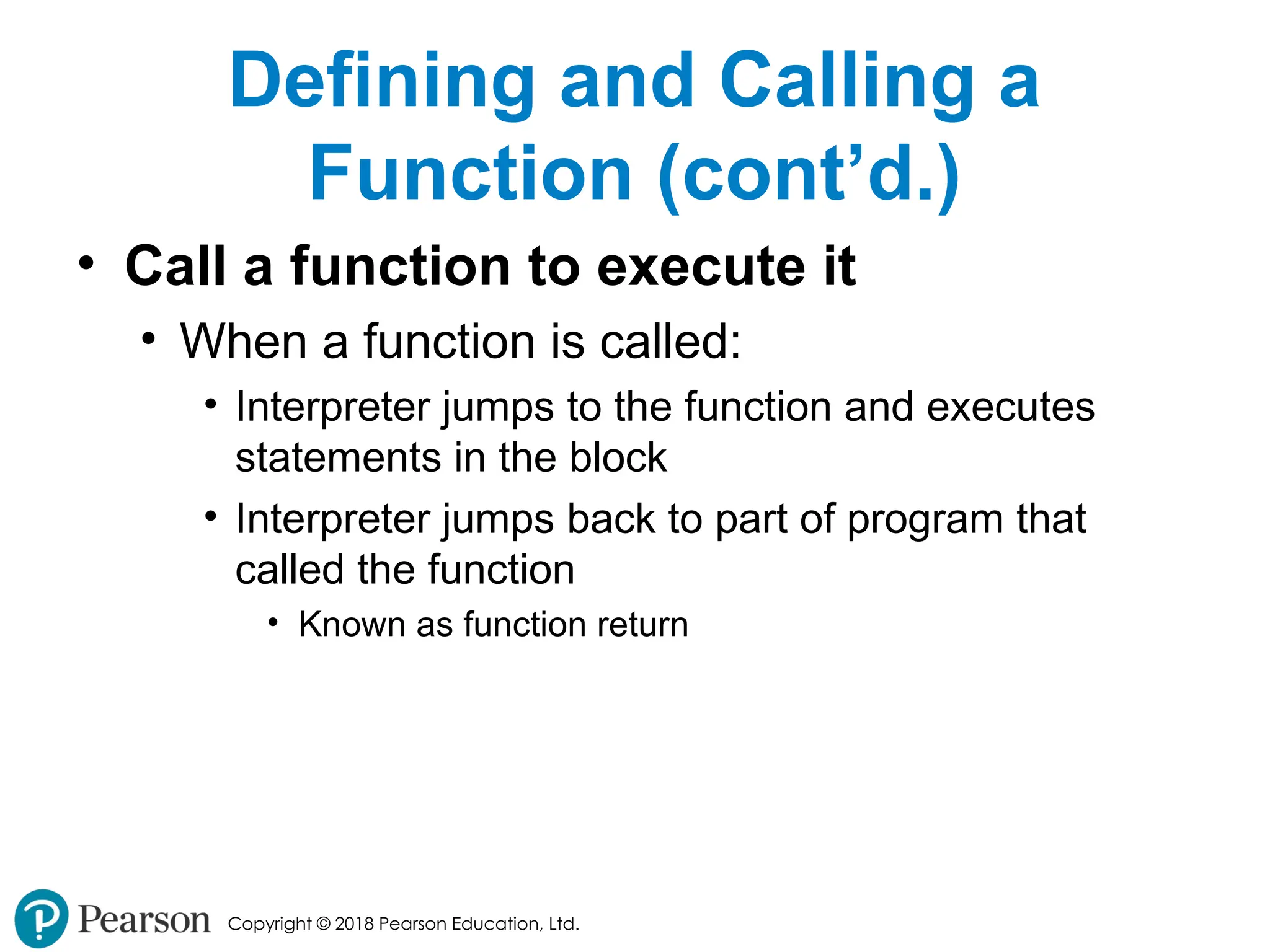
Copyright © 2018Pearson Education, Ltd. Defining and Calling a Function (cont’d.) • Call a function to execute it • When a function is called: • Interpreter jumps to the function and executes statements in the block • Interpreter jumps back to part of program that called the function • Known as function return - 12.
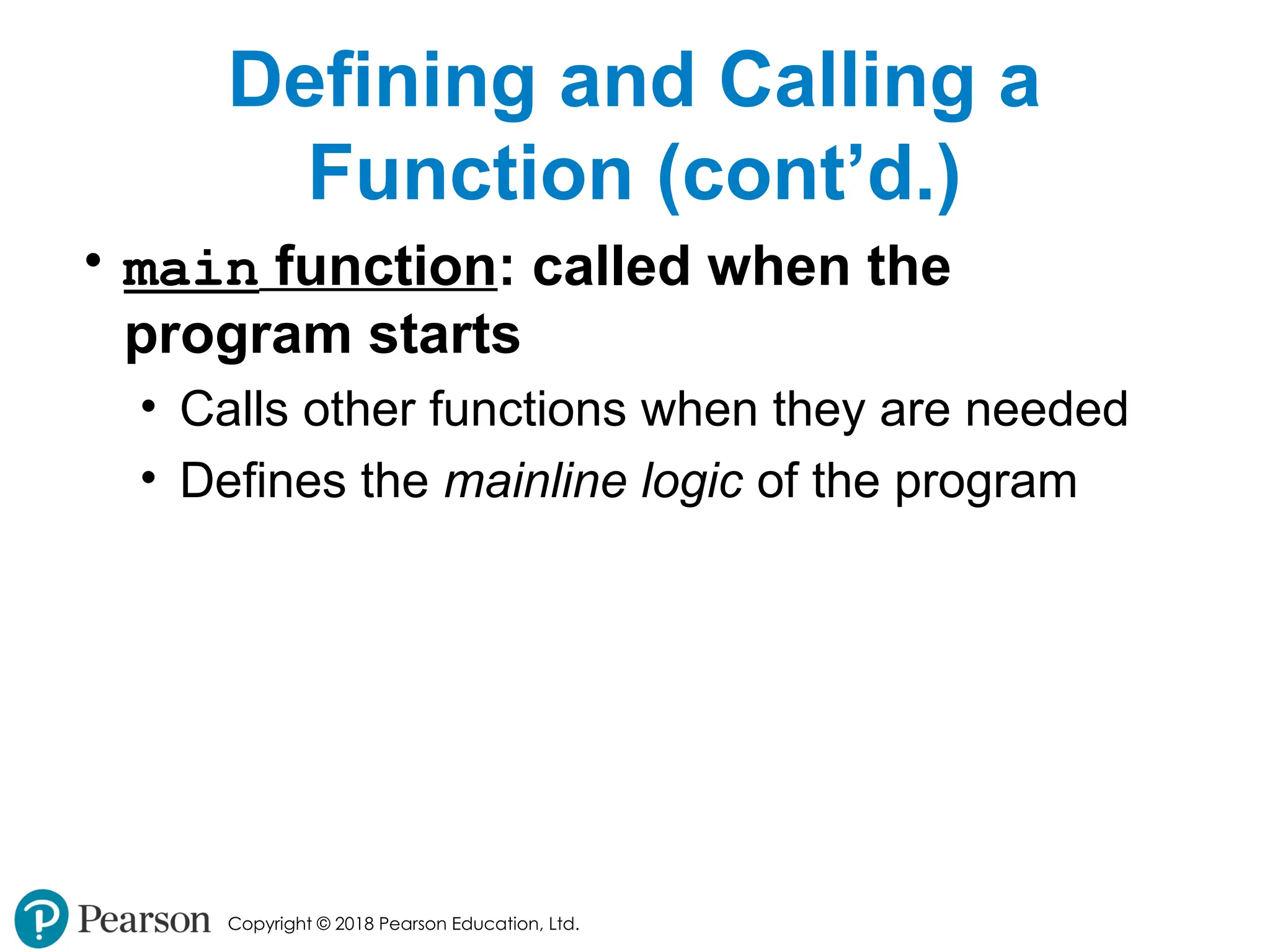
Copyright © 2018Pearson Education, Ltd. Defining and Calling a Function (cont’d.) • main function: called when the program starts • Calls other functions when they are needed • Defines the mainline logic of the program - 13.
Copyright © 2018Pearson Education, Ltd. Indentation in Python • Each block must be indented • Lines in block must begin with the same number of spaces • Use tabs or spaces to indent lines in a block, but not both as this can confuse the Python interpreter • IDLE automatically indents the lines in a block • Blank lines that appear in a block are ignored - 14.
Copyright © 2018Pearson Education, Ltd. Designing a Program to Use Functions • In a flowchart, function call shown as rectangle with vertical bars at each side • Function name written in the symbol • Typically draw separate flow chart for each function in the program • End terminal symbol usually reads Return • Top-down design: technique for breaking algorithm into functions - 15.
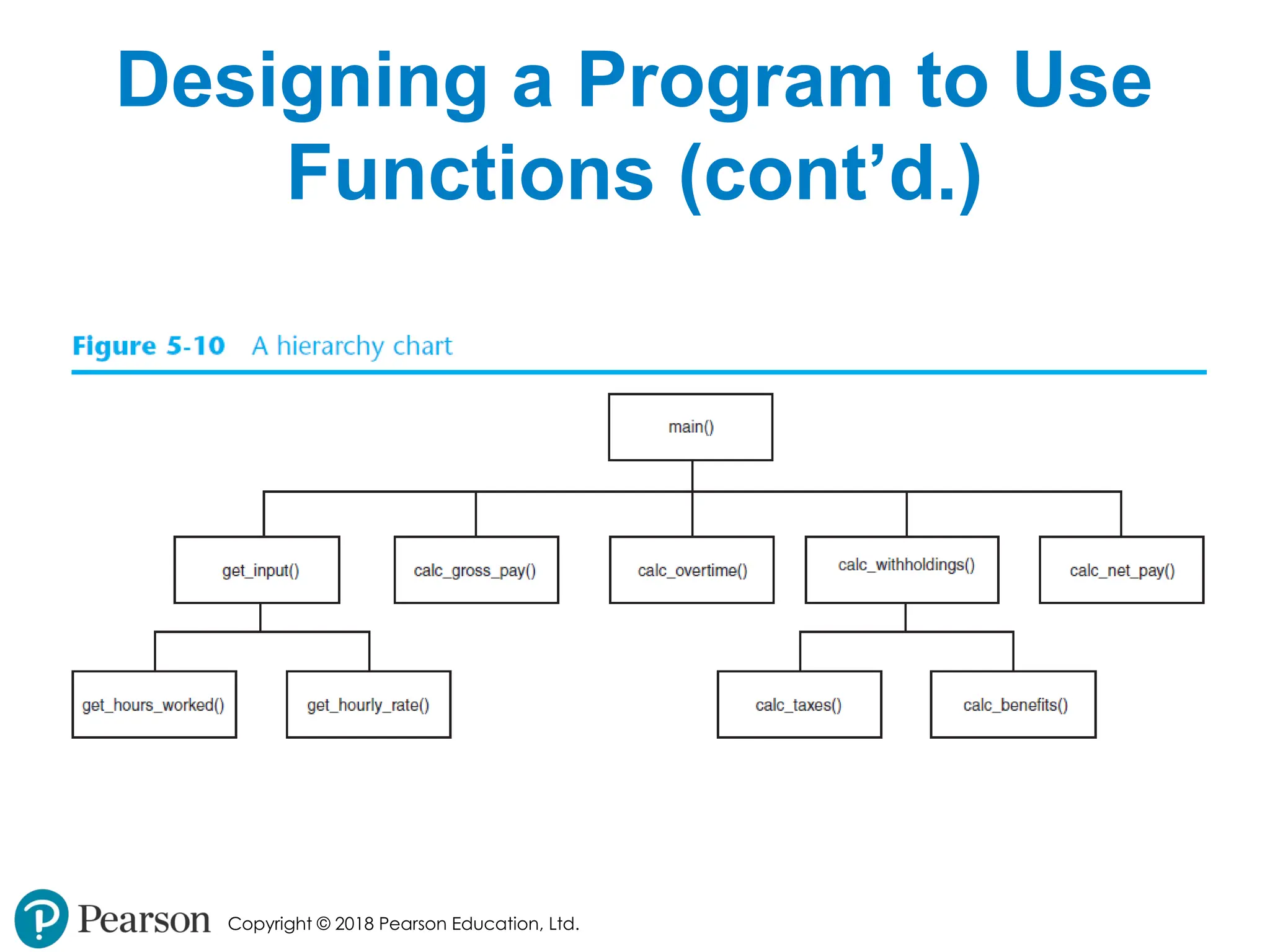
Copyright © 2018Pearson Education, Ltd. Designing a Program to Use Functions (cont’d.) • Hierarchy chart: depicts relationship between functions • AKA structure chart • Box for each function in the program, Lines connecting boxes illustrate the functions called by each function • Does not show steps taken inside a function • Use input function to have program wait for user to press enter - 16.
Copyright © 2018Pearson Education, Ltd. Designing a Program to Use Functions (cont’d.) - 17.
Copyright © 2018Pearson Education, Ltd. Local Variables • Local variable: variable that is assigned a value inside a function • Belongs to the function in which it was created • Only statements inside that function can access it, error will occur if another function tries to access the variable • Scope: the part of a program in which a variable may be accessed • For local variable: function in which created - 18.
Copyright © 2018Pearson Education, Ltd. Local Variables (cont’d.) • Local variable cannot be accessed by statements inside its function which precede its creation • Different functions may have local variables with the same name • Each function does not see the other function’s local variables, so no confusion - 19.
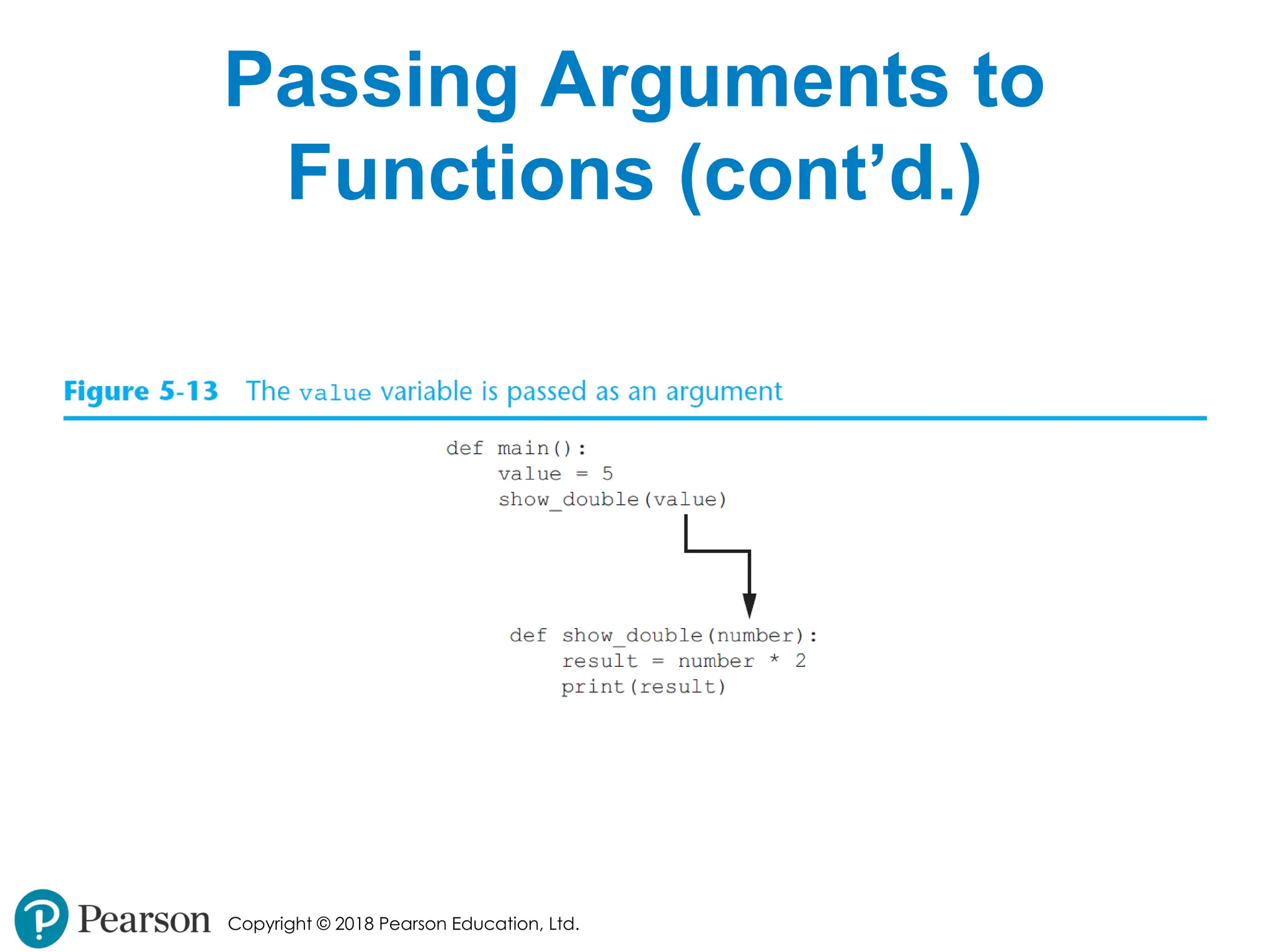
Copyright © 2018Pearson Education, Ltd. Passing Arguments to Functions • Argument: piece of data that is sent into a function • Function can use argument in calculations • When calling the function, the argument is placed in parentheses following the function name - 20.
Copyright © 2018Pearson Education, Ltd. Passing Arguments to Functions (cont’d.) - 21.
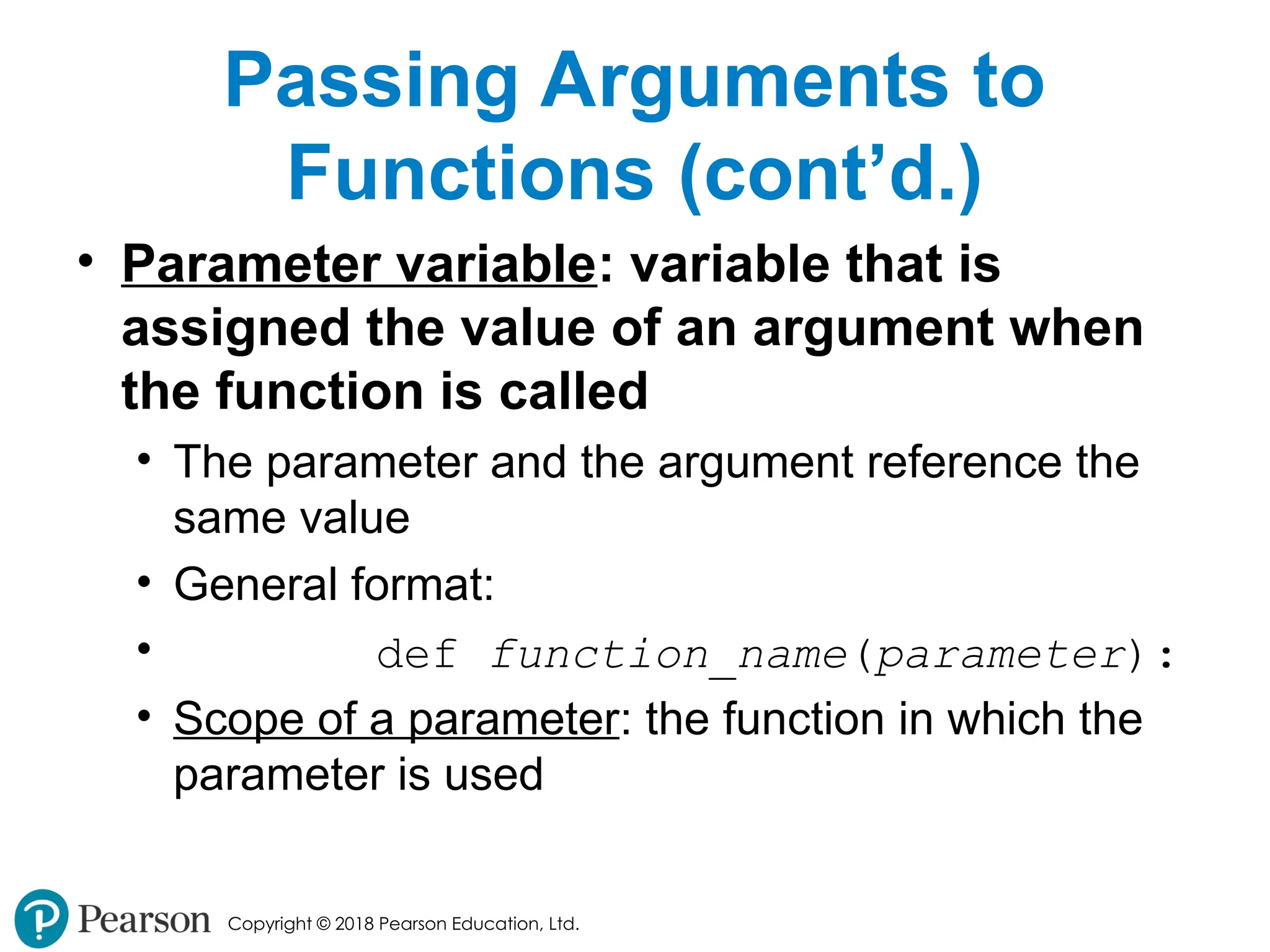
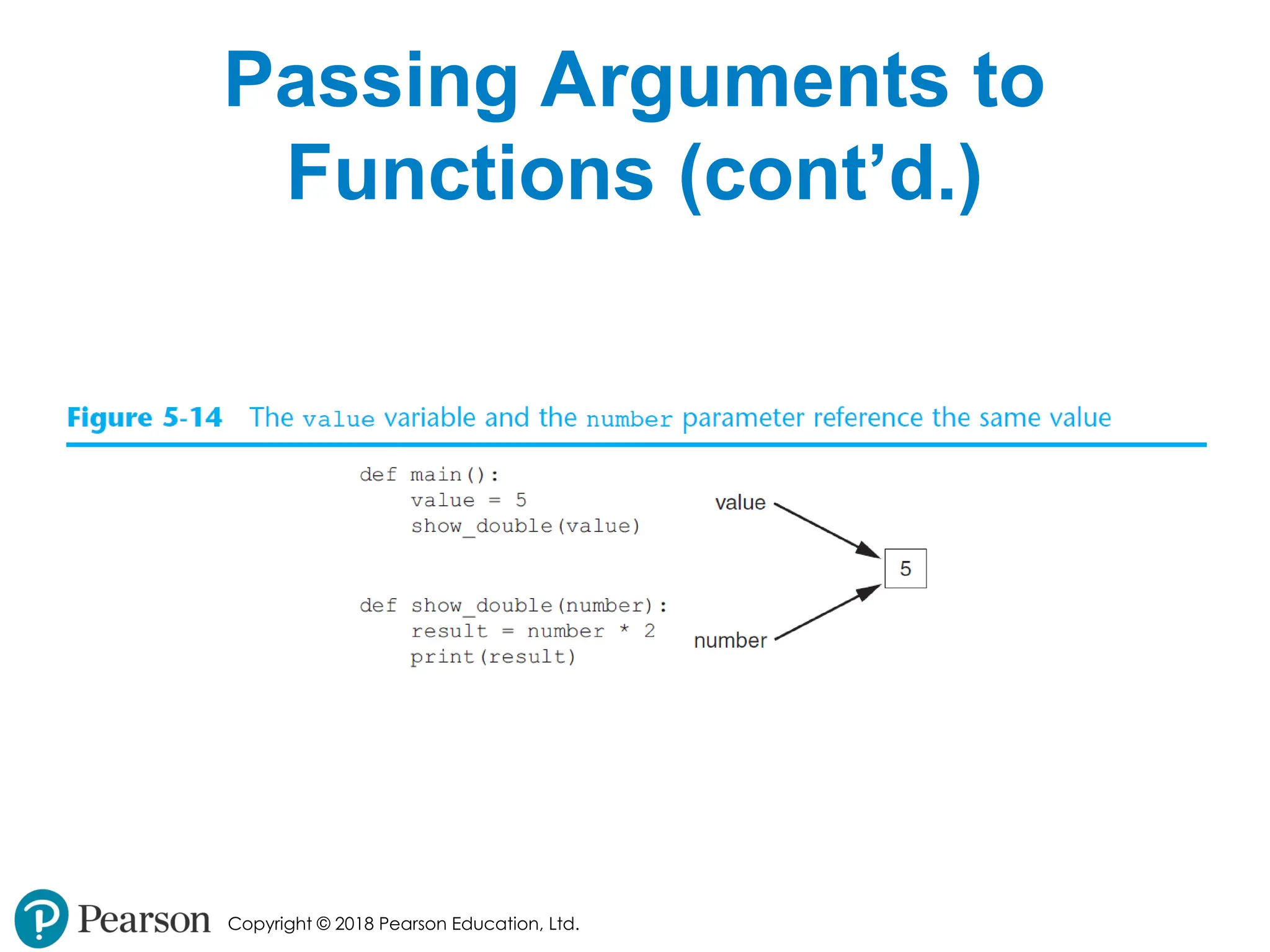
Copyright © 2018Pearson Education, Ltd. Passing Arguments to Functions (cont’d.) • Parameter variable: variable that is assigned the value of an argument when the function is called • The parameter and the argument reference the same value • General format: • def function_name(parameter): • Scope of a parameter: the function in which the parameter is used - 22.
Copyright © 2018Pearson Education, Ltd. Passing Arguments to Functions (cont’d.) - 23.
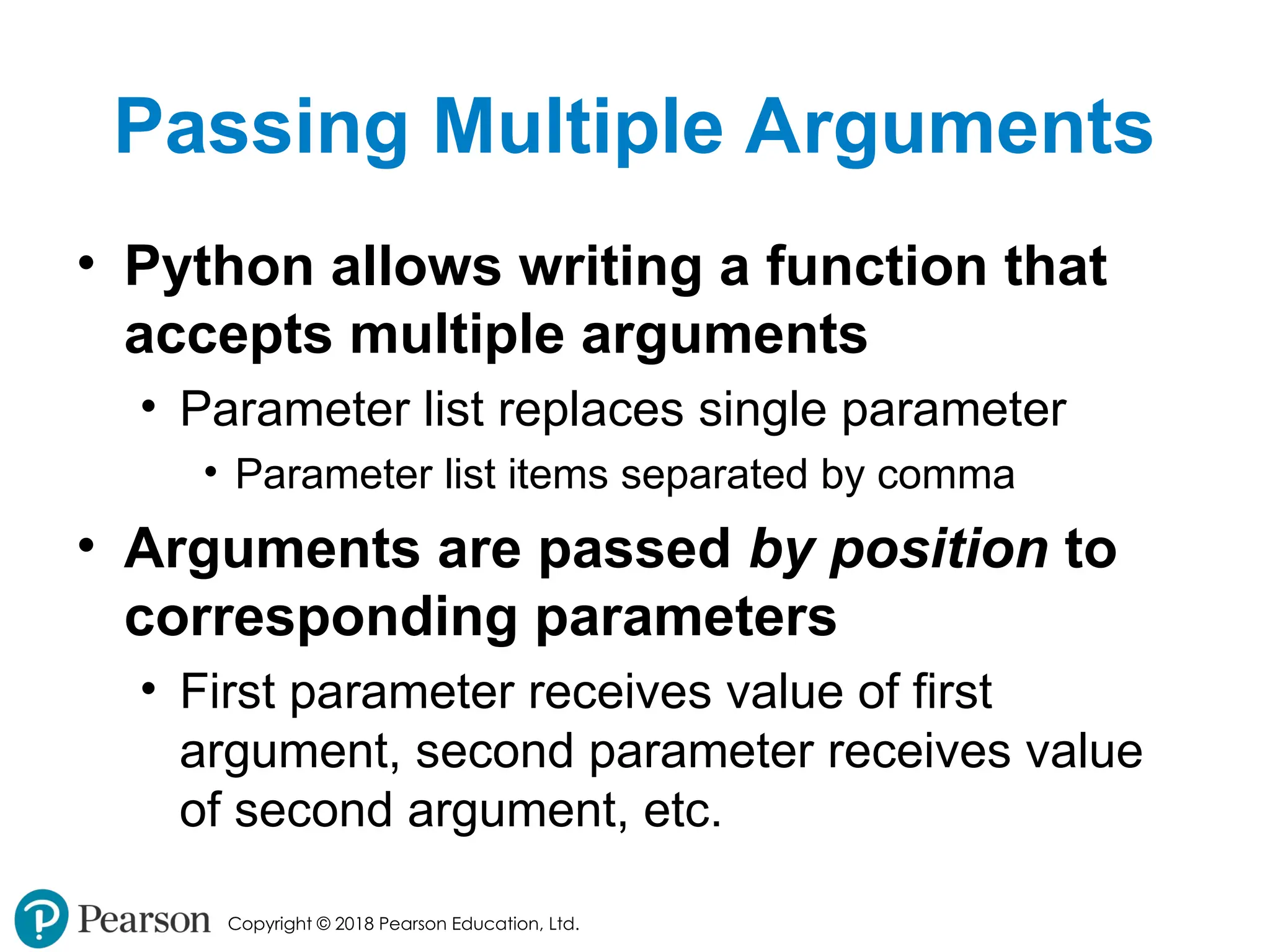
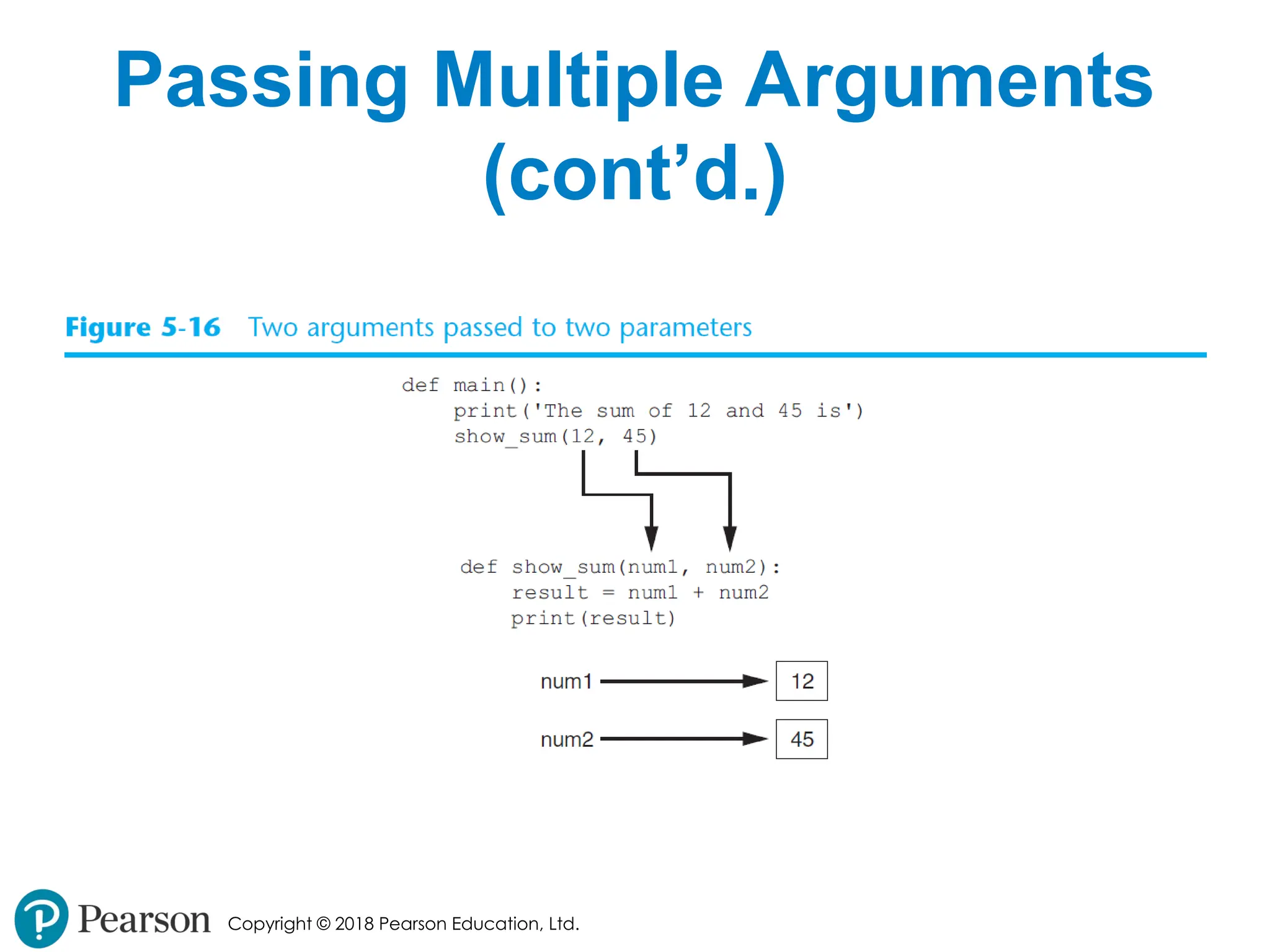
Copyright © 2018Pearson Education, Ltd. Passing Multiple Arguments • Python allows writing a function that accepts multiple arguments • Parameter list replaces single parameter • Parameter list items separated by comma • Arguments are passed by position to corresponding parameters • First parameter receives value of first argument, second parameter receives value of second argument, etc. - 24.
- 25.
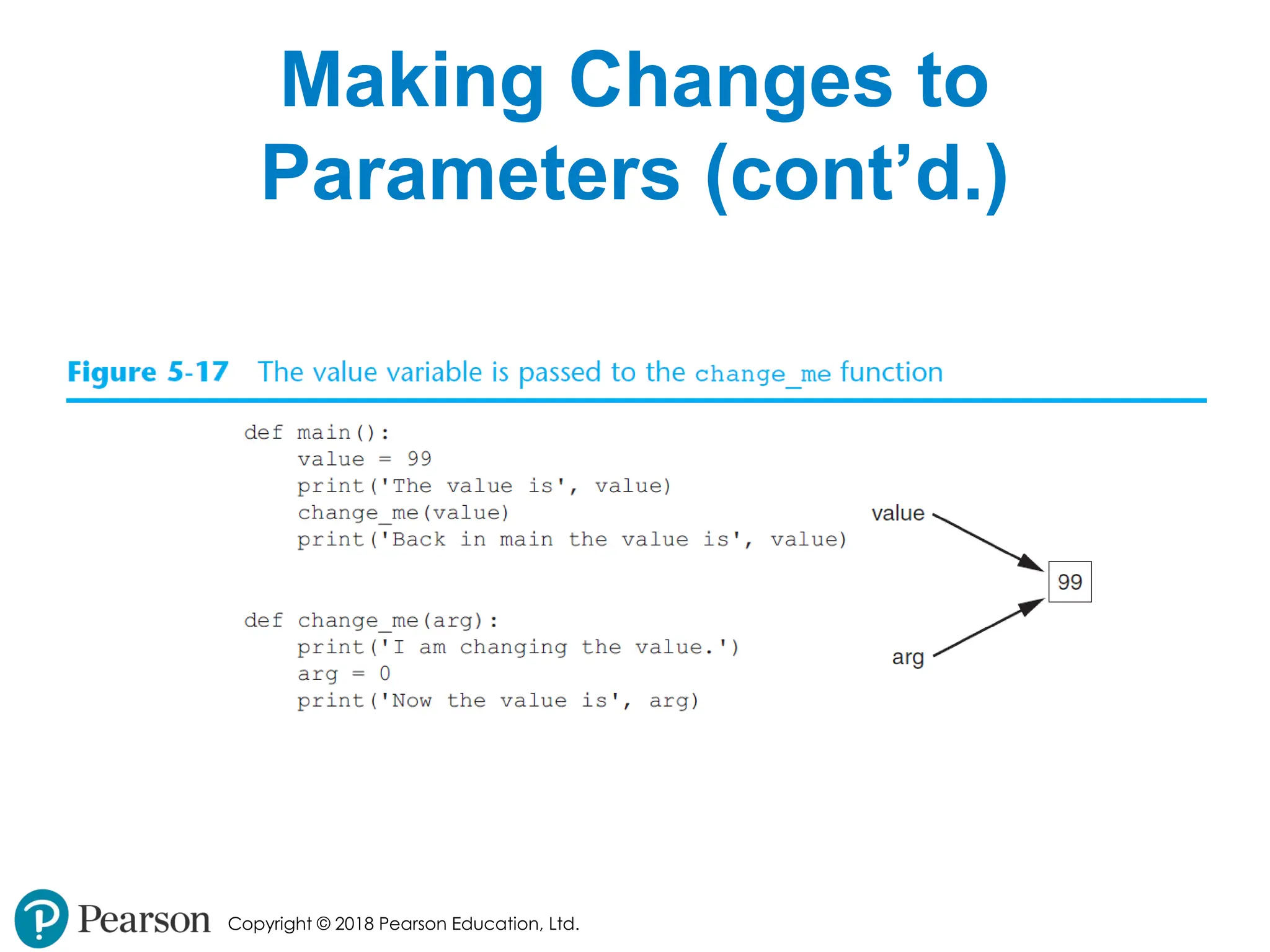
Copyright © 2018Pearson Education, Ltd. Making Changes to Parameters • Changes made to a parameter value within the function do not affect the argument • Known as pass by value • Provides a way for unidirectional communication between one function and another function • Calling function can communicate with called function - 26.
- 27.
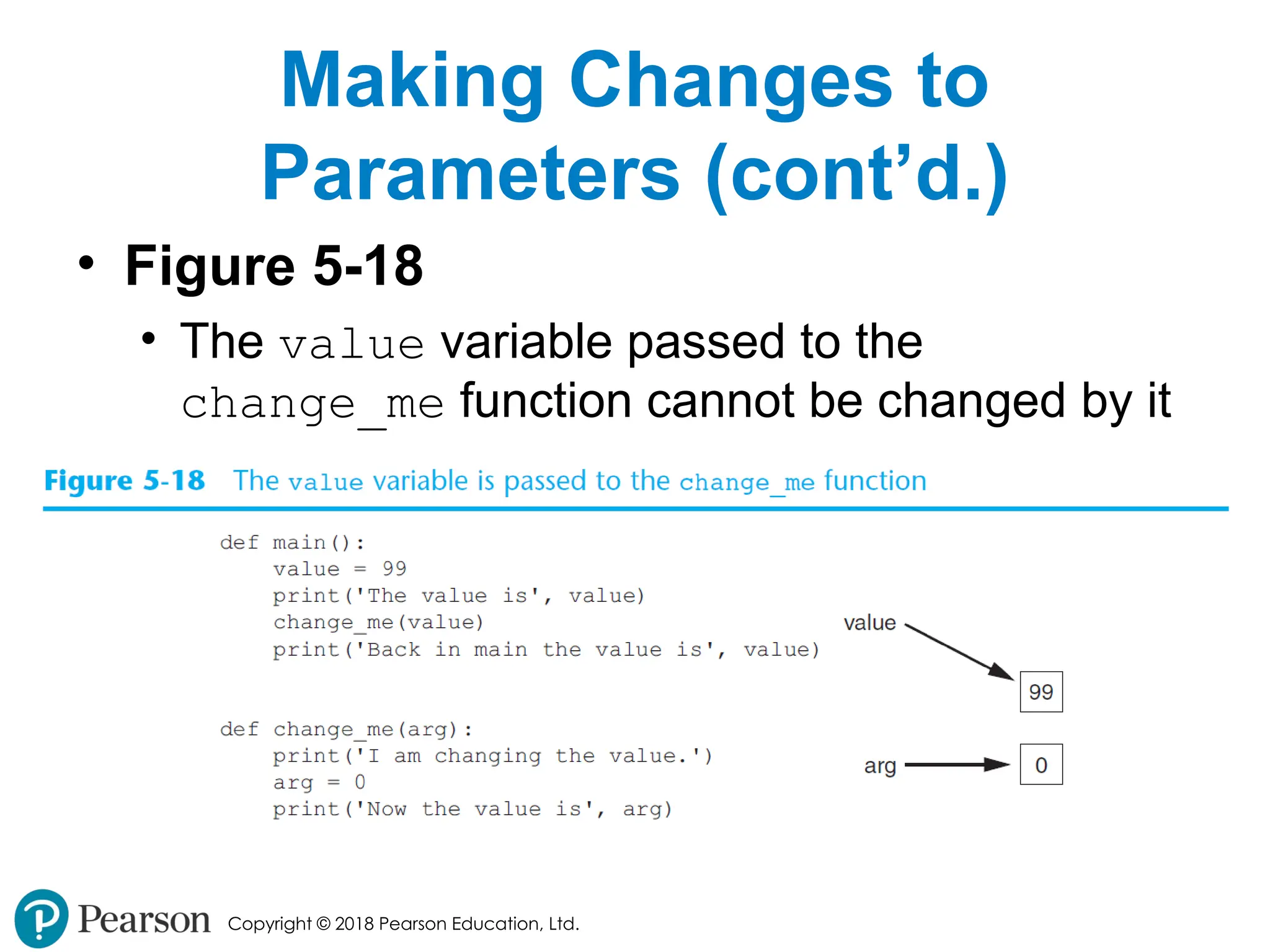
Copyright © 2018Pearson Education, Ltd. Making Changes to Parameters (cont’d.) • Figure 5-18 • The value variable passed to the change_me function cannot be changed by it - 28.
Copyright © 2018Pearson Education, Ltd. Keyword Arguments • Keyword argument: argument that specifies which parameter the value should be passed to • Position when calling function is irrelevant • General Format: • function_name(parameter=value) • Possible to mix keyword and positional arguments when calling a function • Positional arguments must appear first - 29.
Copyright © 2018Pearson Education, Ltd. Global Variables and Global Constants • Global variable: created by assignment statement written outside all the functions • Can be accessed by any statement in the program file, including from within a function • If a function needs to assign a value to the global variable, the global variable must be redeclared within the function • General format: global variable_name - 30.
Copyright © 2018Pearson Education, Ltd. Global Variables and Global Constants (cont’d.) • Reasons to avoid using global variables: • Global variables making debugging difficult • Many locations in the code could be causing a wrong variable value • Functions that use global variables are usually dependent on those variables • Makes function hard to transfer to another program • Global variables make a program hard to understand - 31.
Copyright © 2018Pearson Education, Ltd. Global Constants • Global constant: global name that references a value that cannot be changed • Permissible to use global constants in a program • To simulate global constant in Python, create global variable and do not re-declare it within functions - 32.
Copyright © 2018Pearson Education, Ltd. Introduction to Value-Returning Functions: Generating Random Numbers • void function: group of statements within a program for performing a specific task • Call function when you need to perform the task • Value-returning function: similar to void function, returns a value • Value returned to part of program that called the function when function finishes executing - 33.
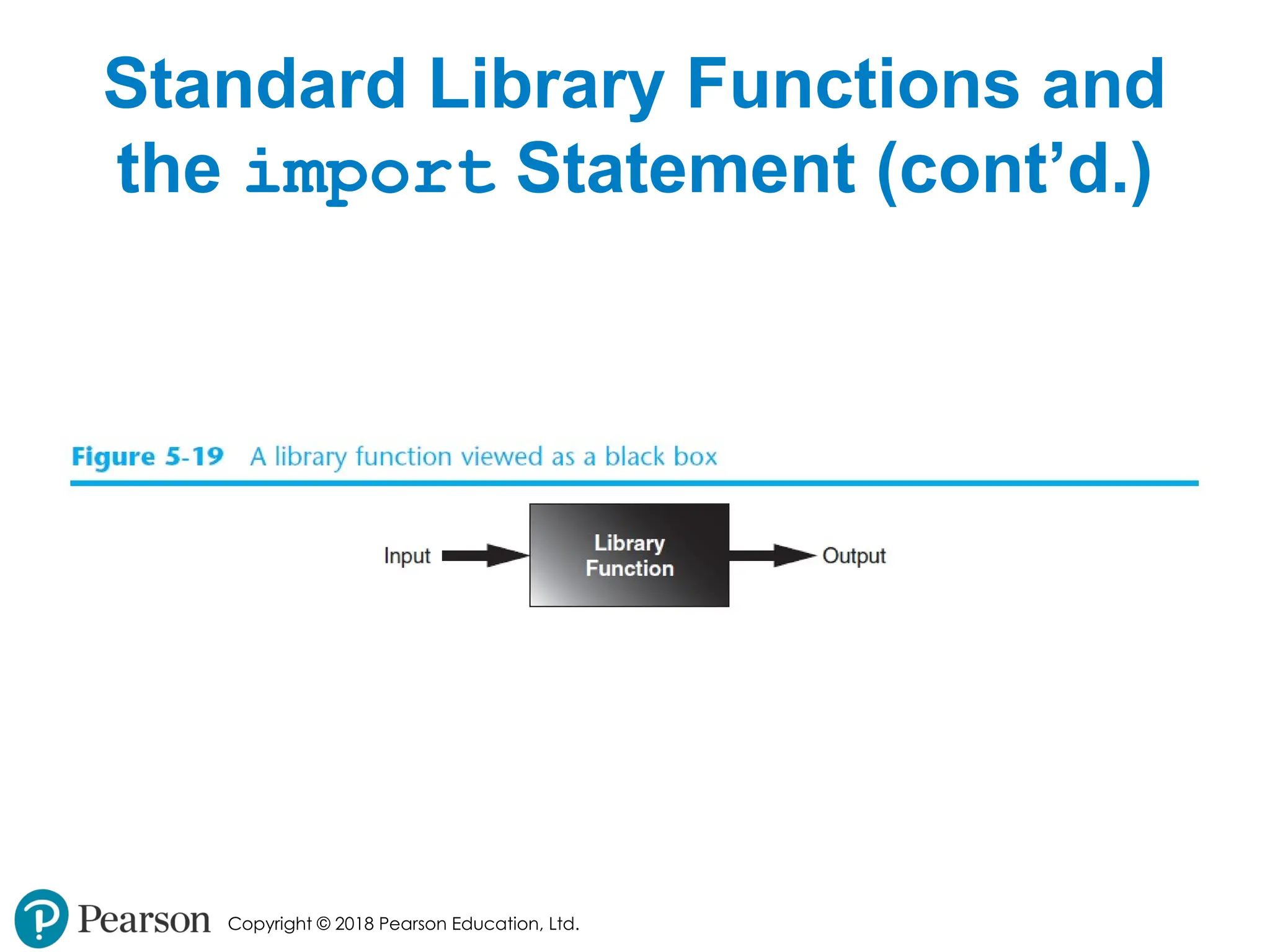
Copyright © 2018Pearson Education, Ltd. Standard Library Functions and the import Statement • Standard library: library of pre-written functions that comes with Python • Library functions perform tasks that programmers commonly need • Example: print, input, range • Viewed by programmers as a “black box” • Some library functions built into Python interpreter • To use, just call the function - 34.
Copyright © 2018Pearson Education, Ltd. Standard Library Functions and the import Statement (cont’d.) • Modules: files that stores functions of the standard library • Help organize library functions not built into the interpreter • Copied to computer when you install Python • To call a function stored in a module, need to write an import statement • Written at the top of the program • Format: import module_name - 35.
Copyright © 2018Pearson Education, Ltd. Standard Library Functions and the import Statement (cont’d.) - 36.
Copyright © 2018Pearson Education, Ltd. Generating Random Numbers • Random number are useful in a lot of programming tasks • random module: includes library functions for working with random numbers • Dot notation: notation for calling a function belonging to a module • Format: module_name.function_name() - 37.
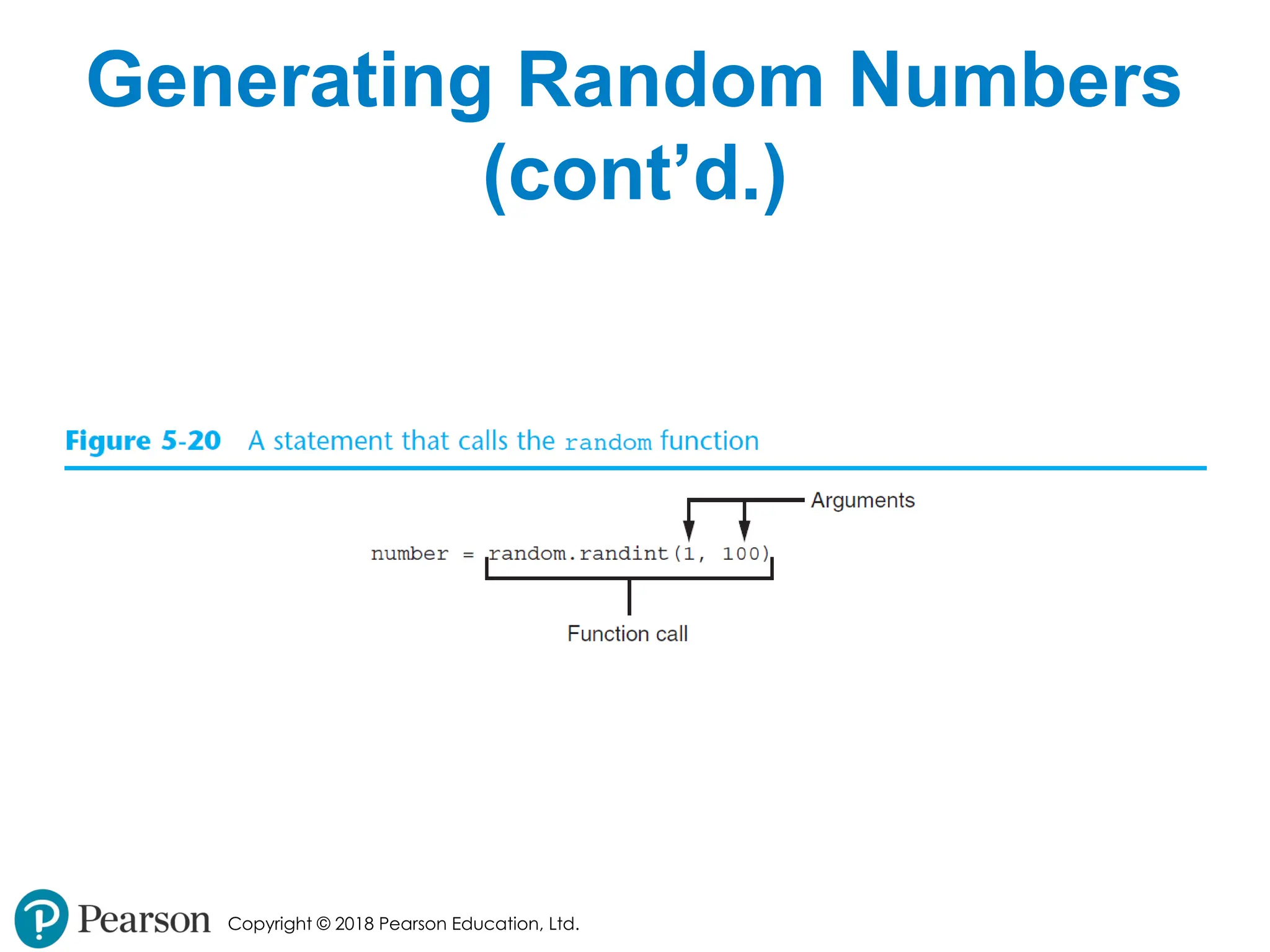
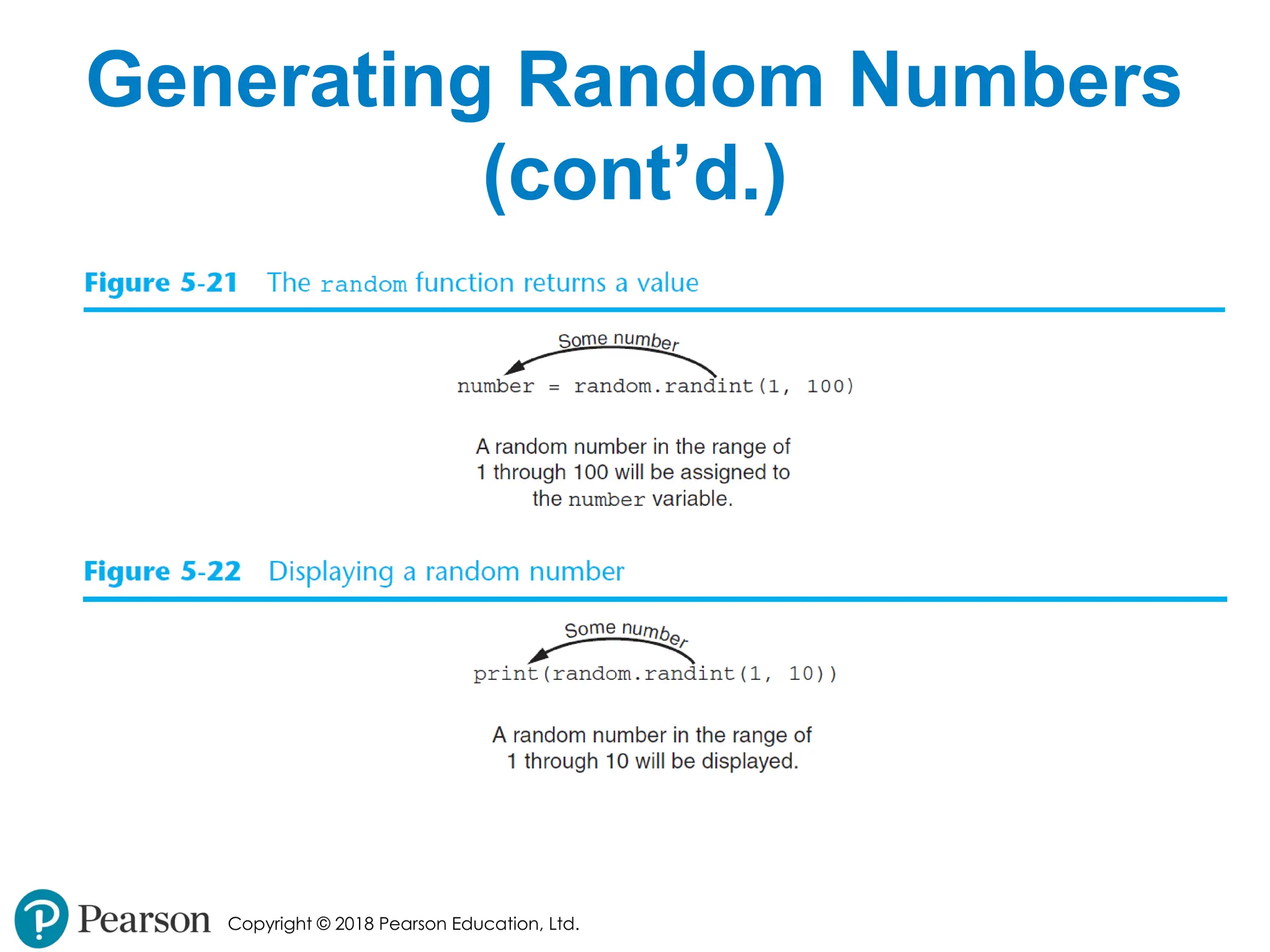
Copyright © 2018Pearson Education, Ltd. Generating Random Numbers (cont’d.) • randint function: generates a random number in the range provided by the arguments • Returns the random number to part of program that called the function • Returned integer can be used anywhere that an integer would be used • You can experiment with the function in interactive mode - 38.
- 39.
- 40.
Copyright © 2018Pearson Education, Ltd. Generating Random Numbers (cont’d.) • randrange function: similar to range function, but returns randomly selected integer from the resulting sequence • Same arguments as for the range function • random function: returns a random float in the range of 0.0 and 1.0 • Does not receive arguments • uniform function: returns a random float but allows user to specify range - 41.
Copyright © 2018Pearson Education, Ltd. Random Number Seeds • Random number created by functions in random module are actually pseudo- random numbers • Seed value: initializes the formula that generates random numbers • Need to use different seeds in order to get different series of random numbers • By default uses system time for seed • Can use random.seed() function to specify desired seed value - 42.
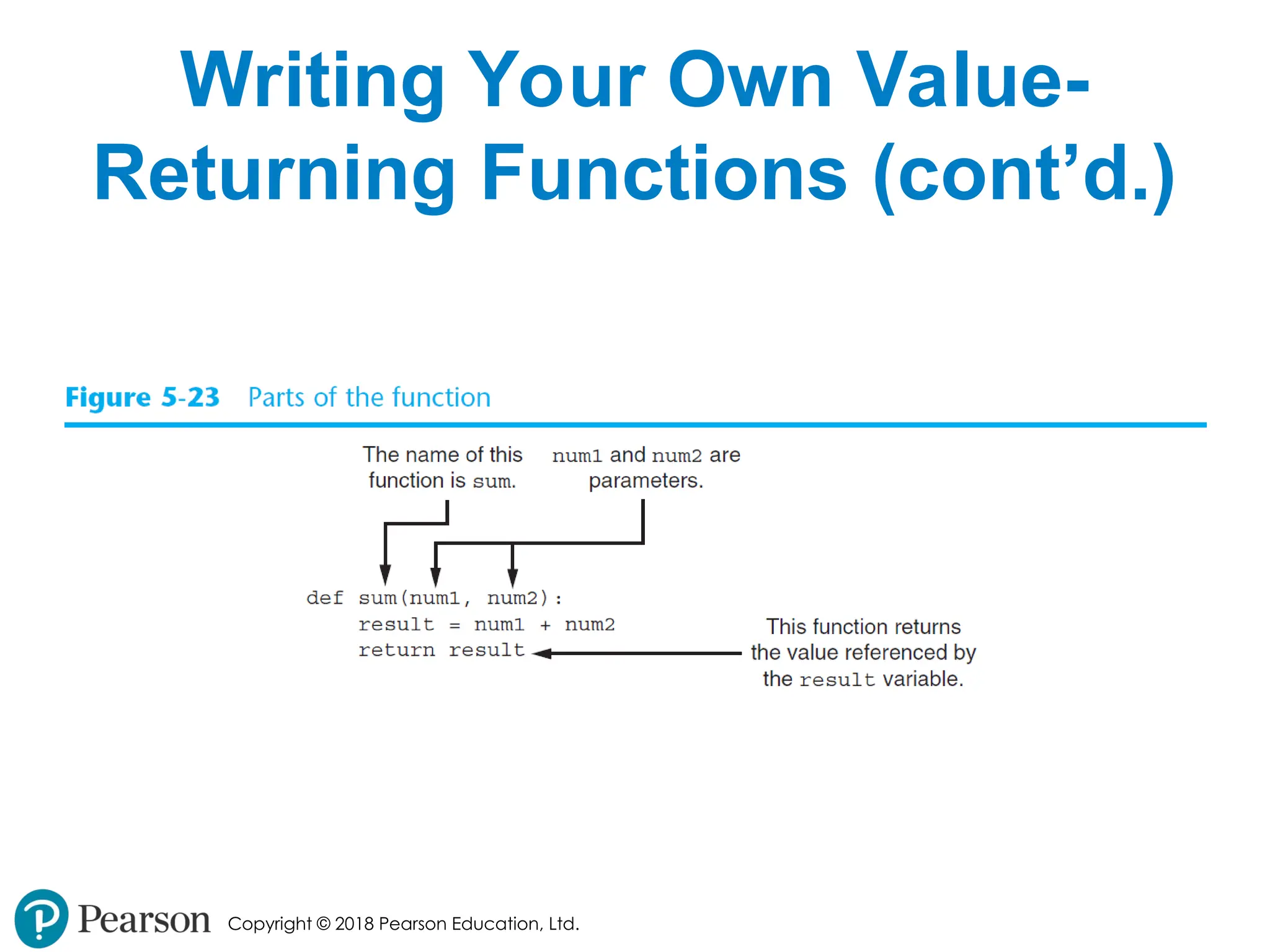
Copyright © 2018Pearson Education, Ltd. Writing Your Own Value- Returning Functions • To write a value-returning function, you write a simple function and add one or more return statements • Format: return expression • The value for expression will be returned to the part of the program that called the function • The expression in the return statement can be a complex expression, such as a sum of two variables or the result of another value- returning function - 43.
Copyright © 2018Pearson Education, Ltd. Writing Your Own Value- Returning Functions (cont’d.) - 44.
Copyright © 2018Pearson Education, Ltd. How to Use Value-Returning Functions • Value-returning function can be useful in specific situations • Example: have function prompt user for input and return the user’s input • Simplify mathematical expressions • Complex calculations that need to be repeated throughout the program • Use the returned value • Assign it to a variable or use as an argument in another function - 45.
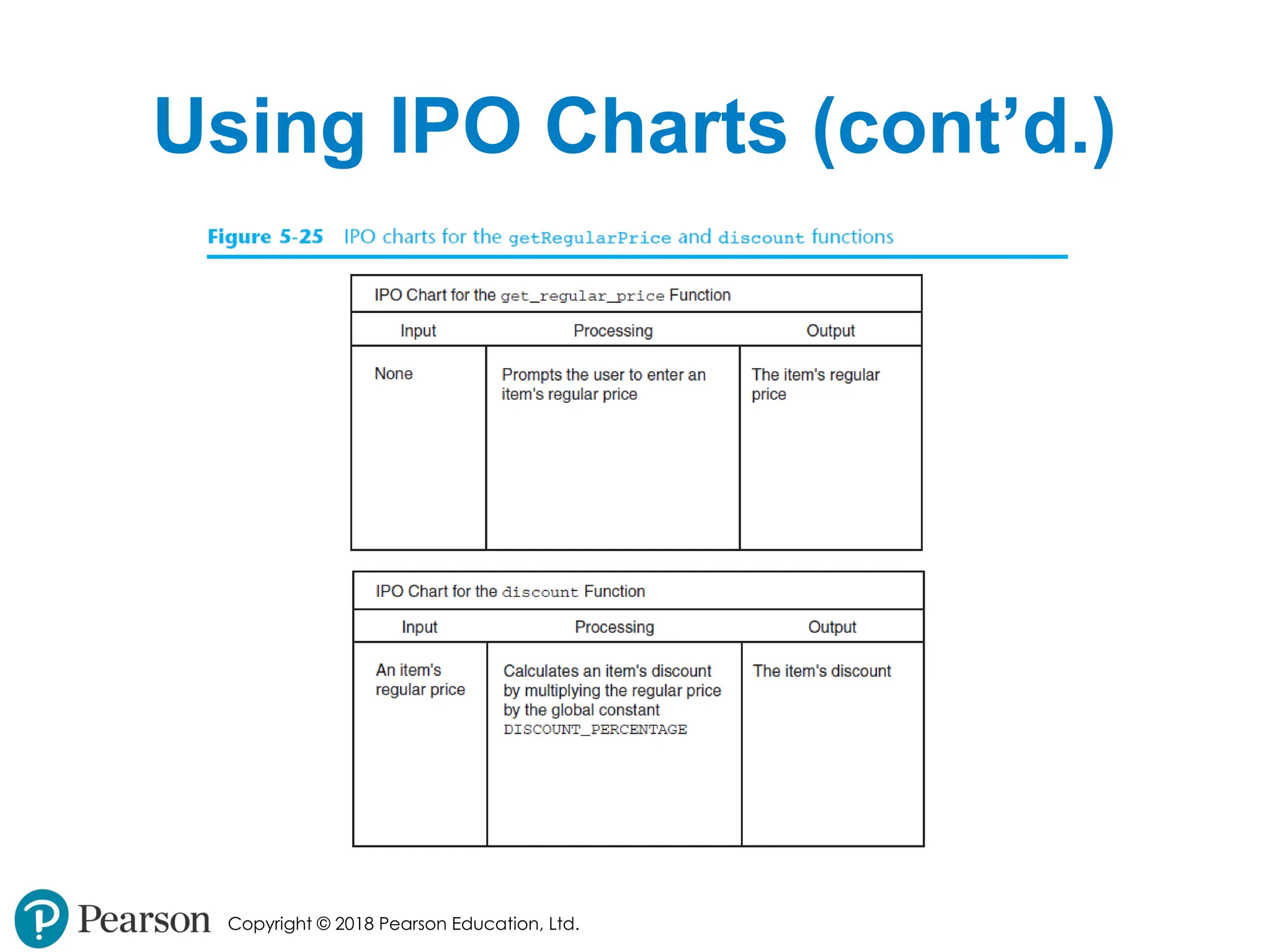
Copyright © 2018Pearson Education, Ltd. Using IPO Charts • IPO chart: describes the input, processing, and output of a function • Tool for designing and documenting functions • Typically laid out in columns • Usually provide brief descriptions of input, processing, and output, without going into details • Often includes enough information to be used instead of a flowchart - 46.
- 47.
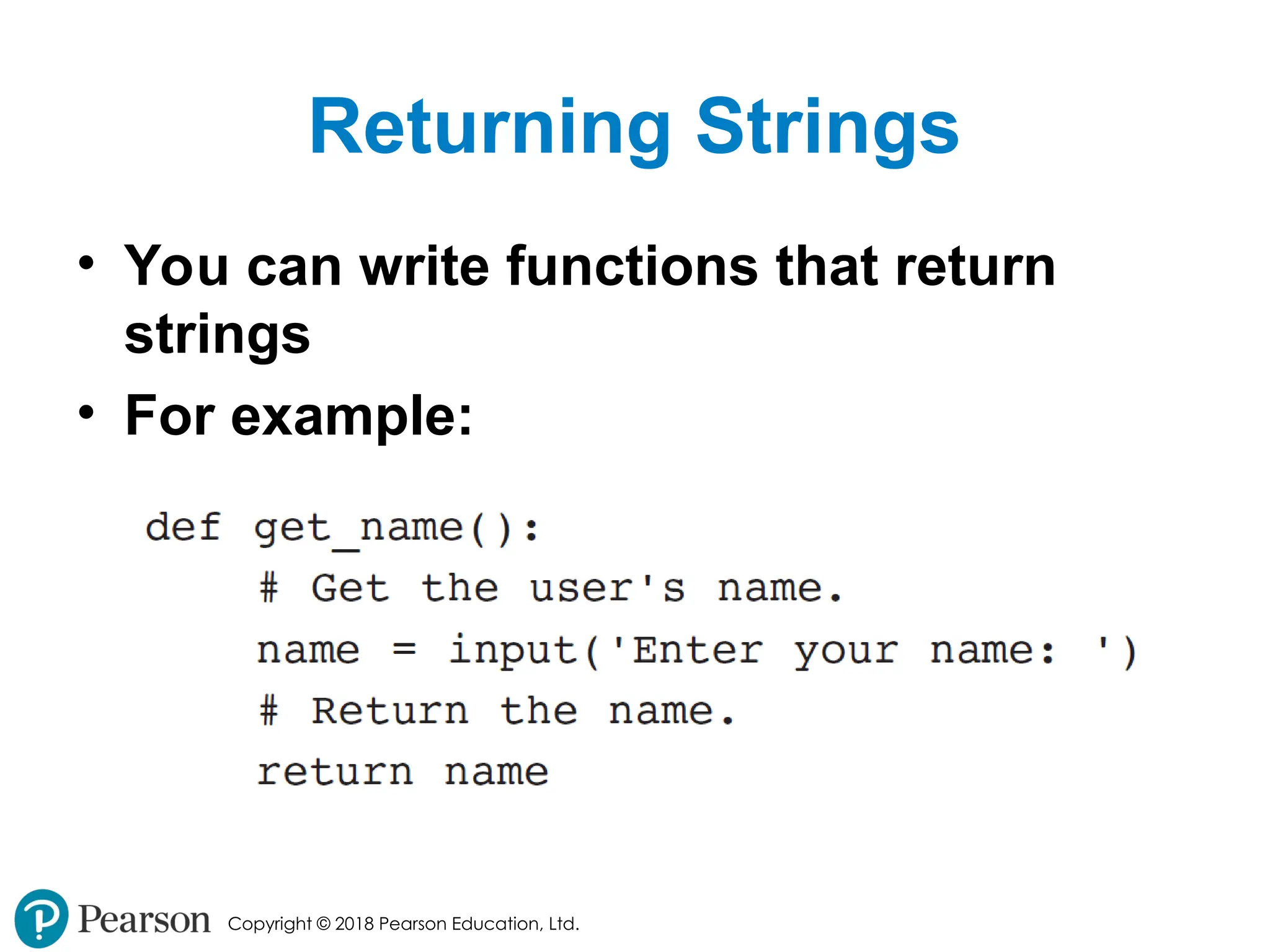
Copyright © 2018Pearson Education, Ltd. Returning Strings • You can write functions that return strings • For example: - 48.
Copyright © 2018Pearson Education, Ltd. Returning Boolean Values • Boolean function: returns either True or False • Use to test a condition such as for decision and repetition structures • Common calculations, such as whether a number is even, can be easily repeated by calling a function • Use to simplify complex input validation code - 49.
Copyright © 2018Pearson Education, Ltd. Returning Multiple Values • In Python, a function can return multiple values • Specified after the return statement separated by commas • Format: return expression1, expression2, etc. • When you call such a function in an assignment statement, you need a separate variable on the left side of the = operator to receive each returned value - 50.
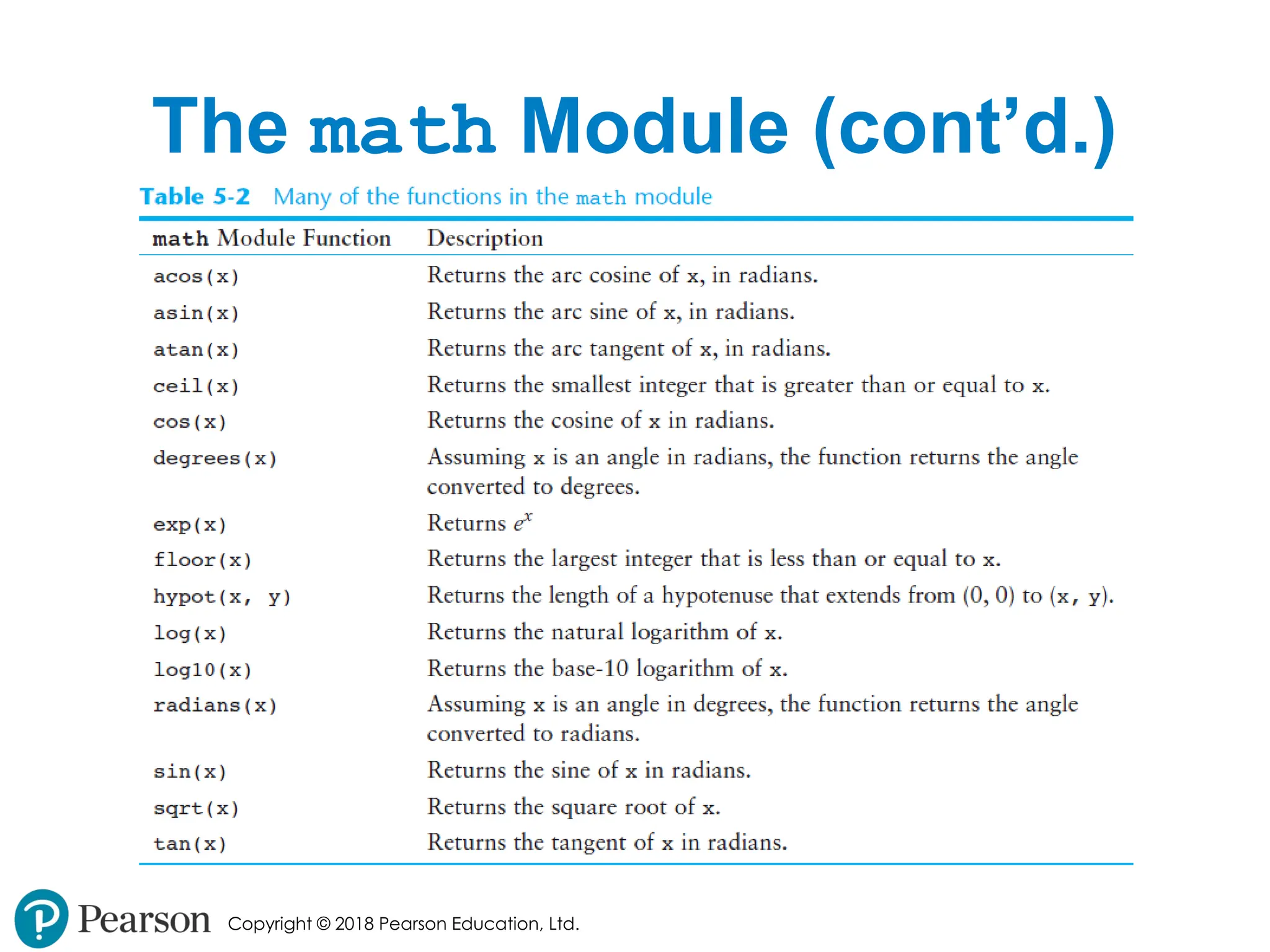
Copyright © 2018Pearson Education, Ltd. The math Module • math module: part of standard library that contains functions that are useful for performing mathematical calculations • Typically accept one or more values as arguments, perform mathematical operation, and return the result • Use of module requires an import math statement - 51.
- 52.
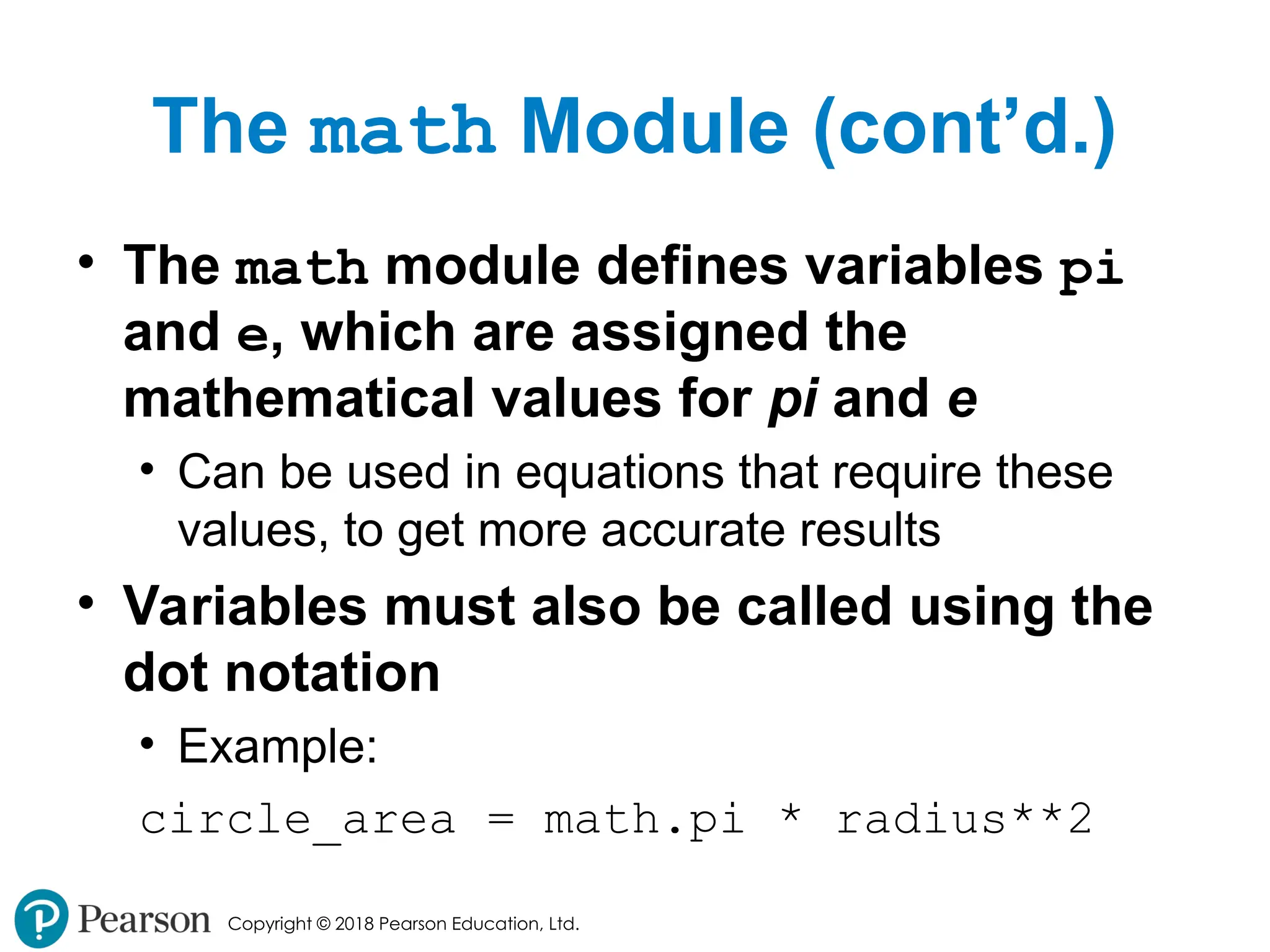
Copyright © 2018Pearson Education, Ltd. The math Module (cont’d.) • The math module defines variables pi and e, which are assigned the mathematical values for pi and e • Can be used in equations that require these values, to get more accurate results • Variables must also be called using the dot notation • Example: circle_area = math.pi * radius**2 - 53.
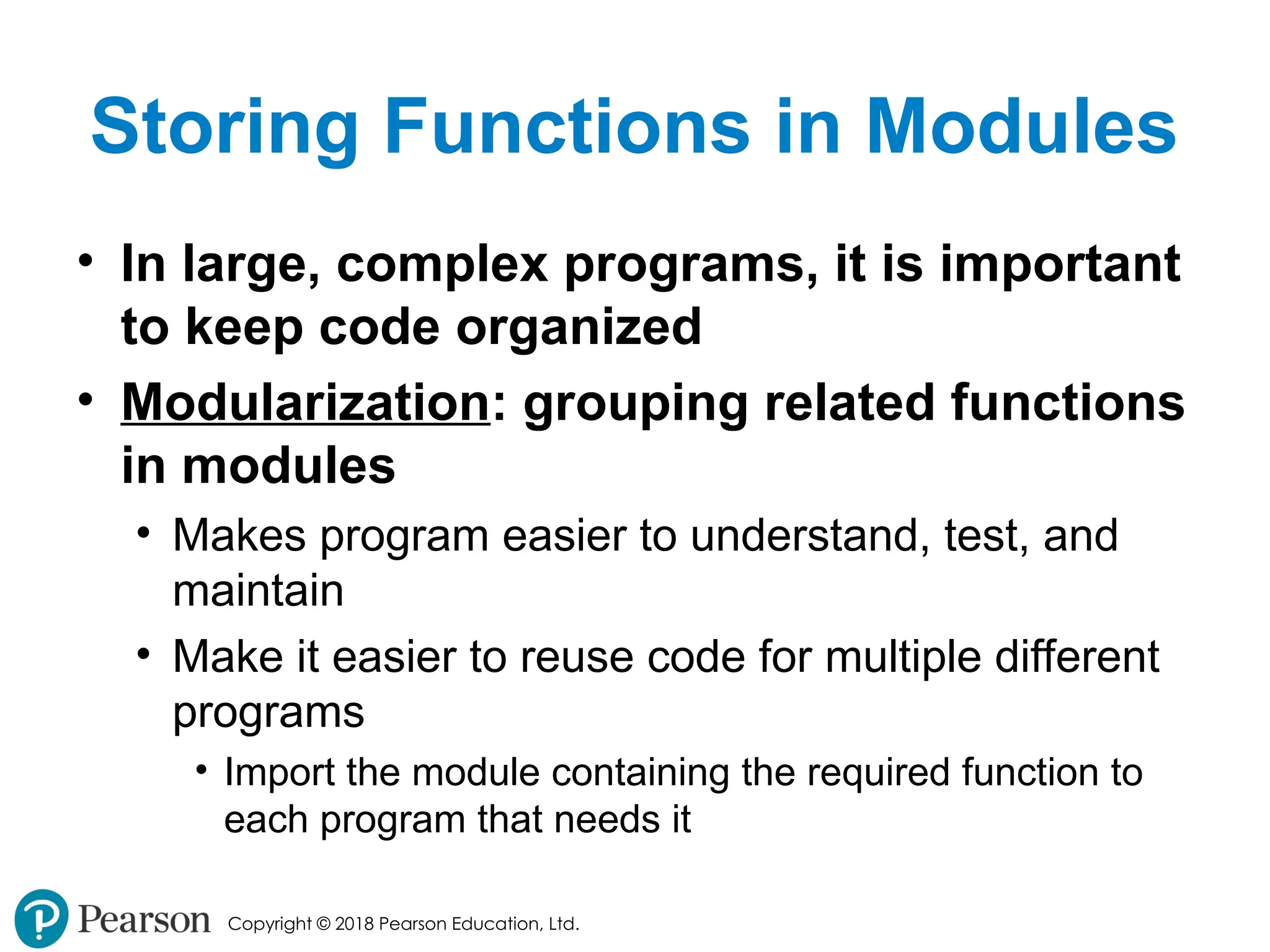
Copyright © 2018Pearson Education, Ltd. Storing Functions in Modules • In large, complex programs, it is important to keep code organized • Modularization: grouping related functions in modules • Makes program easier to understand, test, and maintain • Make it easier to reuse code for multiple different programs • Import the module containing the required function to each program that needs it - 54.
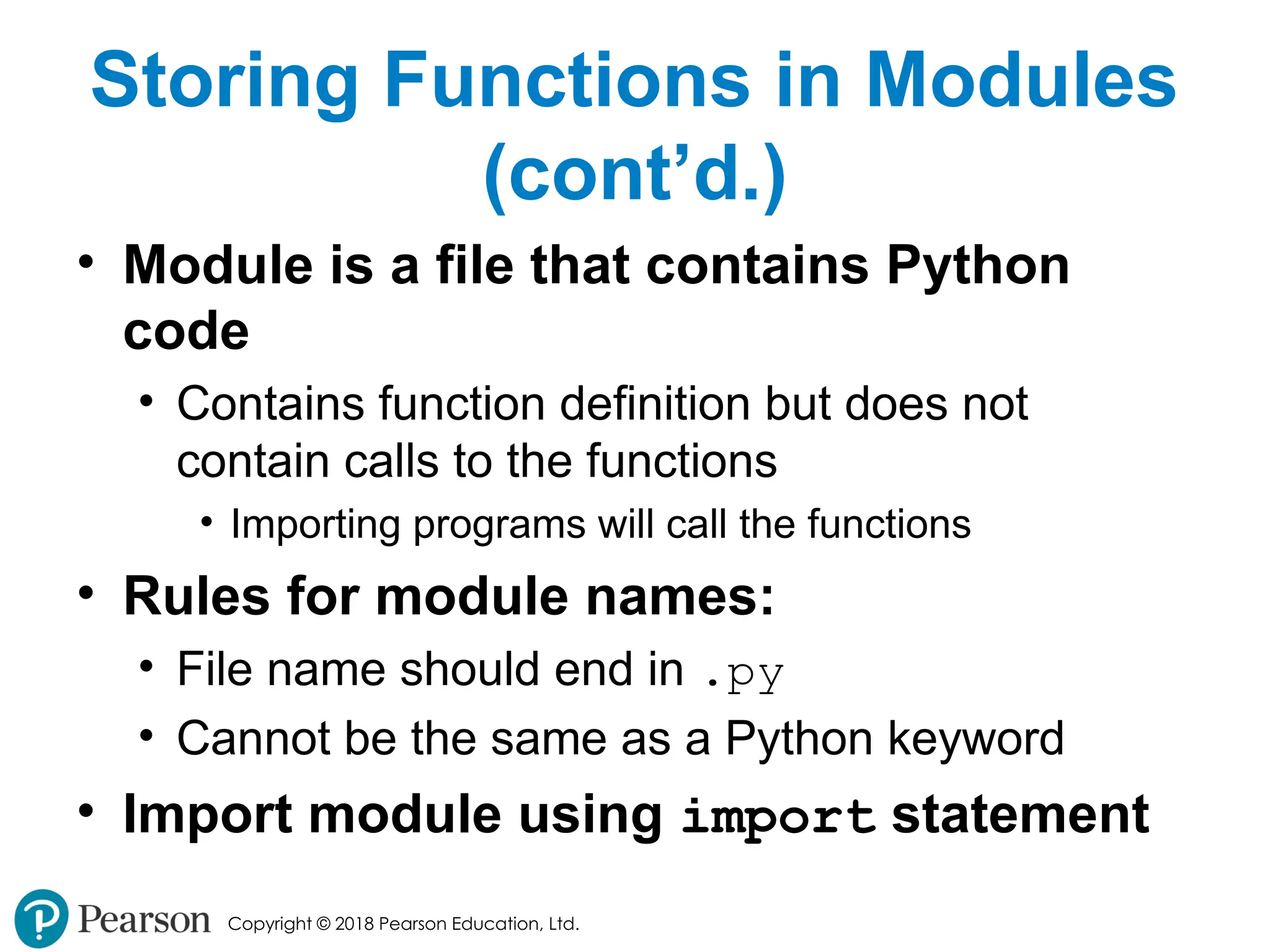
Copyright © 2018Pearson Education, Ltd. Storing Functions in Modules (cont’d.) • Module is a file that contains Python code • Contains function definition but does not contain calls to the functions • Importing programs will call the functions • Rules for module names: • File name should end in .py • Cannot be the same as a Python keyword • Import module using import statement - 55.
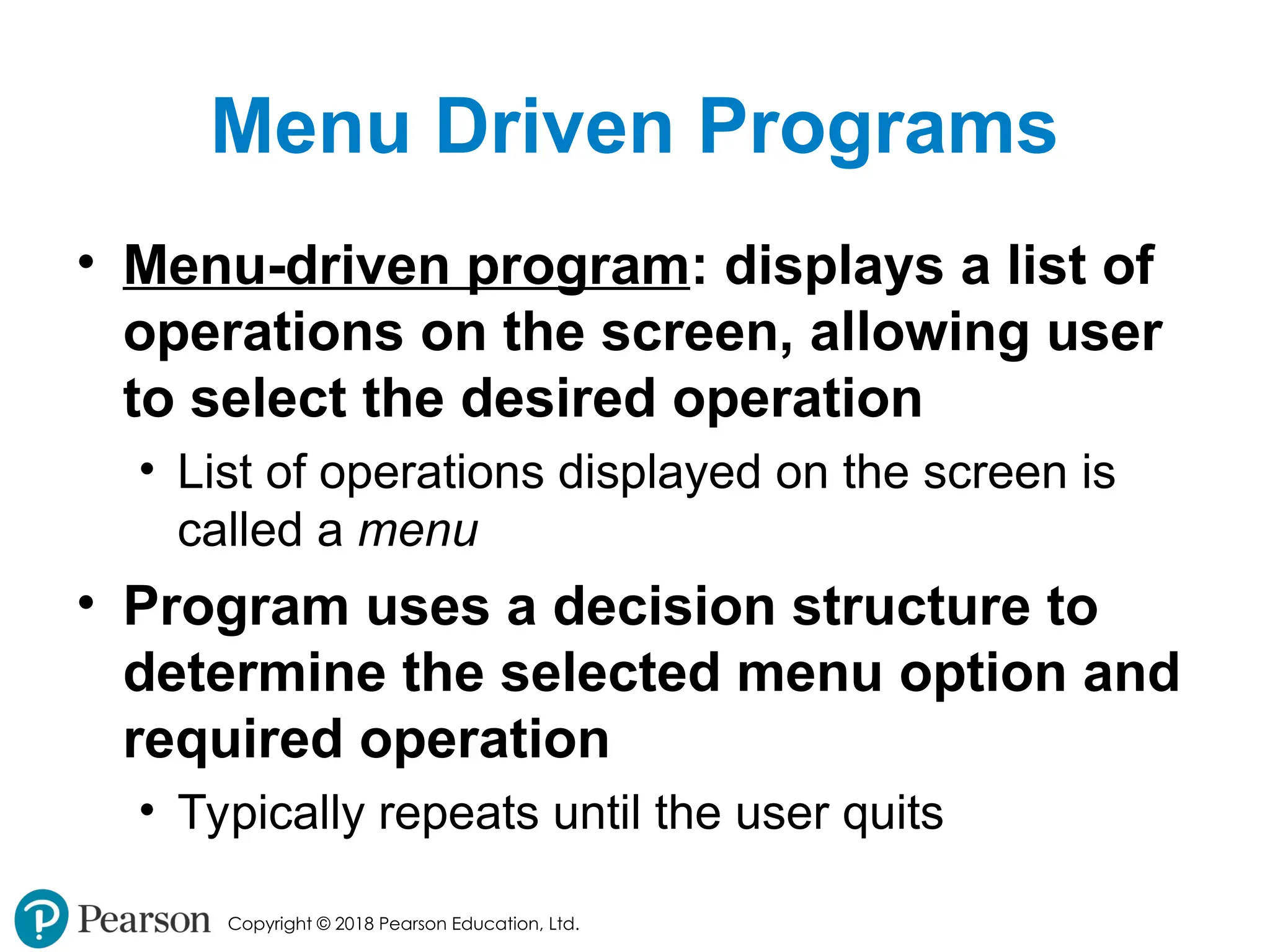
Copyright © 2018Pearson Education, Ltd. Menu Driven Programs • Menu-driven program: displays a list of operations on the screen, allowing user to select the desired operation • List of operations displayed on the screen is called a menu • Program uses a decision structure to determine the selected menu option and required operation • Typically repeats until the user quits - 56.
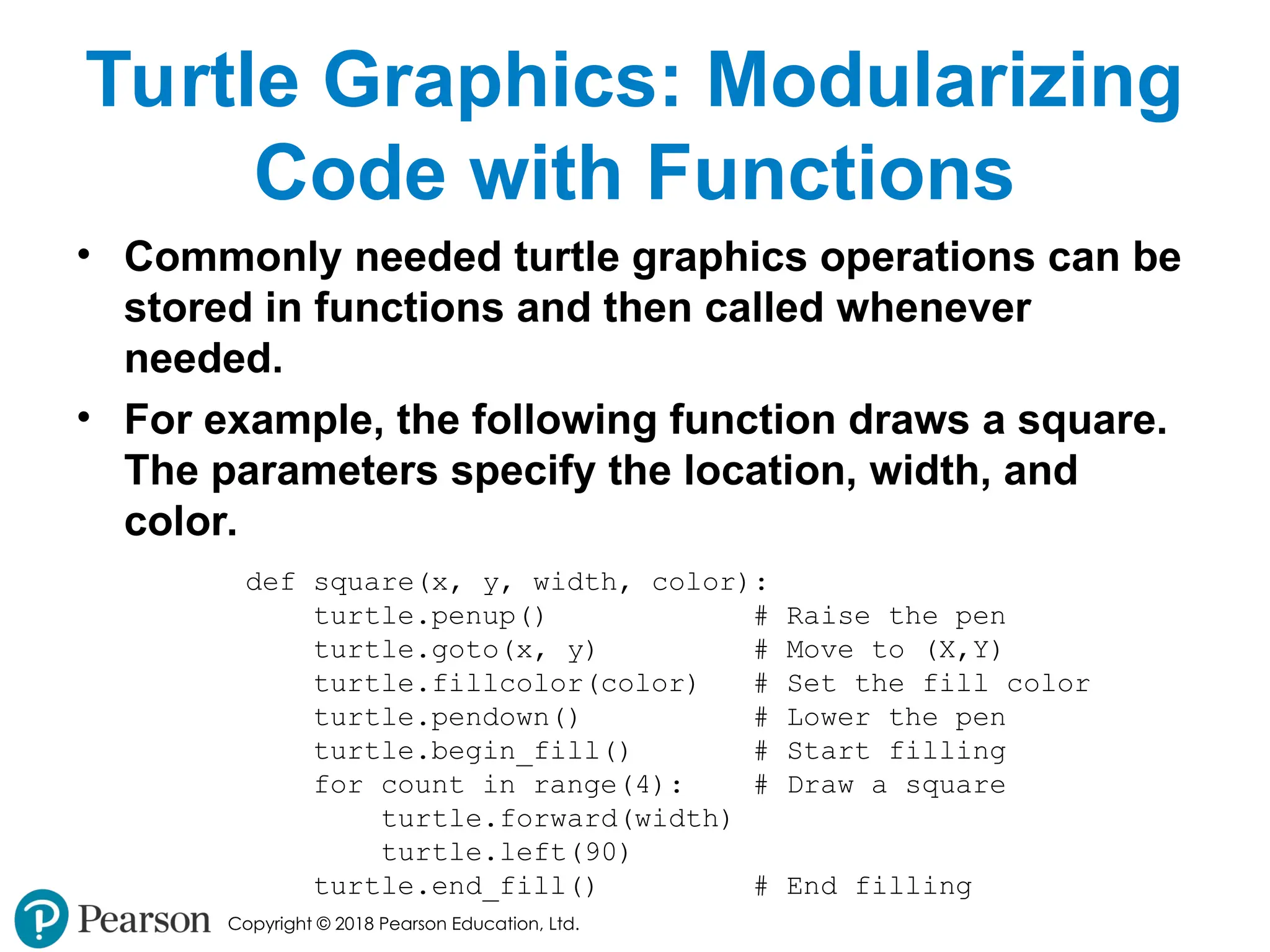
Copyright © 2018Pearson Education, Ltd. Turtle Graphics: Modularizing Code with Functions • Commonly needed turtle graphics operations can be stored in functions and then called whenever needed. • For example, the following function draws a square. The parameters specify the location, width, and color. def square(x, y, width, color): turtle.penup() # Raise the pen turtle.goto(x, y) # Move to (X,Y) turtle.fillcolor(color) # Set the fill color turtle.pendown() # Lower the pen turtle.begin_fill() # Start filling for count in range(4): # Draw a square turtle.forward(width) turtle.left(90) turtle.end_fill() # End filling - 57.
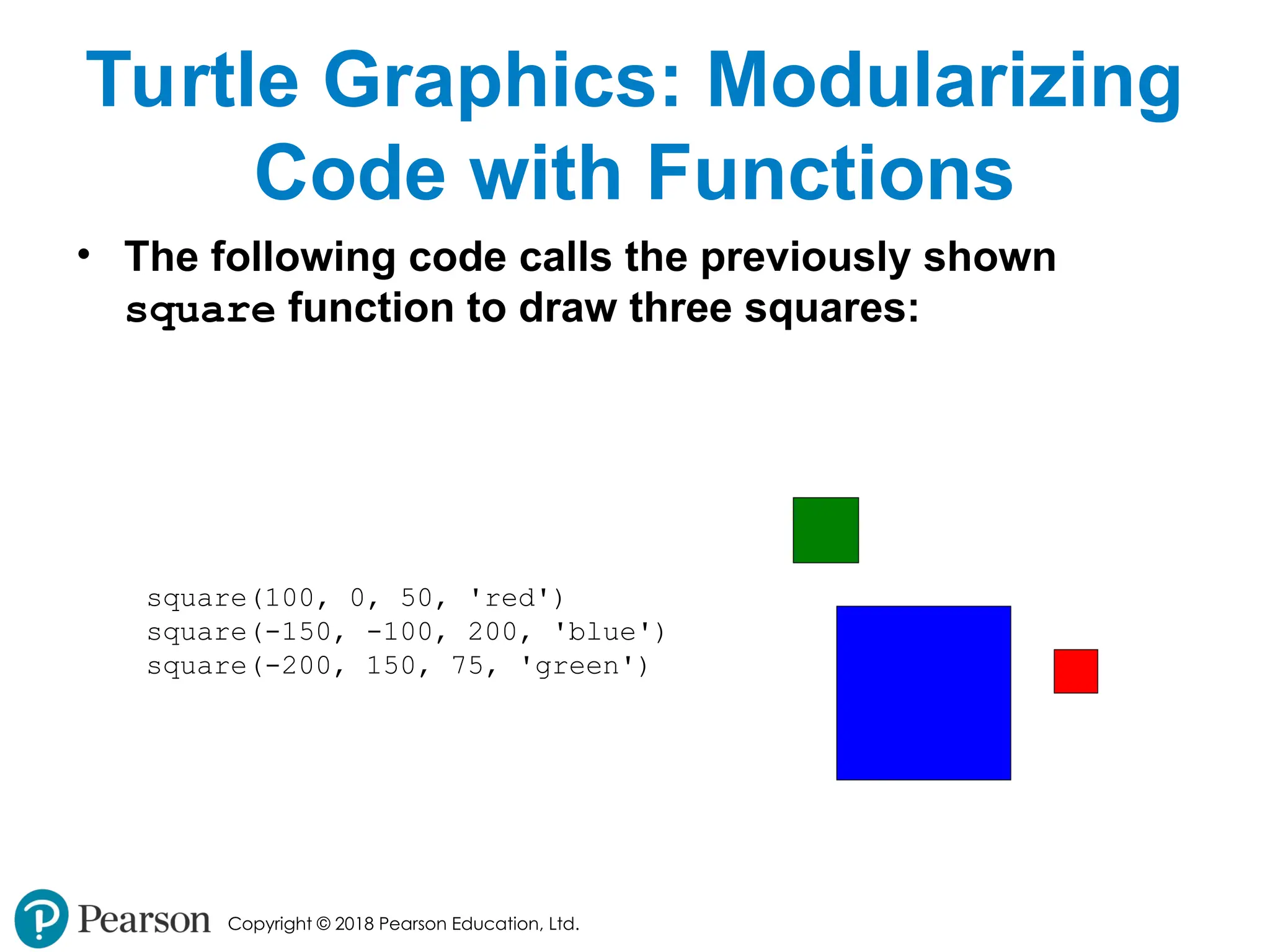
Copyright © 2018Pearson Education, Ltd. Turtle Graphics: Modularizing Code with Functions • The following code calls the previously shown square function to draw three squares: square(100, 0, 50, 'red') square(-150, -100, 200, 'blue') square(-200, 150, 75, 'green') - 58.
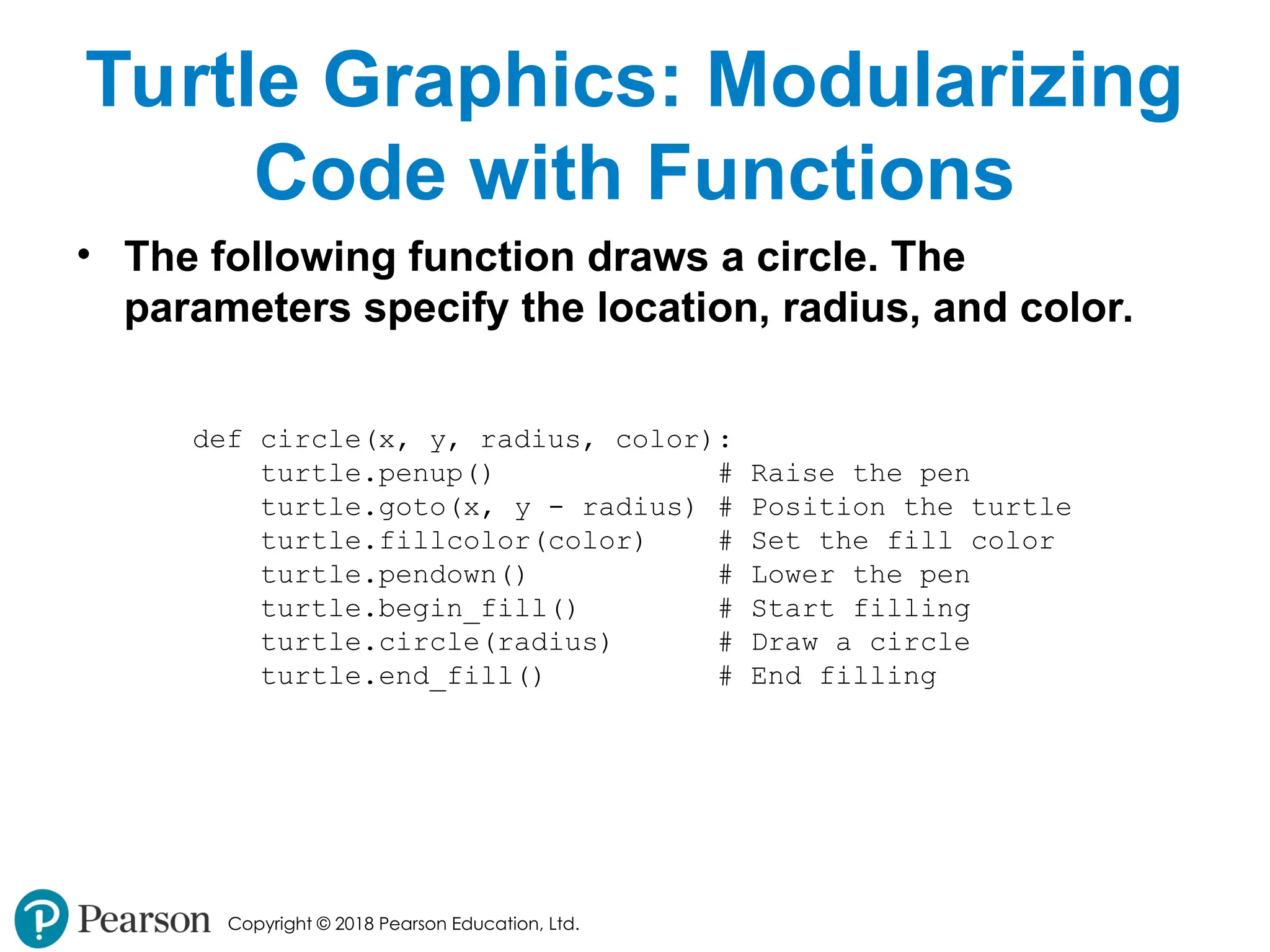
Copyright © 2018Pearson Education, Ltd. Turtle Graphics: Modularizing Code with Functions • The following function draws a circle. The parameters specify the location, radius, and color. def circle(x, y, radius, color): turtle.penup() # Raise the pen turtle.goto(x, y - radius) # Position the turtle turtle.fillcolor(color) # Set the fill color turtle.pendown() # Lower the pen turtle.begin_fill() # Start filling turtle.circle(radius) # Draw a circle turtle.end_fill() # End filling - 59.
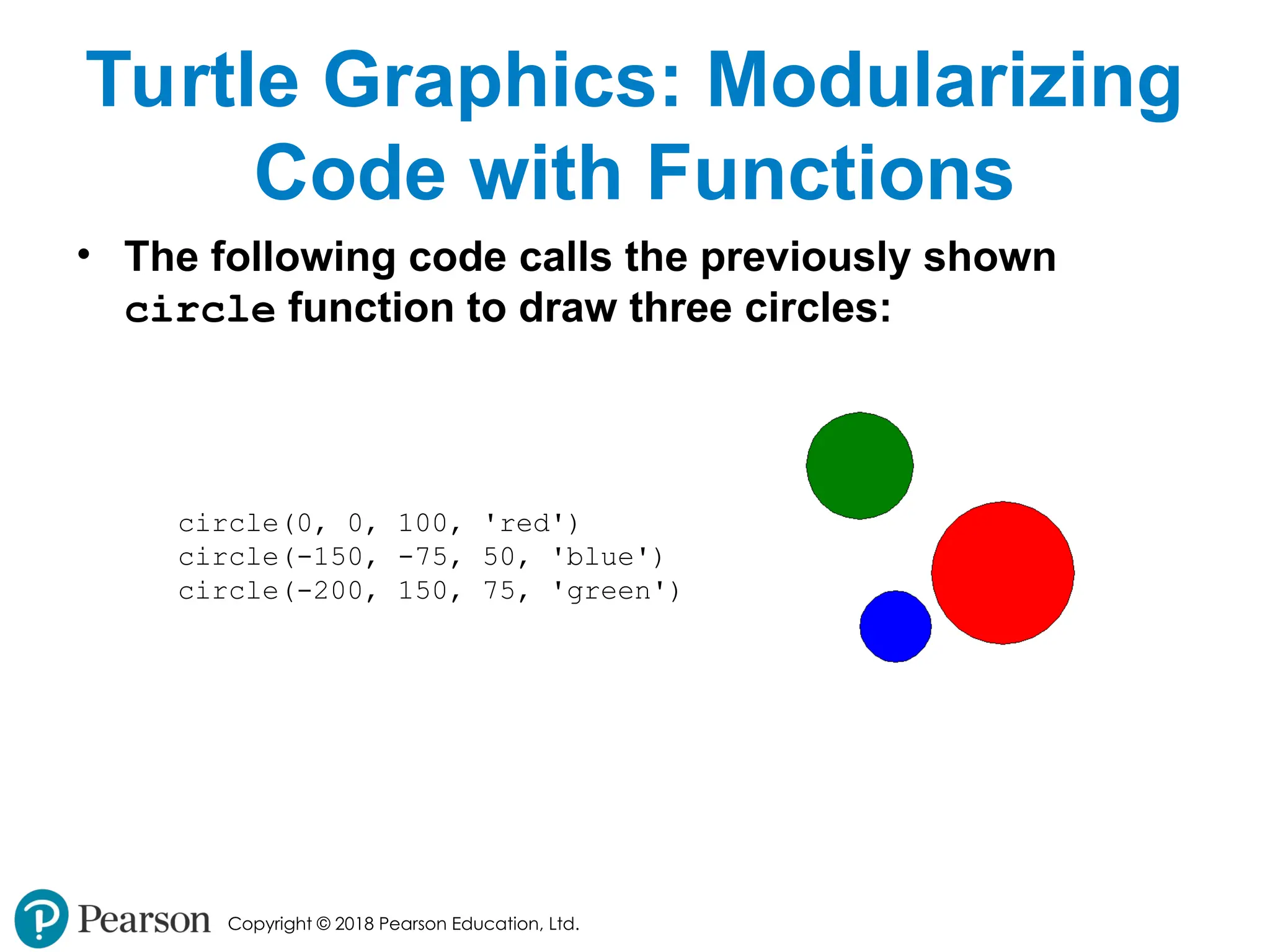
Copyright © 2018Pearson Education, Ltd. Turtle Graphics: Modularizing Code with Functions • The following code calls the previously shown circle function to draw three circles: circle(0, 0, 100, 'red') circle(-150, -75, 50, 'blue') circle(-200, 150, 75, 'green') - 60.
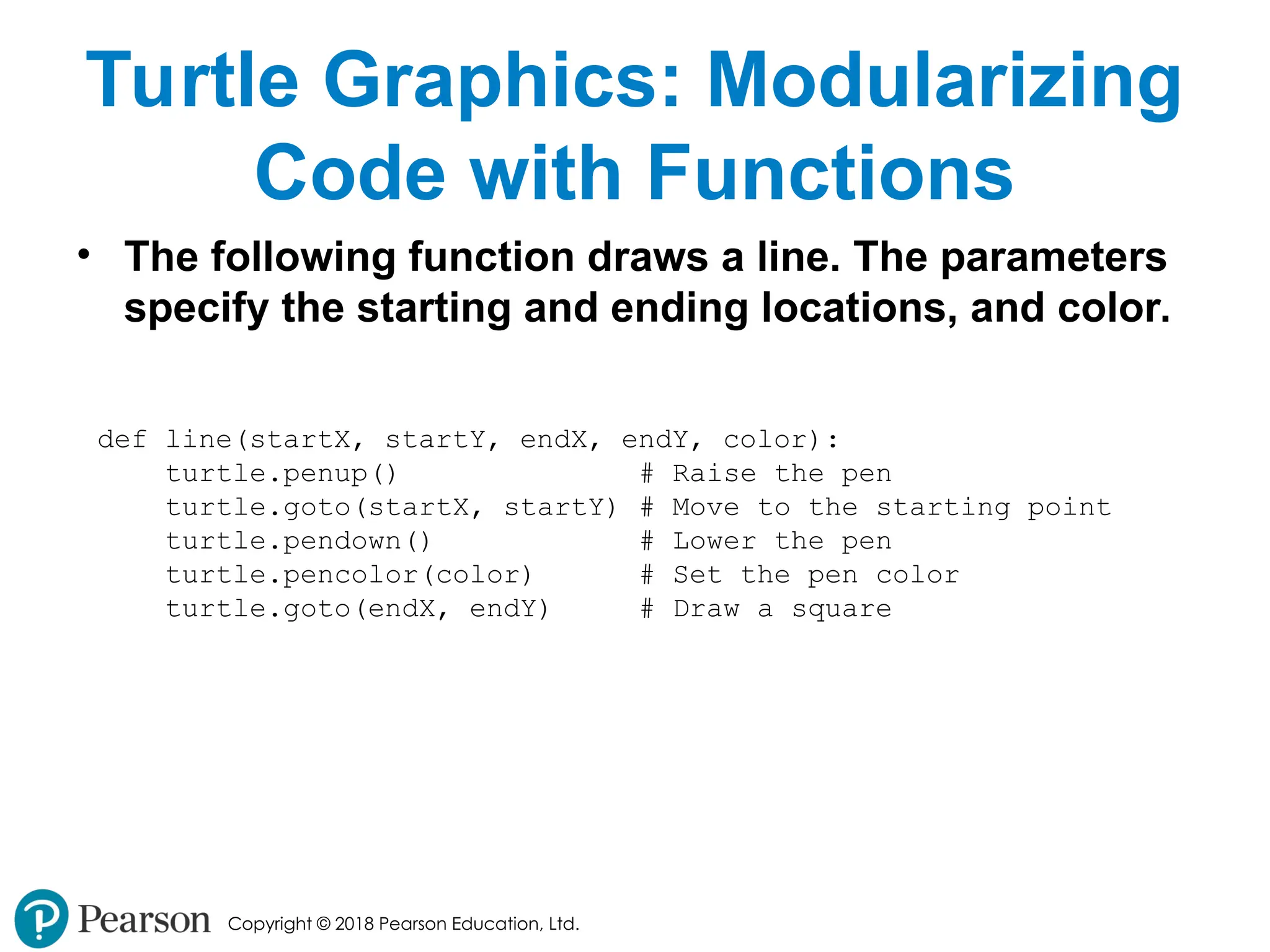
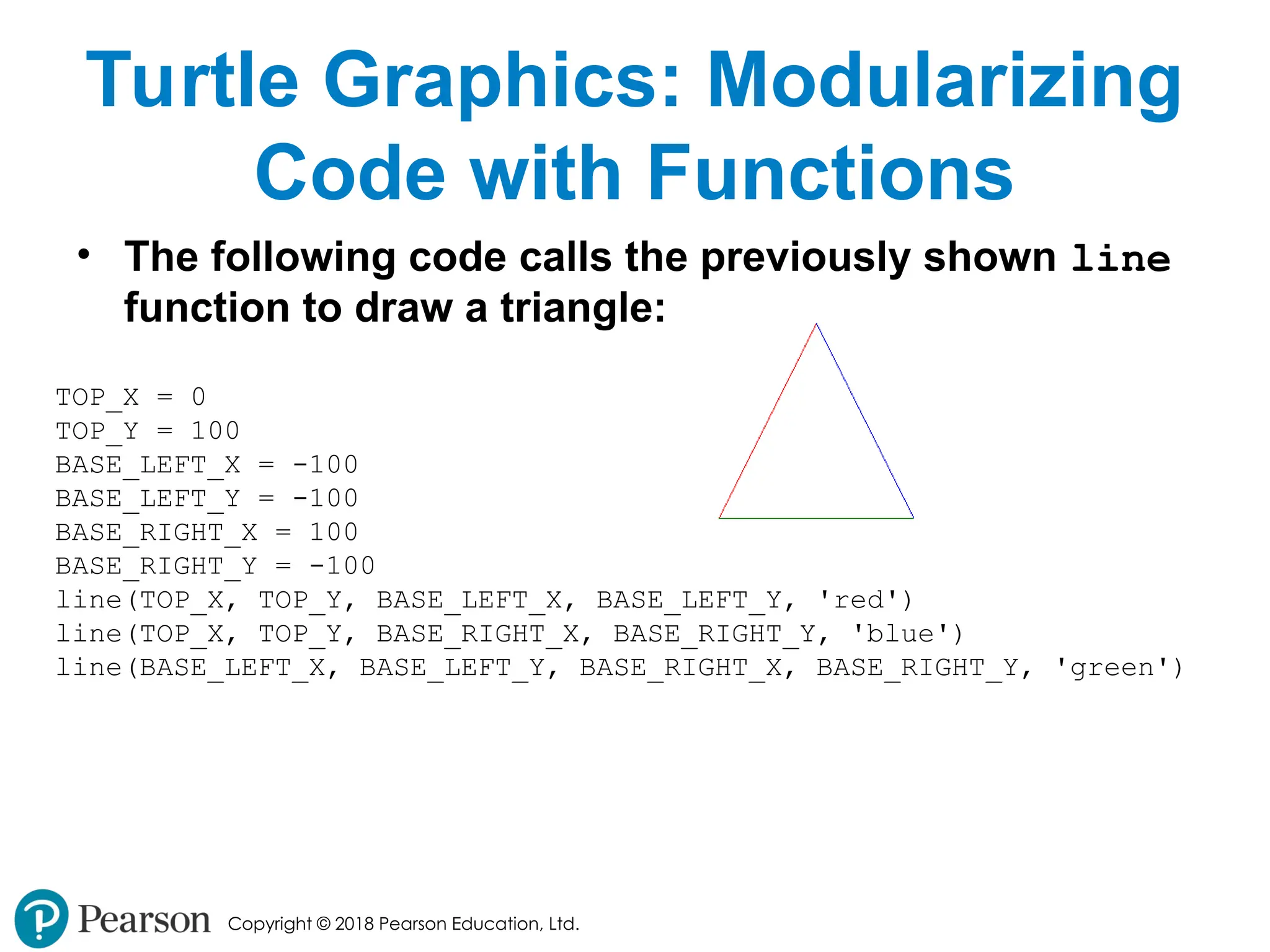
Copyright © 2018Pearson Education, Ltd. Turtle Graphics: Modularizing Code with Functions • The following function draws a line. The parameters specify the starting and ending locations, and color. def line(startX, startY, endX, endY, color): turtle.penup() # Raise the pen turtle.goto(startX, startY) # Move to the starting point turtle.pendown() # Lower the pen turtle.pencolor(color) # Set the pen color turtle.goto(endX, endY) # Draw a square - 61.
Copyright © 2018Pearson Education, Ltd. Turtle Graphics: Modularizing Code with Functions • The following code calls the previously shown line function to draw a triangle: TOP_X = 0 TOP_Y = 100 BASE_LEFT_X = -100 BASE_LEFT_Y = -100 BASE_RIGHT_X = 100 BASE_RIGHT_Y = -100 line(TOP_X, TOP_Y, BASE_LEFT_X, BASE_LEFT_Y, 'red') line(TOP_X, TOP_Y, BASE_RIGHT_X, BASE_RIGHT_Y, 'blue') line(BASE_LEFT_X, BASE_LEFT_Y, BASE_RIGHT_X, BASE_RIGHT_Y, 'green') - 62.
Copyright © 2018Pearson Education, Ltd. Summary • This chapter covered: • The advantages of using functions • The syntax for defining and calling a function • Methods for designing a program to use functions • Use of local variables and their scope • Syntax and limitations of passing arguments to functions • Global variables, global constants, and their advantages and disadvantages - 63.
Copyright © 2018Pearson Education, Ltd. Summary (cont’d.) • Value-returning functions, including: • Writing value-returning functions • Using value-returning functions • Functions returning multiple values • Using library functions and the import statement • Modules, including: • The random and math modules • Grouping your own functions in modules • Modularizing Turtle Graphics Code