The document provides an overview of visible-surface detection methods, classifying algorithms into object-space and image-space methods, each with distinct approaches and complexities. It discusses the depth-buffer algorithm, its implementation, pros, and cons, and highlights key concepts such as correct visibility, coherence, and the requirements for displaying 3D surfaces on a 2D plane. Additionally, it poses several questions to assess understanding of the discussed methods and their differences.
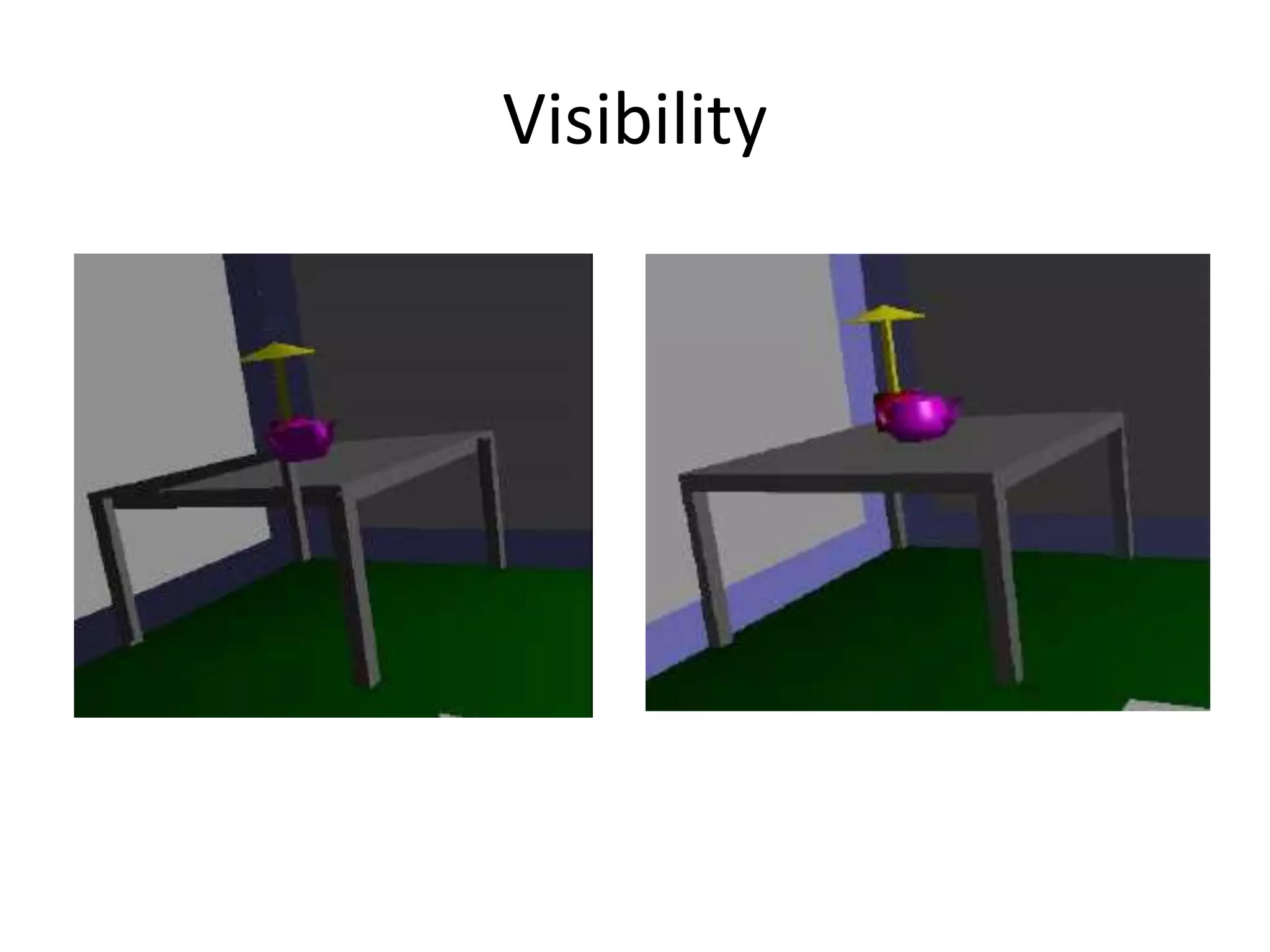
1. Introduction • Aset of 3-D surfaces are to be projected onto a 2-D screen. • To identify those parts of a scene that are visible from a chosen viewing position. • Correct visibility – when multiple opaque polygons cover the same screen space, only the closest one is visible.
• There aremany algorithms developed and still being developed for visible surface detection or Hidden surface removal. • Characteristics of approaches: – Require large memory size. – Require long processing time. – Applicable to which types of objects?
7.
• Considerations: – Complexityof the scene – Type of objects in the scene – Available equipment – Static or animated? • Visible-surface detection methods and hidden-surface elimination methods are similar but distinct.
8.
2. Classification • Visible-surfacedetection algorithms are broadly classified into 2 types. 1. Object –space methods 2. Image-space methods
9.
Object-space methods • Dealswith object definitions directly. • Compare objects and parts of objects to each other within the scene definition to determine which surfaces, as a whole, we should label as visible. • It is a continuous method. • Compare each object with all other objects to determine the visibility of the object parts.
10.
Pros and Consof Object-space Methods • If there are n objects in the scene, complexity = O(n2) • Calculations are performed at the resolution in which the objects are defined (only limited by the computation hardware). • Process is unrelated to display resolution or the individual pixel in the image and the result of the process is applicable to different display resolutions.
11.
• Display ismore accurate but computationally more expensive as compared to image space • methods are typically more complex, due to the possibility of intersection between surfaces. • Suitable for scene with small number of objects and objects with simple relationship with each other.
12.
Image Space methods •Deals with the projected images of the objects and not directly with objects. • Visibility is determined point by point at each pixel position on the projection plane. • It is a discrete method. • Accuracy of the calculation is bounded by the display resolution. • A change of display resolution requires re- calculation
13.
Two main strategies •1. Sorting • 2. Coherence 1. Sorting – Sorting is used to facilitate depth comparisons by ordering the individual surfaces in a scene according to their distance from the view plane.
14.
Coherence • Making useof the results calculated for one part of the scene or image for other nearby parts. • Coherence is the result of local similarity • As objects have continuous spatial extent, object properties vary smoothly within a small local region in the scene. • Calculations can then be made incremental.
15.
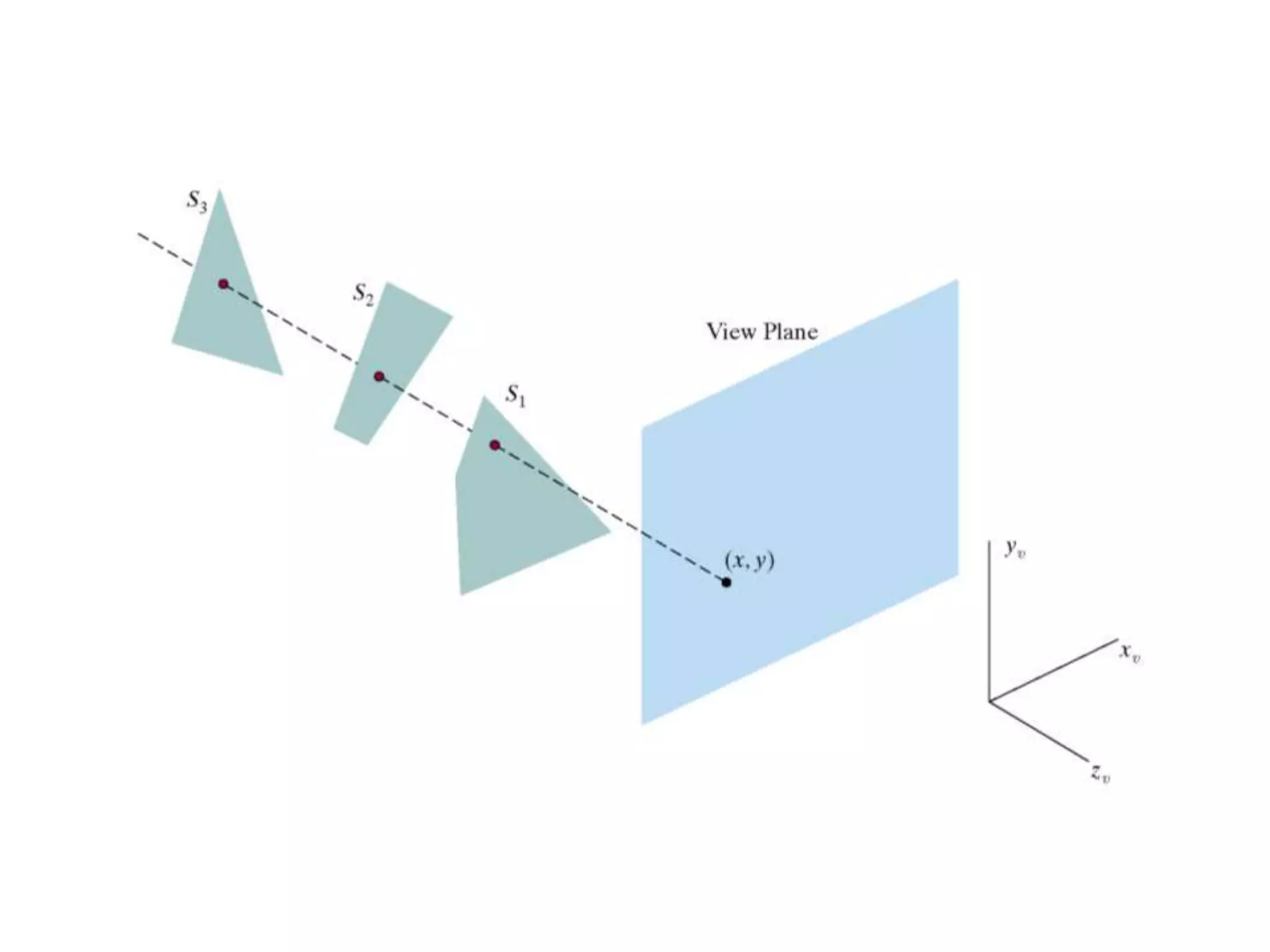
3. Depth-Buffer Method (Z-BufferMethod) • It is a commonly used image-space approach to detecting visible surfaces proposed by Catmull in 1974. • It compares the surface depths at each pixel position on the projection plane. • Object depth is usually measured from the view plane along the z axis of a viewing system. • Each surface of a scene is processed separately, one point at a time across the surface.
16.
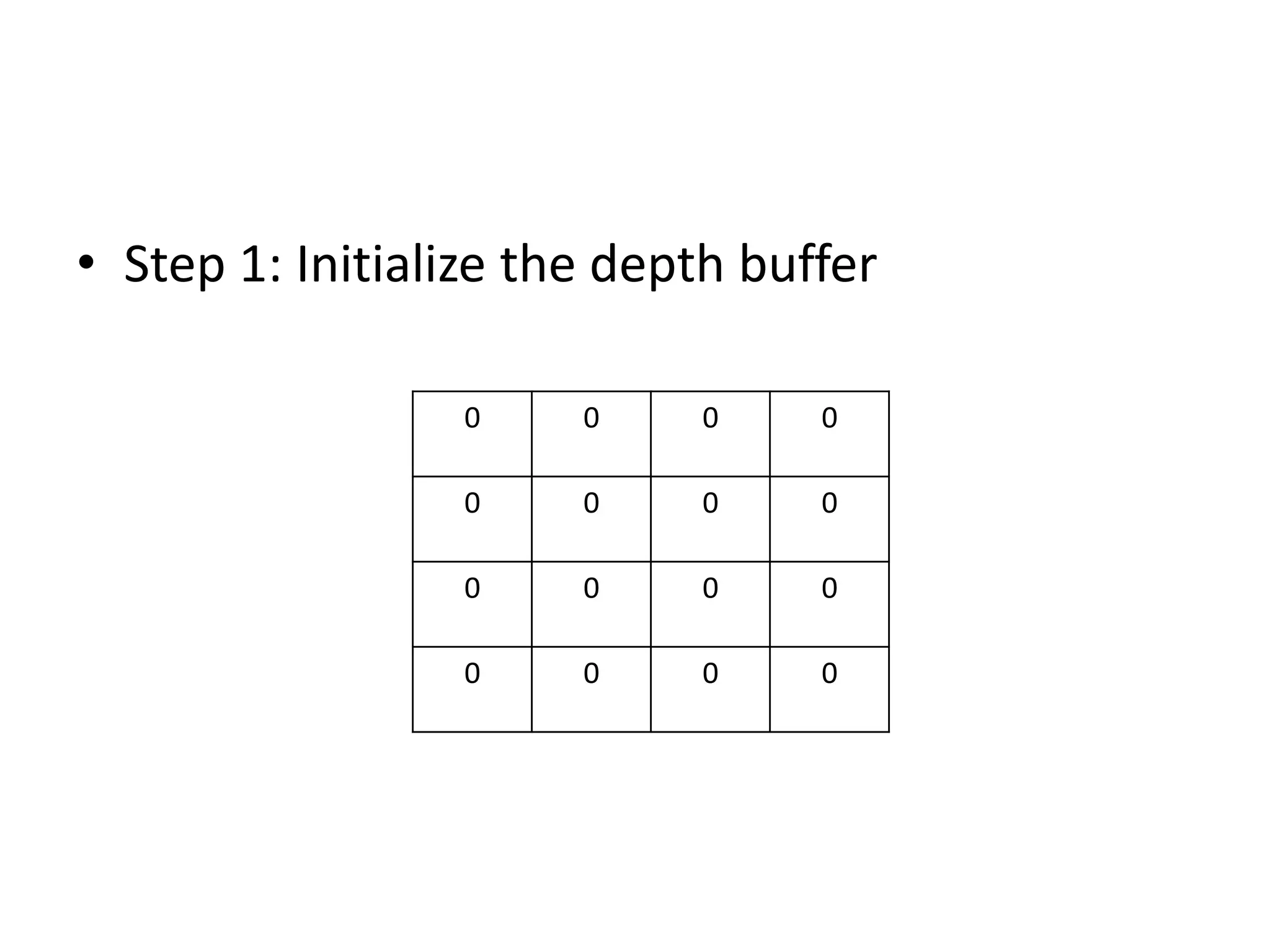
• This methodrequires 2 buffers: 1) Depth buffer or z-buffer: • To store the depth values for each (X, Y) position, as surfaces are processed. • 0 ≤ depth ≤ 1 2) Refresh Buffer or Frame Buffer: • To store the intensity value or Color value at each position (X, Y).
18.
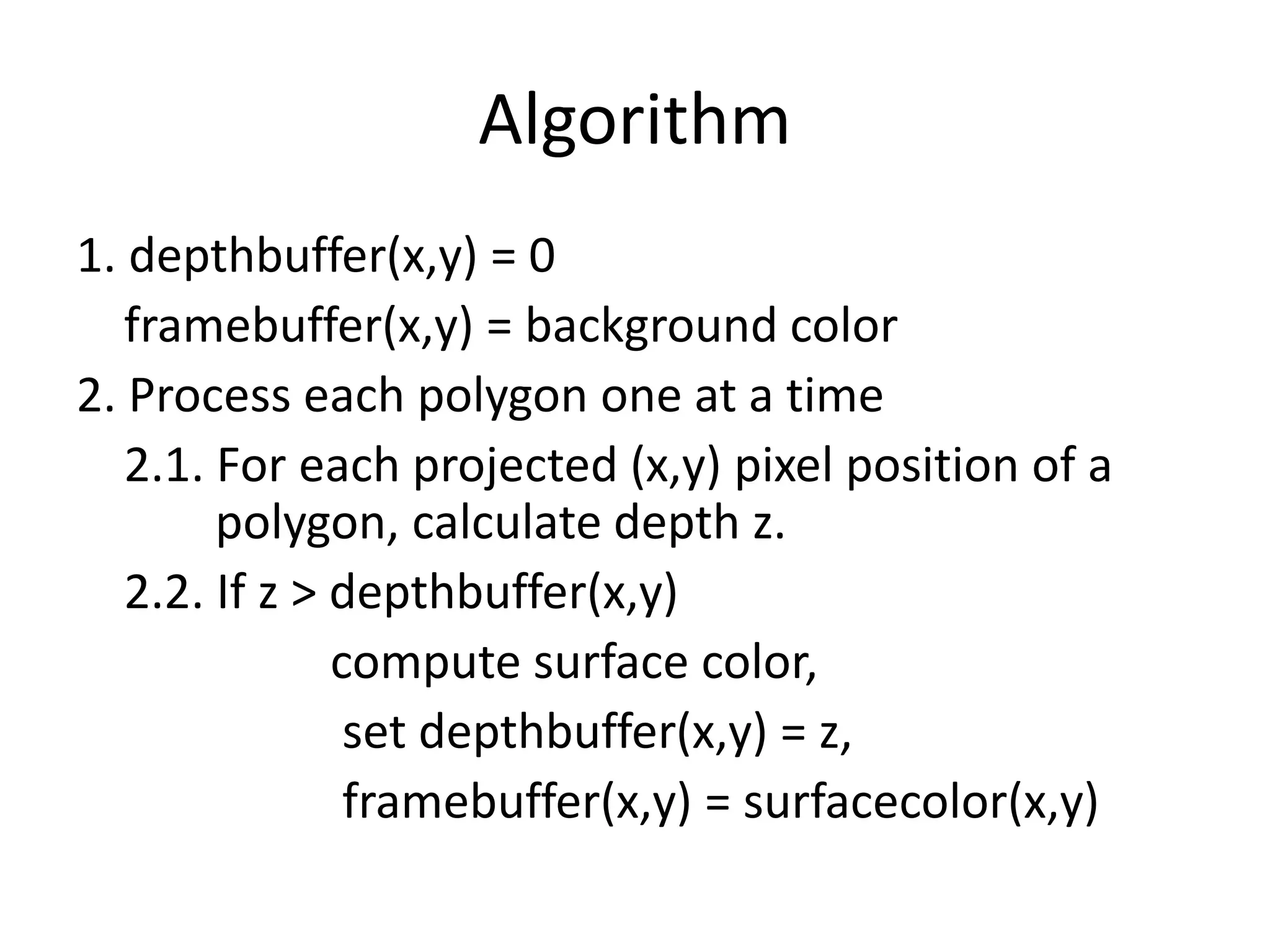
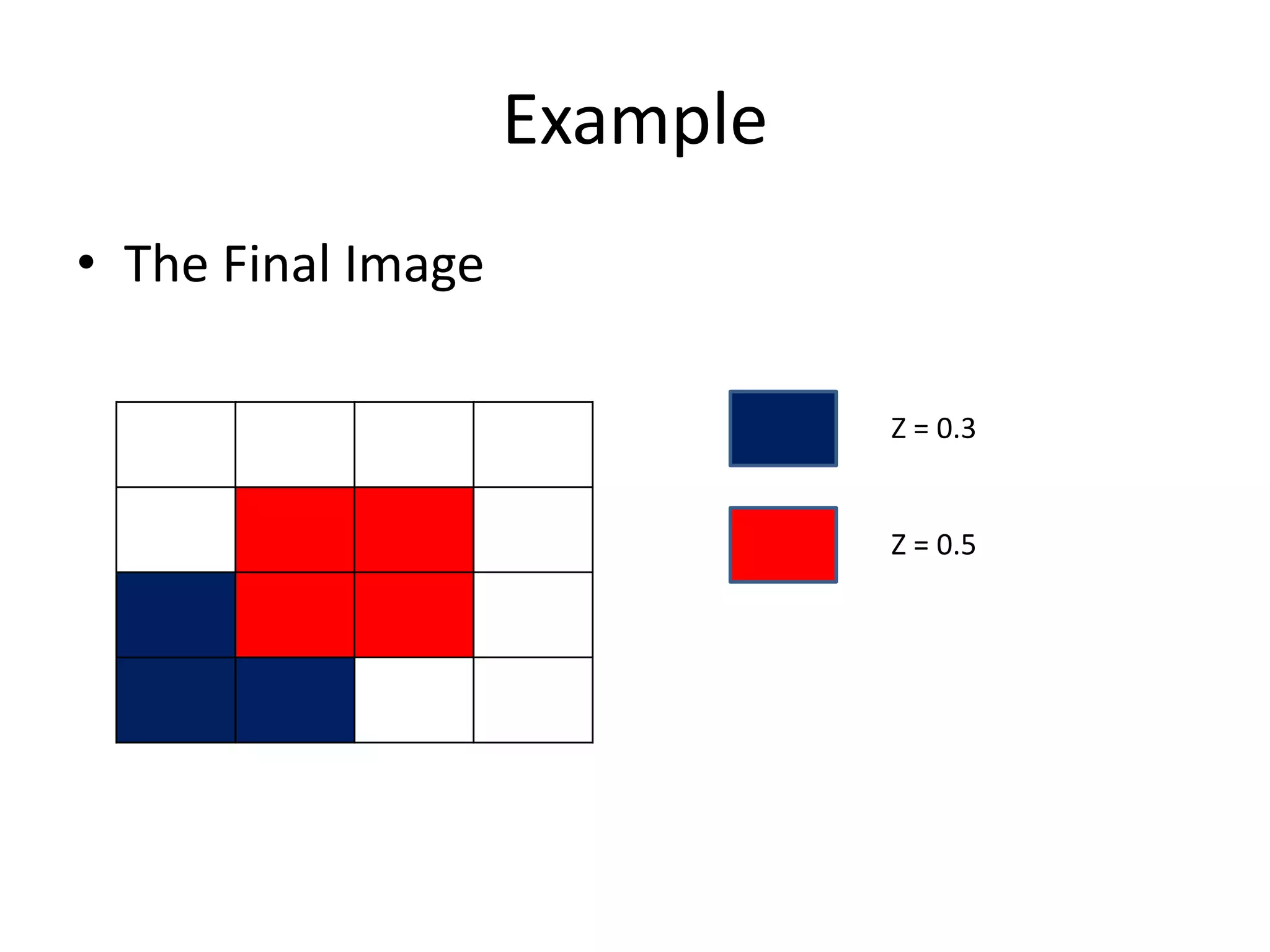
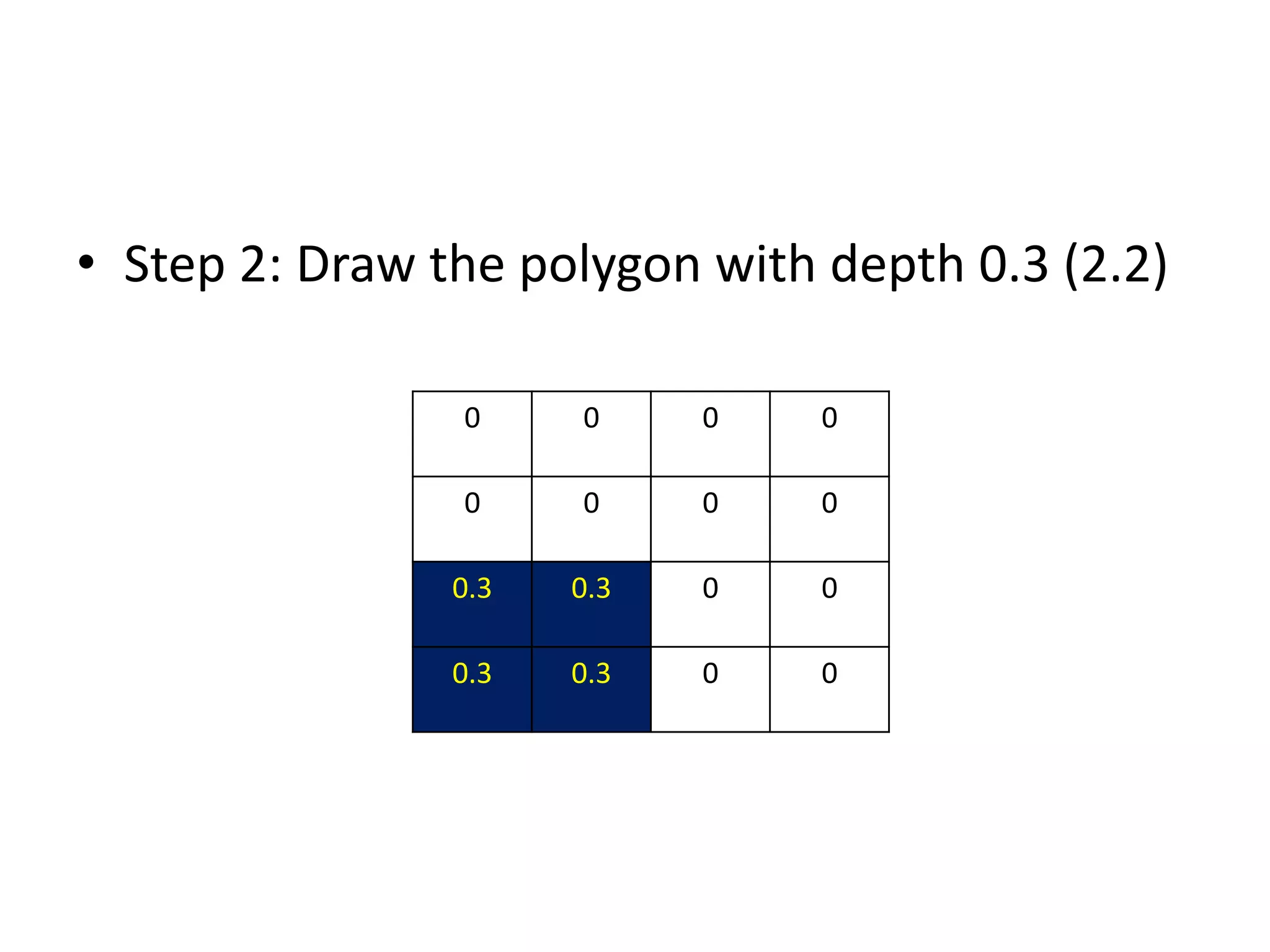
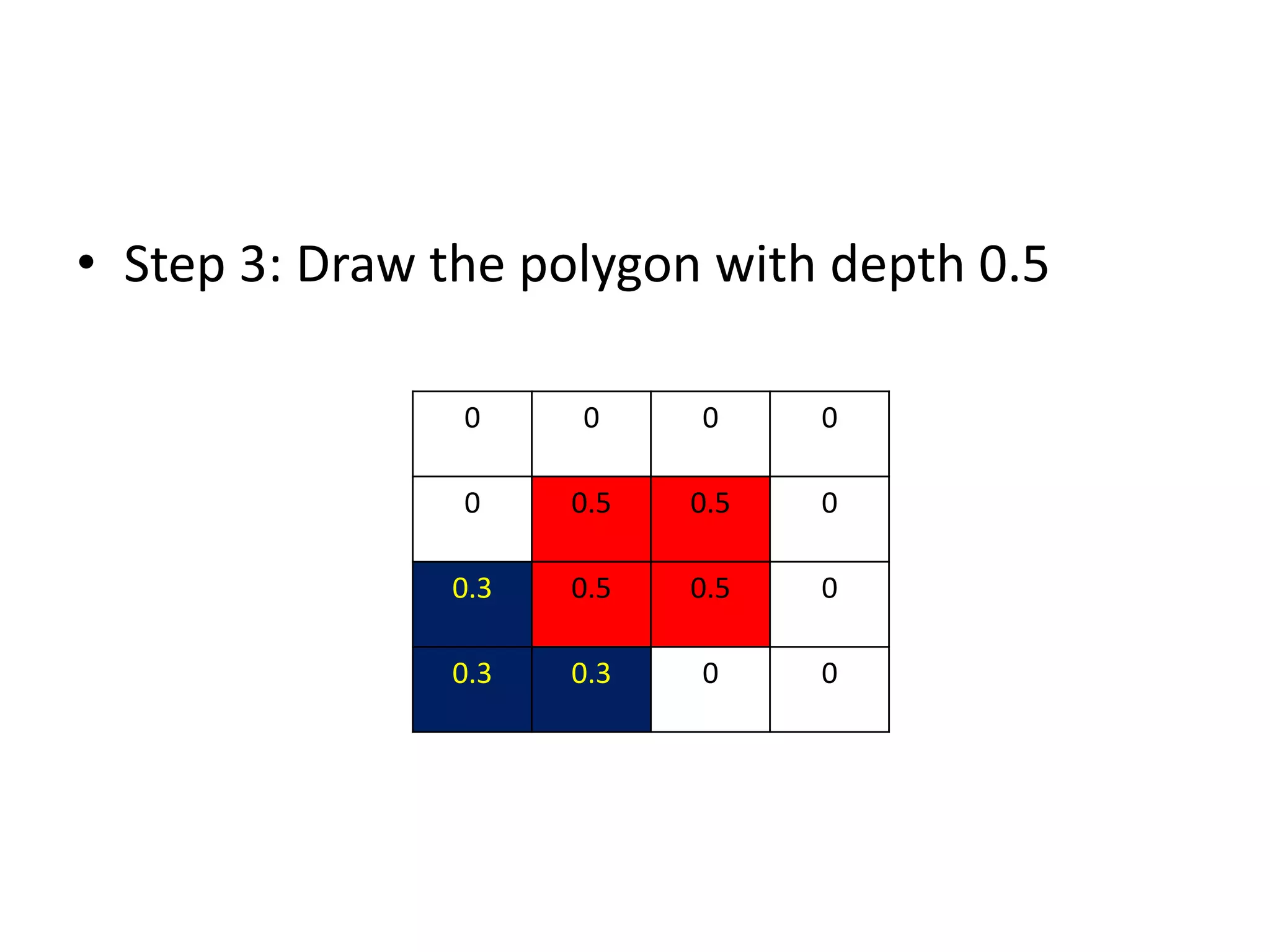
Algorithm 1. depthbuffer(x,y) =0 framebuffer(x,y) = background color 2. Process each polygon one at a time 2.1. For each projected (x,y) pixel position of a polygon, calculate depth z. 2.2. If z > depthbuffer(x,y) compute surface color, set depthbuffer(x,y) = z, framebuffer(x,y) = surfacecolor(x,y)
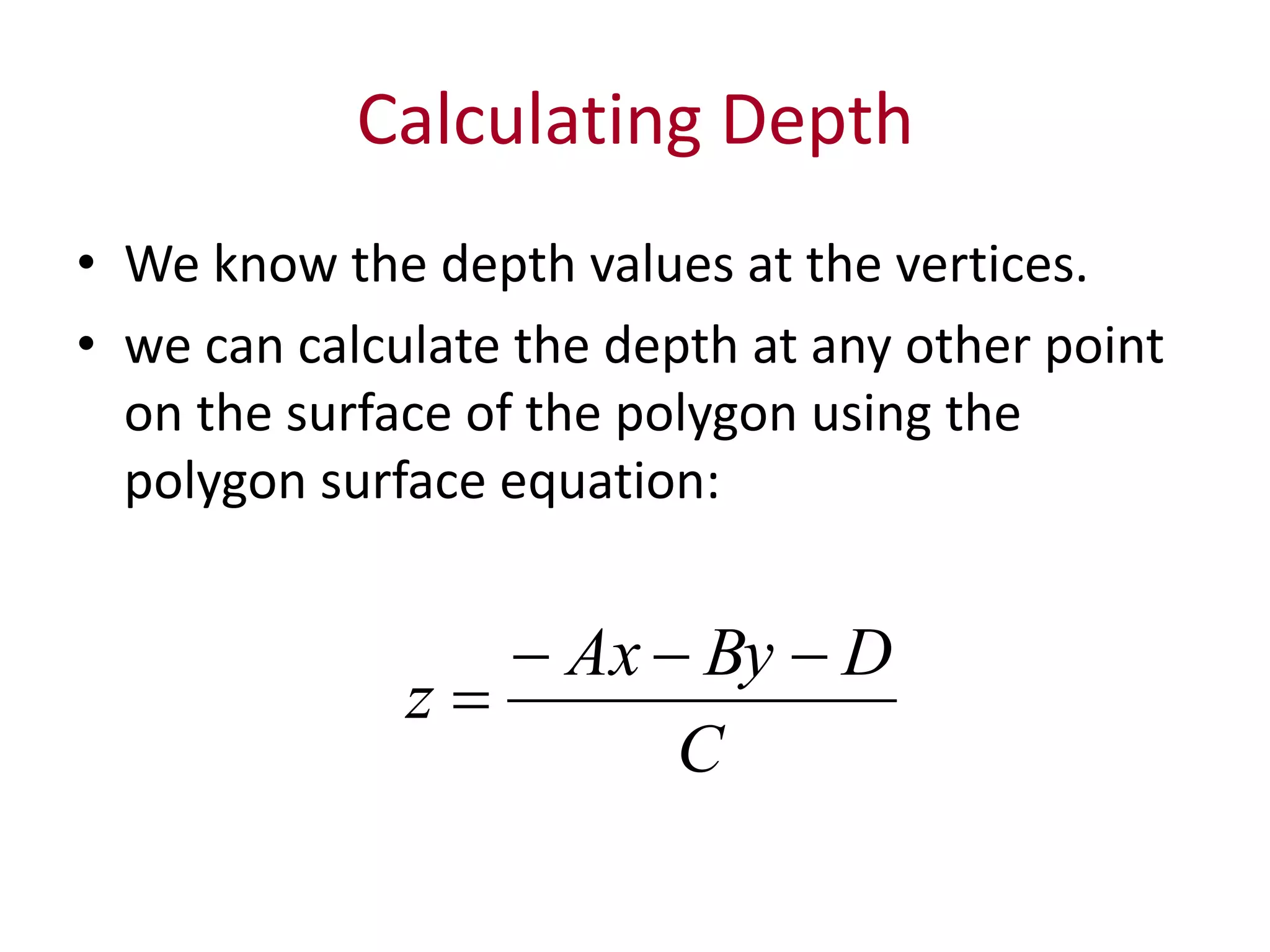
Calculating Depth • Weknow the depth values at the vertices. • we can calculate the depth at any other point on the surface of the polygon using the polygon surface equation: C DByAx z
25.
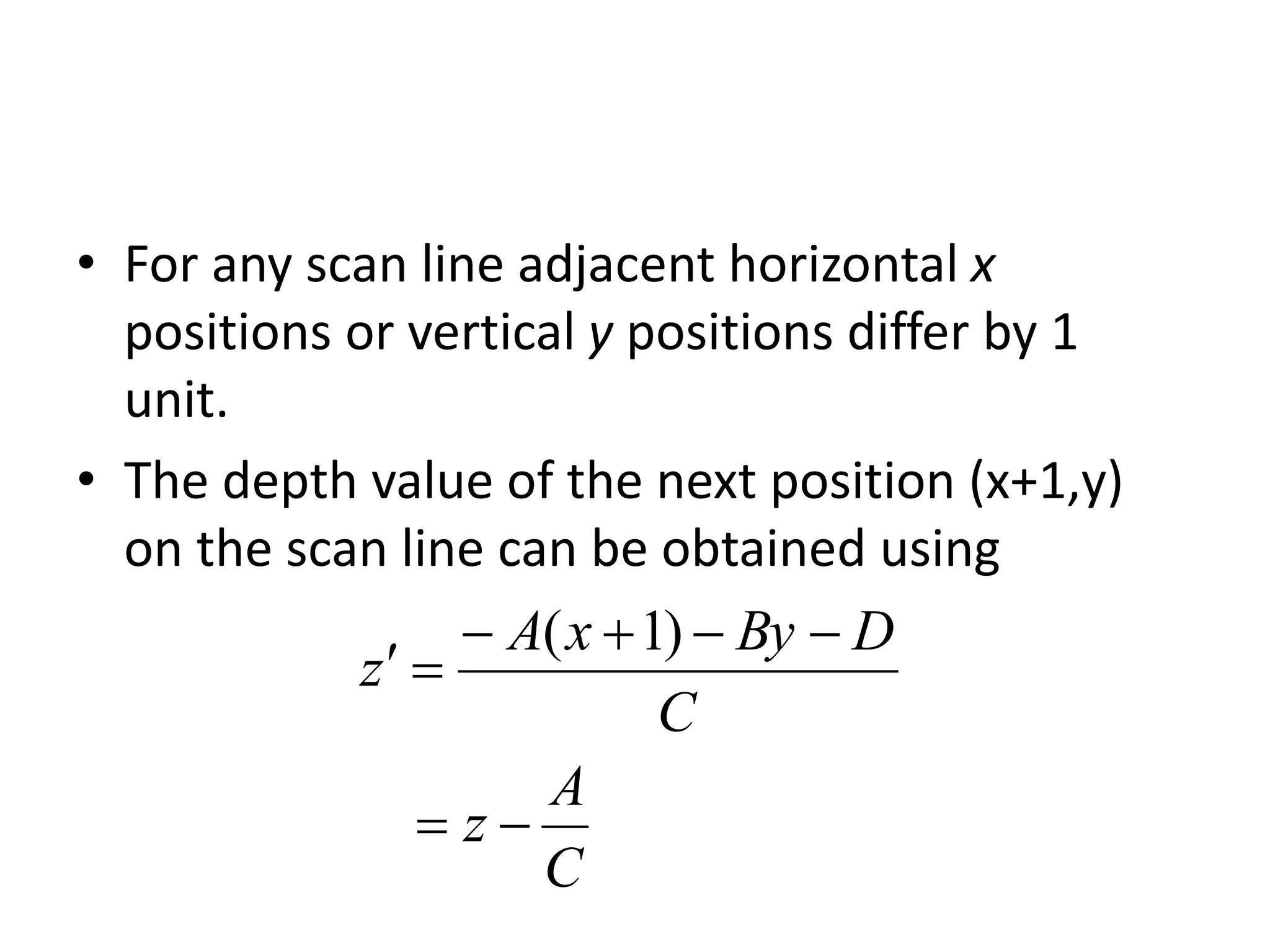
• For anyscan line adjacent horizontal x positions or vertical y positions differ by 1 unit. • The depth value of the next position (x+1,y) on the scan line can be obtained using C A z C DByxA z )1(
26.
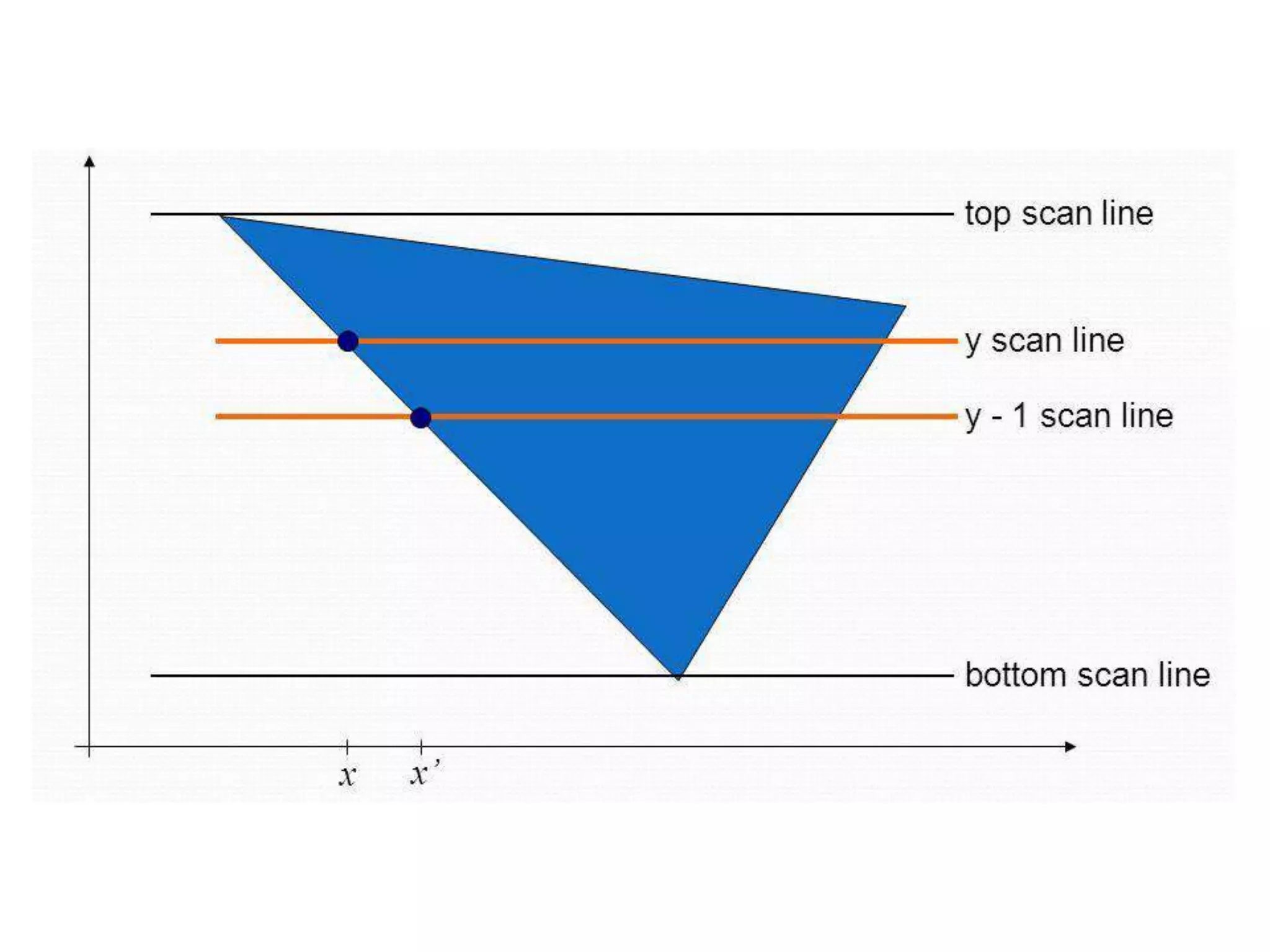
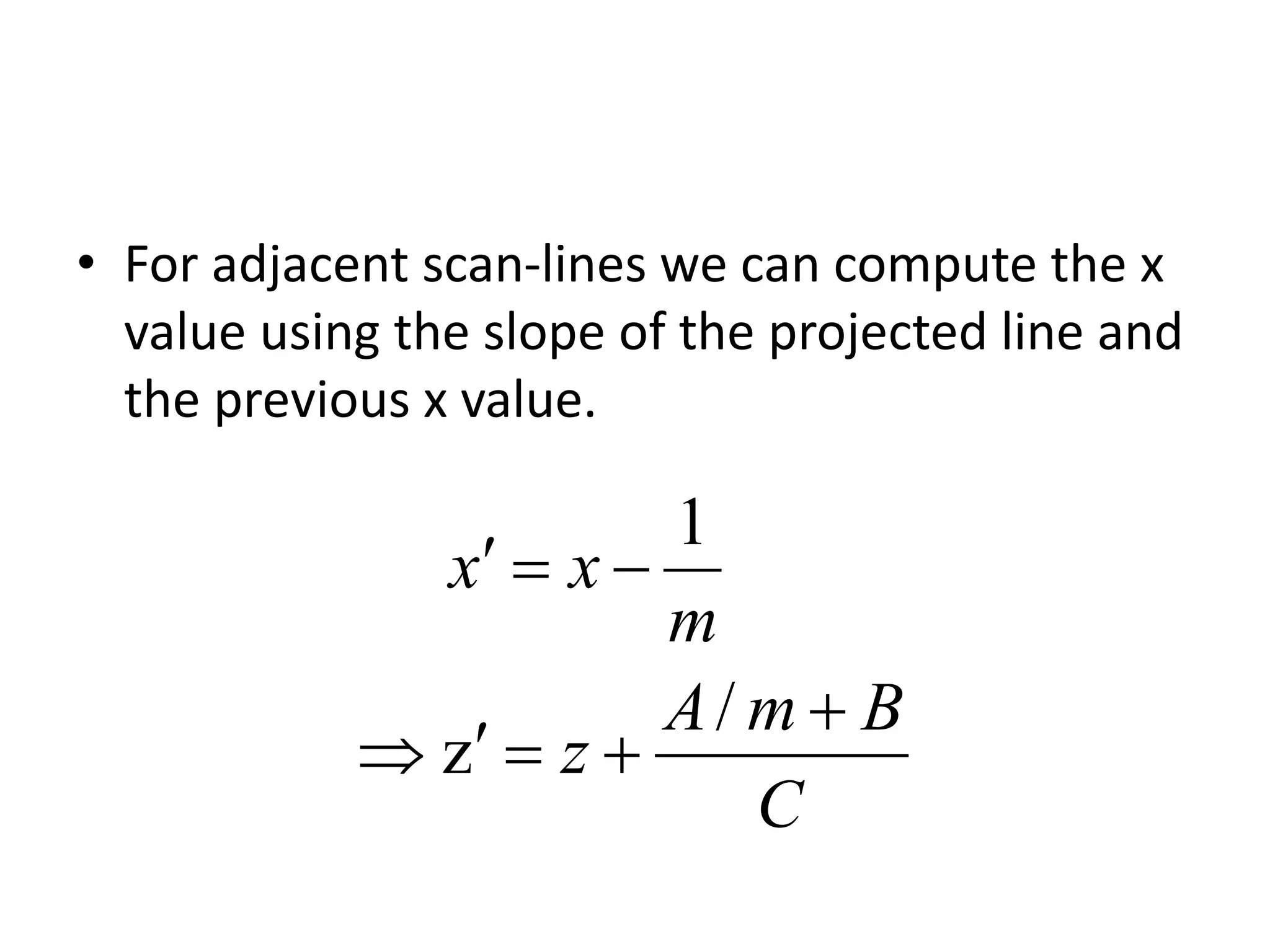
• For adjacentscan-lines we can compute the x value using the slope of the projected line and the previous x value. C BmA z m xx / z 1
27.
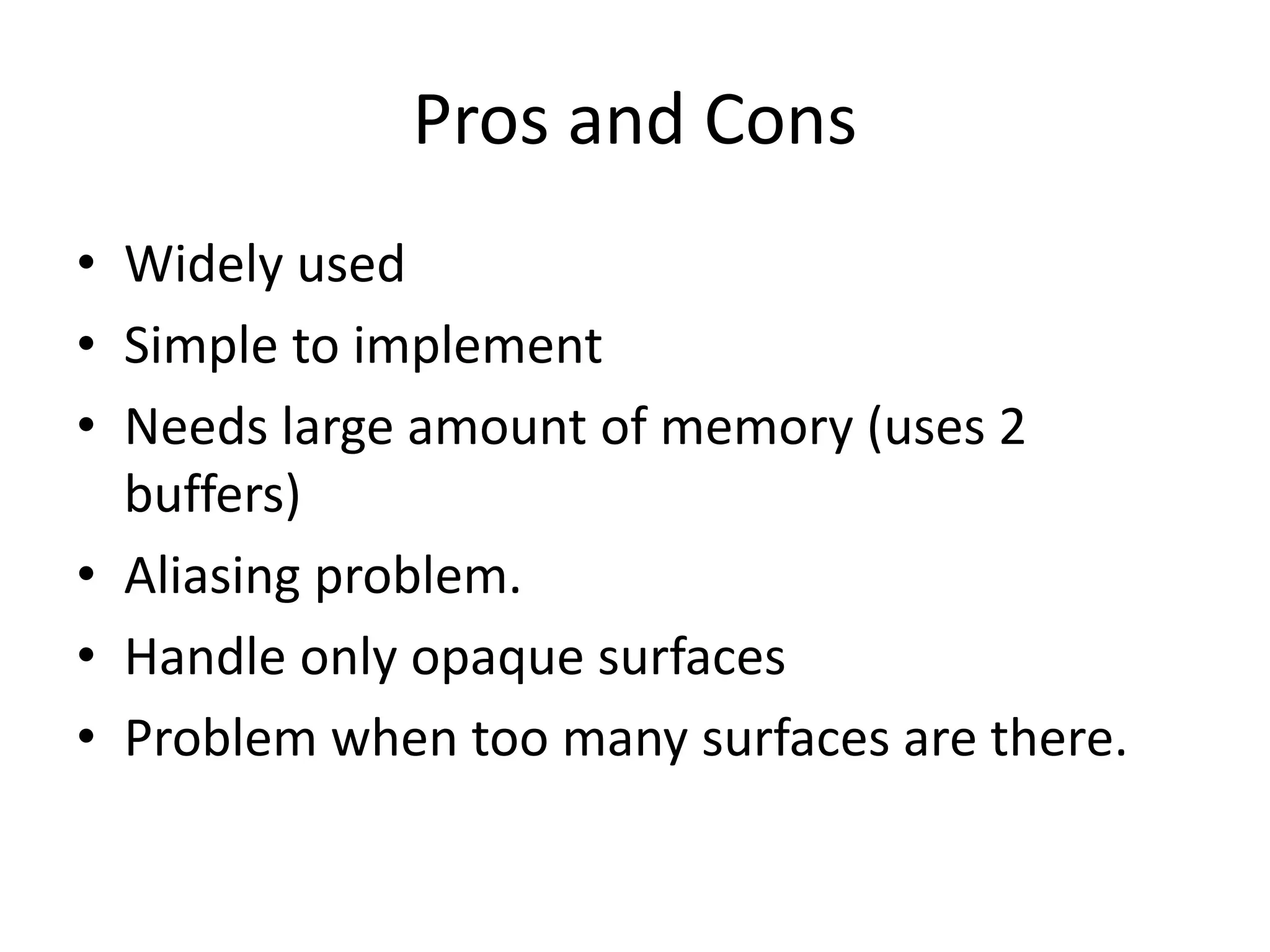
Pros and Cons •Widely used • Simple to implement • Needs large amount of memory (uses 2 buffers) • Aliasing problem. • Handle only opaque surfaces • Problem when too many surfaces are there.
28.
Questions 2 marks • Whatis the task of visible detection methods? • What is correct visibility? • What are the types of visible detection algorithms? • Difference between object space methods and image space methods?
29.
• What arethe two strategies used in visible surface detection algorithms? • What is coherence in image space methods? • Mention two advantages of object space method. • Mention two disadvantages of object space method. • What are the disadvantages of Image space method?
30.
• What arethe buffers used in Depth buffer method? • What is the content of Z-buffer? • What is the content of refresh buffer? • What are the initial values of depth buffer and refresh buffer? • What is the range of depth used in depth buffer method?
31.
• What isthe equation to calculate depth value z at (x,y) for a polygon surface? • Mention any two disadvantages of depth buffer method. 10 marks • Explain depth buffer method in detail.