Cross platform .Net development using .Net core .Net Bangalore Meetup – Aug 20, 2016 swami@wannabeegeek.com @svswaminathan wannabeegeek.com
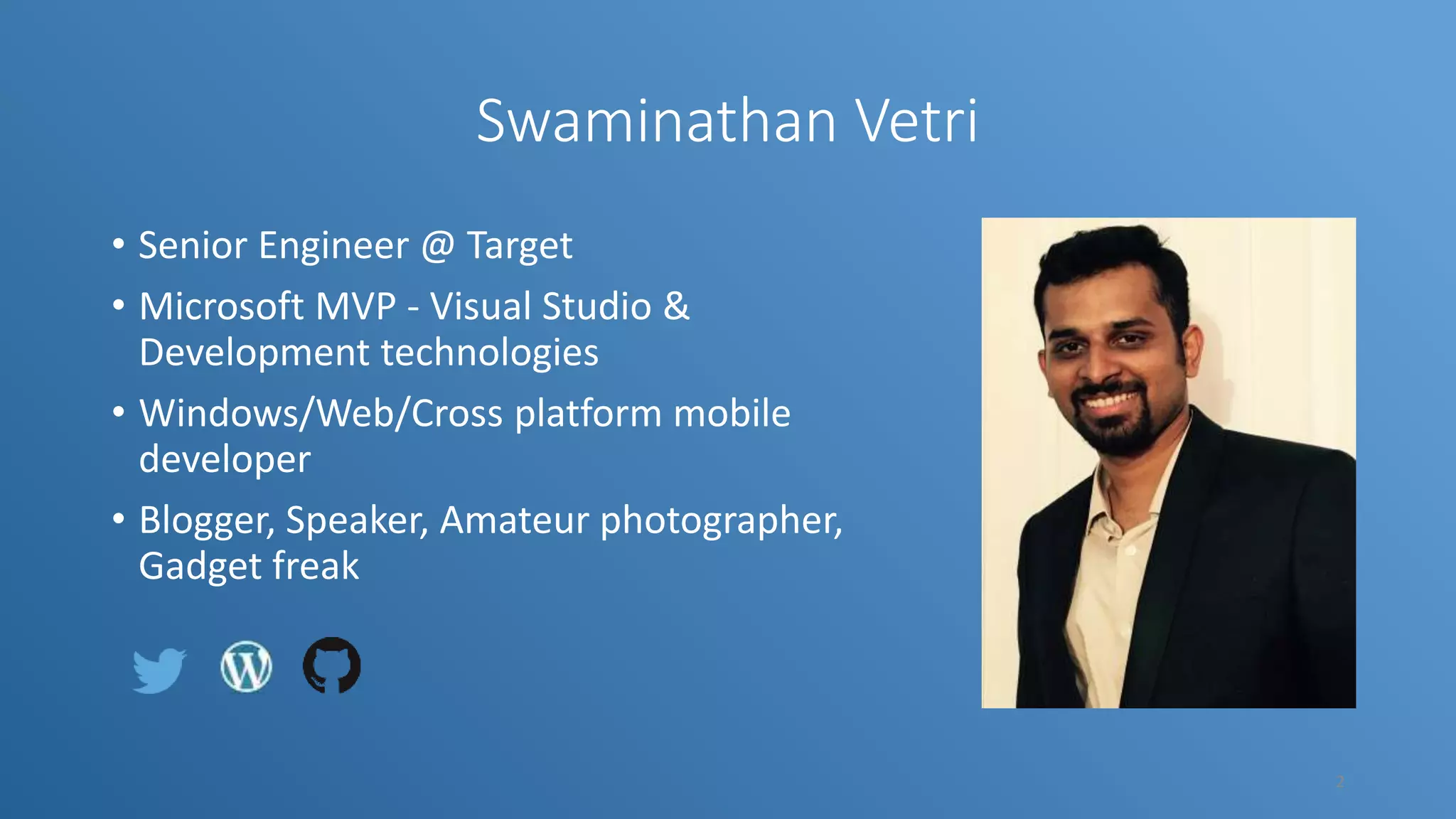
Swaminathan Vetri • Senior Engineer @ Target • Microsoft MVP - Visual Studio & Development technologies • Windows/Web/Cross platform mobile developer • Blogger, Speaker, Amateur photographer, Gadget freak 2
Objectives • Intro to .Net Core • Tooling • Getting started • Demo • Build – Test - Deploy • Porting existing .Net apps to target .Net core 3
What is .Net Core ? .NET Core is a blazing fast, lightweight and modular platform for creating web applications and services that run on Windows, Linux and Mac. 4
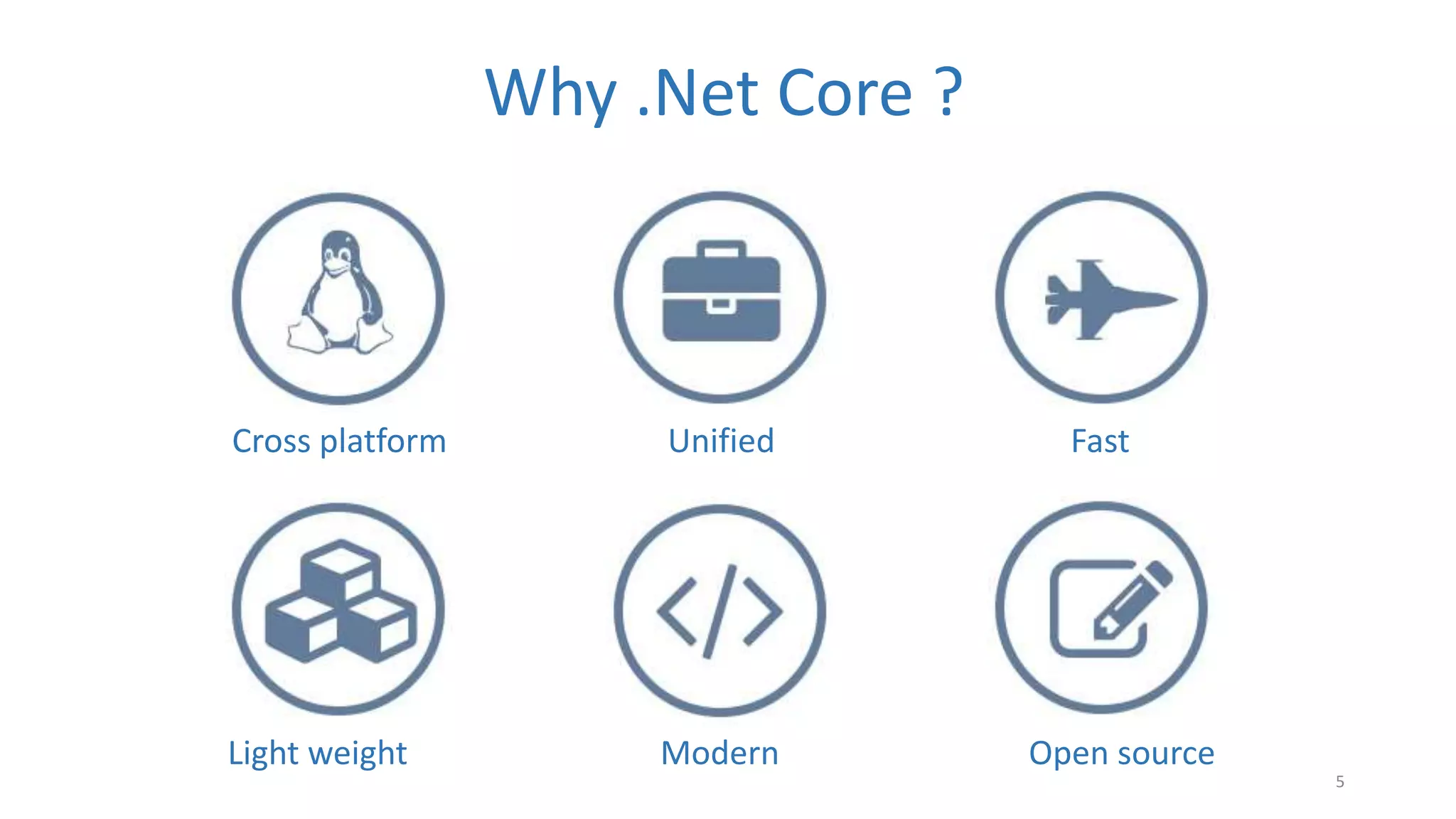
Why .Net Core ? Cross platform Unified Fast Light weight Modern Open source 5
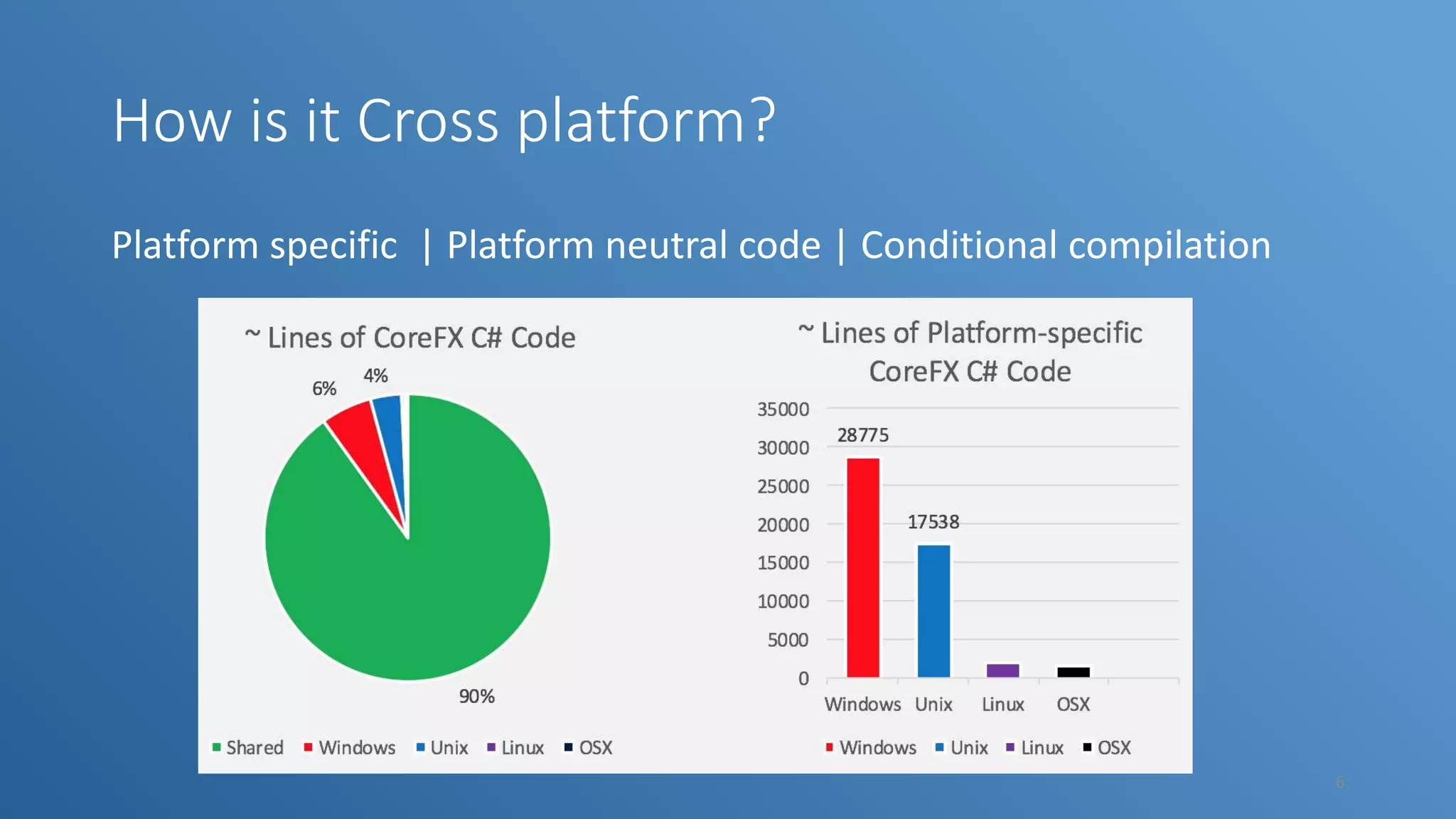
How is it Cross platform? Platform specific | Platform neutral code | Conditional compilation 6
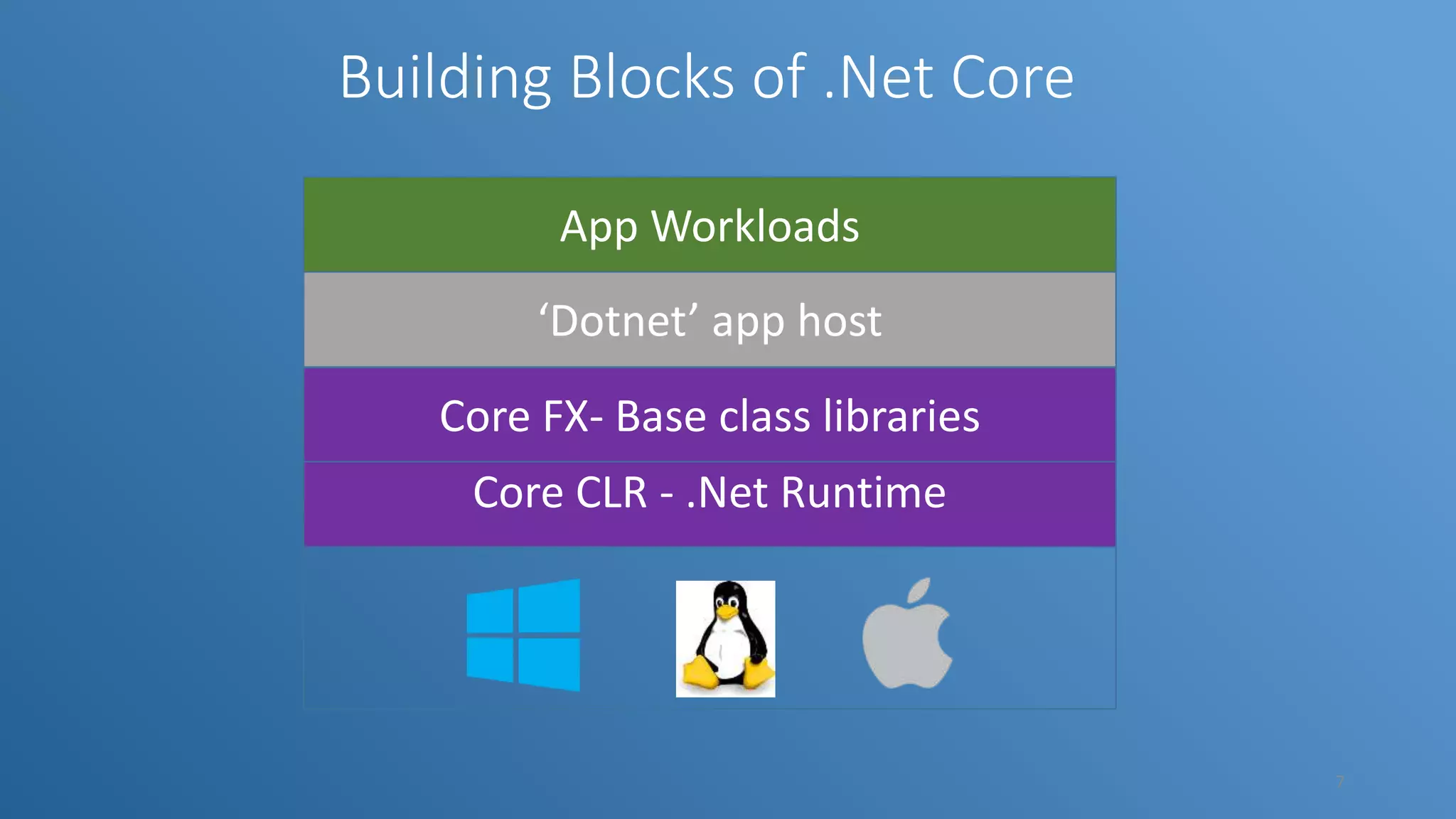
Building Blocks of .Net Core Core CLR - .Net Runtime Core FX- Base class libraries App Workloads ‘Dotnet’ app host 7
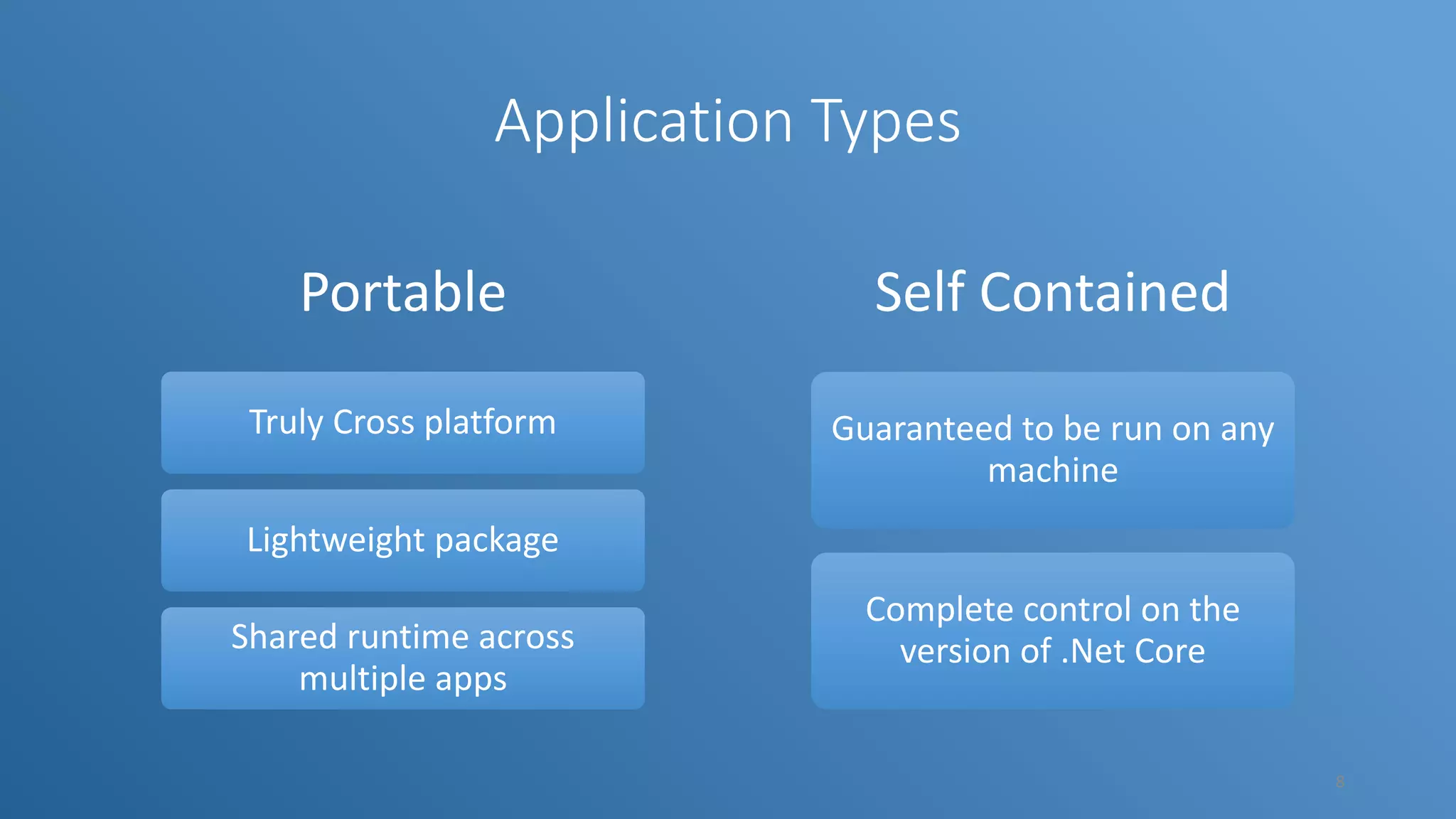
Application Types Portable Truly Cross platform Lightweight package Shared runtime across multiple apps Self Contained Guaranteed to be run on any machine Complete control on the version of .Net Core 8
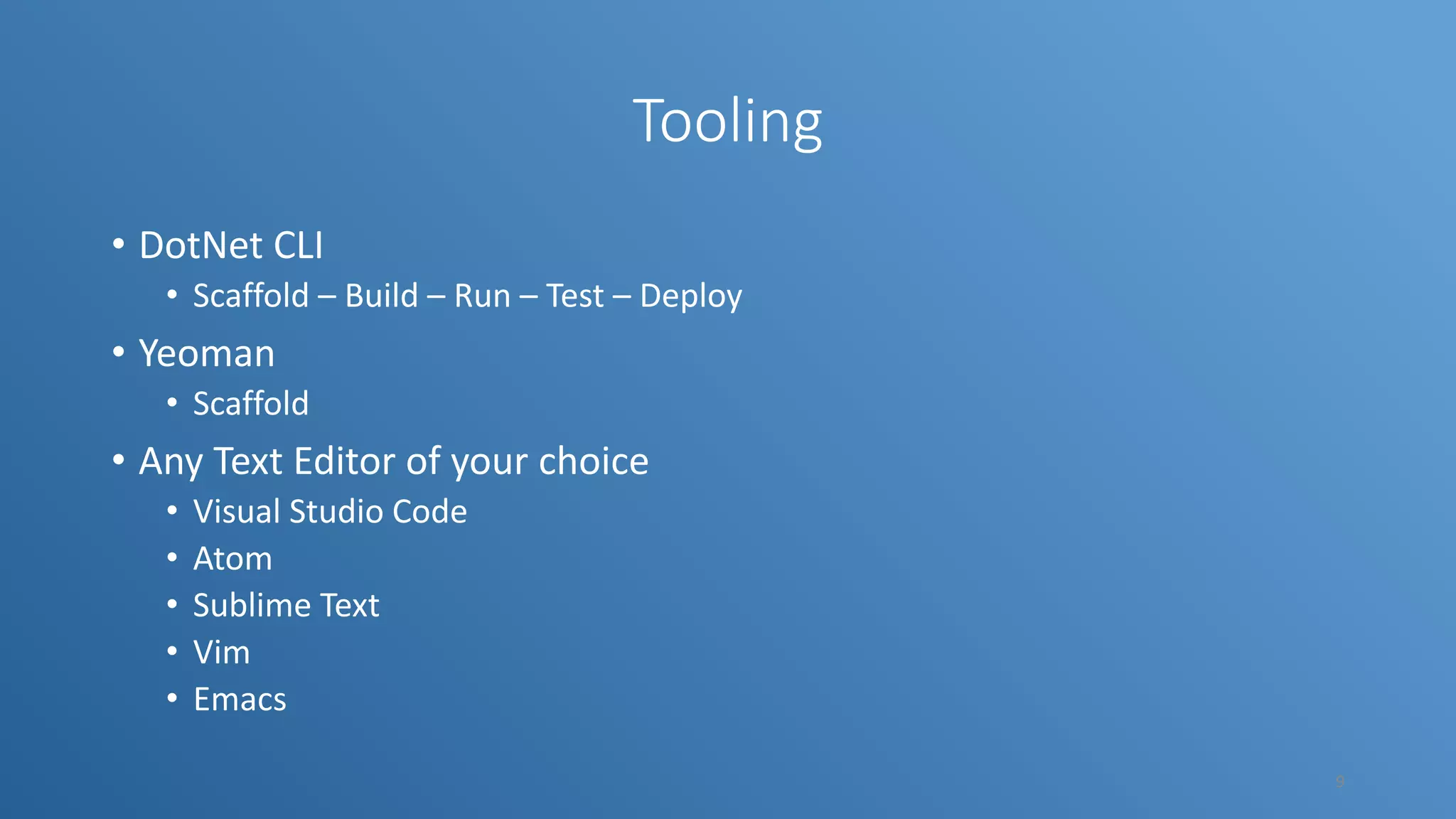
Tooling • DotNet CLI • Scaffold – Build – Run – Test – Deploy • Yeoman • Scaffold • Any Text Editor of your choice • Visual Studio Code • Atom • Sublime Text • Vim • Emacs 9
Getting started • http://dot.net • dotnet new • dotnet restore • dotnet build • dotnet run 10
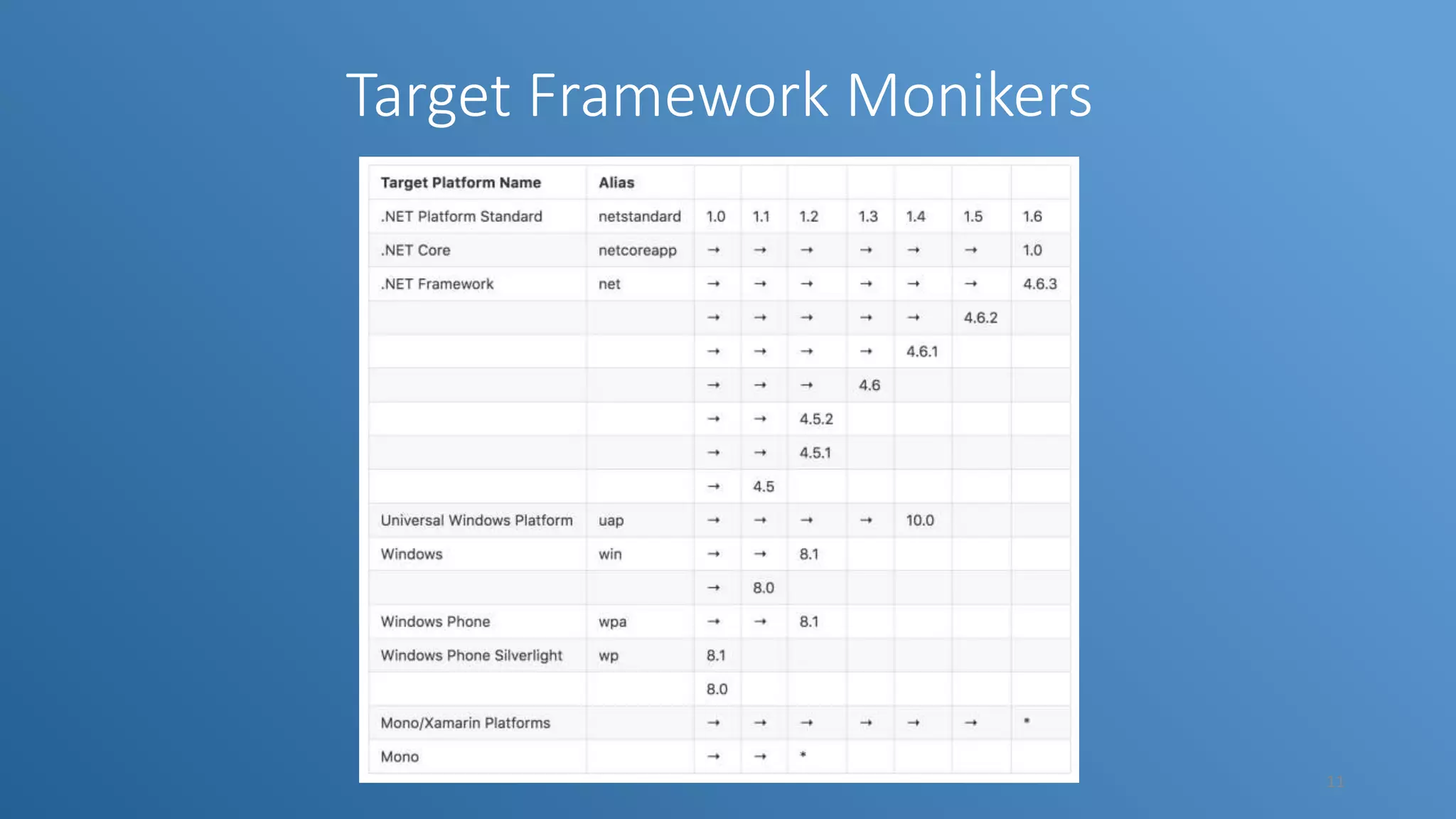
Target Framework Monikers 11
Demo • Creating a new app • Console • Library • Test • MVC App • Web API • Building and running app • Debugging app using VS Code 12
Porting existing .net apps • Analyze 3rd party dependencies • Retarget all projects to .Net Framework 4.6.2 • Use API Portability Analyzer to understand the portability metrics • Port Tests as well • Tools to use • Nuget – for searching packages • Reverser package search – for searching packages based on types 13
Useful links • http://dot.net • https://docs.microsoft.com/en-us/dotnet/articles/core/index • https://github.com/dotnet • https://github.com/dotnet/corefx/blob/master/Documentation/archi tecture/net-platform-standard.md • https://github.com/Microsoft/dotnet- apiport/blob/master/docs/HowTo/Introduction.md • https://packagesearch.azurewebsites.net/ 14
Thank You!!! Questions/Feedback swami@wannabeegeek.com/ @svswaminathan 15

Cross platform dotnet development using dotnet core

  • 1.
    Cross platform .Netdevelopment using .Net core .Net Bangalore Meetup – Aug 20, 2016 swami@wannabeegeek.com @svswaminathan wannabeegeek.com
  • 2.
    Swaminathan Vetri • SeniorEngineer @ Target • Microsoft MVP - Visual Studio & Development technologies • Windows/Web/Cross platform mobile developer • Blogger, Speaker, Amateur photographer, Gadget freak 2
  • 3.
    Objectives • Intro to.Net Core • Tooling • Getting started • Demo • Build – Test - Deploy • Porting existing .Net apps to target .Net core 3
  • 4.
    What is .NetCore ? .NET Core is a blazing fast, lightweight and modular platform for creating web applications and services that run on Windows, Linux and Mac. 4
  • 5.
    Why .Net Core? Cross platform Unified Fast Light weight Modern Open source 5
  • 6.
    How is itCross platform? Platform specific | Platform neutral code | Conditional compilation 6
  • 7.
    Building Blocks of.Net Core Core CLR - .Net Runtime Core FX- Base class libraries App Workloads ‘Dotnet’ app host 7
  • 8.
    Application Types Portable Truly Crossplatform Lightweight package Shared runtime across multiple apps Self Contained Guaranteed to be run on any machine Complete control on the version of .Net Core 8
  • 9.
    Tooling • DotNet CLI •Scaffold – Build – Run – Test – Deploy • Yeoman • Scaffold • Any Text Editor of your choice • Visual Studio Code • Atom • Sublime Text • Vim • Emacs 9
  • 10.
    Getting started • http://dot.net •dotnet new • dotnet restore • dotnet build • dotnet run 10
  • 11.
  • 12.
    Demo • Creating anew app • Console • Library • Test • MVC App • Web API • Building and running app • Debugging app using VS Code 12
  • 13.
    Porting existing .netapps • Analyze 3rd party dependencies • Retarget all projects to .Net Framework 4.6.2 • Use API Portability Analyzer to understand the portability metrics • Port Tests as well • Tools to use • Nuget – for searching packages • Reverser package search – for searching packages based on types 13
  • 14.
    Useful links • http://dot.net •https://docs.microsoft.com/en-us/dotnet/articles/core/index • https://github.com/dotnet • https://github.com/dotnet/corefx/blob/master/Documentation/archi tecture/net-platform-standard.md • https://github.com/Microsoft/dotnet- apiport/blob/master/docs/HowTo/Introduction.md • https://packagesearch.azurewebsites.net/ 14
  • 15.

Editor's Notes

  • #8 As of now, there are only 3 different types of workloads built on top of .Net Core 1. UWP – Universal Windows Platform 2. Web Application (MVC & Web API) 3. Xamarin forms for cross platform mobile app development
  • #13 Create a basic hello world app using dotnet new; then dotnet restore; dotnet build; dotnet run Create a class library using dotnet new –t lib Create a web application (MVC) using dotnet new –t web Create a test application using dotnet new –t test Explain about project.json