Drew Moseley Technical Solutions Architect Mender.io Comparing embedded Linux build systems and distros
Session overview ● Review of embedded Linux development challenges. ● Define build system. ● Present some criteria for analysis. ● Dig into a few popular options. Goal: Help new embedded Linux developers get started
Thank you to our Sponsors ● Kevin Dankwardt and the Silicon Valley Linux Technology meetup group ● Ouster.io ● Red Alert Labs
About me Drew Moseley ○ 10 years in Embedded Linux/Yocto development. ○ Longer than that in general Embedded Software. ○ Project Lead and Solutions Architect. drew.moseley@mender.io https://twitter.com/drewmoseley https://www.linkedin.com/in/drewmoseley/ https://twitter.com/mender_io Mender.io ○ Over-the-air updater for Embedded Linux ○ Open source (Apache License, v2) ○ Dual A/B rootfs layout (client) ○ Remote deployment management (server) ○ Under active development
Challenges for Embedded Linux Developers Hardware variety Differing storage media Software may be maintained in forks Cross development Initial device provisioning
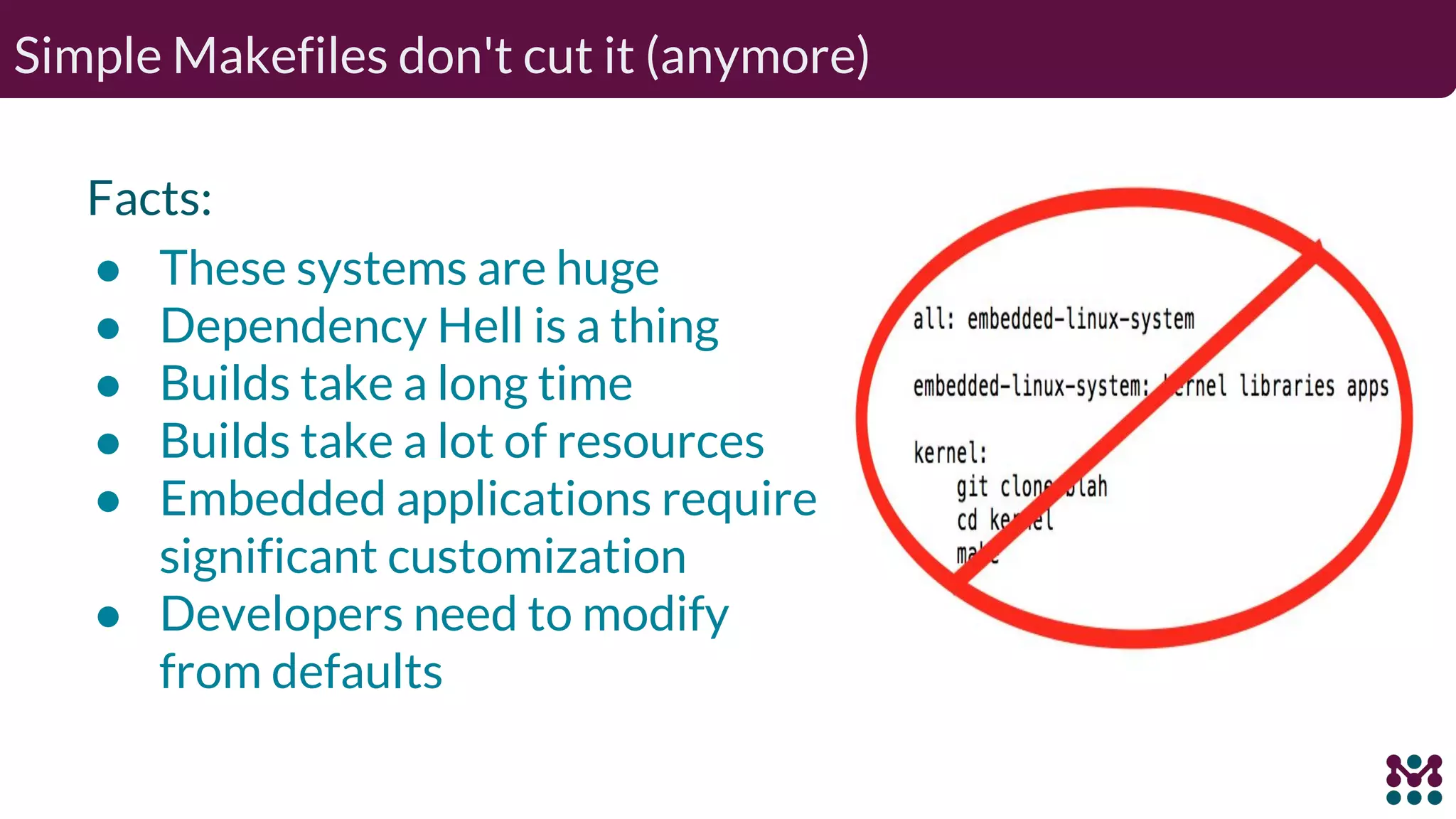
Simple Makefiles don't cut it (anymore) Facts: ● These systems are huge ● Dependency Hell is a thing ● Builds take a long time ● Builds take a lot of resources ● Embedded applications require significant customization ● Developers need to modify from defaults
Build System Defined _Is_ ● Mechanism to specify and build ○ Define hardware/BSP components ○ Integrate user-space applications; including custom code ● Need reproducibility ● Must support multiple developers ● Allow for parallel processing ● (Cross) Toolchains ● License Management _Is Not_ ● An IDE ● A Distribution ● A deployment and provisioning tool ● An out-of-the-box solution
Desktop Distros - Overview (or why can’t I just use <favorite-distro>?) You can. Sort-of.
Desktop Distros - Details Use installer (or build scripts) from favorite distro Increased usage (Raspberry Pi) Slim down to meet your needs Generally uses prebuilt binaries Imposes (significant?) policy Dependent on distro vendor decisions Likely not targeted at embedded applications May not be cross-development friendly
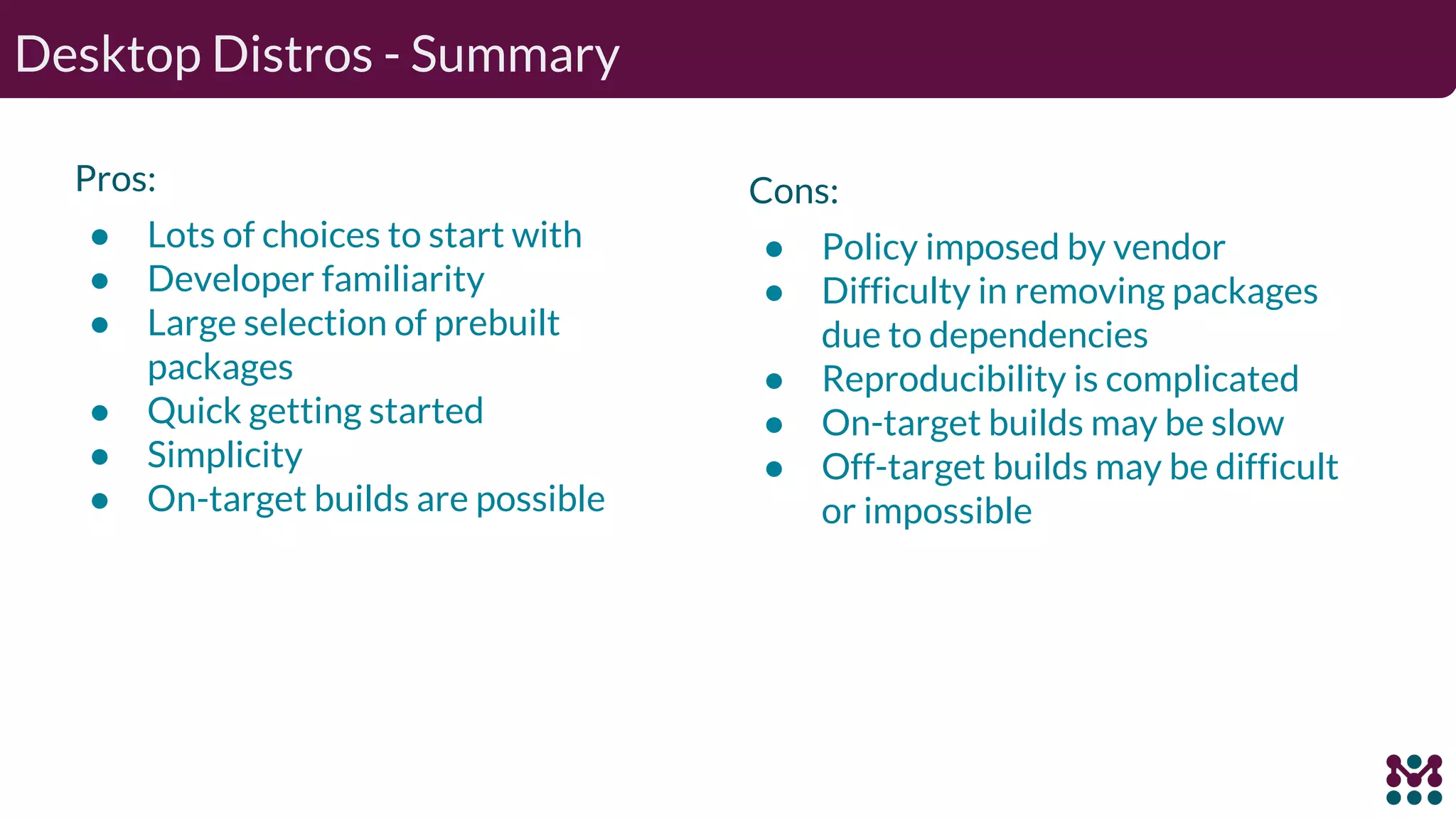
Desktop Distros - Summary Pros: ● Lots of choices to start with ● Developer familiarity ● Large selection of prebuilt packages ● Quick getting started ● Simplicity ● On-target builds are possible Cons: ● Policy imposed by vendor ● Difficulty in removing packages due to dependencies ● Reproducibility is complicated ● On-target builds may be slow ● Off-target builds may be difficult or impossible
“It’s not an embedded Linux distribution -- it creates a custom one for you”1 ● Recipes, metadata, dependencies and configuration ● Primary output: package feed ● Secondary output: boot images ● Builds all components from source ● Mechanism, not policy Products: ● Root filesystem image ● Kernel, Bootloader, Toolchain ● Package Feed Yocto Project - Overview 1 See more at https://www.yoctoproject.org
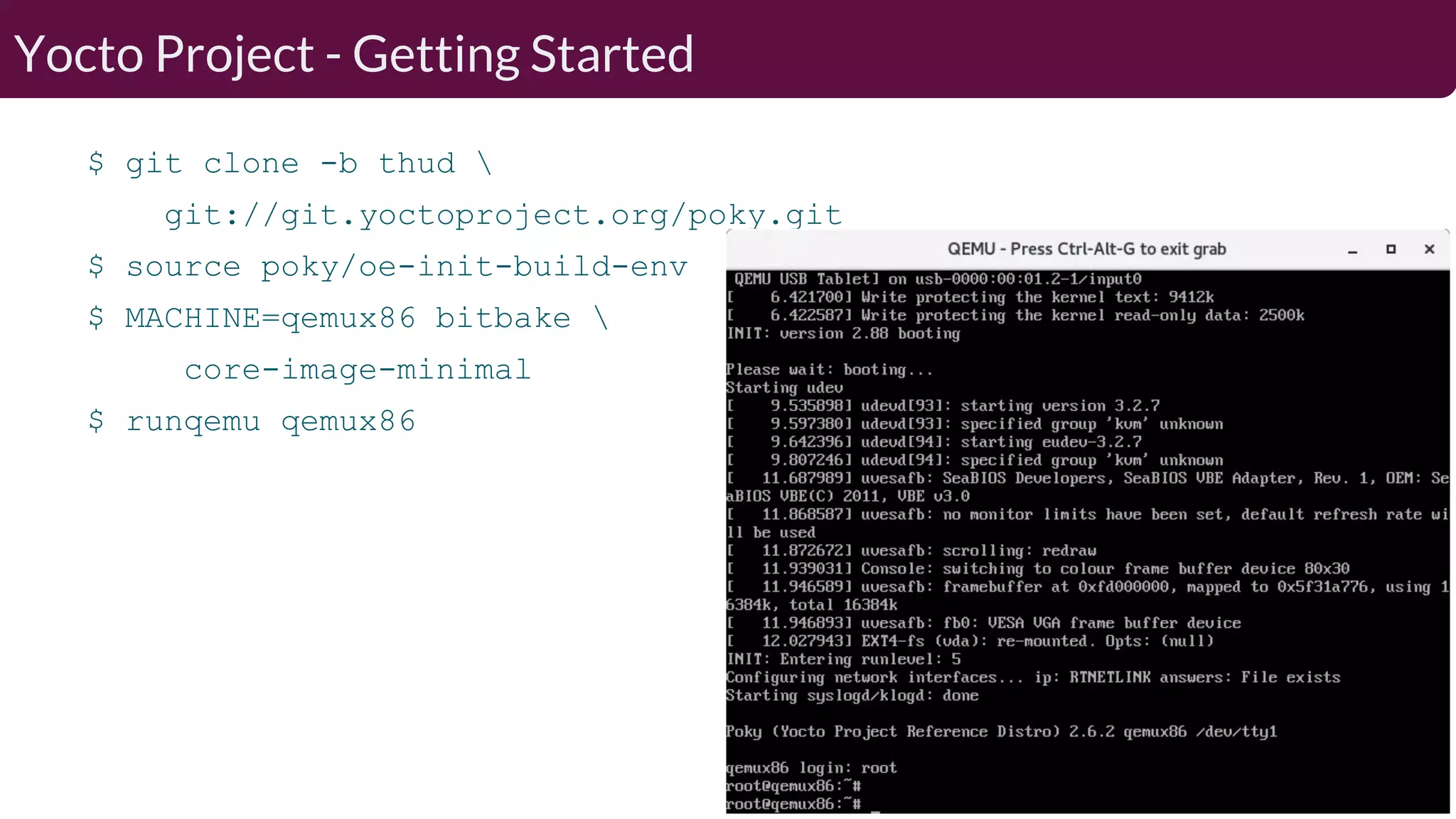
$ git clone -b thud git://git.yoctoproject.org/poky.git $ source poky/oe-init-build-env $ MACHINE=qemux86 bitbake core-image-minimal $ runqemu qemux86 Yocto Project - Getting Started
Organized into independent layers: ● Separation of functionality ● Allows different release schedules ● Expandability ○ Recipes developed in python and bash SDK mechanism ● Separation of system and application devs ● Easily allows multiple developers to contribute Optimizations: ● Faster build time reusing prebuilt binaries ● Parallel builds Previous ELC talk estimated ~ 8400 software packages available Yocto Project - Details
Yocto Project - Summary Pros: ● Widely supported by board and semiconductor vendors ● Active developer community ● Wide functionality and board support enabled by layer mechanism ● Customizable and expandable ● Minimal native tooling required Cons: ● Steep learning curve ● Unfamiliar environment to non-embedded developers ● Resource-intensive ○ Long initial build times ○ Disk space
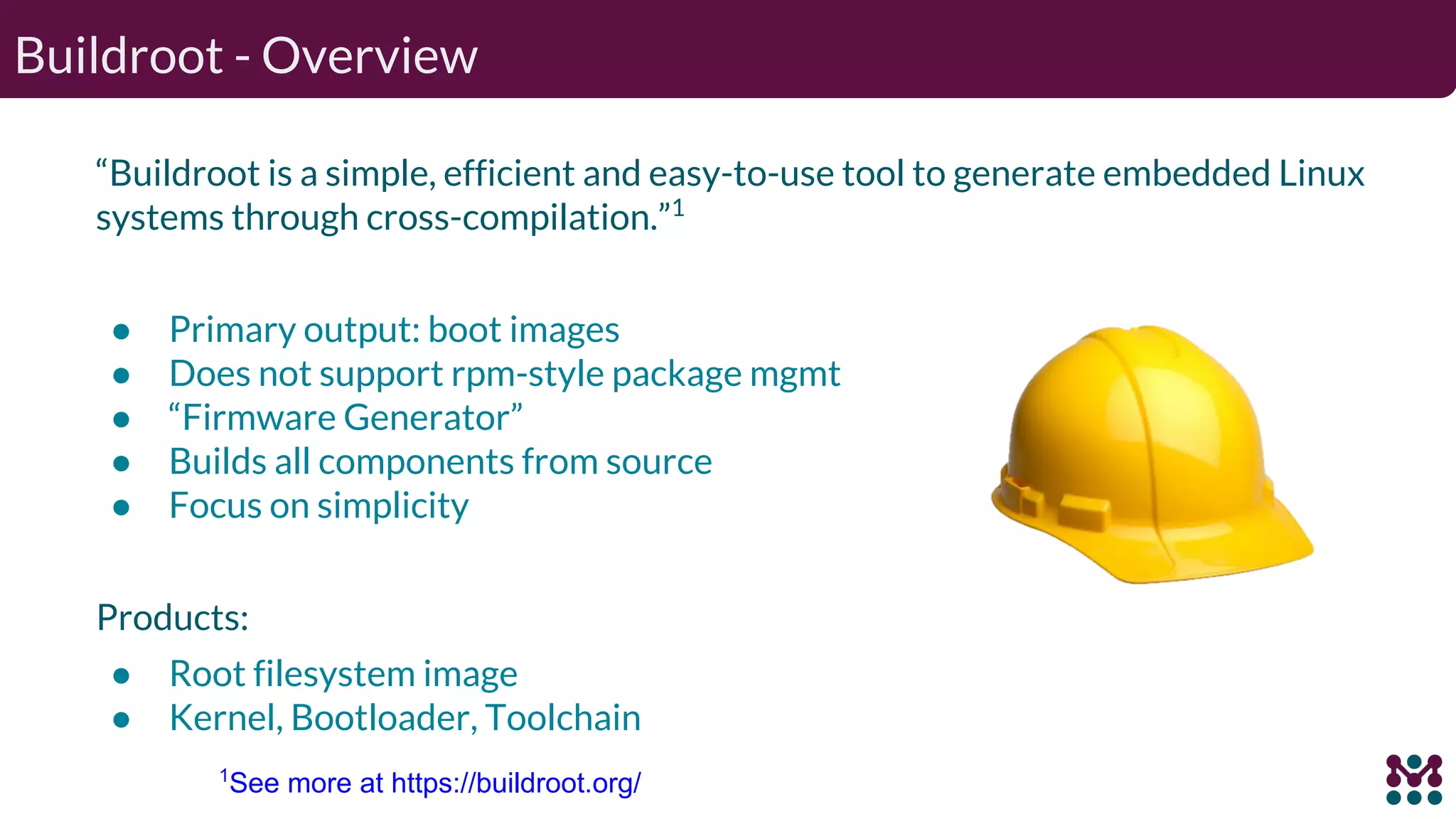
“Buildroot is a simple, efficient and easy-to-use tool to generate embedded Linux systems through cross-compilation.”1 ● Primary output: boot images ● Does not support rpm-style package mgmt ● “Firmware Generator” ● Builds all components from source ● Focus on simplicity Products: ● Root filesystem image ● Kernel, Bootloader, Toolchain Buildroot - Overview 1 See more at https://buildroot.org/
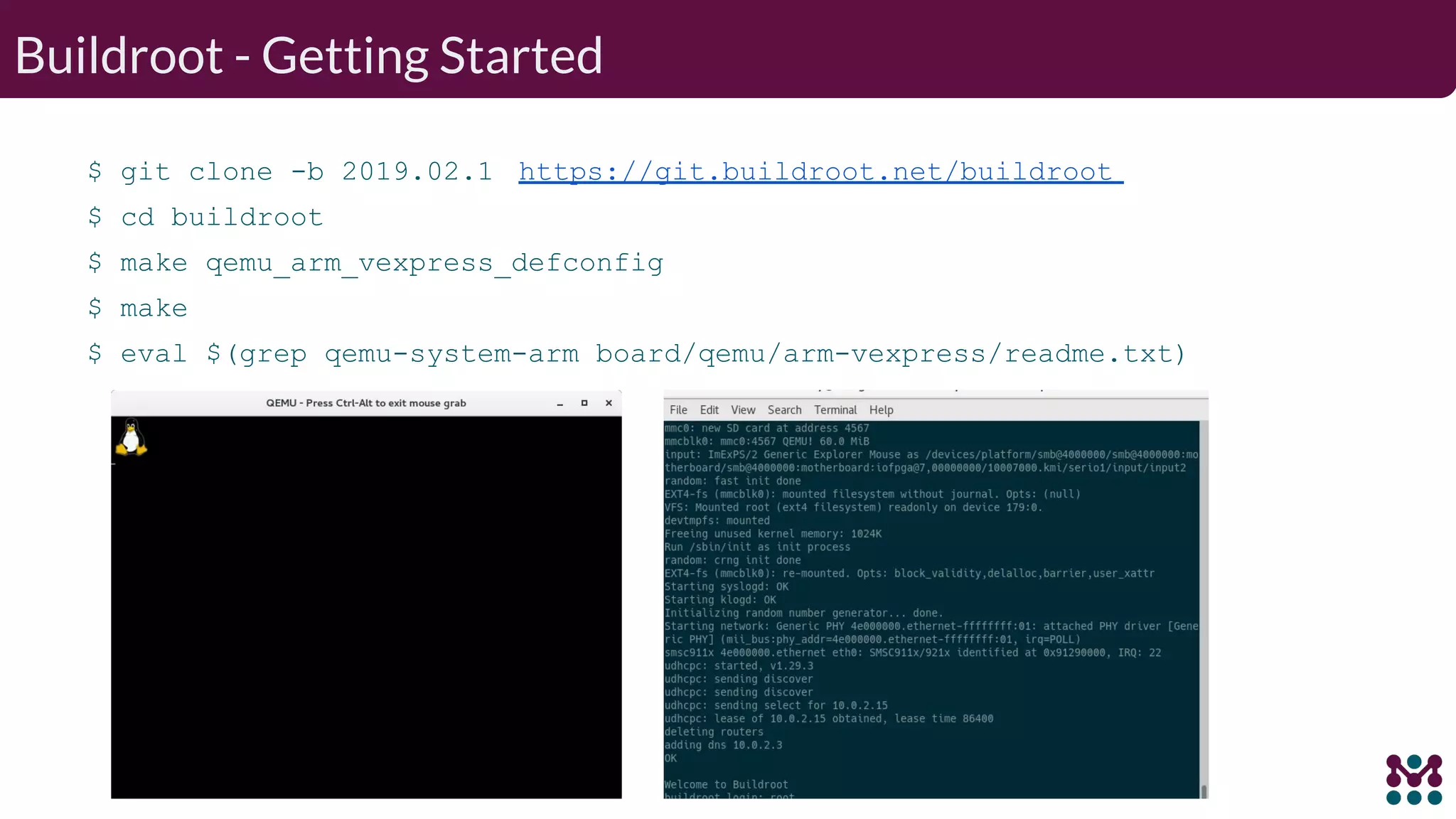
Buildroot - Getting Started $ git clone -b 2019.02.1 https://git.buildroot.net/buildroot $ cd buildroot $ make qemu_arm_vexpress_defconfig $ make $ eval $(grep qemu-system-arm board/qemu/arm-vexpress/readme.txt)
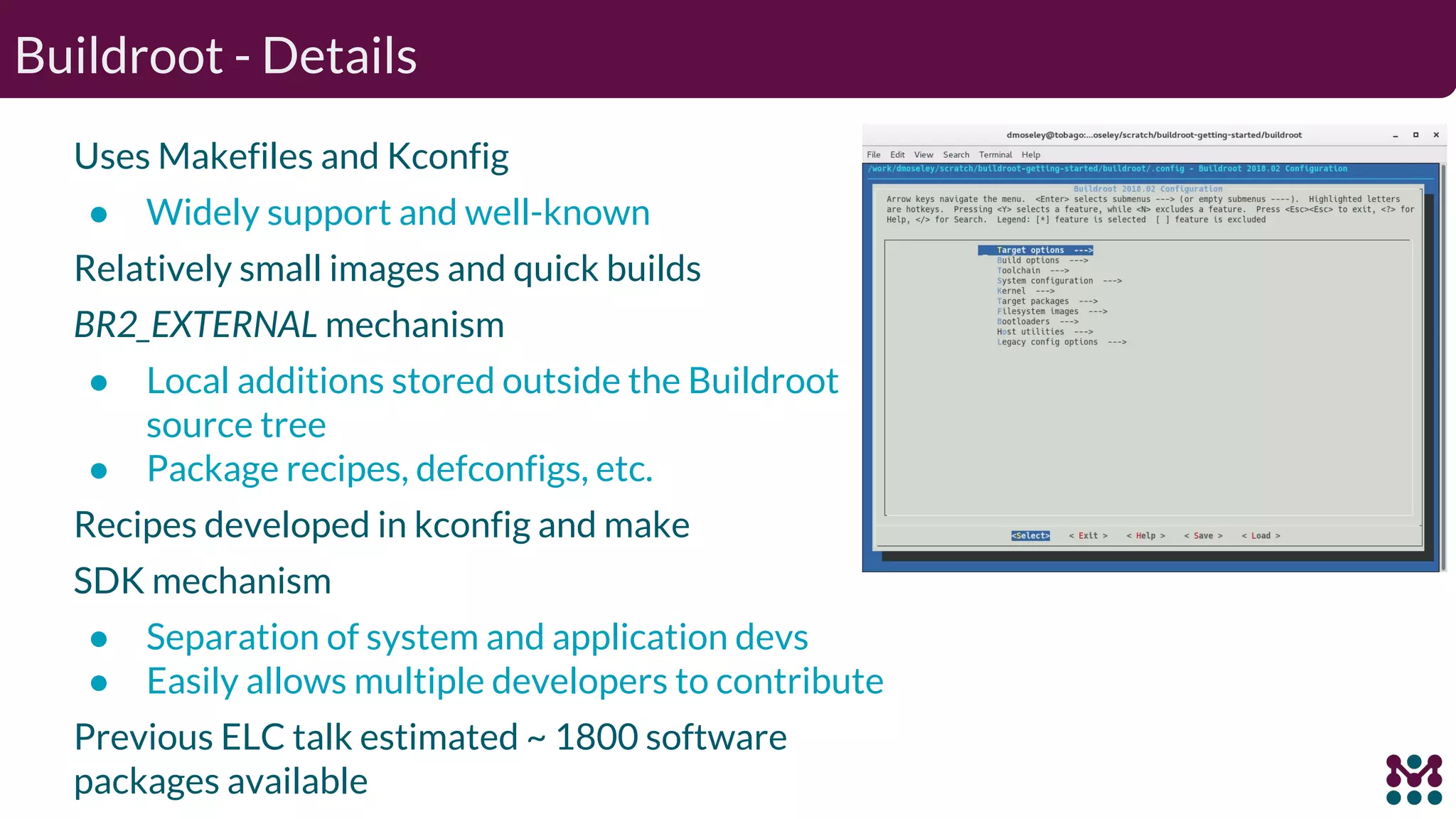
Buildroot - Details Uses Makefiles and Kconfig ● Widely support and well-known Relatively small images and quick builds BR2_EXTERNAL mechanism ● Local additions stored outside the Buildroot source tree ● Package recipes, defconfigs, etc. Recipes developed in kconfig and make SDK mechanism ● Separation of system and application devs ● Easily allows multiple developers to contribute Previous ELC talk estimated ~ 1800 software packages available
Buildroot - Summary Pros: ● Community driven design ● Quick to get started ● Easy to understand ● Active developer community ● Broad architecture and board support Cons: ● Lack of contributions from board/semi vendors ● Configuration changes require full rebuild ● No reusable shared state by default
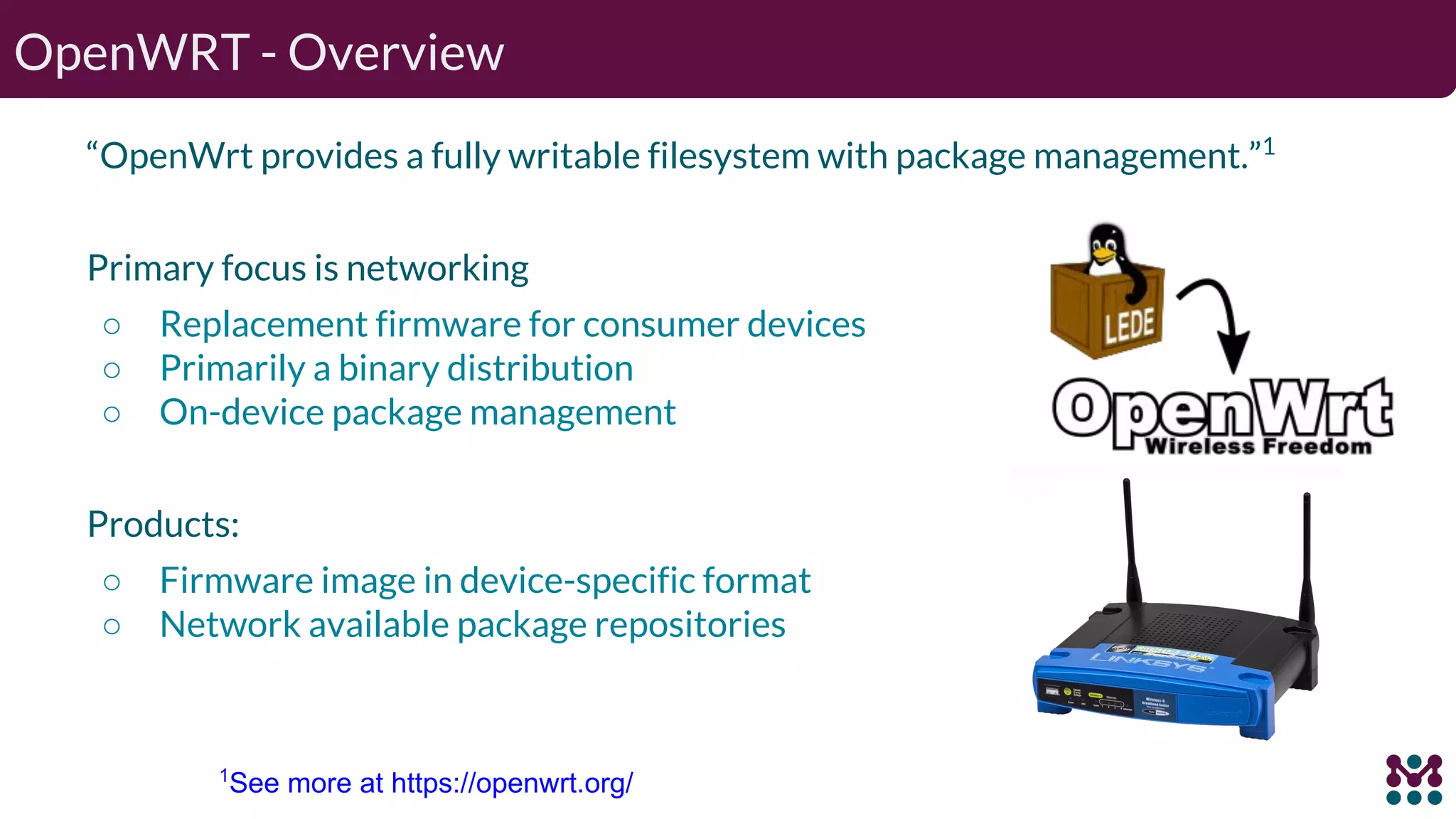
OpenWRT - Overview “OpenWrt provides a fully writable filesystem with package management.”1 Primary focus is networking ○ Replacement firmware for consumer devices ○ Primarily a binary distribution ○ On-device package management Products: ○ Firmware image in device-specific format ○ Network available package repositories 1 See more at https://openwrt.org/
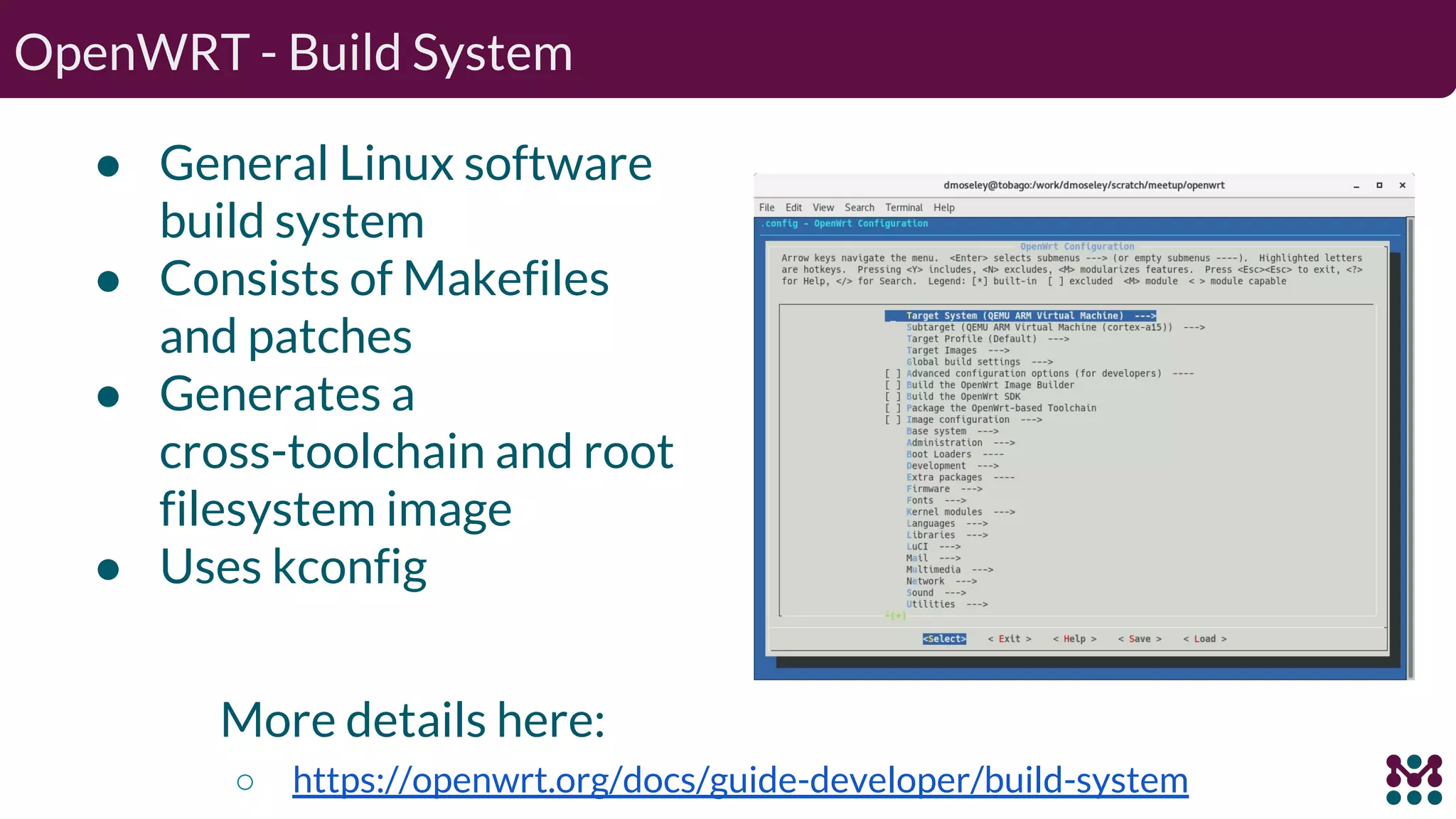
OpenWRT - Build System ● General Linux software build system ● Consists of Makefiles and patches ● Generates a cross-toolchain and root filesystem image ● Uses kconfig More details here: ○ https://openwrt.org/docs/guide-developer/build-system
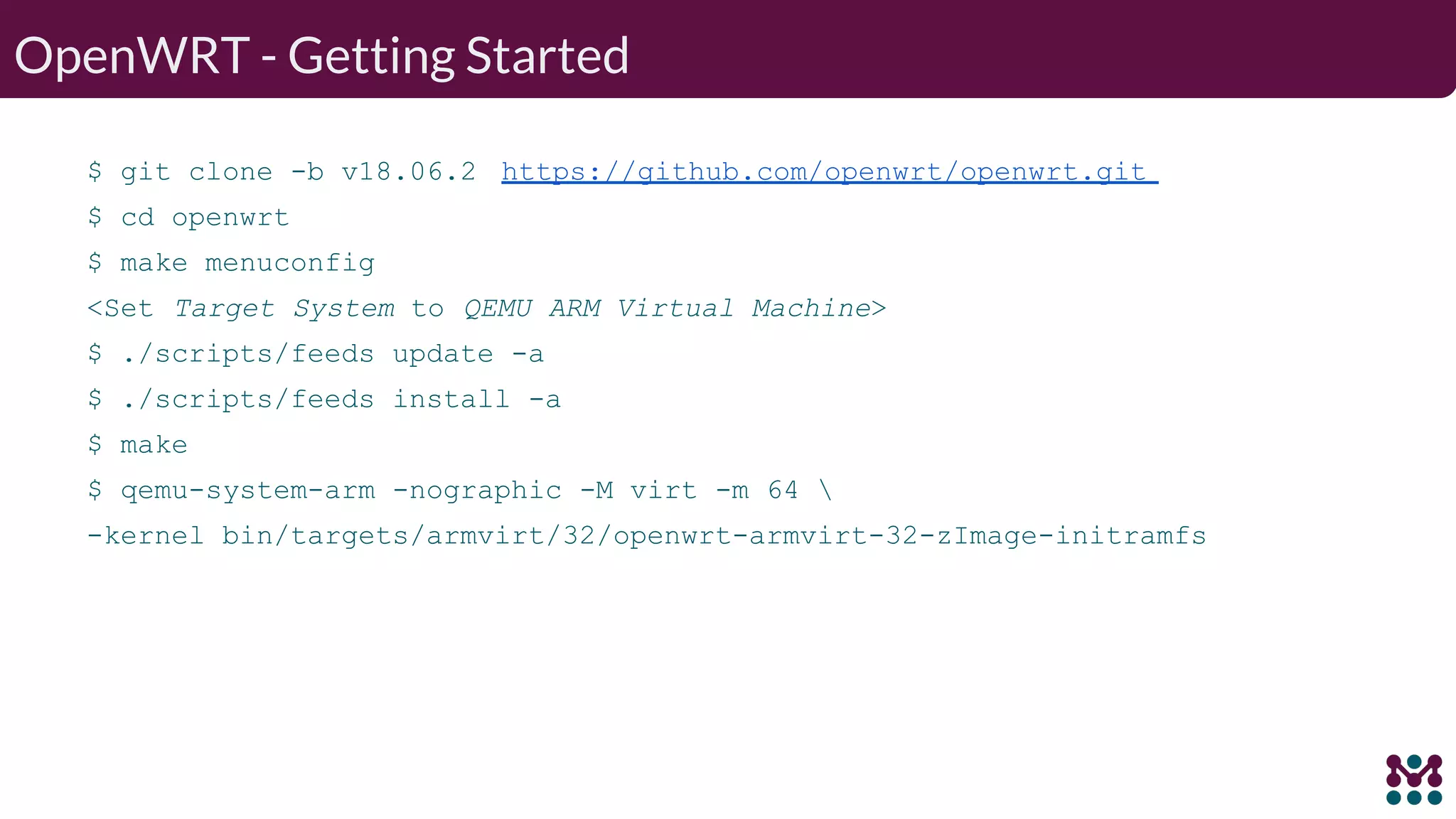
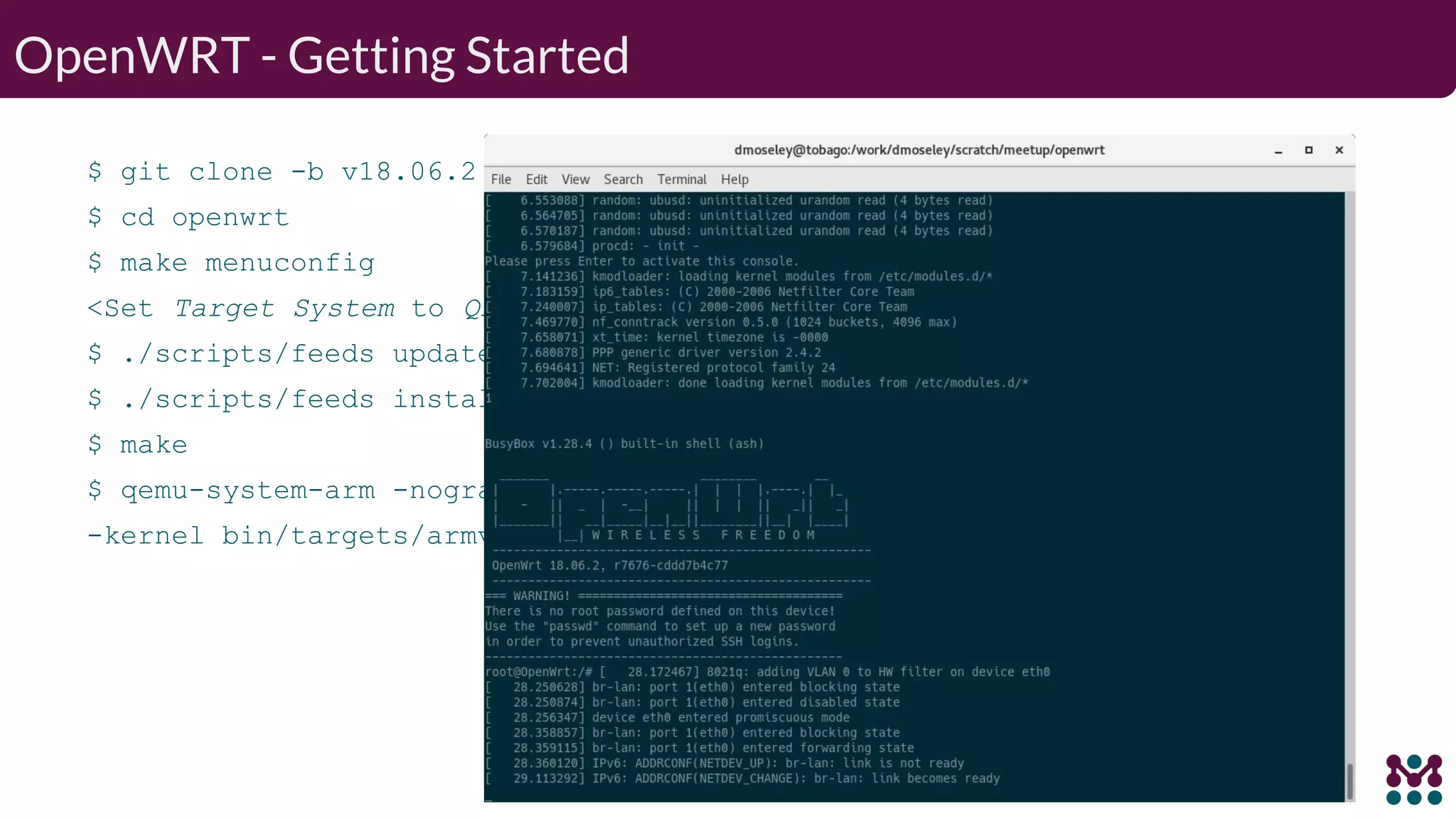
OpenWRT - Getting Started $ git clone -b v18.06.2 https://github.com/openwrt/openwrt.git $ cd openwrt $ make menuconfig <Set Target System to QEMU ARM Virtual Machine> $ ./scripts/feeds update -a $ ./scripts/feeds install -a $ make $ qemu-system-arm -nographic -M virt -m 64 -kernel bin/targets/armvirt/32/openwrt-armvirt-32-zImage-initramfs
OpenWRT - Summary Pros: ● Great choice as replacement firmware ● Good choice for: ○ Router/networking device ○ If your application needs package-based updates Cons: ● Less flexible for general Embedded applications ● Policy imposed by OpenWRT design ● Package based updates can make fleet management difficult
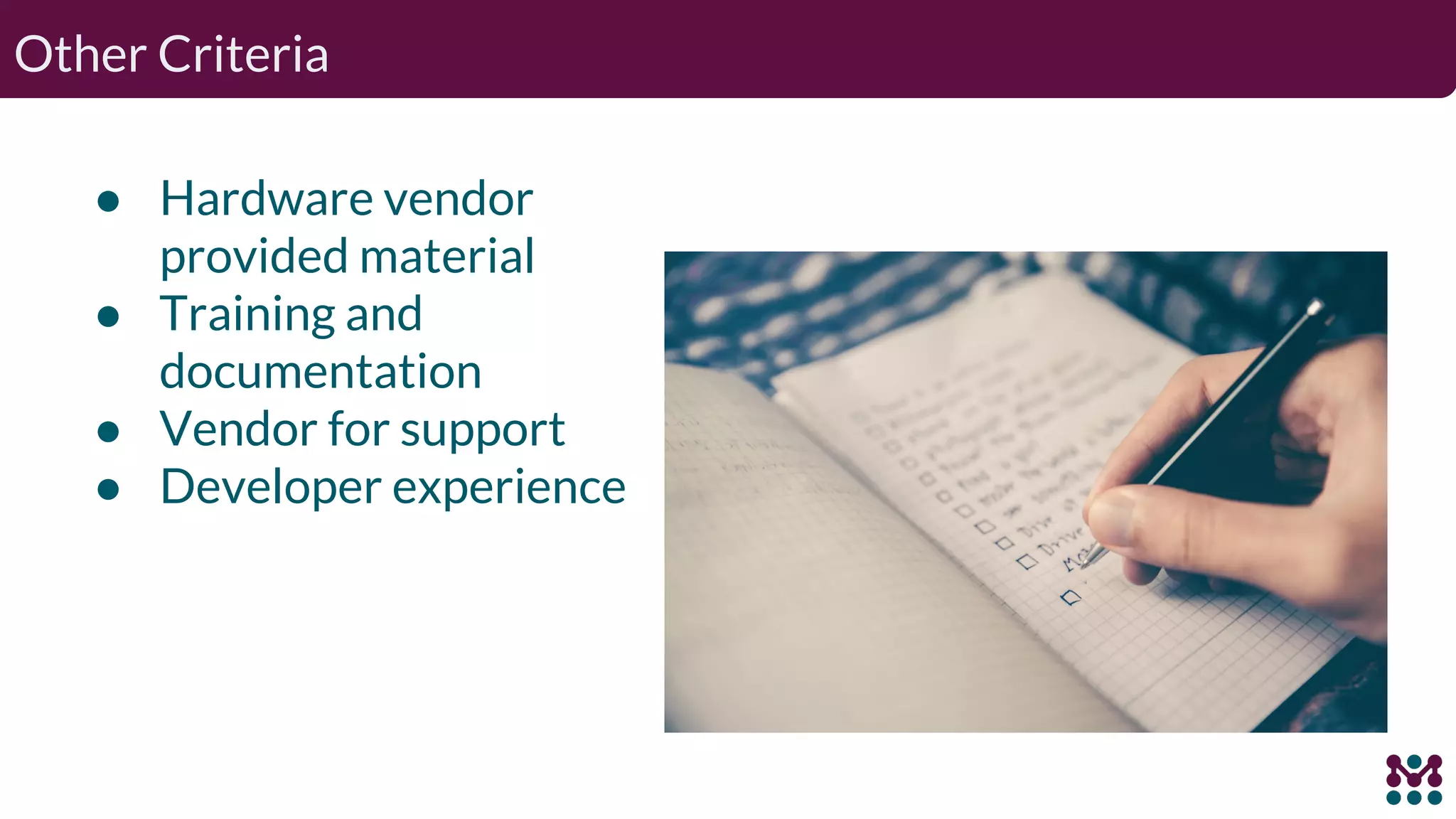
Other Criteria ● Hardware vendor provided material ● Training and documentation ● Vendor for support ● Developer experience
Related Tools uClinux (http://www.uclinux.org/) ● Port of Linux to systems without a Memory Management Unit ● Kernel 2.6, user applications, libraries and tool chains. crosstool-NG (https://crosstool-ng.github.io/) ● Cross-toolchain generator ● Uses kConfig
Other Build Options ELBE (https://github.com/linutronix/elbe) ISAR (https://github.com/ilbers/isar/) debos (https://github.com/go-debos/debos) Android (https://source.android.com/) ... To Be Continued...
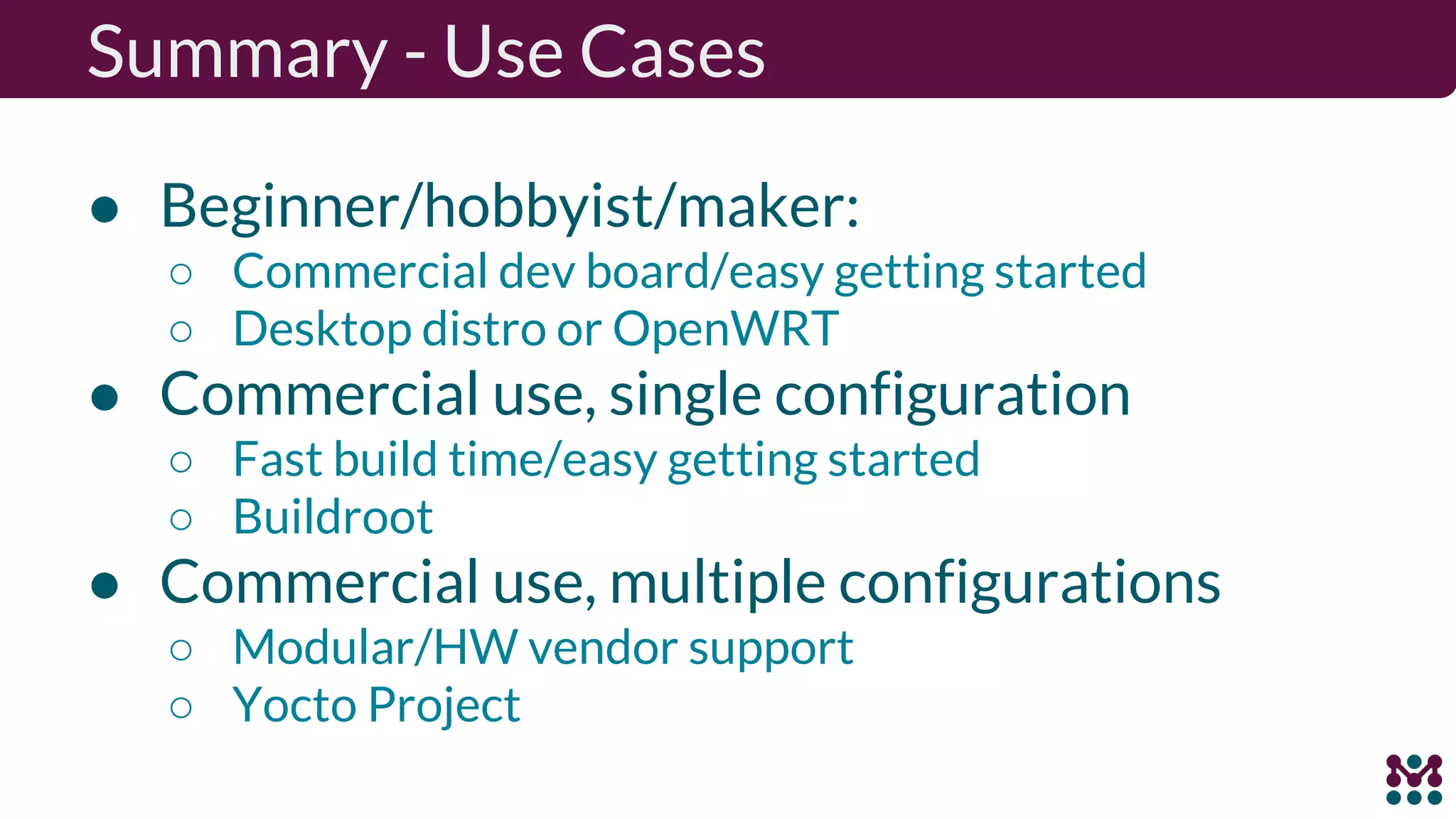
Summary - Use Cases ● Beginner/hobbyist/maker: ○ Commercial dev board/easy getting started ○ Desktop distro or OpenWRT ● Commercial use, single configuration ○ Fast build time/easy getting started ○ Buildroot ● Commercial use, multiple configurations ○ Modular/HW vendor support ○ Yocto Project
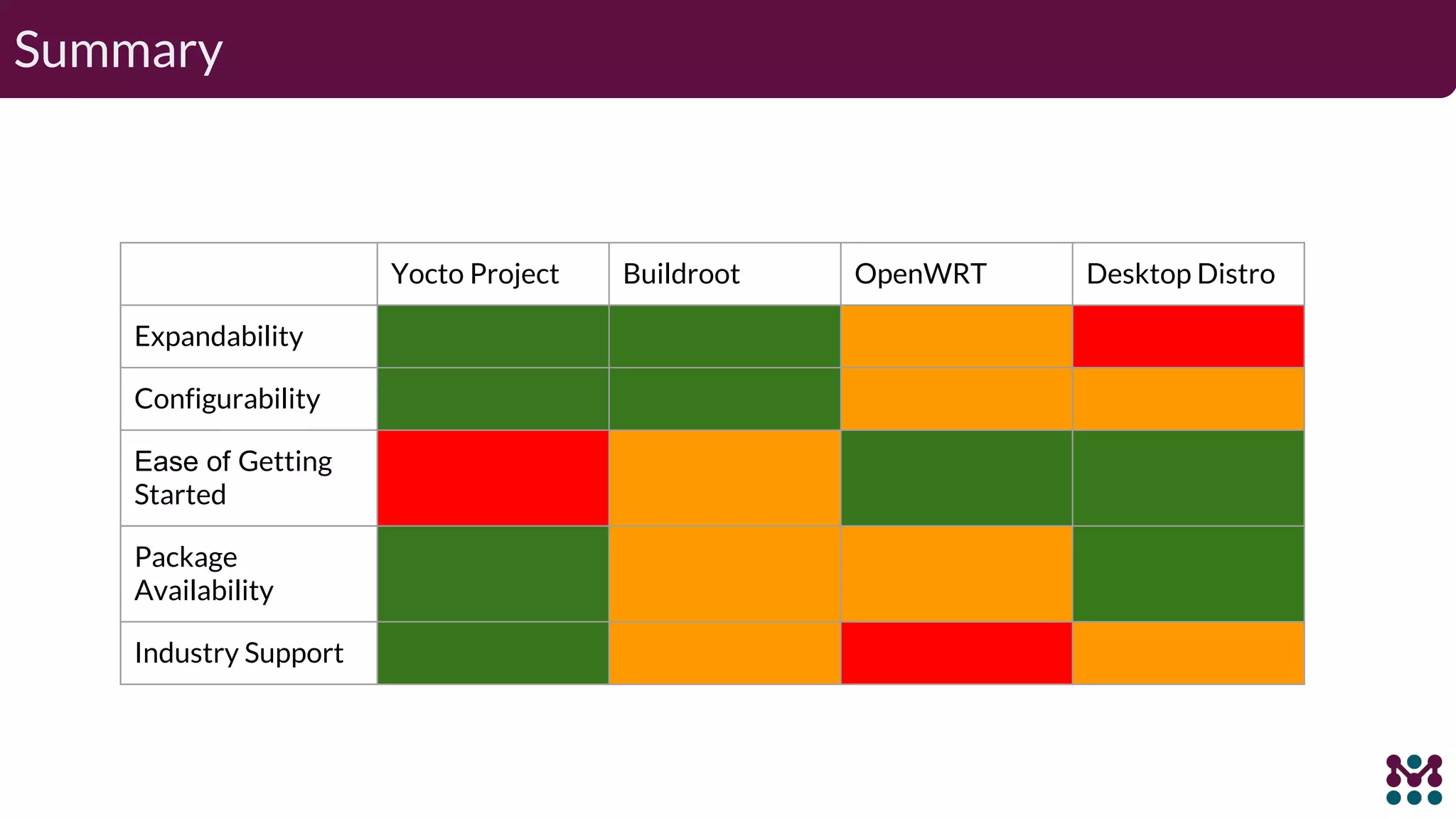
Summary Yocto Project Buildroot OpenWRT Desktop Distro Expandability Configurability Ease of Getting Started Package Availability Industry Support
Thank You! Q & A @drewmoseley drew.moseley@mender.io

Embedded linux build systems

  • 1.
    Drew Moseley Technical SolutionsArchitect Mender.io Comparing embedded Linux build systems and distros
  • 2.
    Session overview ● Reviewof embedded Linux development challenges. ● Define build system. ● Present some criteria for analysis. ● Dig into a few popular options. Goal: Help new embedded Linux developers get started
  • 3.
    Thank you toour Sponsors ● Kevin Dankwardt and the Silicon Valley Linux Technology meetup group ● Ouster.io ● Red Alert Labs
  • 4.
    About me Drew Moseley ○10 years in Embedded Linux/Yocto development. ○ Longer than that in general Embedded Software. ○ Project Lead and Solutions Architect. drew.moseley@mender.io https://twitter.com/drewmoseley https://www.linkedin.com/in/drewmoseley/ https://twitter.com/mender_io Mender.io ○ Over-the-air updater for Embedded Linux ○ Open source (Apache License, v2) ○ Dual A/B rootfs layout (client) ○ Remote deployment management (server) ○ Under active development
  • 5.
    Challenges for EmbeddedLinux Developers Hardware variety Differing storage media Software may be maintained in forks Cross development Initial device provisioning
  • 6.
    Simple Makefiles don'tcut it (anymore) Facts: ● These systems are huge ● Dependency Hell is a thing ● Builds take a long time ● Builds take a lot of resources ● Embedded applications require significant customization ● Developers need to modify from defaults
  • 7.
    Build System Defined _Is_ ●Mechanism to specify and build ○ Define hardware/BSP components ○ Integrate user-space applications; including custom code ● Need reproducibility ● Must support multiple developers ● Allow for parallel processing ● (Cross) Toolchains ● License Management _Is Not_ ● An IDE ● A Distribution ● A deployment and provisioning tool ● An out-of-the-box solution
  • 8.
    Desktop Distros -Overview (or why can’t I just use <favorite-distro>?) You can. Sort-of.
  • 9.
    Desktop Distros -Details Use installer (or build scripts) from favorite distro Increased usage (Raspberry Pi) Slim down to meet your needs Generally uses prebuilt binaries Imposes (significant?) policy Dependent on distro vendor decisions Likely not targeted at embedded applications May not be cross-development friendly
  • 10.
    Desktop Distros -Summary Pros: ● Lots of choices to start with ● Developer familiarity ● Large selection of prebuilt packages ● Quick getting started ● Simplicity ● On-target builds are possible Cons: ● Policy imposed by vendor ● Difficulty in removing packages due to dependencies ● Reproducibility is complicated ● On-target builds may be slow ● Off-target builds may be difficult or impossible
  • 11.
    “It’s not anembedded Linux distribution -- it creates a custom one for you”1 ● Recipes, metadata, dependencies and configuration ● Primary output: package feed ● Secondary output: boot images ● Builds all components from source ● Mechanism, not policy Products: ● Root filesystem image ● Kernel, Bootloader, Toolchain ● Package Feed Yocto Project - Overview 1 See more at https://www.yoctoproject.org
  • 12.
    $ git clone-b thud git://git.yoctoproject.org/poky.git $ source poky/oe-init-build-env $ MACHINE=qemux86 bitbake core-image-minimal $ runqemu qemux86 Yocto Project - Getting Started
  • 13.
    Organized into independentlayers: ● Separation of functionality ● Allows different release schedules ● Expandability ○ Recipes developed in python and bash SDK mechanism ● Separation of system and application devs ● Easily allows multiple developers to contribute Optimizations: ● Faster build time reusing prebuilt binaries ● Parallel builds Previous ELC talk estimated ~ 8400 software packages available Yocto Project - Details
  • 14.
    Yocto Project -Summary Pros: ● Widely supported by board and semiconductor vendors ● Active developer community ● Wide functionality and board support enabled by layer mechanism ● Customizable and expandable ● Minimal native tooling required Cons: ● Steep learning curve ● Unfamiliar environment to non-embedded developers ● Resource-intensive ○ Long initial build times ○ Disk space
  • 15.
    “Buildroot is asimple, efficient and easy-to-use tool to generate embedded Linux systems through cross-compilation.”1 ● Primary output: boot images ● Does not support rpm-style package mgmt ● “Firmware Generator” ● Builds all components from source ● Focus on simplicity Products: ● Root filesystem image ● Kernel, Bootloader, Toolchain Buildroot - Overview 1 See more at https://buildroot.org/
  • 16.
    Buildroot - GettingStarted $ git clone -b 2019.02.1 https://git.buildroot.net/buildroot $ cd buildroot $ make qemu_arm_vexpress_defconfig $ make $ eval $(grep qemu-system-arm board/qemu/arm-vexpress/readme.txt)
  • 17.
    Buildroot - Details UsesMakefiles and Kconfig ● Widely support and well-known Relatively small images and quick builds BR2_EXTERNAL mechanism ● Local additions stored outside the Buildroot source tree ● Package recipes, defconfigs, etc. Recipes developed in kconfig and make SDK mechanism ● Separation of system and application devs ● Easily allows multiple developers to contribute Previous ELC talk estimated ~ 1800 software packages available
  • 18.
    Buildroot - Summary Pros: ●Community driven design ● Quick to get started ● Easy to understand ● Active developer community ● Broad architecture and board support Cons: ● Lack of contributions from board/semi vendors ● Configuration changes require full rebuild ● No reusable shared state by default
  • 19.
    OpenWRT - Overview “OpenWrtprovides a fully writable filesystem with package management.”1 Primary focus is networking ○ Replacement firmware for consumer devices ○ Primarily a binary distribution ○ On-device package management Products: ○ Firmware image in device-specific format ○ Network available package repositories 1 See more at https://openwrt.org/
  • 20.
    OpenWRT - BuildSystem ● General Linux software build system ● Consists of Makefiles and patches ● Generates a cross-toolchain and root filesystem image ● Uses kconfig More details here: ○ https://openwrt.org/docs/guide-developer/build-system
  • 21.
    OpenWRT - GettingStarted $ git clone -b v18.06.2 https://github.com/openwrt/openwrt.git $ cd openwrt $ make menuconfig <Set Target System to QEMU ARM Virtual Machine> $ ./scripts/feeds update -a $ ./scripts/feeds install -a $ make $ qemu-system-arm -nographic -M virt -m 64 -kernel bin/targets/armvirt/32/openwrt-armvirt-32-zImage-initramfs
  • 22.
    OpenWRT - GettingStarted $ git clone -b v18.06.2 https://github.com/openwrt/openwrt.git $ cd openwrt $ make menuconfig <Set Target System to QEMU ARM Virtual Machine> $ ./scripts/feeds update -a $ ./scripts/feeds install -a $ make $ qemu-system-arm -nographic -M virt -m 64 -kernel bin/targets/armvirt/32/openwrt-armvirt-32-zImage-initramfs
  • 23.
    OpenWRT - Summary Pros: ●Great choice as replacement firmware ● Good choice for: ○ Router/networking device ○ If your application needs package-based updates Cons: ● Less flexible for general Embedded applications ● Policy imposed by OpenWRT design ● Package based updates can make fleet management difficult
  • 24.
    Other Criteria ● Hardwarevendor provided material ● Training and documentation ● Vendor for support ● Developer experience
  • 25.
    Related Tools uClinux (http://www.uclinux.org/) ●Port of Linux to systems without a Memory Management Unit ● Kernel 2.6, user applications, libraries and tool chains. crosstool-NG (https://crosstool-ng.github.io/) ● Cross-toolchain generator ● Uses kConfig
  • 26.
    Other Build Options ELBE(https://github.com/linutronix/elbe) ISAR (https://github.com/ilbers/isar/) debos (https://github.com/go-debos/debos) Android (https://source.android.com/) ... To Be Continued...
  • 27.
    Summary - UseCases ● Beginner/hobbyist/maker: ○ Commercial dev board/easy getting started ○ Desktop distro or OpenWRT ● Commercial use, single configuration ○ Fast build time/easy getting started ○ Buildroot ● Commercial use, multiple configurations ○ Modular/HW vendor support ○ Yocto Project
  • 28.
    Summary Yocto Project BuildrootOpenWRT Desktop Distro Expandability Configurability Ease of Getting Started Package Availability Industry Support
  • 29.
    Thank You! Q &A @drewmoseley drew.moseley@mender.io