Sardar VallabhBhai Patel Institute of Technology  Name- RAJAN SHAH  Topic: Files In JAVA
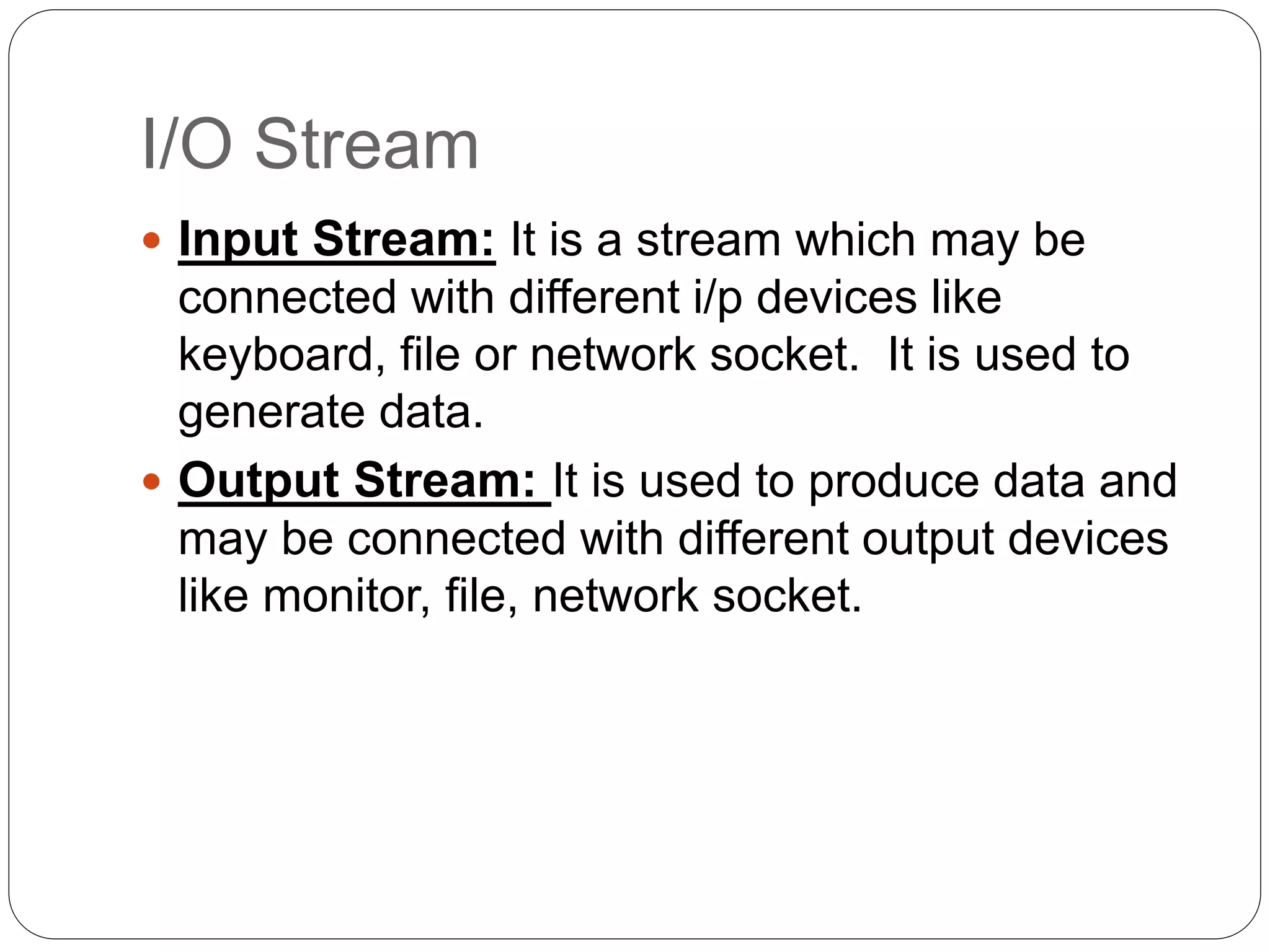
I/O Stream  Input Stream: It is a stream which may be connected with different i/p devices like keyboard, file or network socket. It is used to generate data.  Output Stream: It is used to produce data and may be connected with different output devices like monitor, file, network socket.
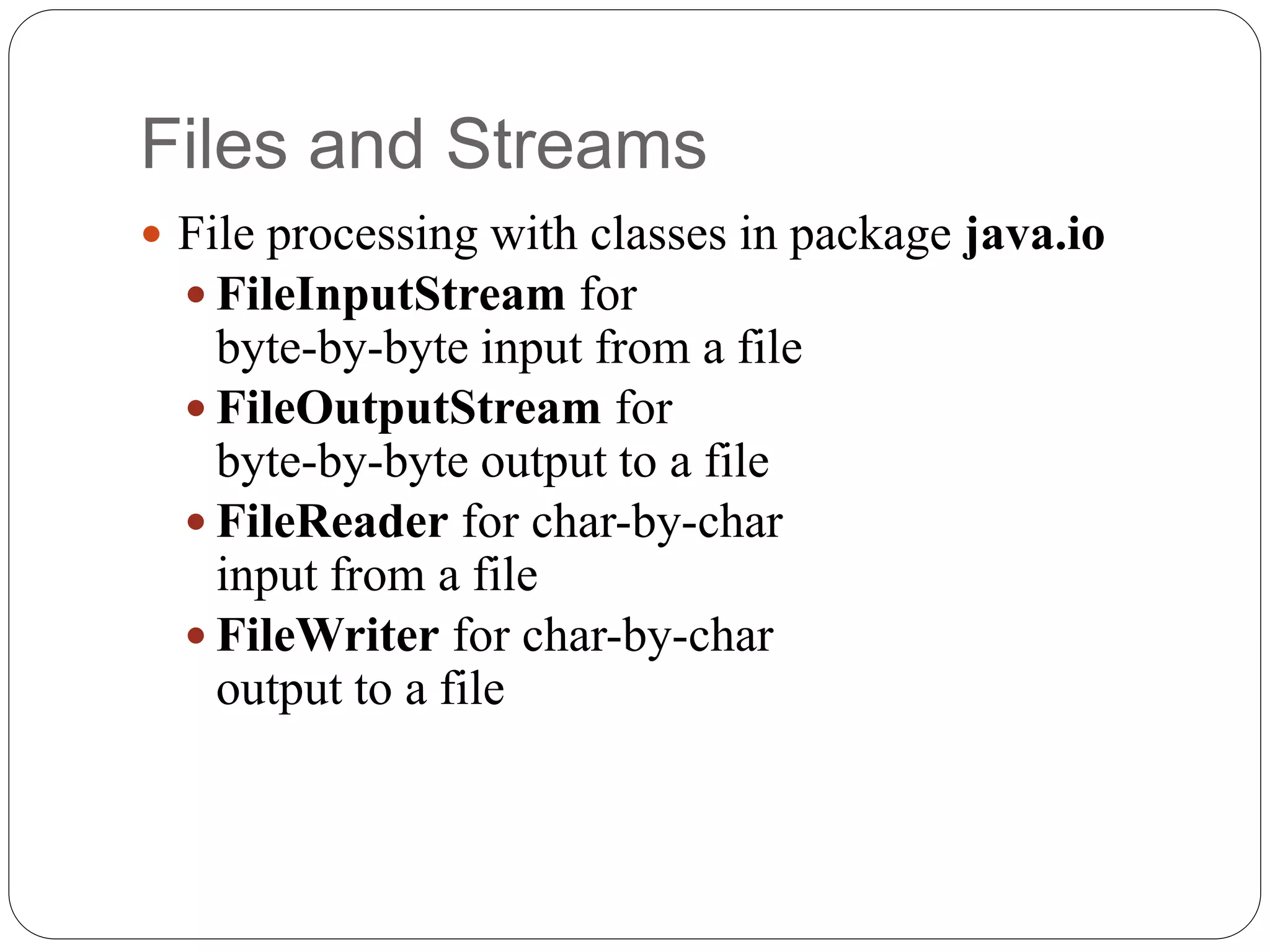
Files and Streams  File processing with classes in package java.io  FileInputStream for byte-by-byte input from a file  FileOutputStream for byte-by-byte output to a file  FileReader for char-by-char input from a file  FileWriter for char-by-char output to a file
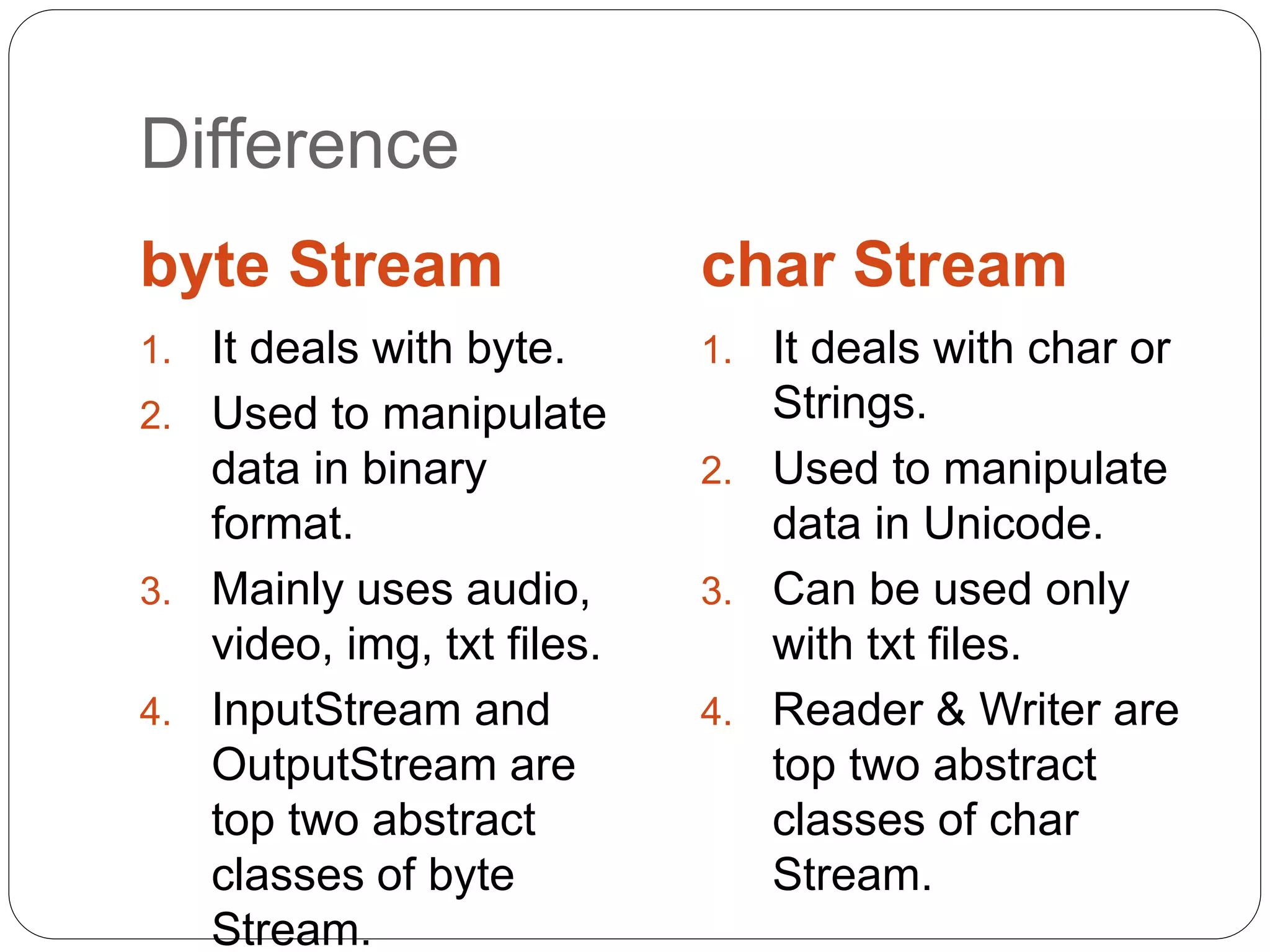
Difference byte Stream char Stream 1. It deals with byte. 2. Used to manipulate data in binary format. 3. Mainly uses audio, video, img, txt files. 4. InputStream and OutputStream are top two abstract classes of byte Stream. 1. It deals with char or Strings. 2. Used to manipulate data in Unicode. 3. Can be used only with txt files. 4. Reader & Writer are top two abstract classes of char Stream.
byte-by-byte
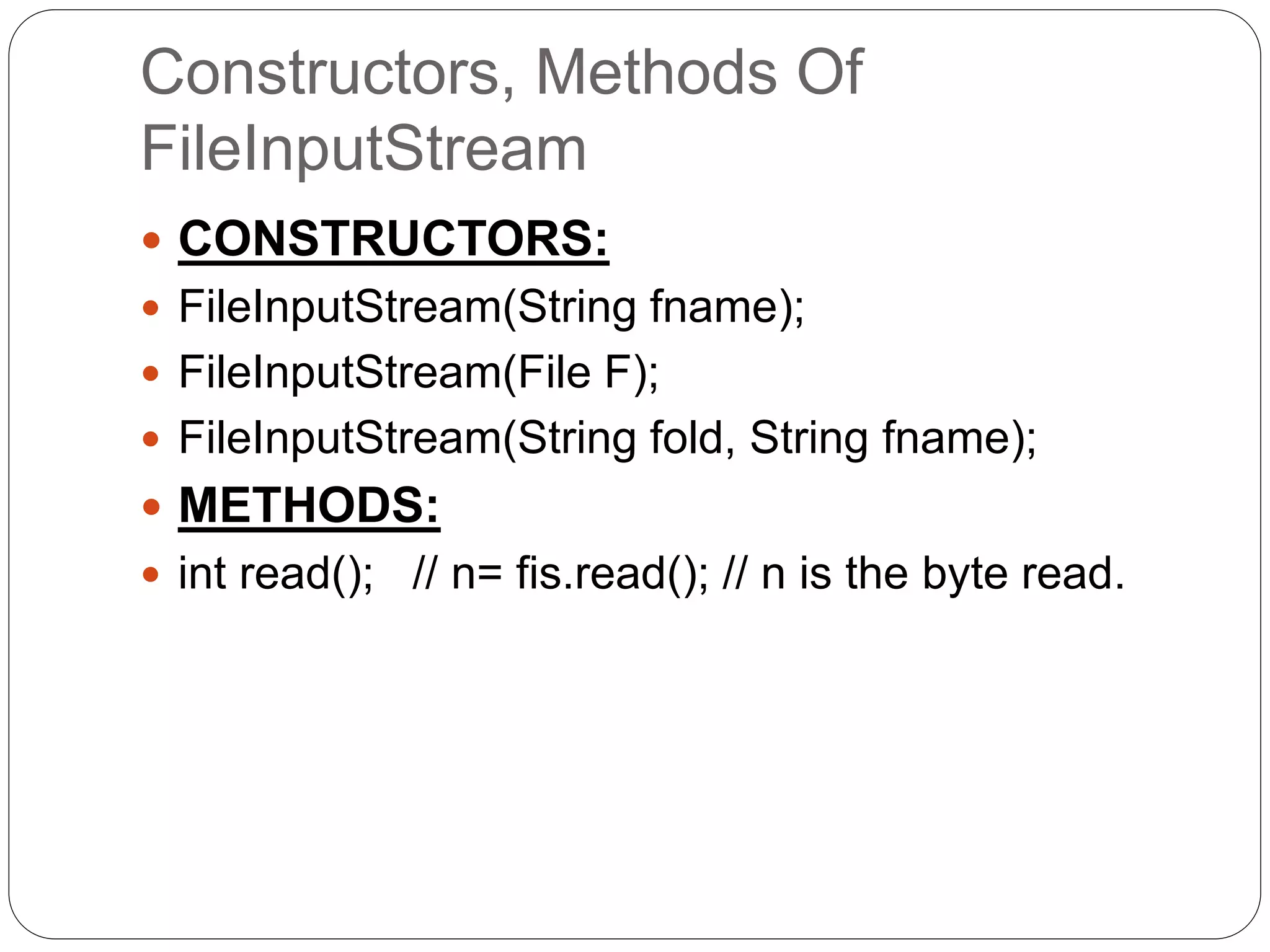
Constructors, Methods Of FileInputStream  CONSTRUCTORS:  FileInputStream(String fname);  FileInputStream(File F);  FileInputStream(String fold, String fname);  METHODS:  int read(); // n= fis.read(); // n is the byte read.
Constructors, Methods Of FileOutputStream  CONSTRUCTORS:  FileOutputStream(String fname);  FileOutputStream(File F);  FileOutputStream(String fname, boolean app);  METHODS:  void write(int n); //write(n); //n is the byte to be written  void write(byte []b); // writes the array contents to file.
Example: FileInputStream  import java.io.*; public class ReadStringFromFile { public static void main(String[] args) { File file = new File("C://FileIO//ReadString.txt"); int ch; StringBuffer strContent = new StringBuffer(""); FileInputStream fin = null; try { fin = new FileInputStream(file);
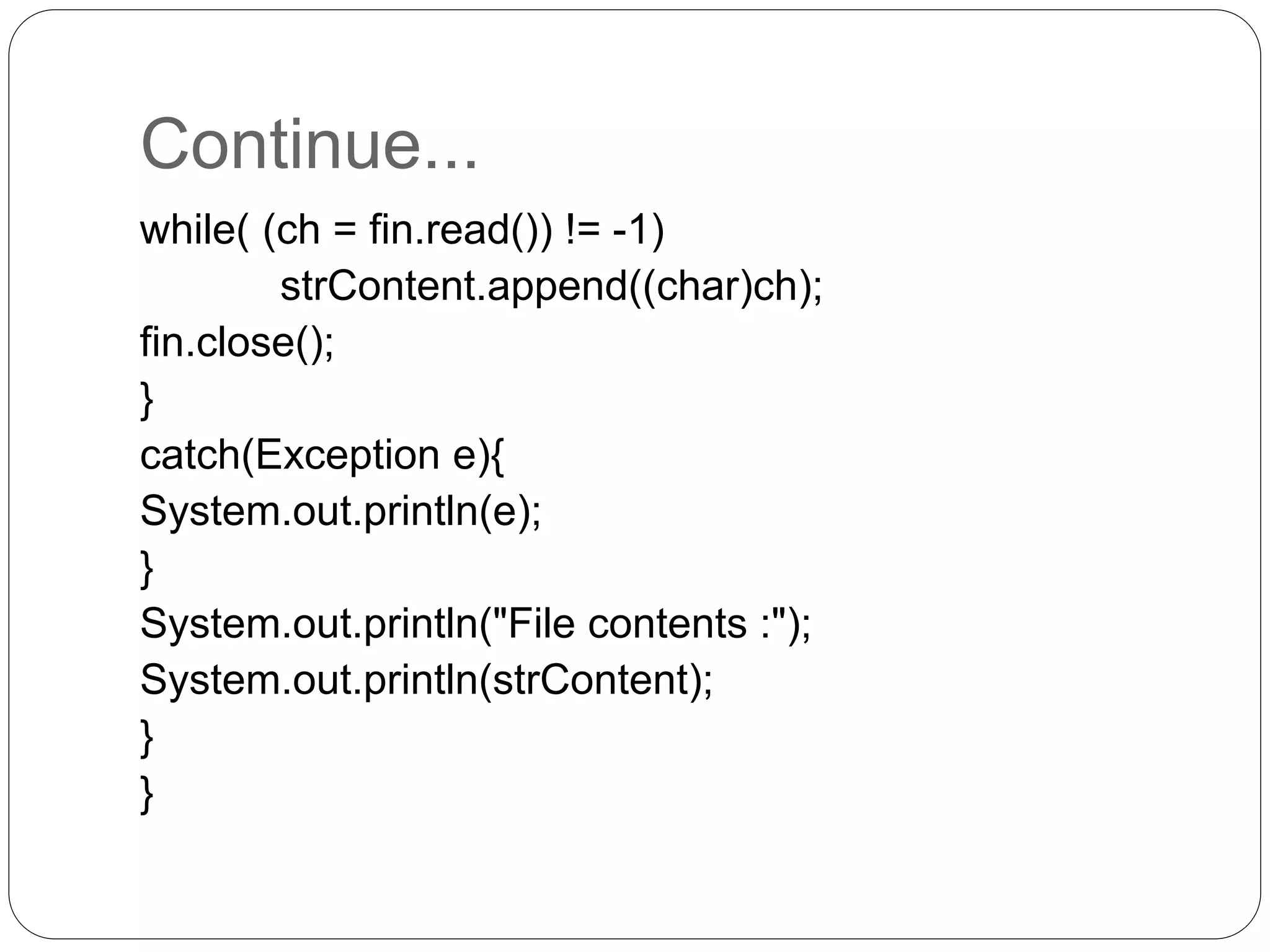
Continue... while( (ch = fin.read()) != -1) strContent.append((char)ch); fin.close(); } catch(Exception e){ System.out.println(e); } System.out.println("File contents :"); System.out.println(strContent); } }
Example: FileOutputStream  import java.io.FileInputStream;  import java.io.FileOutputStream;  import java.io.IOException; public class FileOutputStreamDemo { public static void main(String[] args) throws IOException { byte[] b = {65,66,67,68,69}; int i=0; char c; try{ FileOutputStream fos=new FileOutputStream("C://test.txt"); fos.write(b);
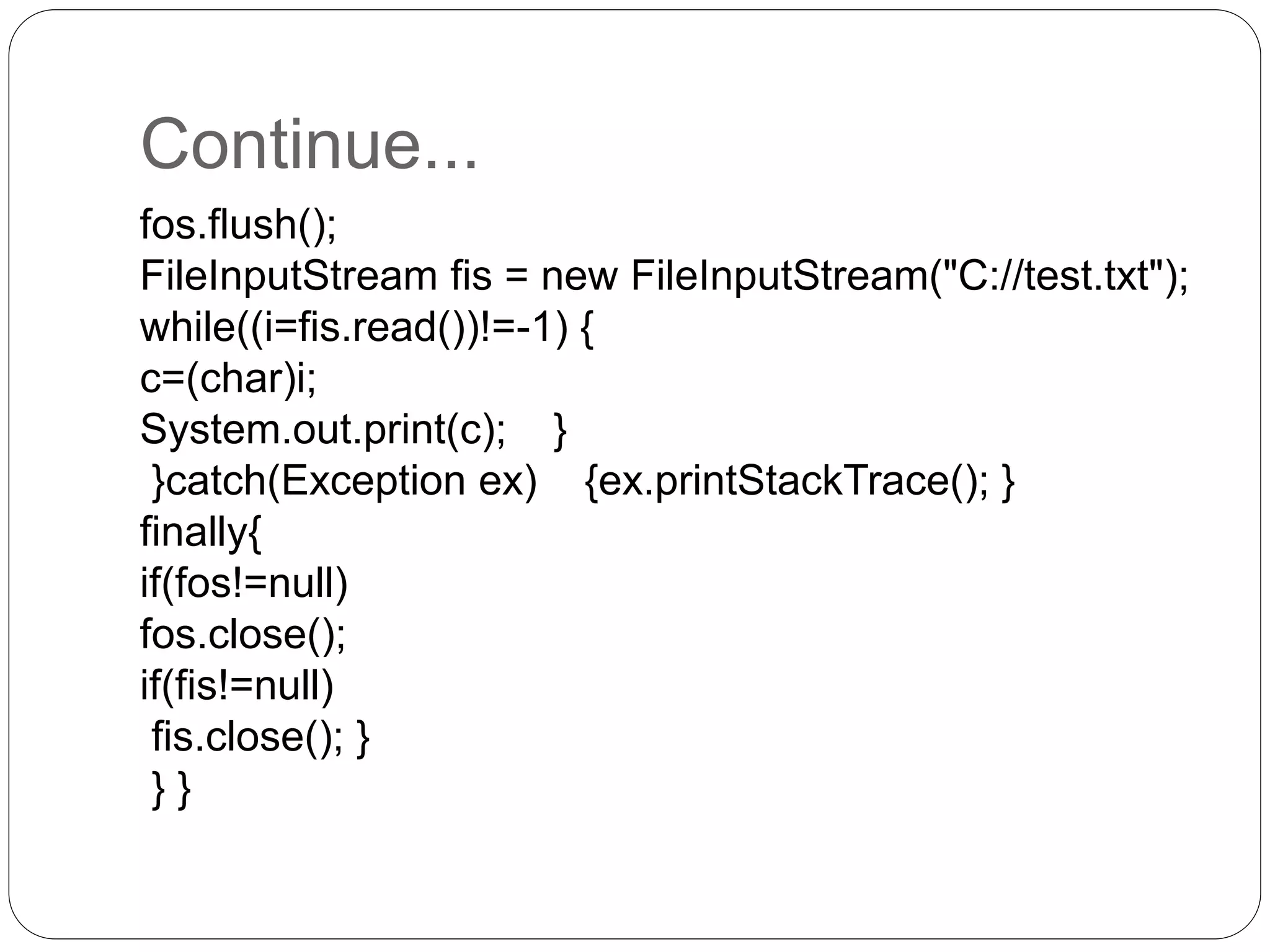
Continue... fos.flush(); FileInputStream fis = new FileInputStream("C://test.txt"); while((i=fis.read())!=-1) { c=(char)i; System.out.print(c); } }catch(Exception ex) {ex.printStackTrace(); } finally{ if(fos!=null) fos.close(); if(fis!=null) fis.close(); } } }
char-by-char
Constructors, Methods Of FileReader  CONSTRUCTORS:  FileReader(String fname);  FileReader(File F);  FileReader(String fold, String fname);  METHODS:  int read(); // n= fis.read(); // n is the char read.  int read(char [] c, int offset, int len); // reads character into an array and returns the number of chars read.
Constructors, Methods Of FileWriter  CONSTRUCTORS:  FileWriter(String fname);  FileWriter(File F);  FileWriter(String fold, String fname);  METHODS:  void write(String n); // write(n); //n is the String to be written to file.  public void write(char [] c, int offset, int len); // Writes a portion of an array of characters starting from offset and with a length of len.  public void write(String s, int offset, int len);
Example: FileReader  import java.io.*; public class FileRead { public static void main(String args[]) throws IOException { File file = new File("Hello1.txt"); file.createNewFile(); //returns true if file is created FileWriter fw = new FileWriter(file); fw.write("Thisn isn ann examplen"); fw.flush(); fw.close();
Continue... FileReader fr = new FileReader(file); char [] a = new char[50]; fr.read(a); //reads content to array for(char c : a) System.out.print(c); fr.close(); } }
Example: FileReader using BufferedReader  import java.io.*; public class Reader { public static void main(String[]args) throws IOException{ FileReader fr = new FileReader("C:/test.txt"); BufferedReader br = new BufferedReader(in); while (br.readLine() != null) { System.out.println(br.readLine()); } fr.close(); }
Example: FileWriter • import java.io.*; class Simple{ public static void main(String args[]){ try{ FileWriter fw=new FileWriter("abc.txt"); fw.write(“Hello World"); fw.close(); } catch(Exception e) {System.out.println(e);} System.out.println(“Success"); } }
 import java.io.BufferedWriter;  import java.io.File;  import java.io.FileWriter;  import java.io.IOException; public class BufferedWriterDemo { public static void main(String[] args) throws IOException { File f = new File("java2learn.txt"); System.out.println(f.exists()); BufferedWriter bw = new BufferedWriter(new FileWriter(f)); char[] ch1 = { 'a', 'b', 'c', 'd' }; bw.write(ch1); } }
THANK YOU

Files and streams In Java

  • 1.
    Sardar VallabhBhai PatelInstitute of Technology  Name- RAJAN SHAH  Topic: Files In JAVA
  • 2.
    I/O Stream  InputStream: It is a stream which may be connected with different i/p devices like keyboard, file or network socket. It is used to generate data.  Output Stream: It is used to produce data and may be connected with different output devices like monitor, file, network socket.
  • 3.
    Files and Streams File processing with classes in package java.io  FileInputStream for byte-by-byte input from a file  FileOutputStream for byte-by-byte output to a file  FileReader for char-by-char input from a file  FileWriter for char-by-char output to a file
  • 4.
    Difference byte Stream charStream 1. It deals with byte. 2. Used to manipulate data in binary format. 3. Mainly uses audio, video, img, txt files. 4. InputStream and OutputStream are top two abstract classes of byte Stream. 1. It deals with char or Strings. 2. Used to manipulate data in Unicode. 3. Can be used only with txt files. 4. Reader & Writer are top two abstract classes of char Stream.
  • 5.
  • 6.
    Constructors, Methods Of FileInputStream CONSTRUCTORS:  FileInputStream(String fname);  FileInputStream(File F);  FileInputStream(String fold, String fname);  METHODS:  int read(); // n= fis.read(); // n is the byte read.
  • 7.
    Constructors, Methods Of FileOutputStream CONSTRUCTORS:  FileOutputStream(String fname);  FileOutputStream(File F);  FileOutputStream(String fname, boolean app);  METHODS:  void write(int n); //write(n); //n is the byte to be written  void write(byte []b); // writes the array contents to file.
  • 8.
    Example: FileInputStream  importjava.io.*; public class ReadStringFromFile { public static void main(String[] args) { File file = new File("C://FileIO//ReadString.txt"); int ch; StringBuffer strContent = new StringBuffer(""); FileInputStream fin = null; try { fin = new FileInputStream(file);
  • 9.
    Continue... while( (ch =fin.read()) != -1) strContent.append((char)ch); fin.close(); } catch(Exception e){ System.out.println(e); } System.out.println("File contents :"); System.out.println(strContent); } }
  • 10.
    Example: FileOutputStream  importjava.io.FileInputStream;  import java.io.FileOutputStream;  import java.io.IOException; public class FileOutputStreamDemo { public static void main(String[] args) throws IOException { byte[] b = {65,66,67,68,69}; int i=0; char c; try{ FileOutputStream fos=new FileOutputStream("C://test.txt"); fos.write(b);
  • 11.
    Continue... fos.flush(); FileInputStream fis =new FileInputStream("C://test.txt"); while((i=fis.read())!=-1) { c=(char)i; System.out.print(c); } }catch(Exception ex) {ex.printStackTrace(); } finally{ if(fos!=null) fos.close(); if(fis!=null) fis.close(); } } }
  • 12.
  • 13.
    Constructors, Methods OfFileReader  CONSTRUCTORS:  FileReader(String fname);  FileReader(File F);  FileReader(String fold, String fname);  METHODS:  int read(); // n= fis.read(); // n is the char read.  int read(char [] c, int offset, int len); // reads character into an array and returns the number of chars read.
  • 14.
    Constructors, Methods OfFileWriter  CONSTRUCTORS:  FileWriter(String fname);  FileWriter(File F);  FileWriter(String fold, String fname);  METHODS:  void write(String n); // write(n); //n is the String to be written to file.  public void write(char [] c, int offset, int len); // Writes a portion of an array of characters starting from offset and with a length of len.  public void write(String s, int offset, int len);
  • 15.
    Example: FileReader  importjava.io.*; public class FileRead { public static void main(String args[]) throws IOException { File file = new File("Hello1.txt"); file.createNewFile(); //returns true if file is created FileWriter fw = new FileWriter(file); fw.write("Thisn isn ann examplen"); fw.flush(); fw.close();
  • 16.
    Continue... FileReader fr =new FileReader(file); char [] a = new char[50]; fr.read(a); //reads content to array for(char c : a) System.out.print(c); fr.close(); } }
  • 17.
    Example: FileReader using BufferedReader import java.io.*; public class Reader { public static void main(String[]args) throws IOException{ FileReader fr = new FileReader("C:/test.txt"); BufferedReader br = new BufferedReader(in); while (br.readLine() != null) { System.out.println(br.readLine()); } fr.close(); }
  • 18.
    Example: FileWriter • importjava.io.*; class Simple{ public static void main(String args[]){ try{ FileWriter fw=new FileWriter("abc.txt"); fw.write(“Hello World"); fw.close(); } catch(Exception e) {System.out.println(e);} System.out.println(“Success"); } }
  • 19.
     import java.io.BufferedWriter; import java.io.File;  import java.io.FileWriter;  import java.io.IOException; public class BufferedWriterDemo { public static void main(String[] args) throws IOException { File f = new File("java2learn.txt"); System.out.println(f.exists()); BufferedWriter bw = new BufferedWriter(new FileWriter(f)); char[] ch1 = { 'a', 'b', 'c', 'd' }; bw.write(ch1); } }
  • 20.