What is MATLAB? MATLABis a tool for doing numerical computations with matrices and vectors. It is very powerful and easy to use. It integrates computation, graphics and programming in the same environment. MATLAB stands for “Matrix Laboratory”.
3.
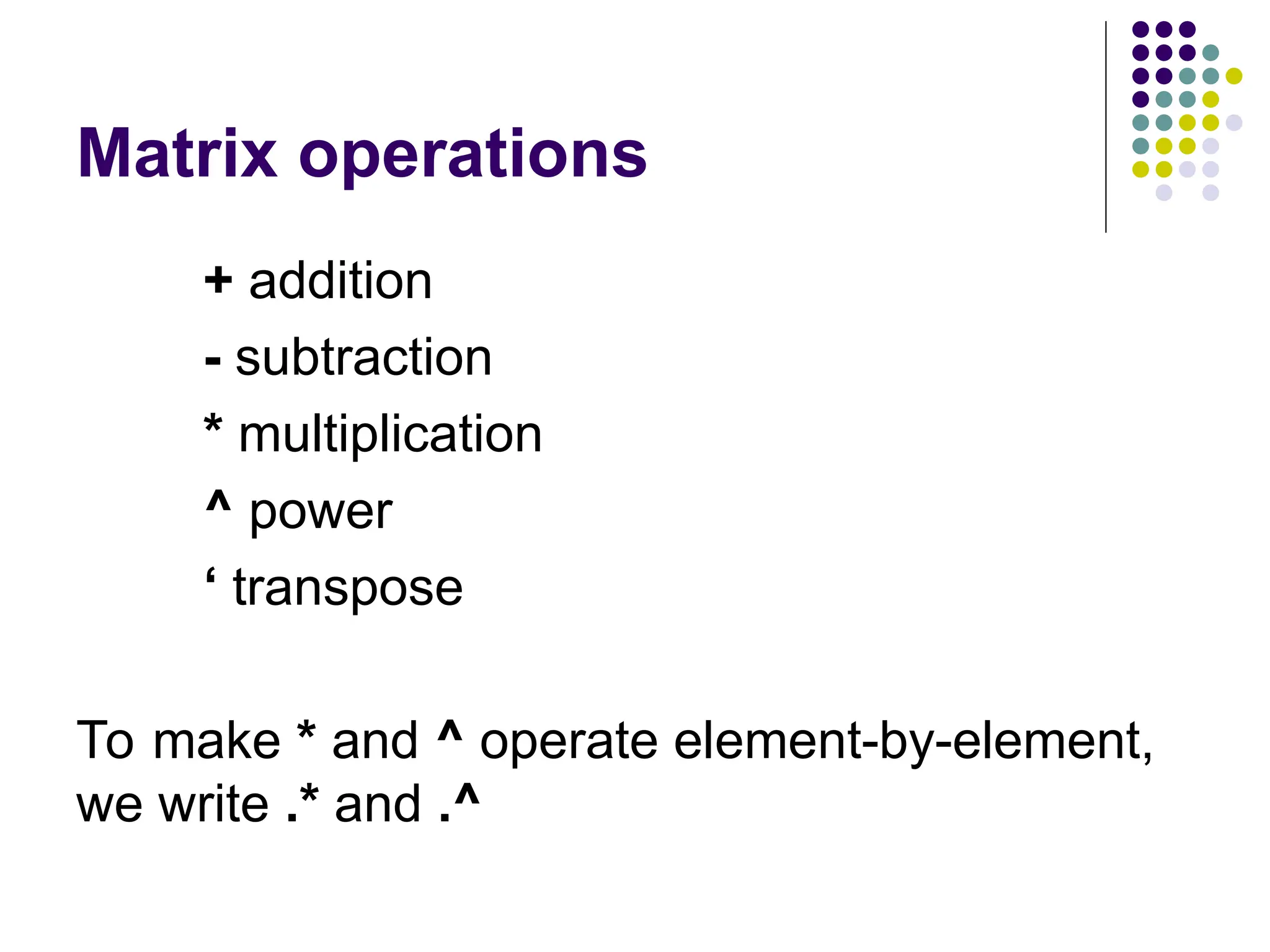
Matrix MATLAB works withessentially only one kind of object – a rectangular numerical matrix with possible complex entries.
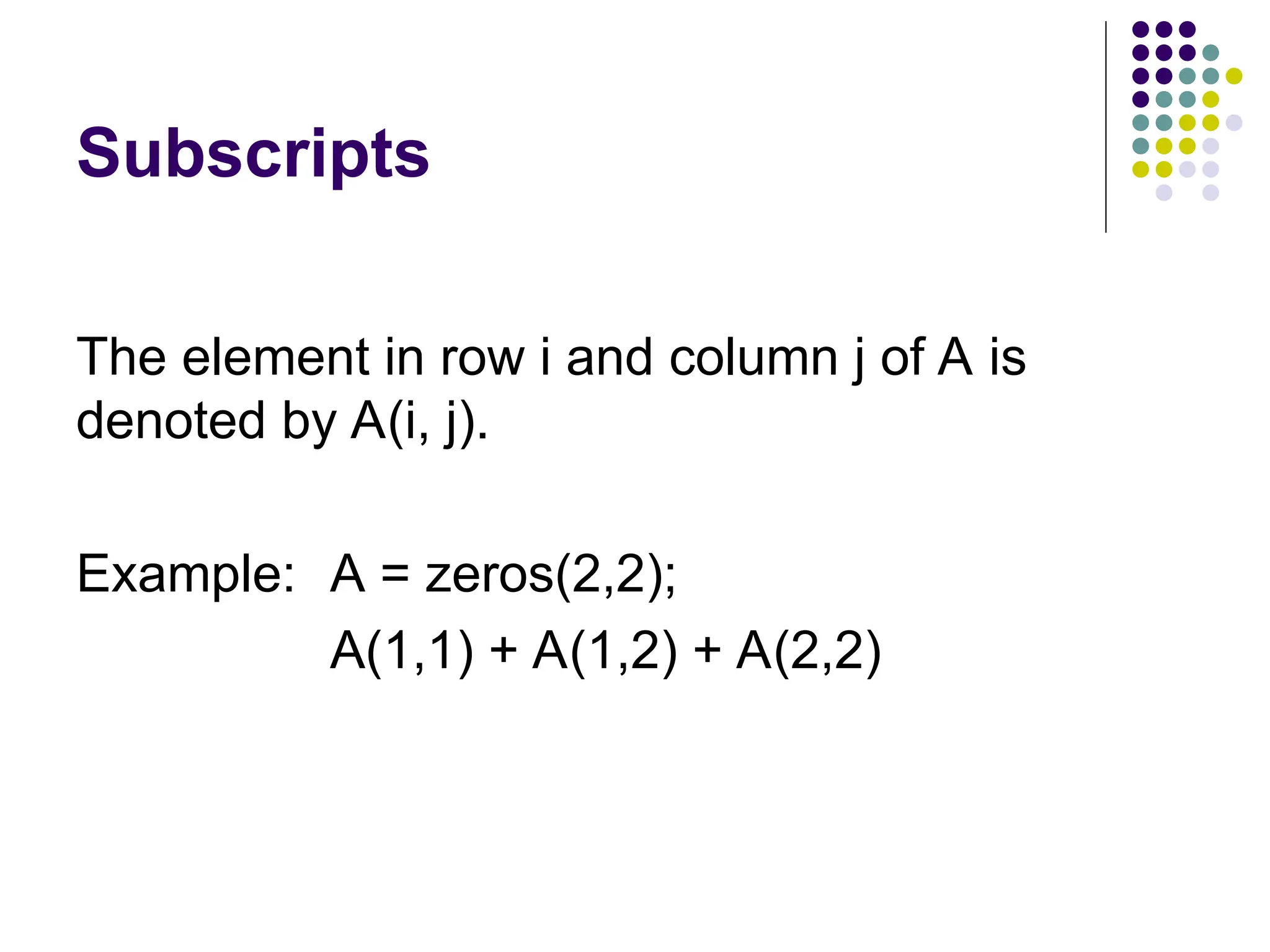
Subscripts The element inrow i and column j of A is denoted by A(i, j). Example: A = zeros(2,2); A(1,1) + A(1,2) + A(2,2)
9.
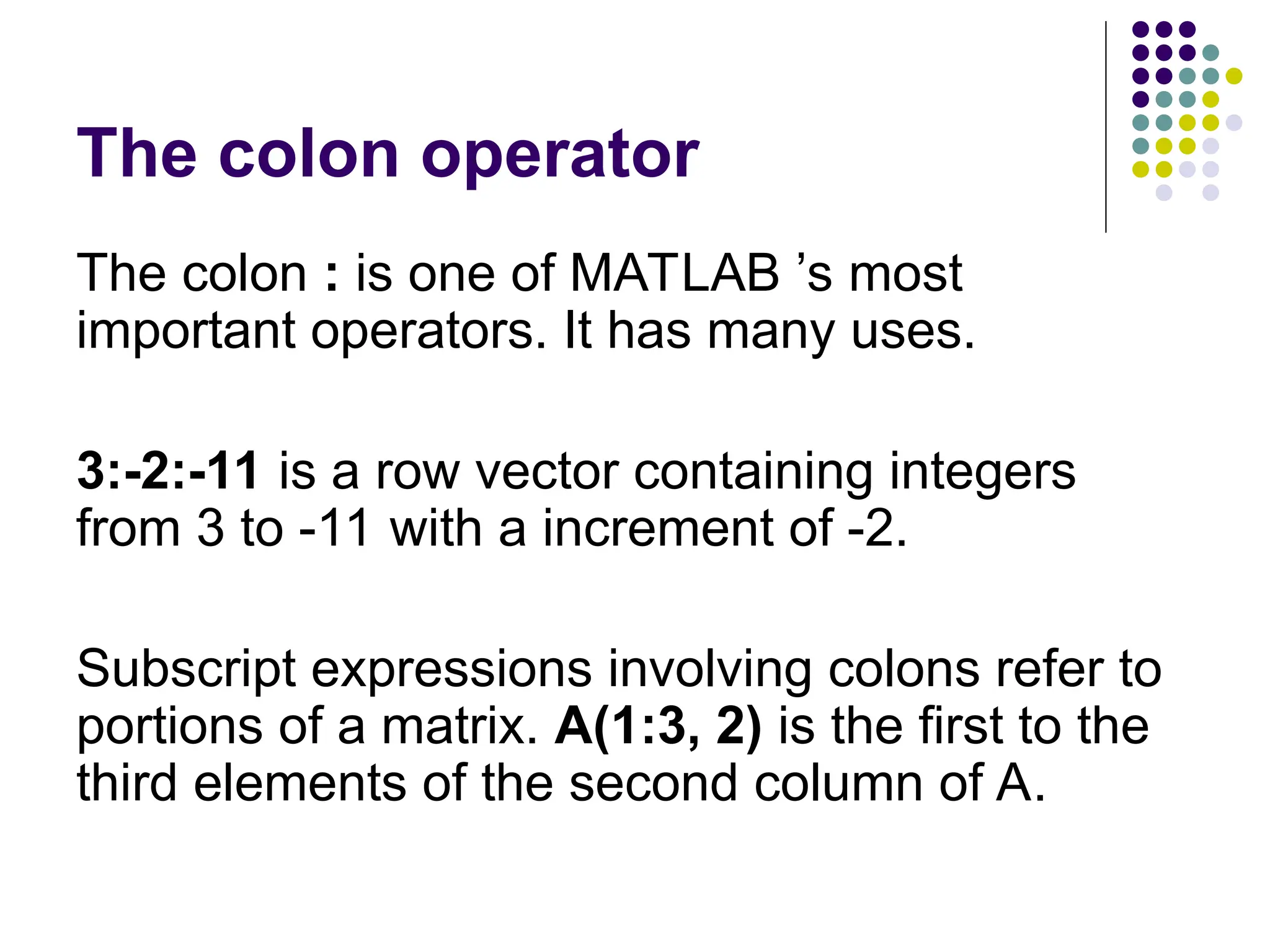
The colon operator Thecolon : is one of MATLAB ’s most important operators. It has many uses. 3:-2:-11 is a row vector containing integers from 3 to -11 with a increment of -2. Subscript expressions involving colons refer to portions of a matrix. A(1:3, 2) is the first to the third elements of the second column of A.
10.
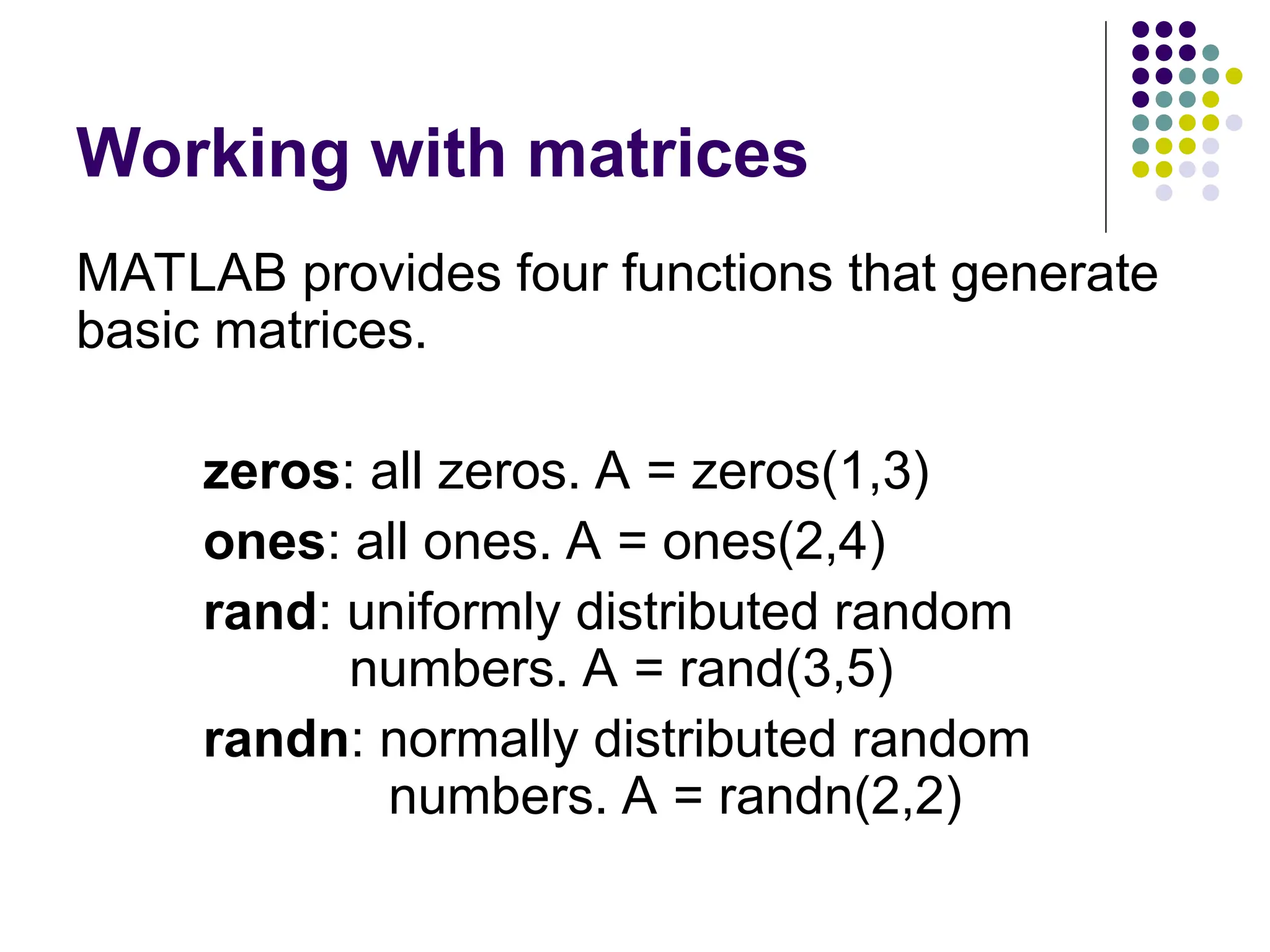
Working with matrices MATLABprovides four functions that generate basic matrices. zeros: all zeros. A = zeros(1,3) ones: all ones. A = ones(2,4) rand: uniformly distributed random numbers. A = rand(3,5) randn: normally distributed random numbers. A = randn(2,2)
11.
Working with matrices Concatenation:join small (compatible) matrices to make bigger ones. B = [A A-2; A*2 A/4] Deleting rows and columns. B(:,2) = [ ]
12.
Functions MATLAB provides alarge range of standard elementary mathematical functions, including abs, sqrt, exp, and sin. For help on functions, type help elfun (elementary mathematical functions) help specfun (advanced mathematical functions) help elmat (advanced matrix functions) help datafun (data analysis functions)
13.
Suppressing output If yousimply type a statement and press Enter, MATLAB automatically displays the results on screen. If you end the line with a semicolon ; MATLAB performs the computation but does not display any result. Example: C = randn(5,1) C = randn(5,1);
14.
Programming with MATLAB Filesthat contain code in the MATLAB language are called M-files. You create M-files using a text editor, then use them as you would any other MATLAB functions or command.
15.
Flow Control MATLAB hasmany flow controls. The most basic are if statement for loops while loops
16.
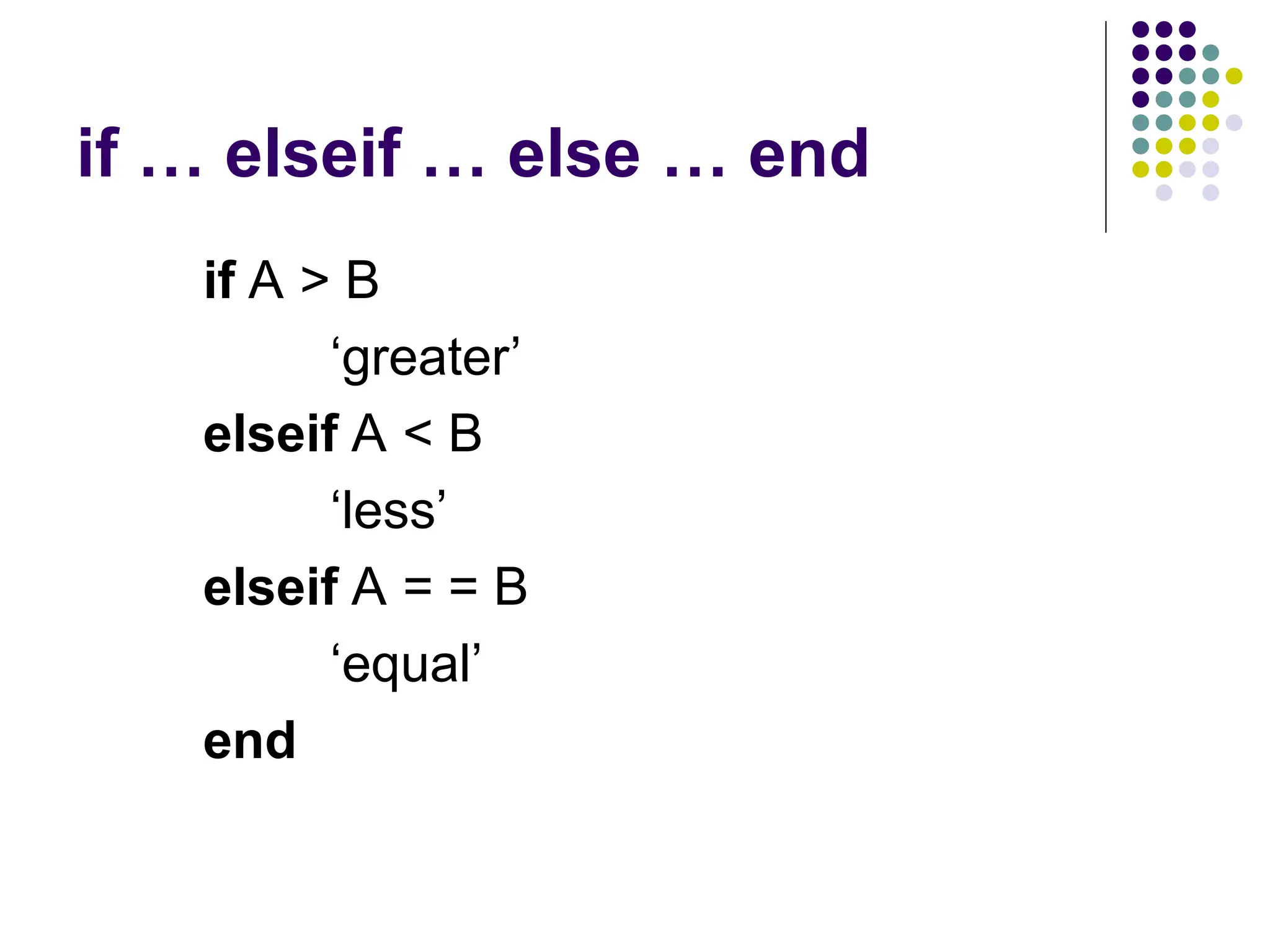
if … elseif… else … end if A > B ‘greater’ elseif A < B ‘less’ elseif A = = B ‘equal’ end
17.
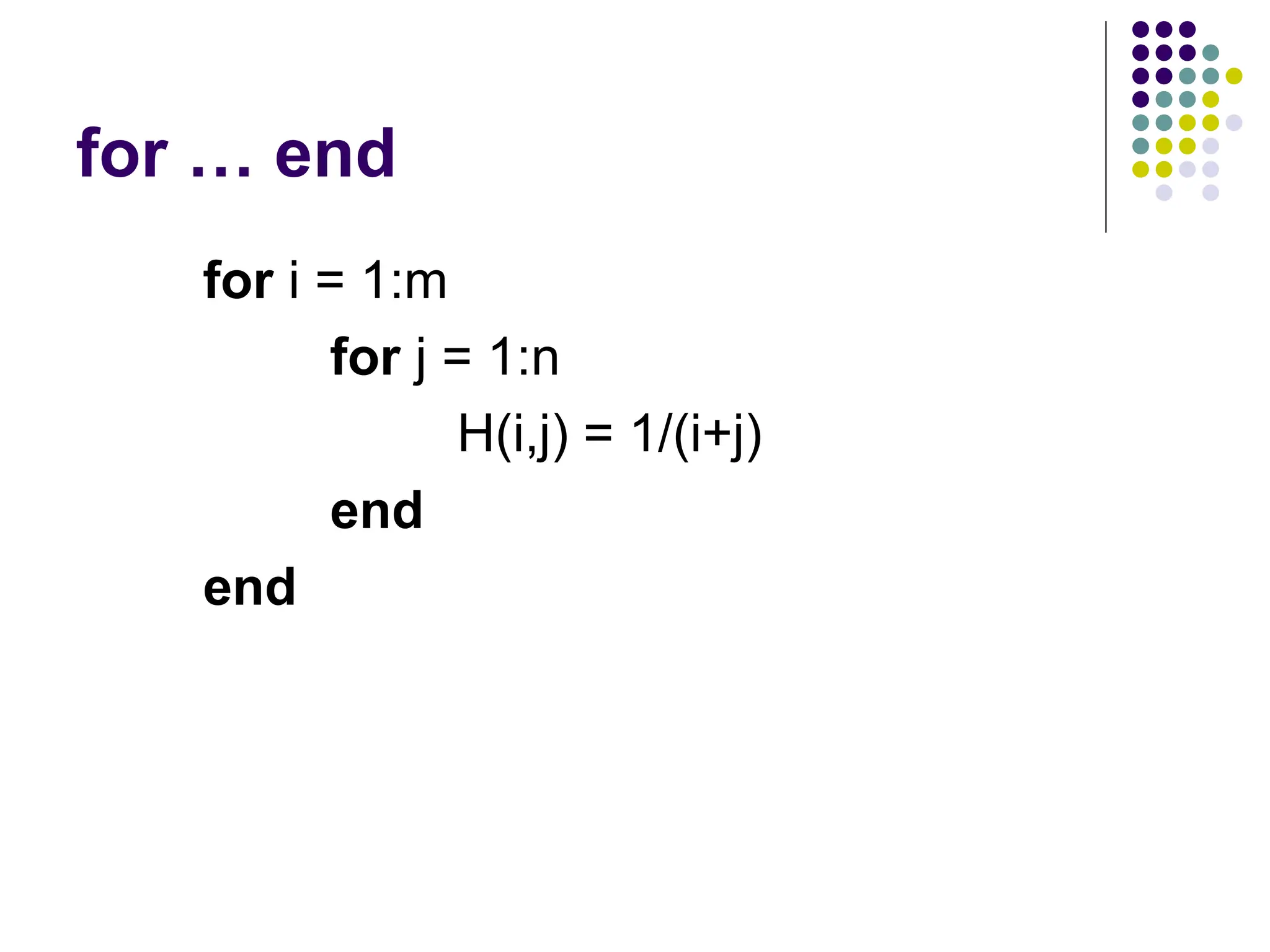
for … end fori = 1:m for j = 1:n H(i,j) = 1/(i+j) end end
18.
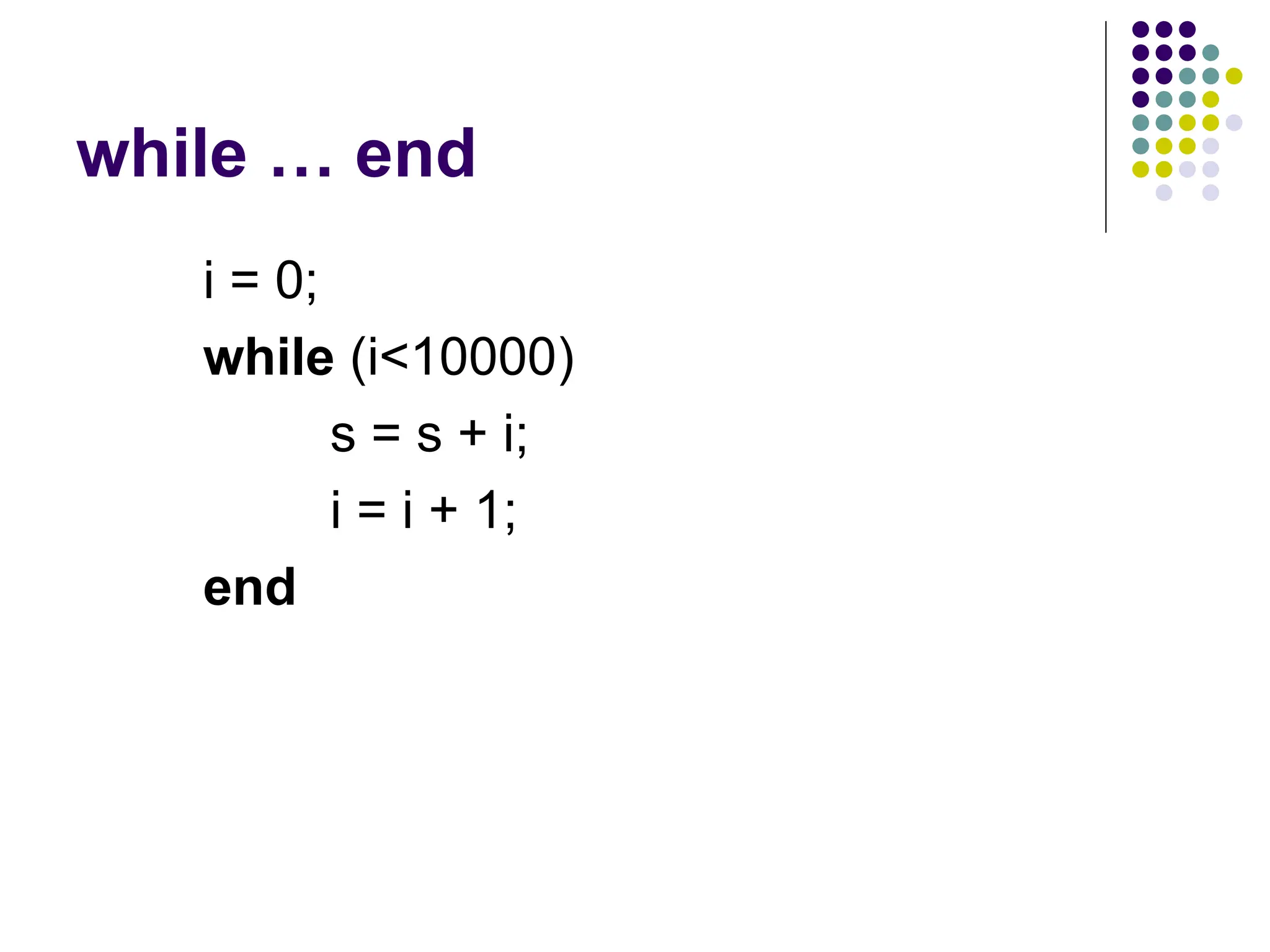
while … end i= 0; while (i<10000) s = s + i; i = i + 1; end
19.
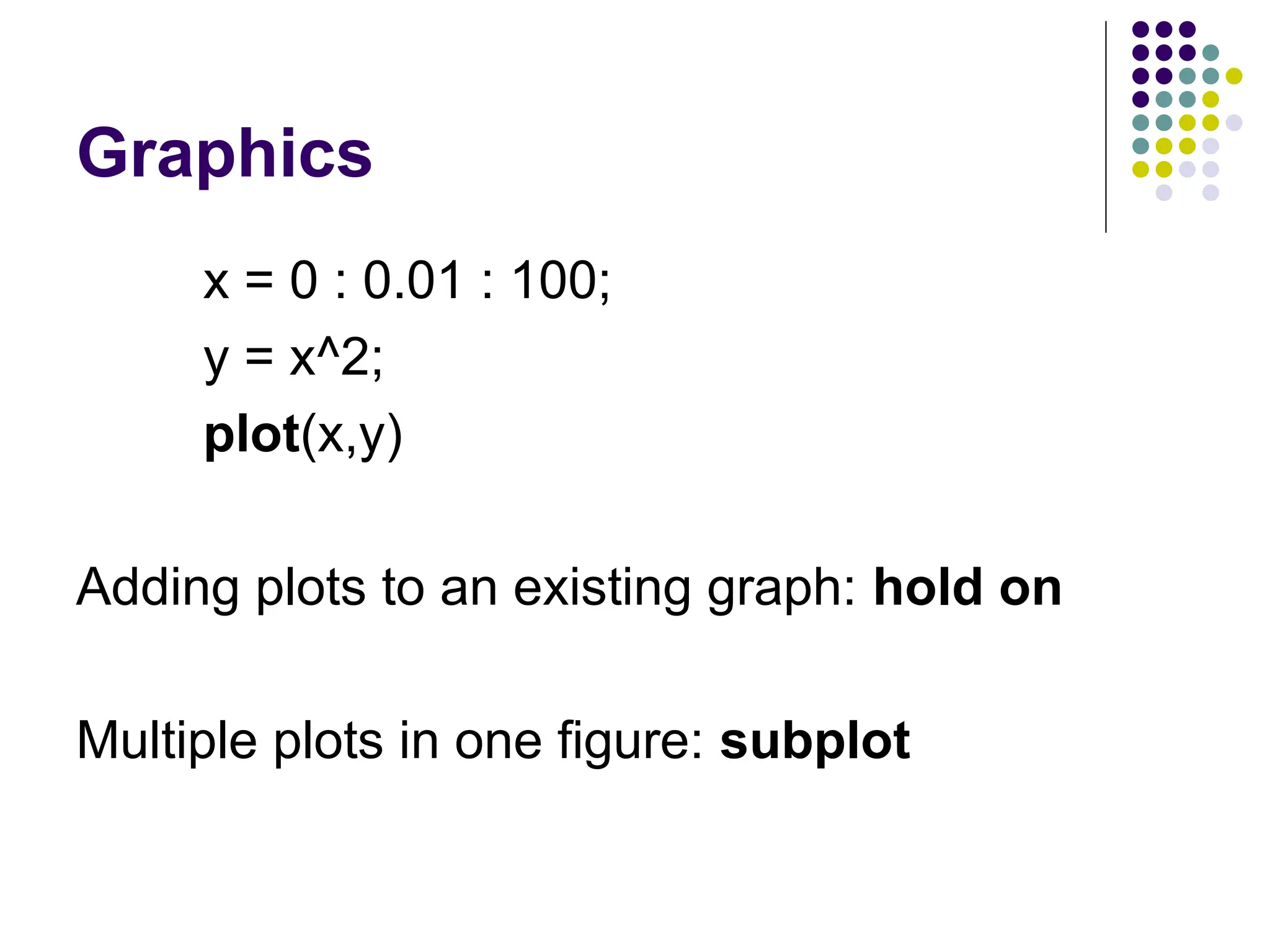
Graphics x = 0: 0.01 : 100; y = x^2; plot(x,y) Adding plots to an existing graph: hold on Multiple plots in one figure: subplot
![An example A = [1, 2, 3; 7, 8, 9] Use ; to indicate the end of each row Use comma to separate elements of a row](https://image.slidesharecdn.com/dsgeday12-250303084713-8e2614f2/75/introduction-to-MATLAB-with-functions-and-plots-5-2048.jpg)
![Example A= [1, 2; 3, 4] B = [0.5, 0.6; 1, 1.5] C = A*B C = A.*B](https://image.slidesharecdn.com/dsgeday12-250303084713-8e2614f2/75/introduction-to-MATLAB-with-functions-and-plots-7-2048.jpg)
![Working with matrices Concatenation: join small (compatible) matrices to make bigger ones. B = [A A-2; A*2 A/4] Deleting rows and columns. B(:,2) = [ ]](https://image.slidesharecdn.com/dsgeday12-250303084713-8e2614f2/75/introduction-to-MATLAB-with-functions-and-plots-11-2048.jpg)