Download to read offline






This document provides an overview of the Salesforce UI API, which allows developers to build custom user interfaces using record data and metadata. It discusses key features of the UI API like CRUD operations and dependent picklists. Elements of the UI API like records, layouts, and actions are also explained. The presentation concludes with a live demo, considerations for the UI API, available resources, and time for questions.
Introduction to the presentation's focus on UI API and agenda.
Rahul Malhotra's background as a Software Engineer Trainee, Salesforce Consultant, and content creator.
Introduction to the presentation's focus on UI API and agenda.
Introduction to UI API, highlighting its role in building Lightning Experience without worrying about security settings.
UI API features include record information, CRUD operations, and metadata related to UI actions.
Elements of UI API like Records, Layouts, List Views, Actions, and Active Theme.
Preparation for coding with the UI API.
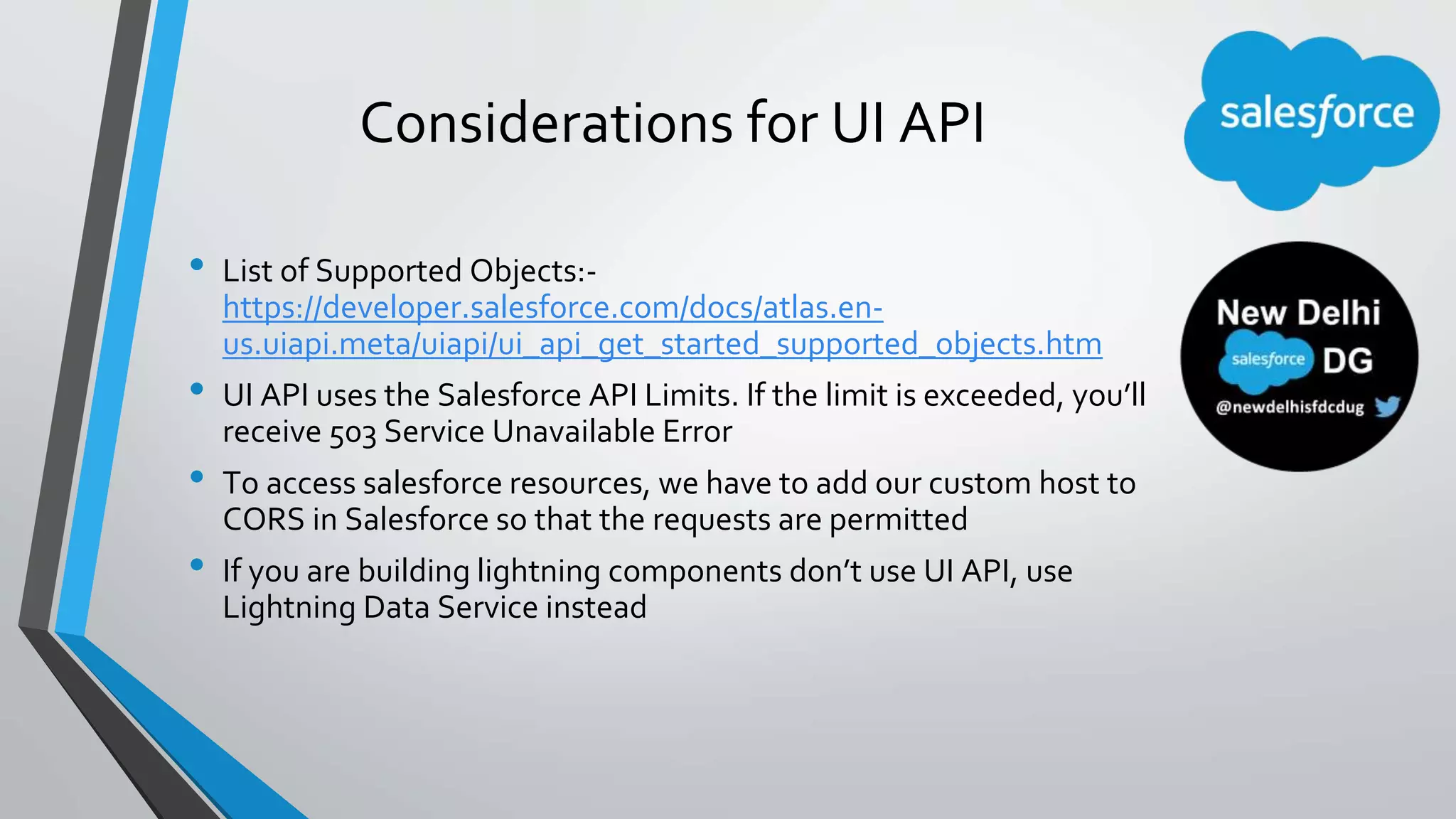
Important considerations, including supported objects, API limits, and CORS requirements.
Links to Salesforce documentation, Trailhead modules, and personal blog for further learning.
Time allocated for questions and answers regarding the UI API.
Thank you note with links to GitHub, Twitter, blog, YouTube, and Salesforce Chatter for more content.