LARAVEL 4 TIHOMIR OPACIC PRESENTED BY PACKAGE DEVELOPMENT
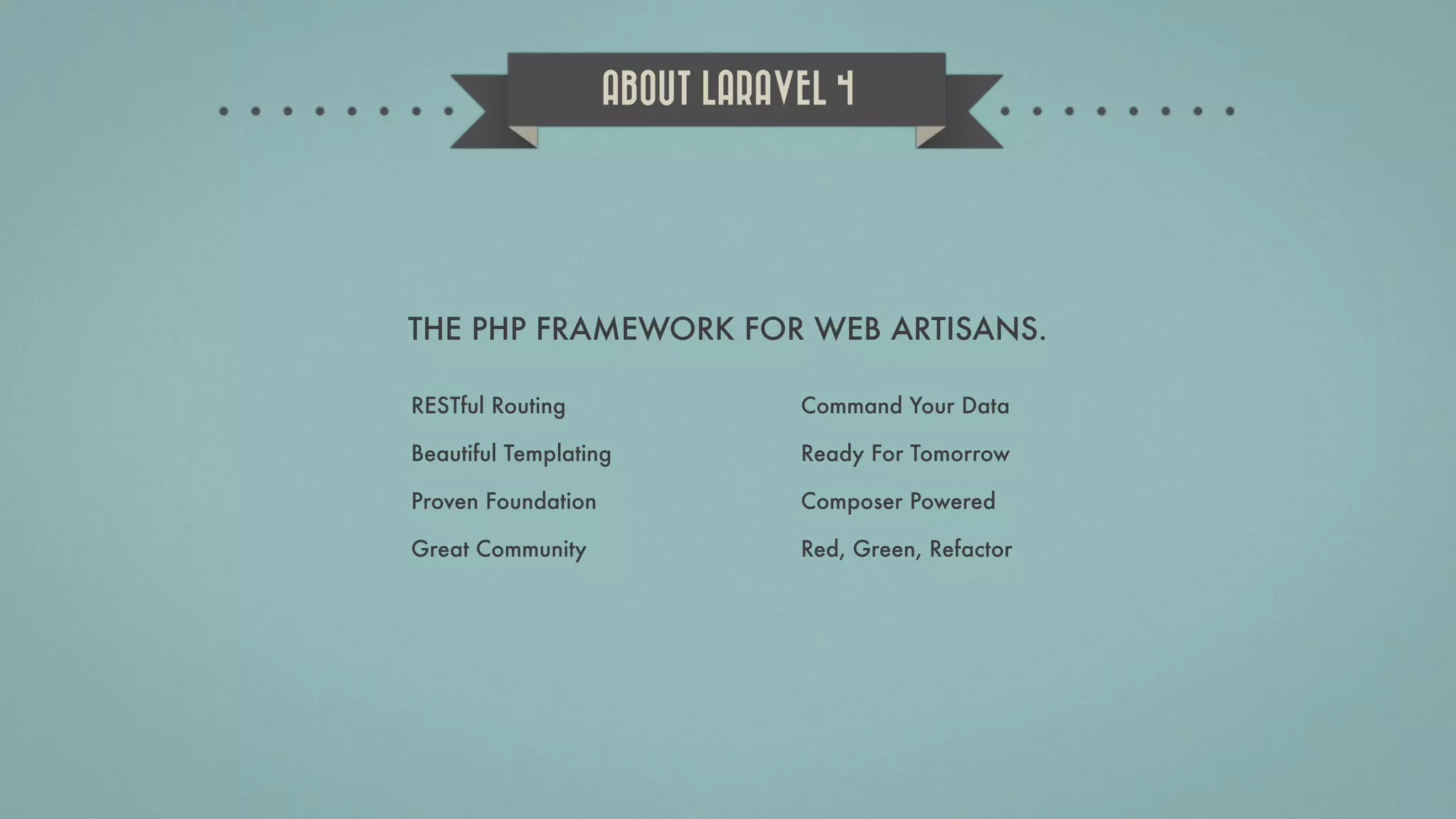
THE PHP FRAMEWORK FOR WEB ARTISANS. ABOUT LARAVEL 4 RESTful Routing Beautiful Templating Proven Foundation Great Community Command Your Data Ready For Tomorrow Composer Powered Red, Green, Refactor
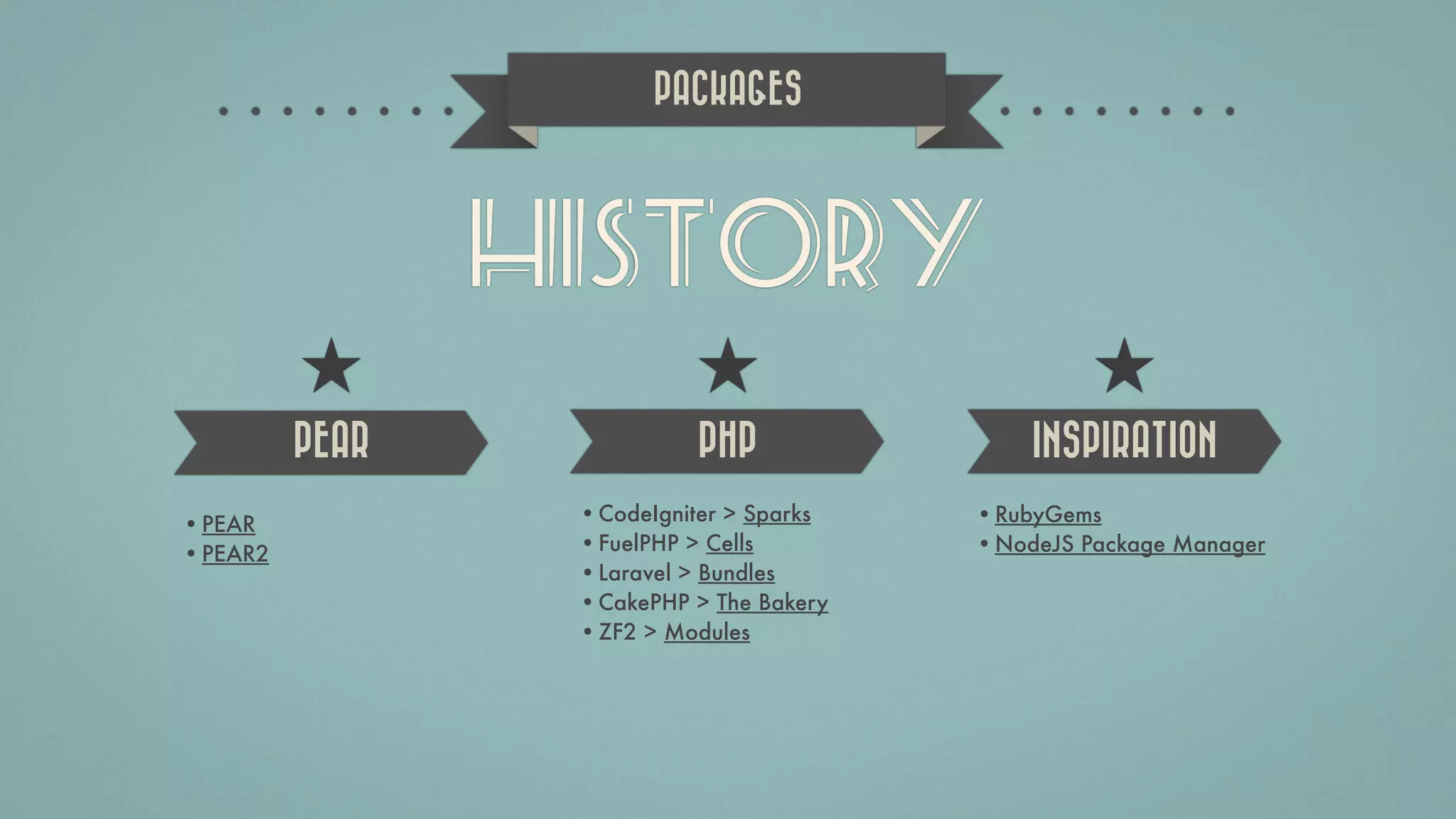
HISTORY •CodeIgniter > Sparks •FuelPHP > Cells •Laravel > Bundles •CakePHP > The Bakery •ZF2 > Modules •RubyGems •NodeJS Package Manager •PEAR •PEAR2 PACKAGES PEAR PHP INSPIRATION
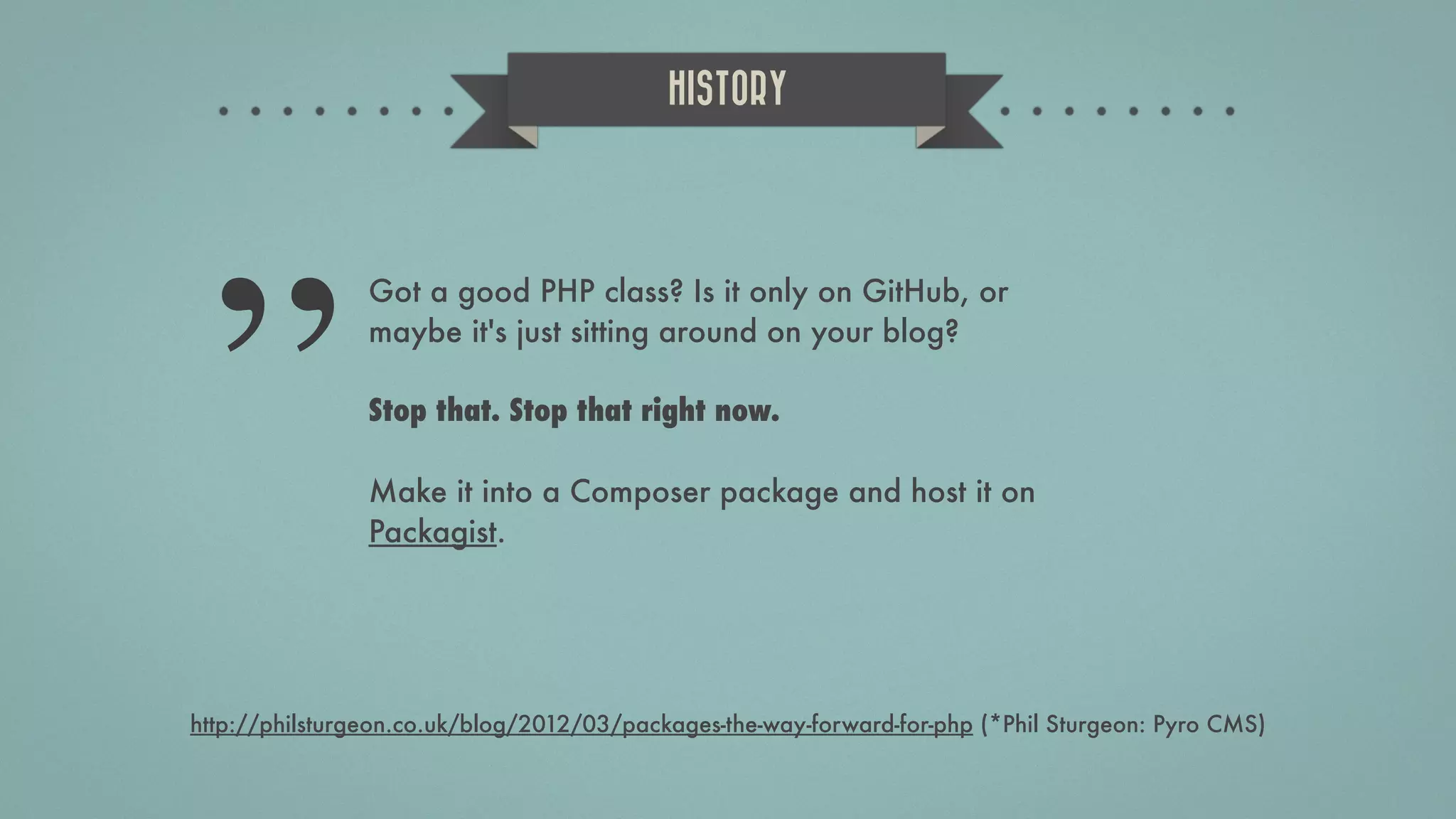
Got a good PHP class? Is it only on GitHub, or maybe it's just sitting around on your blog? Stop that. Stop that right now. Make it into a Composer package and host it on Packagist. HISTORY ” http://philsturgeon.co.uk/blog/2012/03/packages-the-way-forward-for-php (*Phil Sturgeon: Pyro CMS)
Composer is a tool for dependency management in PHP. It allows you to declare the dependent libraries your project needs and it will install them in your project for you. COMPOSER http://getcomposer.org/
Packagist is the main Composer repository. It aggregates all sorts of PHP packages that are installable with Composer. PACKAGIST https://packagist.org/
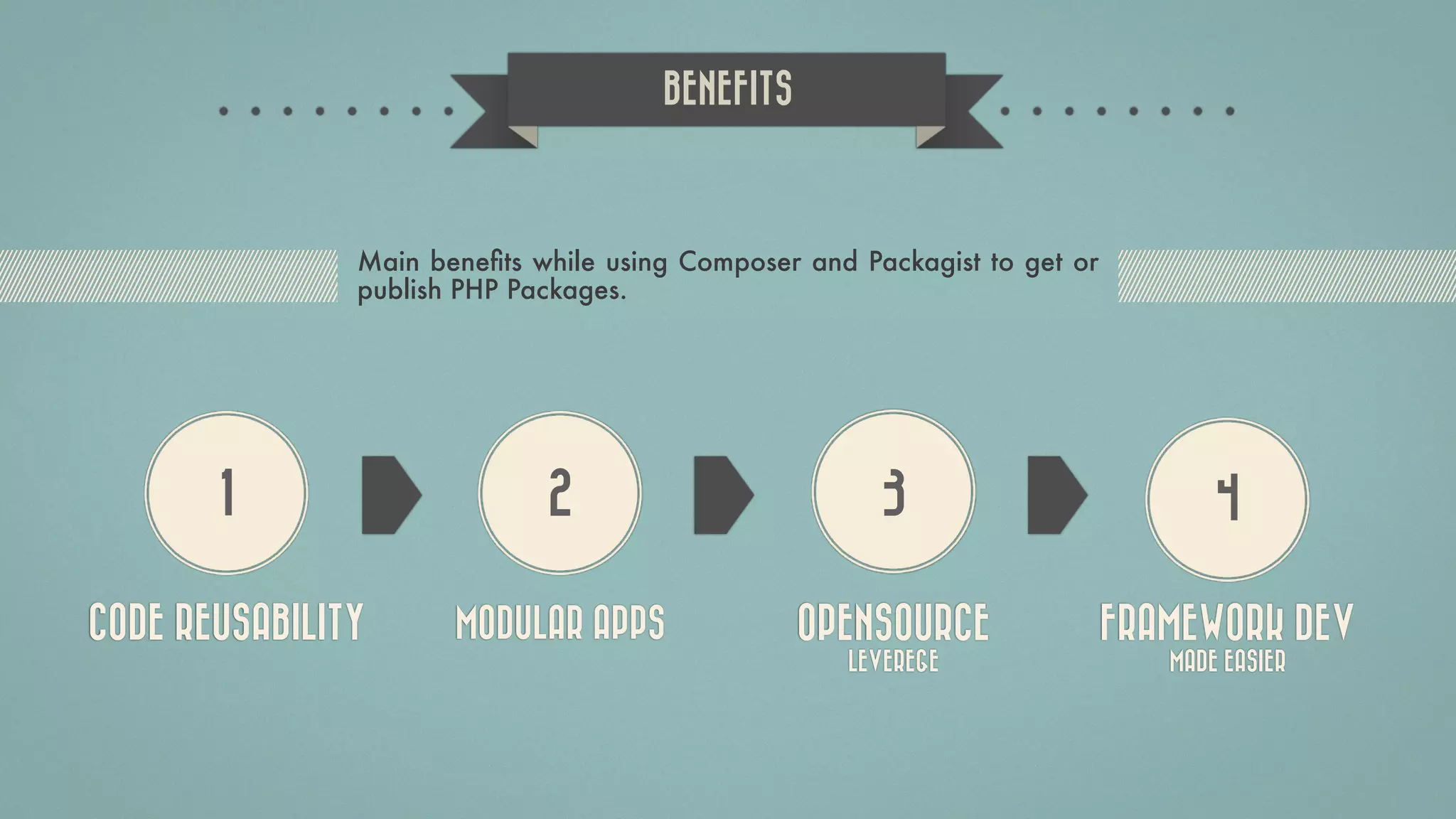
1 2 3 4 CODE REUSABILITY MODULAR APPS OPENSOURCE LEVEREGE FRAMEWORK DEV MADE EASIER BENEFITS Main benefits while using Composer and Packagist to get or publish PHP Packages.
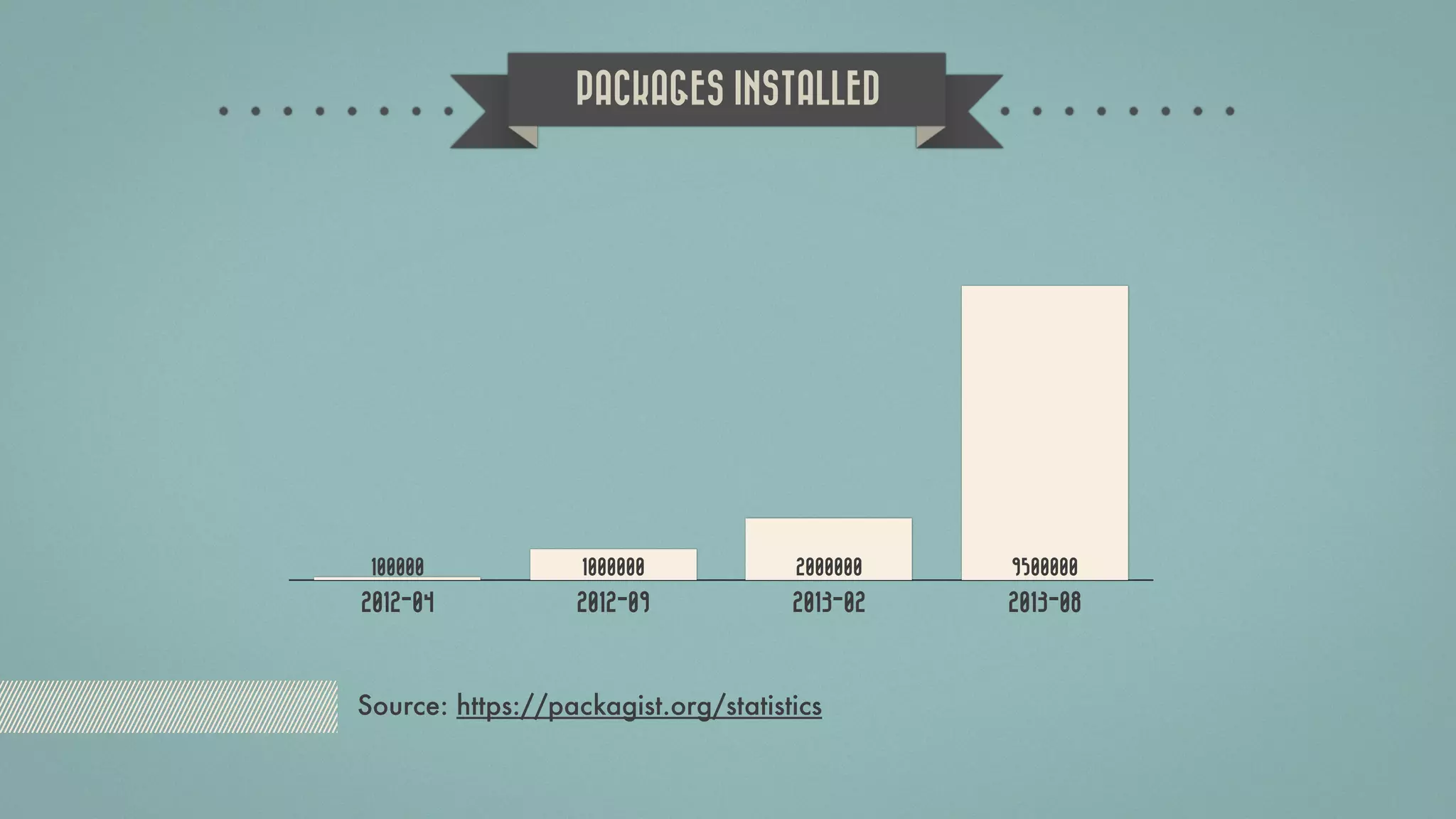
2012-04 2012-09 2013-02 2013-08 950000020000001000000100000 PACKAGES INSTALLED Source: https://packagist.org/statistics
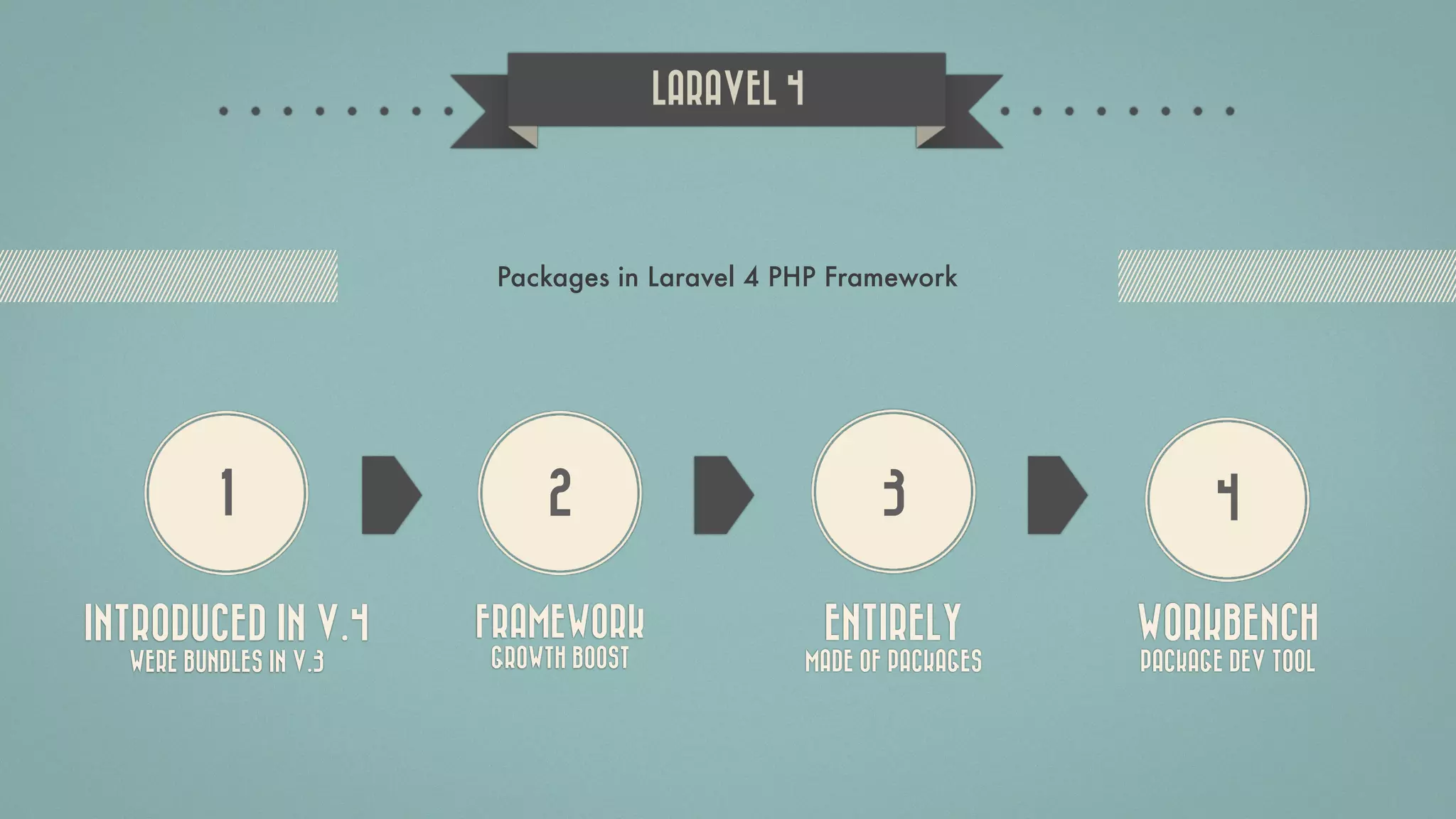
1 2 3 4 INTRODUCED IN V.4 WERE BUNDLES IN V.3 FRAMEWORK GROWTH BOOST ENTIRELY MADE OF PACKAGES WORKBENCH PACKAGE DEV TOOL LARAVEL 4 Packages in Laravel 4 PHP Framework
INSTALL COMPOSER Installation instructions: http://getcomposer.org/doc/01-basic-usage.md#installation
COMPOSER.JSON { "name": "orangehill/zgphpcon2013", "description": "Laravel 4 workbench package generation walkthrough.", "authors": [ { "name": "Tihomir Opacic", "email": "tihomir.opacic@orangehilldev.com" } ], "require": { "php": ">=5.3.0", "illuminate/support": "4.0.x" }, "autoload": { "psr-0": { "OrangehillZgphpcon2013": "src/" } }, "minimum-stability": "dev" } VENDOR / NAME DESCRIPTION AUTHORS DEPENDENCY PSR-0 AUTOLOADING INFO more: http://www.sitepoint.com/autoloading-and-the-psr-0-standard/ 
Also Available in Serbian: Razvoj web aplikacija uz pomoć Laravel radnog okvira verzije 4 za početnike Slaviša Petrović  @slawisha75 CODEBRIGHT Dayle Rees @daylerees https://leanpub.com/codebright-sr https://leanpub.com/codebright
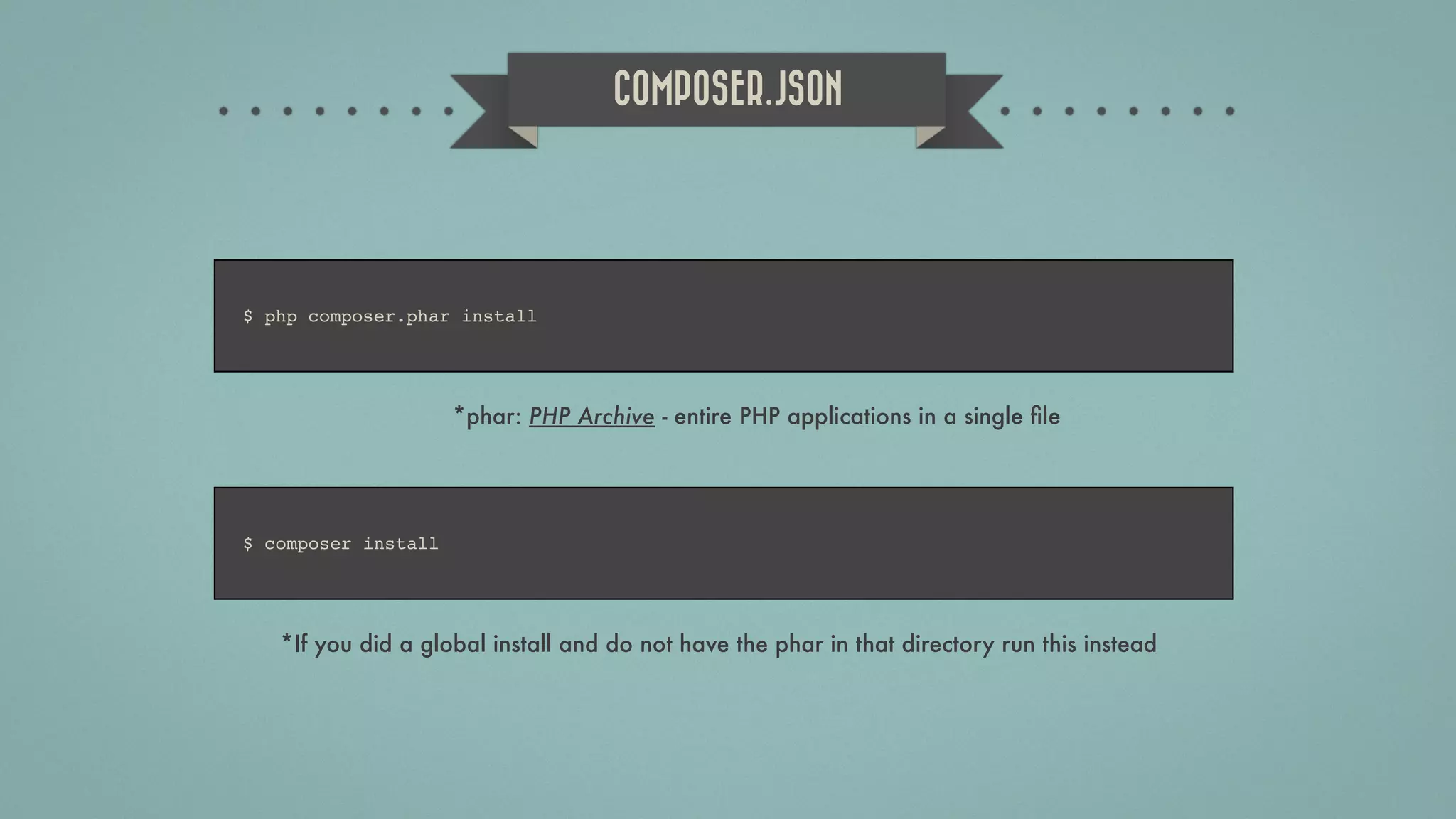
COMPOSER.JSON $ php composer.phar install *phar: PHP Archive - entire PHP applications in a single file $ composer install *If you did a global install and do not have the phar in that directory run this instead
LARAVEL WORKBENCH 14 STEP WALKTHROUGH https://github.com/orangehill/Laravel-Workbench-Walkthrough
SIMPLICITY 14 STEP WALKTHROUGH https://github.com/orangehill/Laravel-Workbench-Walkthrough IT’S SO EASY!
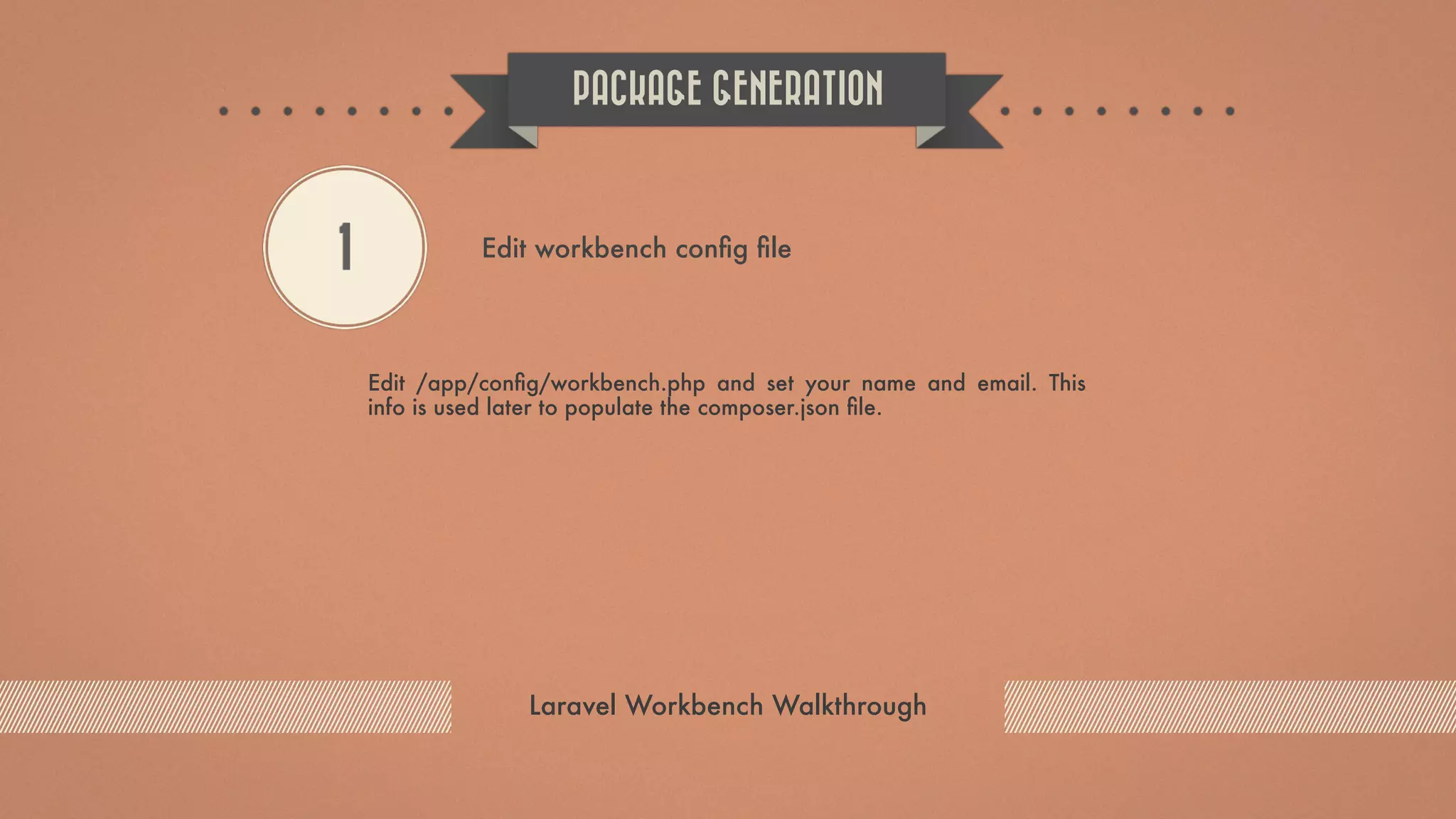
Edit /app/config/workbench.php and set your name and email. This info is used later to populate the composer.json file. PACKAGE GENERATION Laravel Workbench Walkthrough 1 Edit workbench config file
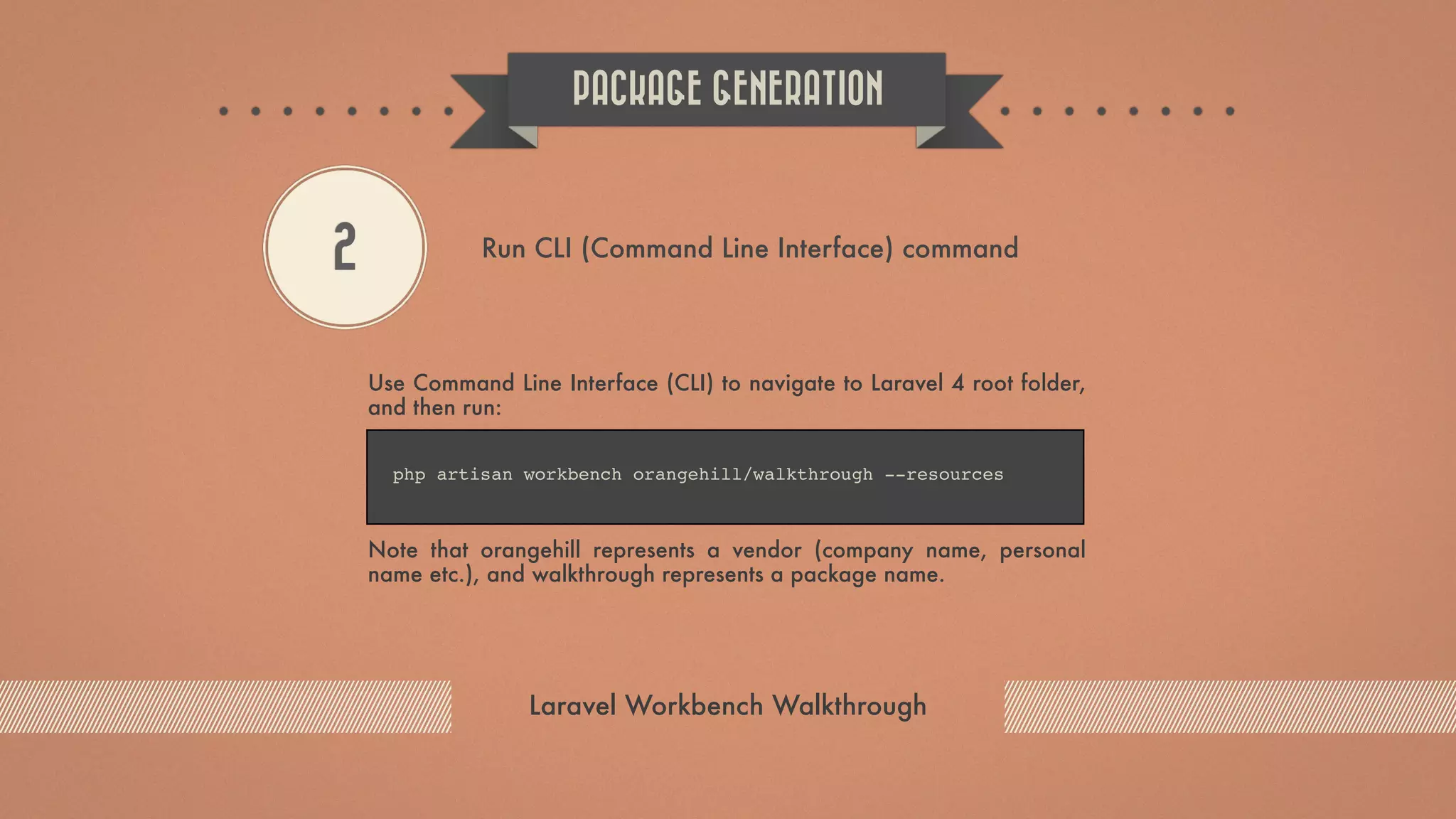
Use Command Line Interface (CLI) to navigate to Laravel 4 root folder, and then run: Note that orangehill represents a vendor (company name, personal name etc.), and walkthrough represents a package name. PACKAGE GENERATION Laravel Workbench Walkthrough 2 Run CLI (Command Line Interface) command php artisan workbench orangehill/walkthrough --resources
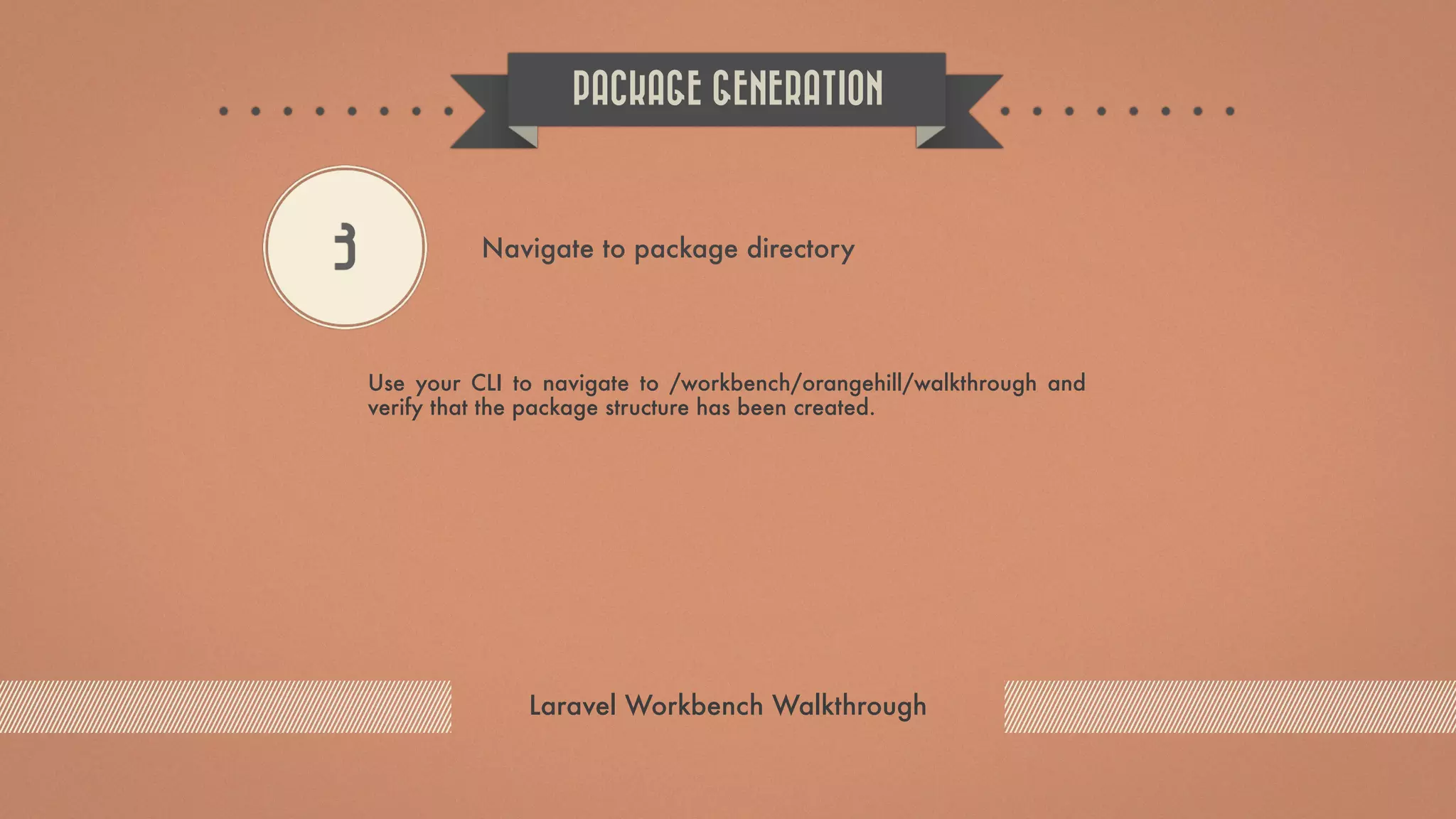
Use your CLI to navigate to /workbench/orangehill/walkthrough and verify that the package structure has been created. PACKAGE GENERATION Laravel Workbench Walkthrough 3 Navigate to package directory
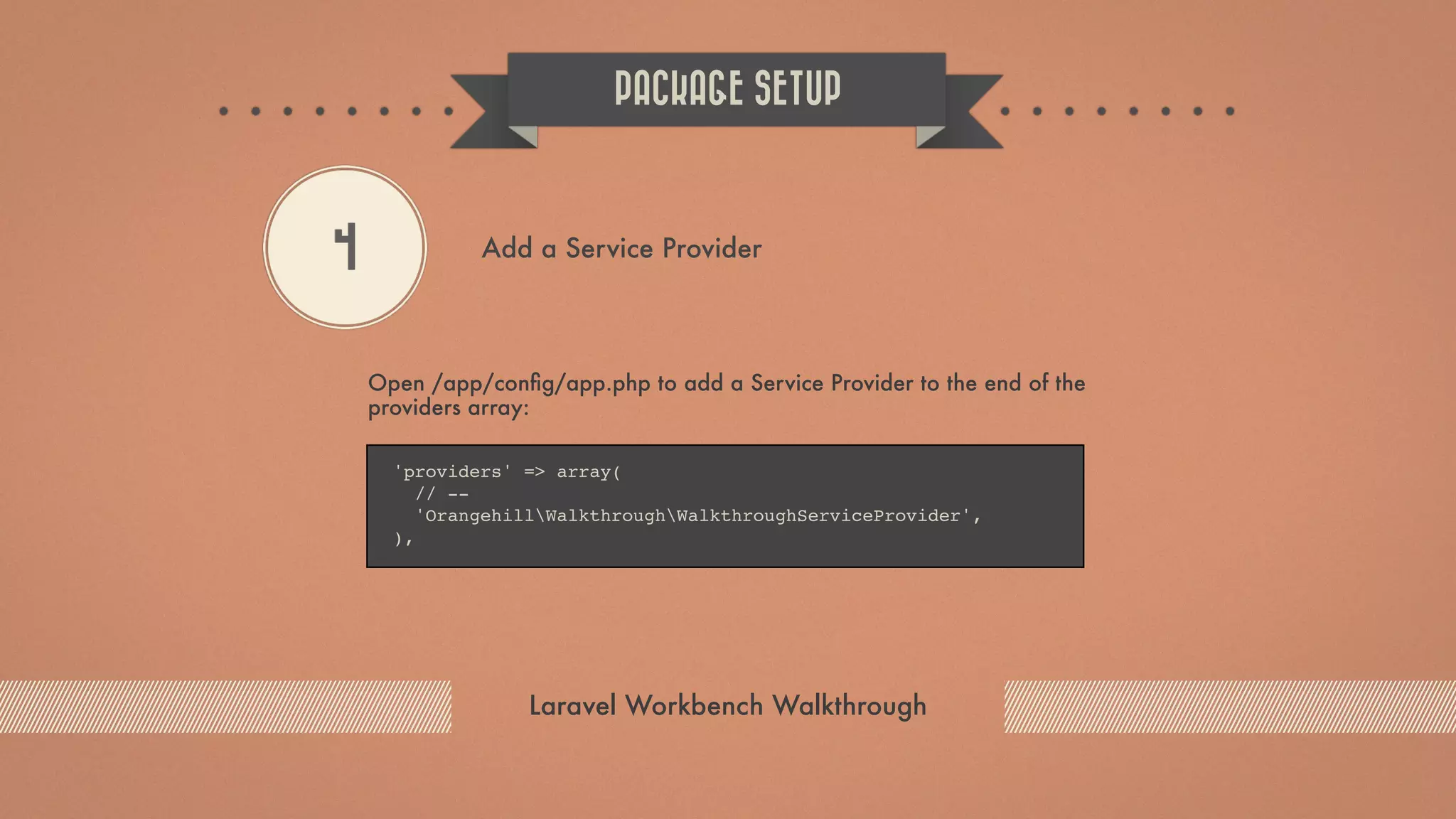
Open /app/config/app.php to add a Service Provider to the end of the providers array: PACKAGE SETUP Laravel Workbench Walkthrough 4 Add a Service Provider 'providers' => array( // -- 'OrangehillWalkthroughWalkthroughServiceProvider', ),
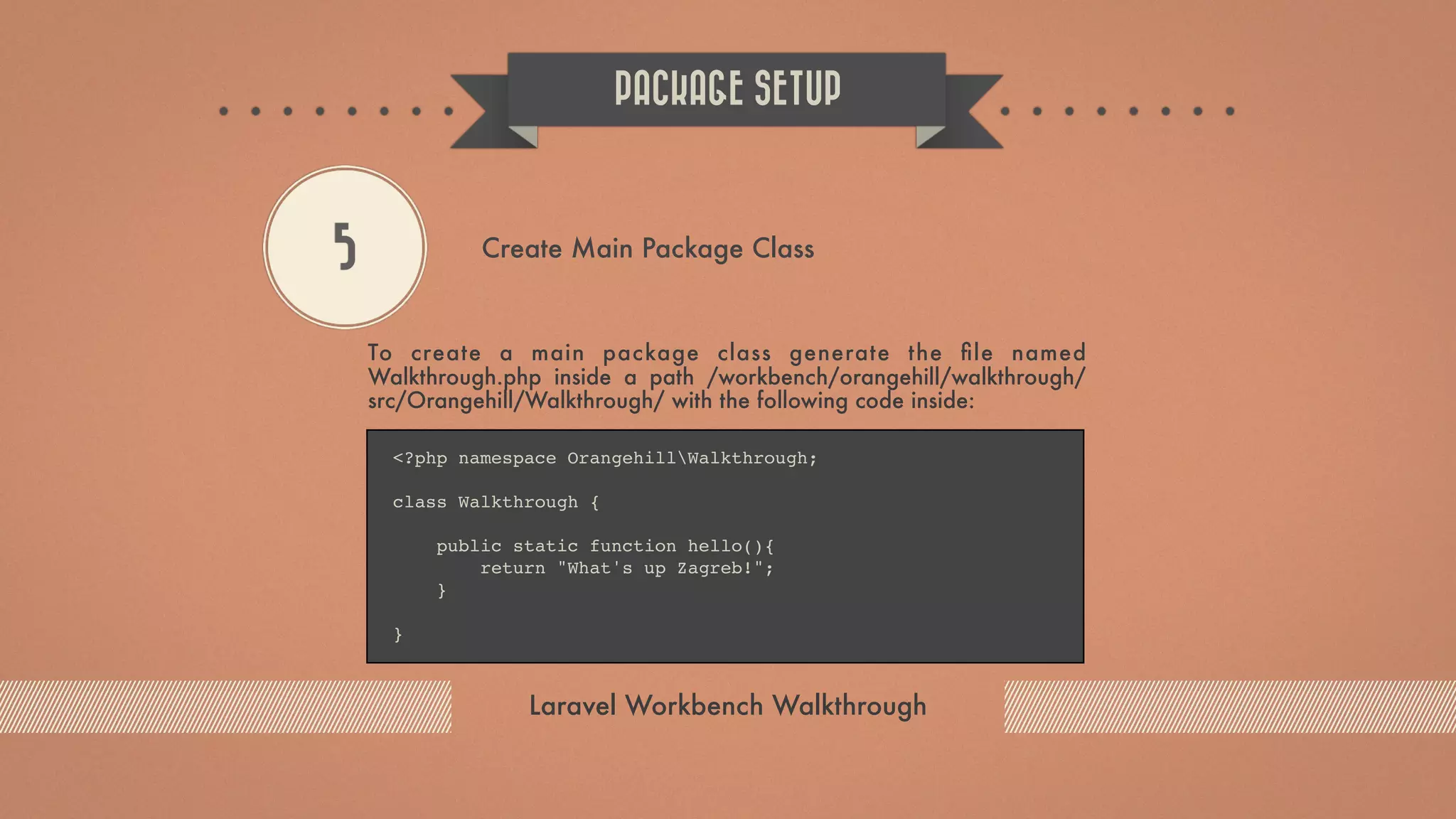
To create a main package class generate the file named Walkthrough.php inside a path /workbench/orangehill/walkthrough/ src/Orangehill/Walkthrough/ with the following code inside: PACKAGE SETUP Laravel Workbench Walkthrough 5 Create Main Package Class <?php namespace OrangehillWalkthrough; class Walkthrough { public static function hello(){ return "What's up Zagreb!"; } }
Edit the Package Service Provider file /workbench/orangehill/ walkthrough/src/Orangehill/Walkthrough/ WalkthroughServiceProvider.php and make sure that the register method looks like this: PACKAGE SETUP Laravel Workbench Walkthrough 6 Register the new class with the Laravel’s IoC Container public function register() { $this->app['walkthrough'] = $this->app->share(function($app) { return new Walkthrough; }); }
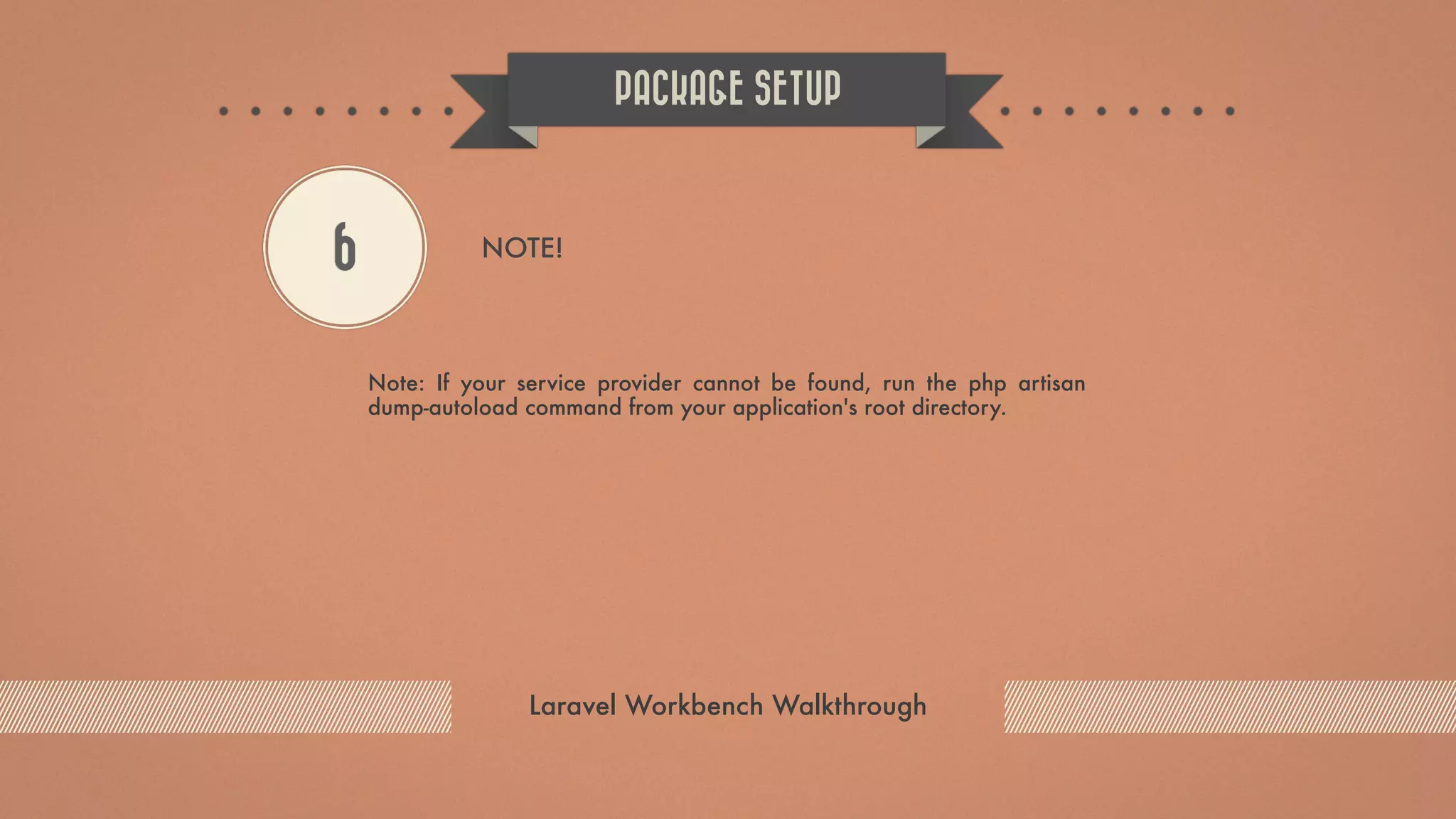
Note: If your service provider cannot be found, run the php artisan dump-autoload command from your application's root directory. PACKAGE SETUP Laravel Workbench Walkthrough 6 NOTE!
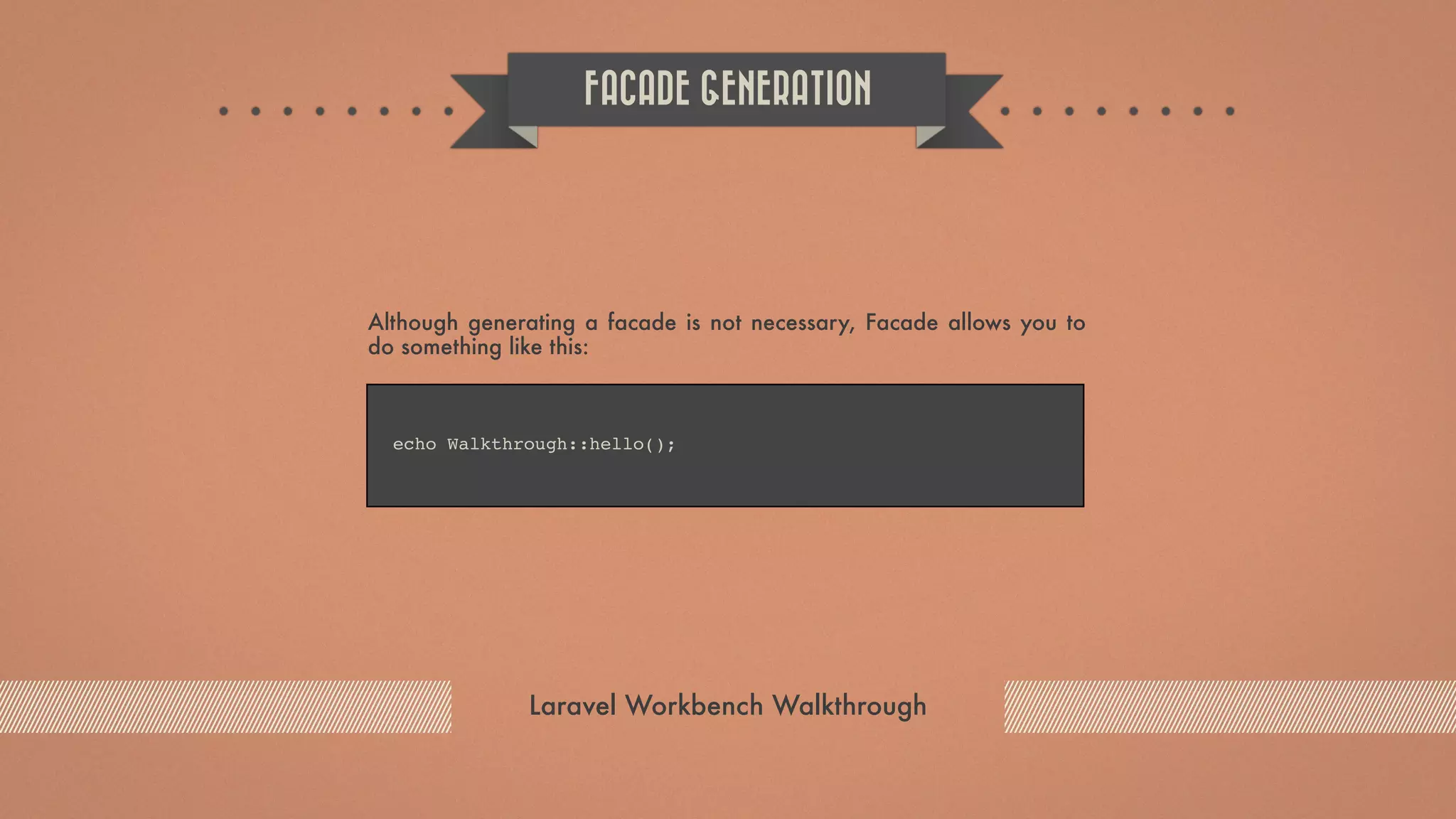
Although generating a facade is not necessary, Facade allows you to do something like this: FACADE GENERATION Laravel Workbench Walkthrough echo Walkthrough::hello();
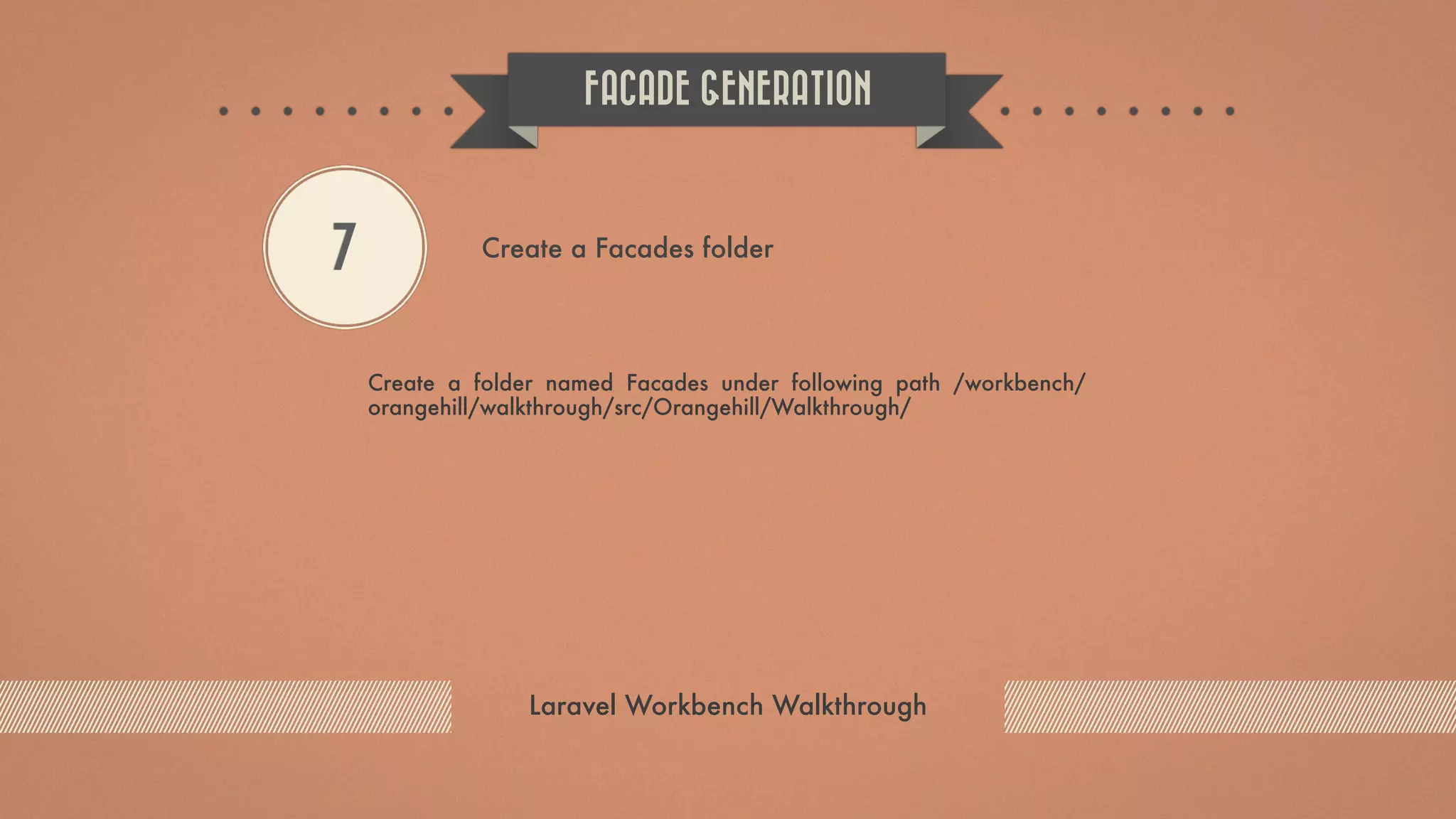
Create a folder named Facades under following path /workbench/ orangehill/walkthrough/src/Orangehill/Walkthrough/ FACADE GENERATION Laravel Workbench Walkthrough 7 Create a Facades folder
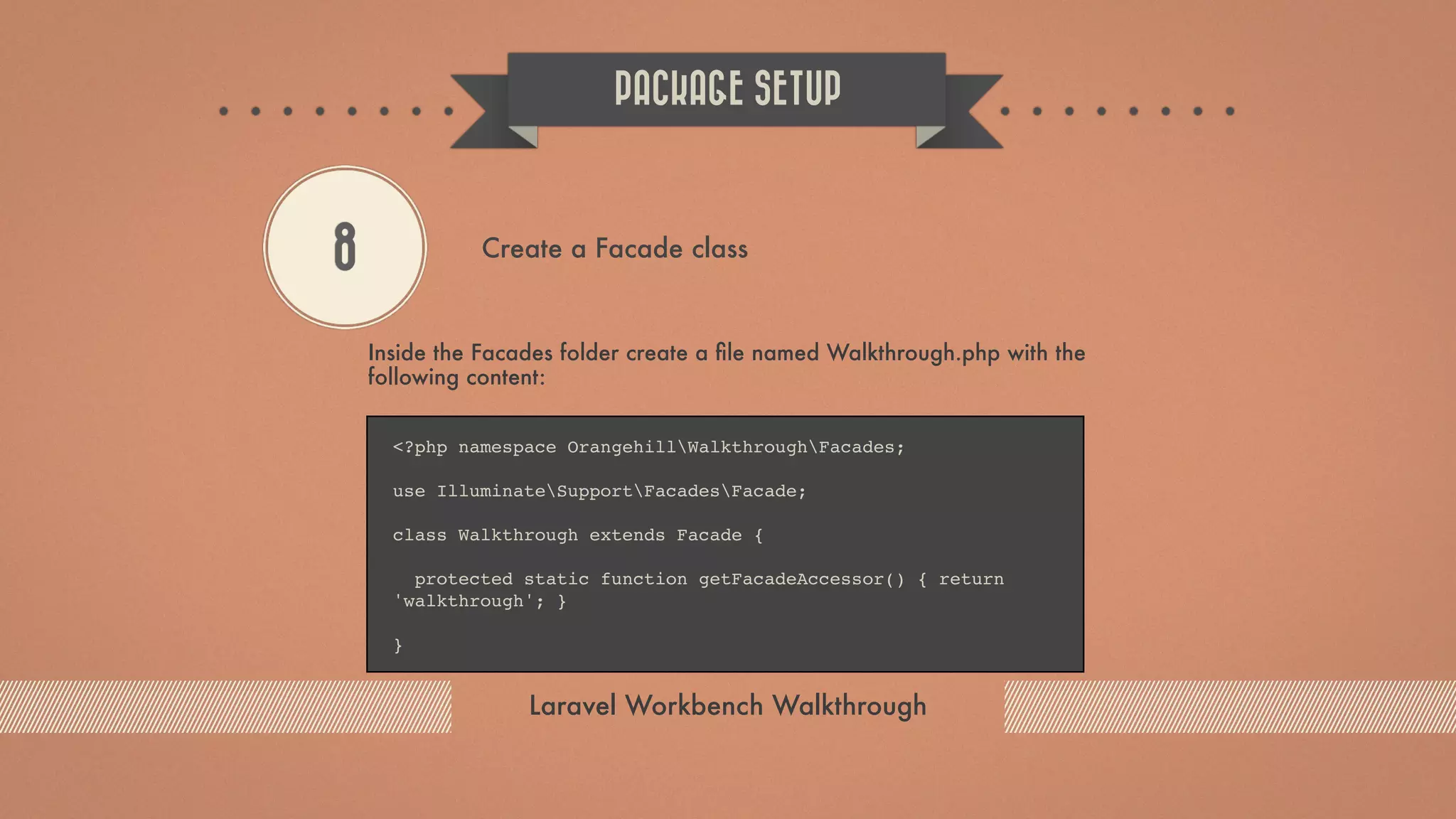
Inside the Facades folder create a file named Walkthrough.php with the following content: PACKAGE SETUP Laravel Workbench Walkthrough 8 Create a Facade class <?php namespace OrangehillWalkthroughFacades; use IlluminateSupportFacadesFacade; class Walkthrough extends Facade { protected static function getFacadeAccessor() { return 'walkthrough'; } }
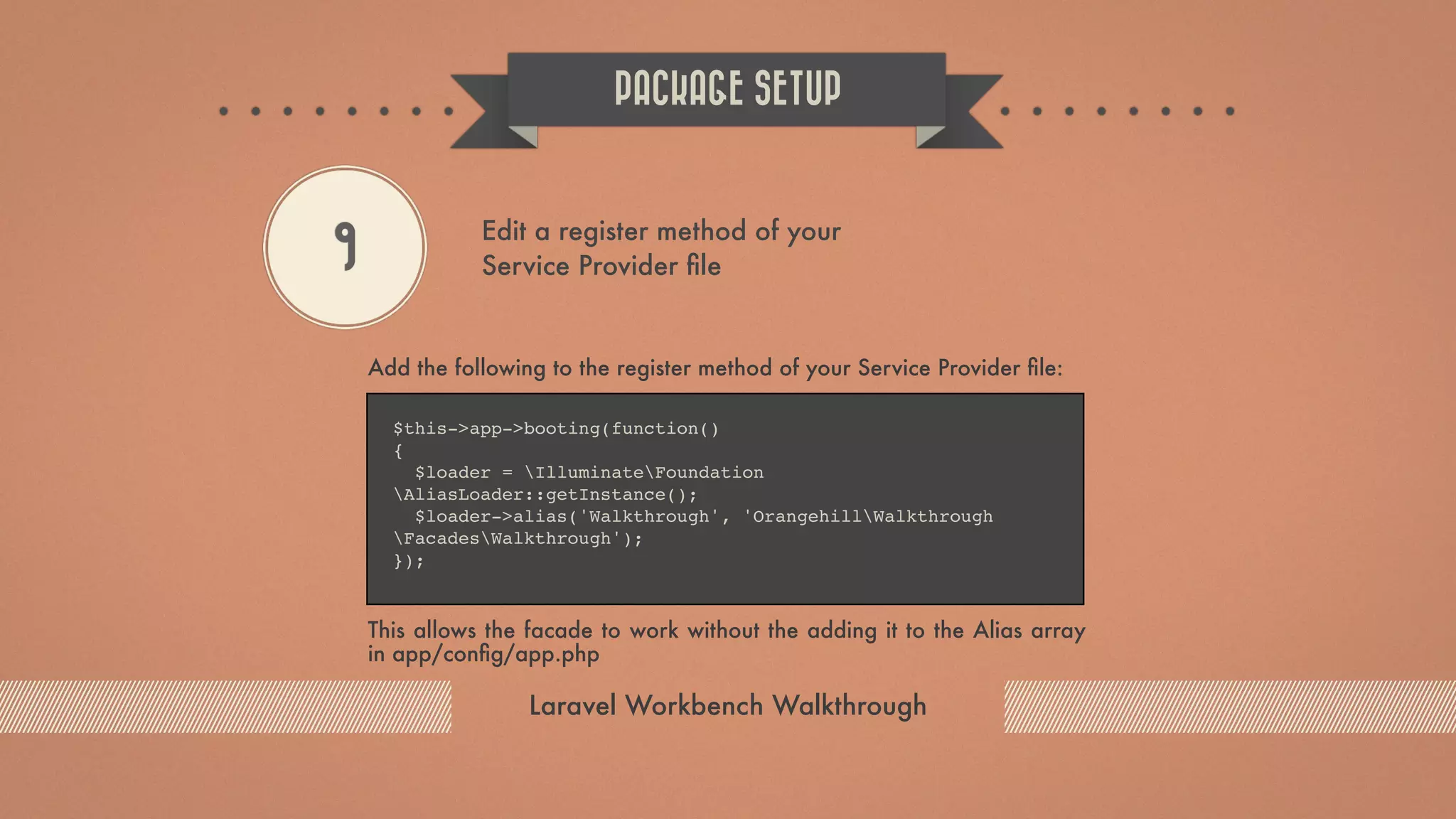
Add the following to the register method of your Service Provider file: This allows the facade to work without the adding it to the Alias array in app/config/app.php PACKAGE SETUP Laravel Workbench Walkthrough 9 Edit a register method of your Service Provider file $this->app->booting(function() { $loader = IlluminateFoundation AliasLoader::getInstance(); $loader->alias('Walkthrough', 'OrangehillWalkthrough FacadesWalkthrough'); });
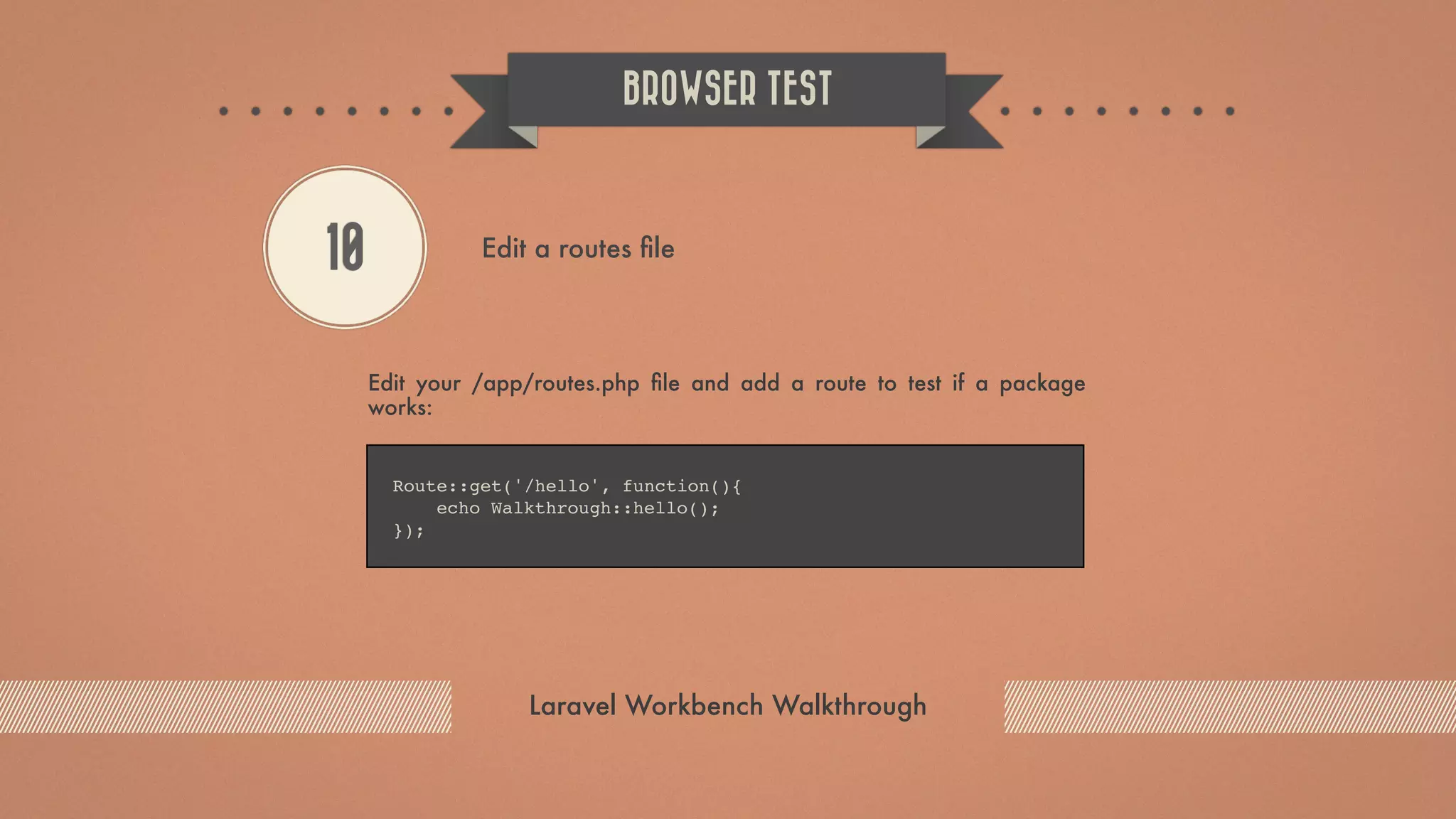
Edit your /app/routes.php file and add a route to test if a package works: BROWSER TEST Laravel Workbench Walkthrough 10 Edit a routes file Route::get('/hello', function(){ echo Walkthrough::hello(); });
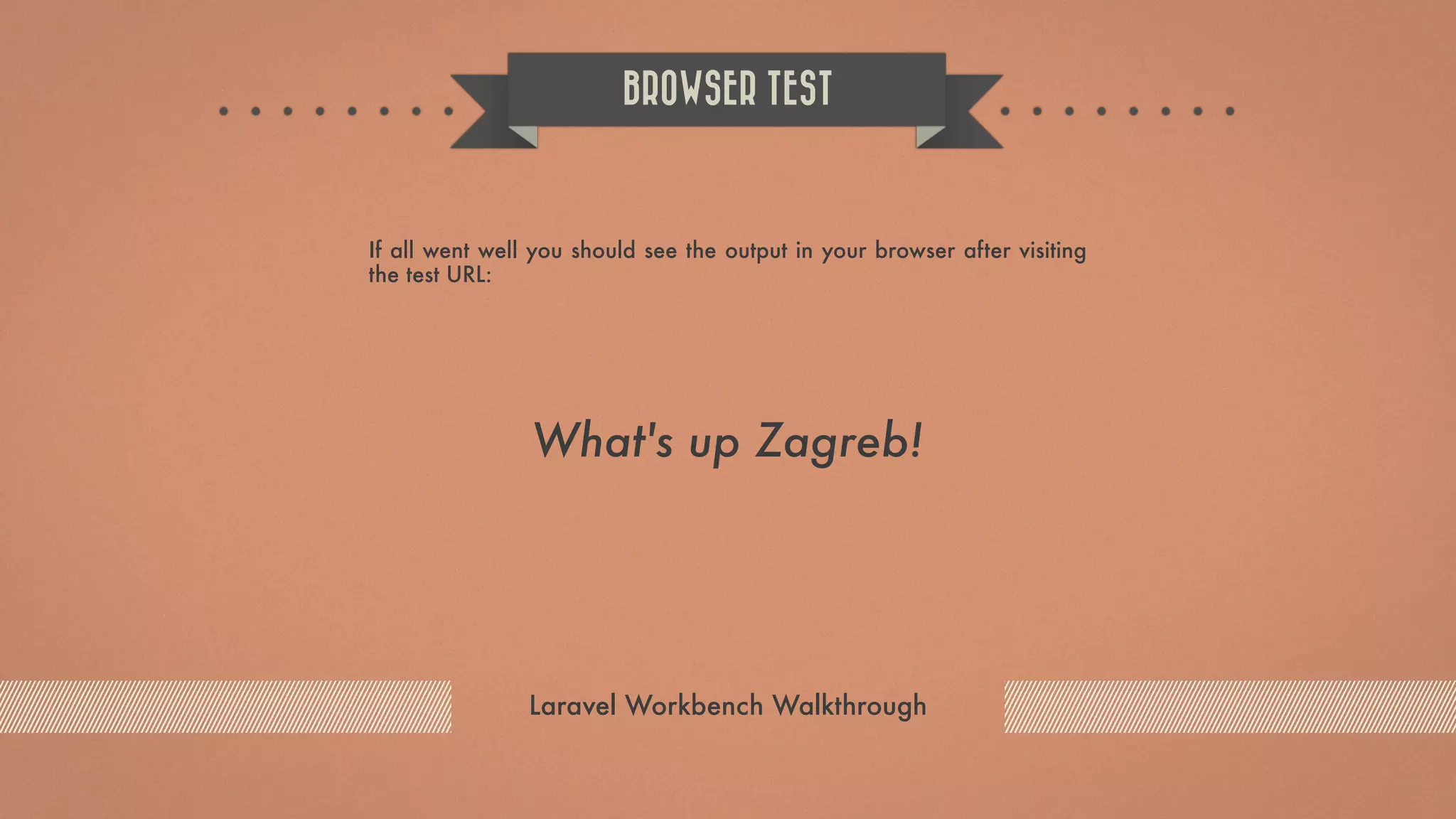
If all went well you should see the output in your browser after visiting the test URL: BROWSER TEST Laravel Workbench Walkthrough What's up Zagreb!
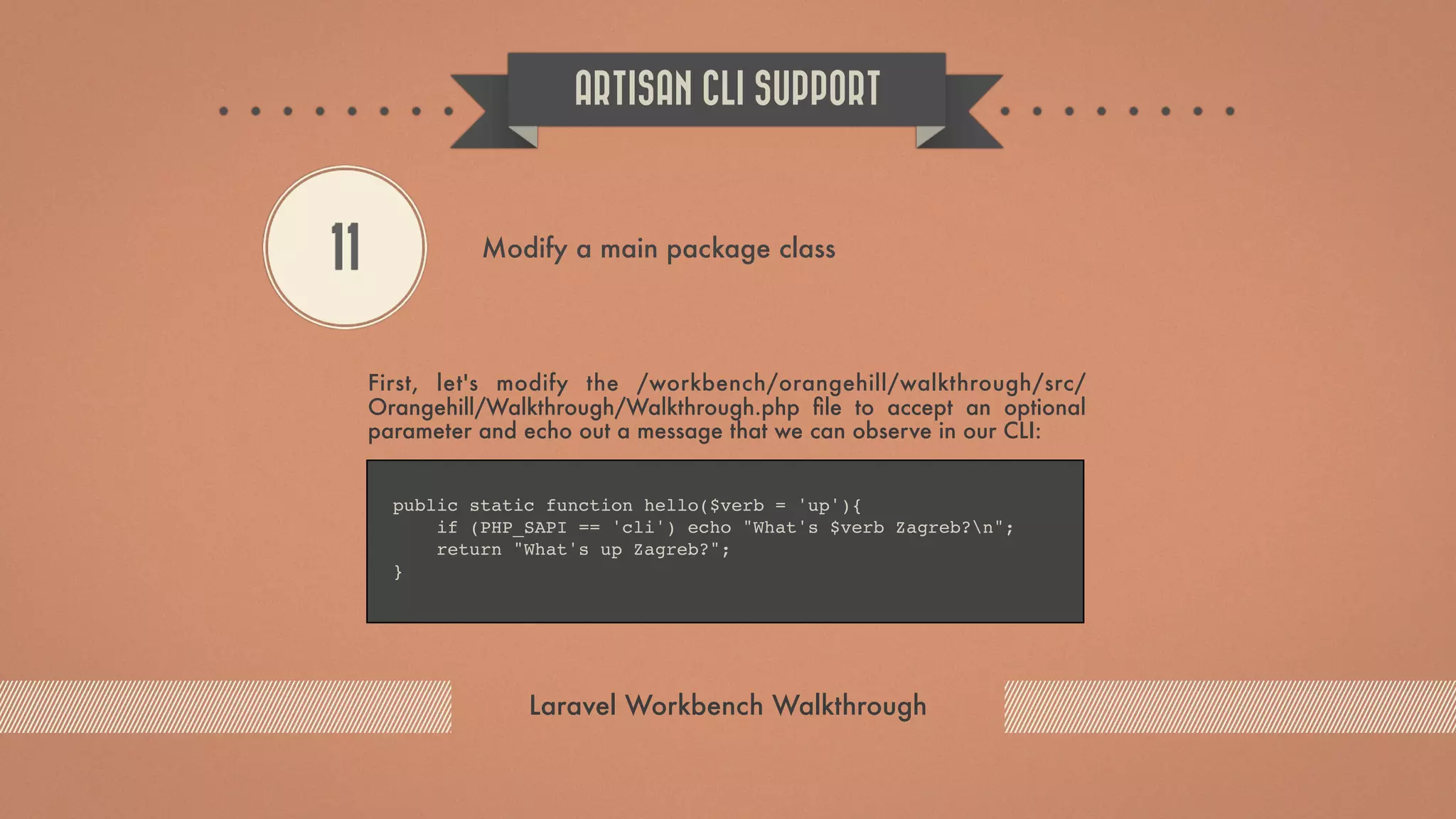
First, let's modify the /workbench/orangehill/walkthrough/src/ Orangehill/Walkthrough/Walkthrough.php file to accept an optional parameter and echo out a message that we can observe in our CLI: ARTISAN CLI SUPPORT Laravel Workbench Walkthrough 11 Modify a main package class public static function hello($verb = 'up'){ if (PHP_SAPI == 'cli') echo "What's $verb Zagreb?n"; return "What's up Zagreb?"; }
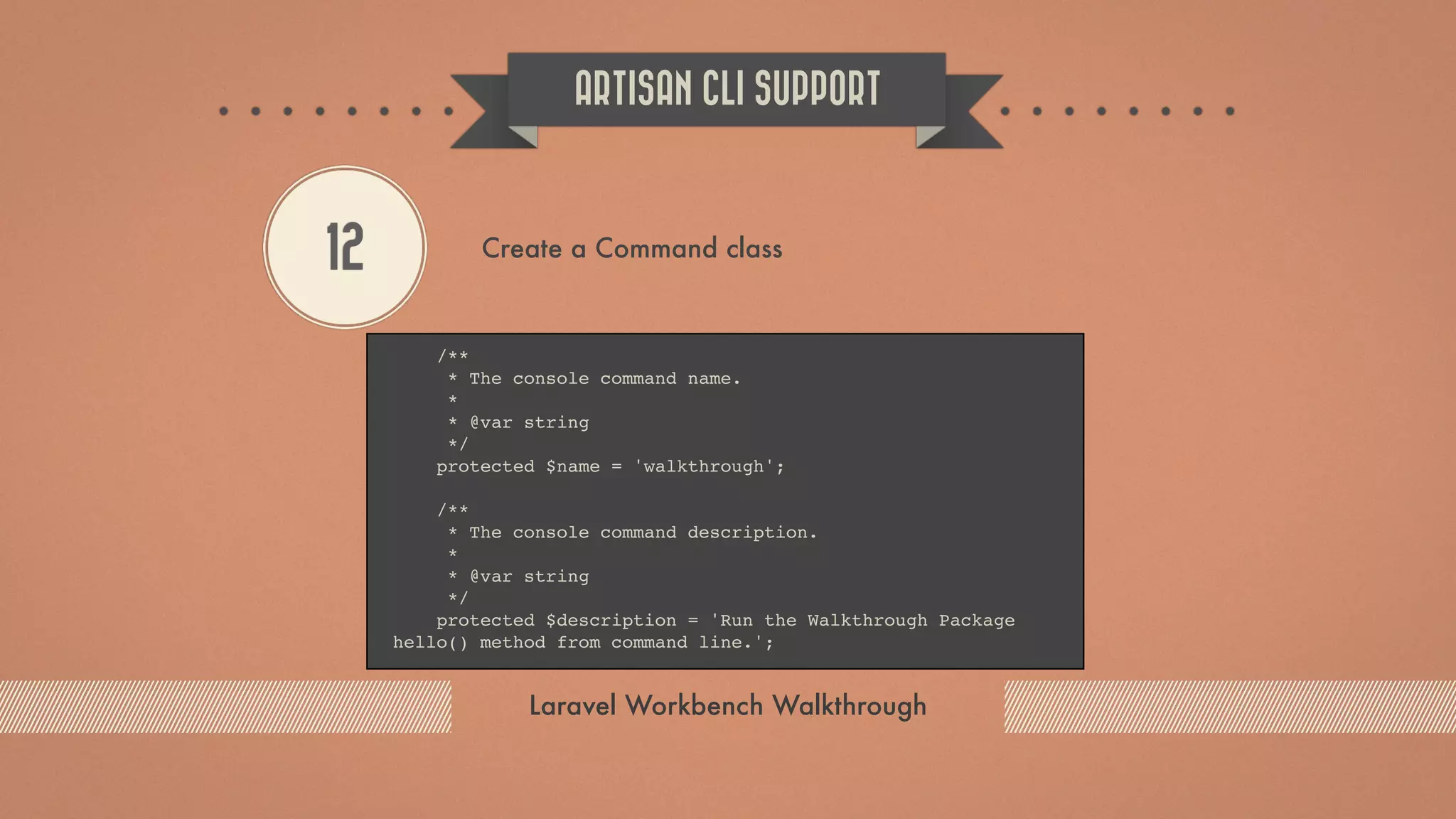
Create a file WalkthroughCommand.php inside /workbench/ orangehill/walkthrough/src/Orangehill/Walkthrough/ folder with following content (code is pretty much self-explanatory): ARTISAN CLI SUPPORT Laravel Workbench Walkthrough 12 Create a Command class <?php namespace OrangehillWalkthrough; use IlluminateConsoleCommand; use SymfonyComponentConsoleInputInputOption; use SymfonyComponentConsoleInputInputArgument; class WalkthroughCommand extends Command {
ARTISAN CLI SUPPORT Laravel Workbench Walkthrough 12 Create a Command class /** * The console command name. * * @var string */ protected $name = 'walkthrough'; /** * The console command description. * * @var string */ protected $description = 'Run the Walkthrough Package hello() method from command line.';
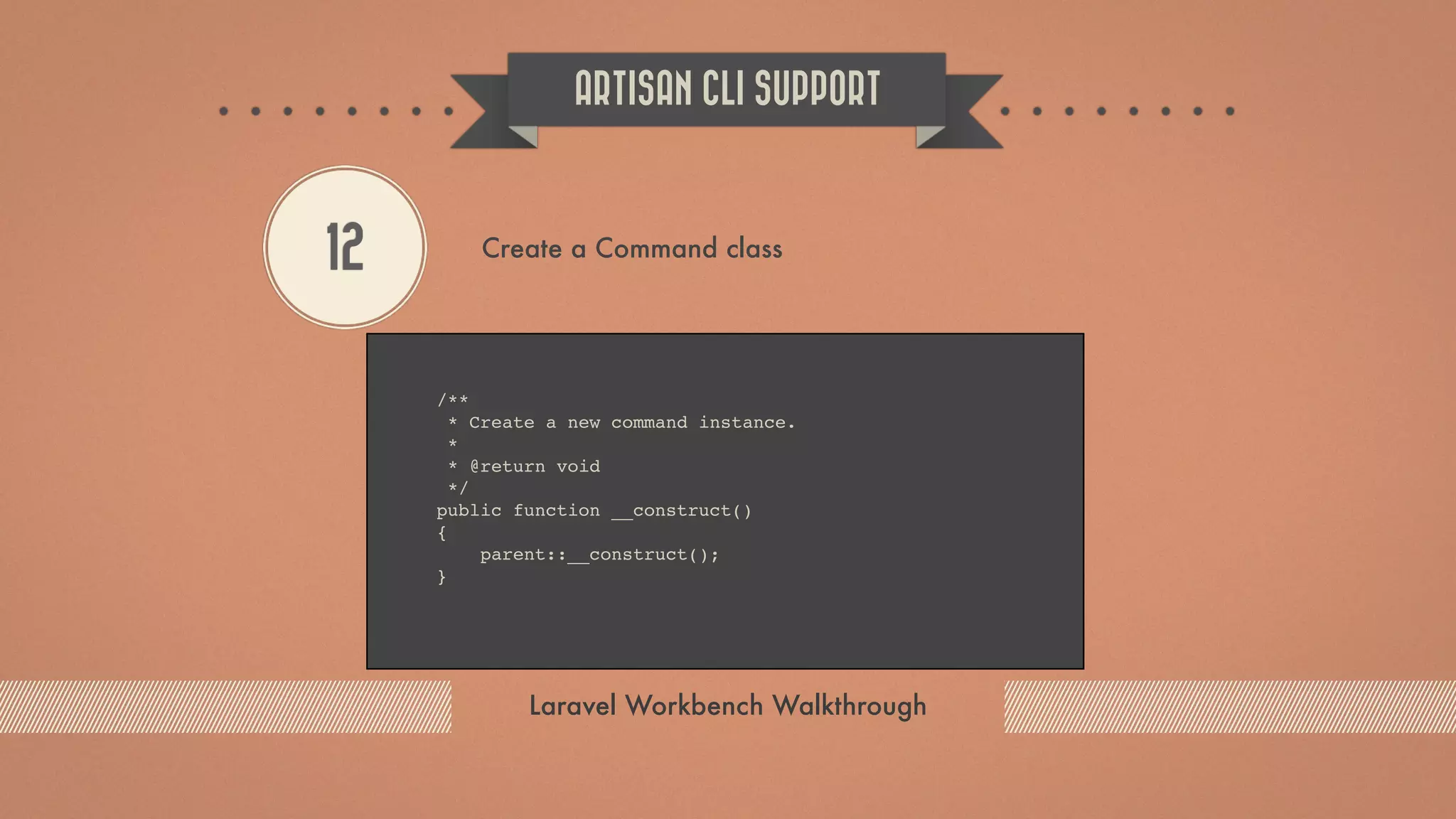
ARTISAN CLI SUPPORT Laravel Workbench Walkthrough 12 Create a Command class /** * Create a new command instance. * * @return void */ public function __construct() { parent::__construct(); }
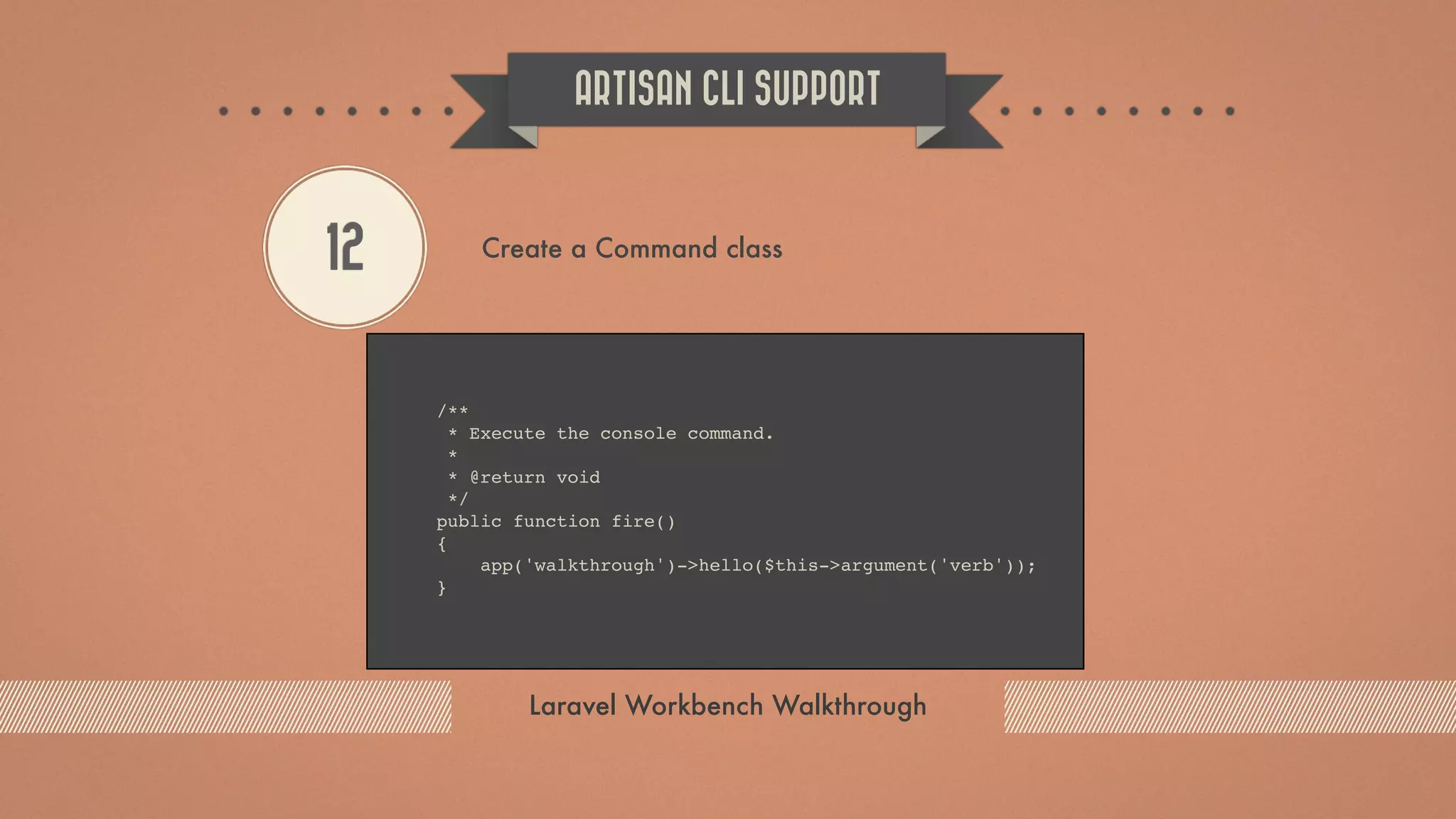
ARTISAN CLI SUPPORT Laravel Workbench Walkthrough 12 Create a Command class /** * Execute the console command. * * @return void */ public function fire() { app('walkthrough')->hello($this->argument('verb')); }
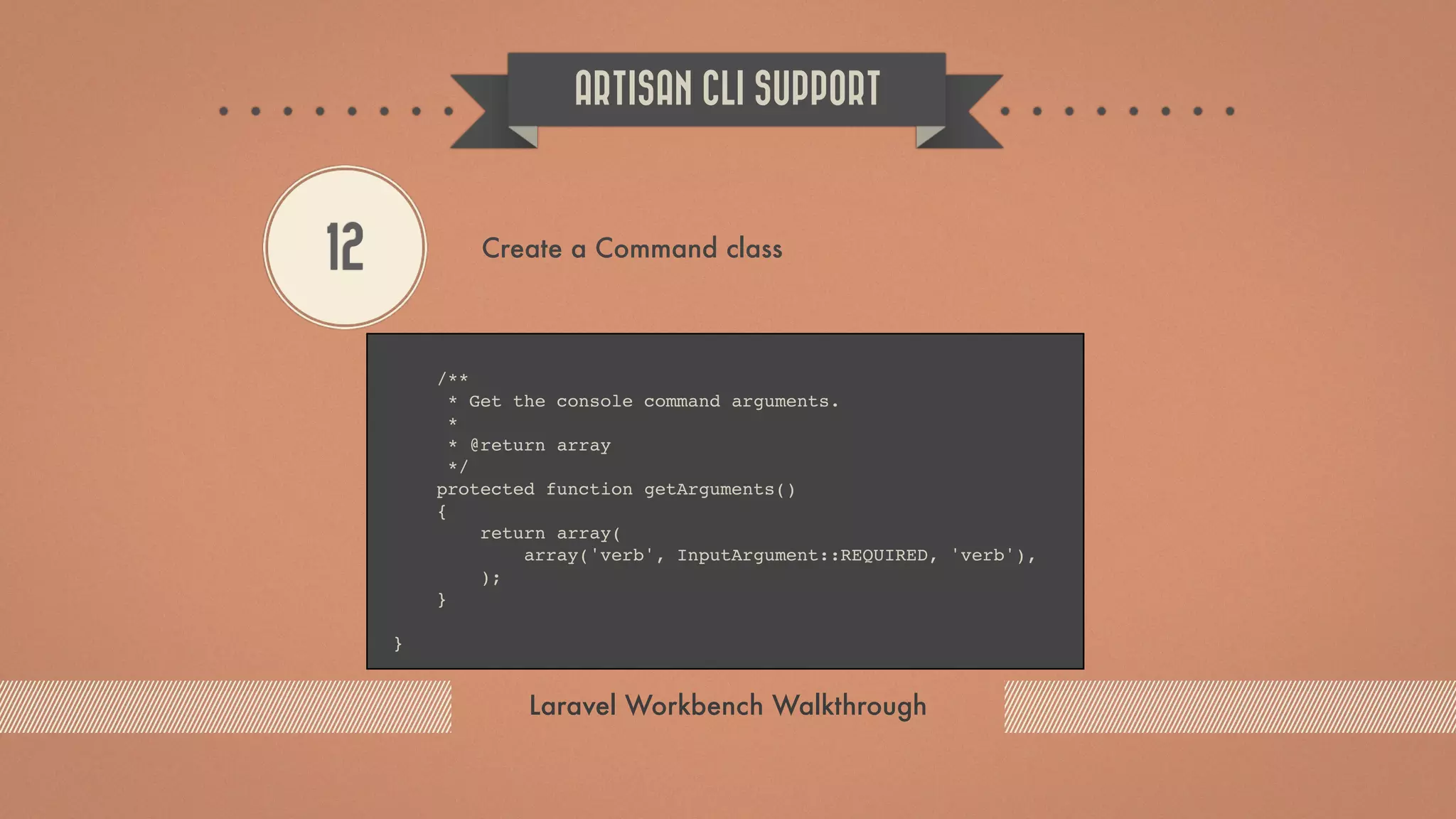
ARTISAN CLI SUPPORT Laravel Workbench Walkthrough 12 Create a Command class /** * Get the console command arguments. * * @return array */ protected function getArguments() { return array( array('verb', InputArgument::REQUIRED, 'verb'), ); } }
Modify Service Provider file register method to include the following code: ARTISAN CLI SUPPORT Laravel Workbench Walkthrough 13 Modify Service Provider file register method $this->app['command.walkthrough'] = $this->app- >share(function($app) { return new WalkthroughCommand; }); $this->commands('command.walkthrough');
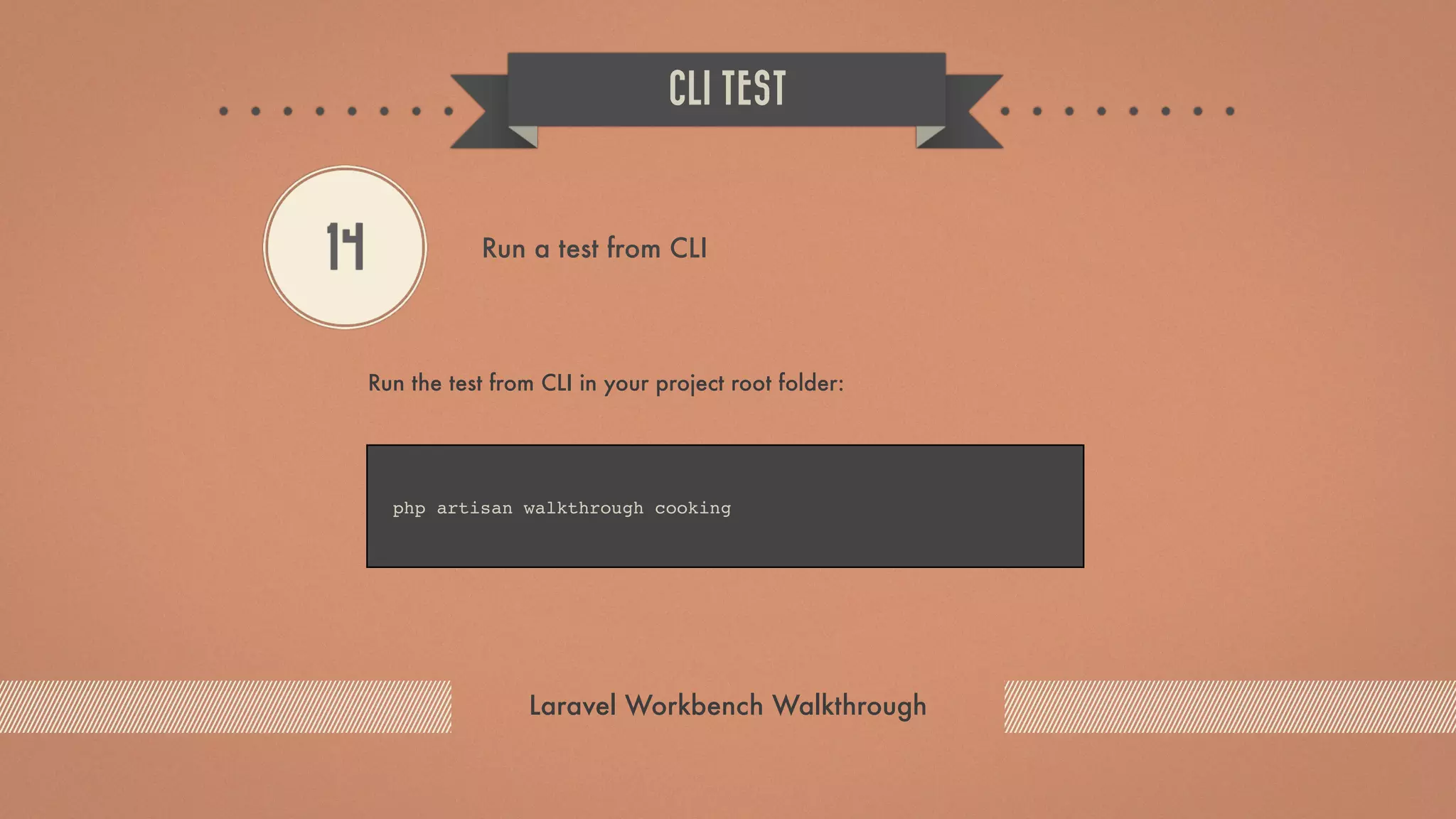
Run the test from CLI in your project root folder: CLI TEST Laravel Workbench Walkthrough 14 Run a test from CLI php artisan walkthrough cooking
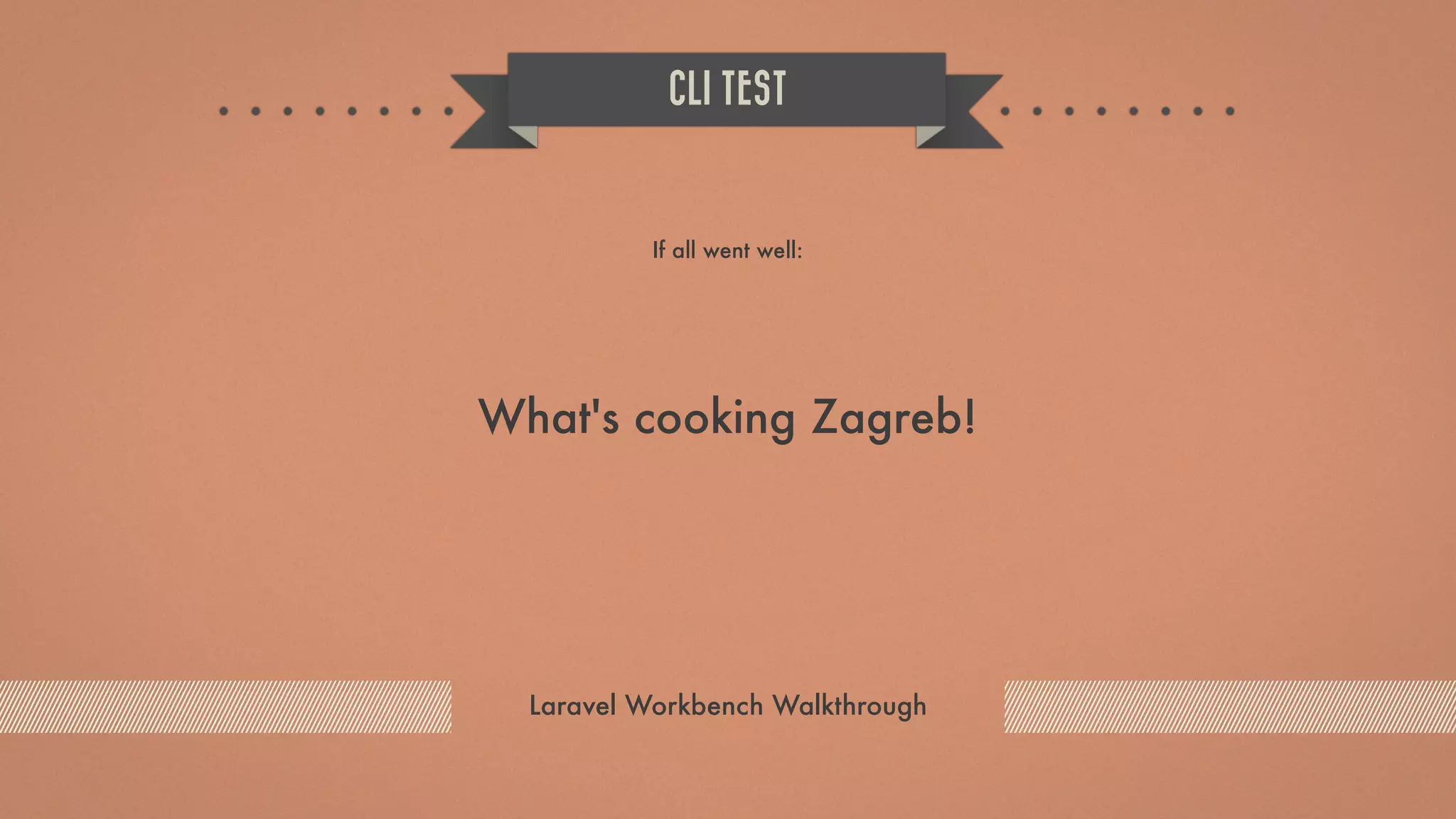
If all went well: CLI TEST Laravel Workbench Walkthrough What's cooking Zagreb!
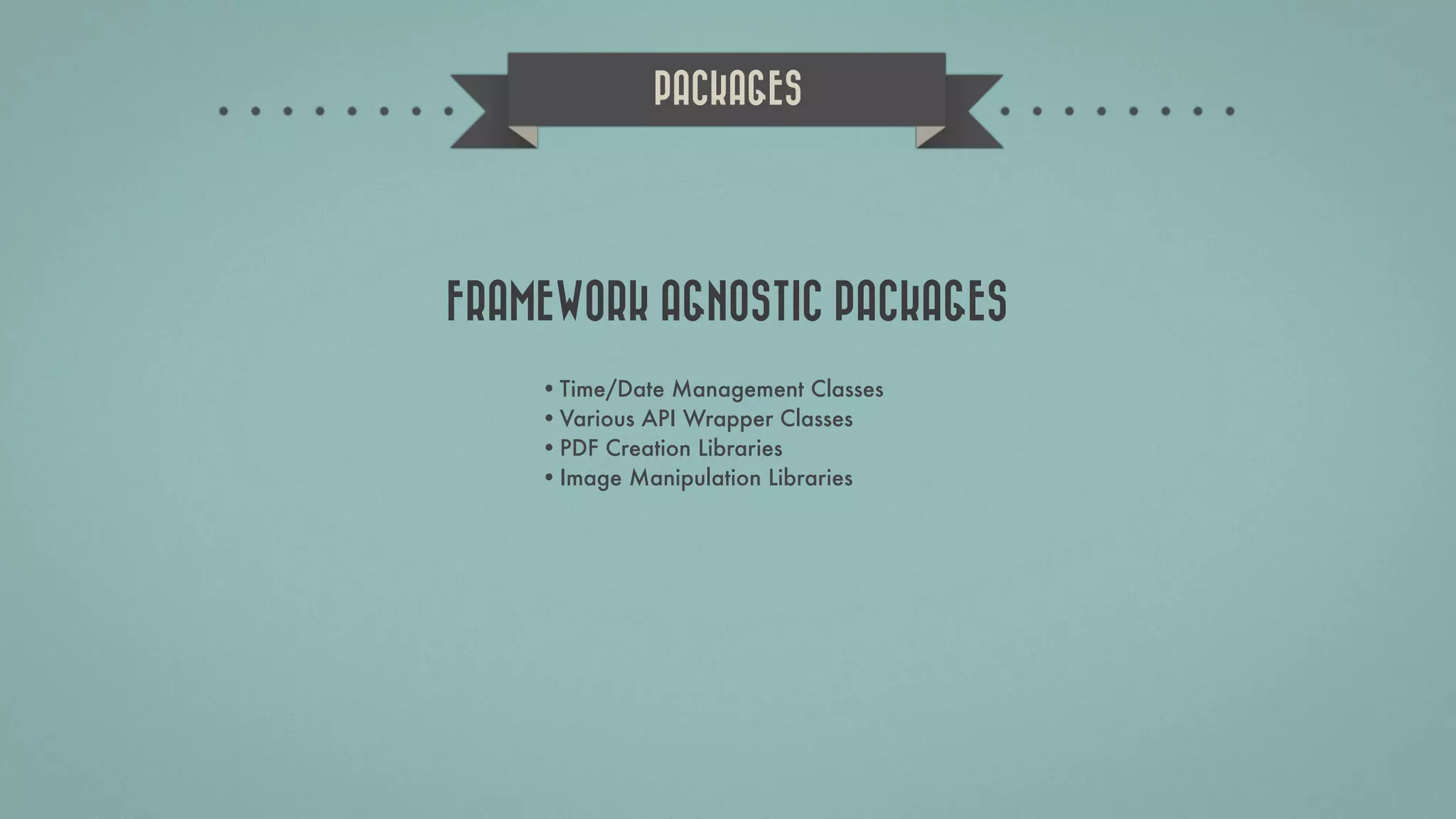
•Time/Date Management Classes •Various API Wrapper Classes •PDF Creation Libraries •Image Manipulation Libraries PACKAGES FRAMEWORK AGNOSTIC PACKAGES
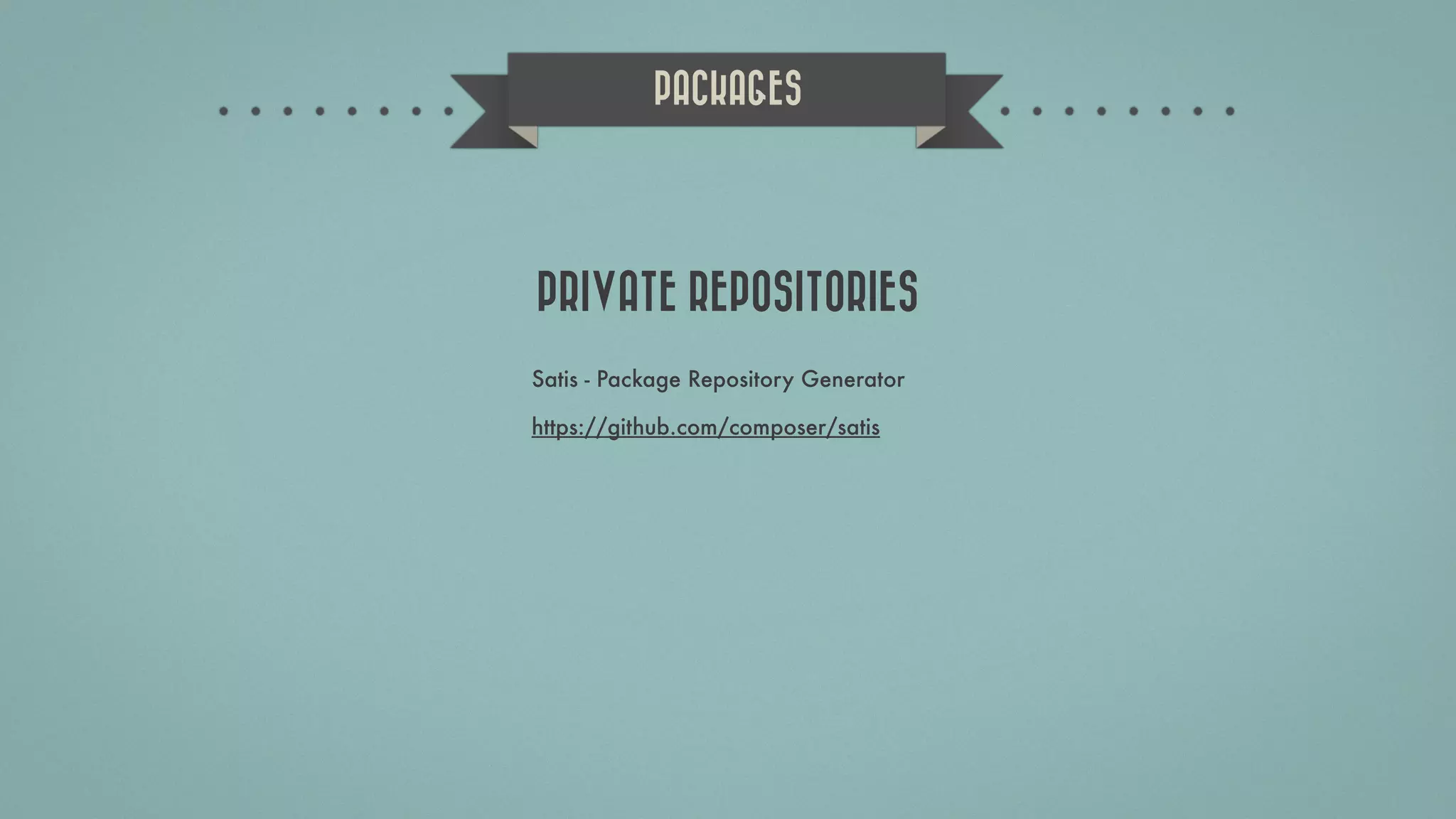
PACKAGES Satis - Package Repository Generator https://github.com/composer/satis PRIVATE REPOSITORIES
Orange Hill Djordja Stanojevica 9b, 11000 Belgrade, Serbia MAP CONTACT US WWW.ORANGEHILLDEV.COM OFFICE@ORANGEHILLDEV.COM +381.64.167.7367
FACEBOOK WWW.FACEBOOK.COM/ORANGEHILLDEV TWITTER WWW.TWITTER.COM/ORANGEHILLDEV LINKEDIN WWW.LINKEDIN.COM/COMPANY/ORANGE-HILL BLOG WWW.ORANGEHILLDEV.COM FOLLOW US Orange Hill Djordja Stanojevica 9b, 11000 Belgrade, Serbia

Laravel 4 package development

  • 1.
  • 2.
    THE PHP FRAMEWORKFOR WEB ARTISANS. ABOUT LARAVEL 4 RESTful Routing Beautiful Templating Proven Foundation Great Community Command Your Data Ready For Tomorrow Composer Powered Red, Green, Refactor
  • 3.
    HISTORY •CodeIgniter > Sparks •FuelPHP> Cells •Laravel > Bundles •CakePHP > The Bakery •ZF2 > Modules •RubyGems •NodeJS Package Manager •PEAR •PEAR2 PACKAGES PEAR PHP INSPIRATION
  • 4.
    Got a goodPHP class? Is it only on GitHub, or maybe it's just sitting around on your blog? Stop that. Stop that right now. Make it into a Composer package and host it on Packagist. HISTORY ” http://philsturgeon.co.uk/blog/2012/03/packages-the-way-forward-for-php (*Phil Sturgeon: Pyro CMS)
  • 5.
    Composer is atool for dependency management in PHP. It allows you to declare the dependent libraries your project needs and it will install them in your project for you. COMPOSER http://getcomposer.org/
  • 6.
    Packagist is themain Composer repository. It aggregates all sorts of PHP packages that are installable with Composer. PACKAGIST https://packagist.org/
  • 7.
    1 2 34 CODE REUSABILITY MODULAR APPS OPENSOURCE LEVEREGE FRAMEWORK DEV MADE EASIER BENEFITS Main benefits while using Composer and Packagist to get or publish PHP Packages.
  • 8.
    2012-04 2012-09 2013-022013-08 950000020000001000000100000 PACKAGES INSTALLED Source: https://packagist.org/statistics
  • 9.
    1 2 34 INTRODUCED IN V.4 WERE BUNDLES IN V.3 FRAMEWORK GROWTH BOOST ENTIRELY MADE OF PACKAGES WORKBENCH PACKAGE DEV TOOL LARAVEL 4 Packages in Laravel 4 PHP Framework
  • 10.
  • 11.
    COMPOSER.JSON { "name": "orangehill/zgphpcon2013", "description": "Laravel4 workbench package generation walkthrough.", "authors": [ { "name": "Tihomir Opacic", "email": "tihomir.opacic@orangehilldev.com" } ], "require": { "php": ">=5.3.0", "illuminate/support": "4.0.x" }, "autoload": { "psr-0": { "OrangehillZgphpcon2013": "src/" } }, "minimum-stability": "dev" } VENDOR / NAME DESCRIPTION AUTHORS DEPENDENCY PSR-0 AUTOLOADING INFO more: http://www.sitepoint.com/autoloading-and-the-psr-0-standard/ 
  • 12.
    Also Available inSerbian: Razvoj web aplikacija uz pomoć Laravel radnog okvira verzije 4 za početnike Slaviša Petrović  @slawisha75 CODEBRIGHT Dayle Rees @daylerees https://leanpub.com/codebright-sr https://leanpub.com/codebright
  • 13.
    COMPOSER.JSON $ php composer.pharinstall *phar: PHP Archive - entire PHP applications in a single file $ composer install *If you did a global install and do not have the phar in that directory run this instead
  • 14.
  • 15.
  • 16.
    Edit /app/config/workbench.php andset your name and email. This info is used later to populate the composer.json file. PACKAGE GENERATION Laravel Workbench Walkthrough 1 Edit workbench config file
  • 17.
    Use Command LineInterface (CLI) to navigate to Laravel 4 root folder, and then run: Note that orangehill represents a vendor (company name, personal name etc.), and walkthrough represents a package name. PACKAGE GENERATION Laravel Workbench Walkthrough 2 Run CLI (Command Line Interface) command php artisan workbench orangehill/walkthrough --resources
  • 18.
    Use your CLIto navigate to /workbench/orangehill/walkthrough and verify that the package structure has been created. PACKAGE GENERATION Laravel Workbench Walkthrough 3 Navigate to package directory
  • 19.
    Open /app/config/app.php toadd a Service Provider to the end of the providers array: PACKAGE SETUP Laravel Workbench Walkthrough 4 Add a Service Provider 'providers' => array( // -- 'OrangehillWalkthroughWalkthroughServiceProvider', ),
  • 20.
    To create amain package class generate the file named Walkthrough.php inside a path /workbench/orangehill/walkthrough/ src/Orangehill/Walkthrough/ with the following code inside: PACKAGE SETUP Laravel Workbench Walkthrough 5 Create Main Package Class <?php namespace OrangehillWalkthrough; class Walkthrough { public static function hello(){ return "What's up Zagreb!"; } }
  • 21.
    Edit the PackageService Provider file /workbench/orangehill/ walkthrough/src/Orangehill/Walkthrough/ WalkthroughServiceProvider.php and make sure that the register method looks like this: PACKAGE SETUP Laravel Workbench Walkthrough 6 Register the new class with the Laravel’s IoC Container public function register() { $this->app['walkthrough'] = $this->app->share(function($app) { return new Walkthrough; }); }
  • 22.
    Note: If yourservice provider cannot be found, run the php artisan dump-autoload command from your application's root directory. PACKAGE SETUP Laravel Workbench Walkthrough 6 NOTE!
  • 23.
    Although generating afacade is not necessary, Facade allows you to do something like this: FACADE GENERATION Laravel Workbench Walkthrough echo Walkthrough::hello();
  • 24.
    Create a foldernamed Facades under following path /workbench/ orangehill/walkthrough/src/Orangehill/Walkthrough/ FACADE GENERATION Laravel Workbench Walkthrough 7 Create a Facades folder
  • 25.
    Inside the Facadesfolder create a file named Walkthrough.php with the following content: PACKAGE SETUP Laravel Workbench Walkthrough 8 Create a Facade class <?php namespace OrangehillWalkthroughFacades; use IlluminateSupportFacadesFacade; class Walkthrough extends Facade { protected static function getFacadeAccessor() { return 'walkthrough'; } }
  • 26.
    Add the followingto the register method of your Service Provider file: This allows the facade to work without the adding it to the Alias array in app/config/app.php PACKAGE SETUP Laravel Workbench Walkthrough 9 Edit a register method of your Service Provider file $this->app->booting(function() { $loader = IlluminateFoundation AliasLoader::getInstance(); $loader->alias('Walkthrough', 'OrangehillWalkthrough FacadesWalkthrough'); });
  • 27.
    Edit your /app/routes.phpfile and add a route to test if a package works: BROWSER TEST Laravel Workbench Walkthrough 10 Edit a routes file Route::get('/hello', function(){ echo Walkthrough::hello(); });
  • 28.
    If all wentwell you should see the output in your browser after visiting the test URL: BROWSER TEST Laravel Workbench Walkthrough What's up Zagreb!
  • 29.
    First, let's modifythe /workbench/orangehill/walkthrough/src/ Orangehill/Walkthrough/Walkthrough.php file to accept an optional parameter and echo out a message that we can observe in our CLI: ARTISAN CLI SUPPORT Laravel Workbench Walkthrough 11 Modify a main package class public static function hello($verb = 'up'){ if (PHP_SAPI == 'cli') echo "What's $verb Zagreb?n"; return "What's up Zagreb?"; }
  • 30.
    Create a fileWalkthroughCommand.php inside /workbench/ orangehill/walkthrough/src/Orangehill/Walkthrough/ folder with following content (code is pretty much self-explanatory): ARTISAN CLI SUPPORT Laravel Workbench Walkthrough 12 Create a Command class <?php namespace OrangehillWalkthrough; use IlluminateConsoleCommand; use SymfonyComponentConsoleInputInputOption; use SymfonyComponentConsoleInputInputArgument; class WalkthroughCommand extends Command {
  • 31.
    ARTISAN CLI SUPPORT LaravelWorkbench Walkthrough 12 Create a Command class /** * The console command name. * * @var string */ protected $name = 'walkthrough'; /** * The console command description. * * @var string */ protected $description = 'Run the Walkthrough Package hello() method from command line.';
  • 32.
    ARTISAN CLI SUPPORT LaravelWorkbench Walkthrough 12 Create a Command class /** * Create a new command instance. * * @return void */ public function __construct() { parent::__construct(); }
  • 33.
    ARTISAN CLI SUPPORT LaravelWorkbench Walkthrough 12 Create a Command class /** * Execute the console command. * * @return void */ public function fire() { app('walkthrough')->hello($this->argument('verb')); }
  • 34.
    ARTISAN CLI SUPPORT LaravelWorkbench Walkthrough 12 Create a Command class /** * Get the console command arguments. * * @return array */ protected function getArguments() { return array( array('verb', InputArgument::REQUIRED, 'verb'), ); } }
  • 35.
    Modify Service Providerfile register method to include the following code: ARTISAN CLI SUPPORT Laravel Workbench Walkthrough 13 Modify Service Provider file register method $this->app['command.walkthrough'] = $this->app- >share(function($app) { return new WalkthroughCommand; }); $this->commands('command.walkthrough');
  • 36.
    Run the testfrom CLI in your project root folder: CLI TEST Laravel Workbench Walkthrough 14 Run a test from CLI php artisan walkthrough cooking
  • 37.
    If all wentwell: CLI TEST Laravel Workbench Walkthrough What's cooking Zagreb!
  • 38.
    •Time/Date Management Classes •VariousAPI Wrapper Classes •PDF Creation Libraries •Image Manipulation Libraries PACKAGES FRAMEWORK AGNOSTIC PACKAGES
  • 39.
    PACKAGES Satis - PackageRepository Generator https://github.com/composer/satis PRIVATE REPOSITORIES
  • 40.
    Orange Hill Djordja Stanojevica9b, 11000 Belgrade, Serbia MAP CONTACT US WWW.ORANGEHILLDEV.COM OFFICE@ORANGEHILLDEV.COM +381.64.167.7367
  • 41.