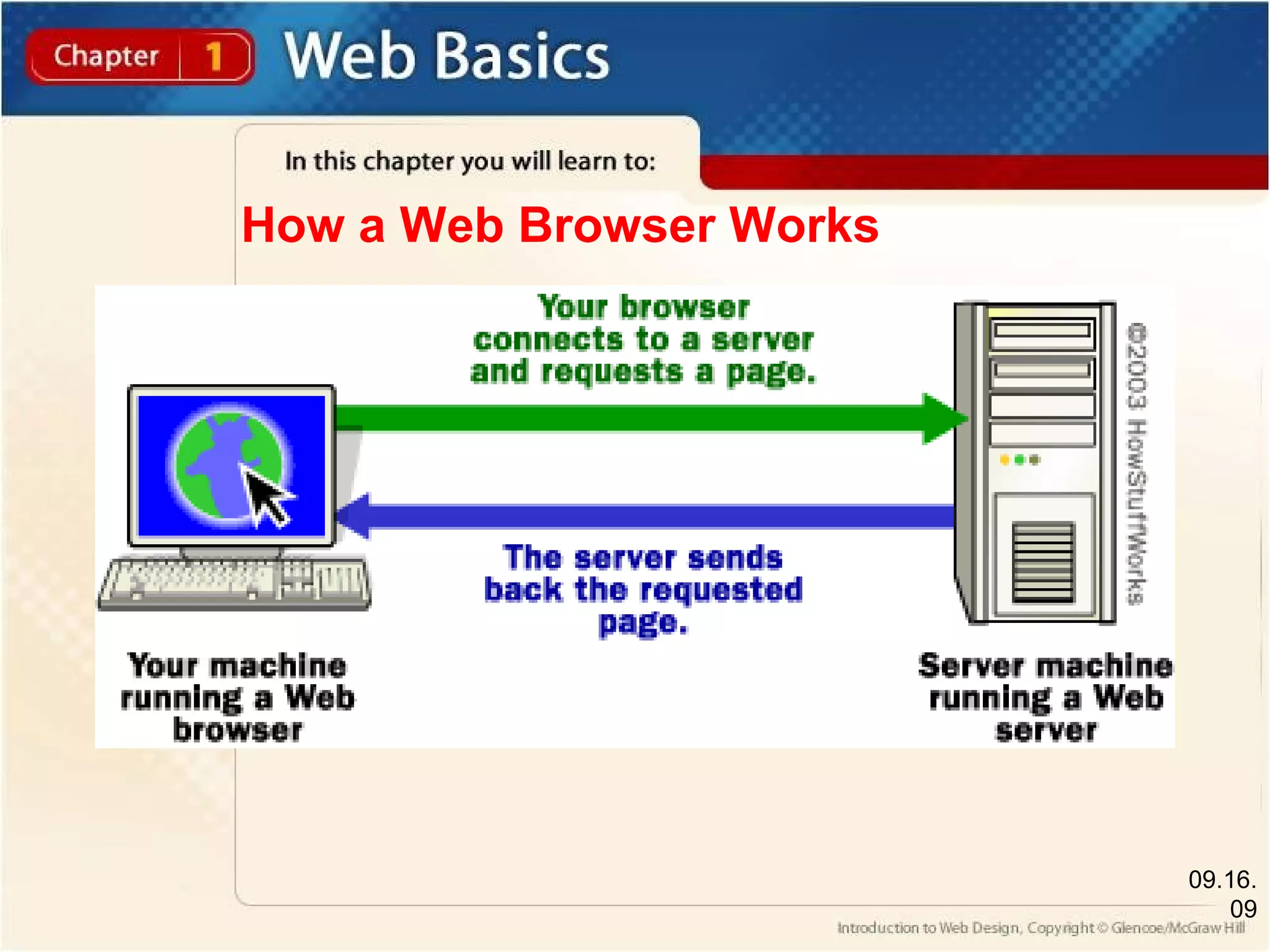
This document provides an overview of the web and web design. It discusses the difference between the Internet and the World Wide Web, and how web browsers access web pages from the Internet. There are different types of websites, including commercial, portal, informational, educational, and personal sites. Web pages contain various elements like text, graphics, multimedia, and hyperlinks that link pages together. The web design process involves interaction, information, and presentation design. It also identifies careers in web authoring, design, development, and webmastering.
Section 1.1 •Compare the Internet and the Web • Identify Web browser components • Compare Web sites and Web pages • Describe types of Web sites Section 1.2 • Identify parts of a Web page • Summarize the importance of hyperlinks • Use a Web browser
2.
Section 1.3 •DescribeWeb Designing •Describe Web site development steps • Identify the three categories of Web site design • Discuss Web design careers Section 1.4 • Identify parts of the FrontPage interface • Use FrontPage to view Web pages
3.
1.1 Introduction tothe Web Guide to Reading Main Ideas The Internet is a worldwide network of hardware. The World Wide Web is part of the Internet. Web sites are divided into categories that meet particular needs. Key Terms Internet World Wide Web file Web browser Web site Web page home page pp. 6-10
4.
1.1 Introduction tothe Web The Internet and the World Wide Web The Internet and the World Wide Web are not the same things. The Internet provides access to the World Wide Web. The information on the Web is stored in individual files. pp. 6-10 Internet Hardware, such as computers, cables, and telephone wires, that is connected to create a massive worldwide network. (p. 6) World Wide Web is a system of interlinked hypertext documents that are accessed via the Internet. file Contains information, such as text, graphics, video, or animation, that is stored on computer hardware. (p. 6)
5.
1.1 Introduction tothe Web How the Web Works A Web site is made up of Web pages. A home page is generally the first page a user sees when visiting a site. Hypertext Markup Language (HTML) is the code used to create Web pages. pp. 6-10 Web site A group of related files organized around a common topic. (p. 7) Web page A single file within a Web site that has a unique name. (p. 7) home page The main page on a Web site which contains general information about the site. (p. 7)
6.
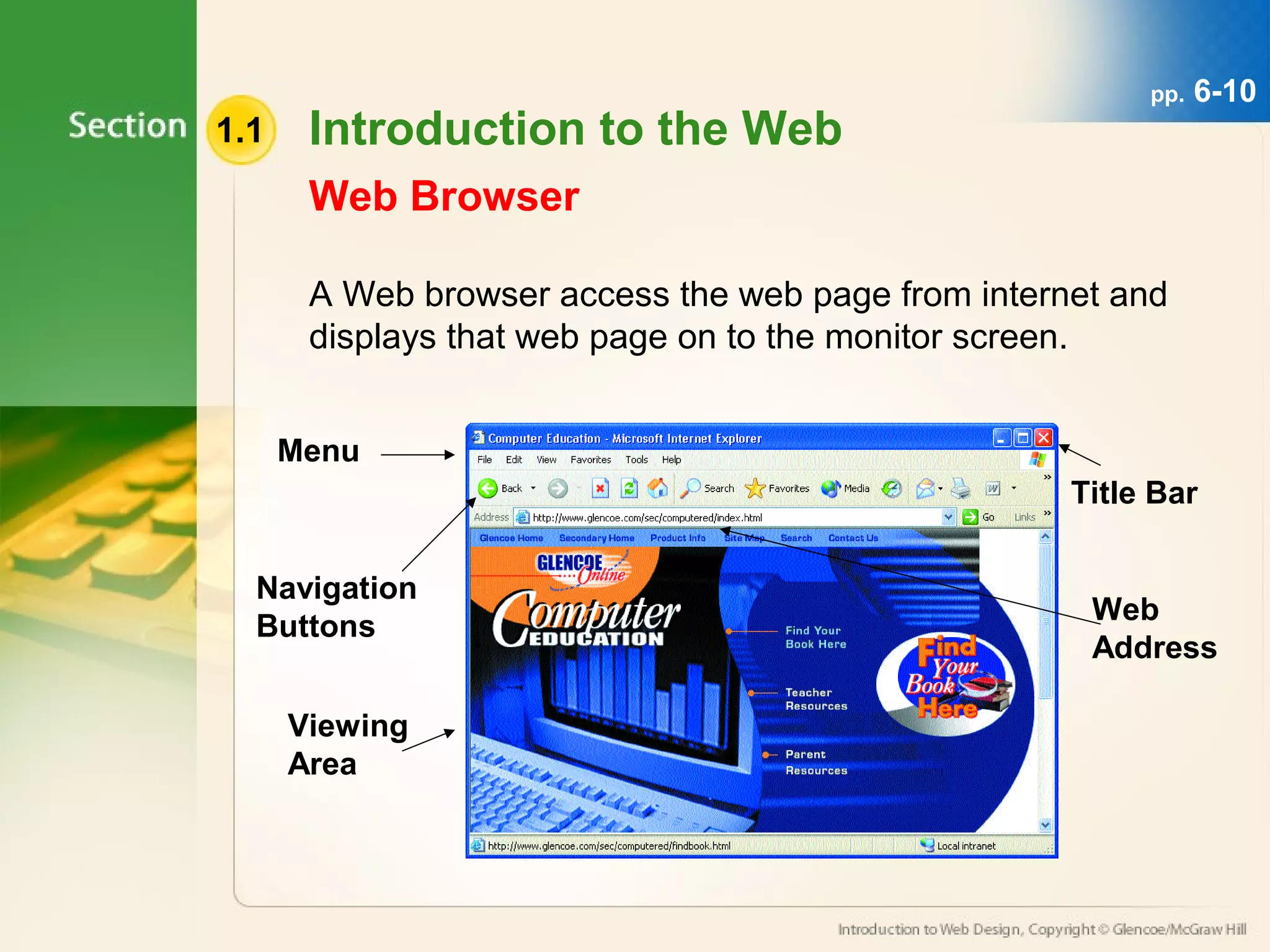
1.1 Introduction tothe Web A Web browser access the web page from internet and displays that web page on to the monitor screen. Menu Navigation Buttons Viewing Area Title Bar Web Address Web Browser pp. 6-10
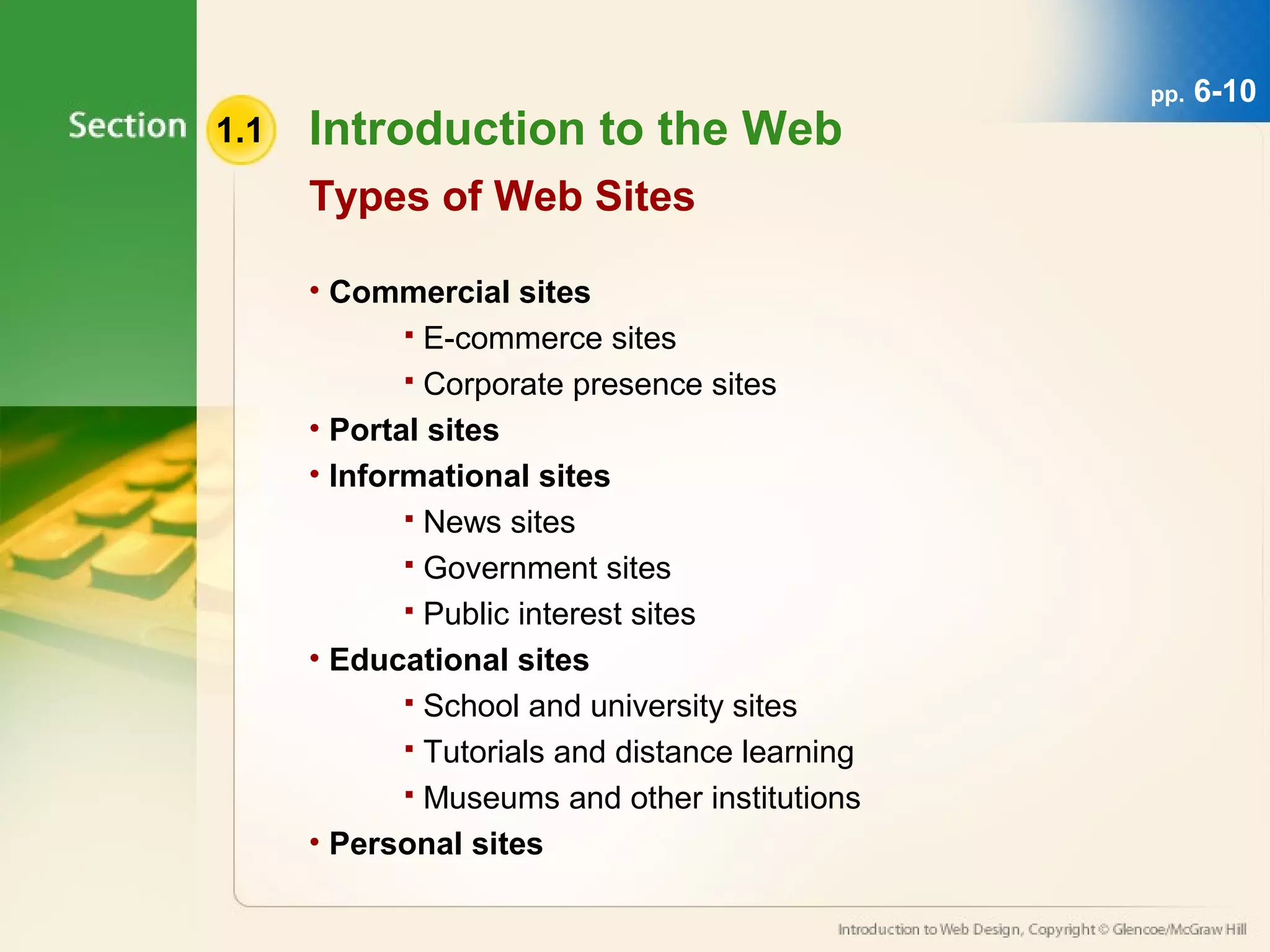
1.1 Introduction tothe Web Types of Web Sites • Commercial sites E-commerce sites Corporate presence sites • Portal sites • Informational sites News sites Government sites Public interest sites • Educational sites School and university sites Tutorials and distance learning Museums and other institutions • Personal sites pp. 6-10
9.
1.2 Elements ofa Web Page Guide to Reading Main Ideas Web pages are composed of many different elements, including text, graphics, animation, and hyperlinks. Hyperlinks link Web pages together and help a user navigate through a Web site. Key Terms text graphics multimedia audio animation video hyperlink pp. 12-15
10.
1.2 Elements ofa Web Page Text and Graphics Web designers use text and graphics to add interest to a Web site. The combination of text and graphics are the basics of a Web site. pp. 12-15 text Consists of words, letters, numbers, and other symbols. (p. 12) graphic A drawing, chart, diagram, painting, or photograph stored in a digital format. (p. 12)
11.
1.2 Elements ofa Web Page Multimedia Multimedia refers to the integration of elements such as graphics, text, audio, video, animation, and interactivity. pp. 12-15 audio Live, streamed, or recorder sound. (p. 13) video Live or recorded moving images. (p. 13) animation The movement of text and graphics. (p. 13)
12.
1.2 Elements ofa Web Page Hyperlinks Hyperlinks can be a word, phrase, or graphic. There are three types of hyperlinks: internal, external, and intrapage. pp. 12-15 hyperlink A way to link Web pages together and allow users to move from one online location to another. (p. 14)
13.
What is WebDesigning Web design is the planning and creation of websites. This includes the information, user interface, site structure, navigation, layout, colors, fonts, and imagery. All of these are combined with the principles of web designing to create a website that meets the goals of the owner and designer.
14.
1.3 Web SiteDesign Process Guide to Reading Main Ideas The Web site design process has five basic steps. There are three categories of Web site design. Specific skills are needed to develop and design Web sites. Key Terms interaction design information design presentation design Web author Web designer Web developer Webmaster pp. 16-20
15.
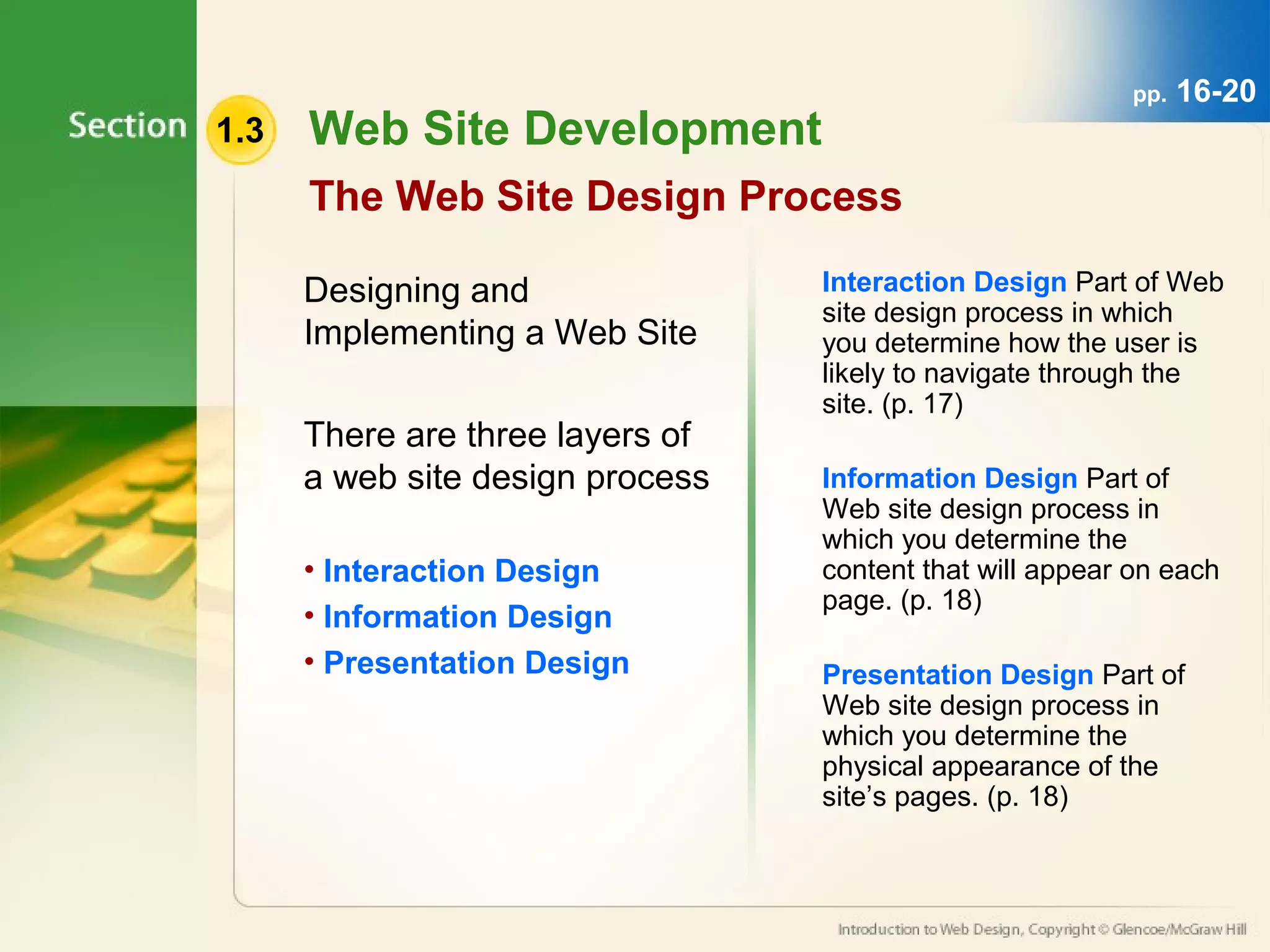
1.3 Web SiteDevelopment pp. 16-20 The Web Site Design Process Designing and Implementing a Web Site There are three layers of a web site design process • Interaction Design • Information Design • Presentation Design Interaction Design Part of Web site design process in which you determine how the user is likely to navigate through the site. (p. 17) Information Design Part of Web site design process in which you determine the content that will appear on each page. (p. 18) Presentation Design Part of Web site design process in which you determine the physical appearance of the site’s pages. (p. 18)
16.
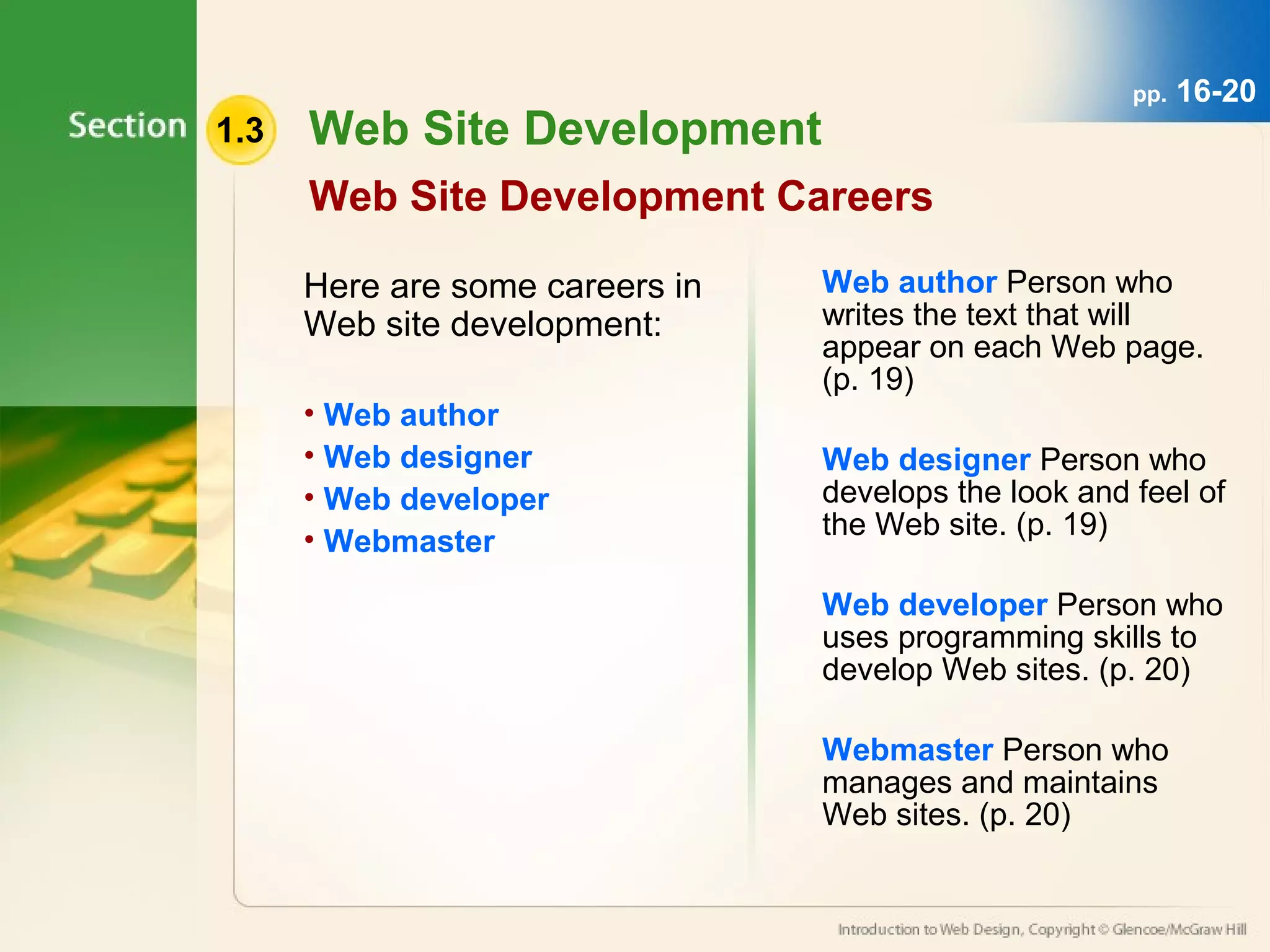
1.3 Web SiteDevelopment Web Site Development Careers Here are some careers in Web site development: • Web author • Web designer • Web developer • Webmaster pp. 16-20 Web author Person who writes the text that will appear on each Web page. (p. 19) Web designer Person who develops the look and feel of the Web site. (p. 19) Web developer Person who uses programming skills to develop Web sites. (p. 20) Webmaster Person who manages and maintains Web sites. (p. 20)