LESSONS LEARNED: USING SPARK AND MICROSERVICES (TO EMPOWER DATA SCIENTISTS AND DATA ENGINEERS) Alexis Seigneurin
Who I am • Software engineer for 15+ years • Consultant at Ippon USA, previously at Ippon France • Favorite subjects: Spark, Machine Learning, Cassandra • Spark trainer • @aseigneurin
• 200 software engineers in France, the US and Australia • In the US: offices in DC, NYC and Richmond,Virginia • Digital, Big Data and Cloud applications • Java & Agile expertise • Open-source projects: JHipster,Tatami, etc. • @ipponusa
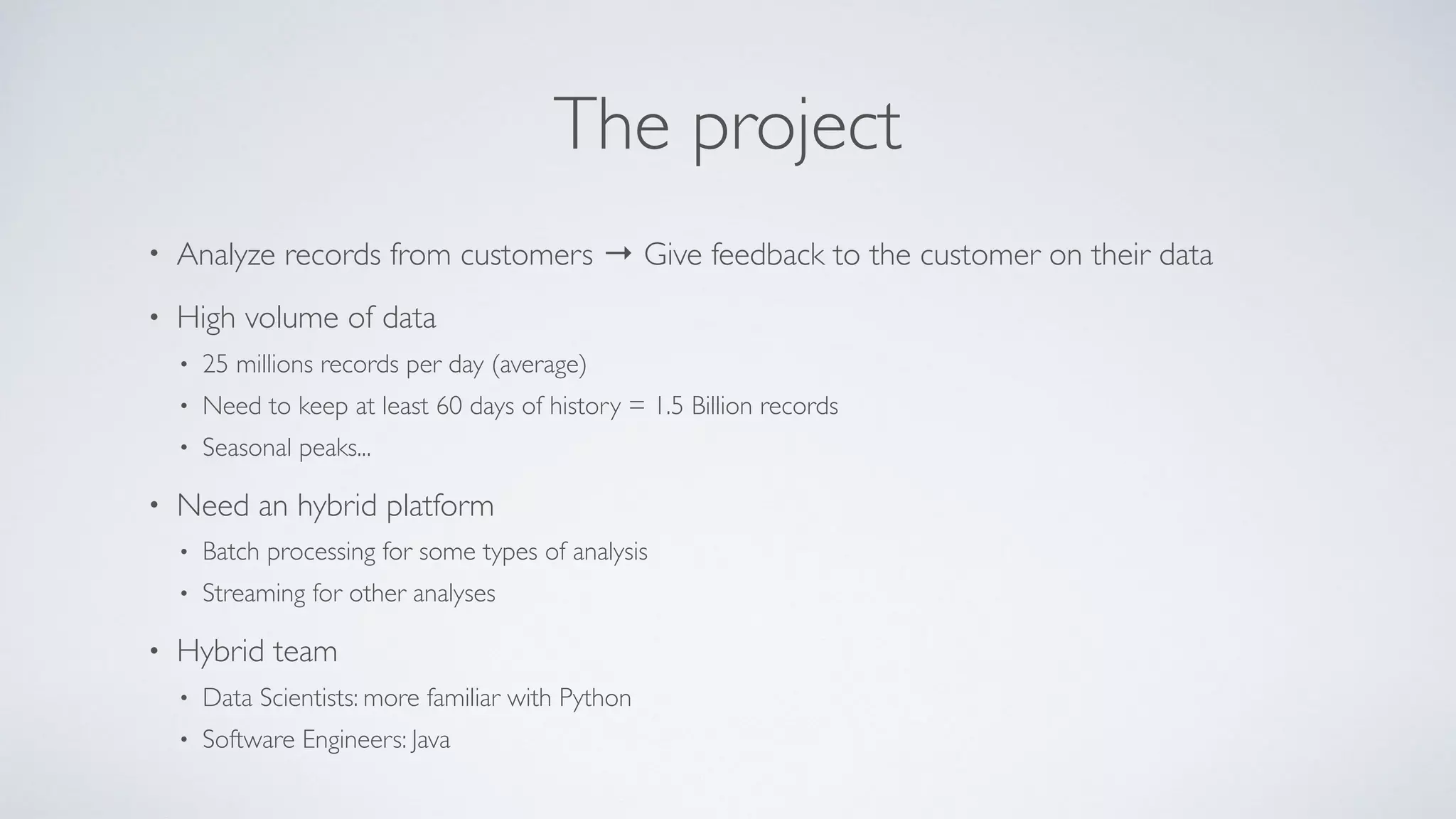
The project • Analyze records from customers → Give feedback to the customer on their data • High volume of data • 25 millions records per day (average) • Need to keep at least 60 days of history = 1.5 Billion records • Seasonal peaks... • Need an hybrid platform • Batch processing for some types of analysis • Streaming for other analyses • Hybrid team • Data Scientists: more familiar with Python • Software Engineers: Java
Technical Overview
Processing technology - Spark • Mature platform • Supports batch jobs and streaming jobs • Support for multiple programming languages • Python → Data Scientists • Scala/Java → Software Engineers
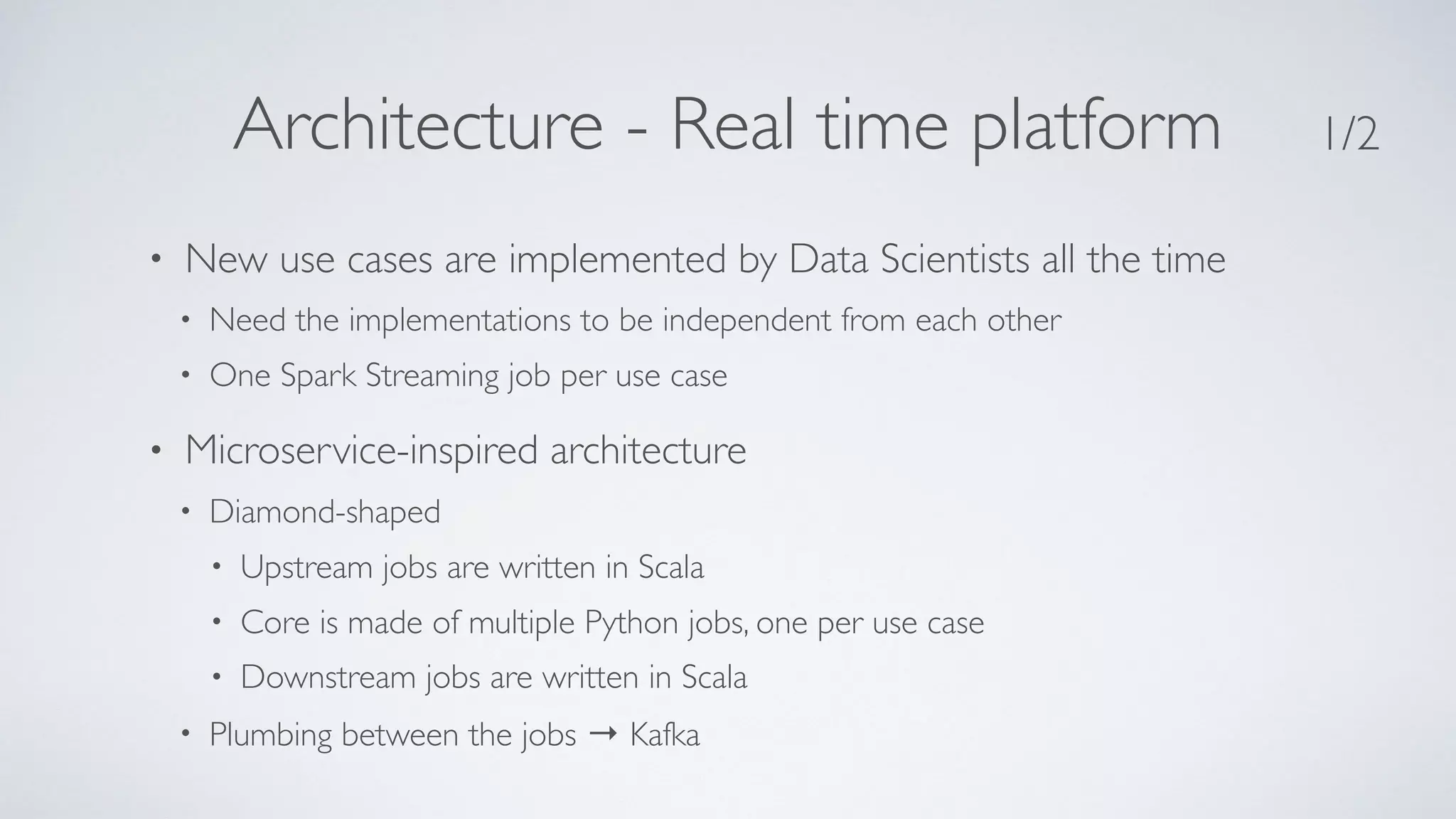
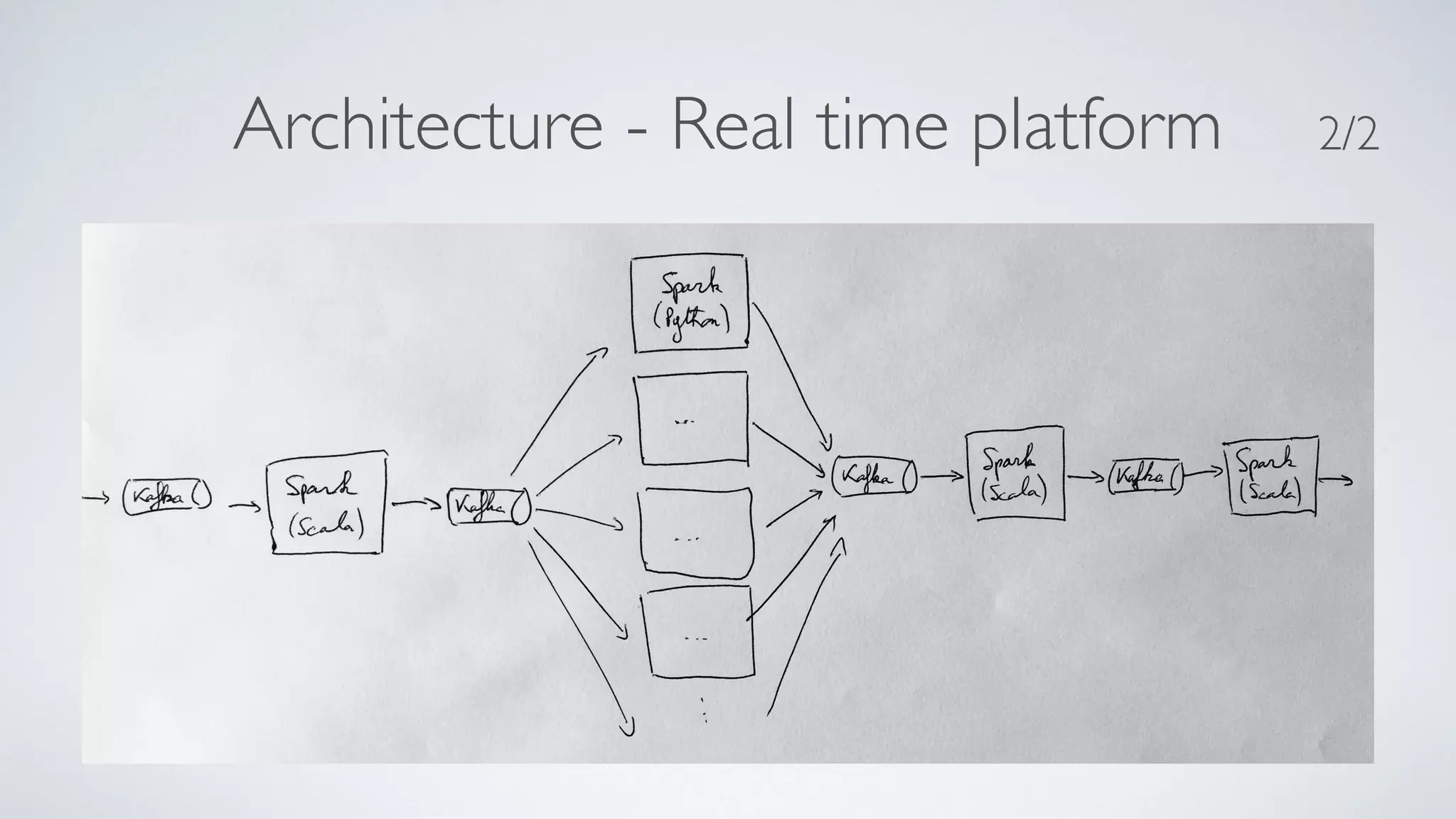
Architecture - Real time platform • New use cases are implemented by Data Scientists all the time • Need the implementations to be independent from each other • One Spark Streaming job per use case • Microservice-inspired architecture • Diamond-shaped • Upstream jobs are written in Scala • Core is made of multiple Python jobs, one per use case • Downstream jobs are written in Scala • Plumbing between the jobs → Kafka 1/2
Architecture - Real time platform 2/2
Messaging technology - Kafka From kafka.apache.org • “A high-throughput distributed messaging system” • Messaging: between 2 Spark jobs • Distributed: fits well with Spark, can be scaled up or down • High-throughput: so as to handle an average of 300 messages/second, peaks at 2000 m/s • “Apache Kafka is publish-subscribe messaging rethought as a distributed commit log” • Commit log so that you can go back in time and reprocess data • Only used as such when a job crashes, for resilience purposes
Storage • Currently PostgreSQL: • SQL databases are well known by developers and easy to work with • PostgreSQL is available “as-a-service” on AWS • Working on transitioning to Cassandra (more on that later)
Deployment platform • Amazon AWS • Company standard - Everything in the cloud • Easy to scale up or down, ability to choose the hardware • Some limitations • Requirement to use company-crafted AMIs • Cannot use some services (EMR…) • AMIs are renewed every 2 months → need to recreate the platform continuously
Strengths of the platform
Modularity • One Spark job per use case • Hot deployments: can roll out new use cases (= new jobs) without stopping existing jobs • Can roll out updated code without affecting other jobs • Able to measure the resources consumed by a single job • Shared services are provided by upstream and downstream jobs
A/B testing • A/B testing of updated features • Run 2 implementations of the code in parallel • Let each filter process the data of all the customers • Post-filter to let the customers receive A or B • (Measure…) • Can be used to slowly roll out new features
Data Scientists can contribute • Spark in Python → pySpark • Data Scientists know Python (and don’t want to hear about Java/ Scala!) • Business logic implemented in Python • Code is easy to write and to read • Data Scientists are real contributors → quick iterations to production
Challenges
Data Scientist code in production • Shipping code written by Data Scientists is not ideal • Need production-grade code (error handling, logging…) • Code is less tested than Scala code • Harder to deploy than a JAR file → PythonVirtual Environments • blog.cloudera.com/blog/2015/09/how-to-prepare-your-apache- hadoop-cluster-for-pyspark-jobs/
Allocation of resources in Spark • With Spark Streaming, resources (CPU & memory) are allocated per job • Resources are allocated when the job is submitted and cannot be updated on the fly • Have to allocate 1 core to the Driver of the job → unused resource • Have to allocate extra resources to each job to handle variations in traffic → unused resources • For peak periods, easy to add new Spark Workers but jobs have to restarted • Idea to be tested: • Over allocation of real resources, e.g let Spark know it has 6 cores on a 4-cores server
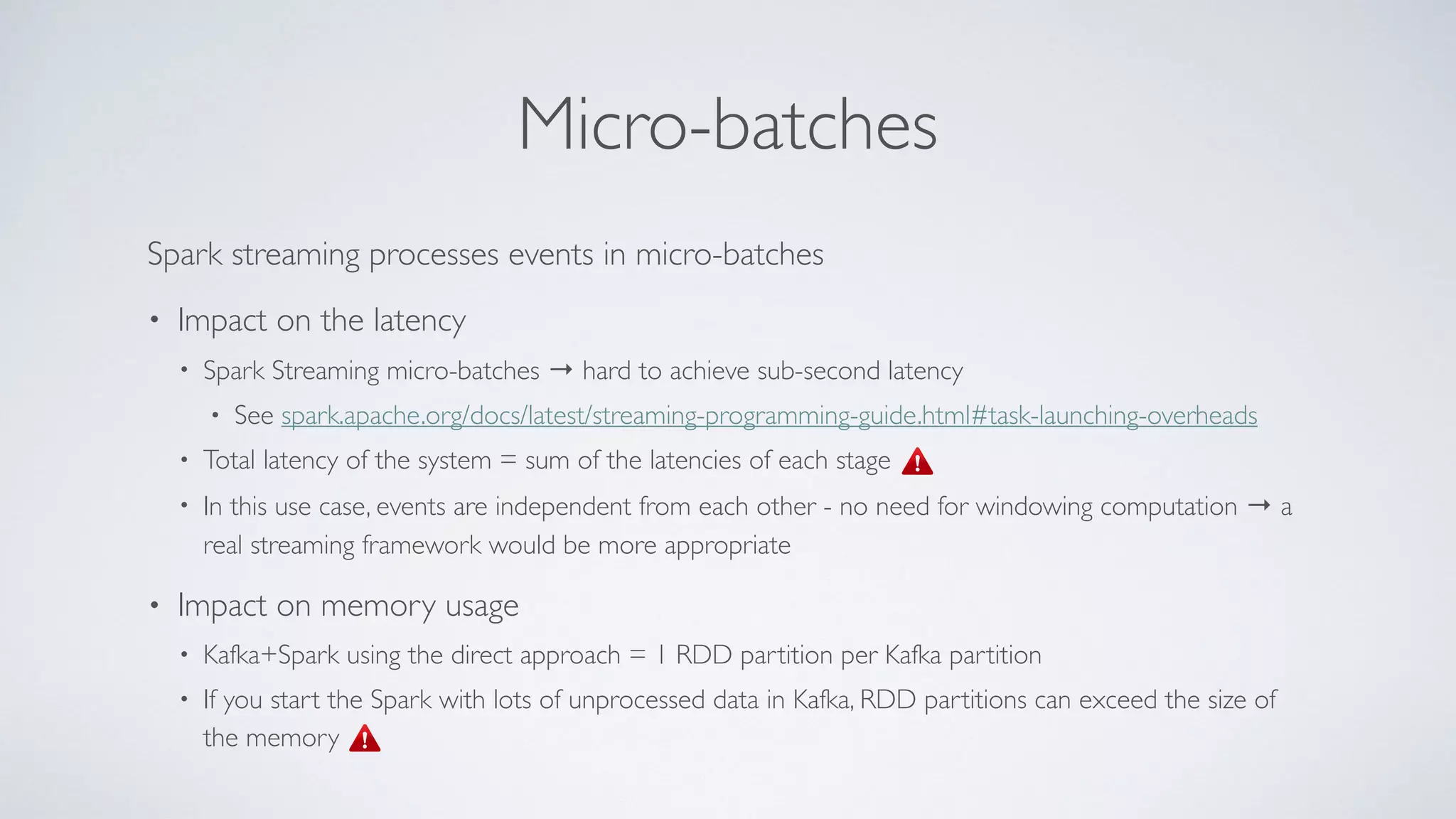
Micro-batches Spark streaming processes events in micro-batches • Impact on the latency • Spark Streaming micro-batches → hard to achieve sub-second latency • See spark.apache.org/docs/latest/streaming-programming-guide.html#task-launching-overheads • Total latency of the system = sum of the latencies of each stage • In this use case, events are independent from each other - no need for windowing computation → a real streaming framework would be more appropriate • Impact on memory usage • Kafka+Spark using the direct approach = 1 RDD partition per Kafka partition • If you start the Spark with lots of unprocessed data in Kafka, RDD partitions can exceed the size of the memory
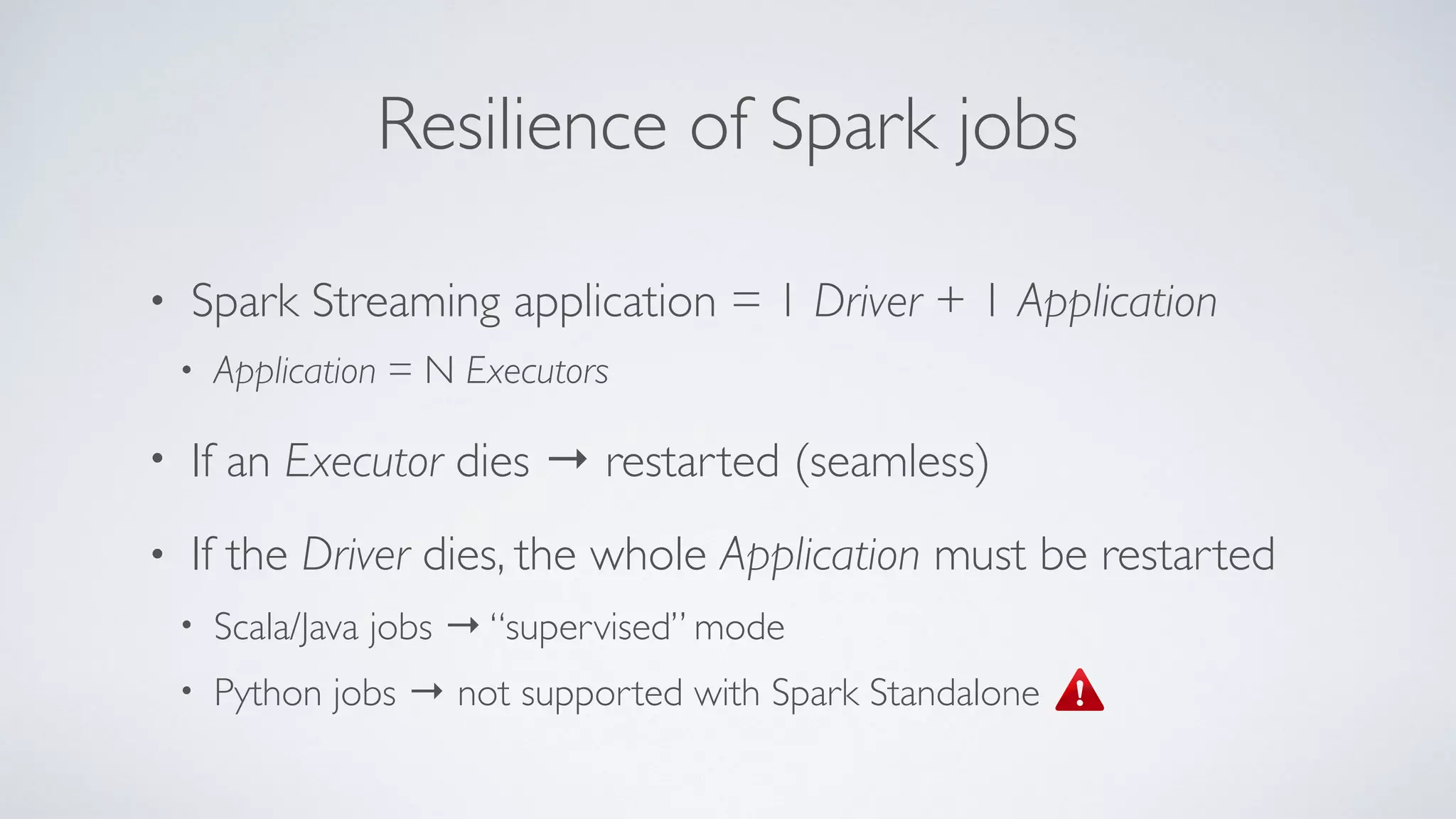
Resilience of Spark jobs • Spark Streaming application = 1 Driver + 1 Application • Application = N Executors • If an Executor dies → restarted (seamless) • If the Driver dies, the whole Application must be restarted • Scala/Java jobs → “supervised” mode • Python jobs → not supported with Spark Standalone
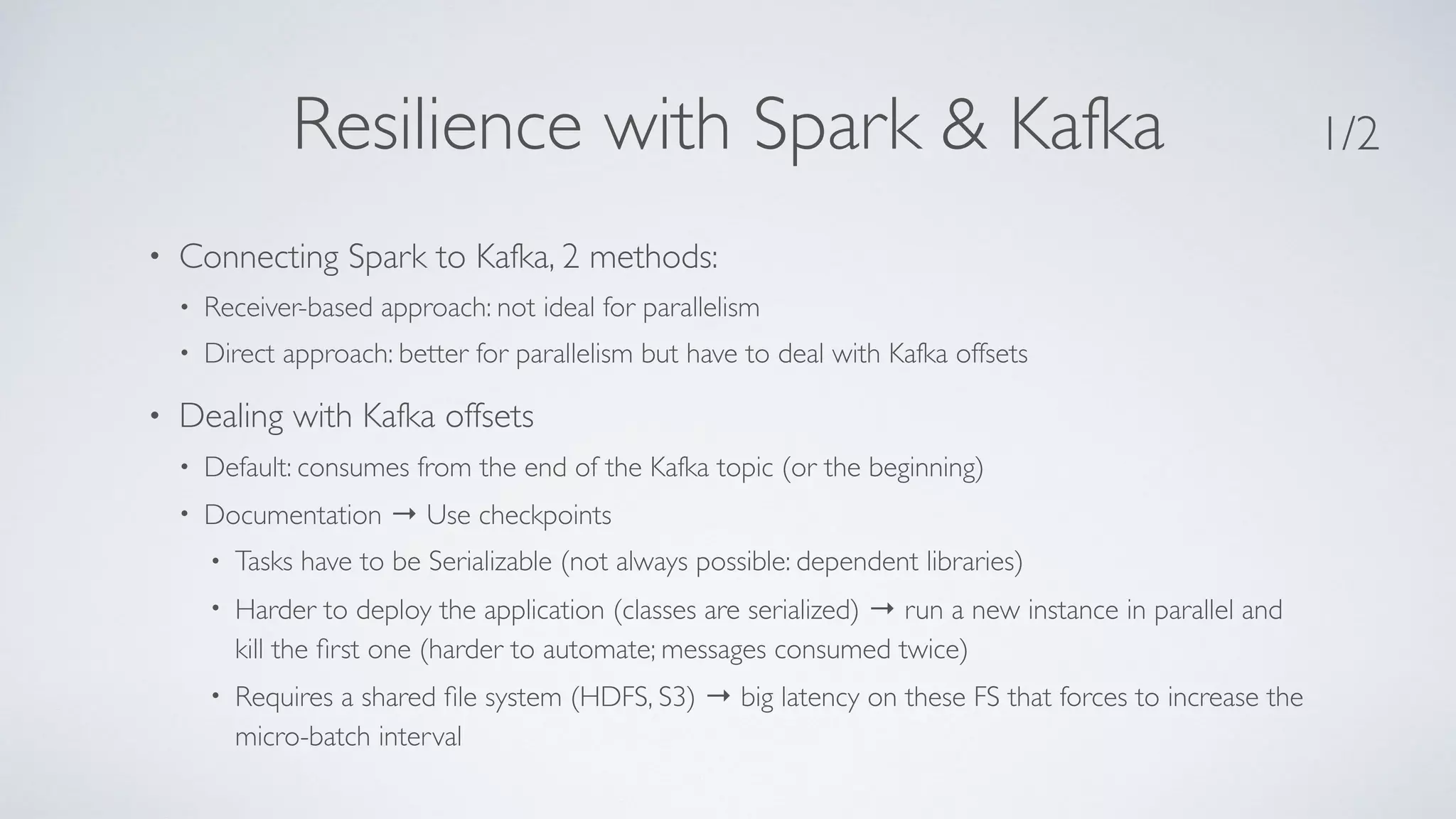
Resilience with Spark & Kafka • Connecting Spark to Kafka, 2 methods: • Receiver-based approach: not ideal for parallelism • Direct approach: better for parallelism but have to deal with Kafka offsets • Dealing with Kafka offsets • Default: consumes from the end of the Kafka topic (or the beginning) • Documentation → Use checkpoints • Tasks have to be Serializable (not always possible: dependent libraries) • Harder to deploy the application (classes are serialized) → run a new instance in parallel and kill the first one (harder to automate; messages consumed twice) • Requires a shared file system (HDFS, S3) → big latency on these FS that forces to increase the micro-batch interval 1/2
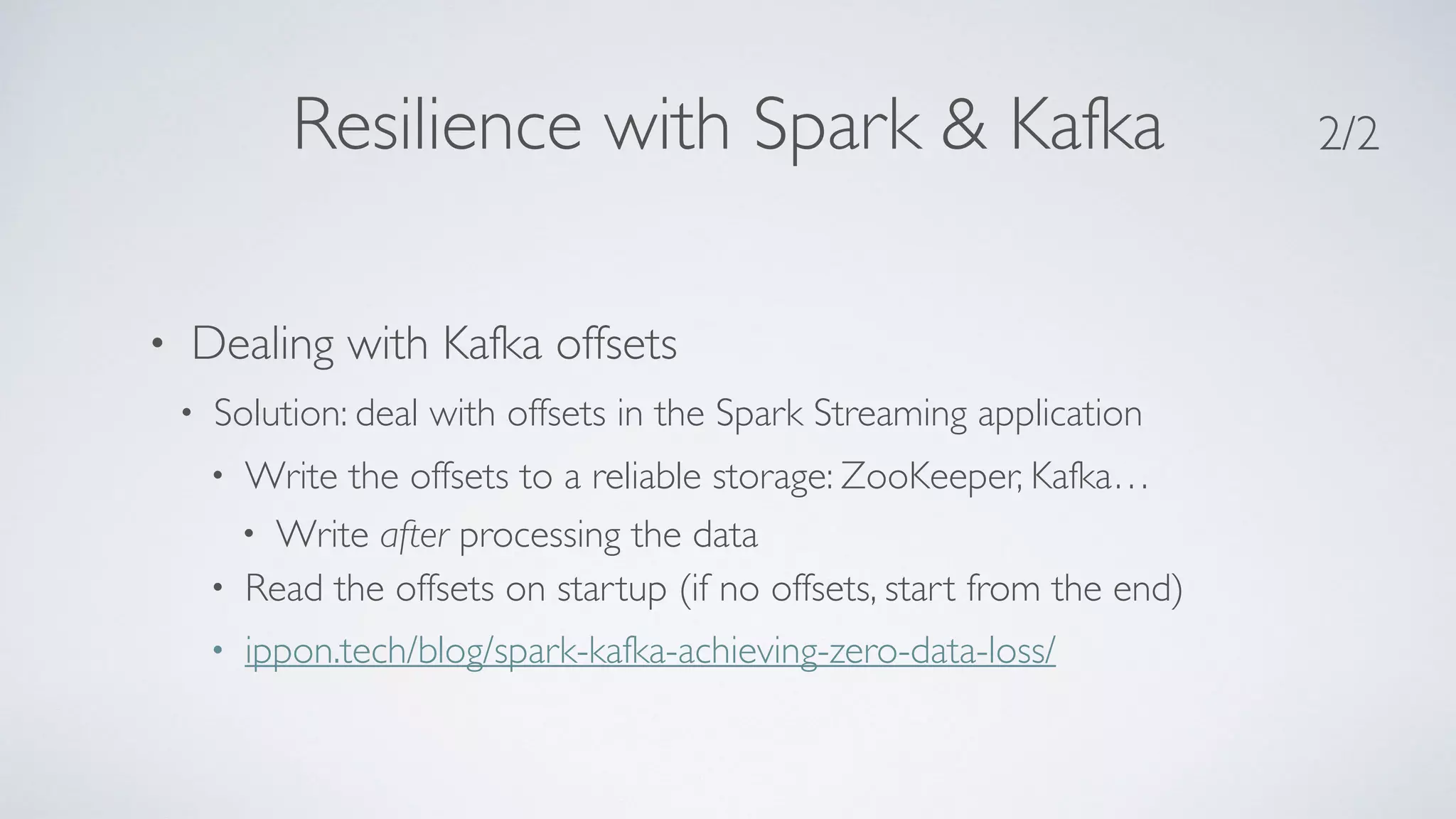
Resilience with Spark & Kafka • Dealing with Kafka offsets • Solution: deal with offsets in the Spark Streaming application • Write the offsets to a reliable storage: ZooKeeper, Kafka… • Write after processing the data • Read the offsets on startup (if no offsets, start from the end) • ippon.tech/blog/spark-kafka-achieving-zero-data-loss/ 2/2
Writing to Kafka • Spark Streaming comes with a library to read from Kafka but none to write to Kafka! • Flink or Kafka Streams do that out-of-the-box • Cloudera provides an open-source library: • github.com/cloudera/spark-kafka-writer • (Has been removed by now!)
Idempotence Spark and fault-tolerance semantics: • Spark can provide exactly once guarantee only for the transformation of the data • Writing the data is at least once with non-transactional systems (including Kafka in our case) • See spark.apache.org/docs/latest/streaming-programming- guide.html#fault-tolerance-semantics →The overall system has to be idempotent
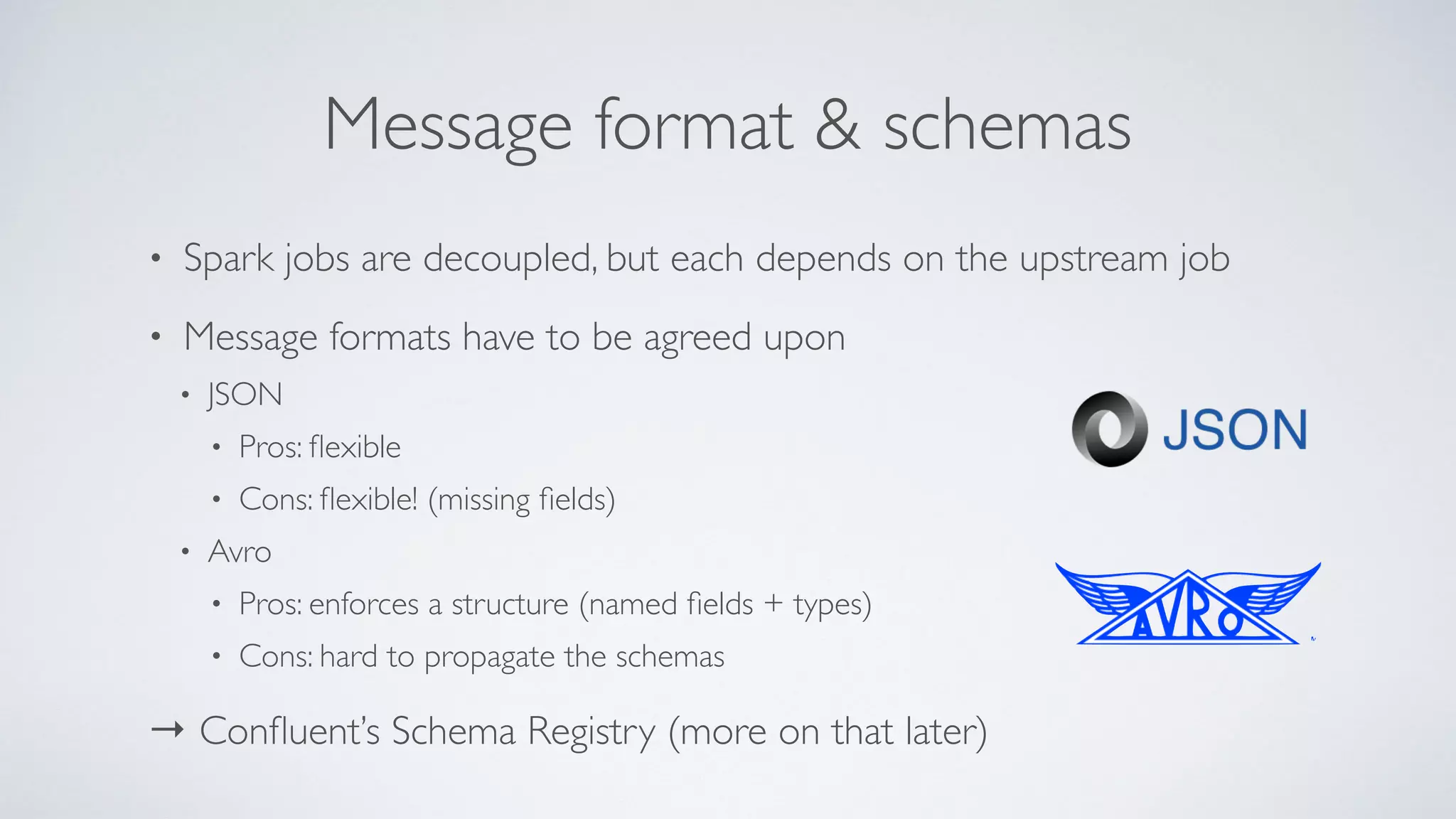
Message format & schemas • Spark jobs are decoupled, but each depends on the upstream job • Message formats have to be agreed upon • JSON • Pros: flexible • Cons: flexible! (missing fields) • Avro • Pros: enforces a structure (named fields + types) • Cons: hard to propagate the schemas → Confluent’s Schema Registry (more on that later)
Potential & upcoming improvements
Confluent’s Schema Registry docs.confluent.io/3.0.0/schema-registry/docs/index.html • Separate (web) server to manage & enforce Avro schemas • Stores schemas, versions them, and can perform compatibility checks (configurable: backward or forward) • Makes life simpler: ✓ no need to share schemas (“what version of the schema is this?”) ✓ no need to share generated classes ✓ can update the producer with backward-compatible messages without affecting the consumers 1/2
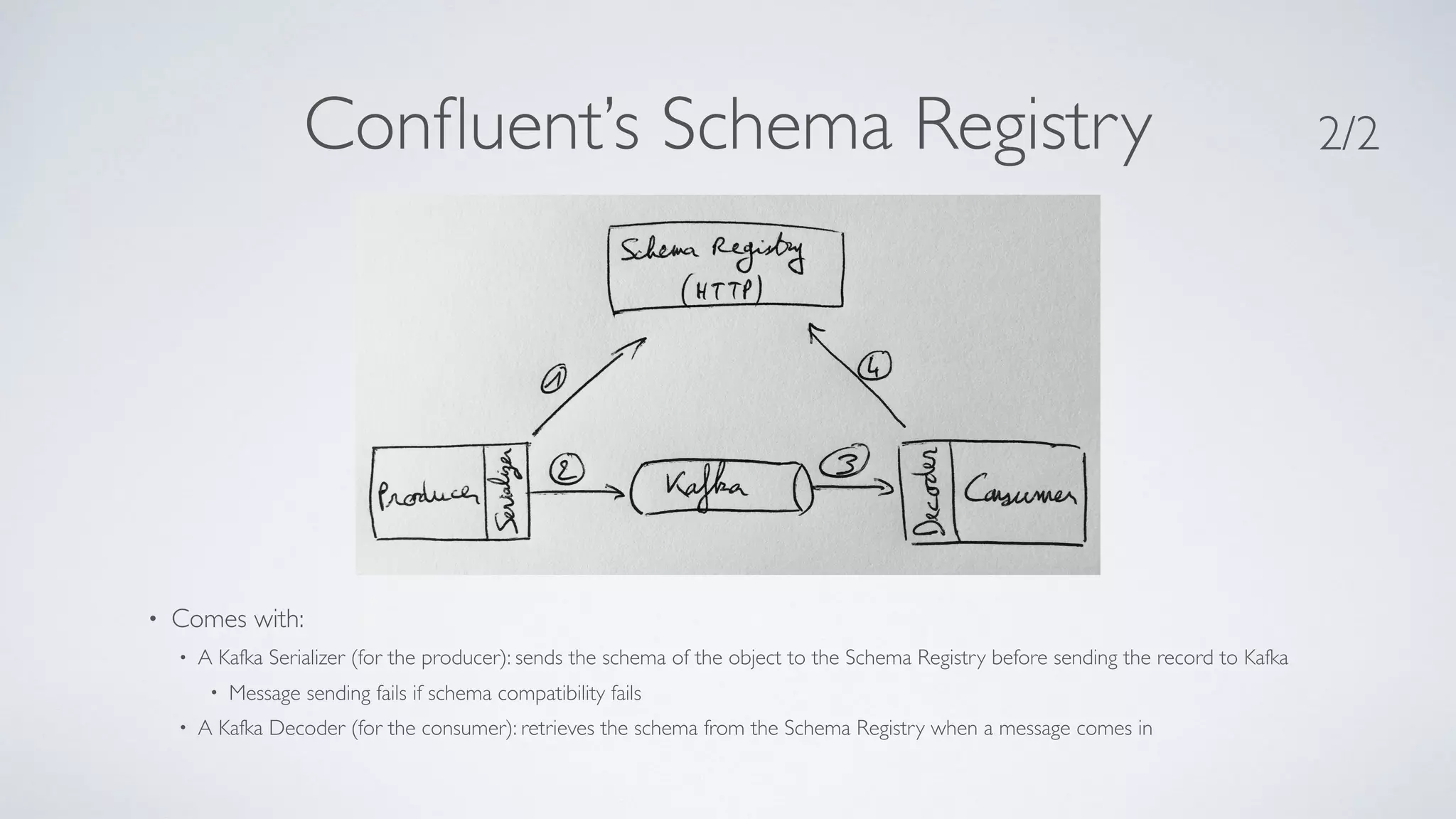
Confluent’s Schema Registry • Comes with: • A Kafka Serializer (for the producer): sends the schema of the object to the Schema Registry before sending the record to Kafka • Message sending fails if schema compatibility fails • A Kafka Decoder (for the consumer): retrieves the schema from the Schema Registry when a message comes in 2/2
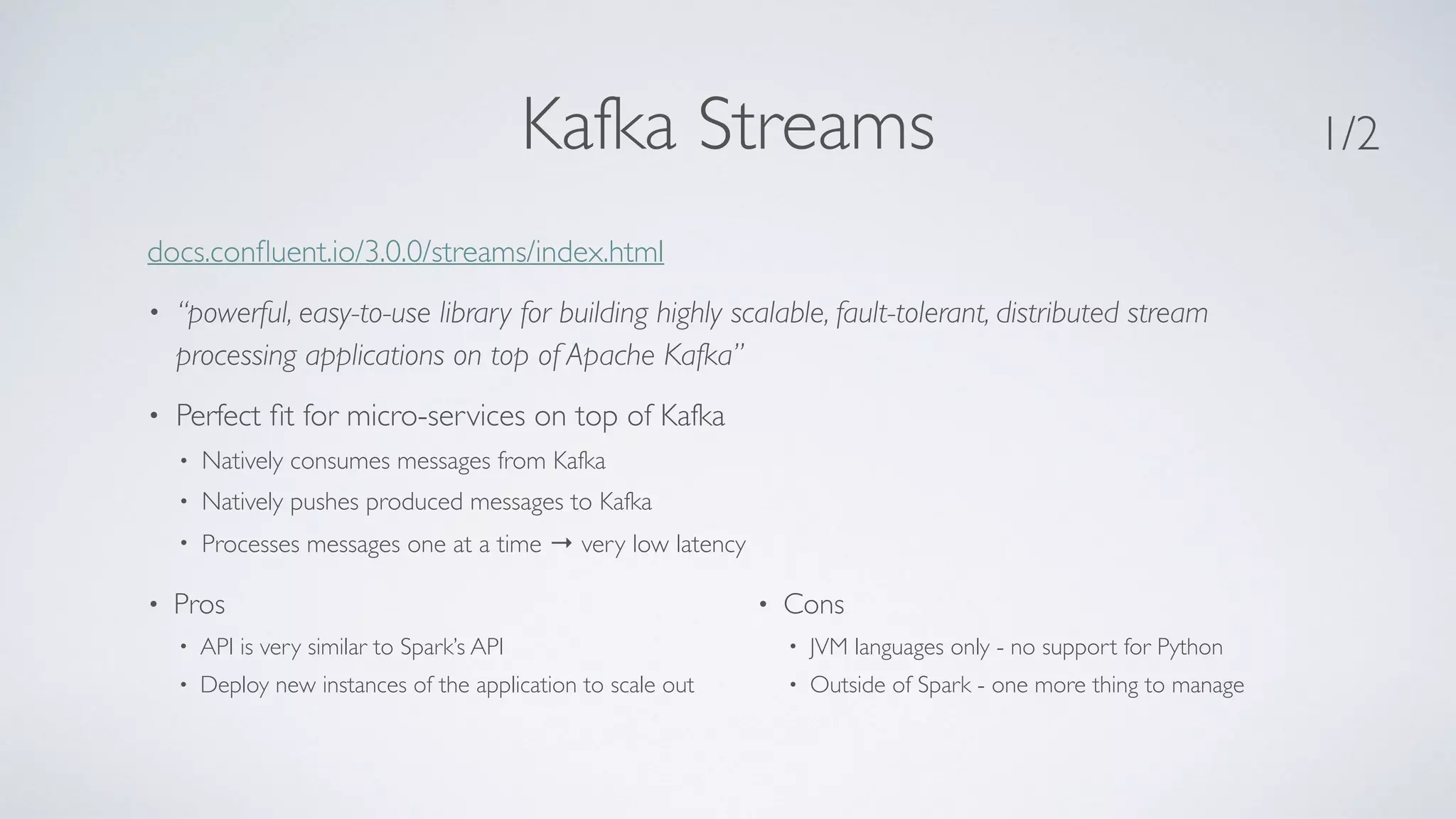
Kafka Streams docs.confluent.io/3.0.0/streams/index.html • “powerful, easy-to-use library for building highly scalable, fault-tolerant, distributed stream processing applications on top of Apache Kafka” • Perfect fit for micro-services on top of Kafka • Natively consumes messages from Kafka • Natively pushes produced messages to Kafka • Processes messages one at a time → very low latency 1/2 • Pros • API is very similar to Spark’s API • Deploy new instances of the application to scale out • Cons • JVM languages only - no support for Python • Outside of Spark - one more thing to manage
Kafka Streams Properties props = new Properties();
 props.put(StreamsConfig.APPLICATION_ID_CONFIG, "xxx");
 props.put(StreamsConfig.BOOTSTRAP_SERVERS_CONFIG, "localhost:9093");
 props.put(StreamsConfig.ZOOKEEPER_CONNECT_CONFIG, "localhost:2182");
 props.put(StreamsConfig.KEY_SERDE_CLASS_CONFIG, Serdes.String().getClass().getName());
 props.put(StreamsConfig.VALUE_SERDE_CLASS_CONFIG, Serdes.String().getClass().getName());
 
 props.put(ConsumerConfig.AUTO_OFFSET_RESET_CONFIG, "latest");
 
 KStreamBuilder builder = new KStreamBuilder();
 
 KStream<String, String> kafkaInput = builder.stream(“INPUT-TOPIC");
 KStream<String, RealtimeXXX> auths = kafkaInput.mapValues(value -> ...);
 KStream<String, byte[]> serializedAuths = auths.mapValues(a -> AvroSerializer.serialize(a));
 
 serializedAuths.to(Serdes.String(), Serdes.ByteArray(), “OUTPUT-TOPIC");
 
 KafkaStreams streams = new KafkaStreams(builder, props);
 streams.start(); 2/2 Example (Java)
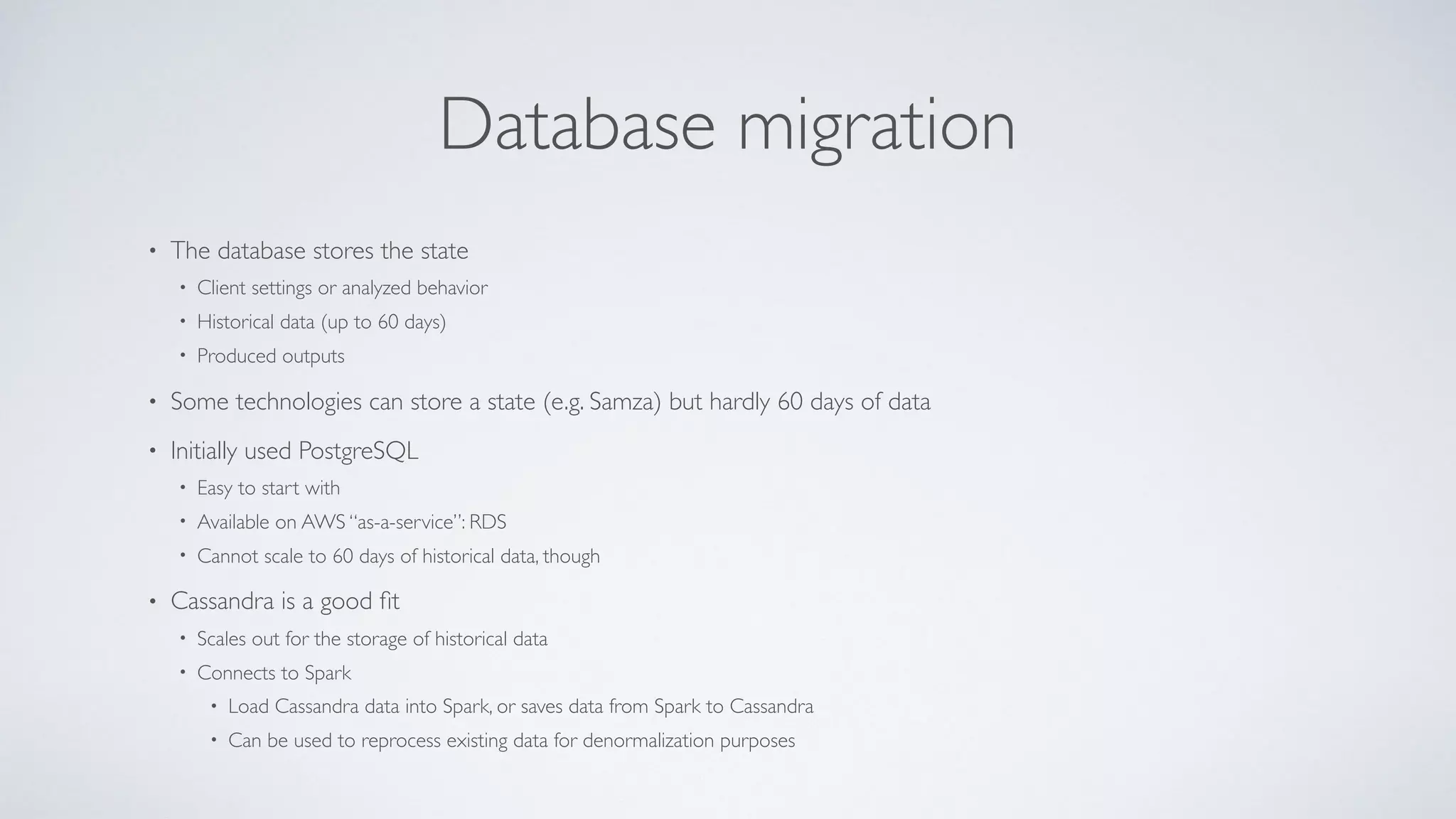
Database migration • The database stores the state • Client settings or analyzed behavior • Historical data (up to 60 days) • Produced outputs • Some technologies can store a state (e.g. Samza) but hardly 60 days of data • Initially used PostgreSQL • Easy to start with • Available on AWS “as-a-service”: RDS • Cannot scale to 60 days of historical data, though • Cassandra is a good fit • Scales out for the storage of historical data • Connects to Spark • Load Cassandra data into Spark, or saves data from Spark to Cassandra • Can be used to reprocess existing data for denormalization purposes
Summary & Conclusion
Summary Is the microservices architecture adequate? • Interesting to separate the implementations of the use cases • Overhead for the other services Is Spark adequate? • Supports Python (not supported by Kafka Streams) • Micro-batches not adequate
Thank you! @aseigneurin

Lessons Learned: Using Spark and Microservices

  • 1.
    LESSONS LEARNED: USING SPARKAND MICROSERVICES (TO EMPOWER DATA SCIENTISTS AND DATA ENGINEERS) Alexis Seigneurin
  • 2.
    Who I am •Software engineer for 15+ years • Consultant at Ippon USA, previously at Ippon France • Favorite subjects: Spark, Machine Learning, Cassandra • Spark trainer • @aseigneurin
  • 3.
    • 200 softwareengineers in France, the US and Australia • In the US: offices in DC, NYC and Richmond,Virginia • Digital, Big Data and Cloud applications • Java & Agile expertise • Open-source projects: JHipster,Tatami, etc. • @ipponusa
  • 4.
    The project • Analyzerecords from customers → Give feedback to the customer on their data • High volume of data • 25 millions records per day (average) • Need to keep at least 60 days of history = 1.5 Billion records • Seasonal peaks... • Need an hybrid platform • Batch processing for some types of analysis • Streaming for other analyses • Hybrid team • Data Scientists: more familiar with Python • Software Engineers: Java
  • 5.
  • 6.
    Processing technology -Spark • Mature platform • Supports batch jobs and streaming jobs • Support for multiple programming languages • Python → Data Scientists • Scala/Java → Software Engineers
  • 7.
    Architecture - Realtime platform • New use cases are implemented by Data Scientists all the time • Need the implementations to be independent from each other • One Spark Streaming job per use case • Microservice-inspired architecture • Diamond-shaped • Upstream jobs are written in Scala • Core is made of multiple Python jobs, one per use case • Downstream jobs are written in Scala • Plumbing between the jobs → Kafka 1/2
  • 8.
    Architecture - Realtime platform 2/2
  • 9.
    Messaging technology -Kafka From kafka.apache.org • “A high-throughput distributed messaging system” • Messaging: between 2 Spark jobs • Distributed: fits well with Spark, can be scaled up or down • High-throughput: so as to handle an average of 300 messages/second, peaks at 2000 m/s • “Apache Kafka is publish-subscribe messaging rethought as a distributed commit log” • Commit log so that you can go back in time and reprocess data • Only used as such when a job crashes, for resilience purposes
  • 10.
    Storage • Currently PostgreSQL: •SQL databases are well known by developers and easy to work with • PostgreSQL is available “as-a-service” on AWS • Working on transitioning to Cassandra (more on that later)
  • 11.
    Deployment platform • AmazonAWS • Company standard - Everything in the cloud • Easy to scale up or down, ability to choose the hardware • Some limitations • Requirement to use company-crafted AMIs • Cannot use some services (EMR…) • AMIs are renewed every 2 months → need to recreate the platform continuously
  • 12.
  • 13.
    Modularity • One Sparkjob per use case • Hot deployments: can roll out new use cases (= new jobs) without stopping existing jobs • Can roll out updated code without affecting other jobs • Able to measure the resources consumed by a single job • Shared services are provided by upstream and downstream jobs
  • 14.
    A/B testing • A/Btesting of updated features • Run 2 implementations of the code in parallel • Let each filter process the data of all the customers • Post-filter to let the customers receive A or B • (Measure…) • Can be used to slowly roll out new features
  • 15.
    Data Scientists cancontribute • Spark in Python → pySpark • Data Scientists know Python (and don’t want to hear about Java/ Scala!) • Business logic implemented in Python • Code is easy to write and to read • Data Scientists are real contributors → quick iterations to production
  • 16.
  • 17.
    Data Scientist codein production • Shipping code written by Data Scientists is not ideal • Need production-grade code (error handling, logging…) • Code is less tested than Scala code • Harder to deploy than a JAR file → PythonVirtual Environments • blog.cloudera.com/blog/2015/09/how-to-prepare-your-apache- hadoop-cluster-for-pyspark-jobs/
  • 18.
    Allocation of resourcesin Spark • With Spark Streaming, resources (CPU & memory) are allocated per job • Resources are allocated when the job is submitted and cannot be updated on the fly • Have to allocate 1 core to the Driver of the job → unused resource • Have to allocate extra resources to each job to handle variations in traffic → unused resources • For peak periods, easy to add new Spark Workers but jobs have to restarted • Idea to be tested: • Over allocation of real resources, e.g let Spark know it has 6 cores on a 4-cores server
  • 19.
    Micro-batches Spark streaming processesevents in micro-batches • Impact on the latency • Spark Streaming micro-batches → hard to achieve sub-second latency • See spark.apache.org/docs/latest/streaming-programming-guide.html#task-launching-overheads • Total latency of the system = sum of the latencies of each stage • In this use case, events are independent from each other - no need for windowing computation → a real streaming framework would be more appropriate • Impact on memory usage • Kafka+Spark using the direct approach = 1 RDD partition per Kafka partition • If you start the Spark with lots of unprocessed data in Kafka, RDD partitions can exceed the size of the memory
  • 20.
    Resilience of Sparkjobs • Spark Streaming application = 1 Driver + 1 Application • Application = N Executors • If an Executor dies → restarted (seamless) • If the Driver dies, the whole Application must be restarted • Scala/Java jobs → “supervised” mode • Python jobs → not supported with Spark Standalone
  • 21.
    Resilience with Spark& Kafka • Connecting Spark to Kafka, 2 methods: • Receiver-based approach: not ideal for parallelism • Direct approach: better for parallelism but have to deal with Kafka offsets • Dealing with Kafka offsets • Default: consumes from the end of the Kafka topic (or the beginning) • Documentation → Use checkpoints • Tasks have to be Serializable (not always possible: dependent libraries) • Harder to deploy the application (classes are serialized) → run a new instance in parallel and kill the first one (harder to automate; messages consumed twice) • Requires a shared file system (HDFS, S3) → big latency on these FS that forces to increase the micro-batch interval 1/2
  • 22.
    Resilience with Spark& Kafka • Dealing with Kafka offsets • Solution: deal with offsets in the Spark Streaming application • Write the offsets to a reliable storage: ZooKeeper, Kafka… • Write after processing the data • Read the offsets on startup (if no offsets, start from the end) • ippon.tech/blog/spark-kafka-achieving-zero-data-loss/ 2/2
  • 23.
    Writing to Kafka •Spark Streaming comes with a library to read from Kafka but none to write to Kafka! • Flink or Kafka Streams do that out-of-the-box • Cloudera provides an open-source library: • github.com/cloudera/spark-kafka-writer • (Has been removed by now!)
  • 24.
    Idempotence Spark and fault-tolerancesemantics: • Spark can provide exactly once guarantee only for the transformation of the data • Writing the data is at least once with non-transactional systems (including Kafka in our case) • See spark.apache.org/docs/latest/streaming-programming- guide.html#fault-tolerance-semantics →The overall system has to be idempotent
  • 25.
    Message format &schemas • Spark jobs are decoupled, but each depends on the upstream job • Message formats have to be agreed upon • JSON • Pros: flexible • Cons: flexible! (missing fields) • Avro • Pros: enforces a structure (named fields + types) • Cons: hard to propagate the schemas → Confluent’s Schema Registry (more on that later)
  • 26.
  • 27.
    Confluent’s Schema Registry docs.confluent.io/3.0.0/schema-registry/docs/index.html •Separate (web) server to manage & enforce Avro schemas • Stores schemas, versions them, and can perform compatibility checks (configurable: backward or forward) • Makes life simpler: ✓ no need to share schemas (“what version of the schema is this?”) ✓ no need to share generated classes ✓ can update the producer with backward-compatible messages without affecting the consumers 1/2
  • 28.
    Confluent’s Schema Registry •Comes with: • A Kafka Serializer (for the producer): sends the schema of the object to the Schema Registry before sending the record to Kafka • Message sending fails if schema compatibility fails • A Kafka Decoder (for the consumer): retrieves the schema from the Schema Registry when a message comes in 2/2
  • 29.
    Kafka Streams docs.confluent.io/3.0.0/streams/index.html • “powerful,easy-to-use library for building highly scalable, fault-tolerant, distributed stream processing applications on top of Apache Kafka” • Perfect fit for micro-services on top of Kafka • Natively consumes messages from Kafka • Natively pushes produced messages to Kafka • Processes messages one at a time → very low latency 1/2 • Pros • API is very similar to Spark’s API • Deploy new instances of the application to scale out • Cons • JVM languages only - no support for Python • Outside of Spark - one more thing to manage
  • 30.
    Kafka Streams Properties props= new Properties();
 props.put(StreamsConfig.APPLICATION_ID_CONFIG, "xxx");
 props.put(StreamsConfig.BOOTSTRAP_SERVERS_CONFIG, "localhost:9093");
 props.put(StreamsConfig.ZOOKEEPER_CONNECT_CONFIG, "localhost:2182");
 props.put(StreamsConfig.KEY_SERDE_CLASS_CONFIG, Serdes.String().getClass().getName());
 props.put(StreamsConfig.VALUE_SERDE_CLASS_CONFIG, Serdes.String().getClass().getName());
 
 props.put(ConsumerConfig.AUTO_OFFSET_RESET_CONFIG, "latest");
 
 KStreamBuilder builder = new KStreamBuilder();
 
 KStream<String, String> kafkaInput = builder.stream(“INPUT-TOPIC");
 KStream<String, RealtimeXXX> auths = kafkaInput.mapValues(value -> ...);
 KStream<String, byte[]> serializedAuths = auths.mapValues(a -> AvroSerializer.serialize(a));
 
 serializedAuths.to(Serdes.String(), Serdes.ByteArray(), “OUTPUT-TOPIC");
 
 KafkaStreams streams = new KafkaStreams(builder, props);
 streams.start(); 2/2 Example (Java)
  • 31.
    Database migration • Thedatabase stores the state • Client settings or analyzed behavior • Historical data (up to 60 days) • Produced outputs • Some technologies can store a state (e.g. Samza) but hardly 60 days of data • Initially used PostgreSQL • Easy to start with • Available on AWS “as-a-service”: RDS • Cannot scale to 60 days of historical data, though • Cassandra is a good fit • Scales out for the storage of historical data • Connects to Spark • Load Cassandra data into Spark, or saves data from Spark to Cassandra • Can be used to reprocess existing data for denormalization purposes
  • 32.
  • 33.
    Summary Is the microservicesarchitecture adequate? • Interesting to separate the implementations of the use cases • Overhead for the other services Is Spark adequate? • Supports Python (not supported by Kafka Streams) • Micro-batches not adequate
  • 34.