

Load Tests as JavaScript Code Load Testing with K6 Framework Software University https://softuni.bg Svetlin Nakov, PhD Technical Trainer and Inspirer Co-Founder @ SoftUni https://softuni.org
 Software engineer, trainer, entrepreneur, inspirer, PhD, author of 15+ technical books  3 successful tech educational initiatives (150,000+ students) About Dr. Svetlin Nakov 2
Overview Performance Testing 3
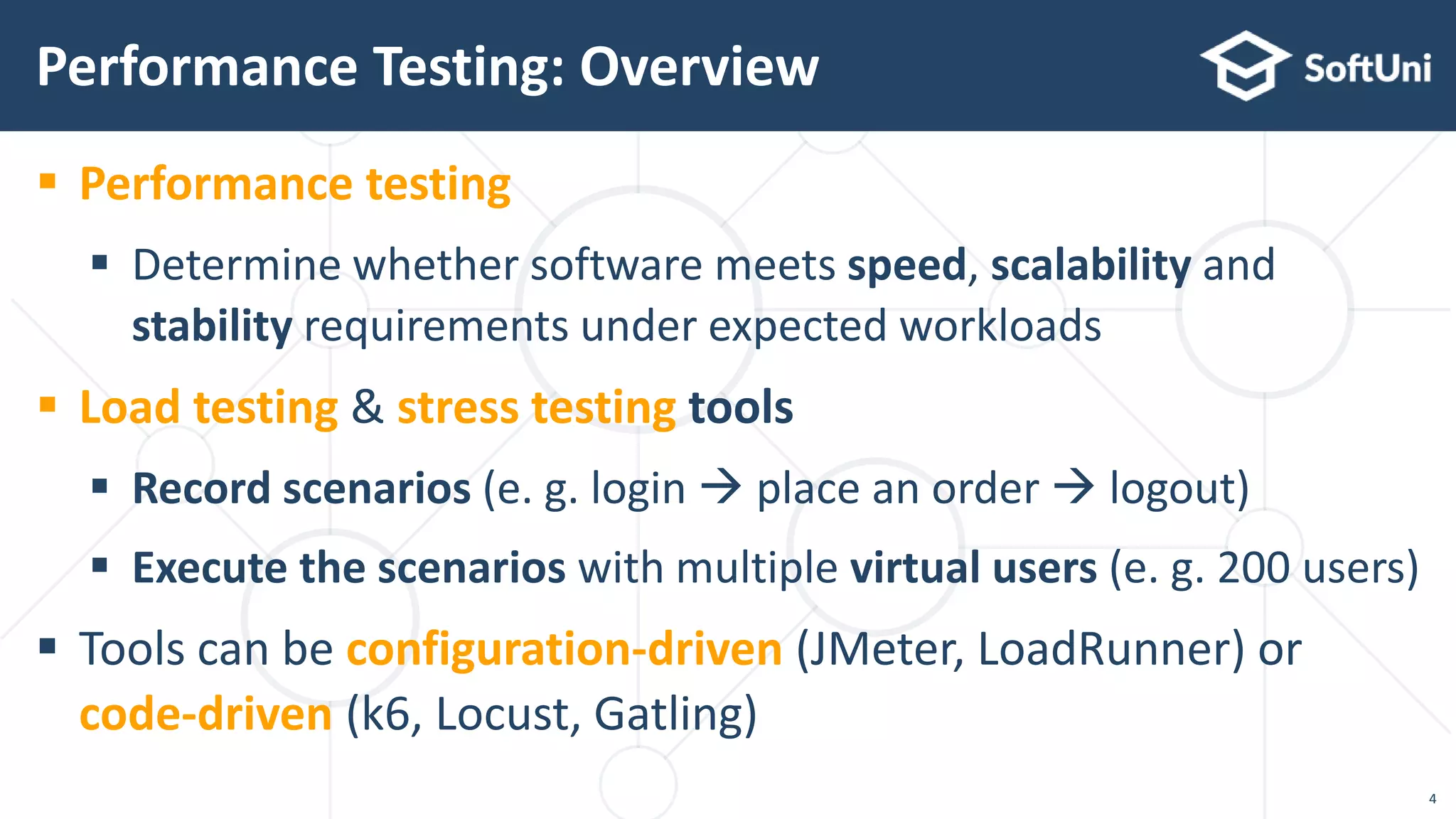
 Performance testing  Determine whether software meets speed, scalability and stability requirements under expected workloads  Load testing & stress testing tools  Record scenarios (e. g. login  place an order  logout)  Execute the scenarios with multiple virtual users (e. g. 200 users)  Tools can be configuration-driven (JMeter, LoadRunner) or code-driven (k6, Locust, Gatling) Performance Testing: Overview 4
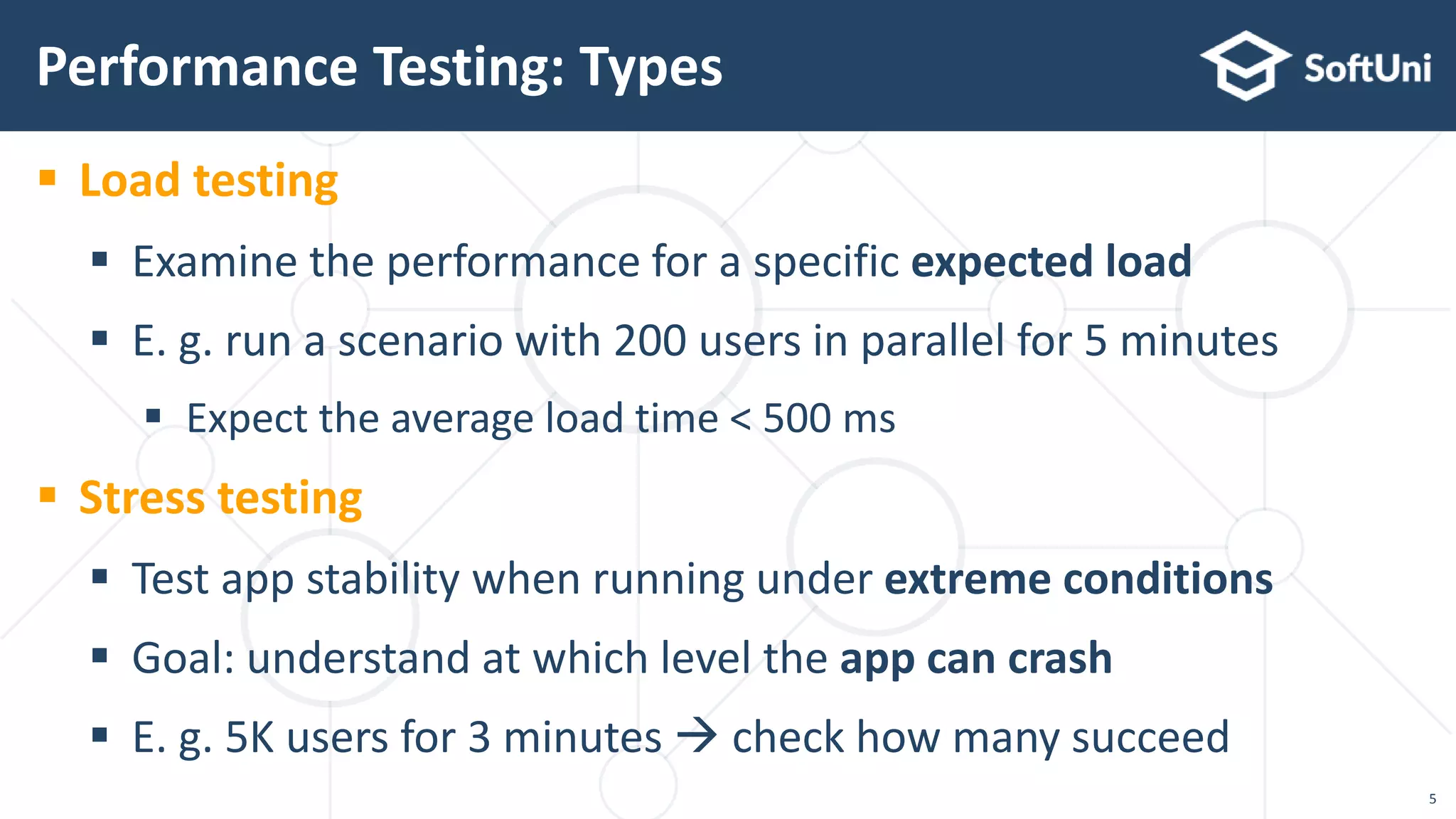
 Load testing  Examine the performance for a specific expected load  E. g. run a scenario with 200 users in parallel for 5 minutes  Expect the average load time < 500 ms  Stress testing  Test app stability when running under extreme conditions  Goal: understand at which level the app can crash  E. g. 5K users for 3 minutes  check how many succeed Performance Testing: Types 5
"K6" Load Testing Tool Code-Based Performance Testing
 k6 is modern, open-source load testing tool – https://k6.io  Testing framework based on JavaScript (very powerful)  Local & cloud script executor based on Go (high performance)  Script recorder (Chrome plugin)  generates JS code  Tests are plain JavaScript code  No XML configuration, no need for complex UI  Very powerful: JavaScript can test anything  Easy to use with continuous integration scripts K6 Load Testing Tool 7
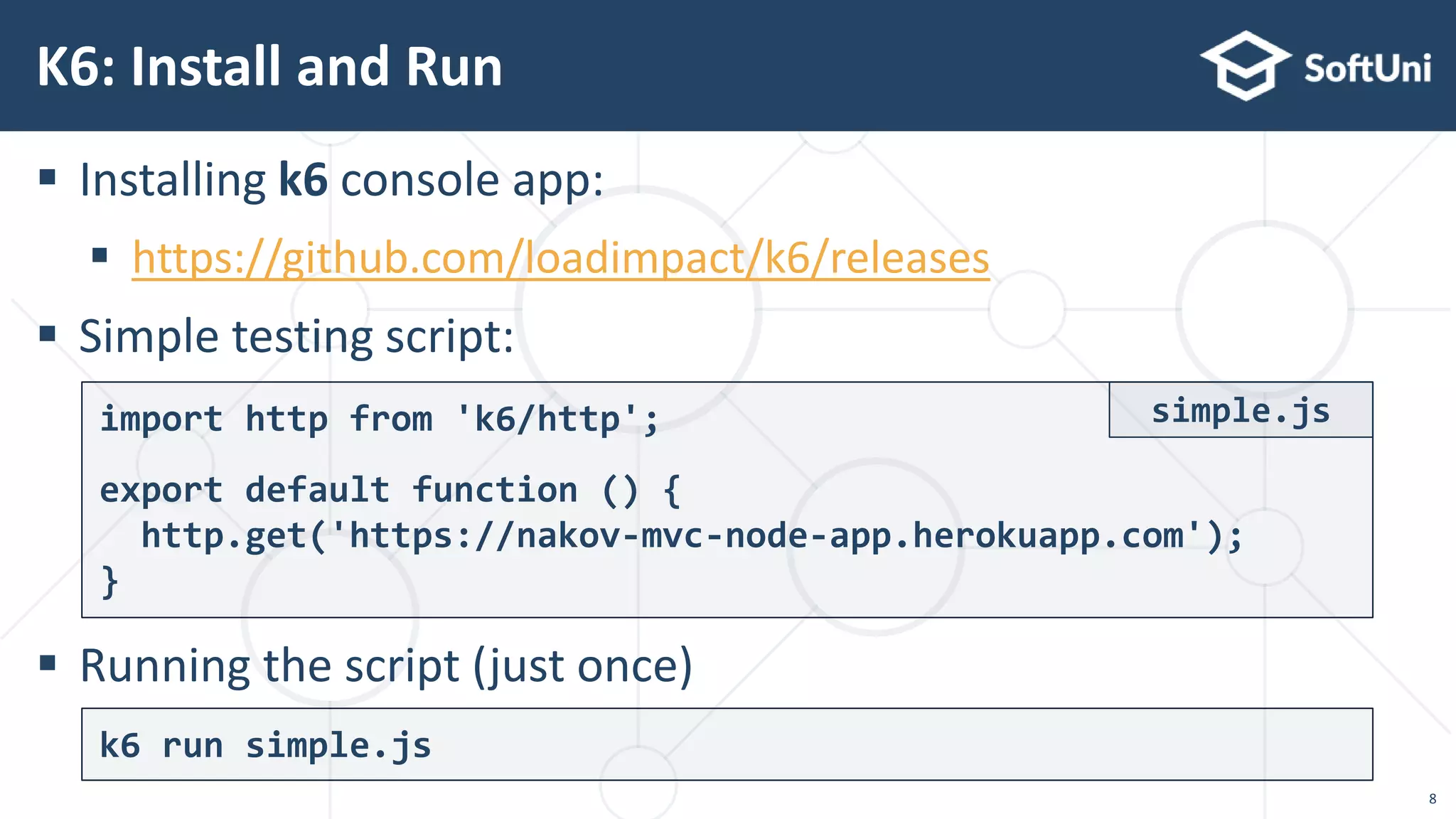
 Installing k6 console app:  https://github.com/loadimpact/k6/releases  Simple testing script:  Running the script (just once) K6: Install and Run k6 run simple.js import http from 'k6/http'; export default function () { http.get('https://nakov-mvc-node-app.herokuapp.com'); } simple.js 8
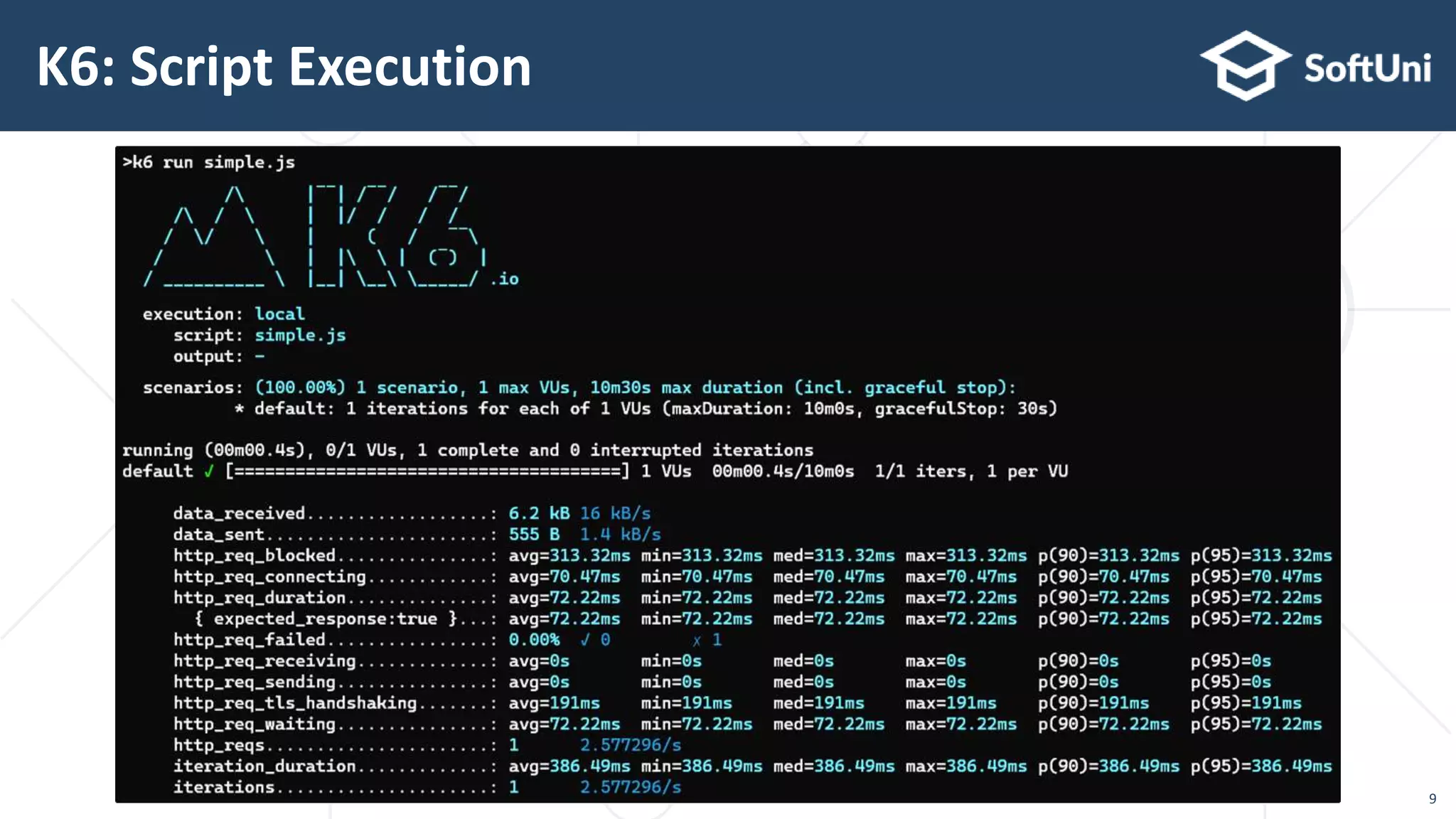
K6: Script Execution 9
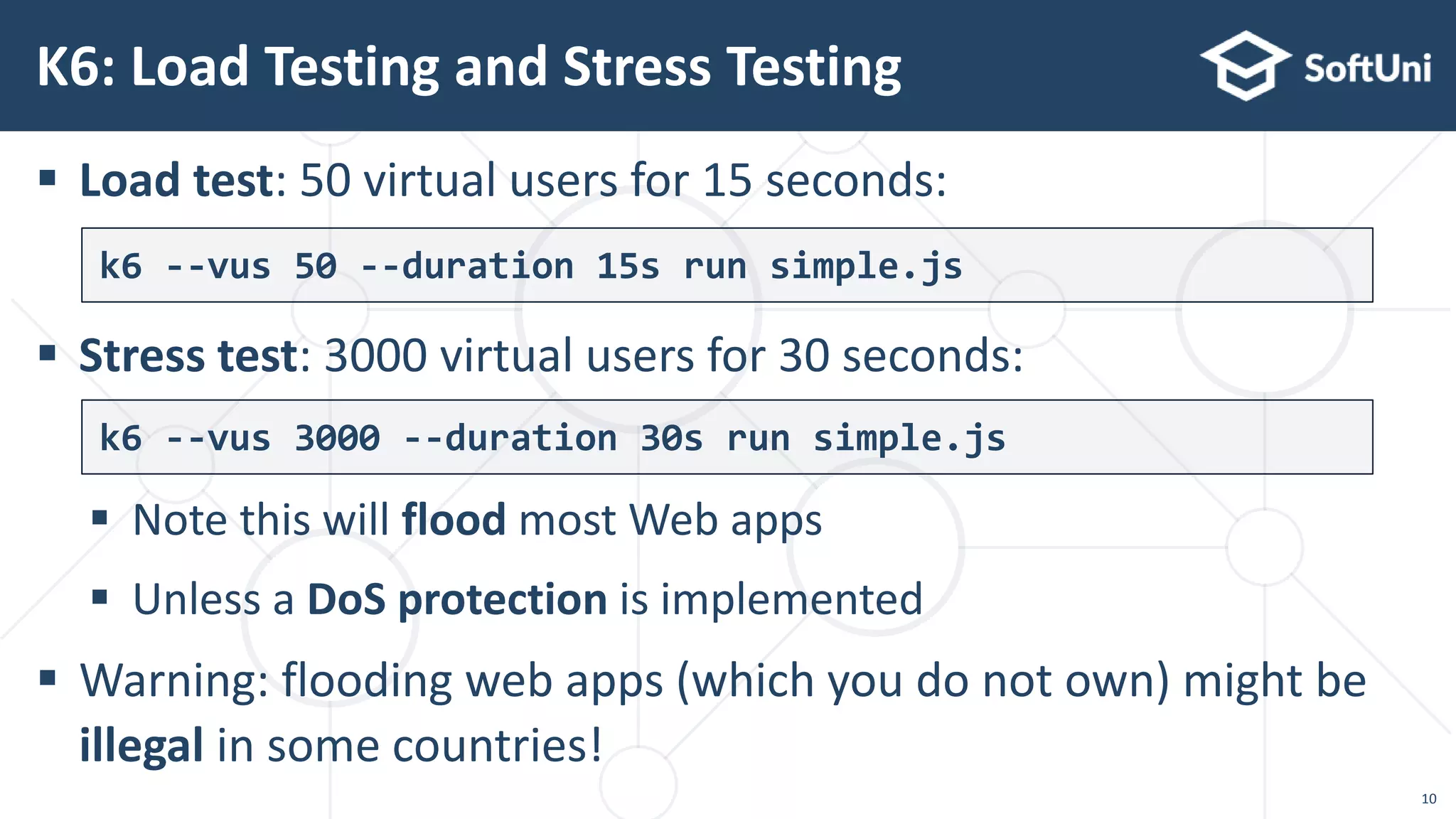
 Load test: 50 virtual users for 15 seconds:  Stress test: 3000 virtual users for 30 seconds:  Note this will flood most Web apps  Unless a DoS protection is implemented  Warning: flooding web apps (which you do not own) might be illegal in some countries! K6: Load Testing and Stress Testing k6 --vus 50 --duration 15s run simple.js k6 --vus 3000 --duration 30s run simple.js 10
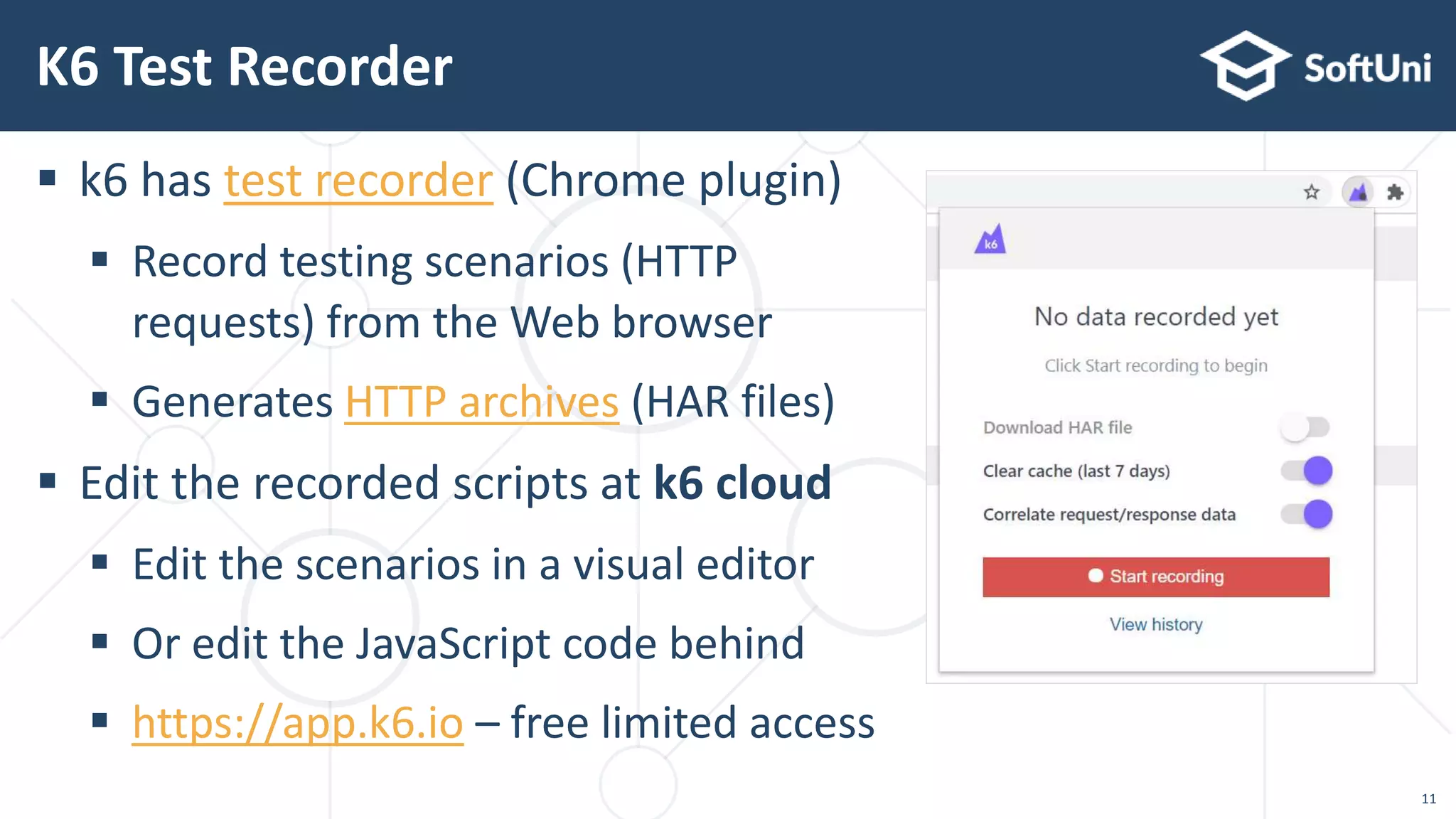
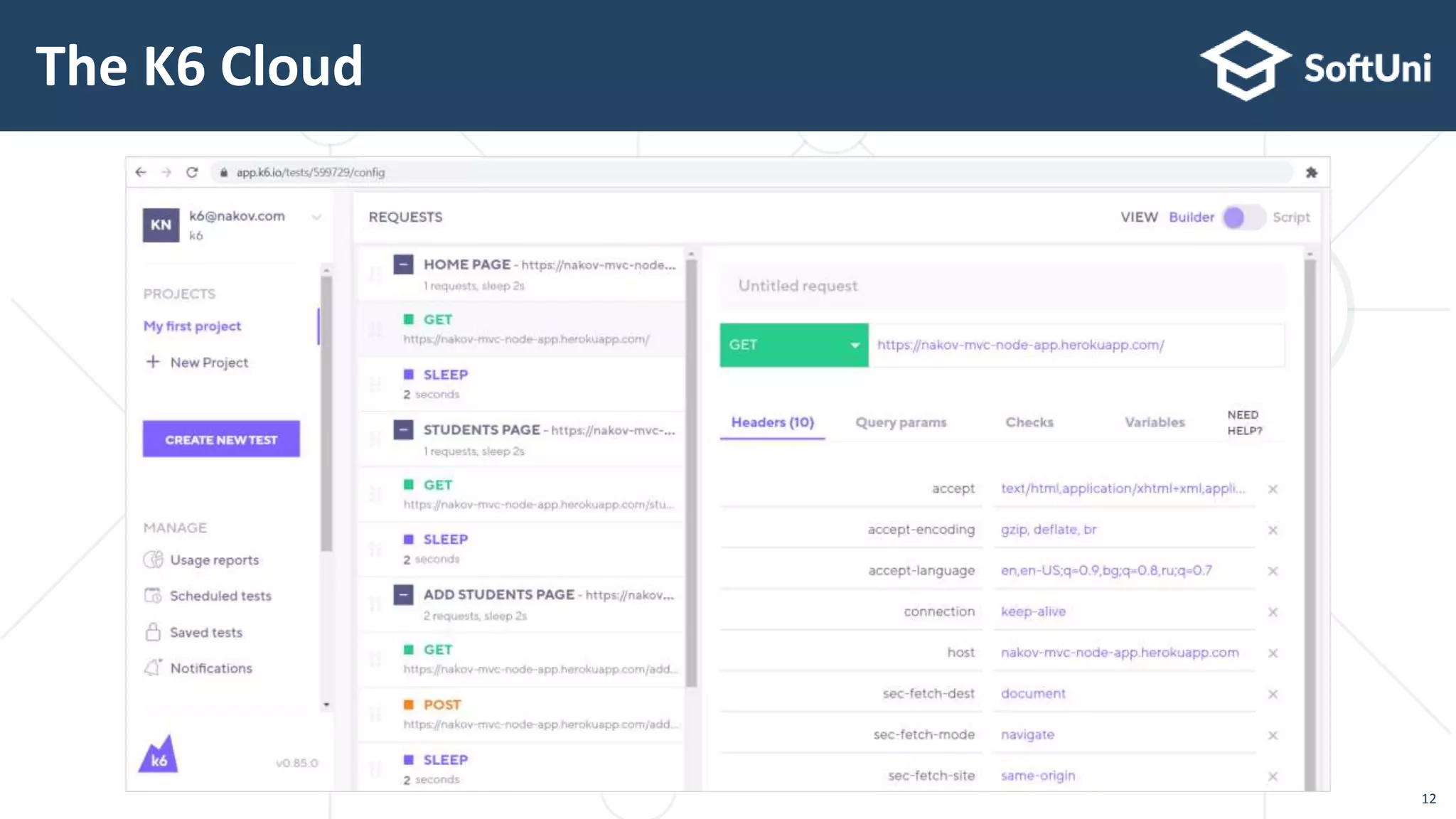
 k6 has test recorder (Chrome plugin)  Record testing scenarios (HTTP requests) from the Web browser  Generates HTTP archives (HAR files)  Edit the recorded scripts at k6 cloud  Edit the scenarios in a visual editor  Or edit the JavaScript code behind  https://app.k6.io – free limited access K6 Test Recorder 11
The K6 Cloud 12
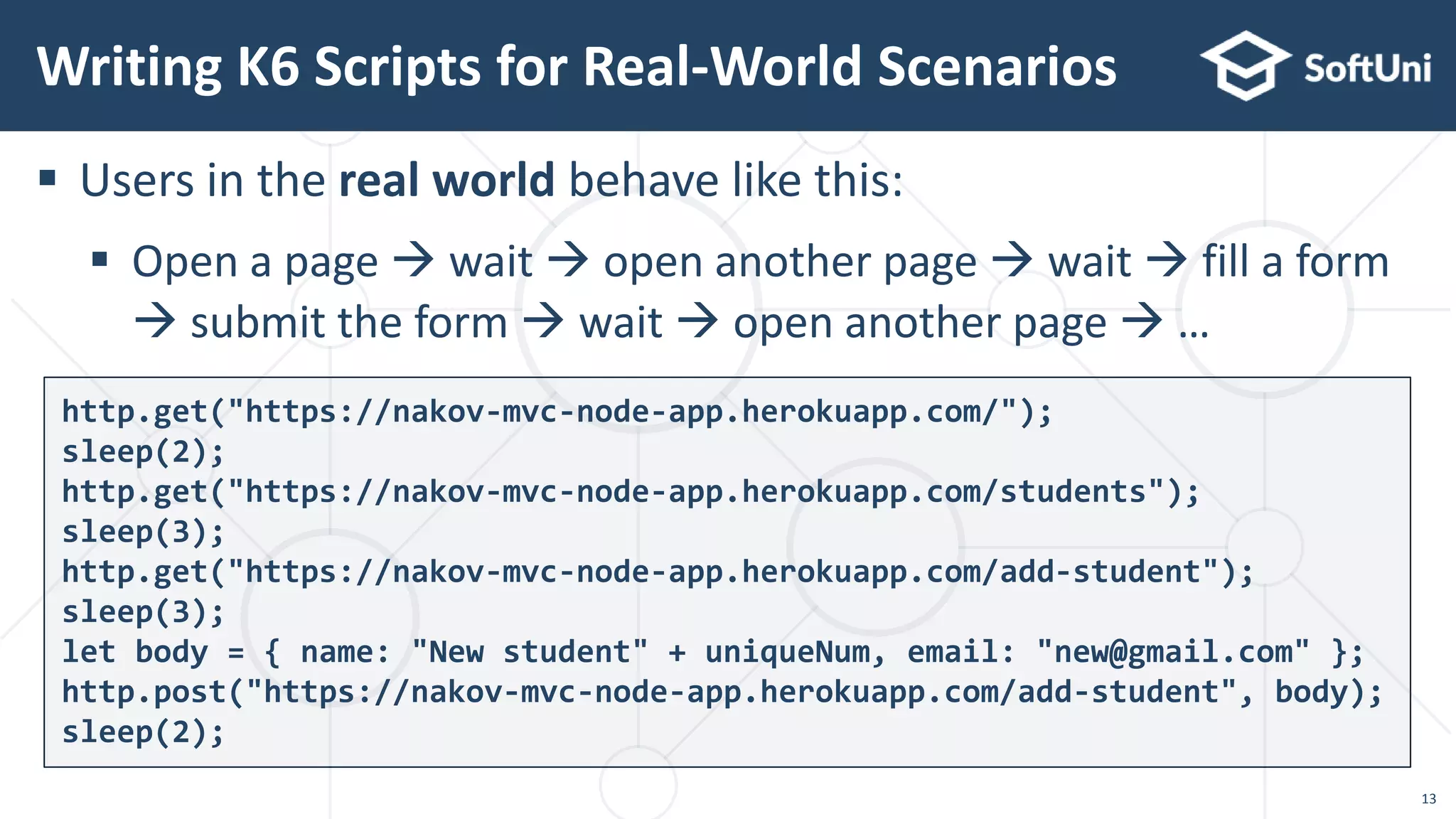
 Users in the real world behave like this:  Open a page  wait  open another page  wait  fill a form  submit the form  wait  open another page  … Writing K6 Scripts for Real-World Scenarios http.get("https://nakov-mvc-node-app.herokuapp.com/"); sleep(2); http.get("https://nakov-mvc-node-app.herokuapp.com/students"); sleep(3); http.get("https://nakov-mvc-node-app.herokuapp.com/add-student"); sleep(3); let body = { name: "New student" + uniqueNum, email: "new@gmail.com" }; http.post("https://nakov-mvc-node-app.herokuapp.com/add-student", body); sleep(2); 13
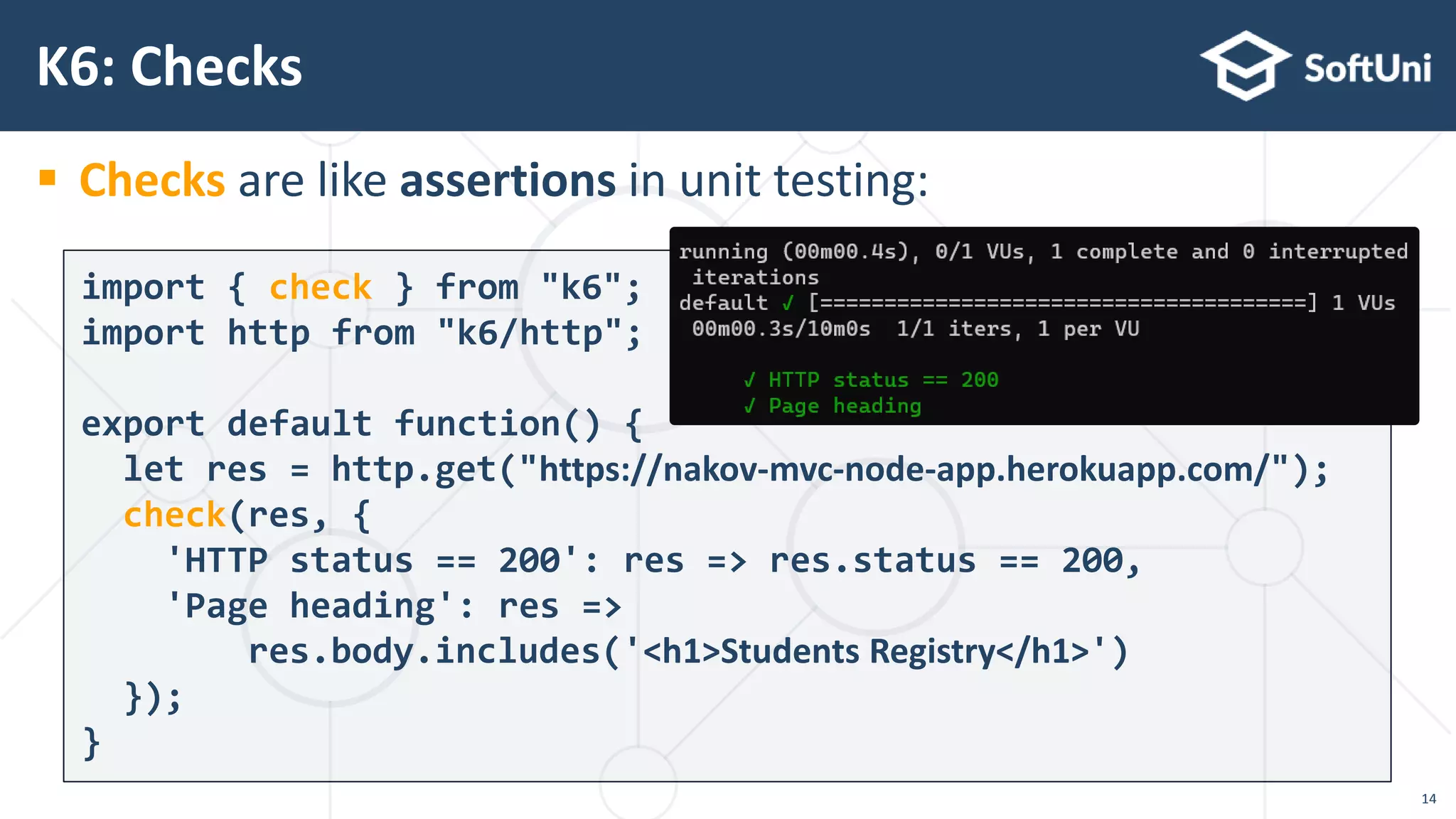
 Checks are like assertions in unit testing: K6: Checks import { check } from "k6"; import http from "k6/http"; export default function() { let res = http.get("https://nakov-mvc-node-app.herokuapp.com/"); check(res, { 'HTTP status == 200': res => res.status == 200, 'Page heading': res => res.body.includes('<h1>Students Registry</h1>') }); } 14
 Thresholds define pass / fail criteria for the test K6: Thresholds export let options = { thresholds: { // 95% of requests must finish within 500 ms & 99% within 1500 ms http_req_duration: ['p(95) < 500', 'p(99) < 1500'], }, }; export default function performanceTest() { … } 15
 Sample performance testing scenario for the "Students Registry" app: https://nakov-mvc-node-app.herokuapp.com 1. Open the [Home] page & wait 2 secs 2. Open the [Students] page & wait 3 secs 3. Open the [Add Students] page & wait 3 secs 4. Submit the [Add Students] form & wait 2 secs  Code: https://gist.github.com/nakov/79f5e28a8b8c91f73c26eb55a89d80bc K6: Testing Script with Waits Example 16 k6 --vus 200 --duration 10s run load-test-with-waits.js
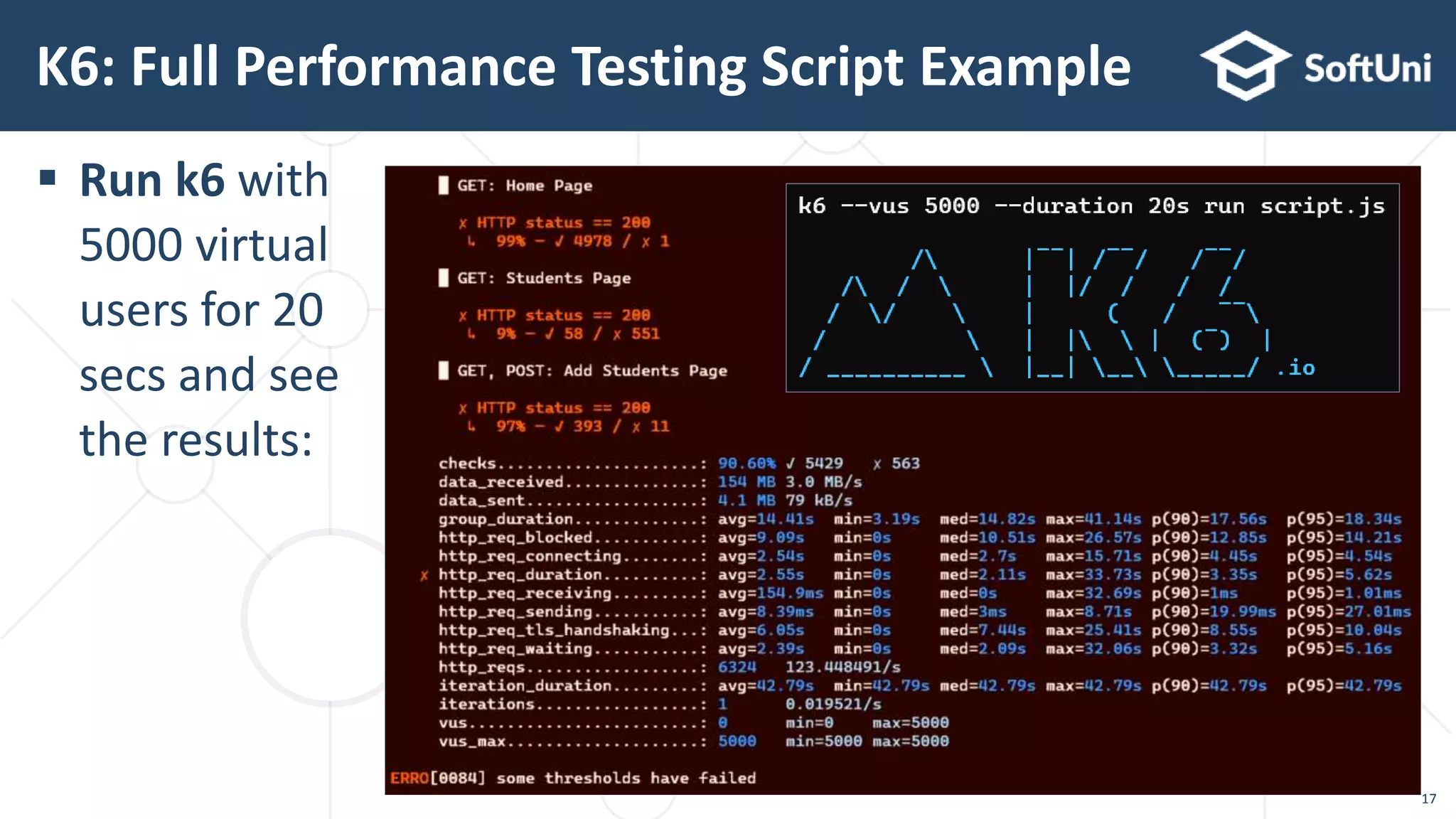
 Run k6 with 5000 virtual users for 20 secs and see the results: K6: Full Performance Testing Script Example 17
© SoftUni – https://softuni.org

Load Testing with k6 framework

  • 1.
    Load Tests asJavaScript Code Load Testing with K6 Framework Software University https://softuni.bg Svetlin Nakov, PhD Technical Trainer and Inspirer Co-Founder @ SoftUni https://softuni.org
  • 2.
     Software engineer,trainer, entrepreneur, inspirer, PhD, author of 15+ technical books  3 successful tech educational initiatives (150,000+ students) About Dr. Svetlin Nakov 2
  • 3.
  • 4.
     Performance testing Determine whether software meets speed, scalability and stability requirements under expected workloads  Load testing & stress testing tools  Record scenarios (e. g. login  place an order  logout)  Execute the scenarios with multiple virtual users (e. g. 200 users)  Tools can be configuration-driven (JMeter, LoadRunner) or code-driven (k6, Locust, Gatling) Performance Testing: Overview 4
  • 5.
     Load testing Examine the performance for a specific expected load  E. g. run a scenario with 200 users in parallel for 5 minutes  Expect the average load time < 500 ms  Stress testing  Test app stability when running under extreme conditions  Goal: understand at which level the app can crash  E. g. 5K users for 3 minutes  check how many succeed Performance Testing: Types 5
  • 6.
    "K6" Load TestingTool Code-Based Performance Testing
  • 7.
     k6 ismodern, open-source load testing tool – https://k6.io  Testing framework based on JavaScript (very powerful)  Local & cloud script executor based on Go (high performance)  Script recorder (Chrome plugin)  generates JS code  Tests are plain JavaScript code  No XML configuration, no need for complex UI  Very powerful: JavaScript can test anything  Easy to use with continuous integration scripts K6 Load Testing Tool 7
  • 8.
     Installing k6console app:  https://github.com/loadimpact/k6/releases  Simple testing script:  Running the script (just once) K6: Install and Run k6 run simple.js import http from 'k6/http'; export default function () { http.get('https://nakov-mvc-node-app.herokuapp.com'); } simple.js 8
  • 9.
  • 10.
     Load test:50 virtual users for 15 seconds:  Stress test: 3000 virtual users for 30 seconds:  Note this will flood most Web apps  Unless a DoS protection is implemented  Warning: flooding web apps (which you do not own) might be illegal in some countries! K6: Load Testing and Stress Testing k6 --vus 50 --duration 15s run simple.js k6 --vus 3000 --duration 30s run simple.js 10
  • 11.
     k6 hastest recorder (Chrome plugin)  Record testing scenarios (HTTP requests) from the Web browser  Generates HTTP archives (HAR files)  Edit the recorded scripts at k6 cloud  Edit the scenarios in a visual editor  Or edit the JavaScript code behind  https://app.k6.io – free limited access K6 Test Recorder 11
  • 12.
  • 13.
     Users inthe real world behave like this:  Open a page  wait  open another page  wait  fill a form  submit the form  wait  open another page  … Writing K6 Scripts for Real-World Scenarios http.get("https://nakov-mvc-node-app.herokuapp.com/"); sleep(2); http.get("https://nakov-mvc-node-app.herokuapp.com/students"); sleep(3); http.get("https://nakov-mvc-node-app.herokuapp.com/add-student"); sleep(3); let body = { name: "New student" + uniqueNum, email: "new@gmail.com" }; http.post("https://nakov-mvc-node-app.herokuapp.com/add-student", body); sleep(2); 13
  • 14.
     Checks arelike assertions in unit testing: K6: Checks import { check } from "k6"; import http from "k6/http"; export default function() { let res = http.get("https://nakov-mvc-node-app.herokuapp.com/"); check(res, { 'HTTP status == 200': res => res.status == 200, 'Page heading': res => res.body.includes('<h1>Students Registry</h1>') }); } 14
  • 15.
     Thresholds definepass / fail criteria for the test K6: Thresholds export let options = { thresholds: { // 95% of requests must finish within 500 ms & 99% within 1500 ms http_req_duration: ['p(95) < 500', 'p(99) < 1500'], }, }; export default function performanceTest() { … } 15
  • 16.
     Sample performancetesting scenario for the "Students Registry" app: https://nakov-mvc-node-app.herokuapp.com 1. Open the [Home] page & wait 2 secs 2. Open the [Students] page & wait 3 secs 3. Open the [Add Students] page & wait 3 secs 4. Submit the [Add Students] form & wait 2 secs  Code: https://gist.github.com/nakov/79f5e28a8b8c91f73c26eb55a89d80bc K6: Testing Script with Waits Example 16 k6 --vus 200 --duration 10s run load-test-with-waits.js
  • 17.
     Run k6with 5000 virtual users for 20 secs and see the results: K6: Full Performance Testing Script Example 17
  • 18.
    © SoftUni –https://softuni.org