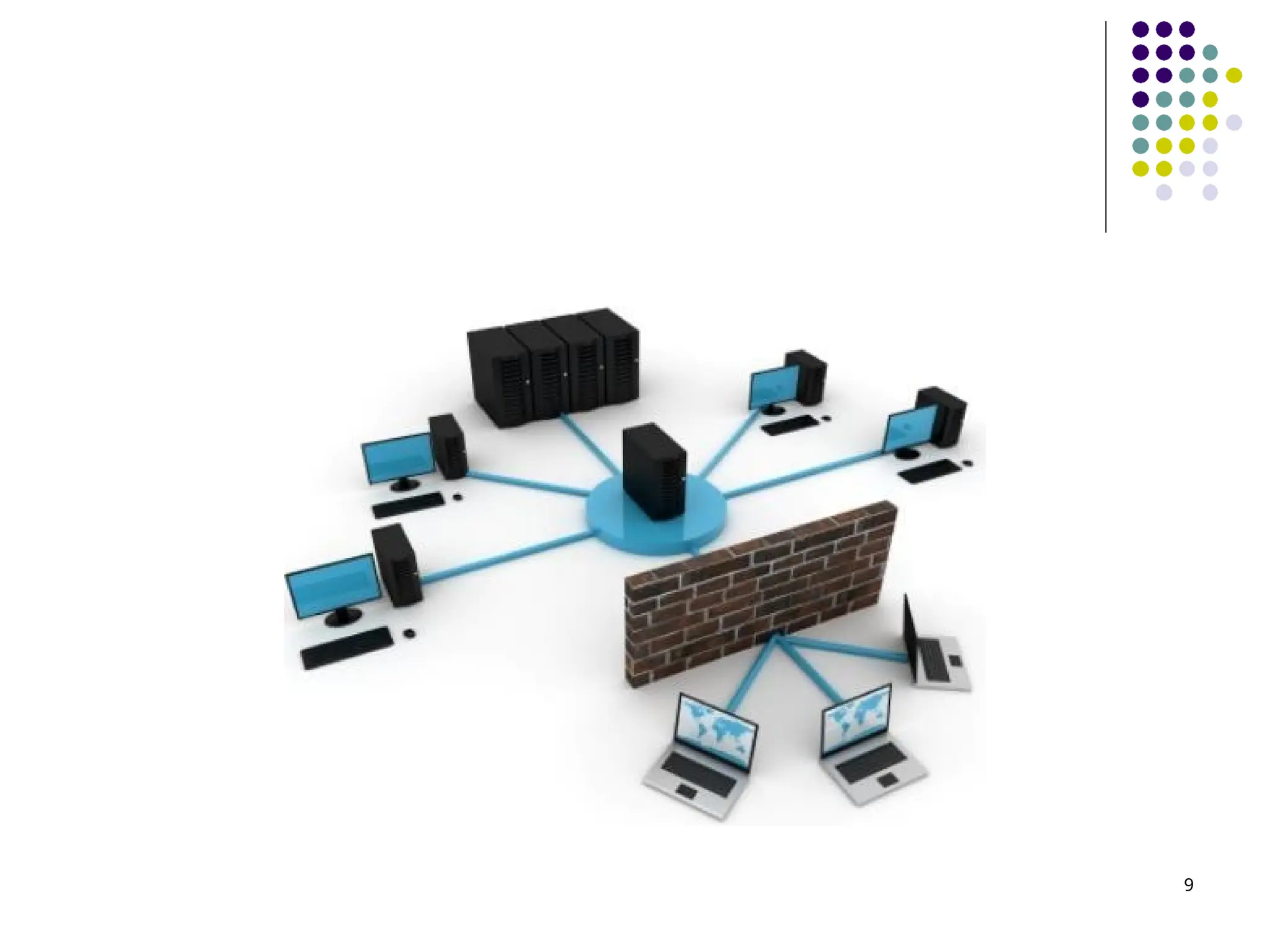
Computer Types 3 Adigital computer, or simply, a computer is a fast electronic calculating machine that accepts digitized input information, processes it according to a list of internally stored instructions, and produces the resulting output information. The list of instructions is called a computer program, and the internal storage is called computer memory.
4.
Computer Types.. 4 Manytypes of computers exist that differ widely in size, cost, computational power, and intended use. Four general categories Personal Computers Servers and Enterprise Systems Supercomputers and Grid Computers Embedded Computers
5.
Computer Types.. 5 Personalcomputers have achieved widespread use in homes, educational institutions, and business and engineering office settings, primarily for dedicated individual use. They support a variety of applications such as general computation, document preparation, computer-aided design, audiovisual entertainment, interpersonal communication, and Internet browsing.
6.
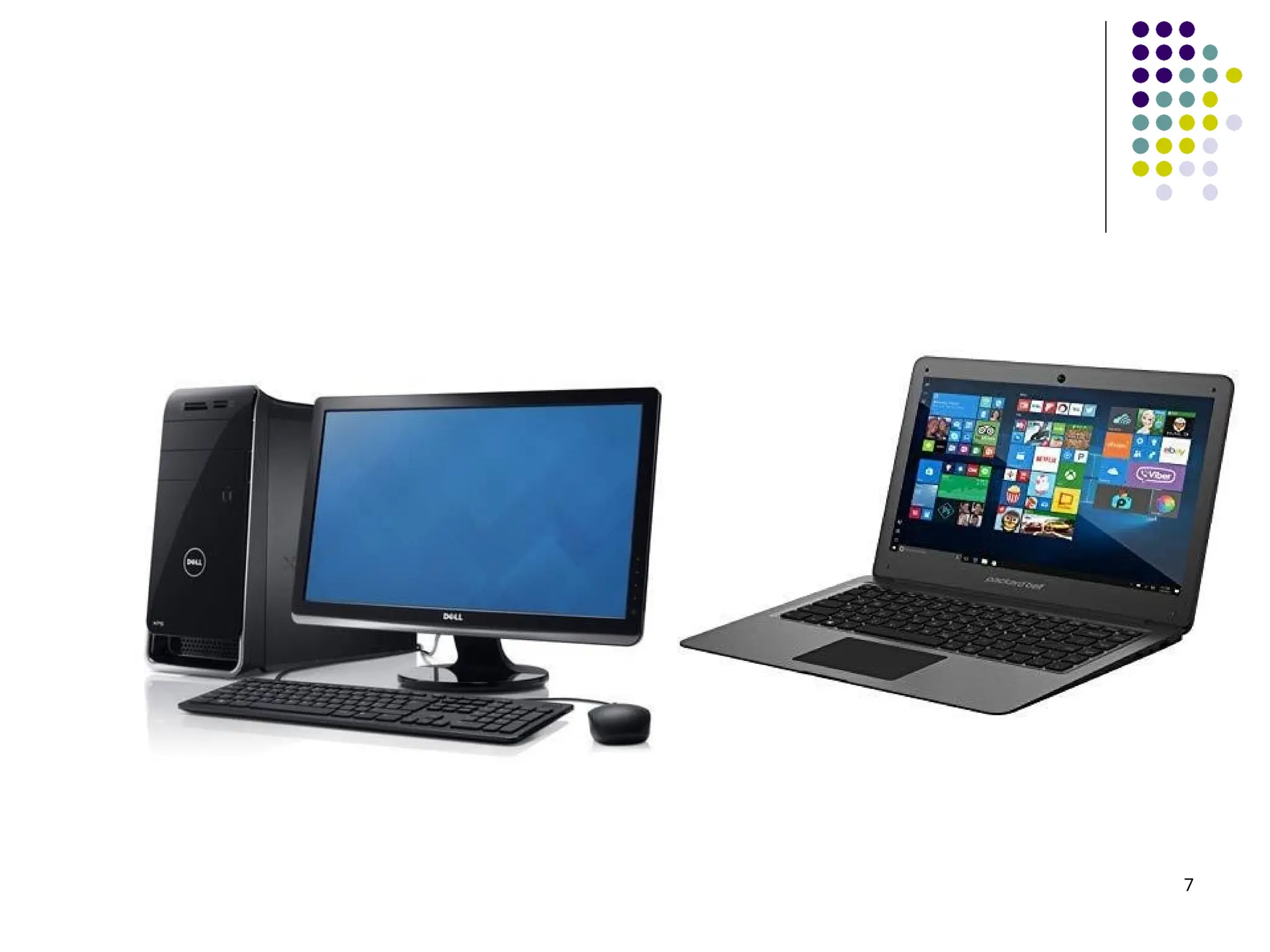
Computer Types.. 6 Anumber of classifications are used for personal computers. Desktop computers serve general needs and fit within a typical personal workspace. Workstation computers offer higher computational capacity and more powerful graphical display capabilities for engineering and scientific work. Portable and Notebook computers provide the basic features of a personal computer in a smaller lightweight package. They can operate on batteries to provide mobility.
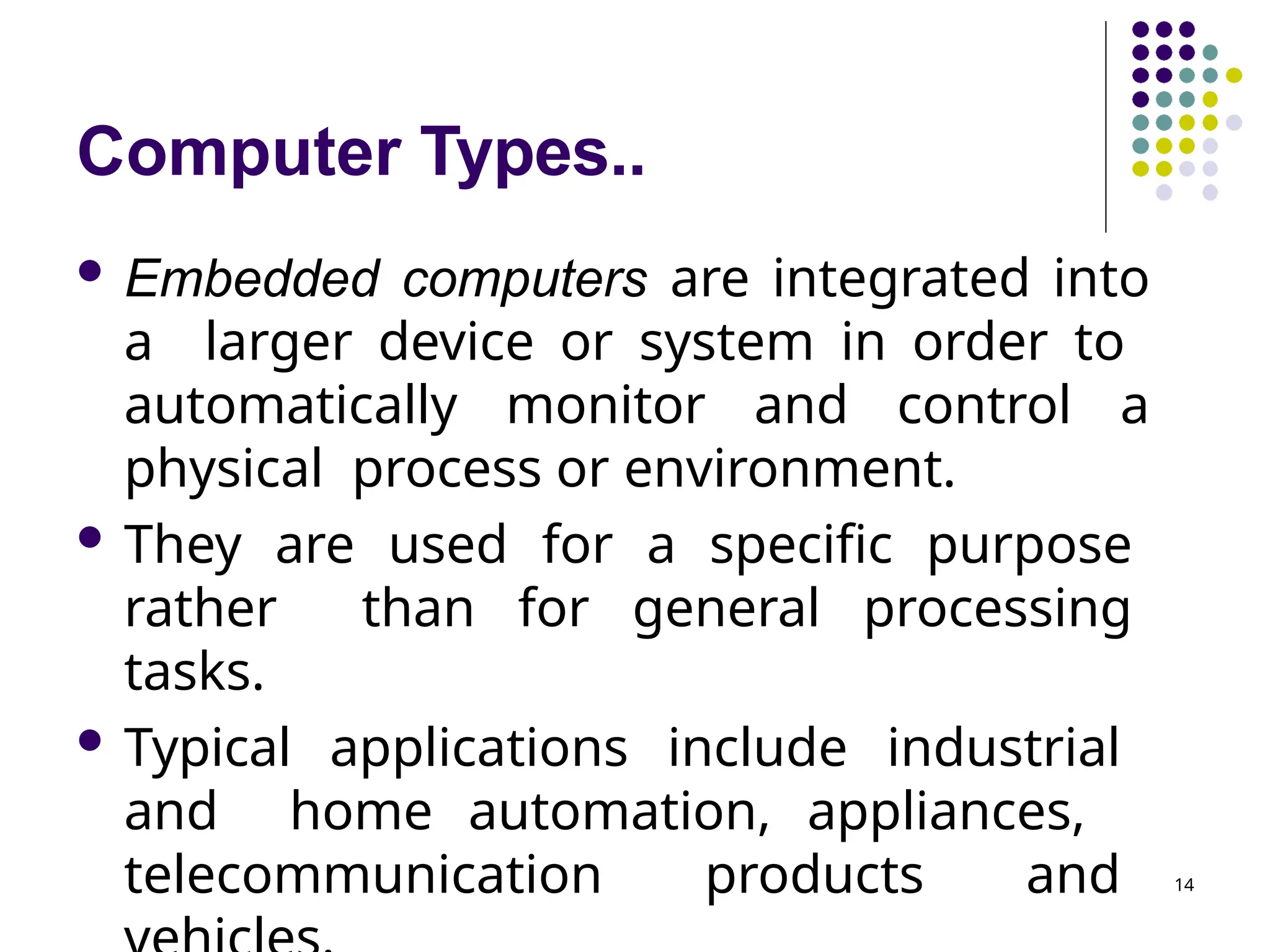
Computer Types.. 8 Serversand Enterprise systems are large computers that are meant to be shared by a potentially large number of users who access them from some form of personal computer over a public or private network. Such computers may host large databases and provide information processing for a government agency or a commercial organization.
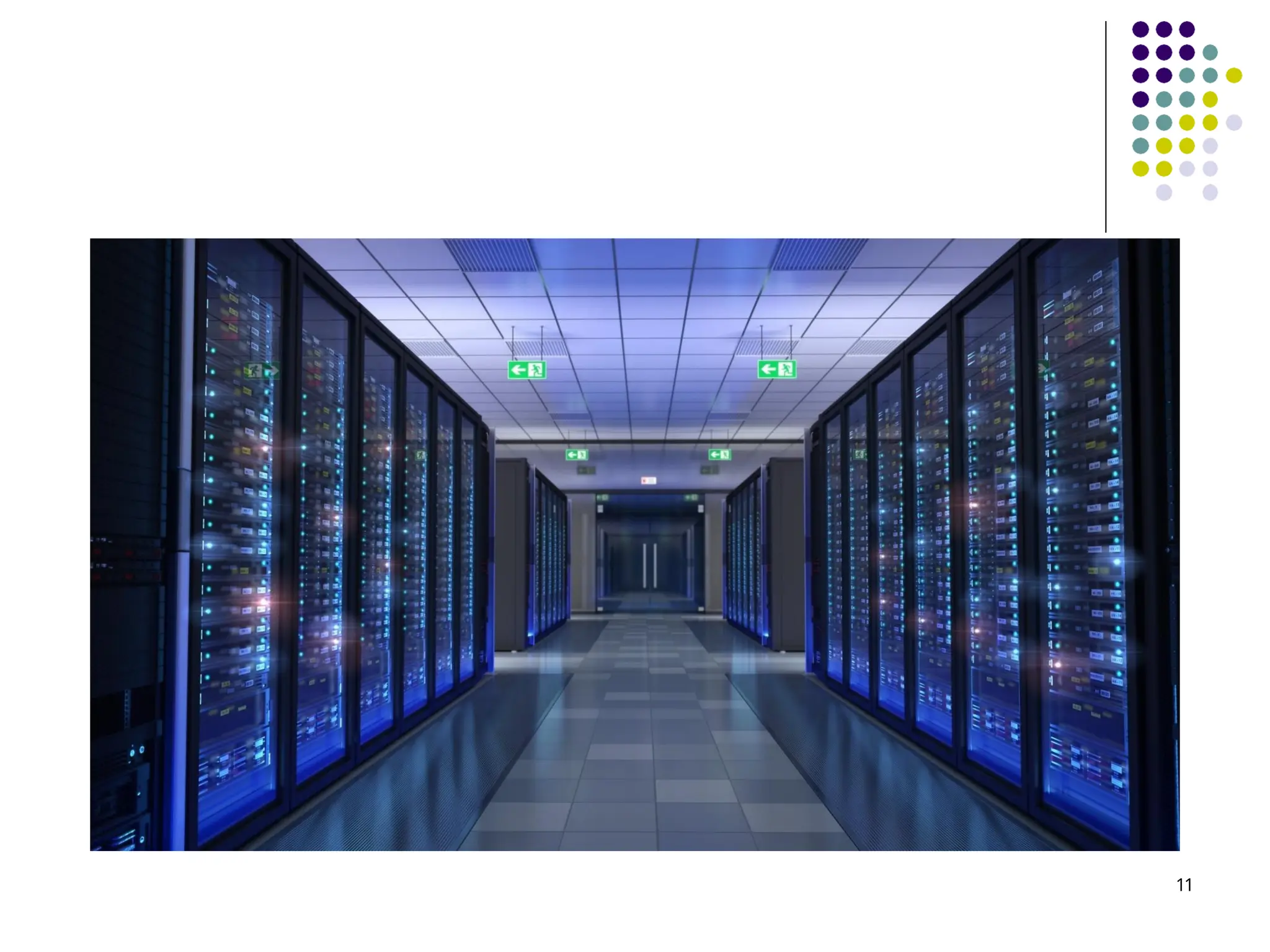
Computer Types.. 10 Supercomputersand Grid computers normally offer the highest performance. They are the most expensive and physically the largest category of computers. Supercomputers are used for the highly demanding computations needed in weather forecasting, engineering design and simulation, and scientific work. They have a high cost.
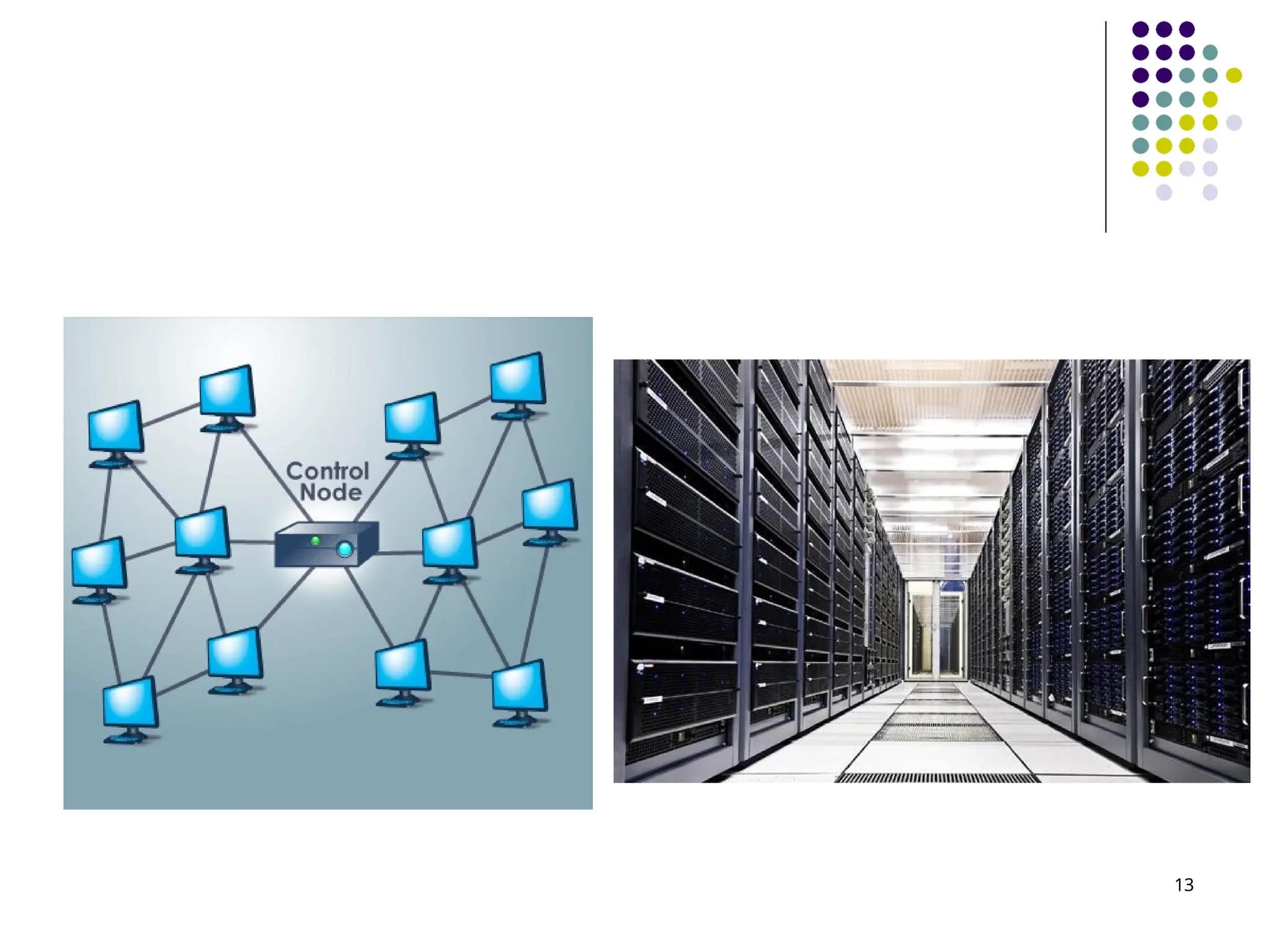
Computer Types.. 12 Gridcomputers provide a more cost- effective alternative. They combine a large number of personal computers and disk storage units in a physically distributed high-speed network, called a grid, which is managed as a coordinated computing resource. By evenly distributing the computational workload across the grid, it is possible to achieve high performance on large applications ranging from numerical computation to information searching.
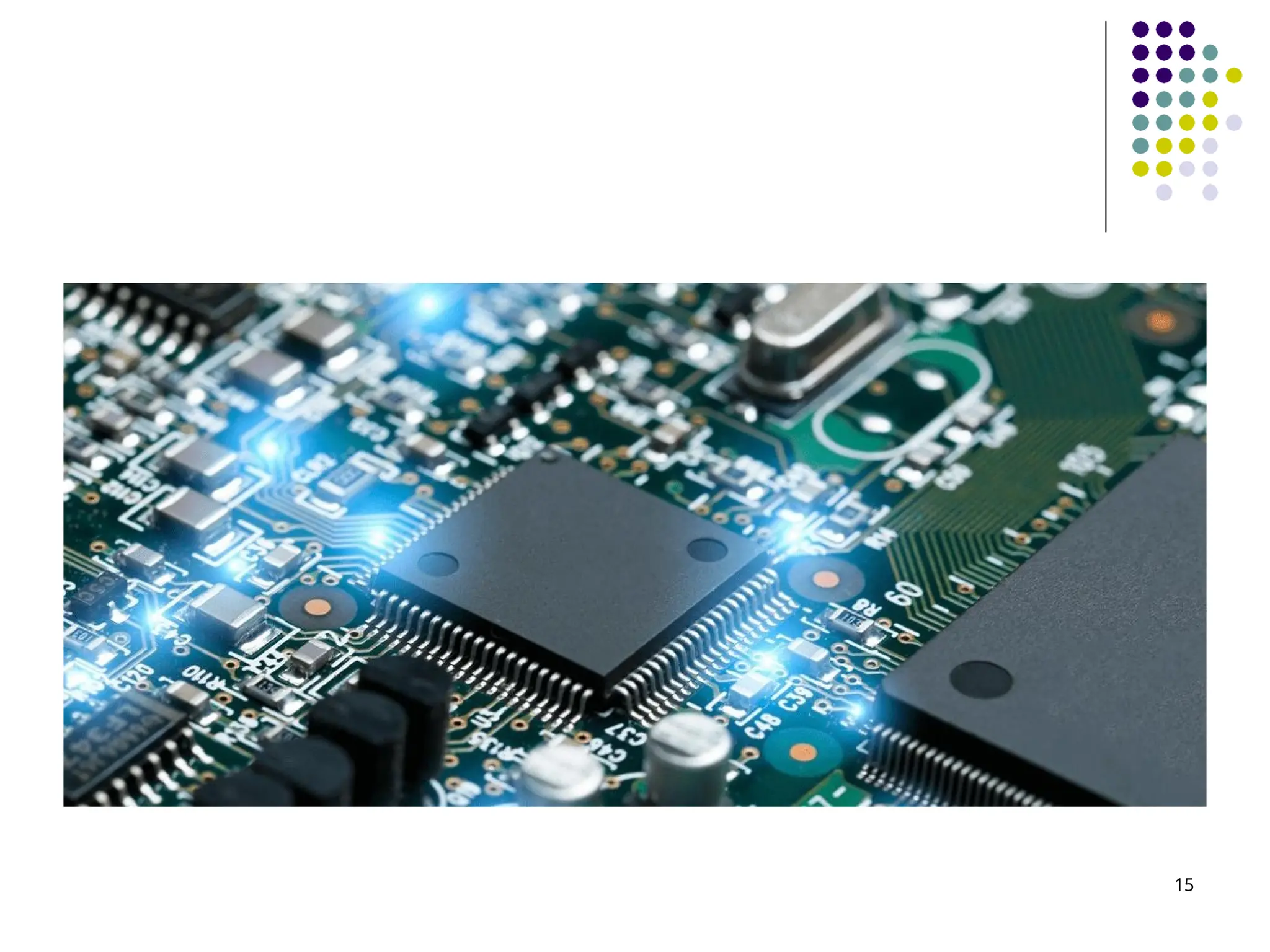
Computer Types.. 14 Embeddedcomputers are integrated into a larger device or system in order to automatically monitor and control a physical process or environment. They are used for a specific purpose rather than for general processing tasks. Typical applications include industrial and home automation, appliances, telecommunication products and
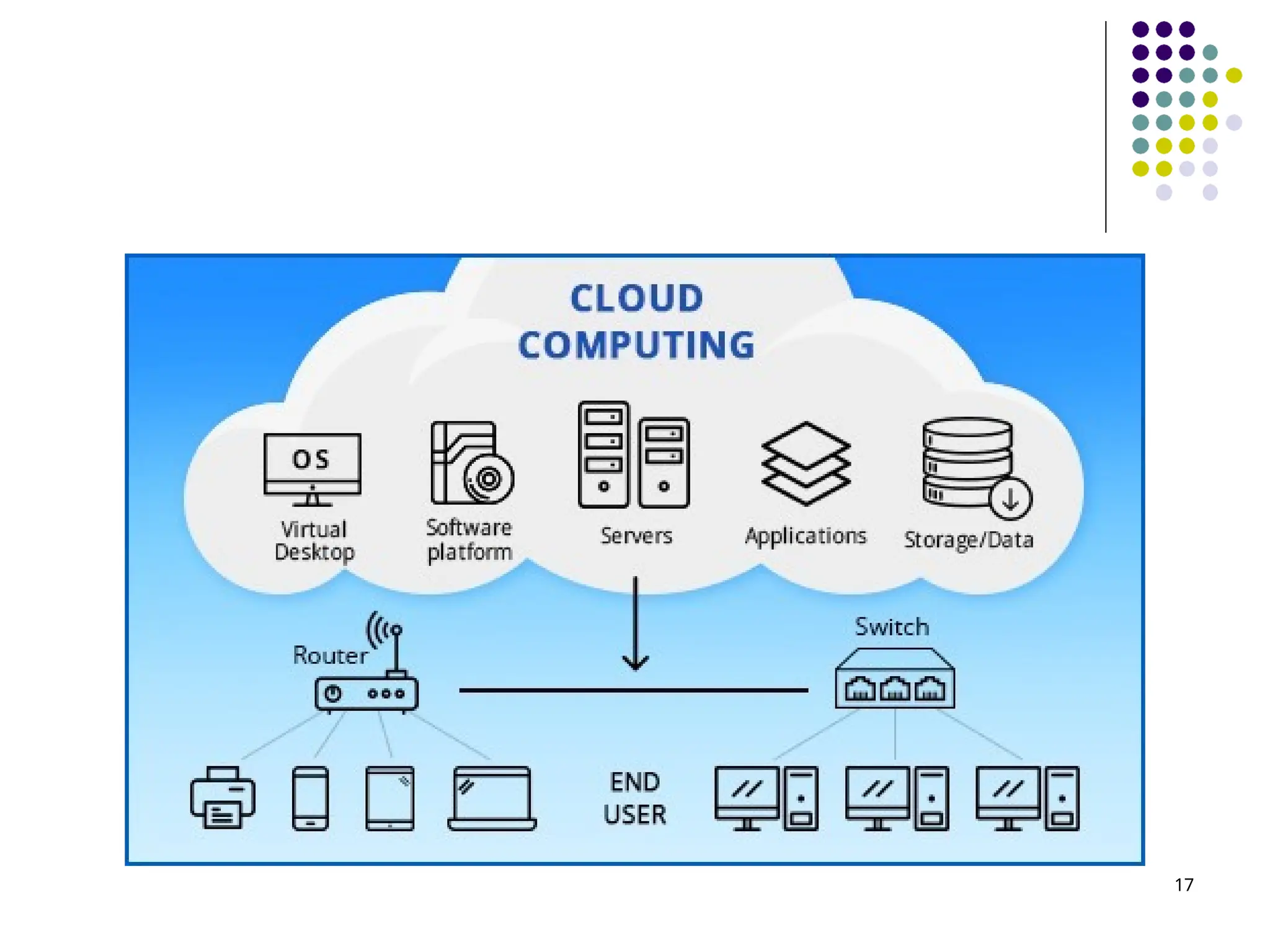
Computer Types.. Thereis an emerging trend in access to computing facilities, known as cloud computing. Personal computer users access widely distributed computing and storage server resources for individual, independent, computing needs. The Internet provides the necessary communication facility. Cloud hardware and software service providers operate as a utility, charging on a use 16
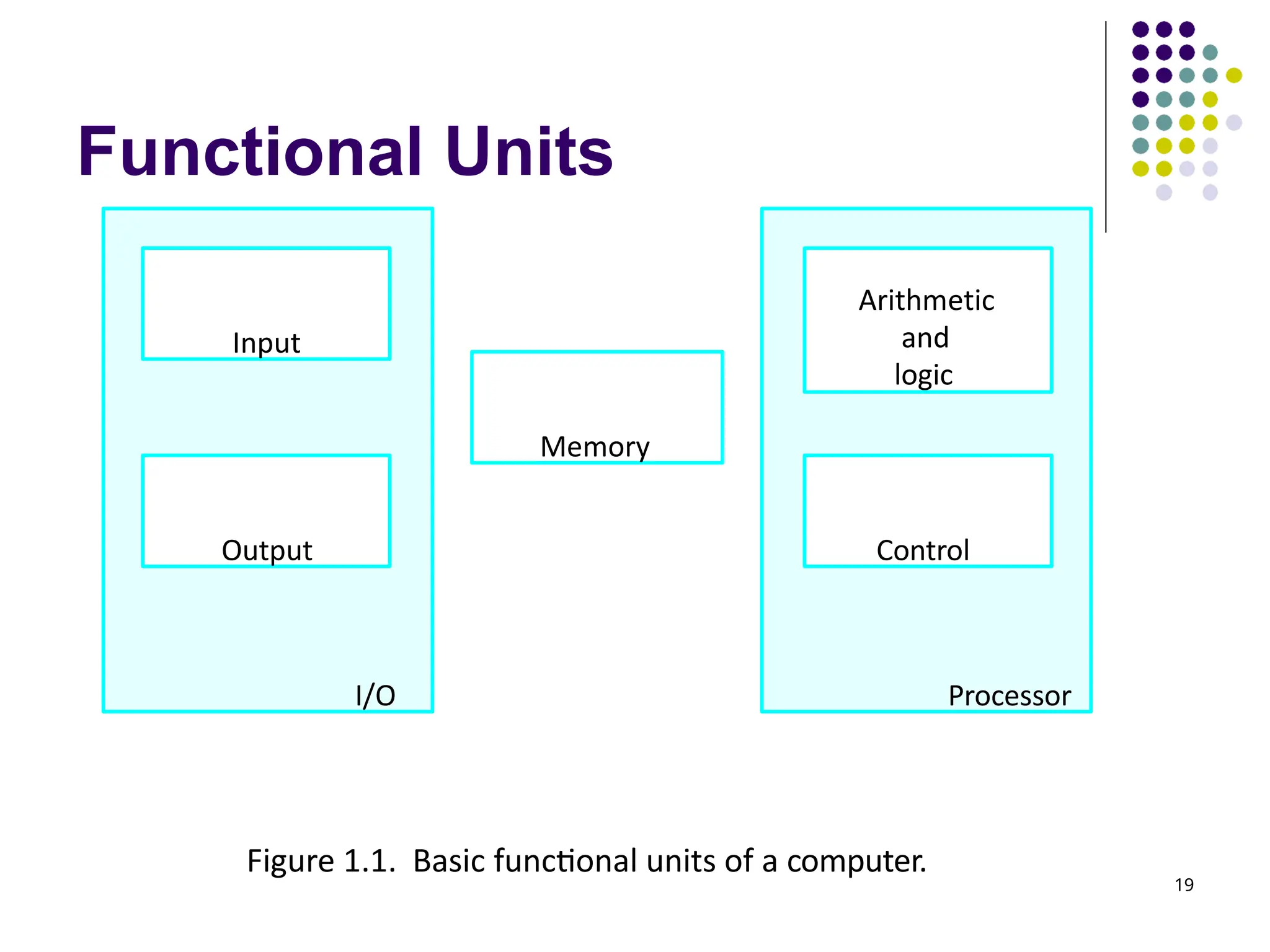
Functional Units 19 Figure 1.1.Basic functional units of a computer. I/O Processor Output Memory Input Arithmetic and logic Control
20.
Functional Units.. 20 Acomputer consists of five functionally independent main parts: input, memory, arithmetic and logic, output, and control units. The input unit accepts coded information from human operators using devices such as keyboards, or from other computers over digital communication lines. The information received is stored in the computer’s memory, either for later use or to be processed immediately by the arithmetic and logic unit. The processing steps are specified by a program that is also stored in the memory.
21.
Functional Units.. 21 Finally,the results are sent back to the outside world through the output unit. All of these actions are coordinated by the control unit. The arithmetic and logic circuits, in conjunction with the main control circuits, are referred to as the processor. Input and output equipment is often collectively referred to as the input-output (I/O) unit.
Information handled bya computer.. 23 Instructions, or machine instructions, are explicit commands that Govern the transfer of information within a computer as well as between the computer and its I/O devices Specify the arithmetic and logic operations to be performed
24.
Information handled bya computer.. 24 A program is a list of instructions which performs a task. Programs are stored in the memory. The processor fetches the program instructions from the memory, one after another, and performs the desired operations. The computer is controlled by the stored program, except for possible external interruption by an operator or by I/O devices connected to it.
25.
Information handled bya computer.. 25 Data are numbers and characters that are used as operands by the instructions. Data are also stored in the memory.
26.
Information handled bya computer.. 26 The information handled by a computer must be encoded in a suitable format. Most present-day hardware employs digital circuits that have only two stable states, ON and OFF. Each instruction, number, or character is encoded as a string of binary digits called bits, each having one of two possible values, 0 or 1.
27.
Input Unit 27 Computersaccept coded information through input units. The most common input device is the keyboard. Whenever a key is pressed, the corresponding letter or digit is automatically translated into its corresponding binary code and transmitted to the processor. Other kinds of input devices – mouse, joystick, trackball, touchpad, microphone, camera.
28.
Memory Unit 28 Thefunction of the memory unit is to store programs and data. There are two classes of storage Primary Secondary
29.
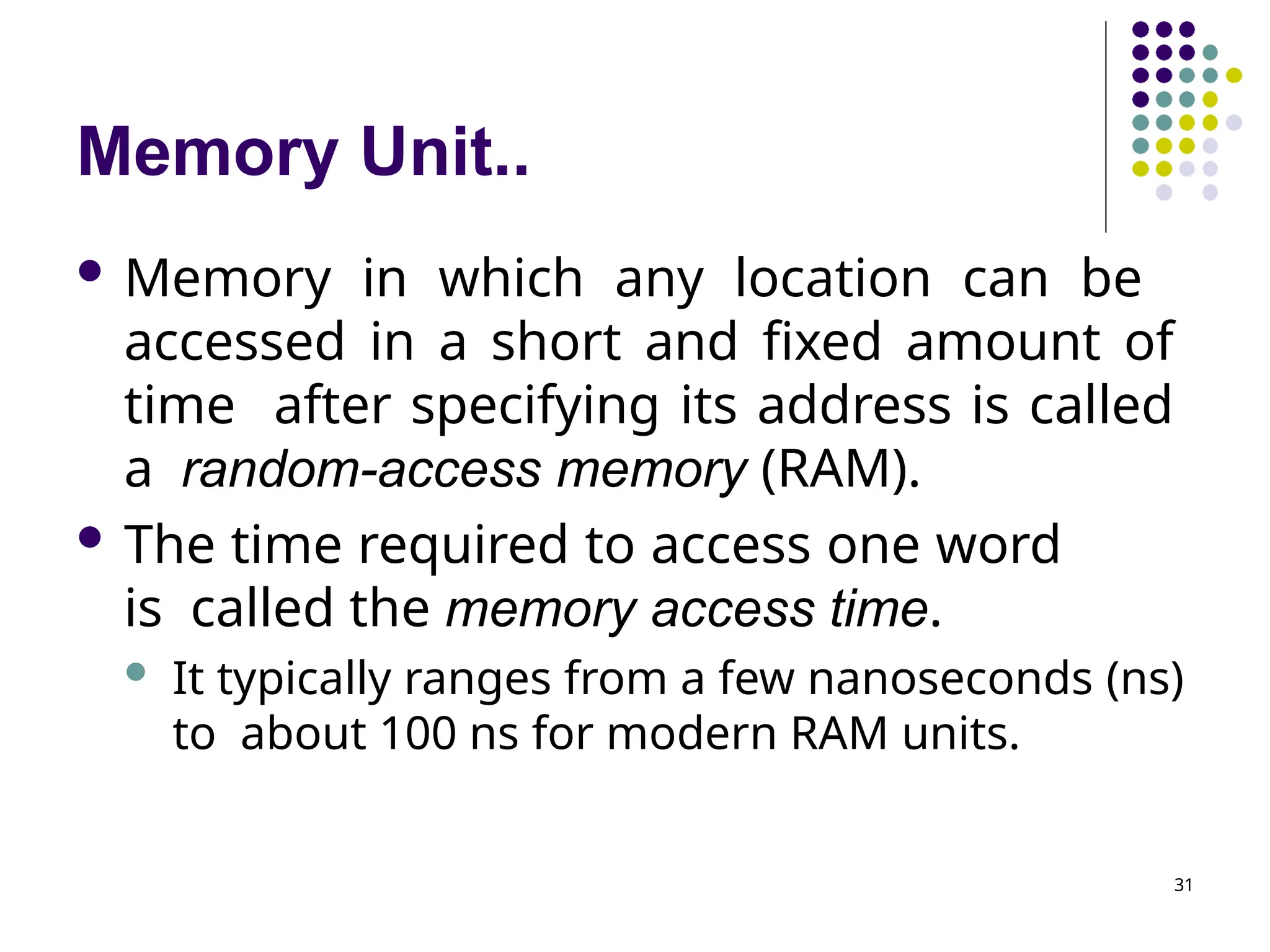
Memory Unit.. 29 Primarymemory, also called main memory, is a fast memory that operates at electronic speeds. Programs must be stored in this memory while they are being executed. It consists of a large number of semiconductor storage cells, each capable of storing one bit of information. They are handled in groups of fixed size called words. One word can be stored or retrieved in one basic operation. The number of bits in each word is referred to as the word length of the computer, typically 16, 32, or 64 bits.
30.
Memory Unit.. 30 Toprovide easy access to any word in the memory, a distinct address is associated with each word location. Addresses are consecutive numbers, starting from 0, that identify successive locations. A particular word is accessed by specifying its address and issuing a control command to the memory that starts the storage or retrieval process.
31.
Memory Unit.. 31 Memoryin which any location can be accessed in a short and fixed amount of time after specifying its address is called a random-access memory (RAM). The time required to access one word is called the memory access time. It typically ranges from a few nanoseconds (ns) to about 100 ns for modern RAM units.
32.
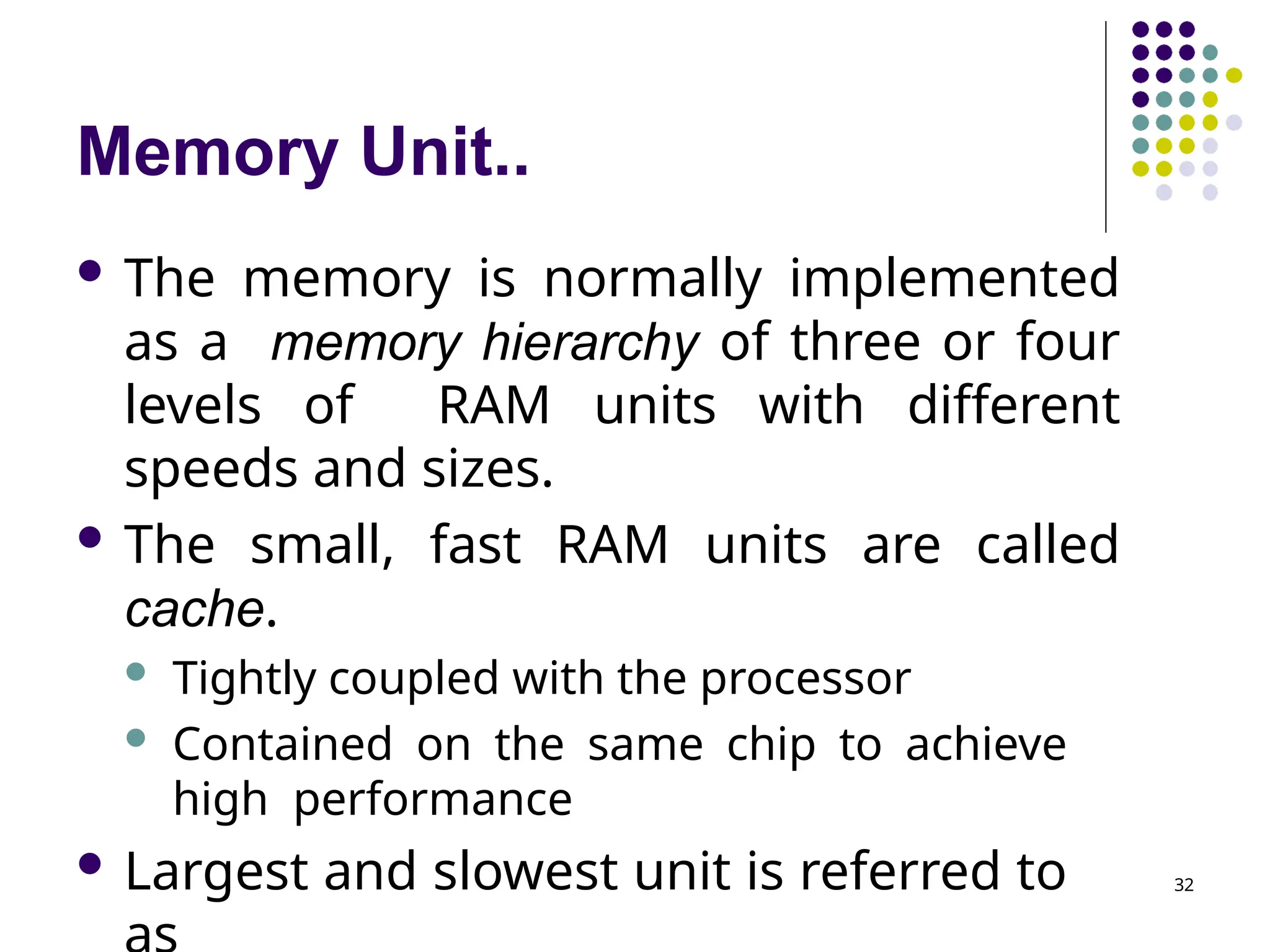
Memory Unit.. 32 Thememory is normally implemented as a memory hierarchy of three or four levels of RAM units with different speeds and sizes. The small, fast RAM units are called cache. Tightly coupled with the processor Contained on the same chip to achieve high performance Largest and slowest unit is referred to
33.
Memory Unit.. 33 Althoughprimary memory is essential, it tends to be expensive and does not retain information when power is turned off.
34.
Memory Unit.. 34 Secondarystorage is used when large amounts of data and many programs have to be stored. Particularly for information that is accessed in frequently. Access times for secondary storage are longer than for primary memory. Examples - magnetic disks, optical disks (DVD and CD), and flash memory
35.
Arithmetic and LogicUnit (ALU) 35 Most computer operations are executed in ALU of the processor. Any arithmetic or logic operation, such as addition, subtraction, multiplication, division, or comparison of numbers, is initiated by bringing the required operands into the processor, where the operation is performed by the ALU.
36.
Arithmetic and LogicUnit (ALU).. 36 For example, if two numbers located in the memory are to be added, they are brought into the processor, and the addition is carried out by the ALU. The sum may then be stored in the memory or retained in the processor for immediate use. When operands are brought into the processor, they are stored in high-speed storage elements called registers. Each register can store one word of data. Access times to registers are even shorter than access times to the cache unit on the processor chip.
37.
Output Unit 37 Itsends processed results to the outside world. Example – printer Most printers employ either photocopying techniques, as in laser printers, or ink jet streams. Such printers may generate output at speeds of 20 or more pages per minute. Some units, such as graphic displays, provide both an output function, showing text and graphics, and an input function, through touchscreen capability. The dual role of such units is the reason for using the single name input/output (I/O) unit in many cases.
38.
Control Unit 38 Thememory, arithmetic and logic, and I/O units store and process information and perform input and output operations. The control unit coordinates the operation of different units in the computer. The control unit is effectively the nerve center that sends control signals to other units and senses their states.
39.
Control Unit.. I/Otransfers, consisting of input and output operations, are controlled by instructions of I/O programs. Control circuits are responsible for generating the timing signals that govern the transfers and determine when a given action is to take place. Data transfers between the processor and the memory are also managed by the control unit through timing 39
40.
Control Unit.. Muchof the control circuitry is physically distributed throughout the computer. A large set of control lines (wires) carries the signals used for timing and synchronization of events in all units. 40
41.
Summary The operation ofa computer can be summarized as follows: The computer accepts information in the form of programs and data through an input unit and stores it in the memory. Information stored in the memory is fetched under program control into an arithmetic and logic unit, where it is processed. Processed information leaves the computer through an output unit. All activities in the computer are directed by the control unit . 41
Review 43 The activityin a computer is governed by instructions. To perform a given task, an appropriate program consisting of a list of instructions is stored in the memory. Individual instructions are brought from the memory into the processor, which executes the specified operations. Data to be used as instruction operands are also stored in the memory.
44.
A Typical Instruction 44 AddLOCA, R0 Add the operand at memory location LOCA to the operand in a register R0 in the processor. Place the sum into register R0. The original contents of LOCA are preserved. The original contents of R0 are overwritten. Several steps Instruction is fetched from the memory into the processor Operand at LOCA is fetched and added to the contents of R0 The resulting sum is stored in register R0
45.
Separate Memory Access andALU Operation 45 Add LOCA, R0 combines a memory access operation with an ALU operation. In most modern computers, these two types of operations are performed by separate instructions for improving performance
46.
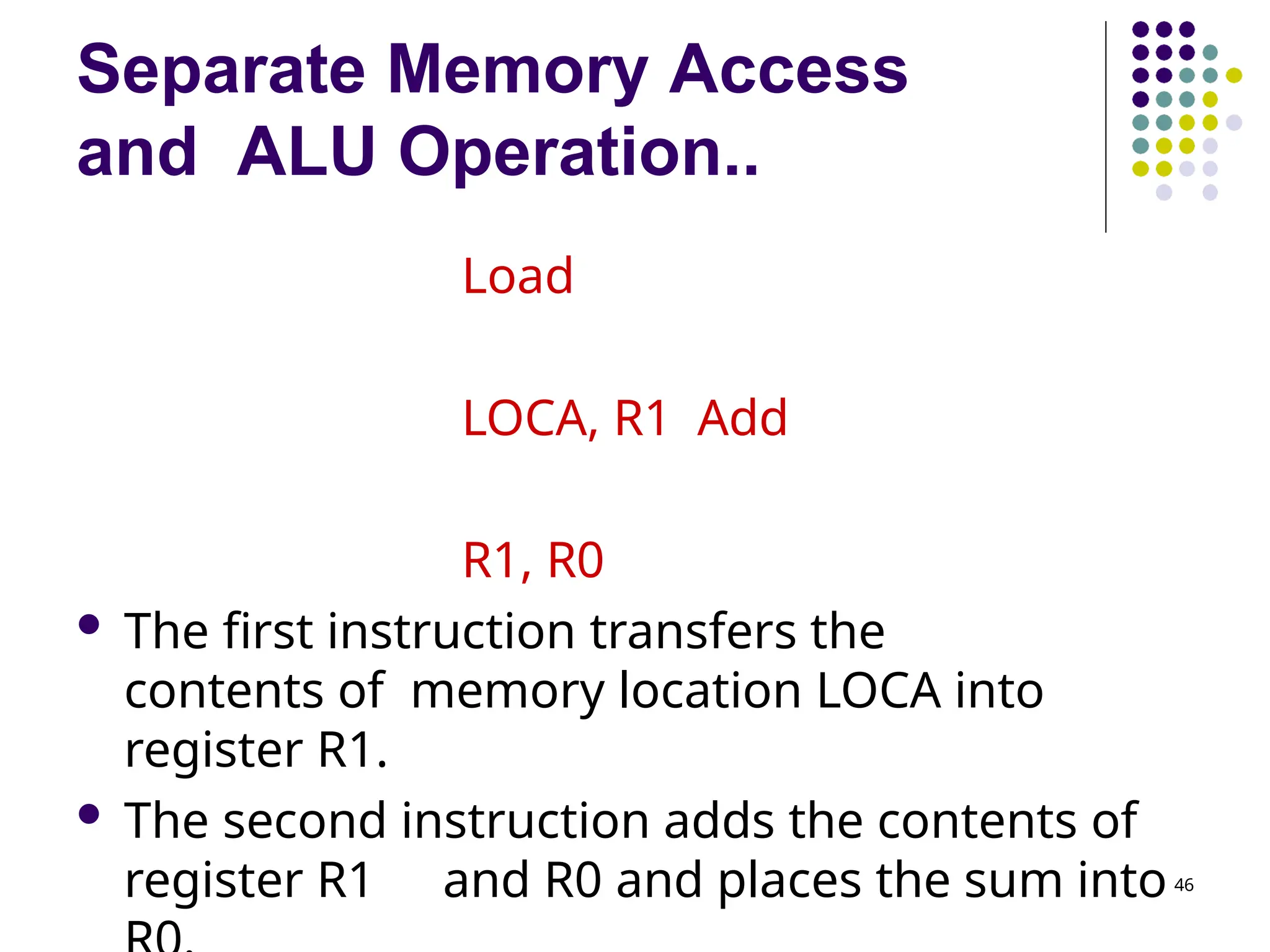
Separate Memory Access andALU Operation.. 46 Load LOCA, R1 Add R1, R0 The first instruction transfers the contents of memory location LOCA into register R1. The second instruction adds the contents of register R1 and R0 and places the sum into
47.
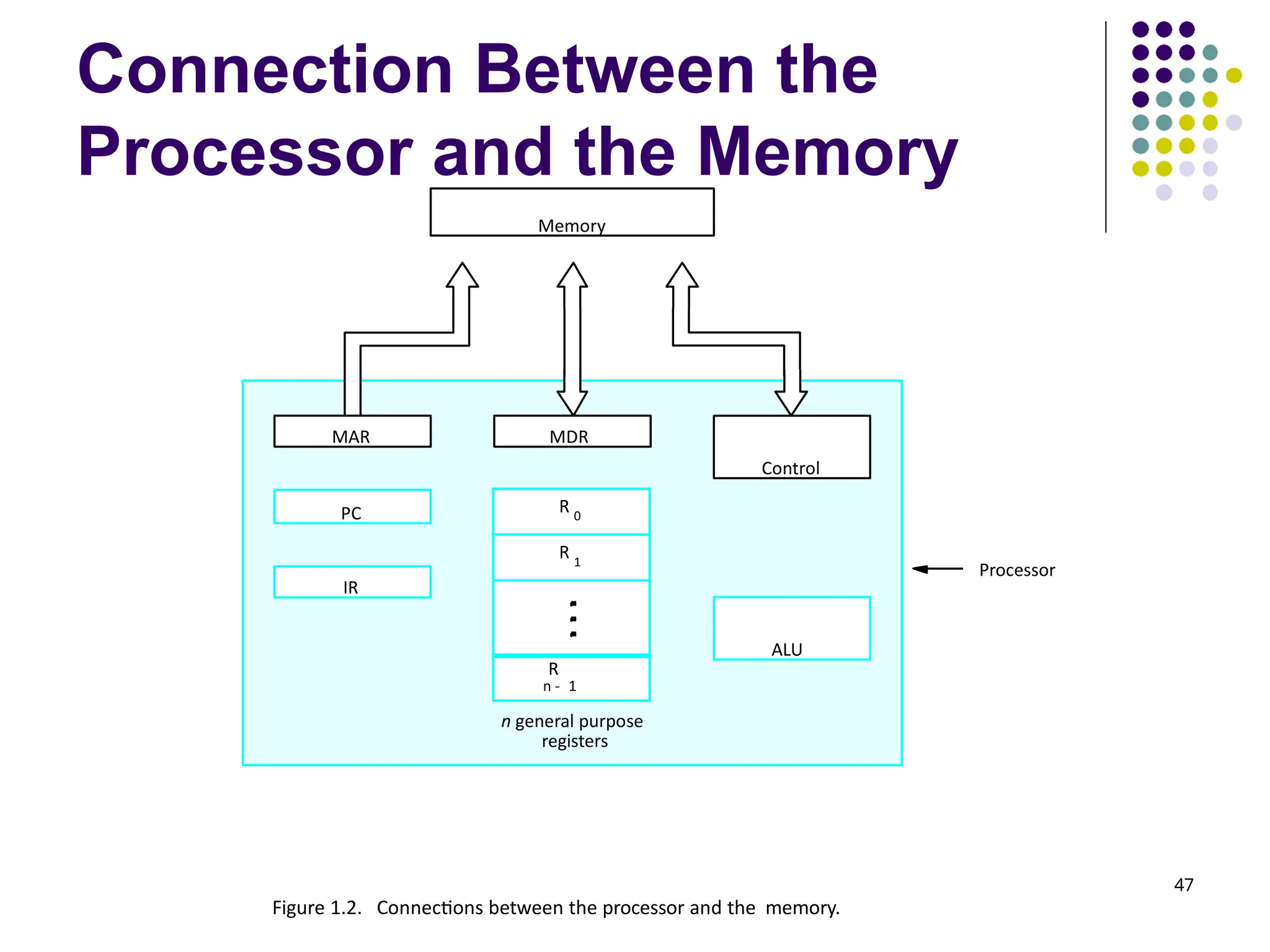
Connection Between the Processorand the Memory 47 Processor Memory PC IR MDR Control ALU R 0 R 1 R n - 1 MAR n general purpose registers Figure 1.2. Connections between the processor and the memory.
48.
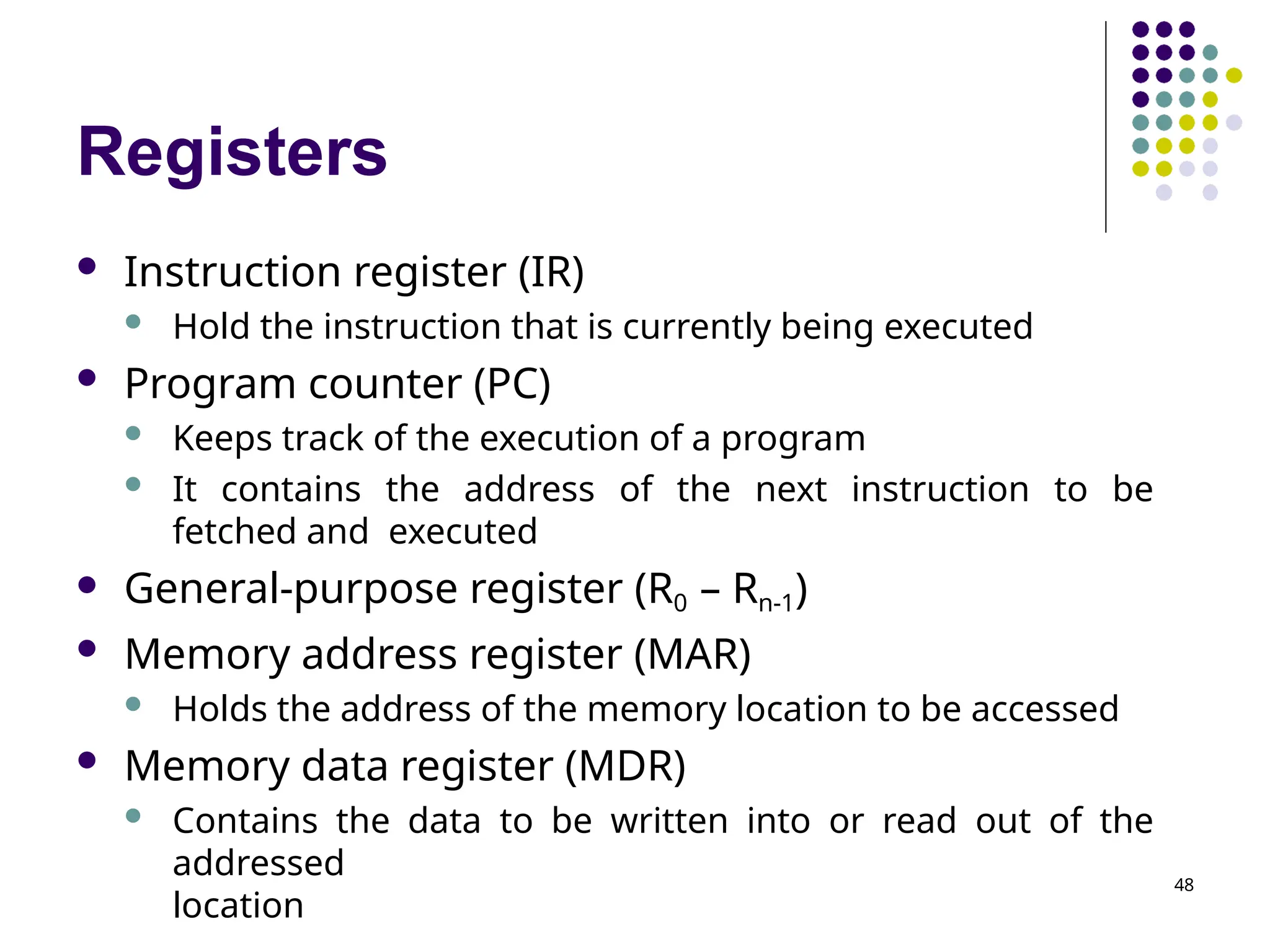
Registers 48 Instruction register(IR) Hold the instruction that is currently being executed Program counter (PC) Keeps track of the execution of a program It contains the address of the next instruction to be fetched and executed General-purpose register (R0 – Rn-1) Memory address register (MAR) Holds the address of the memory location to be accessed Memory data register (MDR) Contains the data to be written into or read out of the addressed location
49.
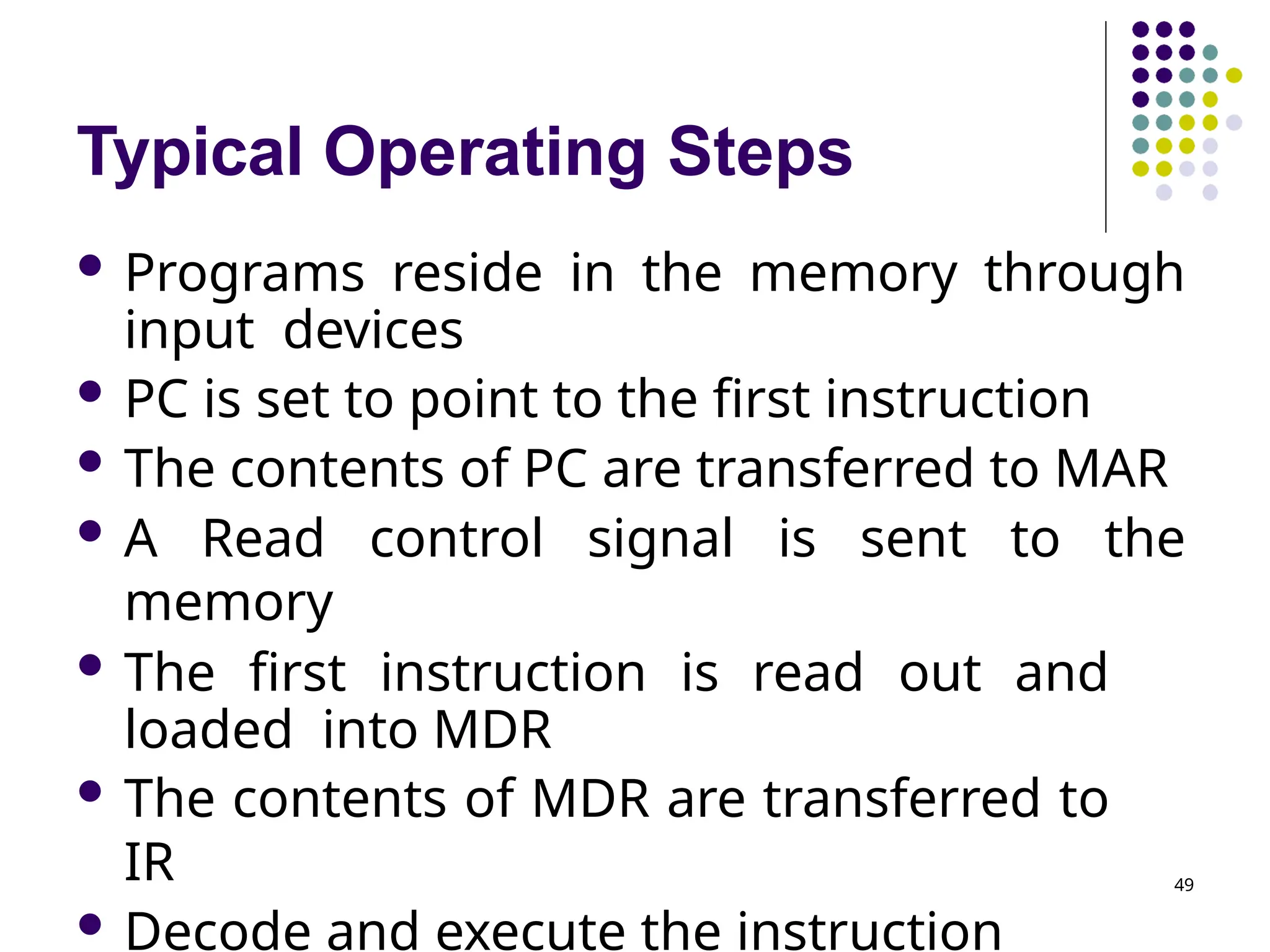
Typical Operating Steps 49 Programs reside in the memory through input devices PC is set to point to the first instruction The contents of PC are transferred to MAR A Read control signal is sent to the memory The first instruction is read out and loaded into MDR The contents of MDR are transferred to IR Decode and execute the instruction
50.
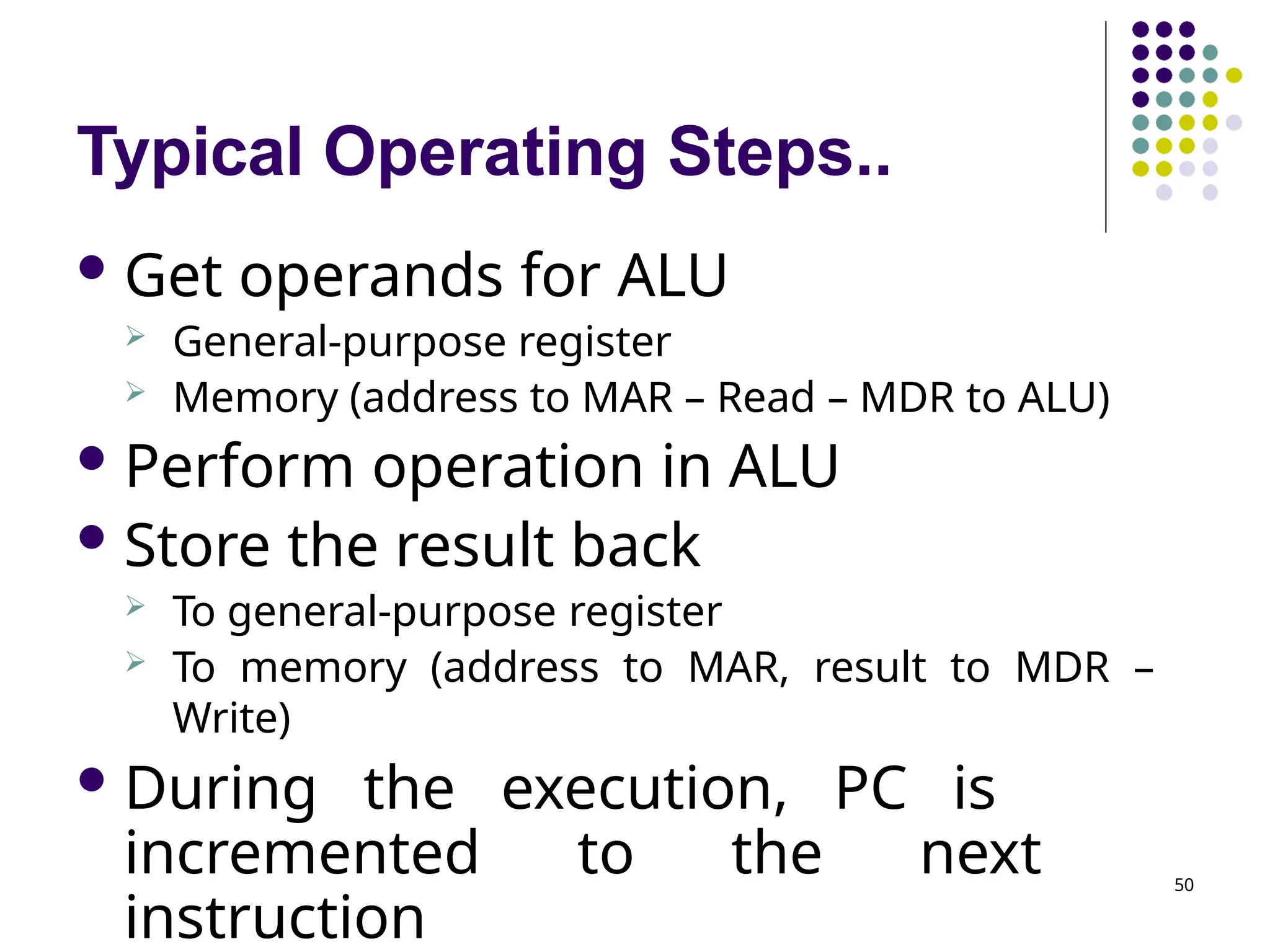
Typical Operating Steps.. 50 Get operands for ALU General-purpose register Memory (address to MAR – Read – MDR to ALU) Perform operation in ALU Store the result back To general-purpose register To memory (address to MAR, result to MDR – Write) During the execution, PC is incremented to the next instruction
51.
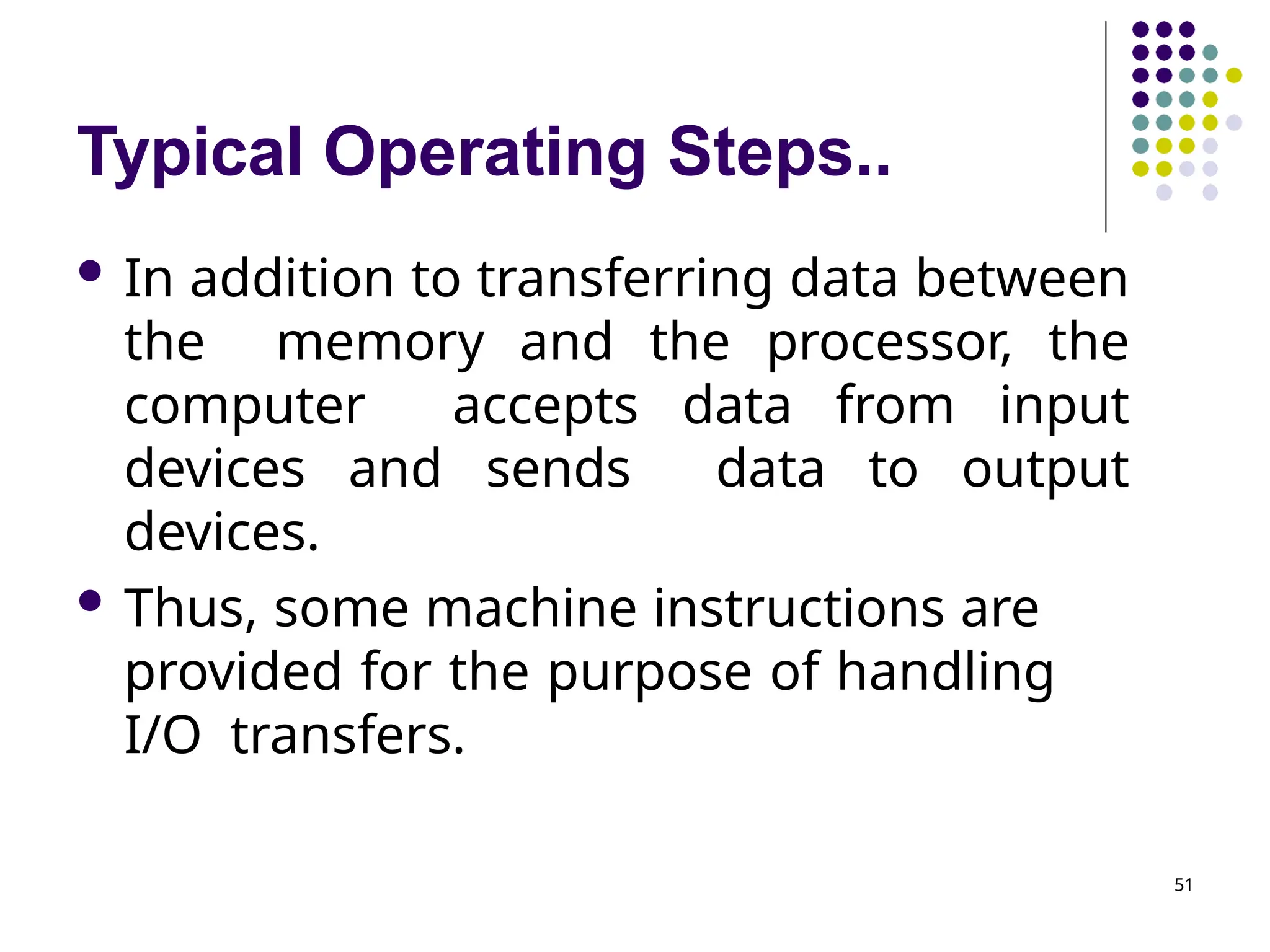
Typical Operating Steps.. 51 In addition to transferring data between the memory and the processor, the computer accepts data from input devices and sends data to output devices. Thus, some machine instructions are provided for the purpose of handling I/O transfers.
52.
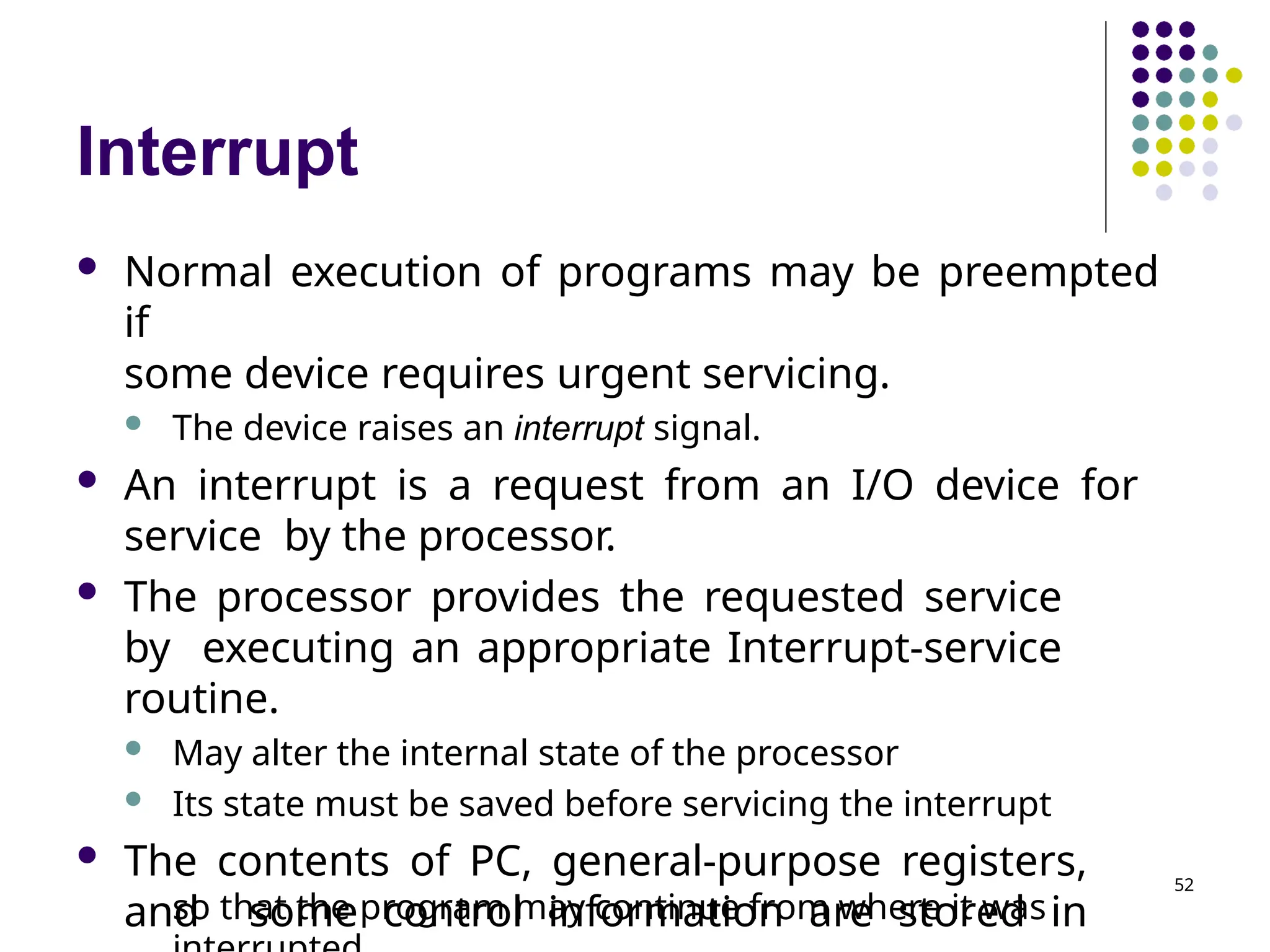
Interrupt so that theprogram may continue from where it was Normal execution of programs may be preempted if some device requires urgent servicing. The device raises an interrupt signal. An interrupt is a request from an I/O device for service by the processor. The processor provides the requested service by executing an appropriate Interrupt-service routine. May alter the internal state of the processor Its state must be saved before servicing the interrupt The contents of PC, general-purpose registers, and some control information are stored in 52
53.
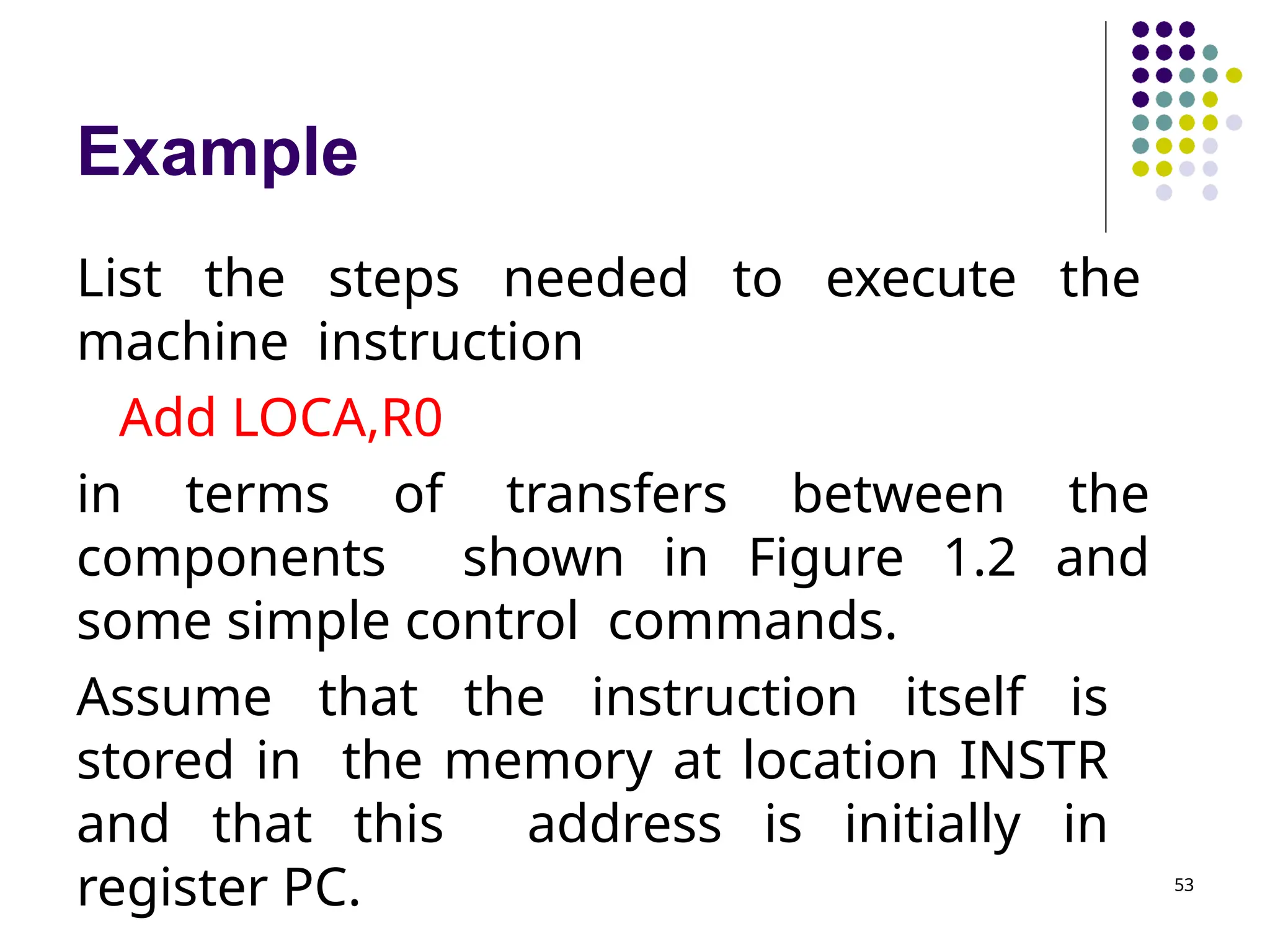
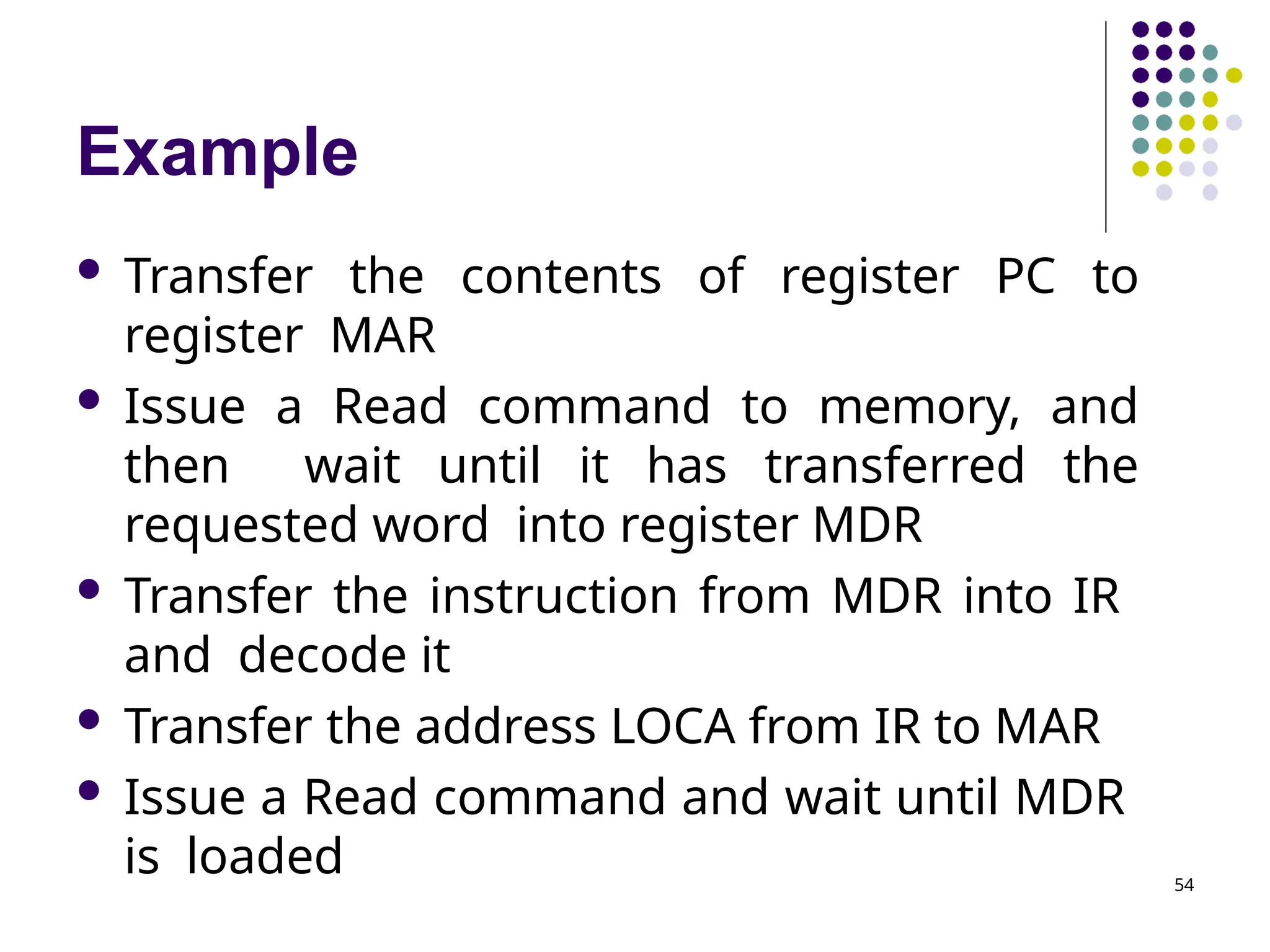
Example 53 List the stepsneeded to execute the machine instruction Add LOCA,R0 in terms of transfers between the components shown in Figure 1.2 and some simple control commands. Assume that the instruction itself is stored in the memory at location INSTR and that this address is initially in register PC.
54.
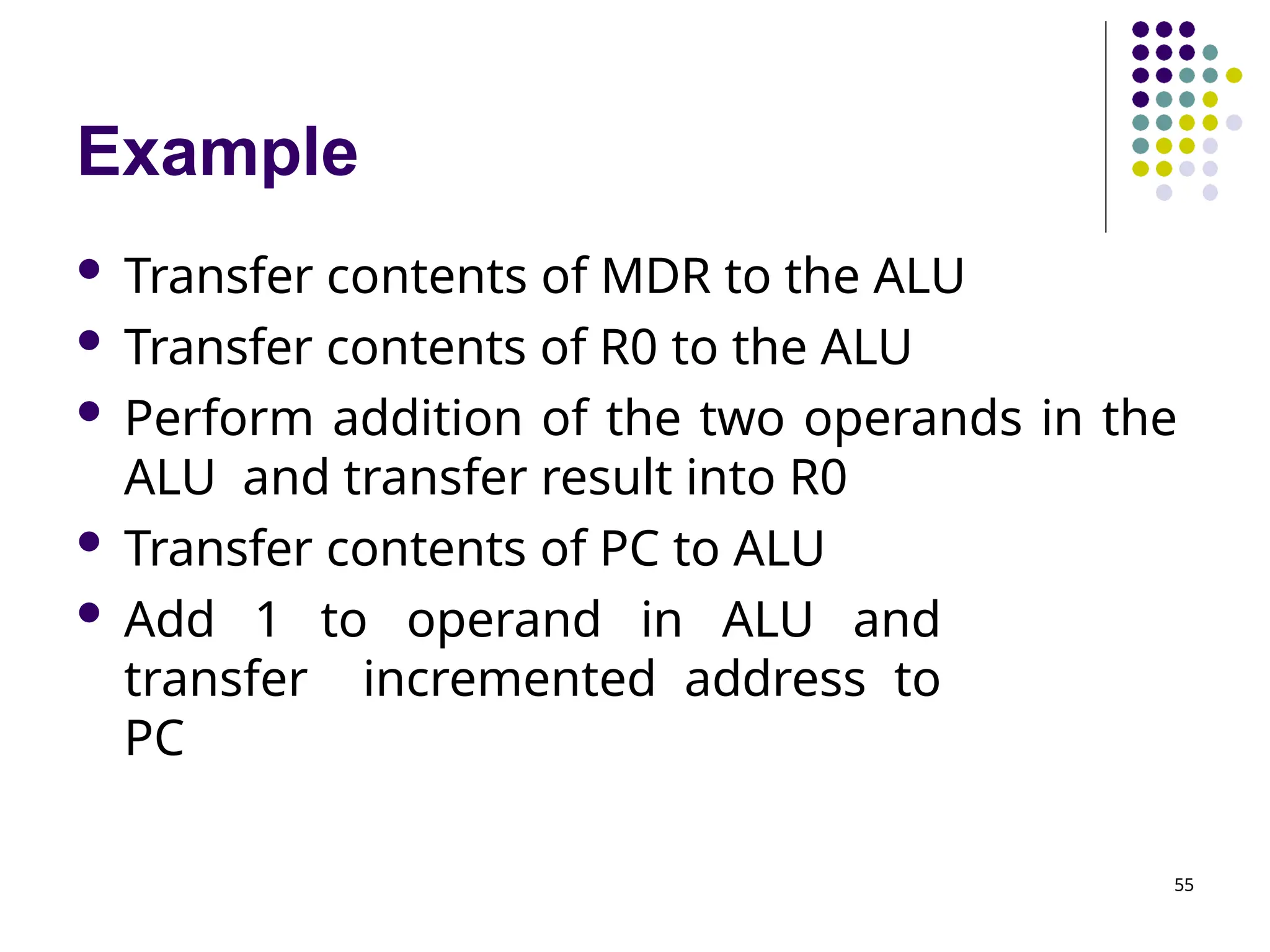
Example 54 Transfer thecontents of register PC to register MAR Issue a Read command to memory, and then wait until it has transferred the requested word into register MDR Transfer the instruction from MDR into IR and decode it Transfer the address LOCA from IR to MAR Issue a Read command and wait until MDR is loaded
55.
Example 55 Transfer contentsof MDR to the ALU Transfer contents of R0 to the ALU Perform addition of the two operands in the ALU and transfer result into R0 Transfer contents of PC to ALU Add 1 to operand in ALU and transfer incremented address to PC
56.
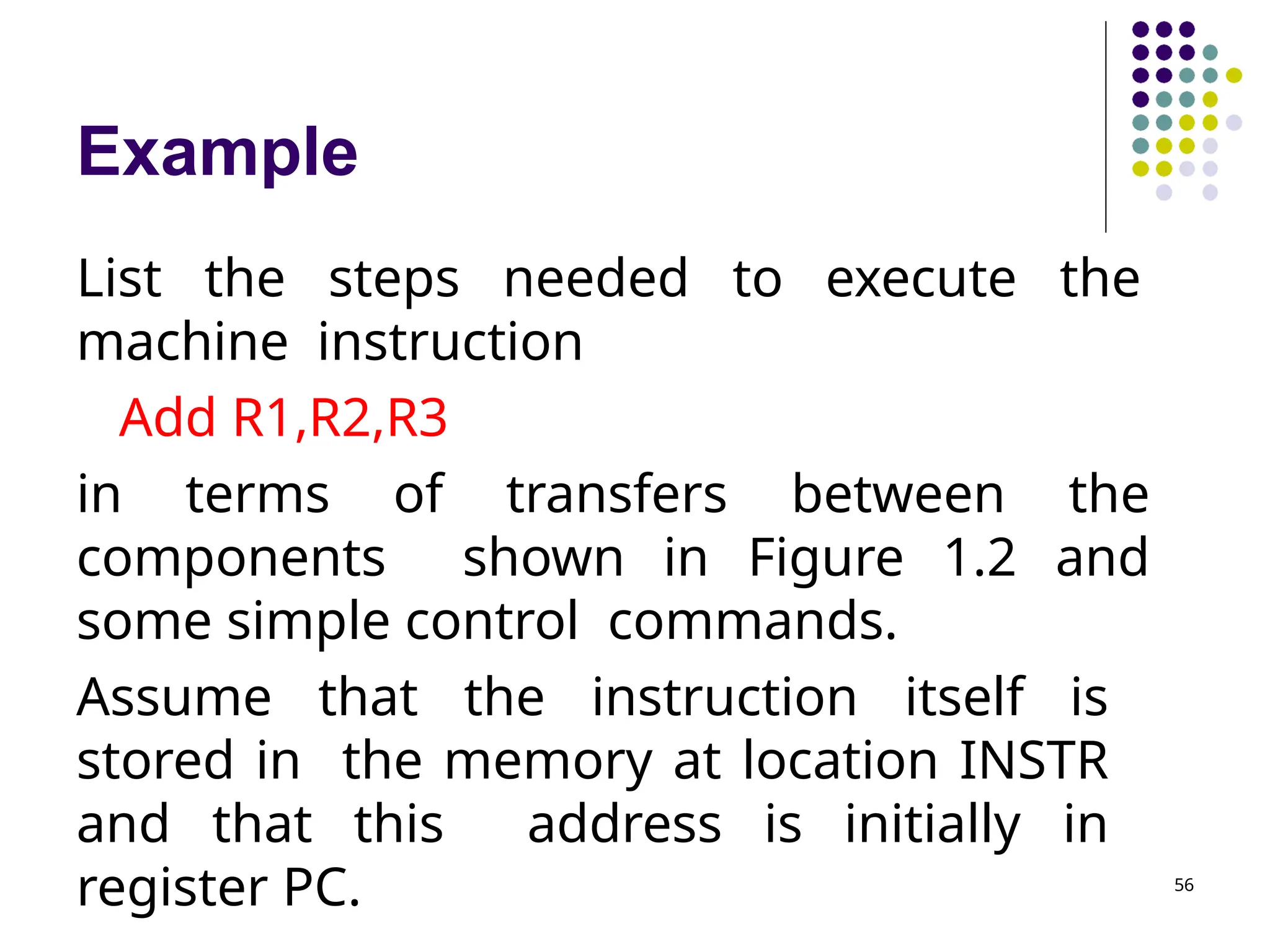
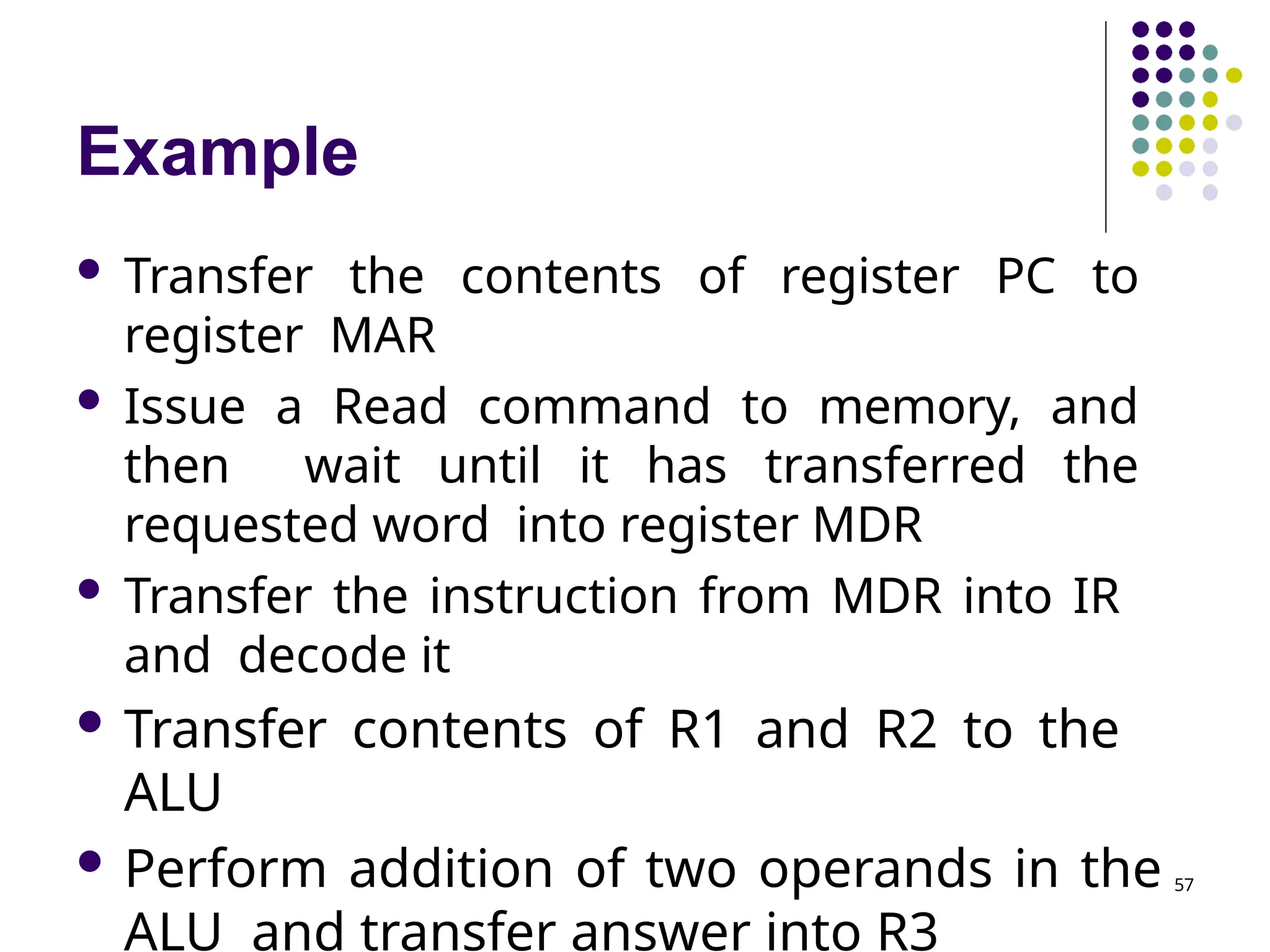
Example 56 List the stepsneeded to execute the machine instruction Add R1,R2,R3 in terms of transfers between the components shown in Figure 1.2 and some simple control commands. Assume that the instruction itself is stored in the memory at location INSTR and that this address is initially in register PC.
57.
Example Transfer thecontents of register PC to register MAR Issue a Read command to memory, and then wait until it has transferred the requested word into register MDR Transfer the instruction from MDR into IR and decode it Transfer contents of R1 and R2 to the ALU Perform addition of two operands in the ALU and transfer answer into R3 57
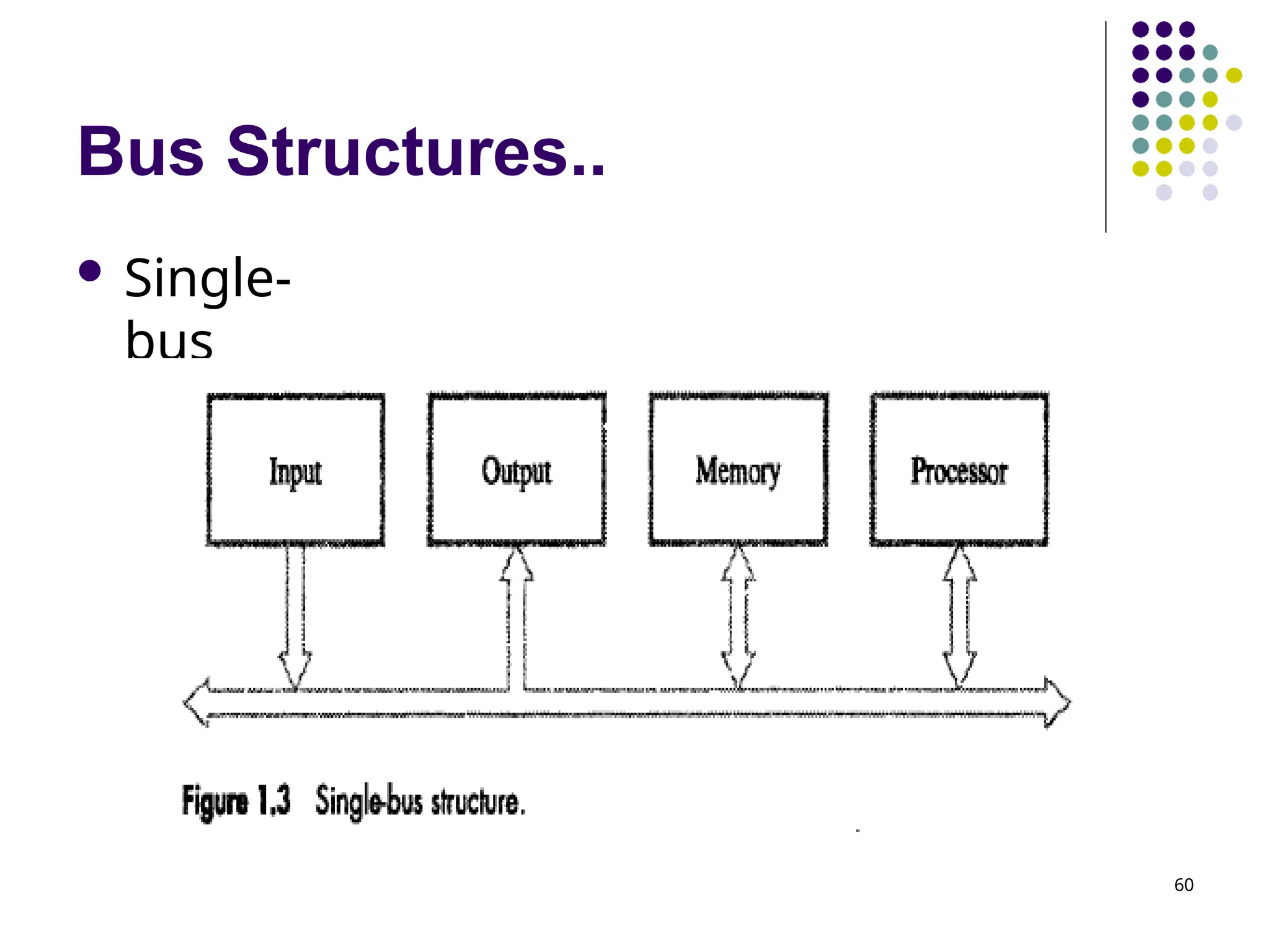
Bus Structures 59 Thereare many ways to connect different parts inside a computer together. When a word of data is transferred between units, all its bits are transferred in parallel, that is, the bits are transferred simultaneously over many wires, or lines, one bit per line A group of lines that serves as a connecting path for several devices is
Bus Structures.. 61 Themain virtue of the single-bus structure is its low cost and its flexibility for attaching peripheral devices. Systems that contain multiple buses achieve more concurrency in operations Allow two or more transfers to be carried out at the same time This leads to better performance but at an increased cost.
62.
Speed Issue Differentdevices have different transfer/operating speed. Some electromechanical devices, such as keyboards and printers, are relatively slow Magnetic or optical disks are considerably faster Memory and processor units operate at electronic speeds - fastest If the speed of bus is bounded by the slowest device connected to it, the efficiency will be very low. How to solve this? A common approach – use buffer registers Hold the information during transfers I/O devices. 62
63.
Software System softwareis a collection of programs that are executed as needed to perform functions: Receiving and interpreting user commands Entering and editing application programs and storing them as files in secondary storage devices Managing the storage and retrieval of files in secondary storage devices Running standard application programs such as word processors, spreadsheets, or data supplied by the 63
64.
Software.. 64 Controlling I/Ounits to receive input information and produce output results Translating programs from source form prepared by the user into object form consisting of machine instructions Linking and running user-written application programs with existing standard library routines, such as numerical computation packages
65.
Software.. 65 System softwareis responsible for the coordination of all activities in a computing system. Application programs are usually written in a high- level programming language, such as C, C++, Java, or Fortran Independent of the particular computer used to execute the program. A programmer using a high-level language need not know the details of machine program instructions. Compiler translates the high-level language program into a suitable machine language program
66.
Software.. 66 Text editor- used for entering and editing application programs. File - a sequence of alphanumeric characters or binary data that is stored in memory or in secondary storage. Operating system - a large program, or actually a collection of routines, that is used to control the sharing of and interaction among various computer units as they execute application programs.
67.
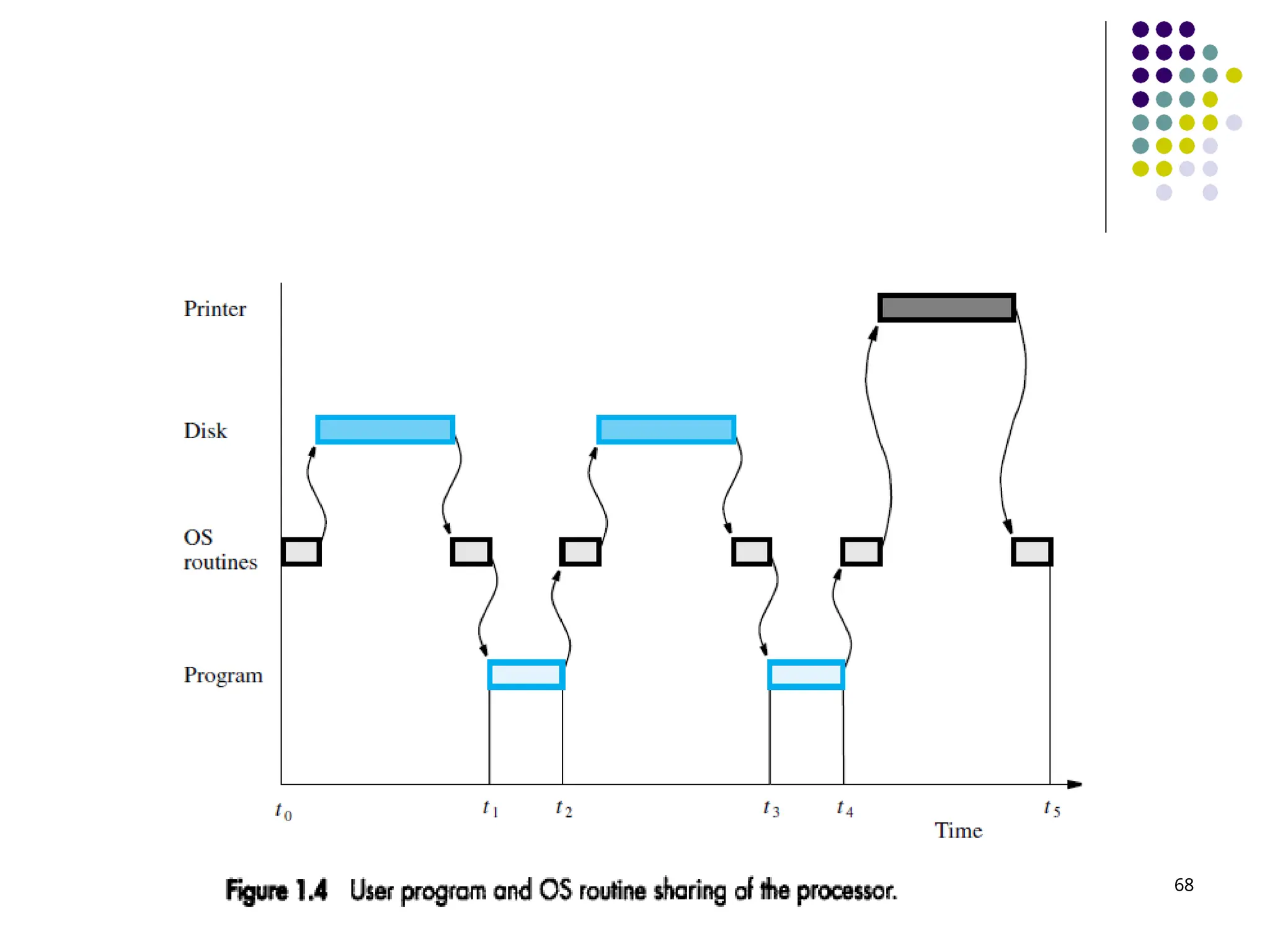
Software.. 67 Consider asystem with one processor, one disk, and one printer. Assume that the application program has been compiled from a high-level language form into a machine language form and stored on the disk.
Performance 70 The mostimportant measure of the performance a computer is how quickly it can execute programs. Three factors affect performance: Hardware design Instruction set Compiler
Performance.. 72 To discussthe performance of the processor, we should consider only the periods during which the processor is active. These are the periods labelled Program and OS routines in Figure 1.4. Sum of these periods is referred as the processor time needed to execute the program.
73.
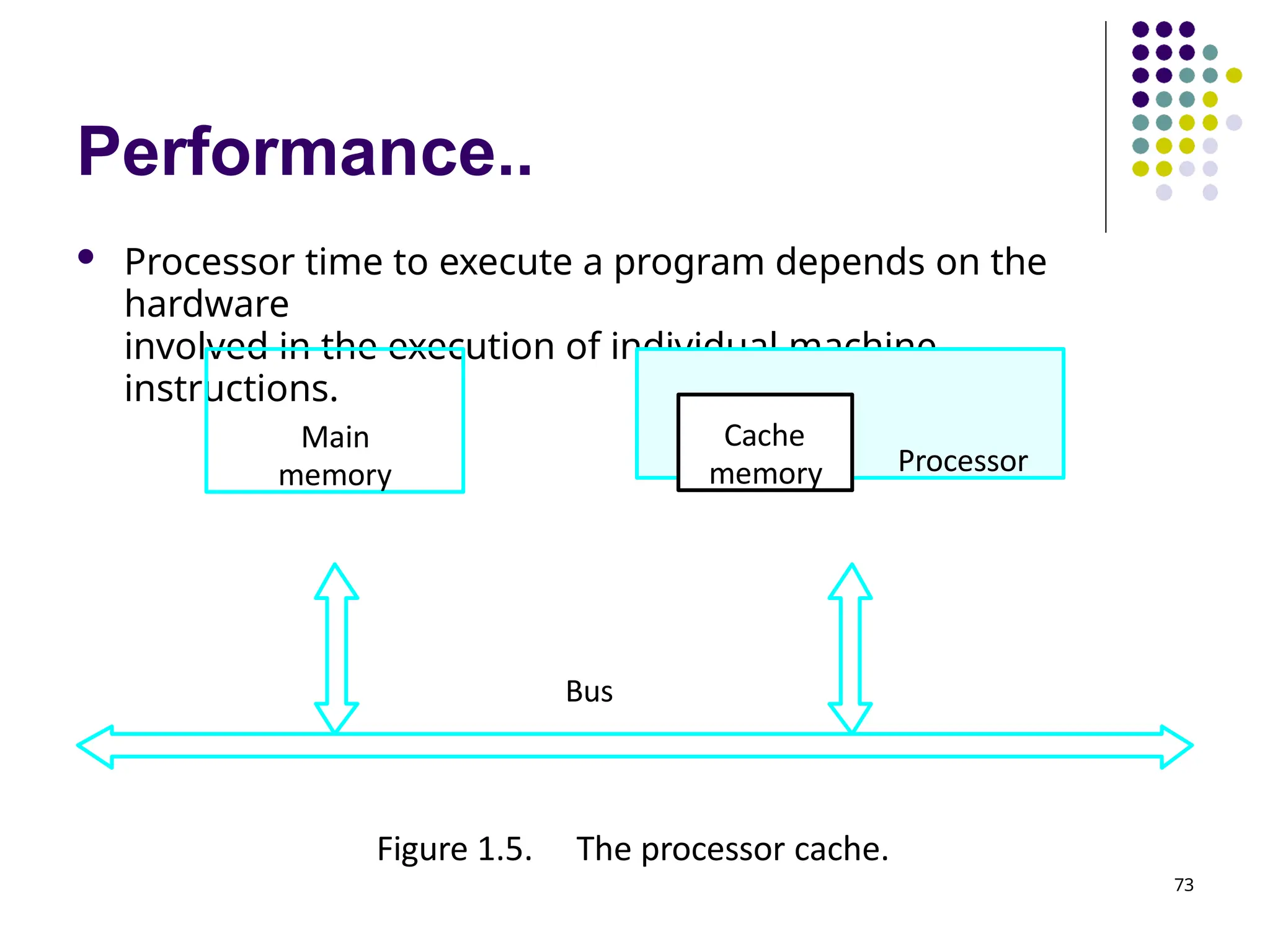
Performance.. Processor timeto execute a program depends on the hardware involved in the execution of individual machine instructions. Main memory Processor Bus 73 Cache memory Figure 1.5. The processor cache.
74.
Performance.. 74 At thestart of execution, all program instructions and the required data are stored in the main memory. As execution proceeds, instructions are fetched one by one over the bus into the processor, and a copy is placed in the cache. When the execution of an instruction calls for data located in the main memory, the data are fetched and a copy is placed in the cache. Later, if the same instruction or data item is needed a second time, it is read directly from the cache.
75.
Performance.. 75 The processorand a relatively small cache memory can be fabricated on a single integrated circuit chip. A program will be executed faster if the movement of instructions and data between the main memory and the processor is minimized, which is achieved by using the cache.
76.
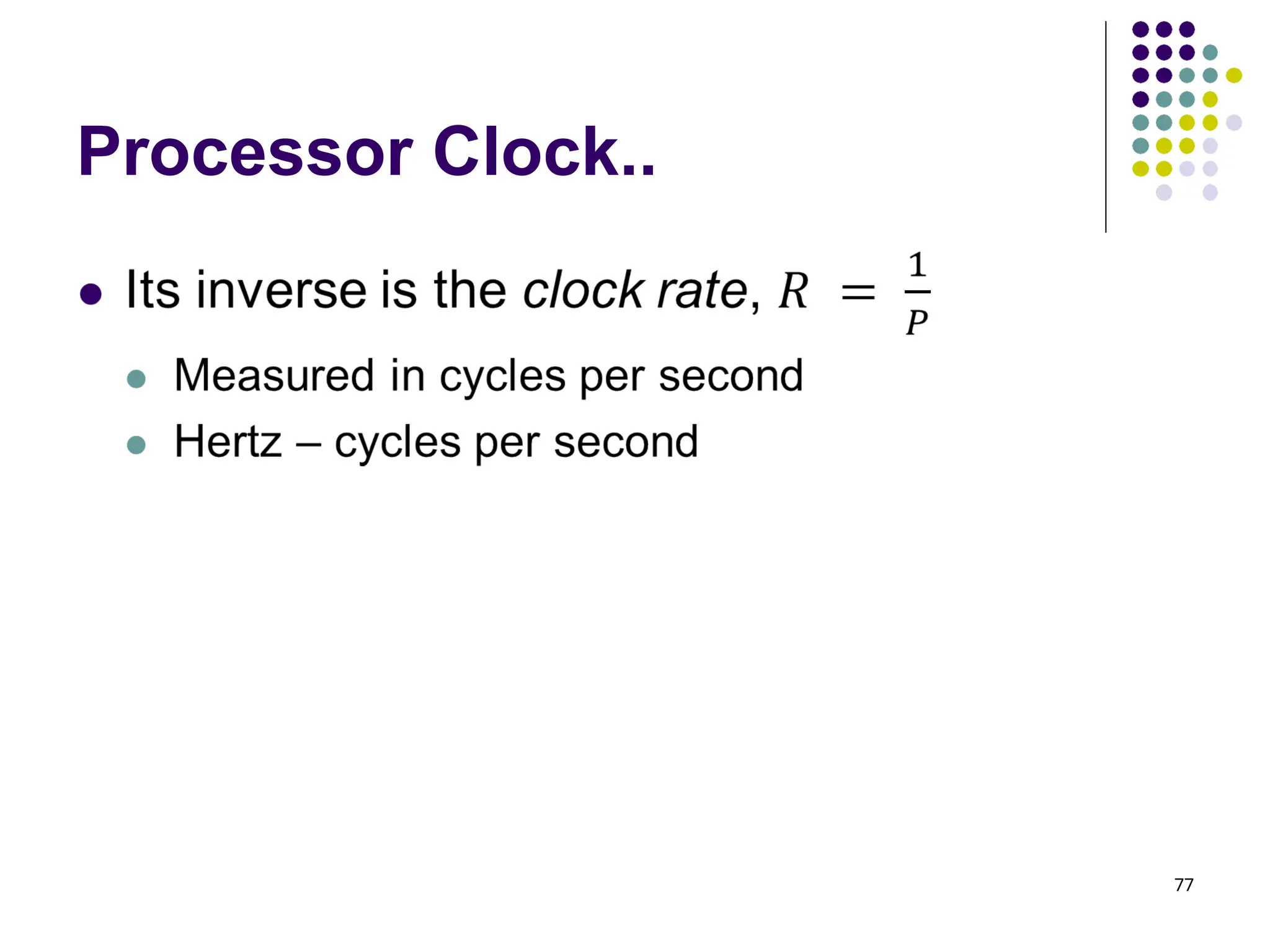
Processor Clock 76 Processorcircuits are controlled by a timing signal called a clock. The clock defines regular time intervals, called clock cycles. The execution of each instruction is divided into several steps, each of which completes in one clock cycle. Length of one clock cycle is denoted as P Hertz – cycles per second
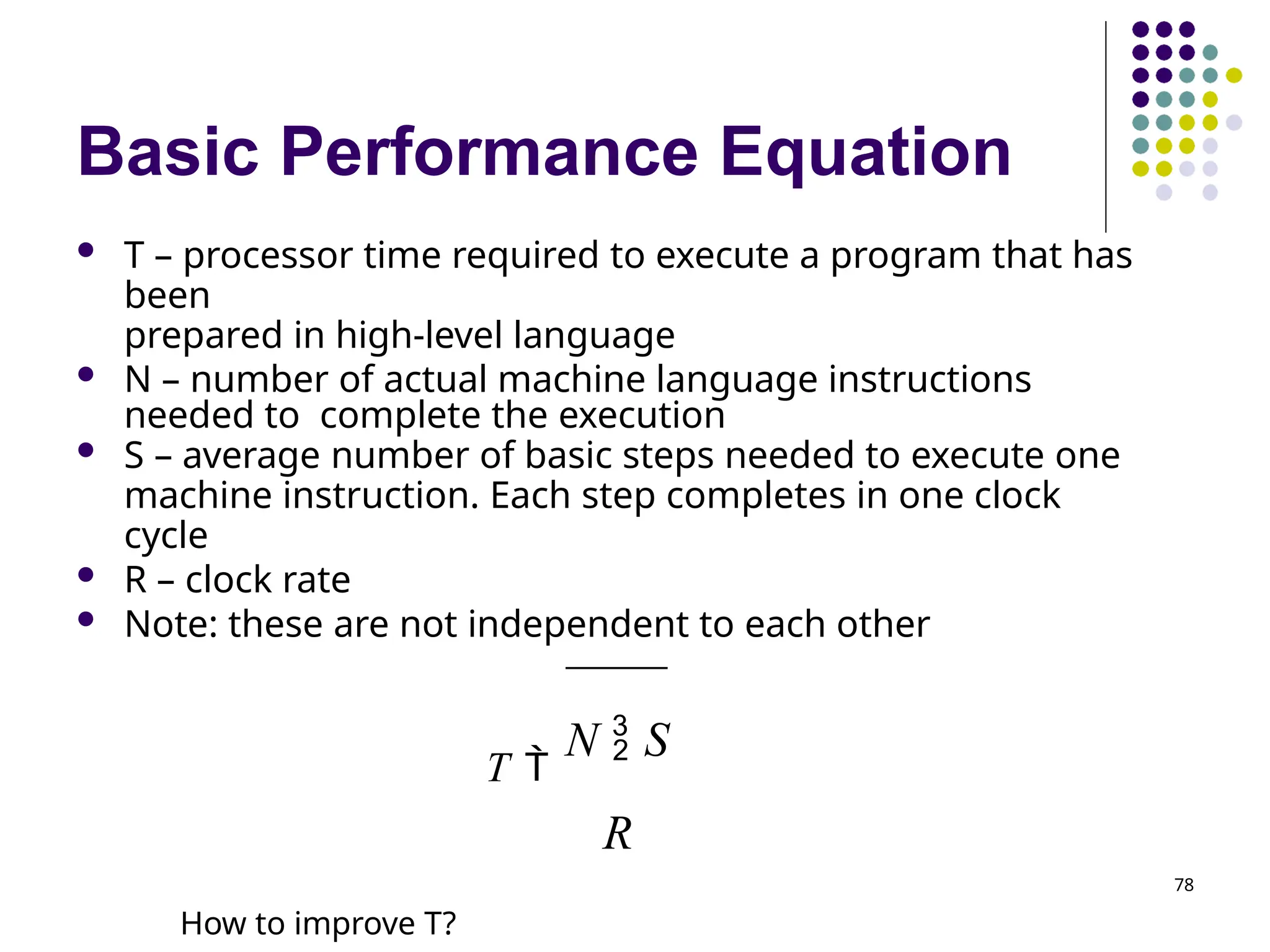
Basic Performance Equation T – processor time required to execute a program that has been prepared in high-level language N – number of actual machine language instructions needed to complete the execution S – average number of basic steps needed to execute one machine instruction. Each step completes in one clock cycle R – clock rate Note: these are not independent to each other T N S R How to improve T? 78
79.
Basic Performance Equation 79 Lesser the value of T, higher the performance. Reducing T means reducing N and S, and increasing R The value of N is reduced if the source program is compiled into fewer machine instructions. The value of S is reduced if instructions have a smaller number of basic steps to perform or if the execution of instructions is overlapped. Using a higher-frequency clock increases the value or R, which means that the time