













MongoDB & Node.jsZero to Hero in 80 Minutes
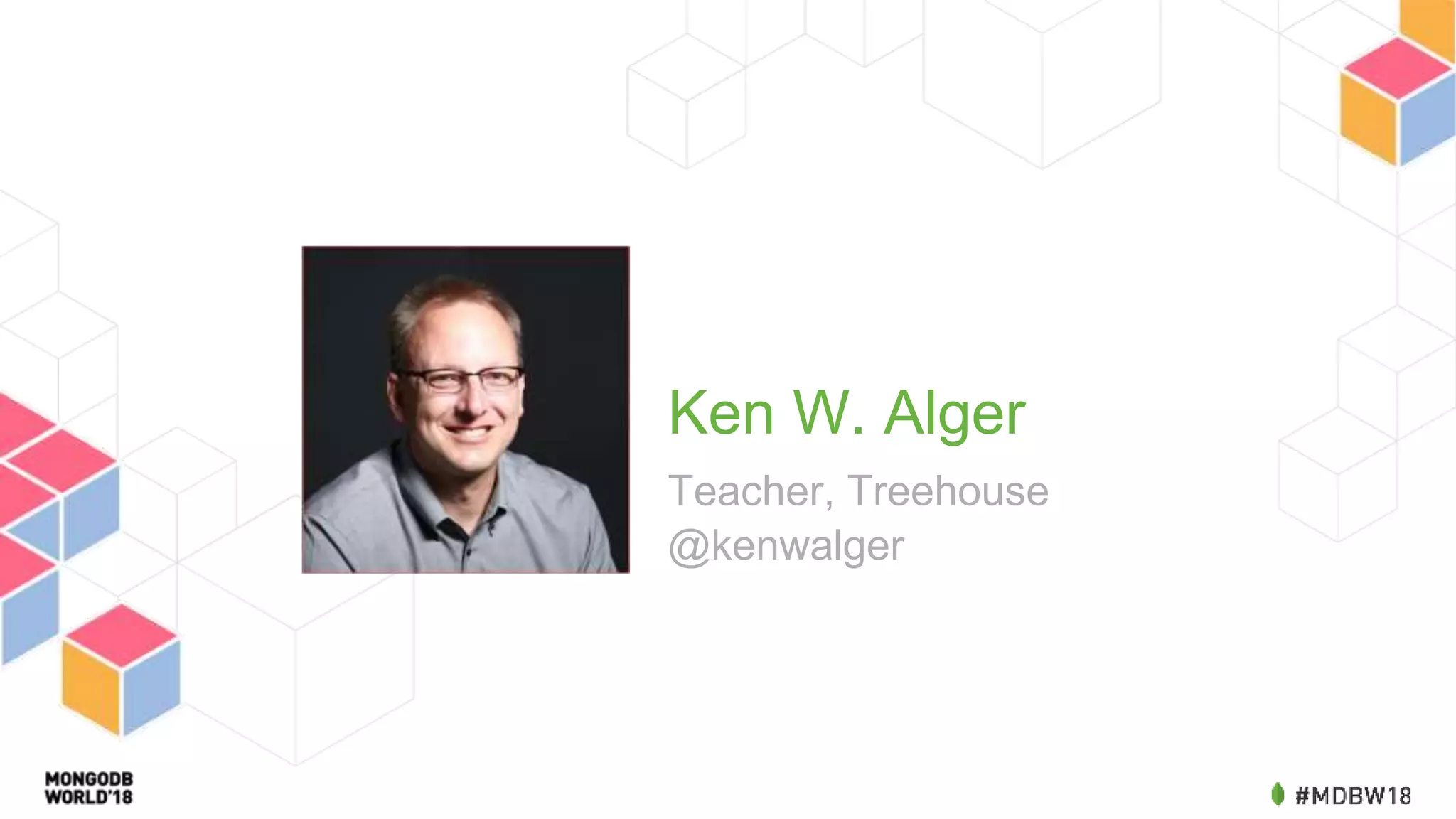
Ken W. Alger Teacher, Treehouse @kenwalger
House Keeping Conference WiFi Network: Network Password: Restrooms are located...
Our Quest
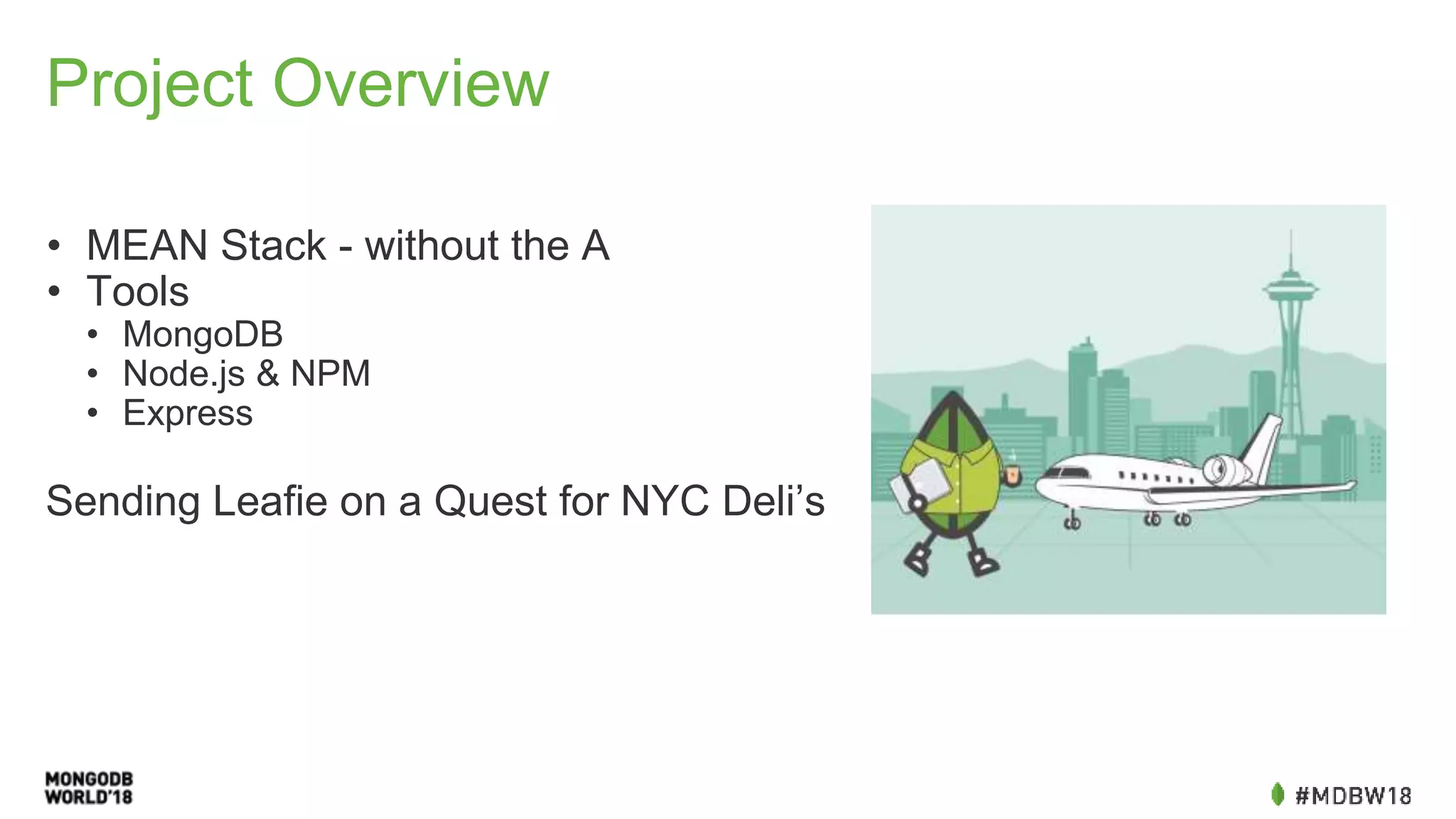
Project Overview • MEAN Stack - without the A • Tools • MongoDB • Node.js & NPM • Express Sending Leafie on a Quest for NYC Deli’s
• A document data store • Stores JSON-like documents with schemas • Initially released in 2009, now on version 3.6 with 4.0 coming this summer • Learn more about MongoDB here at MongoDB World 2018!
• A cross-platform runtime environment for developing server-side applications with JavaScript. • Uses an event-driven, non-blocking I/O model • npm (the node package manager) allows for the sharing and reuse of code and software written by other developers in the JavaScript community
• A web framework for Node.js. • Allows developers to build scalable, feature-rich applications, websites and more on top of Node. • Provides built in tools and functionality to take care of common tasks, like routing (or handling requests at different URL paths), serving static files, and dynamic templating to render HTML pages.
Quest 1
Quest 1: Project Initialization & Requirements • MongoDB • ExpressJS • Node.js • npm GitHub: https://github.com/kenwalger/mdbw18/blob/master/workshop/quest1.md
Quest 2
Quest 2: JavaScript Quick Test • Make sure Node.js is up and running GitHub: https://github.com/kenwalger/mdbw18/blob/master/workshop/quest2.md
Node.js $ node --version v10.1.0 Hello world file: console.log(‘hello world’); $ node helloworld.js hello world
Quest 3
Quest 3: Creating a Server • package.json • server.js • ExpressJS GitHub: https://github.com/kenwalger/mdbw18/blob/master/workshop/quest3.md
Quest 4
Quest 4: Handling Requests • HTTP Methods • Routing in our app GitHub: https://github.com/kenwalger/mdbw18/blob/master/workshop/quest4.md
Quest 5
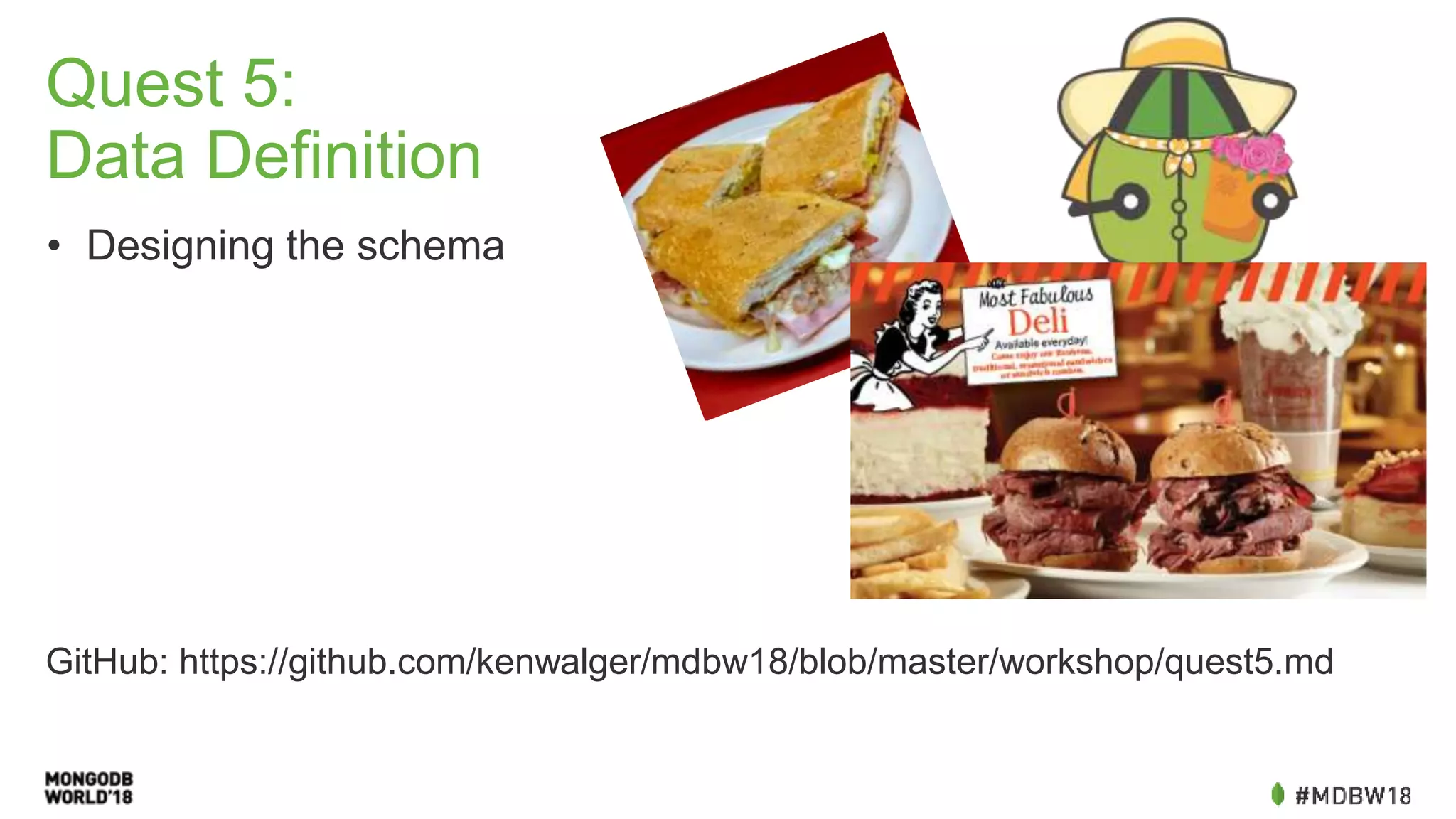
Quest 5: Data Definition • Designing the schema GitHub: https://github.com/kenwalger/mdbw18/blob/master/workshop/quest5.md
Quest 6
Quest 6: Native JavaScript & MongoDB • Native Driver • MongoClient GitHub: https://github.com/kenwalger/mdbw18/blob/master/workshop/quest6.md
Quest 7
Quest 7: Getting CRUDdy with MongoDB & JS • CRUD Operations GitHub: https://github.com/kenwalger/mdbw18/blob/master/workshop/quest7.md
Quest 8
Quest 8: Beyond Native - Mongoose ODM • Object Data Modeling • Asynchronous environment • MVC Design Pattern GitHub: https://github.com/kenwalger/mdbw18/blob/master/workshop/quest8.md
Quest 9
Quest 9: Mongoose CRUD • Creating & Reading from MongoDB with Mongoose • Controllers & Routes GitHub: https://github.com/kenwalger/mdbw18/blob/master/workshop/quest9.md
Congratulations!!!
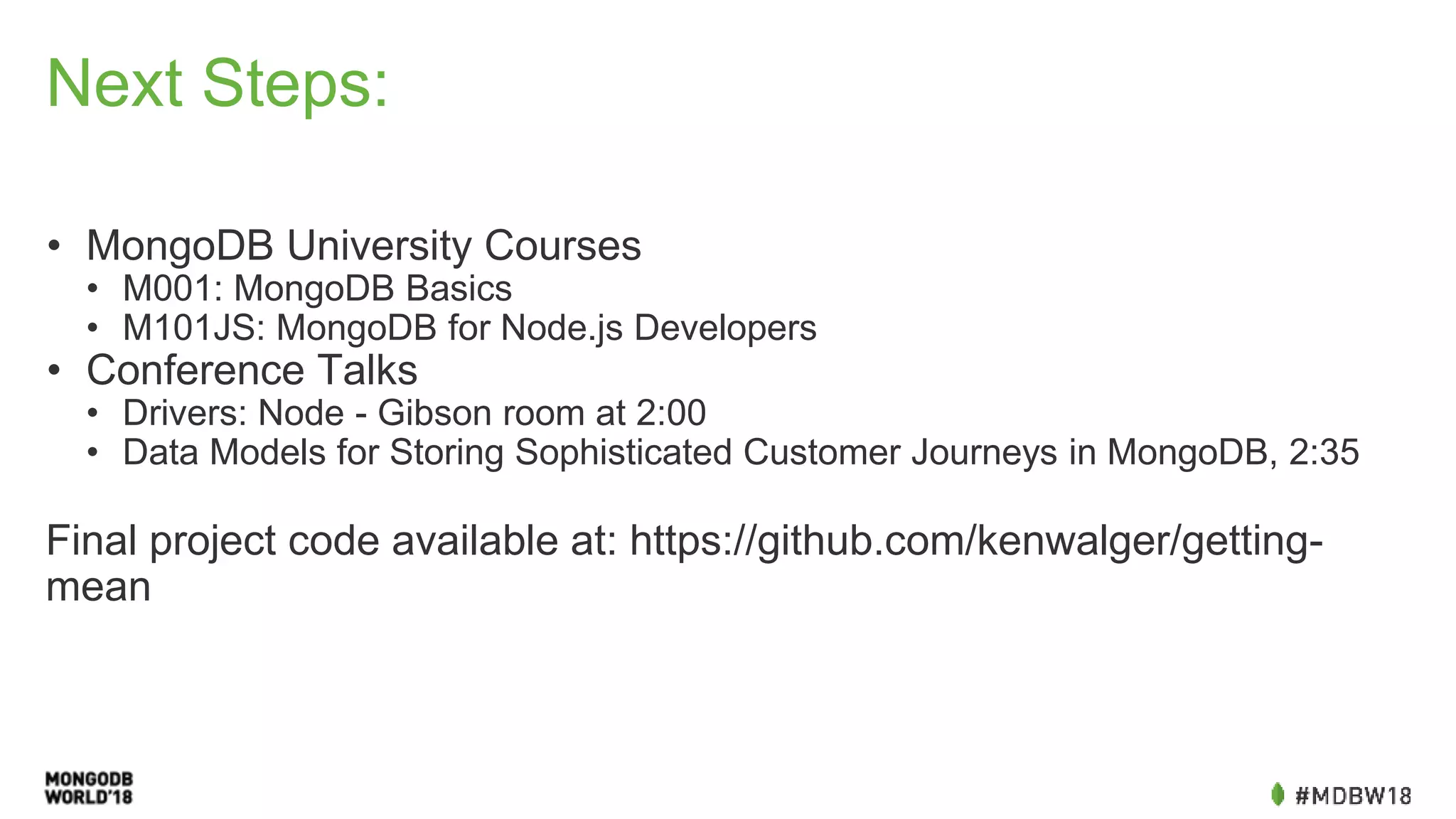
Next Steps: • MongoDB University Courses • M001: MongoDB Basics • M101JS: MongoDB for Node.js Developers • Conference Talks • Drivers: Node - Gibson room at 2:00 • Data Models for Storing Sophisticated Customer Journeys in MongoDB, 2:35 Final project code available at: https://github.com/kenwalger/getting- mean
Thank You!
Ken W. Alger ken@kenwalger.com @kenwalger
MongoDB Breakout Template Light Background Subtitle or presenter information goes here
Title and bullet content slide • Bullet level one • Bullet level two • Bullet level three
Title and bullet two content slide • Bullet level one • Bullet level two • Bullet level three • Bullet level one • Bullet level two • Bullet level three
Short title with caption and photo or graphic slide A caption or a quote for a photo, logo, graphic, social medial screenshot, etc. can go here.
Short title with caption and content slide A caption or subhead for the right content can go here. Content can be table, chart, diagram, smart object, photo or multimedia.
Bar Graph
Title and table slide Column 1 Column 2 Column 3 Column 4 Column 5 Column 6 Column 1 Column 2 Column 3 Column 4 Column 5 Column 6 Column 1 Column 2 Column 3 Column 4 Column 5 Column 6 Column 1 Column 2 Column 3 Column 4 Column 5 Column 6 Column 1 Column 2 Column 3 Column 4 Column 5 Column 6
Sample single column code slide { "_id" : 5, "line_items" : [ { "id": 123, "title": "USB Battery", "price": 15.0, "notify_when_ship": [{"name": "eliot", "phone": "123- 456-7890"}], "shipped": true }, { "id": 512, "title": "Hip T-shirt", "price": 45.0, "shipped": false } ] }
Sample two column code slide orders: { _id: 5, line_items : [ { id: 123, title : "USB Battery", price: 15.0 }, shipped: true { id: 512, title : "Hip T-shirt", price : 45.0, shipped: false } ], } db.orders.update( { _id: 5 }, { $mul: { "line_items.$[li].price": 0.8}}, {arrayFilters:[ {"li.shipped":{$ne:true}} ]} )
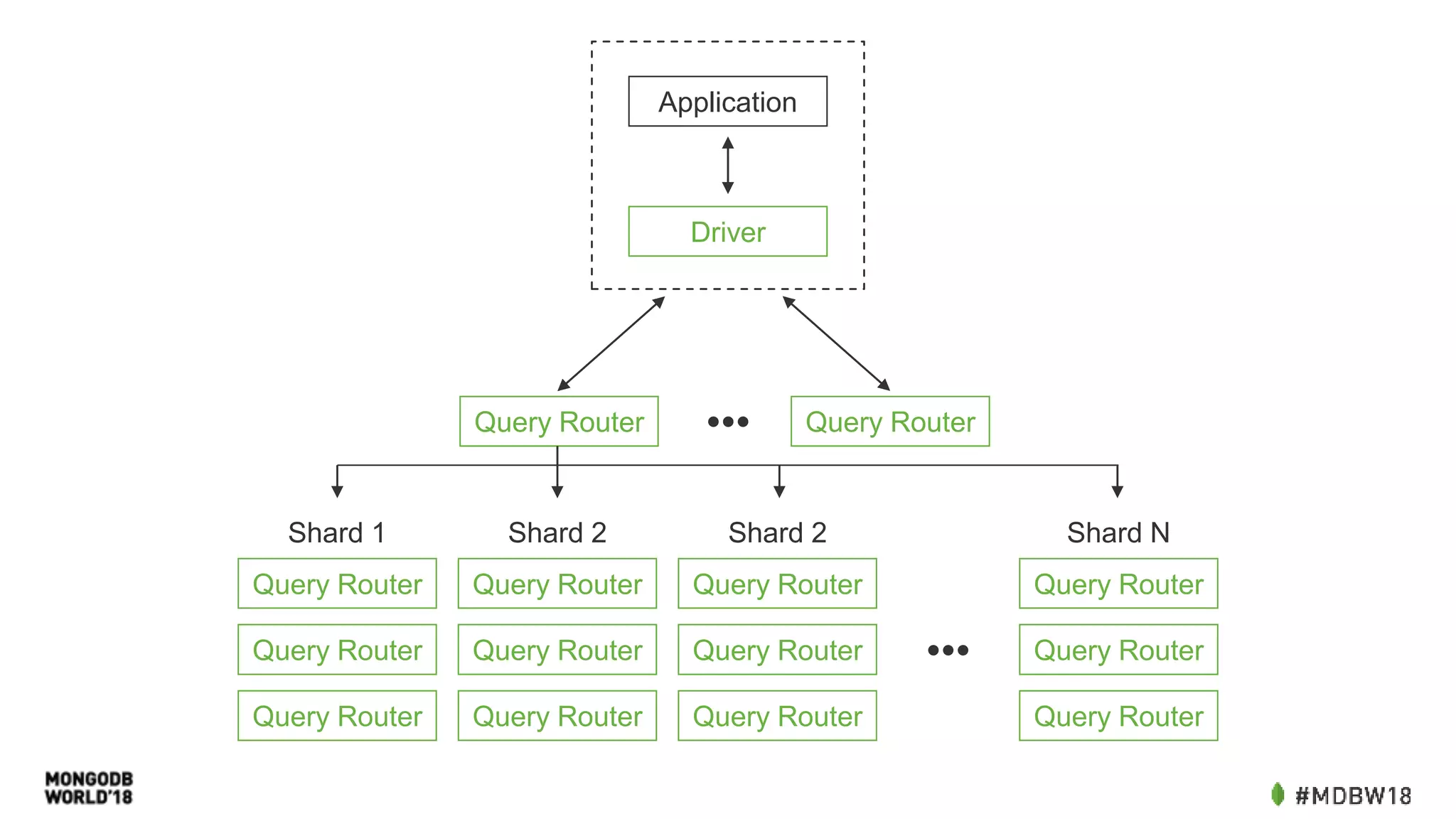
Application Driver Query Router Query Router••• Query Router Query Router Query Router Query Router Query Router Query Router Query Router Query Router Query Router Query Router Query Router Query Router ••• Shard 1 Shard 2 Shard 2 Shard N
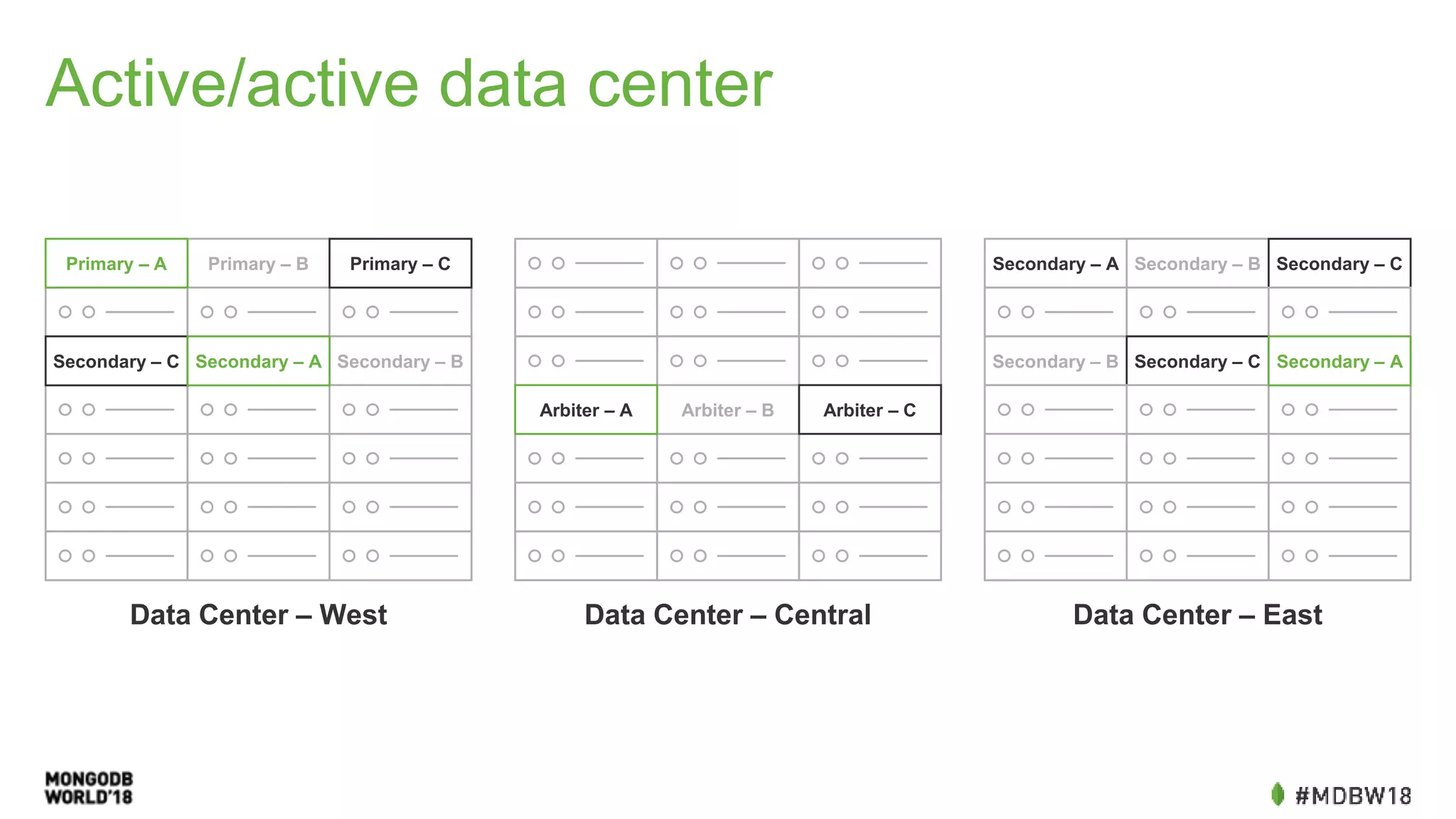
Active/active data center Secondary – A Secondary – B Secondary – C Secondary – B Secondary – C Secondary – A Data Center – EastData Center – Central Arbiter – B Arbiter – CArbiter – A Data Center – West Primary – B Secondary – B Primary – A Primary – C Secondary – C Secondary – A
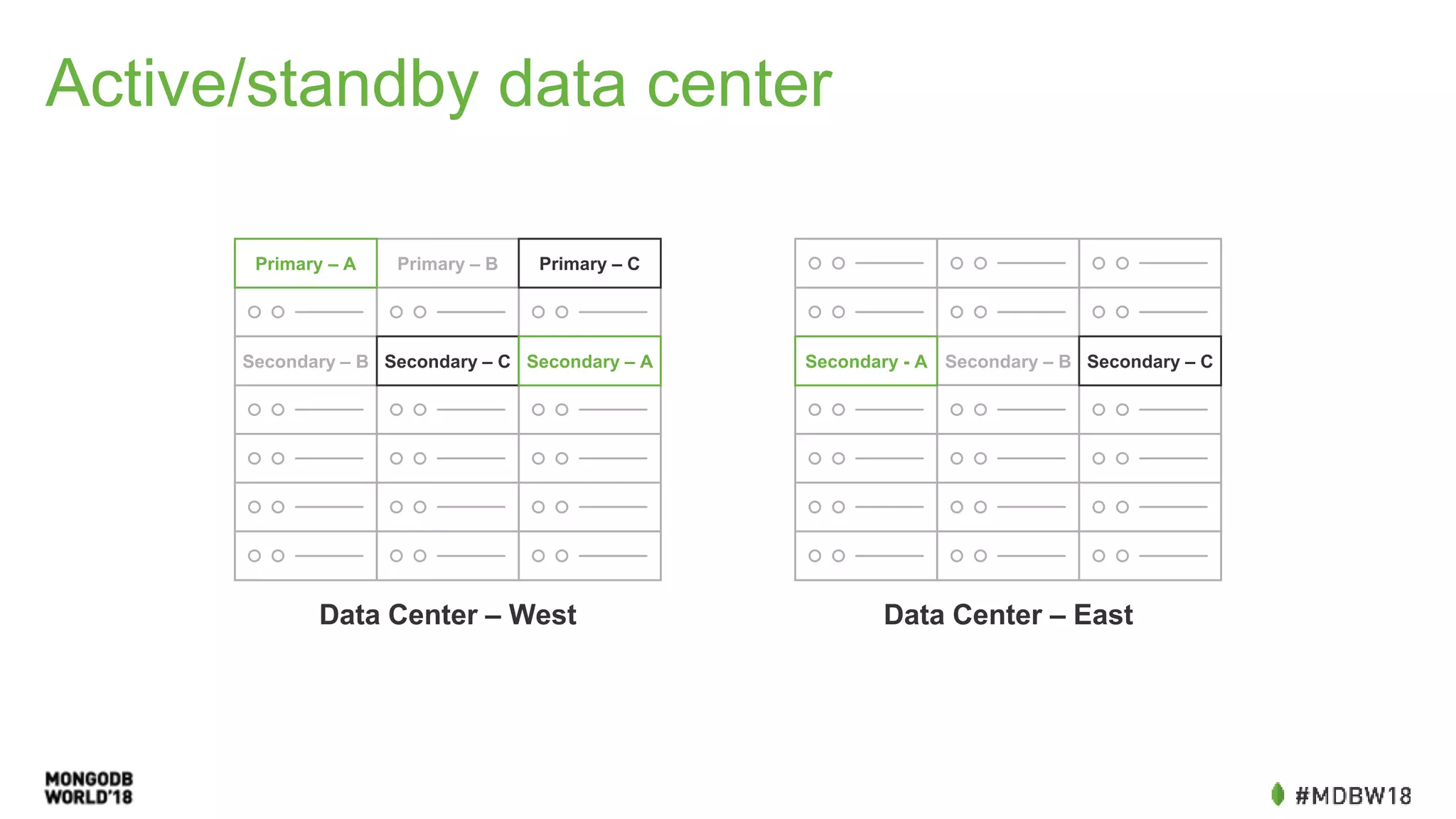
Active/standby data center Data Center – West Primary – BPrimary – A Primary – C Secondary – B Secondary – C Secondary – A Data Center – East Secondary – B Secondary – CSecondary - A
SPEAKER NAME Speaker title, Company Handle SPEAKER NAME Speaker title, Company Handle
SPEAKER NAME Speaker title, Company Handle SPEAKER NAME Speaker title, Company Handle SPEAKER NAME Speaker title, Company Handle
SPEAKER NAME Speaker title, Company Handle SPEAKER NAME Speaker title, Company Handle SPEAKER NAME Speaker title, Company Handle SPEAKER NAME Speaker title, Company Handle
Title only with footer
Divider Slide Green
Divider Slide White
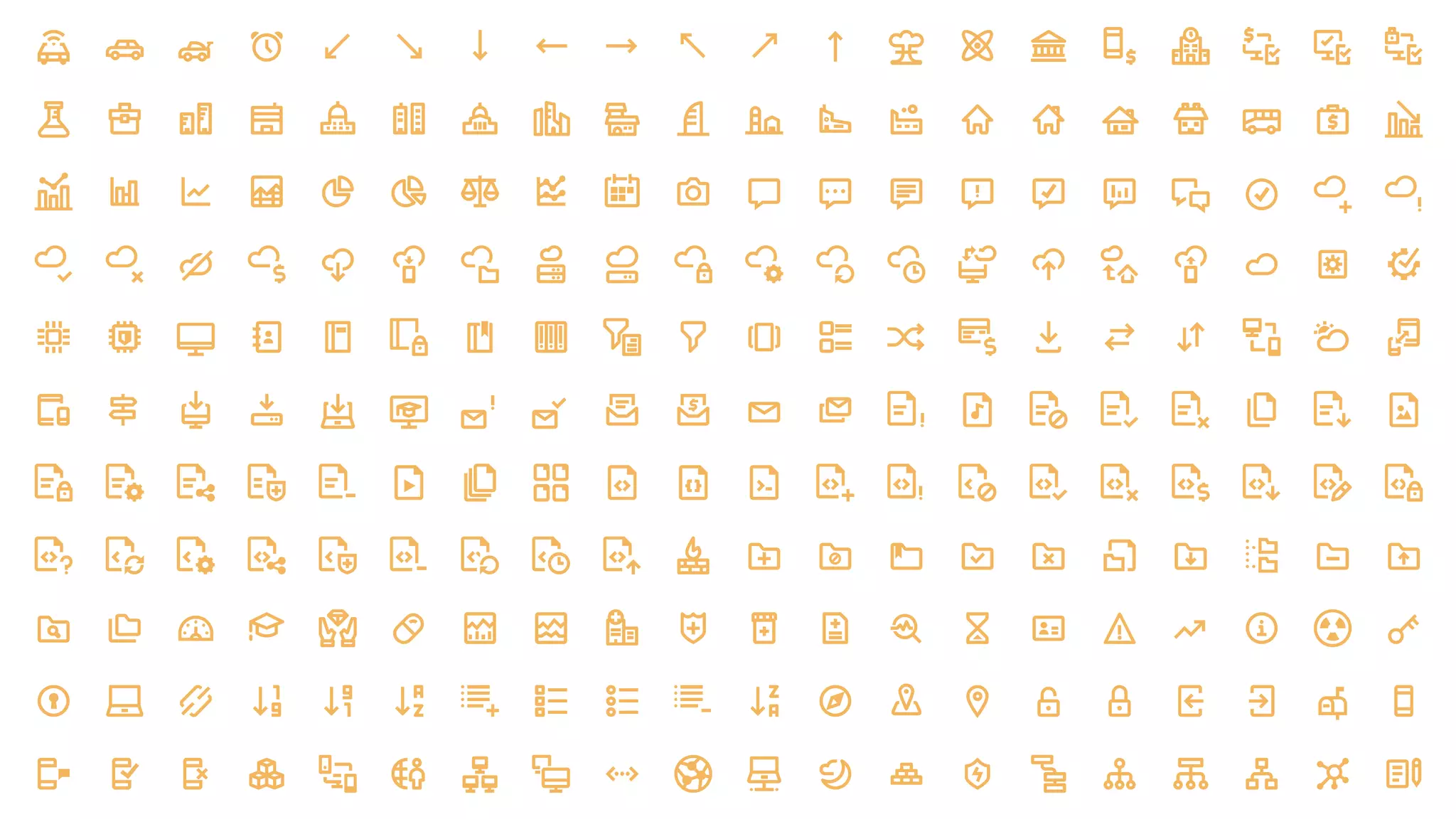
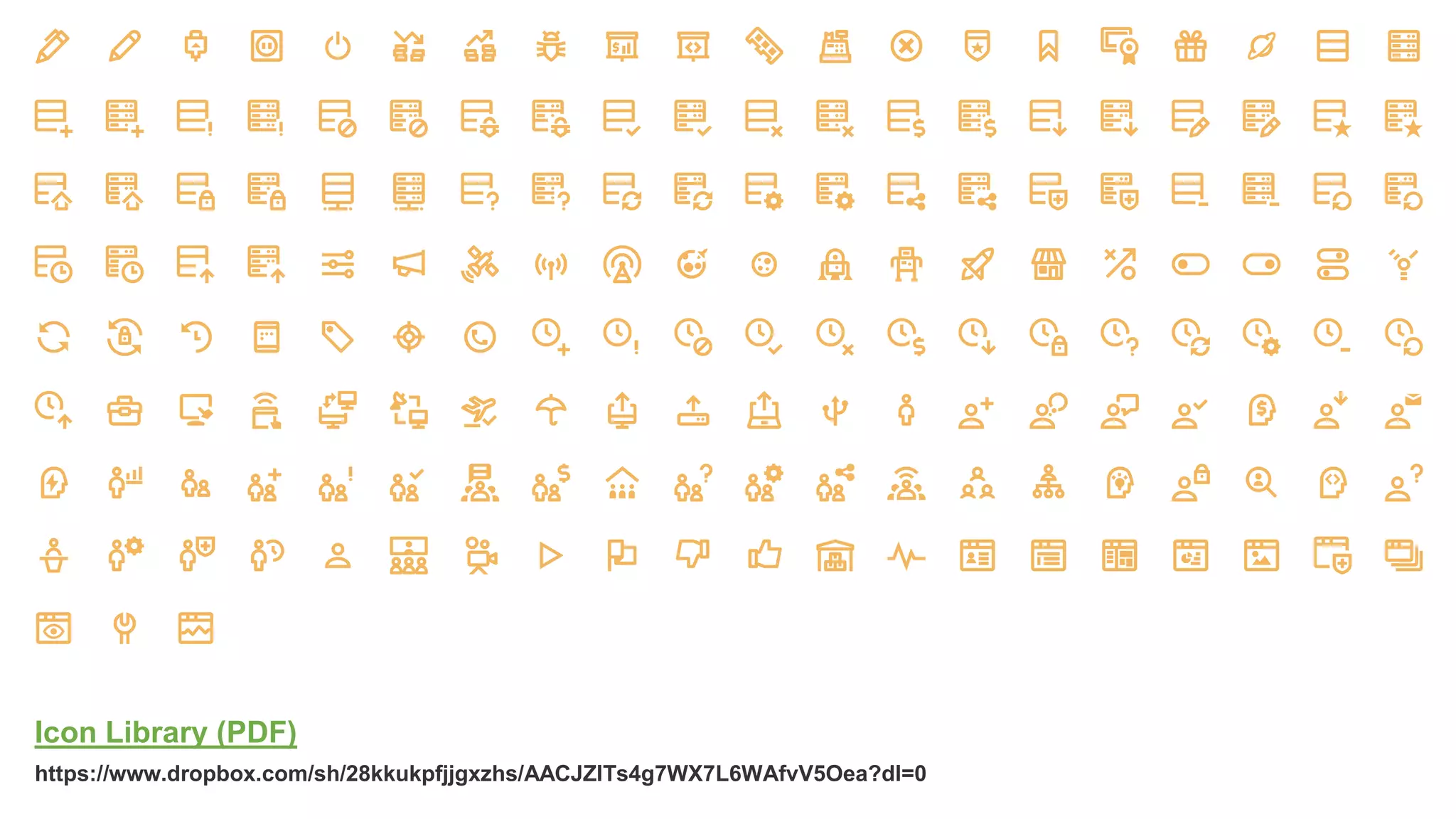
Icons
Icon Library (PDF) https://www.dropbox.com/sh/28kkukpfjjgxzhs/AACJZlTs4g7WX7L6WAfvV5Oea?dl=0

MongoDB World 2018: Tutorial - MongoDB & NodeJS: Zero to Hero in 80 Minutes