ROMANIAN POWERSHELL USER GROUP 5th Meeting – February 28th 2017
Network Mapping with PowerShell Neacsu Costin-Alin
PS C:> $env:USERNAME  -not Sysadmin  -not Developer PS C:> $env:POSITION  Vulnerability Assessment Engineer at NTT Data Services, formerly Dell Services PS C:> $env:CONTACT  Twitter: @z00v4sh  LinkedIn: https://www.linkedin.com/in/caneacsu/  Email: caneacsu@gmail.com
Scenario: Attacker gains access to a station inside the network. Question: How to discover additional hosts and services on the local network ?
 Native to Windows environments  Built on top of .NET Framework  Rich set of Cmdlets  Full access to WMI  Powerful scripting engine  Much more ...
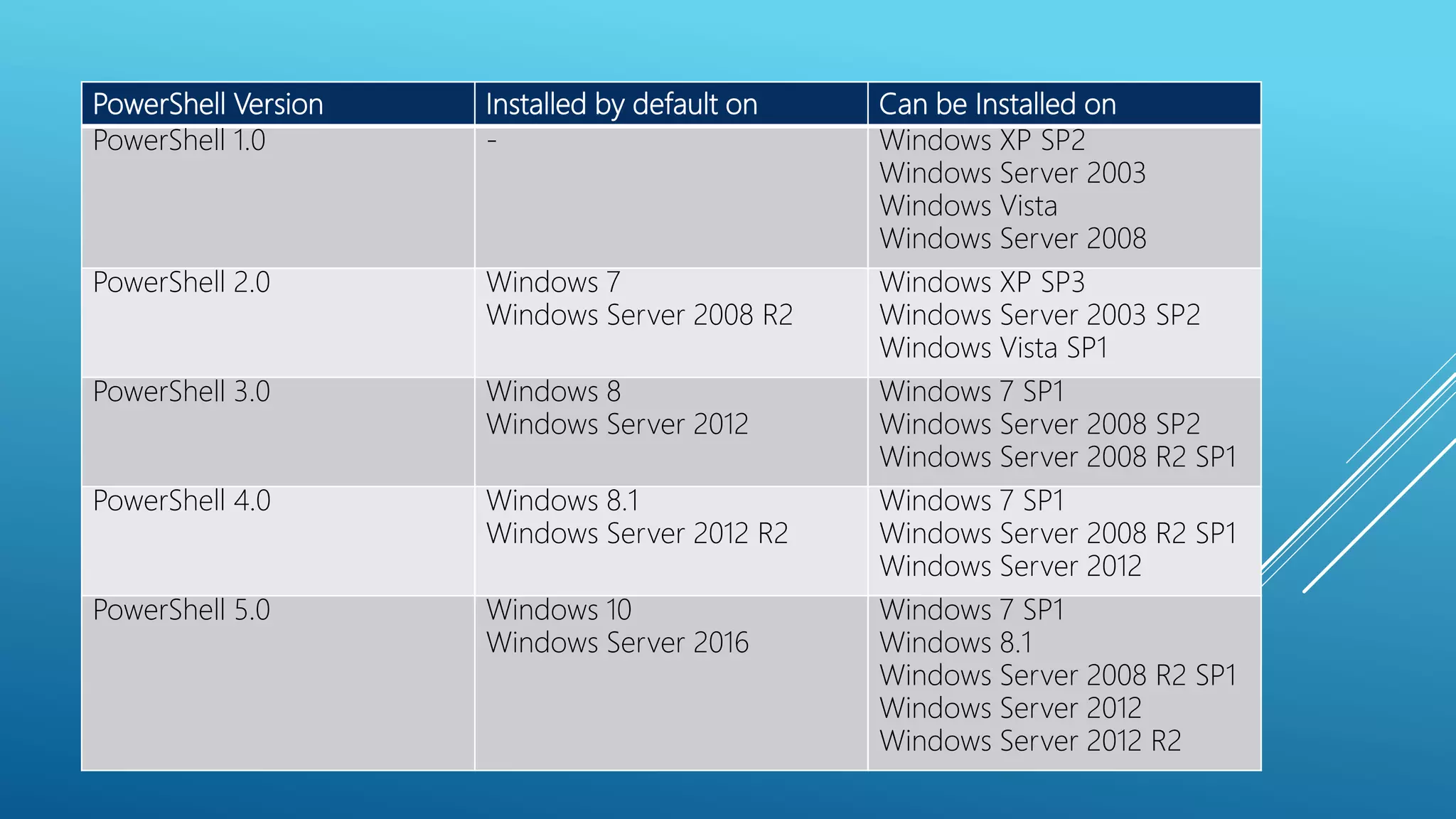
PowerShell Version Installed by default on Can be Installed on PowerShell 1.0 - Windows XP SP2 Windows Server 2003 Windows Vista Windows Server 2008 PowerShell 2.0 Windows 7 Windows Server 2008 R2 Windows XP SP3 Windows Server 2003 SP2 Windows Vista SP1 PowerShell 3.0 Windows 8 Windows Server 2012 Windows 7 SP1 Windows Server 2008 SP2 Windows Server 2008 R2 SP1 PowerShell 4.0 Windows 8.1 Windows Server 2012 R2 Windows 7 SP1 Windows Server 2008 R2 SP1 Windows Server 2012 PowerShell 5.0 Windows 10 Windows Server 2016 Windows 7 SP1 Windows 8.1 Windows Server 2008 R2 SP1 Windows Server 2012 Windows Server 2012 R2
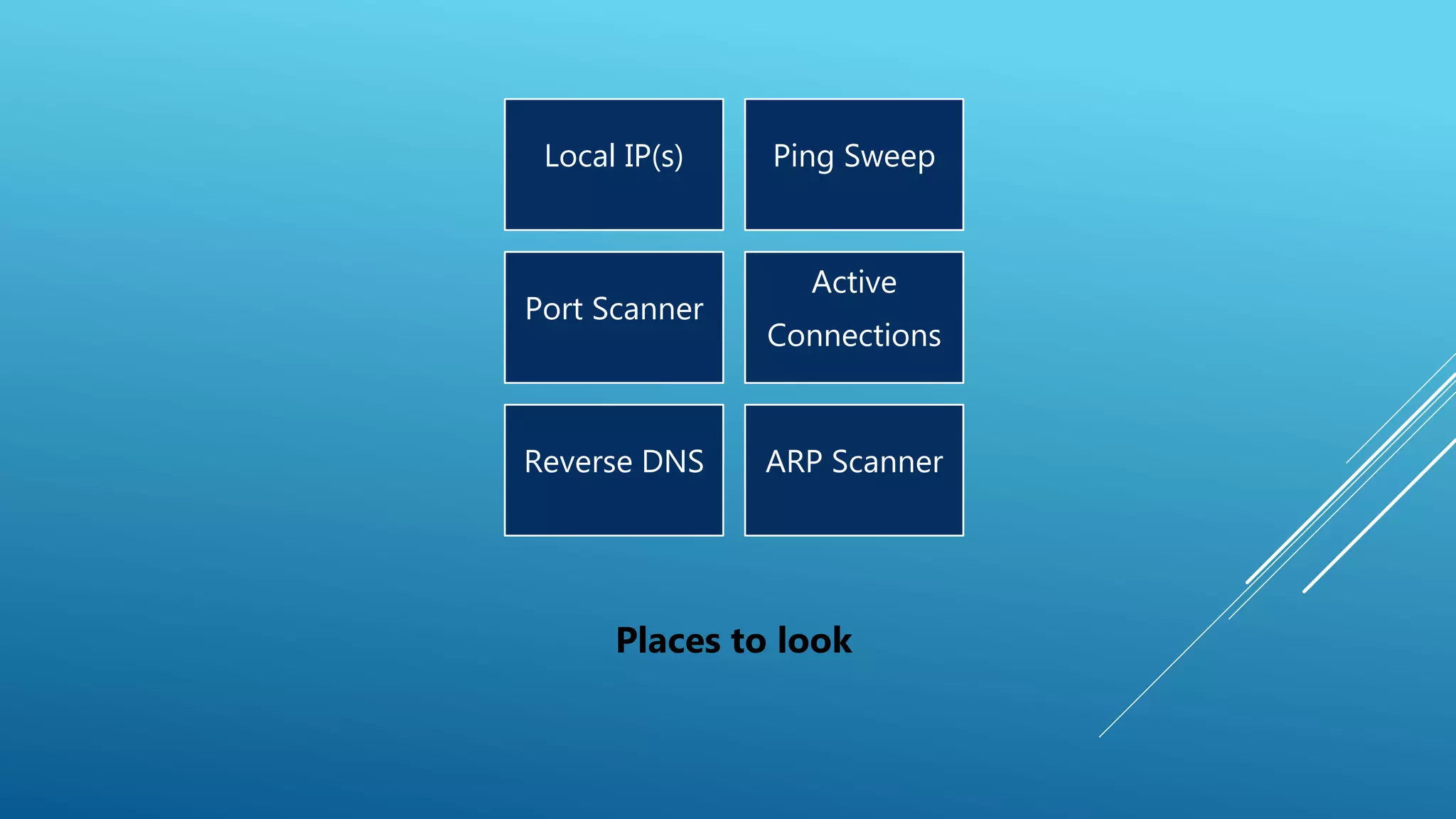
Local IP(s) Ping Sweep Port Scanner Active Connections Reverse DNS ARP Scanner Places to look
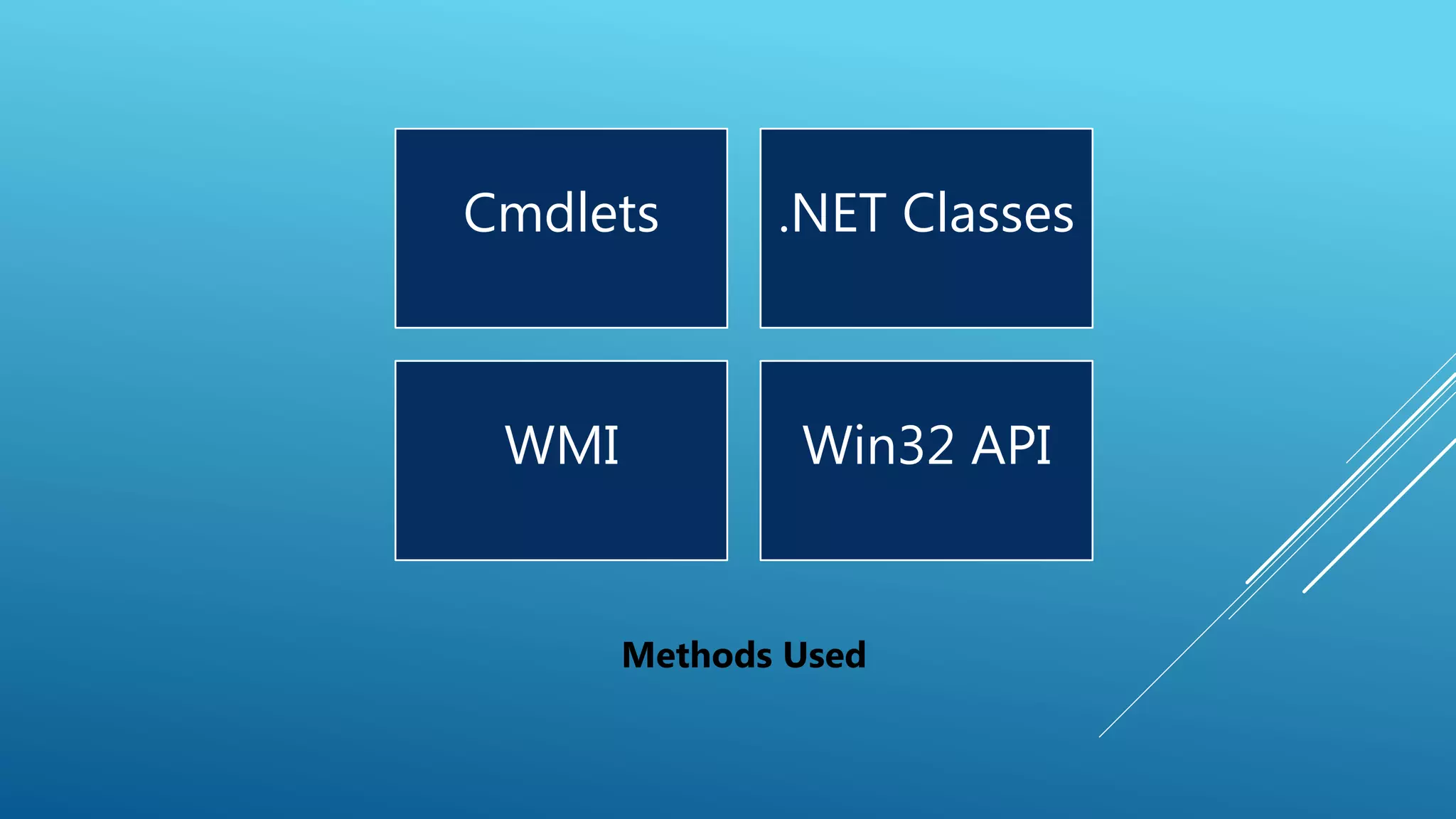
Cmdlets .NET Classes WMI Win32 API Methods Used
PREREQUISITES
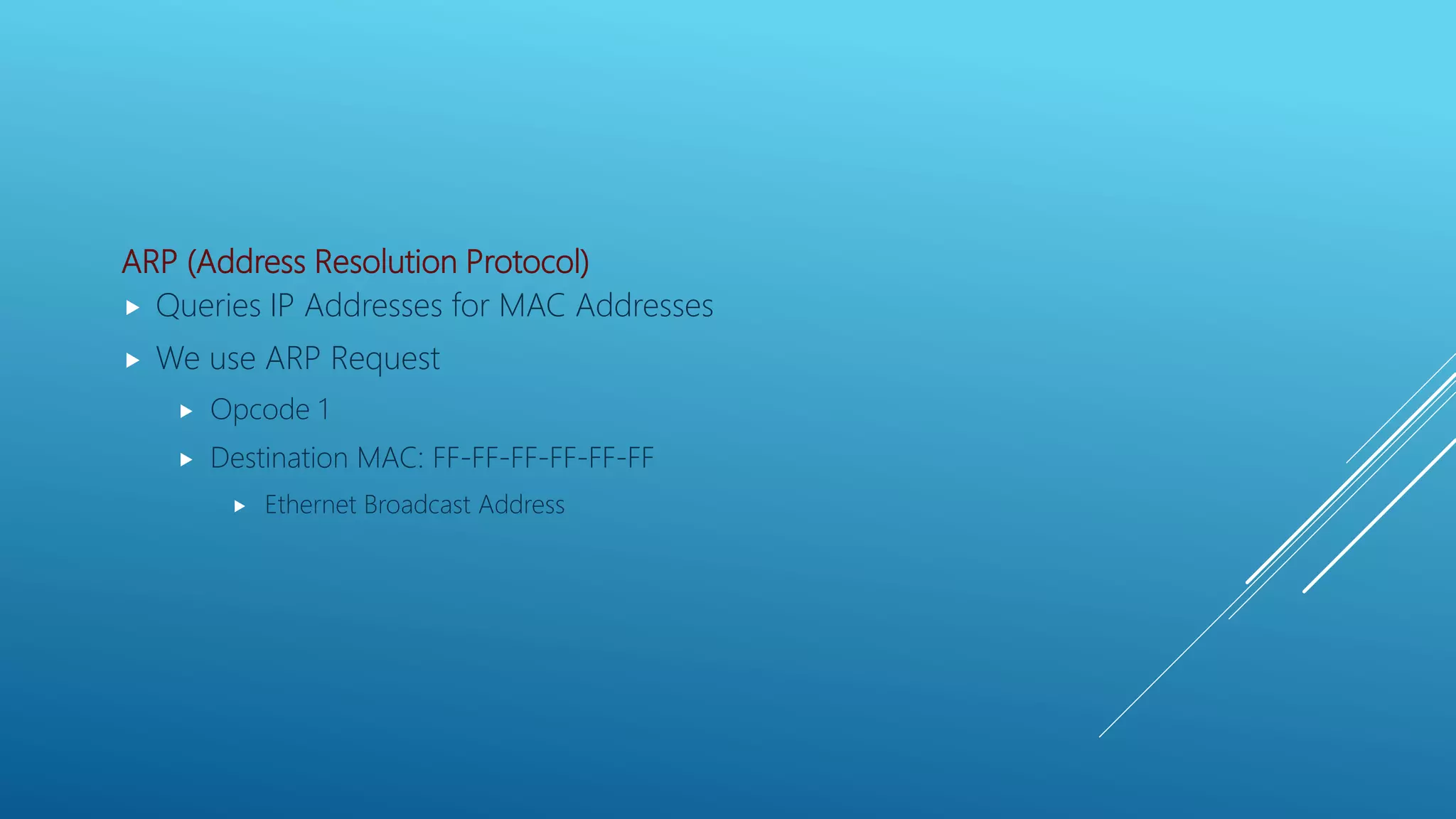
ARP (Address Resolution Protocol)  Queries IP Addresses for MAC Addresses  We use ARP Request  Opcode 1  Destination MAC: FF-FF-FF-FF-FF-FF  Ethernet Broadcast Address
Ping  Network Diagnostic Tool  Uses ICMP (Internet Control Message Protocol)  Sends ICMP Echo Request Messages  Type 8  Expects ICMP Echo Reply Messages  Type 0
IP (Internet Protocol)  Main communications protocol in the Internet Protocol Suite  Uses either TCP or UDP TCP (Transmission Control Protocol)  Connection-oriented (3-Way Handshake)  Reliable  Error-checks  Potentially adds latency  Uses port numbers to distinguish between requests (0-65535) UDP (User Datagram Protocol)  Connectionless  Fast  Error prone  Also uses port numbers (0-65535)
DNS (Domain Name System)  Hierarchical decentralized naming system  Commonly used to resolve hostnames to IP Addresses  Stores information as records in a database  Multiple types of records:  A record : points a hostname to an IPv4 Address  PTR record: points an IP Address to a hostname  Also known as Reverse DNS
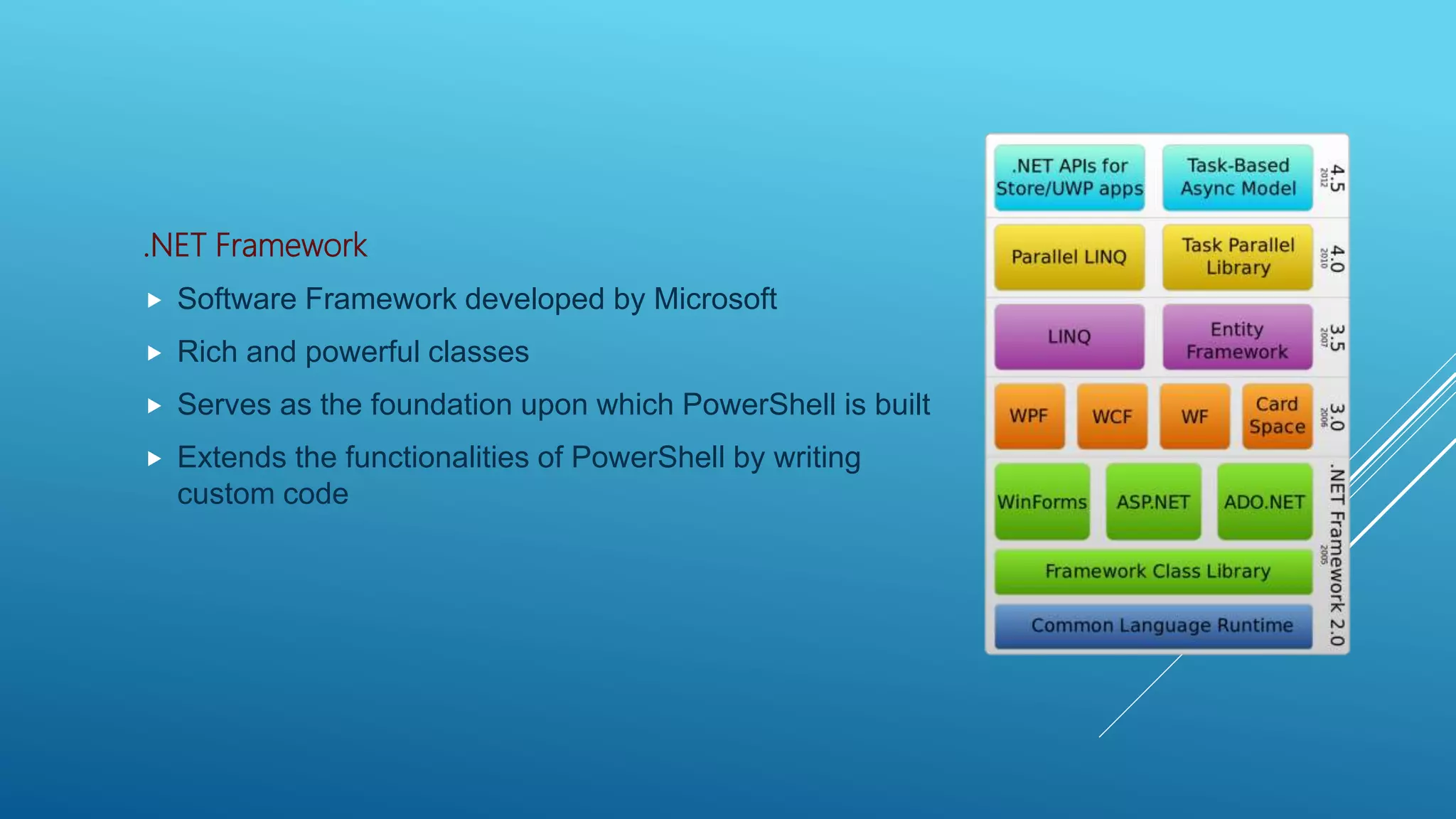
.NET Framework  Software Framework developed by Microsoft  Rich and powerful classes  Serves as the foundation upon which PowerShell is built  Extends the functionalities of PowerShell by writing custom code
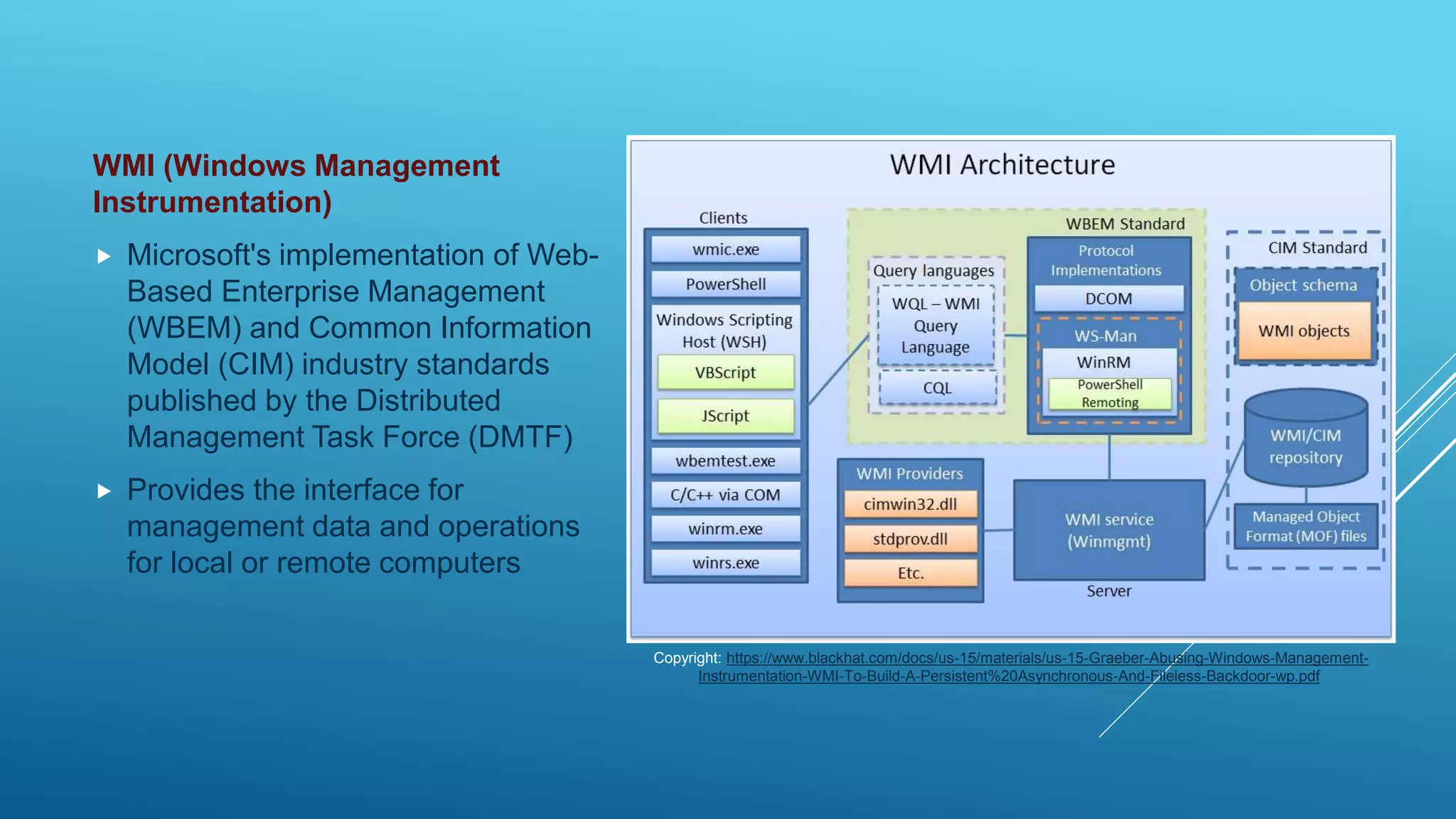
WMI (Windows Management Instrumentation)  Microsoft's implementation of Web- Based Enterprise Management (WBEM) and Common Information Model (CIM) industry standards published by the Distributed Management Task Force (DMTF)  Provides the interface for management data and operations for local or remote computers Copyright: https://www.blackhat.com/docs/us-15/materials/us-15-Graeber-Abusing-Windows-Management- Instrumentation-WMI-To-Build-A-Persistent%20Asynchronous-And-Fileless-Backdoor-wp.pdf
Win32 API  Set of functions provided by the Windows operating system  Used for resource manipulation  Exposed through various libraries (kernel32.dll, user32.dll, etc.)
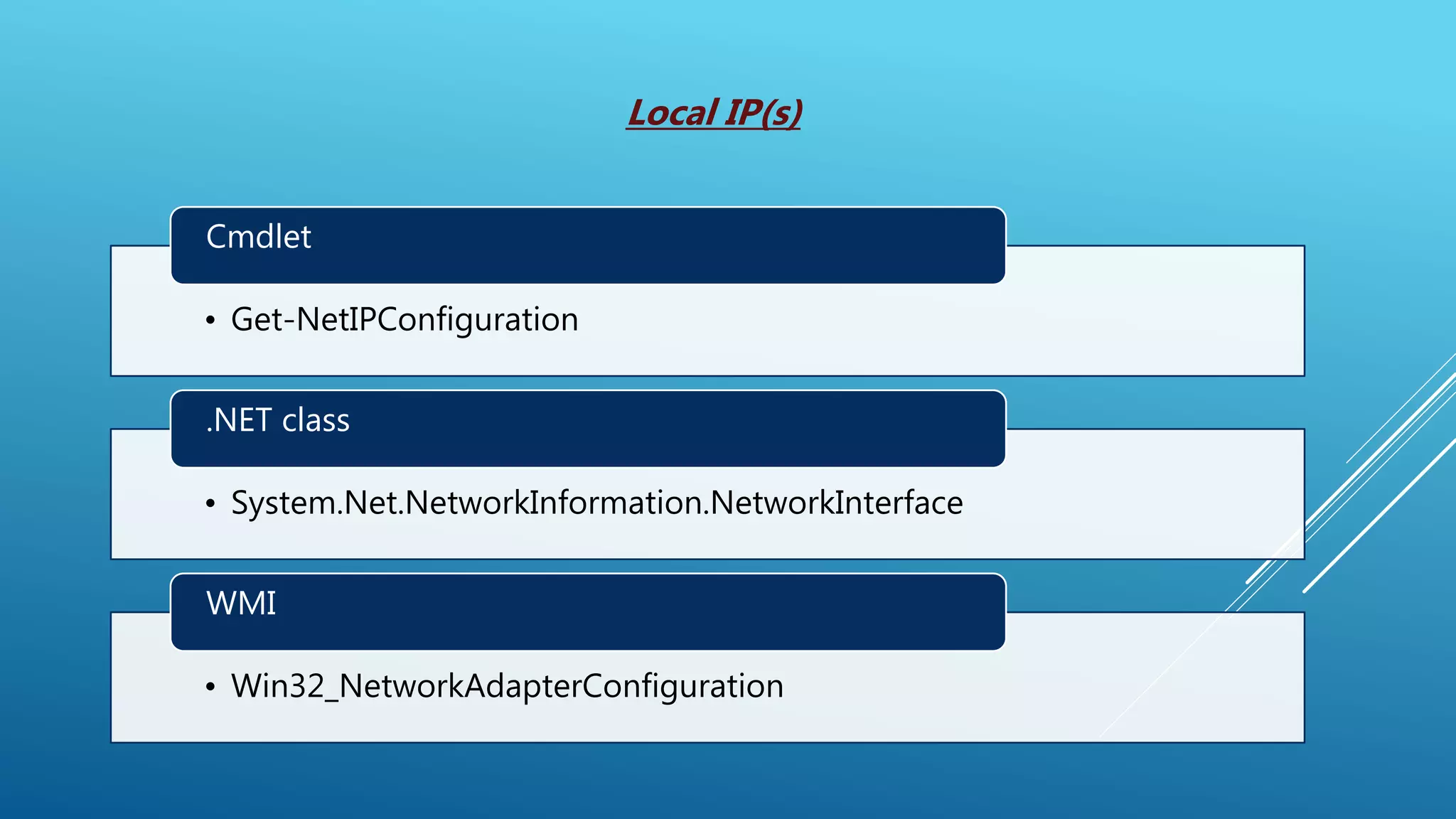
• Get-NetIPConfiguration Cmdlet • System.Net.NetworkInformation.NetworkInterface .NET class • Win32_NetworkAdapterConfiguration WMI Local IP(s)
DEMO
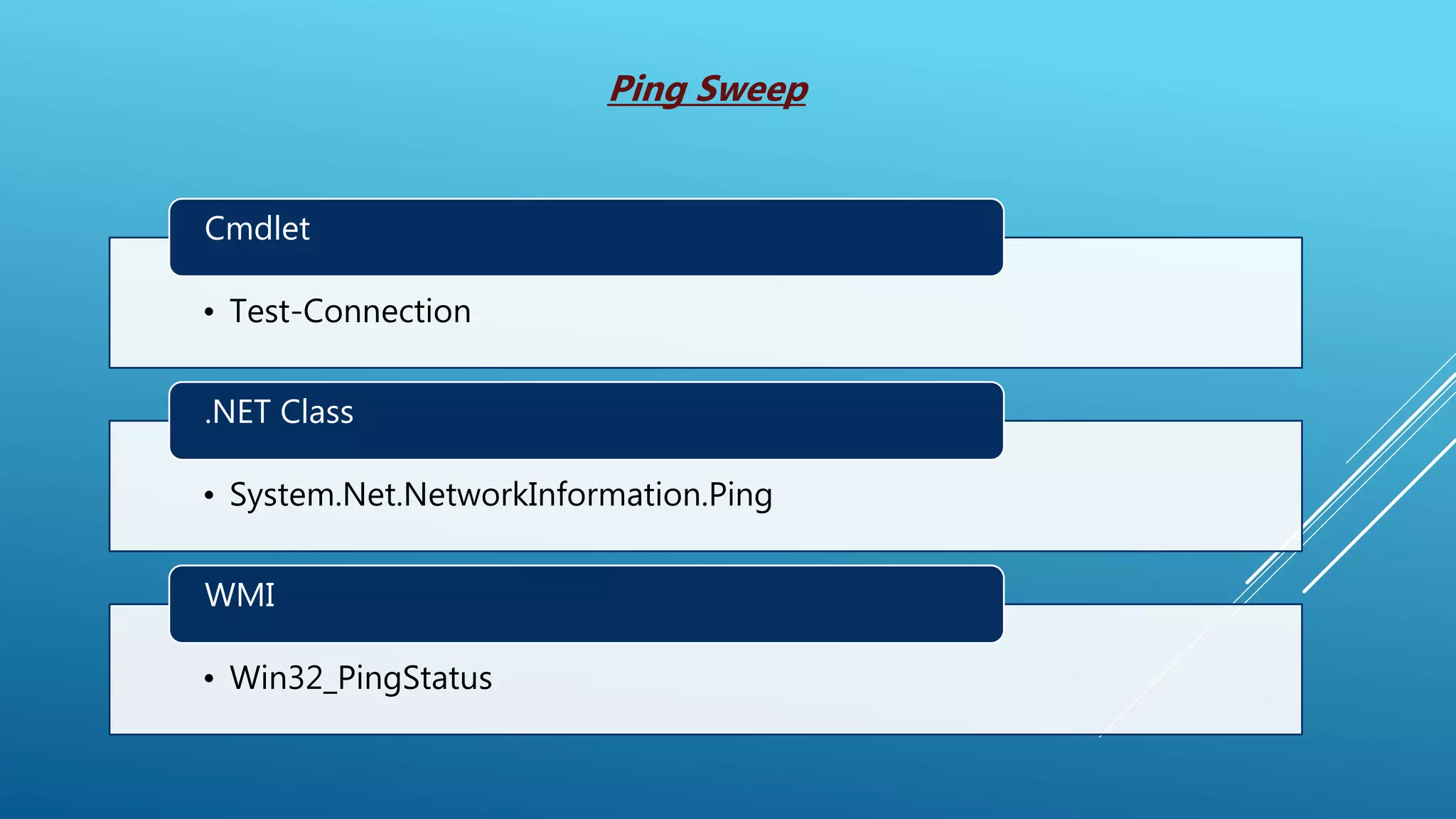
• Test-Connection Cmdlet • System.Net.NetworkInformation.Ping .NET Class • Win32_PingStatus WMI Ping Sweep
DEMO
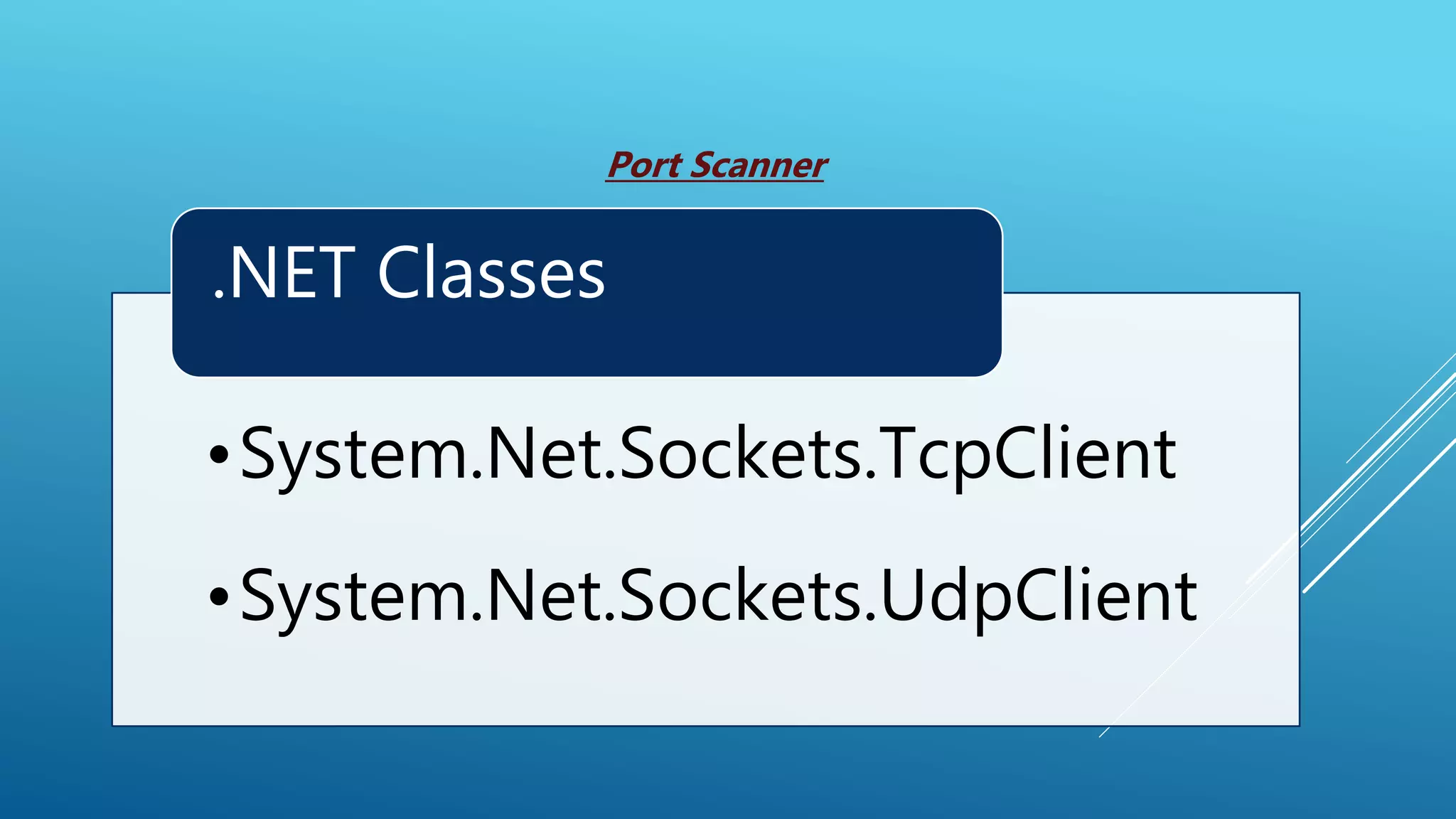
•System.Net.Sockets.TcpClient •System.Net.Sockets.UdpClient .NET Classes Port Scanner
DEMO
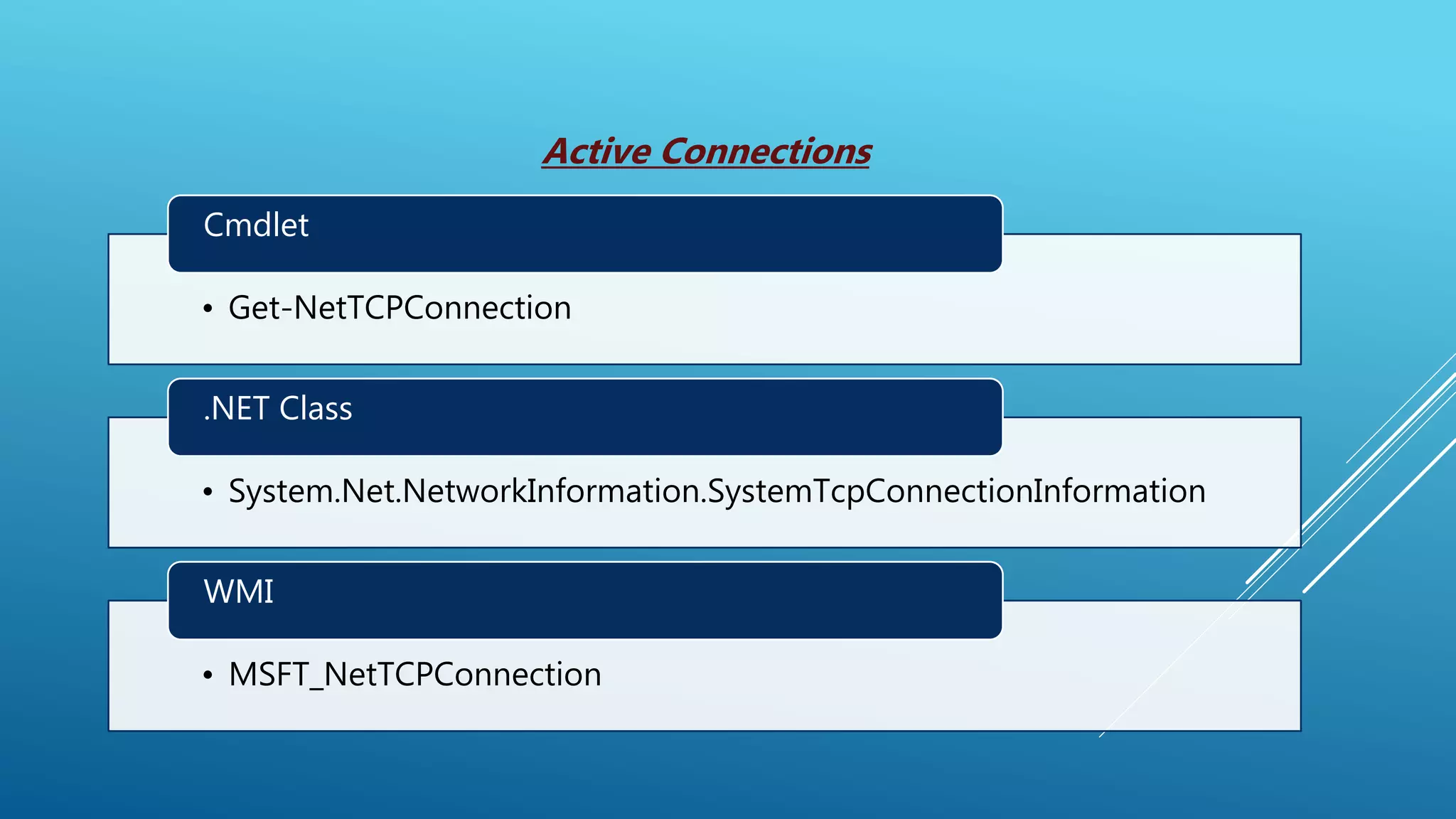
• Get-NetTCPConnection Cmdlet • System.Net.NetworkInformation.SystemTcpConnectionInformation .NET Class • MSFT_NetTCPConnection WMI Active Connections
DEMO
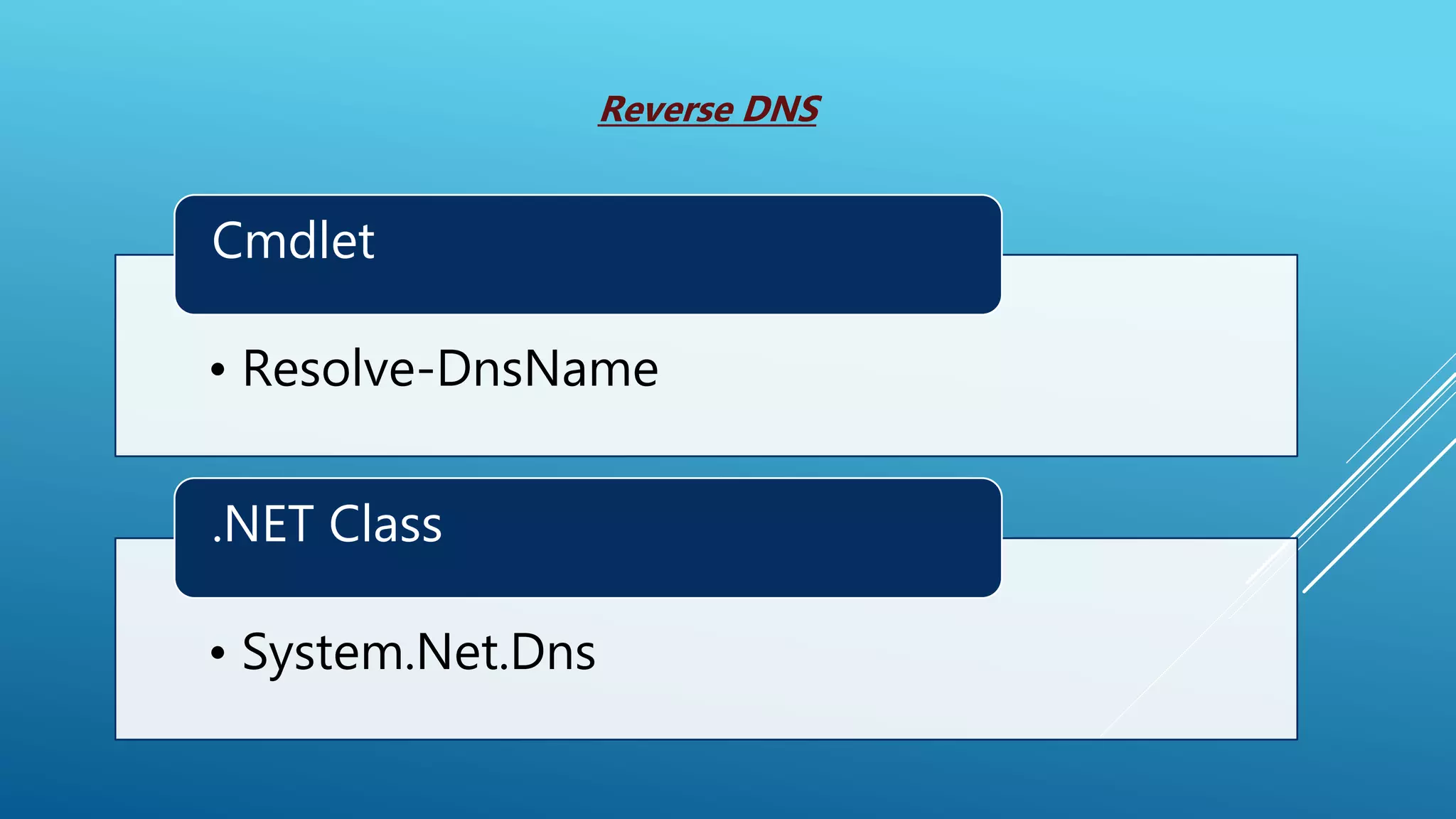
• Resolve-DnsName Cmdlet • System.Net.Dns .NET Class Reverse DNS
DEMO
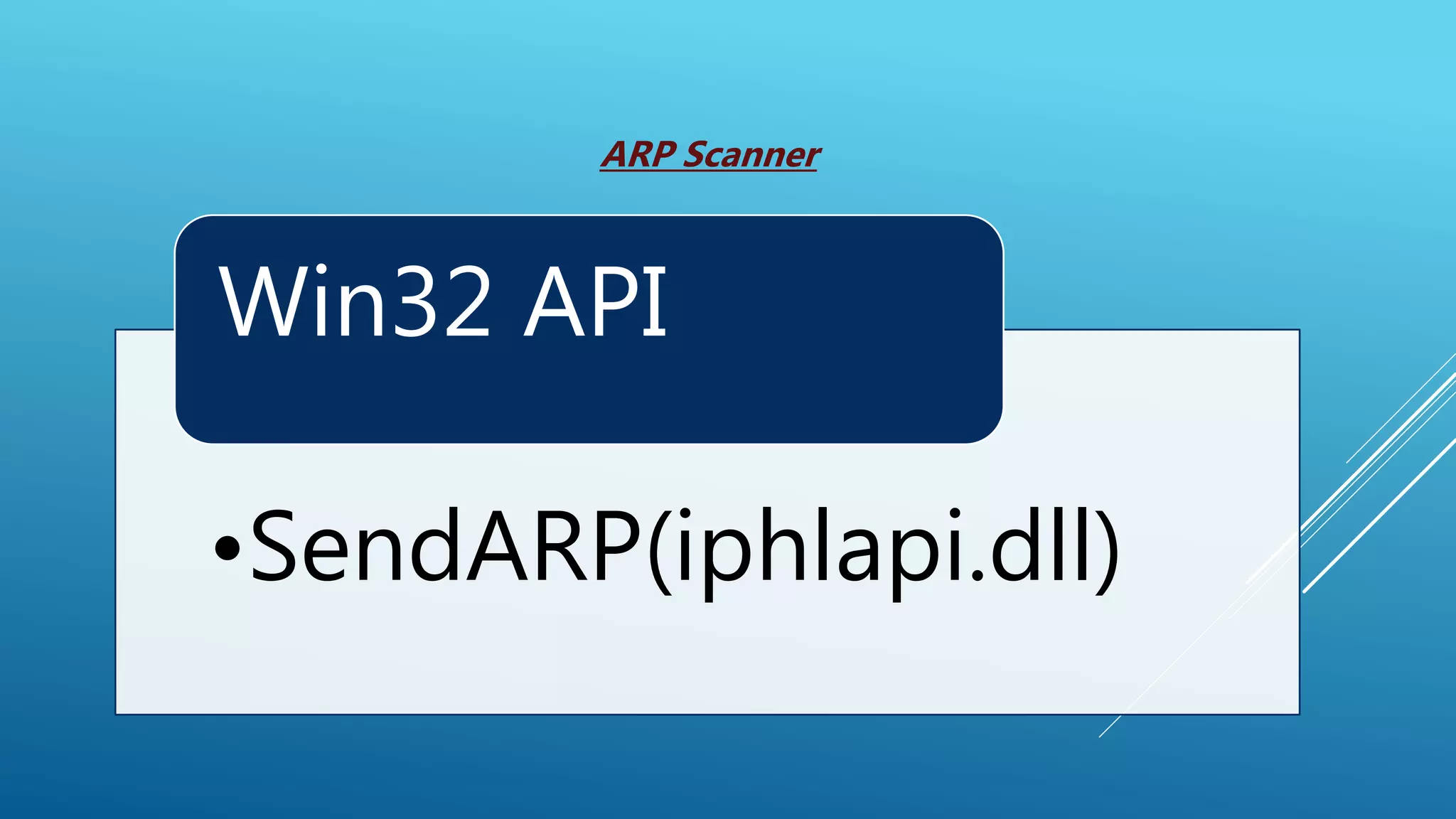
•SendARP(iphlapi.dll) Win32 API ARP Scanner
DEMO
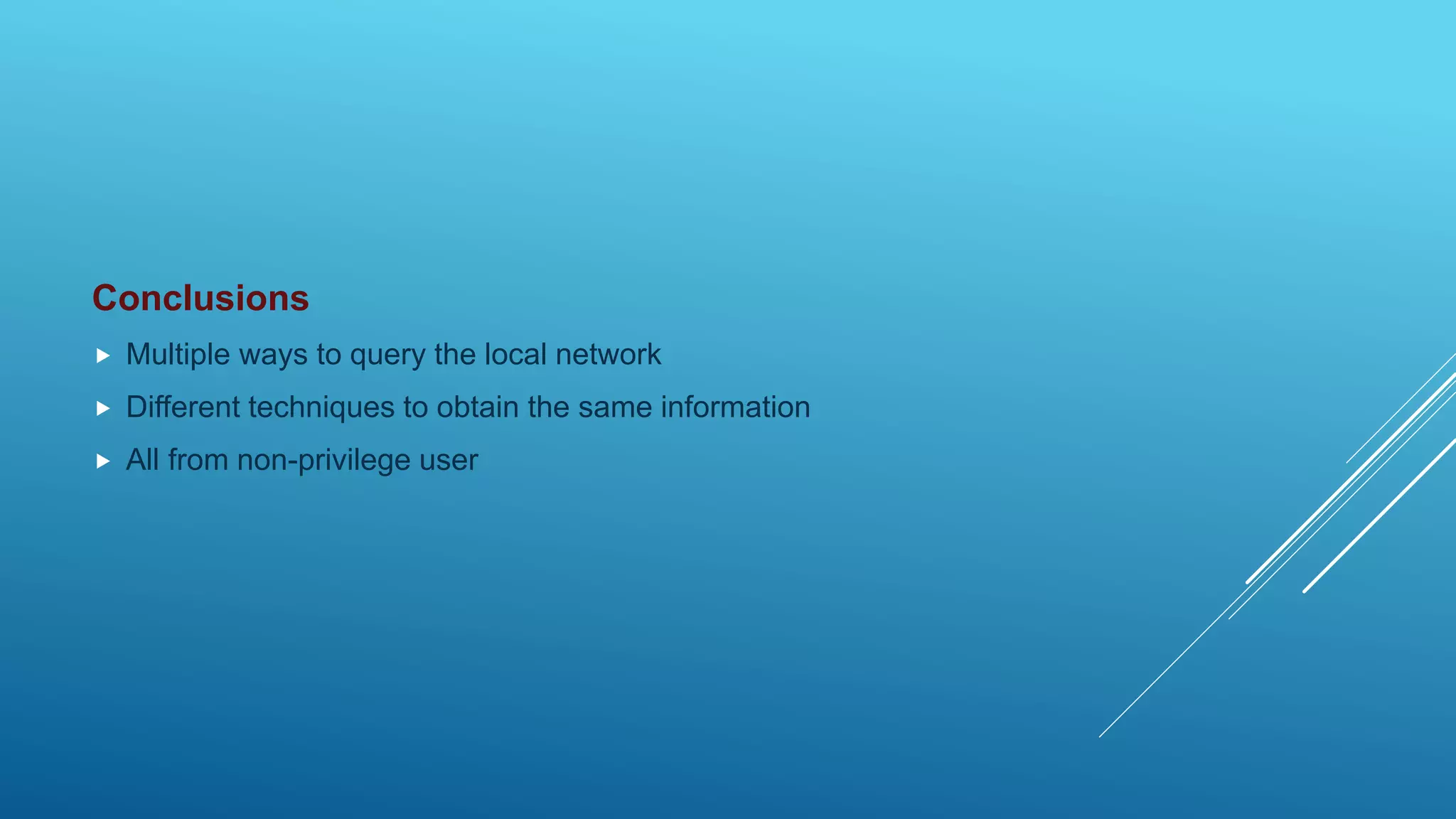
Conclusions  Multiple ways to query the local network  Different techniques to obtain the same information  All from non-privilege user
QUESTIONS?
KEEP IN TOUCH Twitter: @z00v4sh LinkedIn: https://www.linkedin.com/in/caneacsu/ Email: caneacsu@gmail.com
THANK YOU !

Network Mapping with PowerShell