Implementing OAuth
About Me • Lorna Jane Mitchell • PHP Consultant/Developer • Occasional writer/speaker/trainer • Twitter: @lornajane • Website: http://lornajane.net 2
About Me • Lorna Jane Mitchell • PHP Consultant/Developer • Occasional writer/speaker/trainer • Twitter: @lornajane • Website: http://lornajane.net • I am excited about OAuth :) 2
About This Talk • Covering OAuth1 and OAuth2 • OAuth1 needs more explanation • OAuth v1.0a is current stable • OAuth2 in use by Google, Facebook and others • Ask questions at any time 3
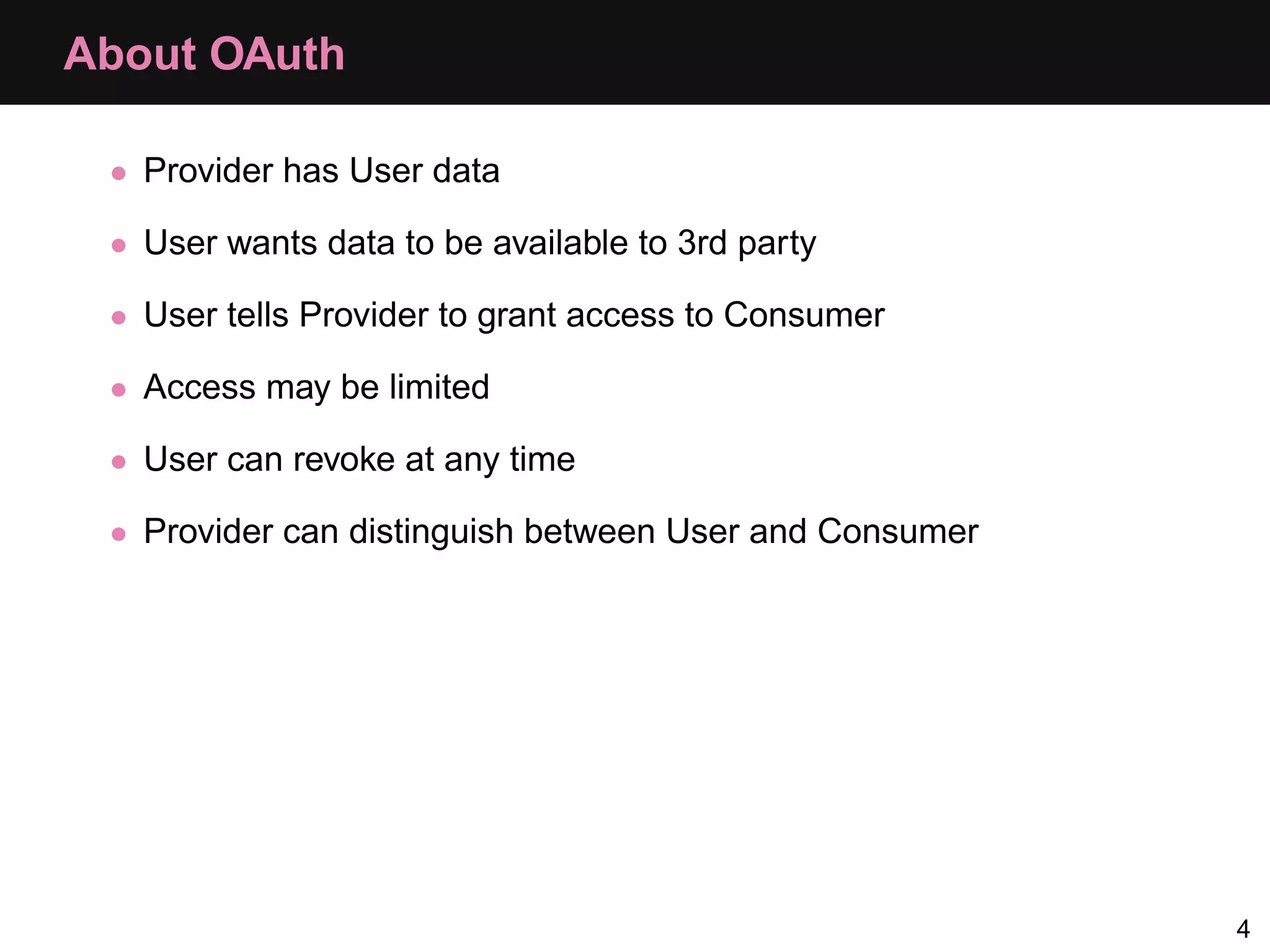
About OAuth • Provider has User data • User wants data to be available to 3rd party • User tells Provider to grant access to Consumer • Access may be limited • User can revoke at any time • Provider can distinguish between User and Consumer 4
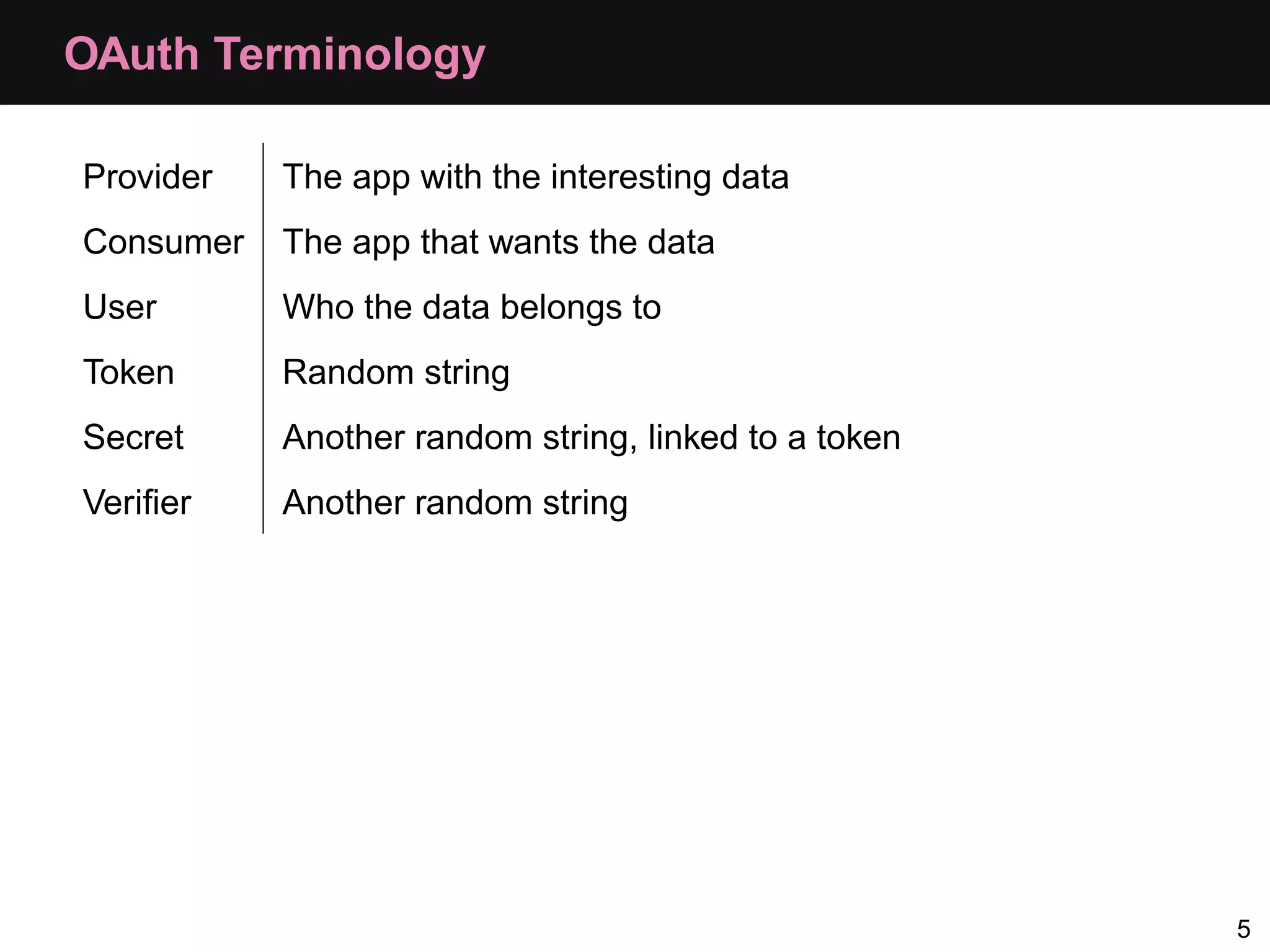
OAuth Terminology Provider The app with the interesting data Consumer The app that wants the data User Who the data belongs to Token Random string Secret Another random string, linked to a token Verifier Another random string 5
OAuth HowTo
OAuth Dance 7
Dance Steps • Step 0: Register as a consumer • Step 1: Get a request token • Step 2: Send the user to authenticate • Step 3: Swap their verification for an access token • Step 4: Consume data 8
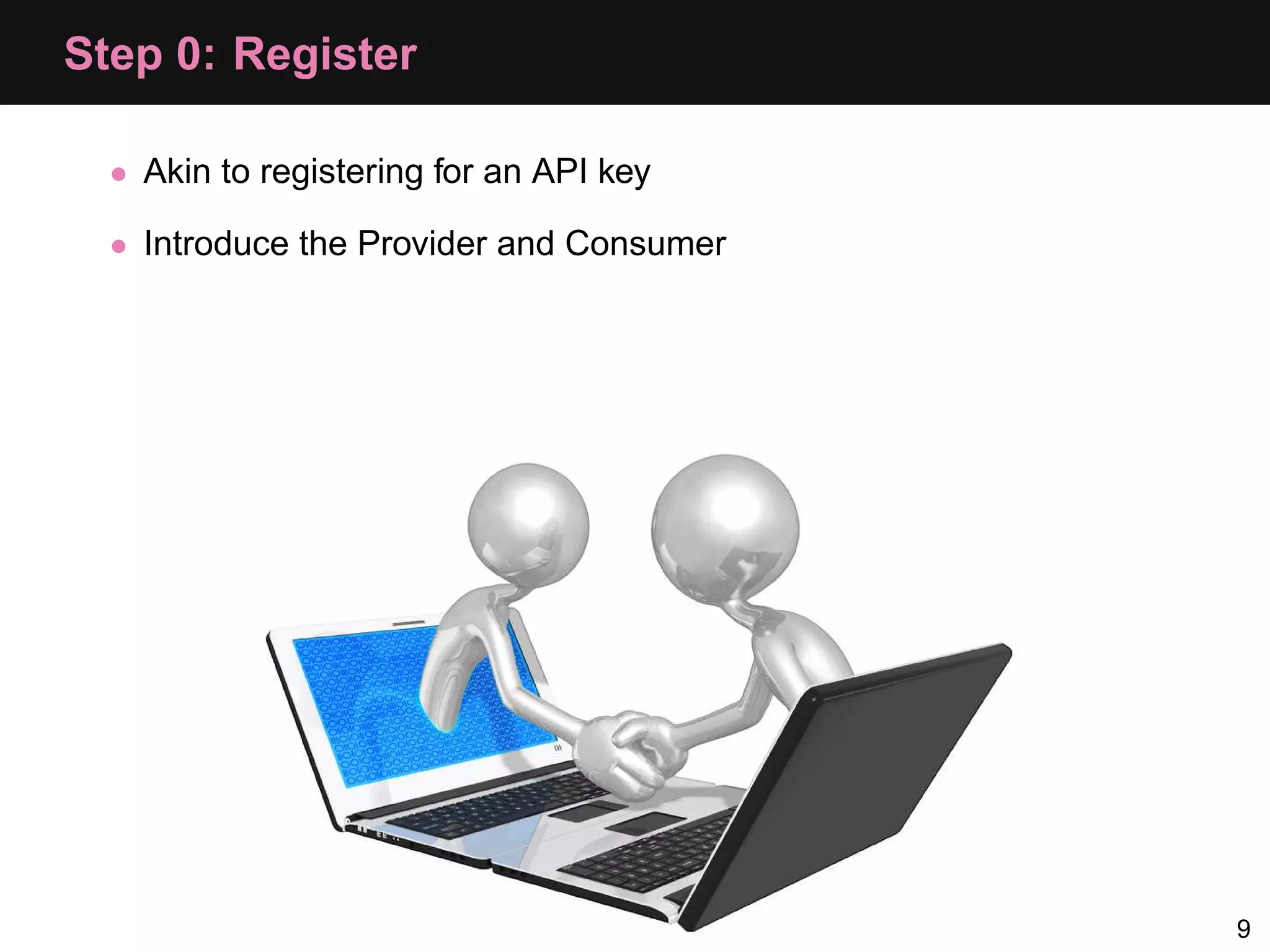
Step 0: Register • Akin to registering for an API key • Introduce the Provider and Consumer 9
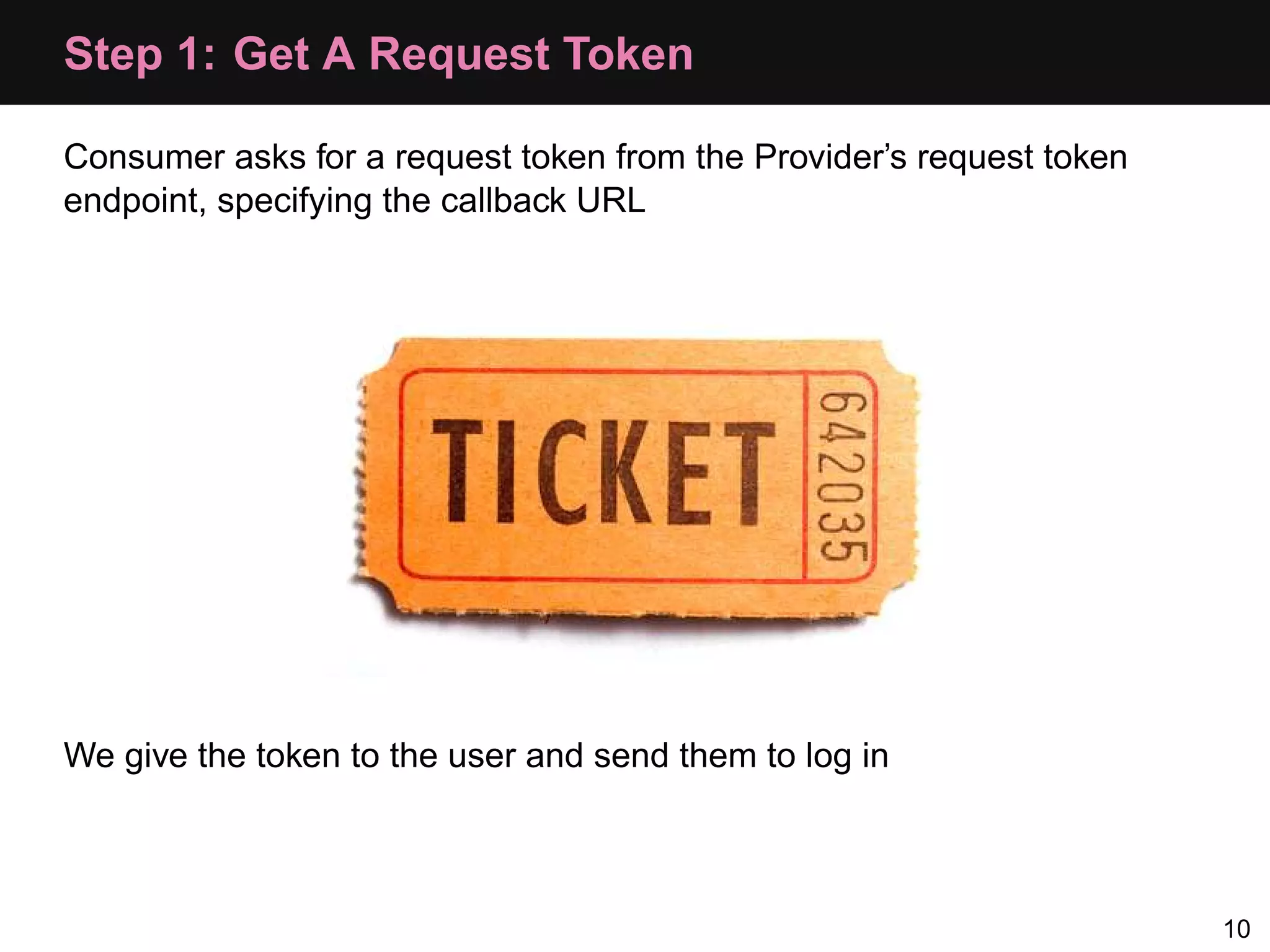
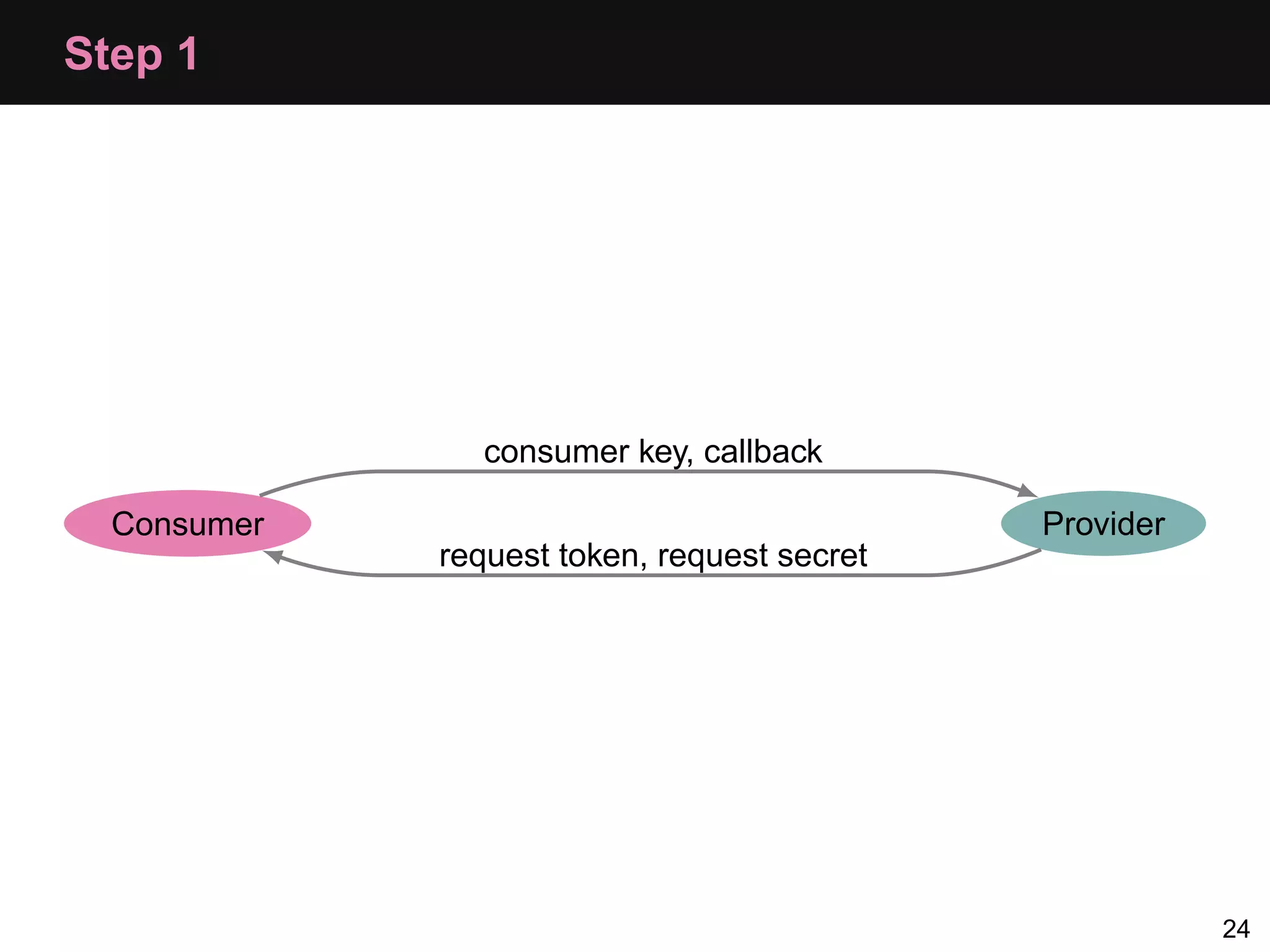
Step 1: Get A Request Token Consumer asks for a request token from the Provider’s request token endpoint, specifying the callback URL We give the token to the user and send them to log in 10
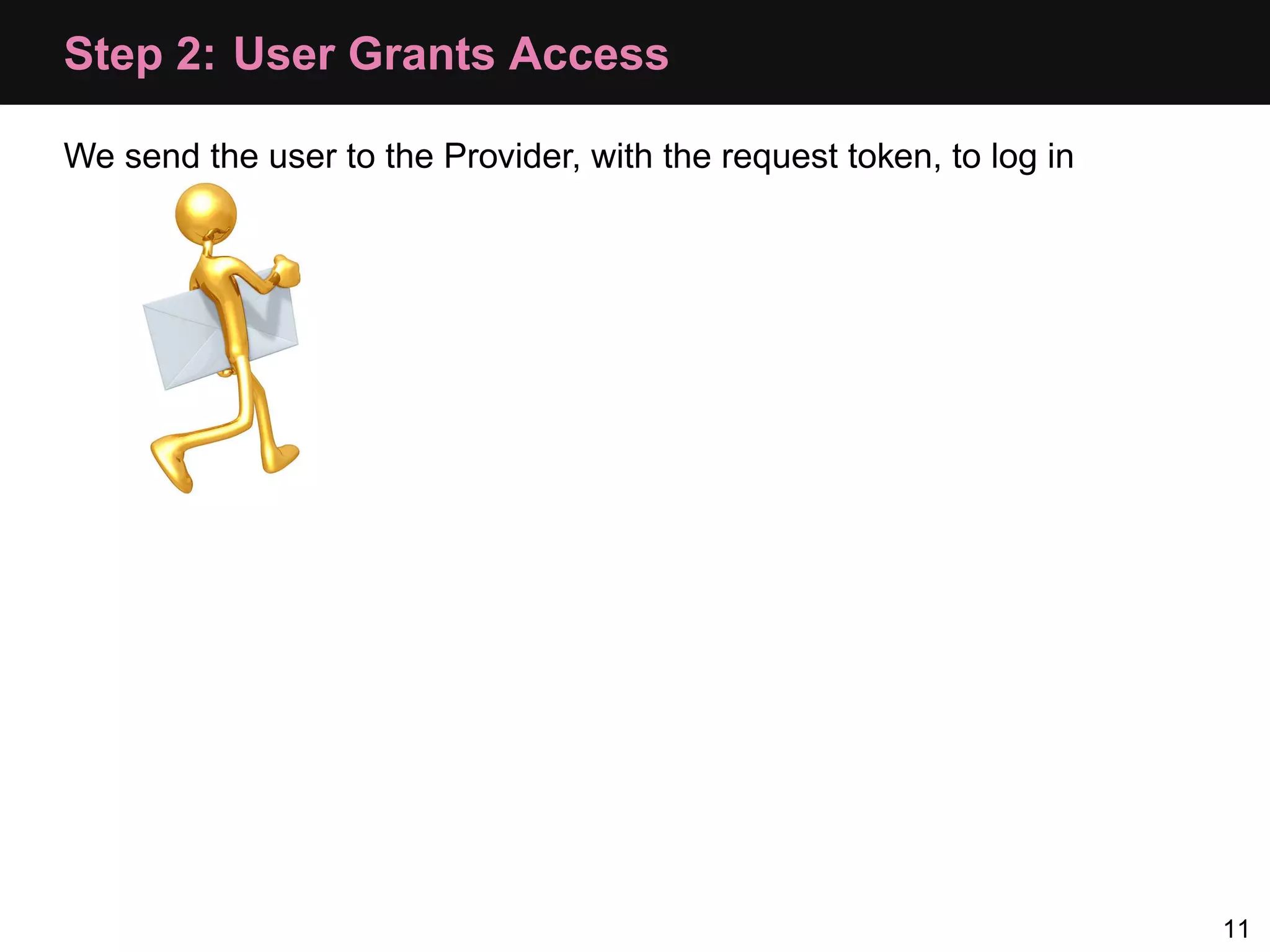
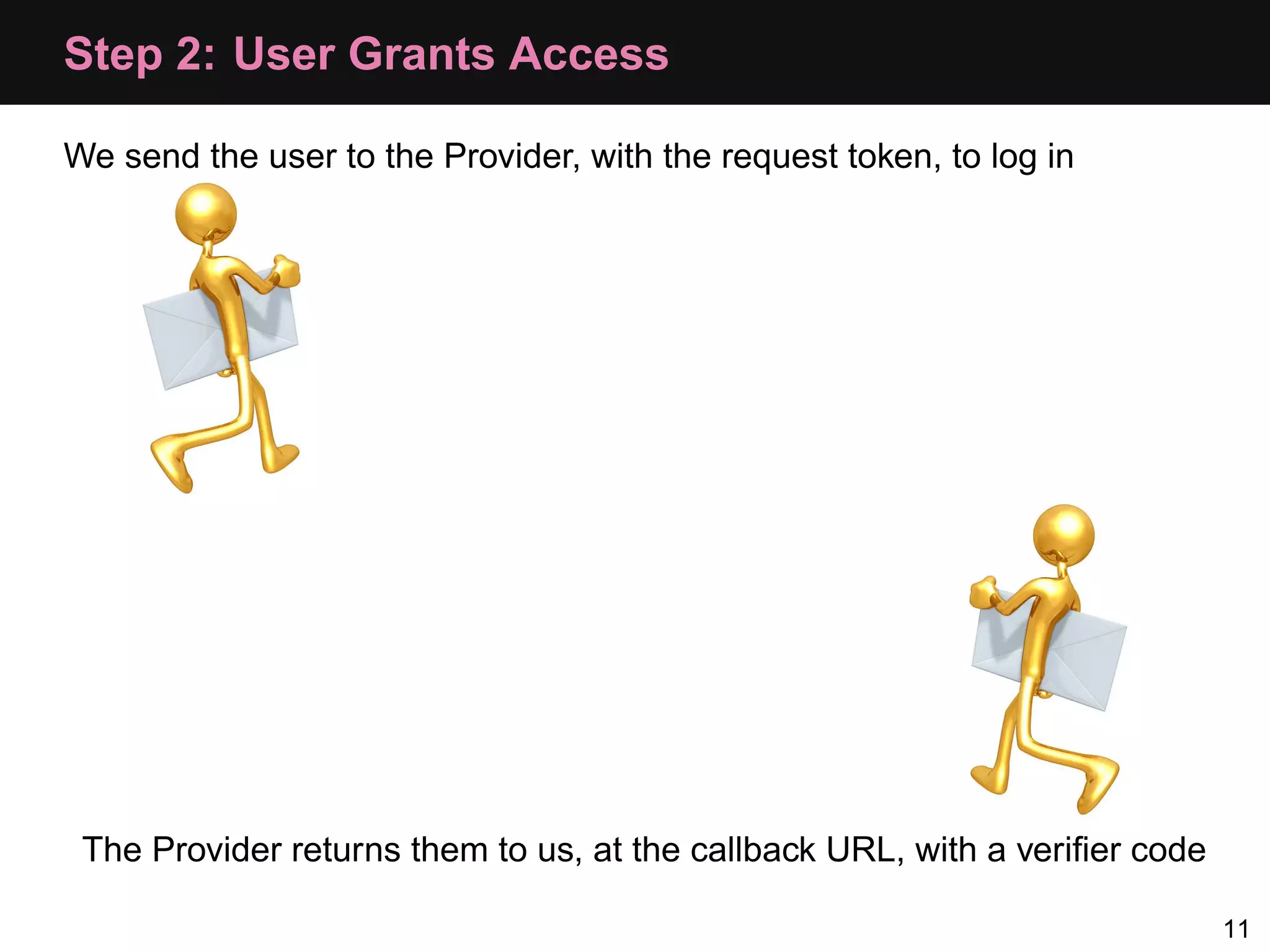
Step 2: User Grants Access We send the user to the Provider, with the request token, to log in 11
Step 2: User Grants Access We send the user to the Provider, with the request token, to log in The Provider returns them to us, at the callback URL, with a verifier code 11
Devices Where Callback Won’t Work It is hard to forward a user from a browser back to an app • Instead we use "oob" as the callback parameter • Provider displays verifier on screen • User types code into app manually 12
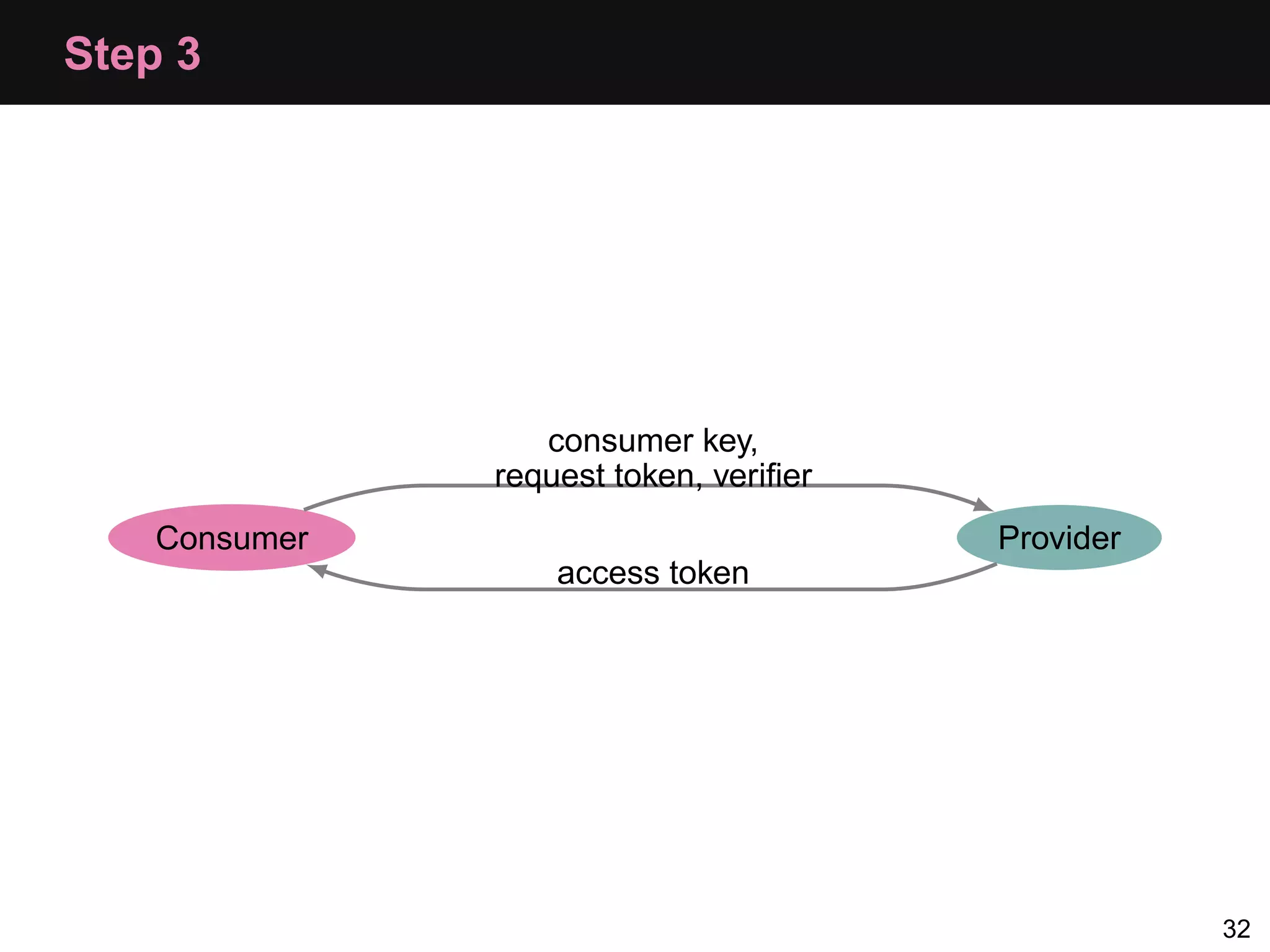
Step 3: Get an Access Token Consumer makes a request to Provider’s access token endpoint with: • Consumer key • Request token • Verifier 13
OAuth Theory
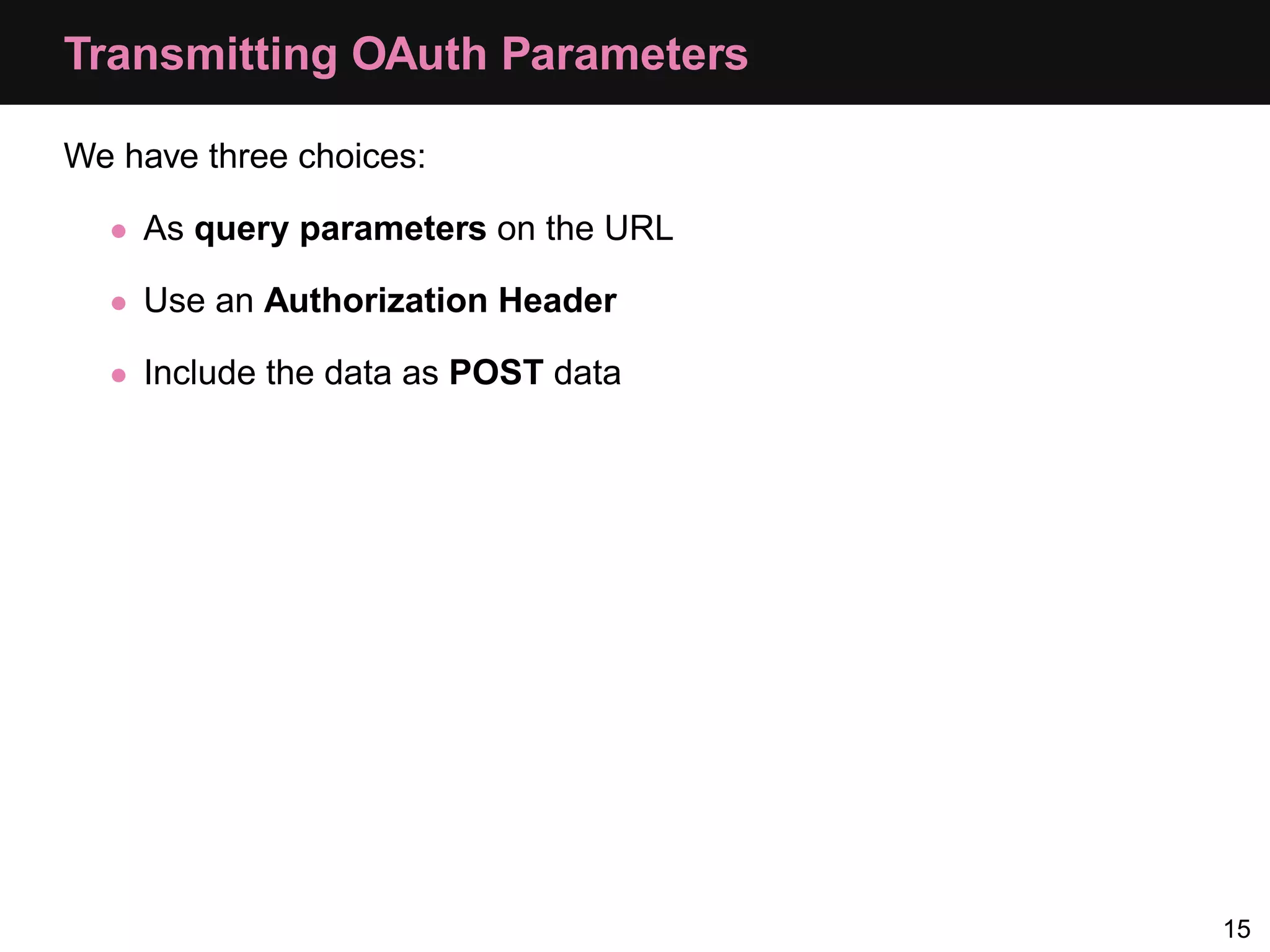
Transmitting OAuth Parameters We have three choices: • As query parameters on the URL • Use an Authorization Header • Include the data as POST data 15
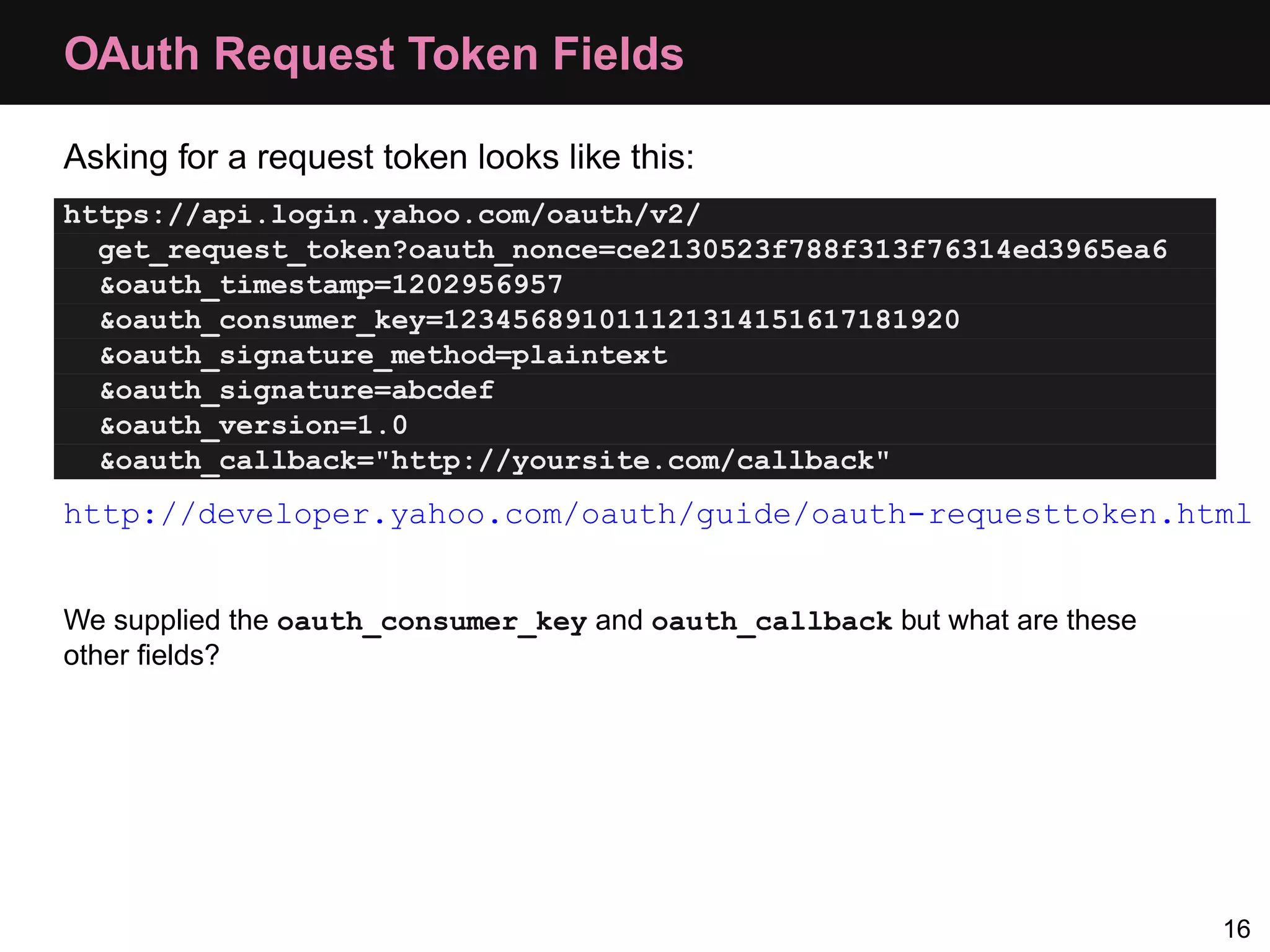
OAuth Request Token Fields Asking for a request token looks like this: https://api.login.yahoo.com/oauth/v2/ get_request_token?oauth_nonce=ce2130523f788f313f76314ed3965ea6 &oauth_timestamp=1202956957 &oauth_consumer_key=123456891011121314151617181920 &oauth_signature_method=plaintext &oauth_signature=abcdef &oauth_version=1.0 &oauth_callback="http://yoursite.com/callback" http://developer.yahoo.com/oauth/guide/oauth-requesttoken.html We supplied the oauth_consumer_key and oauth_callback but what are these other fields? 16
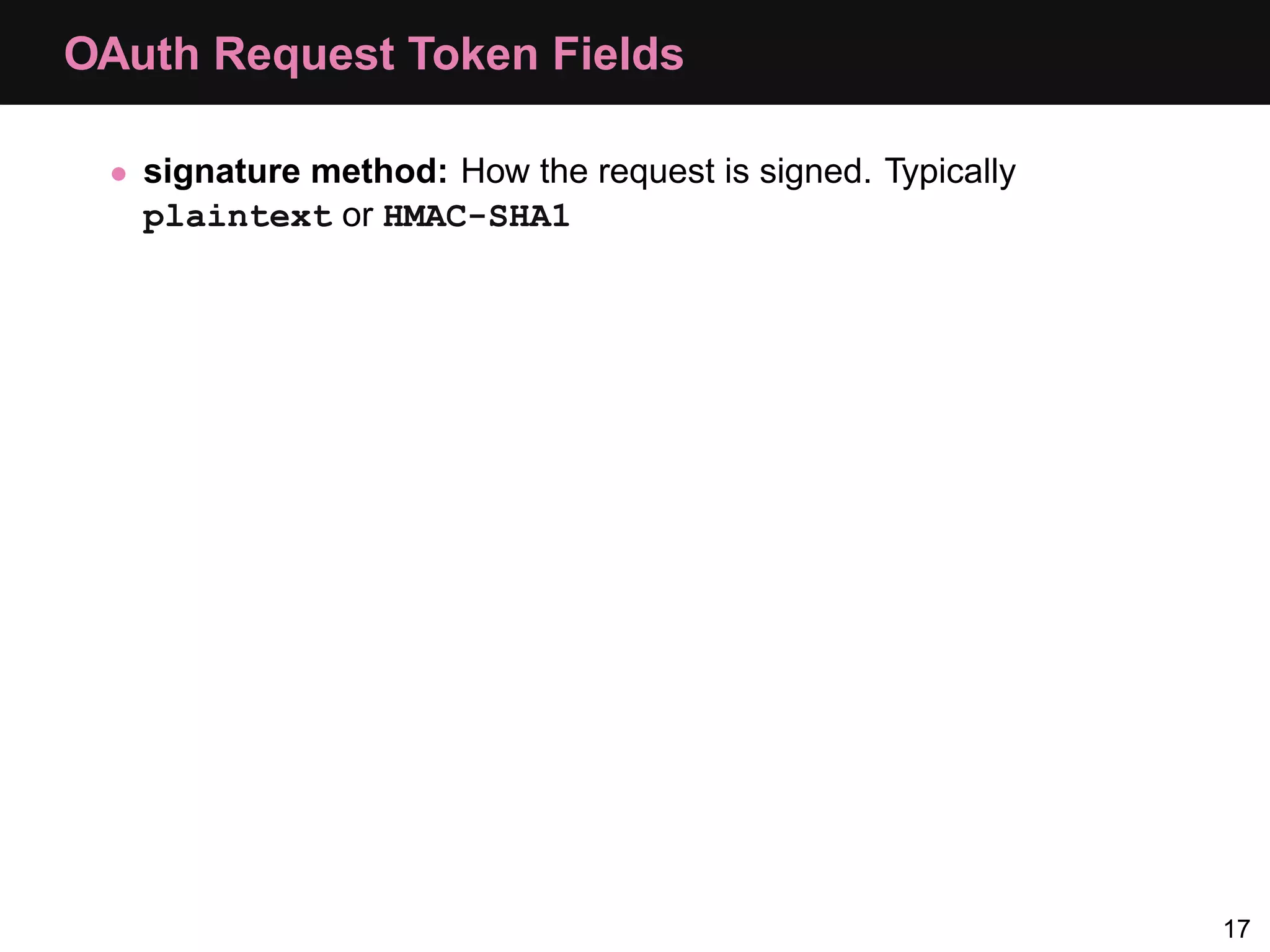
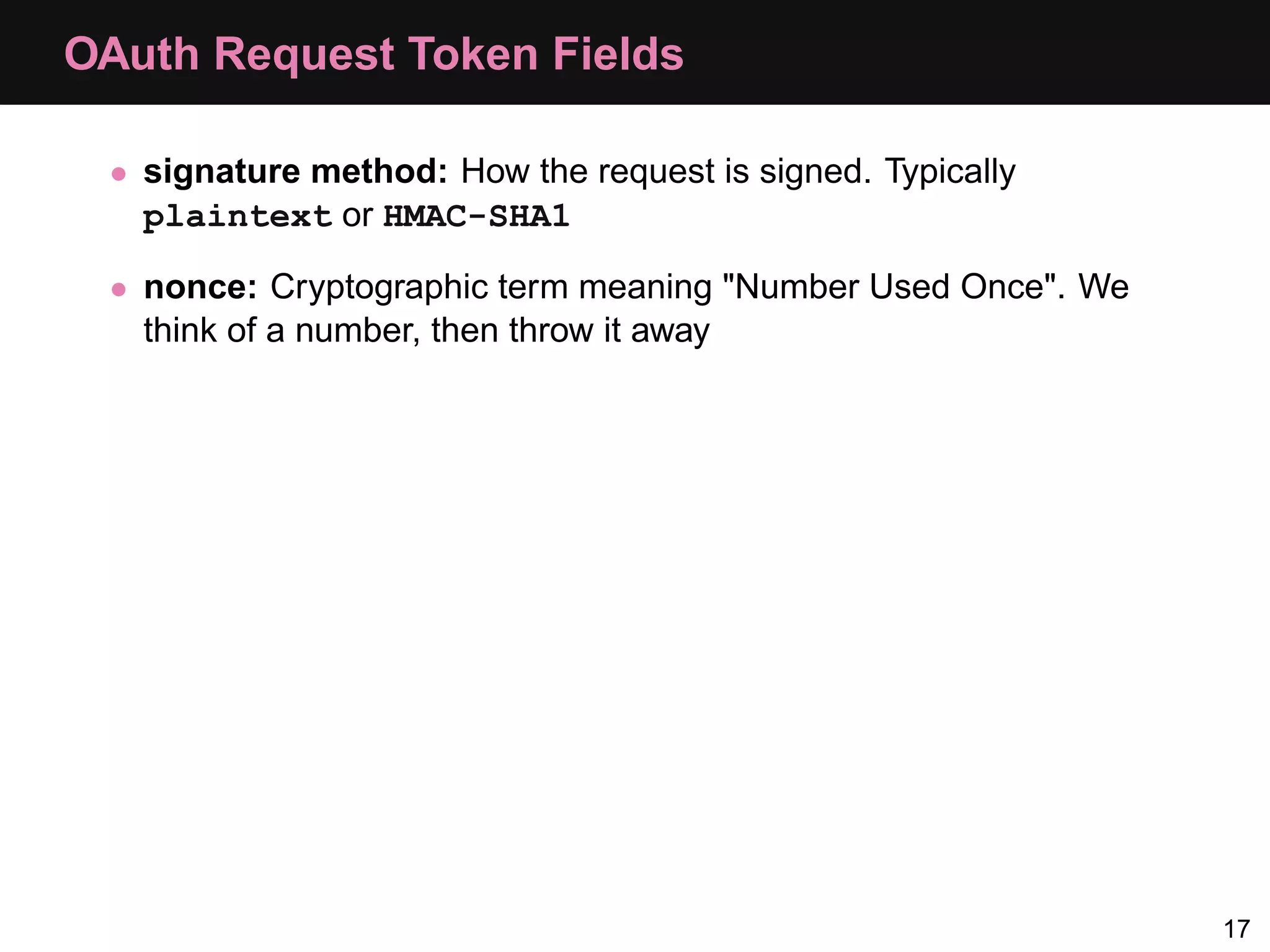
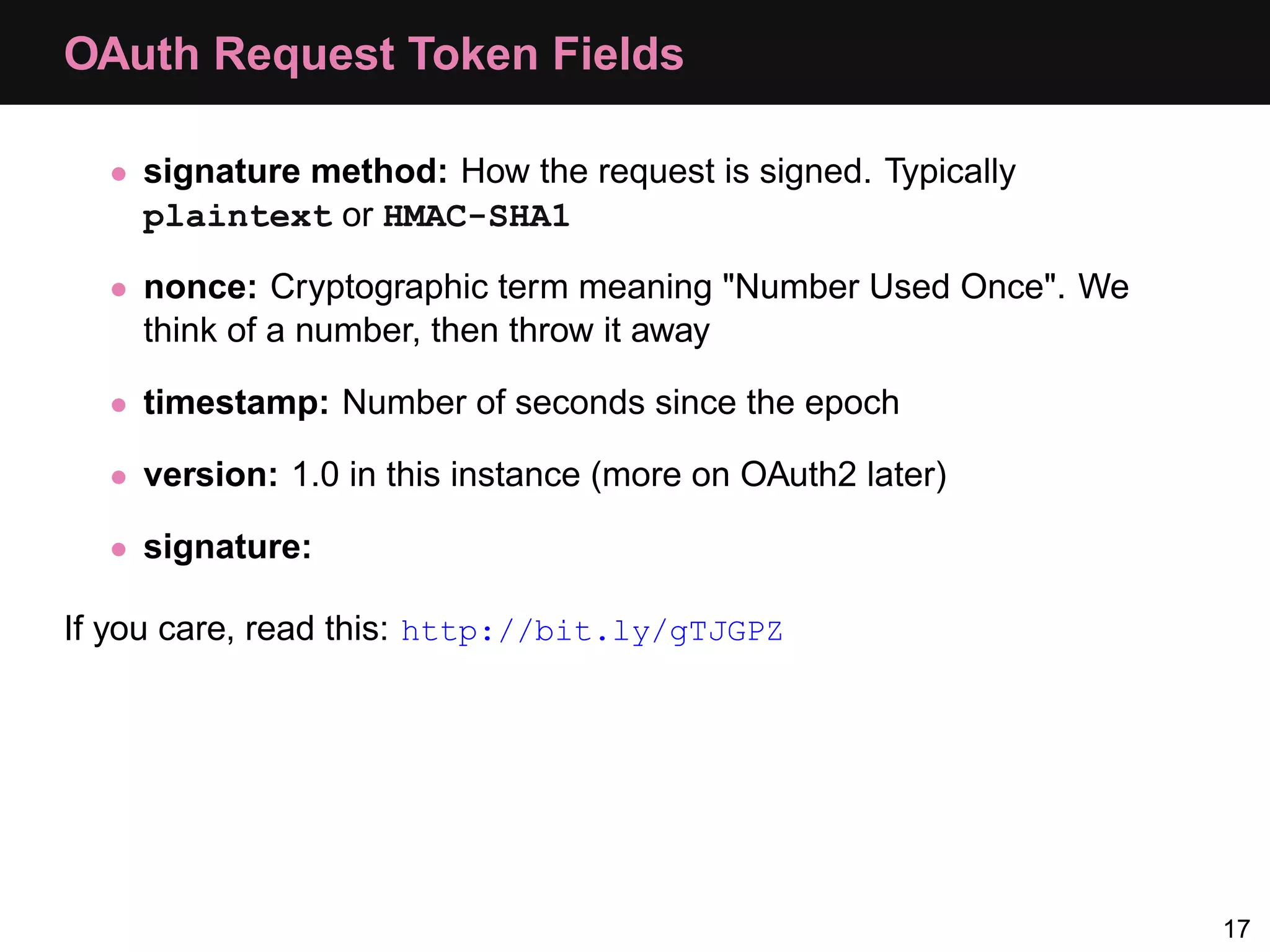
OAuth Request Token Fields • signature method: How the request is signed. Typically plaintext or HMAC-SHA1 17
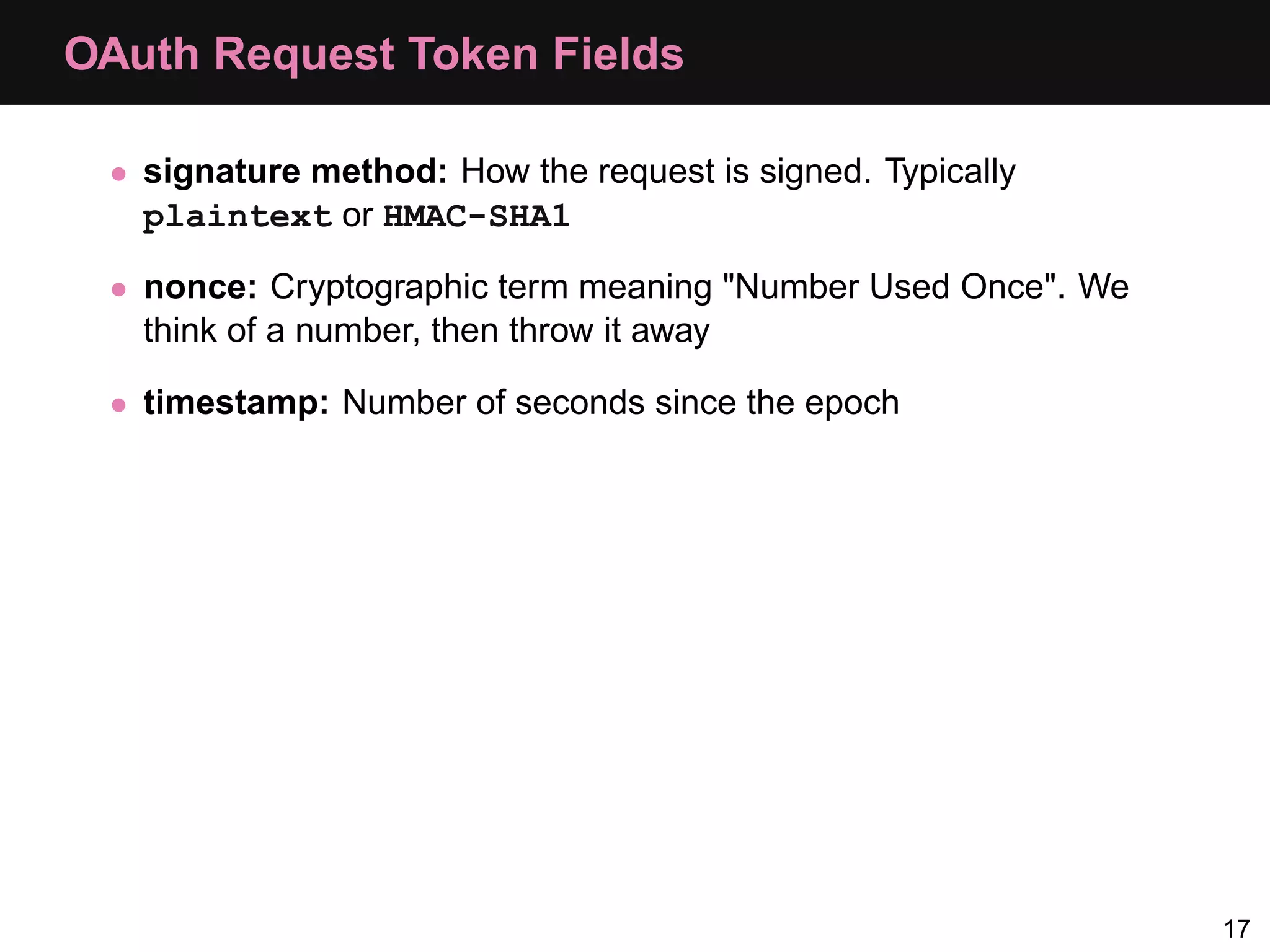
OAuth Request Token Fields • signature method: How the request is signed. Typically plaintext or HMAC-SHA1 • nonce: Cryptographic term meaning "Number Used Once". We think of a number, then throw it away 17
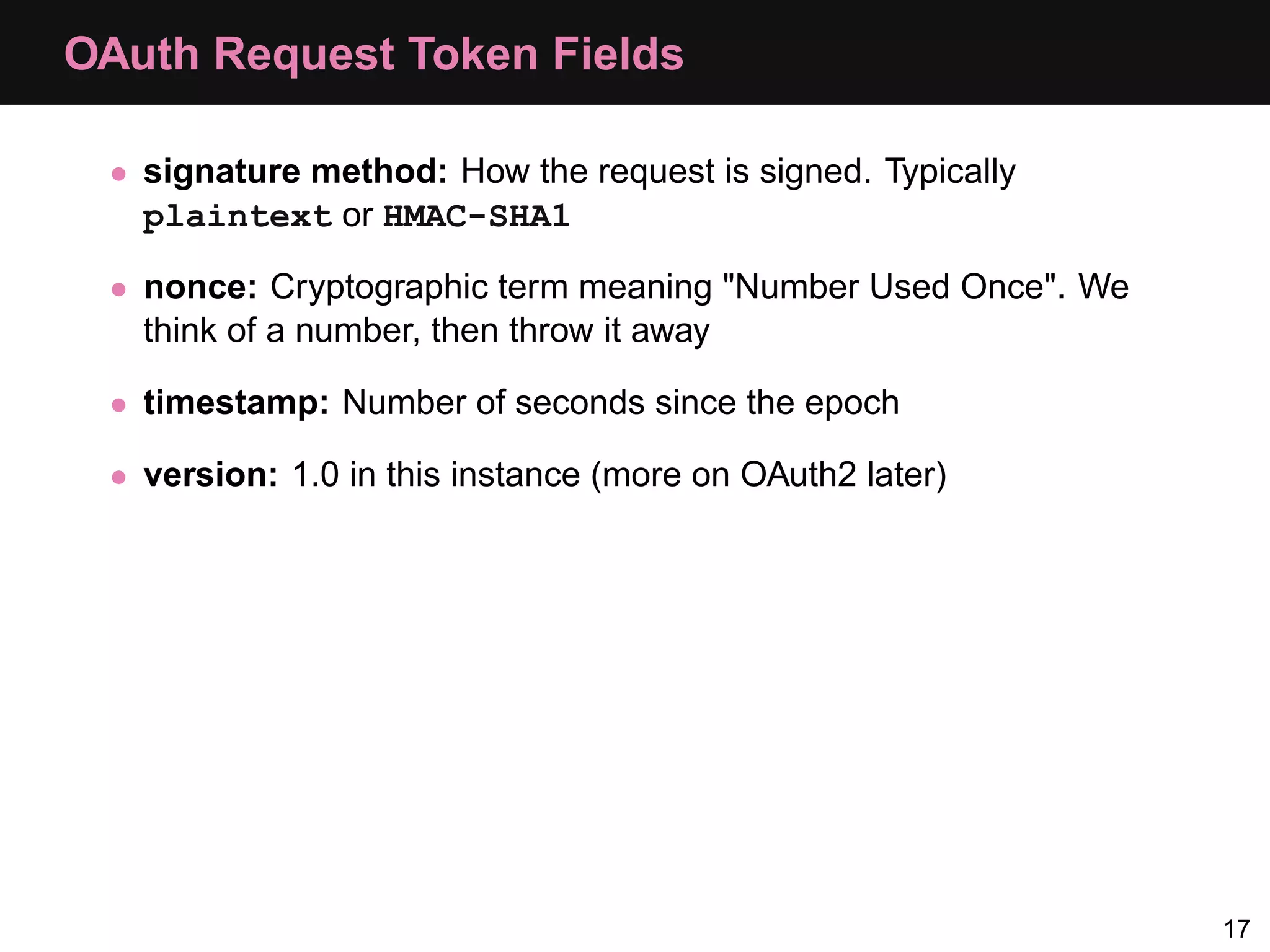
OAuth Request Token Fields • signature method: How the request is signed. Typically plaintext or HMAC-SHA1 • nonce: Cryptographic term meaning "Number Used Once". We think of a number, then throw it away • timestamp: Number of seconds since the epoch 17
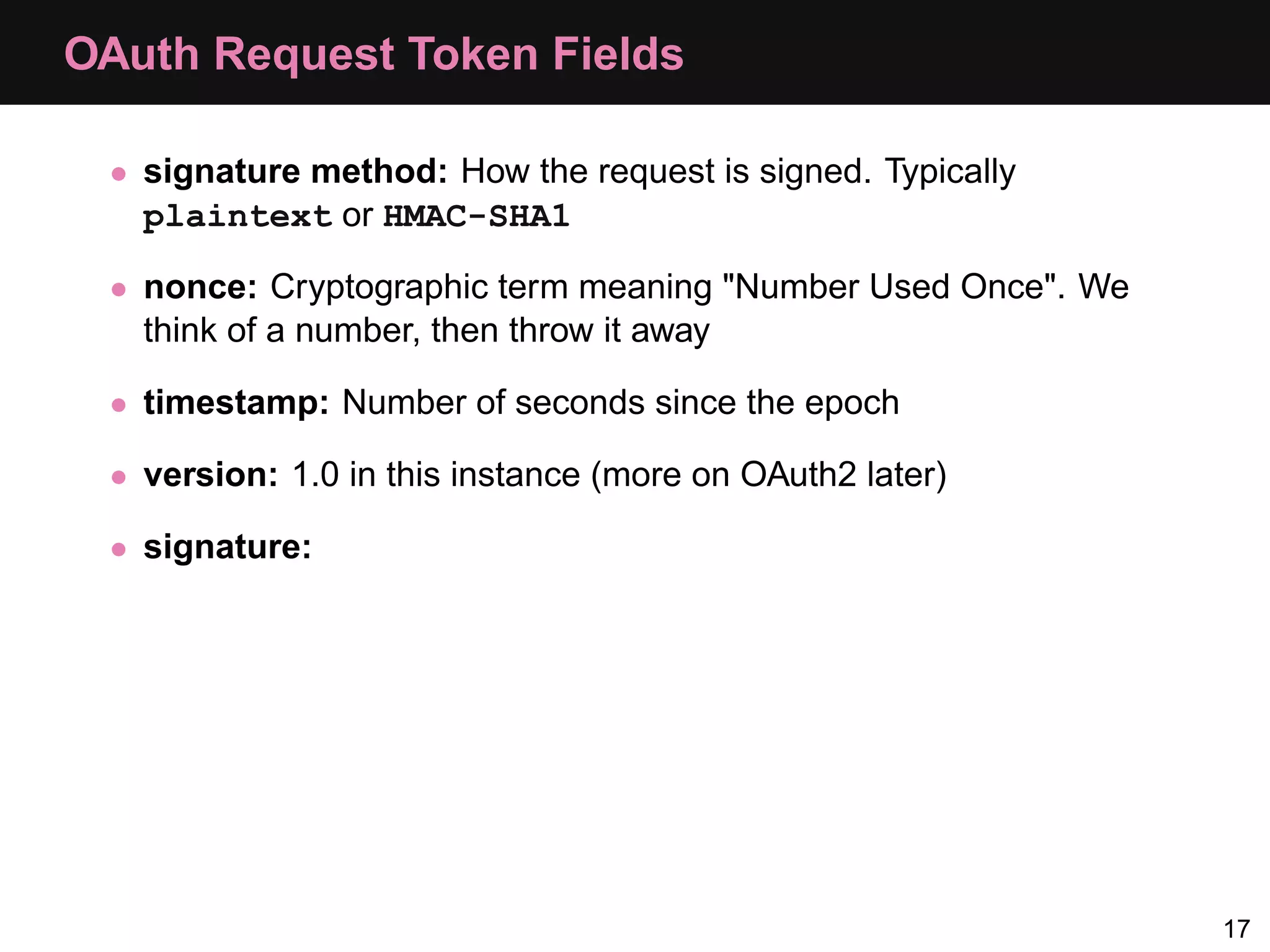
OAuth Request Token Fields • signature method: How the request is signed. Typically plaintext or HMAC-SHA1 • nonce: Cryptographic term meaning "Number Used Once". We think of a number, then throw it away • timestamp: Number of seconds since the epoch • version: 1.0 in this instance (more on OAuth2 later) 17
OAuth Request Token Fields • signature method: How the request is signed. Typically plaintext or HMAC-SHA1 • nonce: Cryptographic term meaning "Number Used Once". We think of a number, then throw it away • timestamp: Number of seconds since the epoch • version: 1.0 in this instance (more on OAuth2 later) • signature: 17
OAuth Request Token Fields • signature method: How the request is signed. Typically plaintext or HMAC-SHA1 • nonce: Cryptographic term meaning "Number Used Once". We think of a number, then throw it away • timestamp: Number of seconds since the epoch • version: 1.0 in this instance (more on OAuth2 later) • signature: If you care, read this: http://bit.ly/gTJGPZ 17
Practical Examples
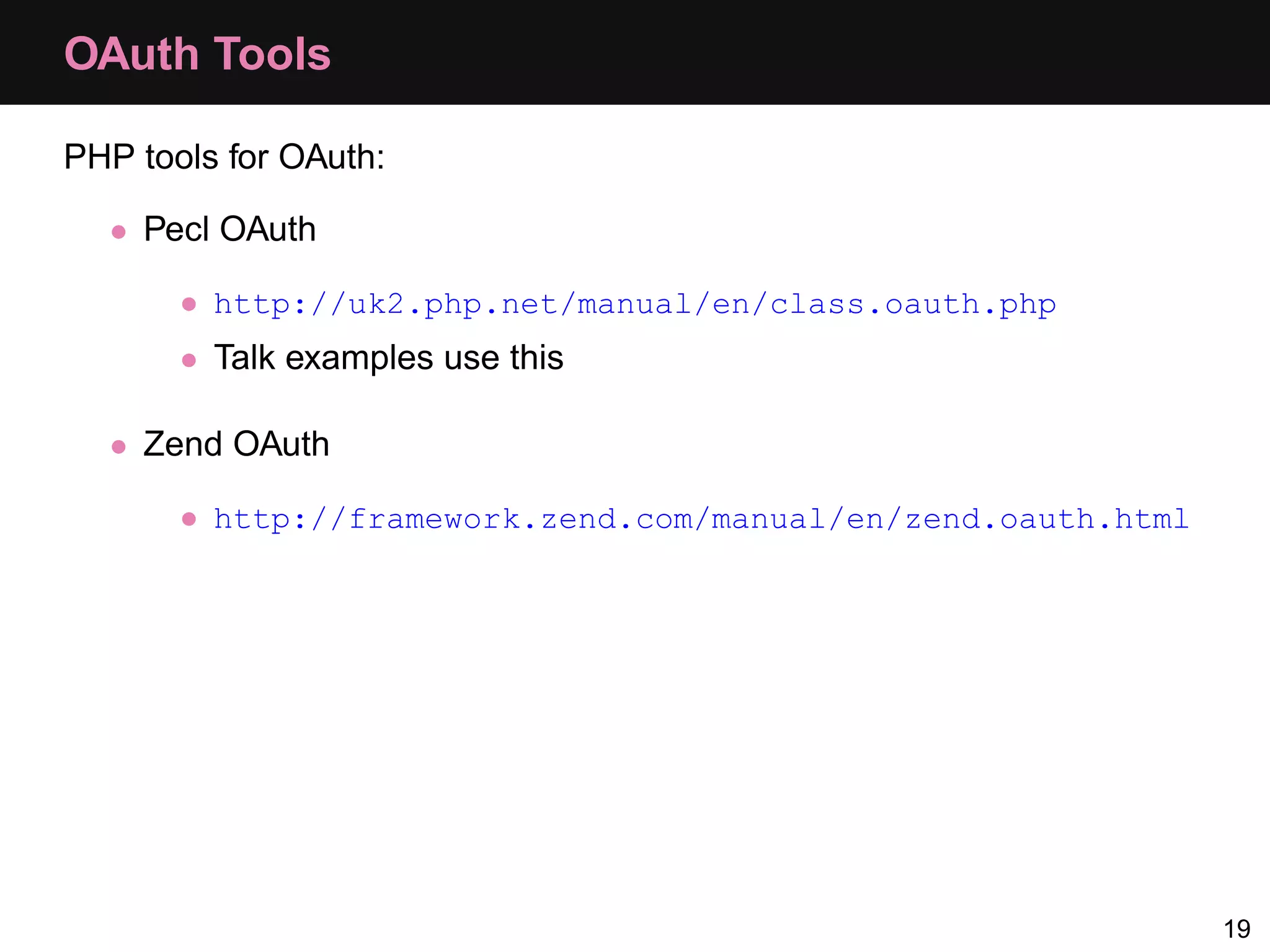
OAuth Tools PHP tools for OAuth: • Pecl OAuth • http://uk2.php.net/manual/en/class.oauth.php • Talk examples use this • Zend OAuth • http://framework.zend.com/manual/en/zend.oauth.html 19
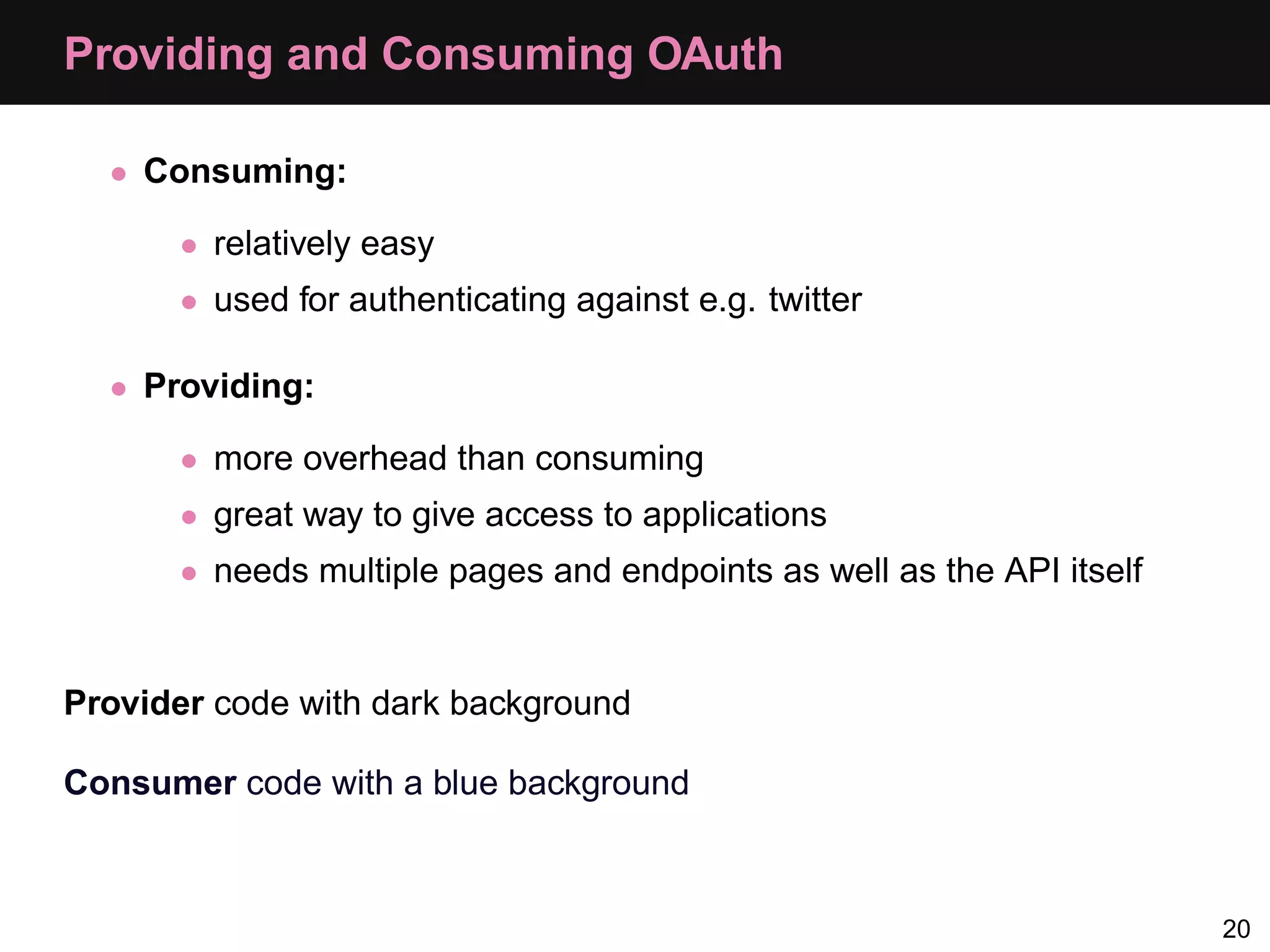
Providing and Consuming OAuth • Consuming: • relatively easy • used for authenticating against e.g. twitter • Providing: • more overhead than consuming • great way to give access to applications • needs multiple pages and endpoints as well as the API itself Provider code with dark background Consumer code with a blue background 20
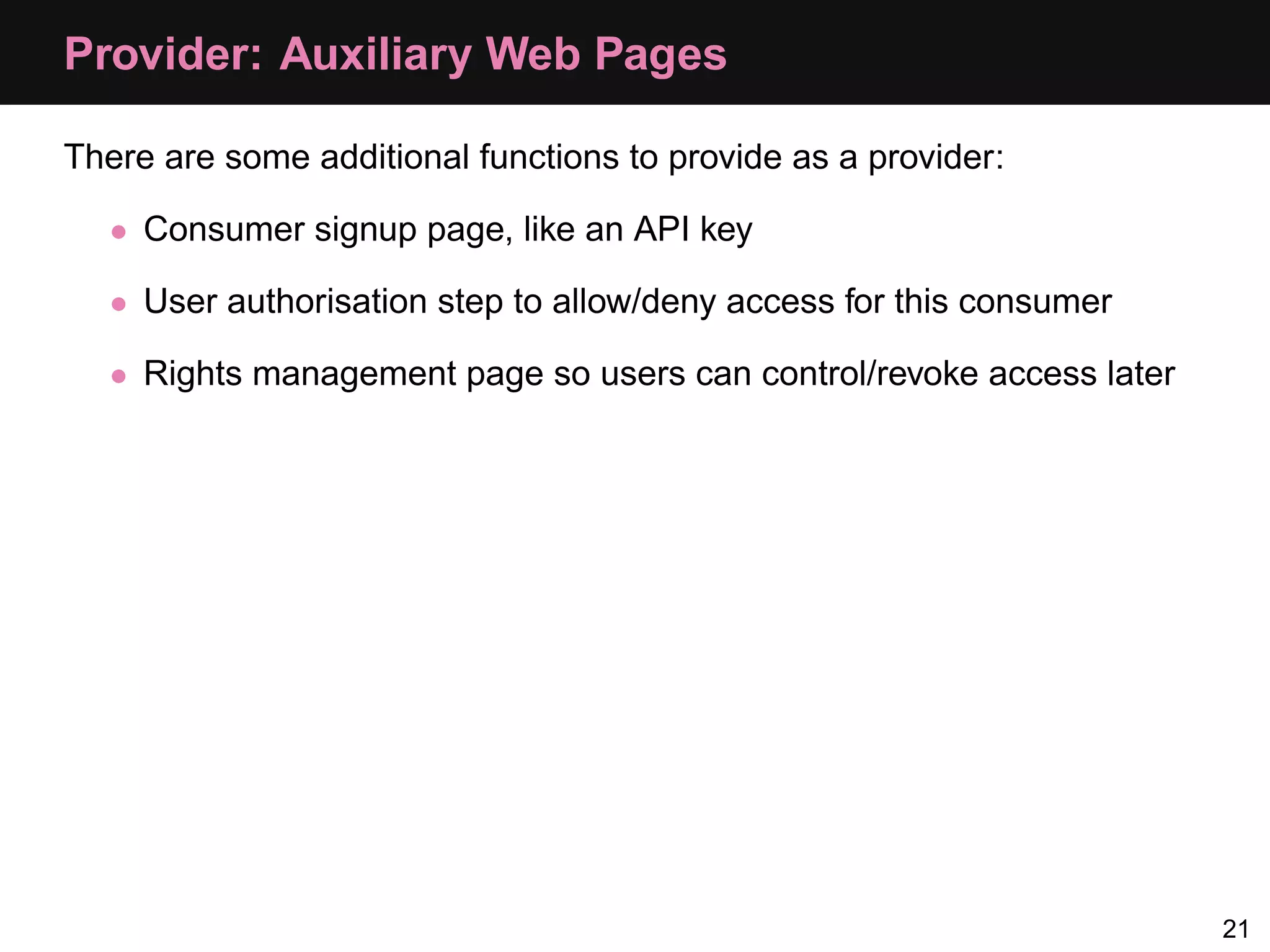
Provider: Auxiliary Web Pages There are some additional functions to provide as a provider: • Consumer signup page, like an API key • User authorisation step to allow/deny access for this consumer • Rights management page so users can control/revoke access later 21
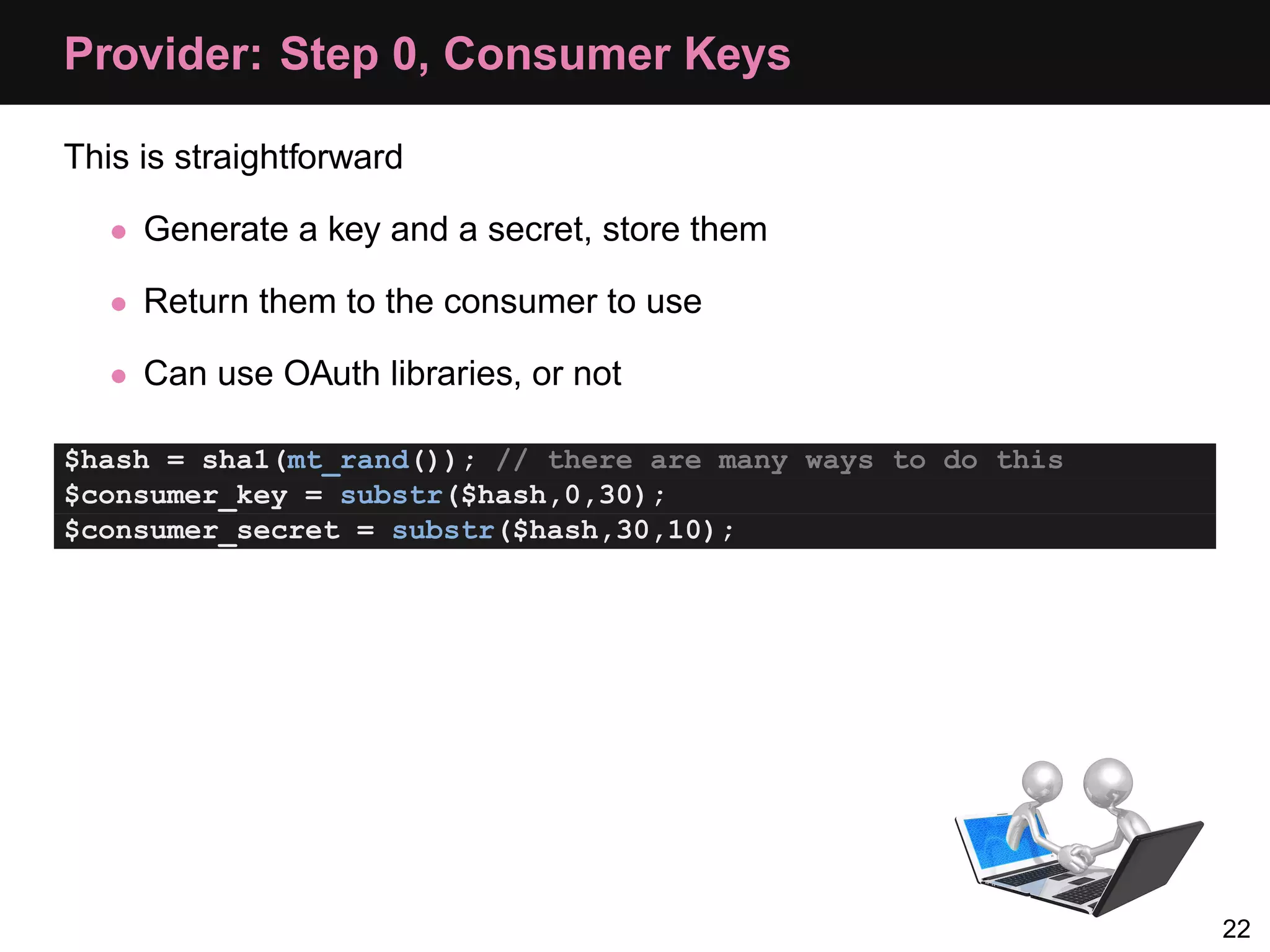
Provider: Step 0, Consumer Keys This is straightforward • Generate a key and a secret, store them • Return them to the consumer to use • Can use OAuth libraries, or not $hash = sha1(mt_rand()); // there are many ways to do this $consumer_key = substr($hash,0,30); $consumer_secret = substr($hash,30,10); 22
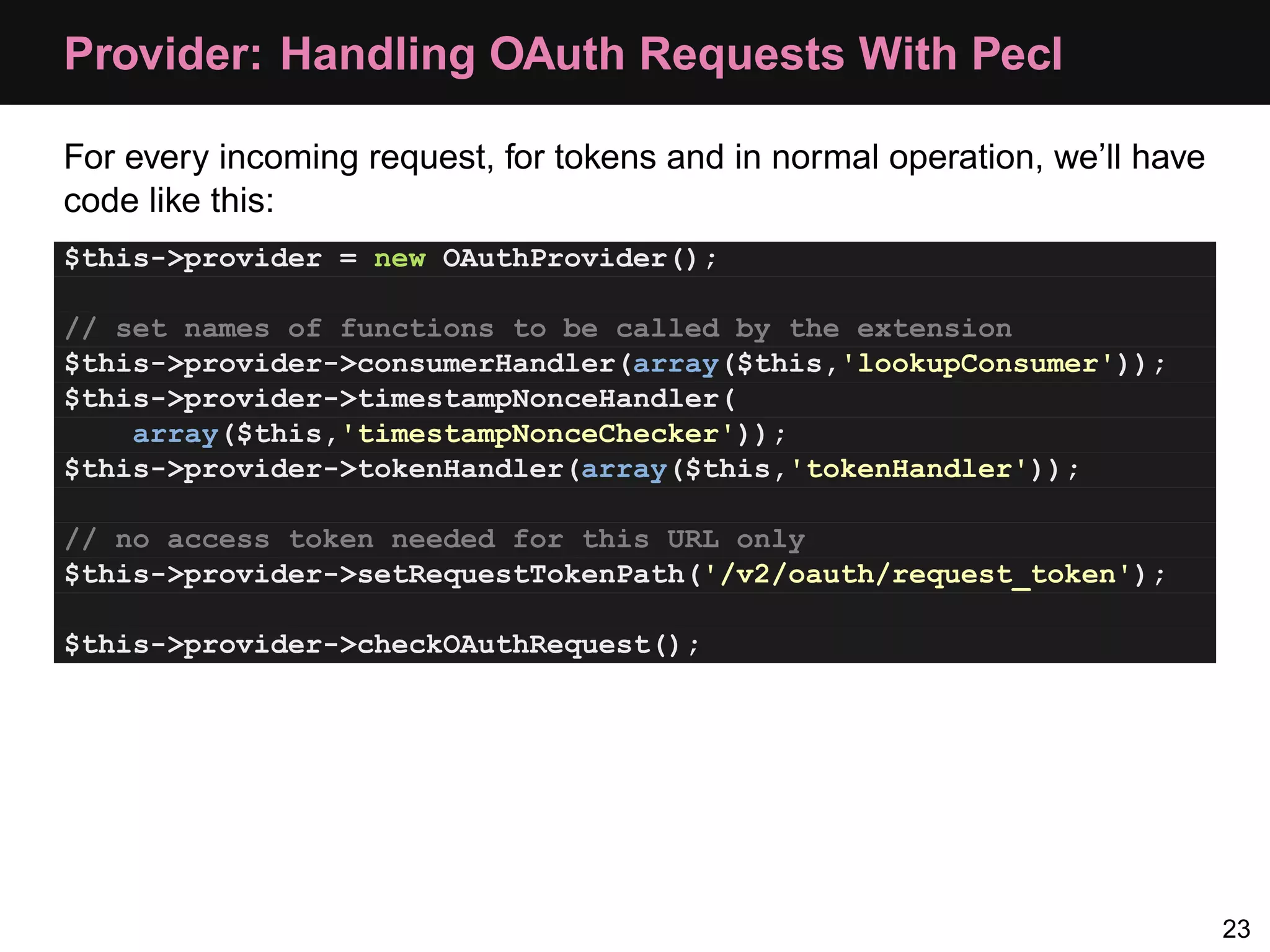
Provider: Handling OAuth Requests With Pecl For every incoming request, for tokens and in normal operation, we’ll have code like this: $this->provider = new OAuthProvider(); // set names of functions to be called by the extension $this->provider->consumerHandler(array($this,'lookupConsumer')); $this->provider->timestampNonceHandler( array($this,'timestampNonceChecker')); $this->provider->tokenHandler(array($this,'tokenHandler')); // no access token needed for this URL only $this->provider->setRequestTokenPath('/v2/oauth/request_token'); $this->provider->checkOAuthRequest(); 23
Step 1 consumer key, callback Consumer Provider request token, request secret 24
Consumer: Step 1, Request Token $config = array(); $config['request_uri'] = 'http://api.local/v2/oauth/request_token'; $config['consumer_key'] = 'akey'; $config['consumer_secret'] = 'asecret'; $oauth = new OAuth($config['consumer_key'], $config['consumer_secret'] ); $oauth->setAuthType(OAUTH_AUTH_TYPE_URI); $req = $oauth->getRequestToken($config['request_uri'], "oob"); 25
Provider: Step 1, Request Token Request • Check oauth signature and consumer key • Generate a request token and store it • Return the request token 26
Provider: Step 1, Generate Request Token Retrieve the callback, and make the token and secret: // remember we're in URI mode parse_str($_SERVER['QUERY_STRING'], &$parameters); $callback = $parameters['oauth_callback']; $request_token = bin2hex($provider->generateToken(4)); $request_token_secret = bin2hex($provider->generateToken(12)); We then simply echo the resulting variables in query format, e.g. echo 'login_url = http://api.joindin.local/user/oauth_allow?' . 'request_token = ' . $request_token . '&request_token_secret = ' . $request_token_secret . '&oauth_callback_confirmed = true'; 27
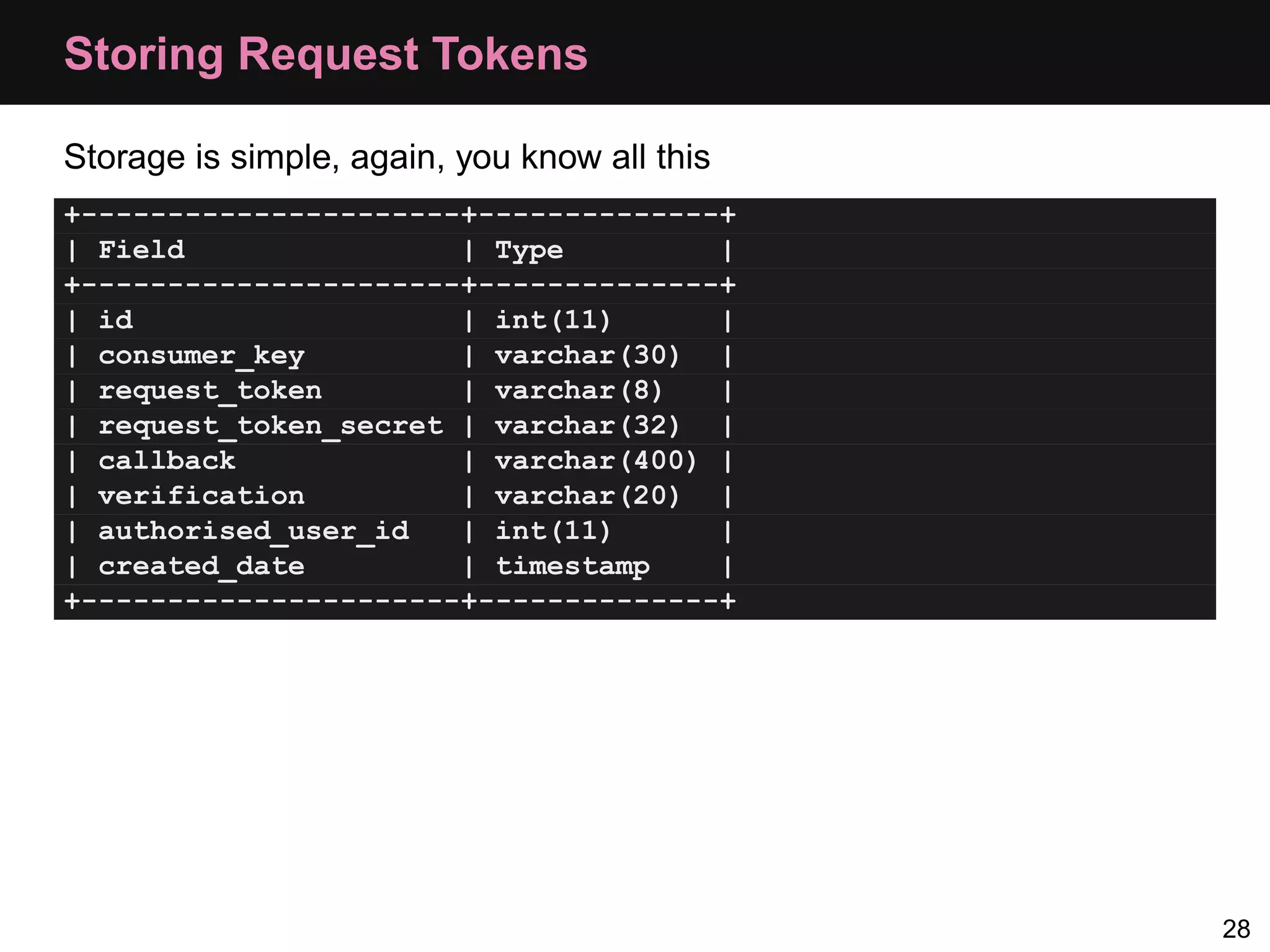
Storing Request Tokens Storage is simple, again, you know all this +----------------------+--------------+ | Field | Type | +----------------------+--------------+ | id | int(11) | | consumer_key | varchar(30) | | request_token | varchar(8) | | request_token_secret | varchar(32) | | callback | varchar(400) | | verification | varchar(20) | | authorised_user_id | int(11) | | created_date | timestamp | +----------------------+--------------+ 28
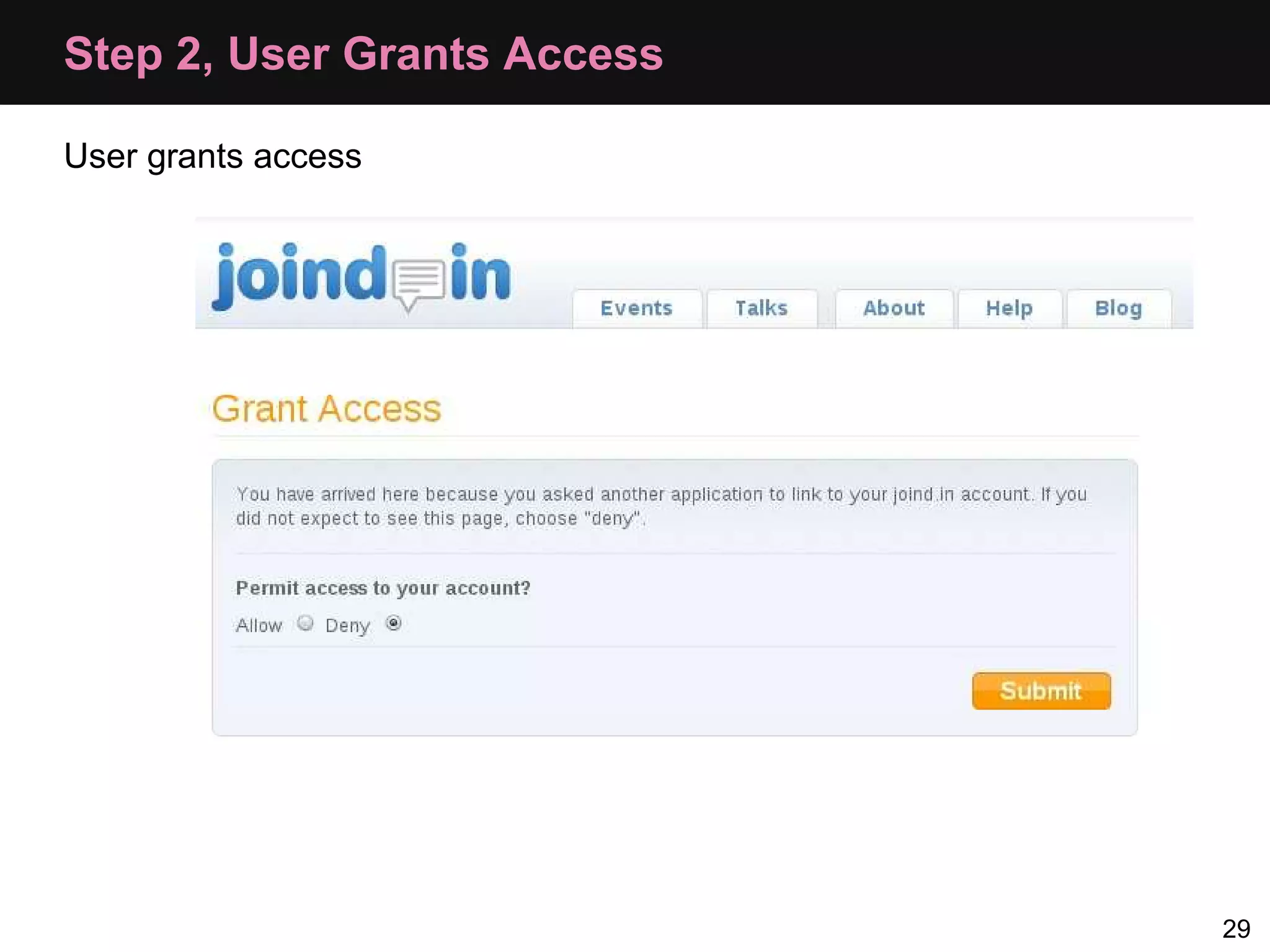
Step 2, User Grants Access User grants access 29
Provider: Step 2, Granting/Denying Access User grants access: • store user id against request token • generate a verifier code and store that too User denies access: • delete request token 30
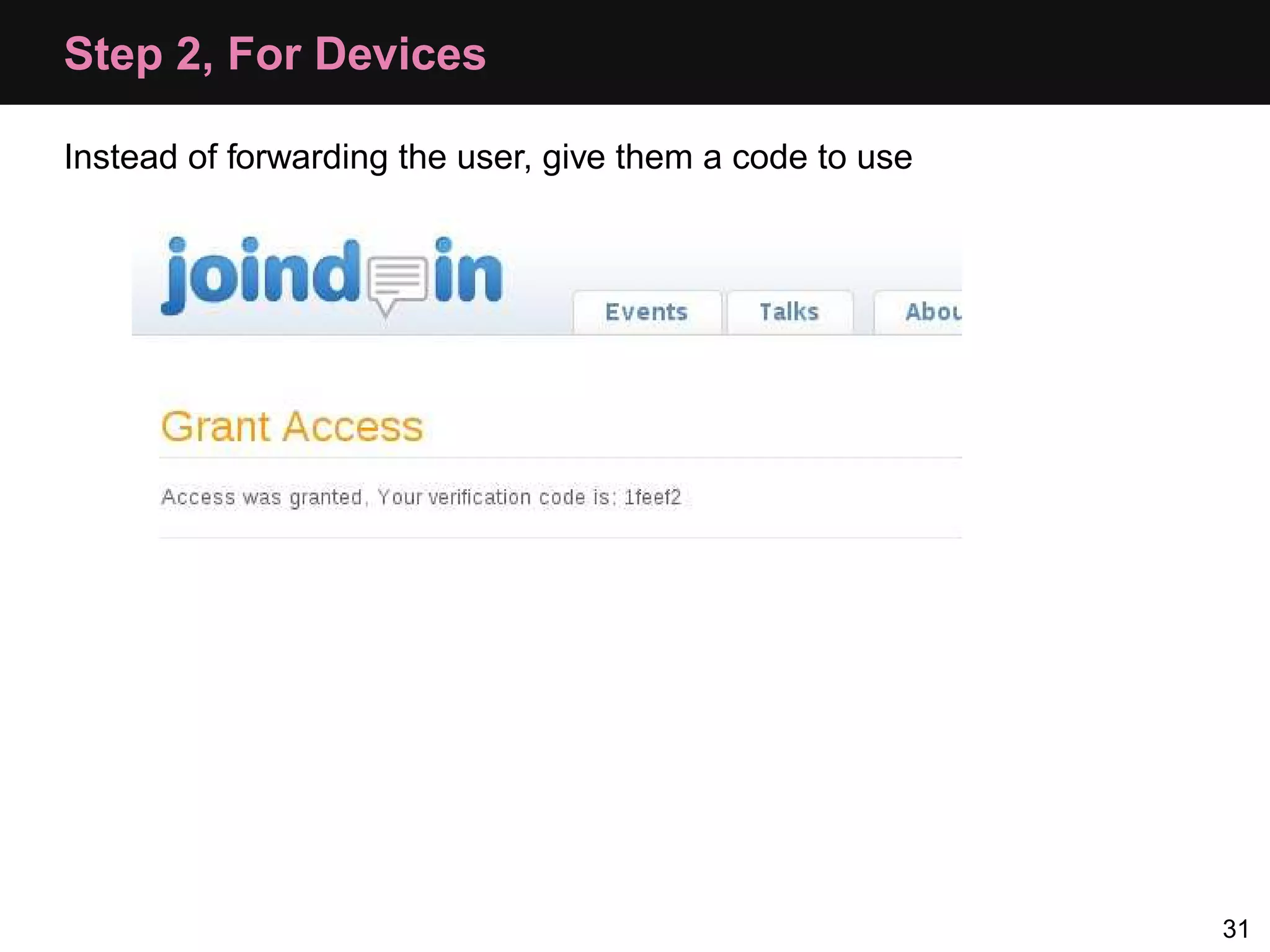
Step 2, For Devices Instead of forwarding the user, give them a code to use 31
Step 3 consumer key, request token, verifier Consumer Provider access token 32
Consumer: Step 3, Request an Access Token $oauth = new OAuth($config['consumer_key'], $config['consumer_secret']); // request token, request token secret and verification all set // by earlier steps, and loaded into $config try{ $oauth->setToken( $config['request_token'], $config['request_token_secret']); $access = $oauth->getAccessToken($config['access_uri'], null, $config['verification']); } catch (OAuthException $e) { echo $e->getMessage(); } 33
Provider: Step 3, Generate Access Token Generate and store access token and secret, then return: echo "oauth_token=" . $tokens['oauth_token'] . '&oauth_token_secret=' . $tokens['oauth_token_secret']; 34
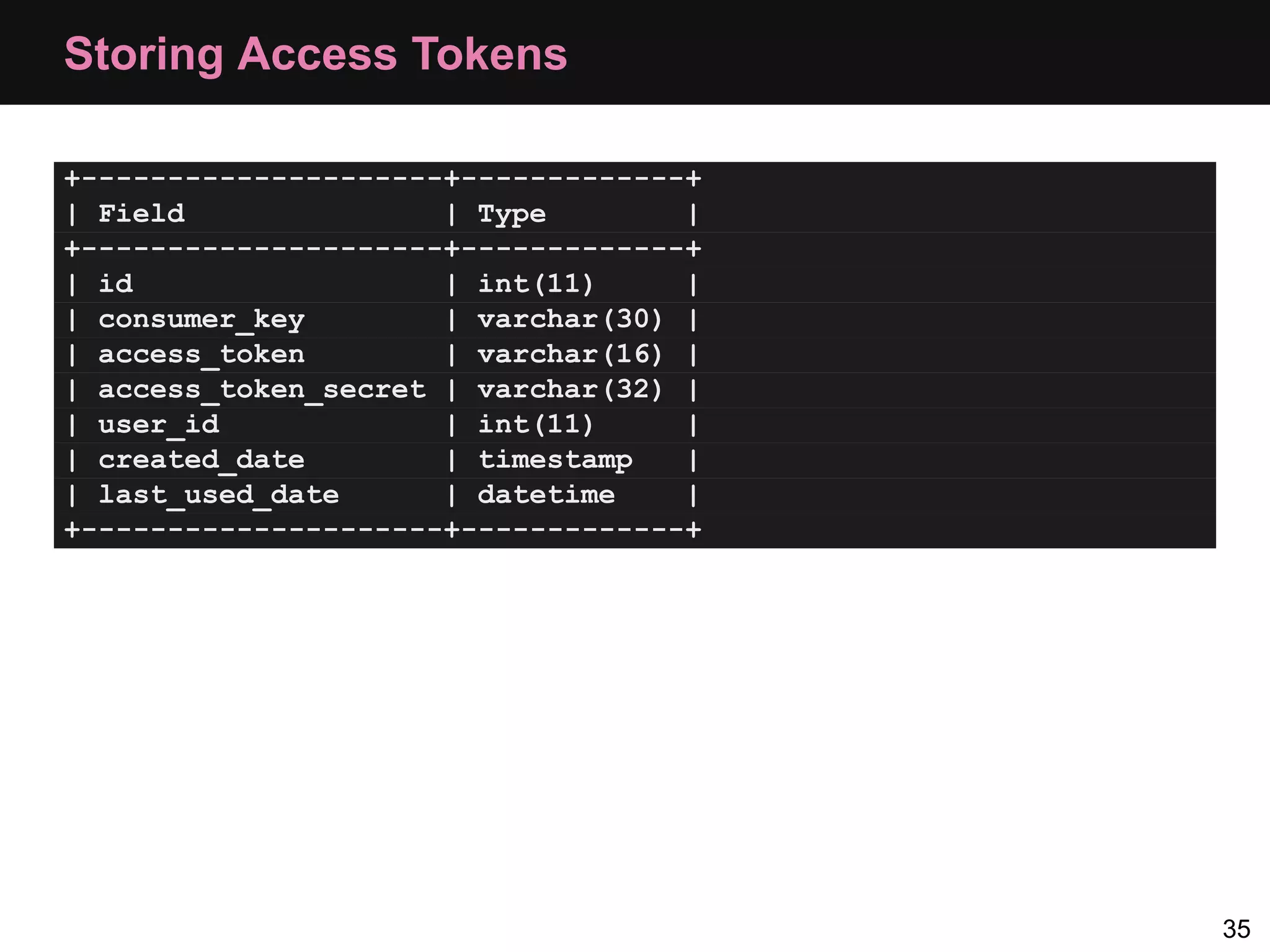
Storing Access Tokens +---------------------+-------------+ | Field | Type | +---------------------+-------------+ | id | int(11) | | consumer_key | varchar(30) | | access_token | varchar(16) | | access_token_secret | varchar(32) | | user_id | int(11) | | created_date | timestamp | | last_used_date | datetime | +---------------------+-------------+ 35
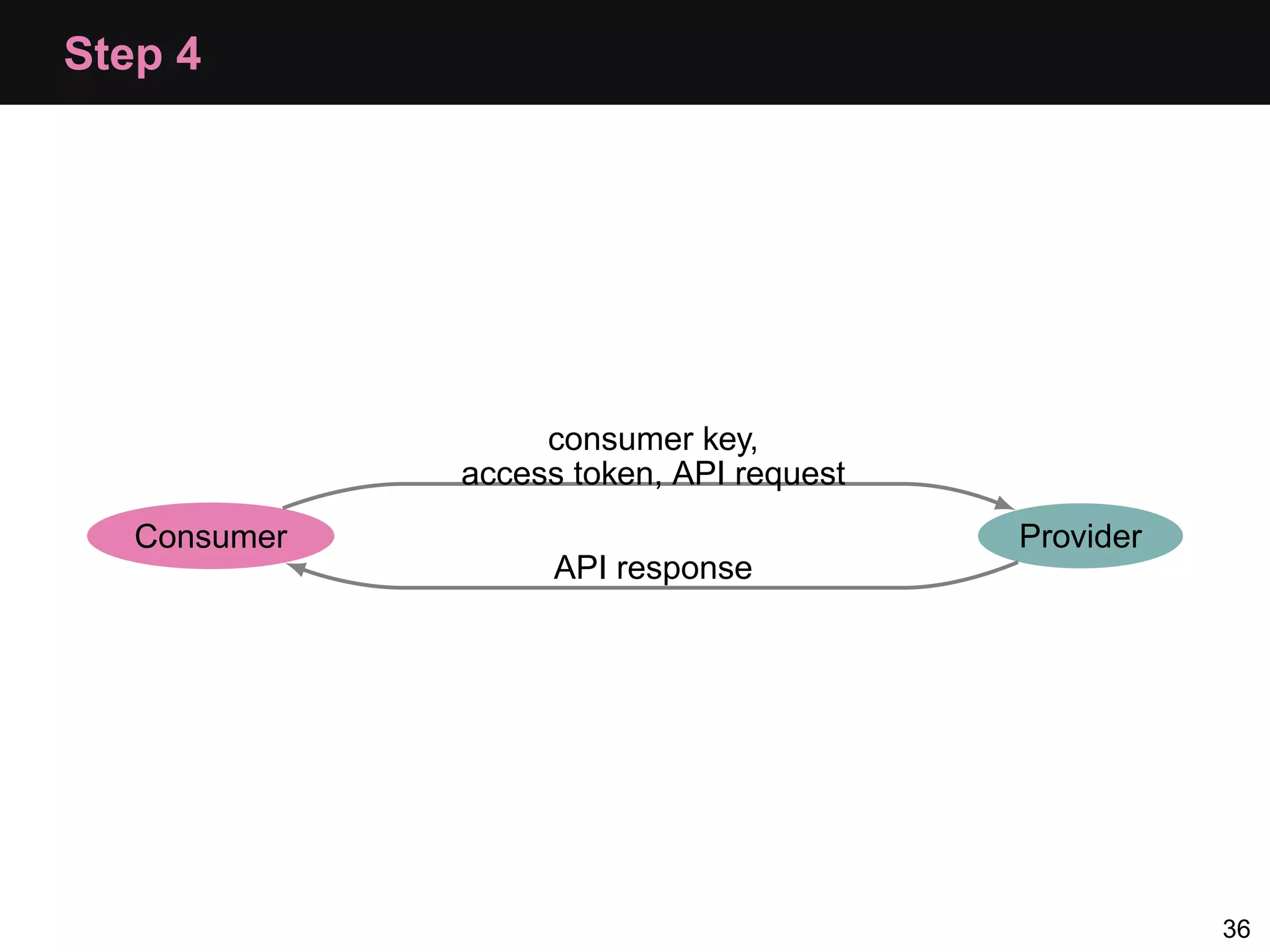
Step 4 consumer key, access token, API request Consumer Provider API response 36
Consumer: Step 4, Subsequent Requests $oauth = new OAuth($config['consumer_key'], $config['consumer_secret']); // from the getAccessToken call $oauth->setToken($oauth_token, $oauth_token_secret); $result = $oauth->fetch("http://api.local/usual/call/here"); if($result) { $response = $oauth->getLastResponse(); } 37
Debugging • For pecl_oauth: • Use OAuth::enableDebug() to turn on verbose debugging • The debug information is available in OAuth::debugInfo • For the provider, use OAuthProvider::reportProblem() • Wireshark or Charles Proxy • http://www.wireshark.org/ • http://www.charlesproxy.com/ 38
Other OAuth Types
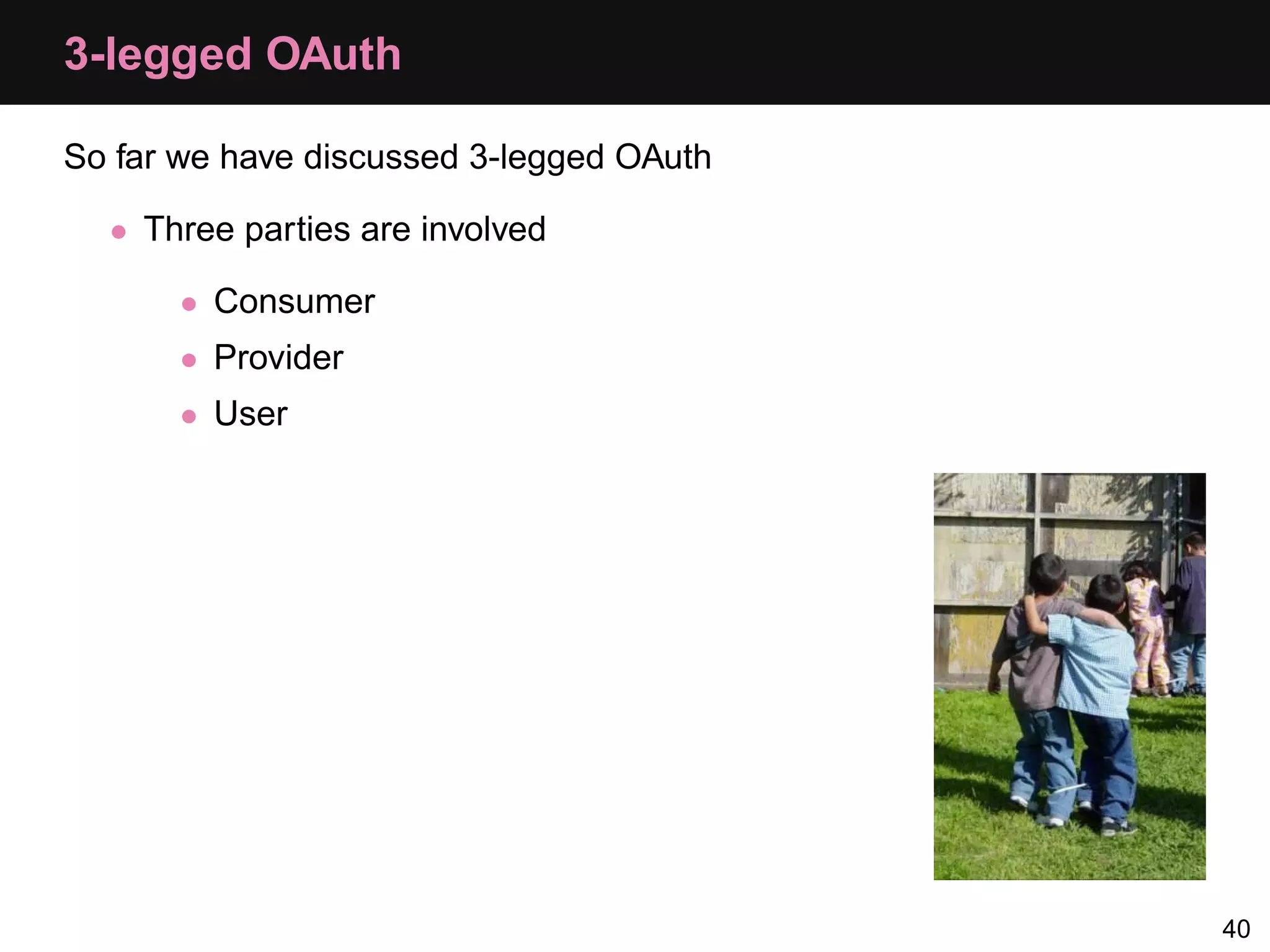
3-legged OAuth So far we have discussed 3-legged OAuth • Three parties are involved • Consumer • Provider • User 40
2-legged OAuth 2-legged OAuth is also an option • Only two parties involved now • Provider • User/Client • Step 0: User signs up for credentials similar to consumer key/secret • Step 4: User makes request using • their key and secret • empty token details 41
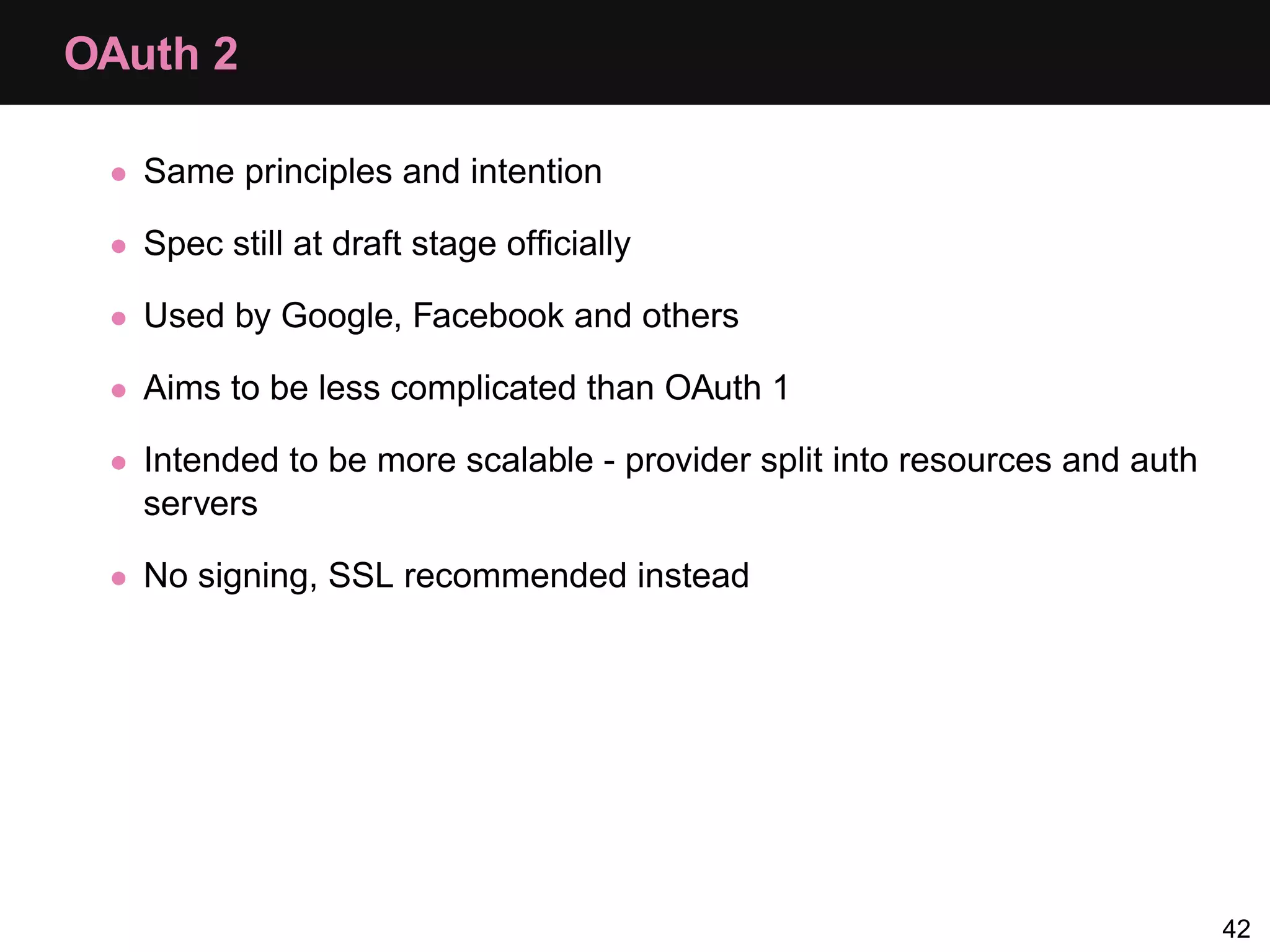
OAuth 2 • Same principles and intention • Spec still at draft stage officially • Used by Google, Facebook and others • Aims to be less complicated than OAuth 1 • Intended to be more scalable - provider split into resources and auth servers • No signing, SSL recommended instead 42
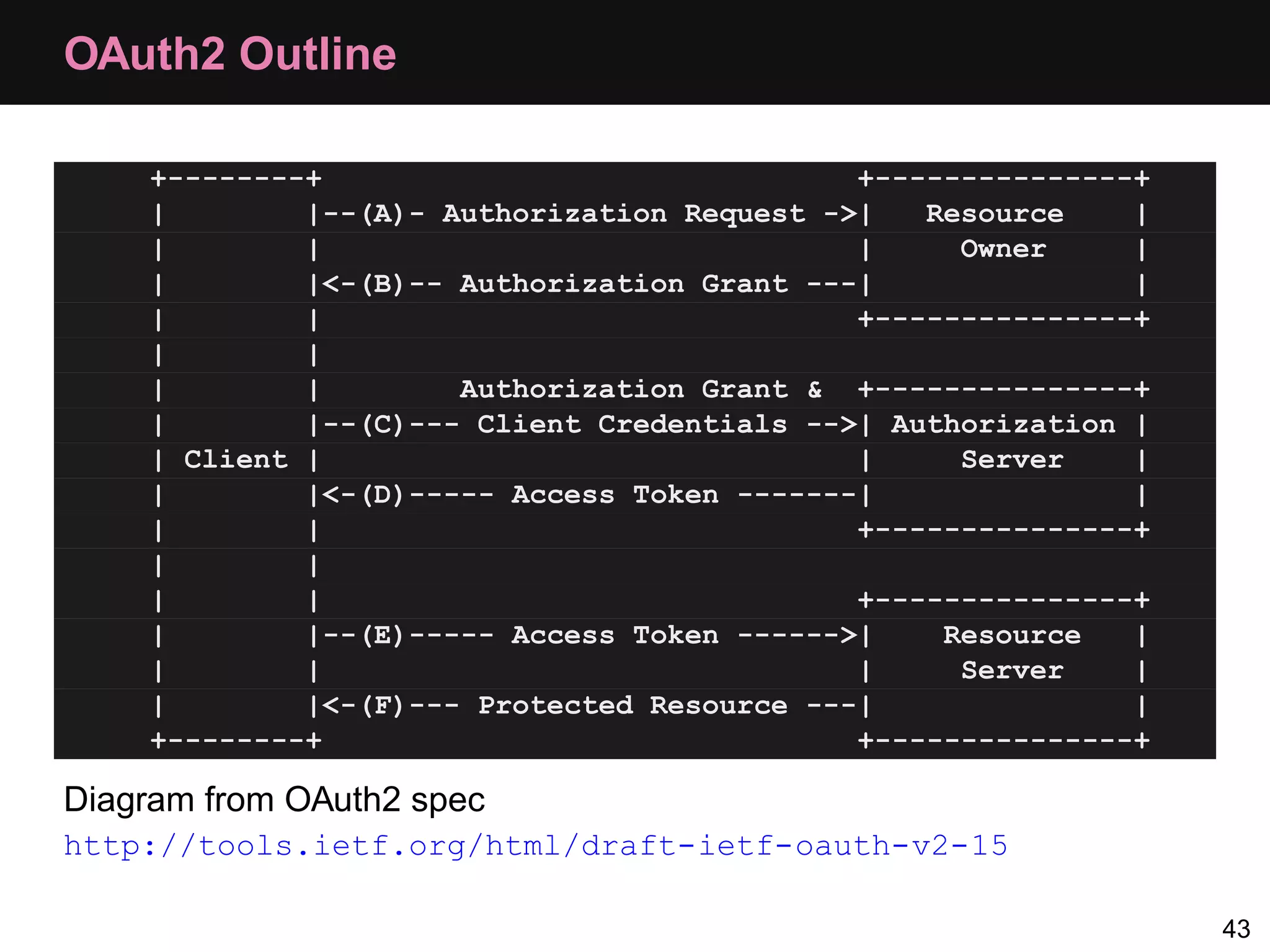
OAuth2 Outline +--------+ +---------------+ | |--(A)- Authorization Request ->| Resource | | | | Owner | | |<-(B)-- Authorization Grant ---| | | | +---------------+ | | | | Authorization Grant & +---------------+ | |--(C)--- Client Credentials -->| Authorization | | Client | | Server | | |<-(D)----- Access Token -------| | | | +---------------+ | | | | +---------------+ | |--(E)----- Access Token ------>| Resource | | | | Server | | |<-(F)--- Protected Resource ---| | +--------+ +---------------+ Diagram from OAuth2 spec http://tools.ietf.org/html/draft-ietf-oauth-v2-15 43
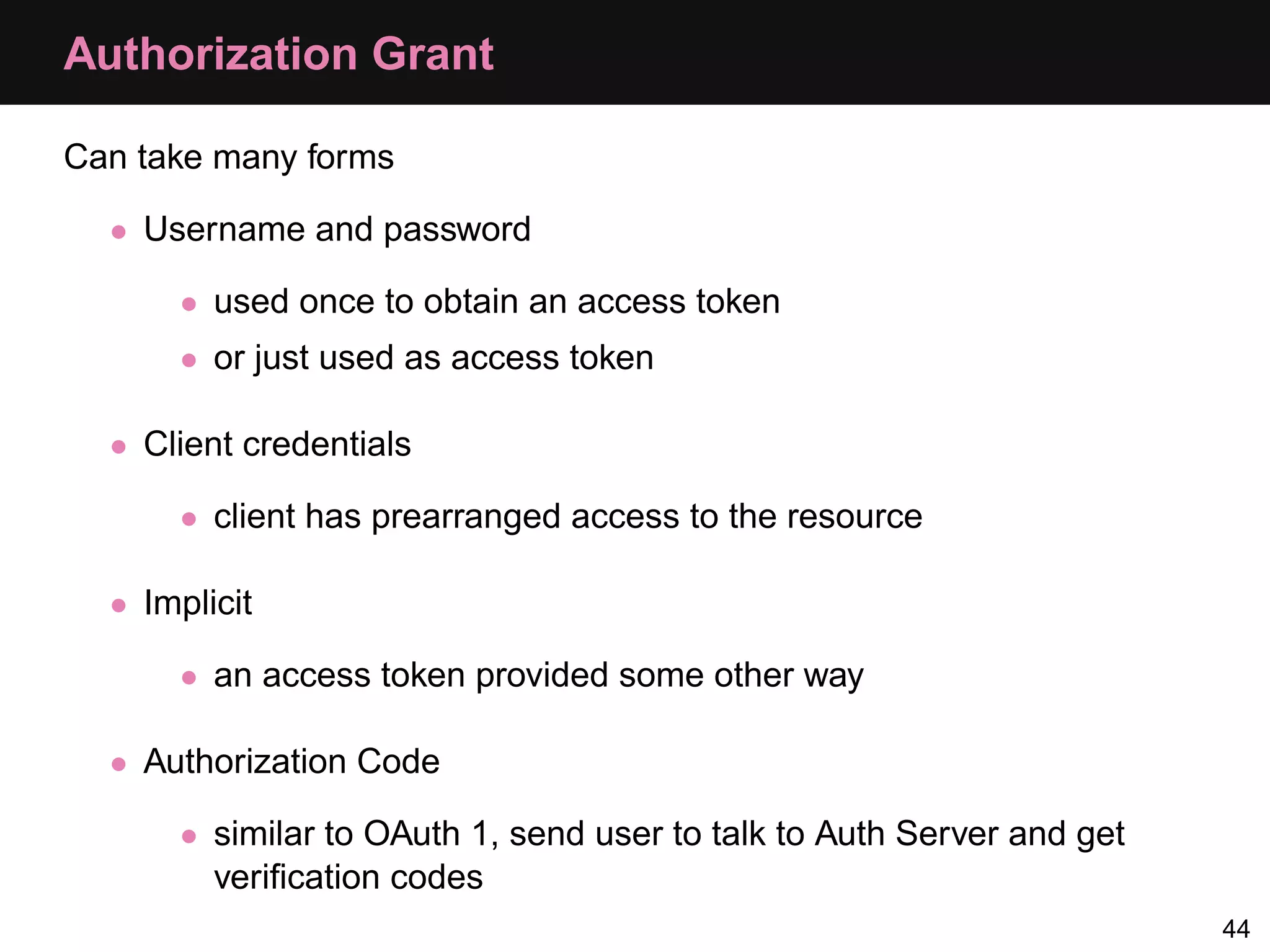
Authorization Grant Can take many forms • Username and password • used once to obtain an access token • or just used as access token • Client credentials • client has prearranged access to the resource • Implicit • an access token provided some other way • Authorization Code • similar to OAuth 1, send user to talk to Auth Server and get verification codes 44
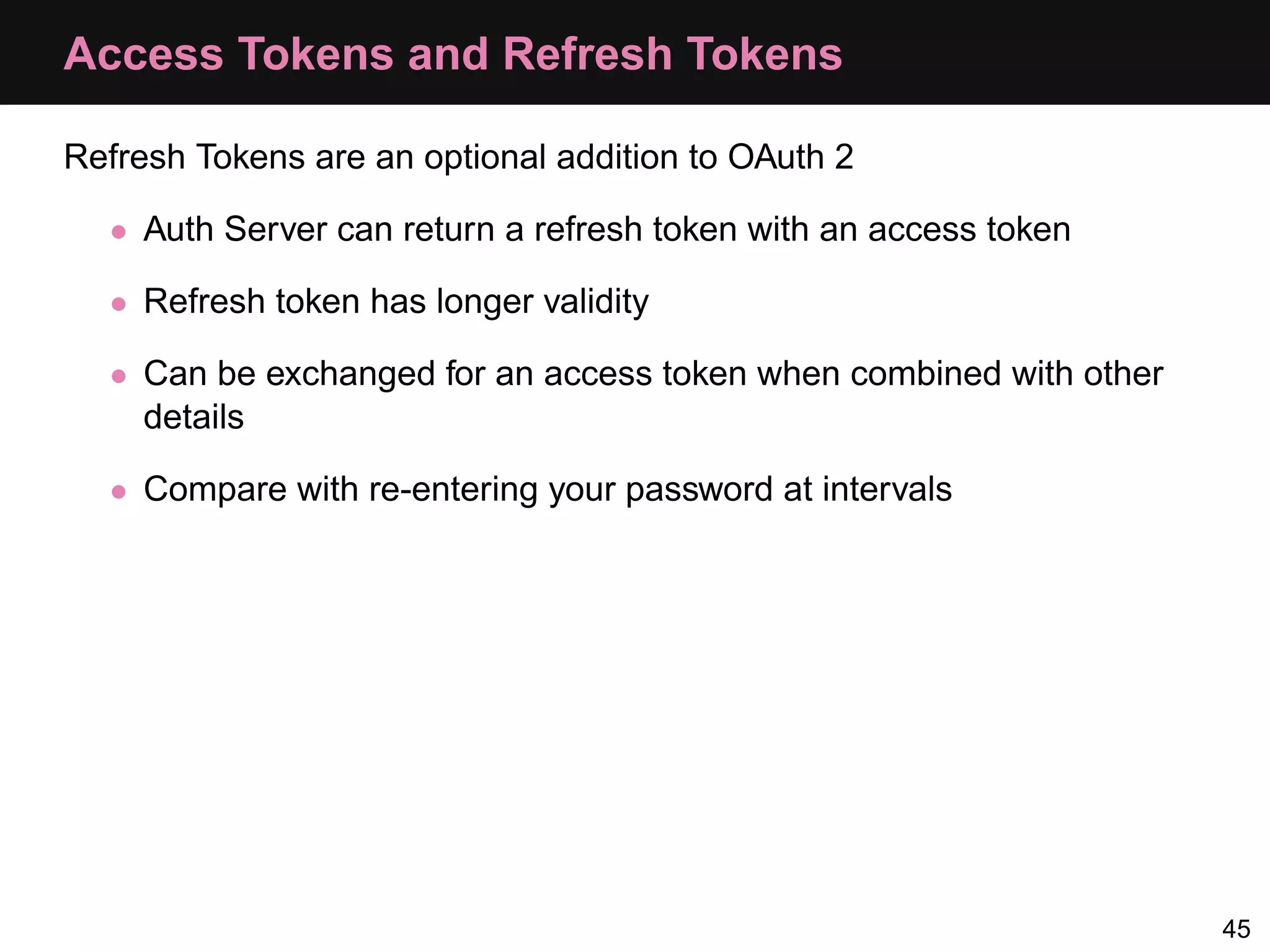
Access Tokens and Refresh Tokens Refresh Tokens are an optional addition to OAuth 2 • Auth Server can return a refresh token with an access token • Refresh token has longer validity • Can be exchanged for an access token when combined with other details • Compare with re-entering your password at intervals 45
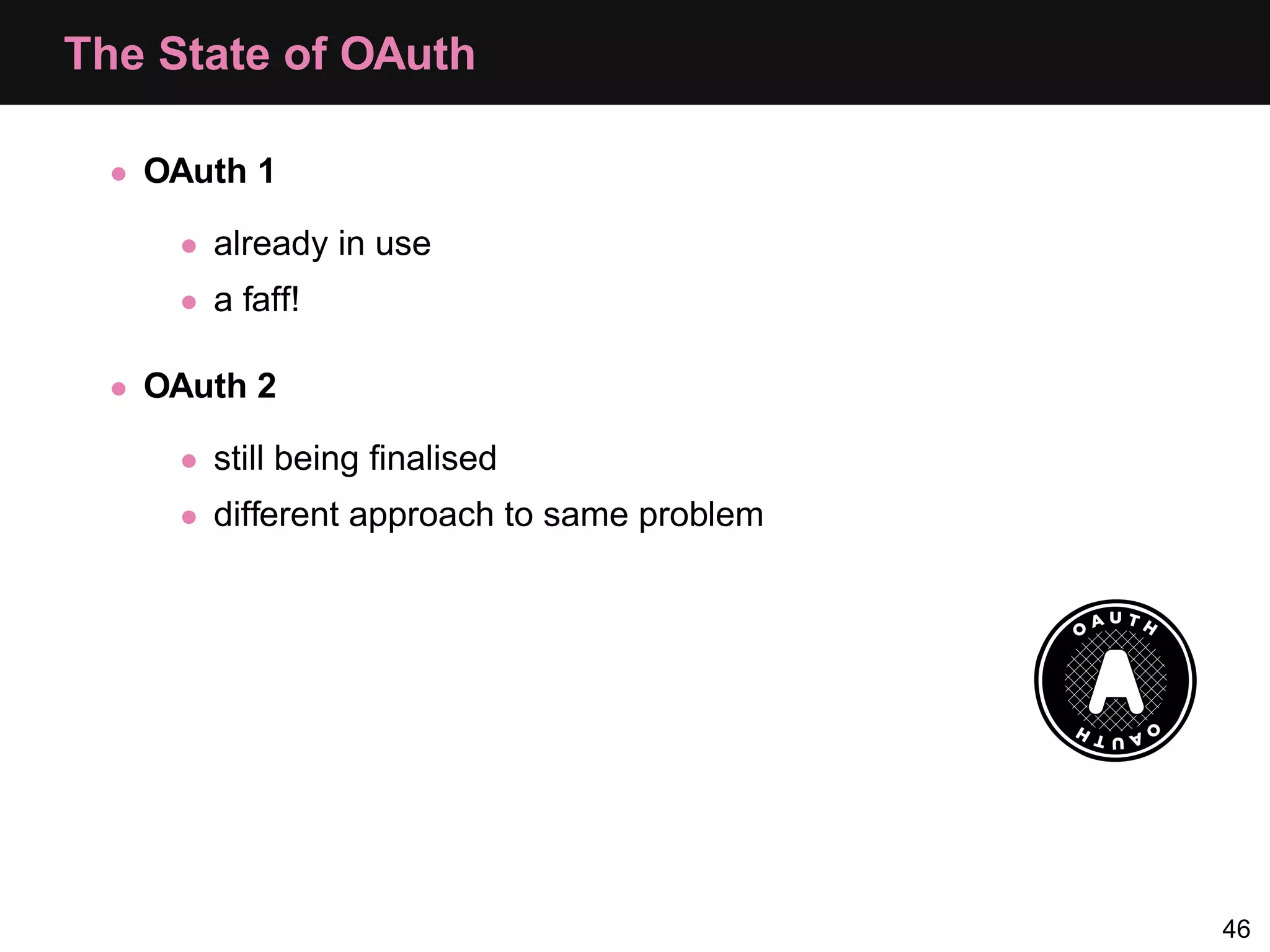
The State of OAuth • OAuth 1 • already in use • a faff! • OAuth 2 • still being finalised • different approach to same problem 46
Questions?
Resources • PHP Manual: http://uk2.php.net/manual/en/book.oauth.php • Rasmus’ OAuth Provider Example: http://bit.ly/i76Tzx • Yahoo Developer Network Documentation: http://developer.yahoo.com/oauth/guide/ • Eran Hammer-Lahav’s blog: http://hueniverse.com • 2-legged OAuth post: http://bit.ly/ejQRoK • OAuth 2 Draft Spec: http://tools.ietf.org/html/draft-ietf-oauth-v2-15 48
Thanks! Thanks! http://joind.in/3243/ @lornajane http://lornajane.net/ 49

Oauth Php App

  • 1.
  • 2.
    About Me •Lorna Jane Mitchell • PHP Consultant/Developer • Occasional writer/speaker/trainer • Twitter: @lornajane • Website: http://lornajane.net 2
  • 3.
    About Me •Lorna Jane Mitchell • PHP Consultant/Developer • Occasional writer/speaker/trainer • Twitter: @lornajane • Website: http://lornajane.net • I am excited about OAuth :) 2
  • 4.
    About This Talk • Covering OAuth1 and OAuth2 • OAuth1 needs more explanation • OAuth v1.0a is current stable • OAuth2 in use by Google, Facebook and others • Ask questions at any time 3
  • 5.
    About OAuth •Provider has User data • User wants data to be available to 3rd party • User tells Provider to grant access to Consumer • Access may be limited • User can revoke at any time • Provider can distinguish between User and Consumer 4
  • 6.
    OAuth Terminology Provider The app with the interesting data Consumer The app that wants the data User Who the data belongs to Token Random string Secret Another random string, linked to a token Verifier Another random string 5
  • 7.
  • 8.
  • 9.
    Dance Steps •Step 0: Register as a consumer • Step 1: Get a request token • Step 2: Send the user to authenticate • Step 3: Swap their verification for an access token • Step 4: Consume data 8
  • 10.
    Step 0: Register • Akin to registering for an API key • Introduce the Provider and Consumer 9
  • 11.
    Step 1: GetA Request Token Consumer asks for a request token from the Provider’s request token endpoint, specifying the callback URL We give the token to the user and send them to log in 10
  • 12.
    Step 2: UserGrants Access We send the user to the Provider, with the request token, to log in 11
  • 13.
    Step 2: UserGrants Access We send the user to the Provider, with the request token, to log in The Provider returns them to us, at the callback URL, with a verifier code 11
  • 14.
    Devices Where CallbackWon’t Work It is hard to forward a user from a browser back to an app • Instead we use "oob" as the callback parameter • Provider displays verifier on screen • User types code into app manually 12
  • 15.
    Step 3: Getan Access Token Consumer makes a request to Provider’s access token endpoint with: • Consumer key • Request token • Verifier 13
  • 16.
    Step 3: Getan Access Token Consumer makes a request to Provider’s access token endpoint with: • Consumer key • Request token • Verifier 13
  • 17.
  • 18.
    Transmitting OAuth Parameters Wehave three choices: • As query parameters on the URL • Use an Authorization Header • Include the data as POST data 15
  • 19.
    OAuth Request TokenFields Asking for a request token looks like this: https://api.login.yahoo.com/oauth/v2/ get_request_token?oauth_nonce=ce2130523f788f313f76314ed3965ea6 &oauth_timestamp=1202956957 &oauth_consumer_key=123456891011121314151617181920 &oauth_signature_method=plaintext &oauth_signature=abcdef &oauth_version=1.0 &oauth_callback="http://yoursite.com/callback" http://developer.yahoo.com/oauth/guide/oauth-requesttoken.html We supplied the oauth_consumer_key and oauth_callback but what are these other fields? 16
  • 20.
    OAuth Request TokenFields • signature method: How the request is signed. Typically plaintext or HMAC-SHA1 17
  • 21.
    OAuth Request TokenFields • signature method: How the request is signed. Typically plaintext or HMAC-SHA1 • nonce: Cryptographic term meaning "Number Used Once". We think of a number, then throw it away 17
  • 22.
    OAuth Request TokenFields • signature method: How the request is signed. Typically plaintext or HMAC-SHA1 • nonce: Cryptographic term meaning "Number Used Once". We think of a number, then throw it away • timestamp: Number of seconds since the epoch 17
  • 23.
    OAuth Request TokenFields • signature method: How the request is signed. Typically plaintext or HMAC-SHA1 • nonce: Cryptographic term meaning "Number Used Once". We think of a number, then throw it away • timestamp: Number of seconds since the epoch • version: 1.0 in this instance (more on OAuth2 later) 17
  • 24.
    OAuth Request TokenFields • signature method: How the request is signed. Typically plaintext or HMAC-SHA1 • nonce: Cryptographic term meaning "Number Used Once". We think of a number, then throw it away • timestamp: Number of seconds since the epoch • version: 1.0 in this instance (more on OAuth2 later) • signature: 17
  • 25.
    OAuth Request TokenFields • signature method: How the request is signed. Typically plaintext or HMAC-SHA1 • nonce: Cryptographic term meaning "Number Used Once". We think of a number, then throw it away • timestamp: Number of seconds since the epoch • version: 1.0 in this instance (more on OAuth2 later) • signature: If you care, read this: http://bit.ly/gTJGPZ 17
  • 26.
  • 27.
    OAuth Tools PHP toolsfor OAuth: • Pecl OAuth • http://uk2.php.net/manual/en/class.oauth.php • Talk examples use this • Zend OAuth • http://framework.zend.com/manual/en/zend.oauth.html 19
  • 28.
    Providing and ConsumingOAuth • Consuming: • relatively easy • used for authenticating against e.g. twitter • Providing: • more overhead than consuming • great way to give access to applications • needs multiple pages and endpoints as well as the API itself Provider code with dark background Consumer code with a blue background 20
  • 29.
    Provider: Auxiliary WebPages There are some additional functions to provide as a provider: • Consumer signup page, like an API key • User authorisation step to allow/deny access for this consumer • Rights management page so users can control/revoke access later 21
  • 30.
    Provider: Step 0,Consumer Keys This is straightforward • Generate a key and a secret, store them • Return them to the consumer to use • Can use OAuth libraries, or not $hash = sha1(mt_rand()); // there are many ways to do this $consumer_key = substr($hash,0,30); $consumer_secret = substr($hash,30,10); 22
  • 31.
    Provider: Handling OAuthRequests With Pecl For every incoming request, for tokens and in normal operation, we’ll have code like this: $this->provider = new OAuthProvider(); // set names of functions to be called by the extension $this->provider->consumerHandler(array($this,'lookupConsumer')); $this->provider->timestampNonceHandler( array($this,'timestampNonceChecker')); $this->provider->tokenHandler(array($this,'tokenHandler')); // no access token needed for this URL only $this->provider->setRequestTokenPath('/v2/oauth/request_token'); $this->provider->checkOAuthRequest(); 23
  • 32.
    Step 1 consumer key, callback Consumer Provider request token, request secret 24
  • 33.
    Consumer: Step 1,Request Token $config = array(); $config['request_uri'] = 'http://api.local/v2/oauth/request_token'; $config['consumer_key'] = 'akey'; $config['consumer_secret'] = 'asecret'; $oauth = new OAuth($config['consumer_key'], $config['consumer_secret'] ); $oauth->setAuthType(OAUTH_AUTH_TYPE_URI); $req = $oauth->getRequestToken($config['request_uri'], "oob"); 25
  • 34.
    Provider: Step 1,Request Token Request • Check oauth signature and consumer key • Generate a request token and store it • Return the request token 26
  • 35.
    Provider: Step 1,Generate Request Token Retrieve the callback, and make the token and secret: // remember we're in URI mode parse_str($_SERVER['QUERY_STRING'], &$parameters); $callback = $parameters['oauth_callback']; $request_token = bin2hex($provider->generateToken(4)); $request_token_secret = bin2hex($provider->generateToken(12)); We then simply echo the resulting variables in query format, e.g. echo 'login_url = http://api.joindin.local/user/oauth_allow?' . 'request_token = ' . $request_token . '&request_token_secret = ' . $request_token_secret . '&oauth_callback_confirmed = true'; 27
  • 36.
    Storing Request Tokens Storageis simple, again, you know all this +----------------------+--------------+ | Field | Type | +----------------------+--------------+ | id | int(11) | | consumer_key | varchar(30) | | request_token | varchar(8) | | request_token_secret | varchar(32) | | callback | varchar(400) | | verification | varchar(20) | | authorised_user_id | int(11) | | created_date | timestamp | +----------------------+--------------+ 28
  • 37.
    Step 2, UserGrants Access User grants access 29
  • 38.
    Provider: Step 2,Granting/Denying Access User grants access: • store user id against request token • generate a verifier code and store that too User denies access: • delete request token 30
  • 39.
    Step 2, ForDevices Instead of forwarding the user, give them a code to use 31
  • 40.
    Step 3 consumer key, request token, verifier Consumer Provider access token 32
  • 41.
    Consumer: Step 3,Request an Access Token $oauth = new OAuth($config['consumer_key'], $config['consumer_secret']); // request token, request token secret and verification all set // by earlier steps, and loaded into $config try{ $oauth->setToken( $config['request_token'], $config['request_token_secret']); $access = $oauth->getAccessToken($config['access_uri'], null, $config['verification']); } catch (OAuthException $e) { echo $e->getMessage(); } 33
  • 42.
    Provider: Step 3,Generate Access Token Generate and store access token and secret, then return: echo "oauth_token=" . $tokens['oauth_token'] . '&oauth_token_secret=' . $tokens['oauth_token_secret']; 34
  • 43.
    Storing Access Tokens +---------------------+-------------+ |Field | Type | +---------------------+-------------+ | id | int(11) | | consumer_key | varchar(30) | | access_token | varchar(16) | | access_token_secret | varchar(32) | | user_id | int(11) | | created_date | timestamp | | last_used_date | datetime | +---------------------+-------------+ 35
  • 44.
    Step 4 consumer key, access token, API request Consumer Provider API response 36
  • 45.
    Consumer: Step 4,Subsequent Requests $oauth = new OAuth($config['consumer_key'], $config['consumer_secret']); // from the getAccessToken call $oauth->setToken($oauth_token, $oauth_token_secret); $result = $oauth->fetch("http://api.local/usual/call/here"); if($result) { $response = $oauth->getLastResponse(); } 37
  • 46.
    Debugging • Forpecl_oauth: • Use OAuth::enableDebug() to turn on verbose debugging • The debug information is available in OAuth::debugInfo • For the provider, use OAuthProvider::reportProblem() • Wireshark or Charles Proxy • http://www.wireshark.org/ • http://www.charlesproxy.com/ 38
  • 47.
  • 48.
    3-legged OAuth So farwe have discussed 3-legged OAuth • Three parties are involved • Consumer • Provider • User 40
  • 49.
    2-legged OAuth 2-legged OAuthis also an option • Only two parties involved now • Provider • User/Client • Step 0: User signs up for credentials similar to consumer key/secret • Step 4: User makes request using • their key and secret • empty token details 41
  • 50.
    OAuth 2 •Same principles and intention • Spec still at draft stage officially • Used by Google, Facebook and others • Aims to be less complicated than OAuth 1 • Intended to be more scalable - provider split into resources and auth servers • No signing, SSL recommended instead 42
  • 51.
    OAuth2 Outline +--------+ +---------------+ | |--(A)- Authorization Request ->| Resource | | | | Owner | | |<-(B)-- Authorization Grant ---| | | | +---------------+ | | | | Authorization Grant & +---------------+ | |--(C)--- Client Credentials -->| Authorization | | Client | | Server | | |<-(D)----- Access Token -------| | | | +---------------+ | | | | +---------------+ | |--(E)----- Access Token ------>| Resource | | | | Server | | |<-(F)--- Protected Resource ---| | +--------+ +---------------+ Diagram from OAuth2 spec http://tools.ietf.org/html/draft-ietf-oauth-v2-15 43
  • 52.
    Authorization Grant Can takemany forms • Username and password • used once to obtain an access token • or just used as access token • Client credentials • client has prearranged access to the resource • Implicit • an access token provided some other way • Authorization Code • similar to OAuth 1, send user to talk to Auth Server and get verification codes 44
  • 53.
    Access Tokens andRefresh Tokens Refresh Tokens are an optional addition to OAuth 2 • Auth Server can return a refresh token with an access token • Refresh token has longer validity • Can be exchanged for an access token when combined with other details • Compare with re-entering your password at intervals 45
  • 54.
    The State ofOAuth • OAuth 1 • already in use • a faff! • OAuth 2 • still being finalised • different approach to same problem 46
  • 55.
  • 56.
    Resources • PHPManual: http://uk2.php.net/manual/en/book.oauth.php • Rasmus’ OAuth Provider Example: http://bit.ly/i76Tzx • Yahoo Developer Network Documentation: http://developer.yahoo.com/oauth/guide/ • Eran Hammer-Lahav’s blog: http://hueniverse.com • 2-legged OAuth post: http://bit.ly/ejQRoK • OAuth 2 Draft Spec: http://tools.ietf.org/html/draft-ietf-oauth-v2-15 48
  • 57.
    Thanks! Thanks! http://joind.in/3243/ @lornajane http://lornajane.net/ 49