PHP Profiling/performance
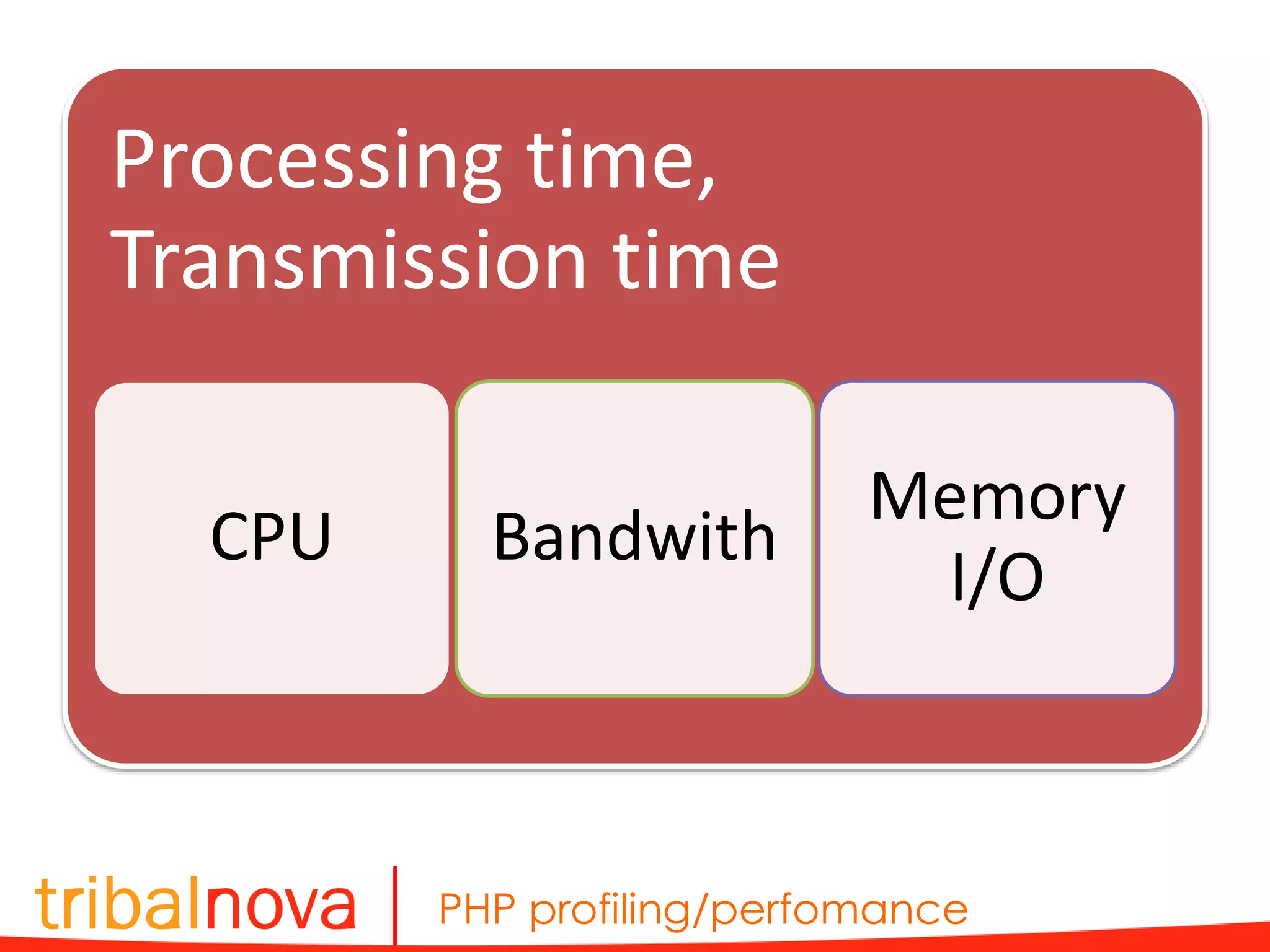
PHP profiling/perfomance Processing time, Transmission time CPU Bandwith Memory I/O
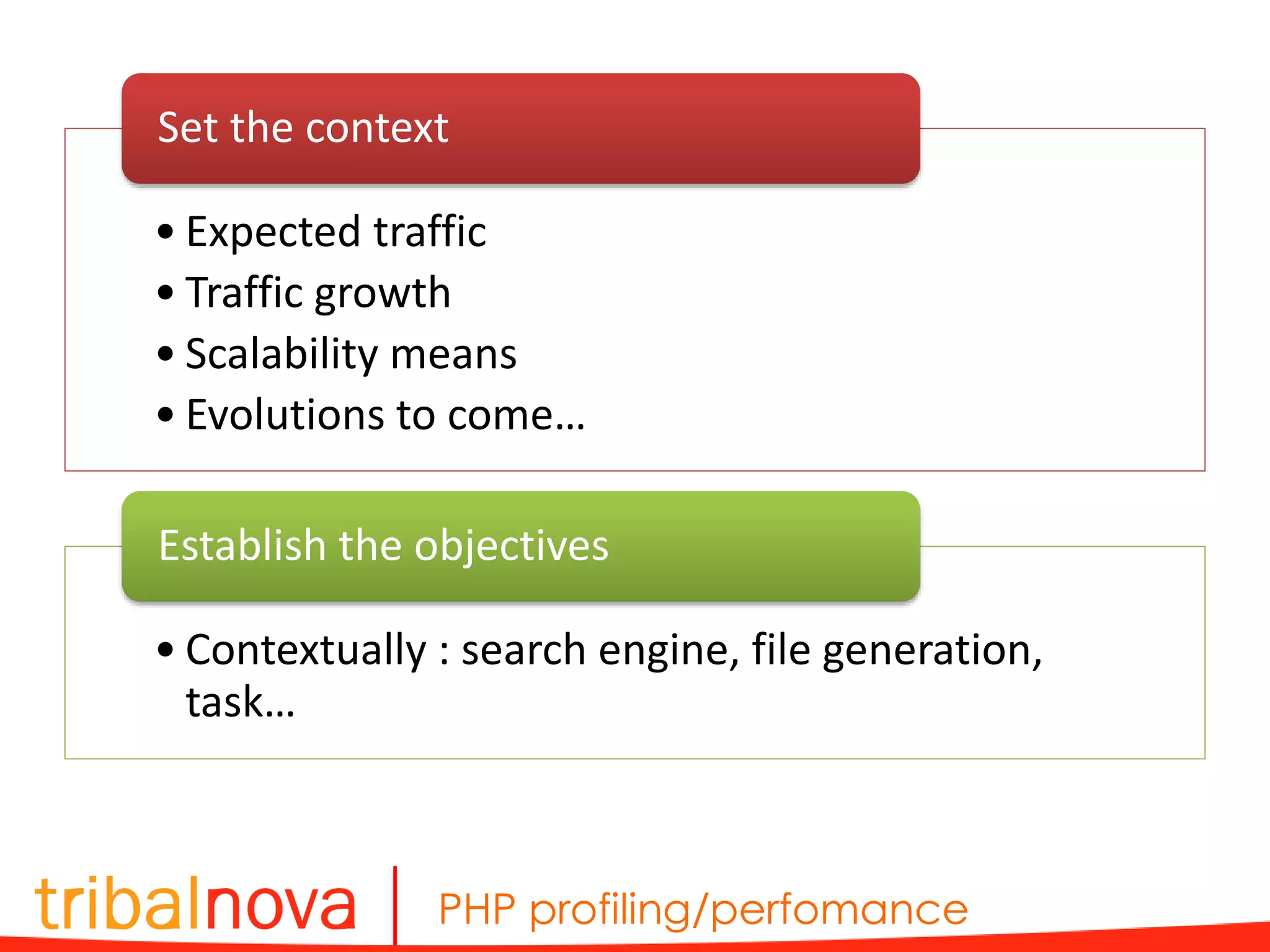
PHP profiling/perfomance • Expected traffic • Traffic growth • Scalability means • Evolutions to come… Set the context • Contextually : search engine, file generation, task… Establish the objectives
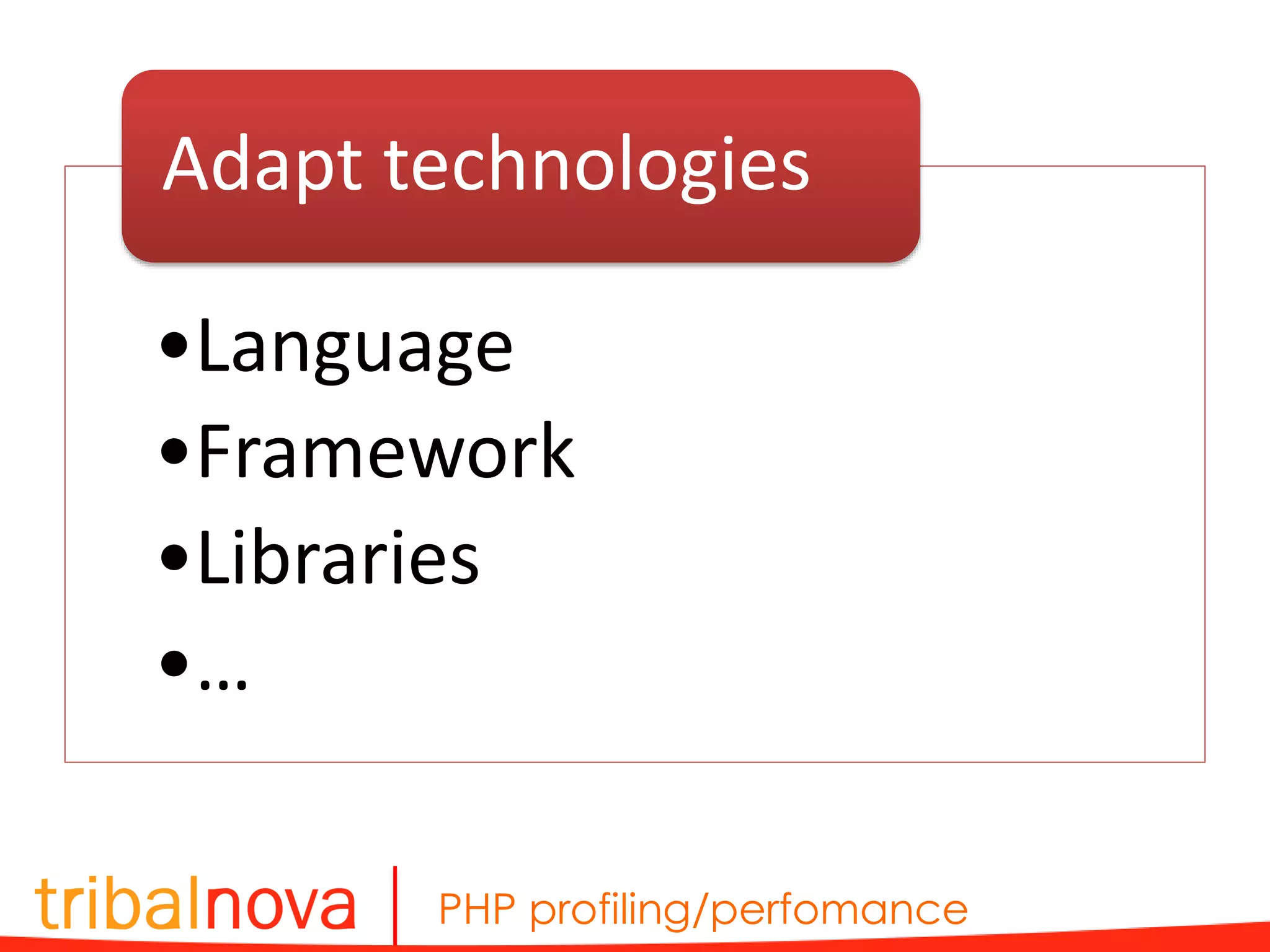
PHP profiling/perfomance •Language •Framework •Libraries •… Adapt technologies
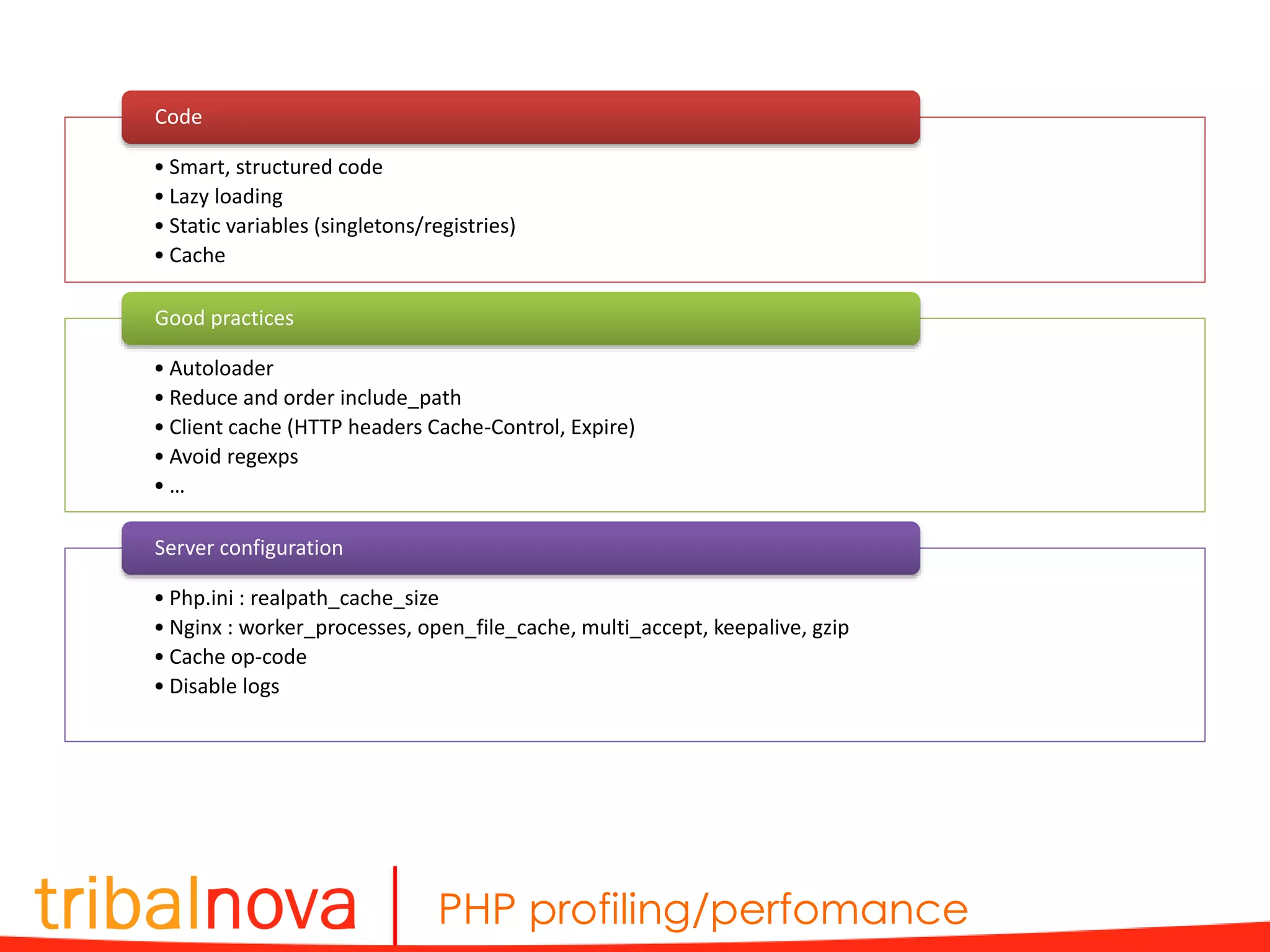
PHP profiling/perfomance • Smart, structured code • Lazy loading • Static variables (singletons/registries) • Cache Code • Autoloader • Reduce and order include_path • Client cache (HTTP headers Cache-Control, Expire) • Avoid regexps • … Good practices • Php.ini : realpath_cache_size • Nginx : worker_processes, open_file_cache, multi_accept, keepalive, gzip • Cache op-code • Disable logs Server configuration
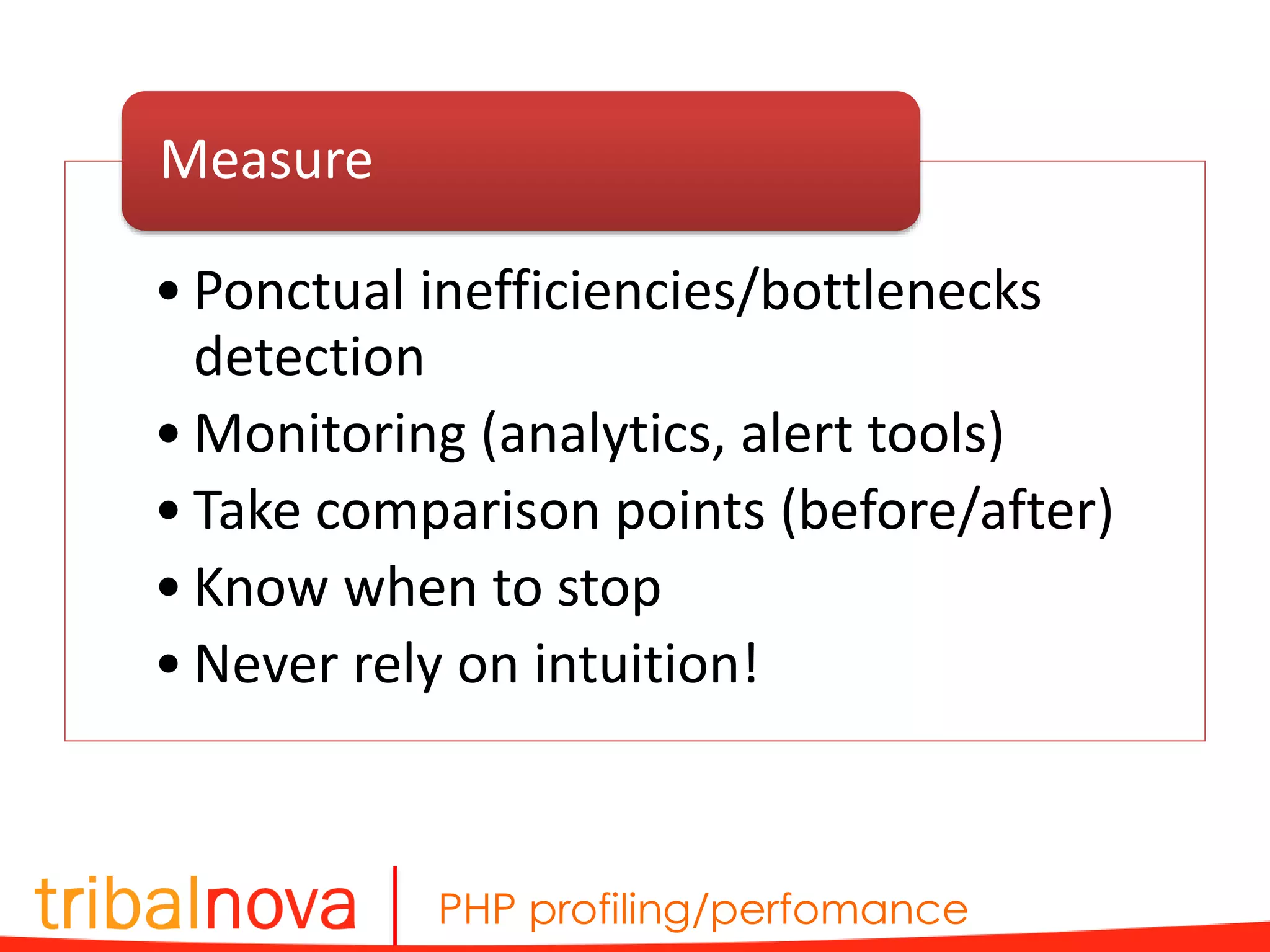
PHP profiling/perfomance • Ponctual inefficiencies/bottlenecks detection • Monitoring (analytics, alert tools) • Take comparison points (before/after) • Know when to stop • Never rely on intuition! Measure
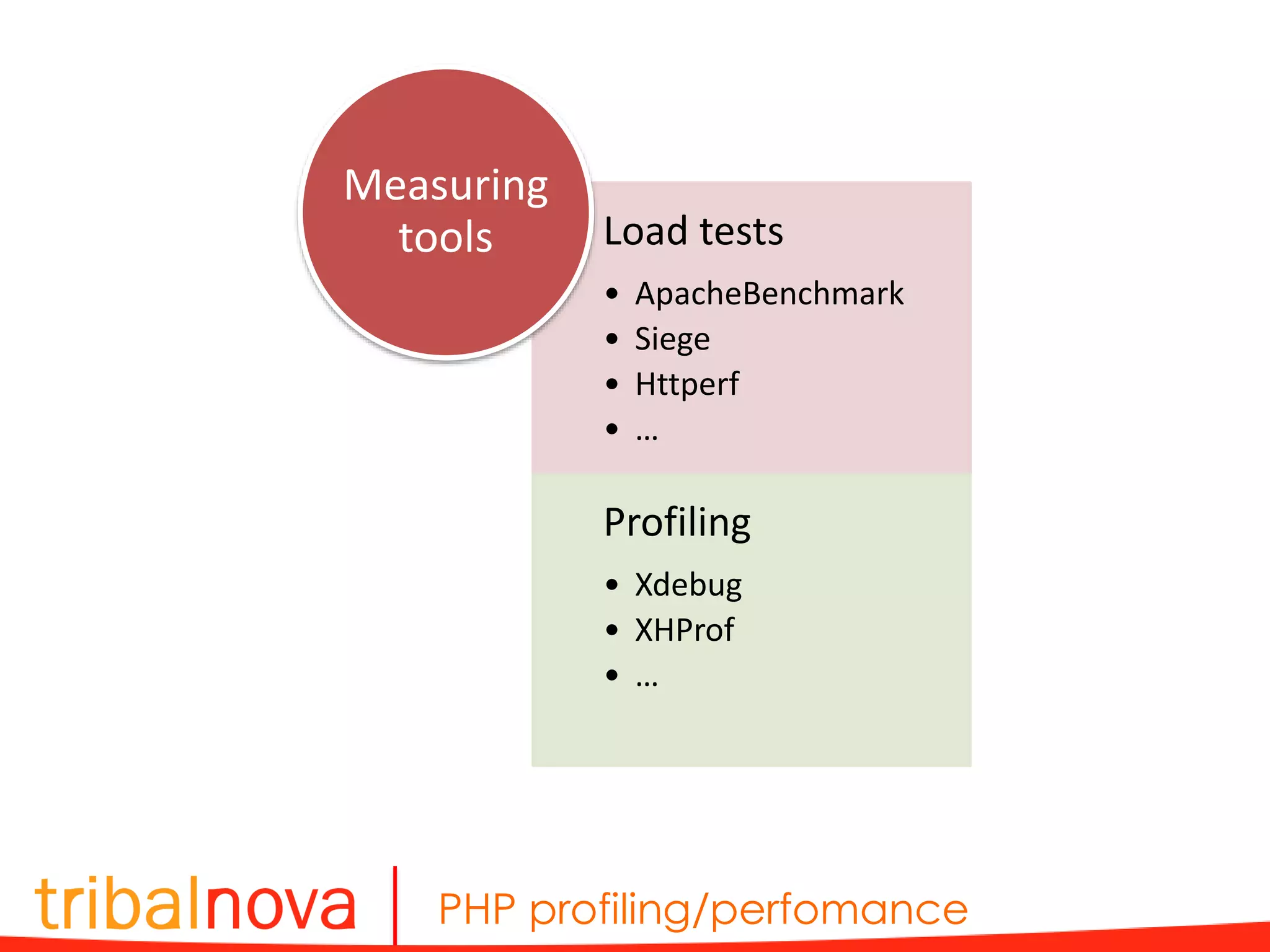
PHP profiling/perfomance Load tests • ApacheBenchmark • Siege • Httperf • … Profiling • Xdebug • XHProf • … Measuring tools
PHP profiling/perfomance ApacheBenchmark ab -n 50 -c 2 -v 1 -p 'post.txt' -T 'application/json' -H 'Authorization: Bearer eyJ0eXAi.eyJpc3nYXJ.KznbYbc' 'http://api.gma.my/account/authenticate?alt=json&metadata [foo]=Hello&metadata[bar]=World&metadata[random Val]=Ted' > bench.txt { "application_key":"afaf770", "email":"ndegardin@tribalnova.com", "key":"ndegardin« } post.txt
PHP profiling/perfomance … Concurrency Level: 2 Time taken for tests: 25.704 seconds Complete requests: 50 Failed requests: 44 (Connect: 0, Receive: 0, Length: 44, Exceptions: 0) Write errors: 0 Non-2xx responses: 50 Total transferred: 2231974 bytes Total POSTed: 28100 HTML transferred: 2220474 bytes Requests per second: 1.95 [#/sec] (mean) Time per request: 1028.176 [ms] (mean) Time per request: 514.088 [ms] (mean, across all concurrent requests) Transfer rate: 84.80 [Kbytes/sec] received 1.07 kb/s sent 85.86 kb/s total Connection Times (ms) min mean[+/-sd] median max Connect: 0 0 0.1 0 0 Processing: 704 1014 154.5 990 1693 Waiting: 704 1014 154.5 990 1693 Total: 705 1015 154.5 990 1693 … bench.txt
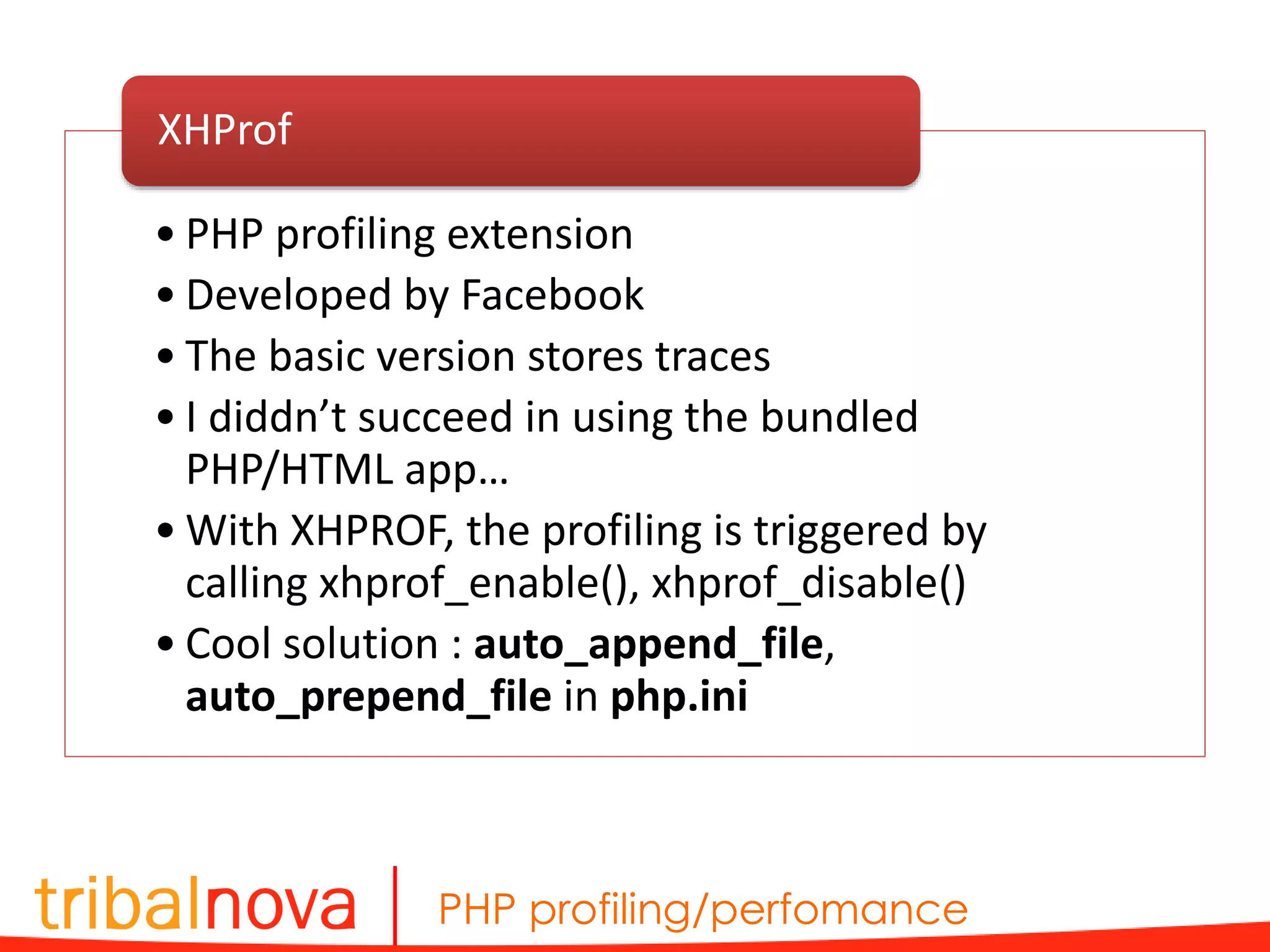
PHP profiling/perfomance • PHP profiling extension • Developed by Facebook • The basic version stores traces • I diddn’t succeed in using the bundled PHP/HTML app… • With XHPROF, the profiling is triggered by calling xhprof_enable(), xhprof_disable() • Cool solution : auto_append_file, auto_prepend_file in php.ini XHProf
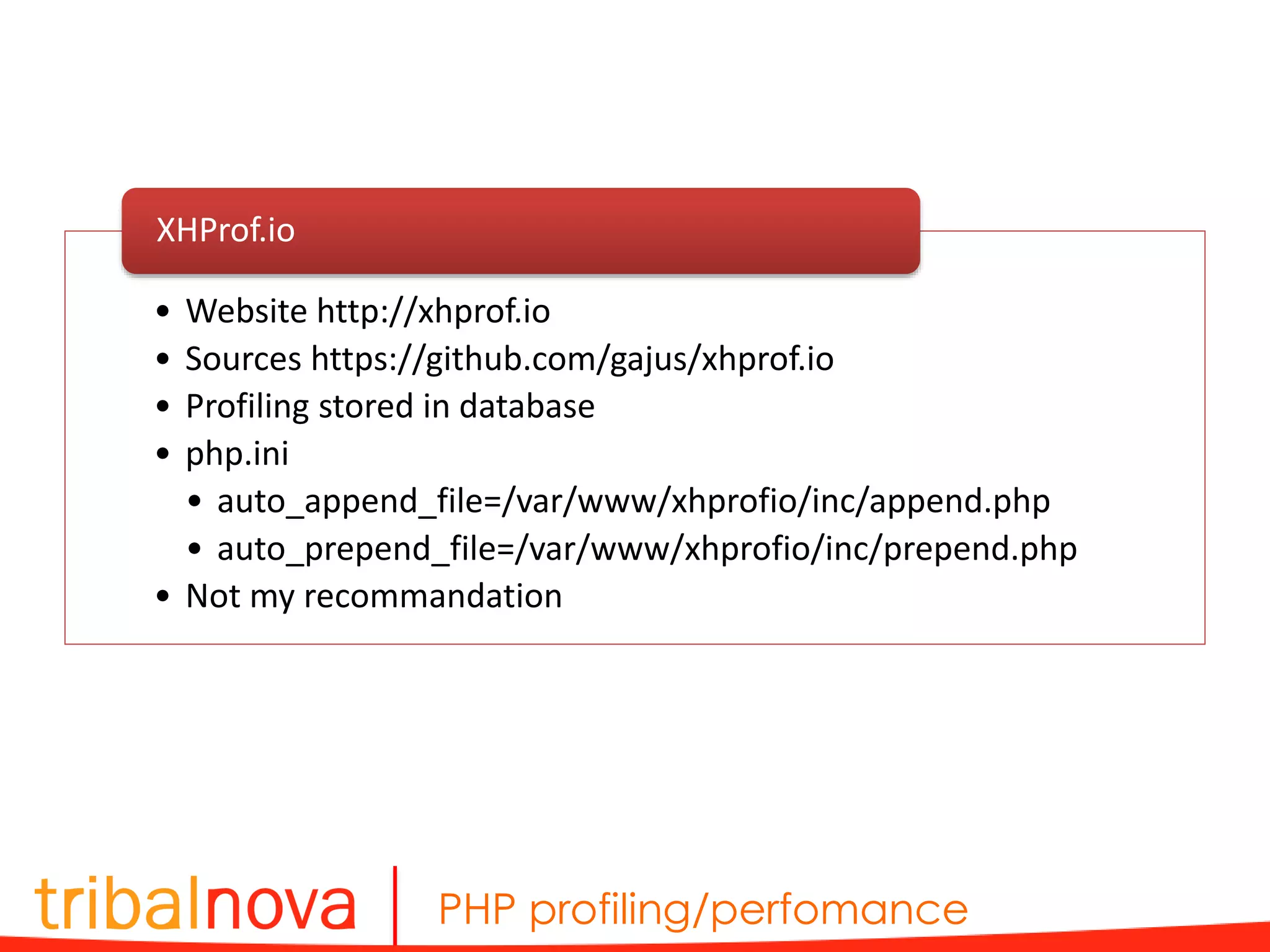
PHP profiling/perfomance • Website http://xhprof.io • Sources https://github.com/gajus/xhprof.io • Profiling stored in database • php.ini • auto_append_file=/var/www/xhprofio/inc/append.php • auto_prepend_file=/var/www/xhprofio/inc/prepend.php • Not my recommandation XHProf.io
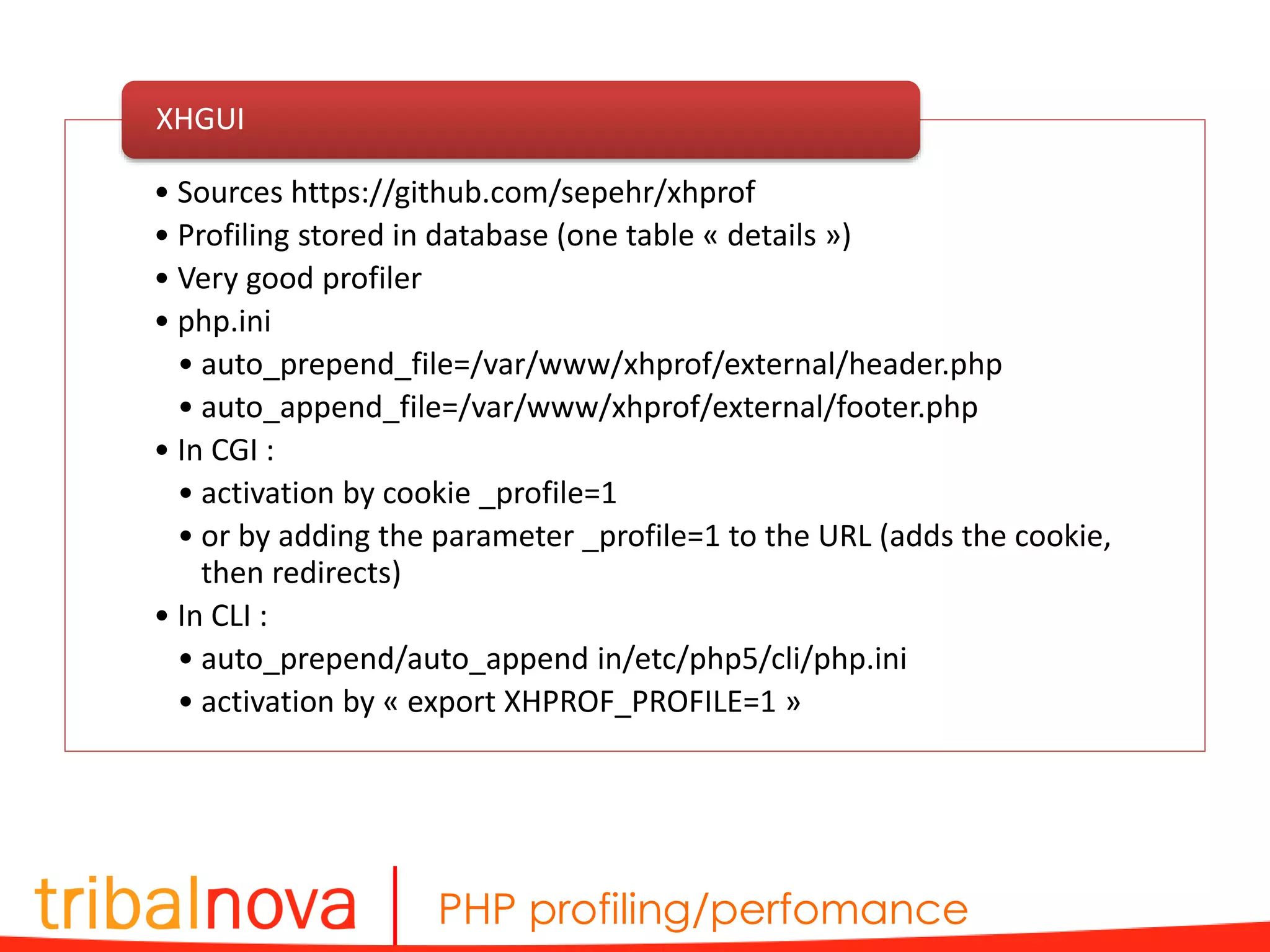
PHP profiling/perfomance • Sources https://github.com/sepehr/xhprof • Profiling stored in database (one table « details ») • Very good profiler • php.ini • auto_prepend_file=/var/www/xhprof/external/header.php • auto_append_file=/var/www/xhprof/external/footer.php • In CGI : • activation by cookie _profile=1 • or by adding the parameter _profile=1 to the URL (adds the cookie, then redirects) • In CLI : • auto_prepend/auto_append in/etc/php5/cli/php.ini • activation by « export XHPROF_PROFILE=1 » XHGUI
PHP profiling/perfomance • Activate profiling by vhost in Apache • Activate profiling by using a nginx/PHP-FPM pool : /etc/php5/fpm/pool.d/www.conf : • Activate profiling by vhost in nginx/PHP-FPM, in a location section XHProf notes fastcgi_param PHP_ADMIN_VALUE "auto_prepend_file=/var/www/xhprof/external/header.phpnauto_append_file=/var/ www/xhprof/external/footer.php"; php_admin_value auto_prepend_file "/var/www/xhprof/external/header.php" php_admin_value auto_append_file "/var/www/xhprof/external/footer.php" php_admin_value[auto_prepend_file] = /var/www/xhprofio/inc/prepend.php" php_admin_value[auto_appendfile] = /var/www/xhprofio/inc/append.php"
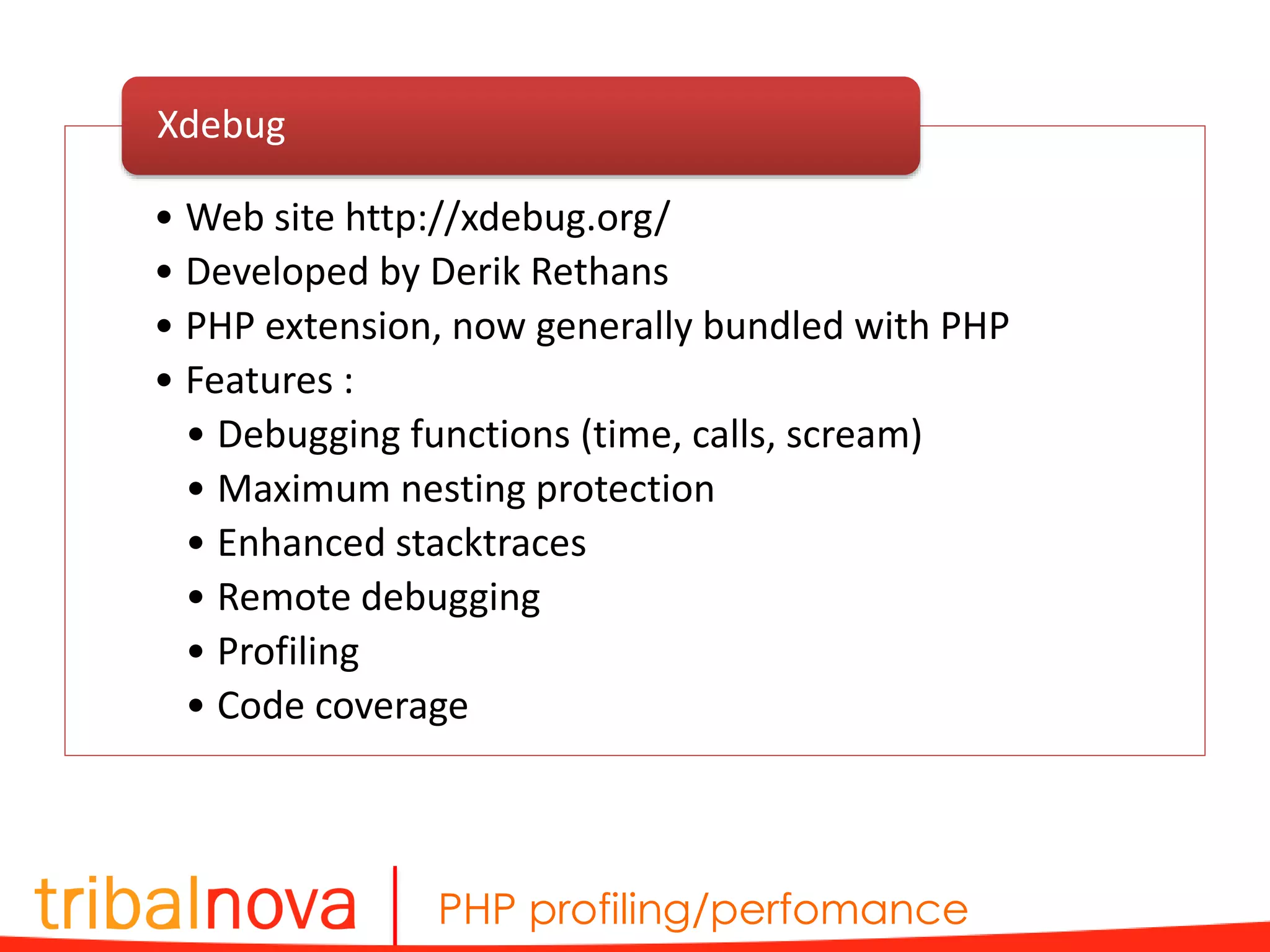
PHP profiling/perfomance • Web site http://xdebug.org/ • Developed by Derik Rethans • PHP extension, now generally bundled with PHP • Features : • Debugging functions (time, calls, scream) • Maximum nesting protection • Enhanced stacktraces • Remote debugging • Profiling • Code coverage Xdebug
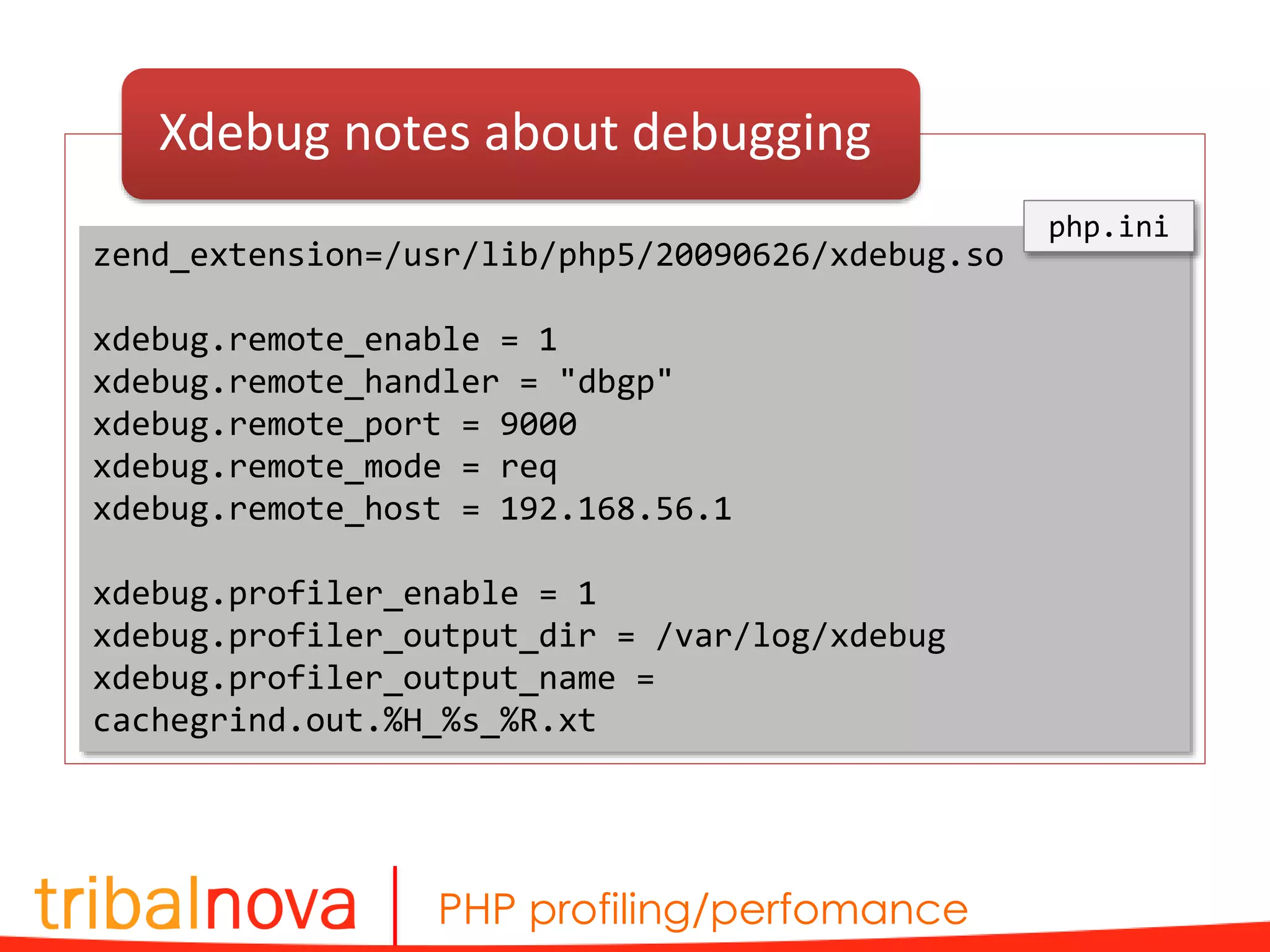
PHP profiling/perfomance Xdebug notes about debugging zend_extension=/usr/lib/php5/20090626/xdebug.so xdebug.remote_enable = 1 xdebug.remote_handler = "dbgp" xdebug.remote_port = 9000 xdebug.remote_mode = req xdebug.remote_host = 192.168.56.1 xdebug.profiler_enable = 1 xdebug.profiler_output_dir = /var/log/xdebug xdebug.profiler_output_name = cachegrind.out.%H_%s_%R.xt php.ini
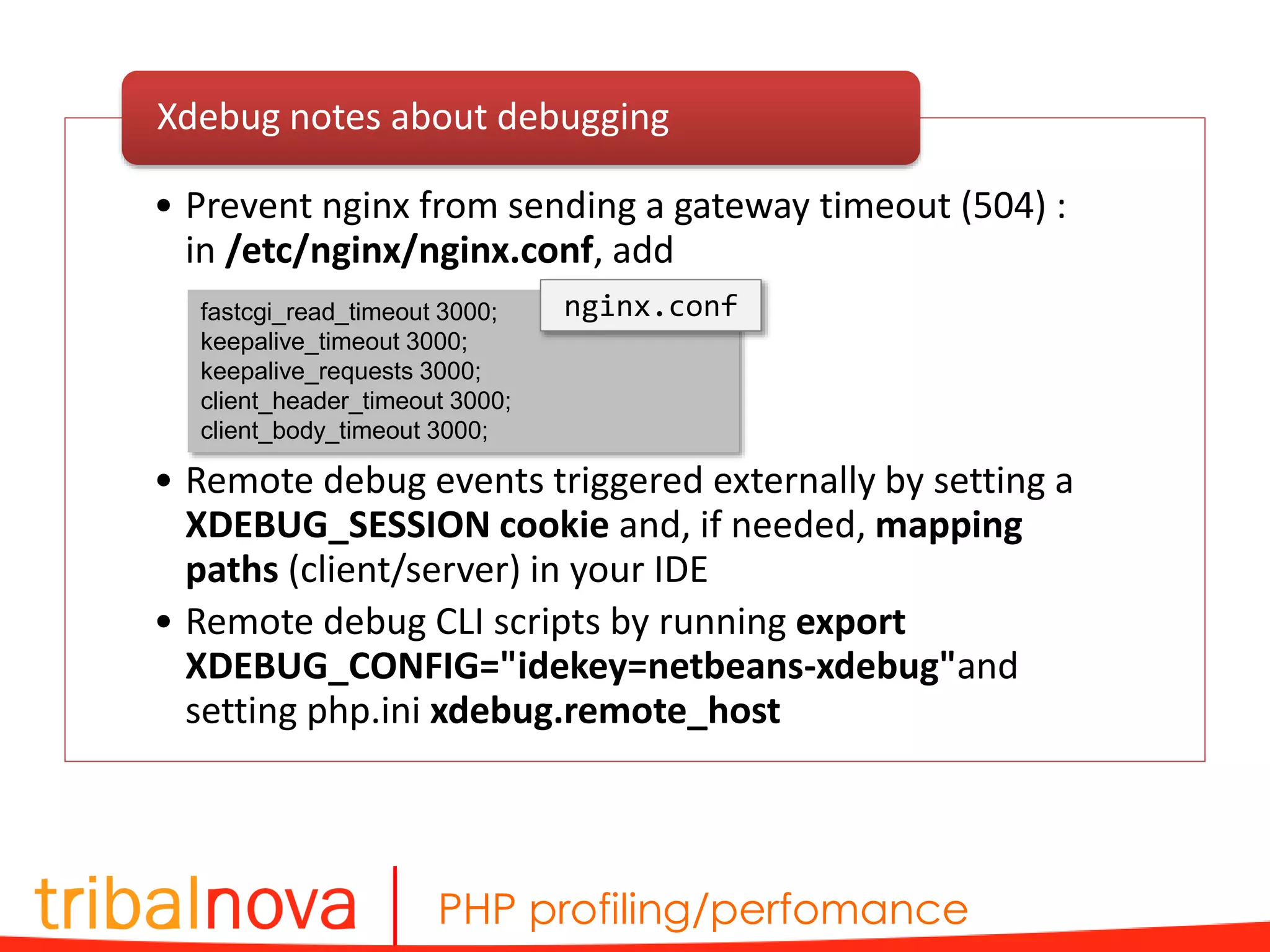
PHP profiling/perfomance • Prevent nginx from sending a gateway timeout (504) : in /etc/nginx/nginx.conf, add • Remote debug events triggered externally by setting a XDEBUG_SESSION cookie and, if needed, mapping paths (client/server) in your IDE • Remote debug CLI scripts by running export XDEBUG_CONFIG="idekey=netbeans-xdebug"and setting php.ini xdebug.remote_host Xdebug notes about debugging fastcgi_read_timeout 3000; keepalive_timeout 3000; keepalive_requests 3000; client_header_timeout 3000; client_body_timeout 3000; nginx.conf
PHP profiling/perfomance • The traces are stored as files • It often weights about 2Mo (be careful when forgetting it) • Using a fixed name (without timestamp) in php.ini xdebug.profiler.output_name allows a run script to erase the previous one • No official Xdebug trace extension, I suggest cachegrind.out.[…].xt • Profilers : • WinCacheGrind (Windows) : somewhat simple • WebGrind (Web) : « For quick’n’dirty optimizations it does the job » • KCacheGrind (KDE) : the best one • PHPStorm : not really useful Xdebug notes about profiling
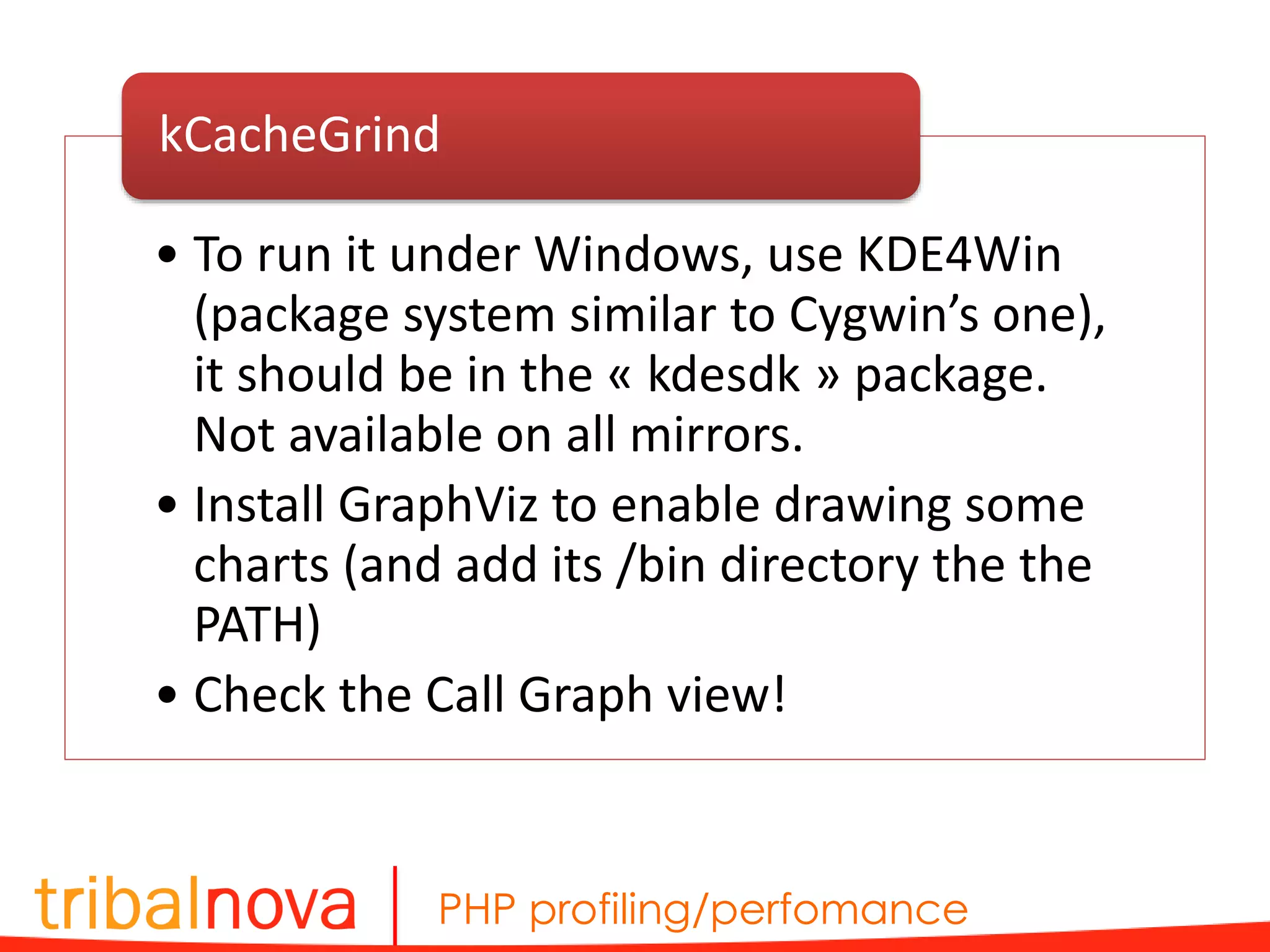
PHP profiling/perfomance • To run it under Windows, use KDE4Win (package system similar to Cygwin’s one), it should be in the « kdesdk » package. Not available on all mirrors. • Install GraphViz to enable drawing some charts (and add its /bin directory the the PATH) • Check the Call Graph view! kCacheGrind
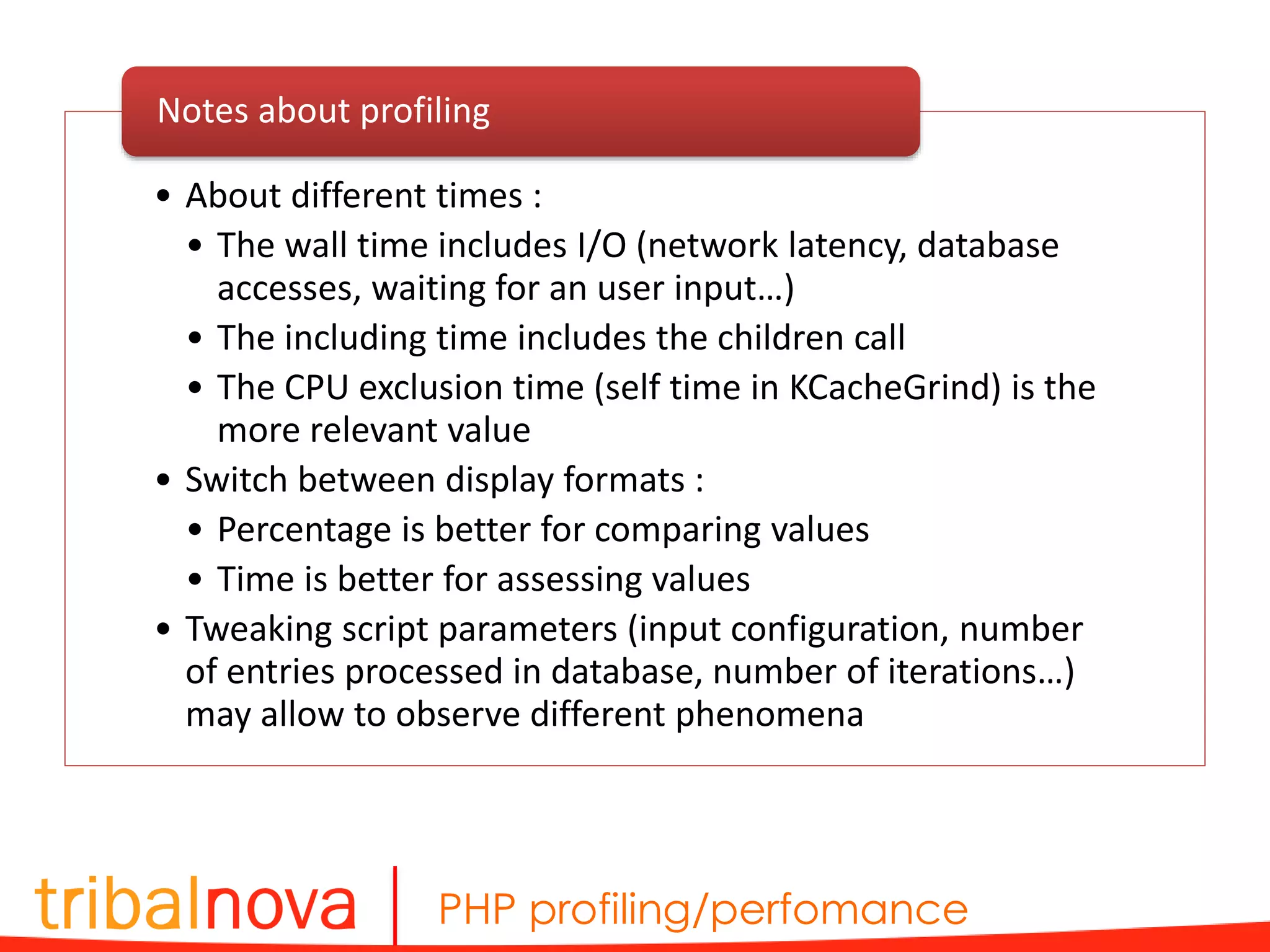
PHP profiling/perfomance • About different times : • The wall time includes I/O (network latency, database accesses, waiting for an user input…) • The including time includes the children call • The CPU exclusion time (self time in KCacheGrind) is the more relevant value • Switch between display formats : • Percentage is better for comparing values • Time is better for assessing values • Tweaking script parameters (input configuration, number of entries processed in database, number of iterations…) may allow to observe different phenomena Notes about profiling
Nicolas Degardin ndegardin@tribalnova.com Merci !

PHP Profiling/performance

  • 1.
  • 2.
  • 3.
    PHP profiling/perfomance • Expectedtraffic • Traffic growth • Scalability means • Evolutions to come… Set the context • Contextually : search engine, file generation, task… Establish the objectives
  • 4.
  • 5.
    PHP profiling/perfomance • Smart,structured code • Lazy loading • Static variables (singletons/registries) • Cache Code • Autoloader • Reduce and order include_path • Client cache (HTTP headers Cache-Control, Expire) • Avoid regexps • … Good practices • Php.ini : realpath_cache_size • Nginx : worker_processes, open_file_cache, multi_accept, keepalive, gzip • Cache op-code • Disable logs Server configuration
  • 6.
    PHP profiling/perfomance • Ponctualinefficiencies/bottlenecks detection • Monitoring (analytics, alert tools) • Take comparison points (before/after) • Know when to stop • Never rely on intuition! Measure
  • 7.
    PHP profiling/perfomance Load tests •ApacheBenchmark • Siege • Httperf • … Profiling • Xdebug • XHProf • … Measuring tools
  • 8.
    PHP profiling/perfomance ApacheBenchmark ab -n50 -c 2 -v 1 -p 'post.txt' -T 'application/json' -H 'Authorization: Bearer eyJ0eXAi.eyJpc3nYXJ.KznbYbc' 'http://api.gma.my/account/authenticate?alt=json&metadata [foo]=Hello&metadata[bar]=World&metadata[random Val]=Ted' > bench.txt { "application_key":"afaf770", "email":"ndegardin@tribalnova.com", "key":"ndegardin« } post.txt
  • 9.
    PHP profiling/perfomance … Concurrency Level:2 Time taken for tests: 25.704 seconds Complete requests: 50 Failed requests: 44 (Connect: 0, Receive: 0, Length: 44, Exceptions: 0) Write errors: 0 Non-2xx responses: 50 Total transferred: 2231974 bytes Total POSTed: 28100 HTML transferred: 2220474 bytes Requests per second: 1.95 [#/sec] (mean) Time per request: 1028.176 [ms] (mean) Time per request: 514.088 [ms] (mean, across all concurrent requests) Transfer rate: 84.80 [Kbytes/sec] received 1.07 kb/s sent 85.86 kb/s total Connection Times (ms) min mean[+/-sd] median max Connect: 0 0 0.1 0 0 Processing: 704 1014 154.5 990 1693 Waiting: 704 1014 154.5 990 1693 Total: 705 1015 154.5 990 1693 … bench.txt
  • 10.
    PHP profiling/perfomance • PHPprofiling extension • Developed by Facebook • The basic version stores traces • I diddn’t succeed in using the bundled PHP/HTML app… • With XHPROF, the profiling is triggered by calling xhprof_enable(), xhprof_disable() • Cool solution : auto_append_file, auto_prepend_file in php.ini XHProf
  • 11.
    PHP profiling/perfomance • Websitehttp://xhprof.io • Sources https://github.com/gajus/xhprof.io • Profiling stored in database • php.ini • auto_append_file=/var/www/xhprofio/inc/append.php • auto_prepend_file=/var/www/xhprofio/inc/prepend.php • Not my recommandation XHProf.io
  • 12.
    PHP profiling/perfomance • Sourceshttps://github.com/sepehr/xhprof • Profiling stored in database (one table « details ») • Very good profiler • php.ini • auto_prepend_file=/var/www/xhprof/external/header.php • auto_append_file=/var/www/xhprof/external/footer.php • In CGI : • activation by cookie _profile=1 • or by adding the parameter _profile=1 to the URL (adds the cookie, then redirects) • In CLI : • auto_prepend/auto_append in/etc/php5/cli/php.ini • activation by « export XHPROF_PROFILE=1 » XHGUI
  • 13.
    PHP profiling/perfomance • Activateprofiling by vhost in Apache • Activate profiling by using a nginx/PHP-FPM pool : /etc/php5/fpm/pool.d/www.conf : • Activate profiling by vhost in nginx/PHP-FPM, in a location section XHProf notes fastcgi_param PHP_ADMIN_VALUE "auto_prepend_file=/var/www/xhprof/external/header.phpnauto_append_file=/var/ www/xhprof/external/footer.php"; php_admin_value auto_prepend_file "/var/www/xhprof/external/header.php" php_admin_value auto_append_file "/var/www/xhprof/external/footer.php" php_admin_value[auto_prepend_file] = /var/www/xhprofio/inc/prepend.php" php_admin_value[auto_appendfile] = /var/www/xhprofio/inc/append.php"
  • 14.
    PHP profiling/perfomance • Website http://xdebug.org/ • Developed by Derik Rethans • PHP extension, now generally bundled with PHP • Features : • Debugging functions (time, calls, scream) • Maximum nesting protection • Enhanced stacktraces • Remote debugging • Profiling • Code coverage Xdebug
  • 15.
    PHP profiling/perfomance Xdebug notesabout debugging zend_extension=/usr/lib/php5/20090626/xdebug.so xdebug.remote_enable = 1 xdebug.remote_handler = "dbgp" xdebug.remote_port = 9000 xdebug.remote_mode = req xdebug.remote_host = 192.168.56.1 xdebug.profiler_enable = 1 xdebug.profiler_output_dir = /var/log/xdebug xdebug.profiler_output_name = cachegrind.out.%H_%s_%R.xt php.ini
  • 16.
    PHP profiling/perfomance • Preventnginx from sending a gateway timeout (504) : in /etc/nginx/nginx.conf, add • Remote debug events triggered externally by setting a XDEBUG_SESSION cookie and, if needed, mapping paths (client/server) in your IDE • Remote debug CLI scripts by running export XDEBUG_CONFIG="idekey=netbeans-xdebug"and setting php.ini xdebug.remote_host Xdebug notes about debugging fastcgi_read_timeout 3000; keepalive_timeout 3000; keepalive_requests 3000; client_header_timeout 3000; client_body_timeout 3000; nginx.conf
  • 17.
    PHP profiling/perfomance • Thetraces are stored as files • It often weights about 2Mo (be careful when forgetting it) • Using a fixed name (without timestamp) in php.ini xdebug.profiler.output_name allows a run script to erase the previous one • No official Xdebug trace extension, I suggest cachegrind.out.[…].xt • Profilers : • WinCacheGrind (Windows) : somewhat simple • WebGrind (Web) : « For quick’n’dirty optimizations it does the job » • KCacheGrind (KDE) : the best one • PHPStorm : not really useful Xdebug notes about profiling
  • 18.
    PHP profiling/perfomance • Torun it under Windows, use KDE4Win (package system similar to Cygwin’s one), it should be in the « kdesdk » package. Not available on all mirrors. • Install GraphViz to enable drawing some charts (and add its /bin directory the the PATH) • Check the Call Graph view! kCacheGrind
  • 19.
    PHP profiling/perfomance • Aboutdifferent times : • The wall time includes I/O (network latency, database accesses, waiting for an user input…) • The including time includes the children call • The CPU exclusion time (self time in KCacheGrind) is the more relevant value • Switch between display formats : • Percentage is better for comparing values • Time is better for assessing values • Tweaking script parameters (input configuration, number of entries processed in database, number of iterations…) may allow to observe different phenomena Notes about profiling
  • 20.