Amity School of Engineering & Technology Object Oriented Programming Using [ES203] 1
Amity School of Engineering & Technology
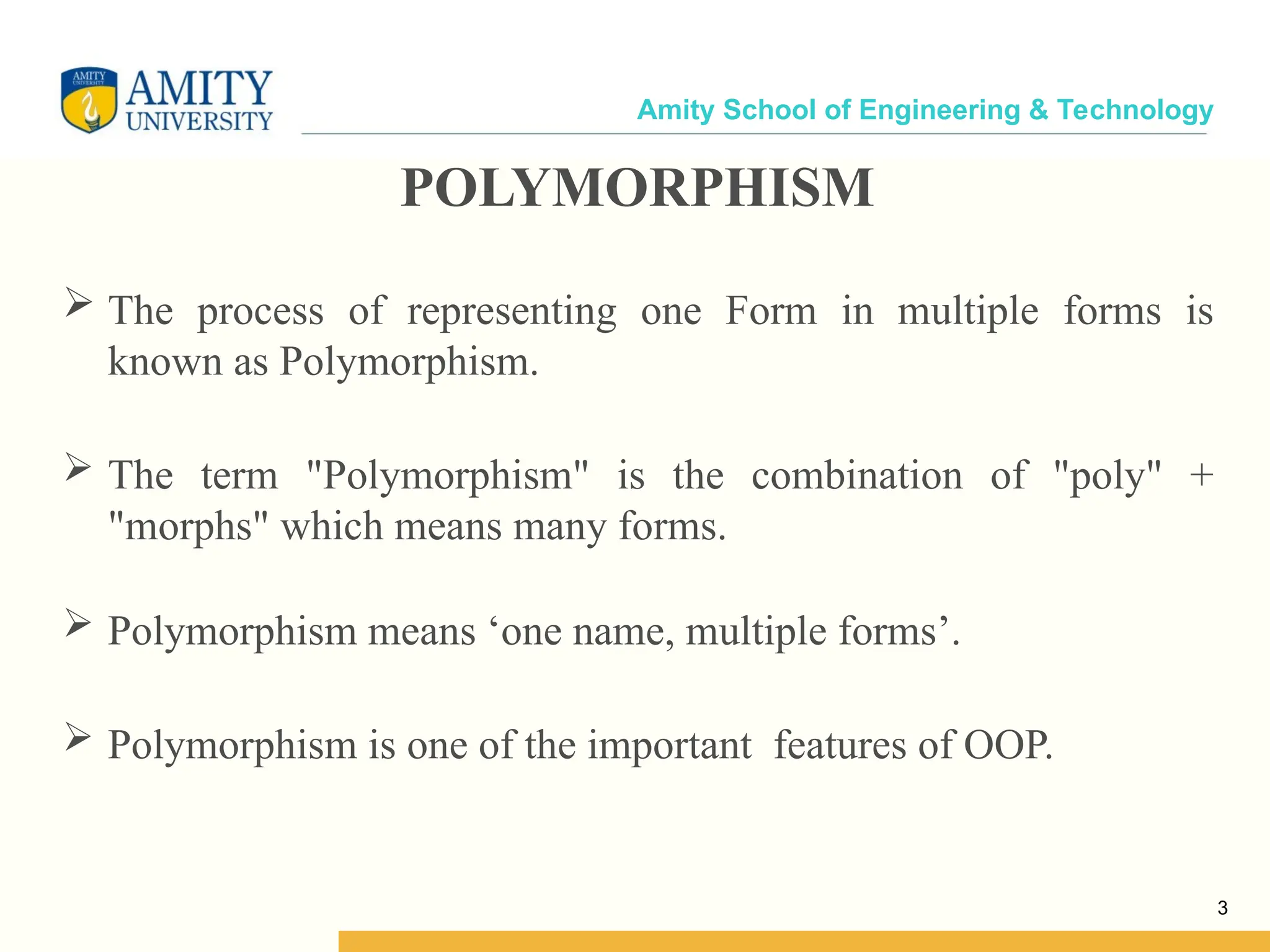
Amity School of Engineering & Technology POLYMORPHISM  The process of representing one Form in multiple forms is known as Polymorphism.  The term "Polymorphism" is the combination of "poly" + "morphs" which means many forms.  Polymorphism means ‘one name, multiple forms’.  Polymorphism is one of the important features of OOP. 3
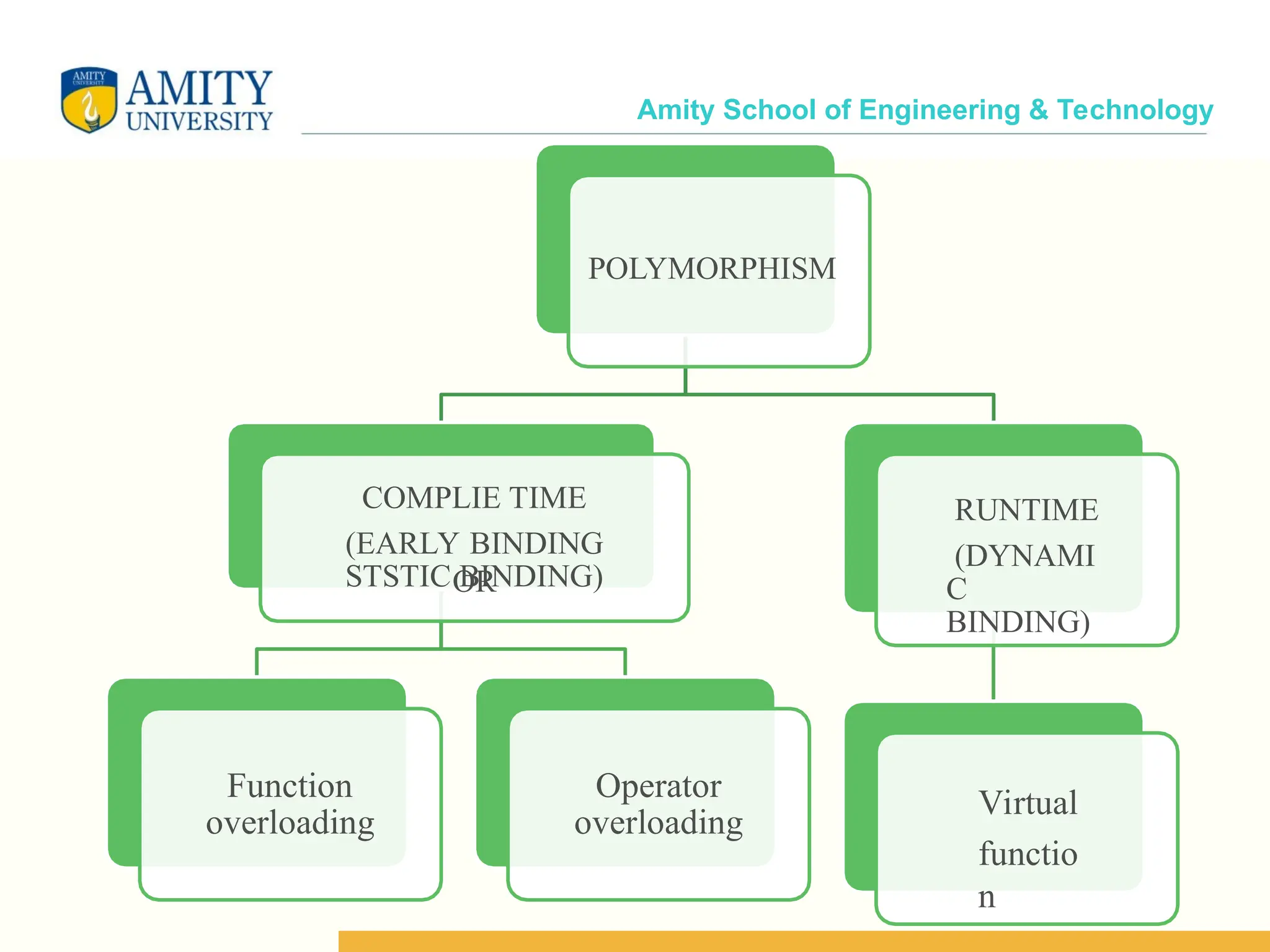
Amity School of Engineering & Technology POLYMORPHISM COMPLIE TIME (EARLY BINDING OR STSTIC BINDING) Function overloading Operator overloading RUNTIME (DYNAMI C BINDING) Virtual functio n
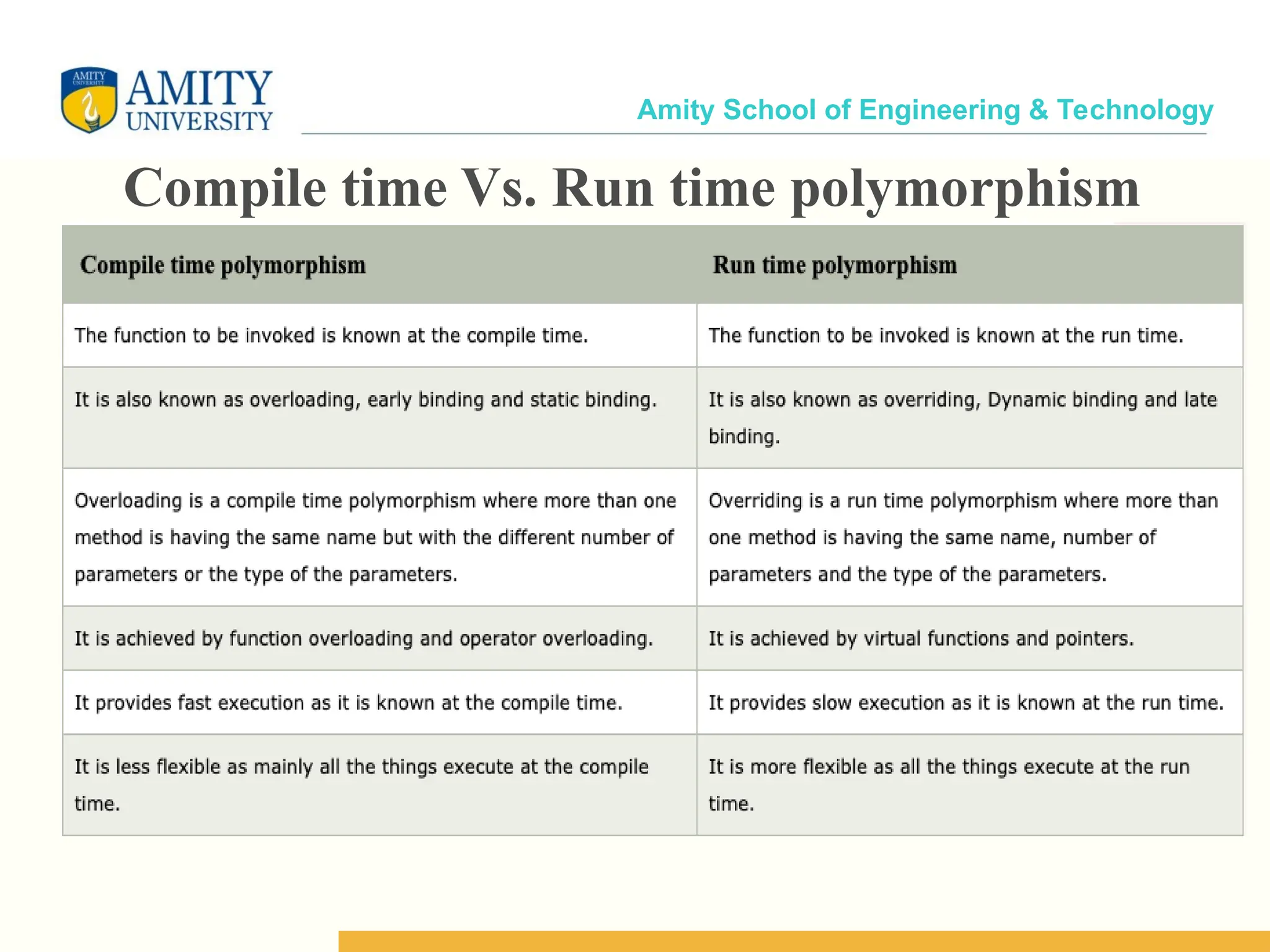
Amity School of Engineering & Technology Compile time Vs. Run time polymorphism
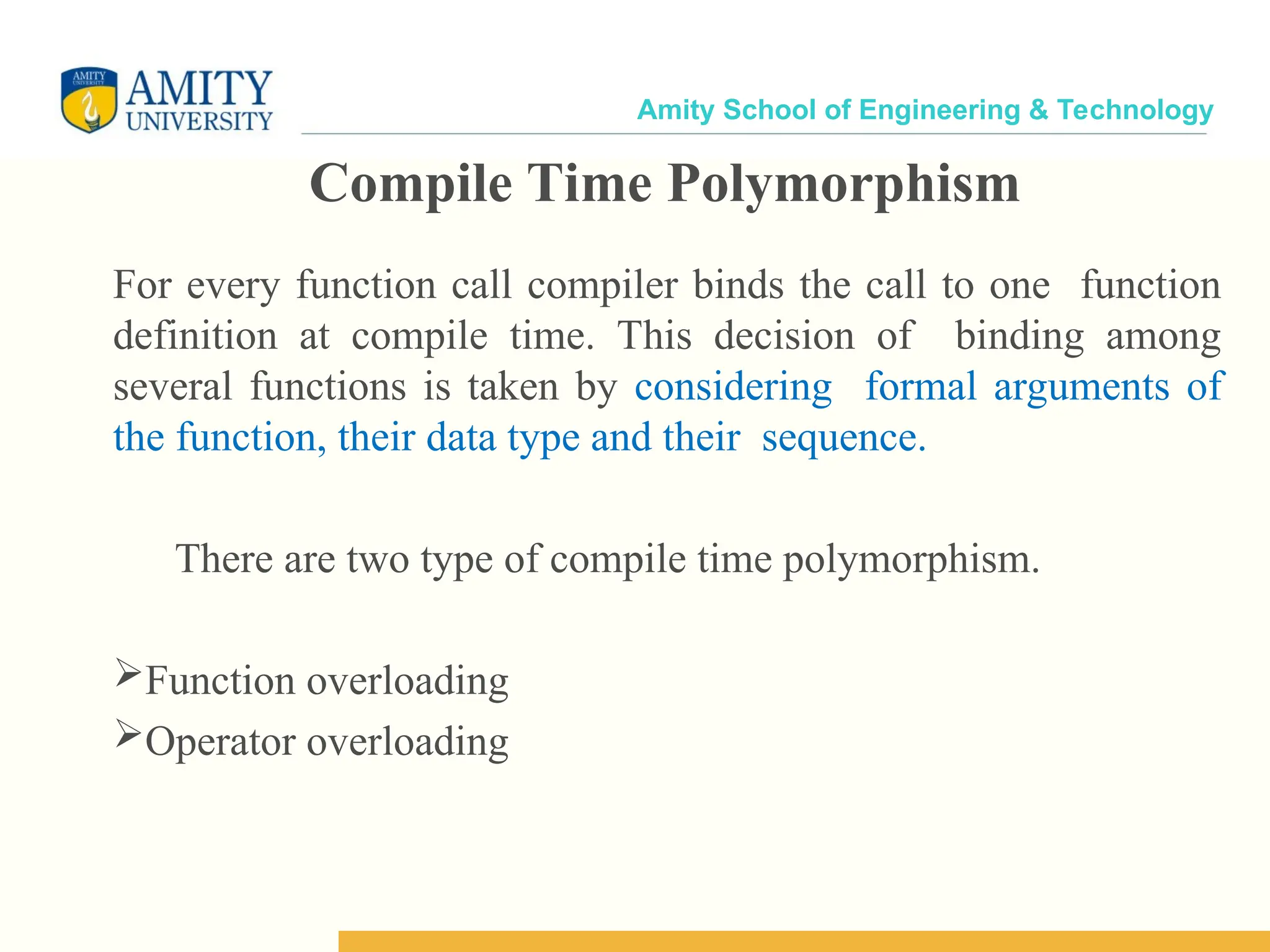
Amity School of Engineering & Technology For every function call compiler binds the call to one function definition at compile time. This decision of binding among several functions is taken by considering formal arguments of the function, their data type and their sequence. There are two type of compile time polymorphism. Function overloading Operator overloading Compile Time Polymorphism
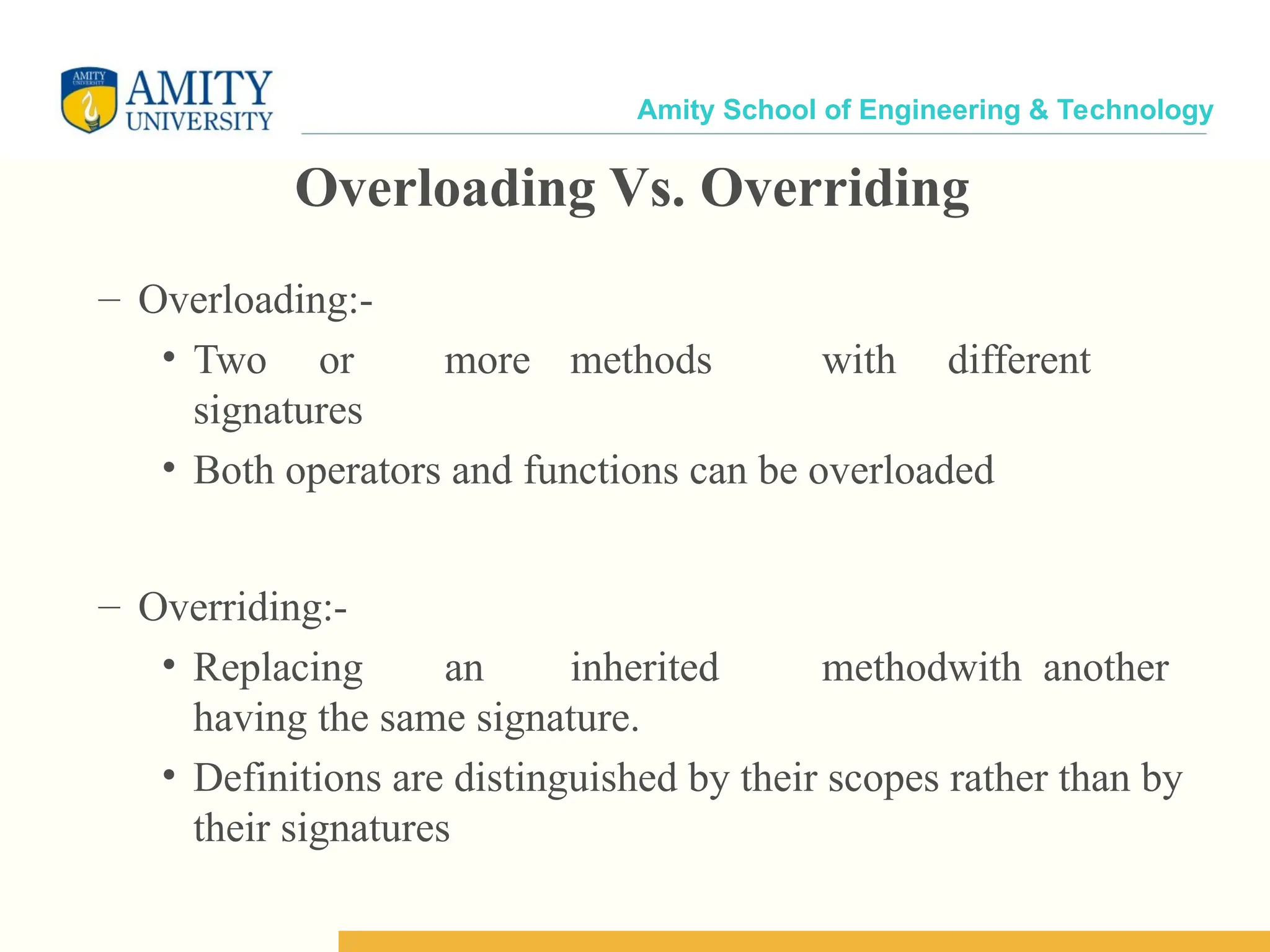
Amity School of Engineering & Technology Overloading Vs. Overriding – Overloading:- • Two or more methods with different signatures • Both operators and functions can be overloaded – Overriding:- • Replacing an inherited methodwith another having the same signature. • Definitions are distinguished by their scopes rather than by their signatures
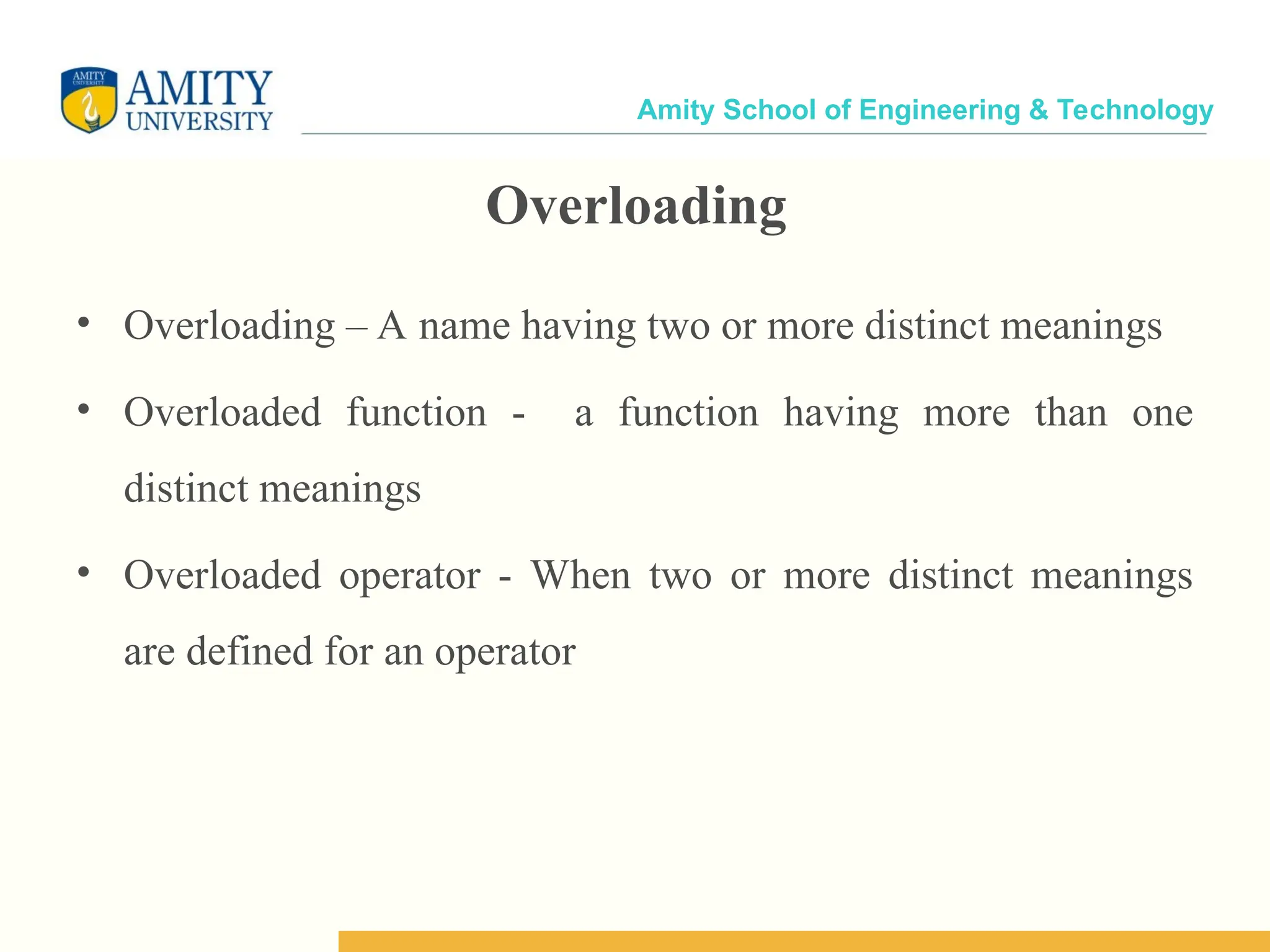
Amity School of Engineering & Technology Overloading • Overloading – A name having two or more distinct meanings • Overloaded function - a function having more than one distinct meanings • Overloaded operator - When two or more distinct meanings are defined for an operator
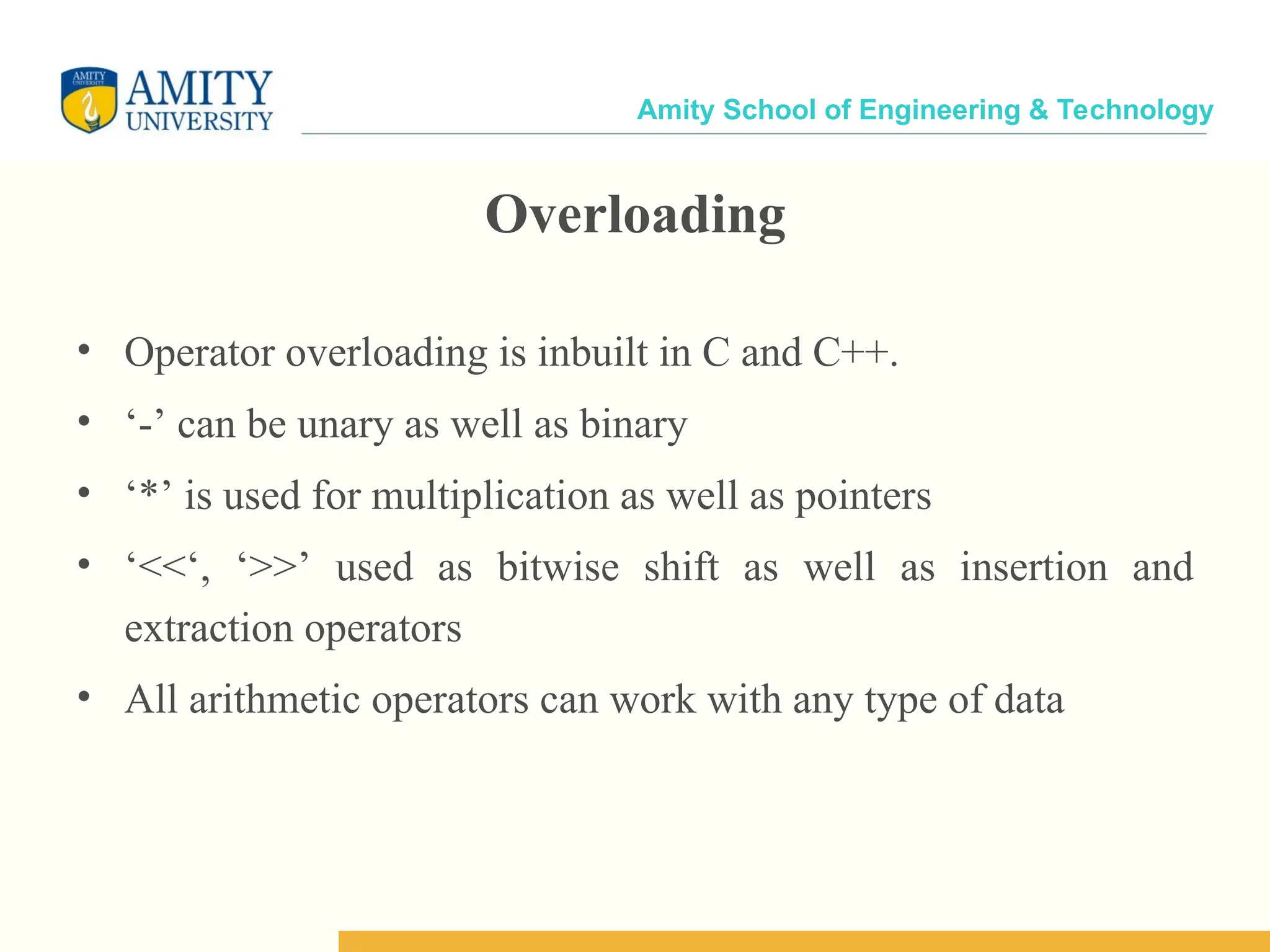
Amity School of Engineering & Technology Overloading • Operator overloading is inbuilt in C and C++. • ‘-’ can be unary as well as binary • ‘*’ is used for multiplication as well as pointers • ‘<<‘, ‘>>’ used as bitwise shift as well as insertion and extraction operators • All arithmetic operators can work with any type of data
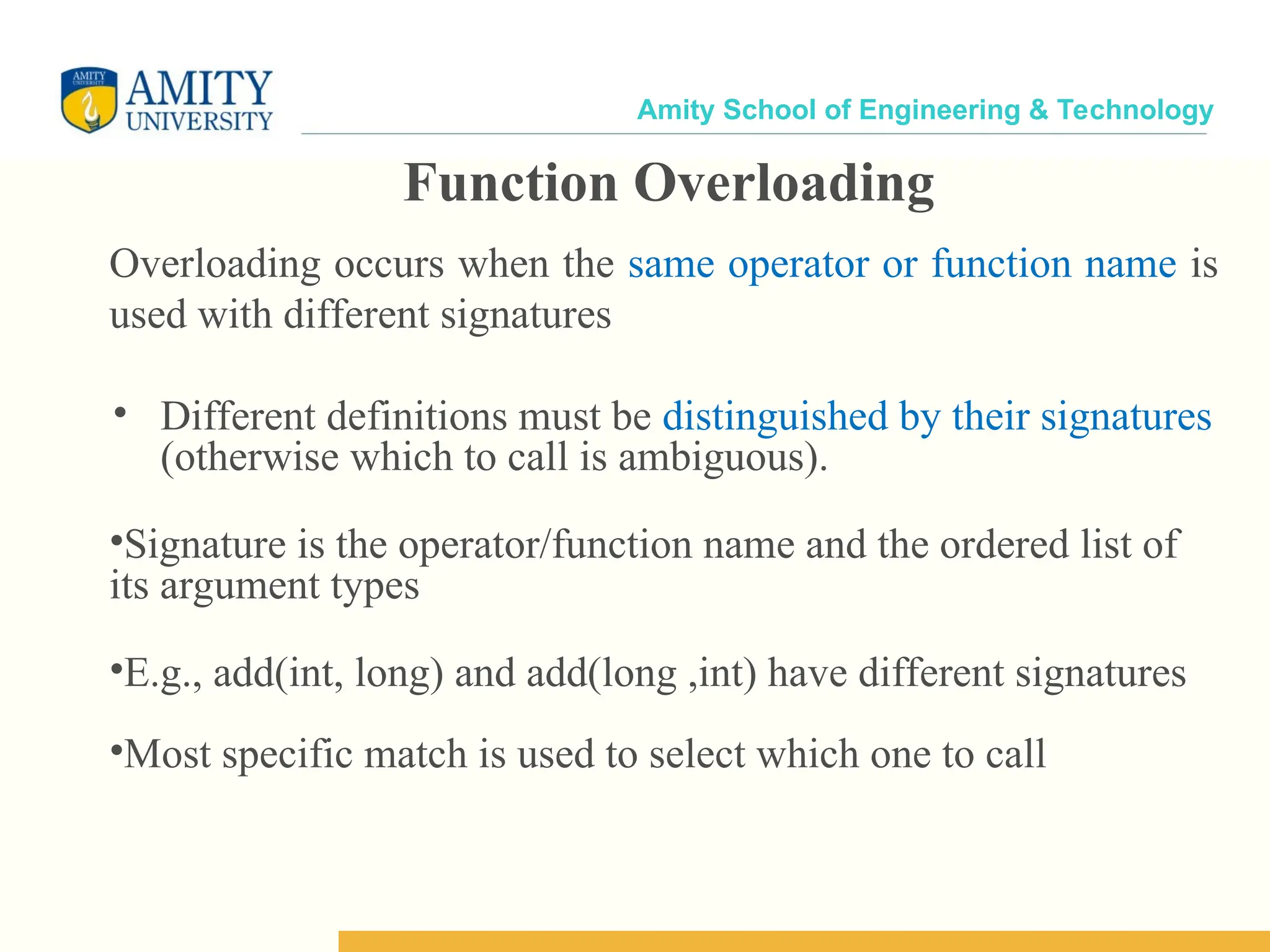
Amity School of Engineering & Technology Function Overloading Overloading occurs when the same operator or function name is used with different signatures • Different definitions must be distinguished by their signatures (otherwise which to call is ambiguous). •Signature is the operator/function name and the ordered list of its argument types •E.g., add(int, long) and add(long ,int) have different signatures •Most specific match is used to select which one to call
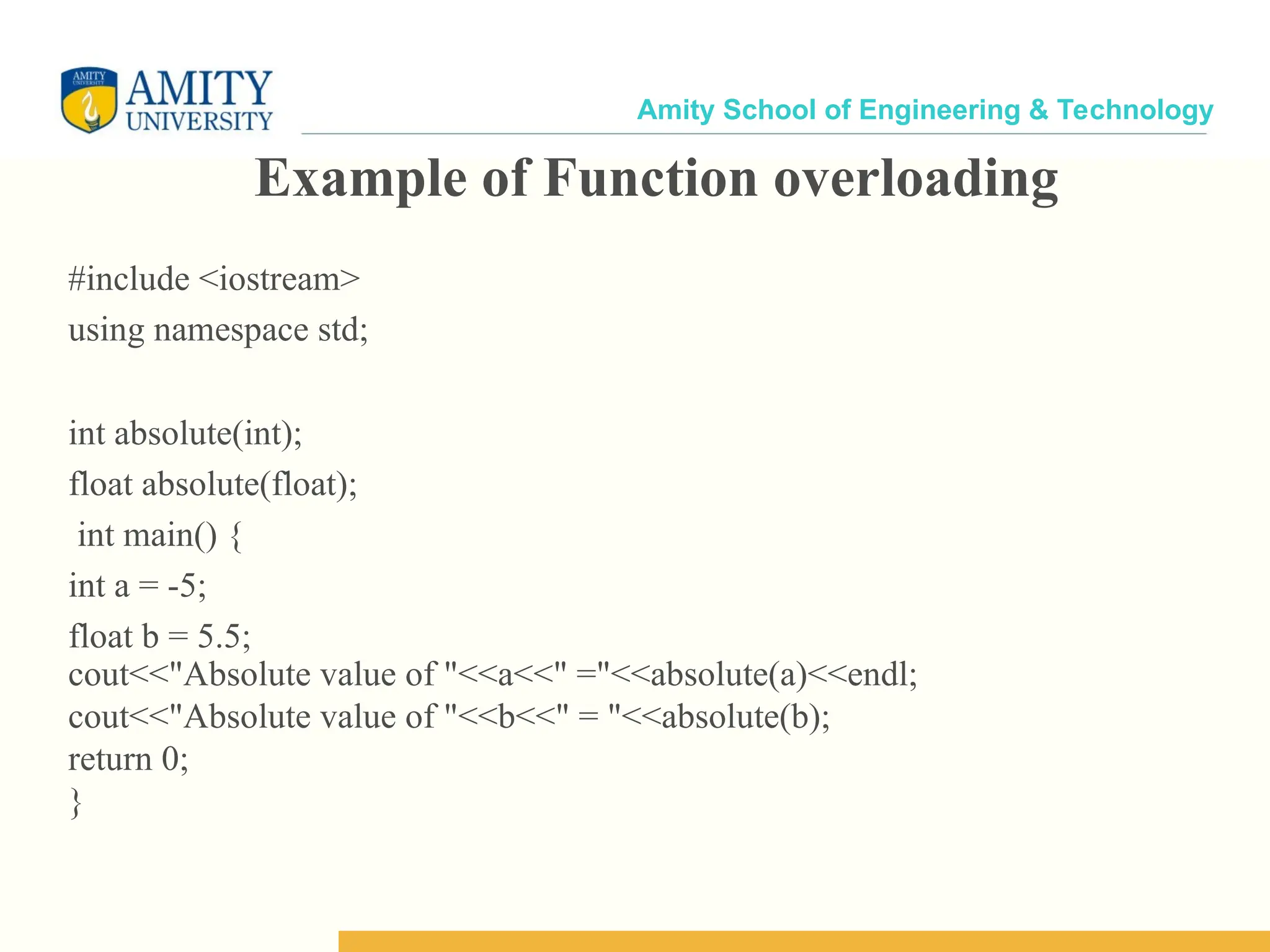
Amity School of Engineering & Technology Example of Function overloading #include <iostream> using namespace std; int absolute(int); float absolute(float); int main() { int a = -5; float b = 5.5; cout<<"Absolute value of "<<a<<" ="<<absolute(a)<<endl; cout<<"Absolute value of "<<b<<" = "<<absolute(b); return 0; }
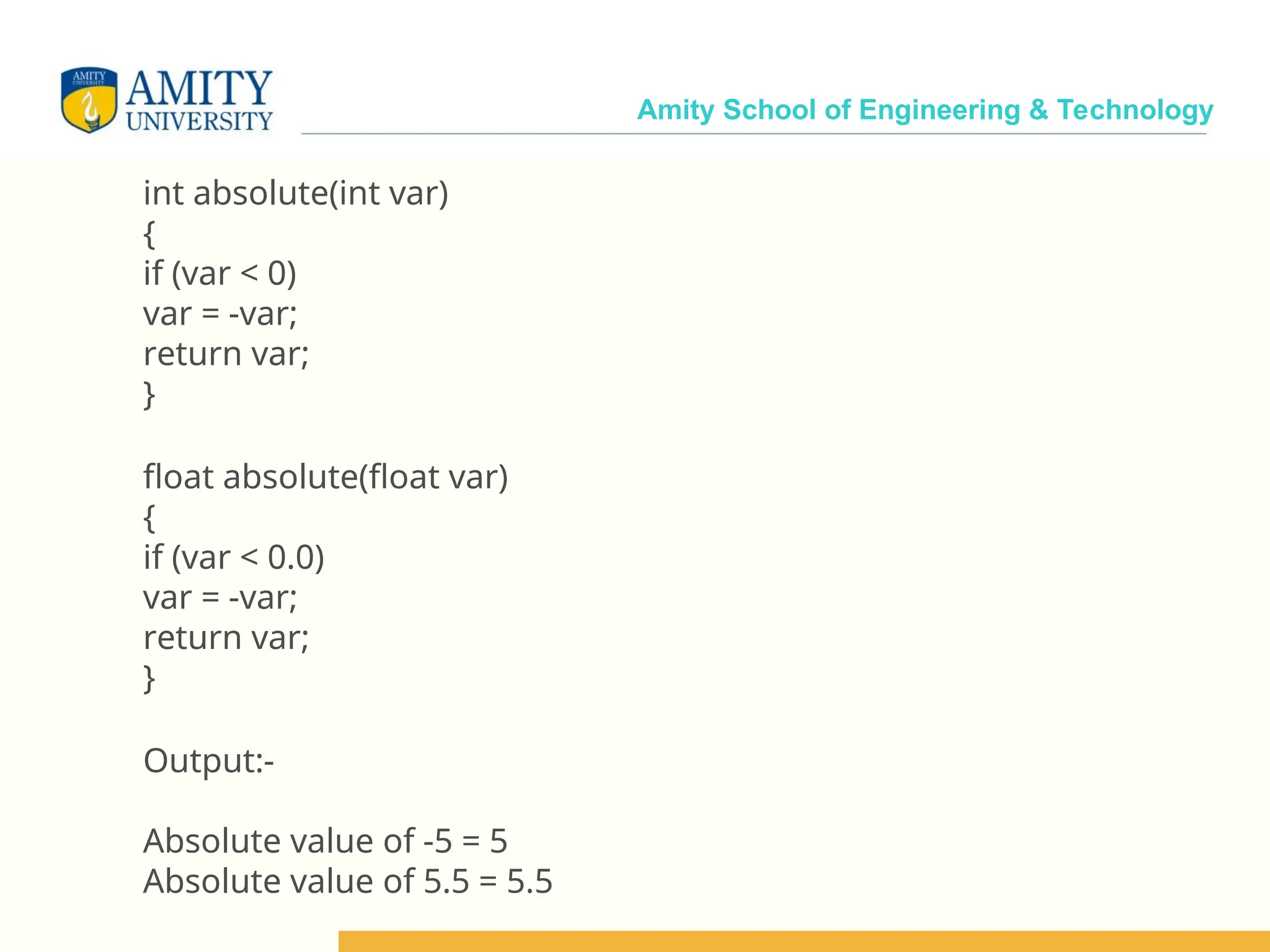
Amity School of Engineering & Technology int absolute(int var) { if (var < 0) var = -var; return var; } float absolute(float var) { if (var < 0.0) var = -var; return var; } Output:- Absolute value of -5 = 5 Absolute value of 5.5 = 5.5
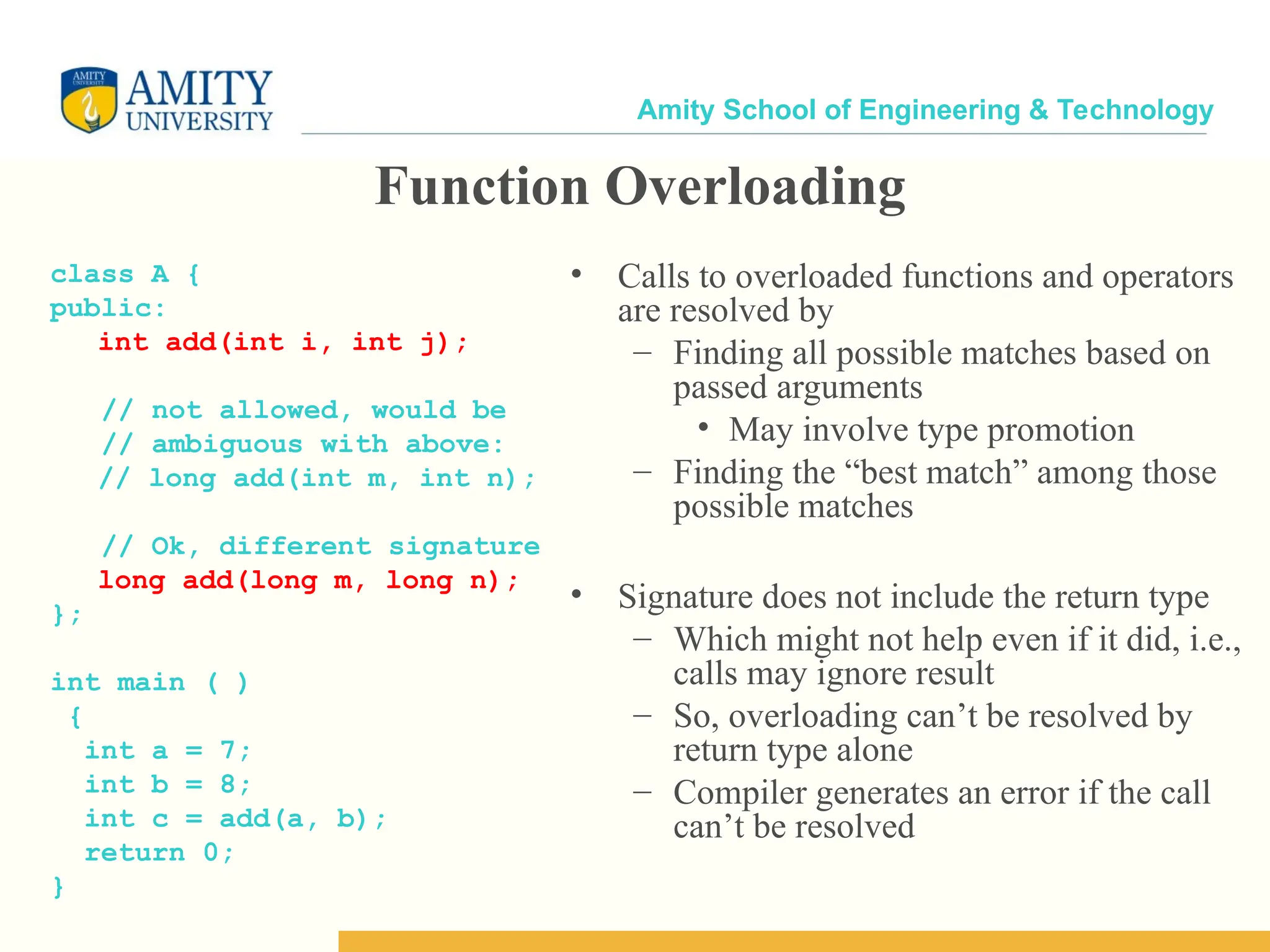
Amity School of Engineering & Technology Function Overloading class A { public: int add(int i, int j); // not allowed, would be // ambiguous with above: // long add(int m, int n); // Ok, different signature long add(long m, long n); }; int main ( ) { int a = 7; int b = 8; int c = add(a, b); return 0; } • Calls to overloaded functions and operators are resolved by – Finding all possible matches based on passed arguments • May involve type promotion – Finding the “best match” among those possible matches • Signature does not include the return type – Which might not help even if it did, i.e., calls may ignore result – So, overloading can’t be resolved by return type alone – Compiler generates an error if the call can’t be resolved
Amity School of Engineering & Technology 14
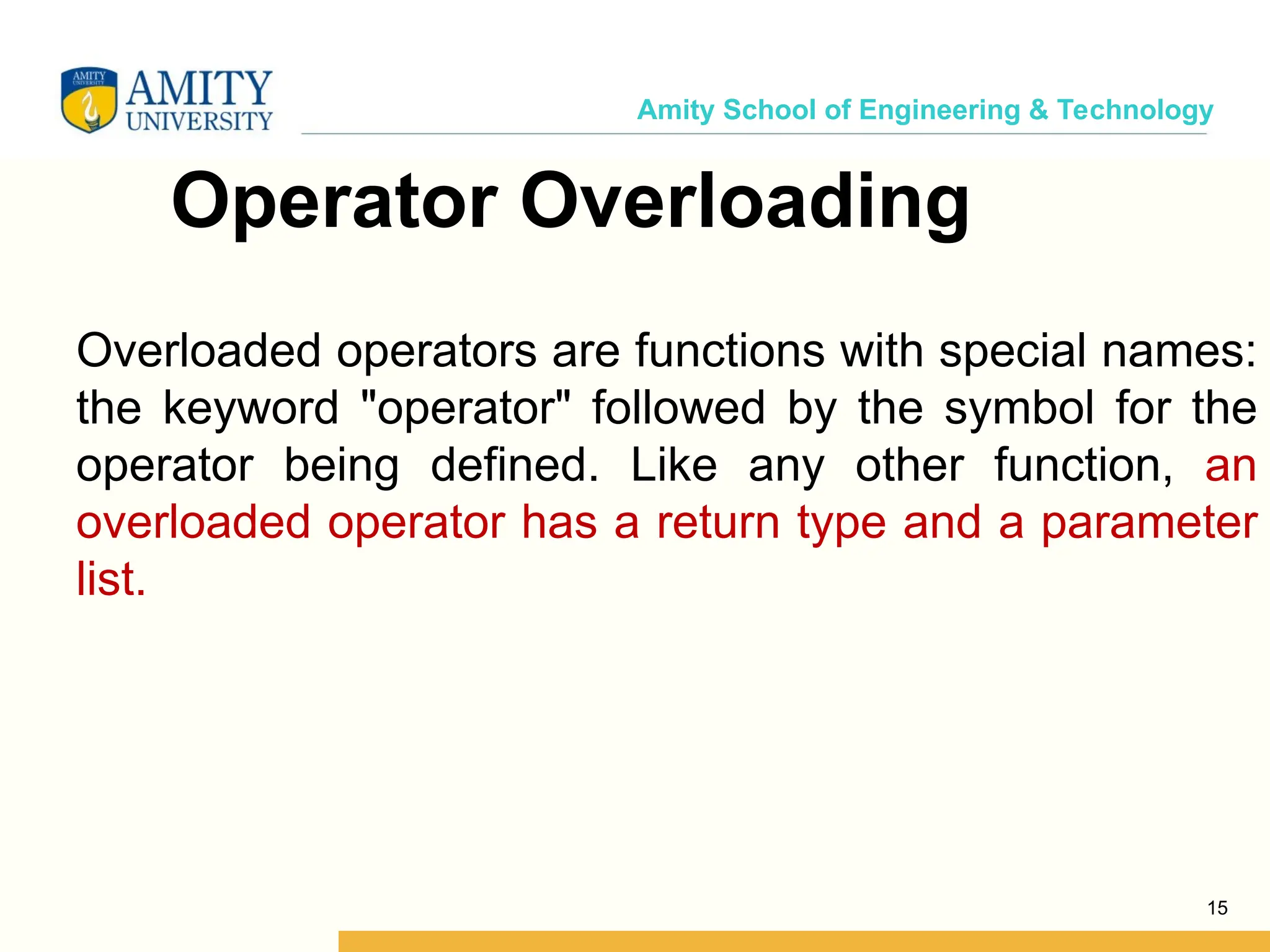
Amity School of Engineering & Technology Operator Overloading Overloaded operators are functions with special names: the keyword "operator" followed by the symbol for the operator being defined. Like any other function, an overloaded operator has a return type and a parameter list. 15
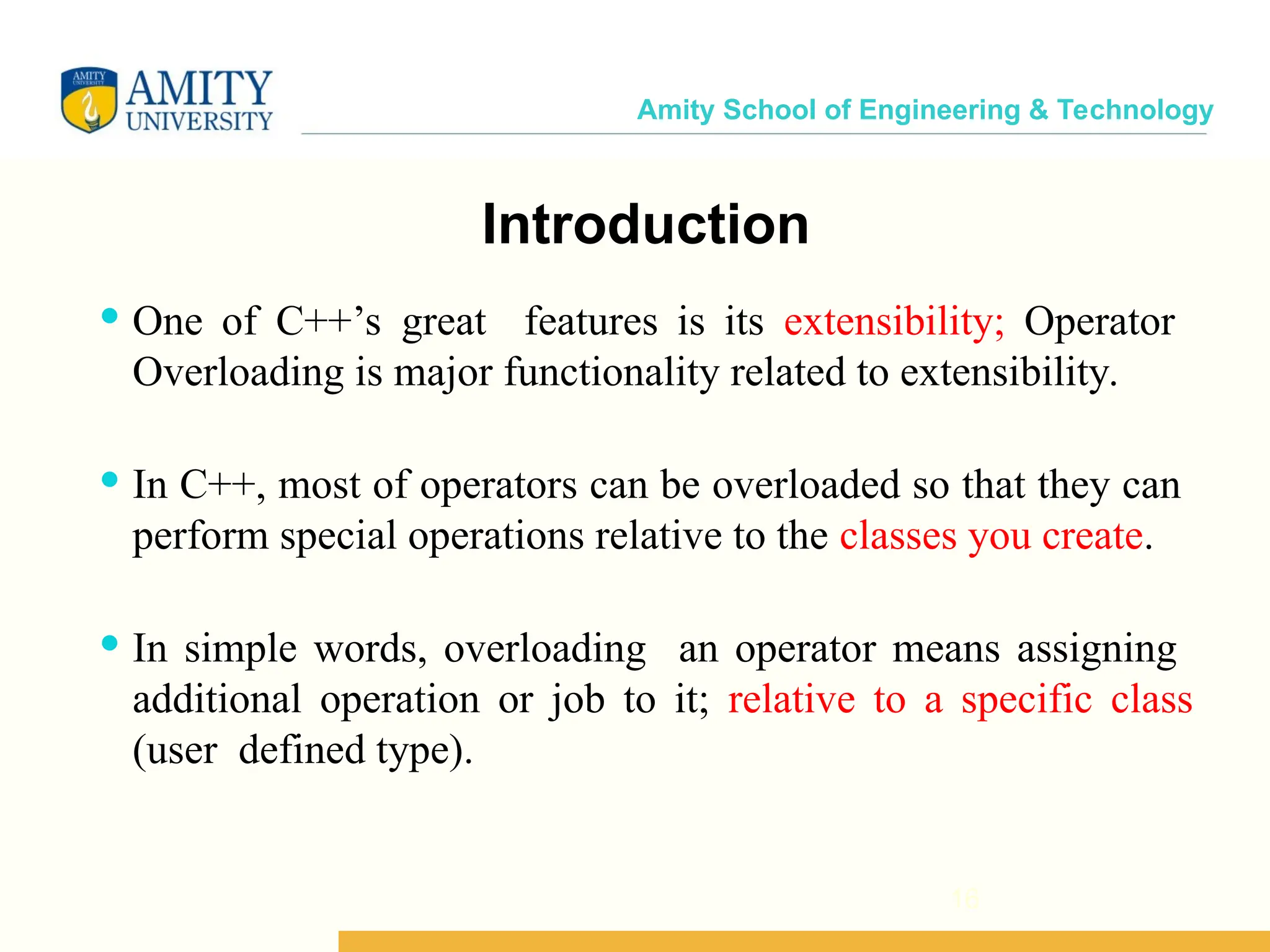
Amity School of Engineering & Technology Introduction 16  One of C++’s great features is its extensibility; Operator Overloading is major functionality related to extensibility.  In C++, most of operators can be overloaded so that they can perform special operations relative to the classes you create.  In simple words, overloading an operator means assigning additional operation or job to it; relative to a specific class (user defined type).
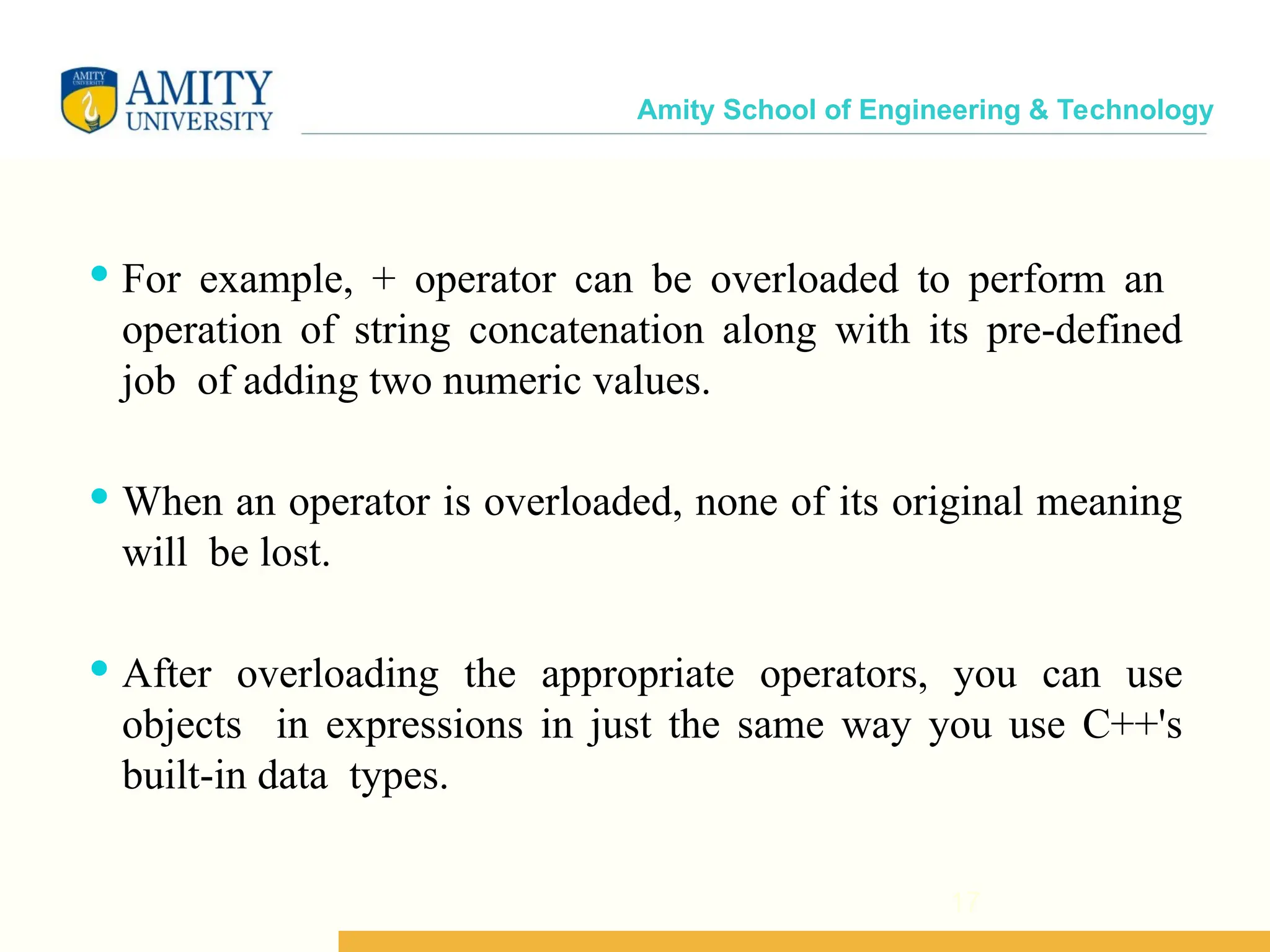
Amity School of Engineering & Technology 17  For example, + operator can be overloaded to perform an operation of string concatenation along with its pre-defined job of adding two numeric values.  When an operator is overloaded, none of its original meaning will be lost.  After overloading the appropriate operators, you can use objects in expressions in just the same way you use C++'s built-in data types.
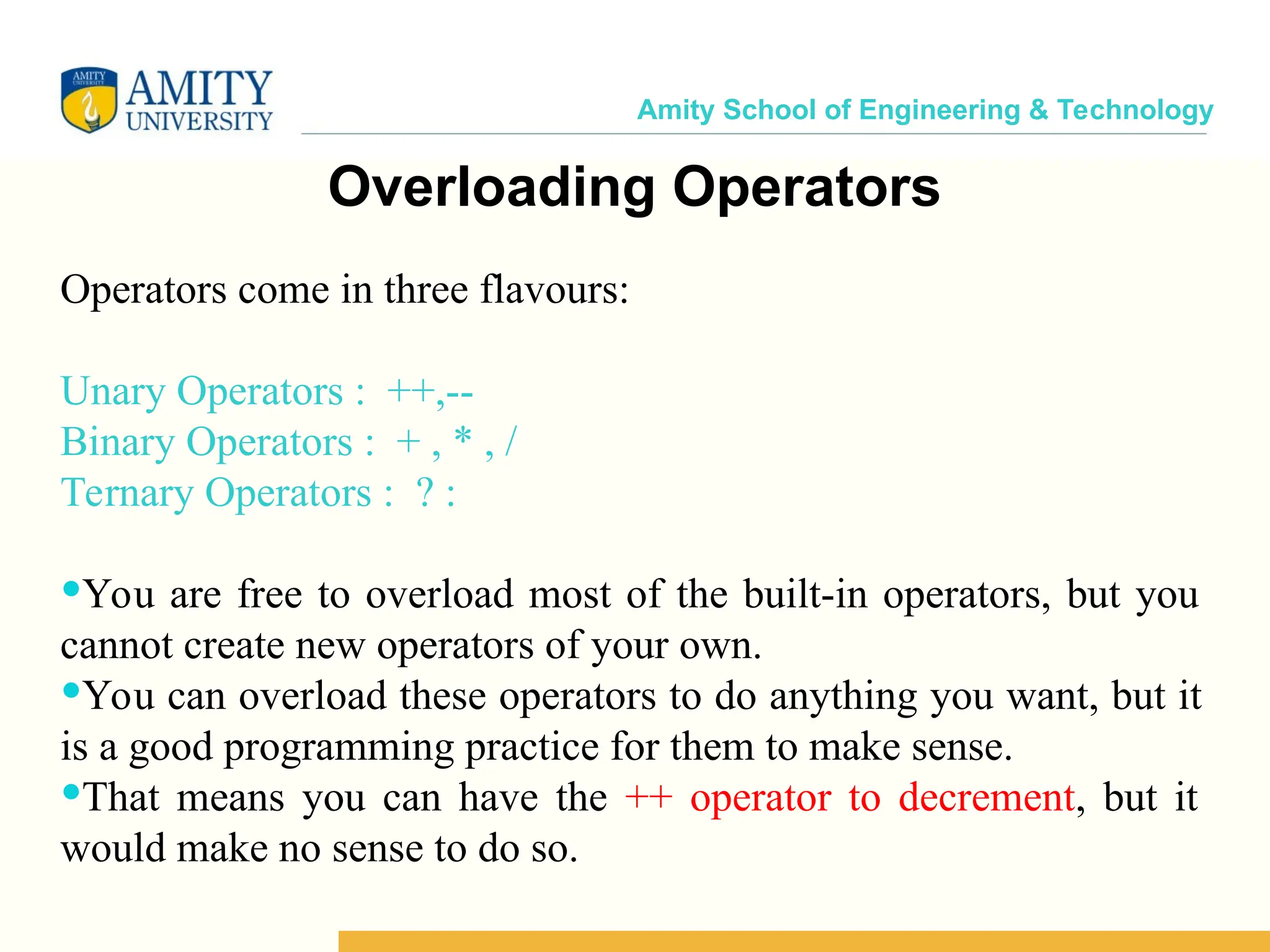
Amity School of Engineering & Technology Overloading Operators Operators come in three flavours: Unary Operators : ++,-- Binary Operators : + , * , / Ternary Operators : ? : You are free to overload most of the built-in operators, but you cannot create new operators of your own. You can overload these operators to do anything you want, but it is a good programming practice for them to make sense. That means you can have the ++ operator to decrement, but it would make no sense to do so.
Amity School of Engineering & Technology 6 C++ operators that can be overloaded C++ Operators that cannot be overloaded Operators that cannot be overloaded . .* :: ?: sizeof Operators that are overloaded + - * / % ^ & | ~ ! = < > += -= *= /= %= ^= &= |= << >> >>= <<= == != <= >= && || ++ -- ->* , -> [] () new delete
Amity School of Engineering & Technology Overloading Operators : Rules  You can overload virtually any c++ operator, but you cannot create your own set of operators.  You cannot change any operator's precedence.  You cannot change syntax to use an operator.  You cannot alter the pre-defined job performed by any operator, that means you cannot overload + operator in such a way to perform subtraction of two integers.
Amity School of Engineering & Technology Operators Function  Operators are overloaded by creating operator functions  An operator function defines the operations that the overloaded operator will perform relative to the class upon which it will work.  An operator function is created using the keyword operator  Operator functions can be either  Member function of a class or  Non-member function (Mostly Friend Functions)  The way operator functions are written differs between member and non-member functions.
Amity School of Engineering & Technology Member Operators Function • A member operator function for binary operators Return Type/ Class-Name operator # ( argument -list ) { // operations }  Often, operator functions returns an object of the class they operate on, but return-type can be any valid type.  The # is a placeholder. When you create an operator function, substitute the operator for the #.  While overloading binary operators using member function, the argument-list will contain at least one parameter.
Amity School of Engineering & Technology Syntax for C++ Operator Overloading class className { ... .. ... public: returnType operator symbol (arguments) { ... .. ... } ... .. ... }; 23
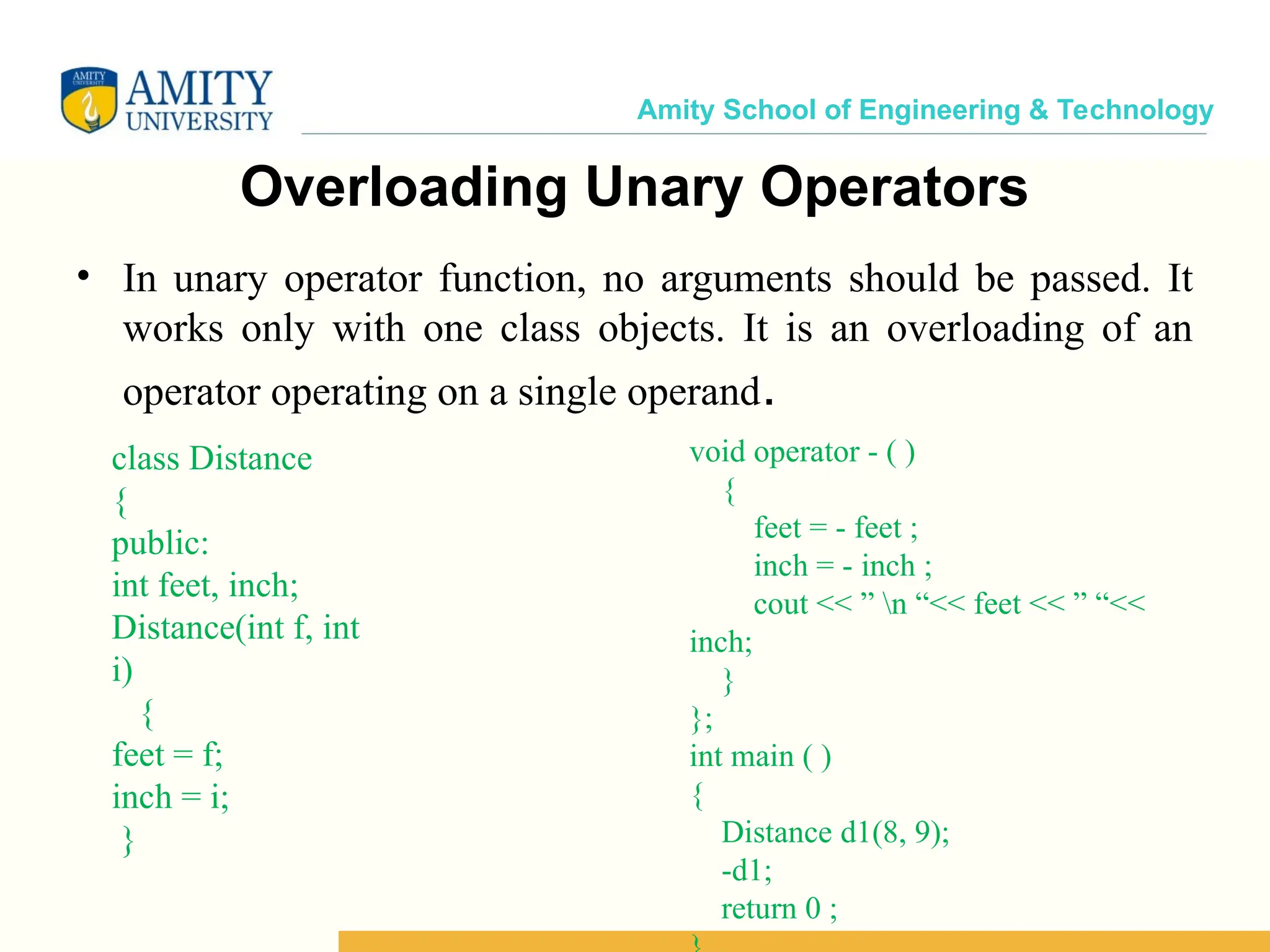
Amity School of Engineering & Technology Overloading Unary Operators • In unary operator function, no arguments should be passed. It works only with one class objects. It is an overloading of an operator operating on a single operand. class Distance { public: int feet, inch; Distance(int f, int i) { feet = f; inch = i; } void operator - ( ) { feet = - feet ; inch = - inch ; cout << ” n “<< feet << ” “<< inch; } }; int main ( ) { Distance d1(8, 9); -d1; return 0 ;
Amity School of Engineering & Technology • In the above program, it shows that no argument is passed, and no return type value is returned, because unary operator works on a single operand. (-) operator change the functionality to its member function.
Amity School of Engineering & Technology Operator Overloading in Unary Operators •Unary operators operate on only one operand. The increment operator ++ and decrement operator -- are examples of unary operators. 26
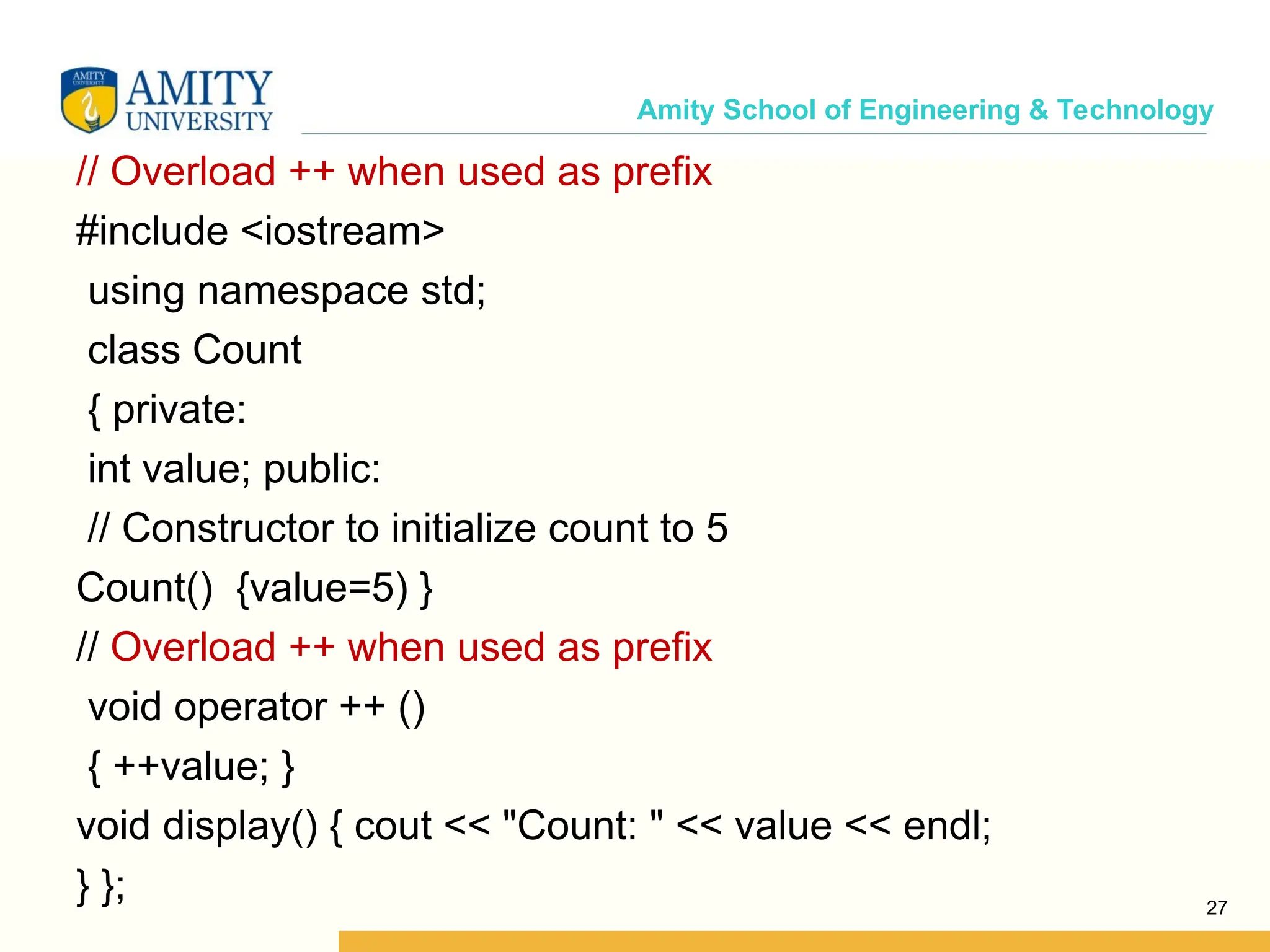
Amity School of Engineering & Technology // Overload ++ when used as prefix #include <iostream> using namespace std; class Count { private: int value; public: // Constructor to initialize count to 5 Count() {value=5) } // Overload ++ when used as prefix void operator ++ () { ++value; } void display() { cout << "Count: " << value << endl; } }; 27
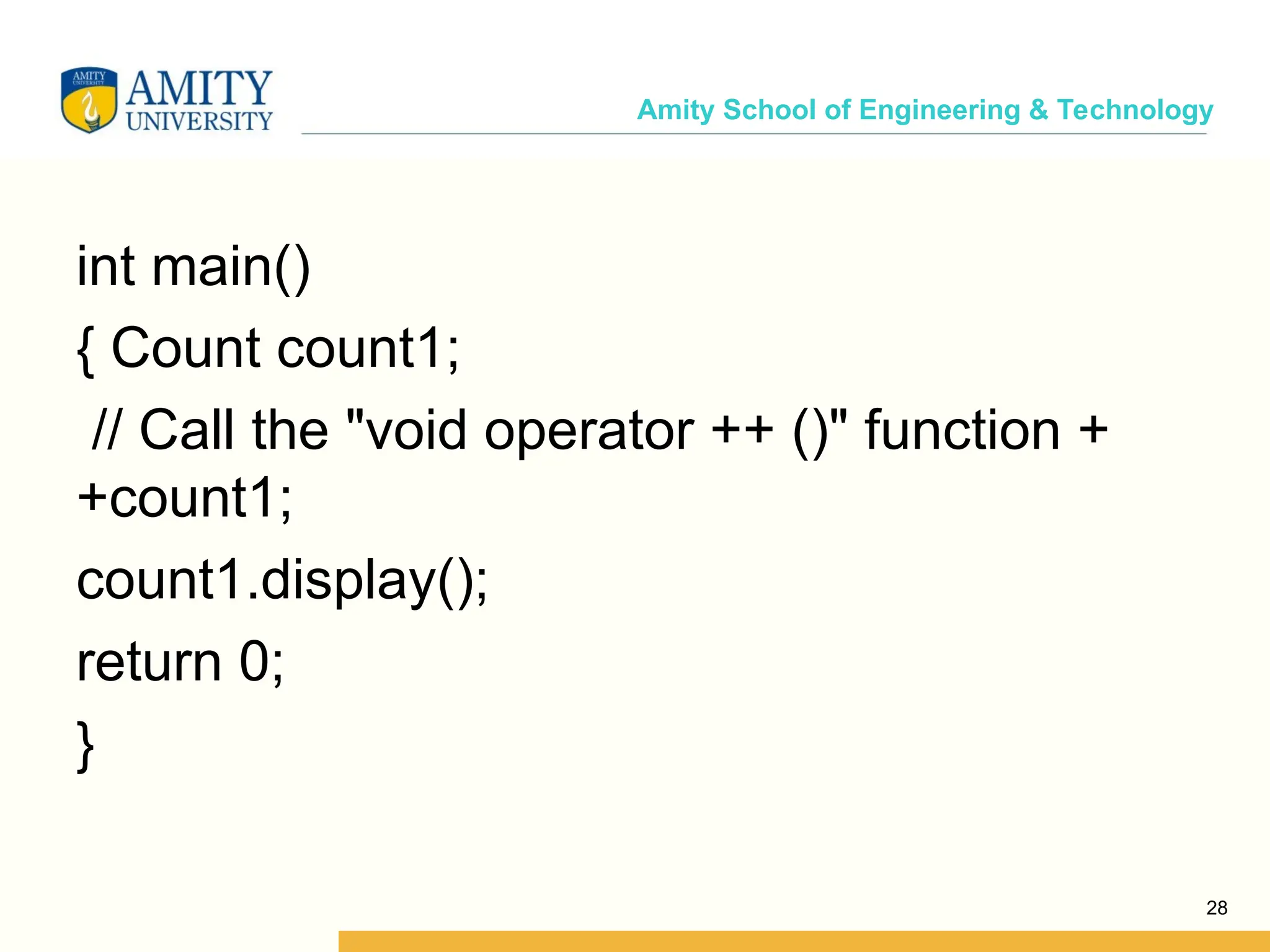
Amity School of Engineering & Technology int main() { Count count1; // Call the "void operator ++ ()" function + +count1; count1.display(); return 0; } 28
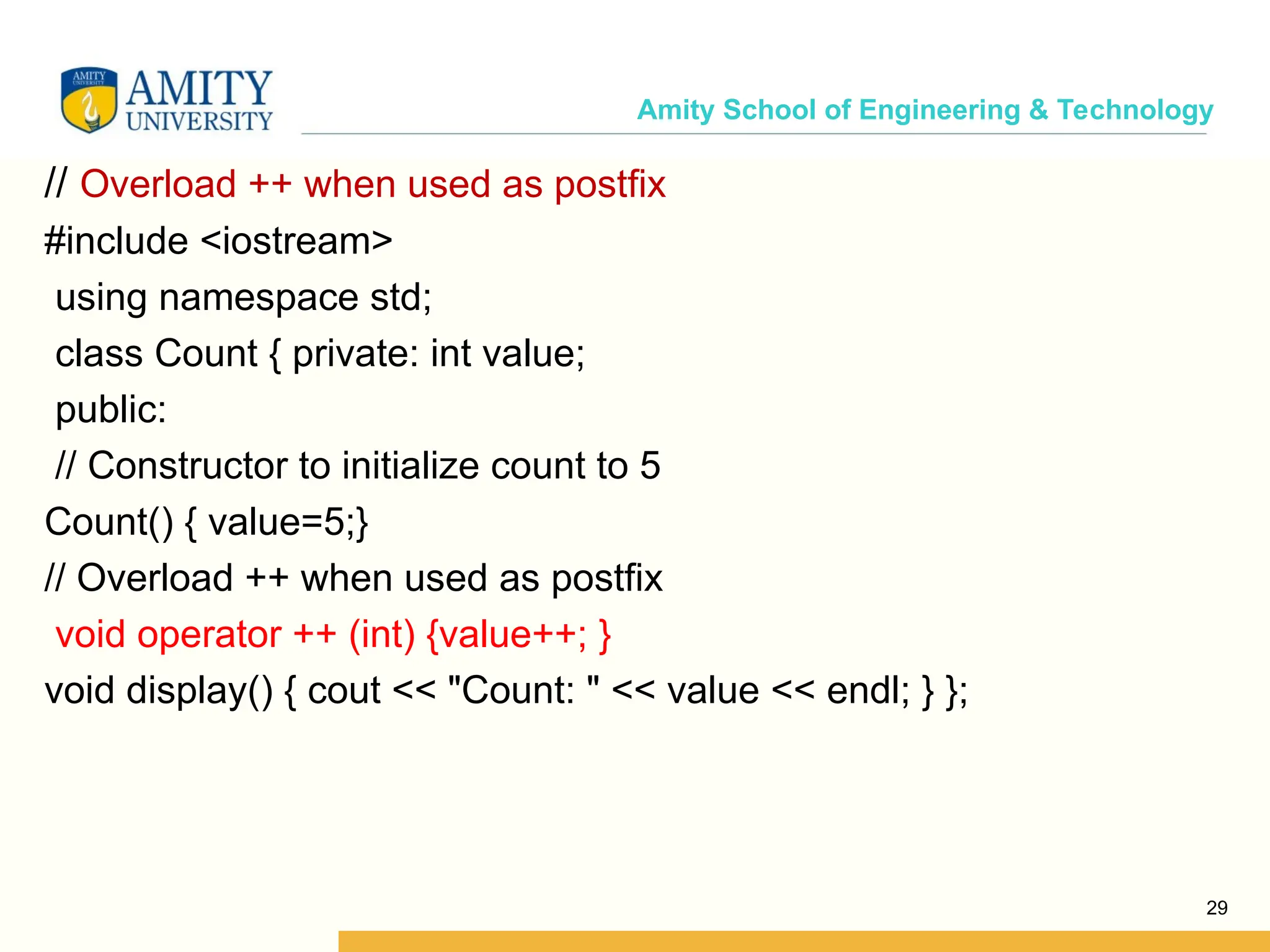
Amity School of Engineering & Technology // Overload ++ when used as postfix #include <iostream> using namespace std; class Count { private: int value; public: // Constructor to initialize count to 5 Count() { value=5;} // Overload ++ when used as postfix void operator ++ (int) {value++; } void display() { cout << "Count: " << value << endl; } }; 29
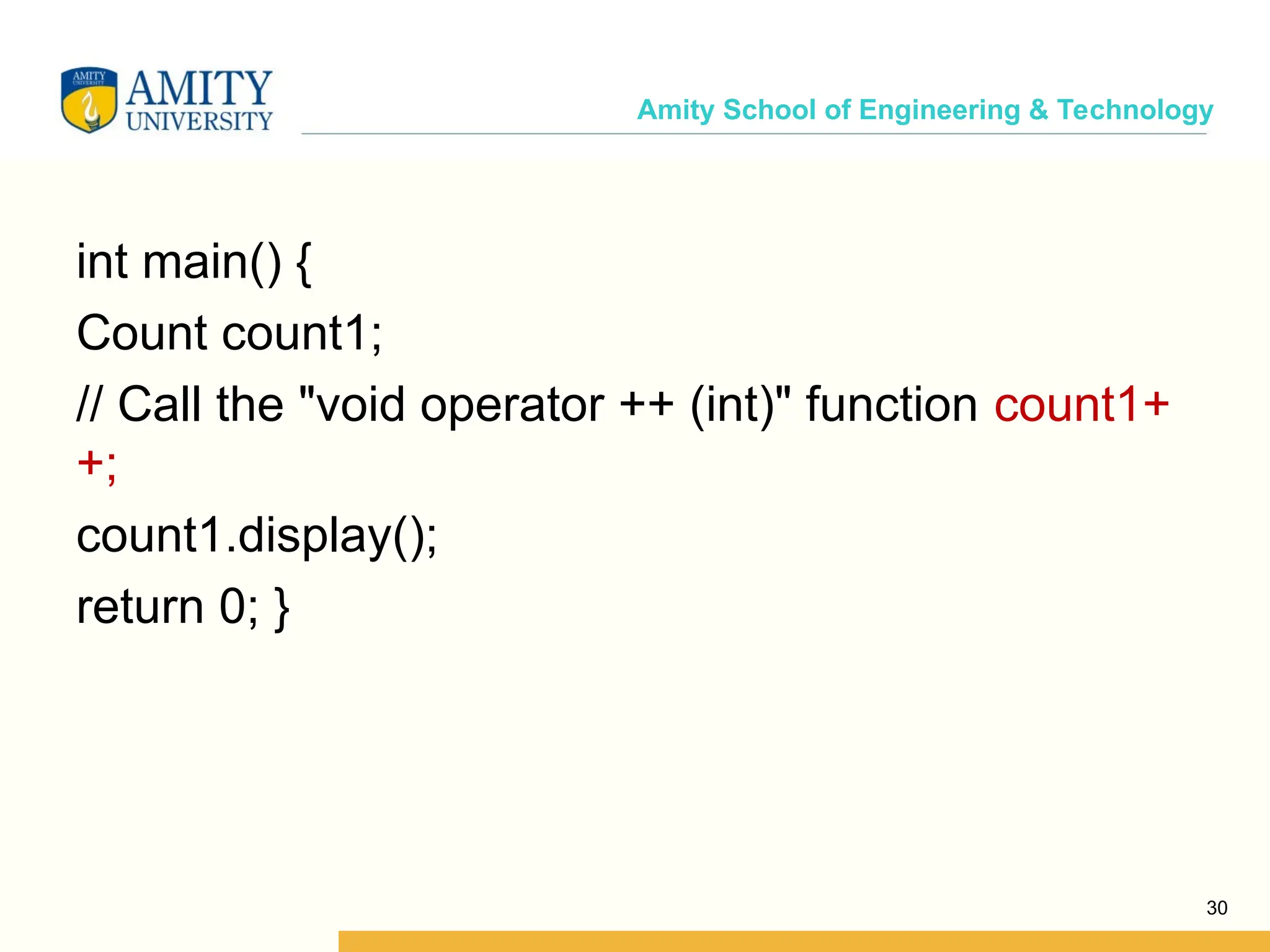
Amity School of Engineering & Technology int main() { Count count1; // Call the "void operator ++ (int)" function count1+ +; count1.display(); return 0; } 30
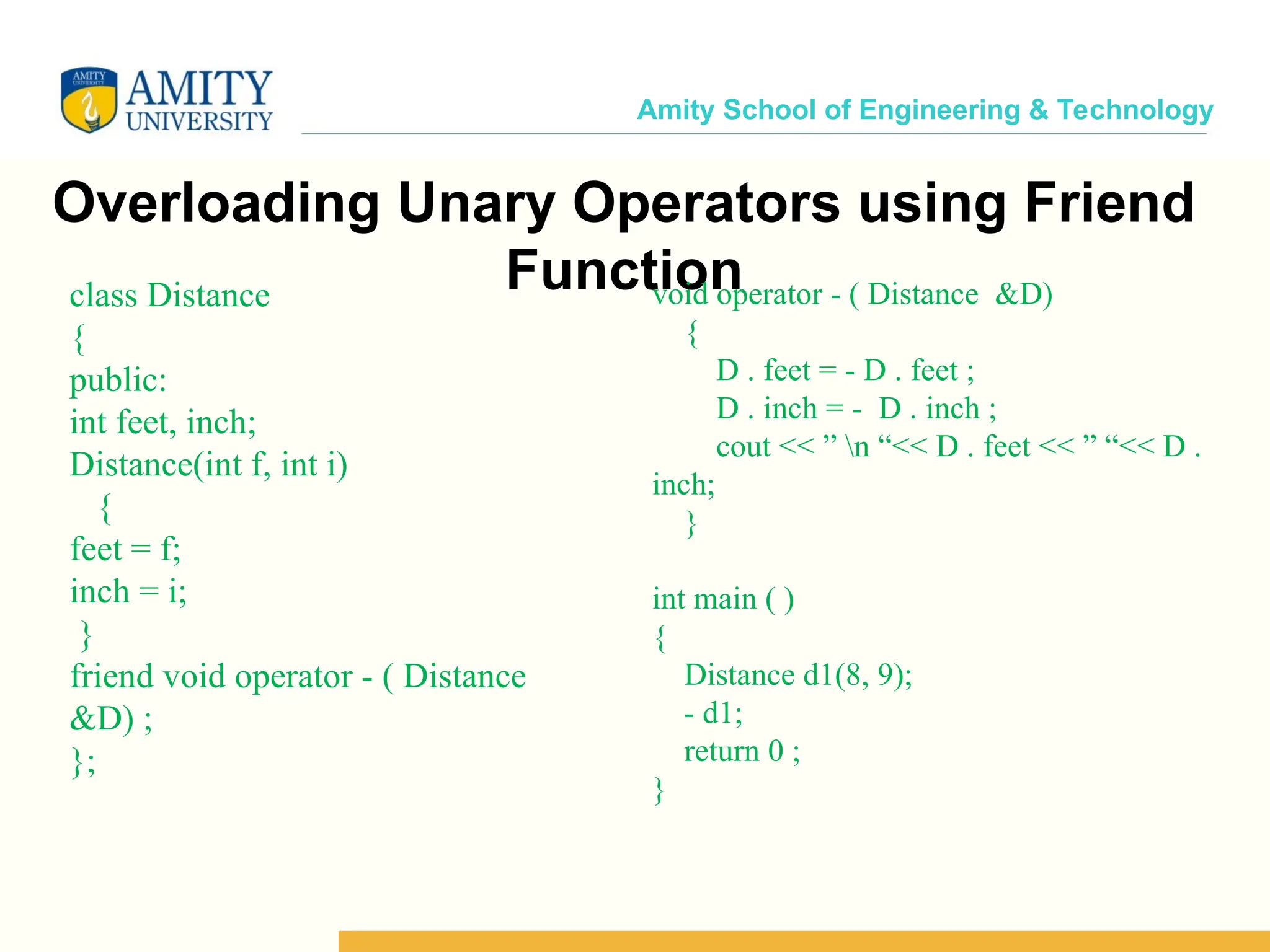
Amity School of Engineering & Technology Overloading Unary Operators using Friend Function class Distance { public: int feet, inch; Distance(int f, int i) { feet = f; inch = i; } friend void operator - ( Distance &D) ; }; void operator - ( Distance &D) { D . feet = - D . feet ; D . inch = - D . inch ; cout << ” n “<< D . feet << ” “<< D . inch; } int main ( ) { Distance d1(8, 9); - d1; return 0 ; }
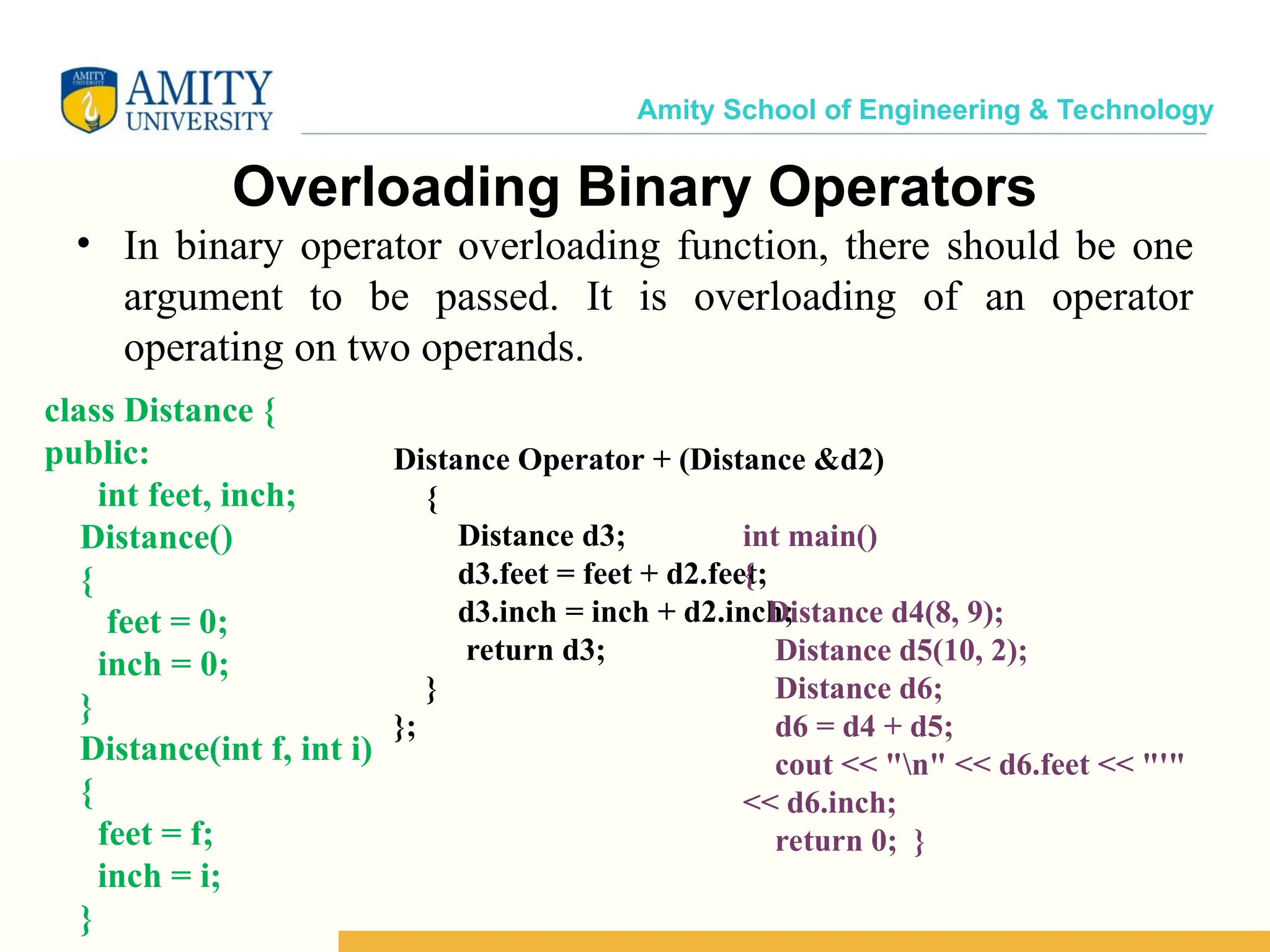
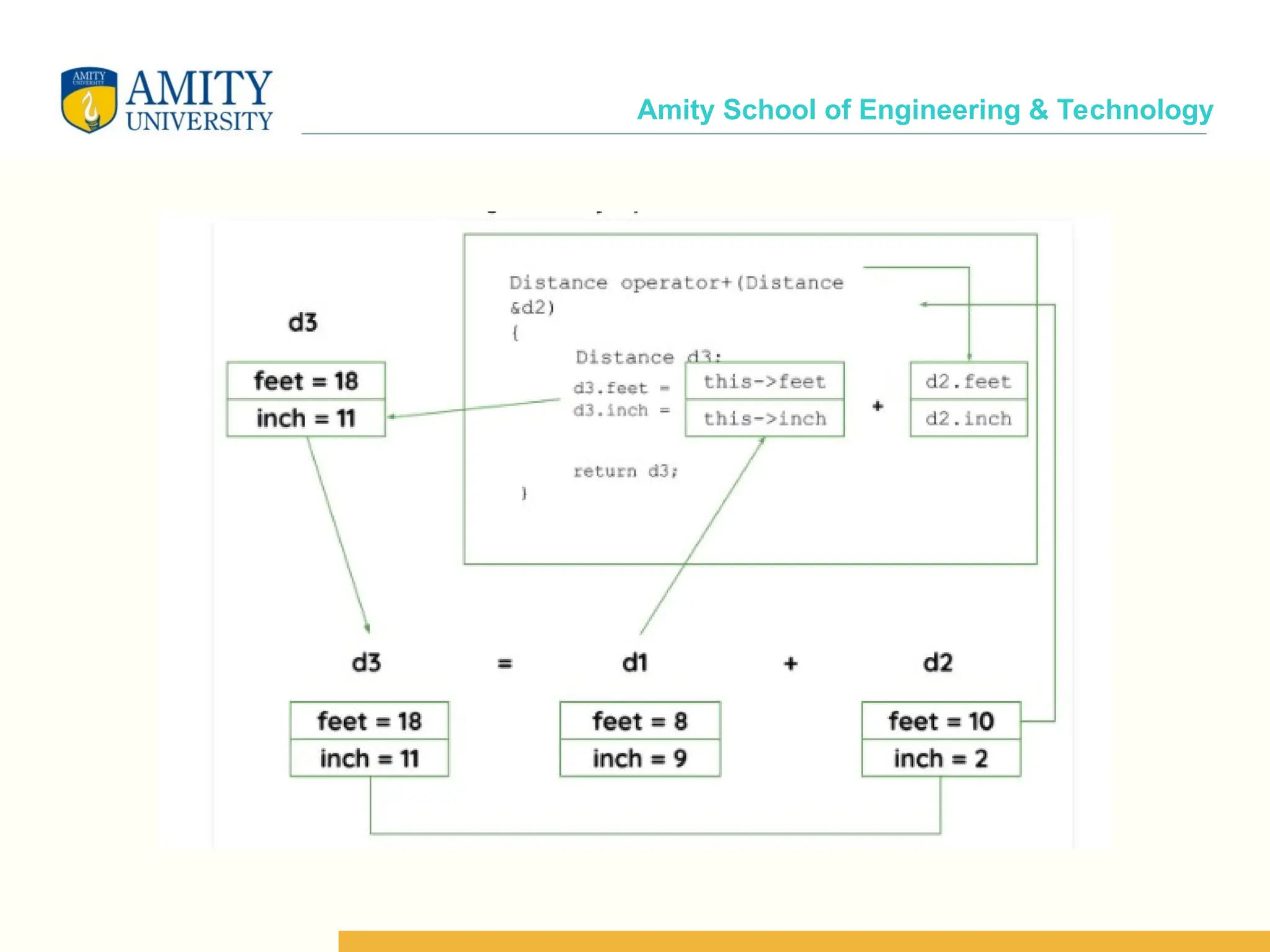
Amity School of Engineering & Technology Overloading Binary Operators • In binary operator overloading function, there should be one argument to be passed. It is overloading of an operator operating on two operands. class Distance { public: int feet, inch; Distance() { feet = 0; inch = 0; } Distance(int f, int i) { feet = f; inch = i; } Distance Operator + (Distance &d2) { Distance d3; d3.feet = feet + d2.feet; d3.inch = inch + d2.inch; return d3; } }; int main() { Distance d4(8, 9); Distance d5(10, 2); Distance d6; d6 = d4 + d5; cout << "n" << d6.feet << "'" << d6.inch; return 0; }
Amity School of Engineering & Technology
Amity School of Engineering & Technology Overloading Binary Operator using a Friend function • In this approach, the operator overloading function must precede with friend keyword, and declare a function class scope. • Keeping in mind, friend operator function takes two parameters in a binary operator, varies one parameter in a unary operator.
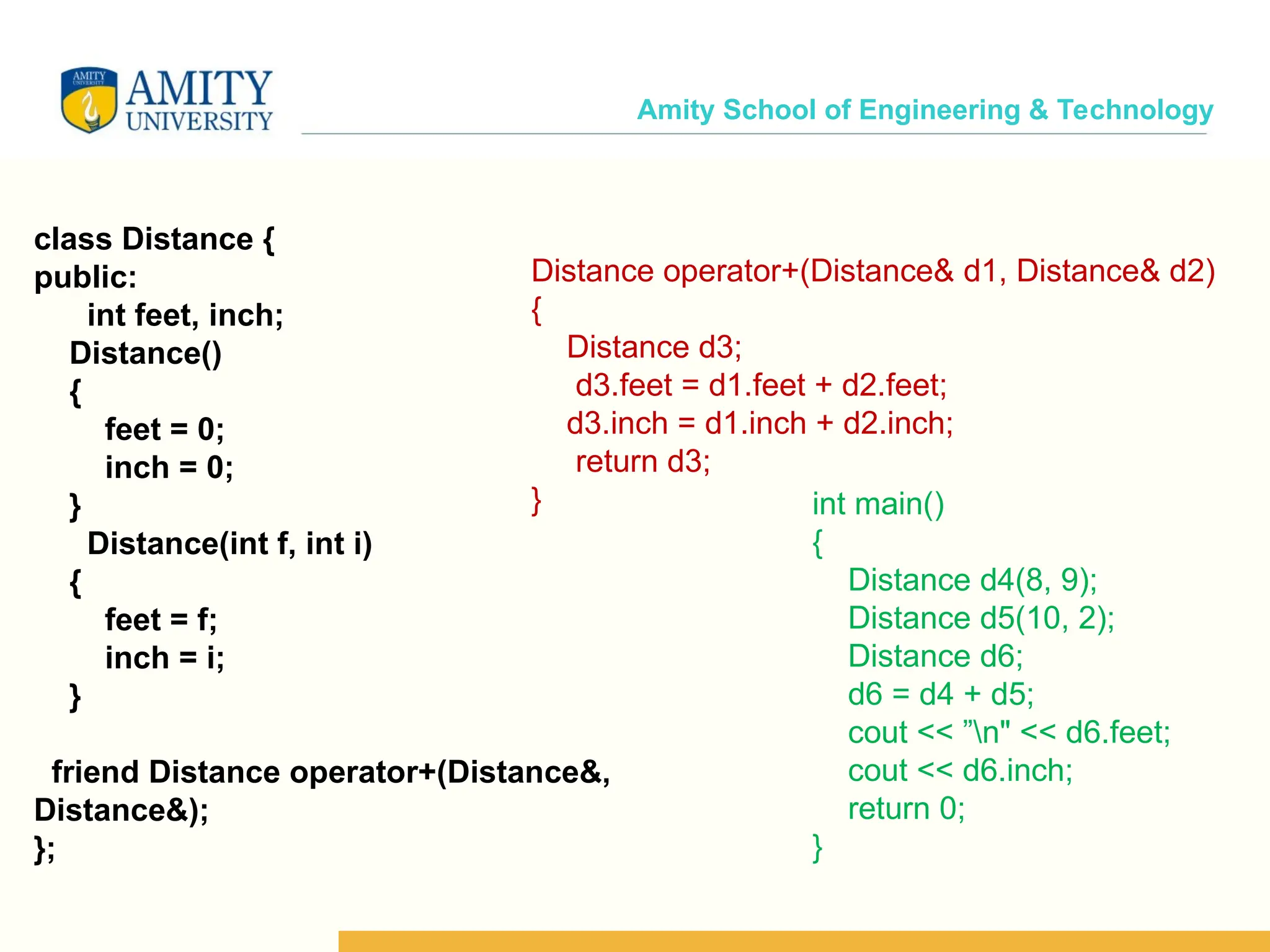
Amity School of Engineering & Technology class Distance { public: int feet, inch; Distance() { feet = 0; inch = 0; } Distance(int f, int i) { feet = f; inch = i; } friend Distance operator+(Distance&, Distance&); }; Distance operator+(Distance& d1, Distance& d2) { Distance d3; d3.feet = d1.feet + d2.feet; d3.inch = d1.inch + d2.inch; return d3; } int main() { Distance d4(8, 9); Distance d5(10, 2); Distance d6; d6 = d4 + d5; cout << ”n" << d6.feet; cout << d6.inch; return 0; }
Amity School of Engineering & Technology Thank You

Polymorphism and function overloading_new.ppt

  • 1.
    Amity School ofEngineering & Technology Object Oriented Programming Using [ES203] 1
  • 2.
    Amity School ofEngineering & Technology
  • 3.
    Amity School ofEngineering & Technology POLYMORPHISM  The process of representing one Form in multiple forms is known as Polymorphism.  The term "Polymorphism" is the combination of "poly" + "morphs" which means many forms.  Polymorphism means ‘one name, multiple forms’.  Polymorphism is one of the important features of OOP. 3
  • 4.
    Amity School ofEngineering & Technology POLYMORPHISM COMPLIE TIME (EARLY BINDING OR STSTIC BINDING) Function overloading Operator overloading RUNTIME (DYNAMI C BINDING) Virtual functio n
  • 5.
    Amity School ofEngineering & Technology Compile time Vs. Run time polymorphism
  • 6.
    Amity School ofEngineering & Technology For every function call compiler binds the call to one function definition at compile time. This decision of binding among several functions is taken by considering formal arguments of the function, their data type and their sequence. There are two type of compile time polymorphism. Function overloading Operator overloading Compile Time Polymorphism
  • 7.
    Amity School ofEngineering & Technology Overloading Vs. Overriding – Overloading:- • Two or more methods with different signatures • Both operators and functions can be overloaded – Overriding:- • Replacing an inherited methodwith another having the same signature. • Definitions are distinguished by their scopes rather than by their signatures
  • 8.
    Amity School ofEngineering & Technology Overloading • Overloading – A name having two or more distinct meanings • Overloaded function - a function having more than one distinct meanings • Overloaded operator - When two or more distinct meanings are defined for an operator
  • 9.
    Amity School ofEngineering & Technology Overloading • Operator overloading is inbuilt in C and C++. • ‘-’ can be unary as well as binary • ‘*’ is used for multiplication as well as pointers • ‘<<‘, ‘>>’ used as bitwise shift as well as insertion and extraction operators • All arithmetic operators can work with any type of data
  • 10.
    Amity School ofEngineering & Technology Function Overloading Overloading occurs when the same operator or function name is used with different signatures • Different definitions must be distinguished by their signatures (otherwise which to call is ambiguous). •Signature is the operator/function name and the ordered list of its argument types •E.g., add(int, long) and add(long ,int) have different signatures •Most specific match is used to select which one to call
  • 11.
    Amity School ofEngineering & Technology Example of Function overloading #include <iostream> using namespace std; int absolute(int); float absolute(float); int main() { int a = -5; float b = 5.5; cout<<"Absolute value of "<<a<<" ="<<absolute(a)<<endl; cout<<"Absolute value of "<<b<<" = "<<absolute(b); return 0; }
  • 12.
    Amity School ofEngineering & Technology int absolute(int var) { if (var < 0) var = -var; return var; } float absolute(float var) { if (var < 0.0) var = -var; return var; } Output:- Absolute value of -5 = 5 Absolute value of 5.5 = 5.5
  • 13.
    Amity School ofEngineering & Technology Function Overloading class A { public: int add(int i, int j); // not allowed, would be // ambiguous with above: // long add(int m, int n); // Ok, different signature long add(long m, long n); }; int main ( ) { int a = 7; int b = 8; int c = add(a, b); return 0; } • Calls to overloaded functions and operators are resolved by – Finding all possible matches based on passed arguments • May involve type promotion – Finding the “best match” among those possible matches • Signature does not include the return type – Which might not help even if it did, i.e., calls may ignore result – So, overloading can’t be resolved by return type alone – Compiler generates an error if the call can’t be resolved
  • 14.
    Amity School ofEngineering & Technology 14
  • 15.
    Amity School ofEngineering & Technology Operator Overloading Overloaded operators are functions with special names: the keyword "operator" followed by the symbol for the operator being defined. Like any other function, an overloaded operator has a return type and a parameter list. 15
  • 16.
    Amity School ofEngineering & Technology Introduction 16  One of C++’s great features is its extensibility; Operator Overloading is major functionality related to extensibility.  In C++, most of operators can be overloaded so that they can perform special operations relative to the classes you create.  In simple words, overloading an operator means assigning additional operation or job to it; relative to a specific class (user defined type).
  • 17.
    Amity School ofEngineering & Technology 17  For example, + operator can be overloaded to perform an operation of string concatenation along with its pre-defined job of adding two numeric values.  When an operator is overloaded, none of its original meaning will be lost.  After overloading the appropriate operators, you can use objects in expressions in just the same way you use C++'s built-in data types.
  • 18.
    Amity School ofEngineering & Technology Overloading Operators Operators come in three flavours: Unary Operators : ++,-- Binary Operators : + , * , / Ternary Operators : ? : You are free to overload most of the built-in operators, but you cannot create new operators of your own. You can overload these operators to do anything you want, but it is a good programming practice for them to make sense. That means you can have the ++ operator to decrement, but it would make no sense to do so.
  • 19.
    Amity School ofEngineering & Technology 6 C++ operators that can be overloaded C++ Operators that cannot be overloaded Operators that cannot be overloaded . .* :: ?: sizeof Operators that are overloaded + - * / % ^ & | ~ ! = < > += -= *= /= %= ^= &= |= << >> >>= <<= == != <= >= && || ++ -- ->* , -> [] () new delete
  • 20.
    Amity School ofEngineering & Technology Overloading Operators : Rules  You can overload virtually any c++ operator, but you cannot create your own set of operators.  You cannot change any operator's precedence.  You cannot change syntax to use an operator.  You cannot alter the pre-defined job performed by any operator, that means you cannot overload + operator in such a way to perform subtraction of two integers.
  • 21.
    Amity School ofEngineering & Technology Operators Function  Operators are overloaded by creating operator functions  An operator function defines the operations that the overloaded operator will perform relative to the class upon which it will work.  An operator function is created using the keyword operator  Operator functions can be either  Member function of a class or  Non-member function (Mostly Friend Functions)  The way operator functions are written differs between member and non-member functions.
  • 22.
    Amity School ofEngineering & Technology Member Operators Function • A member operator function for binary operators Return Type/ Class-Name operator # ( argument -list ) { // operations }  Often, operator functions returns an object of the class they operate on, but return-type can be any valid type.  The # is a placeholder. When you create an operator function, substitute the operator for the #.  While overloading binary operators using member function, the argument-list will contain at least one parameter.
  • 23.
    Amity School ofEngineering & Technology Syntax for C++ Operator Overloading class className { ... .. ... public: returnType operator symbol (arguments) { ... .. ... } ... .. ... }; 23
  • 24.
    Amity School ofEngineering & Technology Overloading Unary Operators • In unary operator function, no arguments should be passed. It works only with one class objects. It is an overloading of an operator operating on a single operand. class Distance { public: int feet, inch; Distance(int f, int i) { feet = f; inch = i; } void operator - ( ) { feet = - feet ; inch = - inch ; cout << ” n “<< feet << ” “<< inch; } }; int main ( ) { Distance d1(8, 9); -d1; return 0 ;
  • 25.
    Amity School ofEngineering & Technology • In the above program, it shows that no argument is passed, and no return type value is returned, because unary operator works on a single operand. (-) operator change the functionality to its member function.
  • 26.
    Amity School ofEngineering & Technology Operator Overloading in Unary Operators •Unary operators operate on only one operand. The increment operator ++ and decrement operator -- are examples of unary operators. 26
  • 27.
    Amity School ofEngineering & Technology // Overload ++ when used as prefix #include <iostream> using namespace std; class Count { private: int value; public: // Constructor to initialize count to 5 Count() {value=5) } // Overload ++ when used as prefix void operator ++ () { ++value; } void display() { cout << "Count: " << value << endl; } }; 27
  • 28.
    Amity School ofEngineering & Technology int main() { Count count1; // Call the "void operator ++ ()" function + +count1; count1.display(); return 0; } 28
  • 29.
    Amity School ofEngineering & Technology // Overload ++ when used as postfix #include <iostream> using namespace std; class Count { private: int value; public: // Constructor to initialize count to 5 Count() { value=5;} // Overload ++ when used as postfix void operator ++ (int) {value++; } void display() { cout << "Count: " << value << endl; } }; 29
  • 30.
    Amity School ofEngineering & Technology int main() { Count count1; // Call the "void operator ++ (int)" function count1+ +; count1.display(); return 0; } 30
  • 31.
    Amity School ofEngineering & Technology Overloading Unary Operators using Friend Function class Distance { public: int feet, inch; Distance(int f, int i) { feet = f; inch = i; } friend void operator - ( Distance &D) ; }; void operator - ( Distance &D) { D . feet = - D . feet ; D . inch = - D . inch ; cout << ” n “<< D . feet << ” “<< D . inch; } int main ( ) { Distance d1(8, 9); - d1; return 0 ; }
  • 32.
    Amity School ofEngineering & Technology Overloading Binary Operators • In binary operator overloading function, there should be one argument to be passed. It is overloading of an operator operating on two operands. class Distance { public: int feet, inch; Distance() { feet = 0; inch = 0; } Distance(int f, int i) { feet = f; inch = i; } Distance Operator + (Distance &d2) { Distance d3; d3.feet = feet + d2.feet; d3.inch = inch + d2.inch; return d3; } }; int main() { Distance d4(8, 9); Distance d5(10, 2); Distance d6; d6 = d4 + d5; cout << "n" << d6.feet << "'" << d6.inch; return 0; }
  • 33.
    Amity School ofEngineering & Technology
  • 34.
    Amity School ofEngineering & Technology Overloading Binary Operator using a Friend function • In this approach, the operator overloading function must precede with friend keyword, and declare a function class scope. • Keeping in mind, friend operator function takes two parameters in a binary operator, varies one parameter in a unary operator.
  • 35.
    Amity School ofEngineering & Technology class Distance { public: int feet, inch; Distance() { feet = 0; inch = 0; } Distance(int f, int i) { feet = f; inch = i; } friend Distance operator+(Distance&, Distance&); }; Distance operator+(Distance& d1, Distance& d2) { Distance d3; d3.feet = d1.feet + d2.feet; d3.inch = d1.inch + d2.inch; return d3; } int main() { Distance d4(8, 9); Distance d5(10, 2); Distance d6; d6 = d4 + d5; cout << ”n" << d6.feet; cout << d6.inch; return 0; }
  • 36.
    Amity School ofEngineering & Technology Thank You