Advanced CSS Troubleshooting or How to become a Super CSS Detective in 4 Easy Steps Denise R. Jacobs CSS Summit 2010
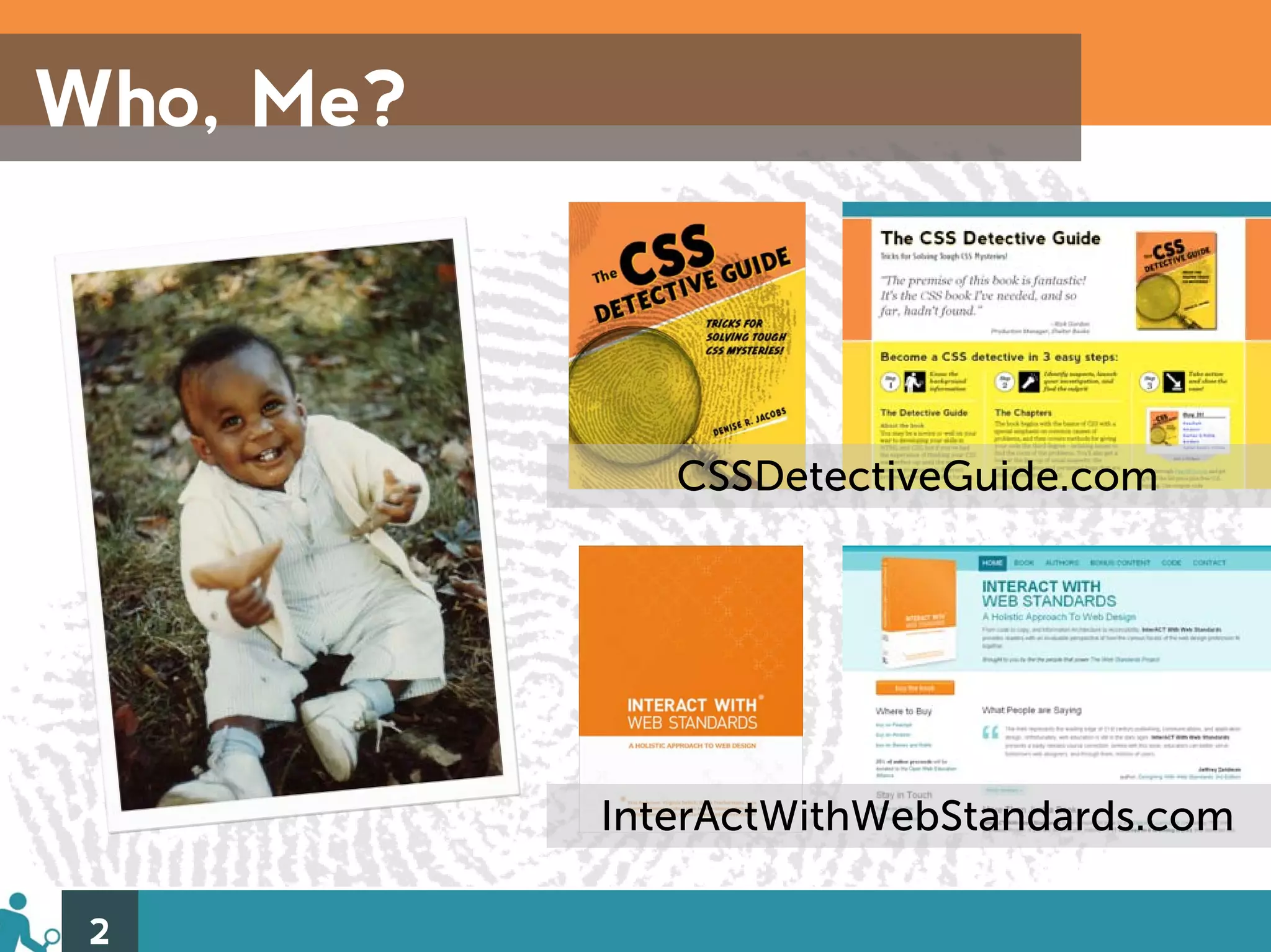
Who, Me? CSSDetectiveGuide.com InterActWithWebStandards.com 2
CSS De-what? • Preventive/defensive coding – Focused & efficient • Can quickly and easily solve problems when they come up 3
I can haz trubbleshootin? Strong troubleshooting skills are one of your best allies in solving CSS “mysteries”…and they also make you feel like a badass. 4
The 4 Easy Steps 1) Lay the foundation 2) Target your styles 3) Squash browser bugs 4) Clear float issues 5
1) Lay the Foundation 6 http://www.flickr.com/photos/pgoyette/2280685630/
Why? A solid CSS foundation creates an environment where preventing and detecting problems is easier. 7
How to lay it down 1) Annotate & Optimize • Markup • CSS 2) (Re)Set the Mood • CSS reset review • DIY 8
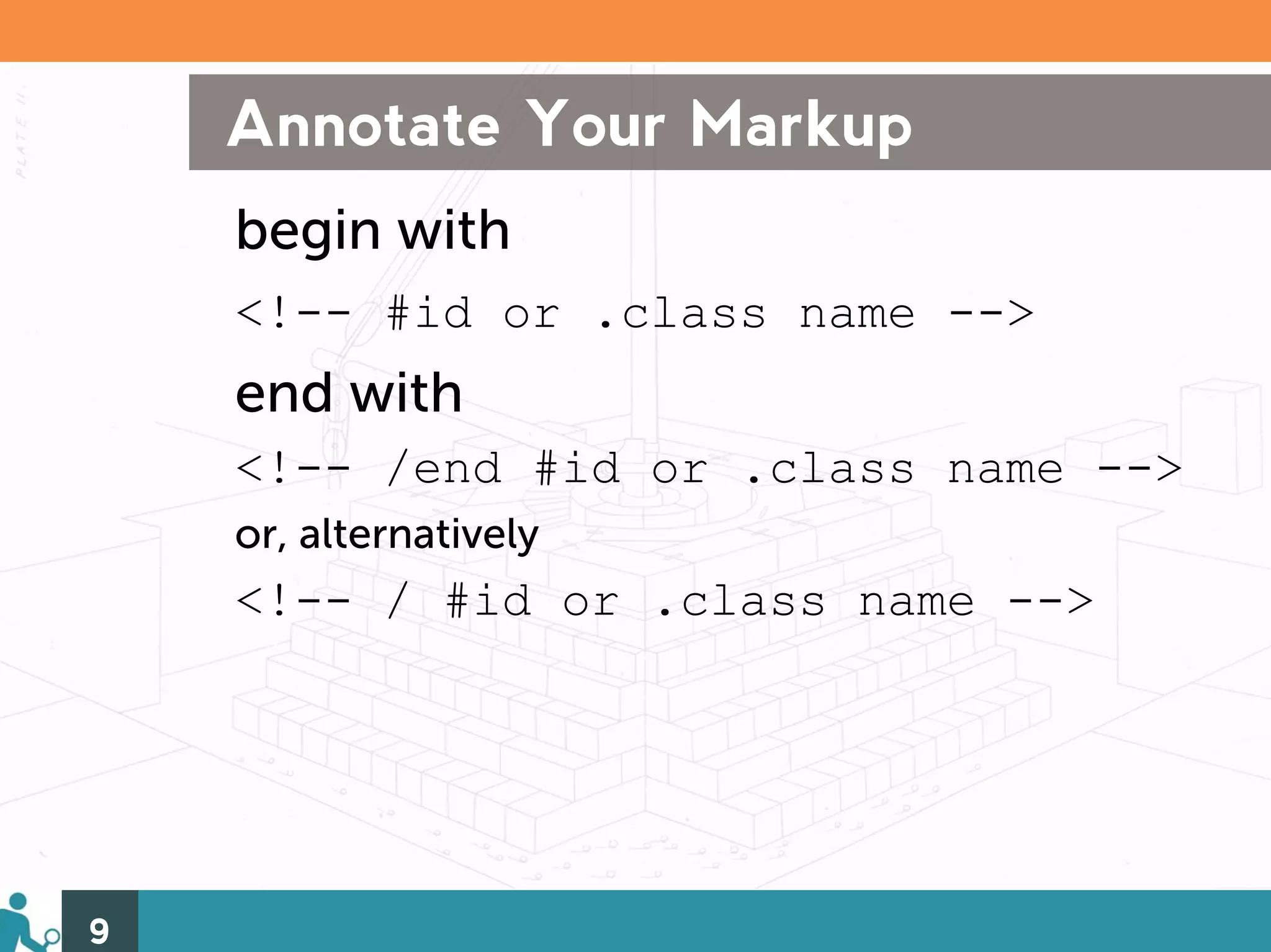
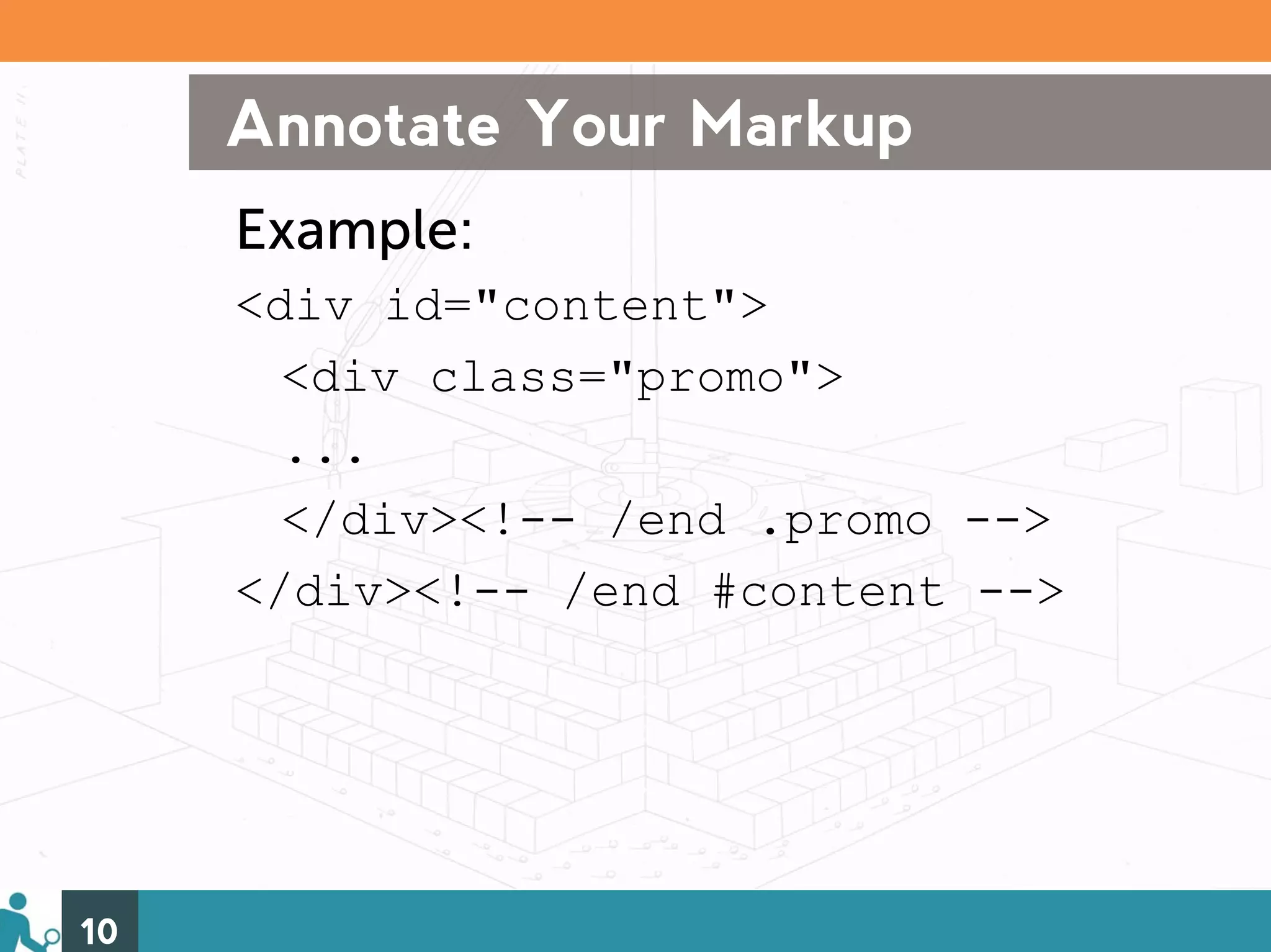
Annotate Your Markup begin with <!-- #id or .class name --> end with <!-- /end #id or .class name --> or, alternatively <!-- / #id or .class name --> 9
Annotate Your Markup Example: <div id="content"> <div class="promo"> ... </div><!-- /end .promo --> </div><!-- /end #content --> 10
Why Annotate Your Markup? Helps you keep track of the element beginning and end, and helps you identify the pieces faster. 11
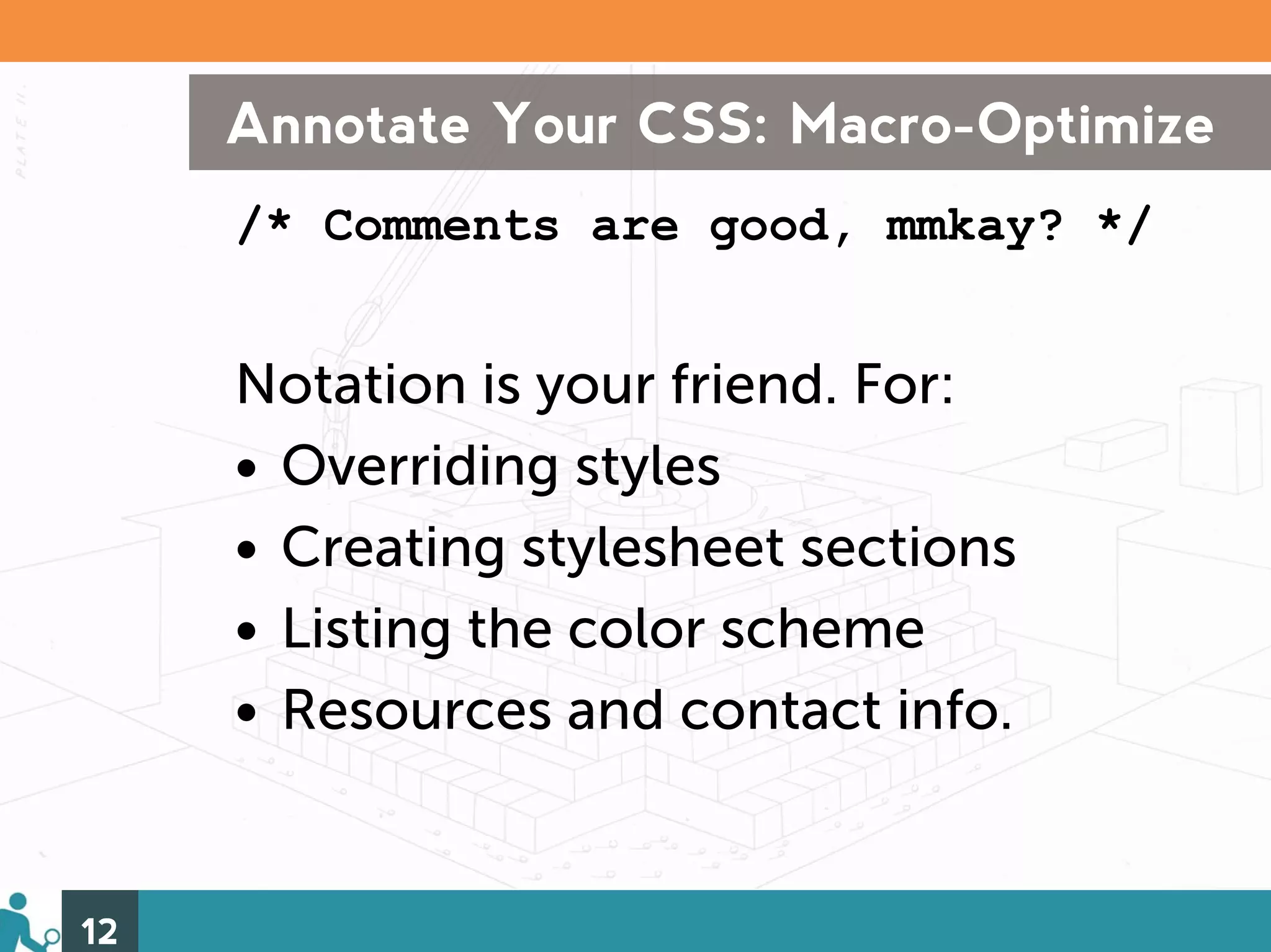
Annotate Your CSS: Macro-Optimize /* Comments are good, mmkay? */ Notation is your friend. For: • Overriding styles • Creating stylesheet sections • Listing the color scheme • Resources and contact info. 12
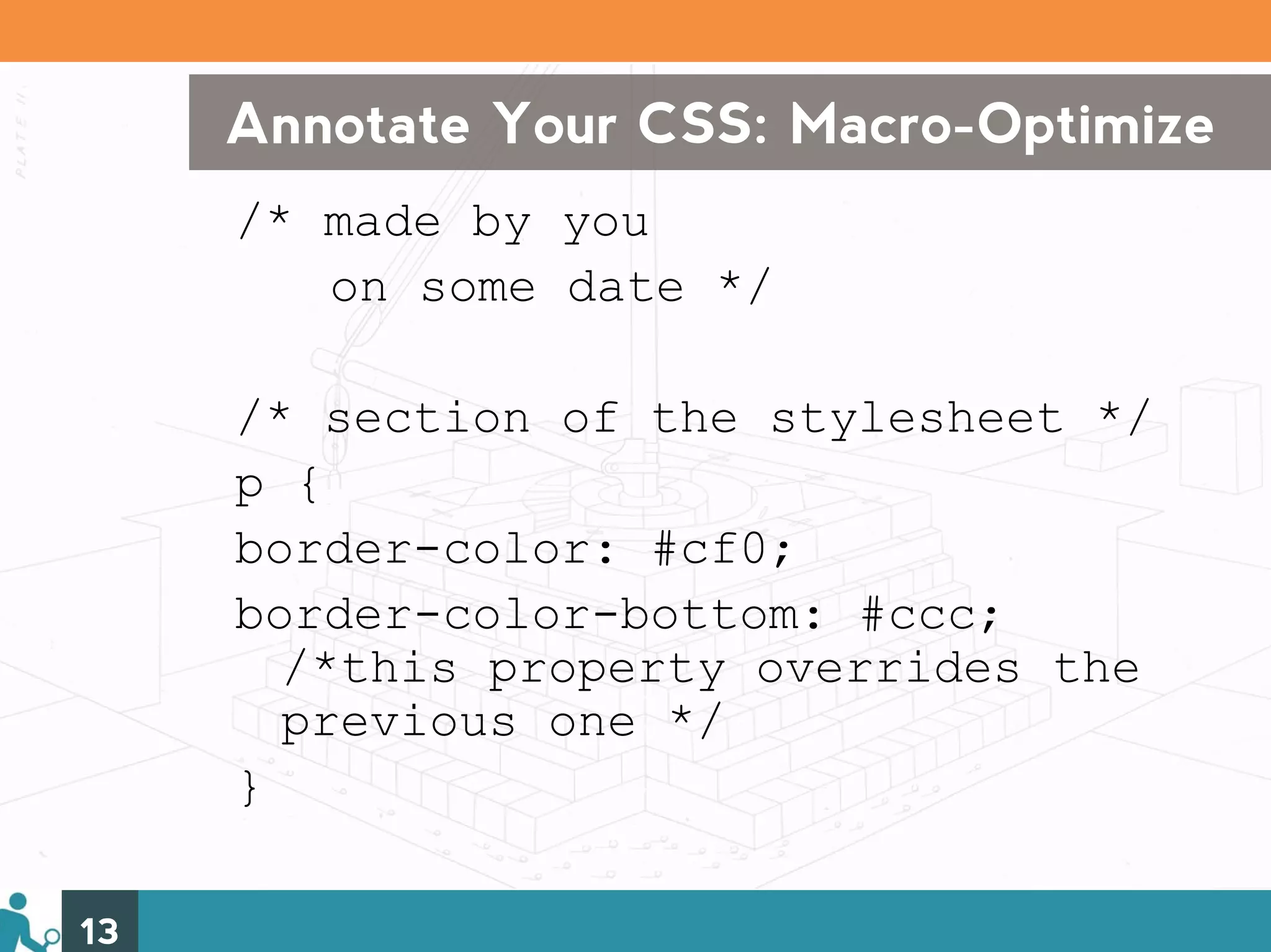
Annotate Your CSS: Macro-Optimize /* made by you on some date */ /* section of the stylesheet */ p { border-color: #cf0; border-color-bottom: #ccc; /*this property overrides the previous one */ } 13
Why Macro-Optimize? Solo: Helps you remember your intentions with extra properties when you come back to your code. With Folks: Helps your colleagues understand your intentions when working with your code. Ergo: Saves time! 14
Micro-Optimize Your CSS: Length Less is more: • Use shortest properties and values • Avoid duplicate properties • Use shorthand properties • Condense values and units • Avoid multiple lines and indenting 15
Micro-optimize Your CSS: Speed Up the efficiency: • ID selectors are speedier than element or universal • Drop element qualifiers • Ditch descendent selectors when and where you can 16
Why Micro-Optimize? • Cuts down file size • Speeds up page load time • Encourages best practices 17
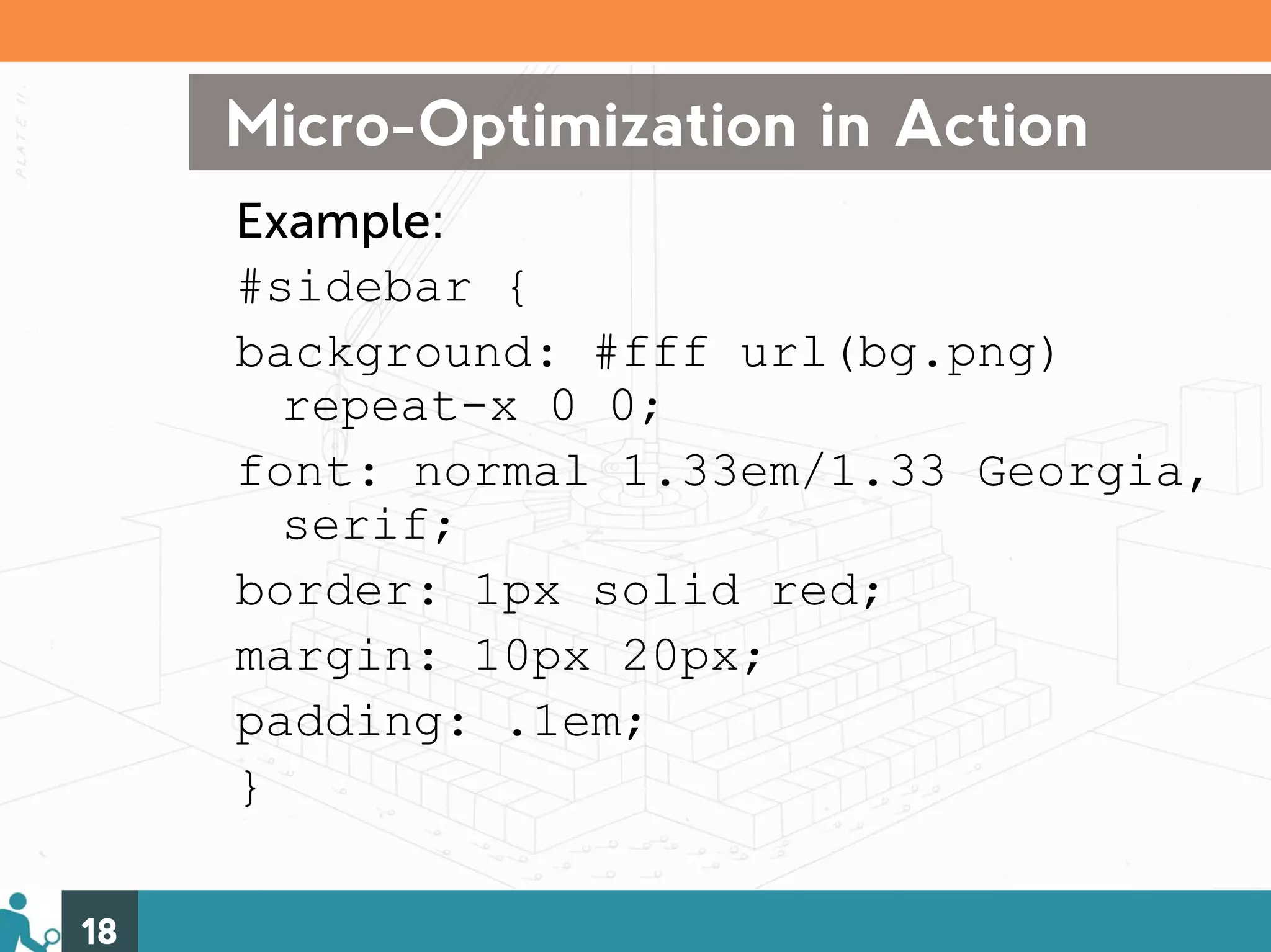
Micro-Optimization in Action Example: #sidebar { background: #fff url(bg.png) repeat-x 0 0; font: normal 1.33em/1.33 Georgia, serif; border: 1px solid red; margin: 10px 20px; padding: .1em; } 18
Reasons to Reset By deliberately establishing an element’s properties, you can: • Better control the elements on the page • More quickly determine the source of problems when they arise 19
CSS Reset All-Star: Eric Meyer’s Pro’s –One of the most popular, well thought out –Neutralizes almost every element Con’s –Can be too far-reaching –Extra work to establish the values for the elements you want 20 http://meyerweb.com/eric/tools/css/reset/
Make Your Own Reset Why DIY? • You can determine exactly which elements you want to reset • May save on reestablishing properties • You know exactly what is changed and why you changed it • Problems will be that much more obvious 21
Top Properties to Reset • Margin and padding • Borders, especially on linked images • Link text underlining • Vertical alignment • Font size and line-height 22
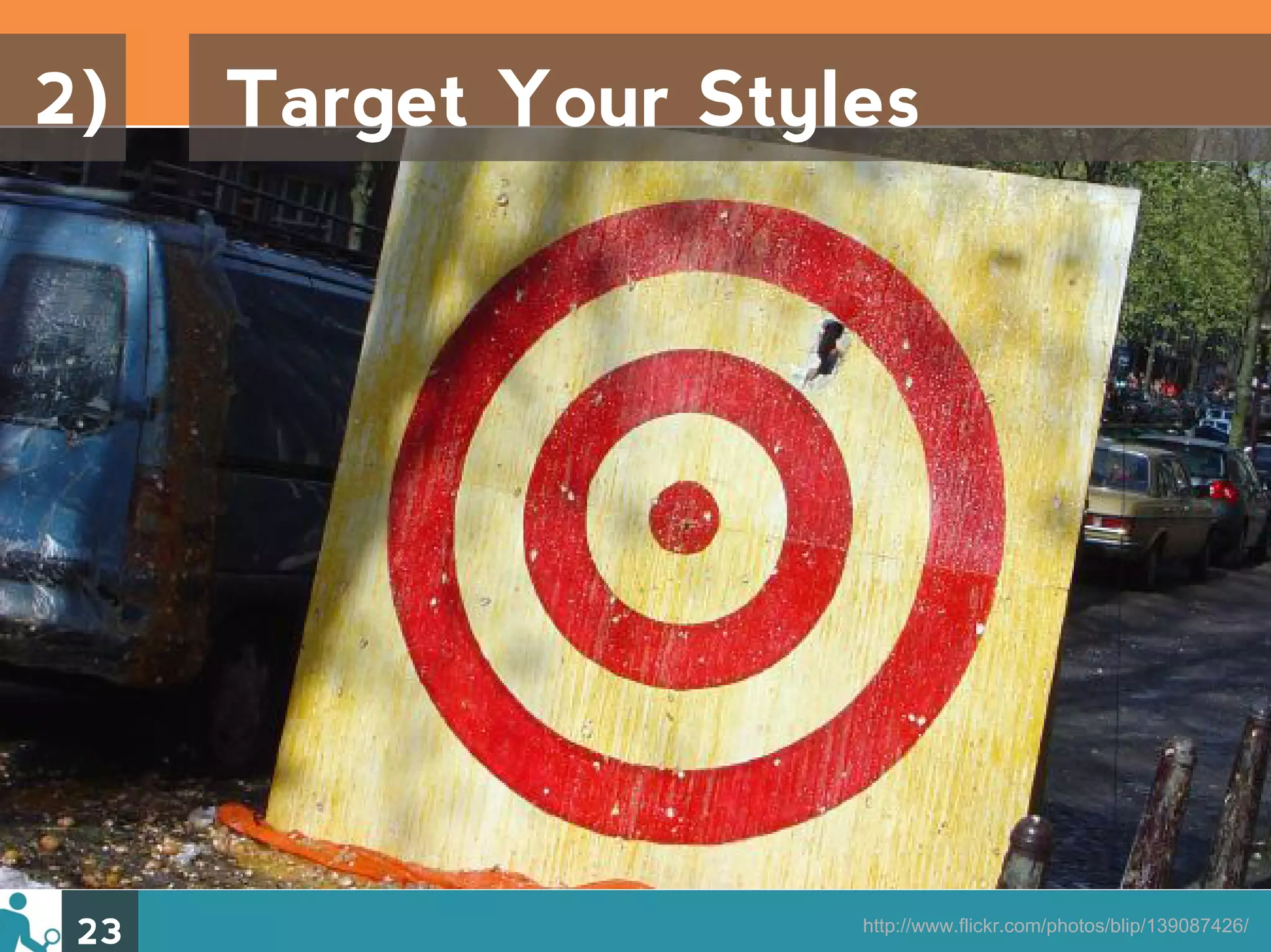
2) Target Your Styles 23 http://www.flickr.com/photos/blip/139087426/
Why? Having a plan for targeting elements helps speed and efficiency – in both creating and fixing styles. 24
How to Hit the Mark 1) Technique 2) Specificity 3) Advanced Selectors 25
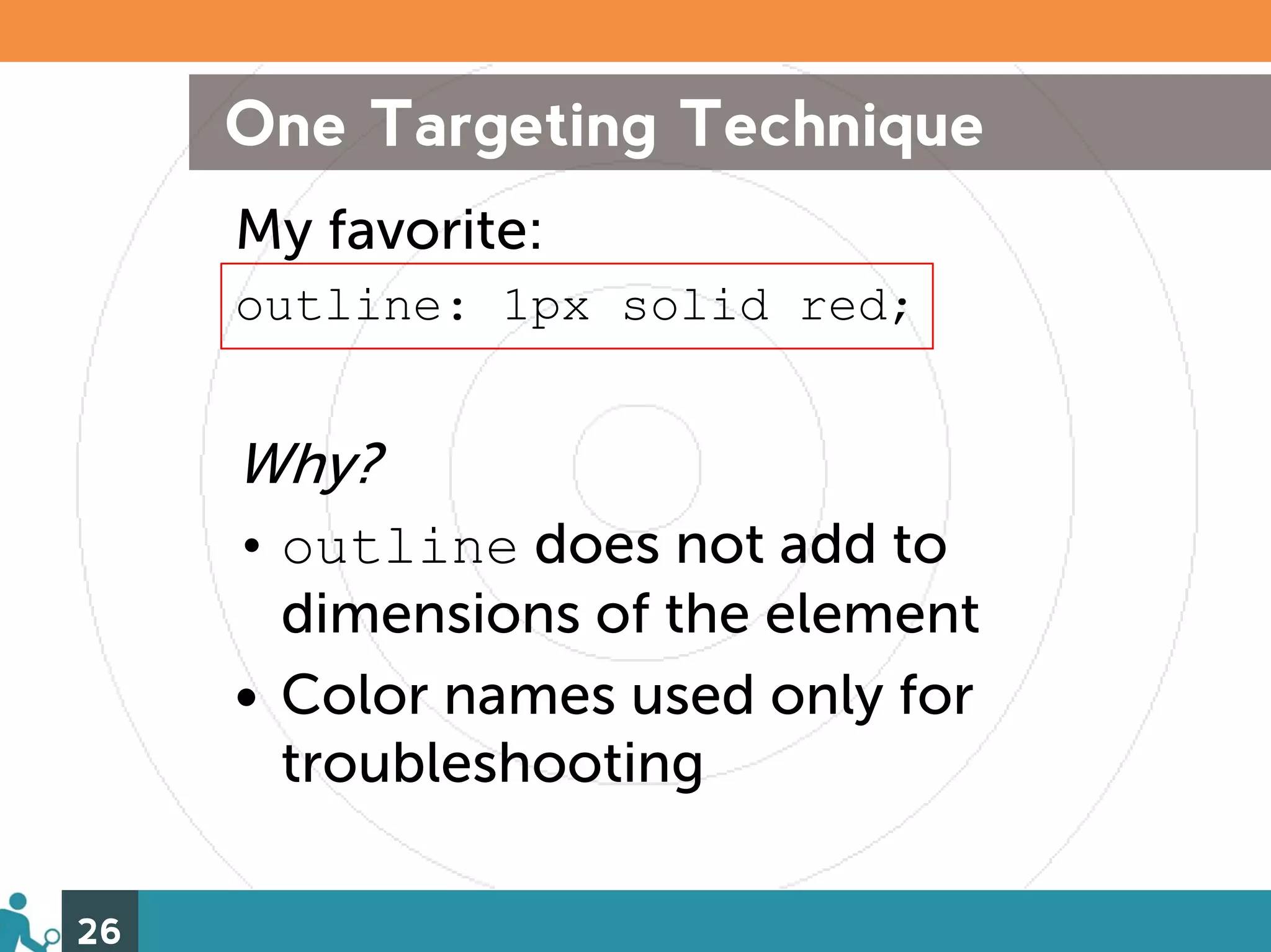
One Targeting Technique My favorite: outline: 1px solid red; Why? • outline does not add to dimensions of the element • Color names used only for troubleshooting 26
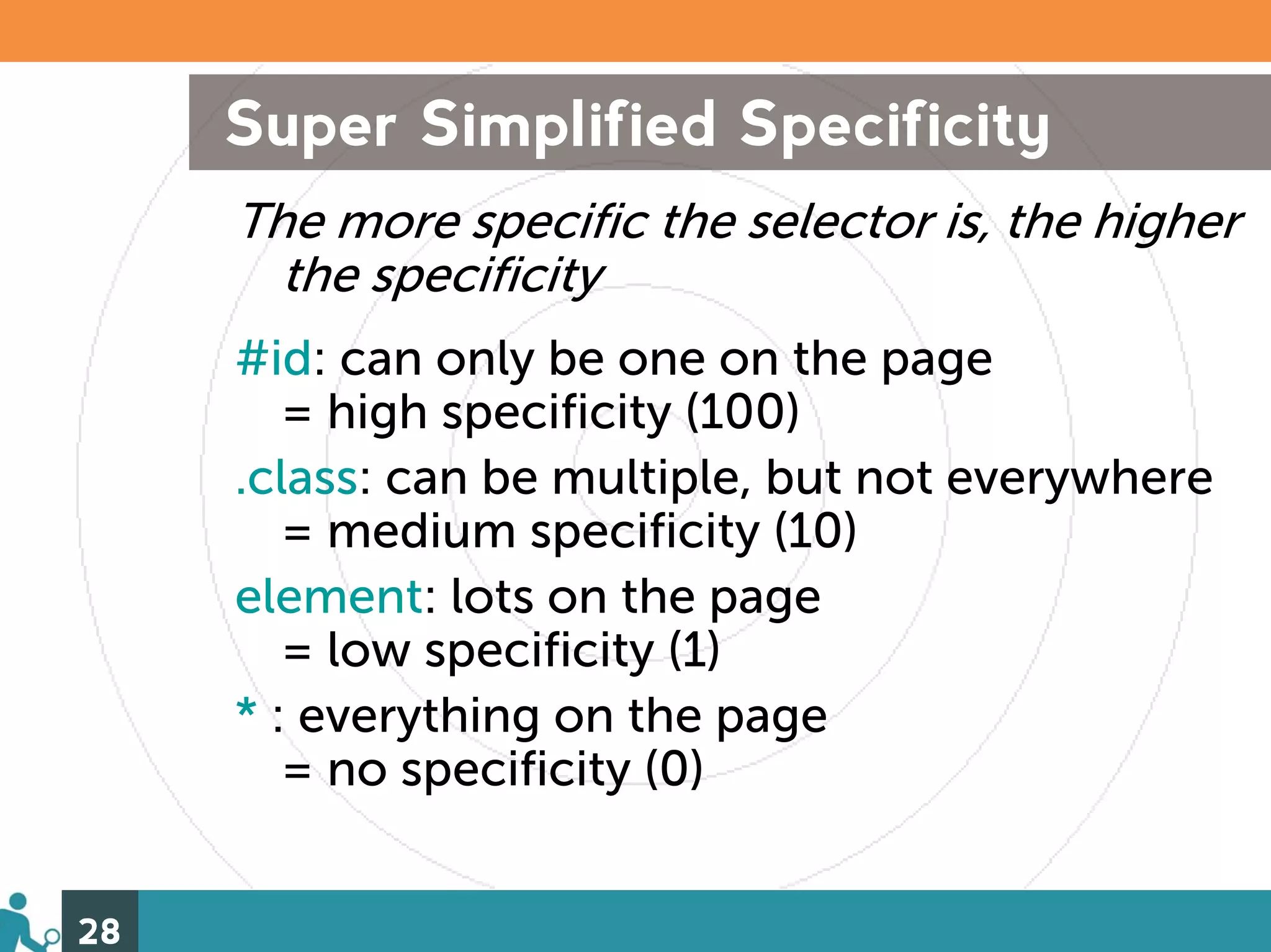
Specificity Rules! Using specificity, you can create selectors that will zero right in on your desired element(s), but you’ve got to do it by the rules. A little review: 1. Weight rules 2. Specificity tips and guidelines 27
Super Simplified Specificity The more specific the selector is, the higher the specificity #id: can only be one on the page = high specificity (100) .class: can be multiple, but not everywhere = medium specificity (10) element: lots on the page = low specificity (1) * : everything on the page = no specificity (0) 28
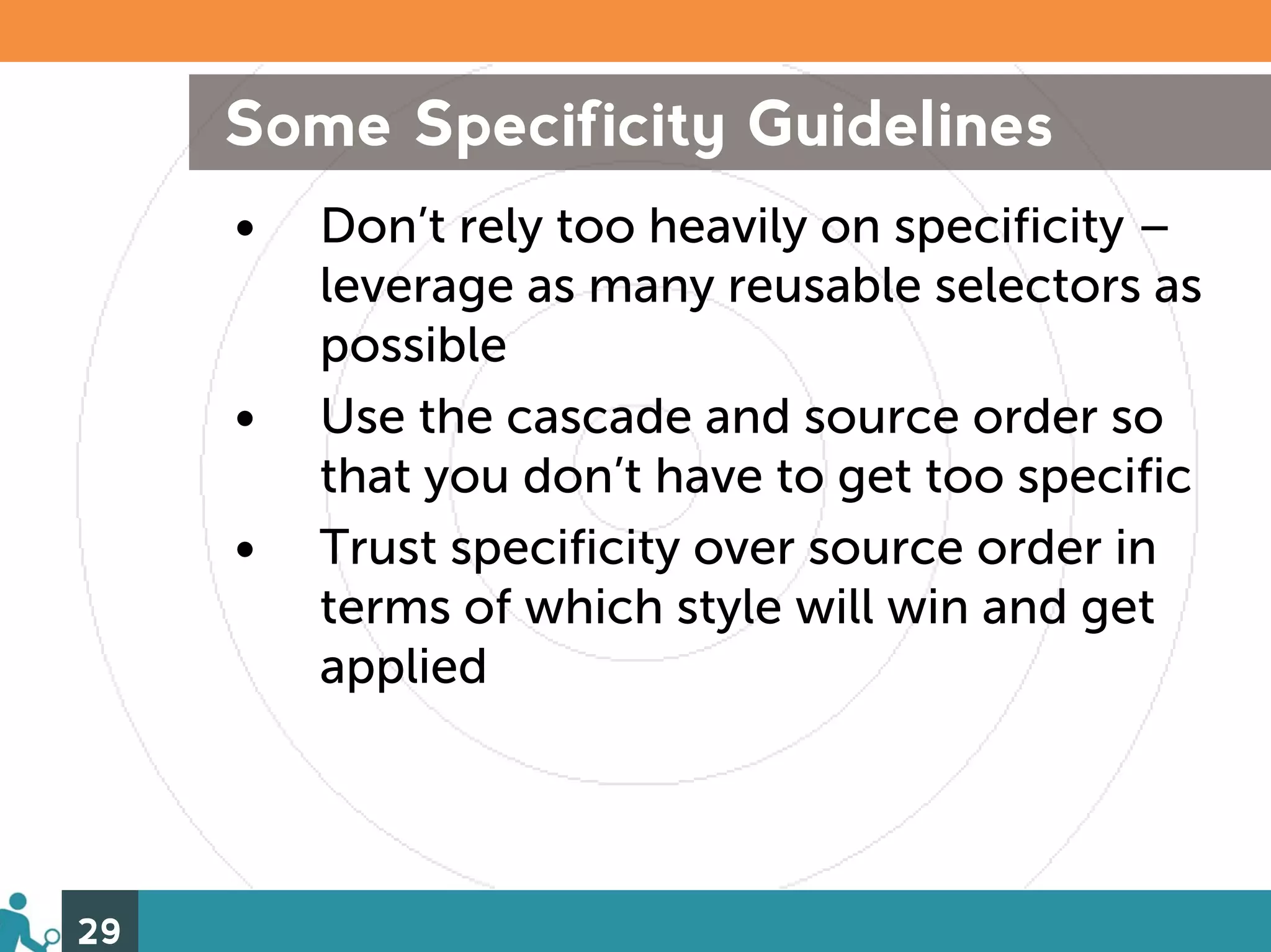
Some Specificity Guidelines • Don’t rely too heavily on specificity – leverage as many reusable selectors as possible • Use the cascade and source order so that you don’t have to get too specific • Trust specificity over source order in terms of which style will win and get applied 29
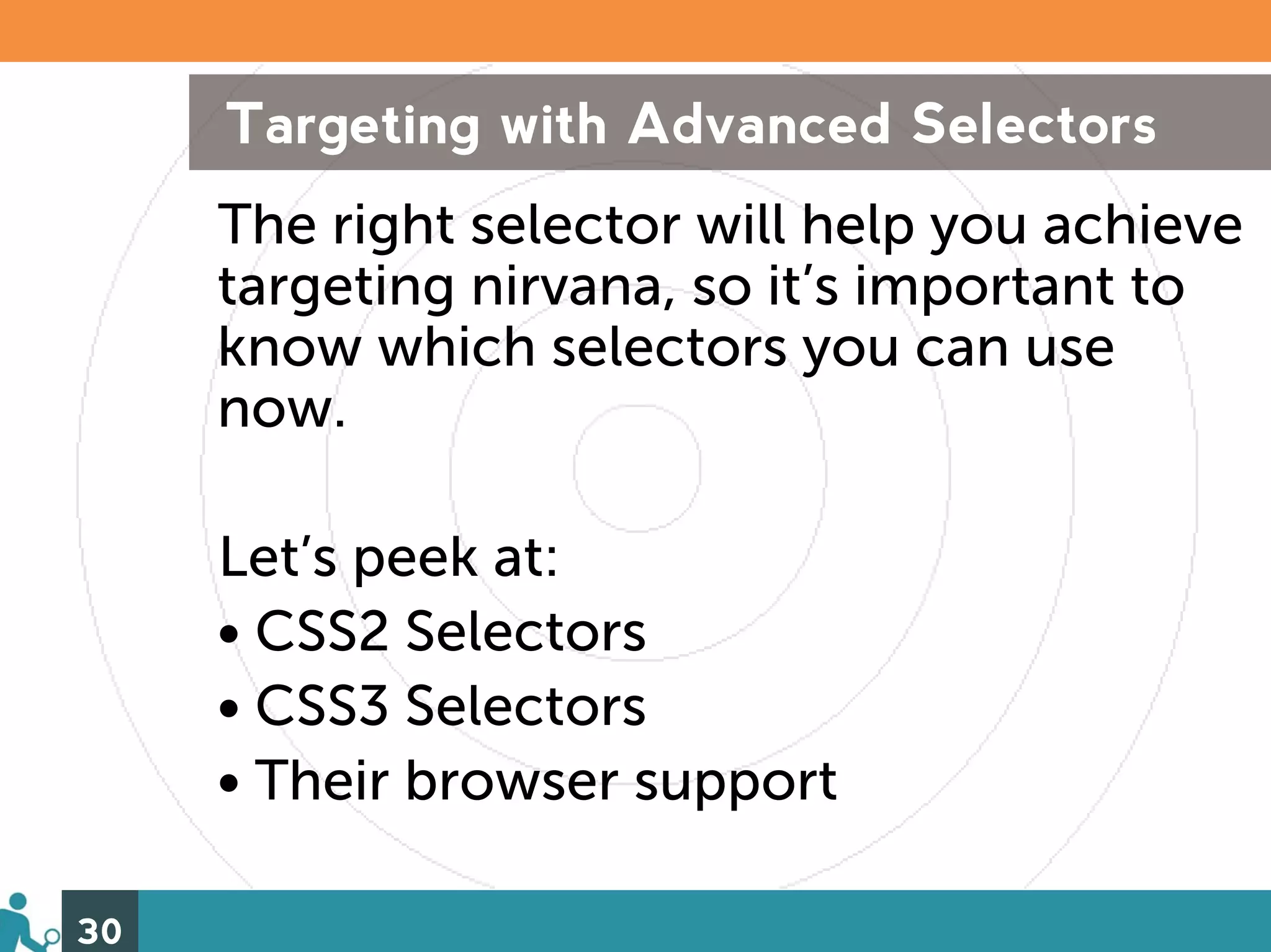
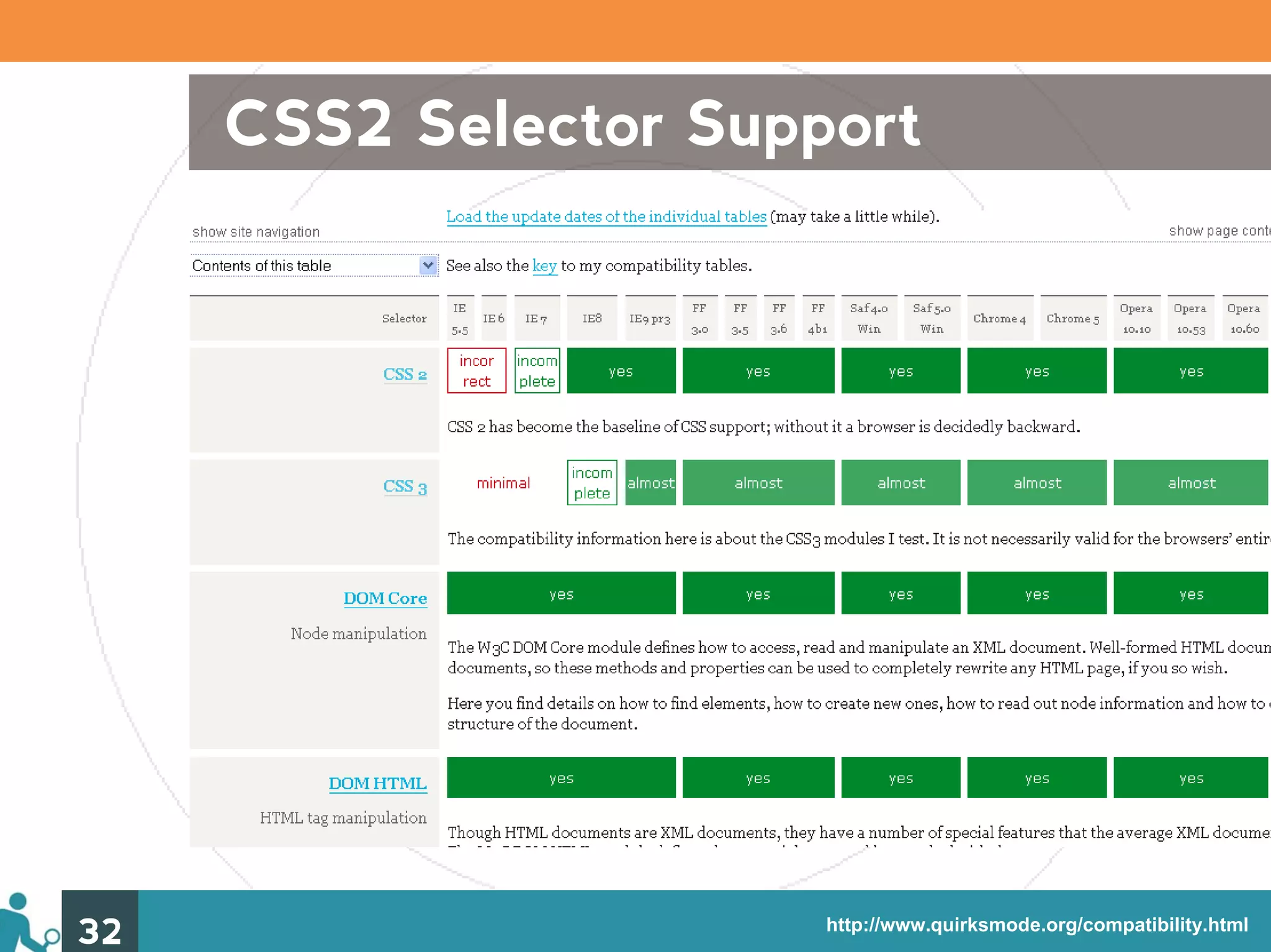
Targeting with Advanced Selectors The right selector will help you achieve targeting nirvana, so it’s important to know which selectors you can use now. Let’s peek at: • CSS2 Selectors • CSS3 Selectors • Their browser support 30
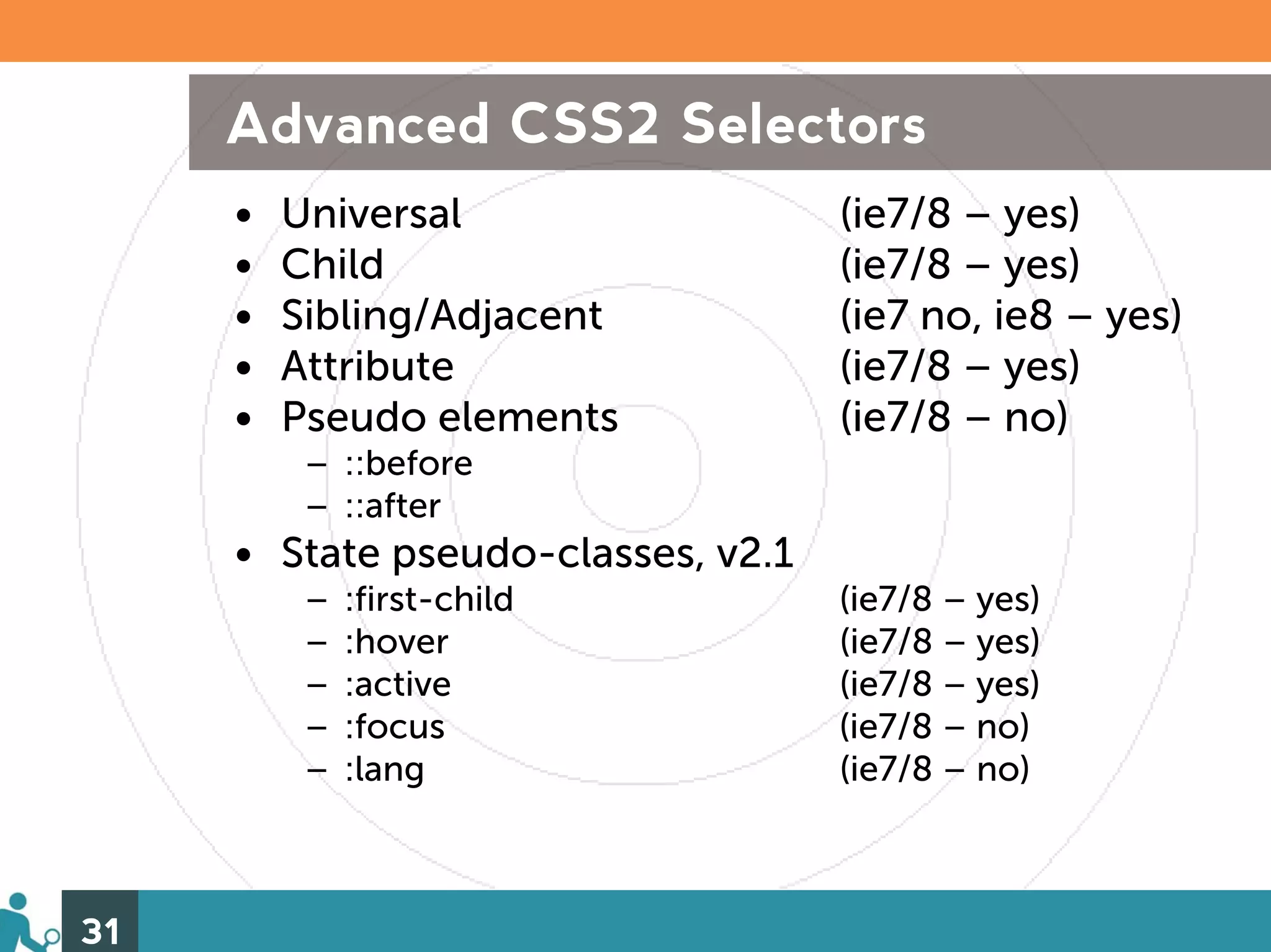
Advanced CSS2 Selectors • Universal (ie7/8 – yes) • Child (ie7/8 – yes) • Sibling/Adjacent (ie7 no, ie8 – yes) • Attribute (ie7/8 – yes) • Pseudo elements (ie7/8 – no) – ::before – ::after • State pseudo-classes, v2.1 – :first-child (ie7/8 – yes) – :hover (ie7/8 – yes) – :active (ie7/8 – yes) – :focus (ie7/8 – no) – :lang (ie7/8 – no) 31
CSS2 Selector Support 32 http://www.quirksmode.org/compatibility.html
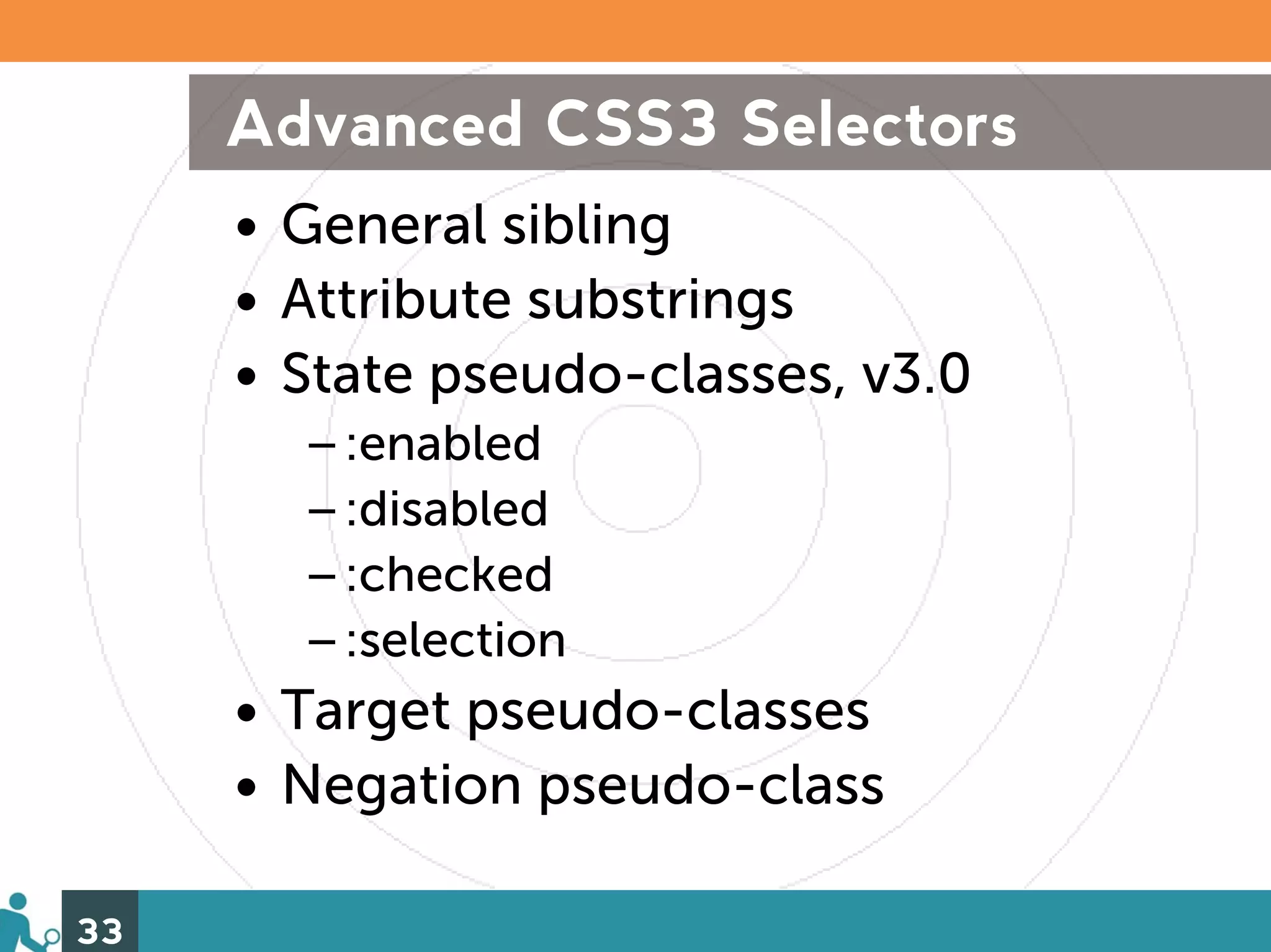
Advanced CSS3 Selectors • General sibling • Attribute substrings • State pseudo-classes, v3.0 –:enabled –:disabled –:checked –:selection • Target pseudo-classes • Negation pseudo-class 33
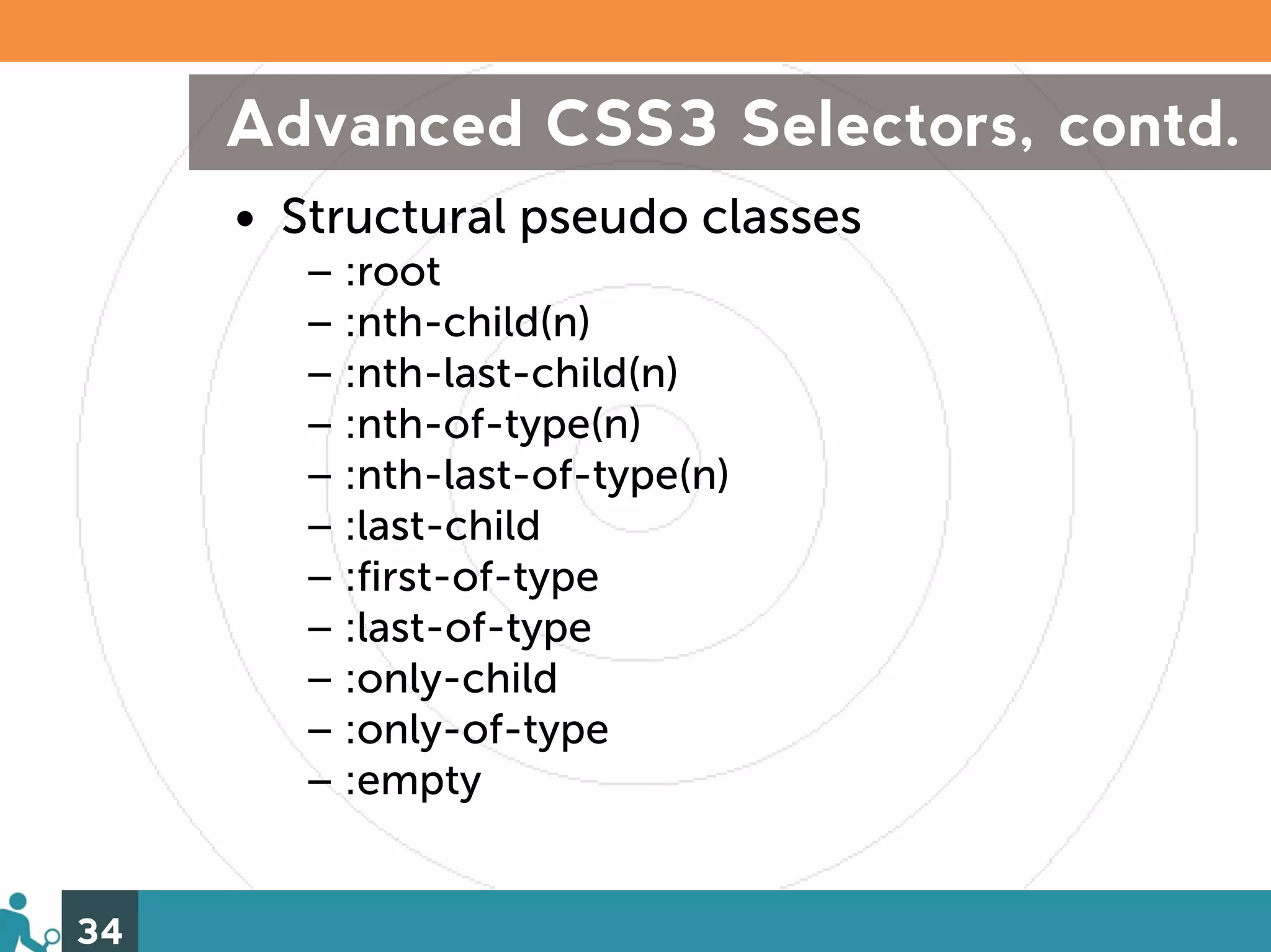
Advanced CSS3 Selectors, contd. • Structural pseudo classes – :root – :nth-child(n) – :nth-last-child(n) – :nth-of-type(n) – :nth-last-of-type(n) – :last-child – :first-of-type – :last-of-type – :only-child – :only-of-type – :empty 34
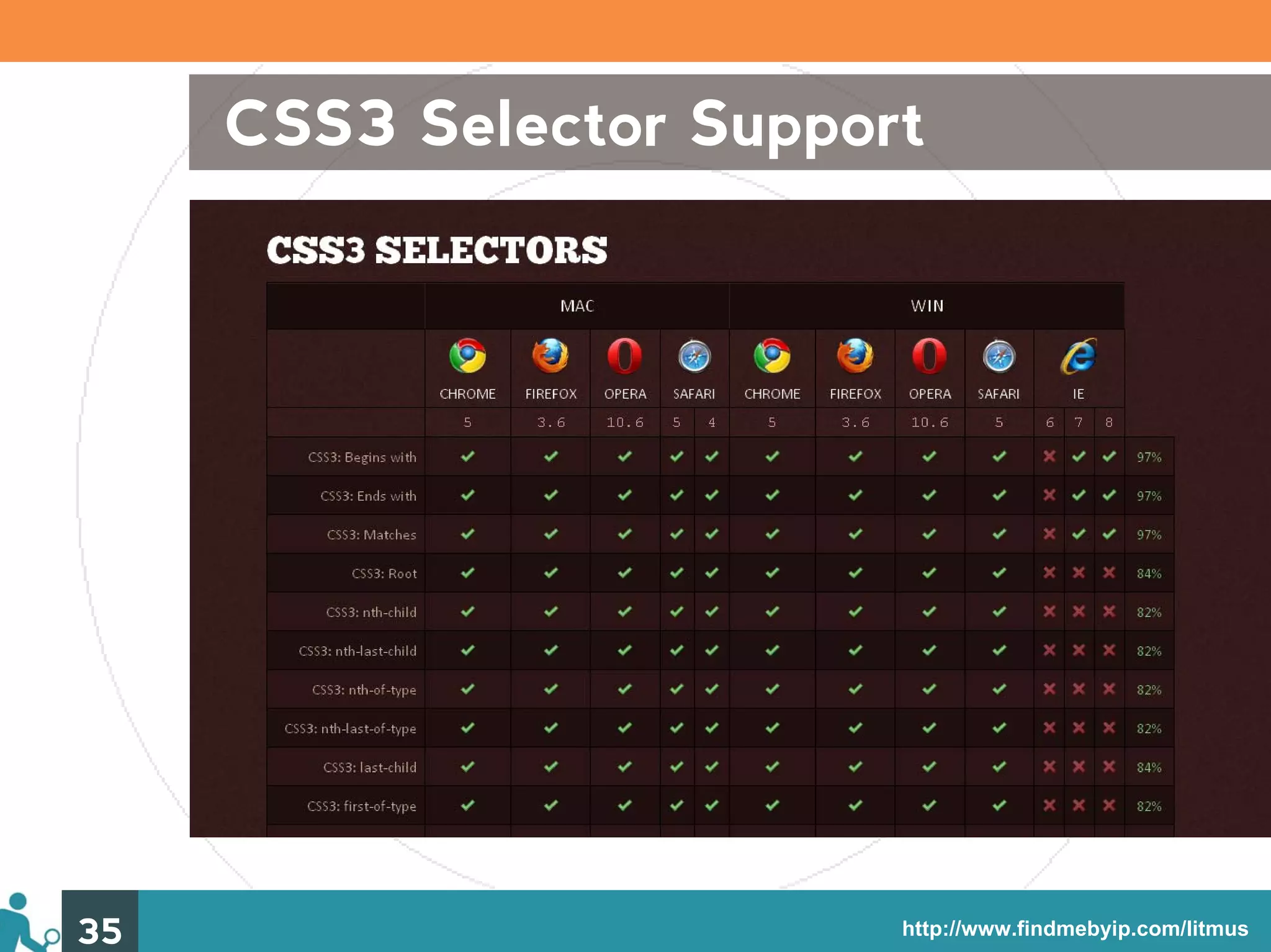
CSS3 Selector Support 35 http://www.findmebyip.com/litmus
Advanced Selectors: Some Usage Tips • All of the CSS2 selectors are supported by the modern browsers, and almost all of the CSS3 ones are, so use them! • It’s easy to target styles away from the IEs, but target them to the IEs with simpler combinator selectors • There are “hacks” to target styles to specific browsers, other than the IEs 36
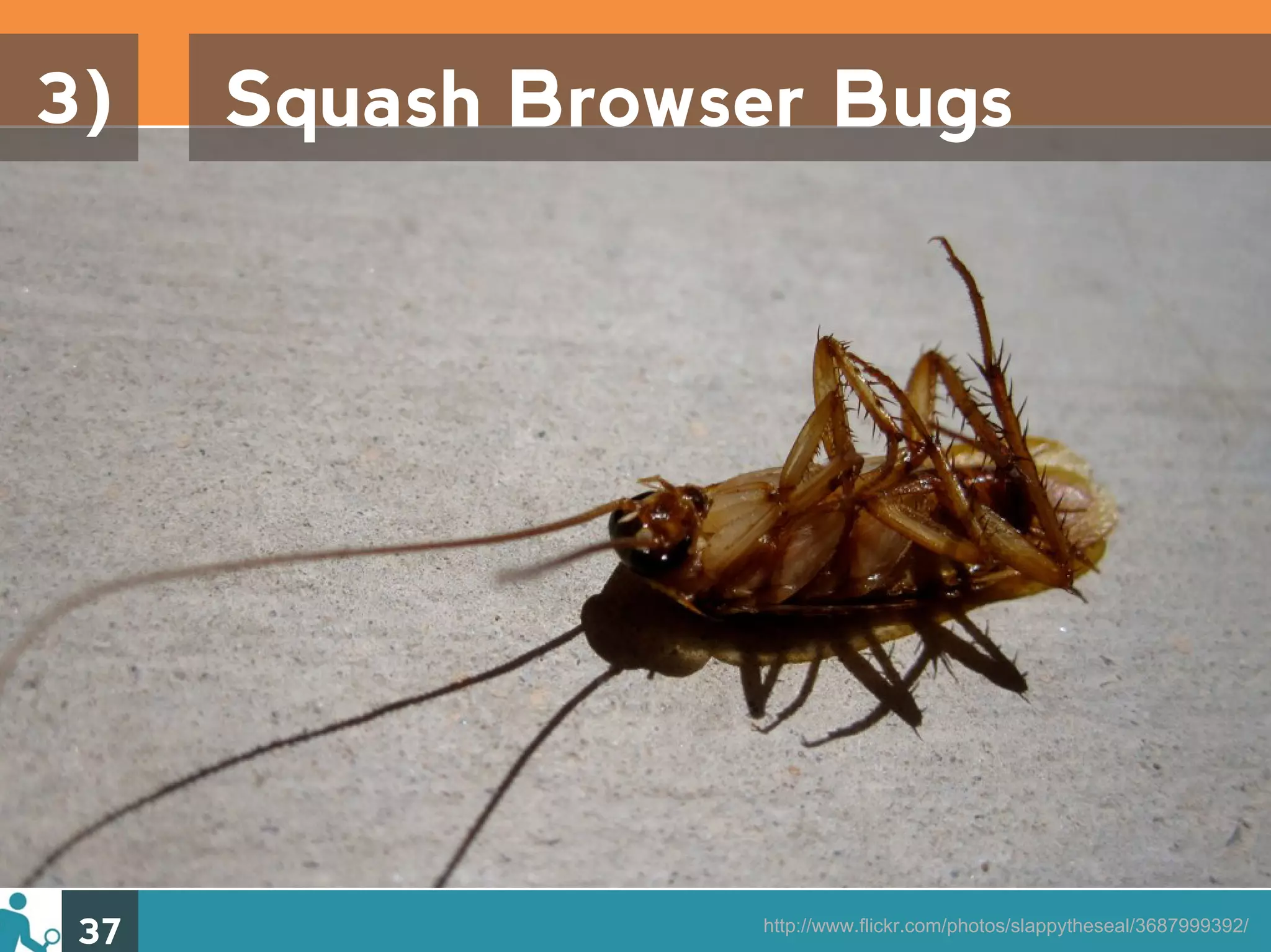
3) Squash Browser Bugs 37 http://www.flickr.com/photos/slappytheseal/3687999392/
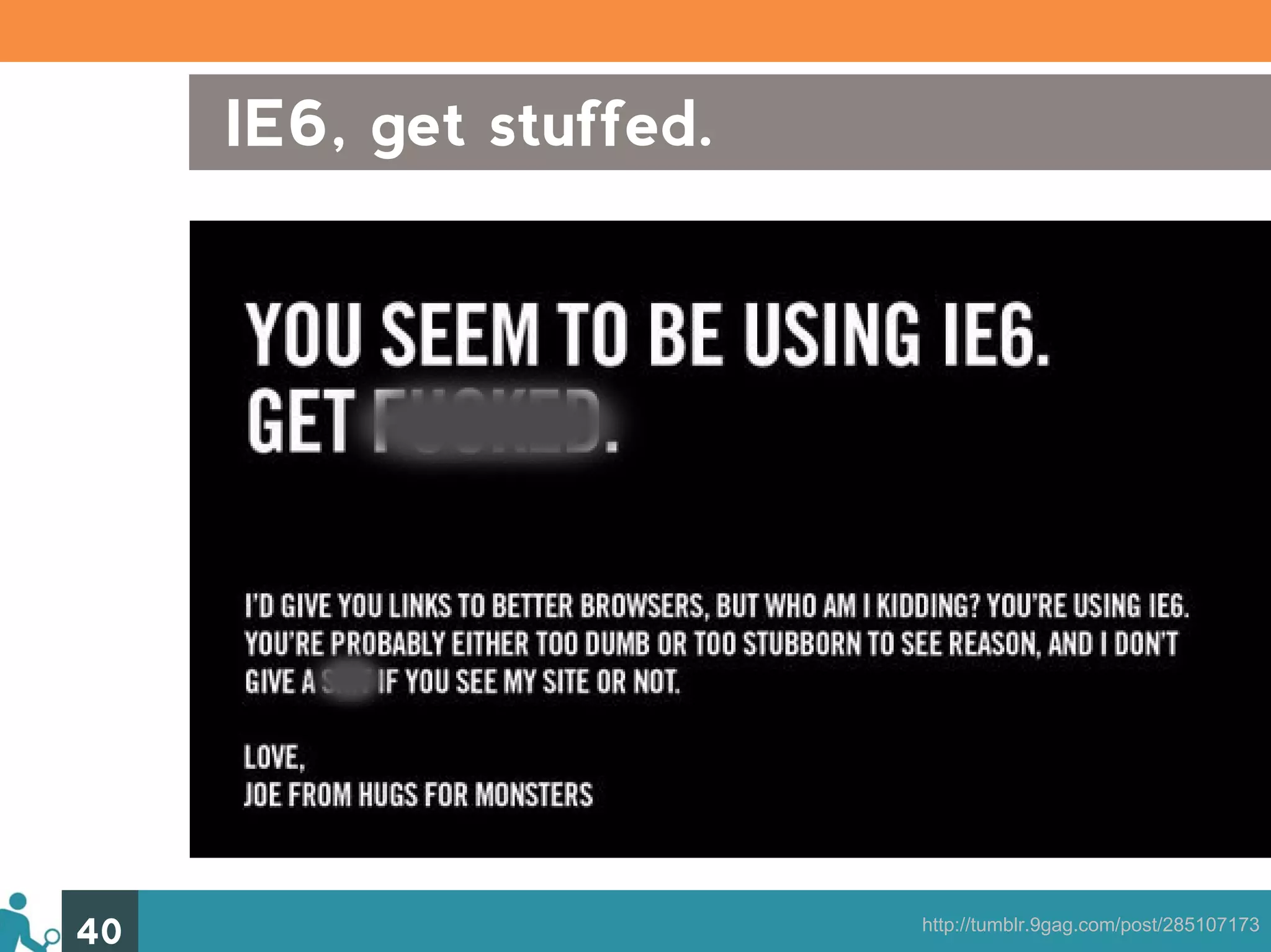
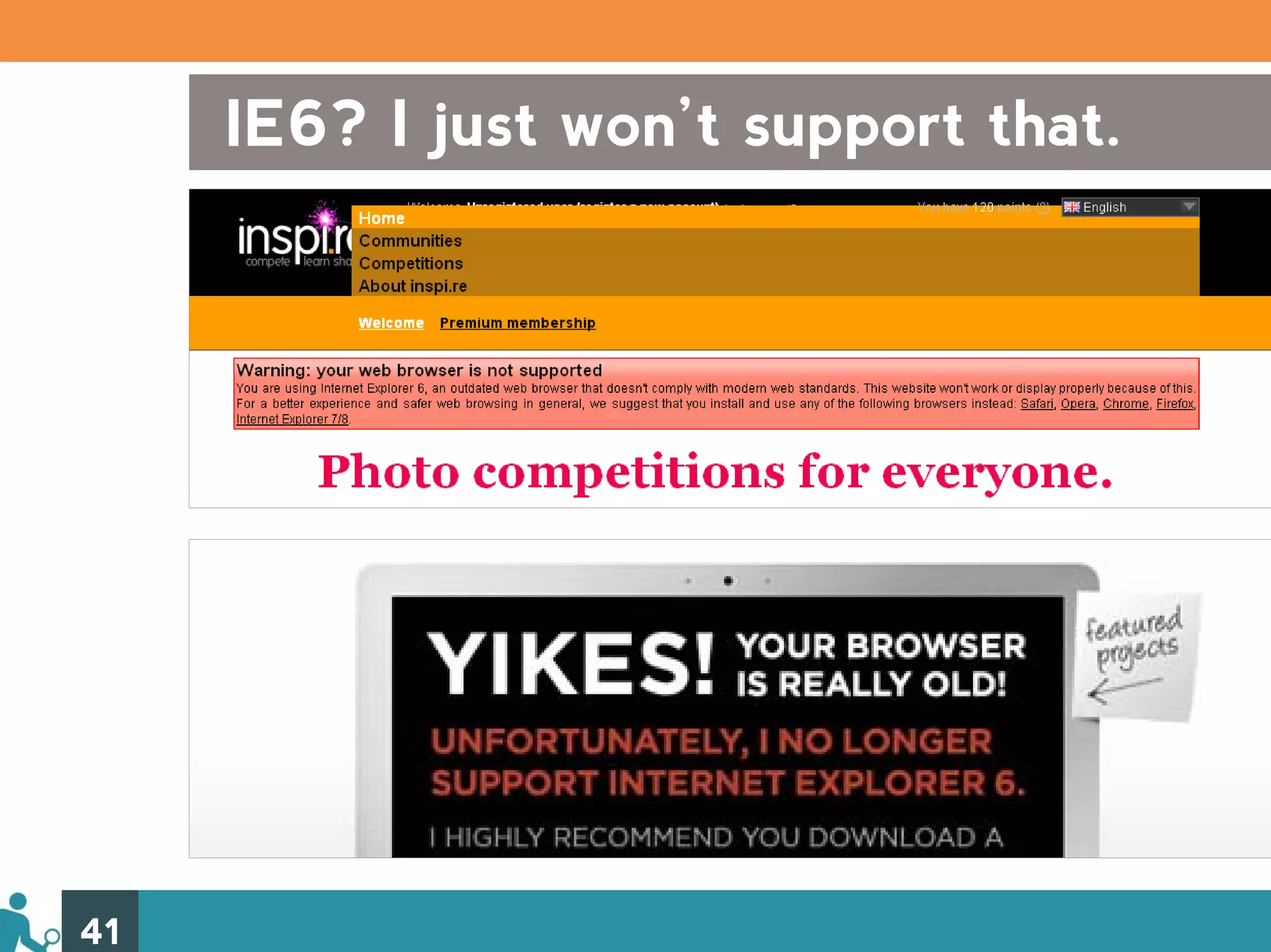
Dealing with IE6 (Still? Yes, still.) Whether it’s by force or by choice, you need to know how you are going to deal with IE6 until it’s completely gone. Approaches: • Kick it to the curb • Display tolerant indifference • Show some love: be graceful in your degradation 38
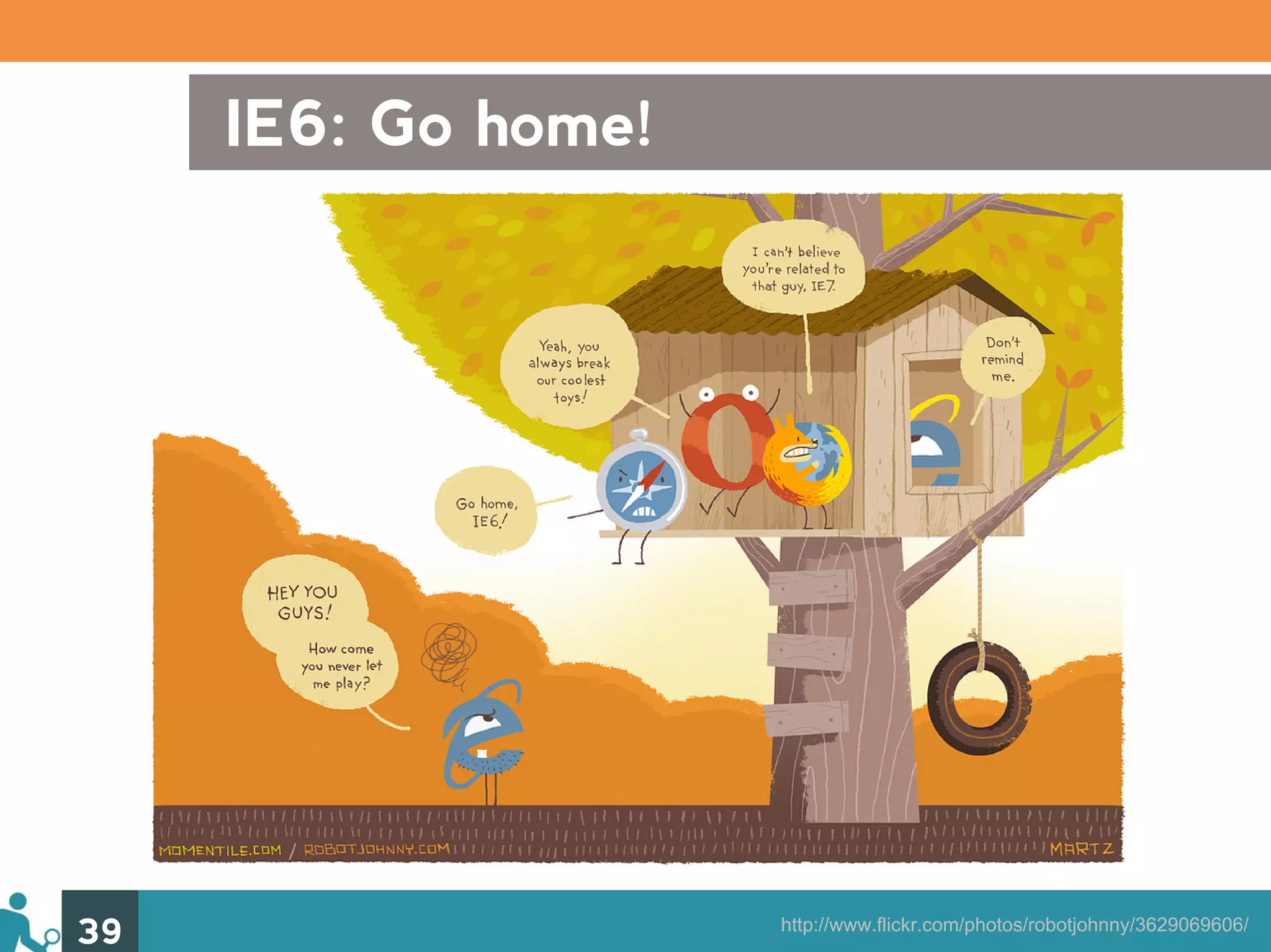
IE6: Go home! 39 http://www.flickr.com/photos/robotjohnny/3629069606/
IE6, get stuffed. 40 http://tumblr.9gag.com/post/285107173
IE6? I just won’t support that. 41
IE6? Meh. 42 http://www.flickr.com/photos/untitled13/83391194/
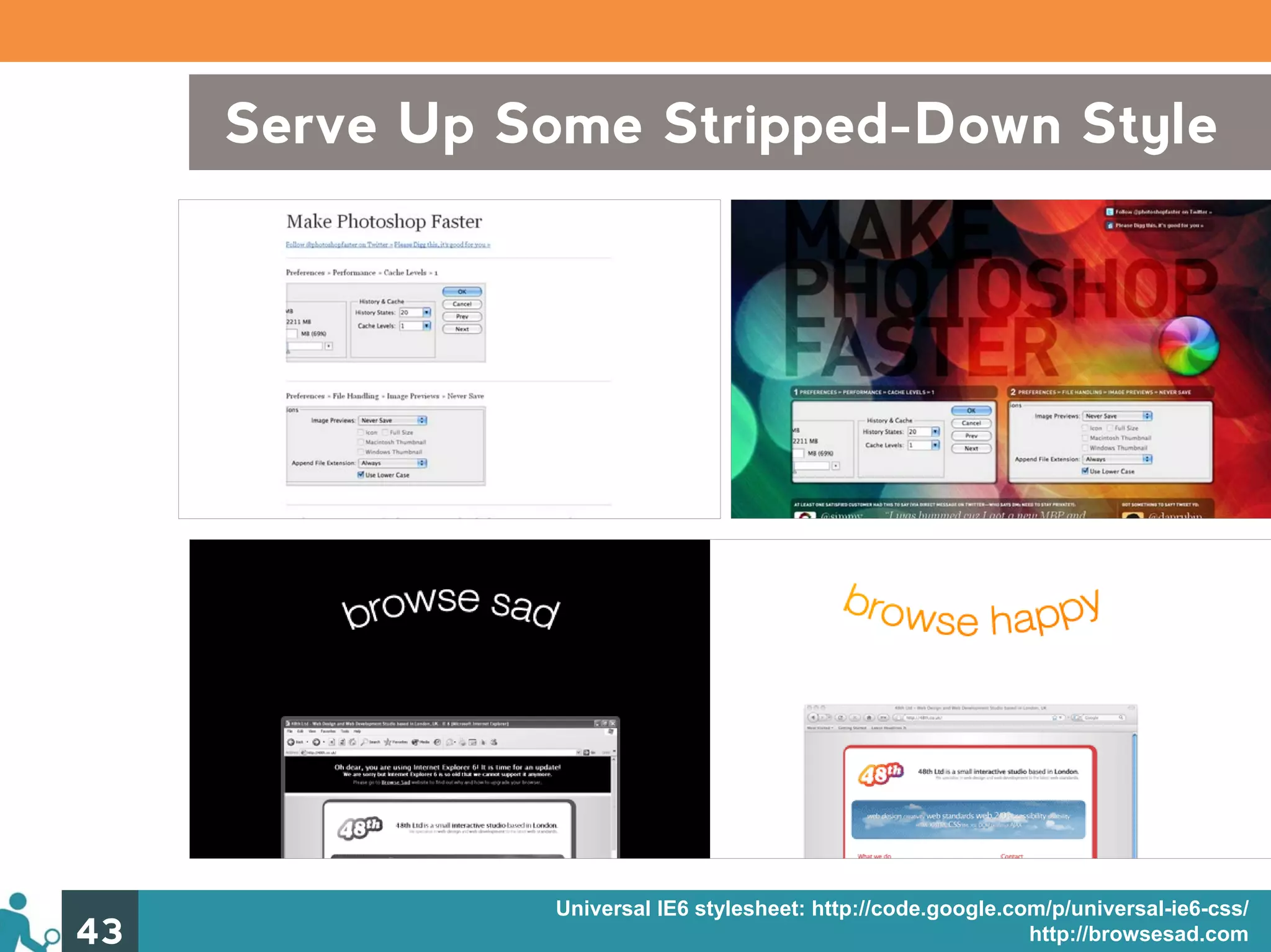
Serve Up Some Stripped-Down Style Universal IE6 stylesheet (philosophy) (example) Universal IE6 stylesheet: http://code.google.com/p/universal-ie6-css/ 43 http://browsesad.com
Limit Your Support 44 http://gowalla.com
Show an old IE browser some love 45 http://www.flickr.com/photos/brunkfordbraun/391876102/
Graceful IE6 Degradation • Serve IE6 targeted properties served by conditional comments – display: inline – zoom: 1 • Use the * html hack 46
Gettin’ Buggy With It Despite your best efforts towards clean, efficient, optimized code, browsers will always have issues that throw a wrench in the works. The Line-up: 1) IE7 & IE8 2) Firefox 3) The Webkits 4) Opera 47
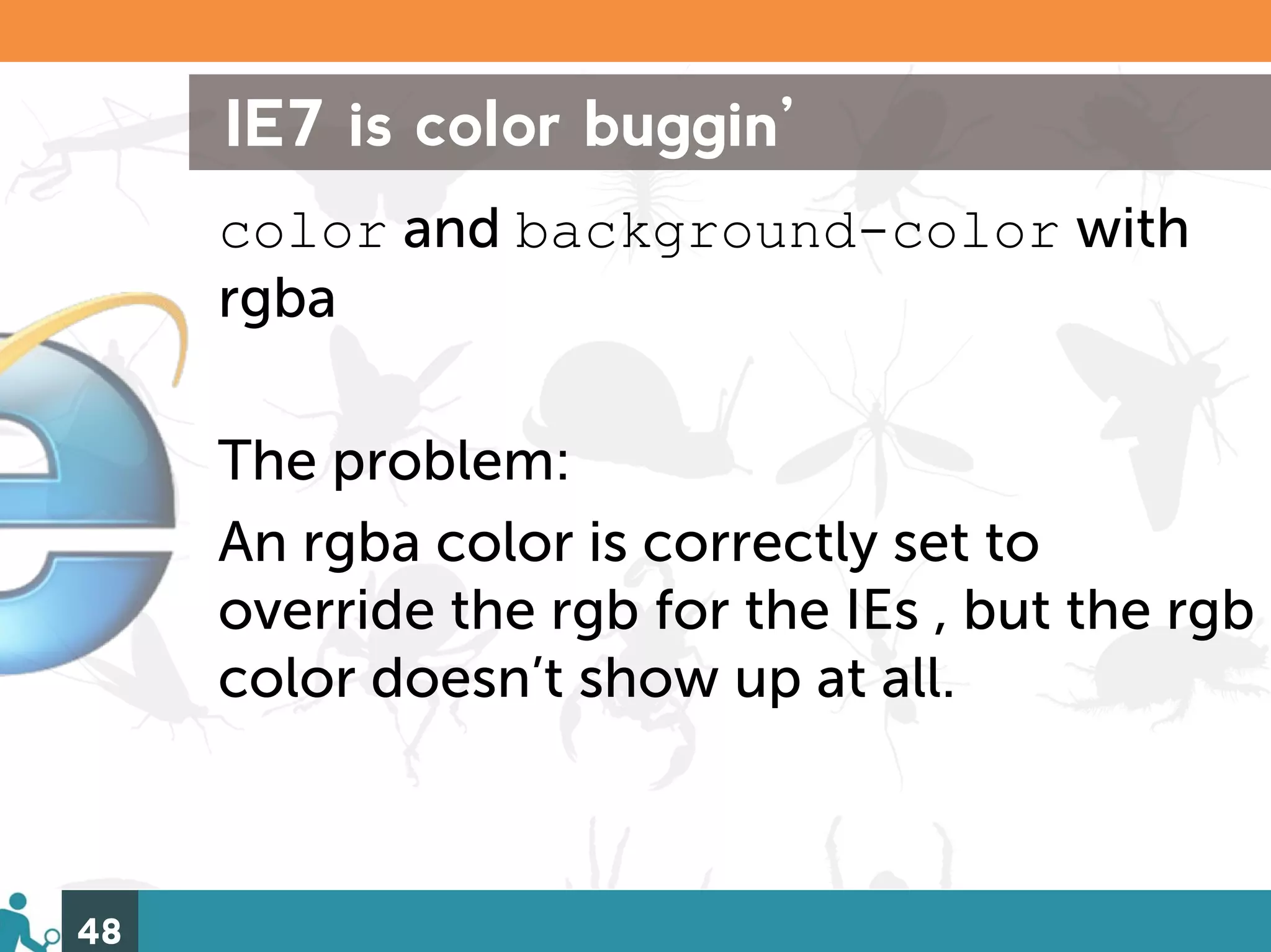
IE7 is color buggin’ color and background-color with rgba The problem: An rgba color is correctly set to override the rgb for the IEs , but the rgb color doesn’t show up at all. 48
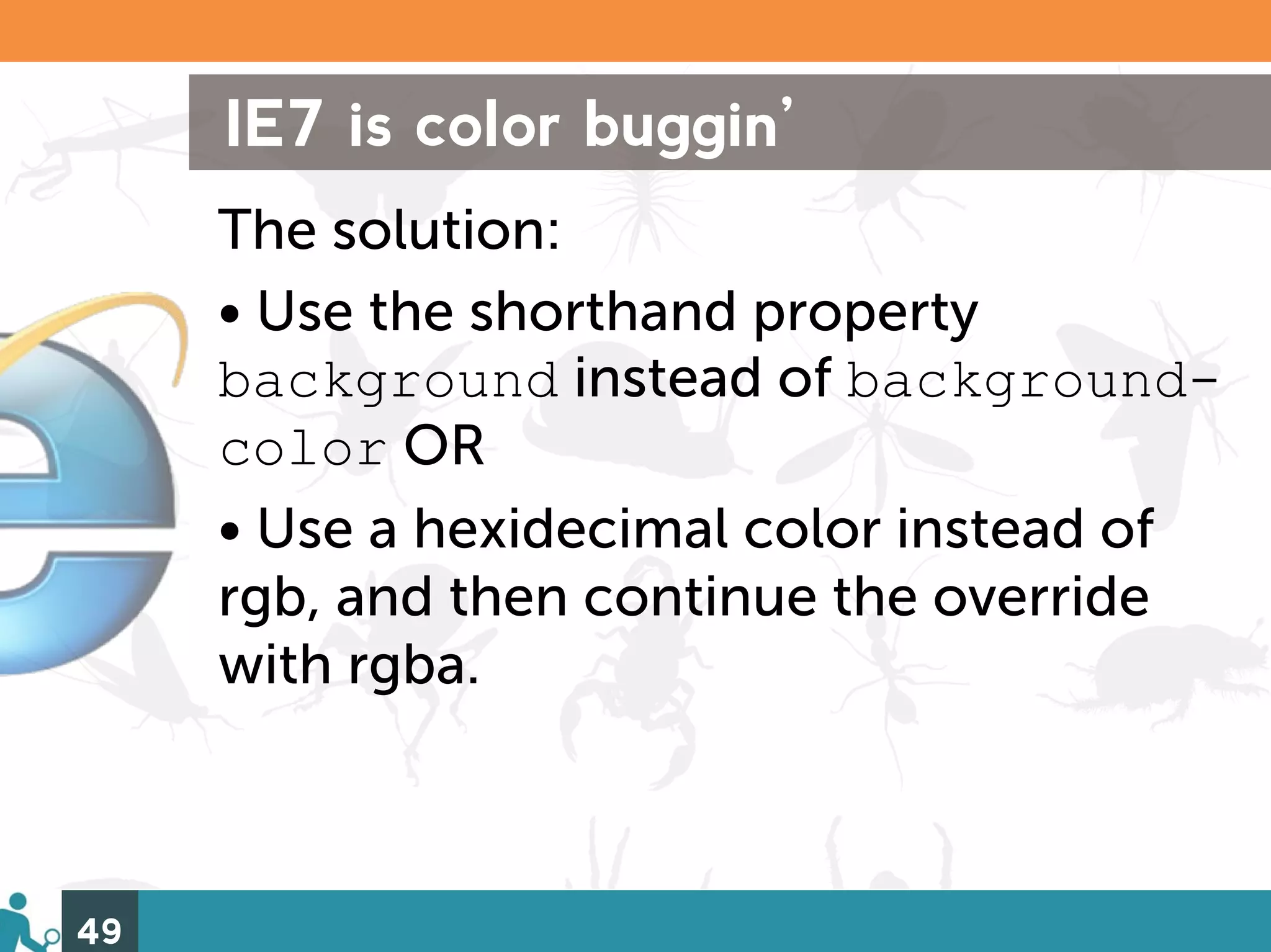
IE7 is color buggin’ The solution: • Use the shorthand property background instead of background- color OR • Use a hexidecimal color instead of rgb, and then continue the override with rgba. 49
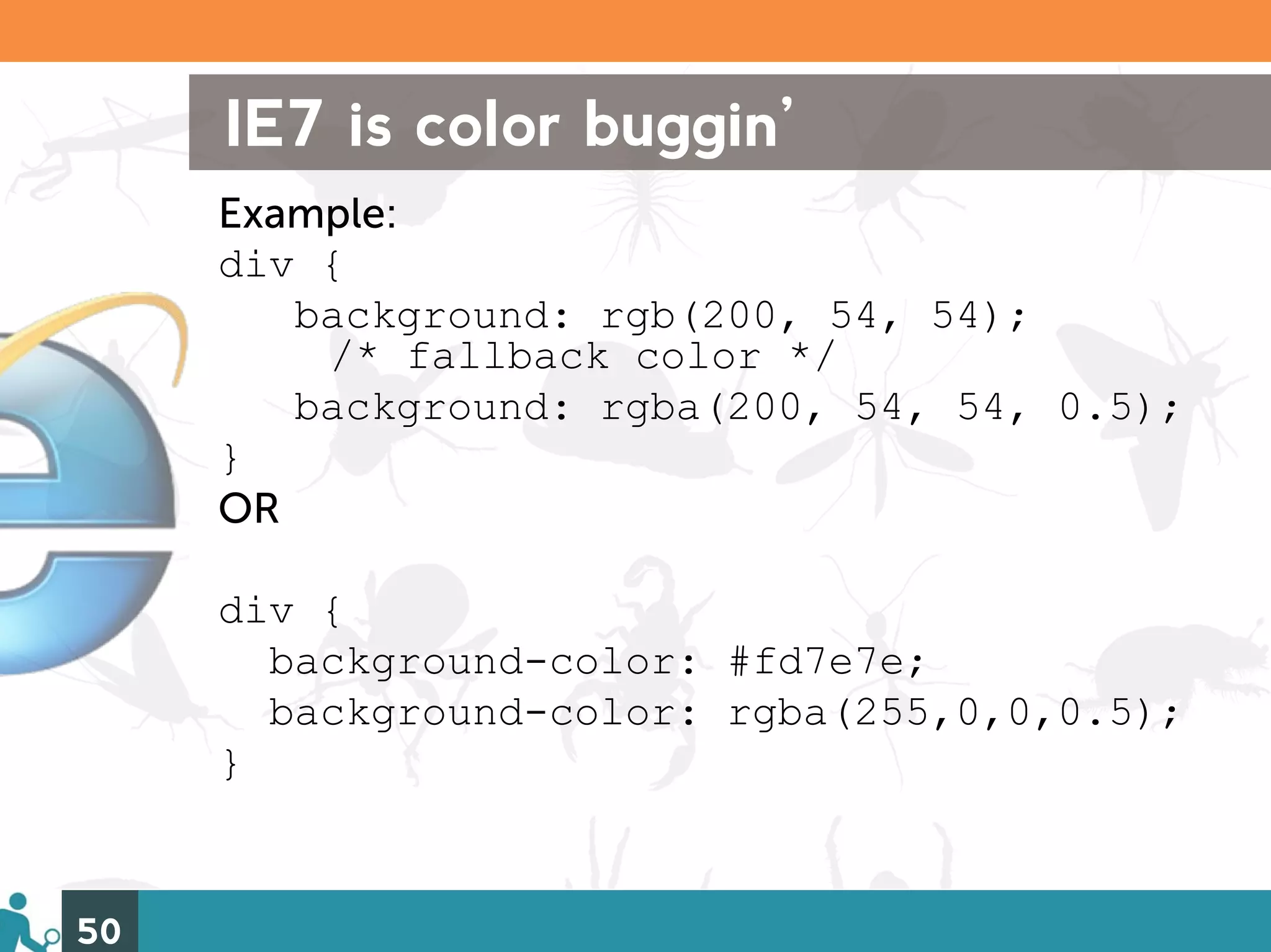
IE7 is color buggin’ Example: div { background: rgb(200, 54, 54); /* fallback color */ background: rgba(200, 54, 54, 0.5); } OR div { background-color: #fd7e7e; background-color: rgba(255,0,0,0.5); } 50
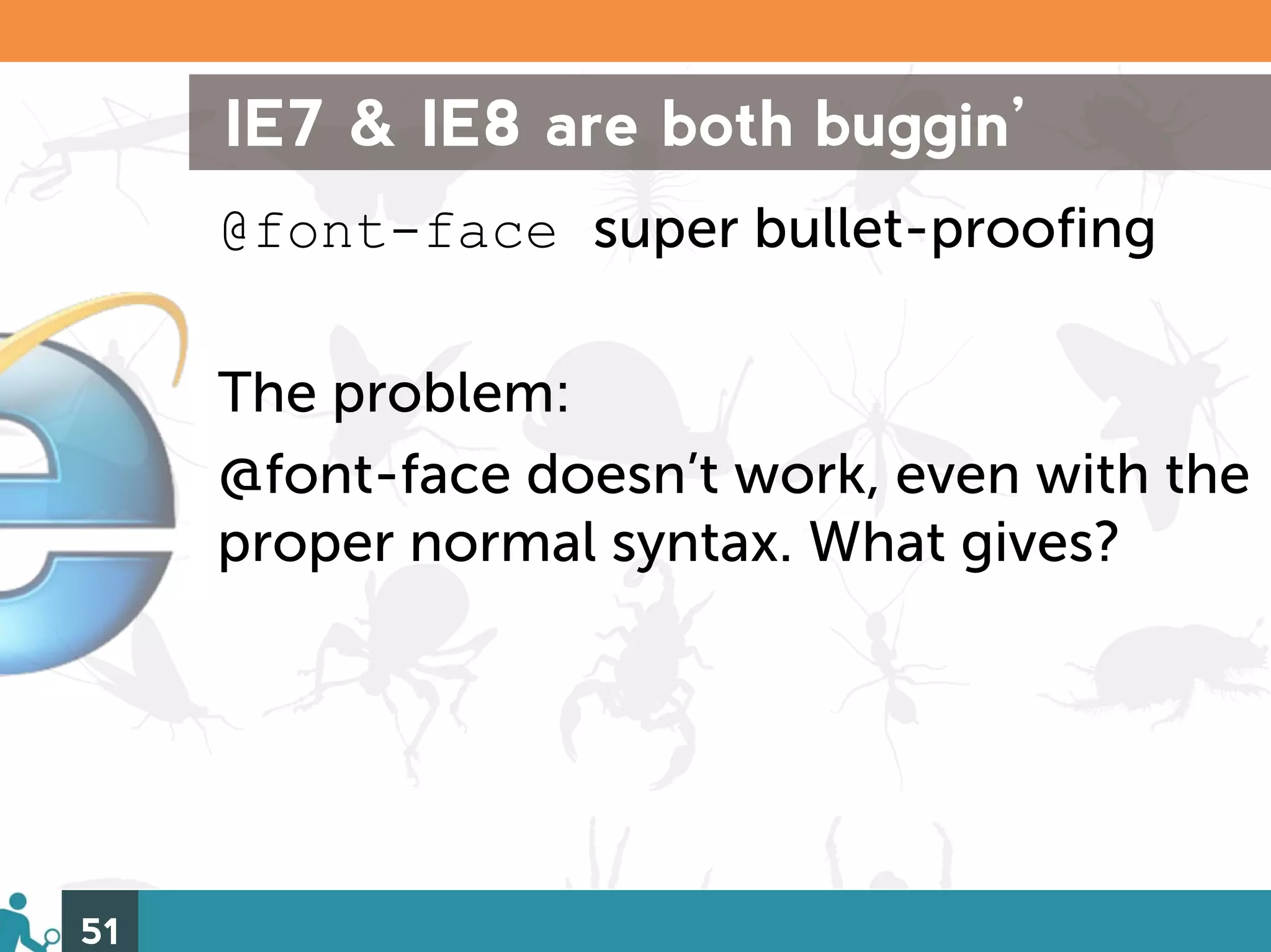
IE7 & IE8 are both buggin’ @font-face super bullet-proofing The problem: @font-face doesn’t work, even with the proper normal syntax. What gives? 51
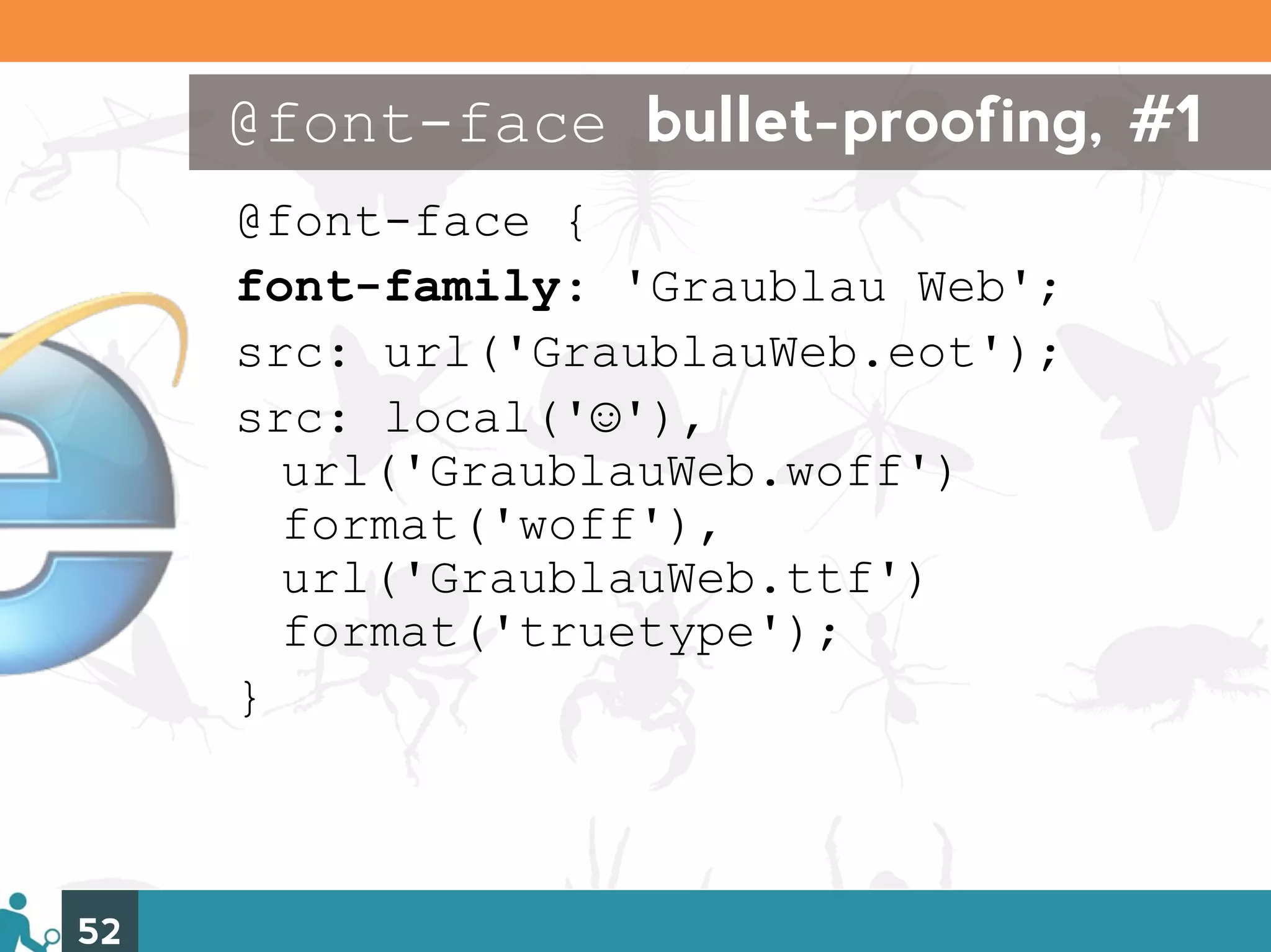
@font-face bullet-proofing, #1 @font-face { font-family: 'Graublau Web'; src: url('GraublauWeb.eot'); src: local('☺'), url('GraublauWeb.woff') format('woff'), url('GraublauWeb.ttf') format('truetype'); } 52
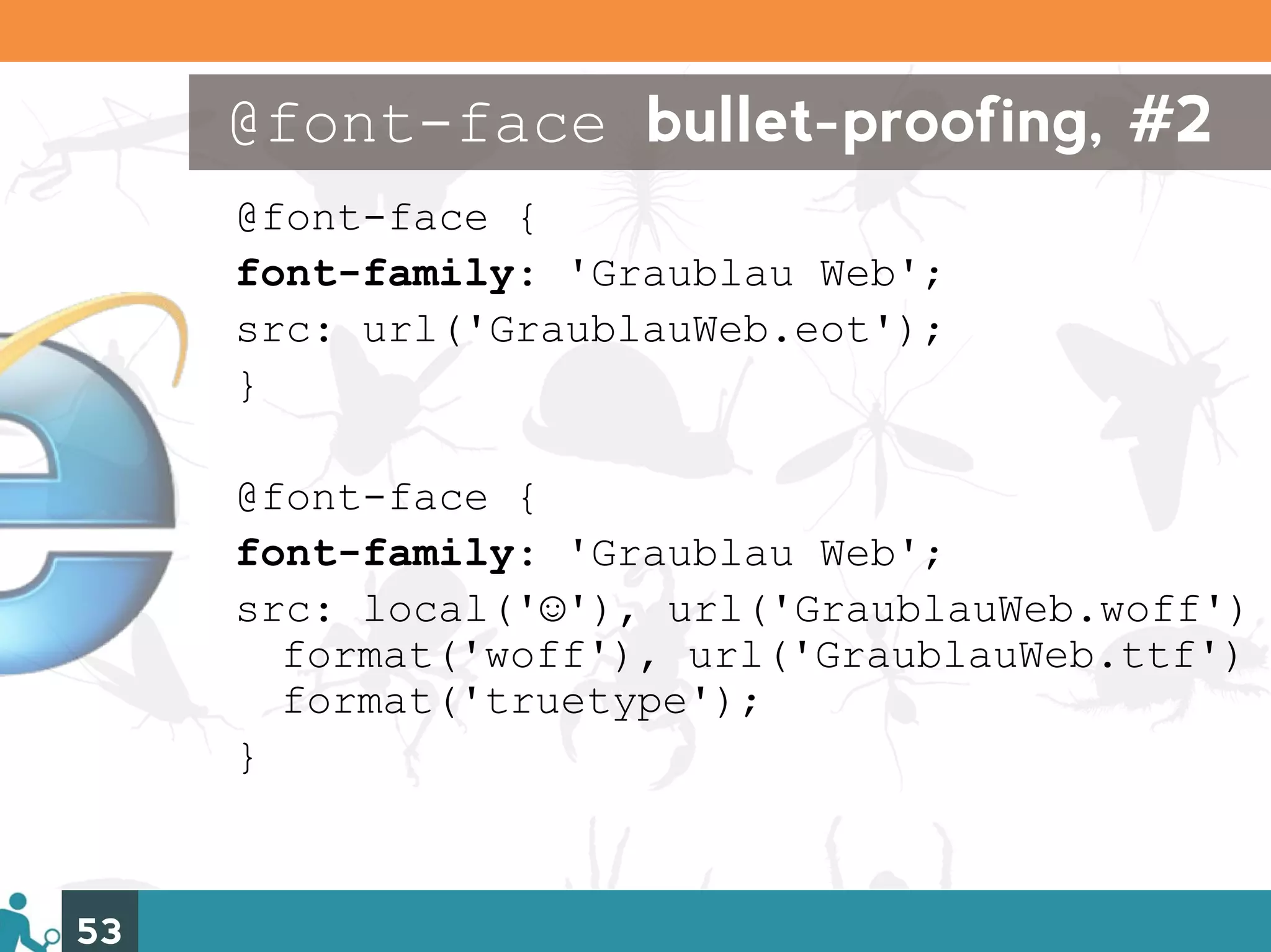
@font-face bullet-proofing, #2 @font-face { font-family: 'Graublau Web'; src: url('GraublauWeb.eot'); } @font-face { font-family: 'Graublau Web'; src: local('☺'), url('GraublauWeb.woff') format('woff'), url('GraublauWeb.ttf') format('truetype'); } 53
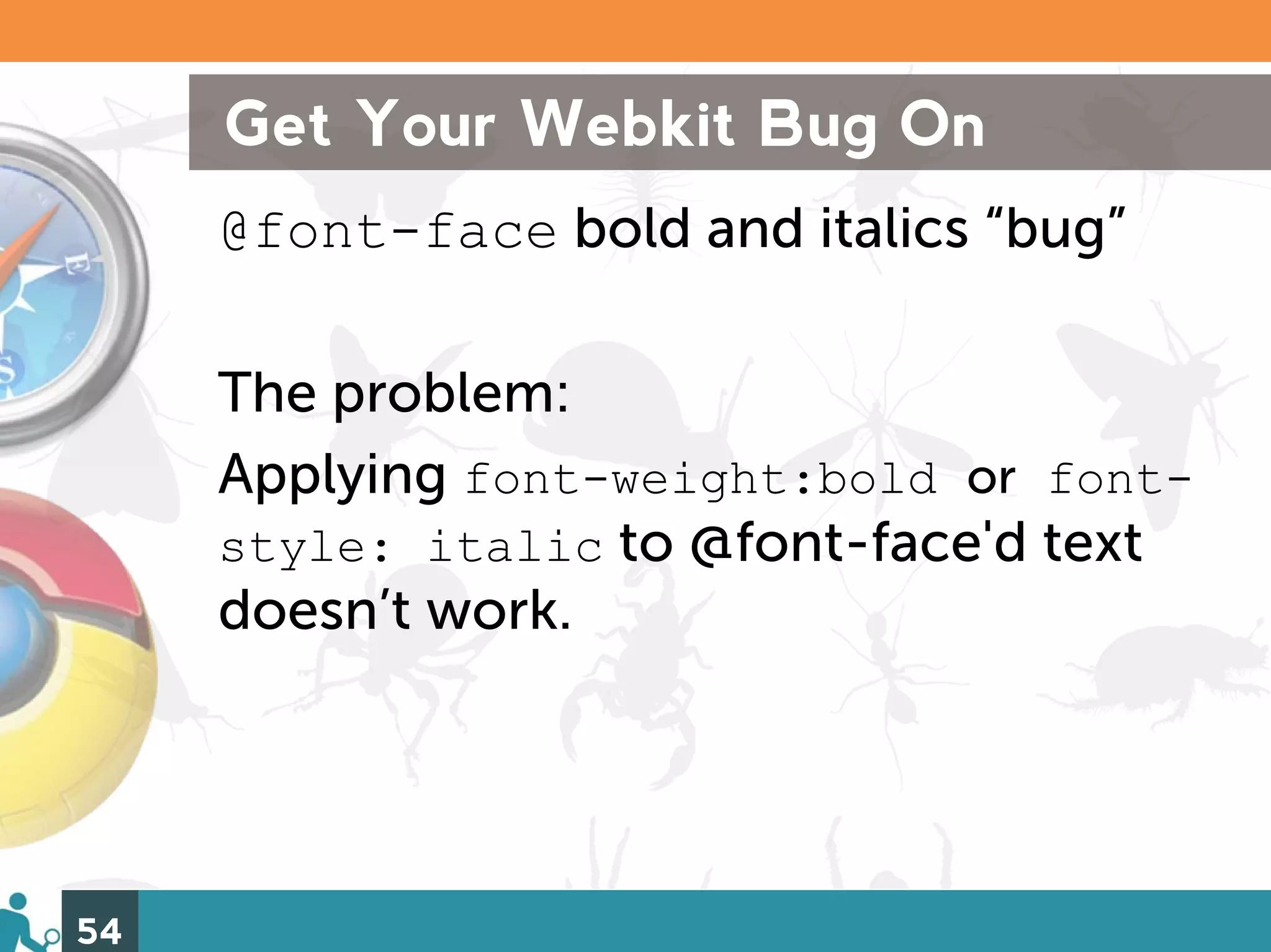
Get Your Webkit Bug On @font-face bold and italics “bug” The problem: Applying font-weight:bold or font- style: italic to @font-face'd text doesn’t work. 54
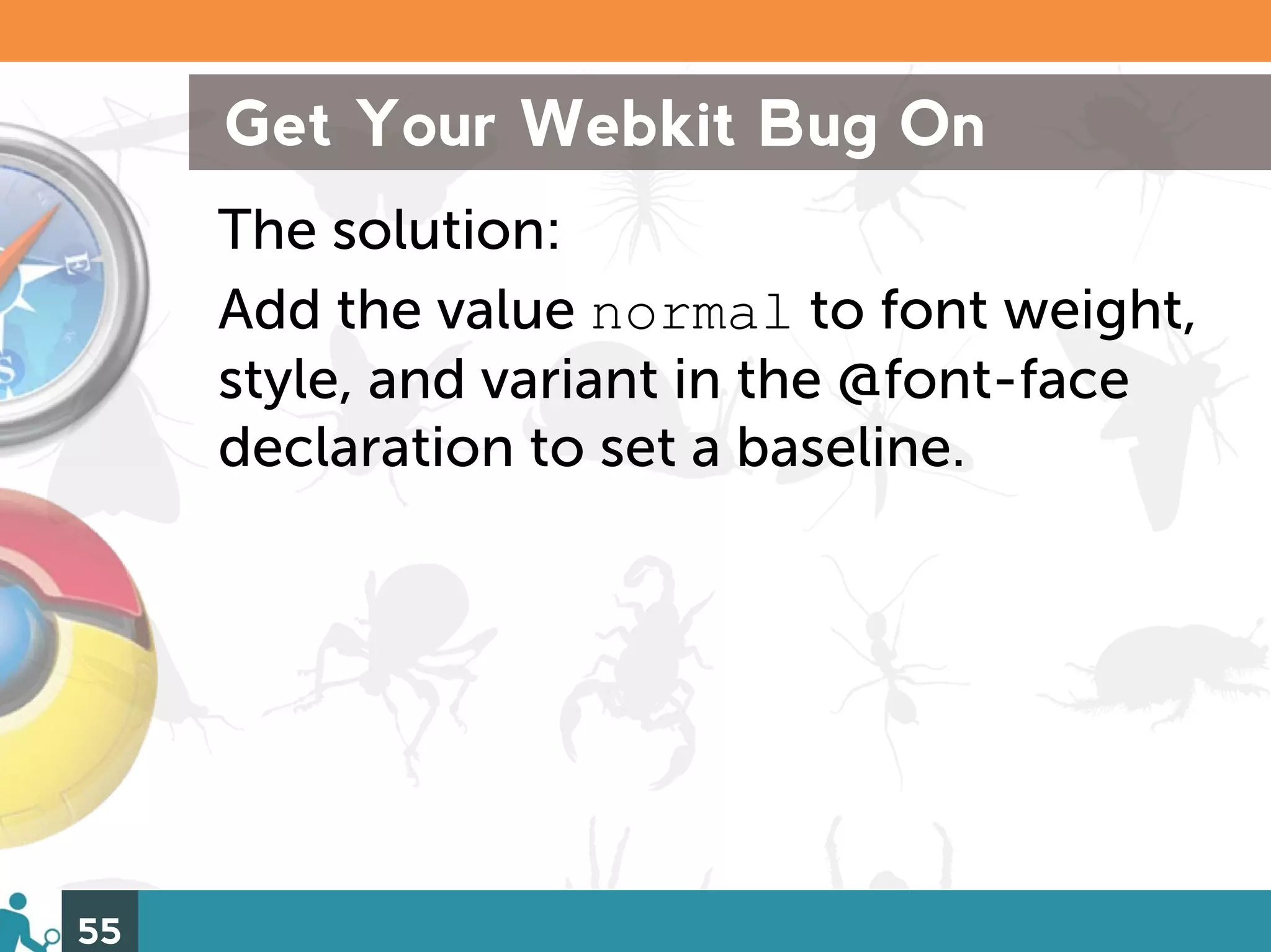
Get Your Webkit Bug On The solution: Add the value normal to font weight, style, and variant in the @font-face declaration to set a baseline. 55
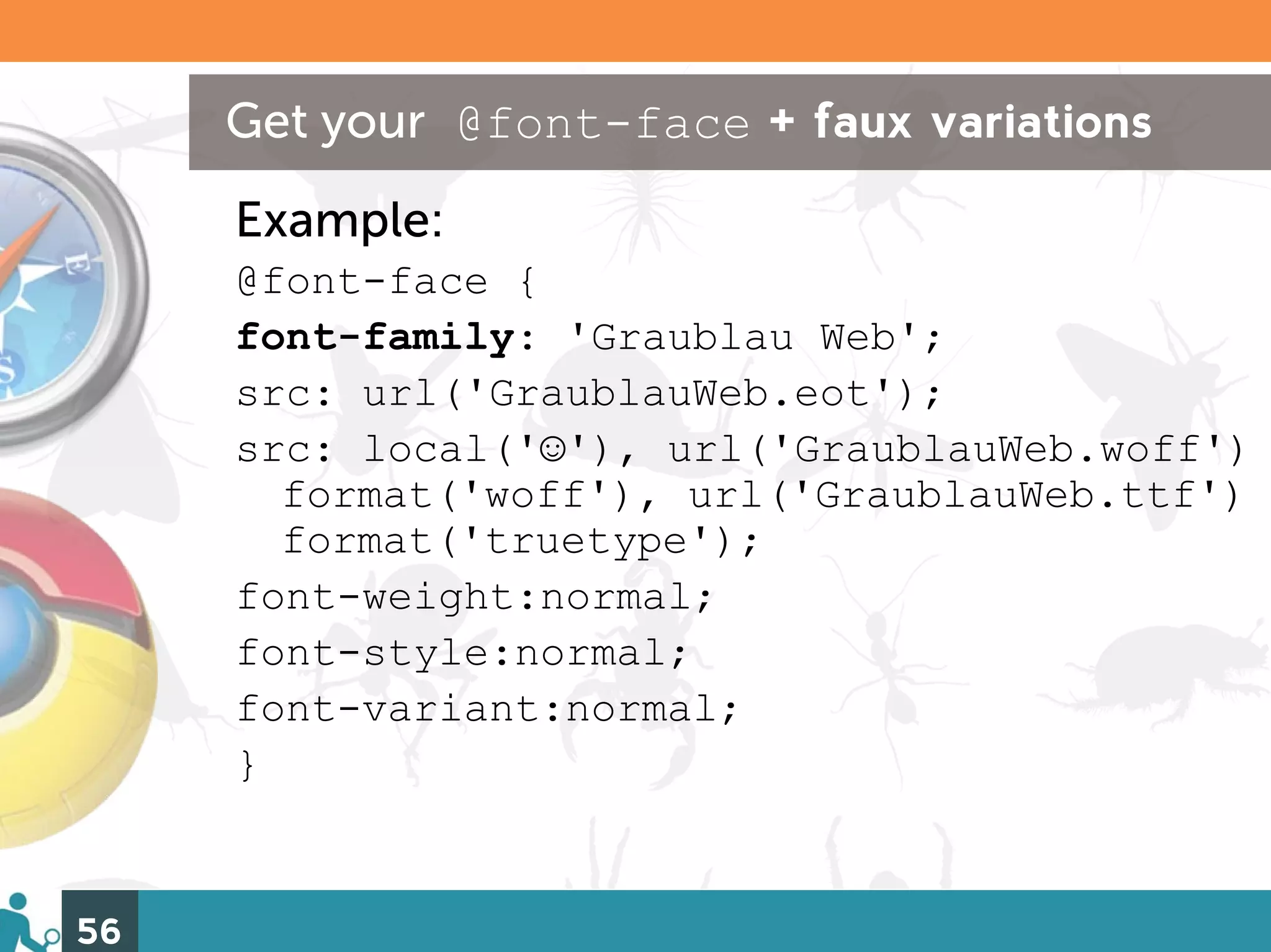
Get your @font-face + faux variations Example: @font-face { font-family: 'Graublau Web'; src: url('GraublauWeb.eot'); src: local('☺'), url('GraublauWeb.woff') format('woff'), url('GraublauWeb.ttf') format('truetype'); font-weight:normal; font-style:normal; font-variant:normal; } 56
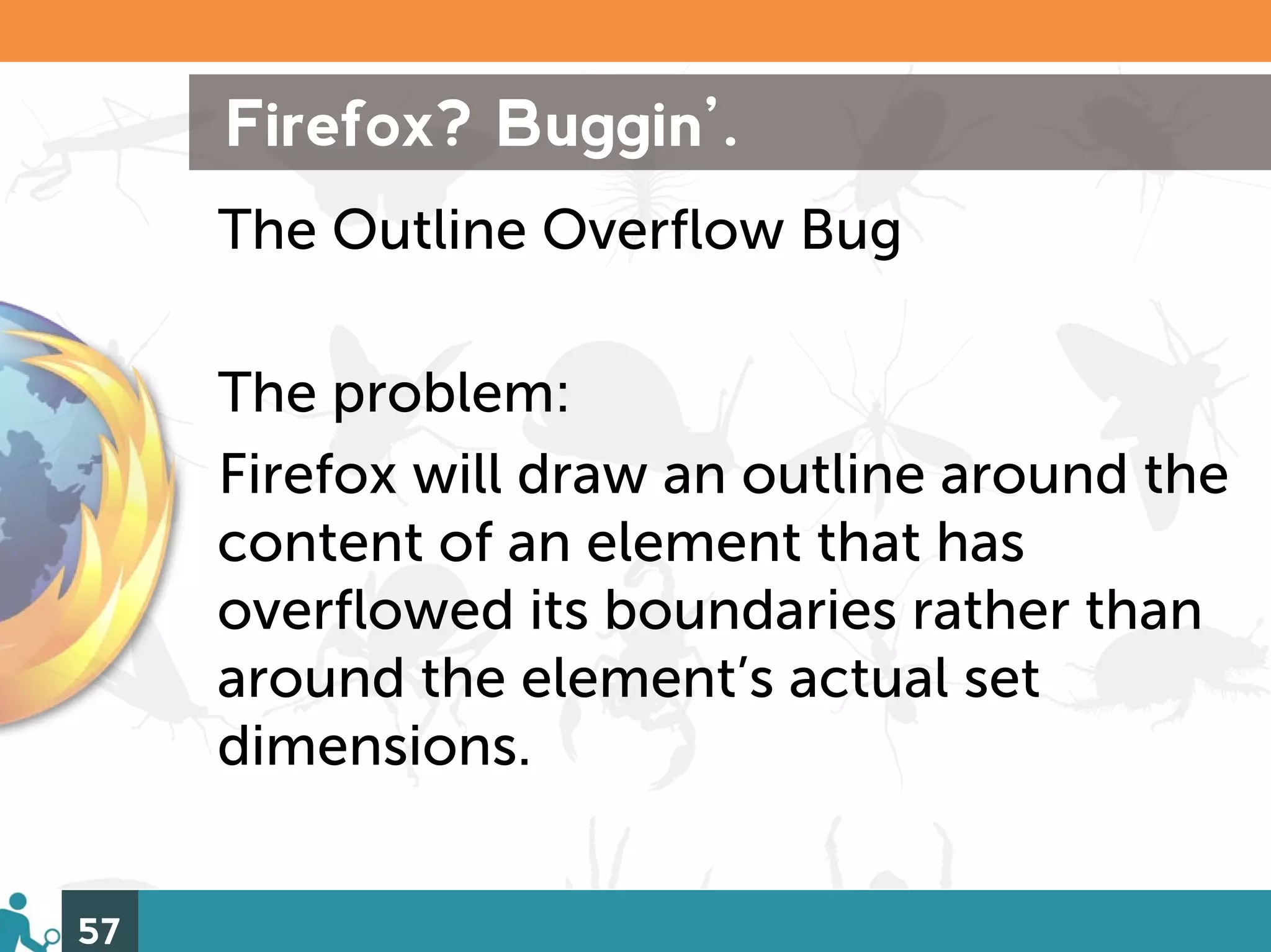
Firefox? Buggin’. The Outline Overflow Bug The problem: Firefox will draw an outline around the content of an element that has overflowed its boundaries rather than around the element’s actual set dimensions. 57
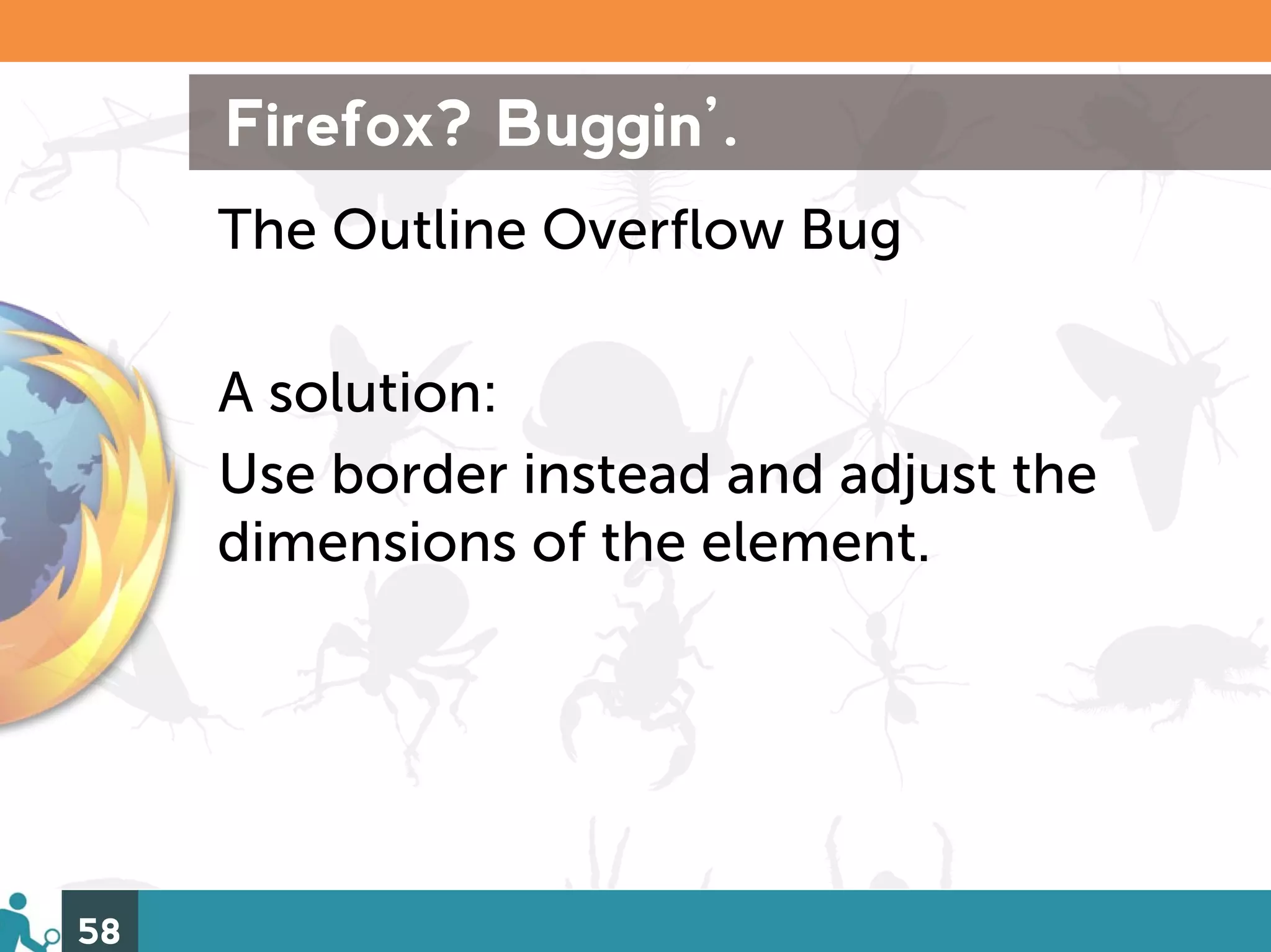
Firefox? Buggin’. The Outline Overflow Bug A solution: Use border instead and adjust the dimensions of the element. 58
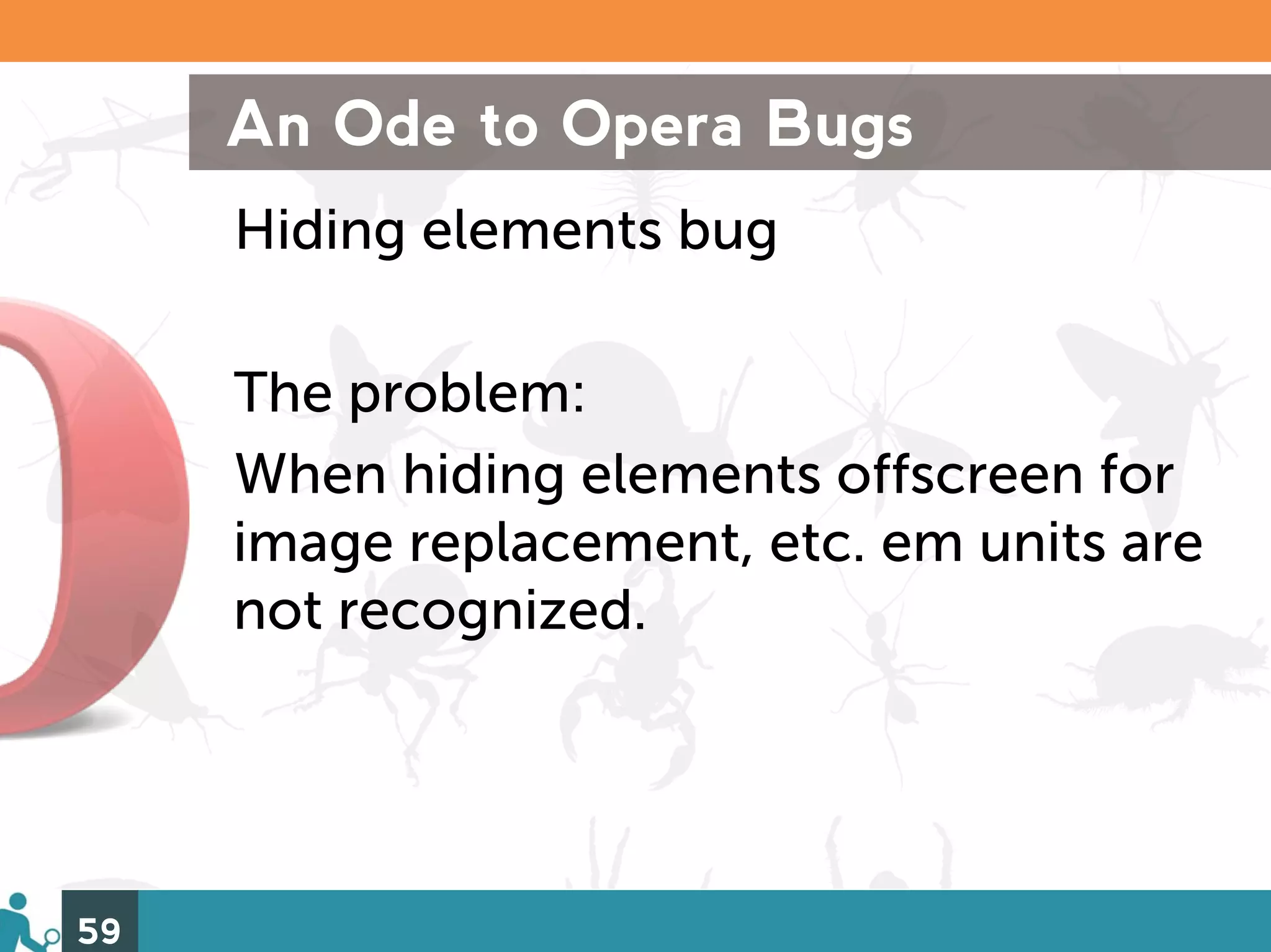
An Ode to Opera Bugs Hiding elements bug The problem: When hiding elements offscreen for image replacement, etc. em units are not recognized. 59
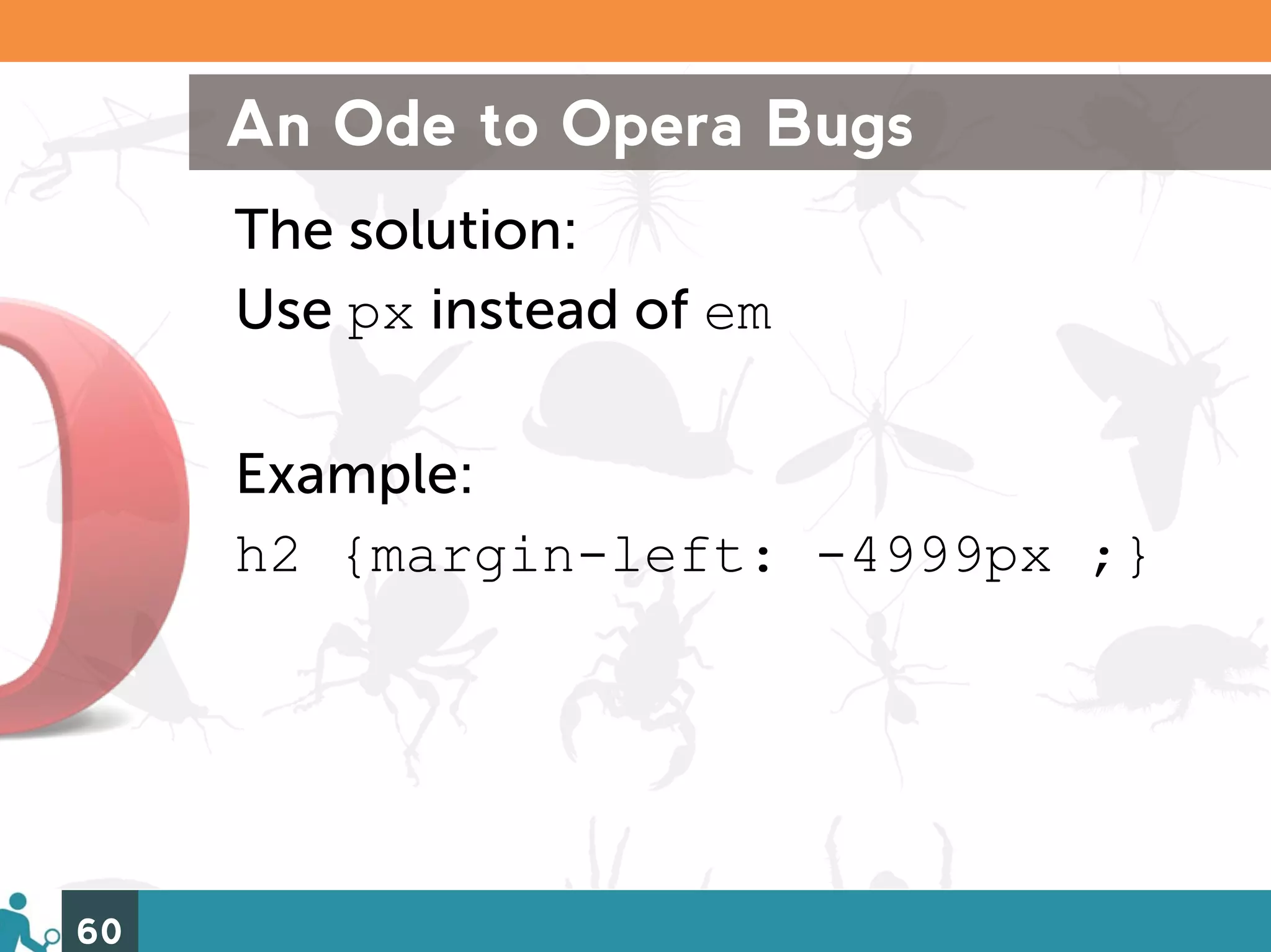
An Ode to Opera Bugs The solution: Use px instead of em Example: h2 {margin-left: -4999px ;} 60
4) Clear Float Issues 61 http://www.flickr.com/photos/elisfanclub/1132147711/
Clear Float Issues 1) Problems with overflow: hidden 2) Problems with Clearfix 3) Solutions and Alternatives 62
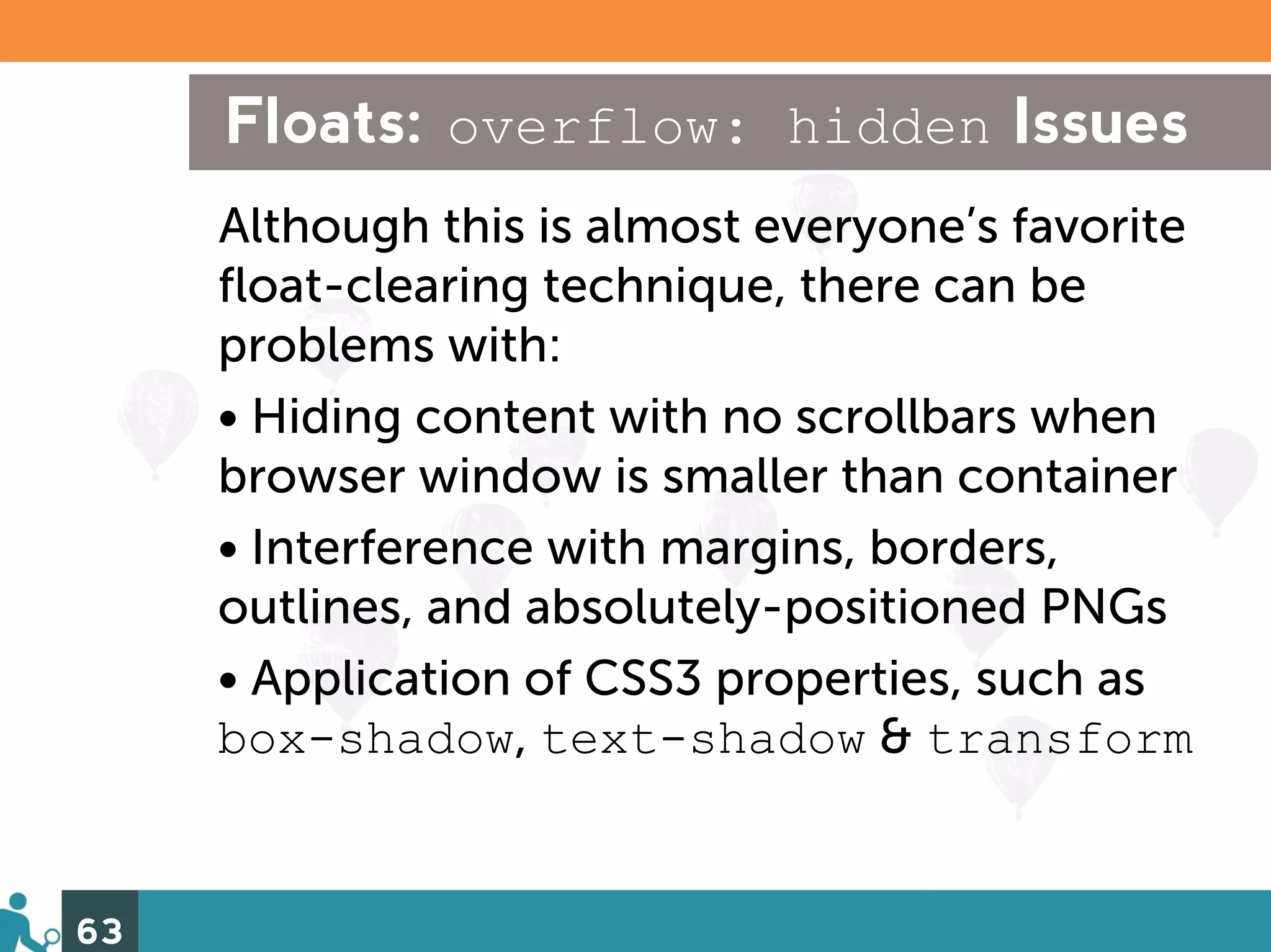
Floats: overflow: hidden Issues Although this is almost everyone’s favorite float-clearing technique, there can be problems with: • Hiding content with no scrollbars when browser window is smaller than container • Interference with margins, borders, outlines, and absolutely-positioned PNGs • Application of CSS3 properties, such as box-shadow, text-shadow & transform 63
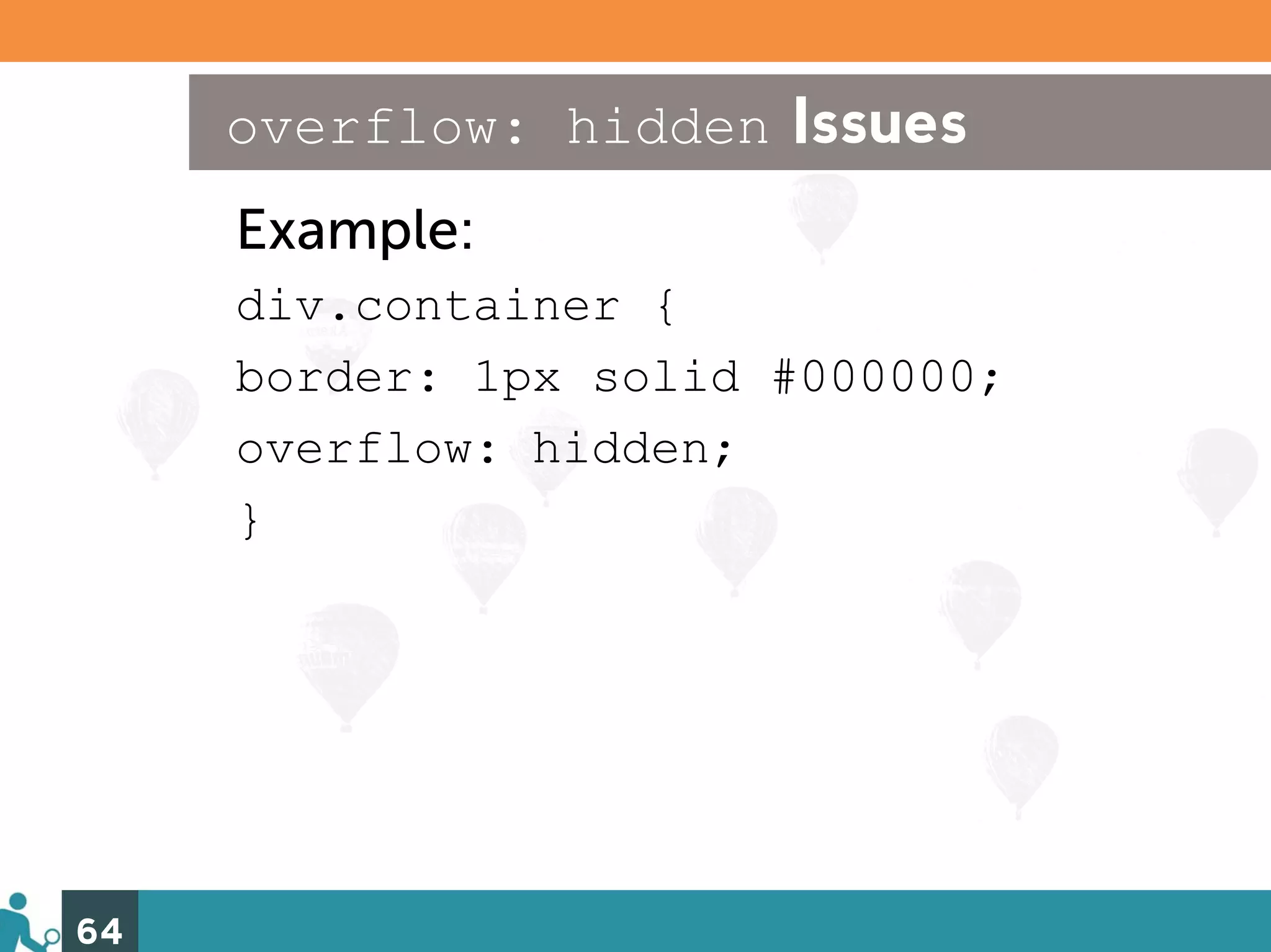
overflow: hidden Issues Example: div.container { border: 1px solid #000000; overflow: hidden; } 64
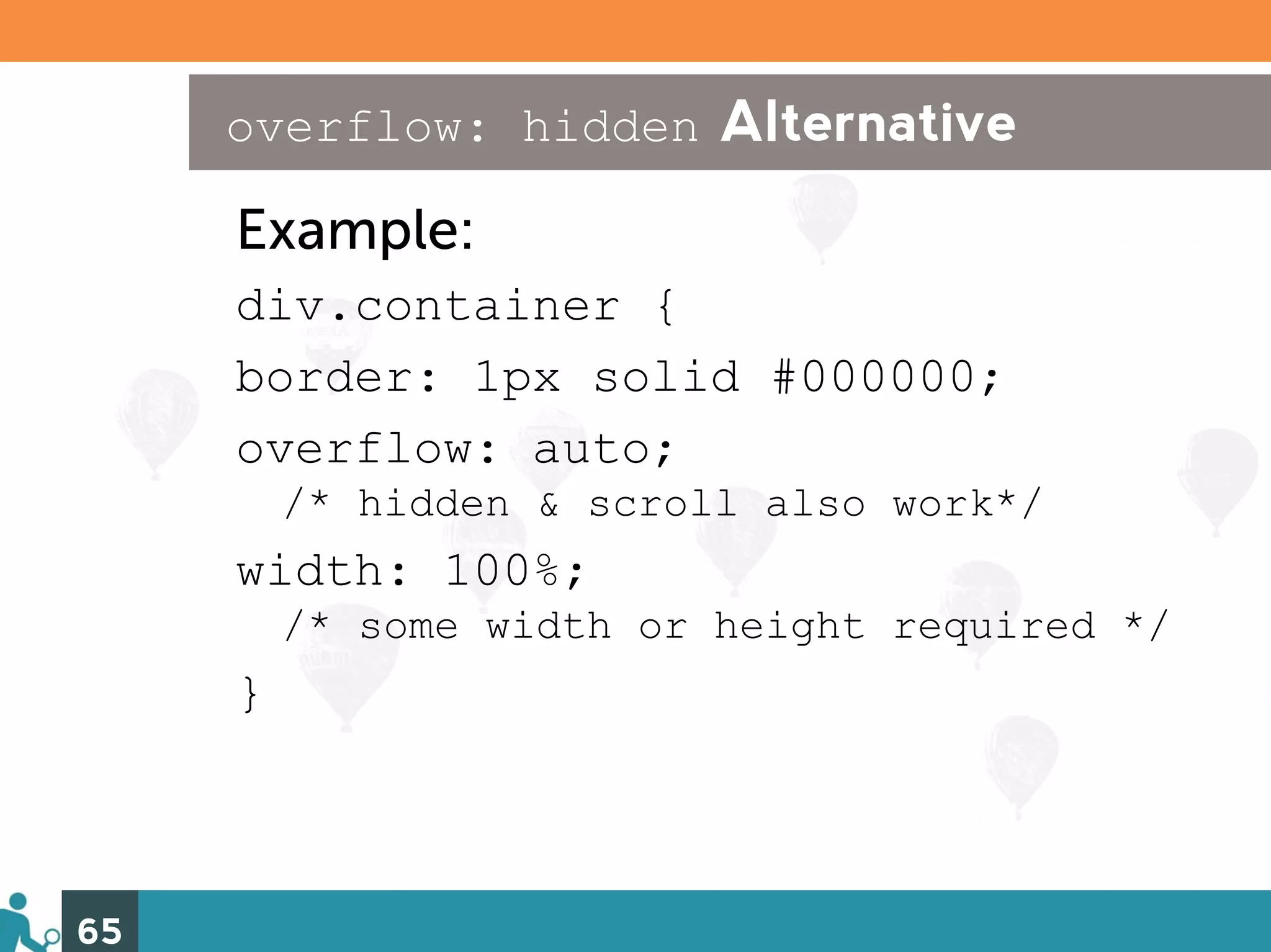
overflow: hidden Alternative Example: div.container { border: 1px solid #000000; overflow: auto; /* hidden & scroll also work*/ width: 100%; /* some width or height required */ } 65
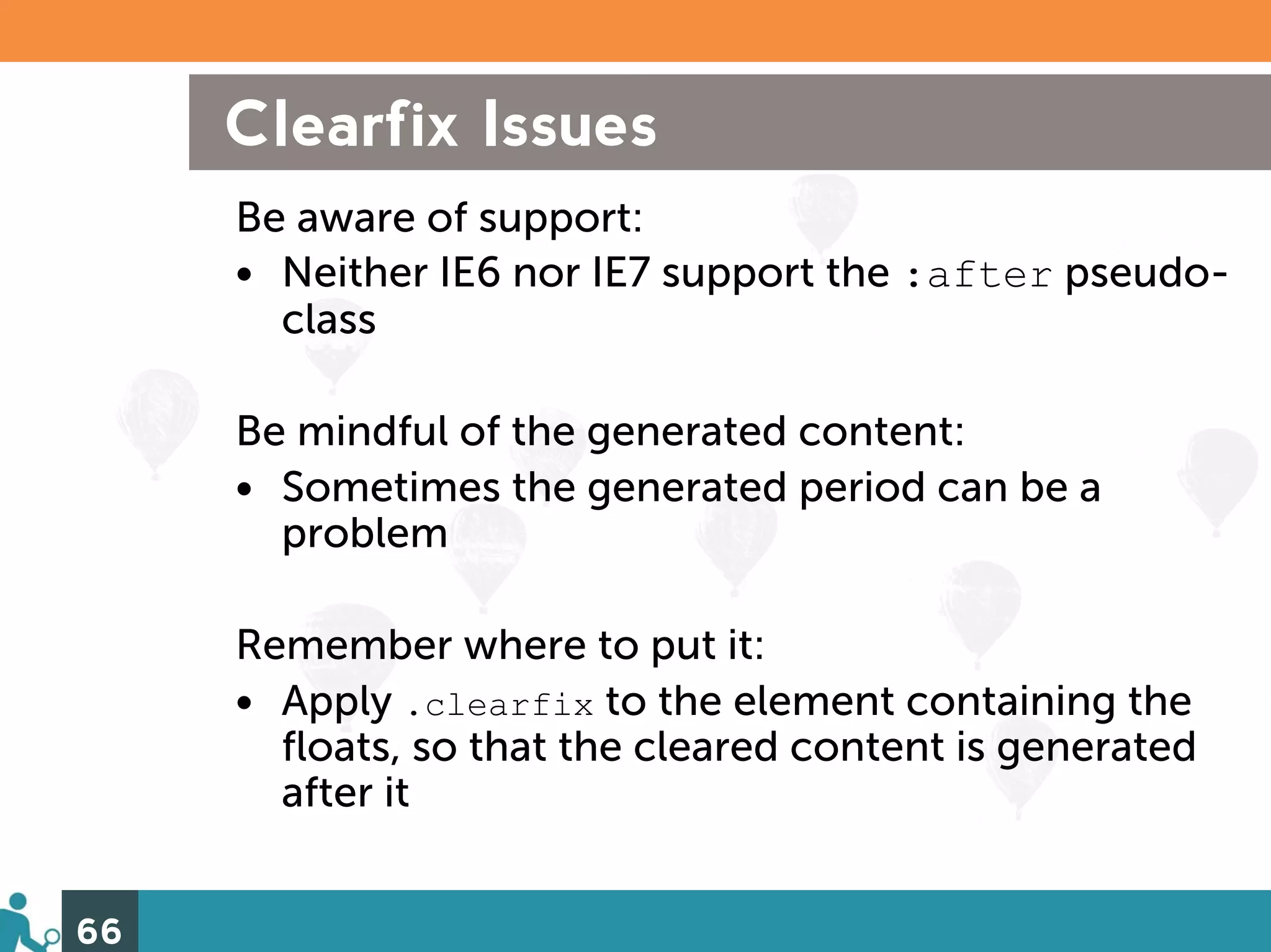
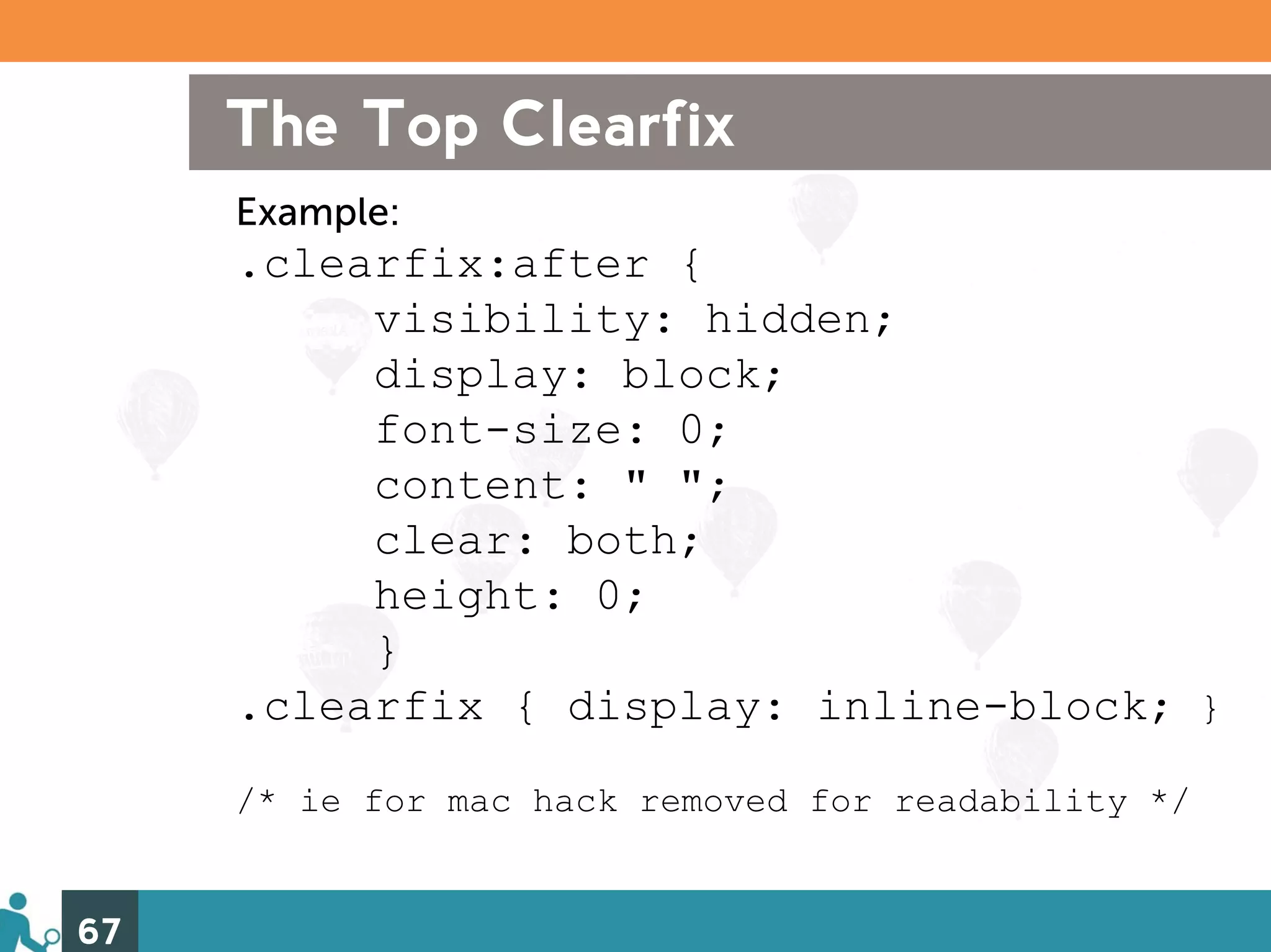
Clearfix Issues Be aware of support: • Neither IE6 nor IE7 support the :after pseudo- class Be mindful of the generated content: • Sometimes the generated period can be a problem Remember where to put it: • Apply .clearfix to the element containing the floats, so that the cleared content is generated after it 66
The Top Clearfix Example: .clearfix:after { visibility: hidden; display: block; font-size: 0; content: " "; clear: both; height: 0; } .clearfix { display: inline-block; } /* ie for mac hack removed for readability */ 67
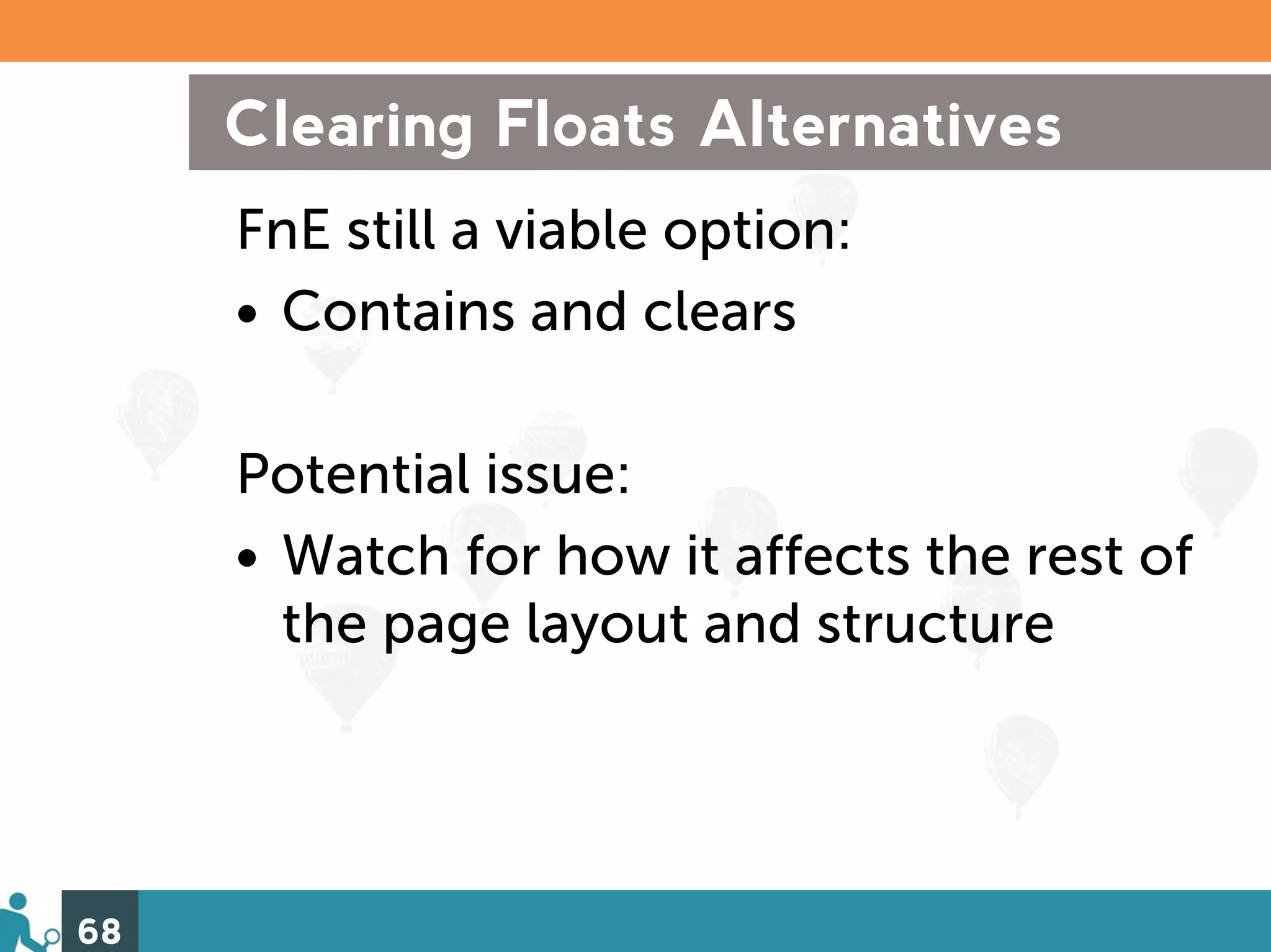
Clearing Floats Alternatives FnE still a viable option: • Contains and clears Potential issue: • Watch for how it affects the rest of the page layout and structure 68
Future Hope For Page Layouts CSS3 and HTML5 FTW! • CSS3: flexible box-model, columns and box-sizing • HTML5: <head>,<section>, and <footer> 69
Recap Taking all of these steps: 1. Lay the foundation 2. Target your styles 3. Squash browser bugs 4. Clear float issues Will yield: 1. Code that is easier to read and find problems in 2. Speed of use and in use 3. Finding solutions faster 70
And you’ll become… …one baaad CSS detectin’ mutha! 71
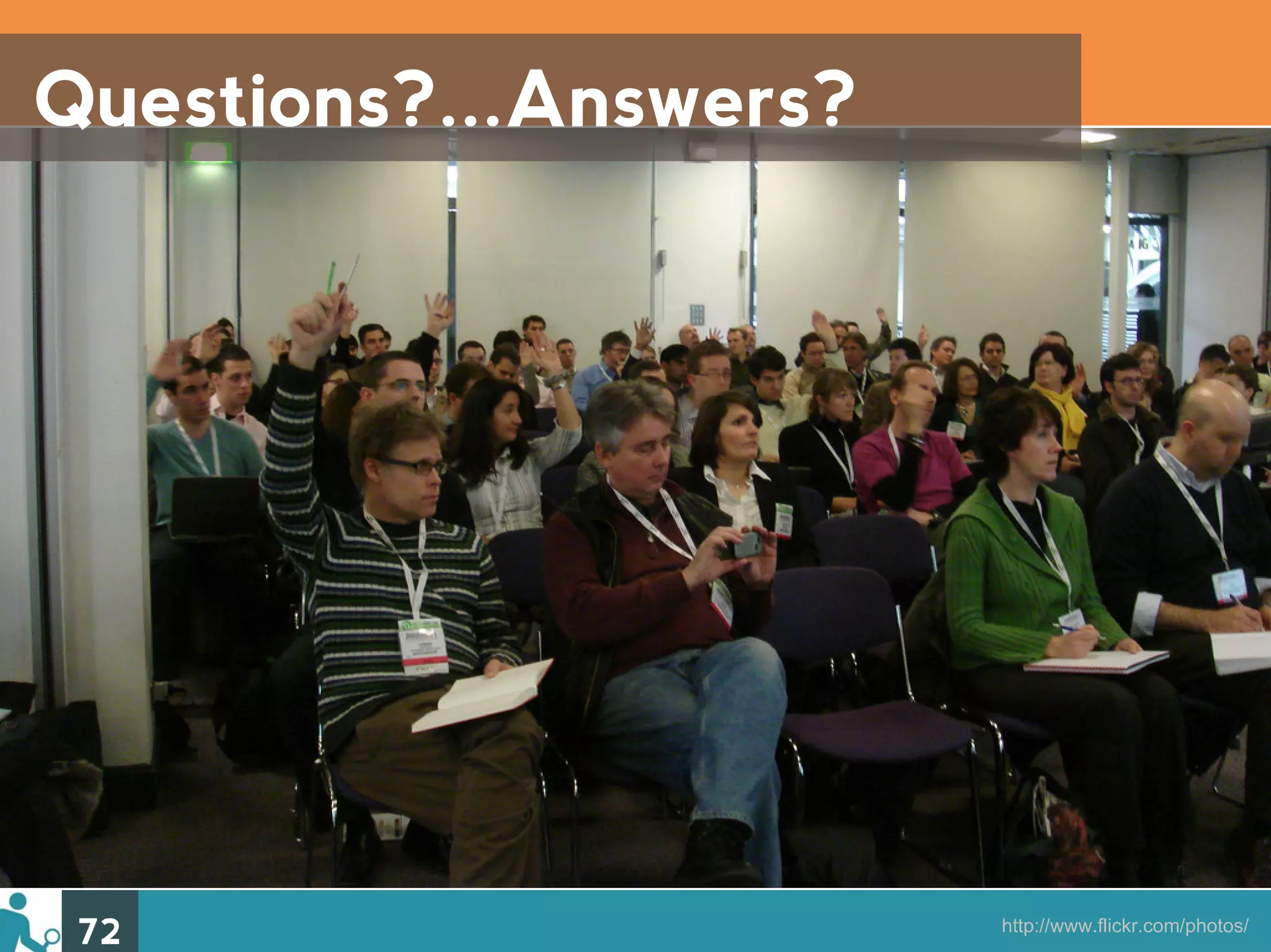
Questions?...Answers? 72 http://www.flickr.com/photos/
Resources http://delicious.com/denisejacobs/ CSSsummit2010/ 73 http://www.flickr.com/photos/aarronwalter/4629076165/
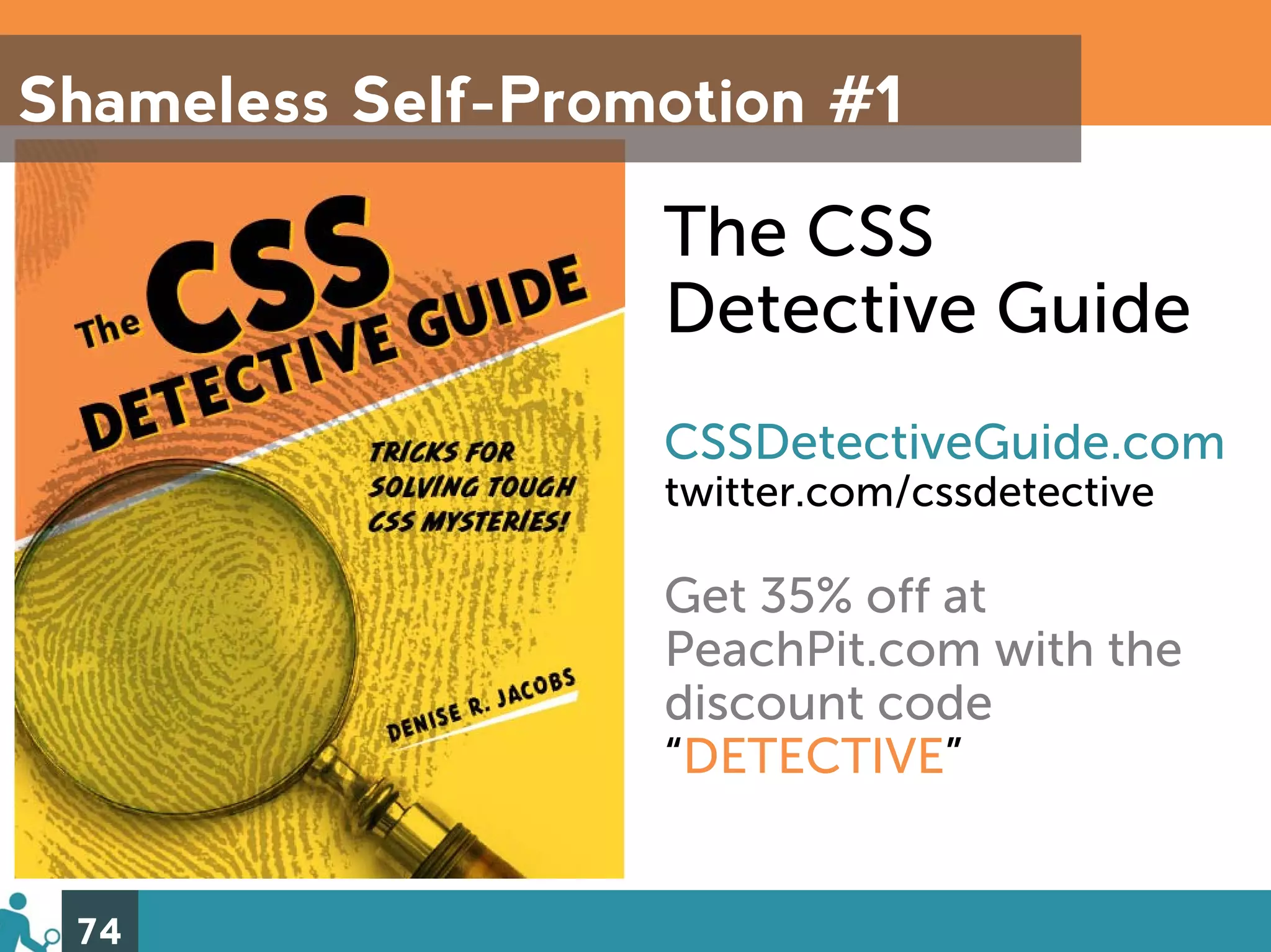
Shameless Self-Promotion #1 The CSS Detective Guide CSSDetectiveGuide.com twitter.com/cssdetective Get 35% off at PeachPit.com with the discount code “DETECTIVE” 74
Shameless Self-Promotion #2 InterAct With Web Standards: A Holistic Approach to Web Design InterActWithWebStandards.com twitter.com/waspinteract Get 35% off at PeachPit.com with the discount code “INTERACT” 75
Thank You! denisejacobs.com denise@denisejacobs.com twitter.com/denisejacobs slideshare.net/denisejacobs 76 http://www.flickr.com/photos/aarronwalter/4629076165/
And that’s a wrap! 77

Advanced CSS Troubleshooting

  • 1.
    Advanced CSS Troubleshooting or How to become a Super CSS Detective in 4 Easy Steps Denise R. Jacobs CSS Summit 2010
  • 2.
    Who, Me? CSSDetectiveGuide.com InterActWithWebStandards.com 2
  • 3.
    CSS De-what? • Preventive/defensive coding – Focused & efficient • Can quickly and easily solve problems when they come up 3
  • 4.
    I can haztrubbleshootin? Strong troubleshooting skills are one of your best allies in solving CSS “mysteries”…and they also make you feel like a badass. 4
  • 5.
    The 4 EasySteps 1) Lay the foundation 2) Target your styles 3) Squash browser bugs 4) Clear float issues 5
  • 6.
    1) Lay the Foundation 6 http://www.flickr.com/photos/pgoyette/2280685630/
  • 7.
    Why? A solid CSS foundation creates an environment where preventing and detecting problems is easier. 7
  • 8.
    How to layit down 1) Annotate & Optimize • Markup • CSS 2) (Re)Set the Mood • CSS reset review • DIY 8
  • 9.
    Annotate Your Markup begin with <!-- #id or .class name --> end with <!-- /end #id or .class name --> or, alternatively <!-- / #id or .class name --> 9
  • 10.
    Annotate Your Markup Example: <div id="content"> <div class="promo"> ... </div><!-- /end .promo --> </div><!-- /end #content --> 10
  • 11.
    Why Annotate YourMarkup? Helps you keep track of the element beginning and end, and helps you identify the pieces faster. 11
  • 12.
    Annotate Your CSS:Macro-Optimize /* Comments are good, mmkay? */ Notation is your friend. For: • Overriding styles • Creating stylesheet sections • Listing the color scheme • Resources and contact info. 12
  • 13.
    Annotate Your CSS:Macro-Optimize /* made by you on some date */ /* section of the stylesheet */ p { border-color: #cf0; border-color-bottom: #ccc; /*this property overrides the previous one */ } 13
  • 14.
    Why Macro-Optimize? Solo: Helps you remember your intentions with extra properties when you come back to your code. With Folks: Helps your colleagues understand your intentions when working with your code. Ergo: Saves time! 14
  • 15.
    Micro-Optimize Your CSS:Length Less is more: • Use shortest properties and values • Avoid duplicate properties • Use shorthand properties • Condense values and units • Avoid multiple lines and indenting 15
  • 16.
    Micro-optimize Your CSS:Speed Up the efficiency: • ID selectors are speedier than element or universal • Drop element qualifiers • Ditch descendent selectors when and where you can 16
  • 17.
    Why Micro-Optimize? • Cuts down file size • Speeds up page load time • Encourages best practices 17
  • 18.
    Micro-Optimization in Action Example: #sidebar { background: #fff url(bg.png) repeat-x 0 0; font: normal 1.33em/1.33 Georgia, serif; border: 1px solid red; margin: 10px 20px; padding: .1em; } 18
  • 19.
    Reasons to Reset By deliberately establishing an element’s properties, you can: • Better control the elements on the page • More quickly determine the source of problems when they arise 19
  • 20.
    CSS Reset All-Star:Eric Meyer’s Pro’s –One of the most popular, well thought out –Neutralizes almost every element Con’s –Can be too far-reaching –Extra work to establish the values for the elements you want 20 http://meyerweb.com/eric/tools/css/reset/
  • 21.
    Make Your OwnReset Why DIY? • You can determine exactly which elements you want to reset • May save on reestablishing properties • You know exactly what is changed and why you changed it • Problems will be that much more obvious 21
  • 22.
    Top Properties toReset • Margin and padding • Borders, especially on linked images • Link text underlining • Vertical alignment • Font size and line-height 22
  • 23.
    2) Target Your Styles 23 http://www.flickr.com/photos/blip/139087426/
  • 24.
    Why? Having a plan for targeting elements helps speed and efficiency – in both creating and fixing styles. 24
  • 25.
    How to Hitthe Mark 1) Technique 2) Specificity 3) Advanced Selectors 25
  • 26.
    One Targeting Technique My favorite: outline: 1px solid red; Why? • outline does not add to dimensions of the element • Color names used only for troubleshooting 26
  • 27.
    Specificity Rules! Using specificity, you can create selectors that will zero right in on your desired element(s), but you’ve got to do it by the rules. A little review: 1. Weight rules 2. Specificity tips and guidelines 27
  • 28.
    Super Simplified Specificity The more specific the selector is, the higher the specificity #id: can only be one on the page = high specificity (100) .class: can be multiple, but not everywhere = medium specificity (10) element: lots on the page = low specificity (1) * : everything on the page = no specificity (0) 28
  • 29.
    Some Specificity Guidelines • Don’t rely too heavily on specificity – leverage as many reusable selectors as possible • Use the cascade and source order so that you don’t have to get too specific • Trust specificity over source order in terms of which style will win and get applied 29
  • 30.
    Targeting with AdvancedSelectors The right selector will help you achieve targeting nirvana, so it’s important to know which selectors you can use now. Let’s peek at: • CSS2 Selectors • CSS3 Selectors • Their browser support 30
  • 31.
    Advanced CSS2 Selectors • Universal (ie7/8 – yes) • Child (ie7/8 – yes) • Sibling/Adjacent (ie7 no, ie8 – yes) • Attribute (ie7/8 – yes) • Pseudo elements (ie7/8 – no) – ::before – ::after • State pseudo-classes, v2.1 – :first-child (ie7/8 – yes) – :hover (ie7/8 – yes) – :active (ie7/8 – yes) – :focus (ie7/8 – no) – :lang (ie7/8 – no) 31
  • 32.
    CSS2 Selector Support 32 http://www.quirksmode.org/compatibility.html
  • 33.
    Advanced CSS3 Selectors • General sibling • Attribute substrings • State pseudo-classes, v3.0 –:enabled –:disabled –:checked –:selection • Target pseudo-classes • Negation pseudo-class 33
  • 34.
    Advanced CSS3 Selectors,contd. • Structural pseudo classes – :root – :nth-child(n) – :nth-last-child(n) – :nth-of-type(n) – :nth-last-of-type(n) – :last-child – :first-of-type – :last-of-type – :only-child – :only-of-type – :empty 34
  • 35.
    CSS3 Selector Support 35 http://www.findmebyip.com/litmus
  • 36.
    Advanced Selectors: SomeUsage Tips • All of the CSS2 selectors are supported by the modern browsers, and almost all of the CSS3 ones are, so use them! • It’s easy to target styles away from the IEs, but target them to the IEs with simpler combinator selectors • There are “hacks” to target styles to specific browsers, other than the IEs 36
  • 37.
    3) Squash Browser Bugs 37 http://www.flickr.com/photos/slappytheseal/3687999392/
  • 38.
    Dealing with IE6(Still? Yes, still.) Whether it’s by force or by choice, you need to know how you are going to deal with IE6 until it’s completely gone. Approaches: • Kick it to the curb • Display tolerant indifference • Show some love: be graceful in your degradation 38
  • 39.
    IE6: Go home! 39 http://www.flickr.com/photos/robotjohnny/3629069606/
  • 40.
    IE6, get stuffed. 40 http://tumblr.9gag.com/post/285107173
  • 41.
    IE6? I justwon’t support that. 41
  • 42.
    IE6? Meh. 42 http://www.flickr.com/photos/untitled13/83391194/
  • 43.
    Serve Up SomeStripped-Down Style Universal IE6 stylesheet (philosophy) (example) Universal IE6 stylesheet: http://code.google.com/p/universal-ie6-css/ 43 http://browsesad.com
  • 44.
    Limit Your Support 44 http://gowalla.com
  • 45.
    Show an oldIE browser some love 45 http://www.flickr.com/photos/brunkfordbraun/391876102/
  • 46.
    Graceful IE6 Degradation • Serve IE6 targeted properties served by conditional comments – display: inline – zoom: 1 • Use the * html hack 46
  • 47.
    Gettin’ Buggy WithIt Despite your best efforts towards clean, efficient, optimized code, browsers will always have issues that throw a wrench in the works. The Line-up: 1) IE7 & IE8 2) Firefox 3) The Webkits 4) Opera 47
  • 48.
    IE7 is colorbuggin’ color and background-color with rgba The problem: An rgba color is correctly set to override the rgb for the IEs , but the rgb color doesn’t show up at all. 48
  • 49.
    IE7 is colorbuggin’ The solution: • Use the shorthand property background instead of background- color OR • Use a hexidecimal color instead of rgb, and then continue the override with rgba. 49
  • 50.
    IE7 is colorbuggin’ Example: div { background: rgb(200, 54, 54); /* fallback color */ background: rgba(200, 54, 54, 0.5); } OR div { background-color: #fd7e7e; background-color: rgba(255,0,0,0.5); } 50
  • 51.
    IE7 & IE8are both buggin’ @font-face super bullet-proofing The problem: @font-face doesn’t work, even with the proper normal syntax. What gives? 51
  • 52.
    @font-face bullet-proofing, #1 @font-face { font-family: 'Graublau Web'; src: url('GraublauWeb.eot'); src: local('☺'), url('GraublauWeb.woff') format('woff'), url('GraublauWeb.ttf') format('truetype'); } 52
  • 53.
    @font-face bullet-proofing, #2 @font-face { font-family: 'Graublau Web'; src: url('GraublauWeb.eot'); } @font-face { font-family: 'Graublau Web'; src: local('☺'), url('GraublauWeb.woff') format('woff'), url('GraublauWeb.ttf') format('truetype'); } 53
  • 54.
    Get Your WebkitBug On @font-face bold and italics “bug” The problem: Applying font-weight:bold or font- style: italic to @font-face'd text doesn’t work. 54
  • 55.
    Get Your WebkitBug On The solution: Add the value normal to font weight, style, and variant in the @font-face declaration to set a baseline. 55
  • 56.
    Get your @font-face+ faux variations Example: @font-face { font-family: 'Graublau Web'; src: url('GraublauWeb.eot'); src: local('☺'), url('GraublauWeb.woff') format('woff'), url('GraublauWeb.ttf') format('truetype'); font-weight:normal; font-style:normal; font-variant:normal; } 56
  • 57.
    Firefox? Buggin’. The Outline Overflow Bug The problem: Firefox will draw an outline around the content of an element that has overflowed its boundaries rather than around the element’s actual set dimensions. 57
  • 58.
    Firefox? Buggin’. The Outline Overflow Bug A solution: Use border instead and adjust the dimensions of the element. 58
  • 59.
    An Ode toOpera Bugs Hiding elements bug The problem: When hiding elements offscreen for image replacement, etc. em units are not recognized. 59
  • 60.
    An Ode toOpera Bugs The solution: Use px instead of em Example: h2 {margin-left: -4999px ;} 60
  • 61.
    4) Clear Float Issues 61 http://www.flickr.com/photos/elisfanclub/1132147711/
  • 62.
    Clear Float Issues 1) Problems with overflow: hidden 2) Problems with Clearfix 3) Solutions and Alternatives 62
  • 63.
    Floats: overflow: hiddenIssues Although this is almost everyone’s favorite float-clearing technique, there can be problems with: • Hiding content with no scrollbars when browser window is smaller than container • Interference with margins, borders, outlines, and absolutely-positioned PNGs • Application of CSS3 properties, such as box-shadow, text-shadow & transform 63
  • 64.
    overflow: hidden Issues Example: div.container { border: 1px solid #000000; overflow: hidden; } 64
  • 65.
    overflow: hidden Alternative Example: div.container { border: 1px solid #000000; overflow: auto; /* hidden & scroll also work*/ width: 100%; /* some width or height required */ } 65
  • 66.
    Clearfix Issues Be aware of support: • Neither IE6 nor IE7 support the :after pseudo- class Be mindful of the generated content: • Sometimes the generated period can be a problem Remember where to put it: • Apply .clearfix to the element containing the floats, so that the cleared content is generated after it 66
  • 67.
    The Top Clearfix Example: .clearfix:after { visibility: hidden; display: block; font-size: 0; content: " "; clear: both; height: 0; } .clearfix { display: inline-block; } /* ie for mac hack removed for readability */ 67
  • 68.
    Clearing Floats Alternatives FnE still a viable option: • Contains and clears Potential issue: • Watch for how it affects the rest of the page layout and structure 68
  • 69.
    Future Hope ForPage Layouts CSS3 and HTML5 FTW! • CSS3: flexible box-model, columns and box-sizing • HTML5: <head>,<section>, and <footer> 69
  • 70.
    Recap Taking all ofthese steps: 1. Lay the foundation 2. Target your styles 3. Squash browser bugs 4. Clear float issues Will yield: 1. Code that is easier to read and find problems in 2. Speed of use and in use 3. Finding solutions faster 70
  • 71.
    And you’ll become… …onebaaad CSS detectin’ mutha! 71
  • 72.
    Questions?...Answers? 72 http://www.flickr.com/photos/
  • 73.
    Resources http://delicious.com/denisejacobs/ CSSsummit2010/ 73 http://www.flickr.com/photos/aarronwalter/4629076165/
  • 74.
    Shameless Self-Promotion #1 The CSS Detective Guide CSSDetectiveGuide.com twitter.com/cssdetective Get 35% off at PeachPit.com with the discount code “DETECTIVE” 74
  • 75.
    Shameless Self-Promotion #2 InterAct With Web Standards: A Holistic Approach to Web Design InterActWithWebStandards.com twitter.com/waspinteract Get 35% off at PeachPit.com with the discount code “INTERACT” 75
  • 76.
  • 77.