info@multisoftsystems.com 98103 06956 PYTHON DJANGO Framework and FLASK Course Content www.multisoftsystems.com B-125, Sector 2 Noida
info@multisoftsystems.com 98103 06956 Course Content PYTHON  Getting Started with Python  Introducing Python  Installing Python on Windows  Installing Python on Linux and other  Operating Systems  Introducing Python IDLE  Programming in Interactive Mode  Programming in Scripting Mode  Flow Control in Python  The if Statement  The else Clause  Using elif Clause  The while Statement  Avoiding infinite loops  Values as conditions  Using Logical Operators  Planning Your Program with Pseudocode  Lists in Python  Creating and Using Lists  len() with Lists  in Operator with Lists  Indexing, Slicing and Concatenating  Deleting List Element with del
info@multisoftsystems.com 98103 06956  Using Lists Methods such as append(), sort(),  reverse(), count(), pop(), remove(), insert()  and index()  Using Nested Sequences  Understanding Shared Refrences  Functions in Python  Defining Functions  Using Parameters and Return Values  Using Arguments and Defaults Parameters  Using Global Variables and Constants  Variable Scope  References  Object-Oriented Python  Introduction to Object-Oriented Python  Creating Classes, Methods and Objects  Using Constructor and Attributes  Using Class Attributes and Static Methods  Understanding Object Encapsulation  Private Attributes and Methods  Controlling Attribute Access  Creating and Accessing Properties  Combining Objects  Using Inheritance to Create New Classes  Altering Behavior of Inherited Methods  Understanding Polymorphism
info@multisoftsystems.com 98103 06956  Types, Variables and Input/Output  Using quotes and escape character  String Concatenation and Repeater Operators  Using Mathematical Operators with  Numbers  Understanding Variables  Getting User Input with input()  Using Strings Methods  Converting Values  For Loops and Tuples  Using for Loops  Using Sequence Operators and Functions  with Strings  Finding Length with len()  Using the in Operator  Indexing and Slicing Strings  Using Random Module  Using Tuples  Sequence Operators and Functions with  Tuples  Dictionaries  Using Dictionaries  Accessing Dictionary values  Adding, Replacing and Deleting key-value  pairs  Functions: get(), keys(), values() and items()
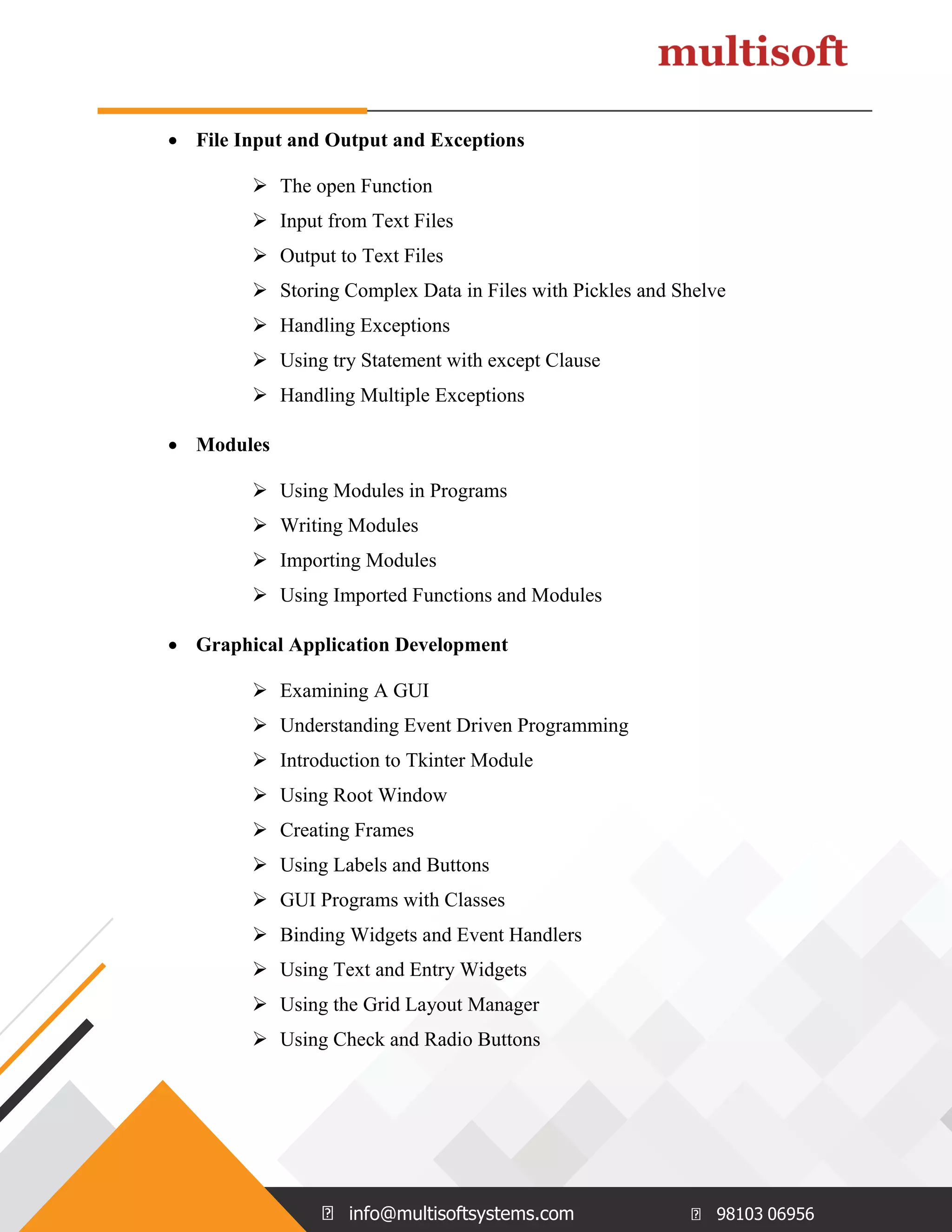
info@multisoftsystems.com 98103 06956  File Input and Output and Exceptions  The open Function  Input from Text Files  Output to Text Files  Storing Complex Data in Files with Pickles and Shelve  Handling Exceptions  Using try Statement with except Clause  Handling Multiple Exceptions  Modules  Using Modules in Programs  Writing Modules  Importing Modules  Using Imported Functions and Modules  Graphical Application Development  Examining A GUI  Understanding Event Driven Programming  Introduction to Tkinter Module  Using Root Window  Creating Frames  Using Labels and Buttons  GUI Programs with Classes  Binding Widgets and Event Handlers  Using Text and Entry Widgets  Using the Grid Layout Manager  Using Check and Radio Buttons
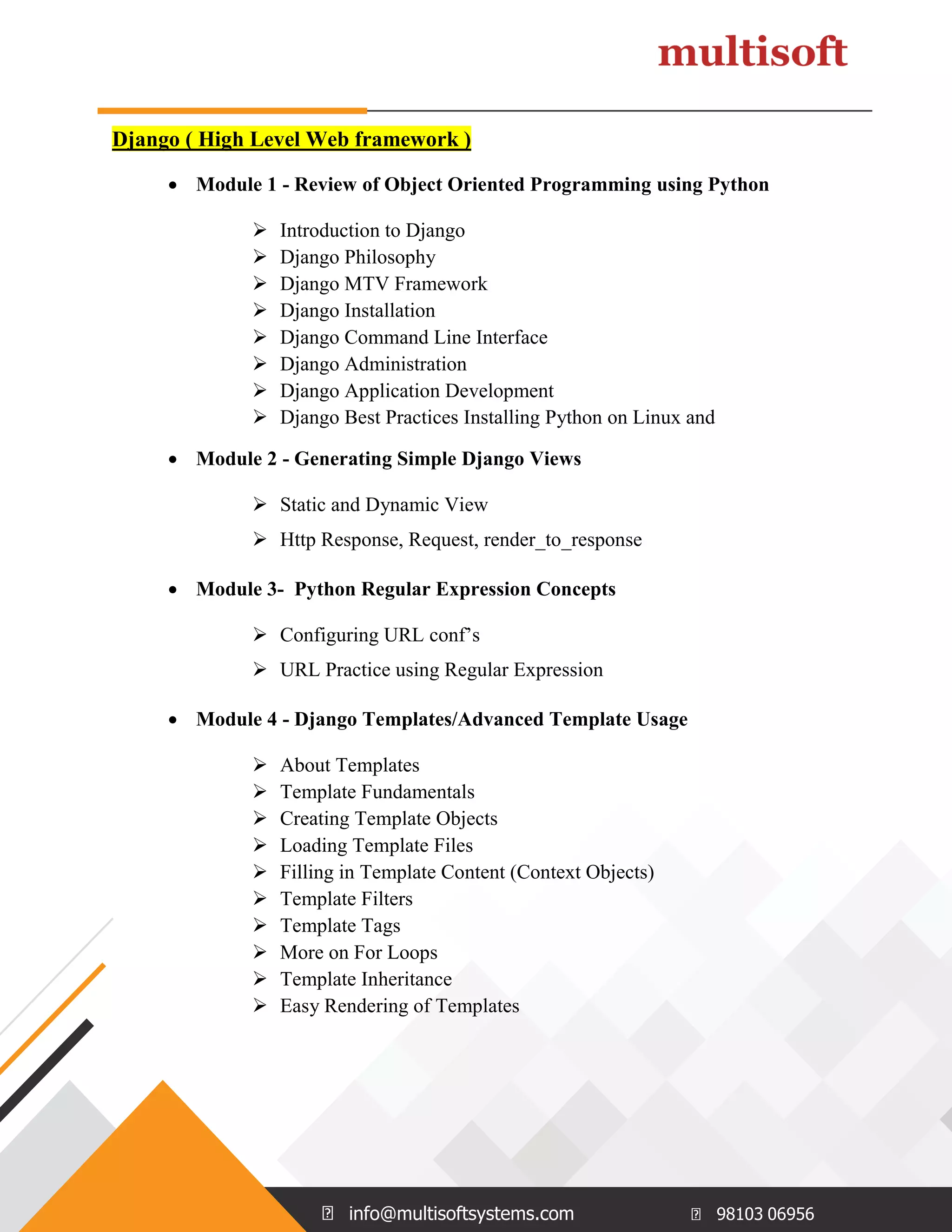
info@multisoftsystems.com 98103 06956 Django ( High Level Web framework )  Module 1 - Review of Object Oriented Programming using Python  Introduction to Django  Django Philosophy  Django MTV Framework  Django Installation  Django Command Line Interface  Django Administration  Django Application Development  Django Best Practices Installing Python on Linux and  Module 2 - Generating Simple Django Views  Static and Dynamic View  Http Response, Request, render_to_response  Module 3- Python Regular Expression Concepts  Configuring URL conf’s  URL Practice using Regular Expression  Module 4 - Django Templates/Advanced Template Usage  About Templates  Template Fundamentals  Creating Template Objects  Loading Template Files  Filling in Template Content (Context Objects)  Template Filters  Template Tags  More on For Loops  Template Inheritance  Easy Rendering of Templates
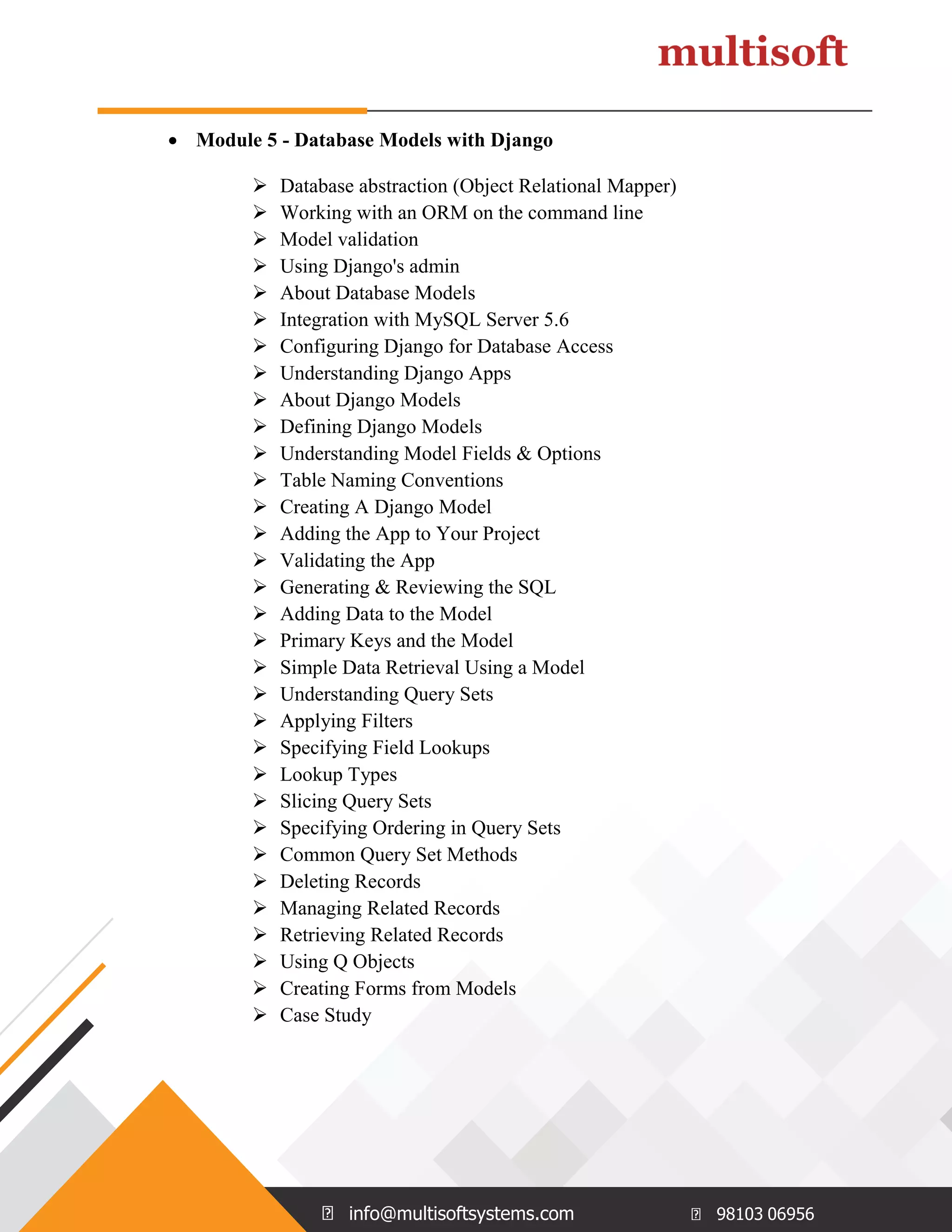
info@multisoftsystems.com 98103 06956  Module 5 - Database Models with Django  Database abstraction (Object Relational Mapper)  Working with an ORM on the command line  Model validation  Using Django's admin  About Database Models  Integration with MySQL Server 5.6  Configuring Django for Database Access  Understanding Django Apps  About Django Models  Defining Django Models  Understanding Model Fields & Options  Table Naming Conventions  Creating A Django Model  Adding the App to Your Project  Validating the App  Generating & Reviewing the SQL  Adding Data to the Model  Primary Keys and the Model  Simple Data Retrieval Using a Model  Understanding Query Sets  Applying Filters  Specifying Field Lookups  Lookup Types  Slicing Query Sets  Specifying Ordering in Query Sets  Common Query Set Methods  Deleting Records  Managing Related Records  Retrieving Related Records  Using Q Objects  Creating Forms from Models  Case Study
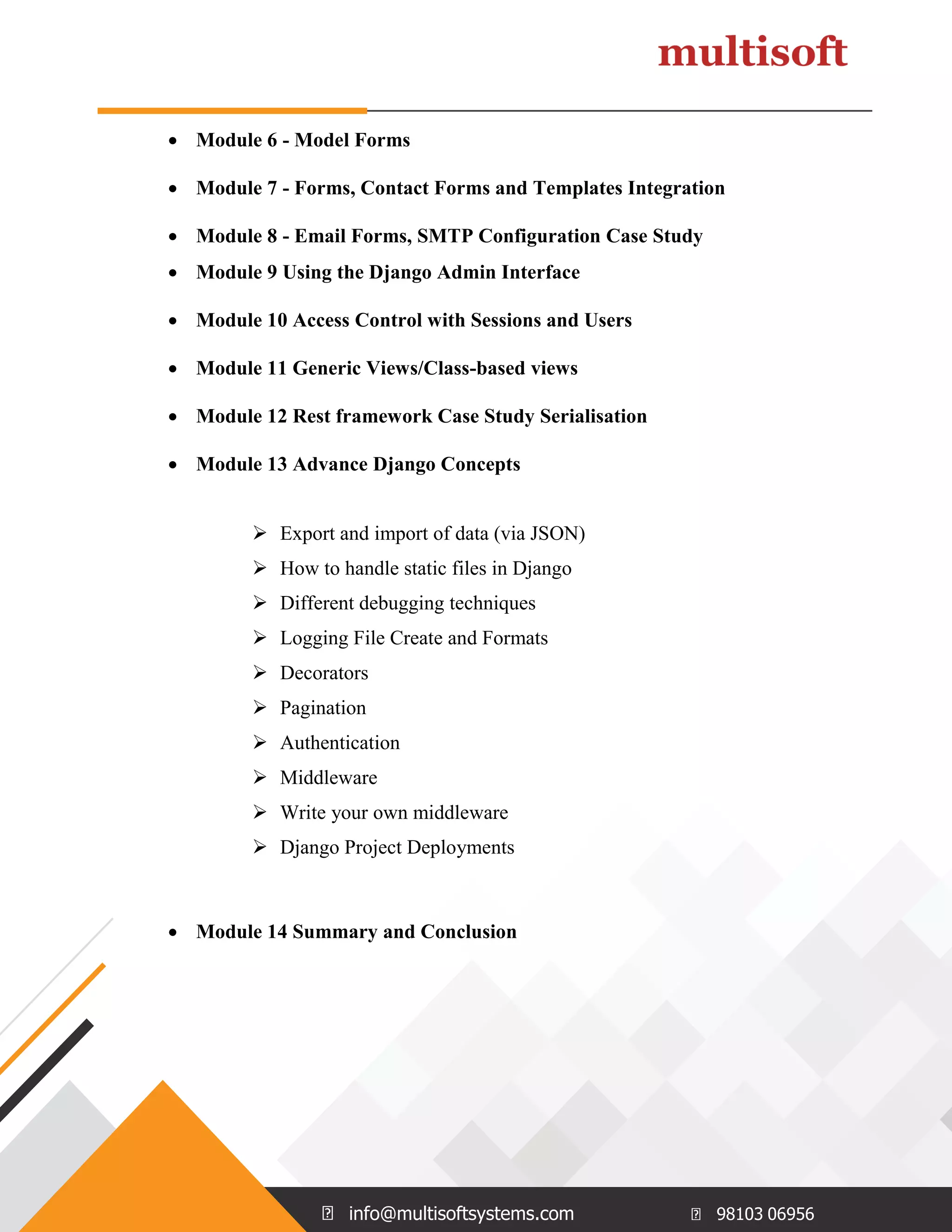
info@multisoftsystems.com 98103 06956  Module 6 - Model Forms  Module 7 - Forms, Contact Forms and Templates Integration  Module 8 - Email Forms, SMTP Configuration Case Study  Module 9 Using the Django Admin Interface  Module 10 Access Control with Sessions and Users  Module 11 Generic Views/Class-based views  Module 12 Rest framework Case Study Serialisation  Module 13 Advance Django Concepts  Export and import of data (via JSON)  How to handle static files in Django  Different debugging techniques  Logging File Create and Formats  Decorators  Pagination  Authentication  Middleware  Write your own middleware  Django Project Deployments  Module 14 Summary and Conclusion
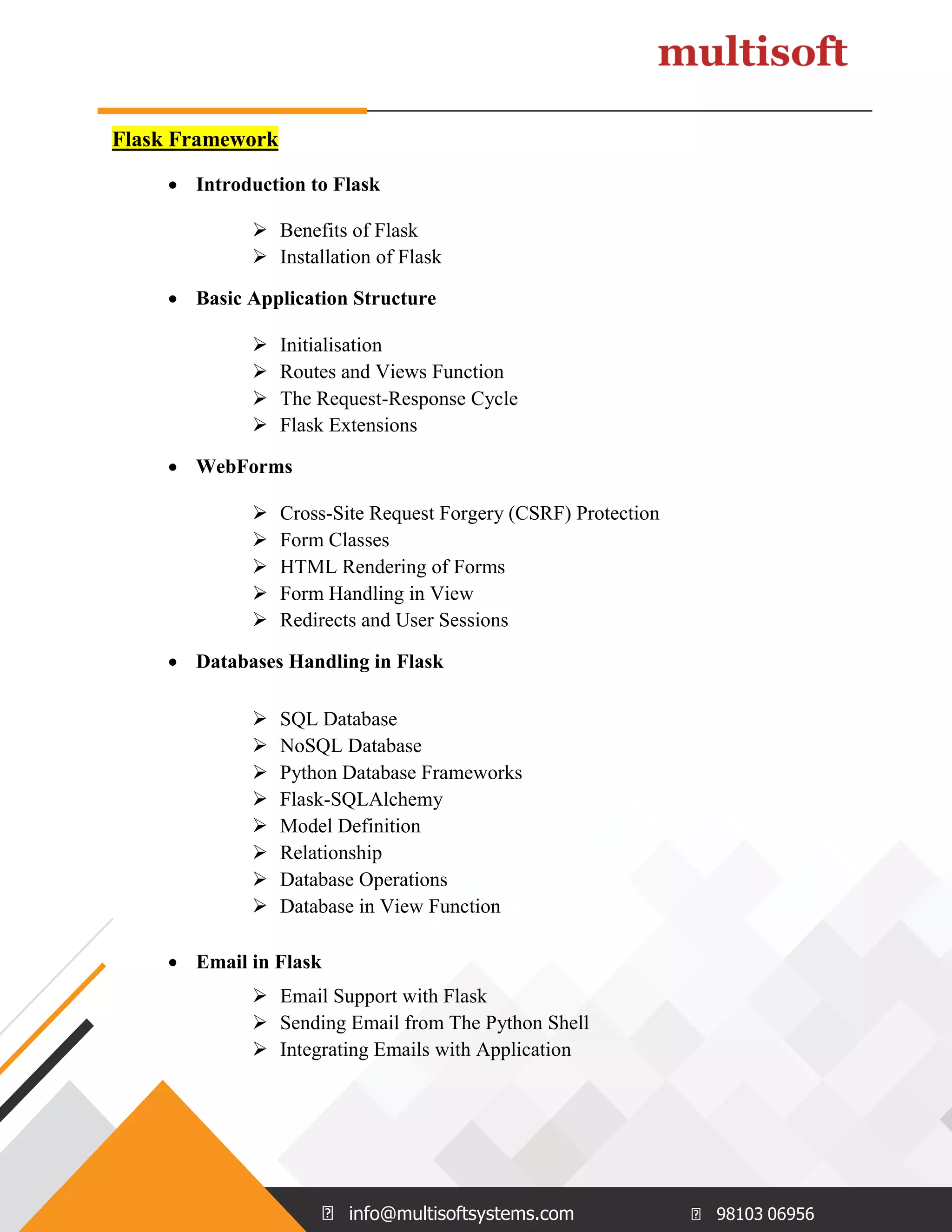
info@multisoftsystems.com 98103 06956 Flask Framework  Introduction to Flask  Benefits of Flask  Installation of Flask  Basic Application Structure  Initialisation  Routes and Views Function  The Request-Response Cycle  Flask Extensions  WebForms  Cross-Site Request Forgery (CSRF) Protection  Form Classes  HTML Rendering of Forms  Form Handling in View  Redirects and User Sessions  Databases Handling in Flask  SQL Database  NoSQL Database  Python Database Frameworks  Flask-SQLAlchemy  Model Definition  Relationship  Database Operations  Database in View Function  Email in Flask  Email Support with Flask  Sending Email from The Python Shell  Integrating Emails with Application

Python django flash_Course Content.pdf

  • 1.
    info@multisoftsystems.com 98103 06956 PYTHON DJANGOFramework and FLASK Course Content www.multisoftsystems.com B-125, Sector 2 Noida
  • 2.
    info@multisoftsystems.com 98103 06956 CourseContent PYTHON  Getting Started with Python  Introducing Python  Installing Python on Windows  Installing Python on Linux and other  Operating Systems  Introducing Python IDLE  Programming in Interactive Mode  Programming in Scripting Mode  Flow Control in Python  The if Statement  The else Clause  Using elif Clause  The while Statement  Avoiding infinite loops  Values as conditions  Using Logical Operators  Planning Your Program with Pseudocode  Lists in Python  Creating and Using Lists  len() with Lists  in Operator with Lists  Indexing, Slicing and Concatenating  Deleting List Element with del
  • 3.
    info@multisoftsystems.com 98103 06956 Using Lists Methods such as append(), sort(),  reverse(), count(), pop(), remove(), insert()  and index()  Using Nested Sequences  Understanding Shared Refrences  Functions in Python  Defining Functions  Using Parameters and Return Values  Using Arguments and Defaults Parameters  Using Global Variables and Constants  Variable Scope  References  Object-Oriented Python  Introduction to Object-Oriented Python  Creating Classes, Methods and Objects  Using Constructor and Attributes  Using Class Attributes and Static Methods  Understanding Object Encapsulation  Private Attributes and Methods  Controlling Attribute Access  Creating and Accessing Properties  Combining Objects  Using Inheritance to Create New Classes  Altering Behavior of Inherited Methods  Understanding Polymorphism
  • 4.
    info@multisoftsystems.com 98103 06956 Types, Variables and Input/Output  Using quotes and escape character  String Concatenation and Repeater Operators  Using Mathematical Operators with  Numbers  Understanding Variables  Getting User Input with input()  Using Strings Methods  Converting Values  For Loops and Tuples  Using for Loops  Using Sequence Operators and Functions  with Strings  Finding Length with len()  Using the in Operator  Indexing and Slicing Strings  Using Random Module  Using Tuples  Sequence Operators and Functions with  Tuples  Dictionaries  Using Dictionaries  Accessing Dictionary values  Adding, Replacing and Deleting key-value  pairs  Functions: get(), keys(), values() and items()
  • 5.
    info@multisoftsystems.com 98103 06956 File Input and Output and Exceptions  The open Function  Input from Text Files  Output to Text Files  Storing Complex Data in Files with Pickles and Shelve  Handling Exceptions  Using try Statement with except Clause  Handling Multiple Exceptions  Modules  Using Modules in Programs  Writing Modules  Importing Modules  Using Imported Functions and Modules  Graphical Application Development  Examining A GUI  Understanding Event Driven Programming  Introduction to Tkinter Module  Using Root Window  Creating Frames  Using Labels and Buttons  GUI Programs with Classes  Binding Widgets and Event Handlers  Using Text and Entry Widgets  Using the Grid Layout Manager  Using Check and Radio Buttons
  • 6.
    info@multisoftsystems.com 98103 06956 Django( High Level Web framework )  Module 1 - Review of Object Oriented Programming using Python  Introduction to Django  Django Philosophy  Django MTV Framework  Django Installation  Django Command Line Interface  Django Administration  Django Application Development  Django Best Practices Installing Python on Linux and  Module 2 - Generating Simple Django Views  Static and Dynamic View  Http Response, Request, render_to_response  Module 3- Python Regular Expression Concepts  Configuring URL conf’s  URL Practice using Regular Expression  Module 4 - Django Templates/Advanced Template Usage  About Templates  Template Fundamentals  Creating Template Objects  Loading Template Files  Filling in Template Content (Context Objects)  Template Filters  Template Tags  More on For Loops  Template Inheritance  Easy Rendering of Templates
  • 7.
    info@multisoftsystems.com 98103 06956 Module 5 - Database Models with Django  Database abstraction (Object Relational Mapper)  Working with an ORM on the command line  Model validation  Using Django's admin  About Database Models  Integration with MySQL Server 5.6  Configuring Django for Database Access  Understanding Django Apps  About Django Models  Defining Django Models  Understanding Model Fields & Options  Table Naming Conventions  Creating A Django Model  Adding the App to Your Project  Validating the App  Generating & Reviewing the SQL  Adding Data to the Model  Primary Keys and the Model  Simple Data Retrieval Using a Model  Understanding Query Sets  Applying Filters  Specifying Field Lookups  Lookup Types  Slicing Query Sets  Specifying Ordering in Query Sets  Common Query Set Methods  Deleting Records  Managing Related Records  Retrieving Related Records  Using Q Objects  Creating Forms from Models  Case Study
  • 8.
    info@multisoftsystems.com 98103 06956 Module 6 - Model Forms  Module 7 - Forms, Contact Forms and Templates Integration  Module 8 - Email Forms, SMTP Configuration Case Study  Module 9 Using the Django Admin Interface  Module 10 Access Control with Sessions and Users  Module 11 Generic Views/Class-based views  Module 12 Rest framework Case Study Serialisation  Module 13 Advance Django Concepts  Export and import of data (via JSON)  How to handle static files in Django  Different debugging techniques  Logging File Create and Formats  Decorators  Pagination  Authentication  Middleware  Write your own middleware  Django Project Deployments  Module 14 Summary and Conclusion
  • 9.
    info@multisoftsystems.com 98103 06956 FlaskFramework  Introduction to Flask  Benefits of Flask  Installation of Flask  Basic Application Structure  Initialisation  Routes and Views Function  The Request-Response Cycle  Flask Extensions  WebForms  Cross-Site Request Forgery (CSRF) Protection  Form Classes  HTML Rendering of Forms  Form Handling in View  Redirects and User Sessions  Databases Handling in Flask  SQL Database  NoSQL Database  Python Database Frameworks  Flask-SQLAlchemy  Model Definition  Relationship  Database Operations  Database in View Function  Email in Flask  Email Support with Flask  Sending Email from The Python Shell  Integrating Emails with Application