
UI in Unity uGUI
Legacy There are many UI systems in unity. They don’t mix and match well.
uGUI The latest (and greatest, most say) version of UI for unity Classes are all in the UnityEngine.UI namespace
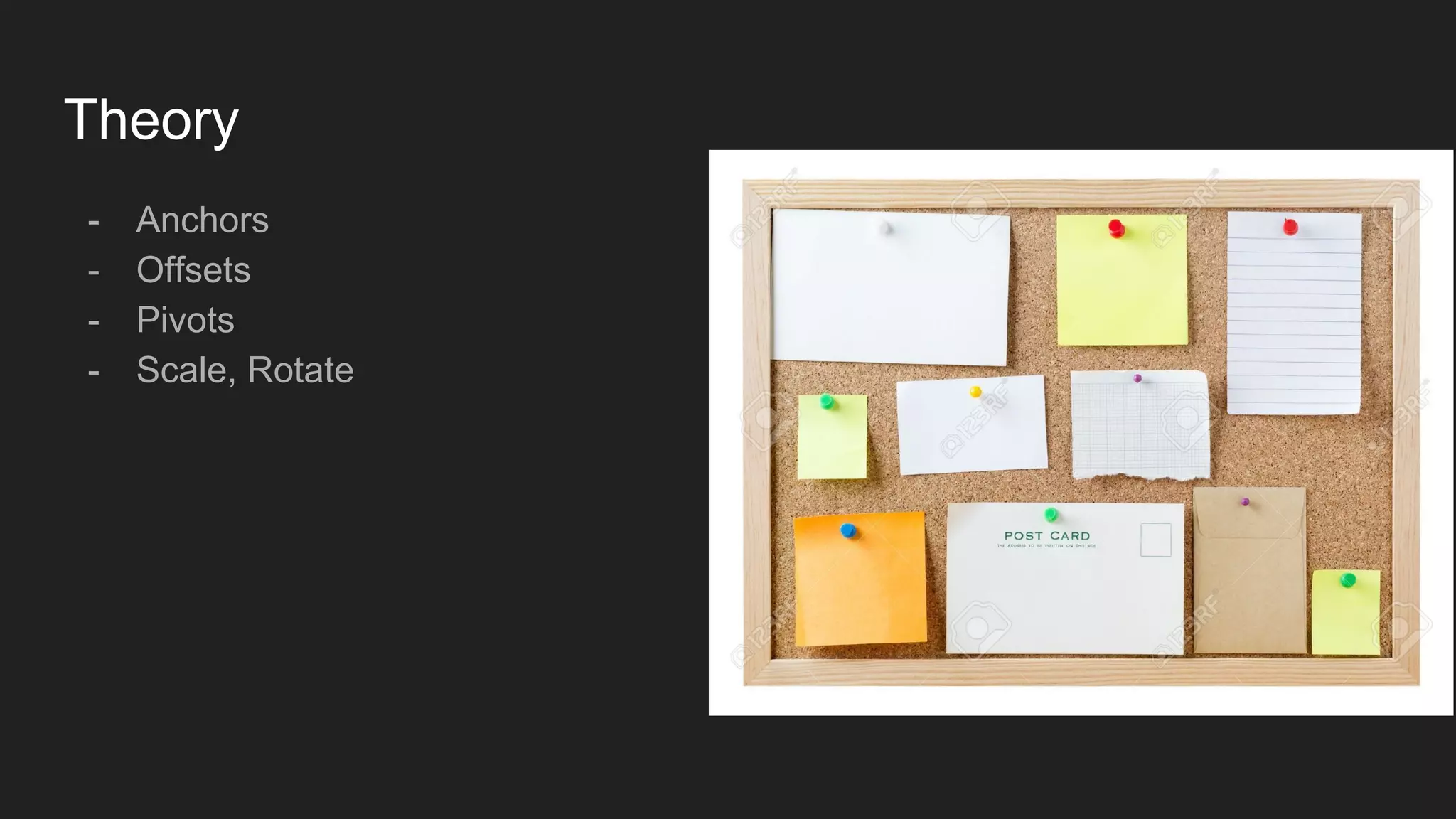
Theory - Anchors - Offsets - Pivots - Scale, Rotate
Widgets - Image - Text - Empty Transforms (Important!) - Mask - Button - Text Field - ...
Canvas - Overlay - Always in the same place on the screen, disconnected from world space - Camera Space - Always in the same place on the screen, inside world space - World Space - Changing on screen postion, exists in world
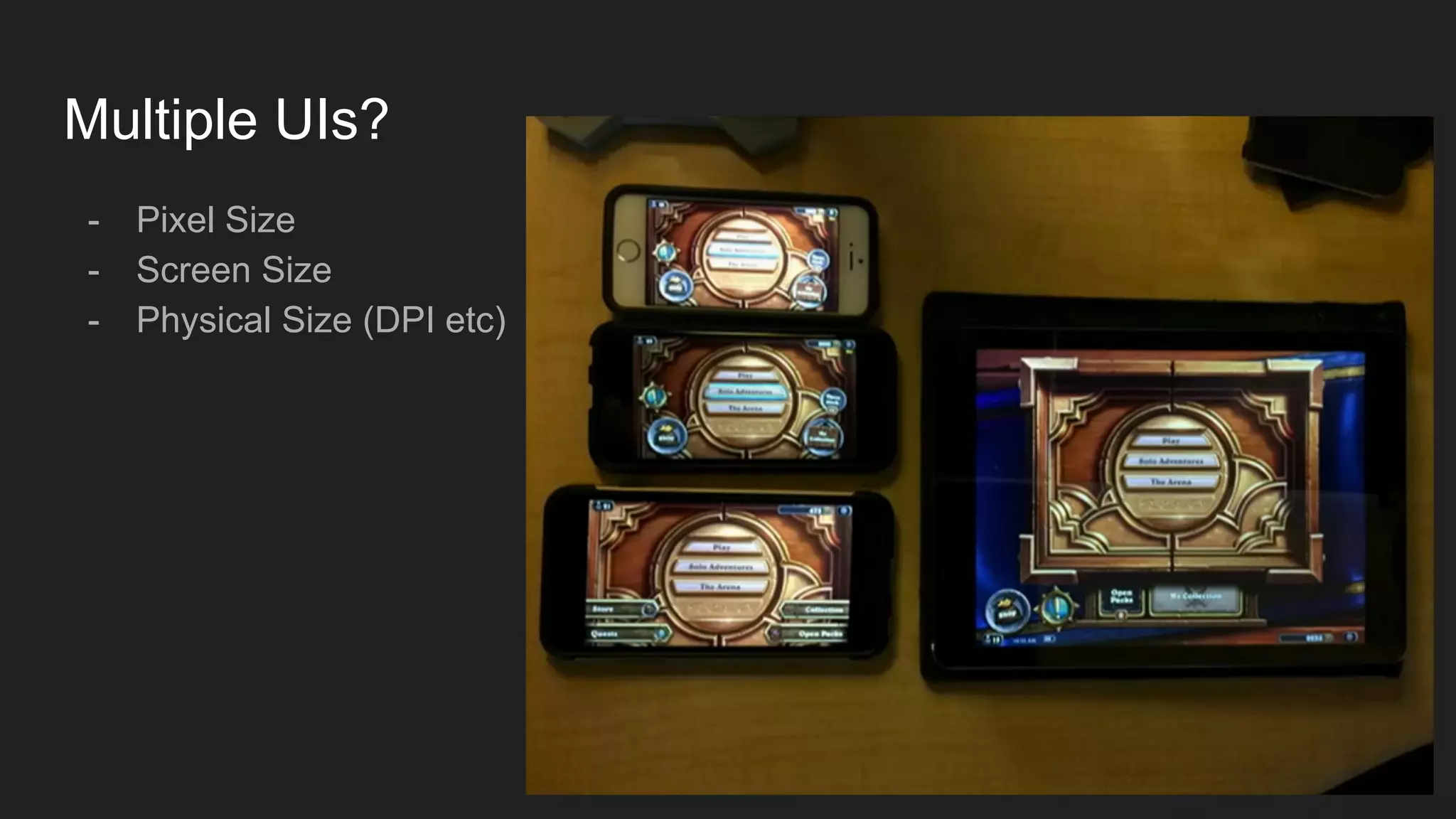
Cross Resolution Strategies (Canvas setting) - Pixel Size - Things will always be pixel perfect - Screen Size - Things will always take the same % of screen space - Physical Size (DPI etc) - Things will always have the same physical size
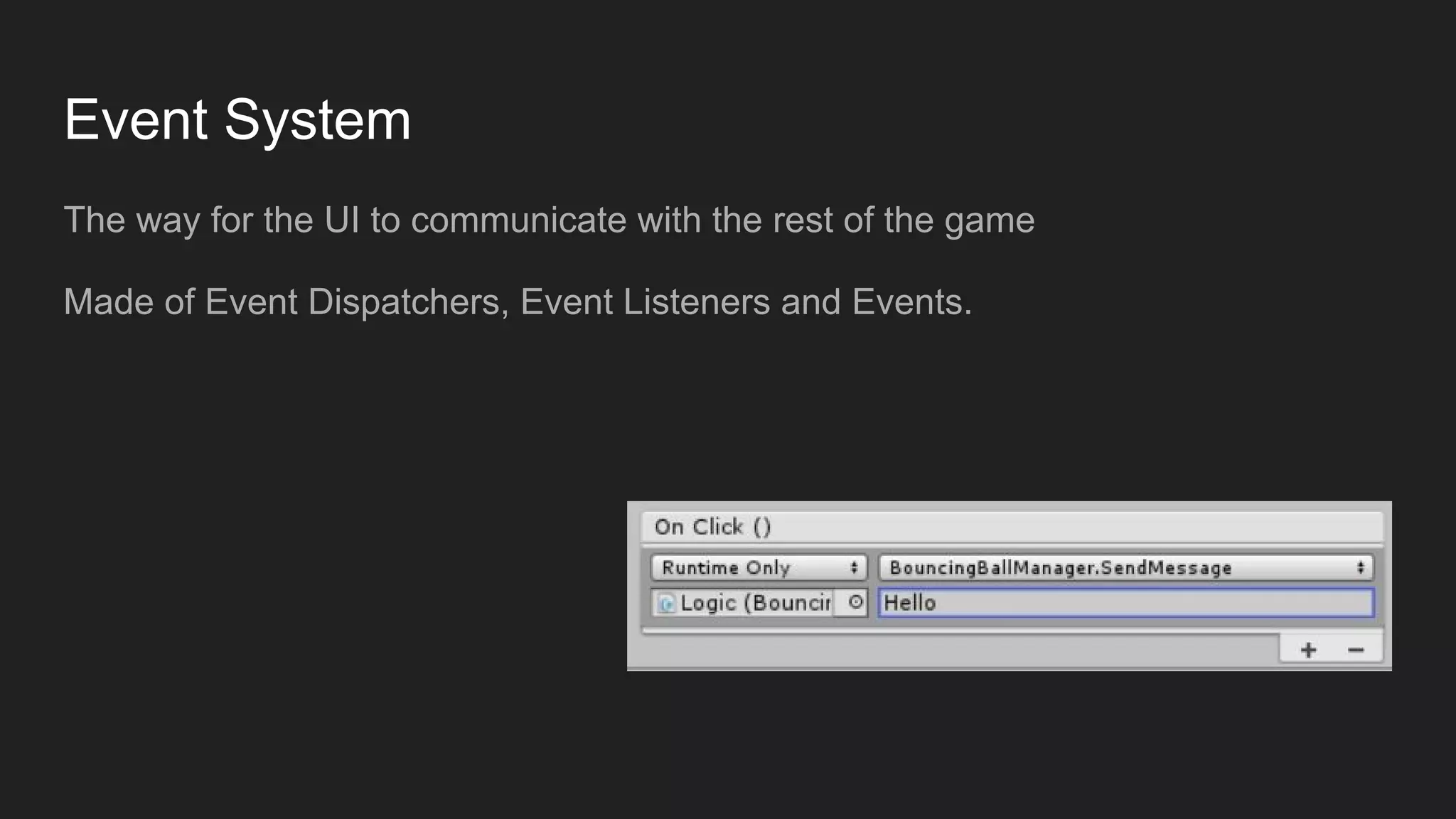
Event System The way for the UI to communicate with the rest of the game Made of Event Dispatchers, Event Listeners and Events.
Exercise #1 : Main Menu Create a new scene with - Game name title - Start Game Button Hints: SceneManager.LoadScene Editor Build Settings
Exercise #2 : Mainer Menu Add the ability to control the number of players in the game - TextField - GameConfiguration class Hint: How does the information flow from scene to scene? GameObject.DontDestroyOnLoad / FindObjectOfType int.Parse
Exercise #2 : Mainer Menu Add the ability to control the number of players in the game - TextField - GameConfiguration class Hints: How does the information pass from scene to scene? GameObject.DontDestroyOnLoad
Custom Events using UnityEngine.EventSystem; [System.Serializable] public class PlayerPointsEvent : UnityEvent<string, int> public PlayerPointsEvent onPlayerGainedPoints; onPlayerGainedPoints.Invoke(“Hi”, 3); onPlayerGainedPoints.AddListener(this.HandlePlayerPointsEvent);
Exercise #3 : Mainest Menu Add the ability to select the key for each player - Show the keys for all players about to start - Prefabs, Vertical Layout Group Hint: Use empty rect transforms if needed
Exercise #4 : Persistence! Record the high score of all time - PlayerPrefs.XXX - Export to windows Hint: You will have to detect game ending.
Multiple UIs? - Pixel Size - Screen Size - Physical Size (DPI etc)
Bonus Exercise #5 : Prettify Record the high score of all time - PlayerPrefs.XXX - Export to windows Hint: You will have to detect game ending.

Ui in unity

  • 1.
  • 2.
    Legacy There are manyUI systems in unity. They don’t mix and match well.
  • 3.
    uGUI The latest (andgreatest, most say) version of UI for unity Classes are all in the UnityEngine.UI namespace
  • 4.
    Theory - Anchors - Offsets -Pivots - Scale, Rotate
  • 5.
    Widgets - Image - Text -Empty Transforms (Important!) - Mask - Button - Text Field - ...
  • 6.
    Canvas - Overlay - Alwaysin the same place on the screen, disconnected from world space - Camera Space - Always in the same place on the screen, inside world space - World Space - Changing on screen postion, exists in world
  • 7.
    Cross Resolution Strategies(Canvas setting) - Pixel Size - Things will always be pixel perfect - Screen Size - Things will always take the same % of screen space - Physical Size (DPI etc) - Things will always have the same physical size
  • 8.
    Event System The wayfor the UI to communicate with the rest of the game Made of Event Dispatchers, Event Listeners and Events.
  • 9.
    Exercise #1 :Main Menu Create a new scene with - Game name title - Start Game Button Hints: SceneManager.LoadScene Editor Build Settings
  • 10.
    Exercise #2 :Mainer Menu Add the ability to control the number of players in the game - TextField - GameConfiguration class Hint: How does the information flow from scene to scene? GameObject.DontDestroyOnLoad / FindObjectOfType int.Parse
  • 11.
    Exercise #2 :Mainer Menu Add the ability to control the number of players in the game - TextField - GameConfiguration class Hints: How does the information pass from scene to scene? GameObject.DontDestroyOnLoad
  • 12.
    Custom Events using UnityEngine.EventSystem; [System.Serializable] publicclass PlayerPointsEvent : UnityEvent<string, int> public PlayerPointsEvent onPlayerGainedPoints; onPlayerGainedPoints.Invoke(“Hi”, 3); onPlayerGainedPoints.AddListener(this.HandlePlayerPointsEvent);
  • 13.
    Exercise #3 :Mainest Menu Add the ability to select the key for each player - Show the keys for all players about to start - Prefabs, Vertical Layout Group Hint: Use empty rect transforms if needed
  • 14.
    Exercise #4 :Persistence! Record the high score of all time - PlayerPrefs.XXX - Export to windows Hint: You will have to detect game ending.
  • 15.
    Multiple UIs? - PixelSize - Screen Size - Physical Size (DPI etc)
  • 16.
    Bonus Exercise #5: Prettify Record the high score of all time - PlayerPrefs.XXX - Export to windows Hint: You will have to detect game ending.