Logical Structures Lecture 02
LOGICAL STRUCTURES • There is a code running behind every software contain all sort of terms and symbols. It can be break down into three simple programming structures, which is called logical structures. • Logical structures determine how your program will execute the step by step process you have defined.
LOGICAL STRUCTURES • One of the most important concepts of programming is the ability to control a program so that different lines of code are executed in proper way or that some lines of code are executed many times for this Logical Structures are used. • It basically analyzes and chooses in which direction a program flows based on certain parameters or conditions.
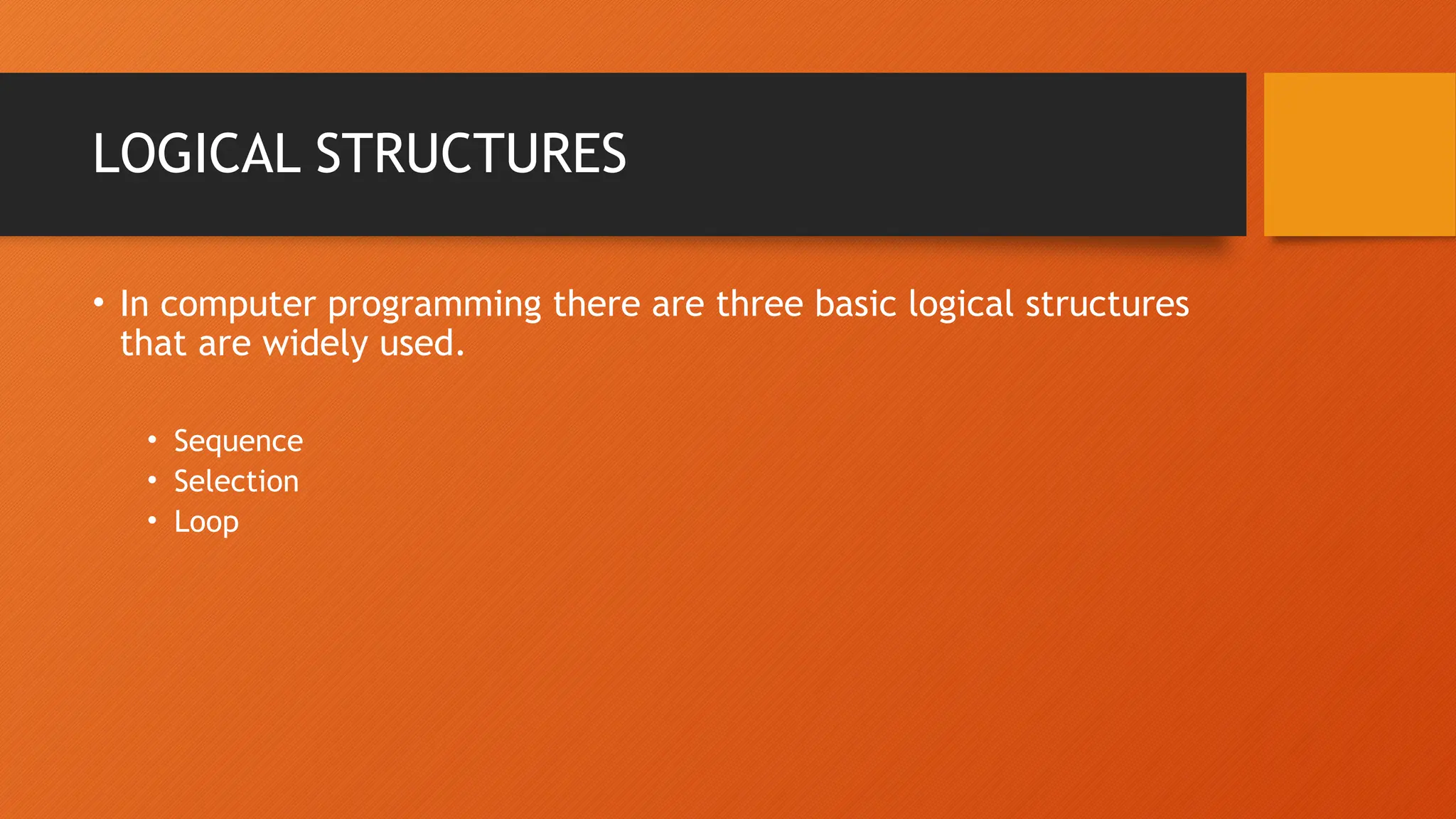
LOGICAL STRUCTURES • In computer programming there are three basic logical structures that are widely used. • Sequence • Selection • Loop
Sequence • A sequence refers to a series of actions or steps that should be followed one after another to complete a certain task to achieve a goal. • If we don’t put every step in the right sequence, the end result isn’t what we wanted.
Sequence in Daily life • Sequence applies in many aspects of our daily life. From simple house chores to mathematic, if you want to solve a problem you need to follow a certain set of actions in sequence. • If you miss any of the steps of change the sequence the end result can be different that what’s expected! • Example: • Have you ever planned a trip with your family or friends?
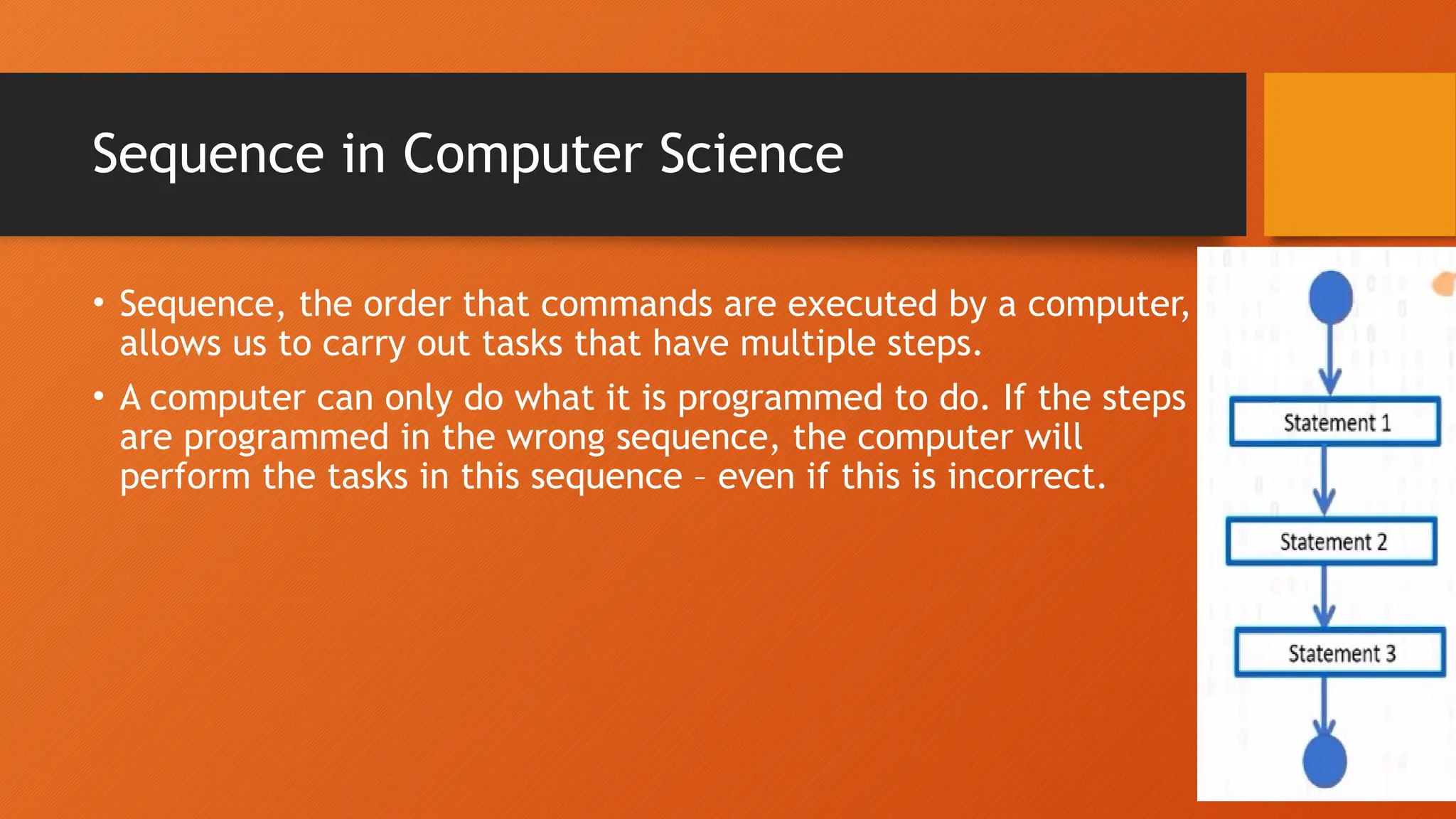
Sequence in Computer Science • Sequence, the order that commands are executed by a computer, allows us to carry out tasks that have multiple steps. • A computer can only do what it is programmed to do. If the steps are programmed in the wrong sequence, the computer will perform the tasks in this sequence – even if this is incorrect.
Why Sequence? • Proper sequence of coding gives proper working program. • Machine understands proper sequence coding. • It is important to follow sequencing to get desired outcomes(softwares). • In programming, computer can only carry out tasks that are in the correct sequence. Computers are machines and they have to do things the way they were built to do.
Example • Do you know how to change a computer desktop background image? • Right click on your desktop and choose personalize. • Select picture from the background list. • Click a new picture for the background.
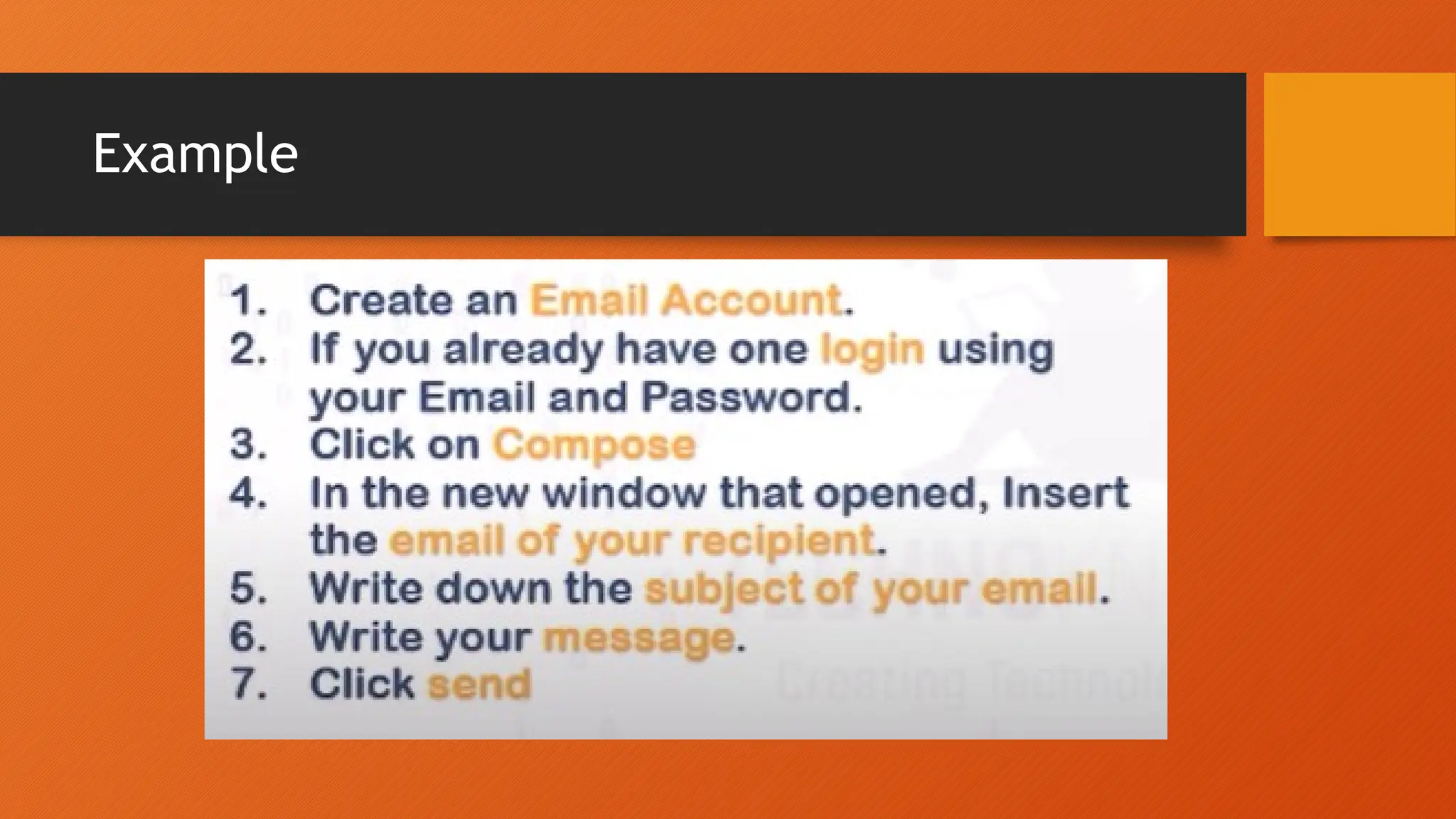
Example
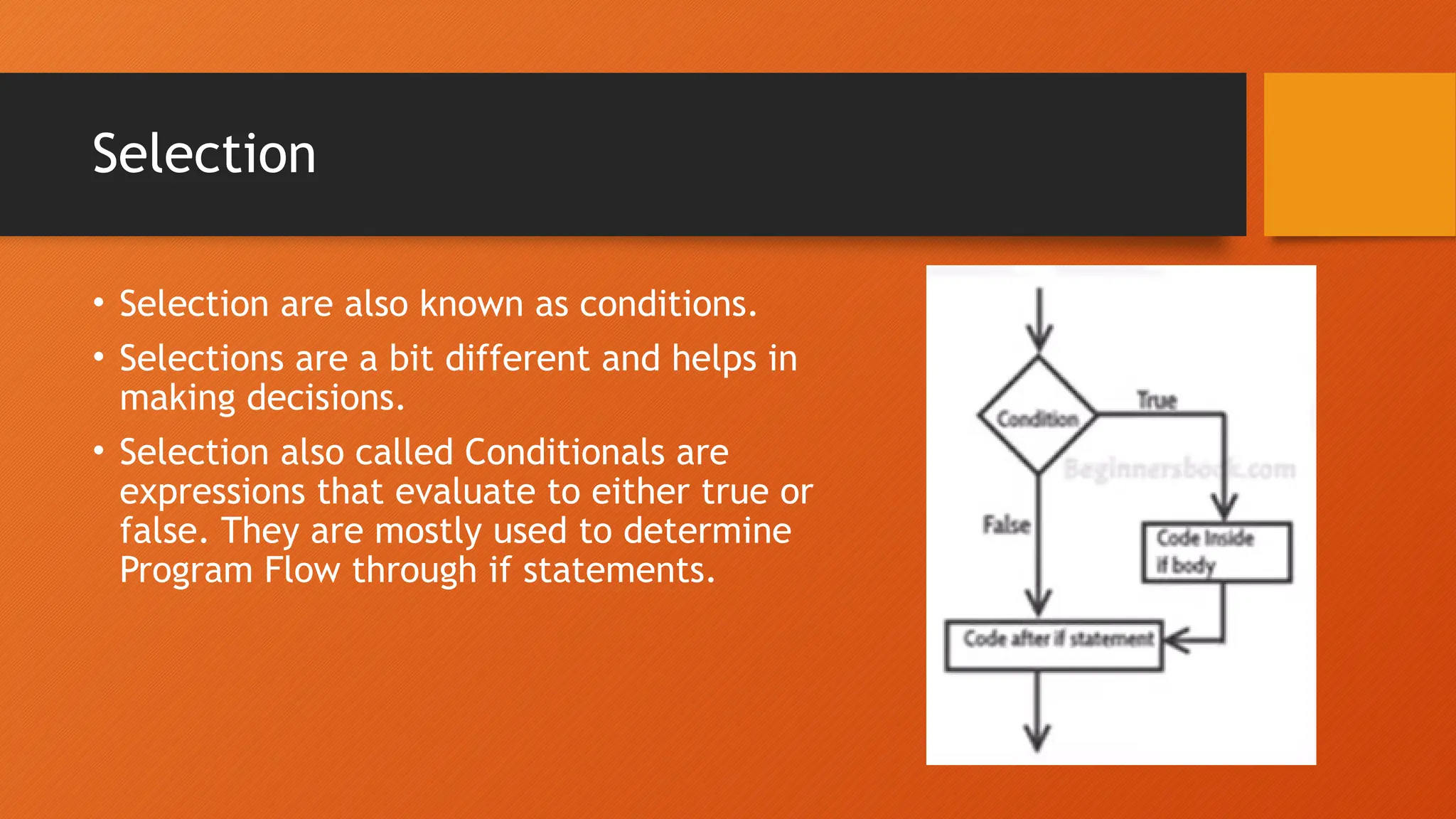
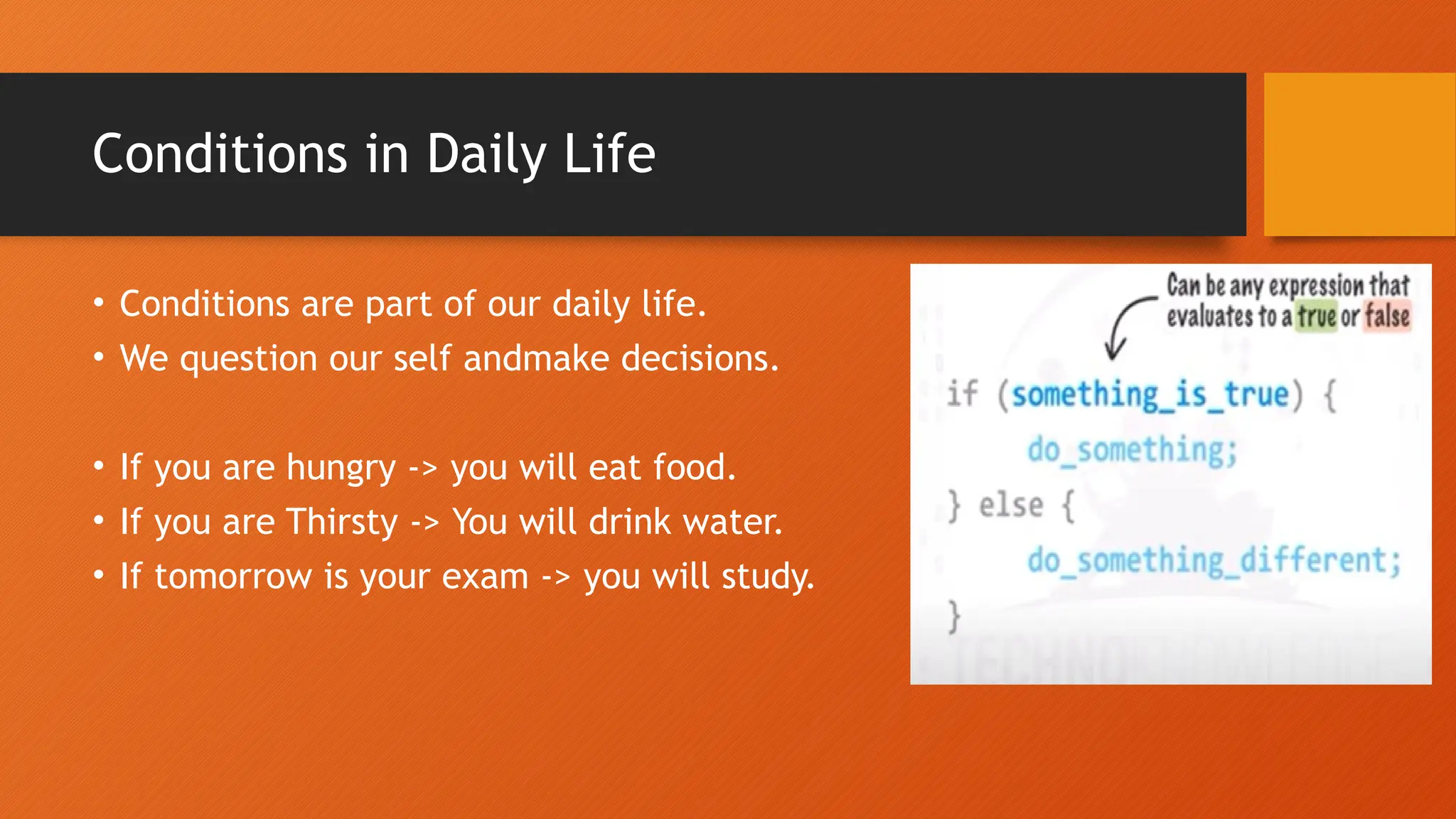
Selection • Selection are also known as conditions. • Selections are a bit different and helps in making decisions. • Selection also called Conditionals are expressions that evaluate to either true or false. They are mostly used to determine Program Flow through if statements.
Why Conditions? • Conditions allow us to control what the program does and perform different actions based on these "if, then" logic statements. • What makes computer programs great is the ability to interact with a user- this is only possible with conditions that direct this type of interaction. • Selection or condition help you in making decisions. • Instead of following a specific order of events, they ask a question in order to figure out which path to take next.
Conditions in Daily Life • Conditions are part of our daily life. • We question our self andmake decisions. • If you are hungry -> you will eat food. • If you are Thirsty -> You will drink water. • If tomorrow is your exam -> you will study.
Conditions
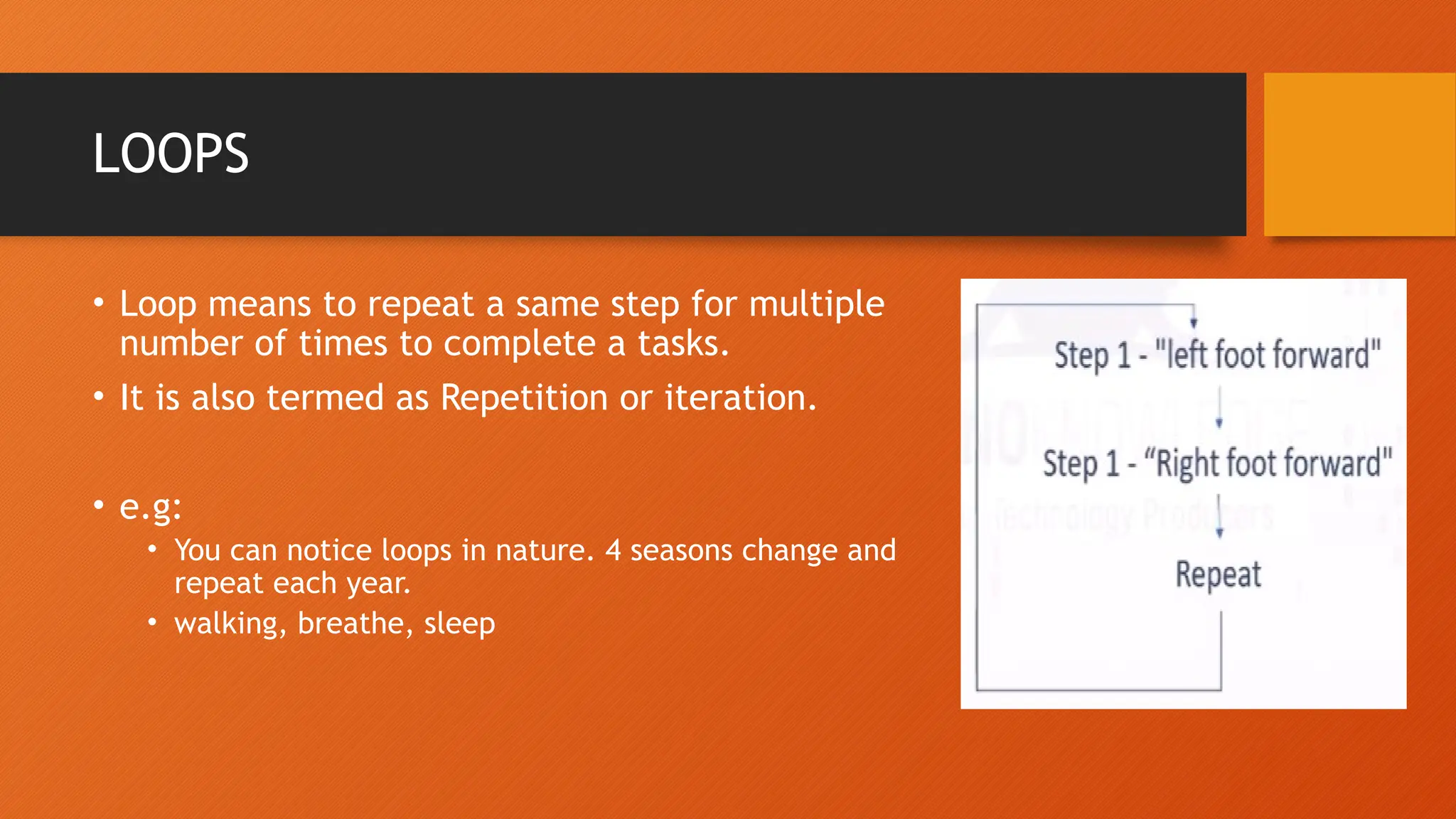
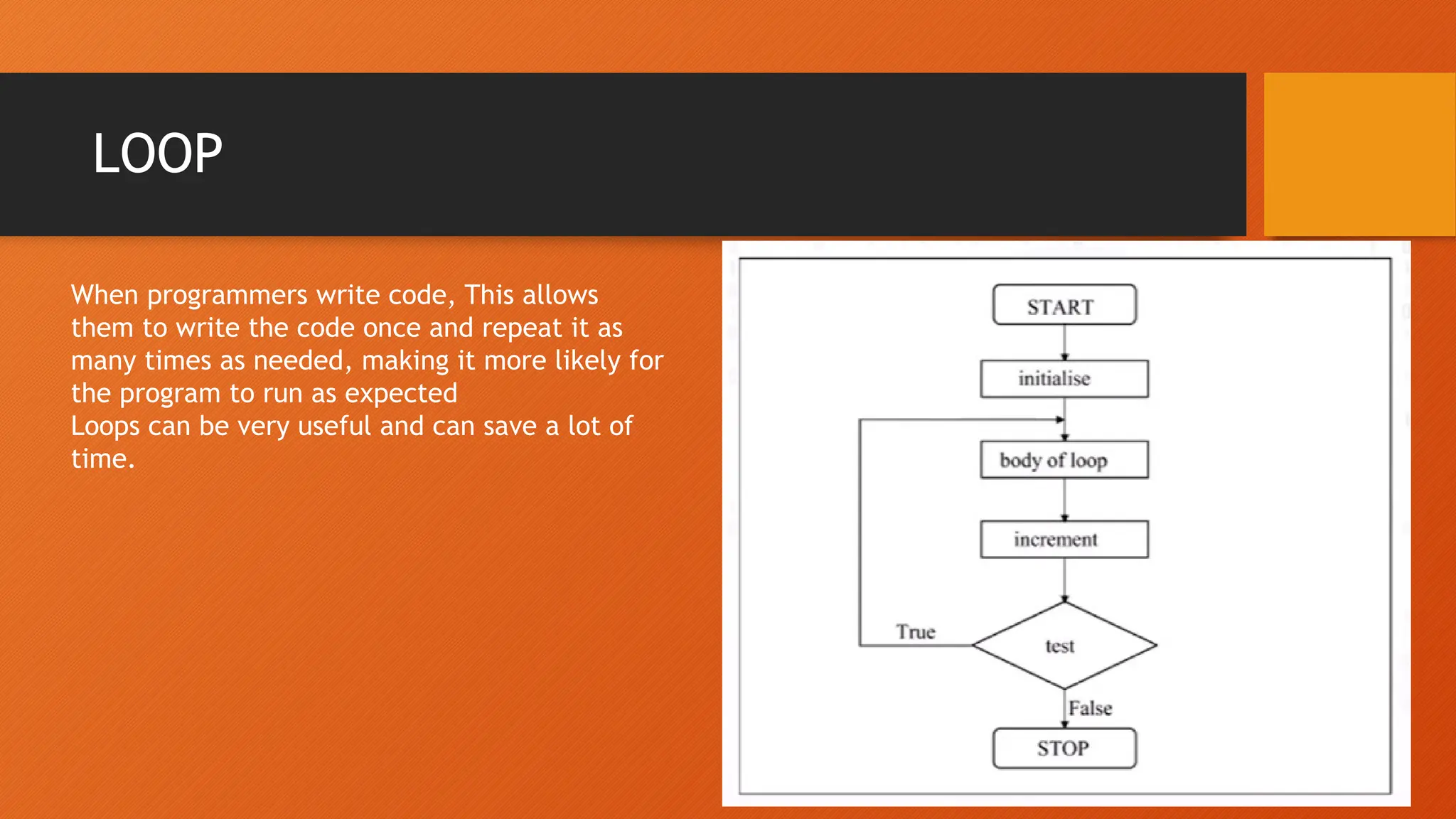
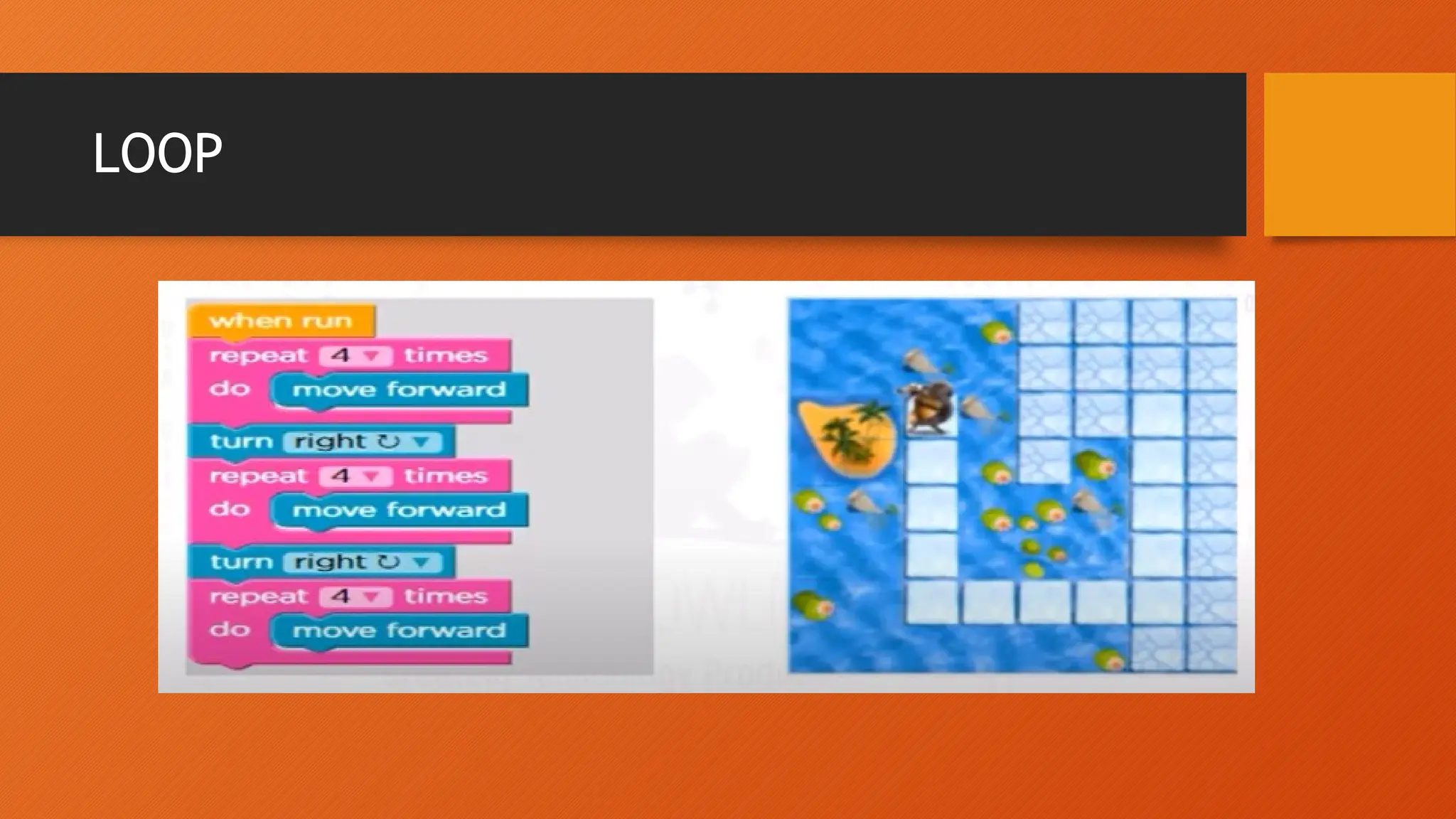
LOOPS • Loop means to repeat a same step for multiple number of times to complete a tasks. • It is also termed as Repetition or iteration. • e.g: • You can notice loops in nature. 4 seasons change and repeat each year. • walking, breathe, sleep
LOOP
LOOP When programmers write code, This allows them to write the code once and repeat it as many times as needed, making it more likely for the program to run as expected Loops can be very useful and can save a lot of time.
LOOP

Understanding Logical Structures: Sequence, Selection, and Repetition

  • 1.
  • 2.
    LOGICAL STRUCTURES • Thereis a code running behind every software contain all sort of terms and symbols. It can be break down into three simple programming structures, which is called logical structures. • Logical structures determine how your program will execute the step by step process you have defined.
  • 3.
    LOGICAL STRUCTURES • Oneof the most important concepts of programming is the ability to control a program so that different lines of code are executed in proper way or that some lines of code are executed many times for this Logical Structures are used. • It basically analyzes and chooses in which direction a program flows based on certain parameters or conditions.
  • 4.
    LOGICAL STRUCTURES • Incomputer programming there are three basic logical structures that are widely used. • Sequence • Selection • Loop
  • 5.
    Sequence • A sequencerefers to a series of actions or steps that should be followed one after another to complete a certain task to achieve a goal. • If we don’t put every step in the right sequence, the end result isn’t what we wanted.
  • 6.
    Sequence in Dailylife • Sequence applies in many aspects of our daily life. From simple house chores to mathematic, if you want to solve a problem you need to follow a certain set of actions in sequence. • If you miss any of the steps of change the sequence the end result can be different that what’s expected! • Example: • Have you ever planned a trip with your family or friends?
  • 7.
    Sequence in ComputerScience • Sequence, the order that commands are executed by a computer, allows us to carry out tasks that have multiple steps. • A computer can only do what it is programmed to do. If the steps are programmed in the wrong sequence, the computer will perform the tasks in this sequence – even if this is incorrect.
  • 8.
    Why Sequence? • Propersequence of coding gives proper working program. • Machine understands proper sequence coding. • It is important to follow sequencing to get desired outcomes(softwares). • In programming, computer can only carry out tasks that are in the correct sequence. Computers are machines and they have to do things the way they were built to do.
  • 9.
    Example • Do youknow how to change a computer desktop background image? • Right click on your desktop and choose personalize. • Select picture from the background list. • Click a new picture for the background.
  • 10.
  • 11.
    Selection • Selection arealso known as conditions. • Selections are a bit different and helps in making decisions. • Selection also called Conditionals are expressions that evaluate to either true or false. They are mostly used to determine Program Flow through if statements.
  • 12.
    Why Conditions? • Conditionsallow us to control what the program does and perform different actions based on these "if, then" logic statements. • What makes computer programs great is the ability to interact with a user- this is only possible with conditions that direct this type of interaction. • Selection or condition help you in making decisions. • Instead of following a specific order of events, they ask a question in order to figure out which path to take next.
  • 13.
    Conditions in DailyLife • Conditions are part of our daily life. • We question our self andmake decisions. • If you are hungry -> you will eat food. • If you are Thirsty -> You will drink water. • If tomorrow is your exam -> you will study.
  • 14.
  • 15.
    LOOPS • Loop meansto repeat a same step for multiple number of times to complete a tasks. • It is also termed as Repetition or iteration. • e.g: • You can notice loops in nature. 4 seasons change and repeat each year. • walking, breathe, sleep
  • 16.
  • 17.
    LOOP When programmers writecode, This allows them to write the code once and repeat it as many times as needed, making it more likely for the program to run as expected Loops can be very useful and can save a lot of time.
  • 18.