PowerShell for Managing Active DirectoryRavikanth C
About meLead Engineer at DellWindows PowerShell MVPDeveloper on several PowerShell projects on CodeplexAuthor ofFree eBook: Layman’s guide to PowerShell 2.0 remotingCo-author on Quest’s SharePoint 2010 & PowerShell cheat sheetBlog at http://www.ravichaganti.com/blogFounder & editor of PowerShellFromIndiaMore details on this soon 
Giving away..Two copies (eBook) of Managing Active Directory with Windows PowerShell: TFMThanks to Sapien PressOne copy (eBook) of Windows PowerShell CookbookThanks to O'Reilly Media
PowerShell for Active Directory[ADSI] adapterIn-boxWindows Server 2008 R2 includes a PowerShell moduleIn-boxQuest Software ActiveRoles Management ShellFree downloadSofterra Adaxes 2010.2Commercial productIdera Scripts for Active DirectoryFree; uses [ADSI]
PowerShell for Active DirectoryMicrosoft cmdletsQuest cmdletsPowerShell 2.0 onlyRequire AD Management Gateway for managing pre-Windows 2008 R2 DCCannot manage local LDSCannot manage terminal services attributesVersion IndependentSupport Windows 2003, 2008, and 2008 R2 DC managementCan manage local LDSCan manage terminal services attributes
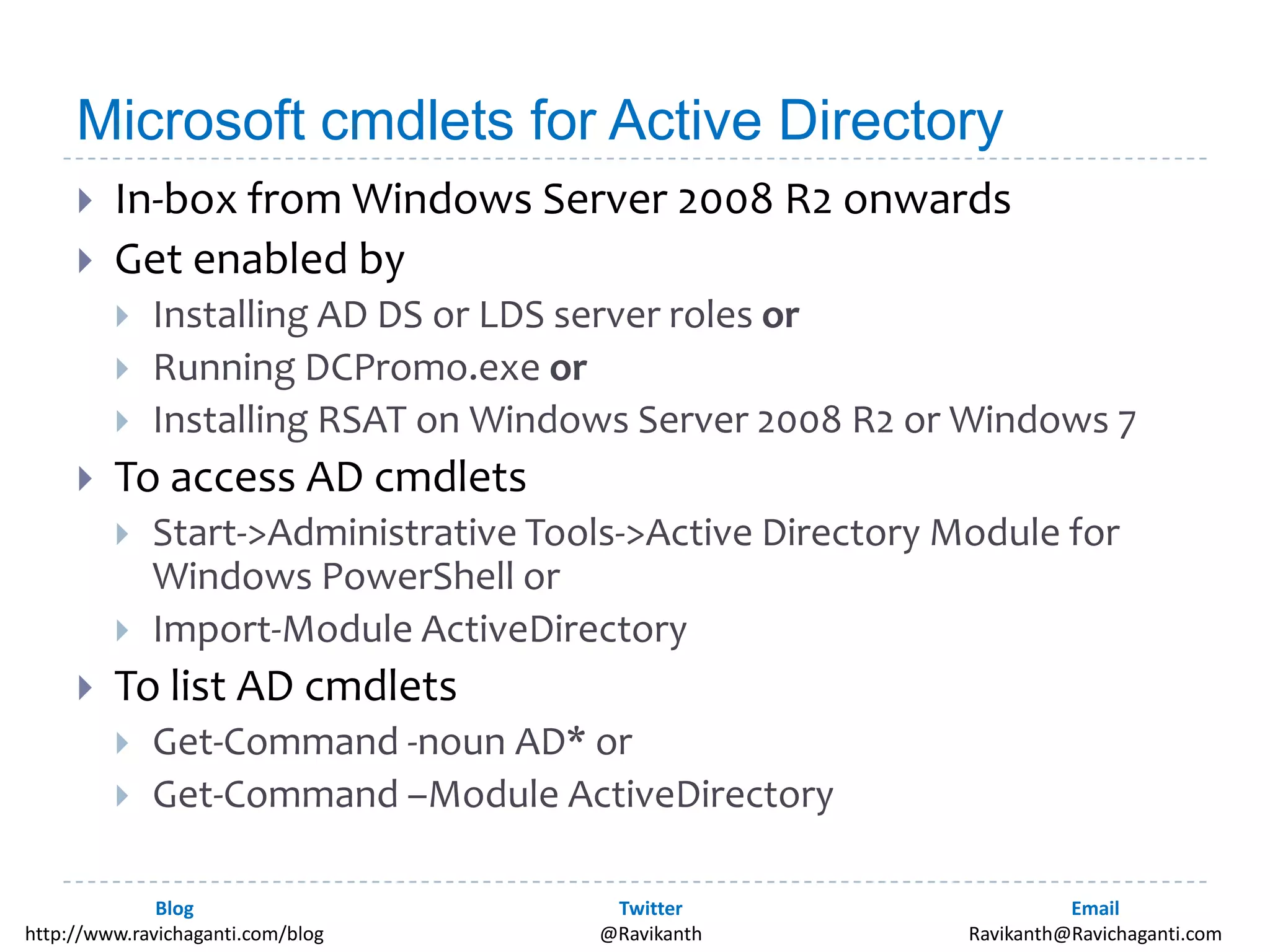
Microsoft cmdlets for Active DirectoryIn-box from Windows Server 2008 R2 onwardsGet enabled byInstalling AD DS or LDS server roles orRunning DCPromo.exe orInstalling RSAT on Windows Server 2008 R2 or Windows 7To access AD cmdletsStart->Administrative Tools->Active Directory Module for Windows PowerShell or Import-Module ActiveDirectoryTo list AD cmdletsGet-Command -noun AD* orGet-Command –Module ActiveDirectory
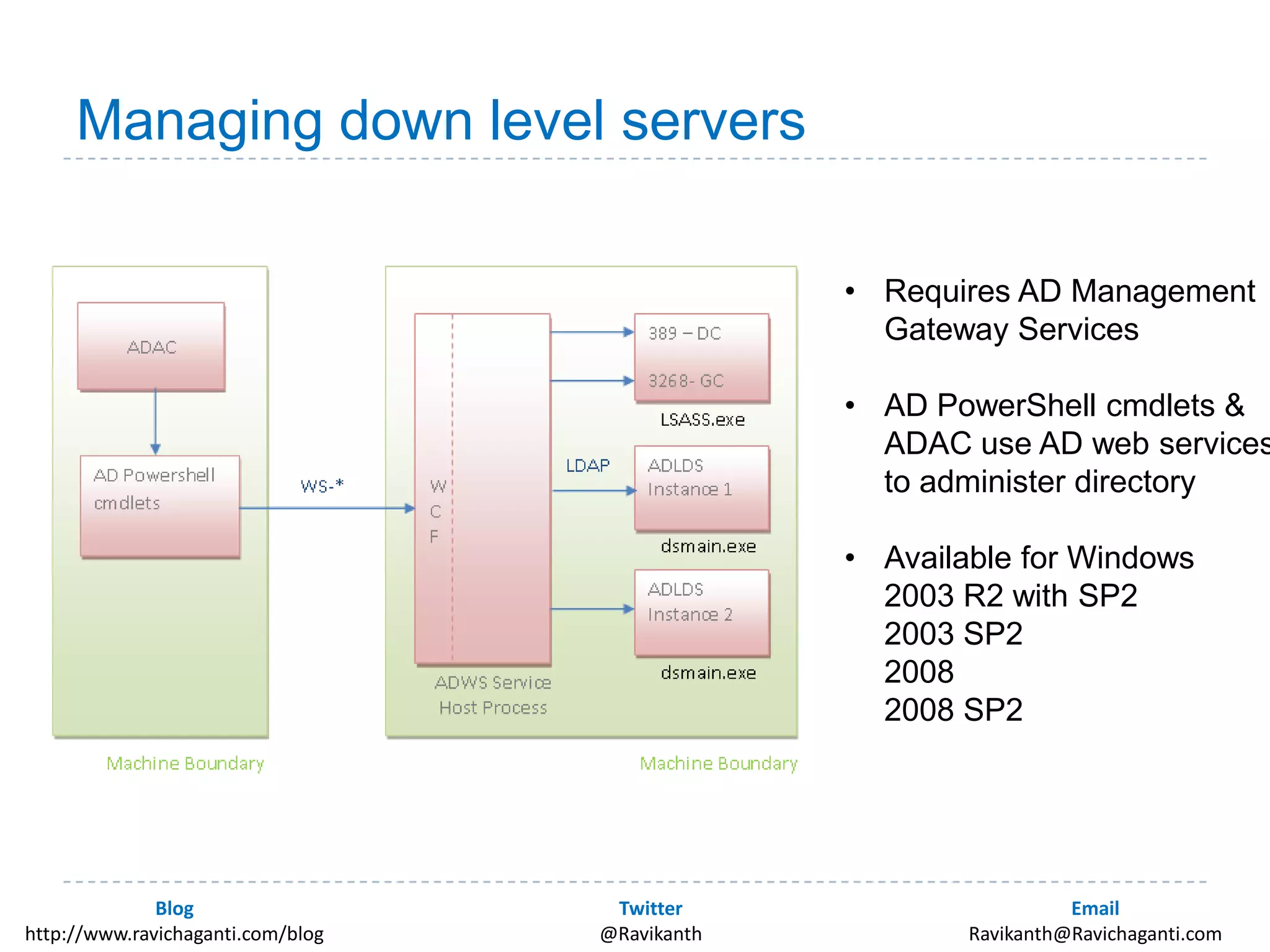
Managing down level serversRequires AD Management Gateway Services
AD PowerShell cmdlets & ADAC use AD web servicesto administer directory
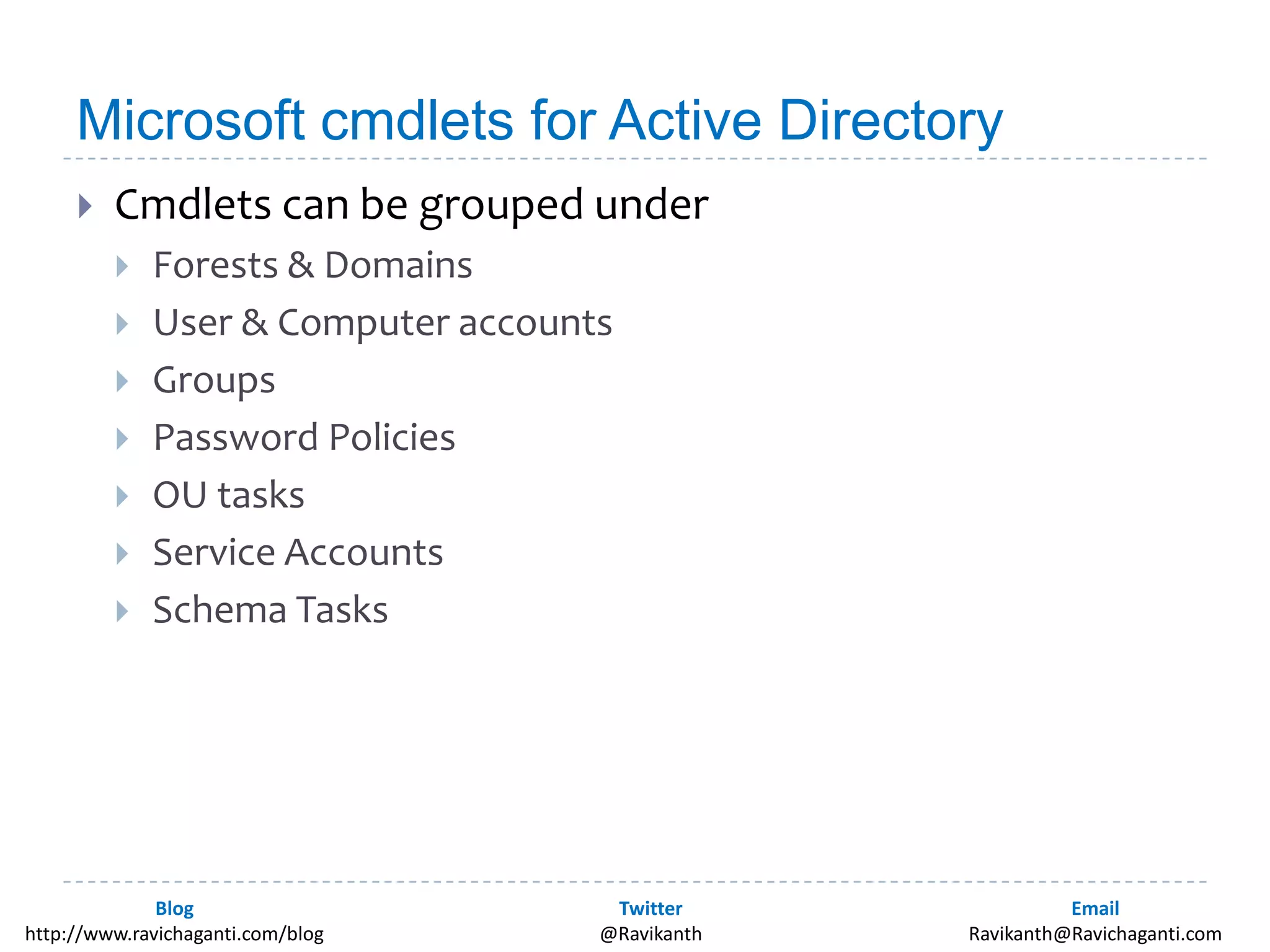
Available for Windows2003 R2 with SP22003 SP220082008 SP2 Microsoft cmdlets for Active DirectoryCmdlets can be grouped underForests & DomainsUser & Computer accountsGroupsPassword PoliciesOU tasksService AccountsSchema Tasks
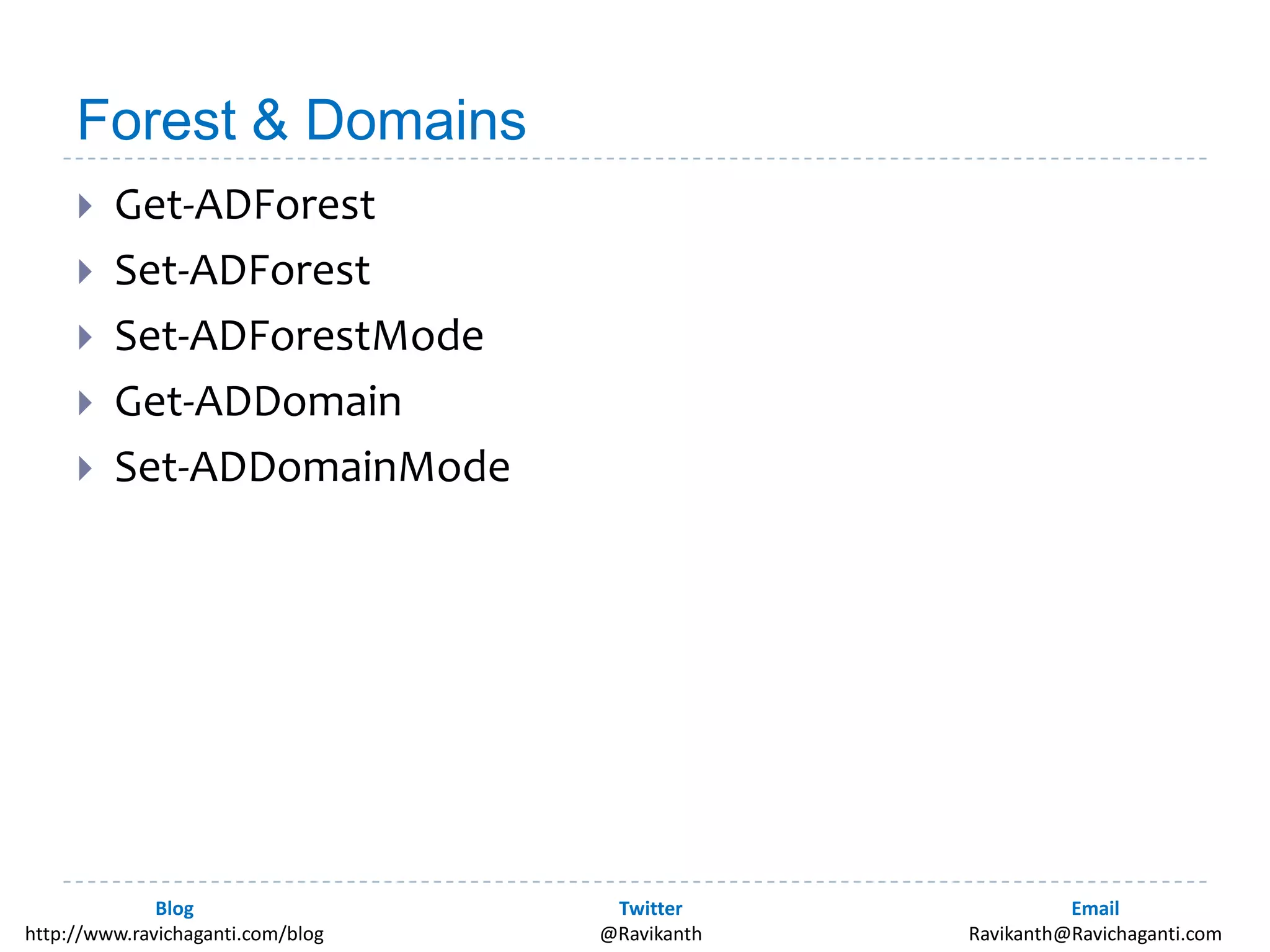
Forest & DomainsGet-ADForestSet-ADForestSet-ADForestModeGet-ADDomainSet-ADDomainMode
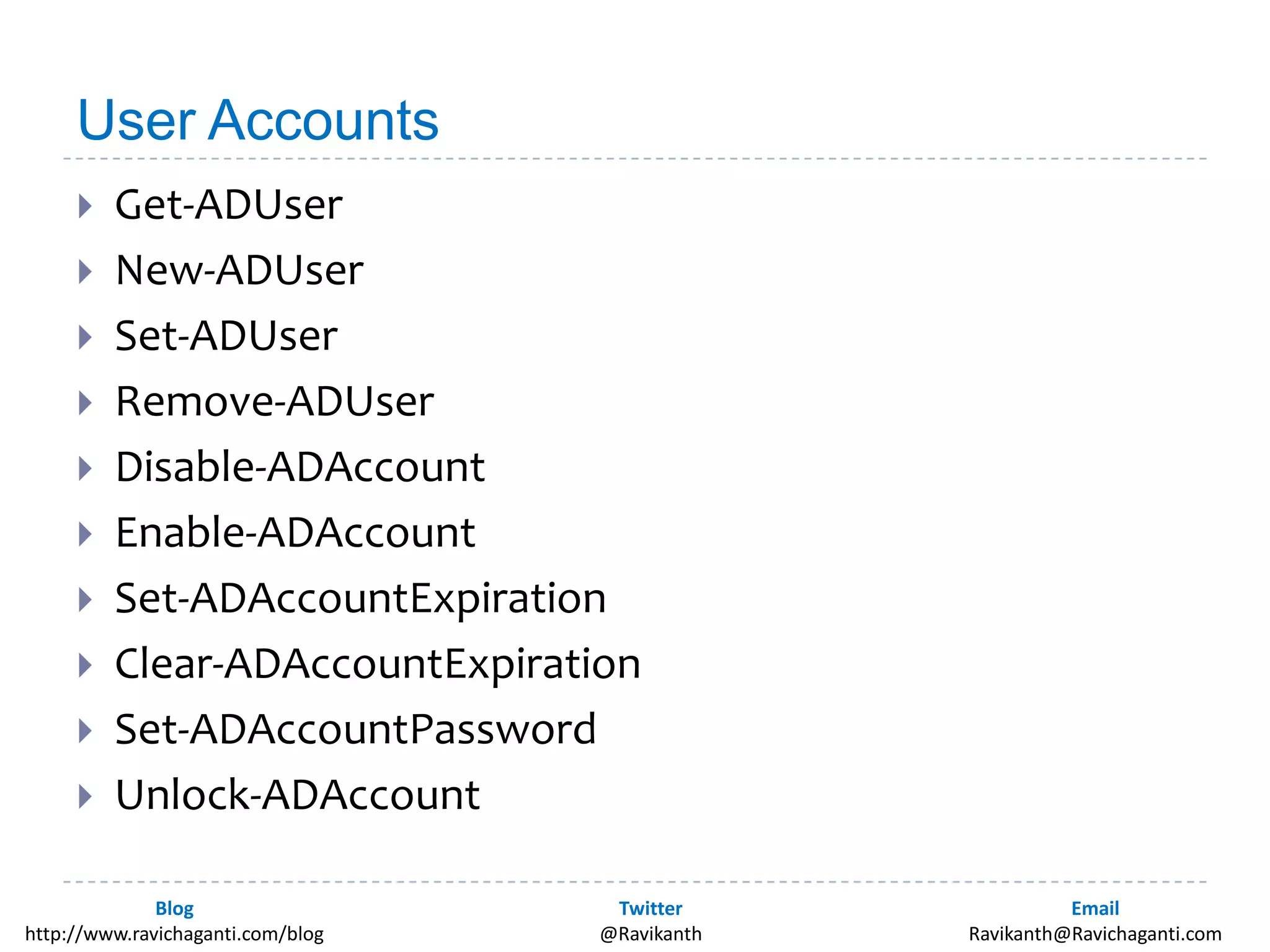
User AccountsGet-ADUserNew-ADUserSet-ADUserRemove-ADUserDisable-ADAccountEnable-ADAccountSet-ADAccountExpirationClear-ADAccountExpirationSet-ADAccountPasswordUnlock-ADAccount
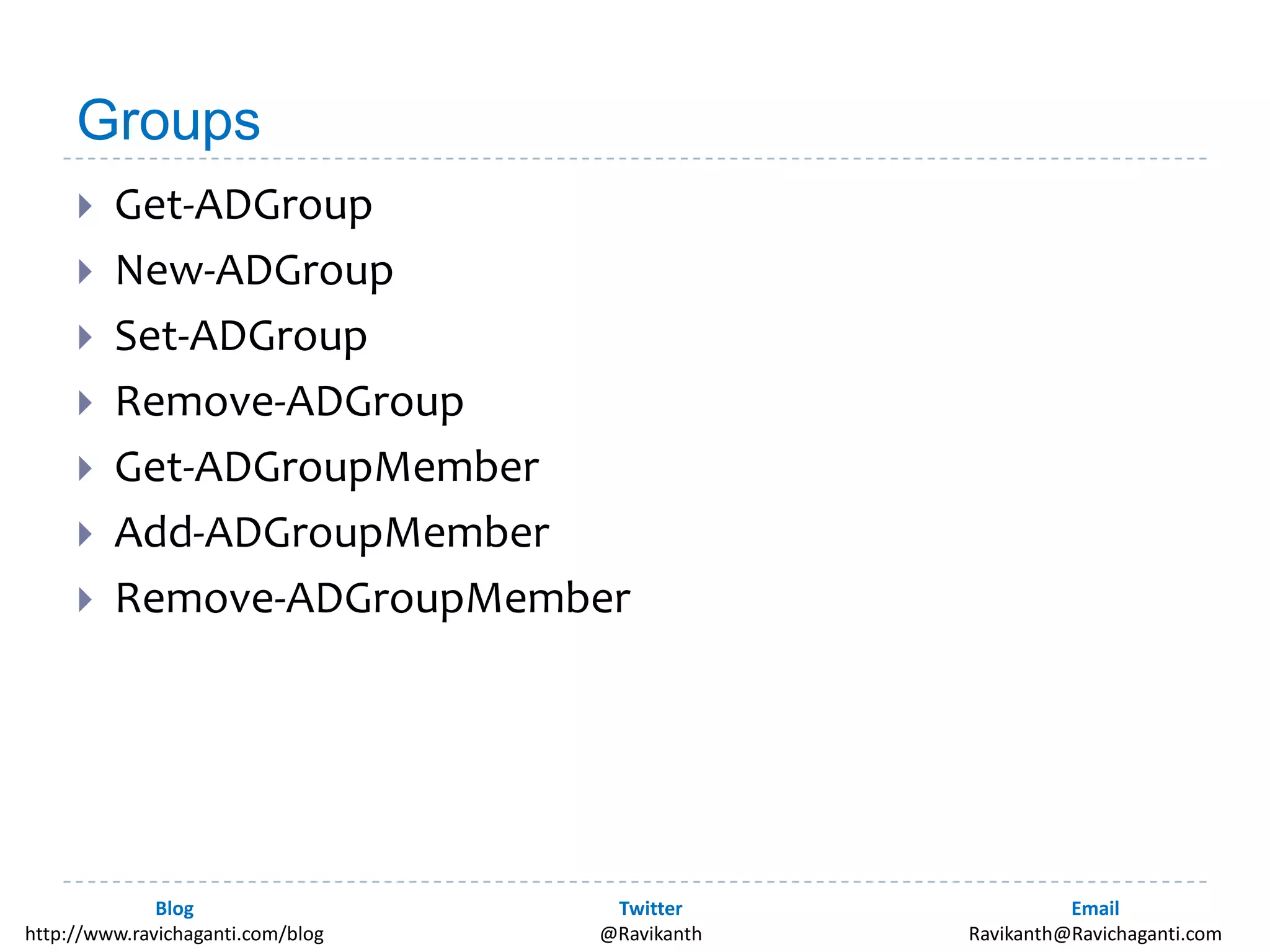
GroupsGet-ADGroupNew-ADGroupSet-ADGroupRemove-ADGroupGet-ADGroupMemberAdd-ADGroupMemberRemove-ADGroupMember
OU tasksGet-ADOrganizationalUnitNew- ADOrganizationalUnit
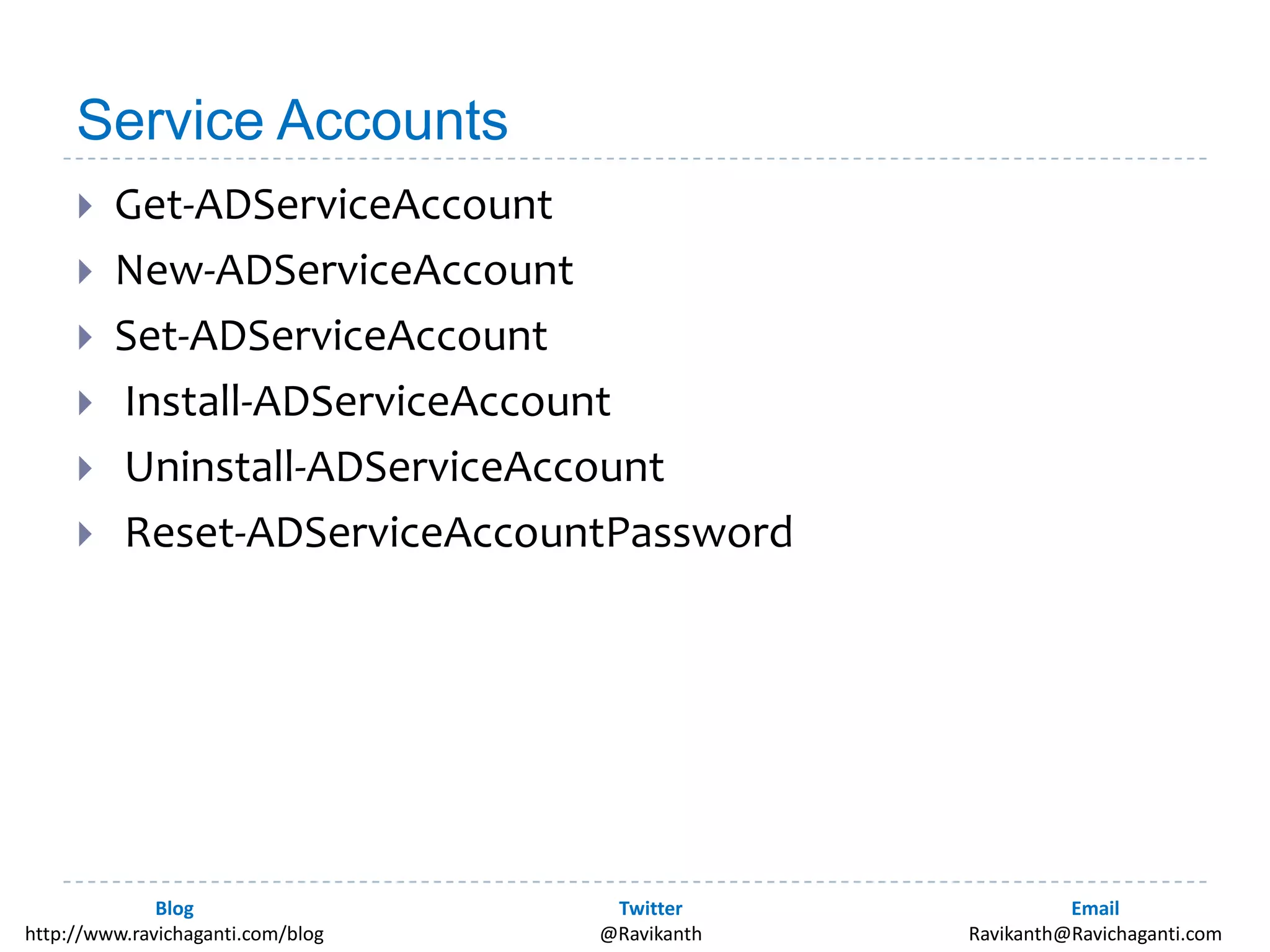
Service AccountsGet-ADServiceAccountNew-ADServiceAccountSet-ADServiceAccount Install-ADServiceAccount Uninstall-ADServiceAccount Reset-ADServiceAccountPassword
AD Recycle BinEnable AD Optional Feature: “Recycle Bin Feature”This is an irreversible actionRestore-ADObject to restore deleted objects
Moving an AD ObjectUse Get-ADObject to get an instancePipe it to Move-ADObject and specify new location as a value to -TargetPath
Learning Resources – PowerShell for ADCmdlet referenceBook: Managing Active Directory with PowerShell: TFMAD cmdlets quick reference guideAdaxes CmdletsQuest CmdletsIdera PowerShell ScriptsADMGS for down level servers
Learning resources - PowerShellGetting started guidePowerShell Learning centerThe scripting Guys blogPowerScripting PodcastPowerShell.com free online eBook

Using PowerShell for active directory management

Editor's Notes

  • #5 $users = [ADSI]"LDAP://cn=users,dc=barcamp,dc=in“[ADSI] can get quite verbose as we start doing advanced tasks
  • #10 Get-ADForest BarCamp.inGet-ADForest –Current LoggedOnUserGet-ADForest –Current LocalComputerSet-ADForest can be used to change Authentication Type, UPNSuffixes and SPNSuffixe (Default is negotiate. Basic requires SSL)Set-ADForestMode changes the forest functional mode.Set-ADForestMode -Identity BarCamp.in -ForestMode Windows2008R2ForestPossible values for this parameter are: Windows2000Forest or 0 Windows2003InterimForest or 1 Windows2003Forest or 2 Windows2008Forest or 3 Windows2008R2Forest or 4Get-ADDomain BarCamp.in(Get-AdDomain).DomainModeSet-AdDomainMode –DomainMode Windows2008R2DomainWindows2000Domain or 0Windows2003InterimDomain or 1Windows2003Domain or 2Windows2008Domain or 3Windows2008R2Domain or 4
  • #11 #To Get specific user detailsGet-ADUser –Identity “Ravikanth”#To filter by UserNameGet-ADUser –Filter ‘Name –like ‘Ravi*’”#To filter from a selected OUGet-ADUser -Filter * -SearchBase "CN=Users,DC=BarCamp,DC=in“#To see additional properties than the default setGet-ADUser –Filter ‘Name –like ‘Admin*’” –Properties Description#To see all propertiesGet-AdUser "Ravikanth" -Properties *New-ADUser-Name “Bill Gates" -SamAccountName“BillG" -GivenName“Bill" -Surname “Gates" -DisplayName“Bill Gates" -Path ‘CN=Users,DC=BarCamp,DC=in' -OtherAttributes@{'Title'=“God at Microsoft"} -AccountPassword (Read-Host -AsSecureString"AccountPassword") -Enabled $true#Change user propertiesSet-ADUser Ravikanth -City Bangalore -Replace @{title="PowerShell MVP";Description="Is a part of Domain Users"}Set-ADUser Ravikanth -Clear Description#Remove UserAccountRemove-ADUser "Rchaganti”#Disable AccountDisable-ADAccount -Identity Ravikanth#Enable AccountEnable-ADAccount -Identity Ravikanth#Set account Expiry dateSet-ADAccountExpiration -Identity Ravikanth -DateTime "12/31/2010"#Clear Account ExpiryClear-ADAccountExpiration -Identity Ravikanth#Set Account PasswordSet-ADAccountPassword -Identity Ravikanth ` -Reset -NewPassword (ConvertTo-SecureString -AsPlainText "Warri0r@" -Force)#Unlock AccountUnlock-ADAccount Ravikanth
  • #12 #Get AD GroupGet-ADGroupDomainUsersGet-ADGroup -Filter *#New AD GroupNew-ADGroup -Name "Bitpro" -SamAccountName "Bitpro" -GroupScope Global -Path "DC=BarCamp,DC=in“#Remove-ADGroupRemove-ADGroup -Identity BITPro -Confirm#Get AD Group memberGet-ADGroupMember -Identity Administrators#Add a user to groupAdd-ADGroupMember -Identity DemoUsers -Members Ravikanth#Remove group membersRemove-ADGroupMember -Identity DemoUsers -Members Ravikanth
  • #13 #OUGet-ADOrganizationalUnit -Filter *Get-ADOrganizationalUnit -Filter * -Properties *#Create OUNew-ADOrganizationalUnit -DisplayName "DemoOU" -Name "DEMOOU" -Path "DC=BarCamp,DC=in"
  • #14 #Get-ADServiceAccountGet-ADServiceAccount -Filter *#New AD Service AccountNew-ADServiceAccount -Name DemoService -DisplayName "Demo Service Account" ` -Path "OU=DEMOOU,DC=BarCamp,DC=in" ` -AccountPassword (ConvertTo-SecureString -AsPlainText "Warri0r@" -Force)#remove AD Service AccountRemove-ADServiceAccountDemoService#Install AD Service AccountInstall-ADServiceAccountDemoService#UnInstall AD Service AccountUnInstall-ADServiceAccountDemoService#Reset AD Service AccountPasswordReset-ADServiceAccountPassword -Identity DemoService
  • #15 #Enable Recycle BinEnable-ADOptionalFeature 'Recycle Bin Feature' -Scope ForestOrConfigurationSet -Target 'BarCamp.in'#Restore AD Object from recycle binGet-ADObject -Filter 'samaccountname -eq "rchaganti"' -IncludeDeletedObjectsGet-ADObject -Filter 'samaccountname -eq "rchaganti"' -IncludeDeletedObjects | Restore-ADObject
  • #16 $user=Get-ADObject -Filter "SamAccountName -eq 'RChaganti'"$user | Move-ADObject -TargetPath "CN=Users,DC=BarCamp,DC=in"