August 12, 2015 © Sreenath H B, 2014 Web Front End HTML5 CSS3 JavaScript Ajax jQuery Angular, Backbone, Knockout
Agenda  WWW Explained  HTML5  CSS3  Bootstrap  JavaScript  Ajax  JSON  jQuery, jQuery UI  Angular, Knockout, Backbone
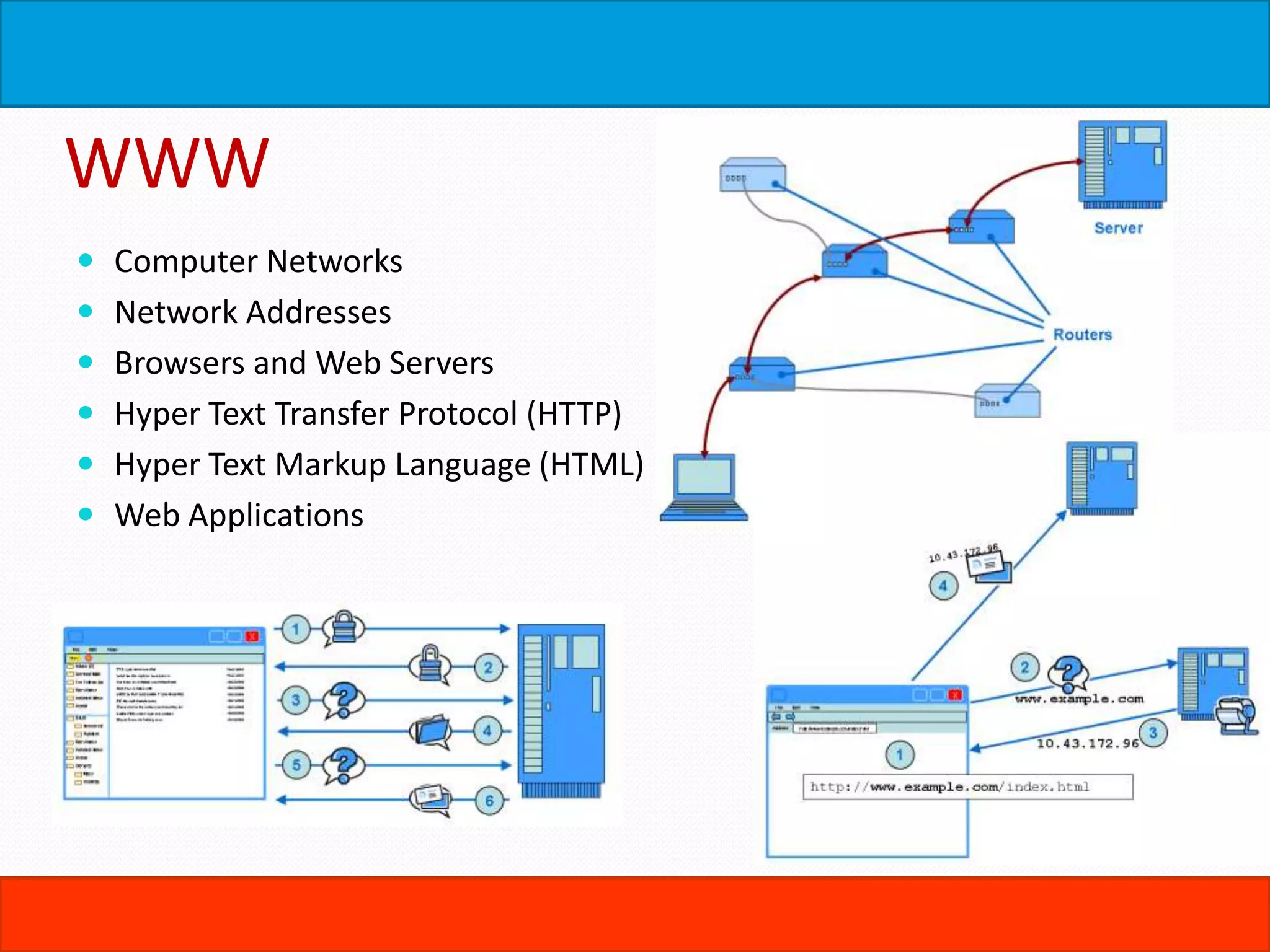
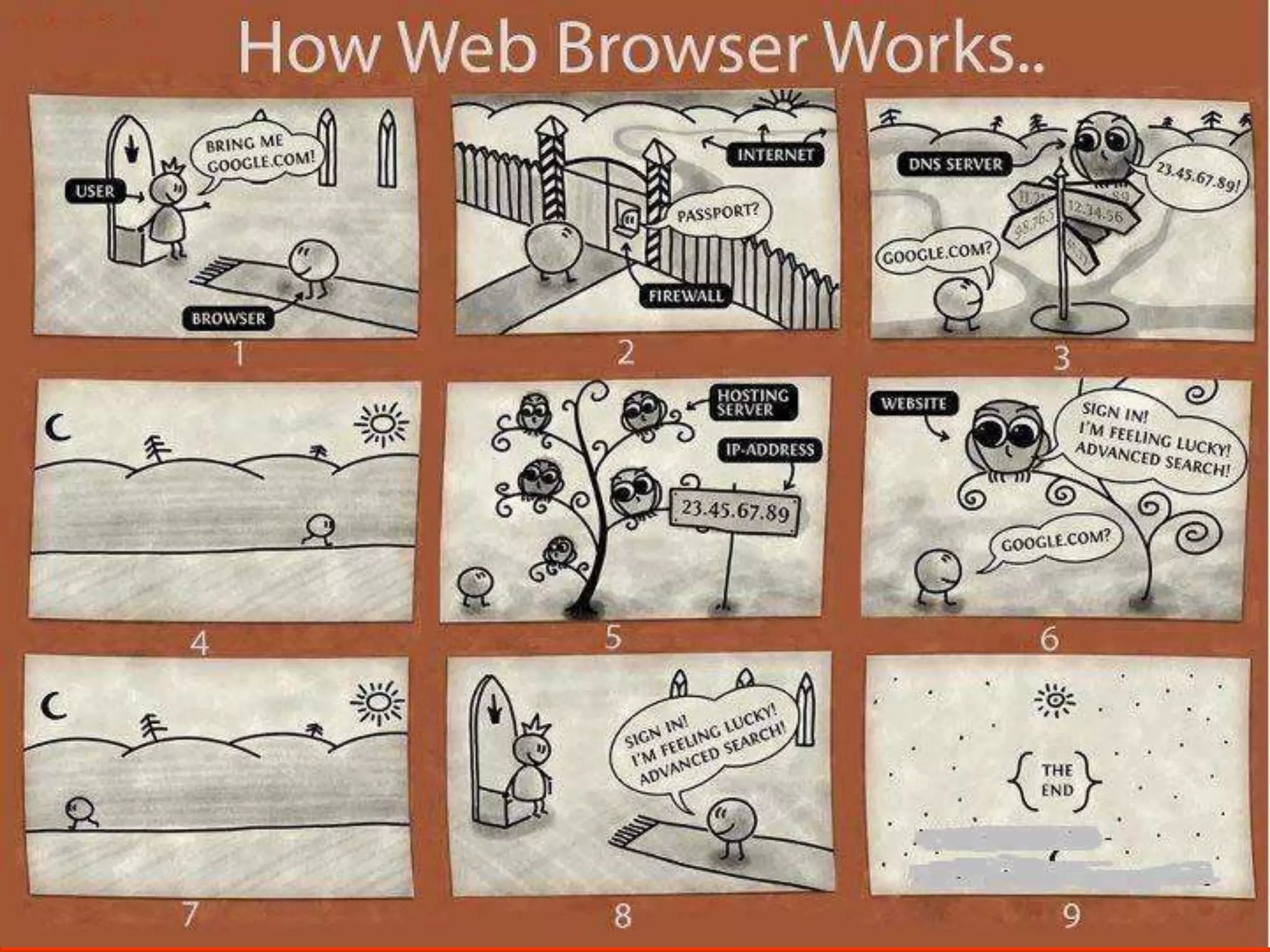
WWW  Computer Networks  Network Addresses  Browsers and Web Servers  Hyper Text Transfer Protocol (HTTP)  Hyper Text Markup Language (HTML)  Web Applications
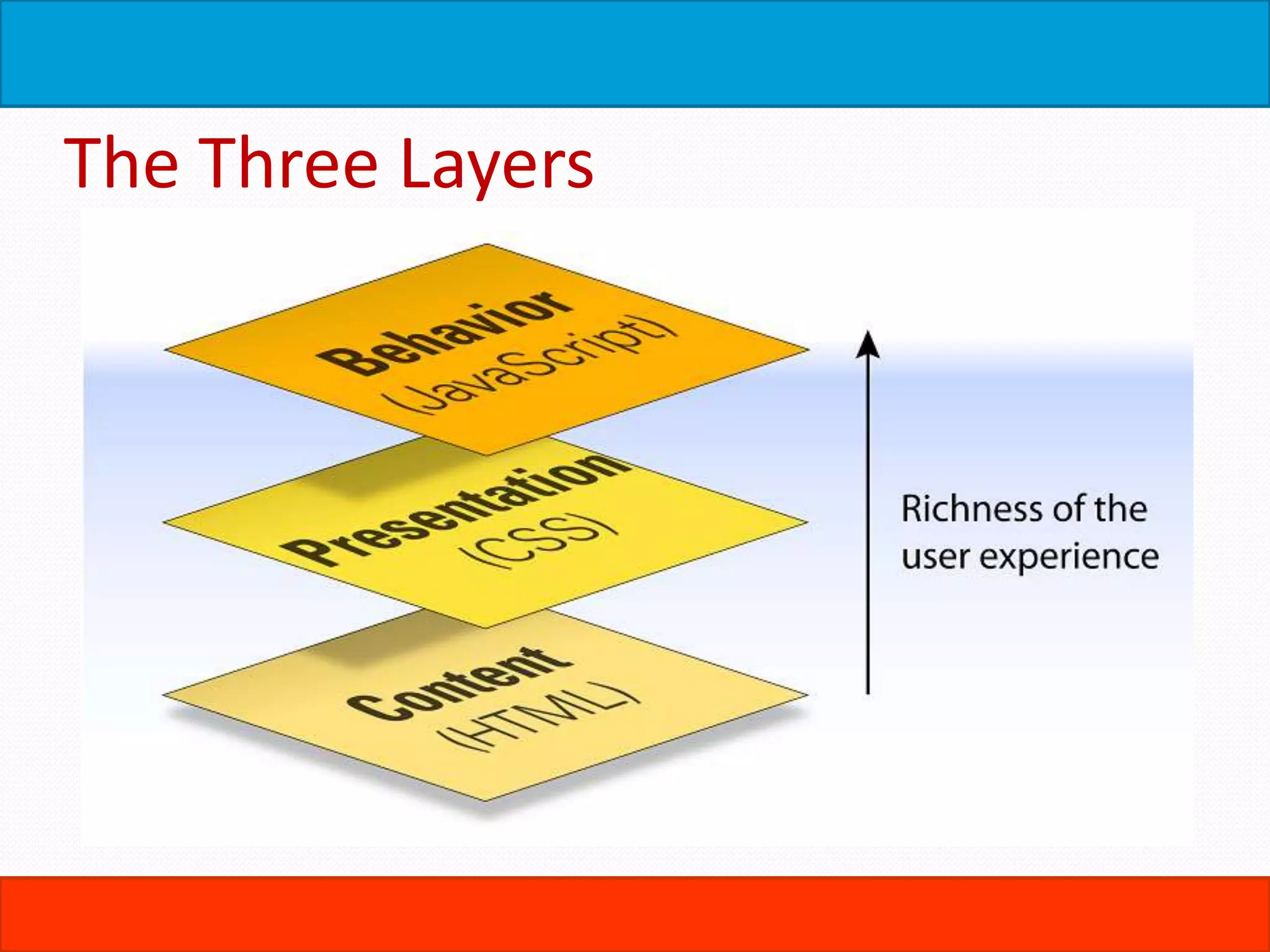
The Three Layers
HTML  Basic Structure  DTD  Elements, Tags, Nodes  Attributes, Properties, Values  Forms  GET, POST …
The Rules of HTML  HTML Attribute Values May Be Case Sensitive  HTML Is Sensitive to a Single White Space Character  HTML Follows a Content Model  Elements Should Have Close Tags Unless Empty  Unused Elements May Minimize  Elements Should Nest In Correct Order  Attribute Values Should Be Quoted  Browsers Ignore Unknown Attributes and Elements
Core Elements & Attributes  Headings  ID, name, class, title, alt  BR, HR,  P, SPAN, DIV  Blockquote, Pre  Lists – OL, UL
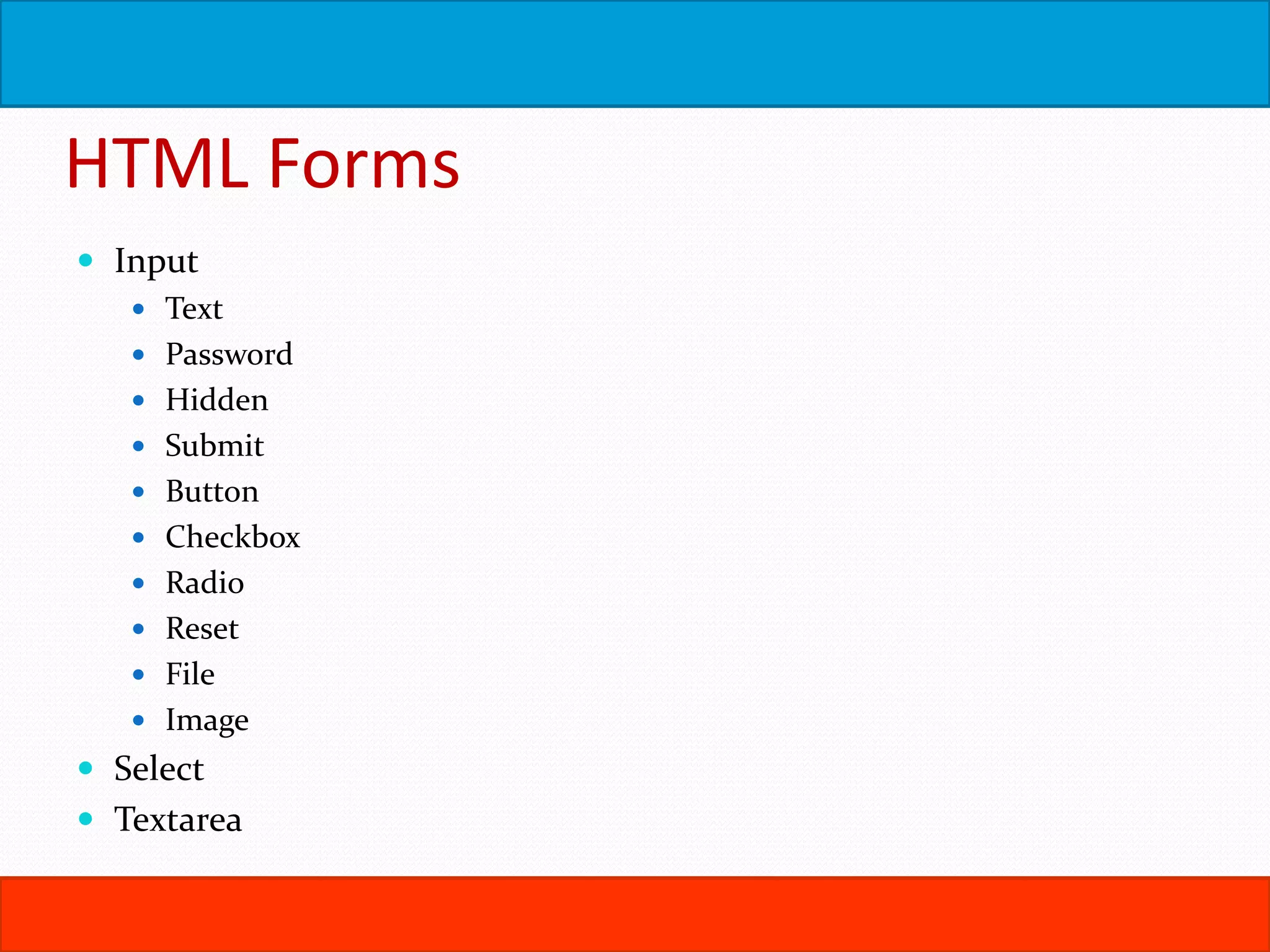
HTML Forms  Input  Text  Password  Hidden  Submit  Button  Checkbox  Radio  Reset  File  Image  Select  Textarea
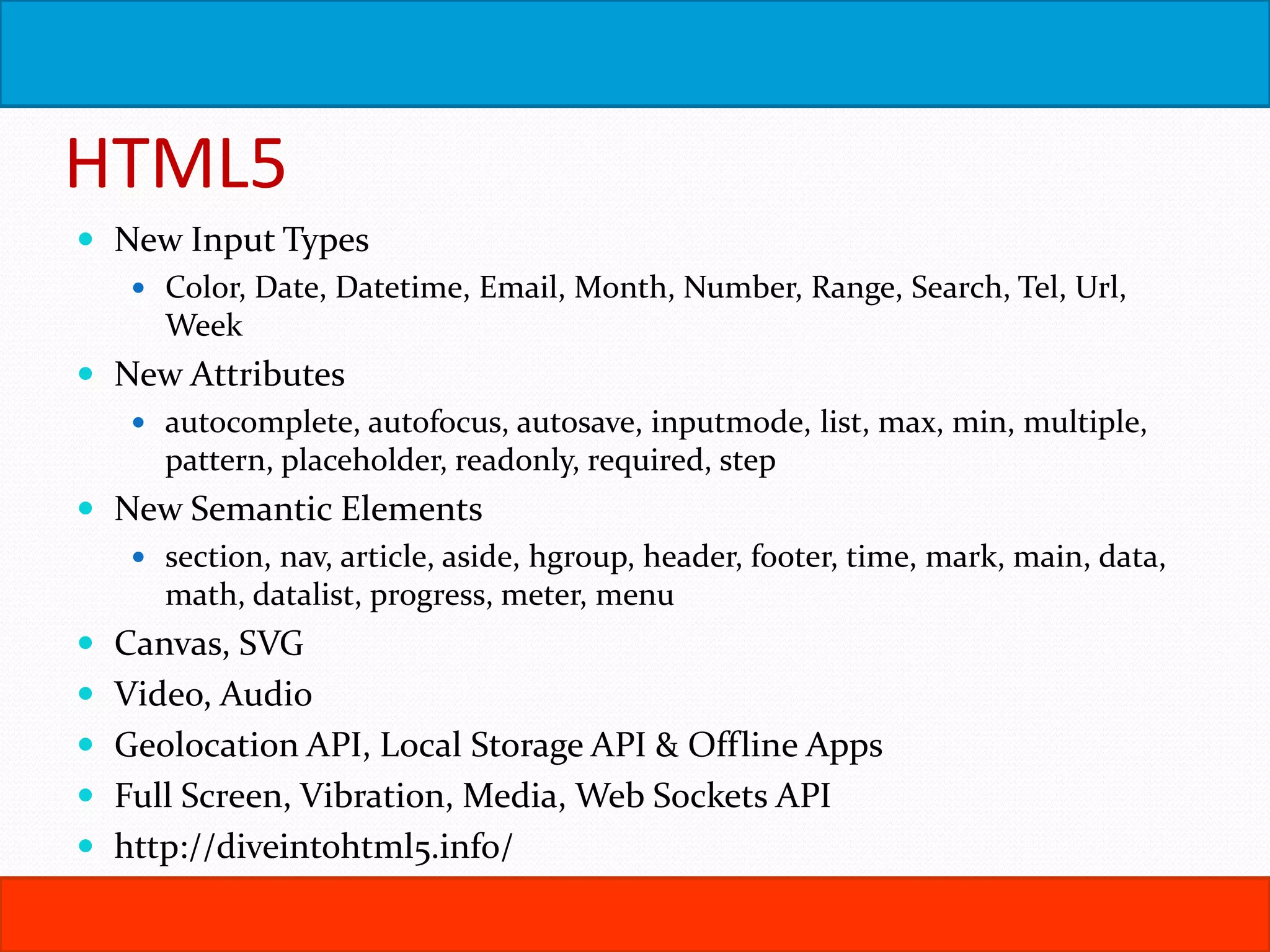
HTML5  New Input Types  Color, Date, Datetime, Email, Month, Number, Range, Search, Tel, Url, Week  New Attributes  autocomplete, autofocus, autosave, inputmode, list, max, min, multiple, pattern, placeholder, readonly, required, step  New Semantic Elements  section, nav, article, aside, hgroup, header, footer, time, mark, main, data, math, datalist, progress, meter, menu  Canvas, SVG  Video, Audio  Geolocation API, Local Storage API & Offline Apps  Full Screen, Vibration, Media, Web Sockets API  http://diveintohtml5.info/
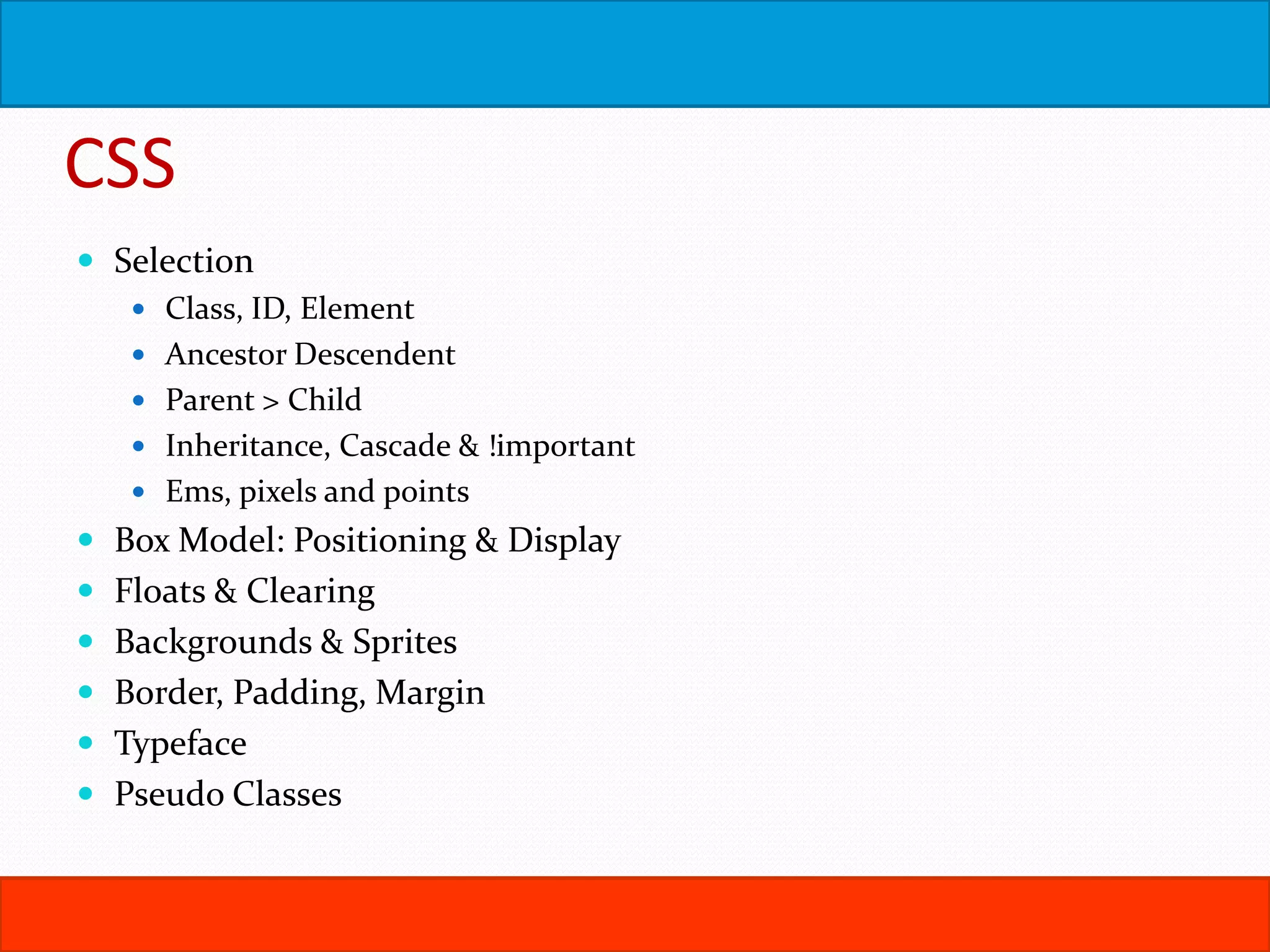
CSS  Selection  Class, ID, Element  Ancestor Descendent  Parent > Child  Inheritance, Cascade & !important  Ems, pixels and points  Box Model: Positioning & Display  Floats & Clearing  Backgrounds & Sprites  Border, Padding, Margin  Typeface  Pseudo Classes
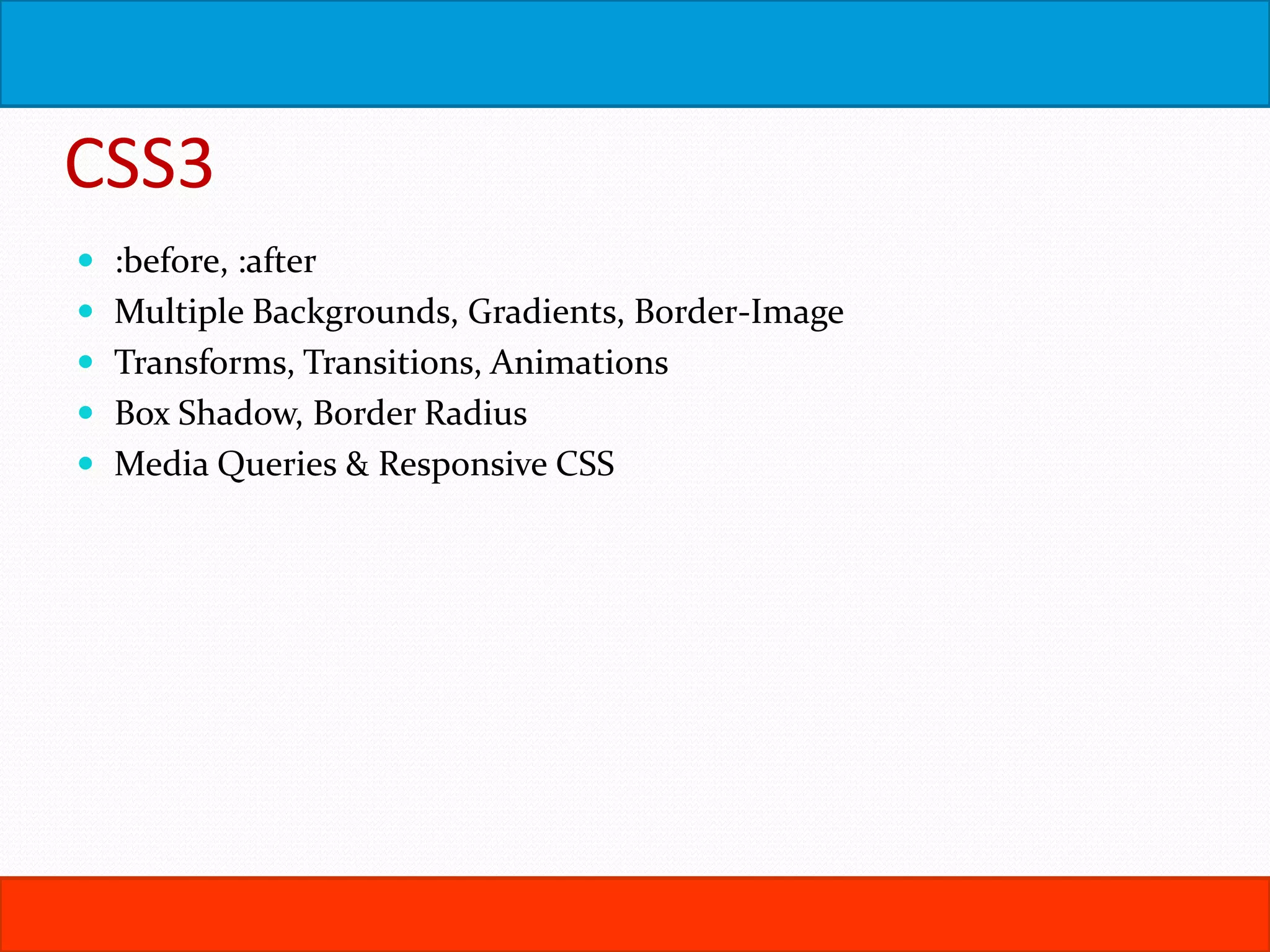
CSS3  :before, :after  Multiple Backgrounds, Gradients, Border-Image  Transforms, Transitions, Animations  Box Shadow, Border Radius  Media Queries & Responsive CSS
Design Philosophies  Graceful Degradation  Progressive Enhancement  Feature Detection using Modernizr  Accessibility: http://diveintoaccessibility.info/  Section 508, WCAG
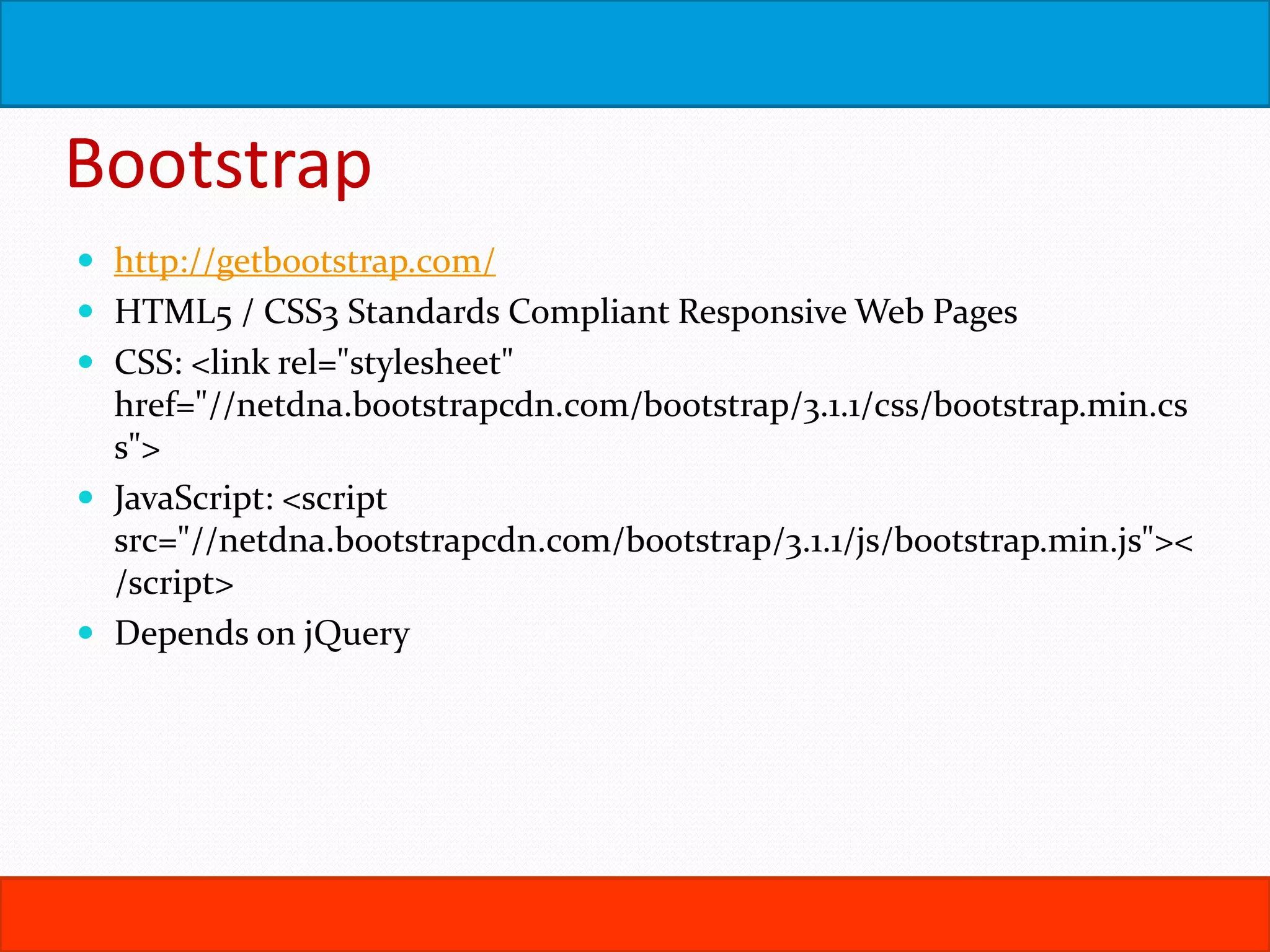
Bootstrap  http://getbootstrap.com/  HTML5 / CSS3 Standards Compliant Responsive Web Pages  CSS: <link rel="stylesheet" href="//netdna.bootstrapcdn.com/bootstrap/3.1.1/css/bootstrap.min.cs s">  JavaScript: <script src="//netdna.bootstrapcdn.com/bootstrap/3.1.1/js/bootstrap.min.js">< /script>  Depends on jQuery
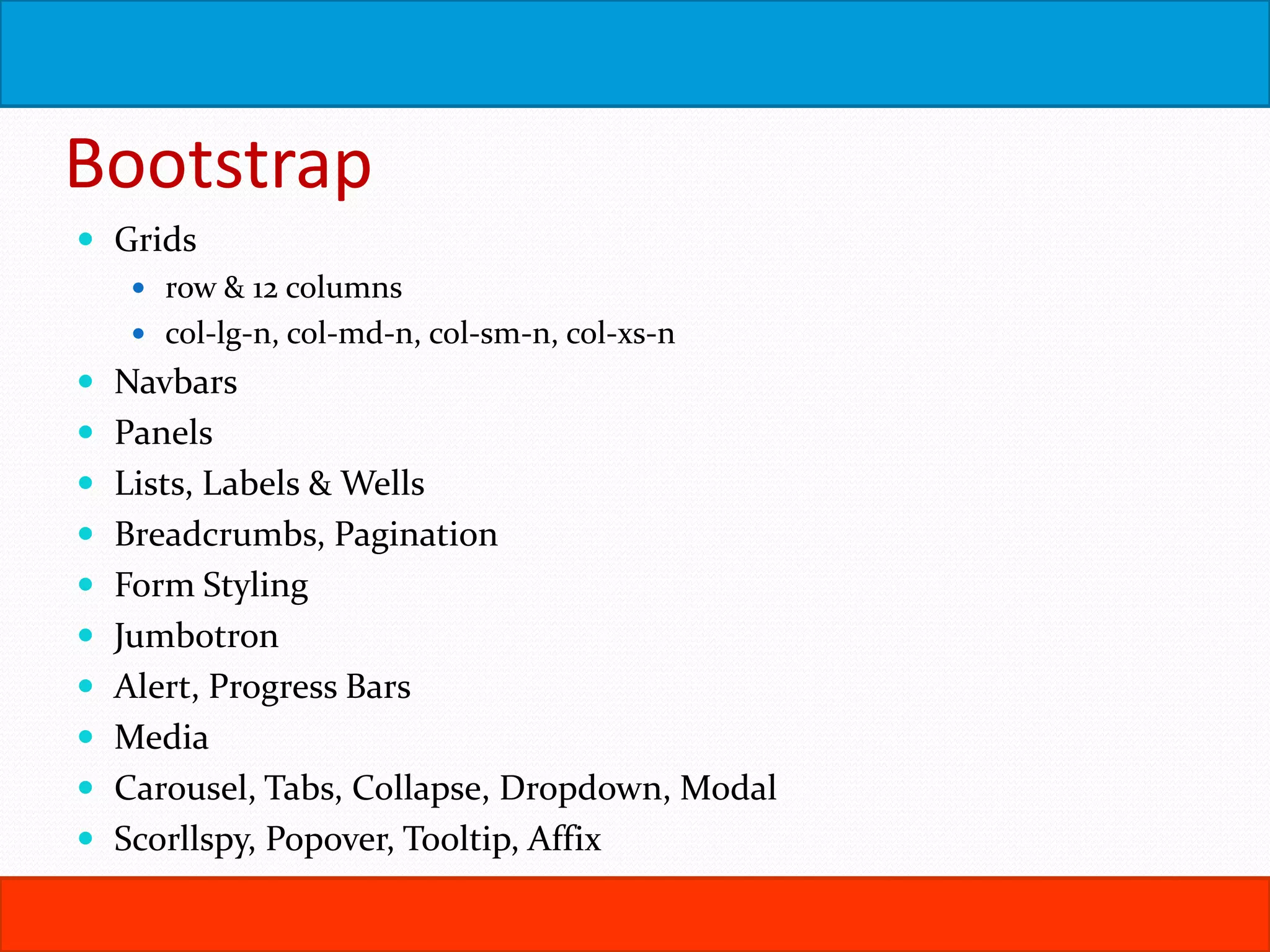
Bootstrap  Grids  row & 12 columns  col-lg-n, col-md-n, col-sm-n, col-xs-n  Navbars  Panels  Lists, Labels & Wells  Breadcrumbs, Pagination  Form Styling  Jumbotron  Alert, Progress Bars  Media  Carousel, Tabs, Collapse, Dropdown, Modal  Scorllspy, Popover, Tooltip, Affix
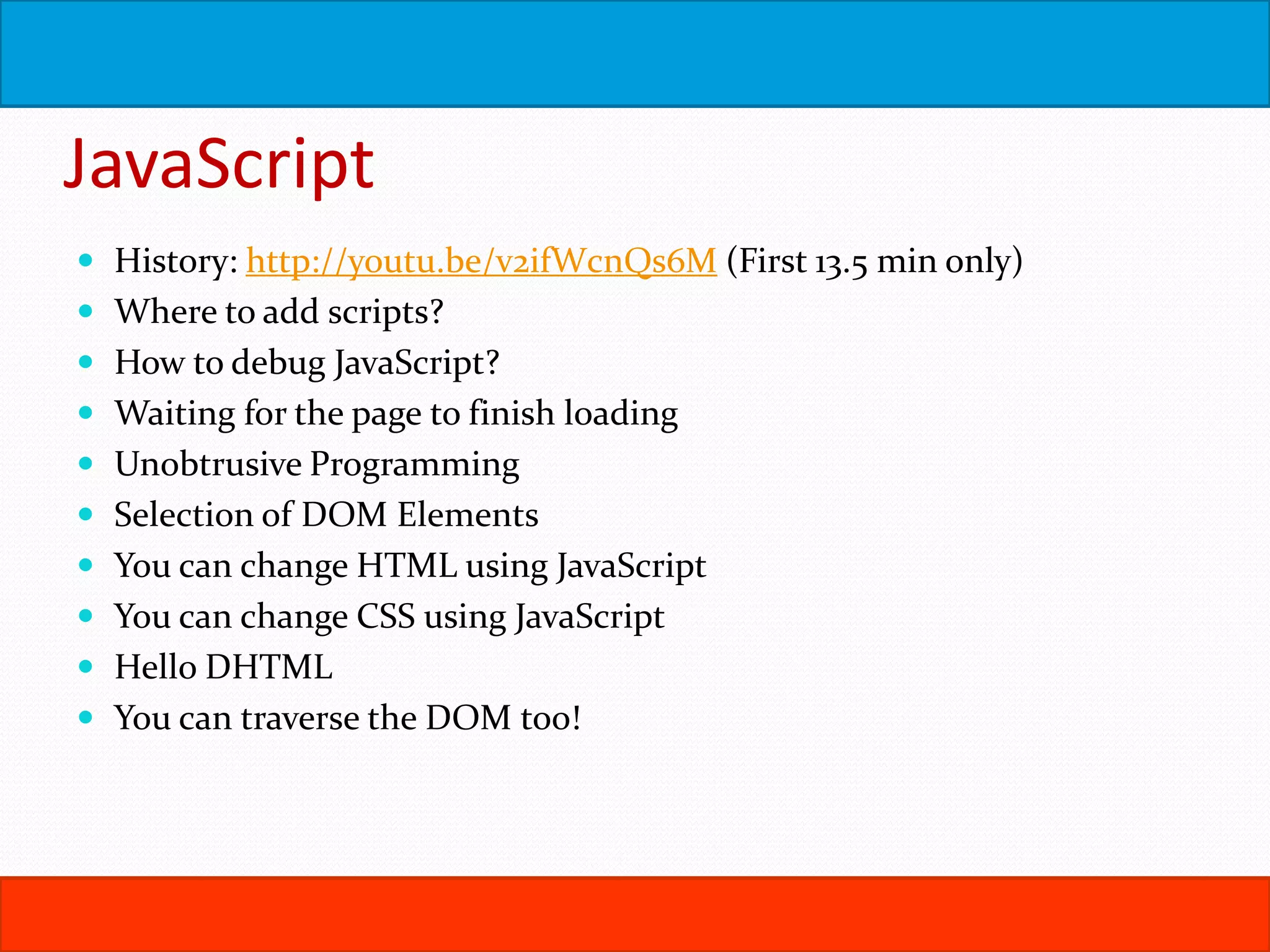
JavaScript  History: http://youtu.be/v2ifWcnQs6M (First 13.5 min only)  Where to add scripts?  How to debug JavaScript?  Waiting for the page to finish loading  Unobtrusive Programming  Selection of DOM Elements  You can change HTML using JavaScript  You can change CSS using JavaScript  Hello DHTML  You can traverse the DOM too!
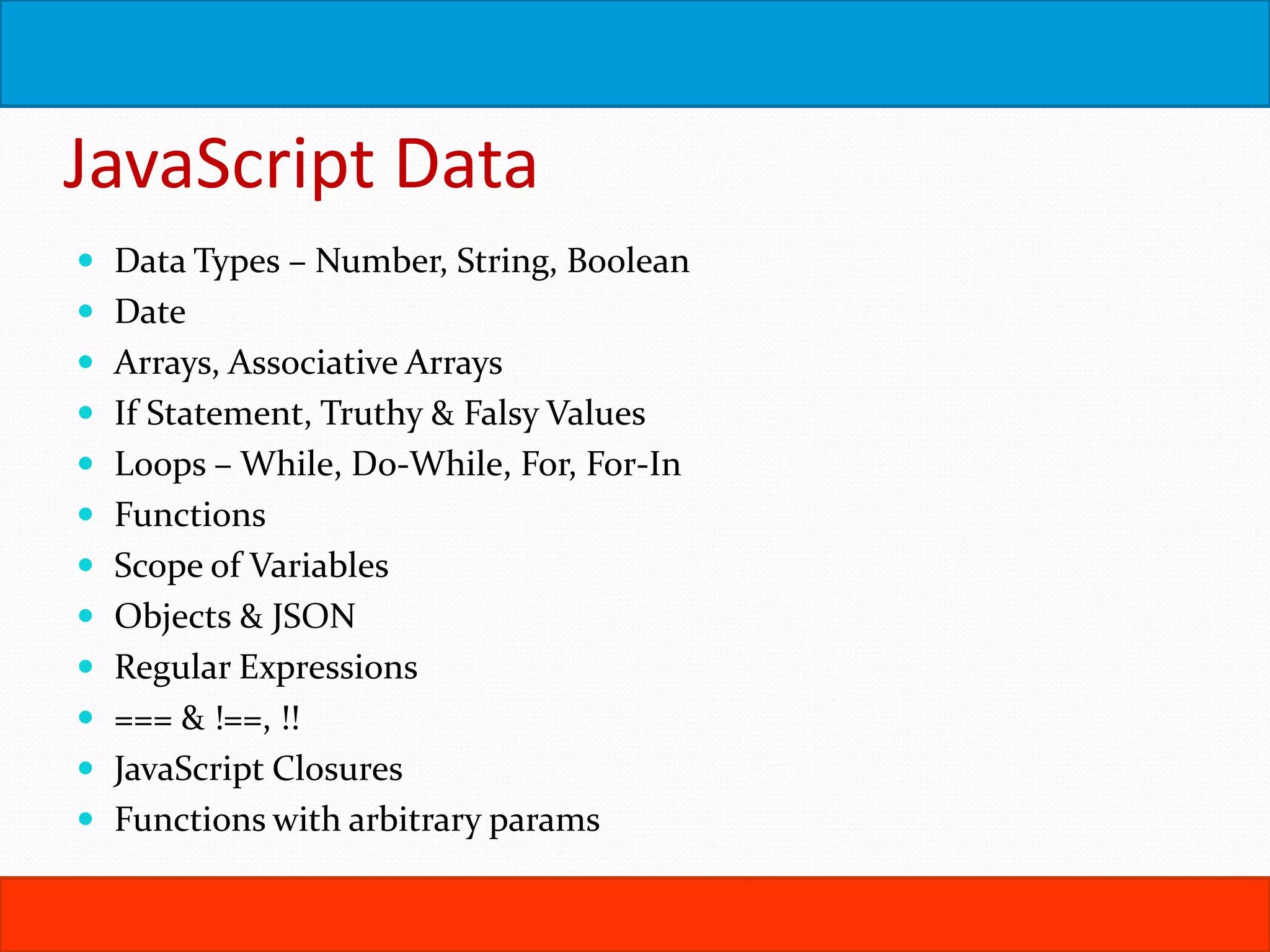
JavaScript Data  Data Types – Number, String, Boolean  Date  Arrays, Associative Arrays  If Statement, Truthy & Falsy Values  Loops – While, Do-While, For, For-In  Functions  Scope of Variables  Objects & JSON  Regular Expressions  === & !==, !!  JavaScript Closures  Functions with arbitrary params
JavaScript Events  Events & Listeners  Event Object & Event Context  Event Cancellation  Event Bubbling & Capturing  Supporting older browsers.  Call & Apply
Ajax
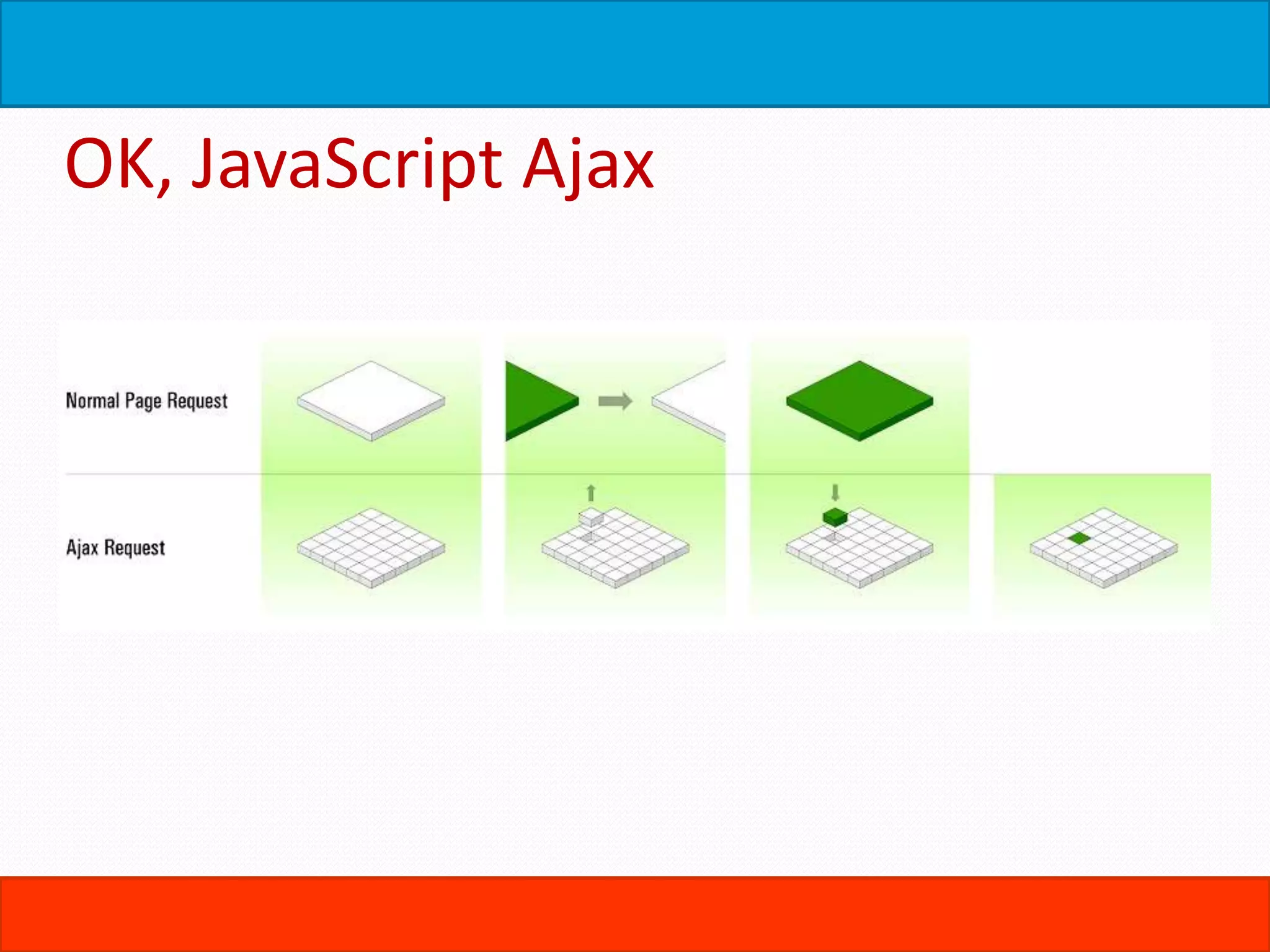
OK, JavaScript Ajax
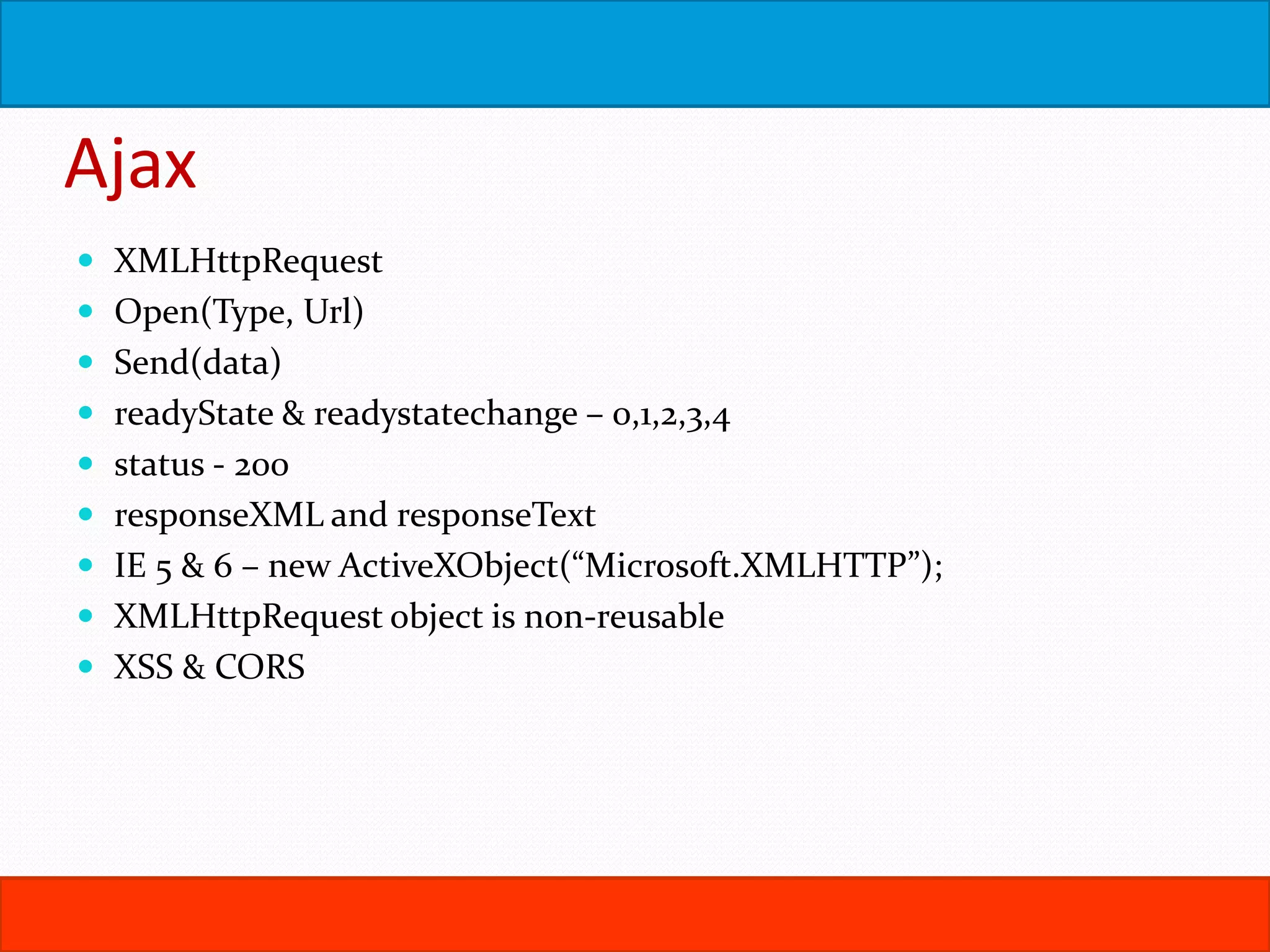
Ajax  XMLHttpRequest  Open(Type, Url)  Send(data)  readyState & readystatechange – 0,1,2,3,4  status - 200  responseXML and responseText  IE 5 & 6 – new ActiveXObject(“Microsoft.XMLHTTP”);  XMLHttpRequest object is non-reusable  XSS & CORS
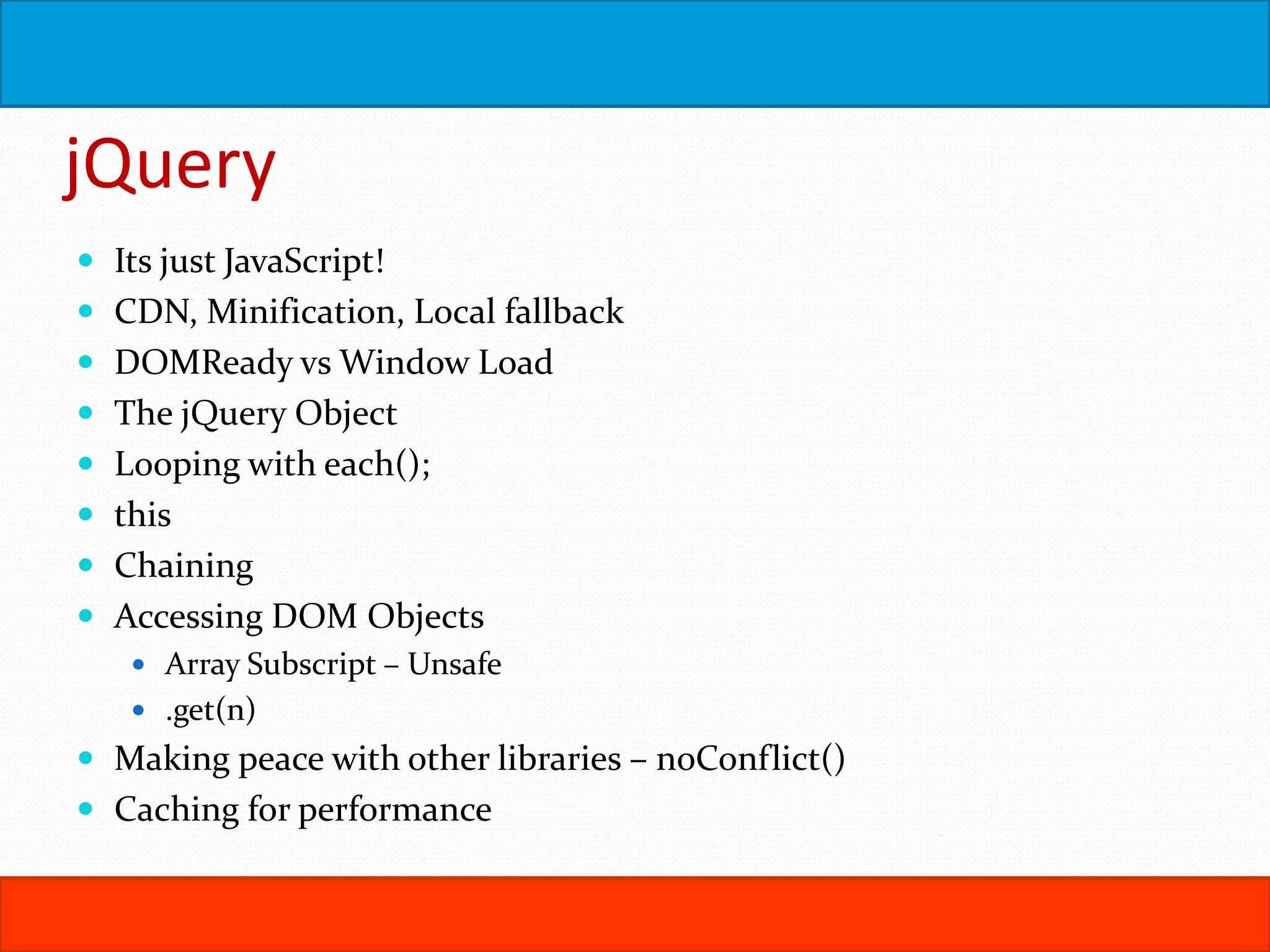
jQuery  Its just JavaScript!  CDN, Minification, Local fallback  DOMReady vs Window Load  The jQuery Object  Looping with each();  this  Chaining  Accessing DOM Objects  Array Subscript – Unsafe  .get(n)  Making peace with other libraries – noConflict()  Caching for performance
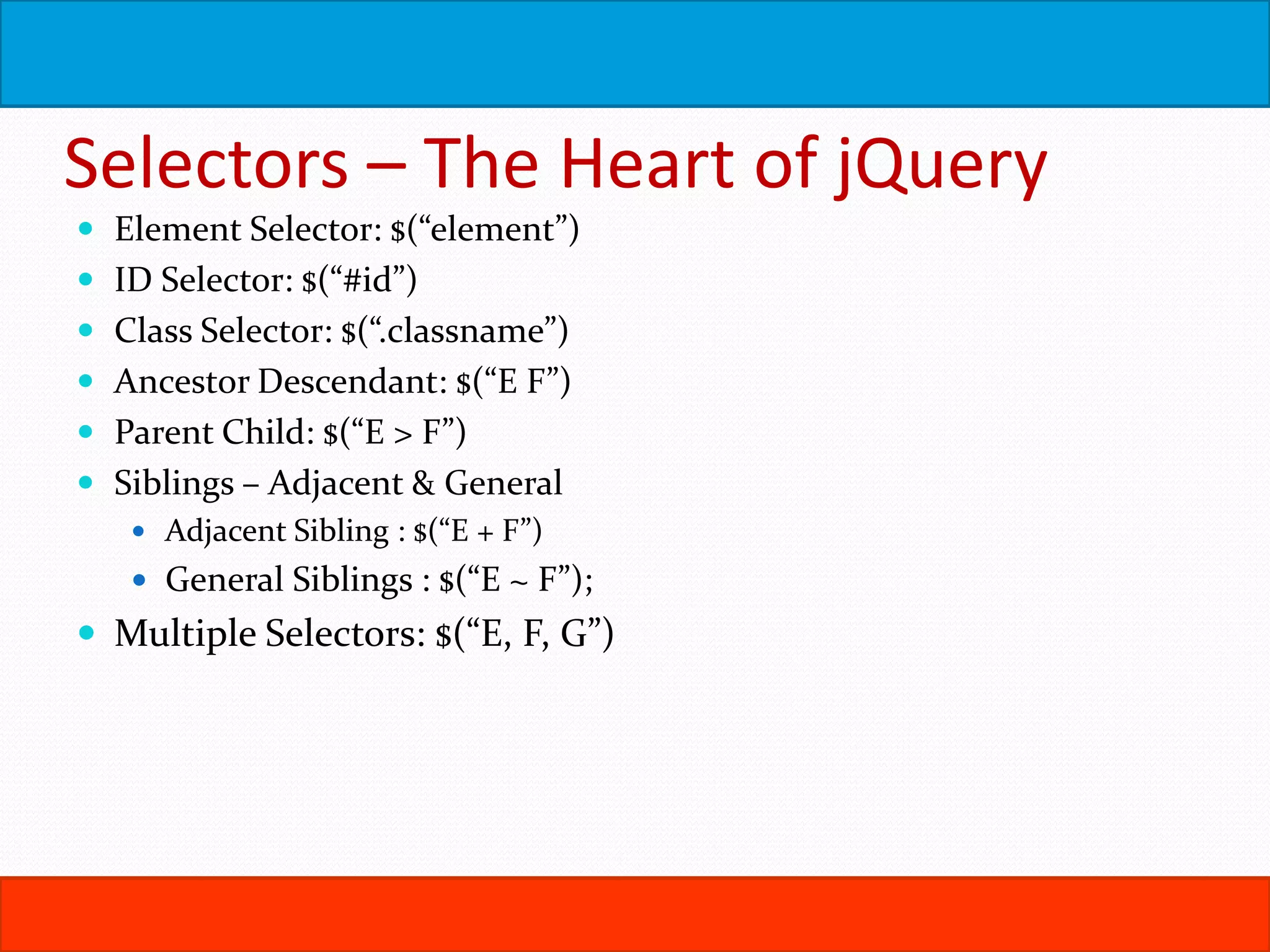
Selectors – The Heart of jQuery  Element Selector: $(“element”)  ID Selector: $(“#id”)  Class Selector: $(“.classname”)  Ancestor Descendant: $(“E F”)  Parent Child: $(“E > F”)  Siblings – Adjacent & General  Adjacent Sibling : $(“E + F”)  General Siblings : $(“E ~ F”);  Multiple Selectors: $(“E, F, G”)
Effects & Animations  Hide, Show  fadeIn, fadeOut  Toggle  slideUp, slideDown  slideToggle  .animate()
Working with Forms  :text  :checkbox  :radio  :image  :submit  :reset  :password  :file  :input  :button  :enabled  :disabled  :checked  :selected
Selectors Contd.. :first-child, :last-child, :only-child :nth-child(n) $(“li:first-child”); $(“tr:last-child”); $(“img:only-child”); $(“tr:nth-child(2n)”); Attribute Selectors Has Attribute: $(“img[alt]”); Begins With: $(“a[href^=mailto:]”); Ends With: $(“a[href$=.pdf]”); Contains: $(“a[href*=microsoft]”); Equals: $(“:checkbox[checked=true]”)  :not(s), :empty, :eq(n), :contains(s)  :even, :odd
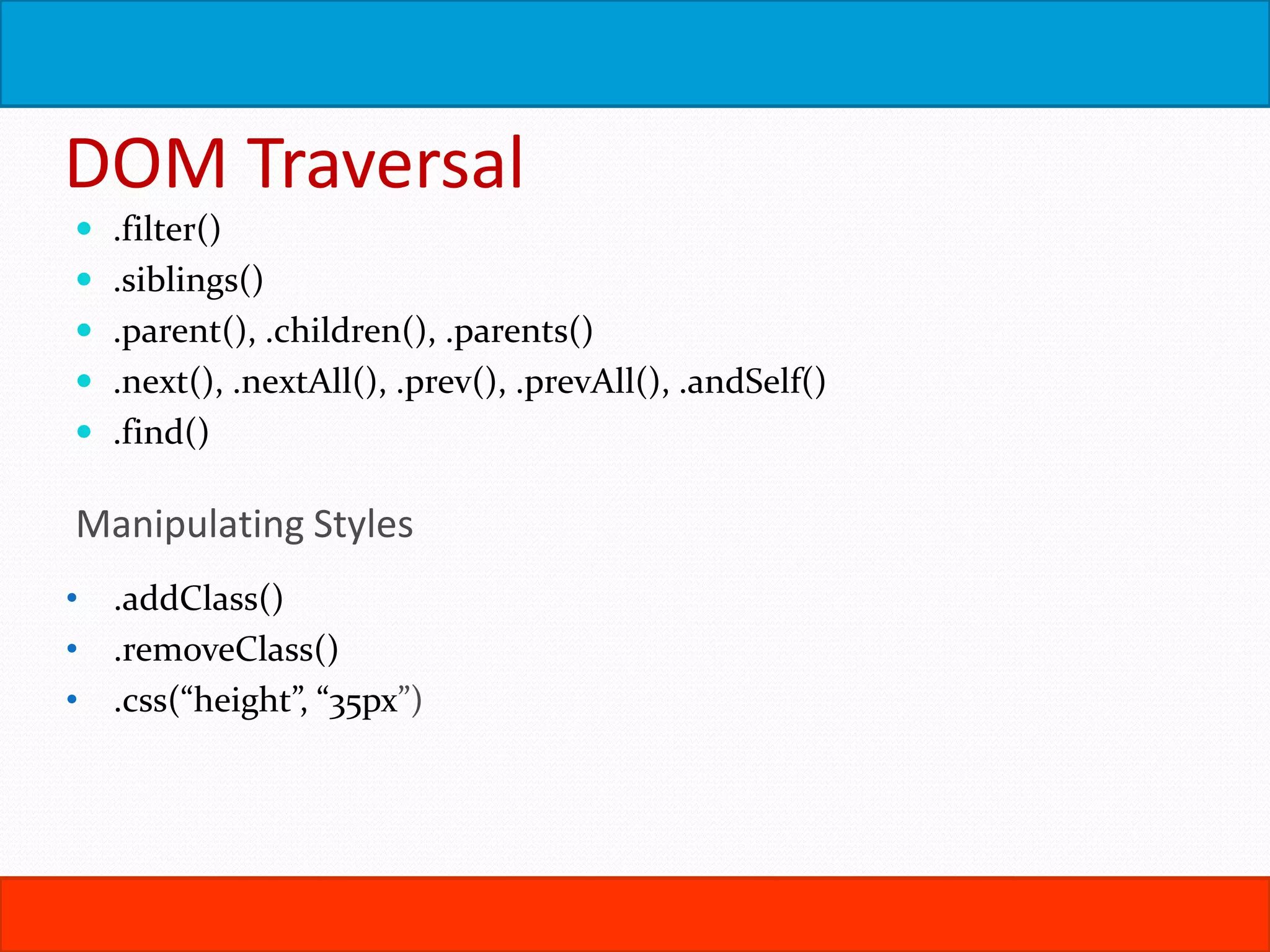
DOM Traversal  .filter()  .siblings()  .parent(), .children(), .parents()  .next(), .nextAll(), .prev(), .prevAll(), .andSelf()  .find() Manipulating Styles • .addClass() • .removeClass() • .css(“height”, “35px”)
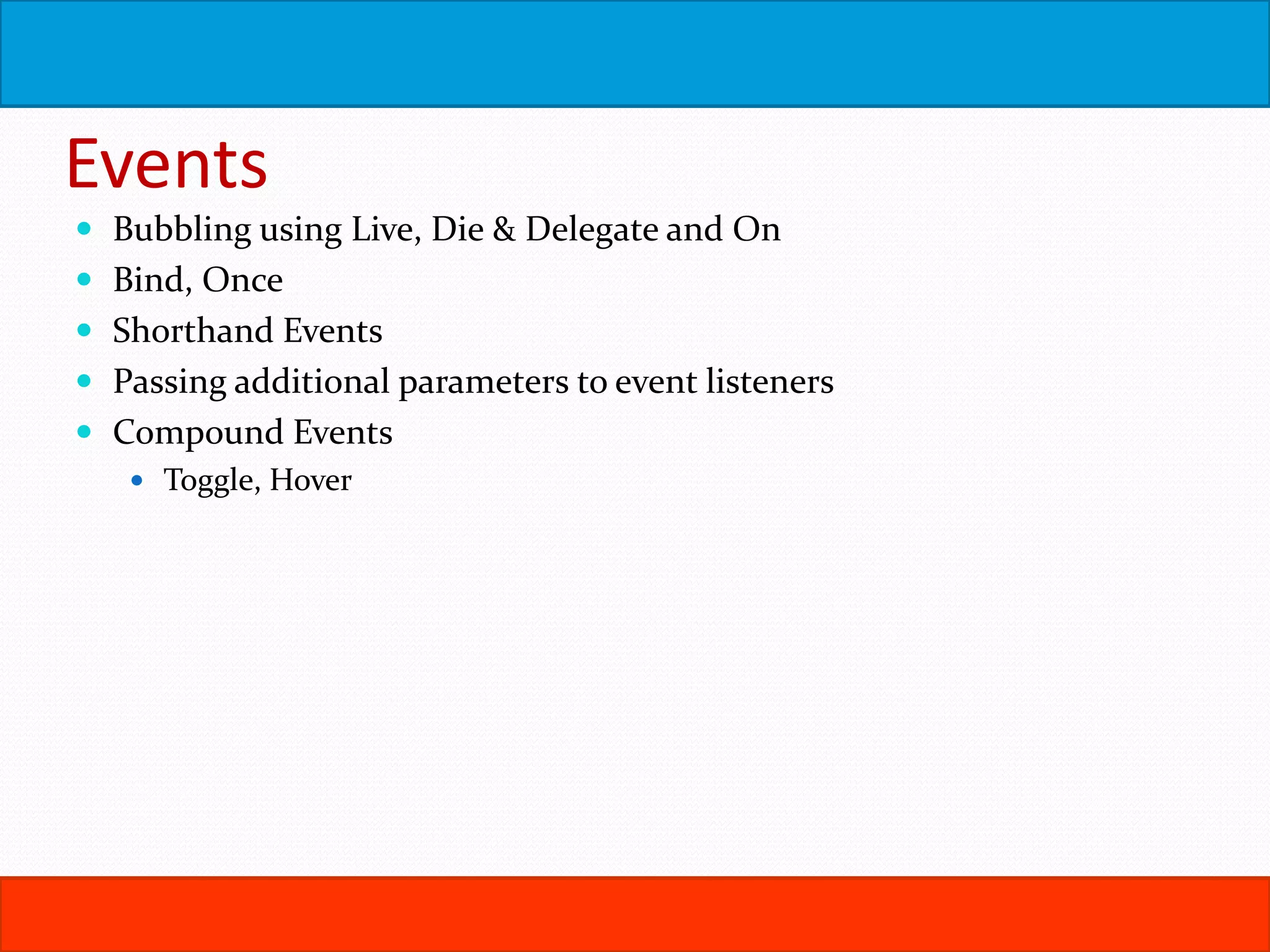
Events  Bubbling using Live, Die & Delegate and On  Bind, Once  Shorthand Events  Passing additional parameters to event listeners  Compound Events  Toggle, Hover
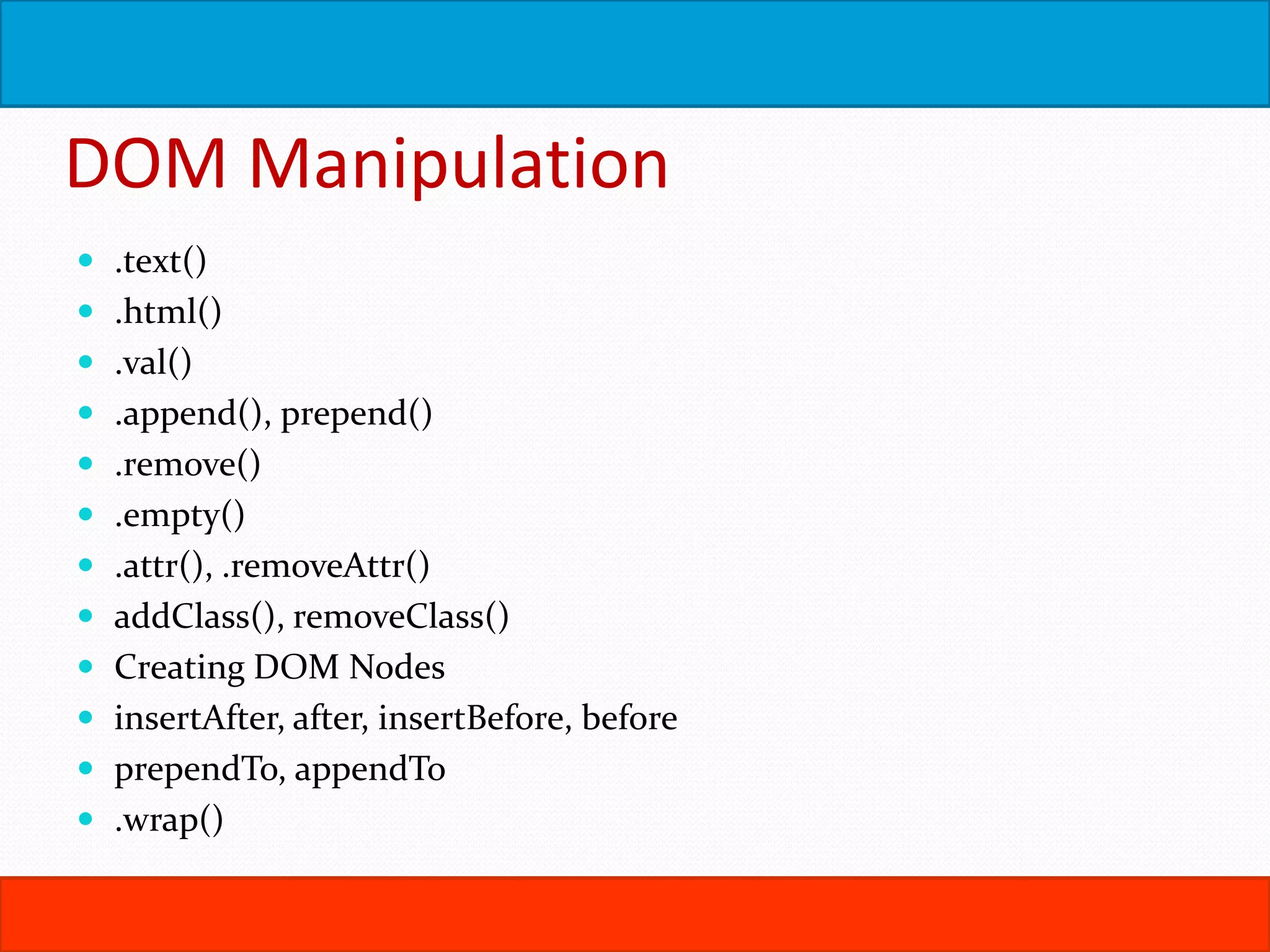
DOM Manipulation  .text()  .html()  .val()  .append(), prepend()  .remove()  .empty()  .attr(), .removeAttr()  addClass(), removeClass()  Creating DOM Nodes  insertAfter, after, insertBefore, before  prependTo, appendTo  .wrap()
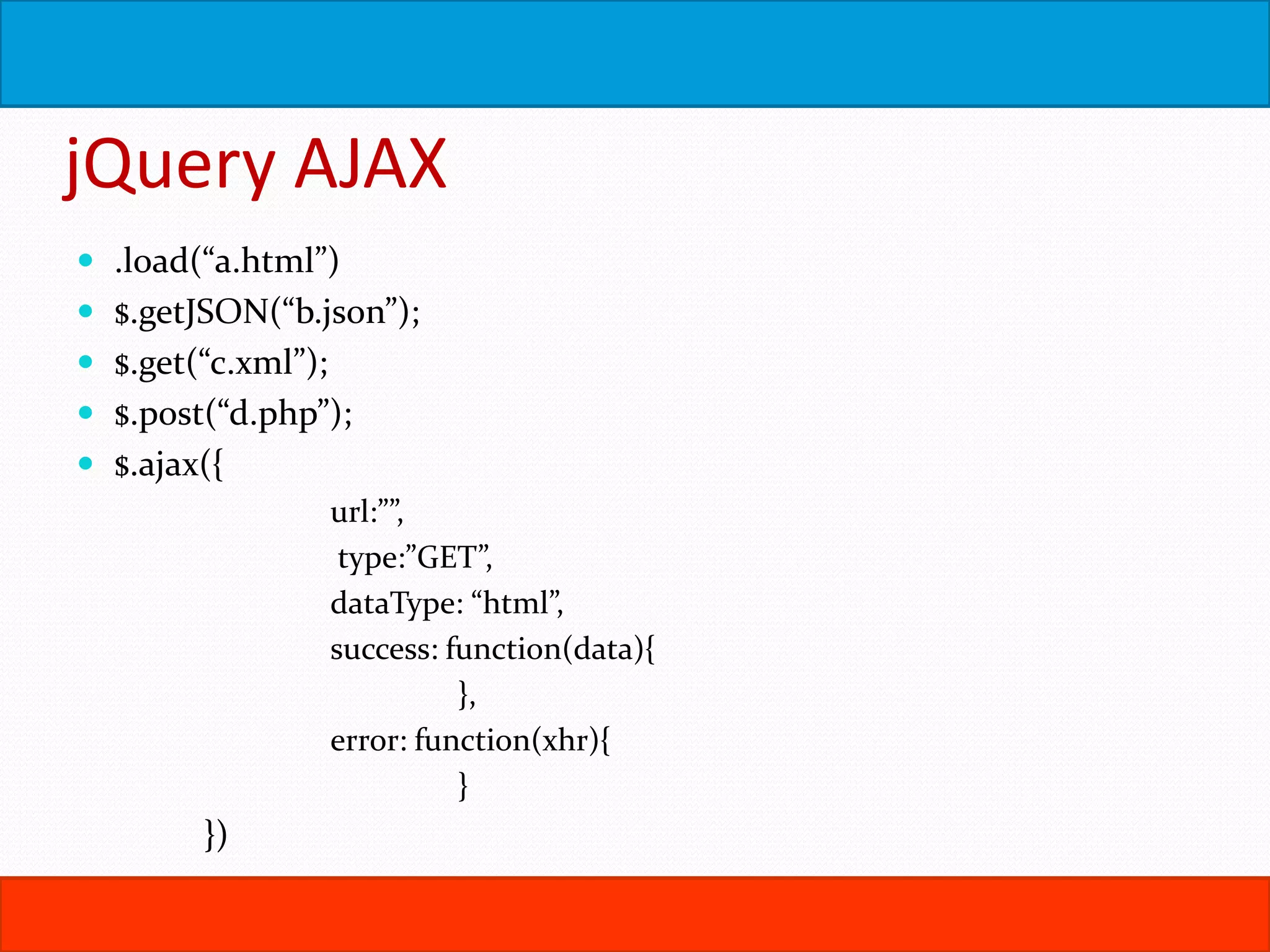
jQuery AJAX  .load(“a.html”)  $.getJSON(“b.json”);  $.get(“c.xml”);  $.post(“d.php”);  $.ajax({ url:””, type:”GET”, dataType: “html”, success: function(data){ }, error: function(xhr){ } })
Ajax Contd..  Calling a 3rd Party REST API / Web Service using jQuery Ajax (http://openweathermap.org/API)  JSONP & XSS  JSON to HTML using a for-in loop
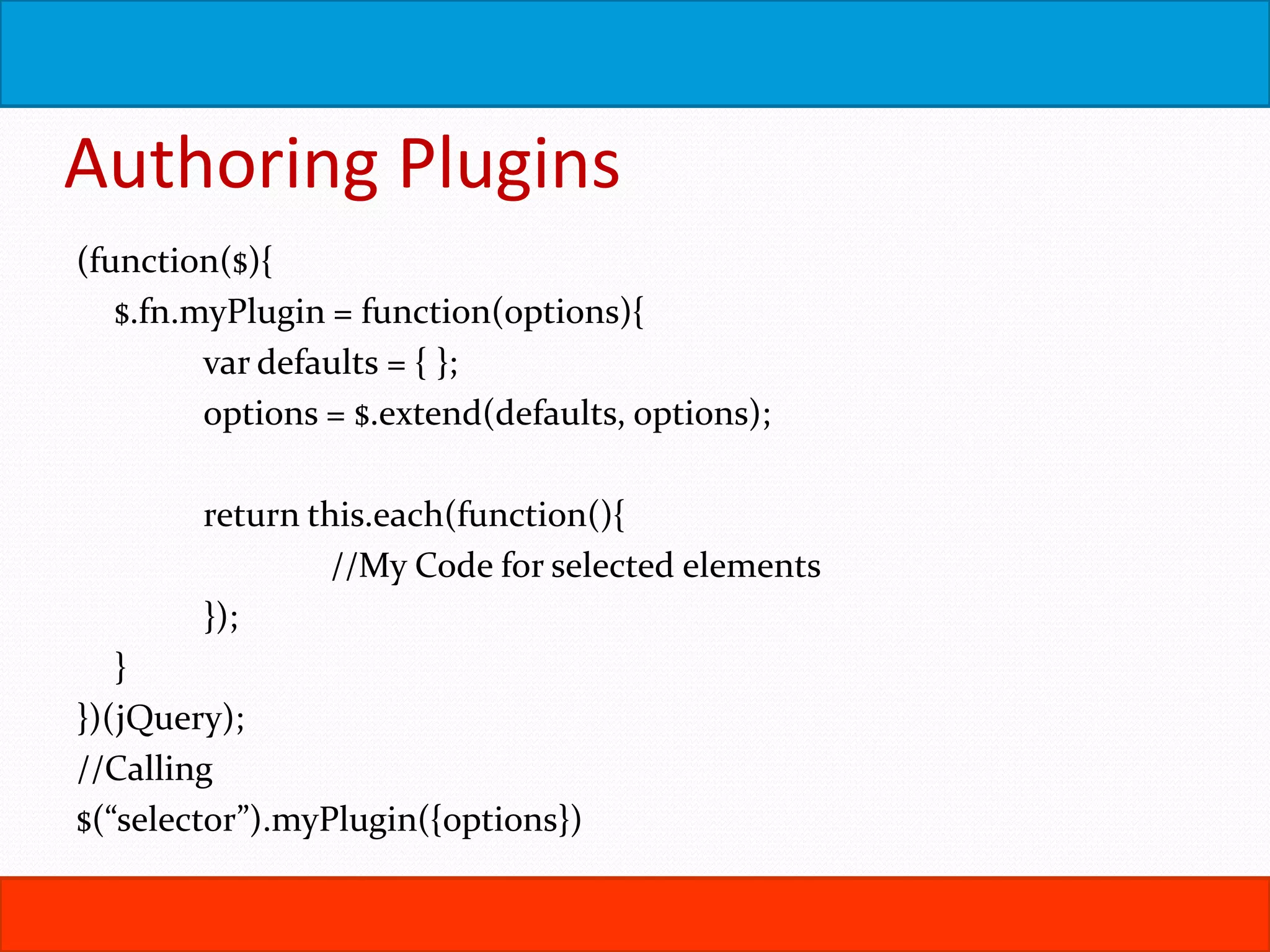
Authoring Plugins (function($){ $.fn.myPlugin = function(options){ var defaults = { }; options = $.extend(defaults, options); return this.each(function(){ //My Code for selected elements }); } })(jQuery); //Calling $(“selector”).myPlugin({options})
AngularJS  MV* Design Patterns Overview  AngularJS Intro
Other Libraries  Backbone  Knockout  Ember  Foundation
About Author  Sreenath H B is the Product Owner for eIntern LLC in the DC Metro Area.  He specializes in Cloud Infrastructure Management, Web Front End Development and programming using the Micrososft Tech Stack  He is an avid traveler and blogger.  Twitter: @ubshreenath  Website: http://sreenath.net

Web Front End - (HTML5, CSS3, JavaScript) ++

  • 1.
    August 12, 2015 ©Sreenath H B, 2014 Web Front End HTML5 CSS3 JavaScript Ajax jQuery Angular, Backbone, Knockout
  • 2.
    Agenda  WWW Explained HTML5  CSS3  Bootstrap  JavaScript  Ajax  JSON  jQuery, jQuery UI  Angular, Knockout, Backbone
  • 3.
    WWW  Computer Networks Network Addresses  Browsers and Web Servers  Hyper Text Transfer Protocol (HTTP)  Hyper Text Markup Language (HTML)  Web Applications
  • 5.
  • 6.
    HTML  Basic Structure DTD  Elements, Tags, Nodes  Attributes, Properties, Values  Forms  GET, POST …
  • 7.
    The Rules ofHTML  HTML Attribute Values May Be Case Sensitive  HTML Is Sensitive to a Single White Space Character  HTML Follows a Content Model  Elements Should Have Close Tags Unless Empty  Unused Elements May Minimize  Elements Should Nest In Correct Order  Attribute Values Should Be Quoted  Browsers Ignore Unknown Attributes and Elements
  • 8.
    Core Elements &Attributes  Headings  ID, name, class, title, alt  BR, HR,  P, SPAN, DIV  Blockquote, Pre  Lists – OL, UL
  • 9.
    HTML Forms  Input Text  Password  Hidden  Submit  Button  Checkbox  Radio  Reset  File  Image  Select  Textarea
  • 10.
    HTML5  New InputTypes  Color, Date, Datetime, Email, Month, Number, Range, Search, Tel, Url, Week  New Attributes  autocomplete, autofocus, autosave, inputmode, list, max, min, multiple, pattern, placeholder, readonly, required, step  New Semantic Elements  section, nav, article, aside, hgroup, header, footer, time, mark, main, data, math, datalist, progress, meter, menu  Canvas, SVG  Video, Audio  Geolocation API, Local Storage API & Offline Apps  Full Screen, Vibration, Media, Web Sockets API  http://diveintohtml5.info/
  • 11.
    CSS  Selection  Class,ID, Element  Ancestor Descendent  Parent > Child  Inheritance, Cascade & !important  Ems, pixels and points  Box Model: Positioning & Display  Floats & Clearing  Backgrounds & Sprites  Border, Padding, Margin  Typeface  Pseudo Classes
  • 12.
    CSS3  :before, :after Multiple Backgrounds, Gradients, Border-Image  Transforms, Transitions, Animations  Box Shadow, Border Radius  Media Queries & Responsive CSS
  • 13.
    Design Philosophies  GracefulDegradation  Progressive Enhancement  Feature Detection using Modernizr  Accessibility: http://diveintoaccessibility.info/  Section 508, WCAG
  • 14.
    Bootstrap  http://getbootstrap.com/  HTML5/ CSS3 Standards Compliant Responsive Web Pages  CSS: <link rel="stylesheet" href="//netdna.bootstrapcdn.com/bootstrap/3.1.1/css/bootstrap.min.cs s">  JavaScript: <script src="//netdna.bootstrapcdn.com/bootstrap/3.1.1/js/bootstrap.min.js">< /script>  Depends on jQuery
  • 15.
    Bootstrap  Grids  row& 12 columns  col-lg-n, col-md-n, col-sm-n, col-xs-n  Navbars  Panels  Lists, Labels & Wells  Breadcrumbs, Pagination  Form Styling  Jumbotron  Alert, Progress Bars  Media  Carousel, Tabs, Collapse, Dropdown, Modal  Scorllspy, Popover, Tooltip, Affix
  • 16.
    JavaScript  History: http://youtu.be/v2ifWcnQs6M(First 13.5 min only)  Where to add scripts?  How to debug JavaScript?  Waiting for the page to finish loading  Unobtrusive Programming  Selection of DOM Elements  You can change HTML using JavaScript  You can change CSS using JavaScript  Hello DHTML  You can traverse the DOM too!
  • 17.
    JavaScript Data  DataTypes – Number, String, Boolean  Date  Arrays, Associative Arrays  If Statement, Truthy & Falsy Values  Loops – While, Do-While, For, For-In  Functions  Scope of Variables  Objects & JSON  Regular Expressions  === & !==, !!  JavaScript Closures  Functions with arbitrary params
  • 18.
    JavaScript Events  Events& Listeners  Event Object & Event Context  Event Cancellation  Event Bubbling & Capturing  Supporting older browsers.  Call & Apply
  • 19.
  • 20.
  • 21.
    Ajax  XMLHttpRequest  Open(Type,Url)  Send(data)  readyState & readystatechange – 0,1,2,3,4  status - 200  responseXML and responseText  IE 5 & 6 – new ActiveXObject(“Microsoft.XMLHTTP”);  XMLHttpRequest object is non-reusable  XSS & CORS
  • 22.
    jQuery  Its justJavaScript!  CDN, Minification, Local fallback  DOMReady vs Window Load  The jQuery Object  Looping with each();  this  Chaining  Accessing DOM Objects  Array Subscript – Unsafe  .get(n)  Making peace with other libraries – noConflict()  Caching for performance
  • 23.
    Selectors – TheHeart of jQuery  Element Selector: $(“element”)  ID Selector: $(“#id”)  Class Selector: $(“.classname”)  Ancestor Descendant: $(“E F”)  Parent Child: $(“E > F”)  Siblings – Adjacent & General  Adjacent Sibling : $(“E + F”)  General Siblings : $(“E ~ F”);  Multiple Selectors: $(“E, F, G”)
  • 24.
    Effects & Animations Hide, Show  fadeIn, fadeOut  Toggle  slideUp, slideDown  slideToggle  .animate()
  • 25.
    Working with Forms :text  :checkbox  :radio  :image  :submit  :reset  :password  :file  :input  :button  :enabled  :disabled  :checked  :selected
  • 26.
    Selectors Contd.. :first-child, :last-child,:only-child :nth-child(n) $(“li:first-child”); $(“tr:last-child”); $(“img:only-child”); $(“tr:nth-child(2n)”); Attribute Selectors Has Attribute: $(“img[alt]”); Begins With: $(“a[href^=mailto:]”); Ends With: $(“a[href$=.pdf]”); Contains: $(“a[href*=microsoft]”); Equals: $(“:checkbox[checked=true]”)  :not(s), :empty, :eq(n), :contains(s)  :even, :odd
  • 27.
    DOM Traversal  .filter() .siblings()  .parent(), .children(), .parents()  .next(), .nextAll(), .prev(), .prevAll(), .andSelf()  .find() Manipulating Styles • .addClass() • .removeClass() • .css(“height”, “35px”)
  • 28.
    Events  Bubbling usingLive, Die & Delegate and On  Bind, Once  Shorthand Events  Passing additional parameters to event listeners  Compound Events  Toggle, Hover
  • 29.
    DOM Manipulation  .text() .html()  .val()  .append(), prepend()  .remove()  .empty()  .attr(), .removeAttr()  addClass(), removeClass()  Creating DOM Nodes  insertAfter, after, insertBefore, before  prependTo, appendTo  .wrap()
  • 30.
    jQuery AJAX  .load(“a.html”) $.getJSON(“b.json”);  $.get(“c.xml”);  $.post(“d.php”);  $.ajax({ url:””, type:”GET”, dataType: “html”, success: function(data){ }, error: function(xhr){ } })
  • 31.
    Ajax Contd..  Callinga 3rd Party REST API / Web Service using jQuery Ajax (http://openweathermap.org/API)  JSONP & XSS  JSON to HTML using a for-in loop
  • 32.
    Authoring Plugins (function($){ $.fn.myPlugin =function(options){ var defaults = { }; options = $.extend(defaults, options); return this.each(function(){ //My Code for selected elements }); } })(jQuery); //Calling $(“selector”).myPlugin({options})
  • 33.
    AngularJS  MV* DesignPatterns Overview  AngularJS Intro
  • 34.
    Other Libraries  Backbone Knockout  Ember  Foundation
  • 35.
    About Author  SreenathH B is the Product Owner for eIntern LLC in the DC Metro Area.  He specializes in Cloud Infrastructure Management, Web Front End Development and programming using the Micrososft Tech Stack  He is an avid traveler and blogger.  Twitter: @ubshreenath  Website: http://sreenath.net

Editor's Notes

  • #8 Attribute values may be case sensitive depending on server systems XHTML became a W3C Recommendation in Jan 2000 XHTML – Tags and attributes need to be lowercase, Empty Tags must self close
  • #18 Var sandwich = function(){}; getAttribute(); getAttribute(); accessing attributes directly Changing styles – spl. Case for hyphen seperated styles
  • #25 Create a sample with few paragraphs of text. The paragraphs are preceeded by a header and an elipsis link the clicking of the elipsis must show/hide the paragraph text.
  • #29 Activity: Create a Style Switcher to change font size of a page based on the selection of 3 div elements
  • #33 Activity: Create a plug`in $().shadow that applies a shadow to the selected elements