
This document provides an overview of XML key components including elements, attributes, and namespaces. It discusses DTDs which define the basic building blocks and rules for structuring XML data. DTDs specify element sequences and parsed/non-parsed data. The example DTD defines a "memo" element with child "to", "from", and "message" elements of parsed character data type.
Introduction to XML and its key components including DTD. XML is user-defined, aids in data storage, and describes other languages.
Highlights the advantages of XML: human-readable, self-documenting, and OS independent. Introduces key components: elements, attributes, essentials, and namespaces.
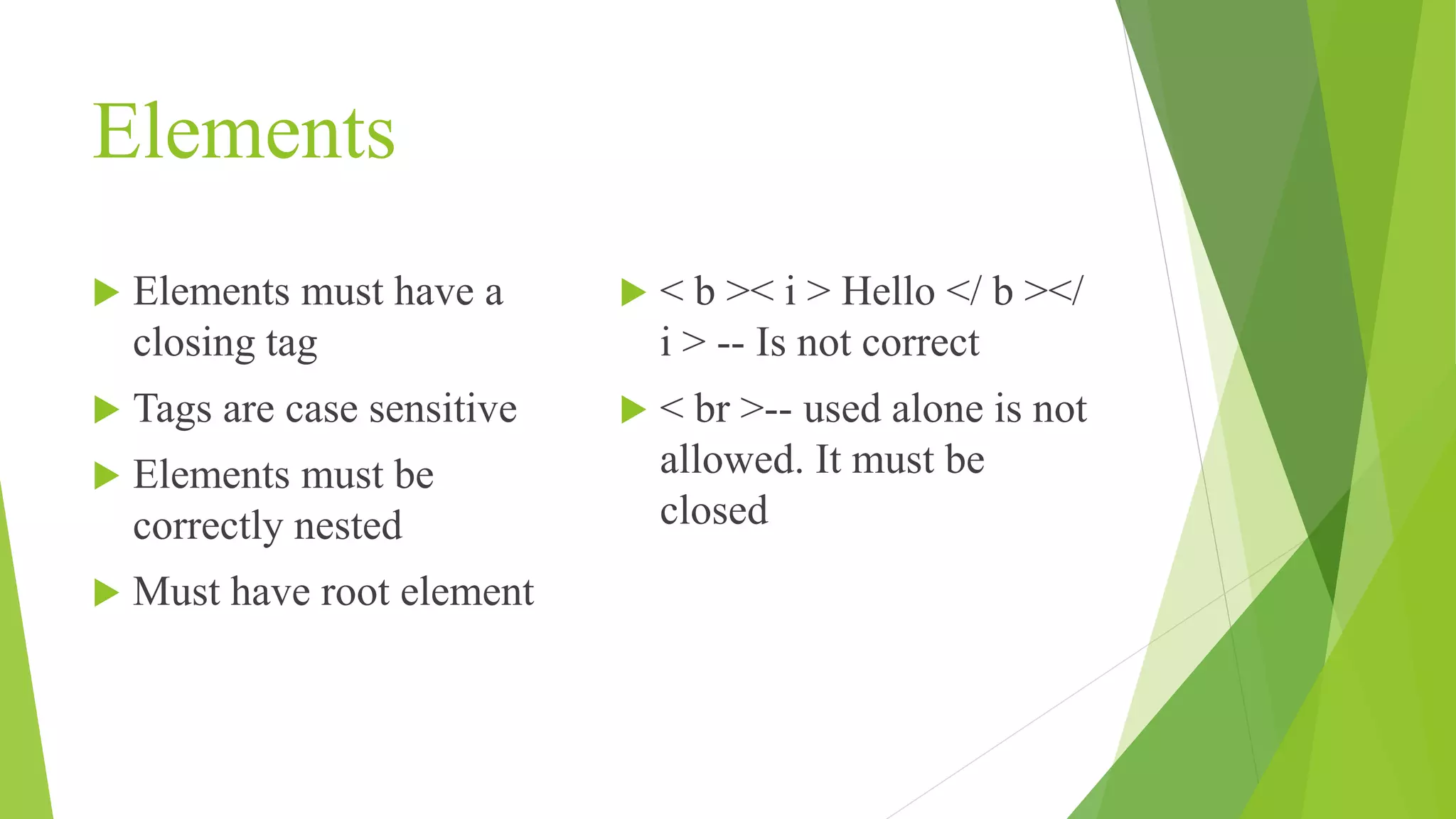
Describes elements in XML, focusing on requirements like closing tags, case sensitivity, correct nesting, and root element necessity.
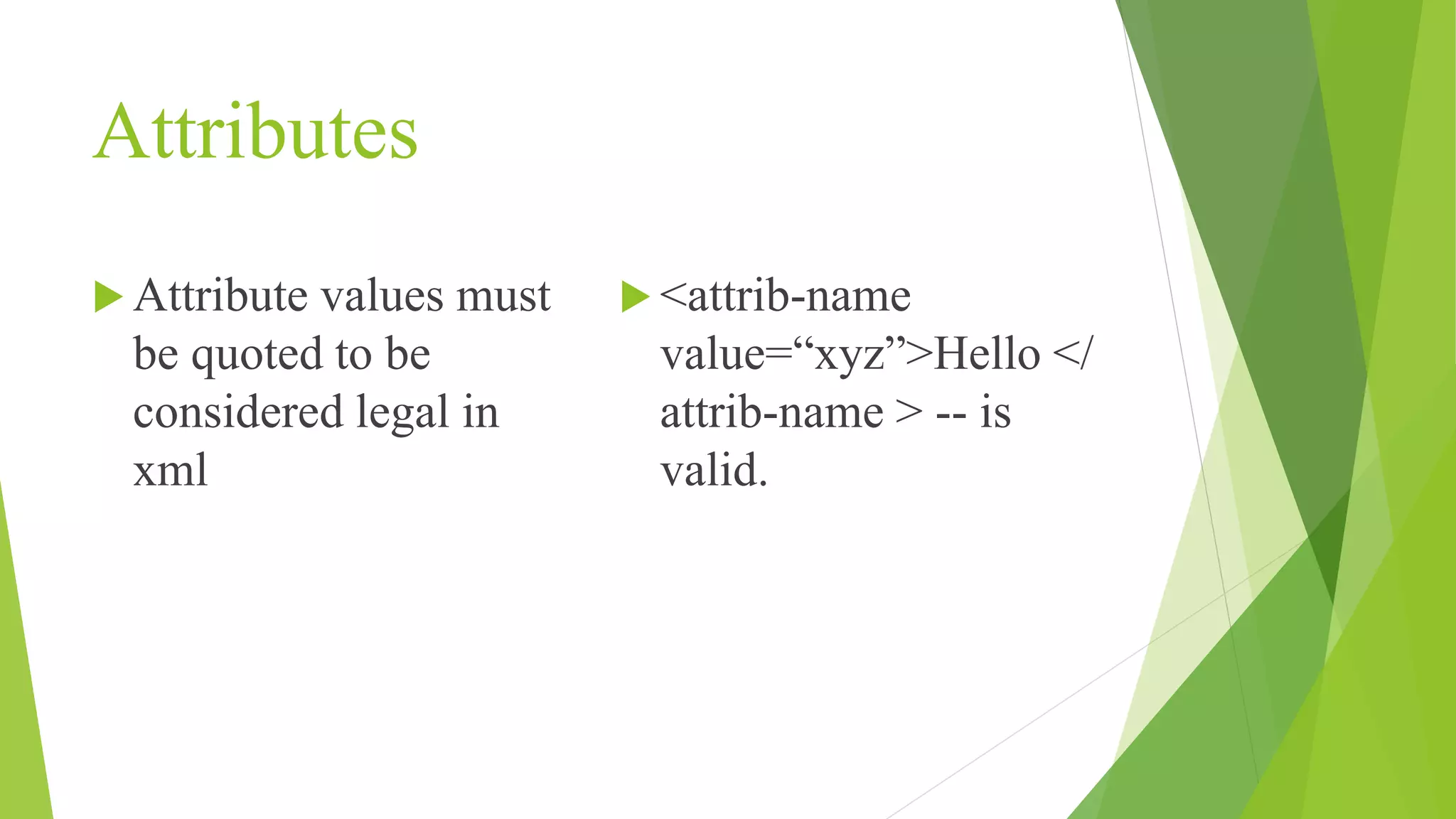
Explains XML attributes, emphasizing the necessity of quoting attribute values for legal syntax.
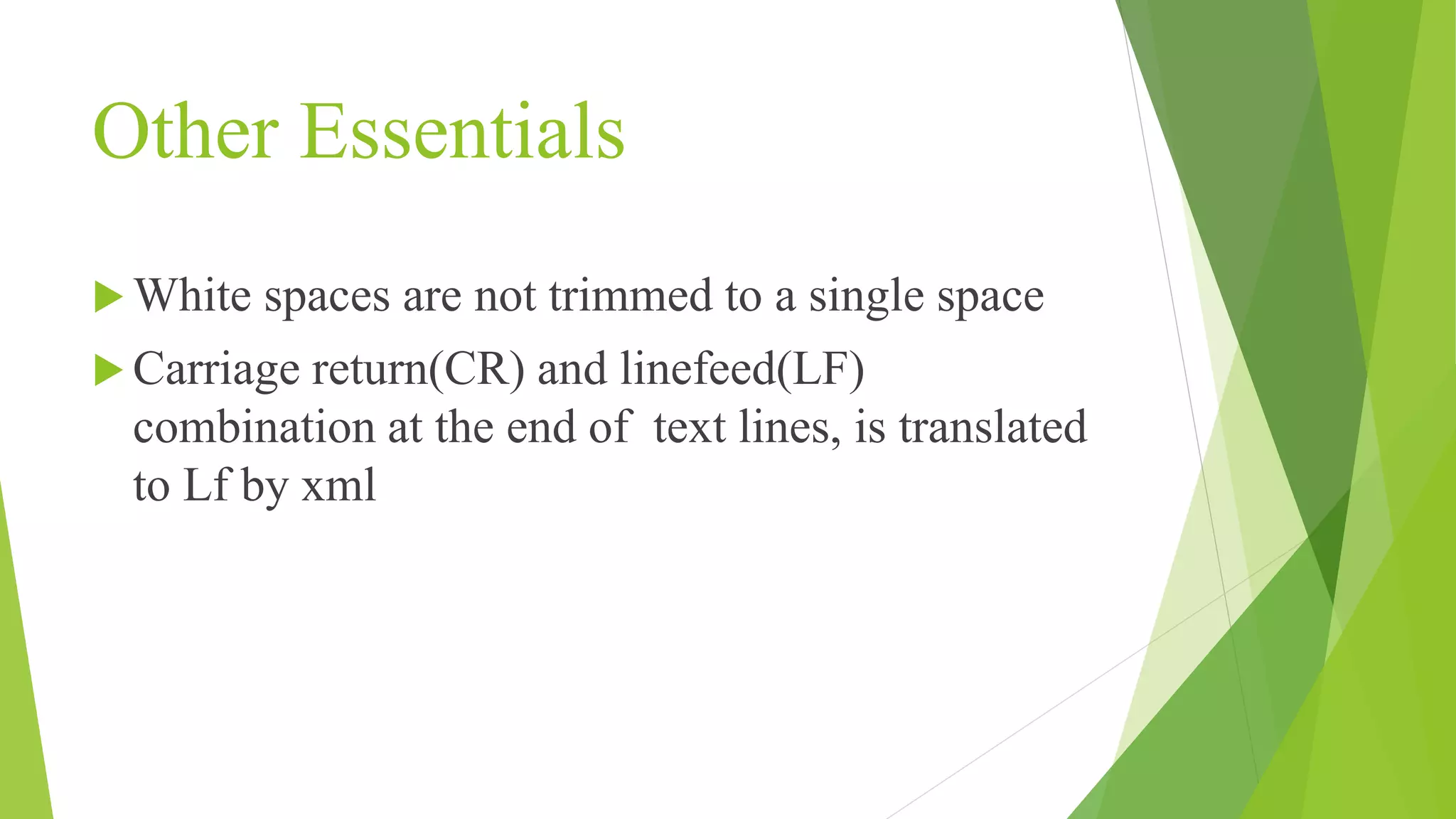
Covers additional aspects of XML including whitespace handling and line endings in text.
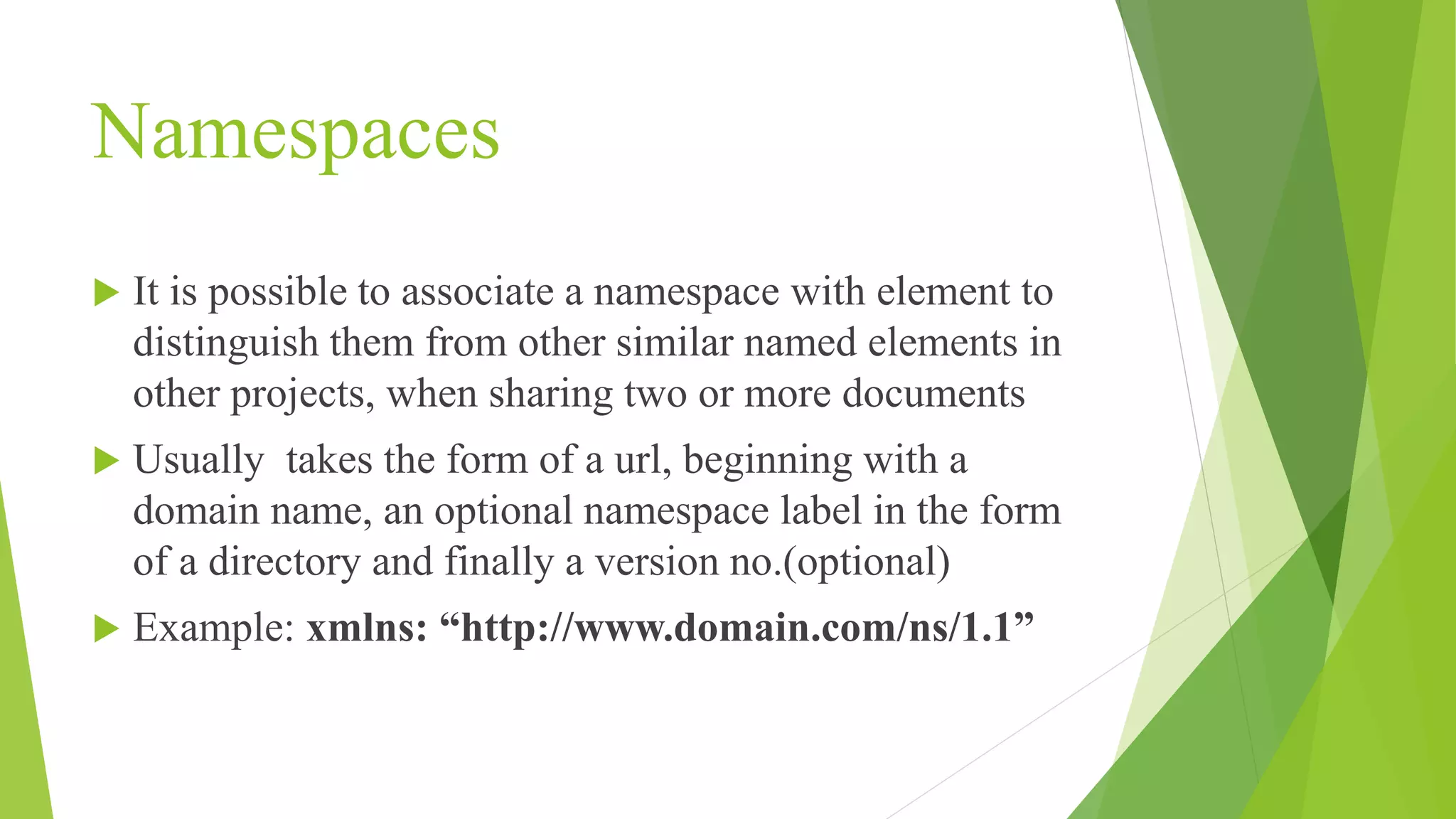
Explains the concept of namespaces in XML, their importance in distinguishing elements, and typical structure.
Introduces DTD for defining XML structure, including element sequence and data parsing rules.
Presents a DTD example (memo.dtd) and its application in an XML document to structure data.
Explains the components of a DTD defining a memo document, detailing elements and their data types.
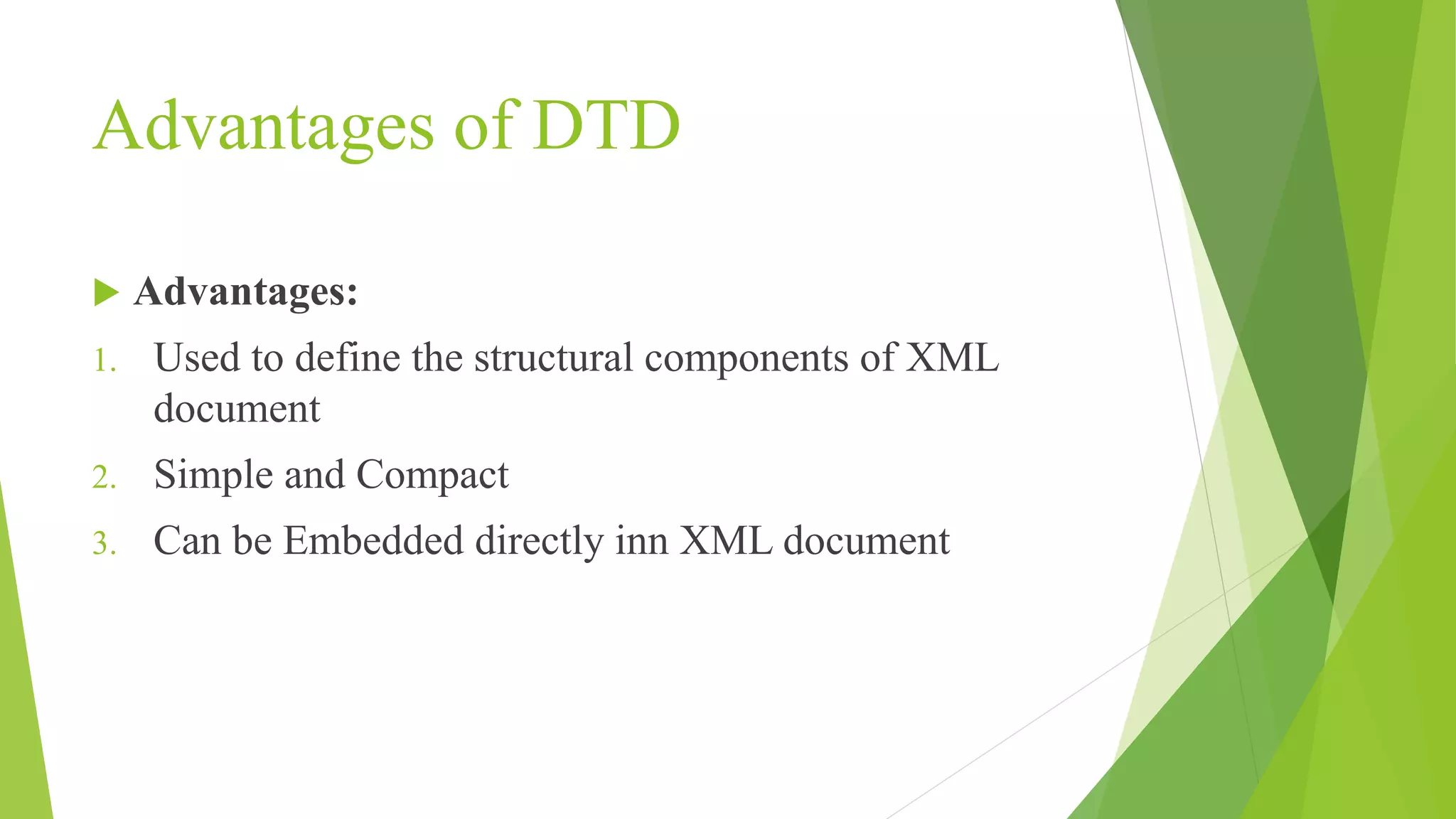
Lists advantages of using DTDs in XML, emphasizing structural definition, simplicity, and embedding capabilities.
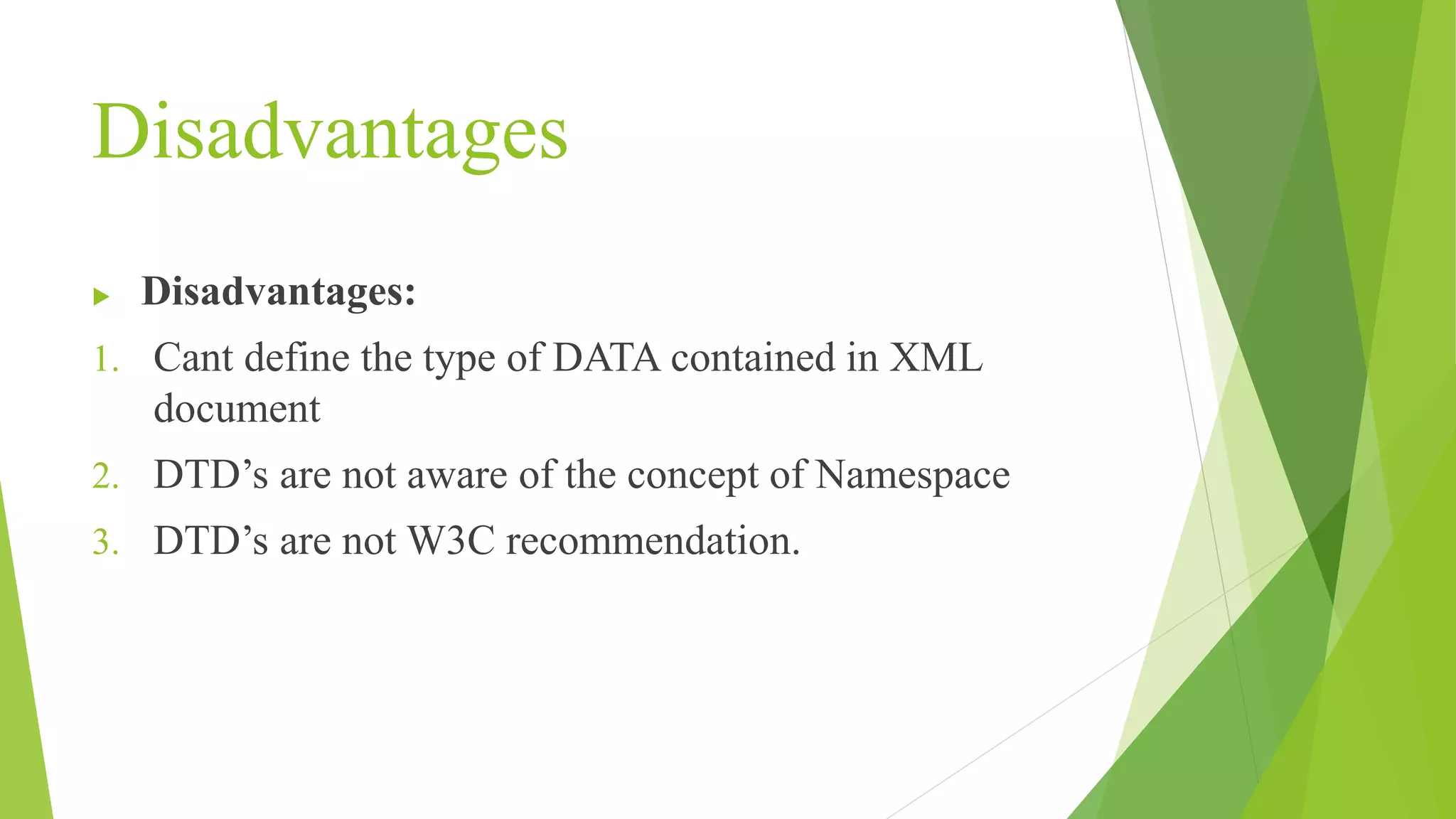
Discusses disadvantages of DTDs including type definition limitations, namespace awareness, and W3C recommendation status.
XML- eXtensible Mark-upLanguage Xml provides data storage and transportation facility. In xml there are no predefined tags. All the tags are user-defined. It is a language which describes other languages
3.
Advantages of XML It is readable by both- humans and machines It is self documenting Independent of OS Used to display meta contents Useful in exchanging data between applications Neutral language
Elements Elements musthave a closing tag Tags are case sensitive Elements must be correctly nested Must have root element < b >< i > Hello </ b ></ i > -- Is not correct < br >-- used alone is not allowed. It must be closed
6.
Attributes Attribute valuesmust be quoted to be considered legal in xml <attrib-name value=“xyz”>Hello </ attrib-name > -- is valid.
7.
Other Essentials Whitespaces are not trimmed to a single space Carriage return(CR) and linefeed(LF) combination at the end of text lines, is translated to Lf by xml
8.
Namespaces It ispossible to associate a namespace with element to distinguish them from other similar named elements in other projects, when sharing two or more documents Usually takes the form of a url, beginning with a domain name, an optional namespace label in the form of a directory and finally a version no.(optional) Example: xmlns: “http://www.domain.com/ns/1.1”
9.
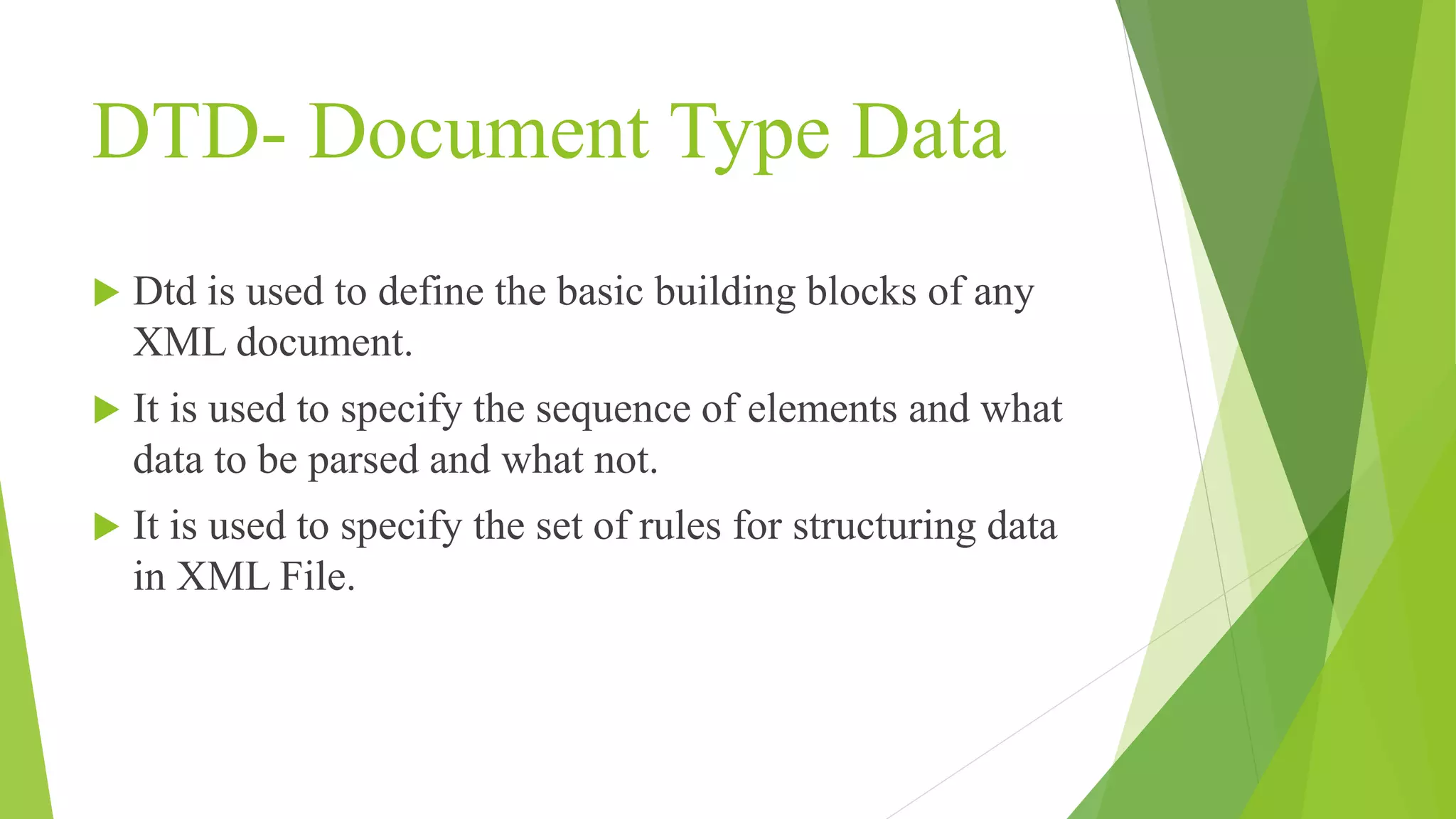
DTD- Document TypeData Dtd is used to define the basic building blocks of any XML document. It is used to specify the sequence of elements and what data to be parsed and what not. It is used to specify the set of rules for structuring data in XML File.
10.
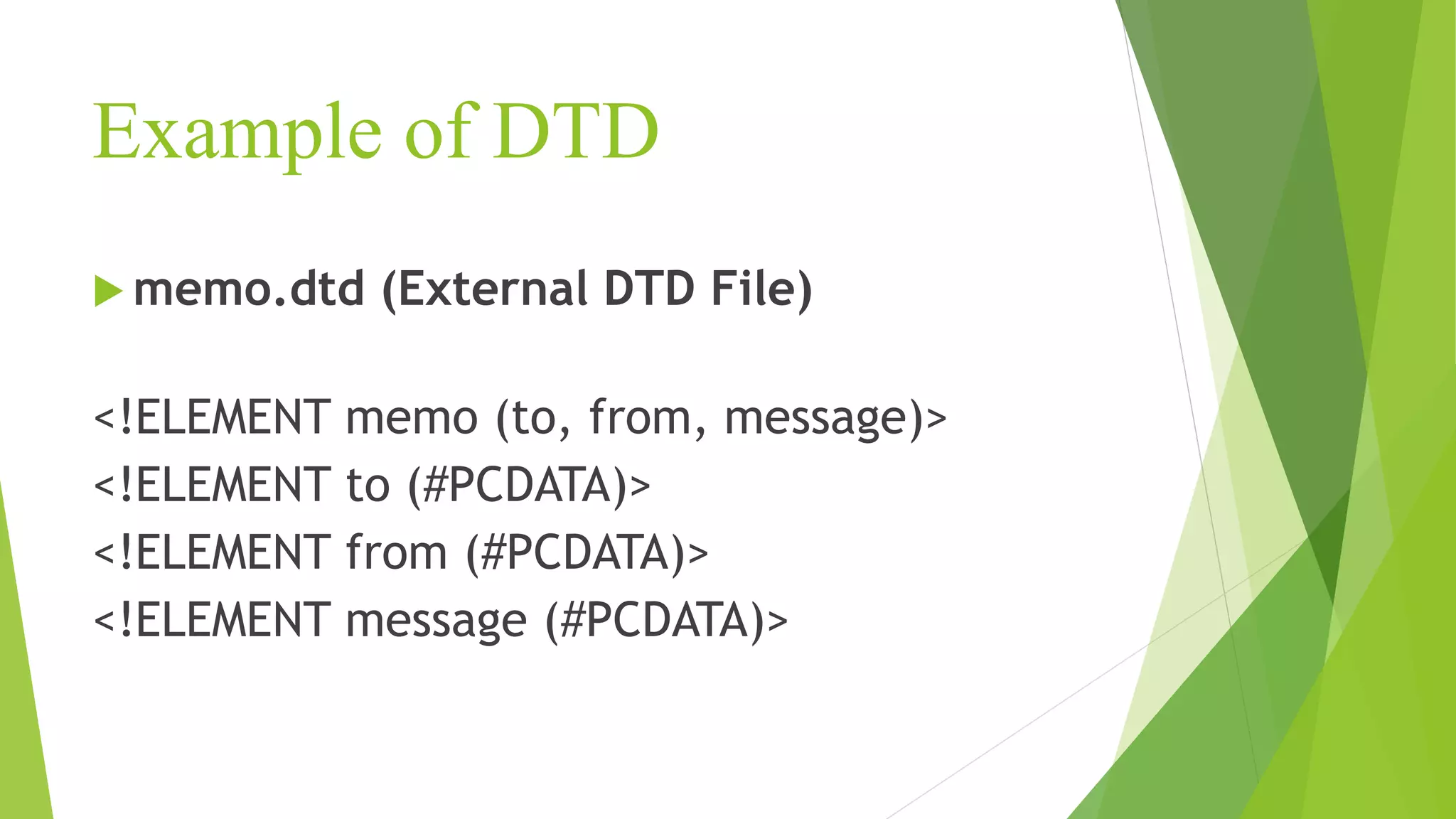
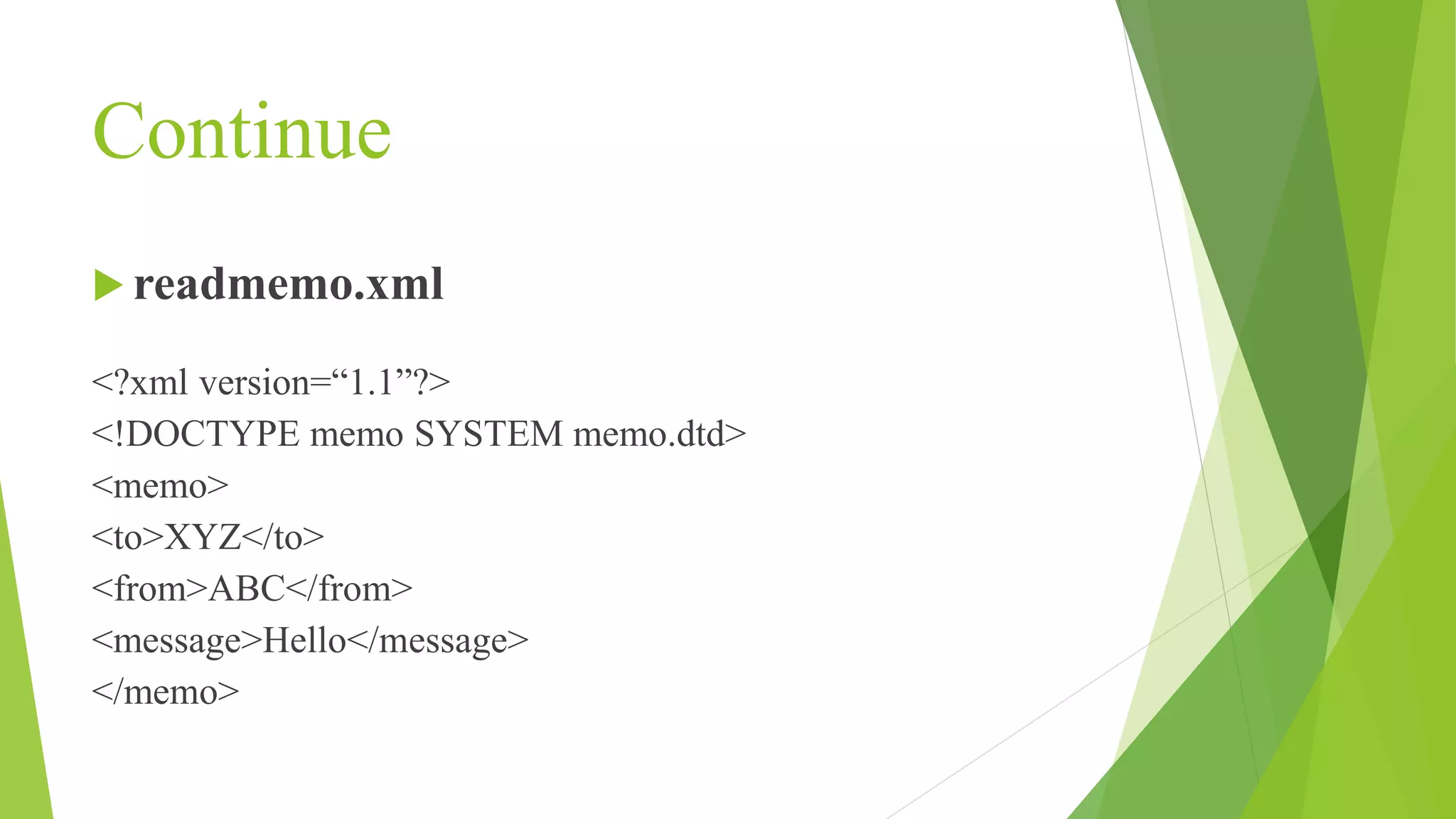
Example of DTD memo.dtd (External DTD File) <!ELEMENT memo (to, from, message)> <!ELEMENT to (#PCDATA)> <!ELEMENT from (#PCDATA)> <!ELEMENT message (#PCDATA)>
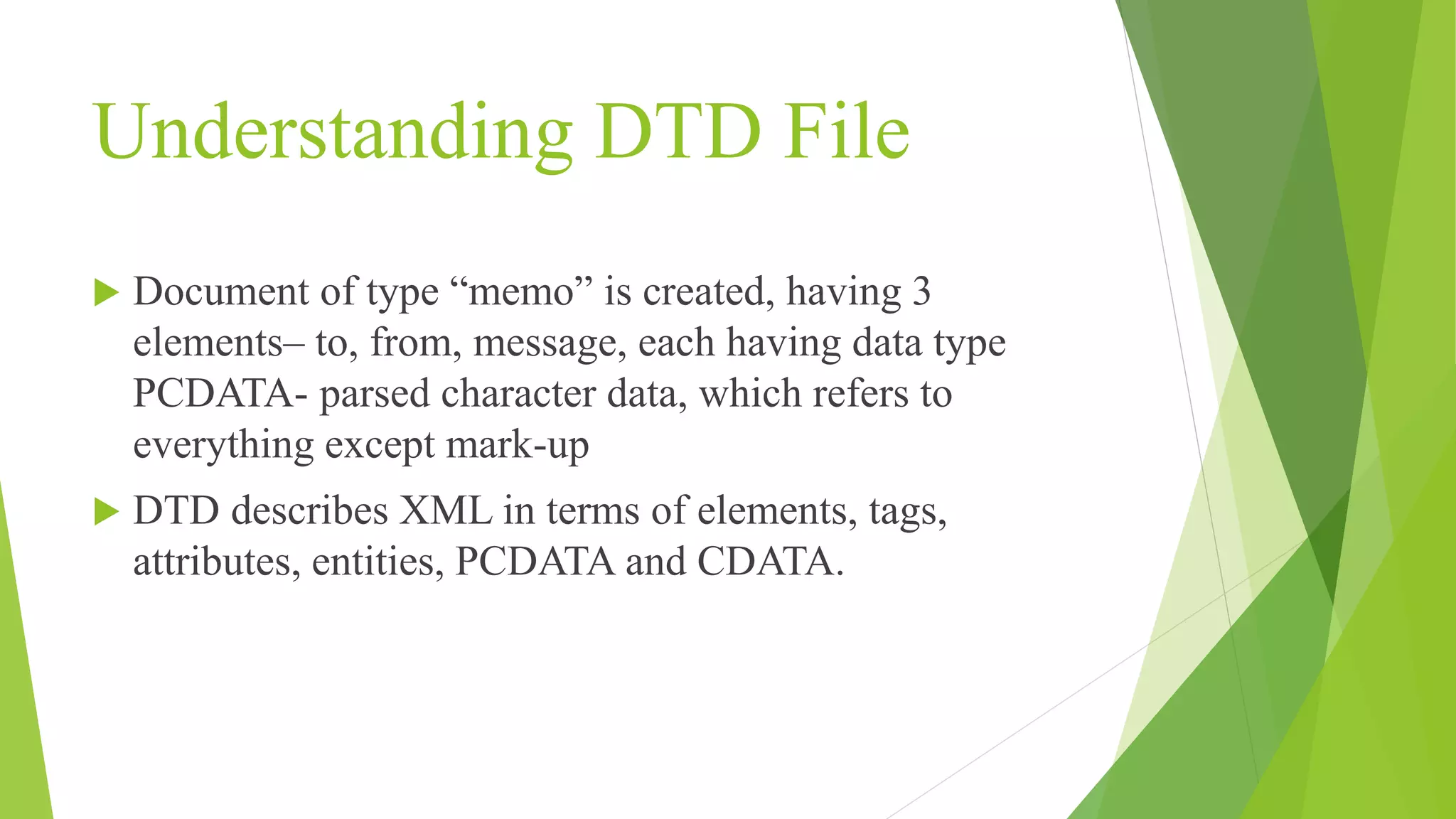
Understanding DTD File Document of type “memo” is created, having 3 elements– to, from, message, each having data type PCDATA- parsed character data, which refers to everything except mark-up DTD describes XML in terms of elements, tags, attributes, entities, PCDATA and CDATA.
13.
Advantages of DTD Advantages: 1. Used to define the structural components of XML document 2. Simple and Compact 3. Can be Embedded directly inn XML document
14.
Disadvantages Disadvantages: 1. Cantdefine the type of DATA contained in XML document 2. DTD’s are not aware of the concept of Namespace 3. DTD’s are not W3C recommendation.