
Fast TexturingFor 3D ModelsIn Seconds
Trusted by Game Developers, ArchViz Artists, Studios, and Freelancers. Ready to save days of work?
100% private
NDA-safe
Up to 4K texture maps
No training on your assets
Production-ready PBR maps
Ready for game engines and 3D software
Featured on
YouTube
Product Hunt
X/Twitter
Reddit
Three focused steps to textured assets
TextureFast keeps the process tight: bring the model, describe the target look,and get a textured result back without bouncing through a long manual production chain.
Drop a 3D modelDescribe the lookGet textured 3D model
Real examples from existing models
Every result below starts from an actual 3D asset and shows how fast it can shift styles,without rebuilding the mesh or spending hours painting materials by hand.
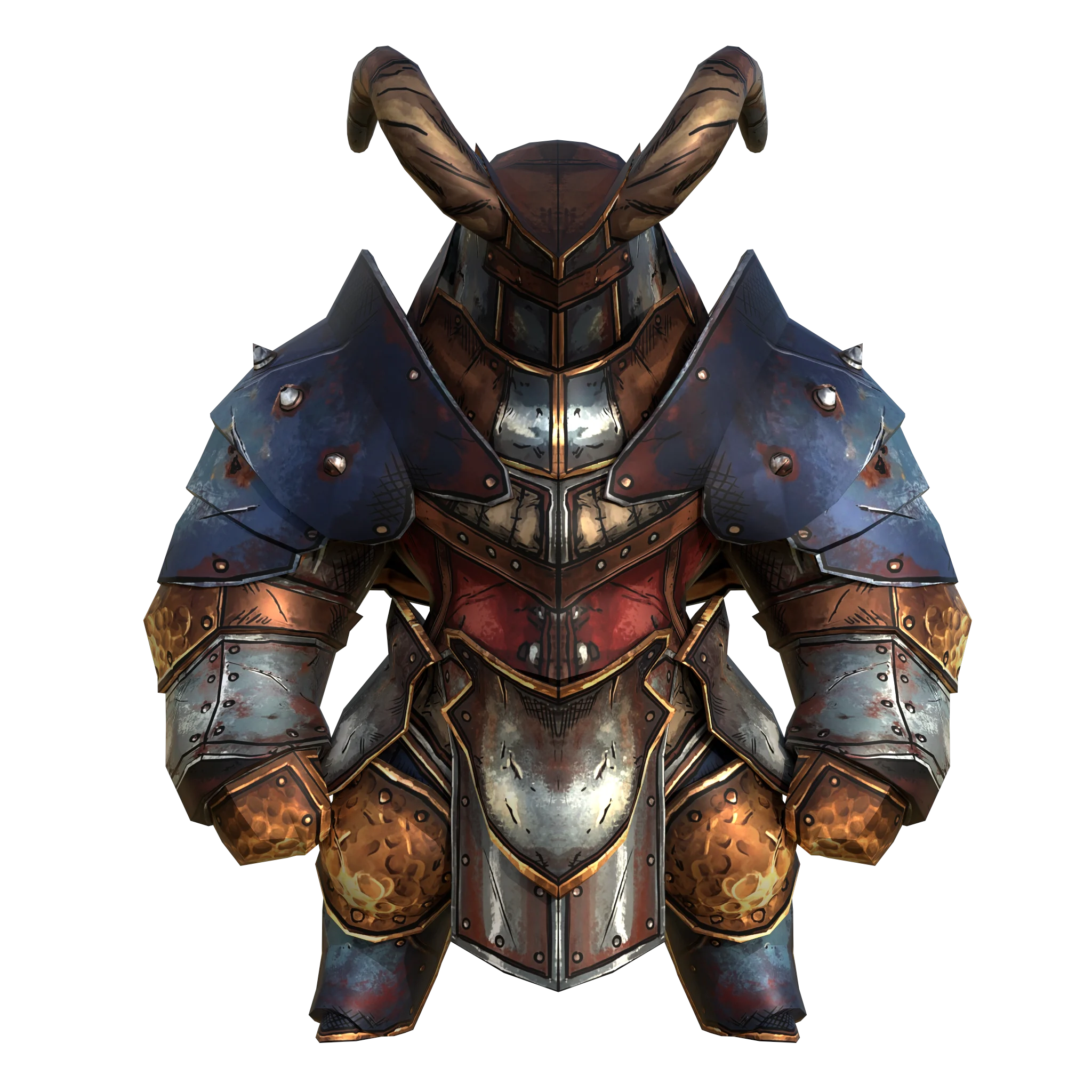
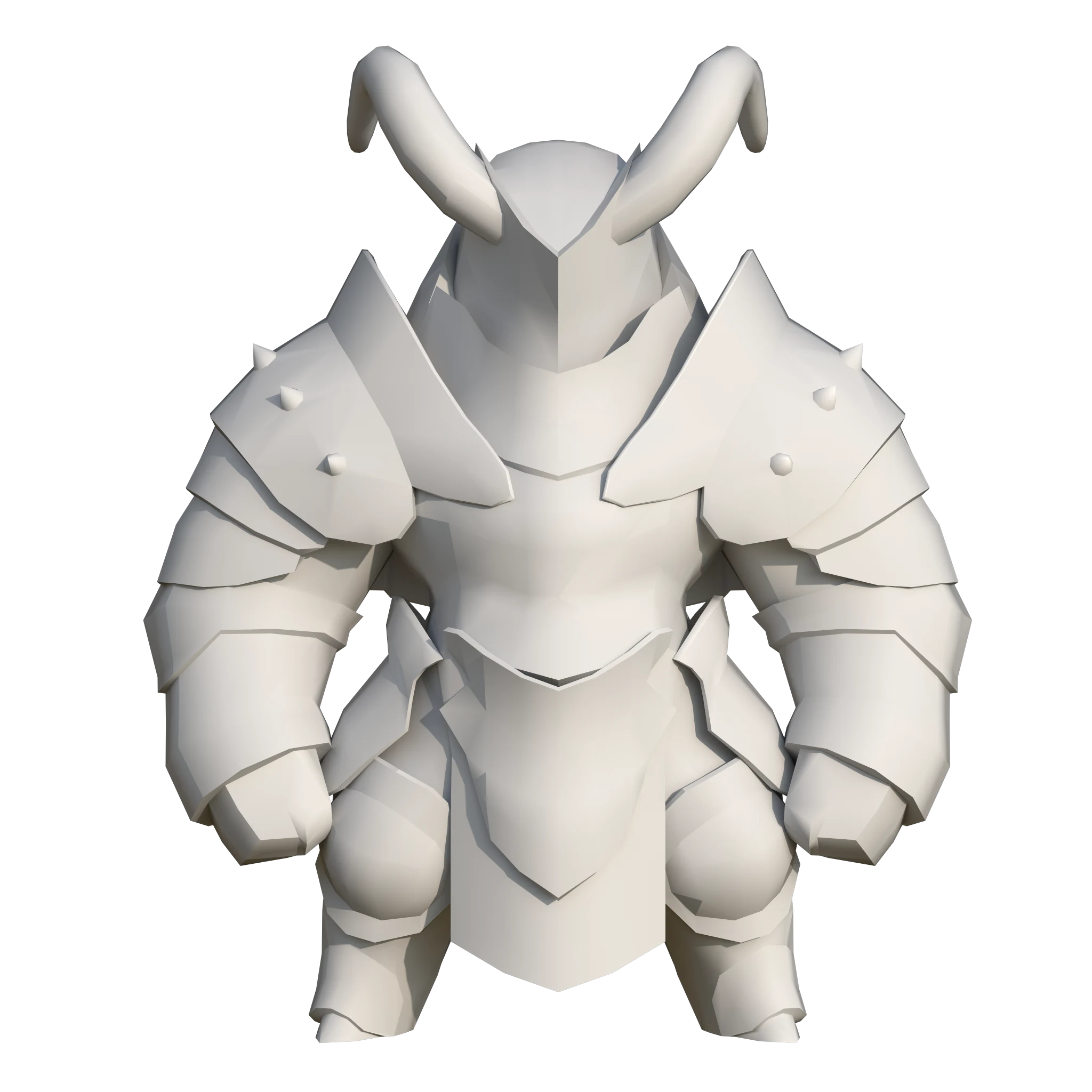
Before
3D model: thanhtp
Style: Borderlands style
Generated in 58s
Model: Senior
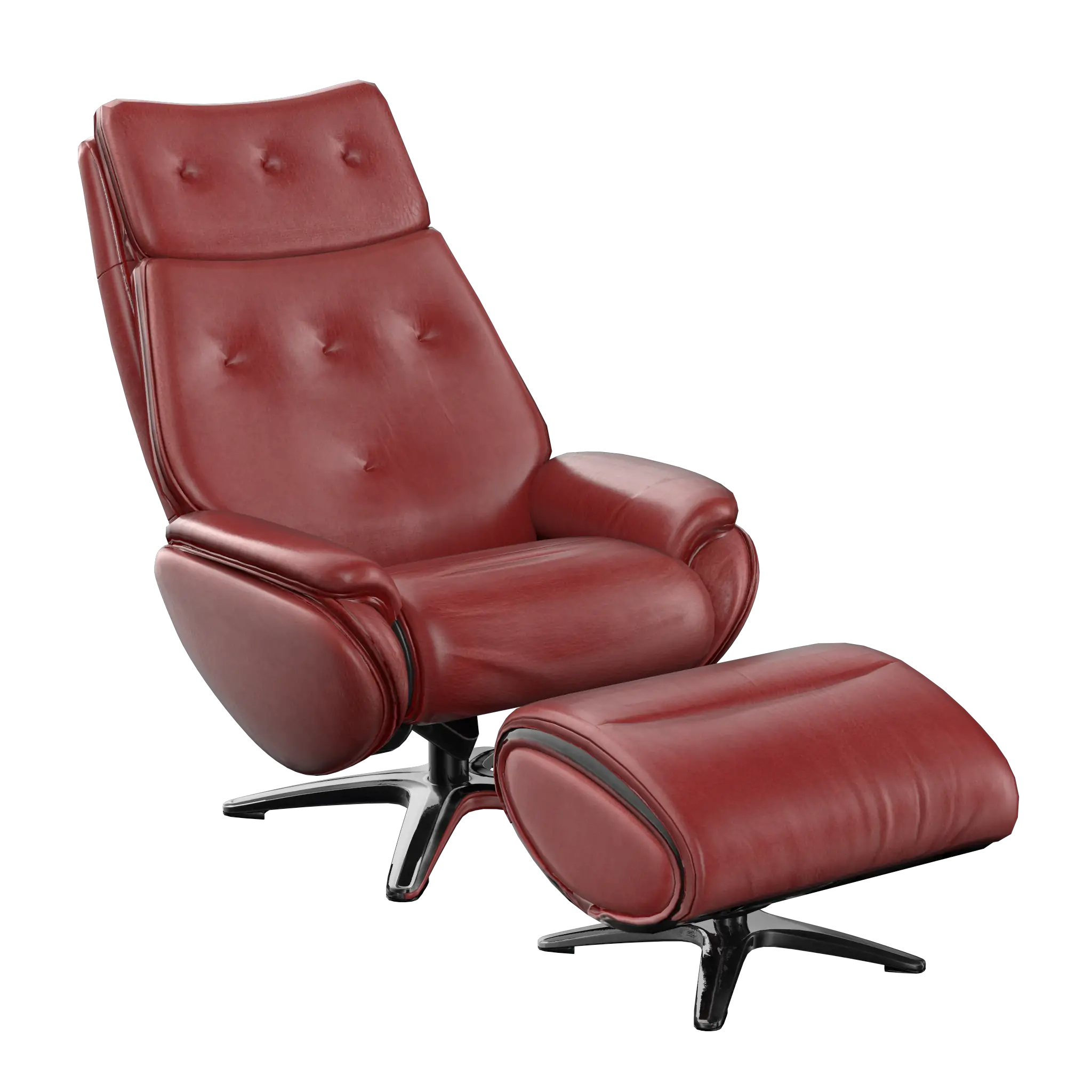
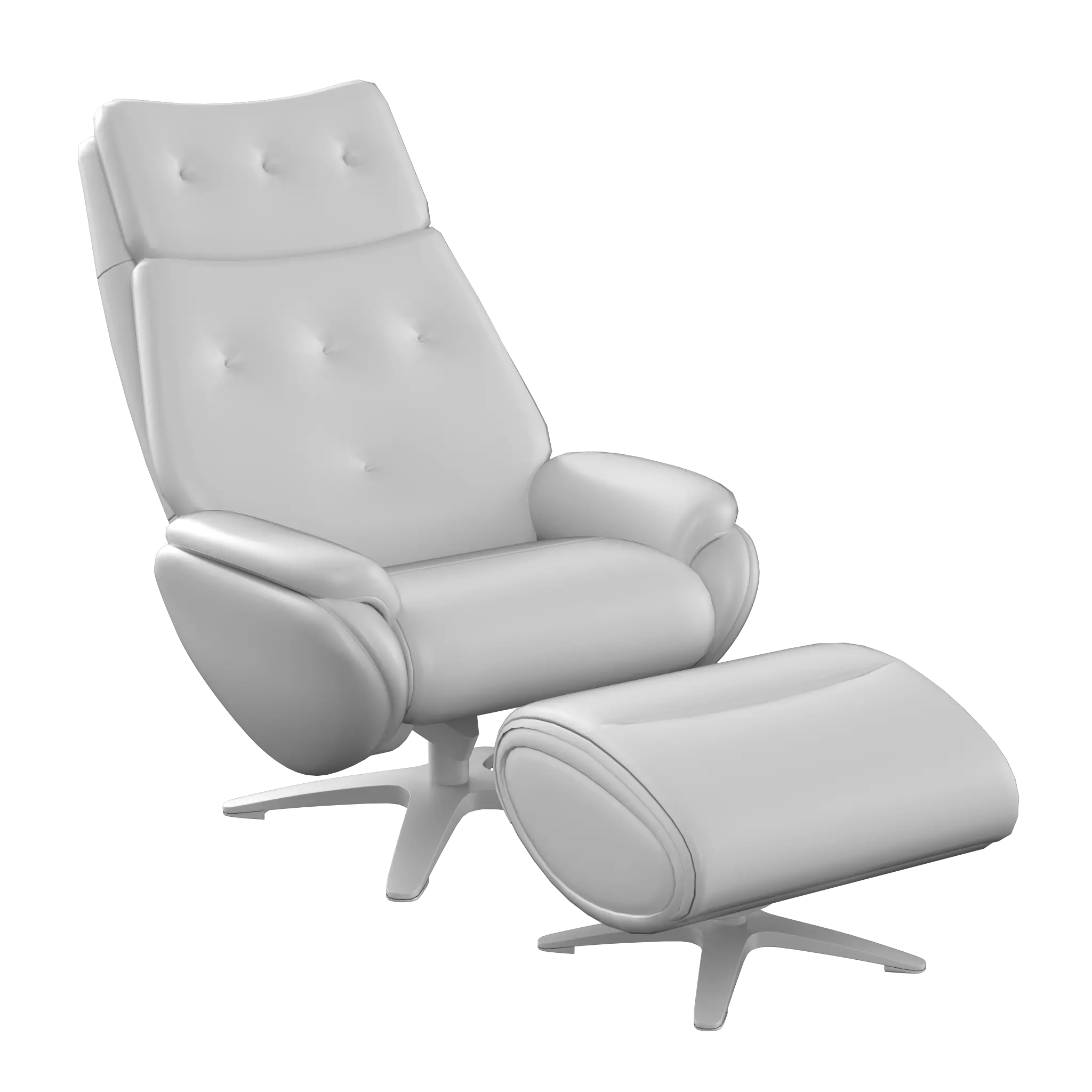
Before
3D model: Chenchanchong
Style: AAA Photorealistic
Generated in 59s
Model: Mid
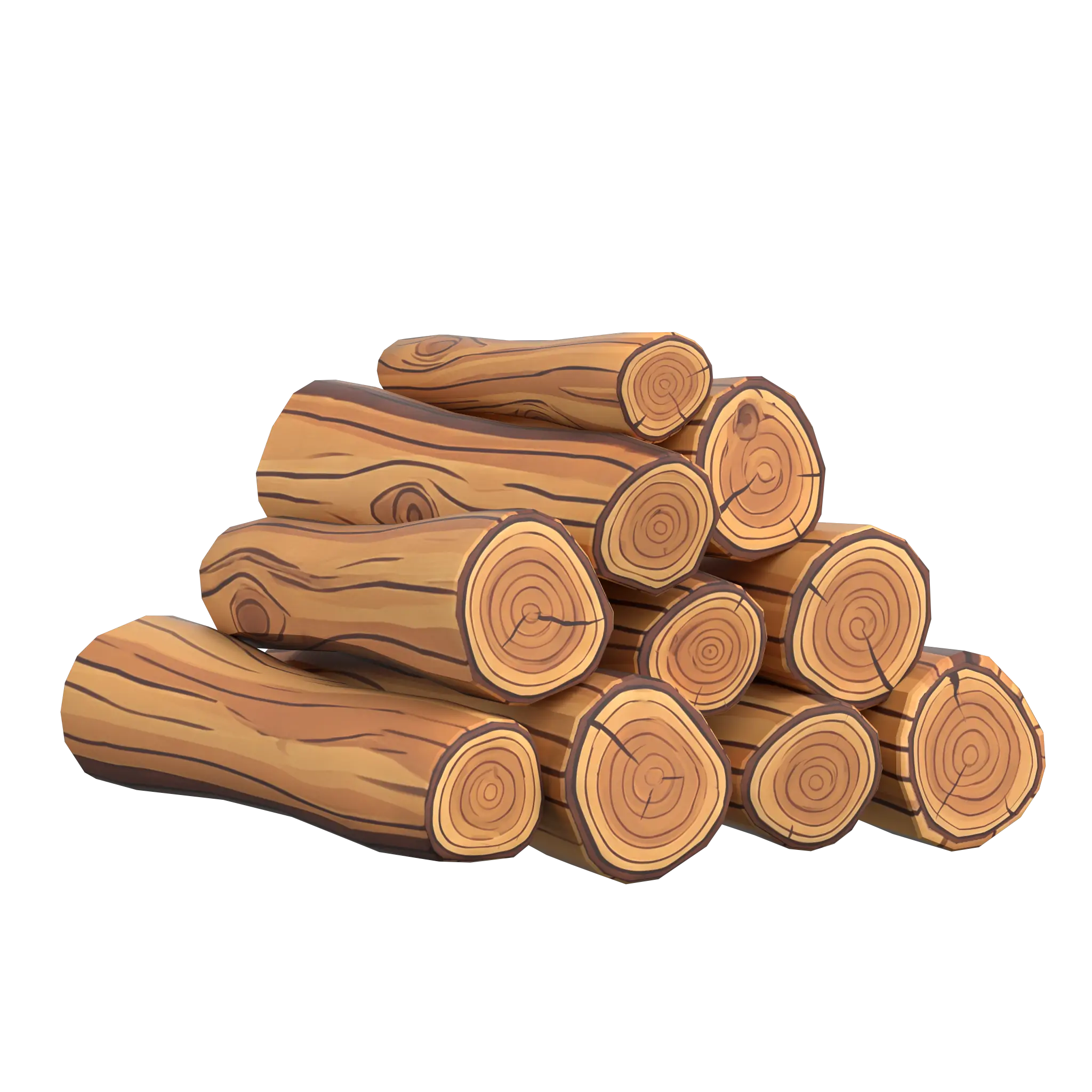
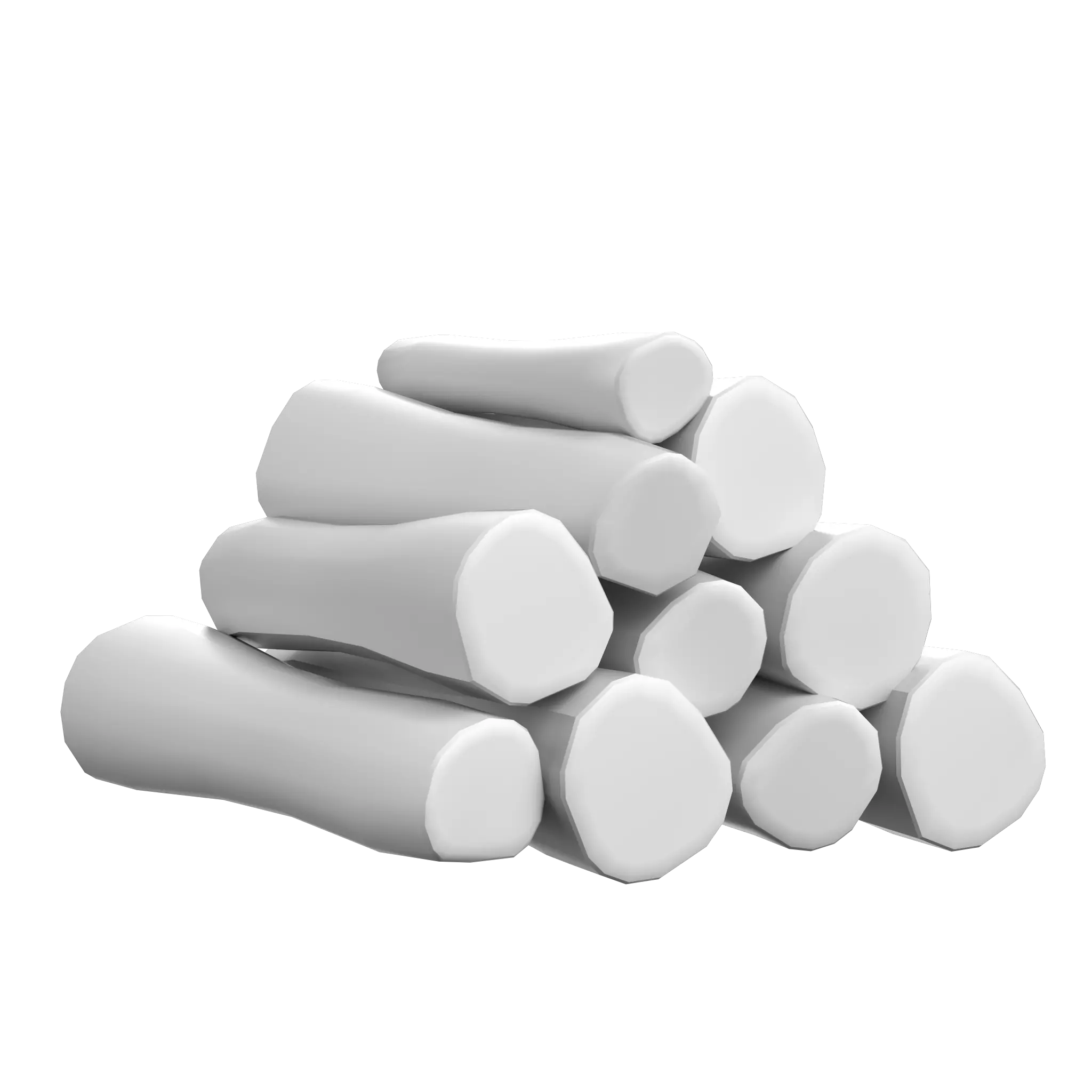
Before
3D model: Aparicio Silva 3D
Style: Cartoon
Generated in 71s
Model: Mid
Before
3D model: 3dimentionalben
Style: AAA Photorealistic
Generated in 45s
Model: Senior
Before
3D model: mikecaps
Style: Anime / Manga
Generated in 77s
Model: Mid
Before
3D model: McCarthy3D
Style: Pixel Art
Generated in 57s
Model: Senior
Before
3D model: Giora
Style: AAA Photorealistic
Generated in 53s
Model: Mid
Before
3D model: romanyukart
Style: AAA Stylized
Generated in 57s
Model: Mid
Before
3D model: Happymiel4
Style: AAA Photorealistic
Generated in 40s
Model: Mid
Before
3D model: iChill
Style: Hand-painted
Generated in 44s
Model: Mid
Before
3D model: Derek Flanagan
Style: Casual / Mobile Style
Generated in 66s
Model: Mid
Before
3D model: Incg5764
Style: Low-Poly Stylized
Generated in 72s
Model: Junior
Before
3D model: McCarthy3D
Style: Rust Survival Game
Generated in 55s
Model: Senior
Before
3D model: Blender
Style: Minecraft
Generated in 57s
Model: Junior
Before
3D model: Wersaus33
Style: PS1 / Retro 3D style
Generated in 70s
Model: Mid
Before
3D model: AllThingsSaurus
Style: Hand-painted
Generated in 68s
Model: Mid
Before
3D model: kevinruiz
Style: AAA Photorealistic
Generated in 62s
Model: Junior
Before
3D model: Jom
Style: Casual / Mobile Style
Generated in 61s
Model: Senior
Built for existing 3D models,not slow manual pipelines
If you already have the model and need production-ready textures quickly,TextureFast stays focused on the shortest path from upload to export.
Swipe to compare
| Comparison point | TextureFast™ | Substance Painter | AI 3D Suites |
|---|---|---|---|
Time to texture a model | ~30–120 seconds | Hours per asset | Minutes to hours |
Time to become productive | Minutes | Years to master | Hours to learn the workflow |
Workflow complexity | Upload model → Generate → Download | Baking, masking, layers, materials, export pipelines | Multiple steps, modes, prompts, credit settings |
Interface | Focused, simple UI | Complex professional software | Feature-heavy, confusing |
Pricing model | Simple | Expensive subscription + early cancellation penalties | Vary per generation |
Cost predictability | Clear cost per texture | Hard to estimate real cost (software + artist time) | Credits consumed |
Best use case | Fast production-ready textures | Maximum manual control | 3D generation |
Focus of the product | AI texturing for existing 3D models | Manual texturing | AI 3D generation suites |
Speed for large asset batches | Extremely fast | Very slow (manual work per asset) | Moderate |
Required expertise | Beginner friendly | Professional 3D Artist skills | AI workflow knowledge |
TextureFast™
Substance Painter
AI 3D Suites (Meshy / Tripo)
Time to texture a model
~30–120 seconds
Hours per asset
Minutes to hours
Time to become productive
Minutes
Years to master
Hours to learn the workflow
Workflow complexity
Upload model → Generate → Download
Baking, masking, layers, materials, export pipelines
Multiple steps, modes, prompts, credit settings
Interface
Focused, simple UI
Complex professional software
Feature-heavy, confusing
Pricing model
Simple
Expensive subscription + early cancellation penalties
Vary per generation
Cost predictability
Clear cost per texture
Hard to estimate real cost (software + artist time)
Credits consumed
Best use case
Fast production-ready textures
Maximum manual control
3D generation
Focus of the product
AI texturing for existing 3D models
Manual texturing
AI 3D generation suites
Speed for large asset batches
Extremely fast
Very slow (manual work per asset)
Moderate
Required expertise
Beginner friendly
Professional 3D Artist skills
AI workflow knowledge
Frequently Asked Questions
How does TextureFast work?
Using TextureFast is like wielding a magic wand! Simply upload any UV-unwrapped 3D model, and TextureFast will generate a high-quality PBR textures for you. You'll guide the texture generation process by providing descriptions and selecting a style, such as AAA Photorealistic, Handpainted, Pixel Art, or AAA Stylized style, among others. This allows you to dictate the nuances of the AI's texture generation process.
Read full answerWhat is UV unwrapping and do I need it?
What file formats do you support?
Is TextureFast user-friendly for beginners?
Who benefits from using TextureFast's AI texture generator?
Can textures generated by TextureFast contain issues?
Can I use the textures commercially?
Is the payment process secure?
Which payment methods are accepted?
Can I get a refund?
Ready to Transform Your 3D Texturing Workflow?
Join Game Developers and Designers saving days of work with our AI-powered texture generator and texture your 3D models in seconds.
10K+
Textures Generated
PBR
Production-Ready
4K
Max Resolution
<50s
Avg. Generation Time