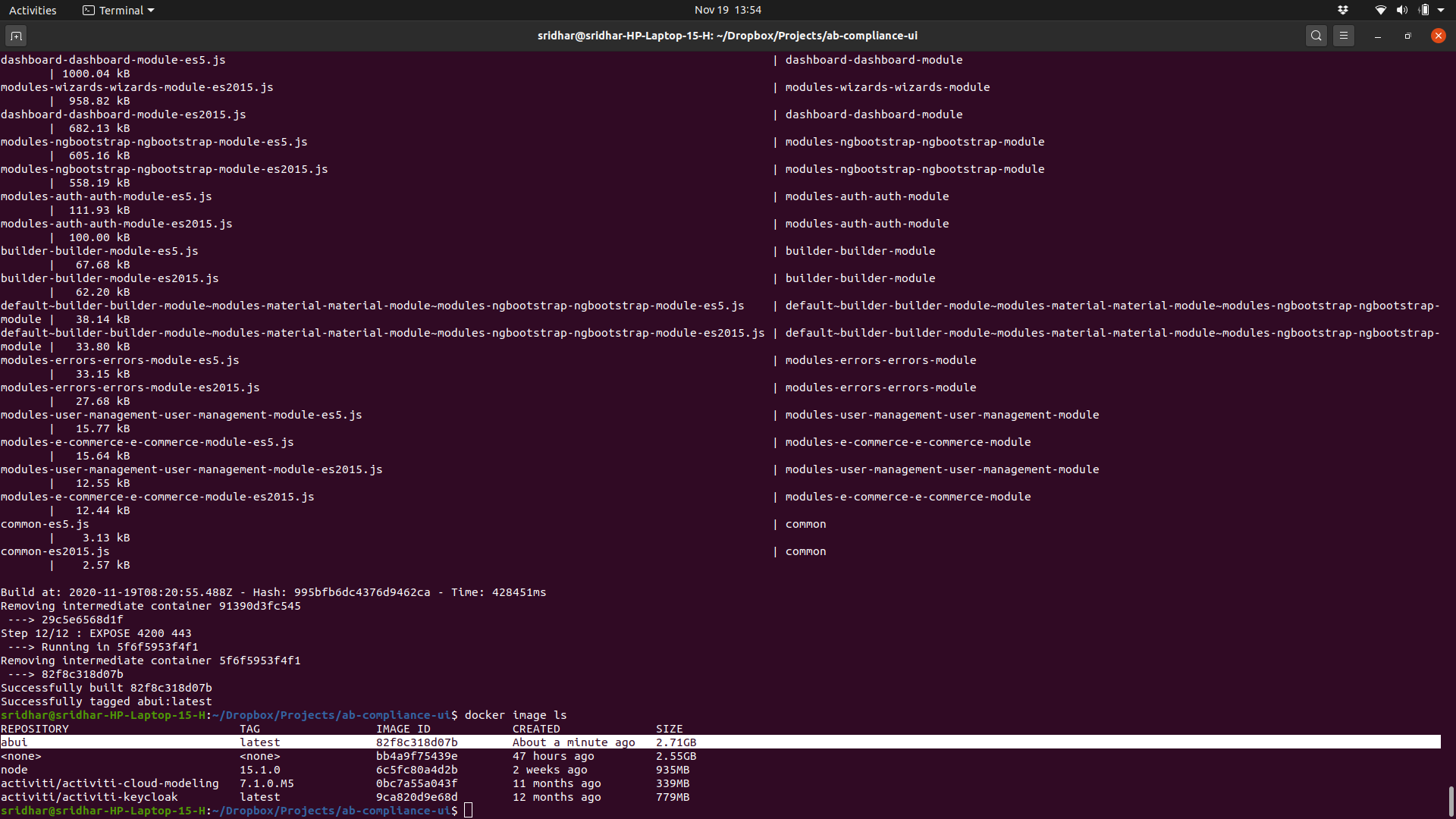
I am trying to create an image for my angular application for running unit and e2e tests. I started from the ubuntu image and then installed the other components. My dockerfile has the following statements.
FROM ubuntu:focal-20201008 RUN apt update && apt install -y \ nginx \ nodejs \ npm \ && npm install -g @angular/[email protected] \ && rm -rf /var/lib/apt/lists/* When I build the image using
sridhar@sridhar-HP-Laptop-15-H:~/abui/$ docker build --tag abui . I get the following message (last few lines pasted here)
npm WARN deprecated [email protected]: request has been deprecated, see https://github.com/request/request/issues/3142 npm WARN deprecated [email protected]: this library is no longer supported /usr/local/bin/ng -> /usr/local/lib/node_modules/@angular/cli/bin/ng > @angular/[email protected] postinstall /usr/local/lib/node_modules/@angular/cli > node ./bin/postinstall/script.js The command '/bin/sh -c apt update && apt install -y nginx nodejs npm && npm install -g @angular/[email protected] && rm -rf /var/lib/apt/lists/*' returned a non-zero code: 1 P.S. I don't want to start from the node docker image as of now