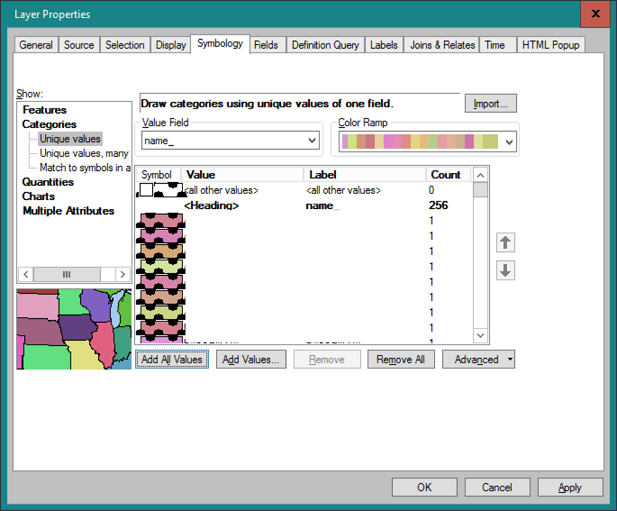
In ArcGIS Desktop 10.7 I am attempting to make a custom border for each polygon where there is a:
- shared, custom border
- unique border color
- transparent fill
Here is what I tried: In Properties under the Symbology tab I selected Categories: Unique Values. The default settings shows <all other values> and I edited the symbol to create the custom border. Then I 'Add All Values' and the features populate with the custom border. However, the selected Color Ramp does not apply to the border but instead to the fill. Each border is black with a unique fill.