A typeahead/autocomplete component for React
react-typeahead is a javascript library that provides a react-based typeahead, or autocomplete text entry, as well as a "typeahead tokenizer", a typeahead that allows you to select multiple results.
For a typeahead input:
var Typeahead = require('react-typeahead').Typeahead; React.render(Typeahead({ options: ['John', 'Paul', 'George', 'Ringo'], maxVisible: 2 }));For a tokenizer typeahead input:
var Tokenizer = require('react-typeahead').Tokenizer; React.render(Typeahead({ options: ['John', 'Paul', 'George', 'Ringo'], onTokenAdd: function(token) { console.log('token added: ', token); } }));- Basic Typeahead with Topcoat
- Typeahead Tokenizer with Topcoat
- Typeahead Tokenizer with simple styling
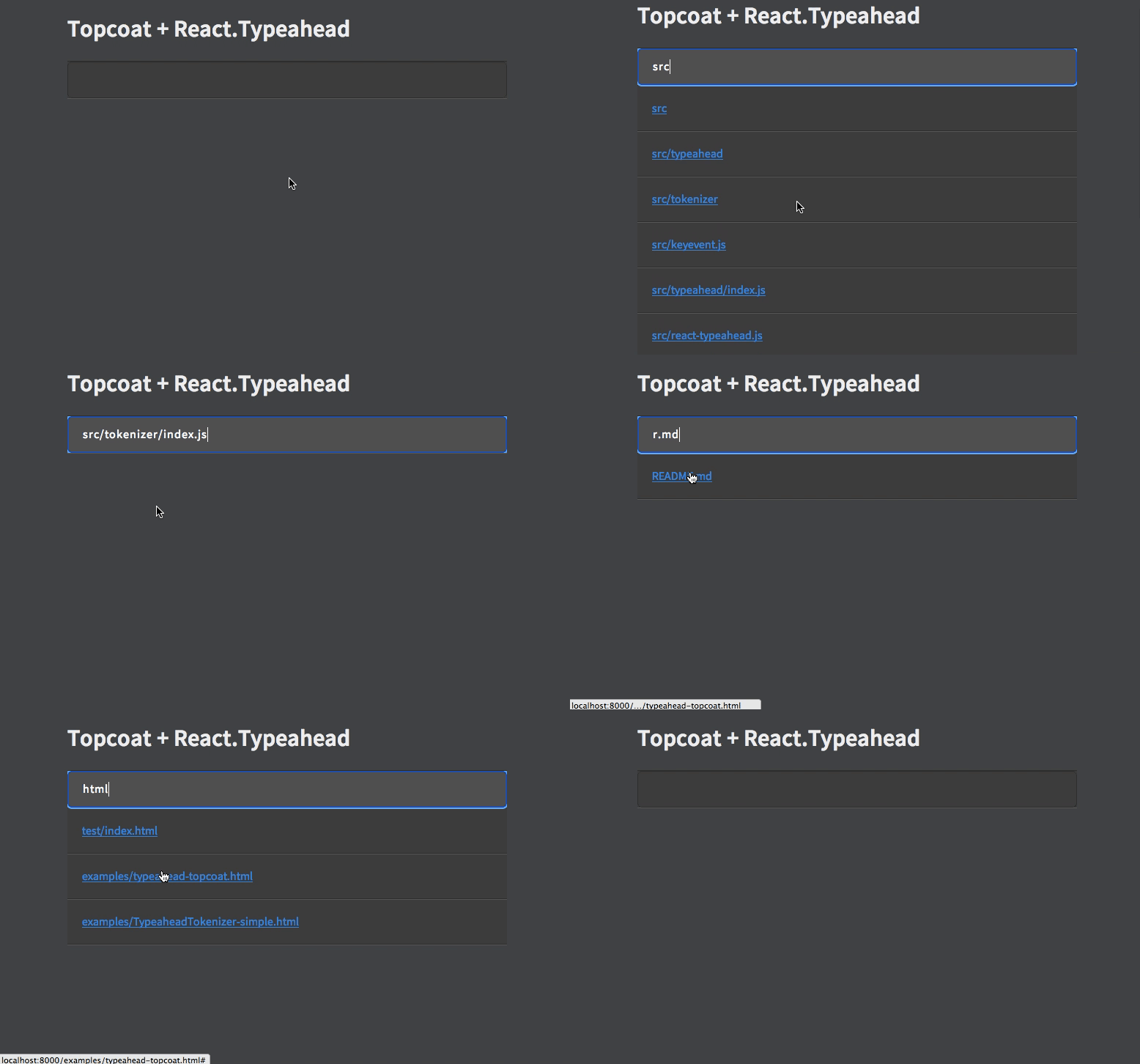
Type: React Component
Basic typeahead input and results list.
Type: Array Default: []
An array supplied to the fuzzy search.
Type: Number
Limit the number of options rendered in the results list.
Type: Object Allowed Keys: input, results, listItem, listAnchor
An object containing custom class names for child elements. Useful for integrating with 3rd party UI kits.
Type: String
Placeholder text for the typeahead input.
Type: Function
Event handler for the keyDown event on the typeahead input.
Type: Function
Event handler triggered whenever a user picks an option
Type: React Component
Typeahead component that allows for multiple options to be selected.
Type: Array Default: []
An array supplied to the fuzzy search.
Type: Number
Limit the number of options rendered in the results list.
Type: Object Allowed Keys: input, results, listItem, listAnchor, typeahead
An object containing custom class names for child elements. Useful for integrating with 3rd party UI kits.
Type: String
Placeholder text for the typeahead input.
Type: Array
A set of values of tokens to be loaded on first render.
Type: Function
Event handler triggered whenever a token is removed.
Type: Function
Event handler triggered whenever a token is removed.