by @KRTirtho
Flutter platform specific UI widgets
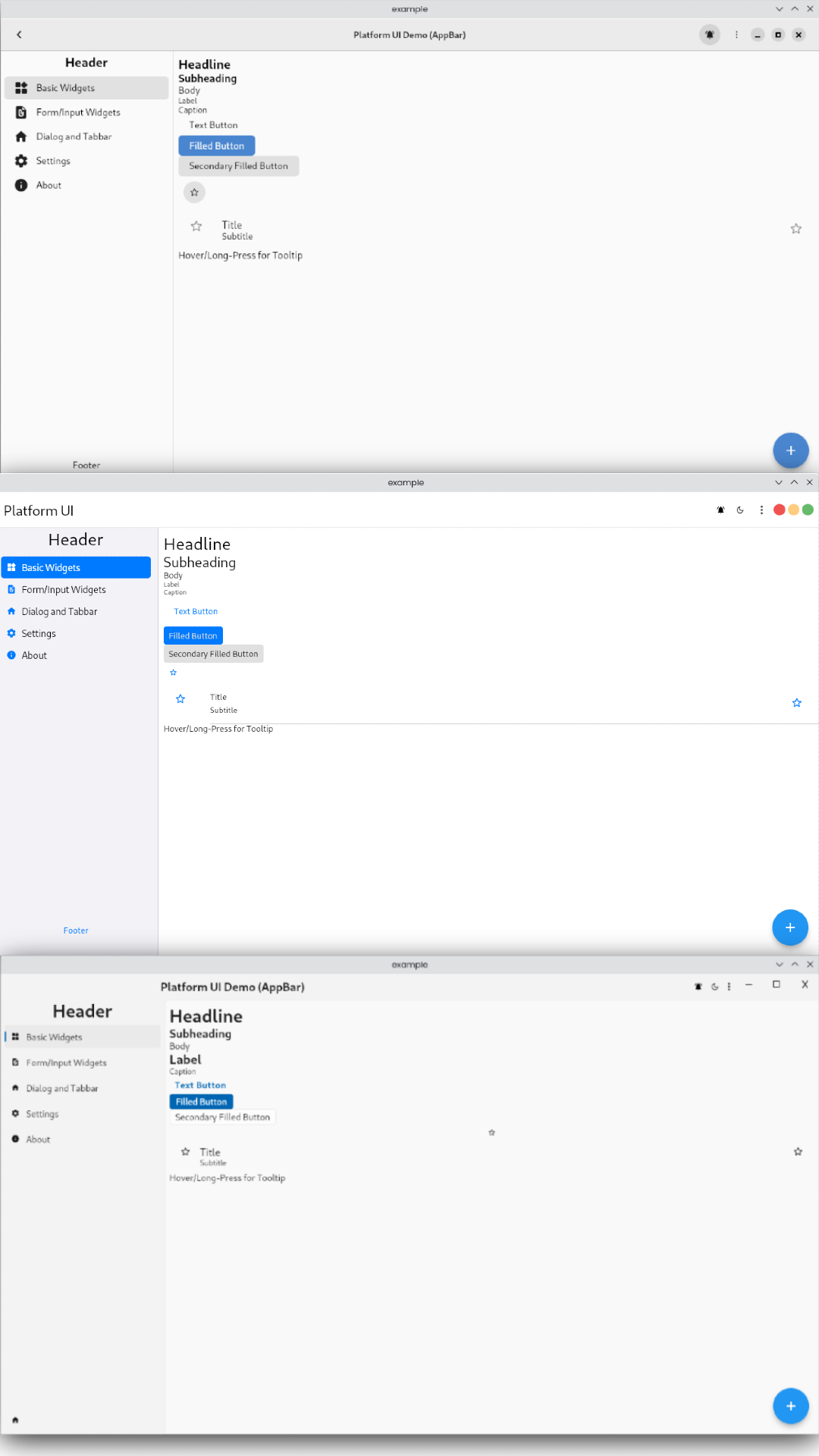
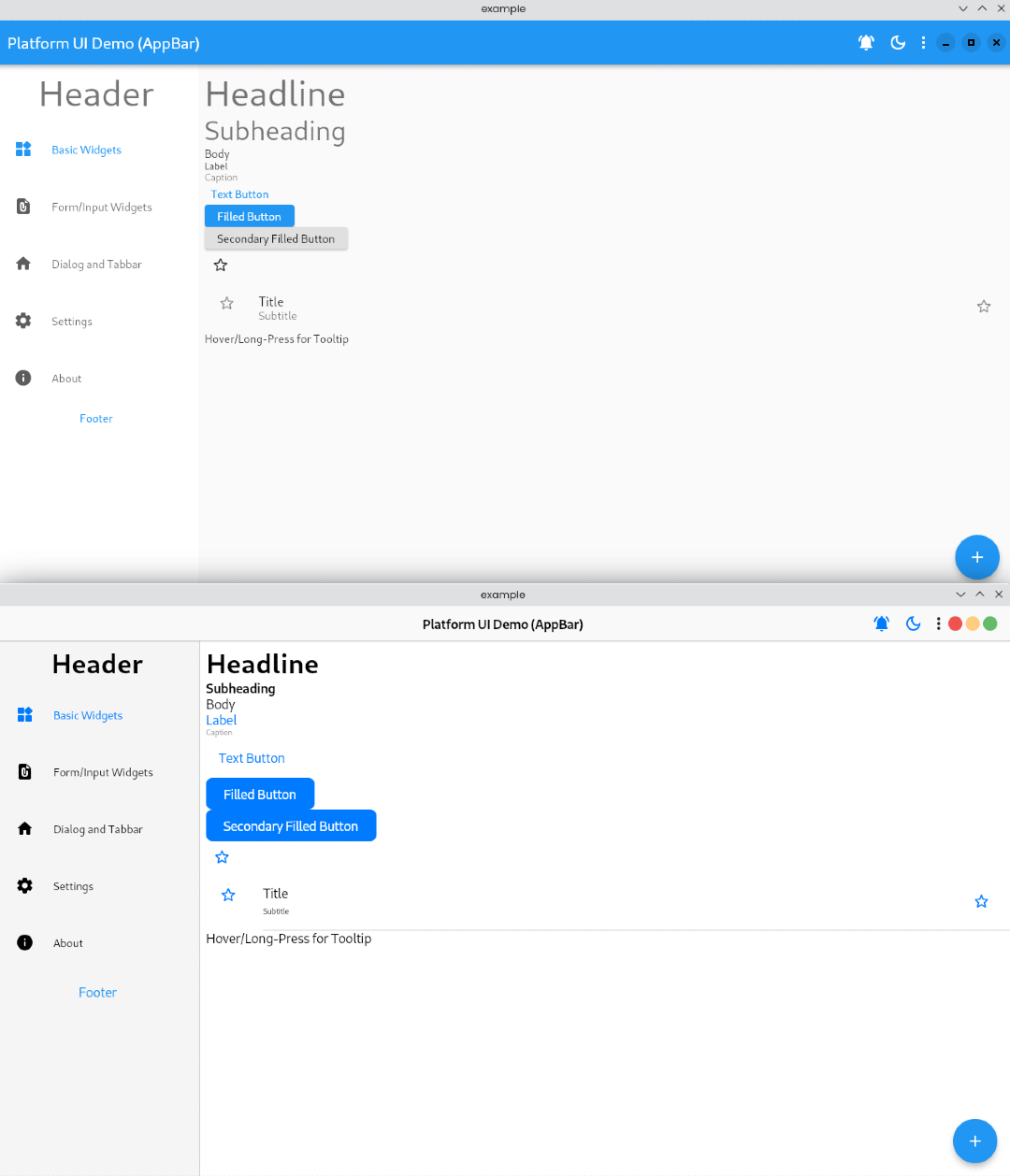
It mimics the native UI widgets (android, iOS, macOS, linux and windows) as much as possible in Flutter & has a wide collection of platform specific widgets. The names and APIs are similar to Flutter's Material UI widgets to make the Flutter developer feel at home. It's utilizes:
- fluent_ui for windows
- macos_ui for macOS
- Material UI/You for android
- Cupertino for iOS
- libadwaita for linux
- Simple and customizable platform specific UI widgets
- Supports all major platforms (android, iOS, macOS, linux and windows)
- Exposes the internal API to build widgets on top of it
- Changeable default
TargetPlatformfor overriding platform design in another platform (it's crazy but cool) - Wide collection of platform specific widgets
- Widget APIs are similar to Flutter's Material UI widgets
- Dark Mode support
Run following in a terminal:
$ flutter pub add platform_ui fluent_ui macos_ui libadwaita adwaitahttps://krtirtho.github.io/platform_ui/
Import the package:
import 'package:platform_ui/platform_ui.dart';import 'package:flutter/material.dart'; import 'package:platform_ui/platform_ui.dart'; void main() { runApp(MyApp()); } class MyApp extends StatelessWidget { @override Widget build(BuildContext context) { return PlatformApp( title: 'Platform UI', home: MyHomePage(), ); } } class MyHomePage extends StatelessWidget { @override Widget build(BuildContext context) { return PlatformScaffold( appBar: PlatformAppBar( title: Text('Platform UI'), ), body: Center( child: PlatformText( 'Hello World', style: TextStyle(fontSize: 30), ), ), ); } }- API Reference
- Example app
- Production App
If you like this project, please consider supporting it by:
- Starring and sharing the project
- Following @KrTirtho on Twitter
- Buying us a coffee ☕️