This is a Unity DOTS animation solution. Though still in progress, it is already capable for project usages. (Especially for now, unity doesn't have any official animation solution with the latest DOTS package.)
- Animation Graph: You can save all the animation variables on it. It supports using nodes to control the Skeleton bones and to define the character's final animation pose.
- Animation State Machine: Provide a way to break animation of a character into a series of States. These states are then governed by Transition Rules that control how to blend from one state to another.
- Animation State: It is a portion of an animation graph that we know the character will be blending into and out of on a regular basis. You can use different sample nodes and blend nodes to define the final animation pose for each Animation State.
- Animation Transition: After you defined your states, you need to use Animation Transition to control how your character is going to transit from one state to another, including transition time, transition rules, how to blend, etc.
- Animation Events
- Root motion
- Animation Compression: based on ACL
You can find a sample graph here: Assets/Resources/Graph/AnimationGraphTest.asset
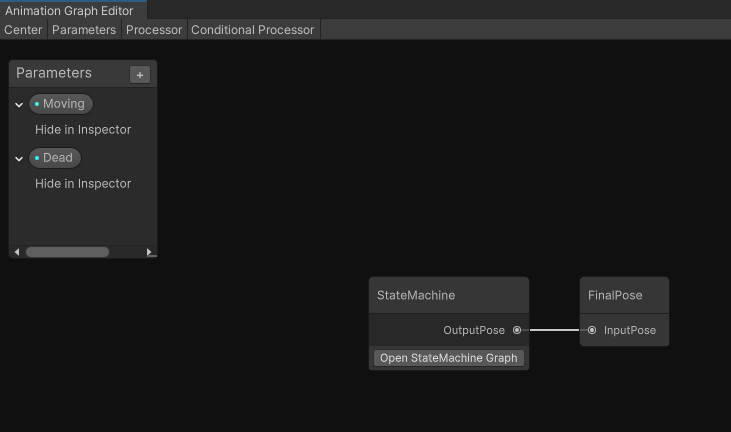


You can refer to SampleScene.scene for a test example.
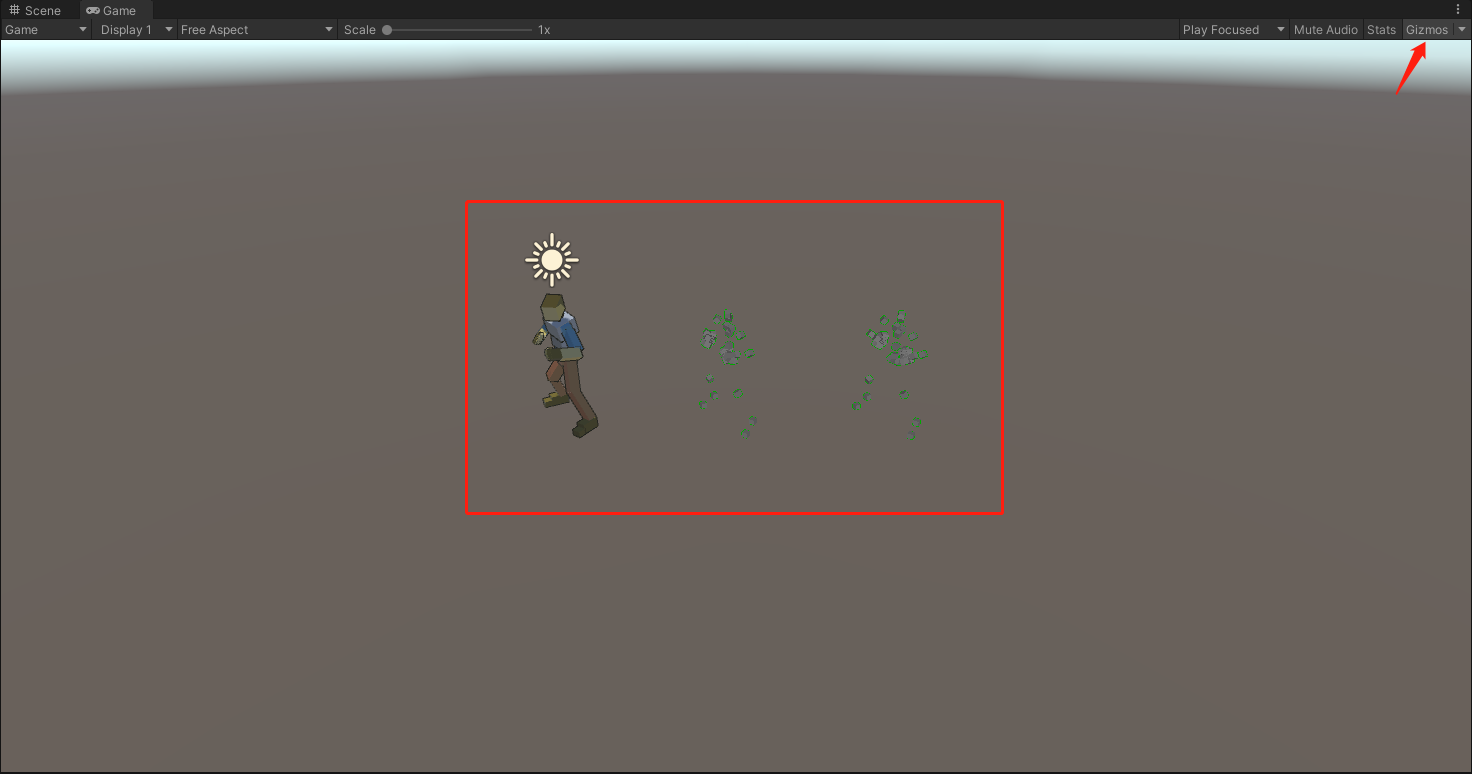
- Open SampleScene.scene and press play button.
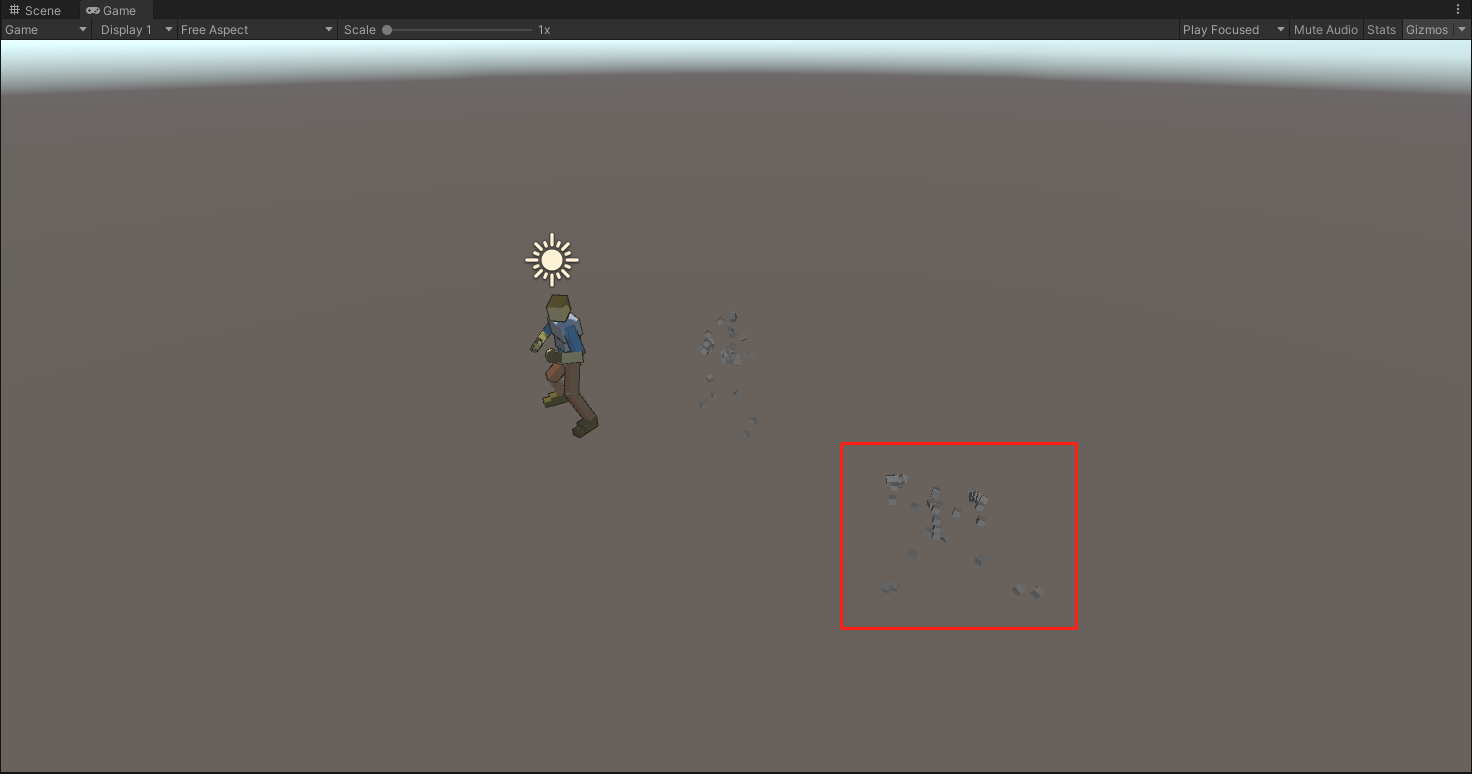
- You can see three characters. The left one is driven by unity's original animator. The other two are this library test examples. The middle one is a single animation clip test. The right one is a animation graph test.
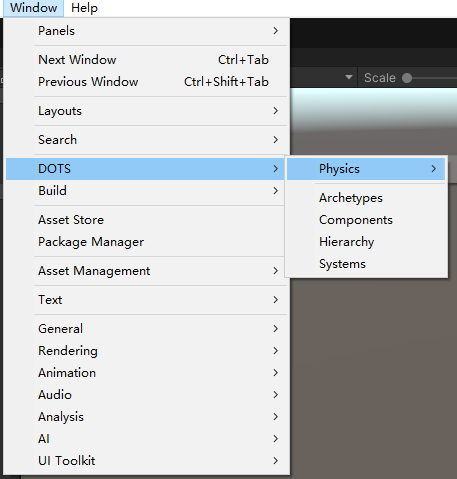
- Open DOTS hierarchy, and select RPG-Character_ecs_animationGraph

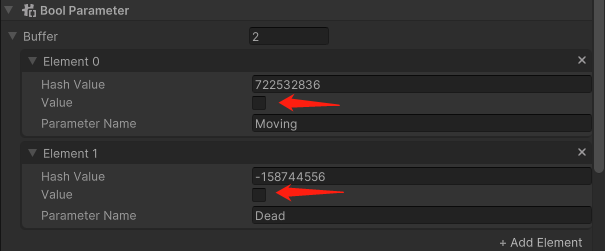
- In the Inspector windows, you can find Bool Parameter
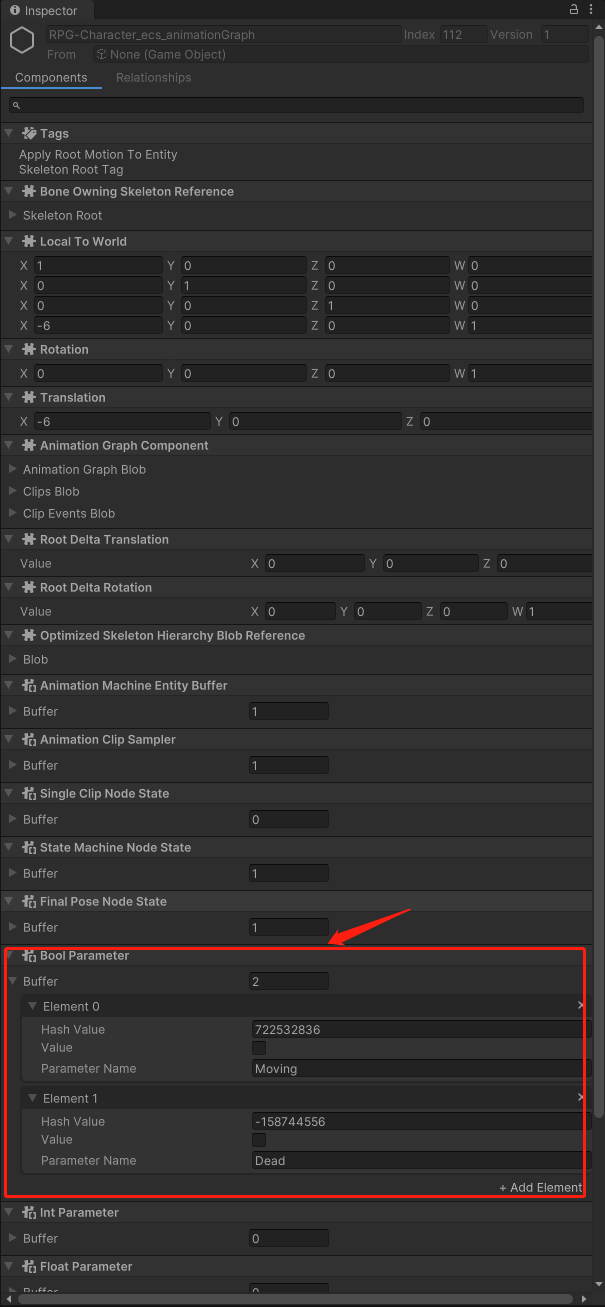
- Set Moving value to true, you will see the character start to run. Set Dead value to true, you will see the character start to play stun animation. After finishing stun animation, the character will play knockdown animation.
- Looks like this
- AnimationGraphBlobberSystem: convert unity gameobject to dots entity
- AnimationSetParameterSystem: set all the animation parameter based on event
- AnimationGraphSystem
- UpdateAnimationGraphNodeJob update animation nodes which in the graph
- set animation state machine weight based on animation node result
- AnimationStateMachineSystem: init state machine and evaluate transition, then create new state if needed
- AnimationChangeStateSystem: handle change state event and blend pose during state transition
- UpdateAnimationNodesSystem: update all the animation states
- AnimationBlendWeightsSystem: calculate all animations blend weight
- ClipSamplingSystem
- sample optimize skeleton
- raise animation events
- send animation event to other system
- sample root delta
- apply root motion to entity
- Get variable
- Single clip
- State machine
- Entry State
- Transition
- FinalPose
- BlendSpace
- Blend based on layer
- LOD
- IK