Slack integration for Google Cloud Build, using Google Cloud Functions to post messages to Slack when a build reaches a specific state.
- Create a Slack app, and copy the webhook URL:
export SLACK_WEBHOOK_URL=my-slack-webhook-url - Set the
PROJECT_IDvariable:
export PROJECT_ID=my-project-id - [Optionally] Set a specific
BUCKET_NAMEand aFUNCTION_NAME. - [Optionally] Set the status you want a message for, here are the default ones:
export GC_SLACK_STATUS="SUCCESS FAILURE TIMEOUT INTERNAL_ERROR" - Create the function:
. ./setup.sh # OR npm run setup The teardown script will delete the function FUNCTION_NAME, and the bucket BUCKET_NAME.
. ./teardown.sh # OR npm run teardown Each build invokes 3 times the function:
- when the build is queued
- when the build starts
- when the build reaches a final status.
Here is the GCF pricing for calculation.
Yes, specify the BUCKET_NAME:
exports BUCKET_NAME=my-bucket If you use the setup script with the same FUNCTION_NAME, it will update the existing function.
After creating an application on Slack, active the Incoming Webhooks. You'll find the url on that page: 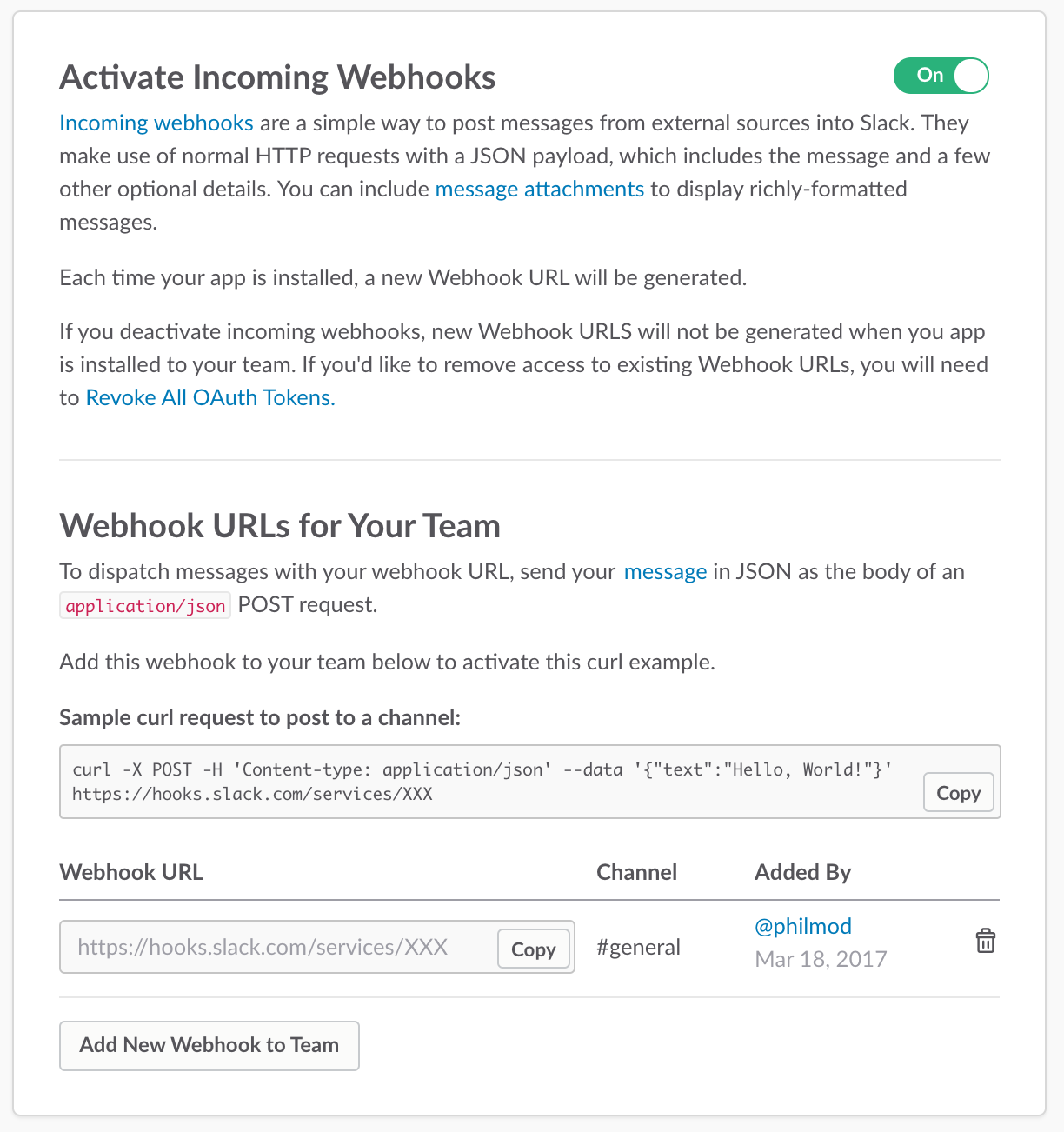
In the case where a BUCKET_NAME is not defined, a random one is generated. And in order to delete it during the teardown, the variable has to be exported from the setup script.