An NES emulator written in C++ (now with audio!)
Roughly 50-60% of games should work (ie. games that use either no mapper or mappers 1, 2, 3 and experimental support for 4, 7, 66 and 11).
ARCHIVED: I no longer have the capacity or motivation to entertain new features/issues/PRs. Feel free to fork and/or use the current build.
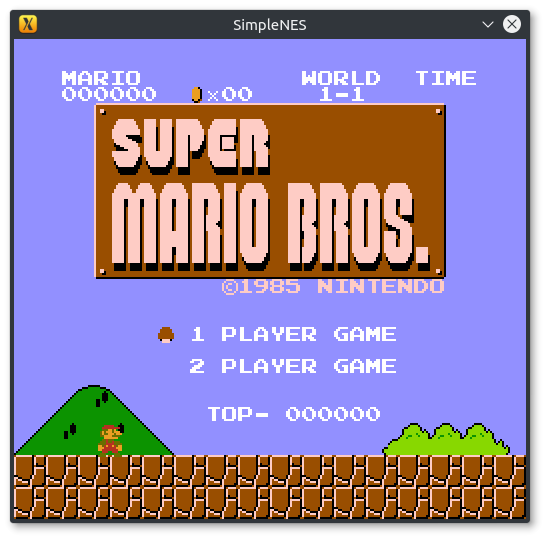
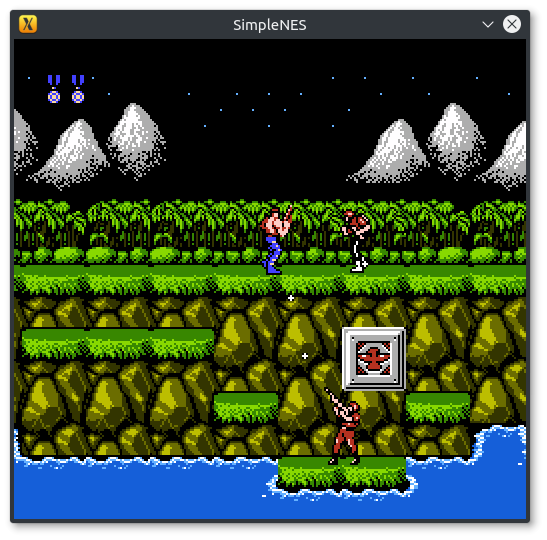
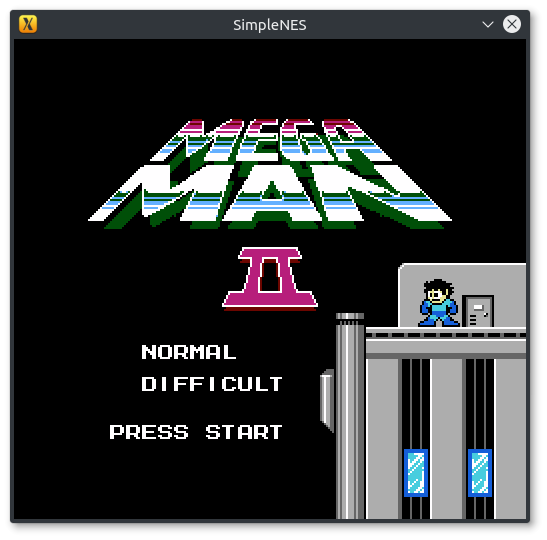
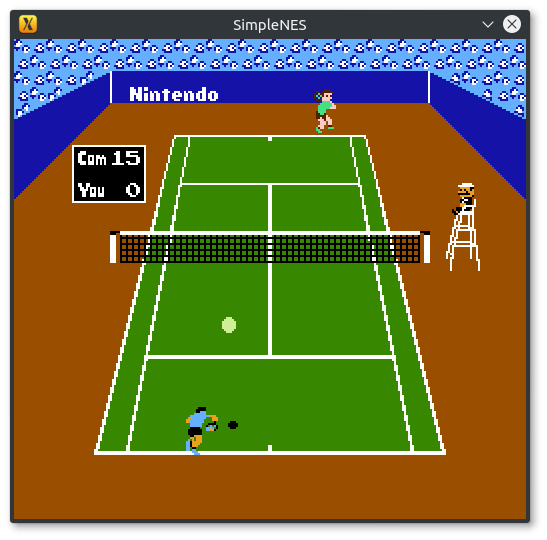
Examples of games that have been tested to run (but NOT limited to):
(USA/Japan or World versions only i.e. NTSC compatible)
- Super Mario Bros.
- Contra
- Adventure Island
- Ninja Gaiden
- Wrecking Crew
- Megaman and Megaman 2
- Mario Bros.
- Donky Kong and Donkey Kong Jr.
- Battle City
- Paperboy
- Legend of Zelda
- Pacman
- Tennis
- Excitebike
- Nightmare Elm Street
- Cabal
- Battletoads
- Arch Rivals
- etc...
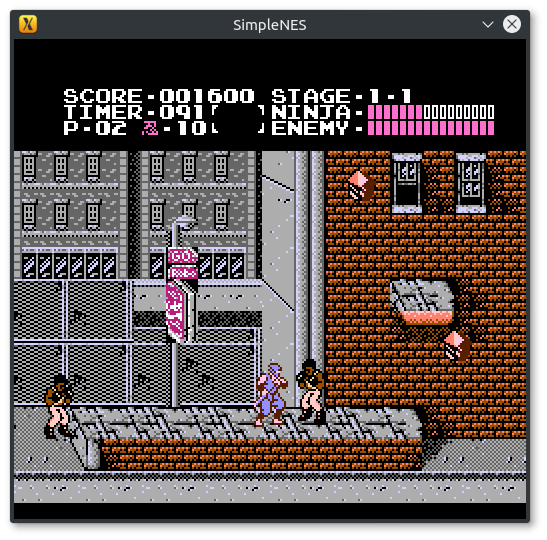
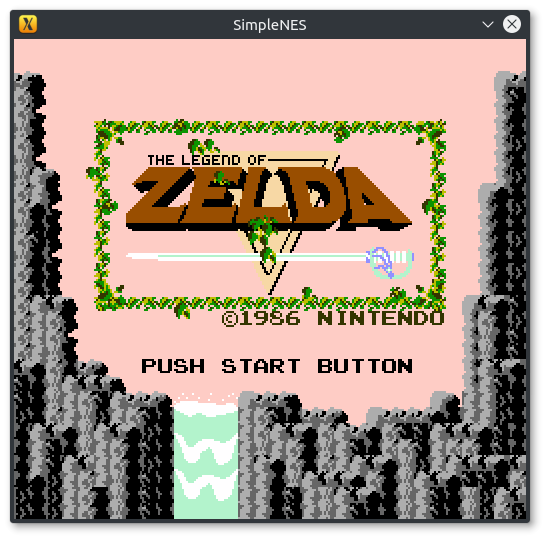
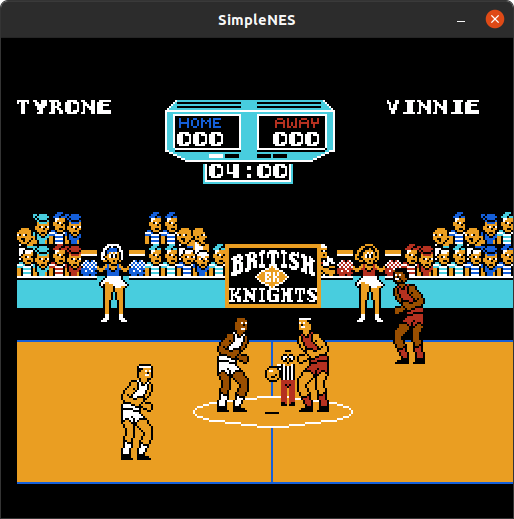
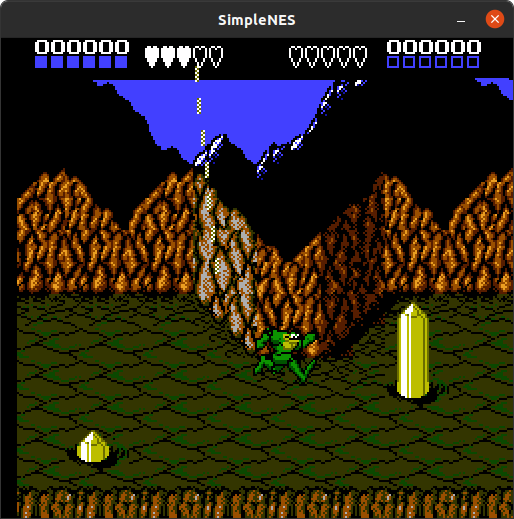
OUTDATED(missing audio) YouTube Playlist
You need:
Compiling is straight forward with cmake, just run cmake on the project directory with CMAKE_BUILD_TYPE=Release and you'll get Makefile or equivalent for your platform, with which you can compile the emulator
For e.g., on Linux/OS X/FreeBSD:
$ git clone https://github.com/amhndu/SimpleNES $ cd SimpleNES $ mkdir build/ && cd build/ $ cmake -DCMAKE_BUILD_TYPE=Release .. $ make -j4 # Replace 4 with however many cores you have to spare If SFML is installed on a non-standard location, specify SFML_ROOT as a cmake variable, e.g. on Arch Linux, after installing sfml2 from AUR:
$ cd SimpleNES && mkdir build/ && cd build/ $ cmake -DCMAKE_BUILD_TYPE=Release -DSFML_ROOT=/opt/sfml2 .. $ make -j8 See also: compile.yaml for platform specific instructions
- Download an executable based on your platform from the latest run on Github Actions OR Latest Release
- Install sfml
- Windows:
vcpkg install sfml. Alterntaively, download from SFML. See: compile.yaml for instructions on pinning sfml to version 2 - Debian/Ubuntu/derivates:
sudo apt install -y libsfml-dev - Arch/etc:
yay -S sfml2 - MacOS:
brew install sfml@2 && brew link sfml@2
Just pass the path to a .nes image like
$ ./SimpleNES ~/Games/SuperMarioBros.nes To set size of the window,
$ ./SimpleNES -w 600 ~/Games/Contra.nes For supported command line options, try
$ ./SimpleNES -h SimpleNES is a simple NES emulator. It can run off .nes images. Set keybindings with keybindings.conf Usage: SimpleNES [options] rom-path Options: -h, --help Print this help text and exit --mute-audio Mute audio -s, --scale Set video scale. Default: 3. Scale of 1 corresponds to 256x240 -w, --width Set the width of the emulation screen (height is set automatically to fit the aspect ratio) -H, --height Set the height of the emulation screen (width is set automatically to fit the aspect ratio) This option is mutually exclusive to --width -C, --conf Set the keybindings file's path. The default keybindings file is keybindings.conf. Keybindings can be configured with keybindings.conf
Default keybindings:
Player 1
| Button | Mapped to |
|---|---|
| Start | Return/Enter |
| Select | Right Shift |
| A | J |
| B | K |
| Up | W |
| Down | S |
| Left | A |
| Right | D |
Player 2
| Button | Mapped to |
|---|---|
| Start | Numpad9 |
| Select | Numpad8 |
| A | Numpad5 |
| B | Numpad6 |
| Up | Up |
| Down | Down |
| Left | Left |
| Right | Right |